Gemini
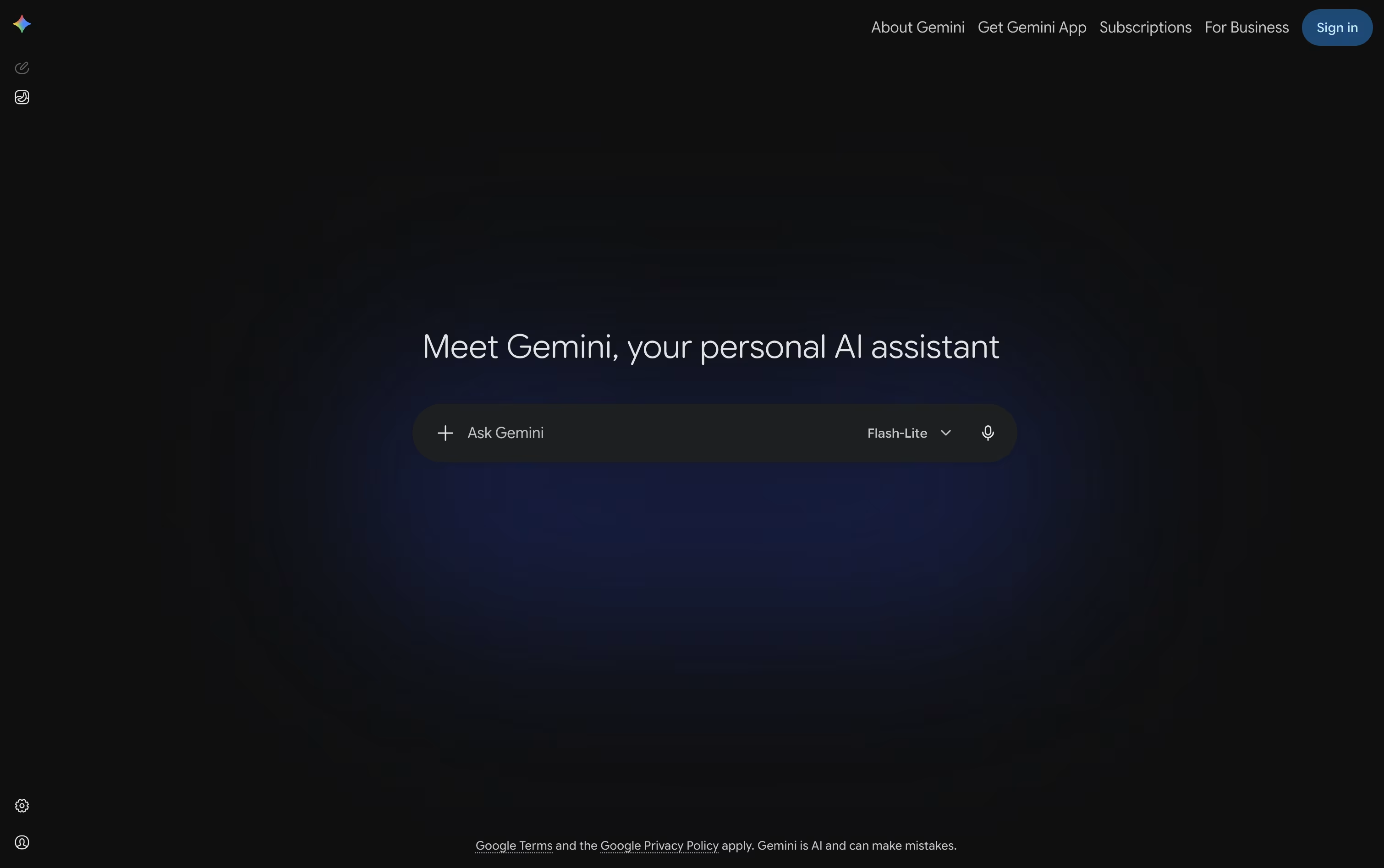
Gemini is Google's AI assistant that helps with writing, learning, planning, and creating using advanced language models and real-time information.


What is Gemini
Gemini is an AI tool from Google that understands and responds to what you type or say. You can ask it questions, request help with tasks, or have it create content for you. It works with text, images, videos, and documents all in one place.
Unlike simple chatbots, Gemini uses Google's latest AI models to understand context and give thoughtful responses. It can search the web for current information, work with your Google files, and even write code. The free version gives you basic features, while paid plans unlock stronger AI models and advanced tools.
Gemini works on your phone, computer, or through a web browser. You can also find it inside Gmail, Google Docs, and other Google apps to help you work faster.
How to Use Gemini
Getting started with Gemini is straightforward. Here's how to make the most of it:
Visit gemini.google.com or download the mobile app, then sign in with your Google account to begin.
Type your question or request in the chat box. Be clear and specific for better results. You can ask follow-up questions to refine answers.
Upload images, PDFs, or other files directly into the chat. Gemini can read and analyze them to answer your questions.
Use voice input with Gemini Live for hands-free conversations. This works great for brainstorming or learning while multitasking.
Try the Focus modes to search specific sources like academic papers or videos when you need specialized information.
Create custom Gems to save prompts you use often, making repeated tasks faster and easier.
Features of Gemini
Chat with Gemini 3 Pro AI model
Real-time web search capabilities
Upload and analyze documents and images
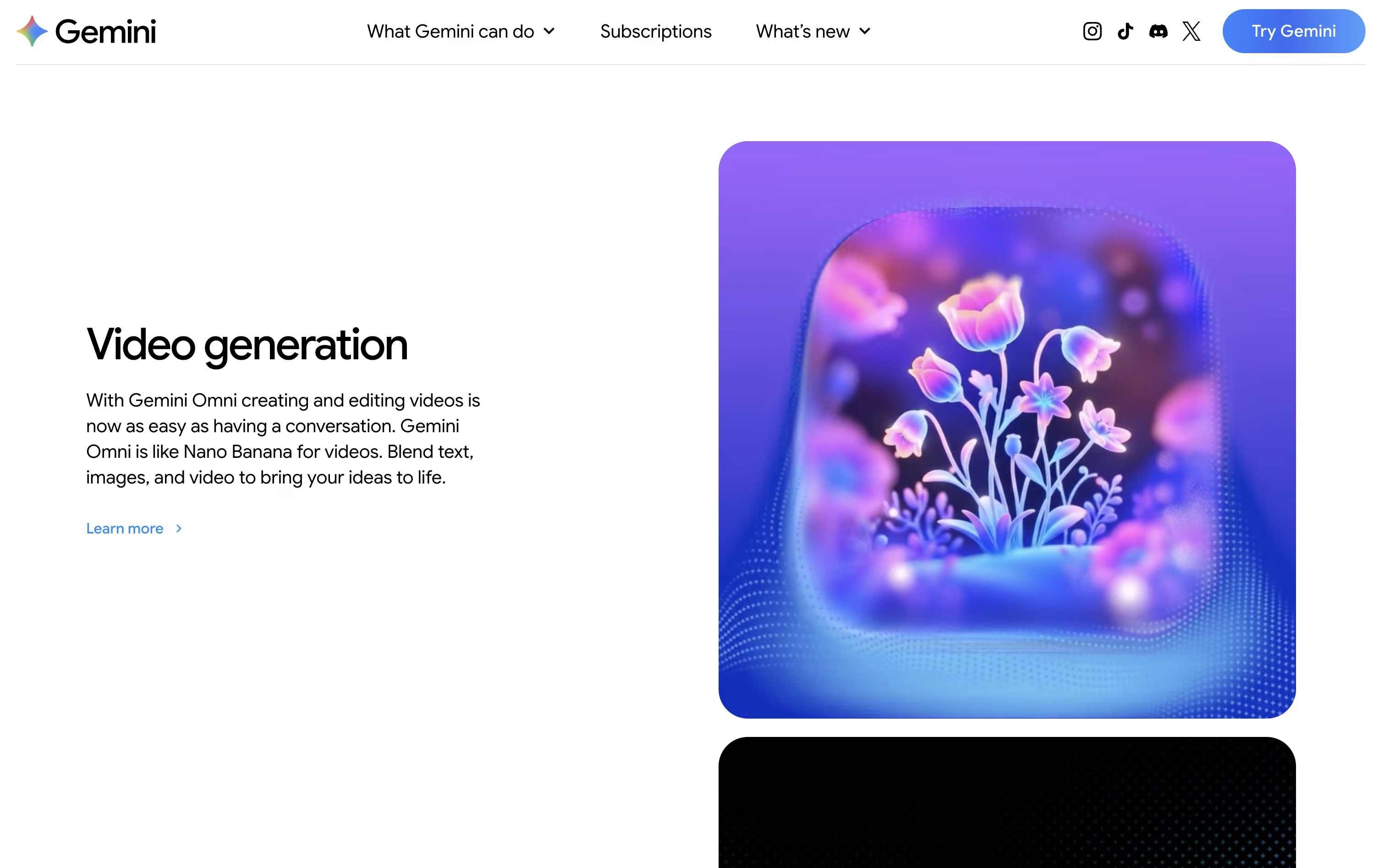
Generate images and videos with AI
Deep Research for detailed reports
Works in Gmail, Docs, and other Google apps
Voice conversations with Gemini Live
Create custom AI assistants with Gems
Code generation and debugging help
1 million token context window
Gemini Pricing
Free
Free
- Access to Gemini 3 Flash model
- Varying access to Gemini 3 Pro
- 100 monthly AI credits for video generation
- Image generation and editing
- Deep Research feature
- Gemini Live voice conversations
- Canvas and Gems features
- Flow video creation (limited access)
- Whisk image-to-video generation
- NotebookLM research assistant
Google AI Plus
$7.99 /mo
- Enhanced access to Gemini 3 Pro
- 200 monthly AI credits
- More access to Deep Research
- Enhanced image generation with Nano Banana Pro
- More video creation with Veo 3.1 Fast
- More access in Flow and Whisk
- Gemini in Gmail, Vids, and other apps
- Interactive simulations in Google Search
- More Audio Overviews in NotebookLM
- Gemini in Chrome (early access)
Google AI Pro
$19.99 /mo
- Higher access to Gemini 3 Pro
- 1,000 monthly AI credits
- Video generation with Veo 3.1 Fast
- Higher access to Deep Research
- Deep Search and agentic capabilities
- Jules asynchronous coding agent (higher limits)
- Gemini Code Assist and Gemini CLI
- Google Antigravity higher rate limits
- 5× more in NotebookLM
- Google Home Premium (Standard plan)
Google AI Ultra
$249.99 /mo
- Highest access to all Gemini models
- 25,000 monthly AI credits
- Access to Deep Think reasoning model
- Gemini Agent (US only, English only)
- Highest video generation with Veo 3.1
- Jules coding agent (highest limits)
- Highest limits in all development tools
- Highest limits in NotebookLM
- Google Home Premium (Advanced plan)
- Project Mariner browser agent (early access)
Gemini Use Cases
Who Can Benefit from Gemini
FAQ's About Gemini
Share your experience with Gemini
See what users are saying about Gemini
0 Reviews
No reviews yet
Be the first to review Gemini
Embed Gemini badges
Show your community that Gemini is featured on Tool Questor. Add these beautiful badges to your website, documentation, or social profiles to boost credibility and drive more traffic.