

Best 9 Tools for Code Debugging in 2026
Last Updated: August 22, 2026
Tracking down why a piece of software is not behaving as expected can eat up hours of a developer's day. Code Debugging tools help identify errors, trace bugs to their source, and suggest fixes faster than manual line-by-line review.
Developers and engineering teams use debugging tools to resolve issues faster and get back to building rather than hunting for problems.
 Claude
 ClaudeAI Assistant for Chat, Code, and Work,
  Bruno
Bruno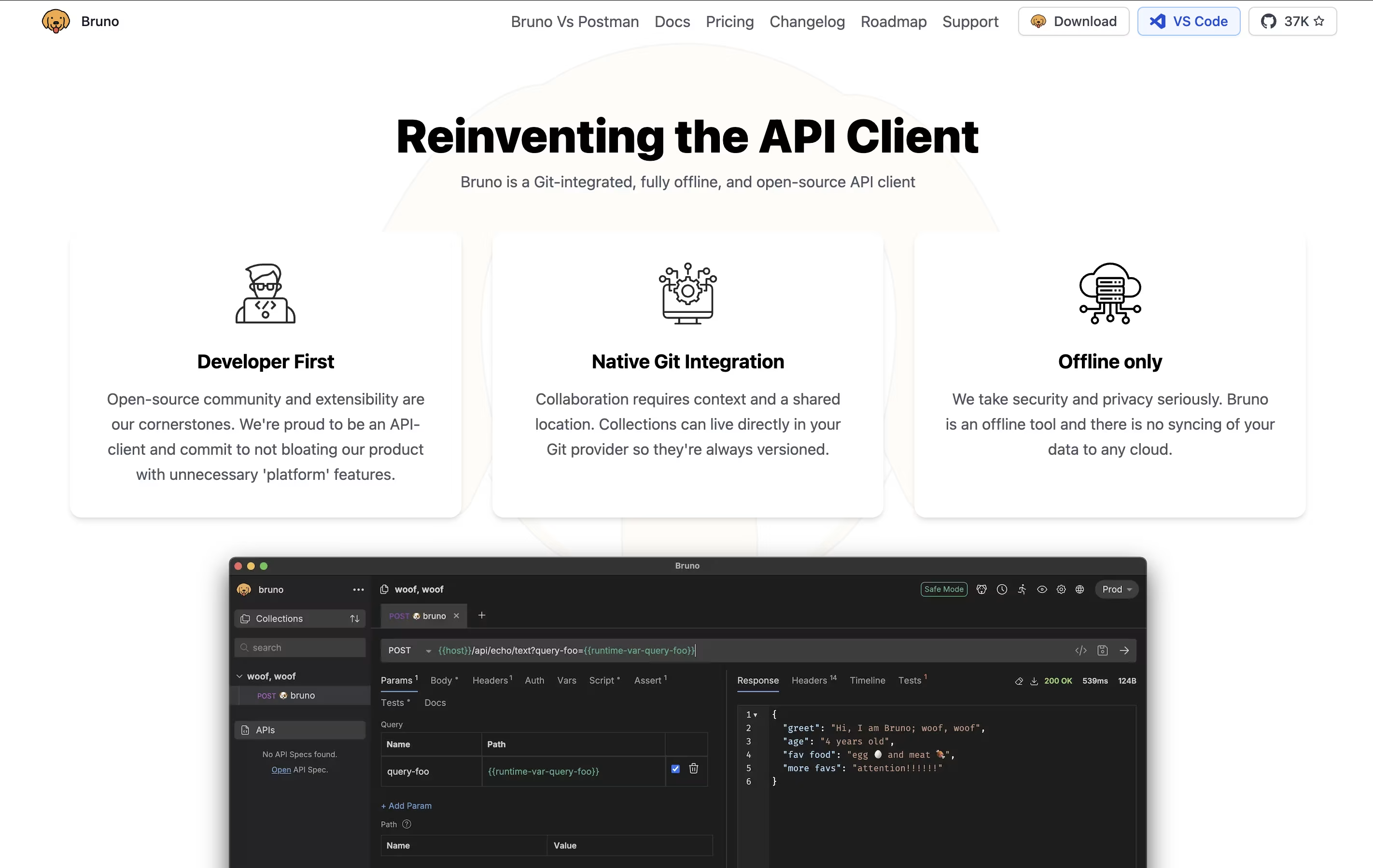 BrunoFast Offline API Client for Developers, and
  Z AI
Z AI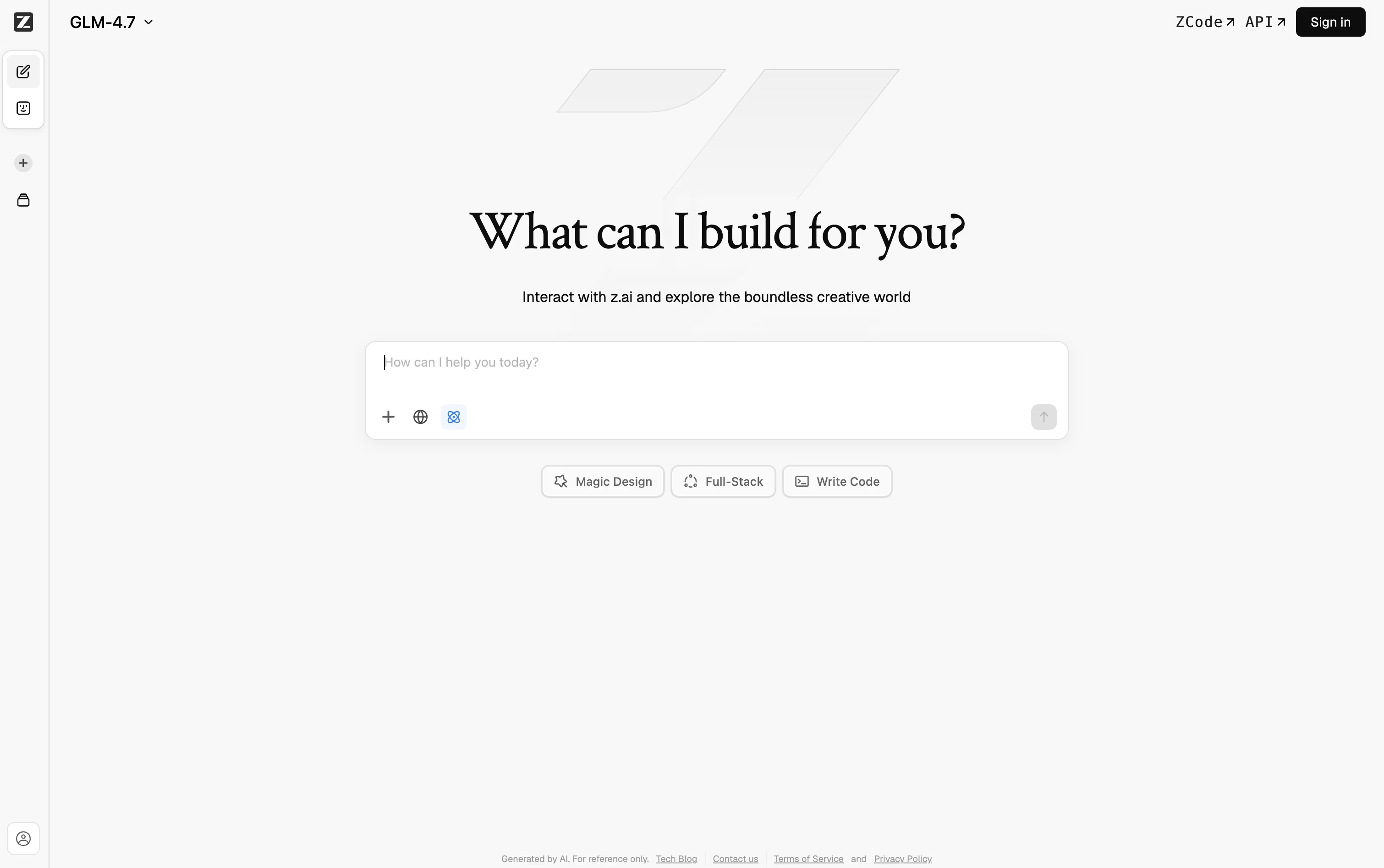 Z AIChat, Code, and Build Anything with GLM are the best for Code Debugging. So, let’s take a closer look at all 9 tools.

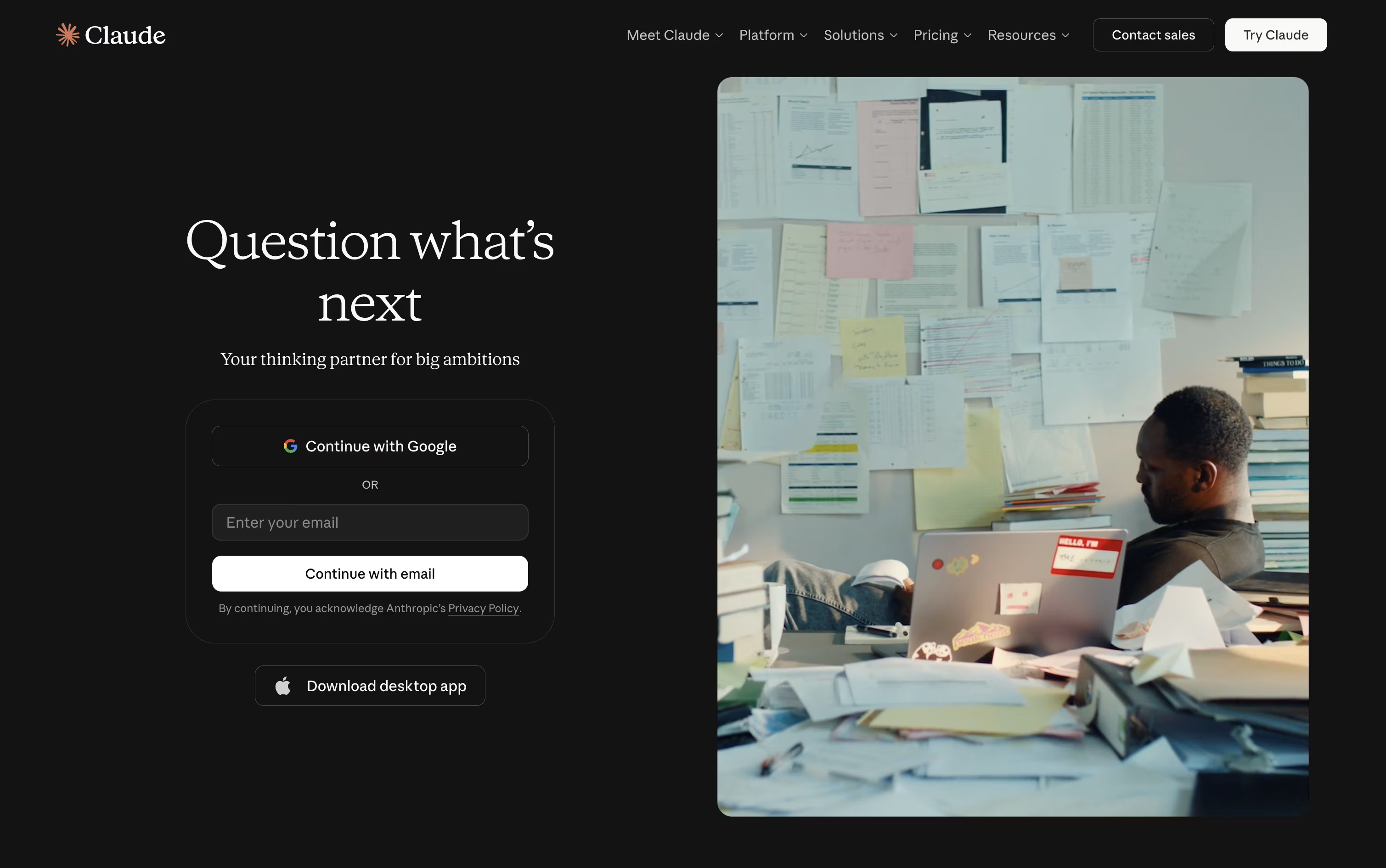
Many people start using Claude simply to chat, but it quickly turns into a tool for writing, coding, and research as well. It runs on the web, desktop, and mobile apps, and it remembers earlier conversations through memory and projects.
Claude can pull in current information from the web, write and debug code, read through files, and put together documents or spreadsheets for you. For bigger jobs, Claude Code lets developers work directly inside coding projects, while Claude Cowork handles multi step tasks outside of coding, like research or reports.
It also links up with tools like Slack, Google Workspace, and Microsoft 365, so it can pull in context from where you already work.
Getting started costs nothing, the free plan includes chat, search, and basic file tools. Moving to Pro at $20 a month opens up Claude Code, Claude Cowork, and unlimited projects, and Max plans starting at $100 a month raise the usage limits even further.
Businesses can pick team seats priced per person, or move up to Claude Enterprise for custom pricing with added security and compliance features.
Whether it is a quick question or a longer project, Claude adjusts to handle both.
Bruno is an "offline-first API client" that revolutionizes how developers test and manage APIs. Instead of forcing you to create accounts or store data in the cloud, Bruno saves everything directly on your device using a simple text format called "Bru."
This approach means your API collections, tests, and sensitive data never leave your computer unless you choose to share them. Bruno supports all major API types including REST, GraphQL, and gRPC, making it versatile for any project.
The tool integrates seamlessly with Git and other version control systems, allowing teams to collaborate on API collections just like they do with code. Bruno also includes JavaScript-based testing, environment management, and command-line support for automation and continuous integration workflows.
Behind Z AI sits a family of language models called GLM, made by a Chinese AI company. The chat platform lets you ask for help with writing, coding, research, or quick design work like slides and posters.
If you need something heavier for coding, ZCode is a desktop agent that takes a goal, plans the steps, writes the code, tests it, and fixes problems along the way, with a terminal and live preview right inside it.
For everyday automation outside of coding, AutoClaw runs locally and comes with over 50 built in skills for handling documents, browsing, and messaging app tasks.
There is also an API for developers, built to work the same way OpenAI's does, so it drops into tools like Claude Code and Cursor without much extra setup. A number of GLM models are open source too, so running them on your own machine is an option.
On pricing, the coding plans start at Lite for $16.20 a month, move up to Pro at $64.80 a month, and top out at Max for $144 a month, with paying yearly cutting the cost by 30 percent.
A 1 million token context window means it can keep track of long projects without forgetting earlier details.

DeepSeek is a Chinese AI company that has built a name for itself with efficient, high performing chat and reasoning models. Its web app and mobile app are both free to use for everyday questions, writing help, and coding support.
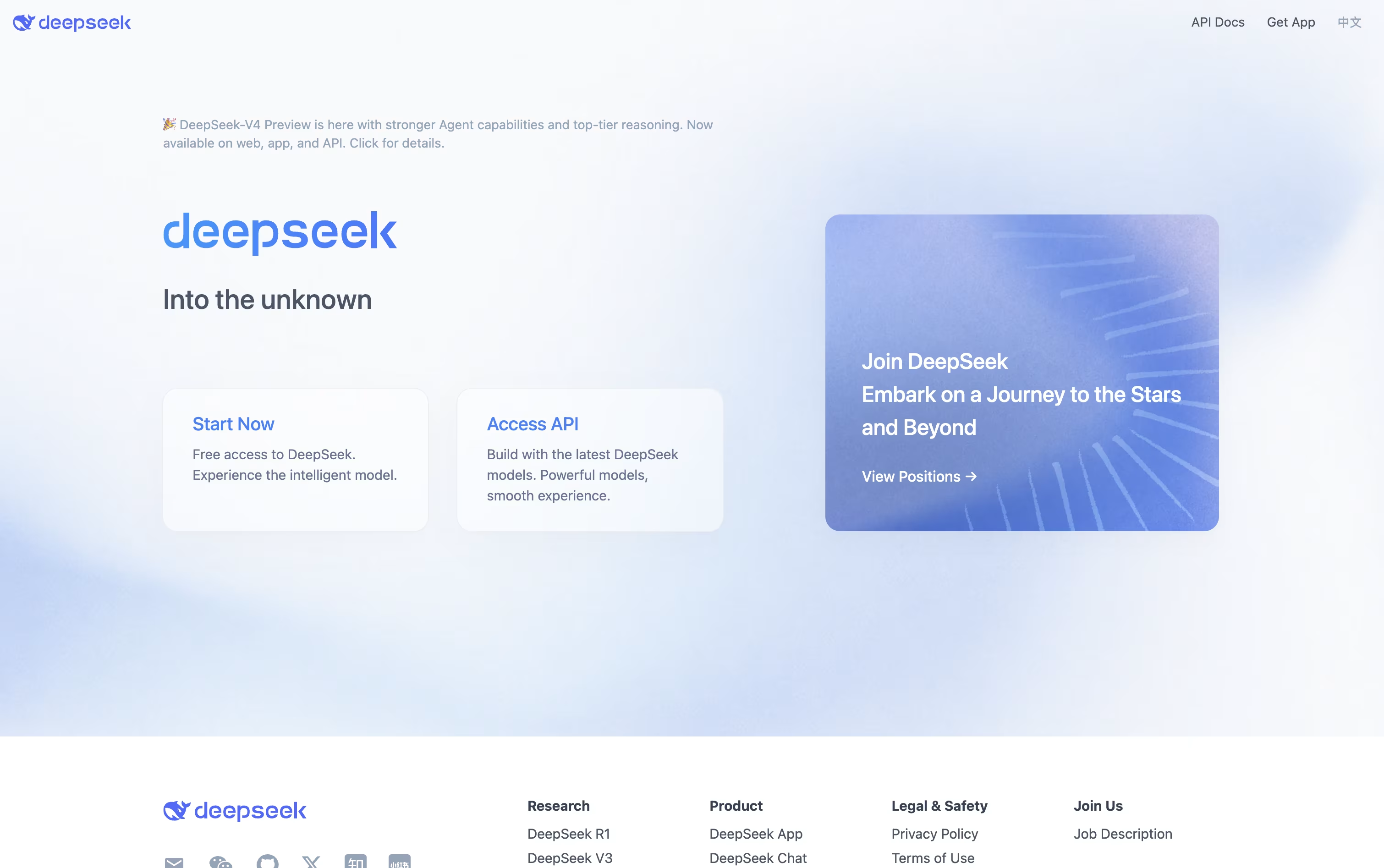
A key part of DeepSeek is its thinking mode, which lets the assistant slow down and reason through a problem step by step. This helps it perform well on math, coding, and logic heavy tasks.
Free users can upload documents such as PDF, Word, PowerPoint, and Excel files, and the assistant will read them and answer questions based on the content.
Developers who want to build with DeepSeek can use its API, which follows the same format as OpenAI and Anthropic, making it simple to switch over. Pricing is based on usage, with rates as low as $0.0028 per 1 million tokens on a cache hit and up to $0.87 per 1 million output tokens for the stronger V4-Pro model.
On top of this, DeepSeek publishes its model weights on GitHub and Hugging Face for anyone to download and run on their own systems.

HTTPie is a tool designed for testing APIs and HTTP servers with an easy-to-understand approach. You type commands that look similar to the actual HTTP requests you want to make, and HTTPie handles the technical details for you. The responses come back formatted with colors, making JSON and other data easy to read.
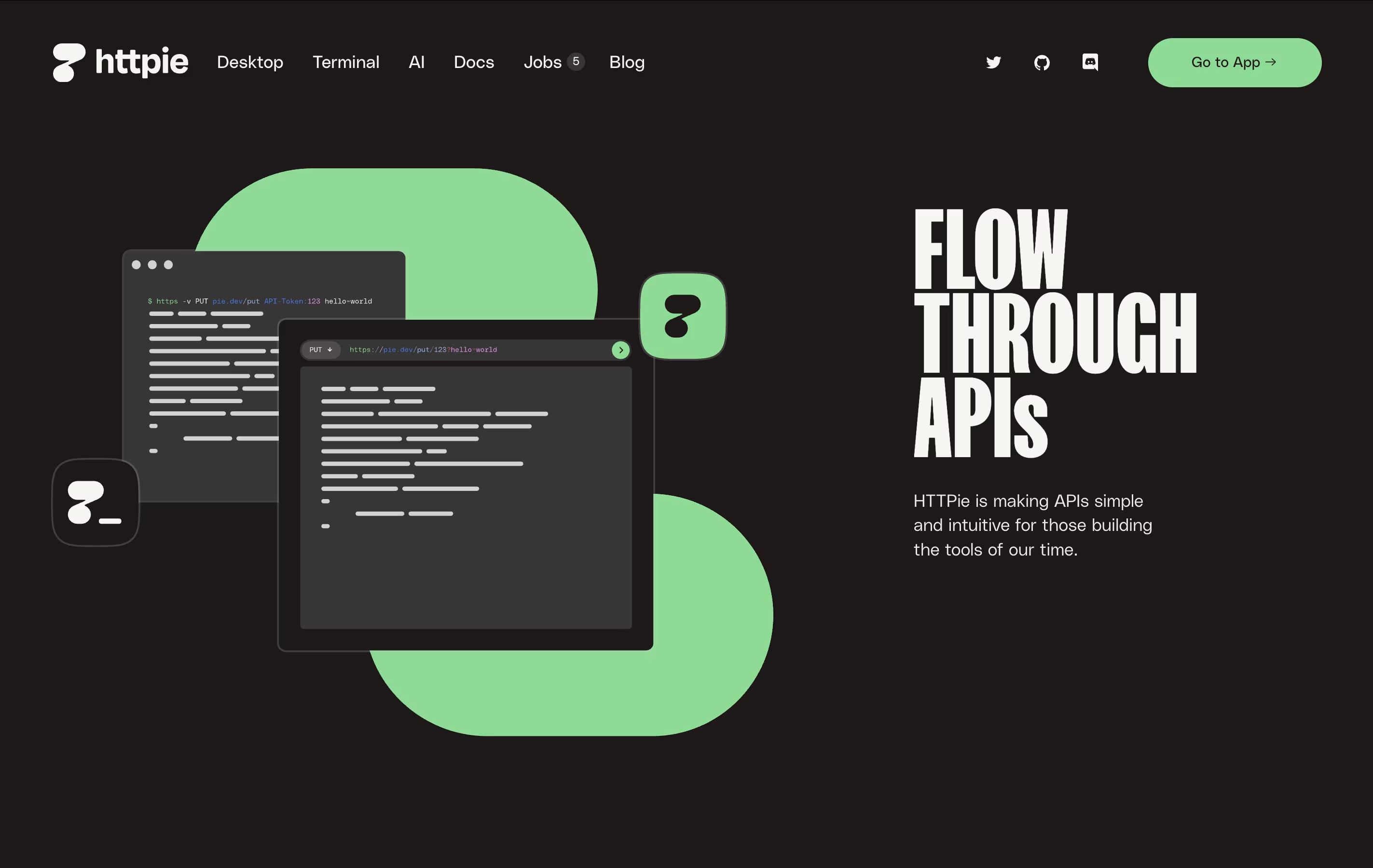
The command-line version is completely free and open-source, meaning anyone can use it and even modify it. The web and desktop versions offer a visual interface with the same friendly approach. HTTPie supports everything developers need: authentication, custom headers, file uploads, session management, and more. It works on all major operating systems and integrates well with development workflows.

Gemini is the AI assistant built into the Google apps you already use every day, from Gmail and Docs to Search and Chrome.
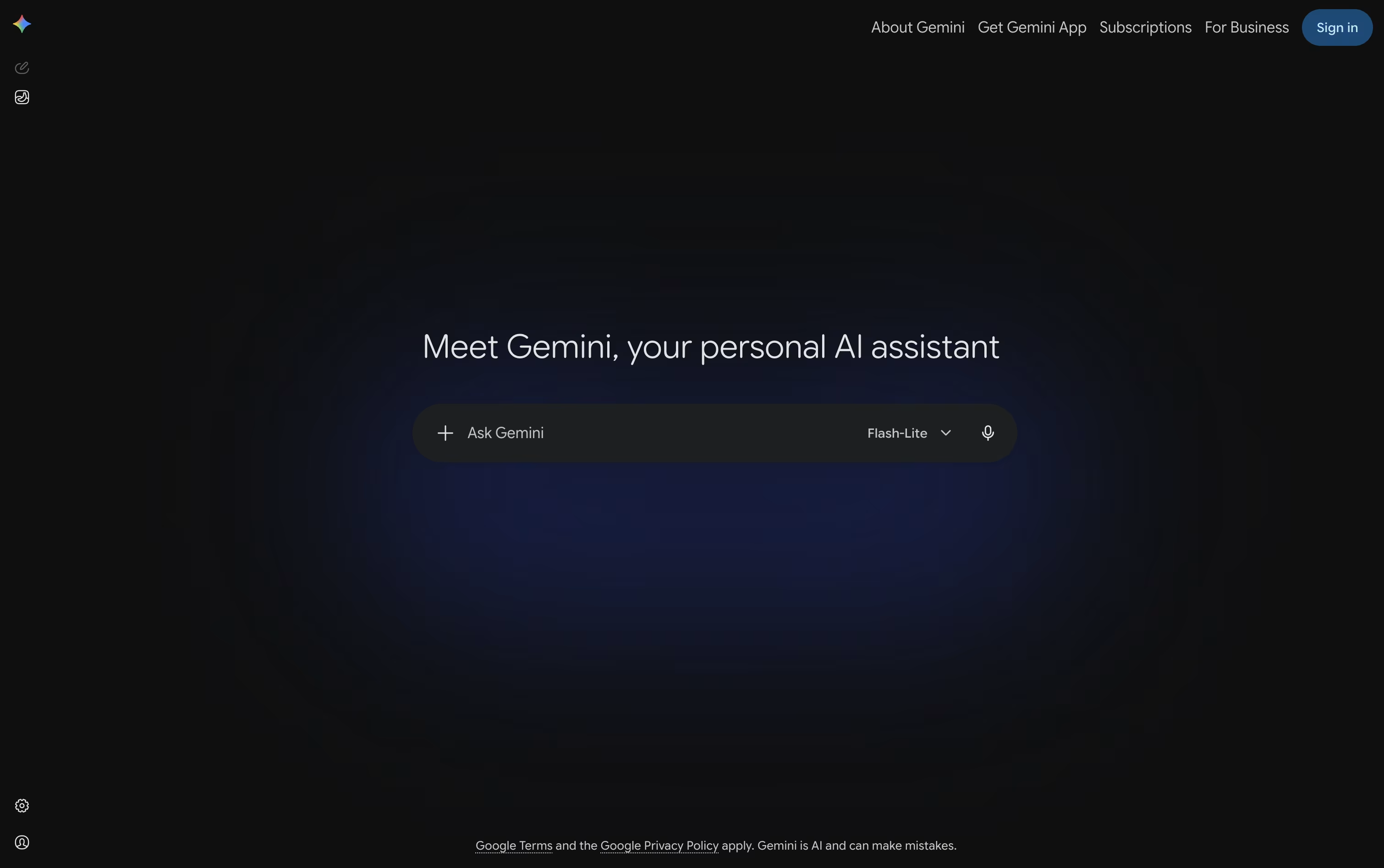
You can type, talk, or show it your camera or screen, and it answers using text, images, audio, or video, whatever fits the task.
Deep Research lets it browse the web on its own and hand back a full, sourced report, while Canvas gives you a shared space to write, code, or build a page together.
The free plan covers everyday use with 15 GB of storage at no cost.
Paying $4.99 a month for Google AI Plus, $19.99 a month for Google AI Pro, or from $99.99 a month for Google AI Ultra unlocks higher usage limits, stronger models, and much more storage.
Custom Gems and Gemini Live round it out, making it useful for quick questions as well as longer projects.

Type a question or a task into ChatGPT and it responds in plain language, whether that means a quick answer, a written draft, or a finished piece of work.

Powered by the GPT-5.x models, it switches between fast responses and deeper reasoning depending on how hard the request is, and it keeps track of what you asked earlier so follow ups make sense.
It also reads images, listens and speaks through voice mode, searches the web with sources attached, and can dig through many pages at once using Deep Research. ChatGPT Work takes on longer jobs such as building documents or simple websites, and Codex handles coding tasks end to end.
Getting started costs nothing on the Free plan, though features are limited. Go adds more room for $8 a month, and Plus at $20 a month brings GPT-5.6, deeper research, and tools like Projects and custom GPTs.
Heavier users can move to Pro from $100 a month for top usage and models. Teams get Business at $20 per user monthly on yearly billing, or $25 monthly, and larger organizations can request custom Enterprise pricing with stronger security.

Kimi, from Moonshot AI, is built to be more than a chatbot. It works as a full agent platform that can chat, write code, research topics, and carry out long tasks on its own.
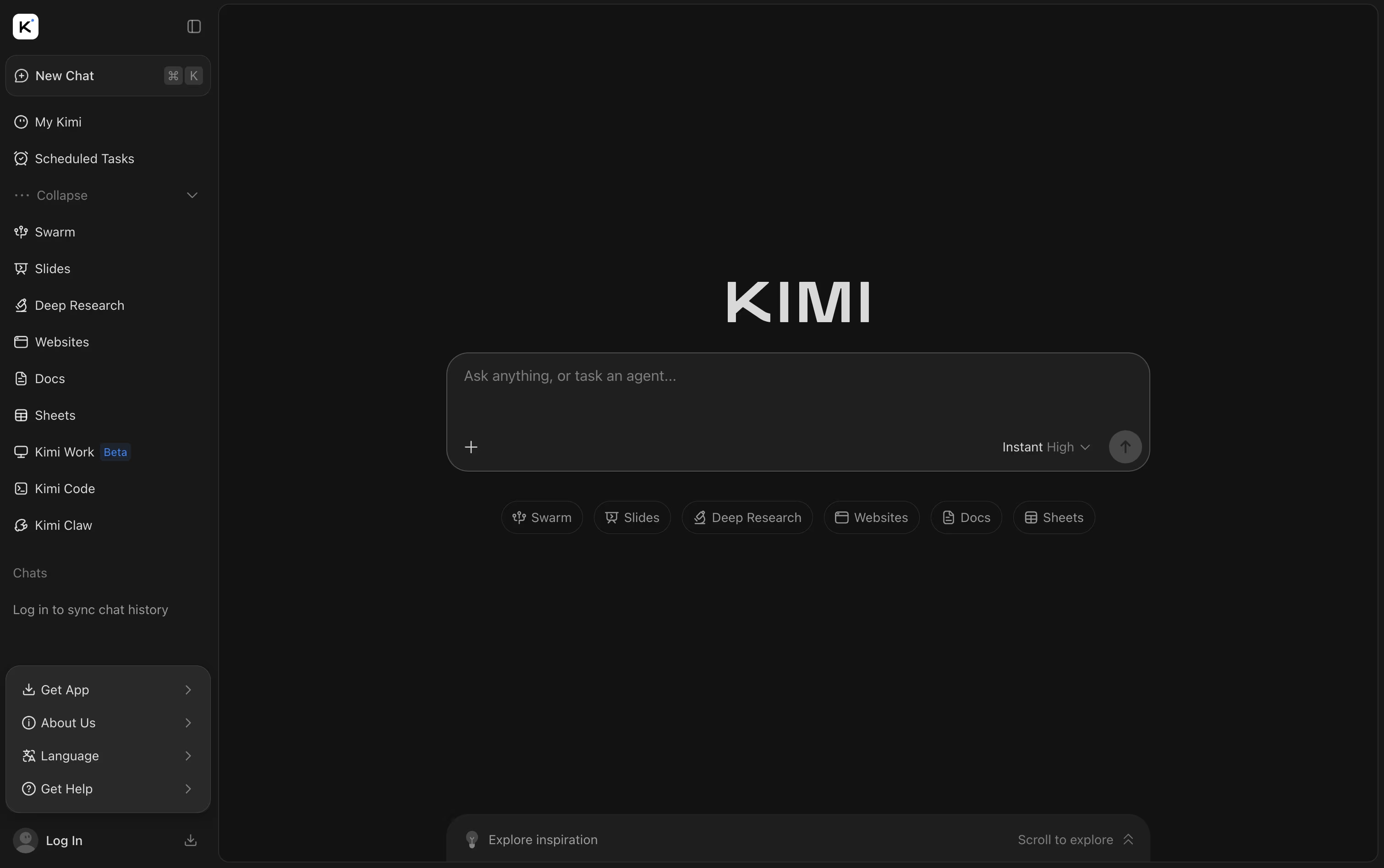
You can hand it files like PDFs, spreadsheets, and slides, or ask it to pull fresh answers from the web. Beyond answering questions, it can build full websites, slide decks, and simple games from just one prompt.
Getting started costs nothing with the Adagio plan, which covers basic agent credits, a dashboard, and scheduled tasks. Stepping up to Moderato at $19 a month adds document work, deep research, website deploy, and Agent Swarm for bigger jobs.
The Allegretto plan at $39 a month brings in Goal Mode and one click setup for always-on Kimi Claw agents. Allegro, priced at $99 a month, opens up to 1 million tokens of context, and Vivace at $199 a month gives the largest share of agent credits.
Switching to yearly billing can save up to $480 a year, and larger teams can contact Kimi directly about the custom Business plan.
Between Kimi Code, Kimi Slides, and Agent Swarm, Kimi brings chat, coding, and research tools together in one place.

FullStory is a digital experience intelligence platform that automatically captures and analyzes user behavior on websites and mobile applications. Think of it as having a security camera for your digital products, but instead of just recording, it understands what's happening.
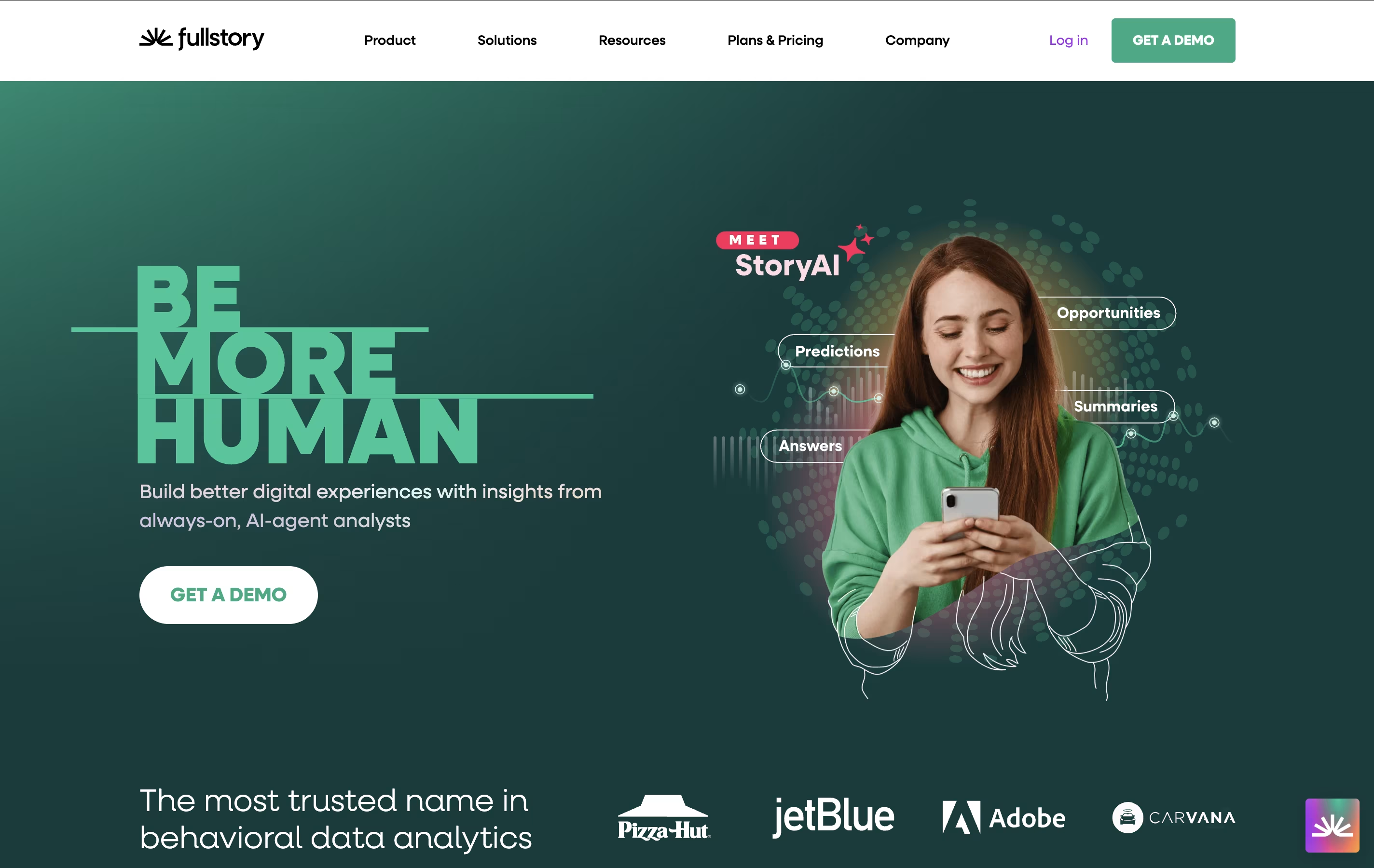
The platform uses advanced technology to record every user session, showing you exactly how visitors navigate your site, where they click, how they scroll, and what causes them to leave. Unlike basic analytics that only show numbers, FullStory provides the context behind those numbers through session replays and behavioral insights.
FullStory serves businesses of all sizes, from startups to large enterprises, helping product teams, marketers, UX designers, and customer support staff understand their users better. With features like automatic error detection, conversion funnels, and AI-powered analysis, it turns user behavior data into actionable insights for improving digital experiences.





