

Best 12+ Tools for Text Generation and Understanding in 2026
Last Updated: September 3, 2026
Producing and interpreting written language well is the foundation behind most AI-powered writing and analysis tools. Text Generation and Understanding tools use language models to write, summarize, or analyze text.
Developers and businesses use these underlying capabilities to power a wide range of language-based applications.
 Claude
 ClaudeAI Assistant for Chat, Code, and Work,
  Gemini
 GeminiGoogle's AI for Chat, Research & Create, and
  Grok
Grok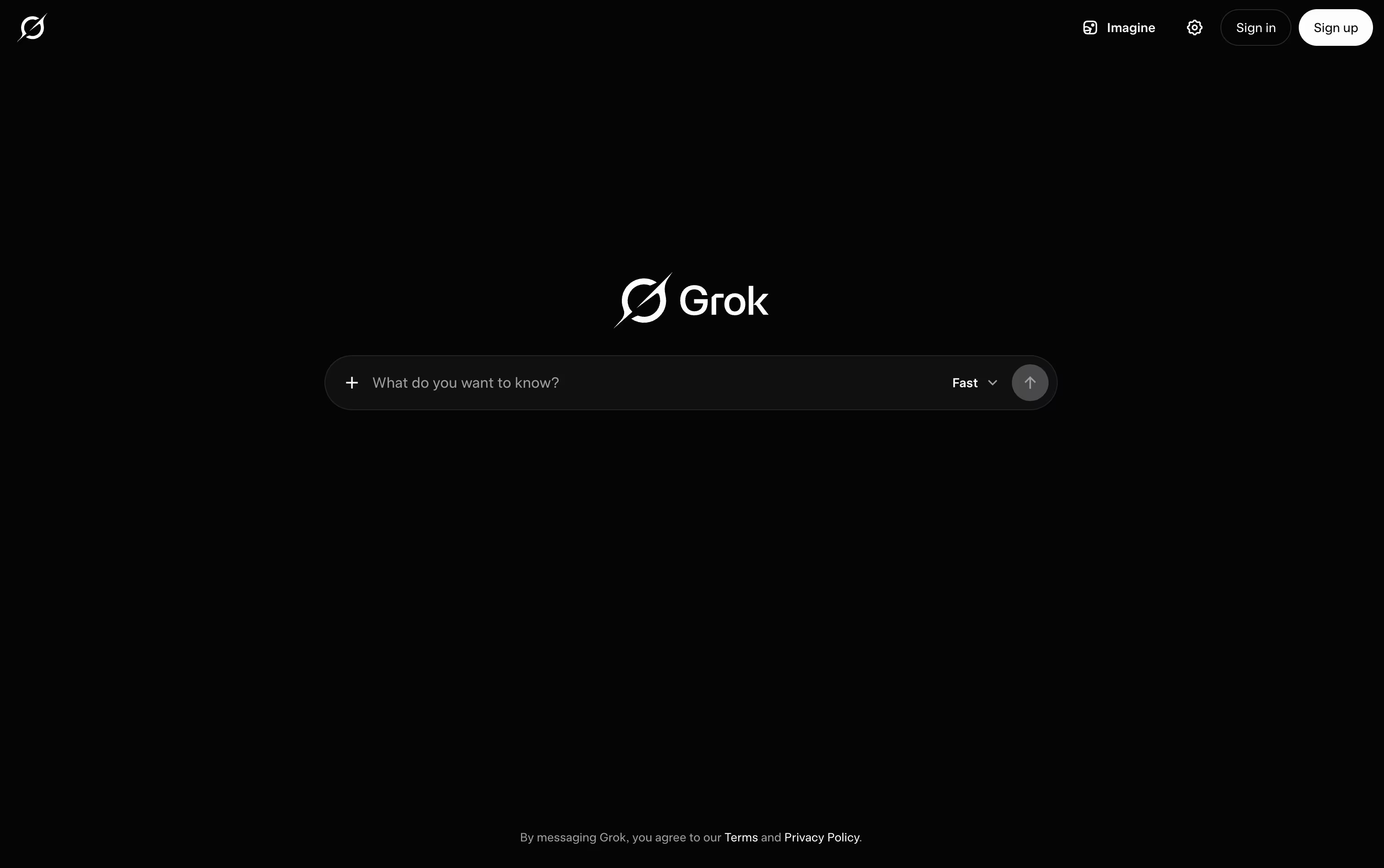 GrokxAI's Real-Time AI Assistant & Chatbot are the best for Text Generation and Understanding. So, let’s take a closer look at all 12+ tools.

Many people start using Claude simply to chat, but it quickly turns into a tool for writing, coding, and research as well. It runs on the web, desktop, and mobile apps, and it remembers earlier conversations through memory and projects.
Claude can pull in current information from the web, write and debug code, read through files, and put together documents or spreadsheets for you. For bigger jobs, Claude Code lets developers work directly inside coding projects, while Claude Cowork handles multi step tasks outside of coding, like research or reports.
It also links up with tools like Slack, Google Workspace, and Microsoft 365, so it can pull in context from where you already work.
Getting started costs nothing, the free plan includes chat, search, and basic file tools. Moving to Pro at $20 a month opens up Claude Code, Claude Cowork, and unlimited projects, and Max plans starting at $100 a month raise the usage limits even further.
Businesses can pick team seats priced per person, or move up to Claude Enterprise for custom pricing with added security and compliance features.
Whether it is a quick question or a longer project, Claude adjusts to handle both.
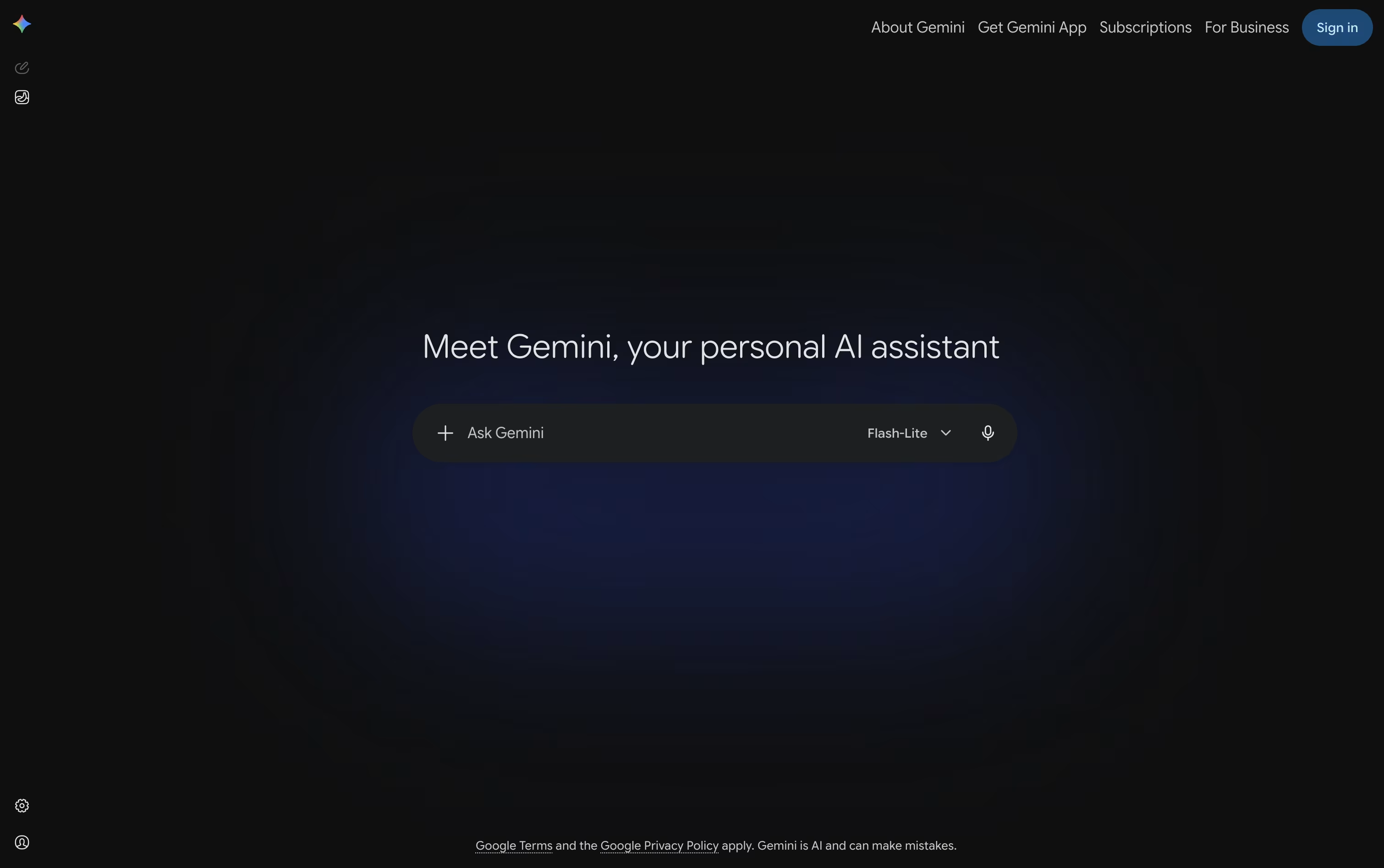
Gemini is the AI assistant built into the Google apps you already use every day, from Gmail and Docs to Search and Chrome.
You can type, talk, or show it your camera or screen, and it answers using text, images, audio, or video, whatever fits the task.
Deep Research lets it browse the web on its own and hand back a full, sourced report, while Canvas gives you a shared space to write, code, or build a page together.
The free plan covers everyday use with 15 GB of storage at no cost.
Paying $4.99 a month for Google AI Plus, $19.99 a month for Google AI Pro, or from $99.99 a month for Google AI Ultra unlocks higher usage limits, stronger models, and much more storage.
Custom Gems and Gemini Live round it out, making it useful for quick questions as well as longer projects.
Built by xAI, Grok is an AI assistant designed to answer questions honestly and stay useful even as facts change day to day. It first appeared in late 2023 and is now available on the web, mobile apps, and through a developer API.
A key part of Grok is its connection to live data. It checks the web and X as it answers, so replies stay current instead of relying only on older training information.
It does more than chat too. Grok can write and fix code, create images and short video clips, and hold spoken conversations. Its Grok Build tool works as a coding agent that can edit files and run commands in a real project.
Anyone can start for free, which includes real time search, voice mode, and connectors. SuperGrok costs $30 a month and unlocks the Grok 4.5 model along with image and video generation.
For groups, the Business plan runs $30 a month per seat and adds team management and access controls, while Enterprise is a custom priced plan built for larger companies with extra security needs.

Ask Perplexity a question and it searches the current web before writing a plain answer, with the pages it used listed right underneath so you can check them yourself.
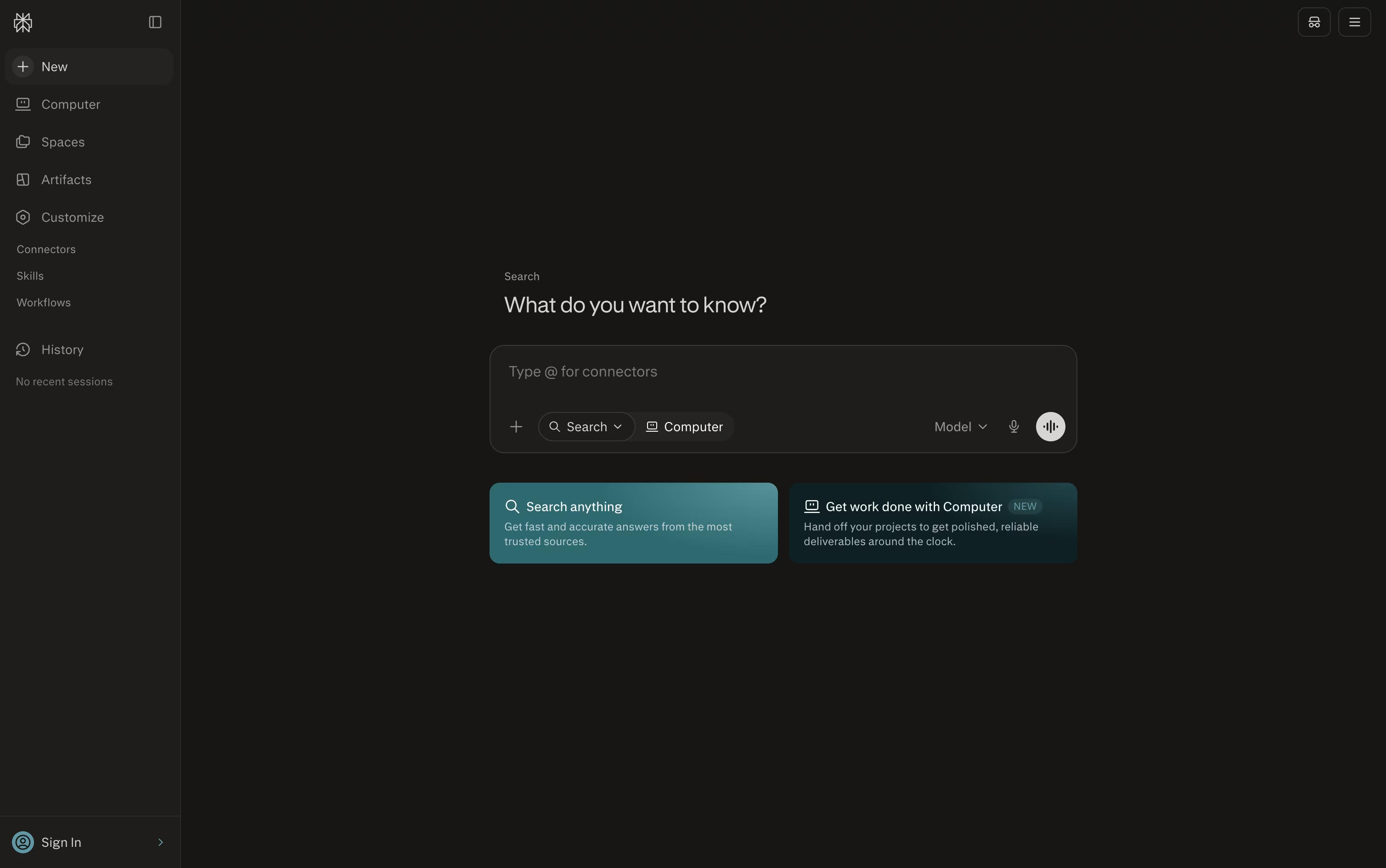
A second question in the same chat picks up naturally from the first, so it feels more like a conversation than a fresh search each time.
Getting started costs nothing. The free plan gives unlimited everyday searches and citations on every answer using solid AI models.
Once you want more, the Pro plan at $20 a month opens up Perplexity Computer, extra AI models such as GPT and Claude, file uploads, and access to premium sources.
For nonstop use, Max runs $200 a month with the widest model access and 10,000 credits every month, while businesses can pick Enterprise Pro at $34 per seat a month or Enterprise Max at $271 per seat a month, billed yearly, both adding stronger security and team controls.
Since answers are built from live pages, they tend to hold up well on anything that changed recently, so it is still worth glancing at the sources before quoting something important.

Type a question or a task into ChatGPT and it responds in plain language, whether that means a quick answer, a written draft, or a finished piece of work.
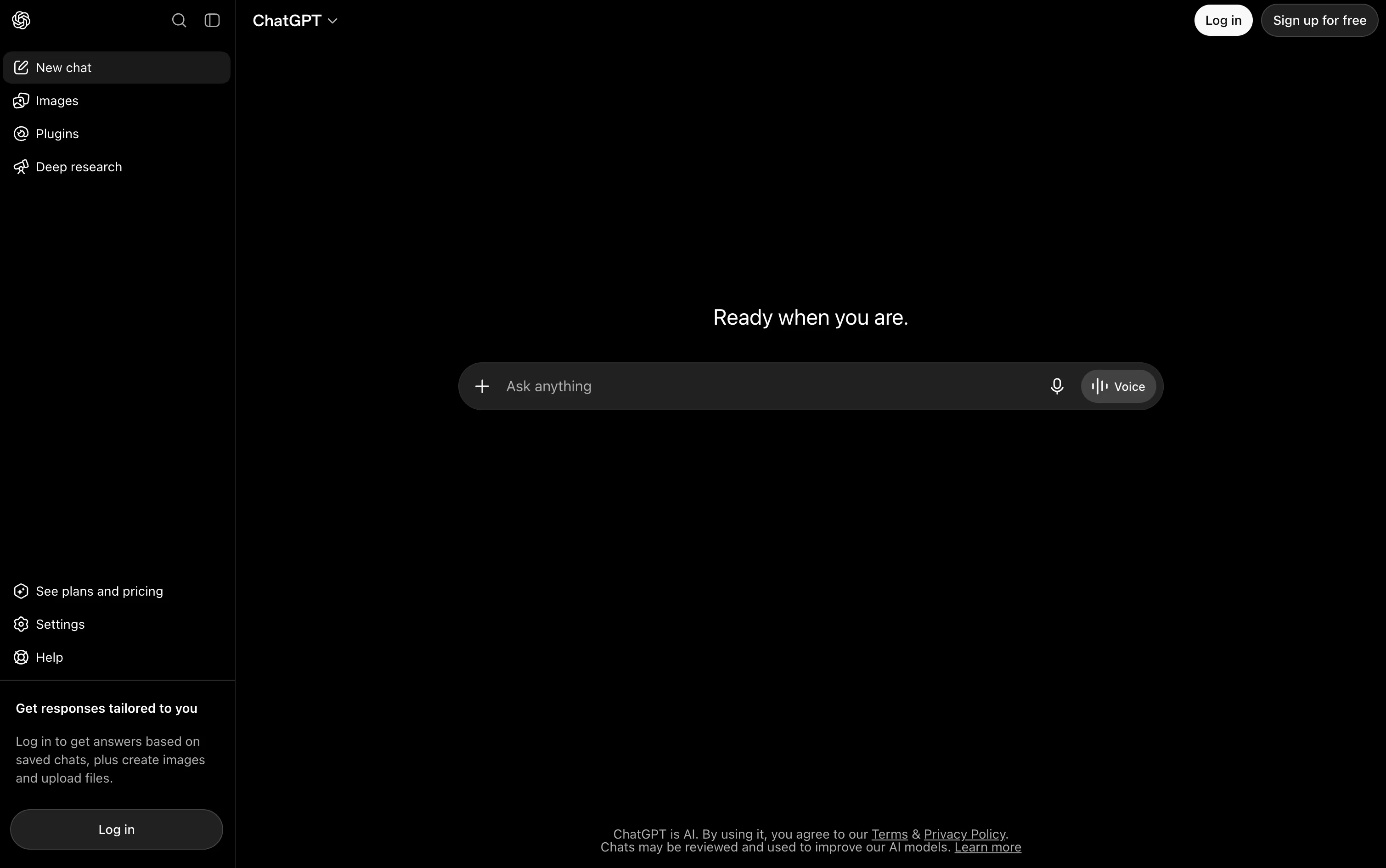
Powered by the GPT-5.x models, it switches between fast responses and deeper reasoning depending on how hard the request is, and it keeps track of what you asked earlier so follow ups make sense.
It also reads images, listens and speaks through voice mode, searches the web with sources attached, and can dig through many pages at once using Deep Research. ChatGPT Work takes on longer jobs such as building documents or simple websites, and Codex handles coding tasks end to end.
Getting started costs nothing on the Free plan, though features are limited. Go adds more room for $8 a month, and Plus at $20 a month brings GPT-5.6, deeper research, and tools like Projects and custom GPTs.
Heavier users can move to Pro from $100 a month for top usage and models. Teams get Business at $20 per user monthly on yearly billing, or $25 monthly, and larger organizations can request custom Enterprise pricing with stronger security.
Poe AI is a multi-model platform that connects you to dozens of leading AI models through a single, unified interface. Think of it as your personal AI command center where you can chat with ChatGPT, Claude, Gemini, and many other top models without switching between different apps or websites.
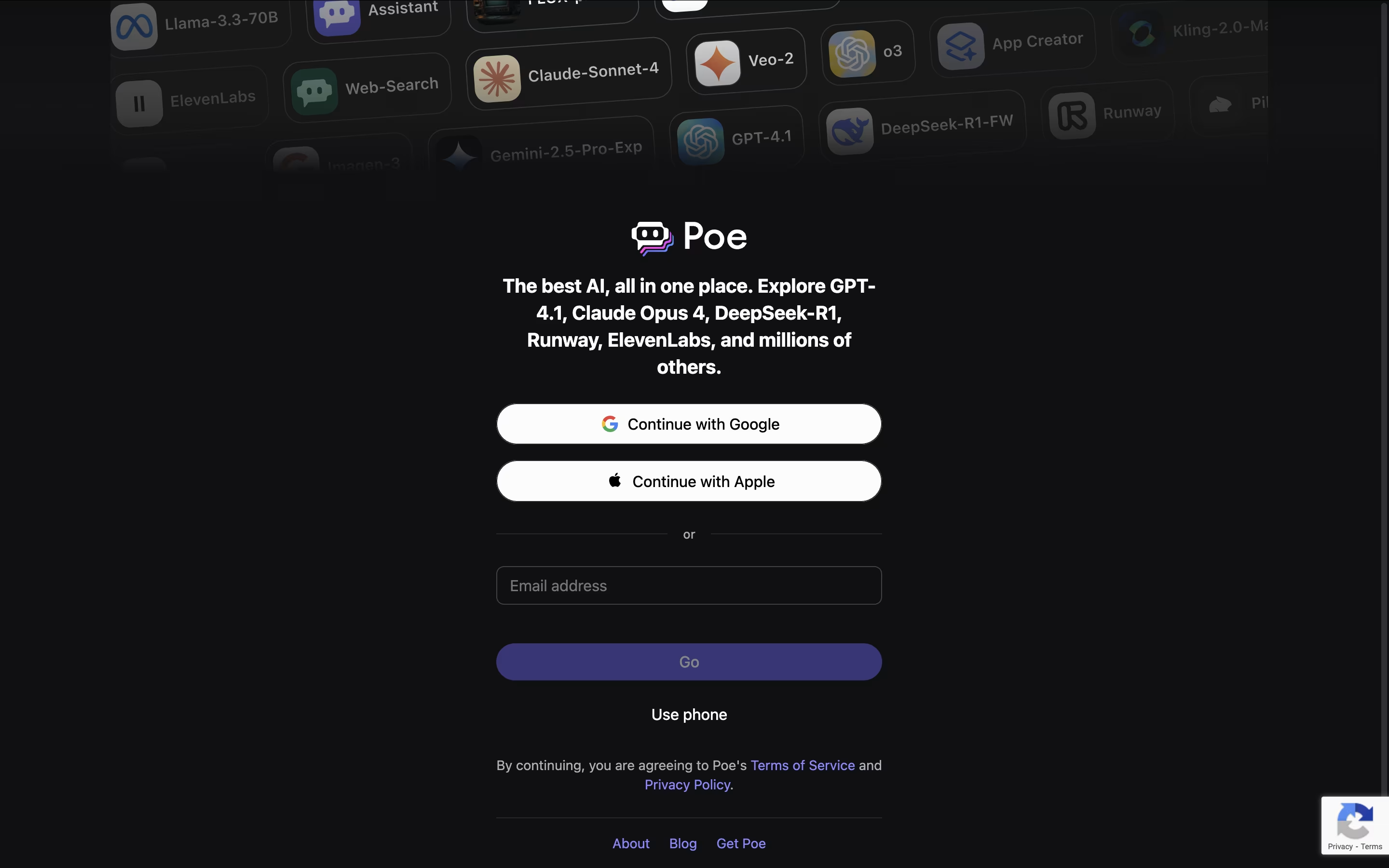
The platform stands out because it lets you compare responses from different AI models side by side, helping you find the best answer for your specific needs. Poe also allows users to create custom AI bots using simple prompts, no coding required. These custom bots can be shared with the community and even generate income for their creators.
Founded by Quora, Poe has become popular because it saves time and makes AI more accessible. You can ask questions in normal language, switch between different AI models instantly, and even use multiple models in the same conversation to get different perspectives on your questions.

Meta AI sits inside the apps people already use every day, WhatsApp, Instagram, Facebook, Messenger, and Threads, along with its own phone app, a Mac app, and Meta's smart glasses. There is no separate account to create, you just sign in with Meta and start chatting.
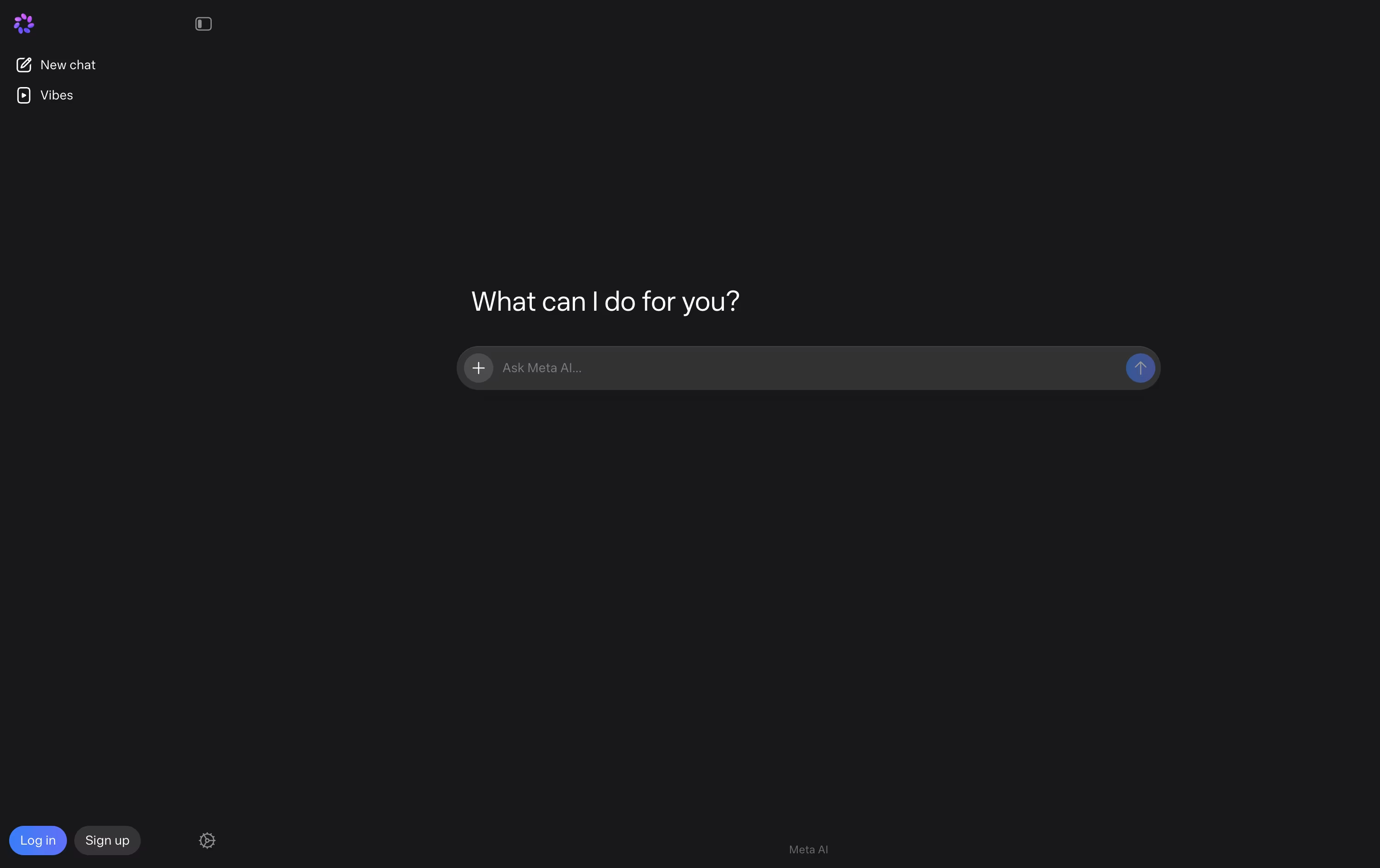
Ask it a question and it searches the current web for an answer, or hand it a writing task, an image to create, or a photo to edit. Voice mode lets you talk naturally and even interrupt or change the subject mid conversation, and the camera can describe what it sees on the spot.
It is also starting to handle recurring work, like a daily briefing at a set time, a slide deck built from scratch, or a weekly meal plan, and it can mix Marketplace listings with web results when you are shopping.
Chatting with Meta AI costs nothing. If you want the Muse Code coding agent, Meta charges $5 a month for everyday coding, $15 a month for bigger projects with three times the usage, and $50 a month for the heaviest workloads with ten times the usage and early feature access.
The whole thing runs on Meta's own Muse Spark models, while the older Llama models remain free and open for anyone to run themselves.
MiniMax builds its own AI models and packages them into a family of products built for everyday work and creative projects.
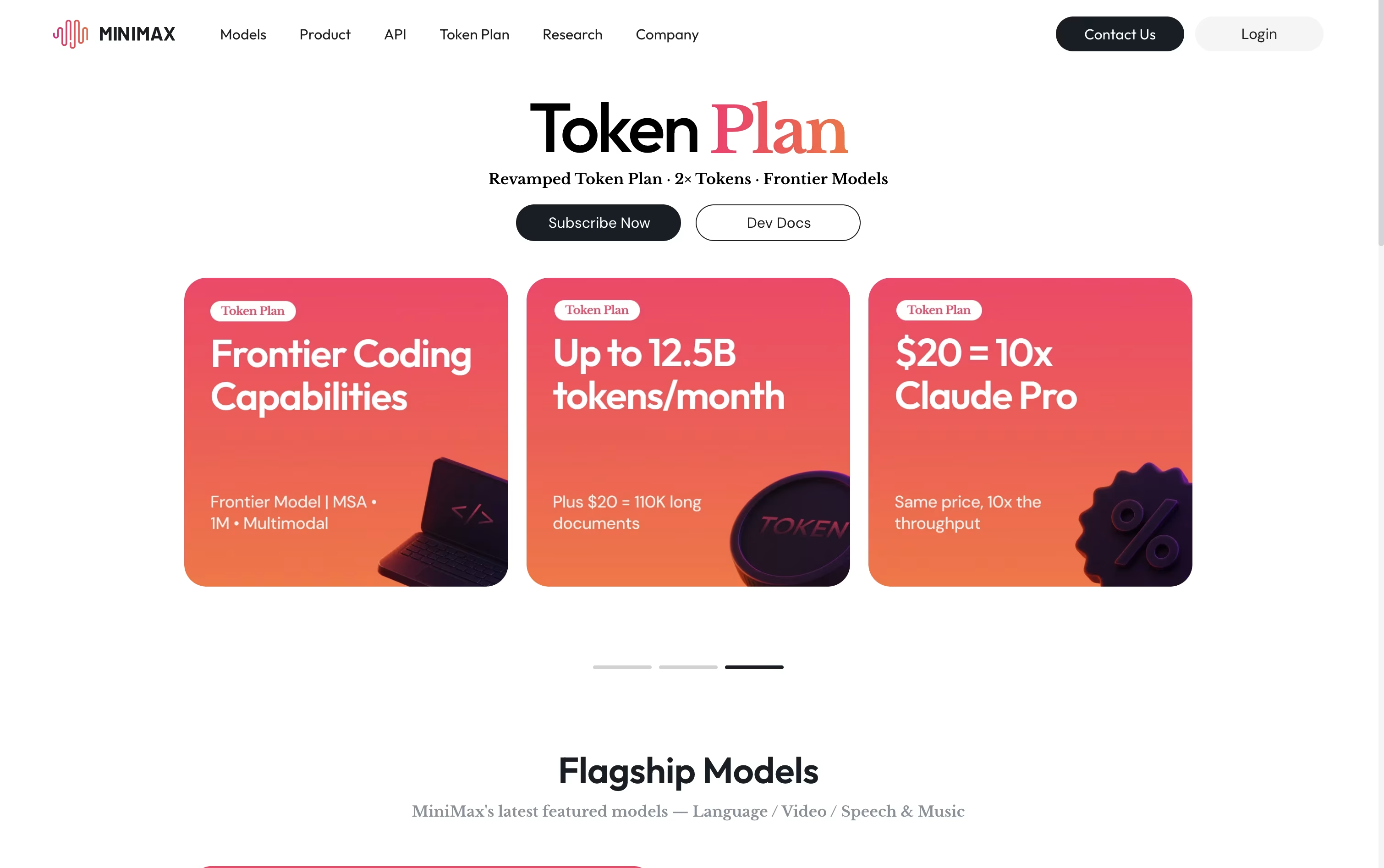
Its flagship, MiniMax Agent, plans out tasks step by step and carries them through, whether that means digging into research, writing and debugging code, building a working app, or putting together a presentation.
Other tools round out the lineup: MiniMax Hub for turning a brief into finished video and social content, MiniMax Audio for cloning voices and composing music, Hailuo for generating video from text or images, and Talkie for chatting with custom AI personas.
On the pricing side, Plus starts at $20 a month, Max sits at $50, and Ultra tops out at $120, with each tier unlocking more monthly tokens, more agents working at once, and added video generation, plus two free months if paid yearly.
Smaller credit packs begin at $5, and larger teams can move to per seat billing with shared usage management.
Behind all of it sits M3, MiniMax's newest model, which understands text, images, and video together and can work through documents up to 1 million tokens long.

Kimi, from Moonshot AI, is built to be more than a chatbot. It works as a full agent platform that can chat, write code, research topics, and carry out long tasks on its own.
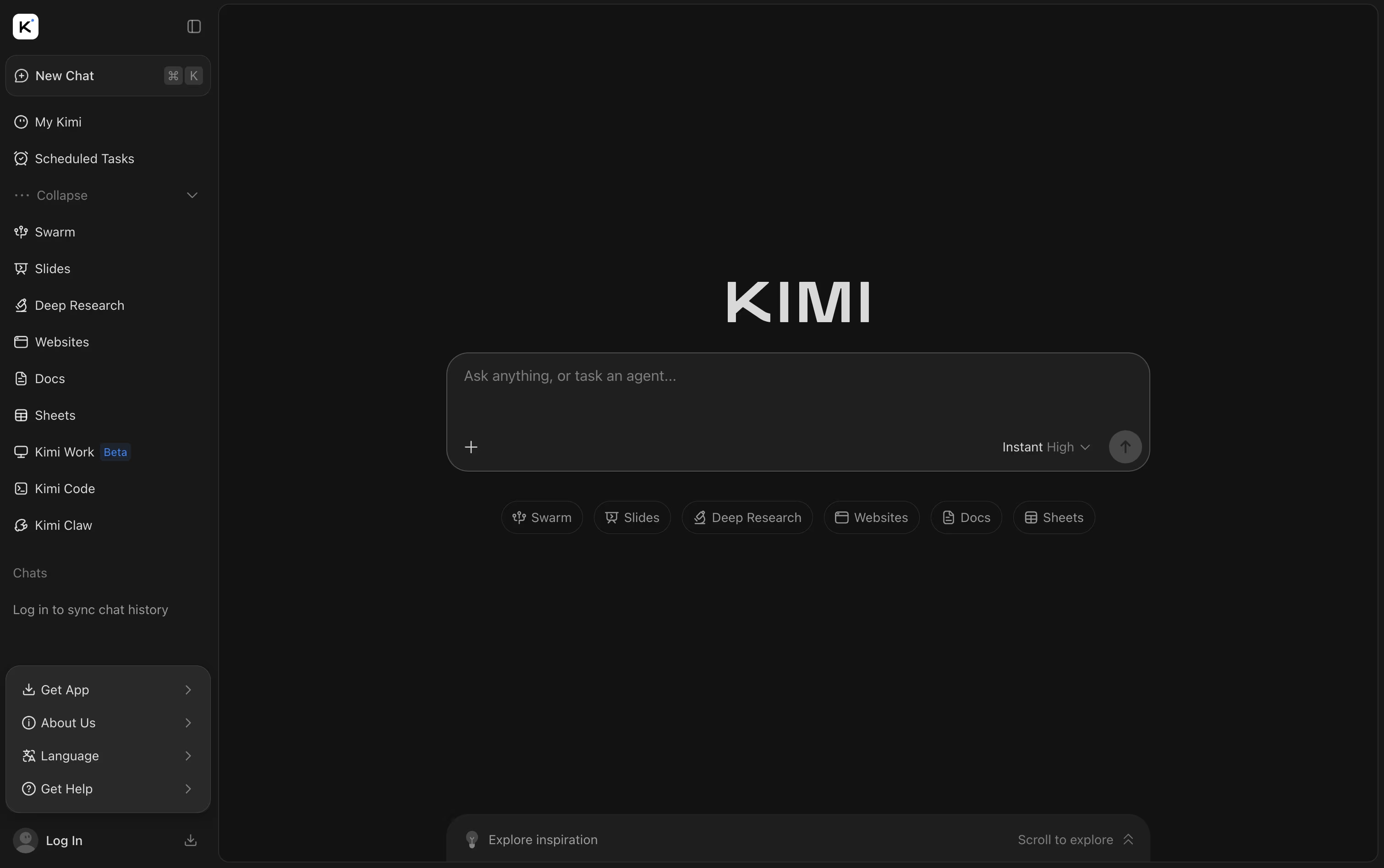
You can hand it files like PDFs, spreadsheets, and slides, or ask it to pull fresh answers from the web. Beyond answering questions, it can build full websites, slide decks, and simple games from just one prompt.
Getting started costs nothing with the Adagio plan, which covers basic agent credits, a dashboard, and scheduled tasks. Stepping up to Moderato at $19 a month adds document work, deep research, website deploy, and Agent Swarm for bigger jobs.
The Allegretto plan at $39 a month brings in Goal Mode and one click setup for always-on Kimi Claw agents. Allegro, priced at $99 a month, opens up to 1 million tokens of context, and Vivace at $199 a month gives the largest share of agent credits.
Switching to yearly billing can save up to $480 a year, and larger teams can contact Kimi directly about the custom Business plan.
Between Kimi Code, Kimi Slides, and Agent Swarm, Kimi brings chat, coding, and research tools together in one place.

Behind Z AI sits a family of language models called GLM, made by a Chinese AI company. The chat platform lets you ask for help with writing, coding, research, or quick design work like slides and posters.
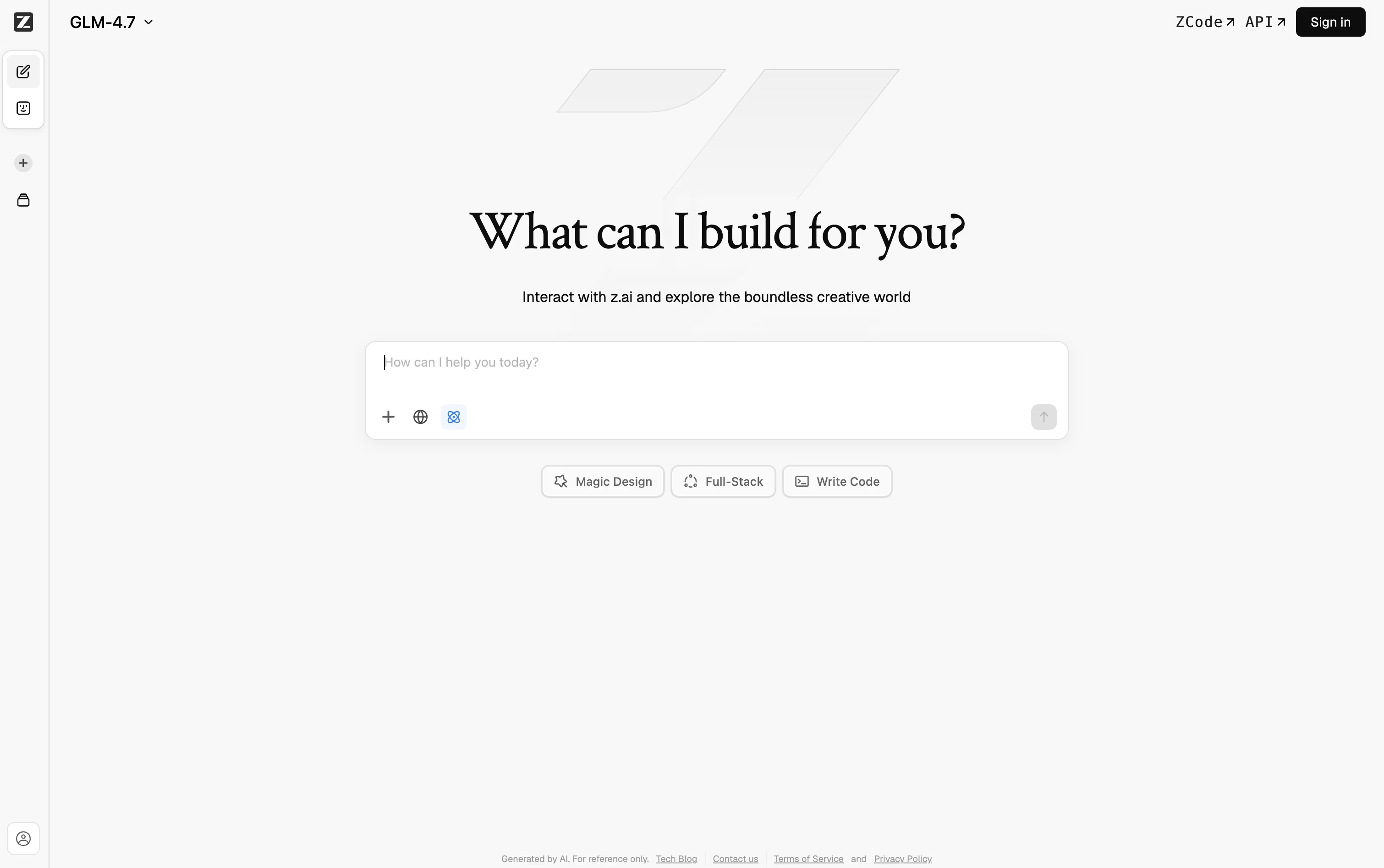
If you need something heavier for coding, ZCode is a desktop agent that takes a goal, plans the steps, writes the code, tests it, and fixes problems along the way, with a terminal and live preview right inside it.
For everyday automation outside of coding, AutoClaw runs locally and comes with over 50 built in skills for handling documents, browsing, and messaging app tasks.
There is also an API for developers, built to work the same way OpenAI's does, so it drops into tools like Claude Code and Cursor without much extra setup. A number of GLM models are open source too, so running them on your own machine is an option.
On pricing, the coding plans start at Lite for $16.20 a month, move up to Pro at $64.80 a month, and top out at Max for $144 a month, with paying yearly cutting the cost by 30 percent.
A 1 million token context window means it can keep track of long projects without forgetting earlier details.
Think of Qwen as an all in one AI helper from Alibaba Cloud, built for chatting, coding, and creative work in a single app.
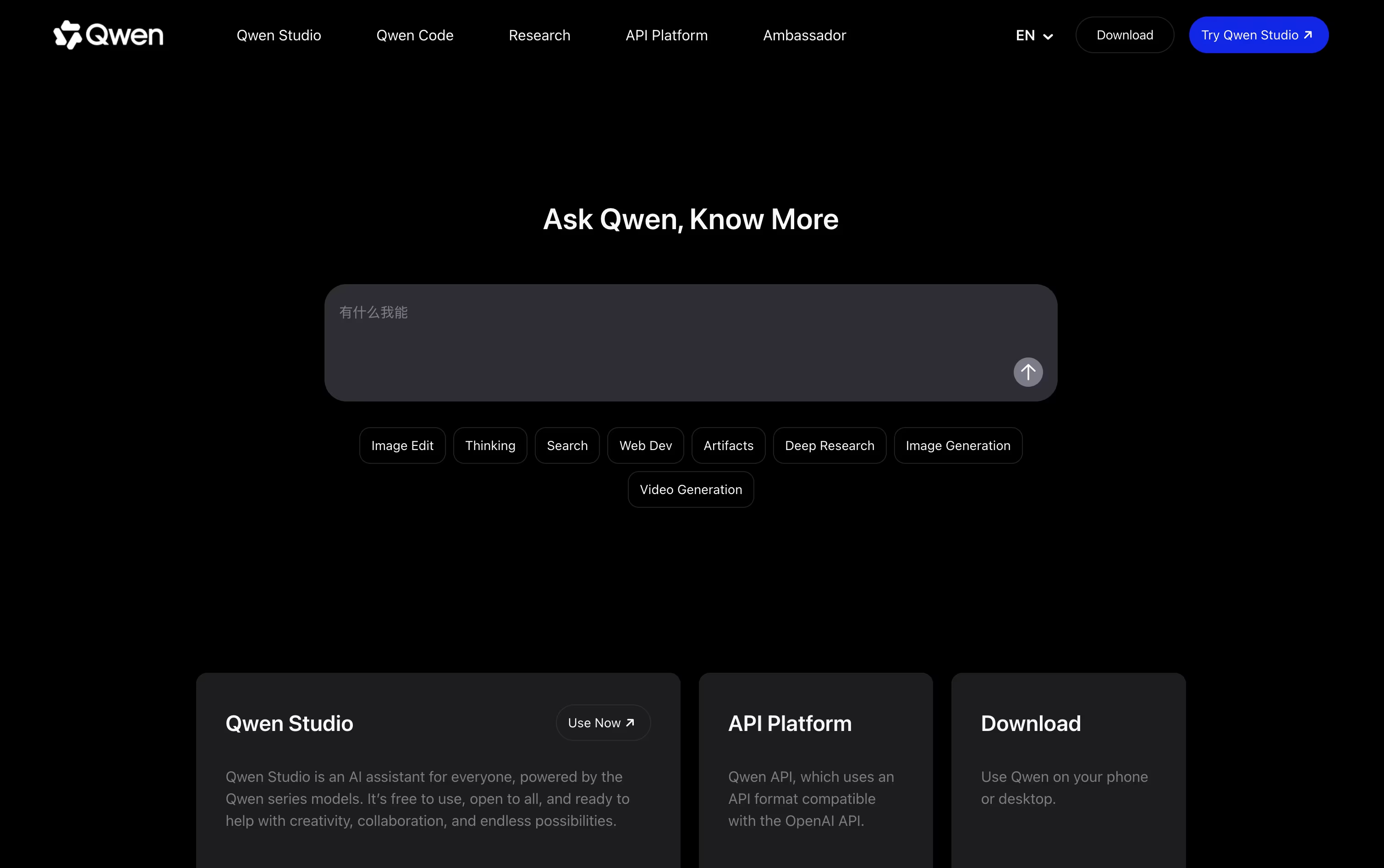
It can read and combine text, pictures, audio, and video in the same conversation, so a screenshot or a short clip becomes part of the discussion.
On top of everyday chat, it writes and generates images, turns text into video clips, runs deep research and returns a written report, and can put together a working webpage straight from a description.
For tougher questions it can switch into a thinking mode that lays out its reasoning step by step, which helps with math, science, and coding problems.
The core chat experience, Qwen Studio, costs nothing and runs on the web, phone apps, and desktop apps for Mac and Windows.
People who want more power can pick a paid Token Plan tier, from $6 a month up to $68 a month, or a team seat priced between $20 and $200 a month, each adding more credits and the ability to run several AI agents side by side.

DeepSeek is a Chinese AI company that has built a name for itself with efficient, high performing chat and reasoning models. Its web app and mobile app are both free to use for everyday questions, writing help, and coding support.
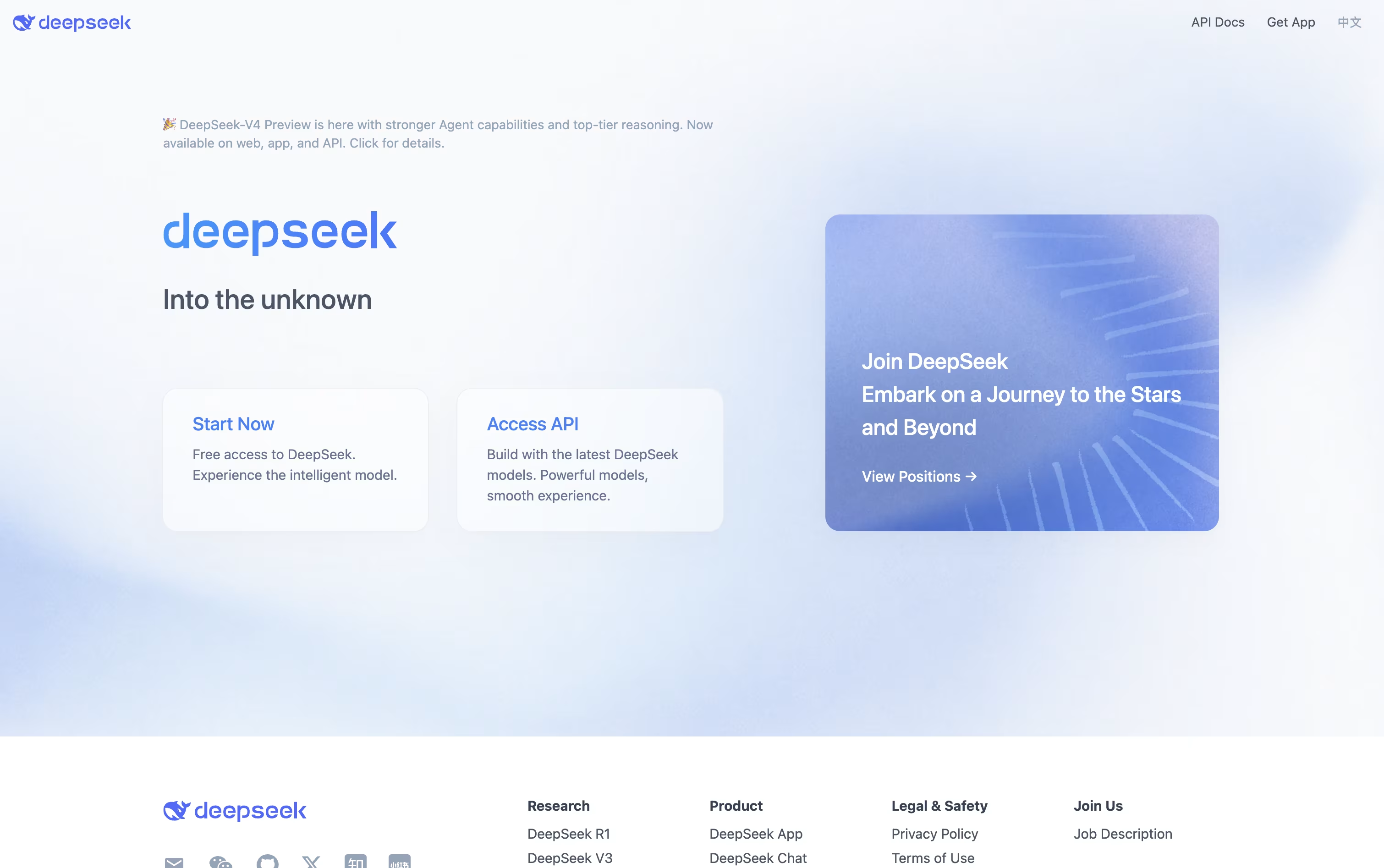
A key part of DeepSeek is its thinking mode, which lets the assistant slow down and reason through a problem step by step. This helps it perform well on math, coding, and logic heavy tasks.
Free users can upload documents such as PDF, Word, PowerPoint, and Excel files, and the assistant will read them and answer questions based on the content.
Developers who want to build with DeepSeek can use its API, which follows the same format as OpenAI and Anthropic, making it simple to switch over. Pricing is based on usage, with rates as low as $0.0028 per 1 million tokens on a cache hit and up to $0.87 per 1 million output tokens for the stronger V4-Pro model.
On top of this, DeepSeek publishes its model weights on GitHub and Hugging Face for anyone to download and run on their own systems.
Mistral AI is a French company focused on building practical AI tools for people and organizations. Its flagship product, Vibe, acts as an AI agent that can chat, research, write, and code, and it's available across web, mobile, CLI, and IDE.
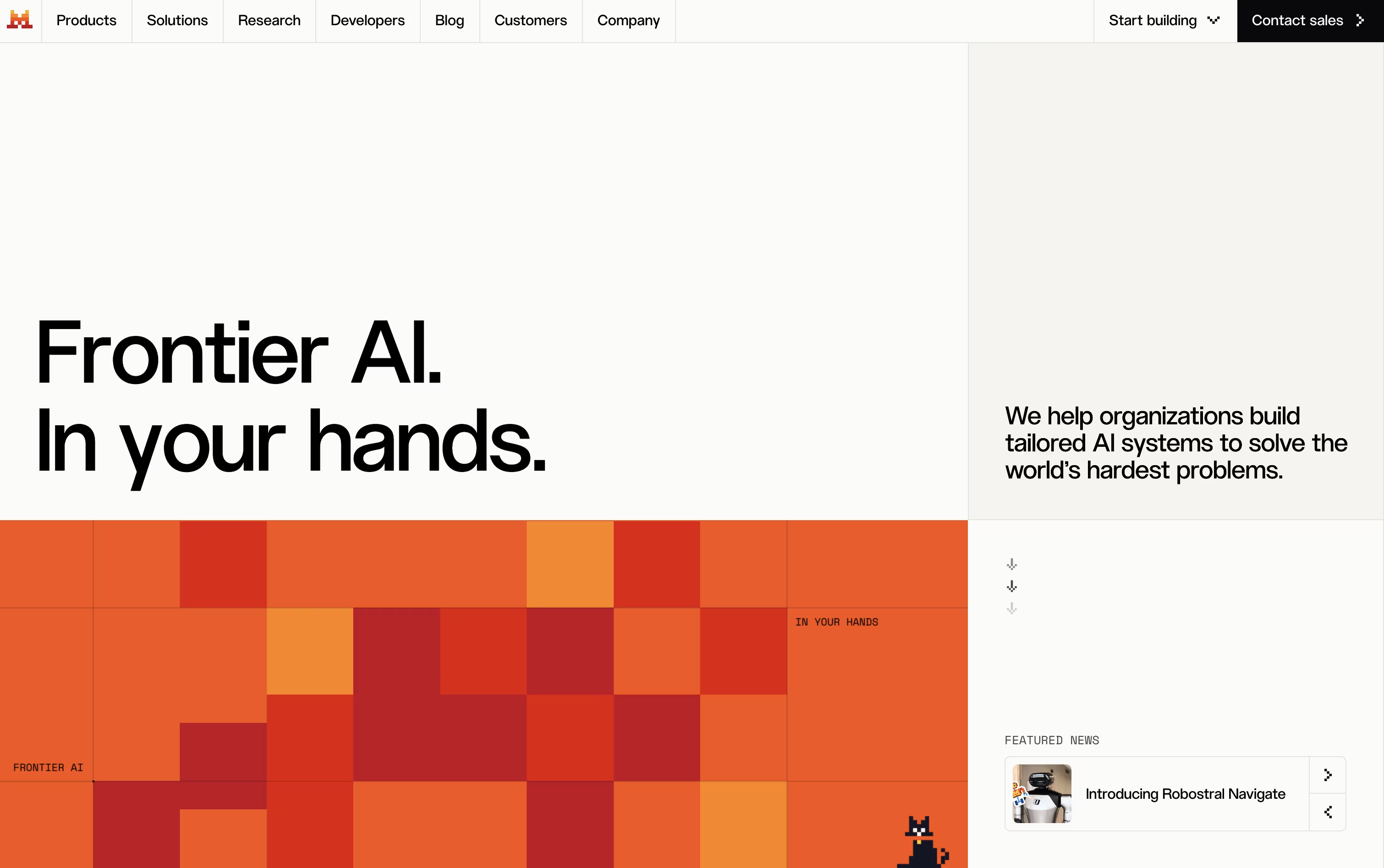
Users can pick between open models they can download and run on their own machines, or premium models built for stronger performance. This mix gives flexibility depending on what someone needs.
Businesses can turn to Studio for building and running their own AI agents, and to Forge for training models using their own data, making the platform useful for custom projects.
On pricing, a Free plan lets anyone get started, Pro costs $14.99 a month with higher limits and full coding access, and Team runs $24.99 per user a month for shared workspaces. Enterprise plans come with custom pricing and extra security controls.
Overall, Mistral AI is built to support everyone from solo users to large teams, with the freedom to run AI locally or in the cloud depending on their needs.
Monica AI is a comprehensive AI assistant that integrates multiple advanced AI models including GPT-4o, Claude 3.7, Gemini 2.0, and DeepSeek R1. Instead of using different AI tools separately, Monica brings them all together in one platform.
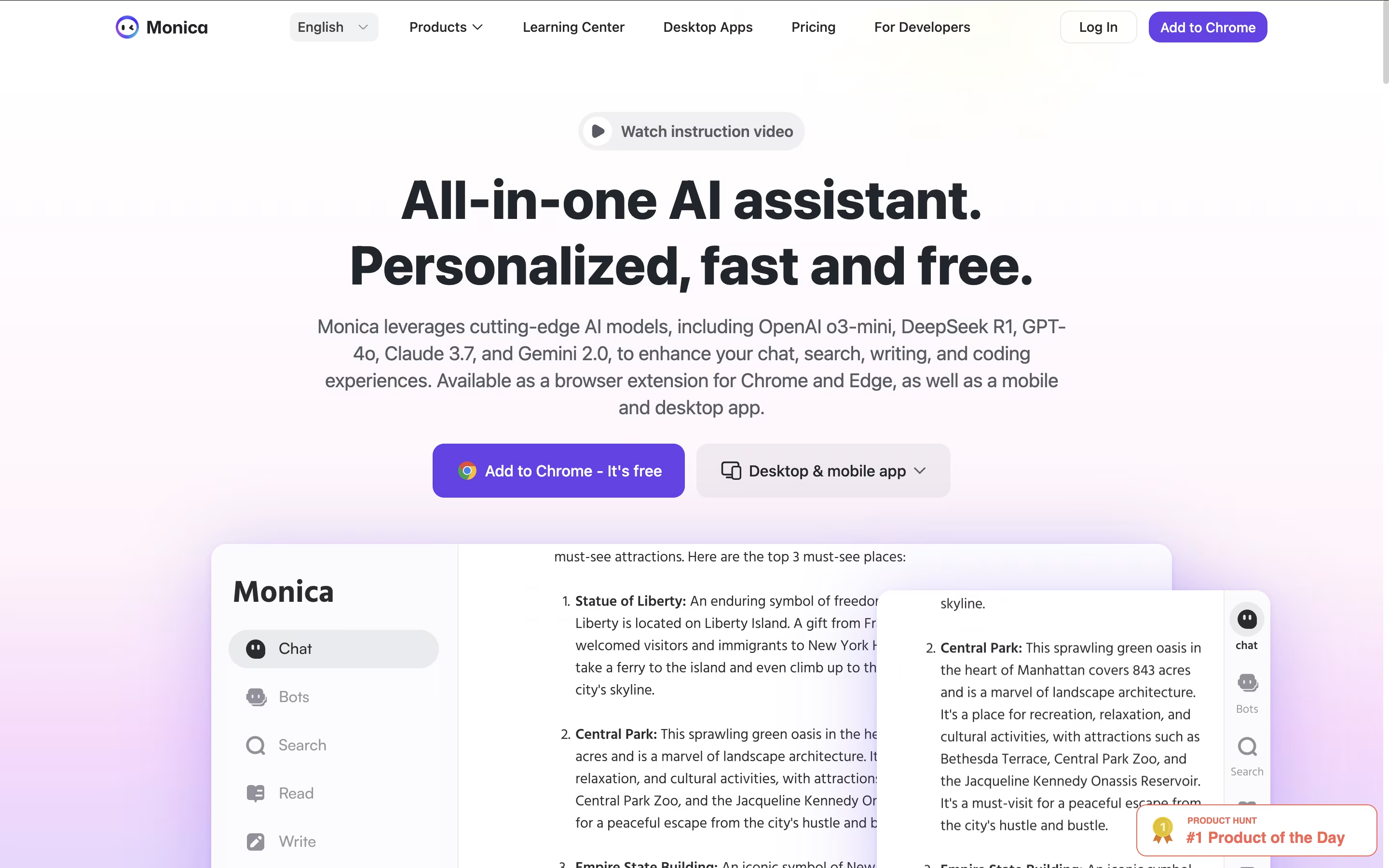
It works as a browser extension for Chrome and Edge, plus mobile and desktop apps for all your devices. Monica can help you chat with AI, write and improve content, create images and videos, translate text, summarize web pages and documents, and even help with coding.
The tool is designed for anyone who wants to boost their productivity with AI. Whether you're a student, professional, content creator, or developer, Monica provides the AI assistance you need without switching between different platforms. It's like having multiple AI assistants combined into one smart helper.

Genspark AI is an advanced AI agent engine that serves as both a next-generation search platform and an autonomous task automation system. At its core, Genspark uses specialized AI agents that work together to deliver personalized, real-time results through custom-generated pages called Sparkpages.
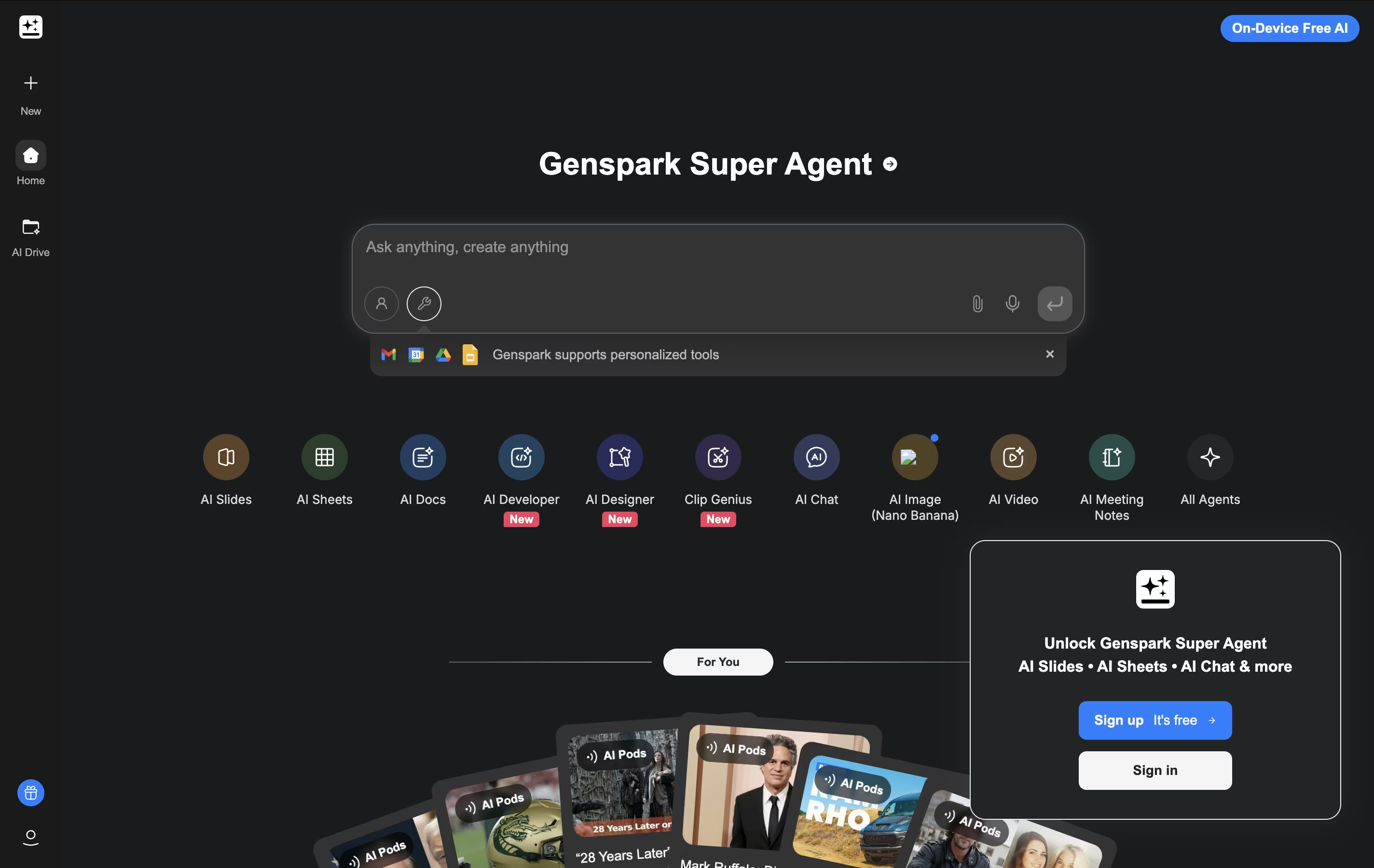
What makes Genspark unique is its Super Agent functionality. Instead of just providing information, it can actually execute tasks in the real world. The platform integrates over 80 specialized tools and combines multiple large language models (including GPT-4 and Claude) to handle everything from research and content creation to making actual phone calls and building functional websites.
The system operates on a multi-agent framework where different AI specialists handle specific types of queries and tasks. This approach ensures highly accurate, unbiased results free from commercial influences, while providing users with interactive, editable content that goes far beyond traditional search results.
Skywork AI is an AI-powered workspace platform that transforms simple ideas into complete, professional content across multiple formats. Unlike basic AI writing tools, Skywork offers specialized agents for specific tasks: Documents Agent for reports and papers, Slides Agent for presentations, Sheets Agent for data analysis, Podcast Agent for audio content, and Web Agent for creating websites.
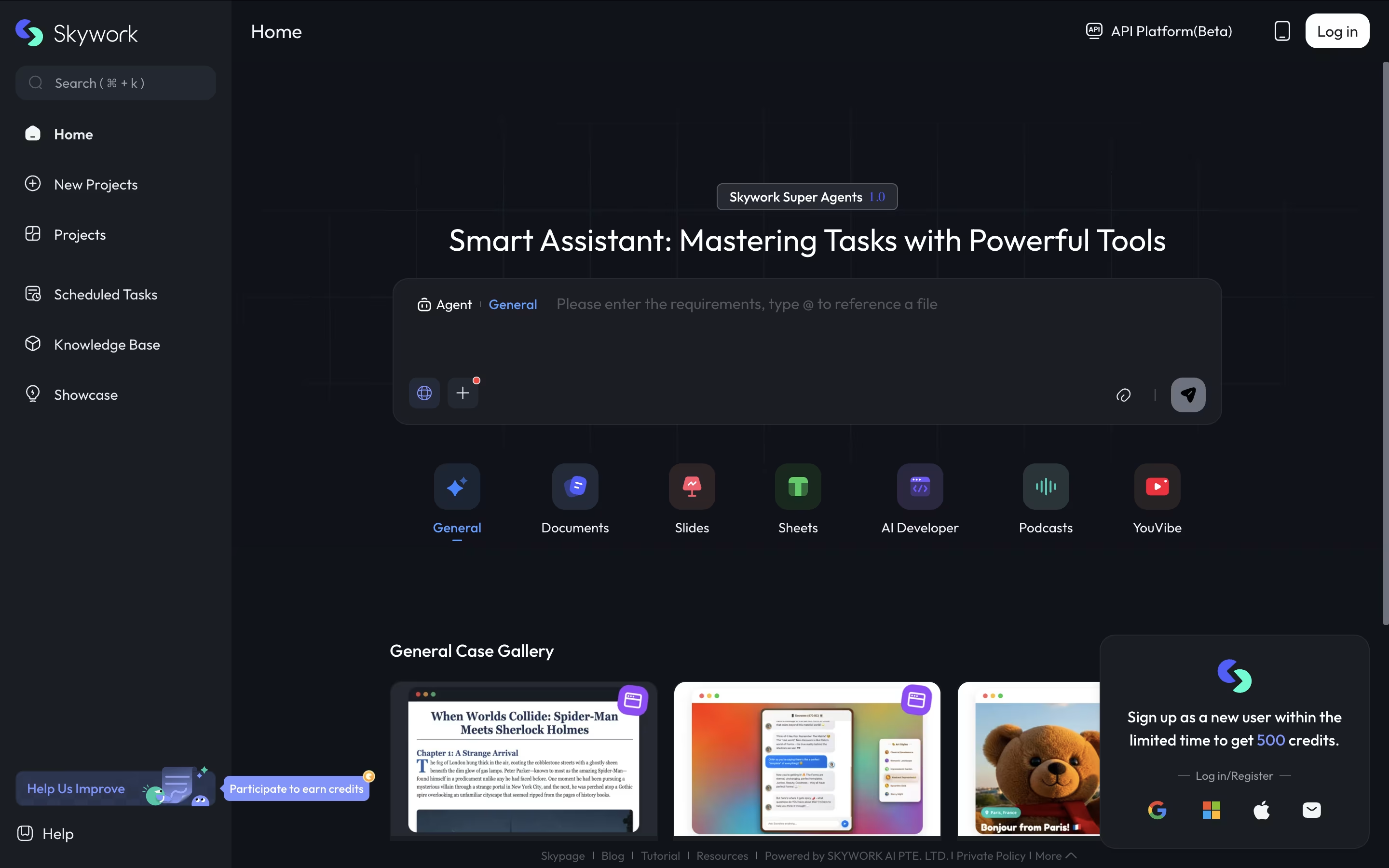
The platform's key strength is its DeepResearch technology, which searches up to 30+ sources compared to typical AI tools that use only 5-6 sources. This means your content is more accurate, credible, and properly cited. Skywork can process uploaded files, create knowledge bases from your documents, and generate content that's ready to use professionally.
It uses a credit-based system where you pay only for what you use, making it cost-effective for both occasional users and power users who need regular content creation.





