

Best 12+ Tools for Code Writing in 2026
Last Updated: August 25, 2026
Writing software from scratch, line by line, is time-consuming even for experienced developers. Code Writing tools help generate, complete, and refactor code based on natural language descriptions or existing context.
Developers and engineering teams use these tools to move faster through routine coding tasks, freeing up time for more complex problem solving.
 Cursor
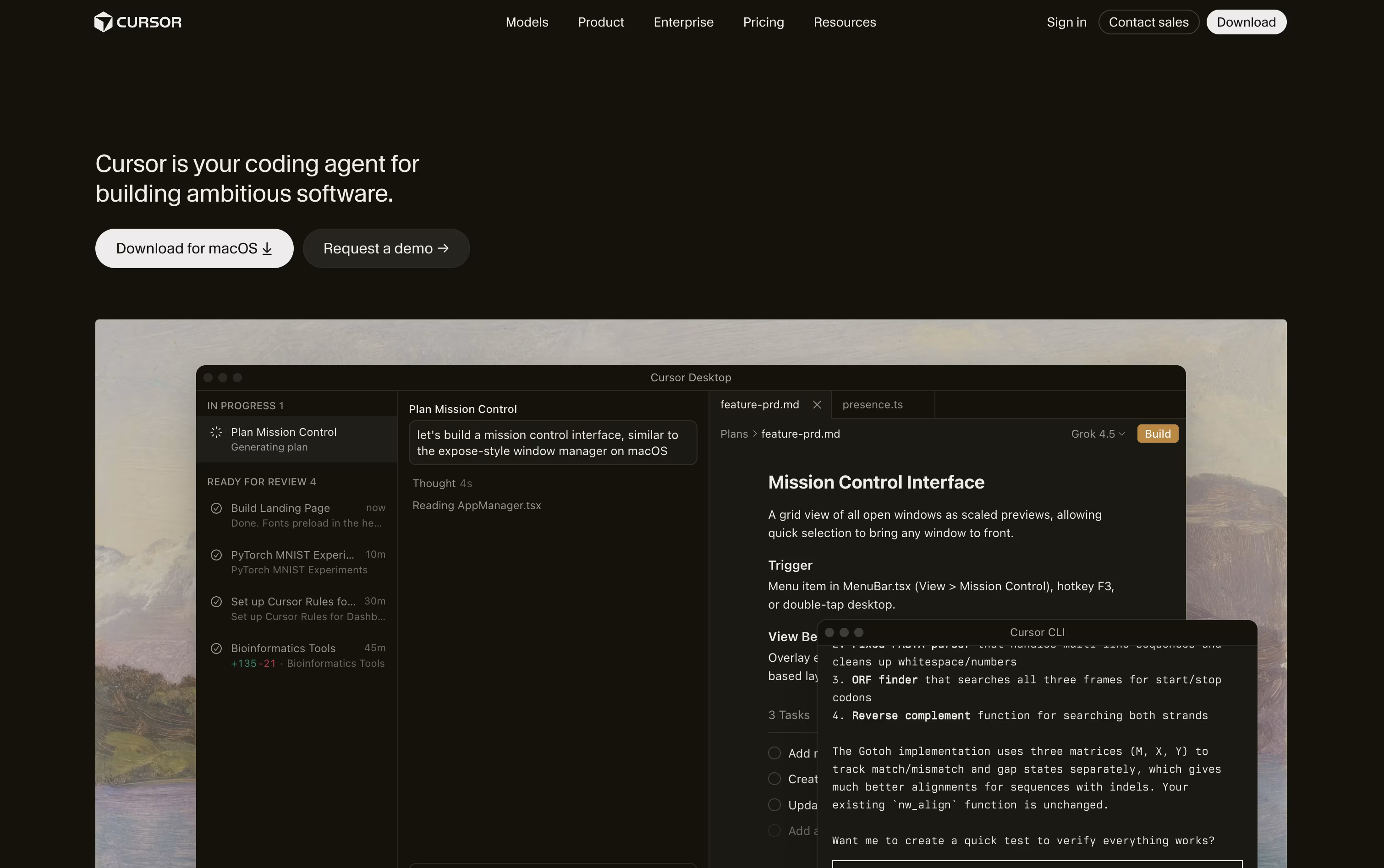 CursorAI-Native Code Editor for Developers,
  Claude Code
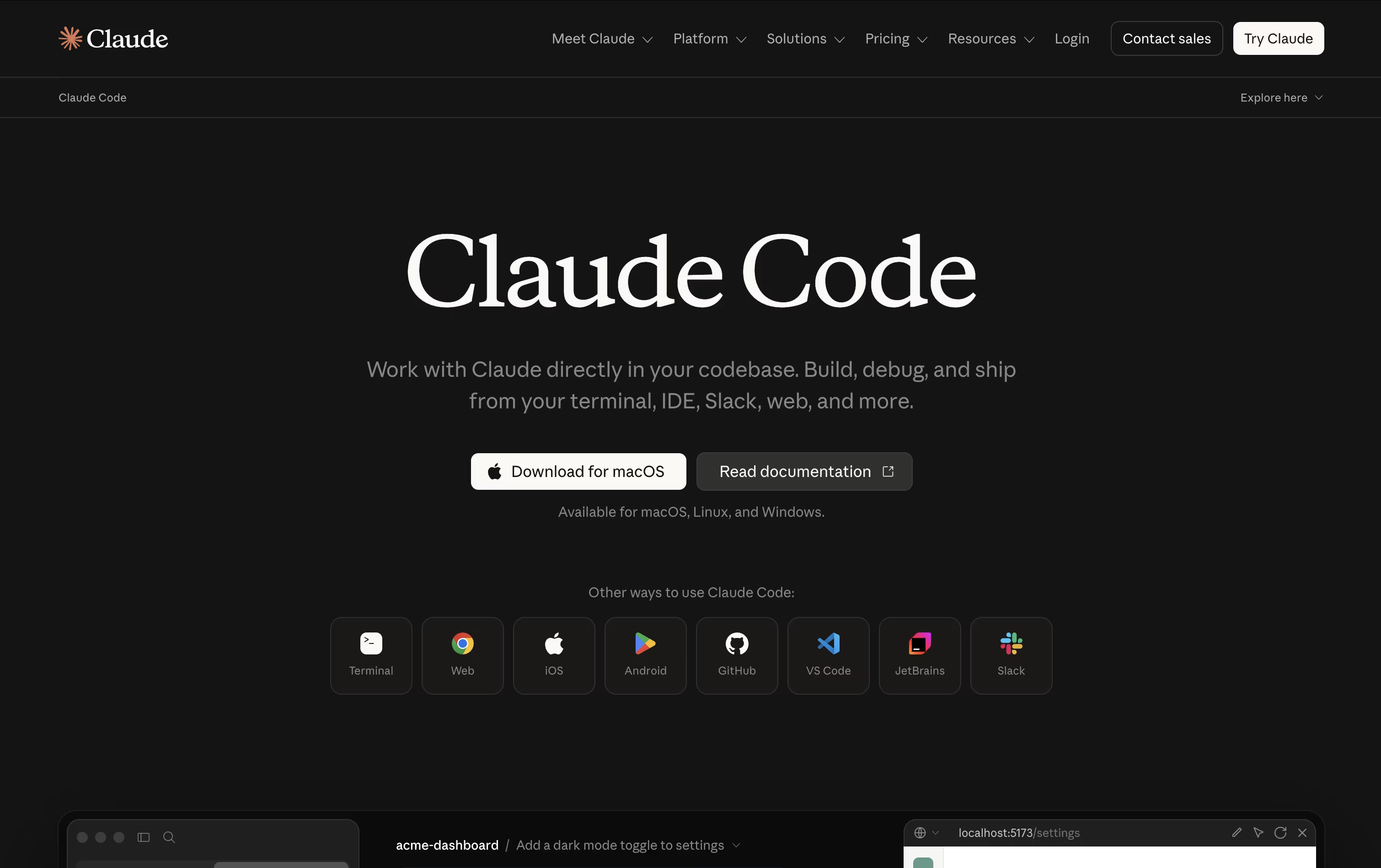 Claude CodeAnthropic's Agentic Coding Tool, and
  Qwen Code
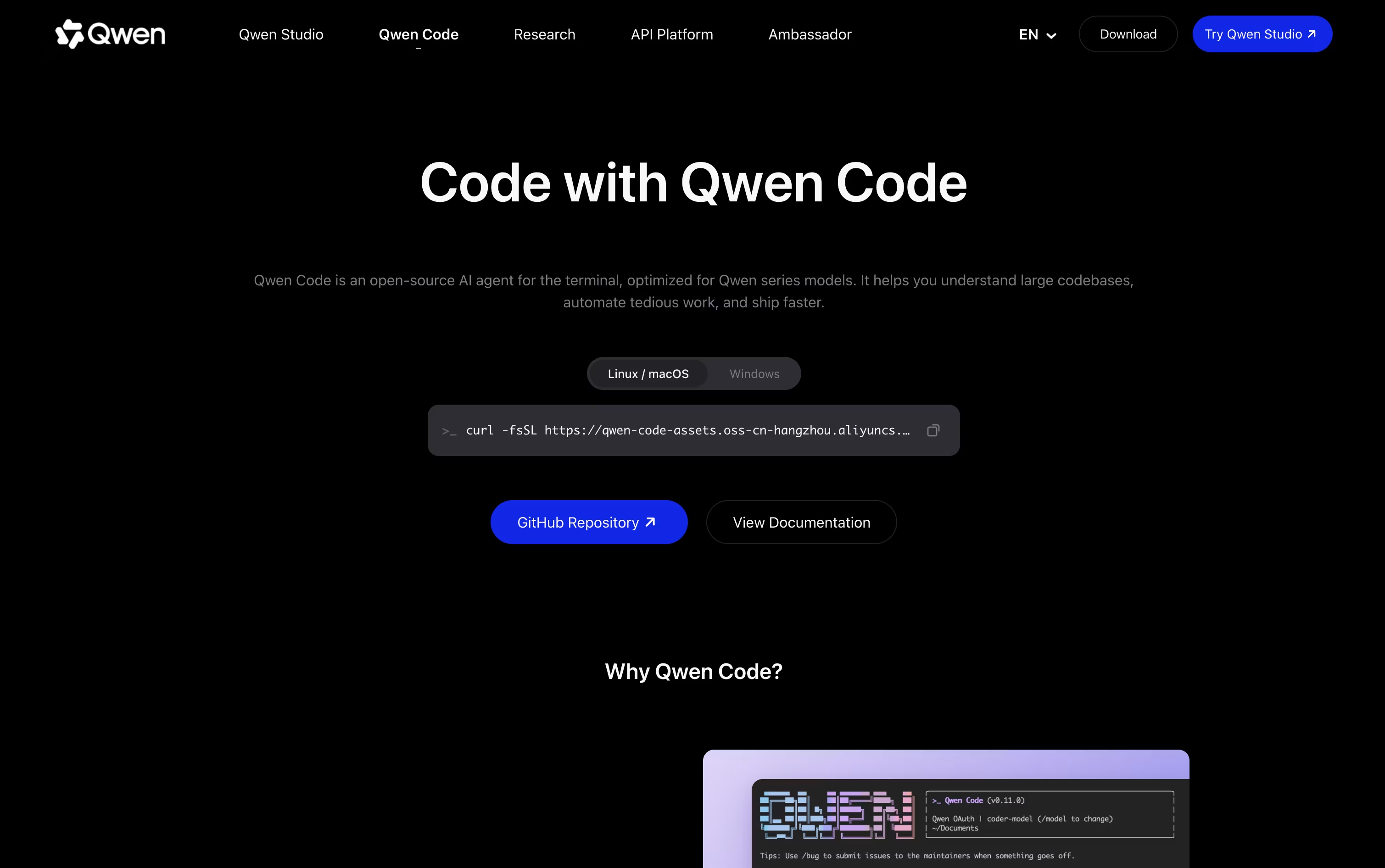 Qwen CodeOpen Source Terminal Coding Agent are the best for Code Writing. So, let’s take a closer look at all 12+ tools.

Cursor turns coding into something you direct rather than type line by line. You explain what you need, and an agent reads through your project, builds a plan, edits the right files, and runs the commands to check its own work.
Quick edits still get a fast, smart autocomplete, while bigger tasks like fixing bugs or adding features go to full agent mode, which can work across many files at once.
Getting started costs nothing on the free Hobby plan, which includes limited agent use and access to Composer. Stepping up to Pro costs $20 a month and adds extended agent limits, top AI models, cloud agents, and outside tool connections through MCP.
Heavier users can choose Pro+ at $60 a month or Ultra at $200 a month for much higher usage limits. Teams can pick Standard at $40 per user a month or Premium at $120 per user a month, both with shared billing and single sign-on.
Bigger organizations can ask for custom Enterprise pricing with extra controls and audit logs. Cursor runs on desktop, in a terminal, on the web, and on mobile.
Anthropic built Claude Code as an AI agent that works directly inside your codebase instead of just chatting about it. Give it a goal and it explores the project, plans its steps, then edits files, runs commands, and verifies the outcome itself.
It can map out large repositories in seconds, change multiple files at once while respecting how the project is structured, and take care of Git work like branching, committing, and opening pull requests.
Safety stays in your hands through manual approval, plan review, or automatic modes, plus checkpoints that let you rewind code or conversation if something goes wrong. Skills and background subagents handle repeatable jobs, and MCP connections add outside tools when needed.
On pricing, the Free plan does not include Claude Code, but Pro unlocks it starting at $17 a month with more usage and model access. Max plans begin at $100 a month for 5x or 20x higher usage and priority support.
Teams pay $20 to $125 per seat monthly depending on the seat type, while Enterprise pricing is custom and adds admin controls, audit logs, and compliance features.
You can reach it through the terminal, popular code editors, a desktop app, the web, or mobile, keeping your work connected across devices.
Qwen Code lets you type out what you want in plain English and watches it plan the work, write the code, and test that it runs, all from your terminal.
It is open source and not locked to one model provider, so alongside its home base of Qwen models, it also connects to OpenAI, Anthropic, Gemini, DeepSeek, and local models through Ollama or vLLM.
You are not stuck in the command line either. A desktop app covers macOS, Windows, and Linux, and there are companion extensions for VS Code, JetBrains, and Zed.
Solo developers can start with the Lite plan at $6 a month, then move up to Standard at $18 or Pro at $68 a month as they need more credits and more agents running at once.
Teams instead pick from seat based pricing, $20 per seat a month for Standard, $75 for Pro, or $200 for Max, each unlocking more monthly credits and access to models such as GLM-5, MiniMax-M2.5, and DeepSeek-V3.2.
Since it runs on an Apache-2.0 license, teams that want more control can also self host it or build their own tools on top of it.

Grok Build brings an agent that can actually write and fix code straight into your terminal. Describe a task, and it studies your codebase, drafts a plan, edits files, runs commands, and tests what it changed.

For bigger jobs, Plan Mode lays out each step first so you can review, comment, or approve before anything gets touched. Subagents can also split a large task and work on different parts of it at once.
Access to Grok Build starts with the Free plan at $0 a month. Moving up to SuperGrok for $30 a month brings the Grok 4.5 model, faster limits, and image and video tools.
Businesses can take the Business plan at $30 per user a month, which adds team seat controls and role based access, while Enterprise pricing is handled through sales and covers single sign on and dedicated data handling.
Since it is open source, teams can also run it against their own models instead of xAI's hosted ones.

Moonshot AI built Kimi Code as an agent that can actually carry out coding work, not just answer questions about it. It looks through your codebase, changes multiple files, runs commands, and keeps going until the task is complete.
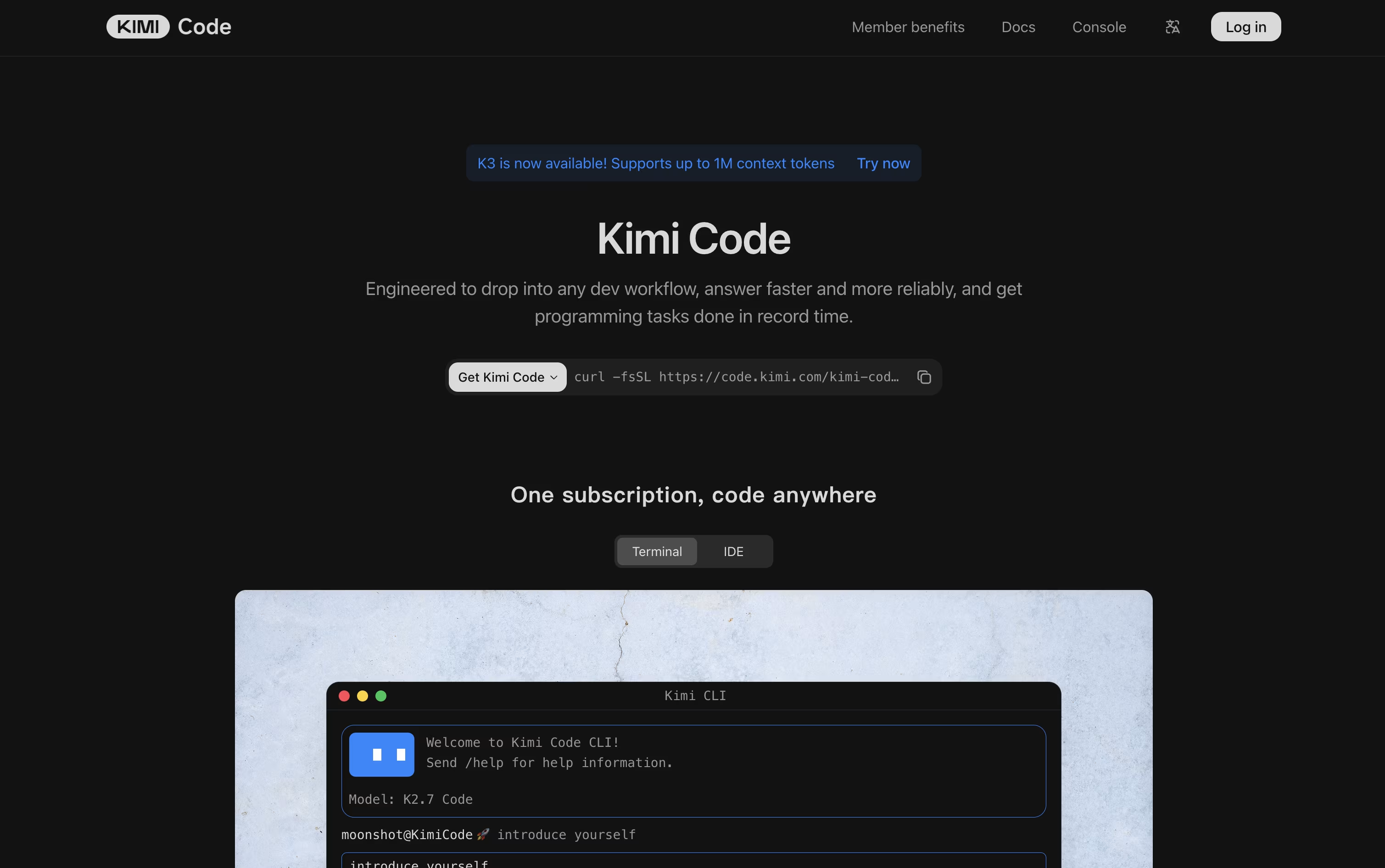
It is available as a CLI you run in the terminal, a VS Code extension, and an API you can wire into other developer tools. Long context support means it can hold onto large projects while it works.
Through MCP support plus skills, plugins, and hooks, you can extend what it can do and connect it to outside services. Swarm mode lets several agents work in parallel, and Goal Mode keeps an agent working toward an objective on its own.
On pricing, the free Adagio plan is a good starting point. From there, Moderato costs $19 a month, Allegretto $39, Allegro $99, and Vivace $199, with each tier unlocking more credits, longer context windows, and added features. Paying yearly lowers the monthly cost and saves as much as $480 a year.
Businesses that need more can reach out for custom pricing.

Think of GitHub Copilot CLI as Copilot's coding agent moved into your terminal window. You describe what you need, and it plans the steps, edits files, runs commands, and can open a pull request when it is done.
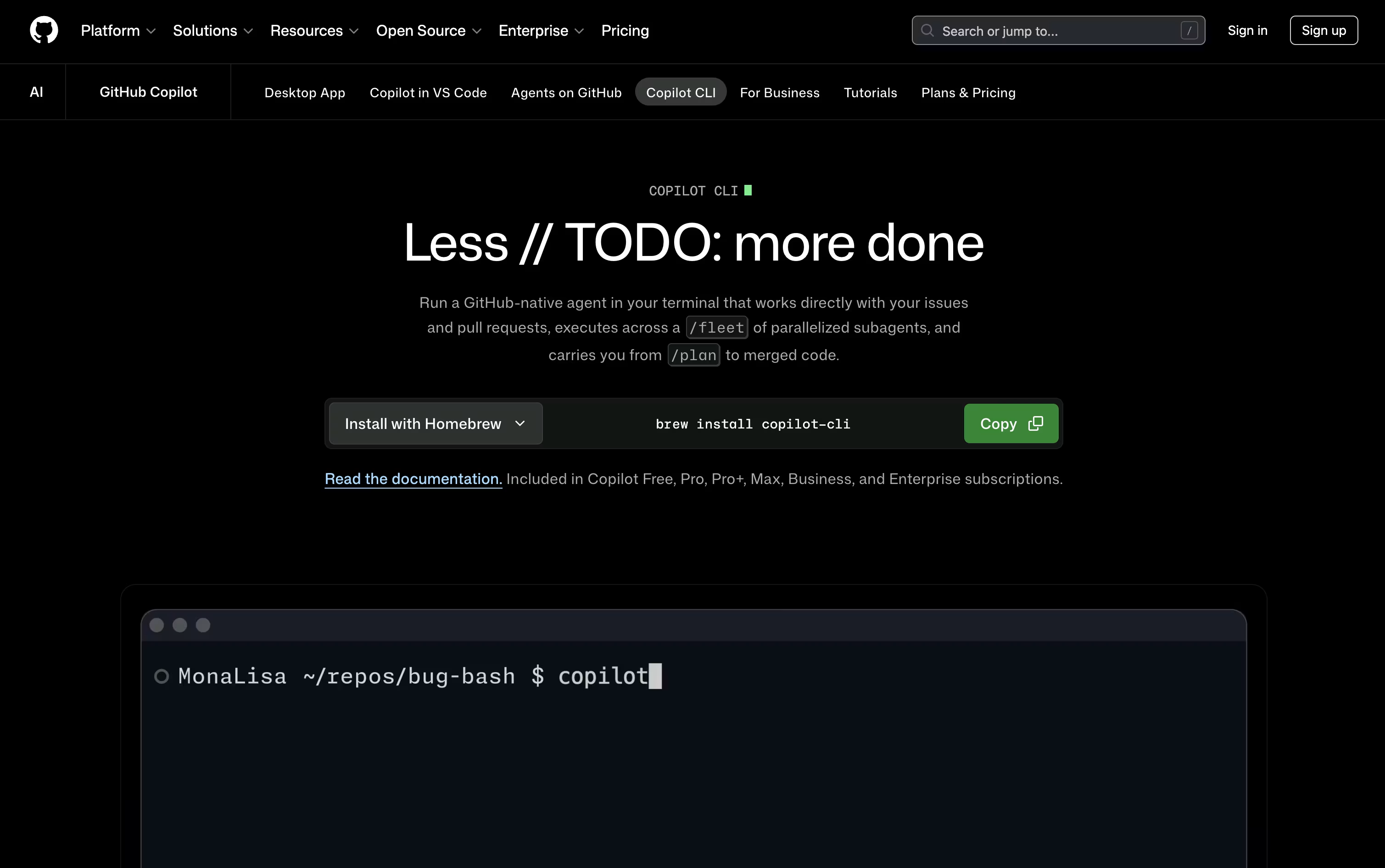
Because it talks to GitHub directly, it can pull in issues, work across branches, and manage pull requests without any extra setup on your part.
Bigger tasks can be split into smaller pieces through the /fleet command, with separate sub agents handling each part, and you are free to switch between models like Claude, GPT, and Gemini as the work needs.
On price, the Free plan gives 2,000 completions monthly at no cost. Pro sits at $10 per user a month with unlimited completions and Cloud Agent access, Pro+ steps up to $39 a month for premium Opus models, and Max tops out at $100 a month with priority access to new releases.
Business runs $19 per user a month for teams, while Enterprise is $39 per user a month with larger pooled credits.
Nothing runs without your say so, since every edit and command still waits for your approval.

Instead of opening an editor, Cursor CLI lets you talk to a coding agent right from the terminal window you already have open.
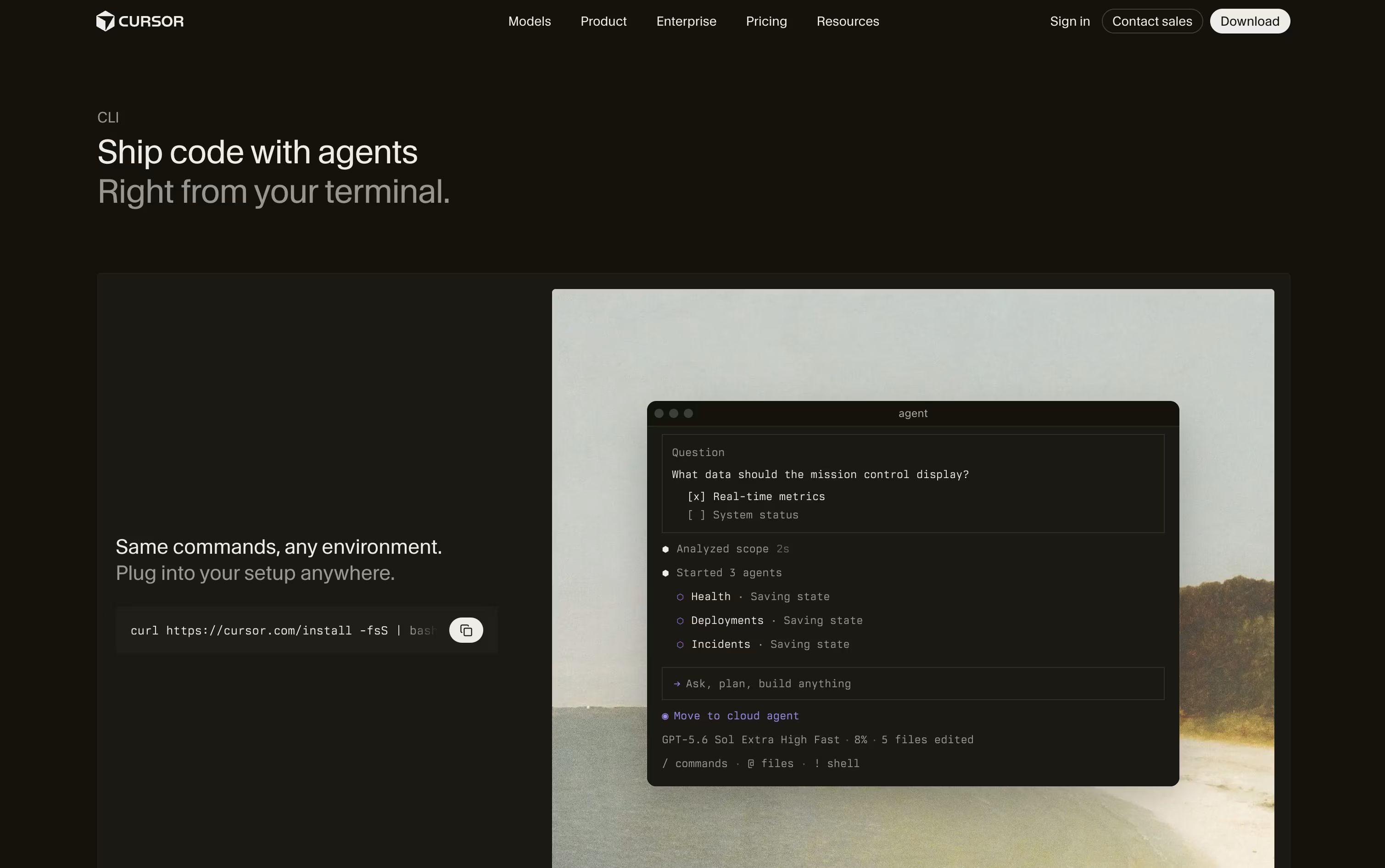
You describe the task, and it reads through your project, works out a plan, edits the files, and runs commands once you approve them.
It uses the same models, rules, and MCP tool connections as the Cursor editor, so nothing changes whether you code in VS Code, JetBrains, Neovim, or with no editor at all.
The Hobby tier is free with limited agent requests, just to get a feel for it. Pro costs $20 a month for extended limits and access to frontier models, Pro+ is $60 a month with three times those limits, and Ultra is $200 a month with twenty times the limits plus early access to new features.
Teams pay $40 per user a month on Standard or $120 per user a month on Premium, both bringing shared context, usage analytics, and single sign on, while Enterprise pricing is custom with pooled usage and audit logs.
Since it can also run without any prompts at all, it fits neatly into GitHub Actions and other CI pipelines for automatic reviews and fixes.

Think of OpenCode as an AI teammate that lives in your terminal, desktop, code editor, or browser. Instead of just autocompleting lines, it reads your codebase, plans out a fix or feature, and then does the work itself using file editing, search, and shell tools.
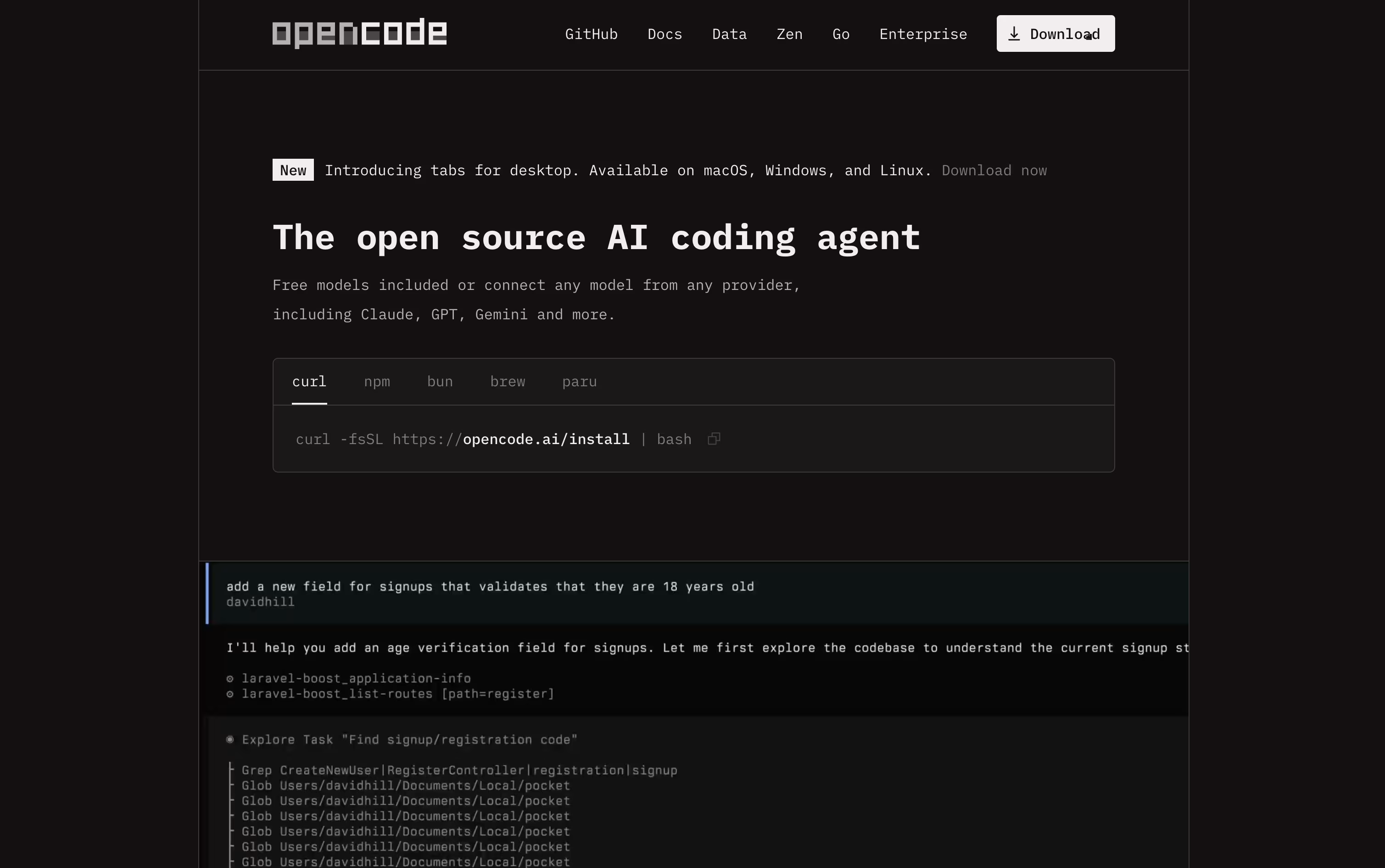
It is completely free and open source under the MIT license, and it never stores your code or project data, which makes it a good fit for developers and teams that care about privacy.
You can connect it to over seventy five AI providers, from paid services like OpenAI and Anthropic to free local models such as Ollama, so there is a setup for every budget.
If you want reliable access to strong open source coding models without managing your own API keys, the OpenCode Go plan is available for $5 in the first month, then $10 a month afterward, with no contract and easy cancellation.
Go includes generous request limits across models like Kimi K3, GLM-5.2, Qwen3.7 Max, and DeepSeek V4 Pro, refreshed on a rolling five hour basis, with extra credit available if you ever need more.
Codex is an AI agent from OpenAI made to take on actual coding tasks, from planning a feature to writing, testing, and fixing the code itself. You describe what you need, and it works through your project on its own.
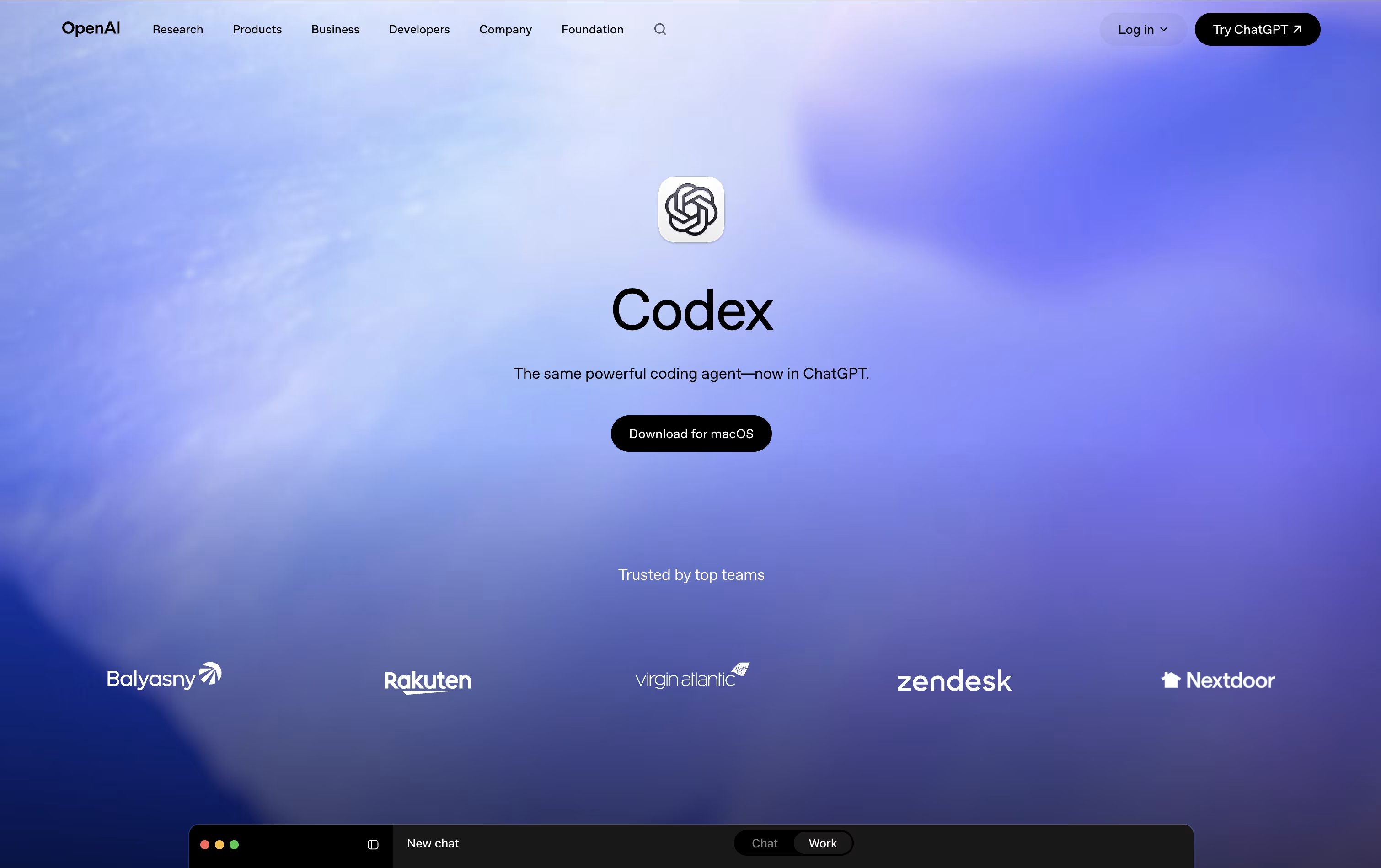
All the work happens in a separate, isolated copy of your project, so your main files stay untouched until you review and approve the changes.
Getting started costs nothing, with limited Codex access included in the Free ChatGPT plan. The Go plan is $8 a month, Plus is $20 a month and unlocks expanded Codex usage, and Pro starts at $100 a month for the most Codex tasks and strongest models.
For companies, Business runs $20 per user a month when billed yearly, or $25 monthly, and adds shared tool connections and admin controls. Enterprise is custom priced with extra security and support.
Codex has also expanded past pure coding, with skills and plugins that let marketers, analysts, and designers use it for everyday work too.

If you're used to switching between an editor, a terminal, and separate AI tools, Devin Desktop puts all of that in one place. Made by Cognition AI and previously called Windsurf, it centers around an Agent Command Center that shows every agent you're running, whether local or in the cloud.
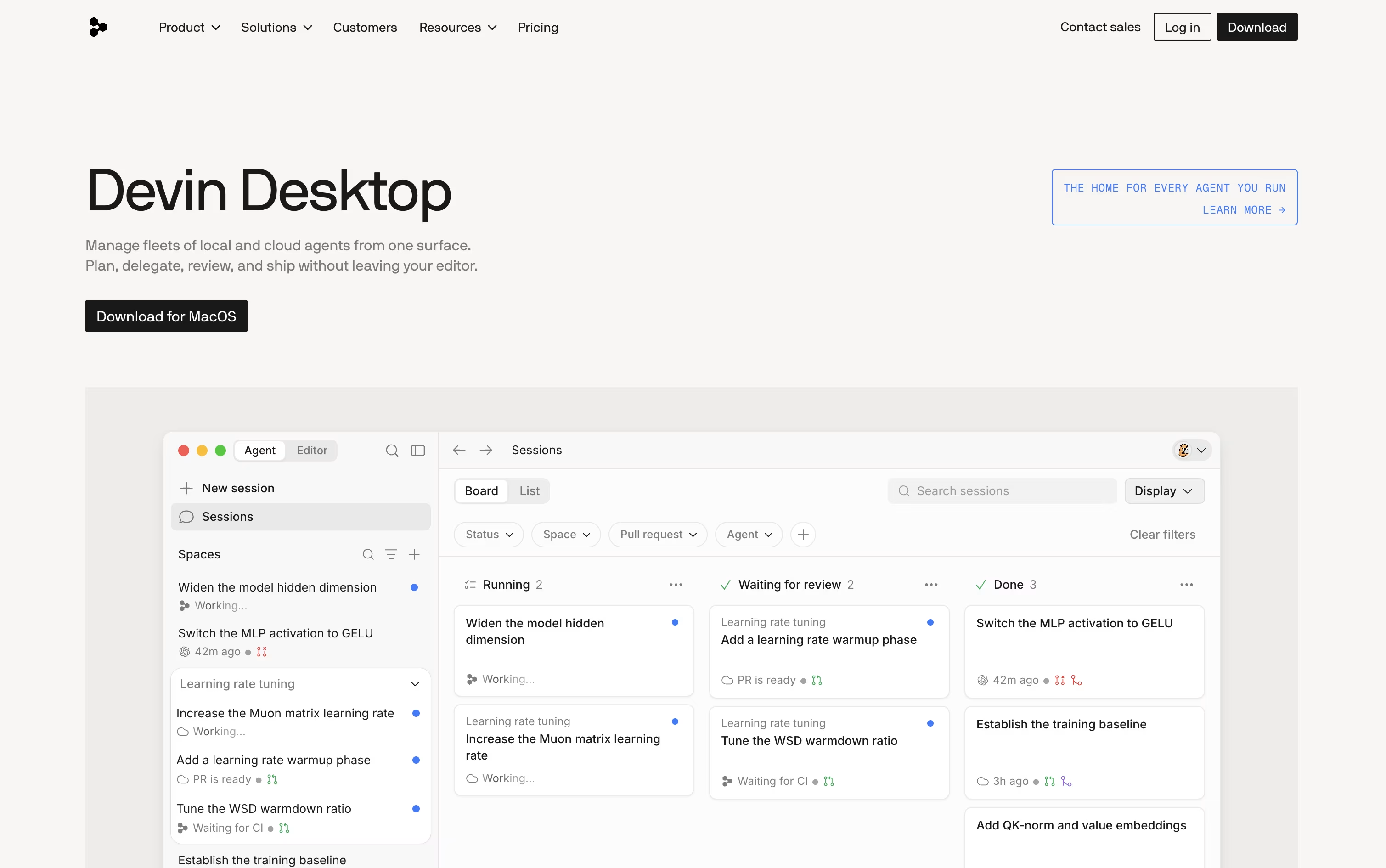
It still functions as a full IDE, so debugging, Git, extensions, and an integrated terminal are all available whenever you want to work by hand.
Because it supports the open Agent Client Protocol, other agents such as Codex and Claude Agent can run right alongside Devin's own agents, all sharing project context through Spaces so nothing needs to be re-explained.
The Free plan gives you a light quota to try things out, along with unlimited inline edits and Tab completions at no cost.
Moving up, Pro costs $20 a month for higher quotas and frontier models, and Max costs $200 a month for teams that need significantly more capacity.
Teams start at $80 a month plus $40 per seat, and Enterprise adds custom pricing, SSO, and private cloud deployment for larger organizations.

Zed is a code editor built to move as fast as you think. Written in Rust with a custom graphics engine, it keeps typing, scrolling, and searching smooth even on large codebases.
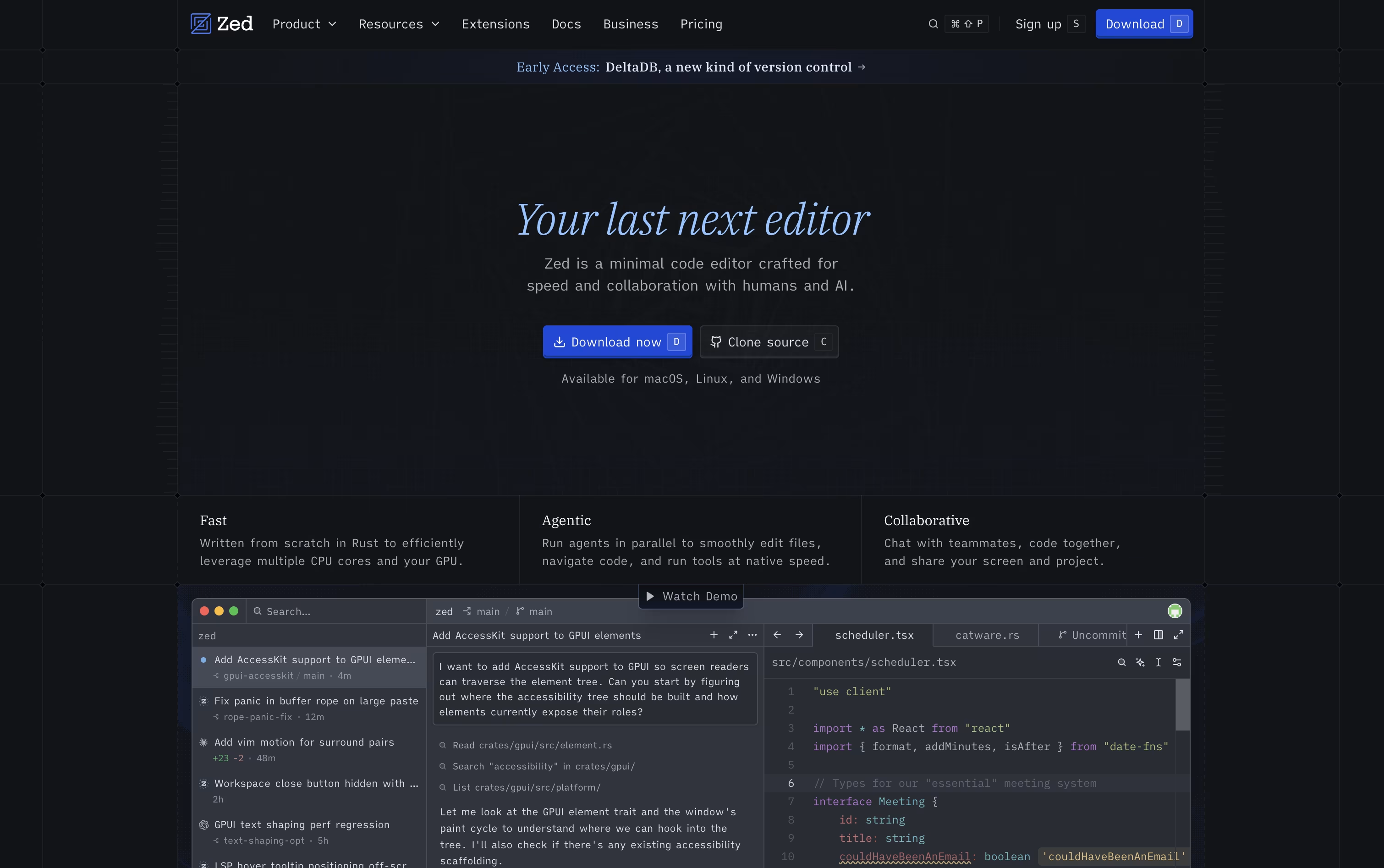
It also supports real-time collaboration, letting teammates see each other's cursors and edits live, and it comes with built-in AI agents that can search, edit, and fix code across a project from a simple written request.
The Personal plan is free forever, offering 2,000 accepted edit predictions and unlimited use with your own API keys or outside agents such as Claude Agent and Codex.
Stepping up to Pro costs $10 a month and unlocks unlimited edit predictions plus $5 of built-in AI usage, with any extra usage billed after that.
Teams needing more control can choose Business at $30 per seat a month, which adds org-wide AI policies, governance, spend visibility, and role-based access.
Amp is built around the idea of threads, which are ongoing conversations between you and the agent. Inside a thread, Amp can read your codebase, make edits, run tests, and carry out full tasks with little hand holding.
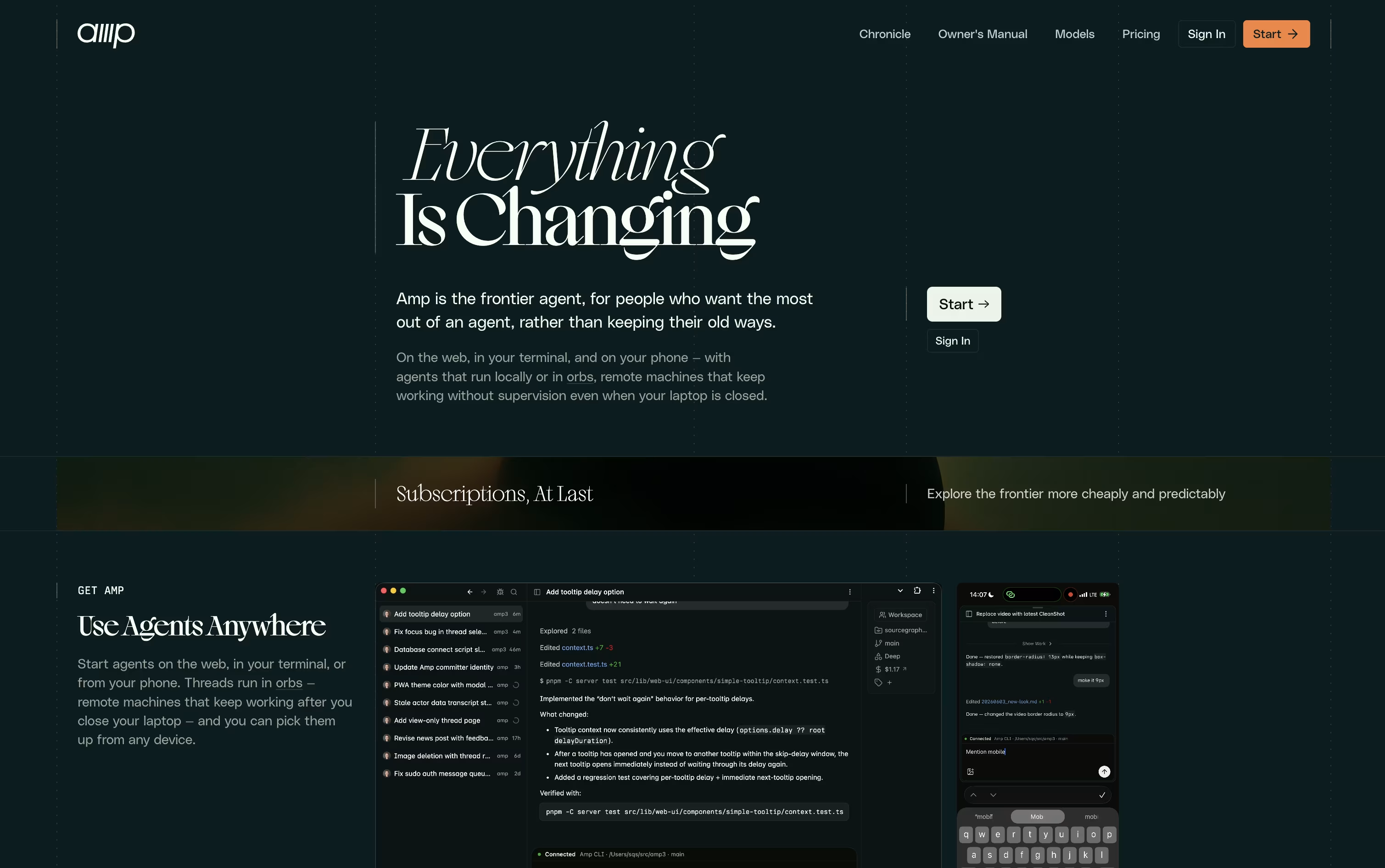
What sets Amp apart is orbs, remote machines that let tasks keep running even when your own computer is turned off. These come pre loaded with common developer tools so work can start right away.
You can choose from several modes depending on how much thinking power a task needs, ranging from quick fixes to deep, complex problem solving. Skills and plugins let you extend what Amp can do even further.
On pricing, the Megawatt plan is $20 a month and covers lighter workloads with orb hours and usage credit. Gigawatt costs $200 a month and adds bigger orbs along with access to every mode. A pay as you go option and a custom priced Enterprise plan round out the choices for larger teams.
Overall, Amp is designed for developers who want an assistant that can work independently and scale with the pace of newer AI models.

Kilo Code is an AI coding agent built to feel the same wherever you use it, whether that is your code editor, a terminal window, the cloud, or your phone, with sessions that carry over between them.
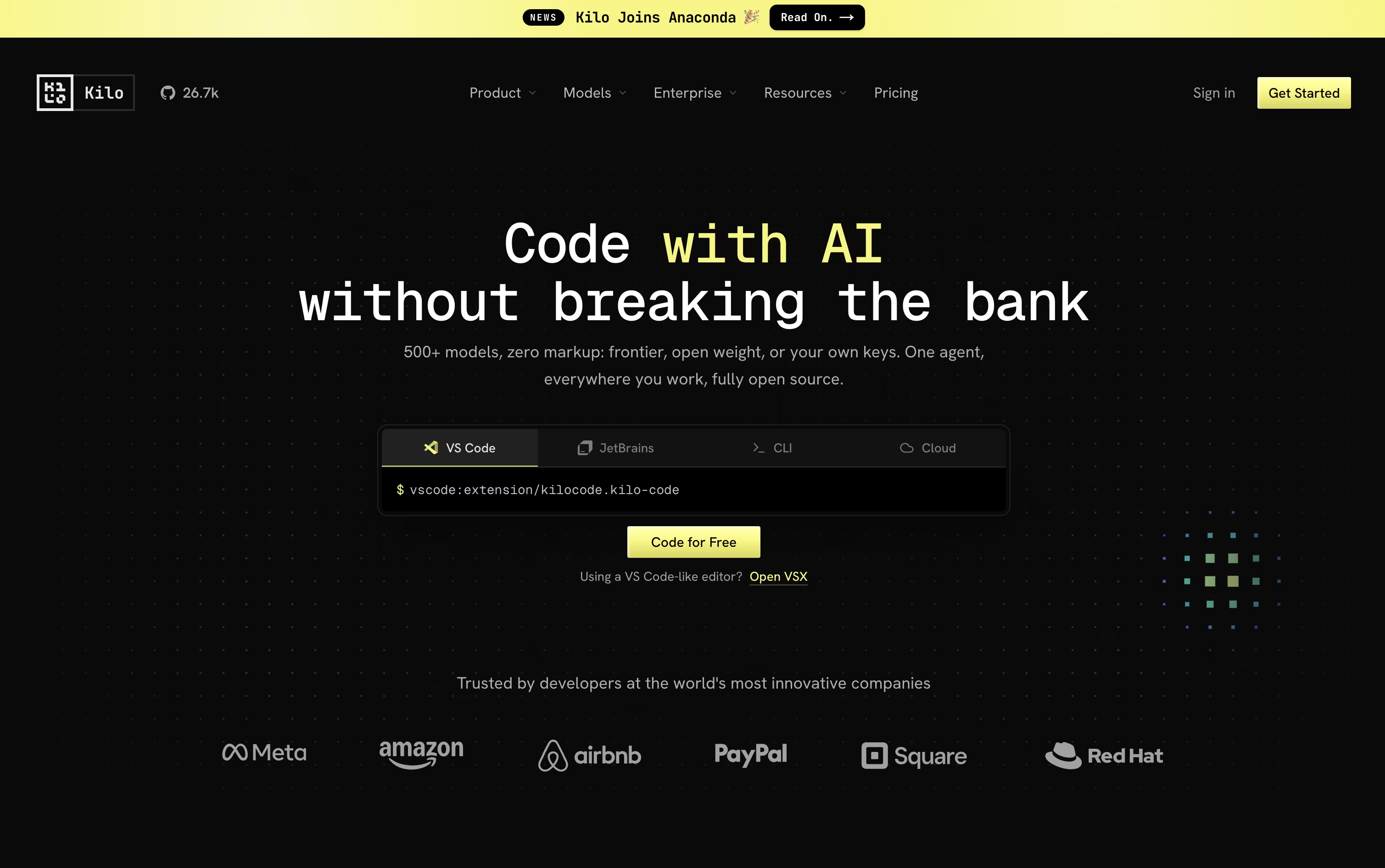
Give it a task in plain language and it breaks the work down, changes code across many files, runs commands, and checks its own results, switching between coding, planning, debugging, and review modes as needed.
Model choice is wide open too, with access to over 500 AI models from more than 60 providers. You can bring your own provider keys or run local models, and Kilo never adds a markup on top of what the provider charges.
Using Kilo Code as an individual is free, and that includes the open source VS Code extension, the JetBrains plugin, and the CLI. You only pay separately for the AI models and cloud compute you actually use.
For groups that want shared billing and usage reporting, the Teams plan is $15 per user each month, and larger companies can request Enterprise pricing that adds SSO, audit logs, and dedicated support.

Instead of a single chat window, Zencoder gives development teams a full agent platform that plans, builds, tests, and reviews code on its own. It works inside popular editors like VS Code and JetBrains, or through the standalone Zenflow desktop app.
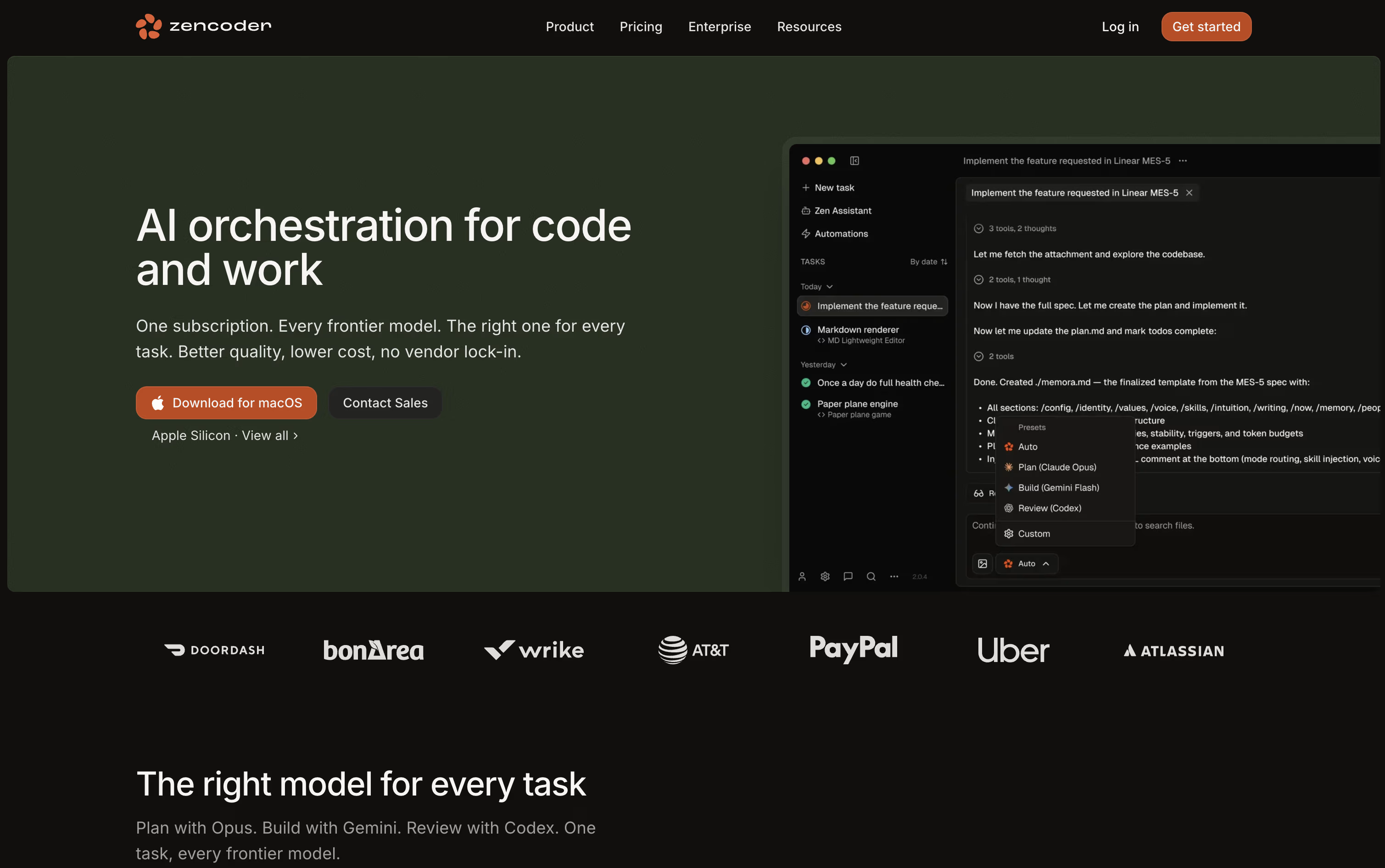
Because it understands your whole codebase, including several repositories at once, the agents write code that actually matches your existing patterns and structure. You can also run many agents together, each working in its own isolated space so changes never collide.
Pricing runs across four tiers. Pro is $45 a month per user, dropping to $40 with yearly billing, and comes with 30,000 credits plus access to OpenAI, Claude, and Gemini. Pro Plus moves to $95 a month, or $85 yearly, and unlocks a shared credit pool along with multi-repository indexing.
Pro Max sits at $195 a month, or $175 yearly, raising the credit limit and adding priority support. Enterprise is priced individually and brings private deployment, unlimited multi-repository indexing, and a dedicated success manager.
Every tier starts with a 7-day trial and 5,000 free credits, giving teams a real chance to test it out first.

ZCode is a free desktop app that puts an AI agent in charge of the coding work rather than just offering suggestions in a sidebar. You describe the outcome you want, and it plans, edits files, runs terminal commands, and reviews its own results until the job is done.
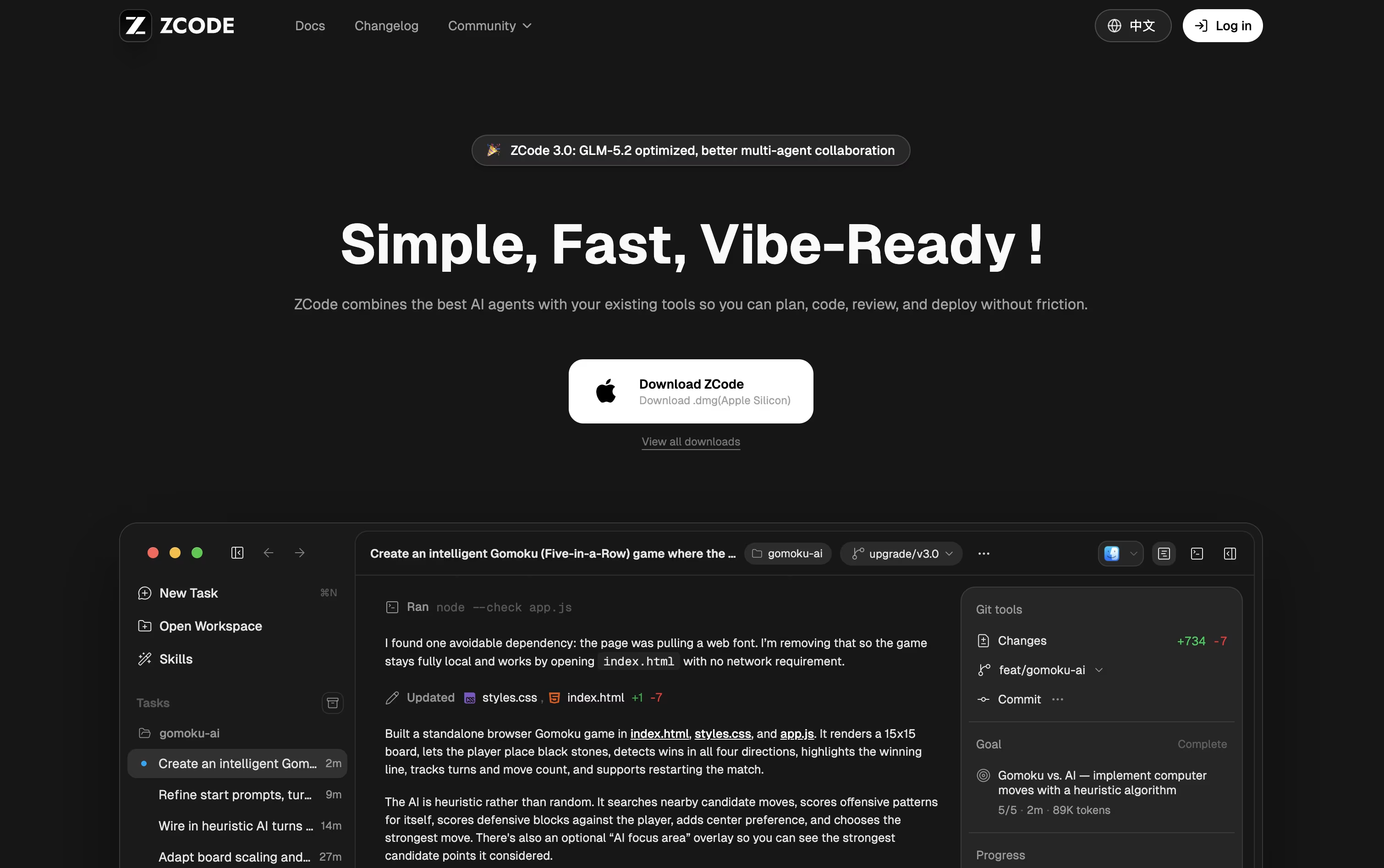
The app is built around the GLM-5.2 model, which can keep a very large amount of context in one task, so it stays on track even on bigger, messier codebases.
Downloading and installing ZCode costs nothing. To actually use an AI model, you need a plan, and pricing starts at $16.20 a month for Lite, rising to $64.80 a month for Pro and $144 a month for Max, each already discounted.
Pro adds five times the usage allowance of Lite along with priority access and a curated set of extra tools, while Max multiplies usage by twenty and adds first access to new models and dedicated resources during peak hours.
Paying yearly brings the cost down by 30% compared to the standard monthly price. On top of that, you can direct a running task from your phone while ZCode keeps working on your computer.

Rather than being its own app, JetBrains AI sits inside the IDEs developers already use, such as IntelliJ IDEA, PyCharm, WebStorm, Android Studio, and ReSharper.
It handles code completion using JetBrains own Mellum model, offers a project aware chat, and brings in coding agents like Junie, Claude Agent, and Codex to plan and carry out multi step changes.
Getting started costs nothing, the Free plan gives 3 AI credits every 30 days along with a 30 day trial of AI Pro.
Moving to AI Pro costs $10 per user a month, or $100 a year, and removes the completion limits while adding 10 AI credits and unlimited Next Edit Suggestions.
Heavier users can pick AI Ultimate at $30 a month for 35 credits, or AI Enterprise at $60 a month, billed yearly, which adds security controls and organization wide management.
Support for local models and your own API keys means teams can balance cost, speed, and privacy however they like.

Qoder is an AI development platform that goes beyond autocomplete, aiming to actually plan, write, test, and fix code the way a developer would. It reads your whole codebase using Enhanced Context Engineering, keeping track of architecture, dependencies, and project history as it works.
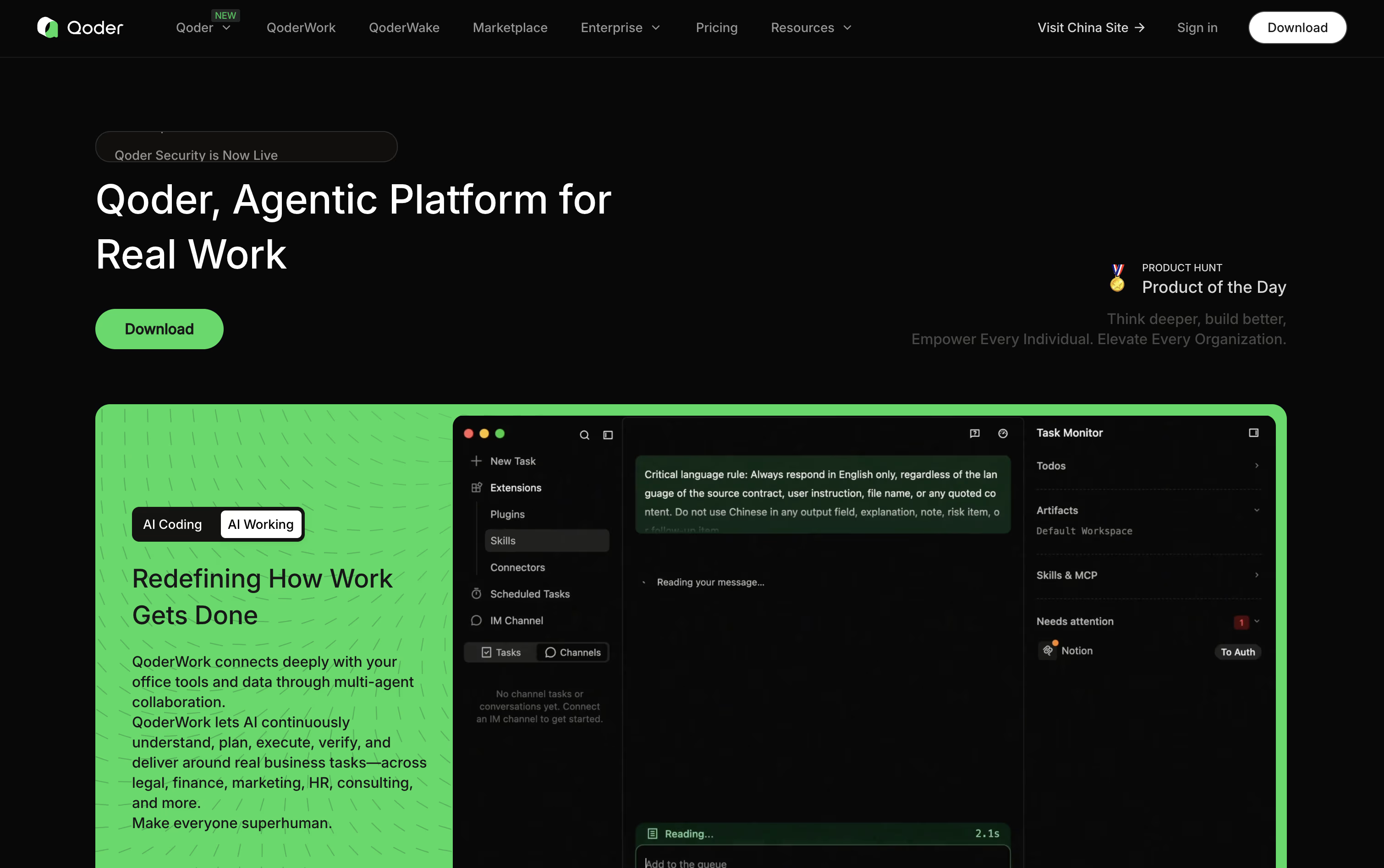
Quest Mode is the standout feature, letting you describe a goal and let Qoder's agents carry it out over long, unattended runs while you check progress on a task board.
Repo Wiki adds another layer, automatically writing and updating documentation so both you and the agents understand how the project fits together.
Pricing starts free with a two week, 300 credit trial. Pro costs $20 a month for 2,000 credits, Pro+ is $60 a month for 6,000 credits, and Ultra runs $200 a month for 20,000 credits.
For companies, Teams costs $40 per seat a month and Enterprise costs $20 per seat with credits bought separately, plus features like SSO and audit logs.
A CLI, JetBrains plugin, mobile app, and cloud agents round out the toolkit for teams working at scale.

What used to be just a terminal has turned into a complete workspace for coding with AI agents. Warp is fast, built on Rust, and designed to feel modern from the first launch.
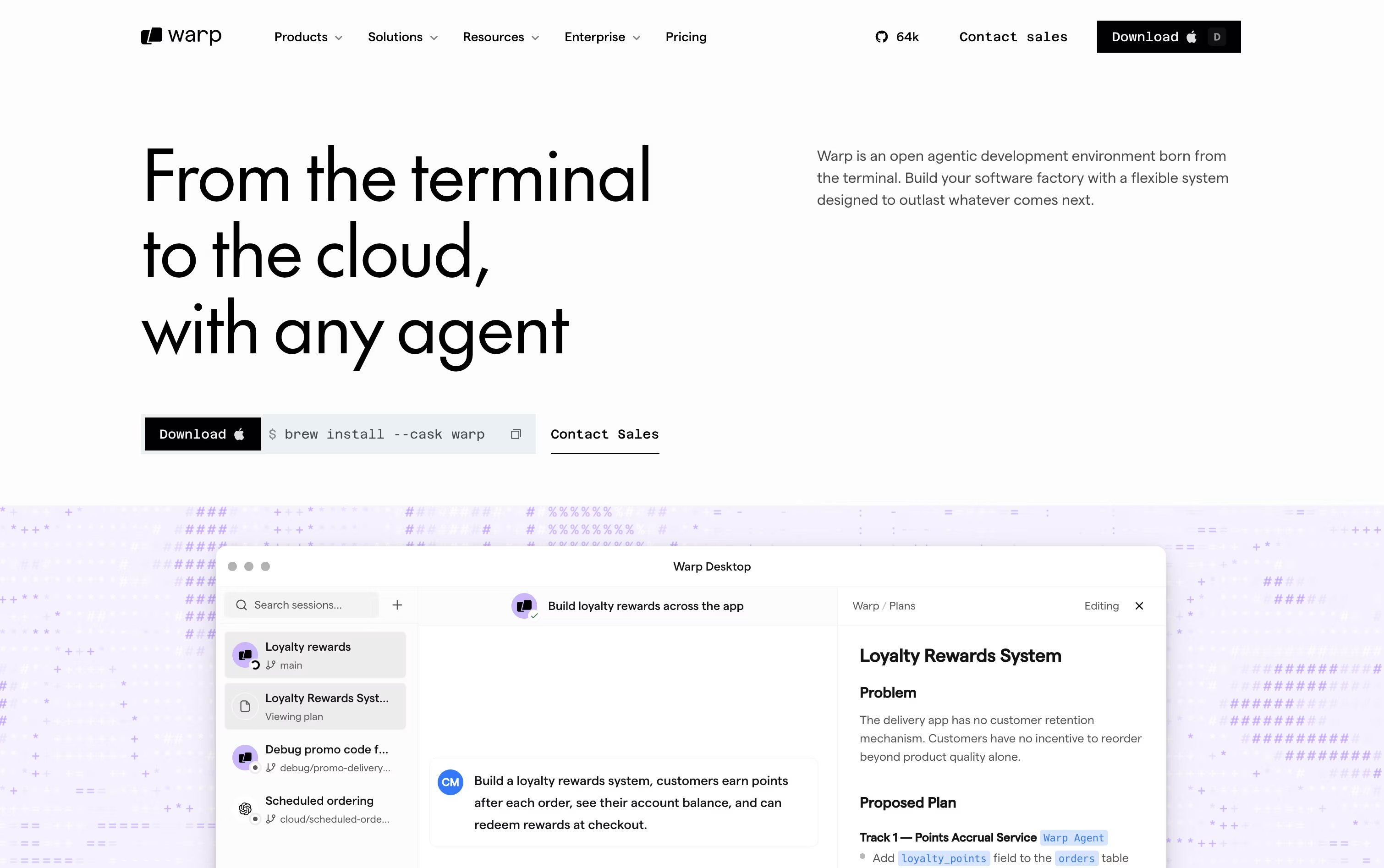
You get a block-based layout that groups commands and their output together, along with a built-in Warp Agent for writing, planning, and fixing code. Other agents such as Claude Code, Codex, and Gemini CLI can run right alongside it.
Oz handles the orchestration side, moving agents between your machine and the cloud whenever you need more power. Warp Drive stores workflows, notebooks, and shared knowledge so your whole team stays on the same page.
Getting started costs nothing on the Free plan, though cloud agent access stays limited. Build opens things up at $20 a month with 1,500 credits and full agent access.
Teams with heavier needs can move to Max at $200 a month, or Business at $50 per seat a month for shared controls and SSO.
Larger companies can talk to sales about Enterprise, which adds self-hosted agents and dedicated support. The whole client is open source and runs across macOS, Linux, and Windows.

Think of GitHub Copilot as a coding partner that sits inside your editor, terminal, and even GitHub.com. It offers code suggestions as you type and a chat panel for asking questions or fixing errors.
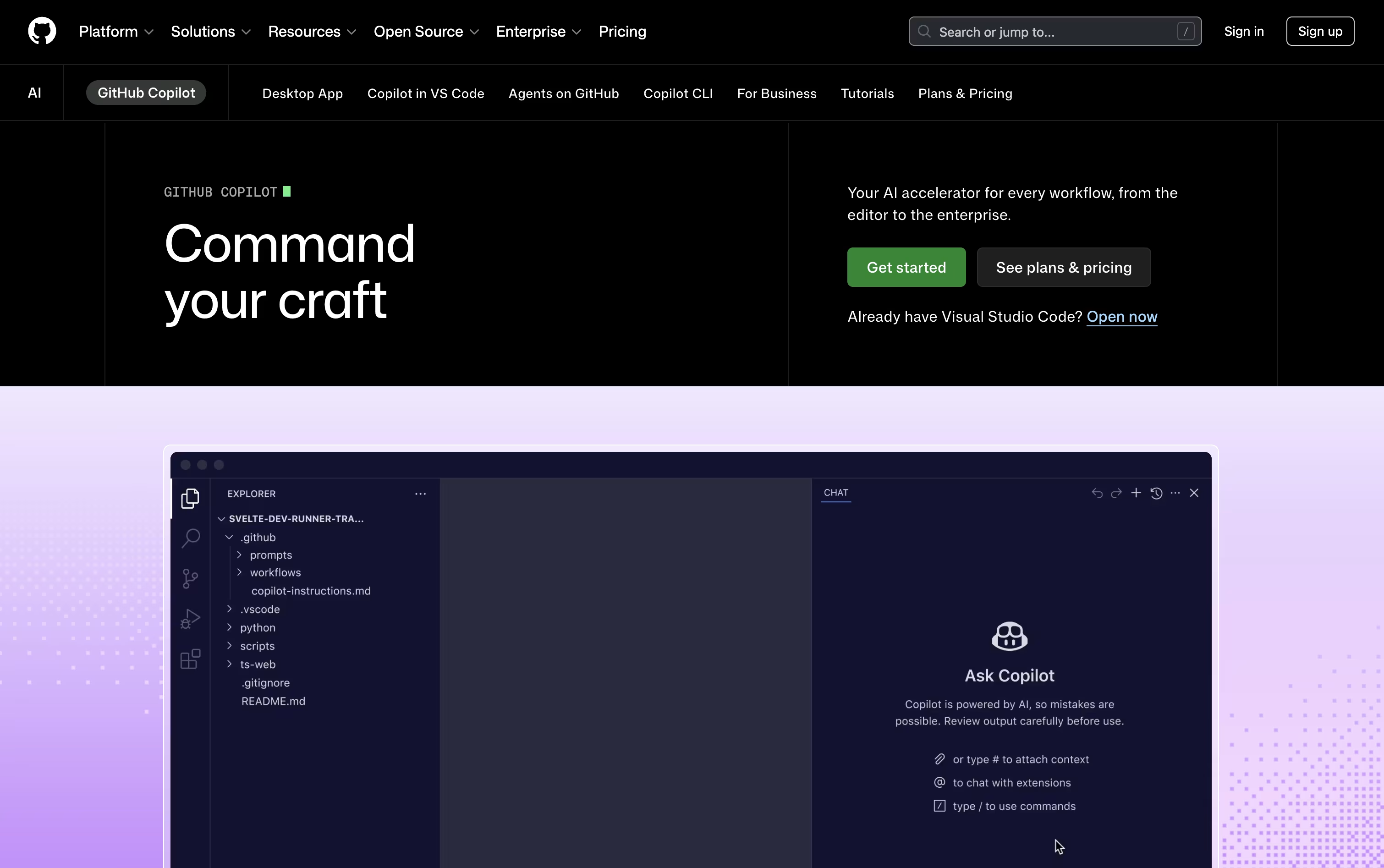
Its agent mode goes further, planning and editing across several files at once, while the cloud agent can take on an entire task, write the code, test it, and raise a pull request for review.
Getting started costs nothing. The free plan includes 2,000 completions each month, a couple of AI models, and access to the Copilot CLI, all without a credit card.
Stepping up to Pro at $10 a month removes the completion limit and adds the cloud agent, code review, and $15 worth of monthly AI credits, plus support for outside agents like Claude Code and OpenAI Codex.
Heavier users can pick Pro+ at $39 a month for premium models like Opus, or Max at $100 a month for priority access to new models and the biggest credit pool.
Organizations get Business at $19 per user a month or Enterprise at $39 per user a month, both offering shared credits and stronger admin controls.

Kiro is an AWS-built tool that pairs AI agents with a more structured way of writing code. Rather than turning a single prompt into code right away, it writes out a plan first, called a spec, that covers what needs to be built, how it should be designed, and the tasks needed to get there.
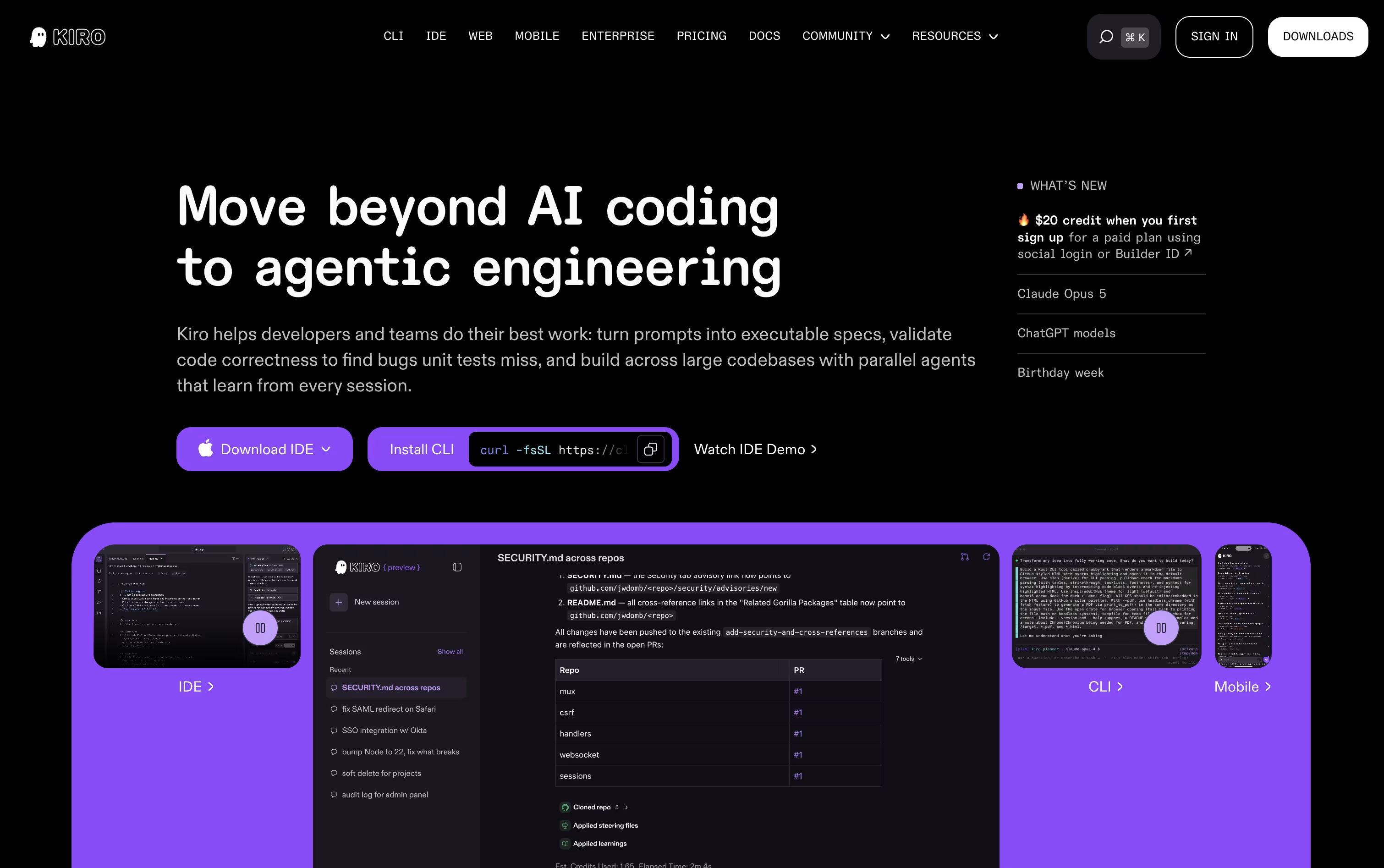
Once the plan is ready, AI agents pick up the tasks, write the code, and run checks that go beyond simple tests to confirm the work matches what was actually asked for.
There is also a lighter chat mode for quick questions, plus an Autopilot mode that can carry a task through from start to finish with little input from you.
Getting started costs nothing. The Free plan includes 50 credits along with open-weight models and Claude Sonnet 4.5. Paid plans move from $20 up to $200 per user a month, adding more credits and access to premium models.
Team plans bring in single sign-on, usage reports, and one combined bill, and an Enterprise option is available with custom pricing and added security and admin controls.
Kiro runs on Amazon Bedrock and follows AWS standards, making it a fit for solo coders, teams, and larger companies alike.

Augment Code focuses on one main problem: helping AI tools truly understand large, messy, real world codebases instead of only small pieces of code. It does this through the Context Engine, which continuously indexes your code, its history, and the relationships between different parts of the system.
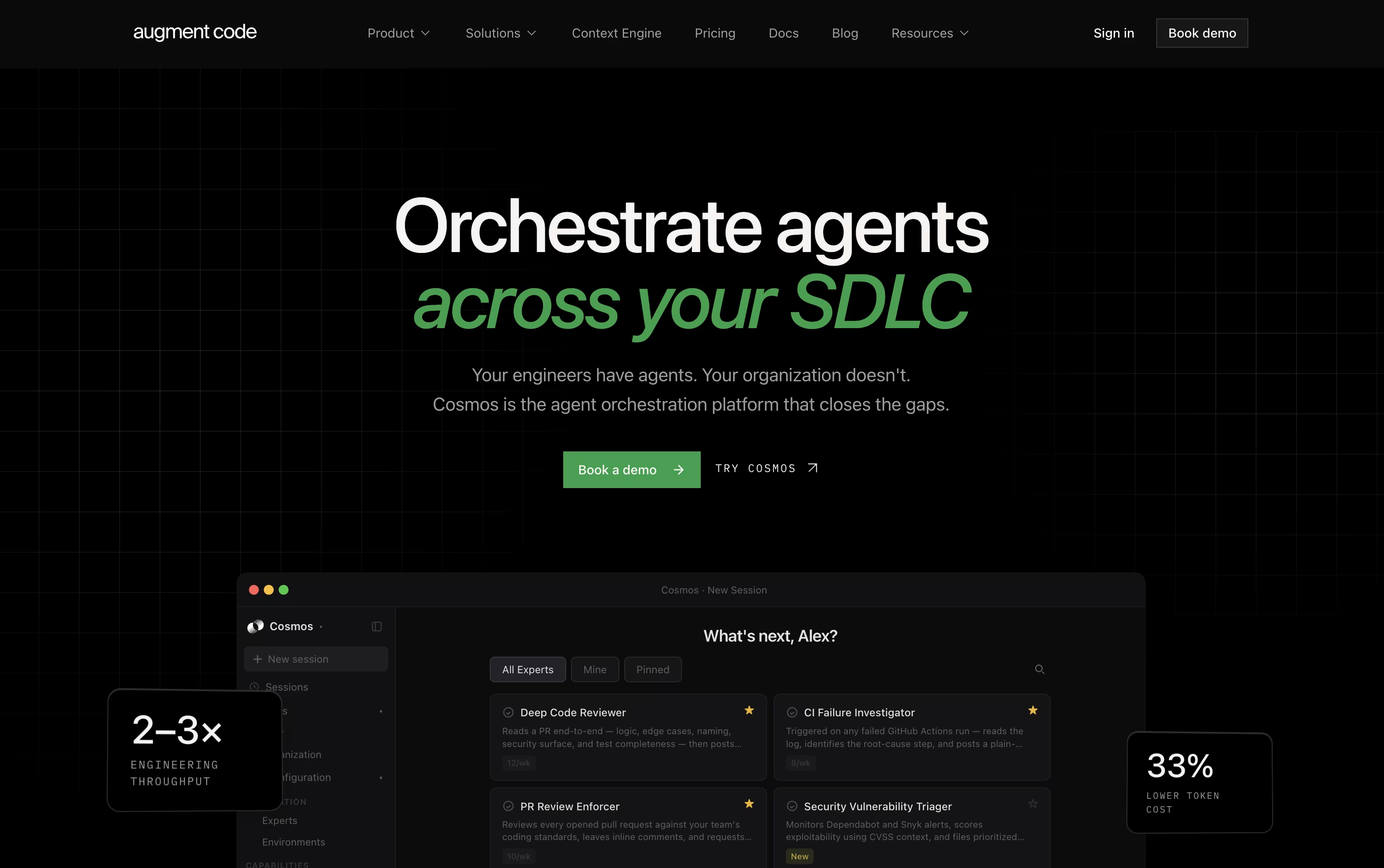
Teams use Cosmos, the platform's main workspace, to set up AI agents that handle everyday engineering tasks such as reviewing code changes, checking failed tests, fixing security alerts, and keeping dependencies current. These agents can work on their own or bring in a human when a decision needs judgment.
For developers who like working in the terminal, the Auggie CLI brings the same understanding of your codebase into day to day command line work.
On pricing, the Business plan is $100 a month for up to 50 users, including $100 of usage each month with the option to add more as needed.
Enterprise customers get custom pricing along with stronger security, compliance features, and dedicated support.
In short, it is designed for teams that want their AI agents to actually know the codebase they are working in.
Trae is a coding IDE and work assistant from ByteDance that does more than suggest lines of code. It plans out a task, edits files across your whole project, runs tests, and fixes problems along the way.
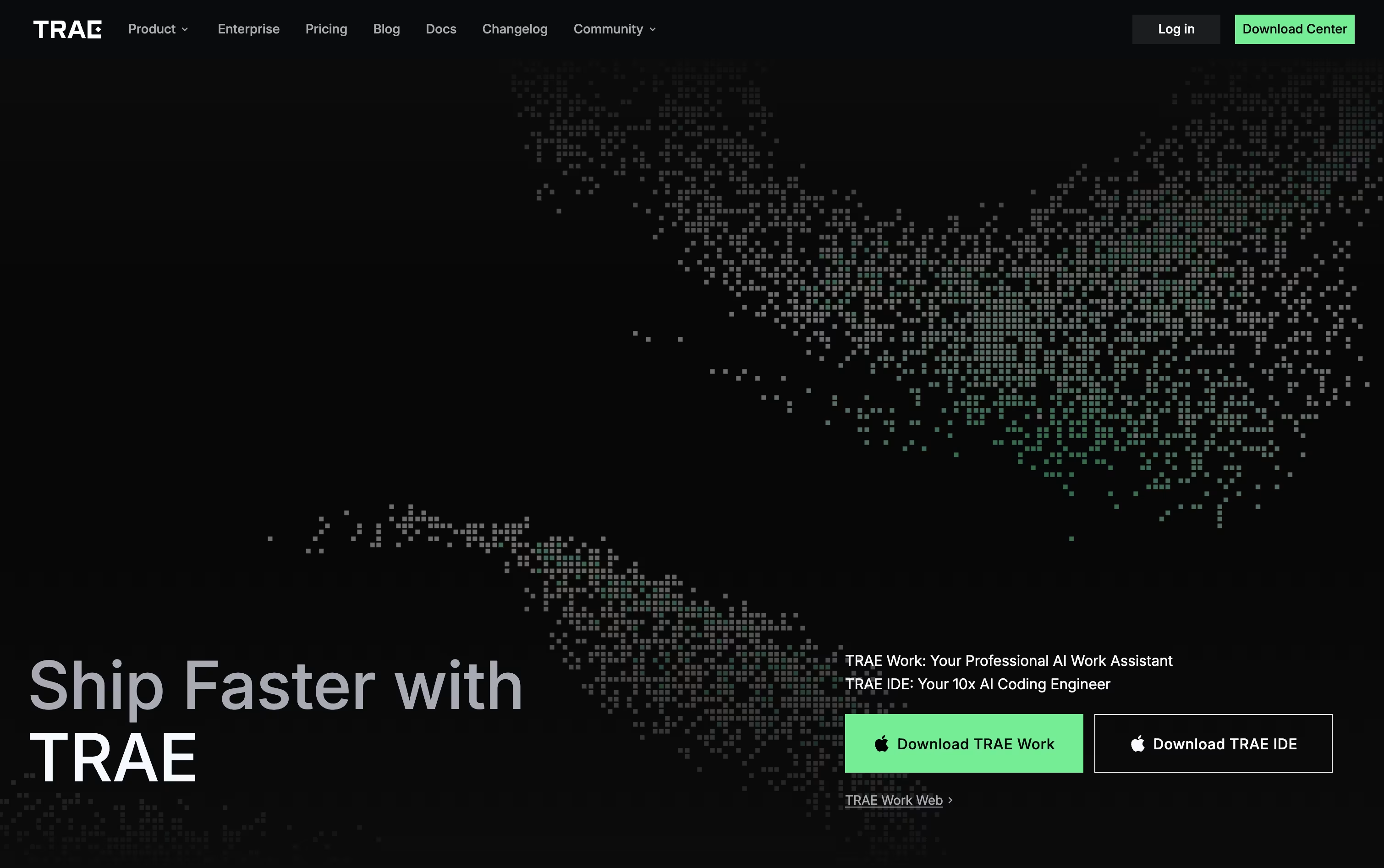
You describe what you need in plain language, by voice, or with a screenshot, and Trae turns that into a set of steps it carries out for you. A built in terminal and preview browser let you see results right inside the app.
Beyond coding, Trae Work covers everyday office tasks like research and report writing, and it works across desktop, web, and mobile, so a task started on your phone can be finished later at your desk.
Pricing starts with a Free plan that includes limited monthly usage. Paid plans move up from Lite at $3 a month, to Pro at $10 a month with a 7 day trial, Pro+ at $30 a month, and Ultra at $100 a month with early model access. Choosing yearly billing cuts 25 percent off any paid plan.
Teams needing more can reach out to BytePlus for custom enterprise pricing and extra security options.

Think of Cline as a coding partner that lives right inside your editor. It looks through your codebase, works out how the files connect, and takes on tasks you describe in plain English, whether that means fixing a bug or building out a new feature.
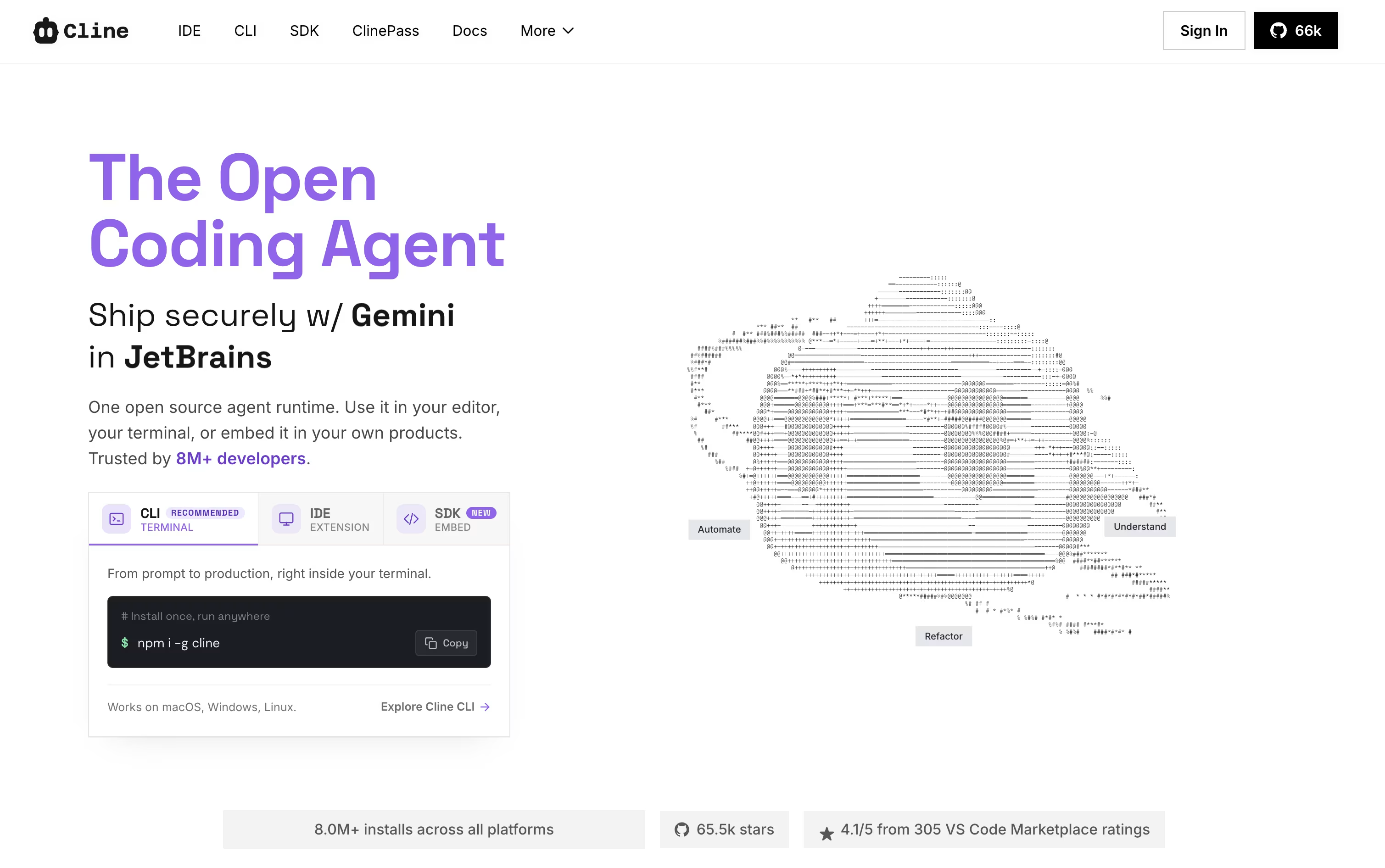
Two modes shape how it works. Plan mode looks around the project and lays out an approach first, while Act mode does the actual work, one step at a time, with your approval built in unless you switch on auto-approve.
It is not limited to editing files either. Cline can run terminal commands, open a browser to check how a web page behaves, and link up with outside tools and services through MCP. Every change comes with a checkpoint, so undoing something is simple.
Using the open-source edition costs nothing beyond what you spend on your own AI provider, whether that is OpenAI, Anthropic, Google, or others. If you would rather skip managing API keys, ClinePass is available for $4.99 in the first month and $9.99 a month after that, bundling in a set of open-weight models.
Larger teams can move to the Enterprise plan instead, which brings single sign-on, centralized billing, access controls, audit logs, and dedicated support, all priced individually by contacting sales.

Many people start using Claude simply to chat, but it quickly turns into a tool for writing, coding, and research as well. It runs on the web, desktop, and mobile apps, and it remembers earlier conversations through memory and projects.
Claude can pull in current information from the web, write and debug code, read through files, and put together documents or spreadsheets for you. For bigger jobs, Claude Code lets developers work directly inside coding projects, while Claude Cowork handles multi step tasks outside of coding, like research or reports.
It also links up with tools like Slack, Google Workspace, and Microsoft 365, so it can pull in context from where you already work.
Getting started costs nothing, the free plan includes chat, search, and basic file tools. Moving to Pro at $20 a month opens up Claude Code, Claude Cowork, and unlimited projects, and Max plans starting at $100 a month raise the usage limits even further.
Businesses can pick team seats priced per person, or move up to Claude Enterprise for custom pricing with added security and compliance features.
Whether it is a quick question or a longer project, Claude adjusts to handle both.
MiniMax builds its own AI models and packages them into a family of products built for everyday work and creative projects.
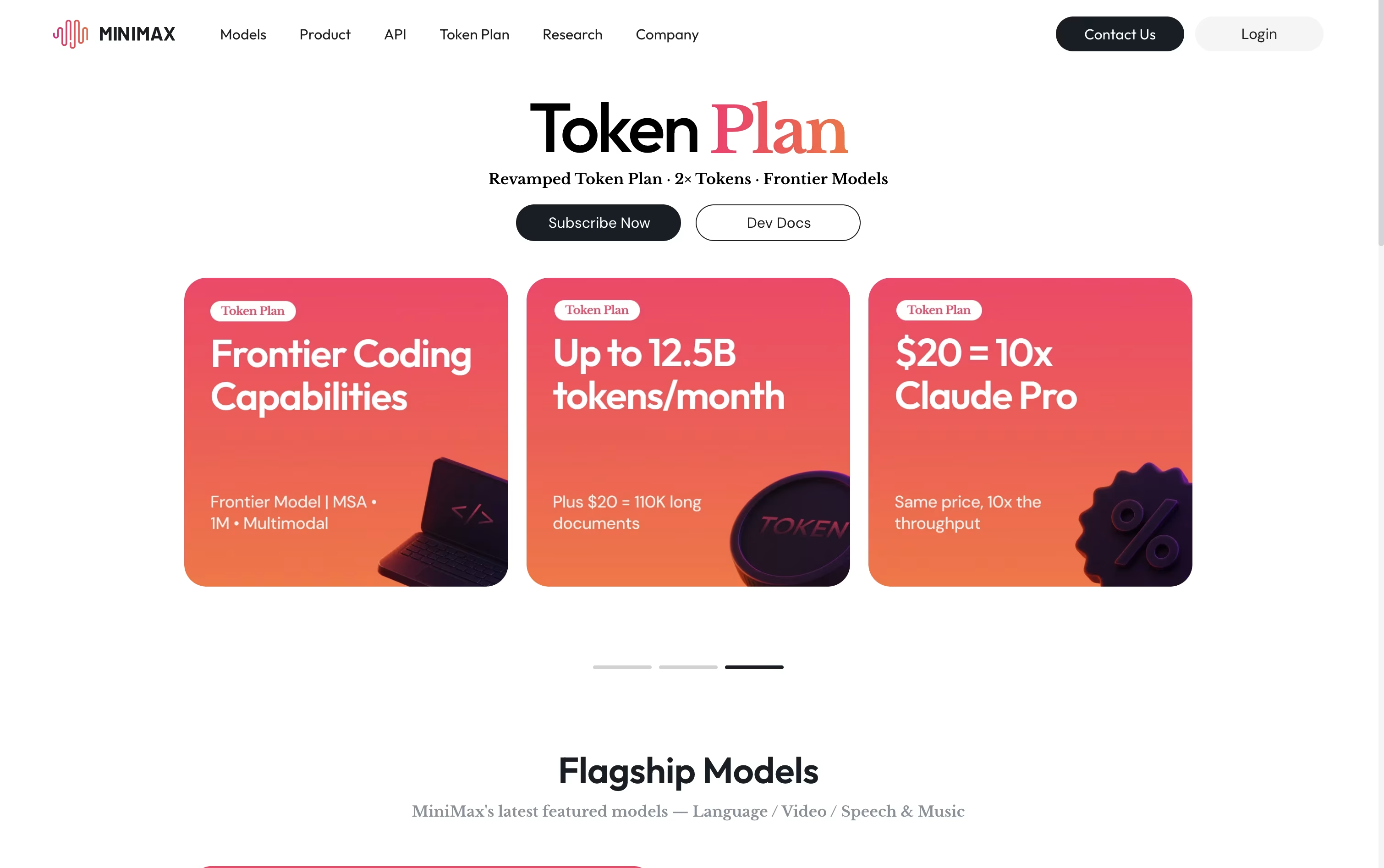
Its flagship, MiniMax Agent, plans out tasks step by step and carries them through, whether that means digging into research, writing and debugging code, building a working app, or putting together a presentation.
Other tools round out the lineup: MiniMax Hub for turning a brief into finished video and social content, MiniMax Audio for cloning voices and composing music, Hailuo for generating video from text or images, and Talkie for chatting with custom AI personas.
On the pricing side, Plus starts at $20 a month, Max sits at $50, and Ultra tops out at $120, with each tier unlocking more monthly tokens, more agents working at once, and added video generation, plus two free months if paid yearly.
Smaller credit packs begin at $5, and larger teams can move to per seat billing with shared usage management.
Behind all of it sits M3, MiniMax's newest model, which understands text, images, and video together and can work through documents up to 1 million tokens long.

Voibe swaps your keyboard for your voice on Mac and Windows. Hold a hotkey, speak normally, and the app inserts clear, properly punctuated text directly into whatever app you are using, from code editors to email.
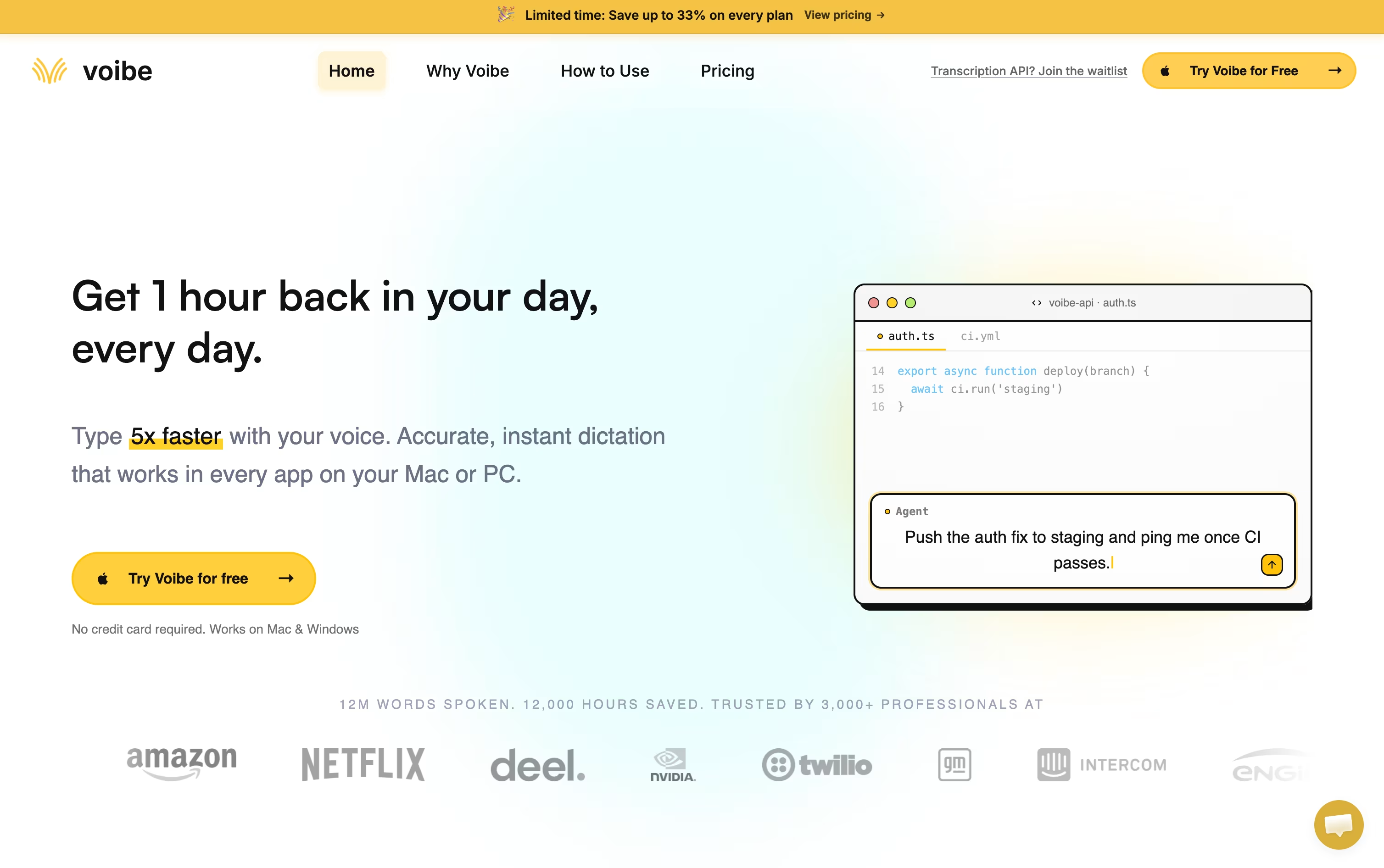
Behind the scenes it uses open source Whisper based models, not proprietary big tech AI, and never stores or trains on your audio. Apple Silicon Macs can run the whole thing offline, while Windows relies on a zero retention cloud path.
Developers get a Developer Mode that scans the local workspace so spoken file names and variables resolve correctly inside Cursor, VS Code, and Windsurf, which is a big help for AI coding workflows.
On price, professionals can pick monthly at $7.50, annual at $59 with four months free, or a one time lifetime purchase at $149. Teams of three or more save around 20 percent, larger teams of ten or more can request custom terms, and every plan starts with a free trial and a 30 day refund guarantee.

Instead of typing, Aqua Voice lets you talk. Hold a key in any app, speak naturally, and your words appear as neat, formatted text within moments, ready for code editors, emails, or chat apps.
The tool is powered by Avalon, a speech model trained specifically on how people talk to computers and AI assistants, so it recognizes coding terms and technical names more reliably than typical dictation software.
Anyone can start for free with the Starter plan and 1,000 words. Moving to Pro costs $10 a month, or $8 a month if billed yearly, and removes the word limit while adding custom instructions.
The Max plan is $30 a month, or $24 a month yearly, and brings realtime streaming plus spoken commands like sending a message. Teams pay $15 per user monthly, or $12 yearly, with one shared bill.
Enterprise customers get custom pricing along with single sign-on, zero data retention, and detailed reporting for larger organizations.
A 70% student discount applies to Pro and Max, and all plans allow cancelling at any time.

Behind Z AI sits a family of language models called GLM, made by a Chinese AI company. The chat platform lets you ask for help with writing, coding, research, or quick design work like slides and posters.
If you need something heavier for coding, ZCode is a desktop agent that takes a goal, plans the steps, writes the code, tests it, and fixes problems along the way, with a terminal and live preview right inside it.
For everyday automation outside of coding, AutoClaw runs locally and comes with over 50 built in skills for handling documents, browsing, and messaging app tasks.
There is also an API for developers, built to work the same way OpenAI's does, so it drops into tools like Claude Code and Cursor without much extra setup. A number of GLM models are open source too, so running them on your own machine is an option.
On pricing, the coding plans start at Lite for $16.20 a month, move up to Pro at $64.80 a month, and top out at Max for $144 a month, with paying yearly cutting the cost by 30 percent.
A 1 million token context window means it can keep track of long projects without forgetting earlier details.
Think of Qwen as an all in one AI helper from Alibaba Cloud, built for chatting, coding, and creative work in a single app.
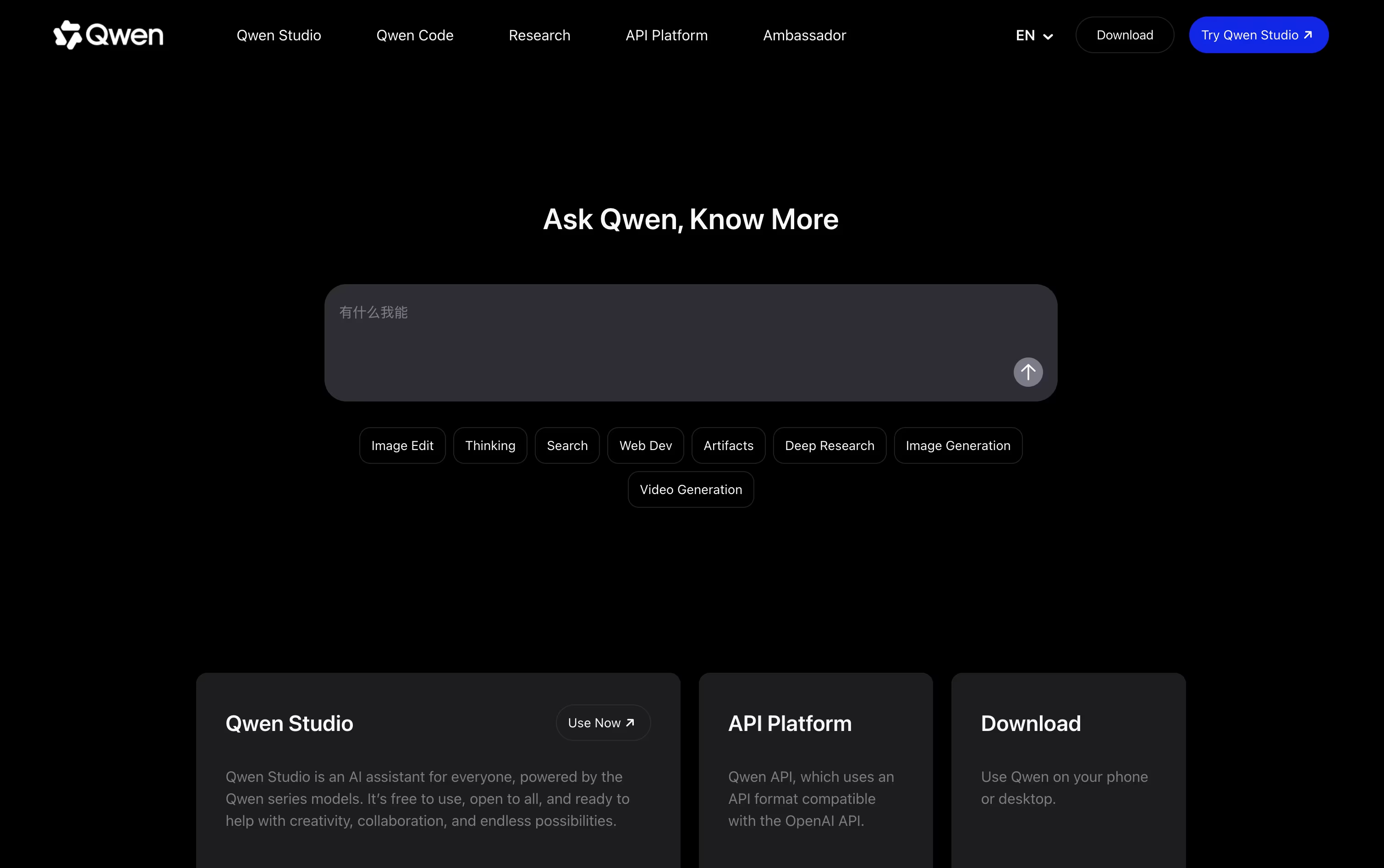
It can read and combine text, pictures, audio, and video in the same conversation, so a screenshot or a short clip becomes part of the discussion.
On top of everyday chat, it writes and generates images, turns text into video clips, runs deep research and returns a written report, and can put together a working webpage straight from a description.
For tougher questions it can switch into a thinking mode that lays out its reasoning step by step, which helps with math, science, and coding problems.
The core chat experience, Qwen Studio, costs nothing and runs on the web, phone apps, and desktop apps for Mac and Windows.
People who want more power can pick a paid Token Plan tier, from $6 a month up to $68 a month, or a team seat priced between $20 and $200 a month, each adding more credits and the ability to run several AI agents side by side.

DeepSeek is a Chinese AI company that has built a name for itself with efficient, high performing chat and reasoning models. Its web app and mobile app are both free to use for everyday questions, writing help, and coding support.
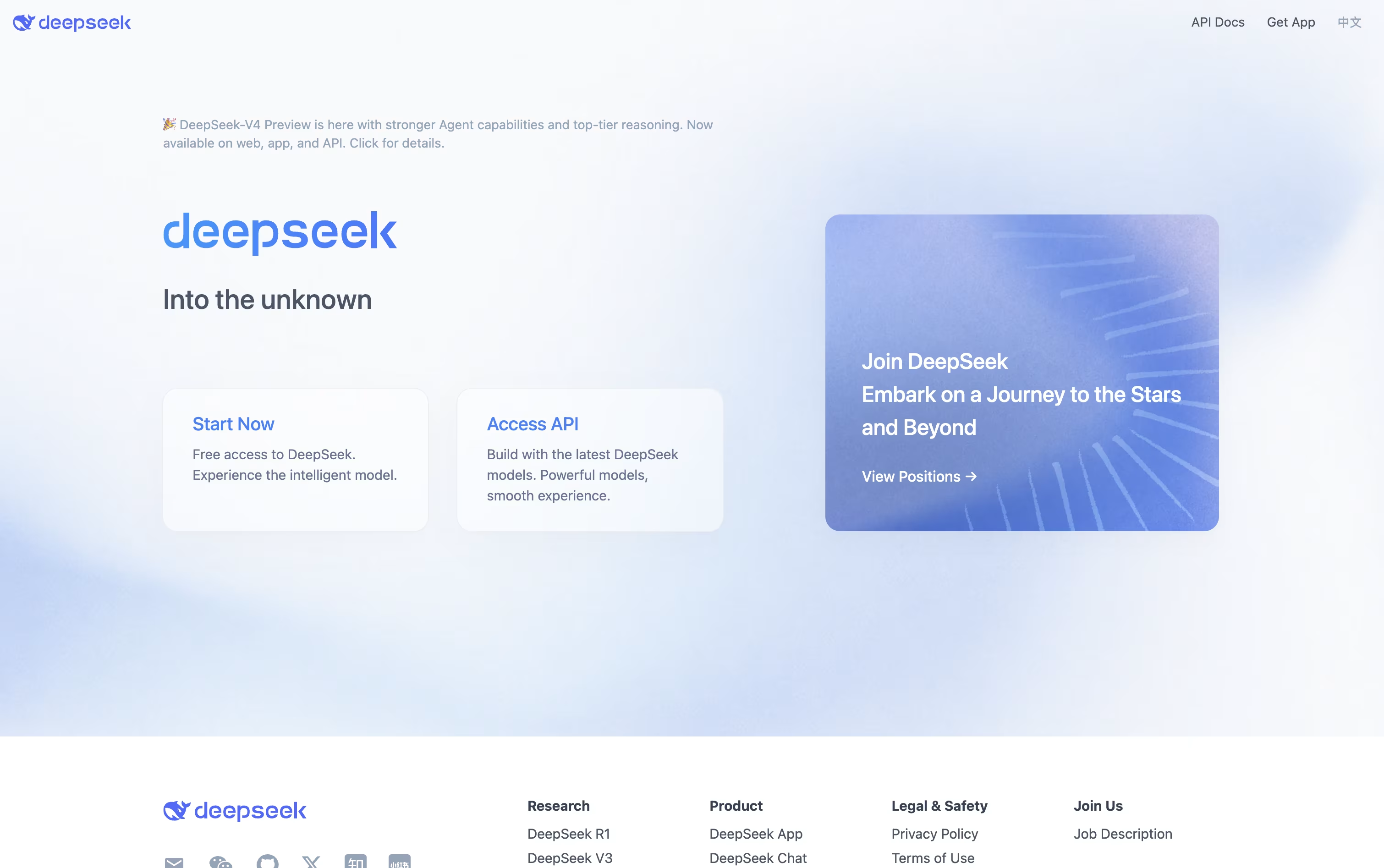
A key part of DeepSeek is its thinking mode, which lets the assistant slow down and reason through a problem step by step. This helps it perform well on math, coding, and logic heavy tasks.
Free users can upload documents such as PDF, Word, PowerPoint, and Excel files, and the assistant will read them and answer questions based on the content.
Developers who want to build with DeepSeek can use its API, which follows the same format as OpenAI and Anthropic, making it simple to switch over. Pricing is based on usage, with rates as low as $0.0028 per 1 million tokens on a cache hit and up to $0.87 per 1 million output tokens for the stronger V4-Pro model.
On top of this, DeepSeek publishes its model weights on GitHub and Hugging Face for anyone to download and run on their own systems.

Mistral AI is a French company focused on building practical AI tools for people and organizations. Its flagship product, Vibe, acts as an AI agent that can chat, research, write, and code, and it's available across web, mobile, CLI, and IDE.
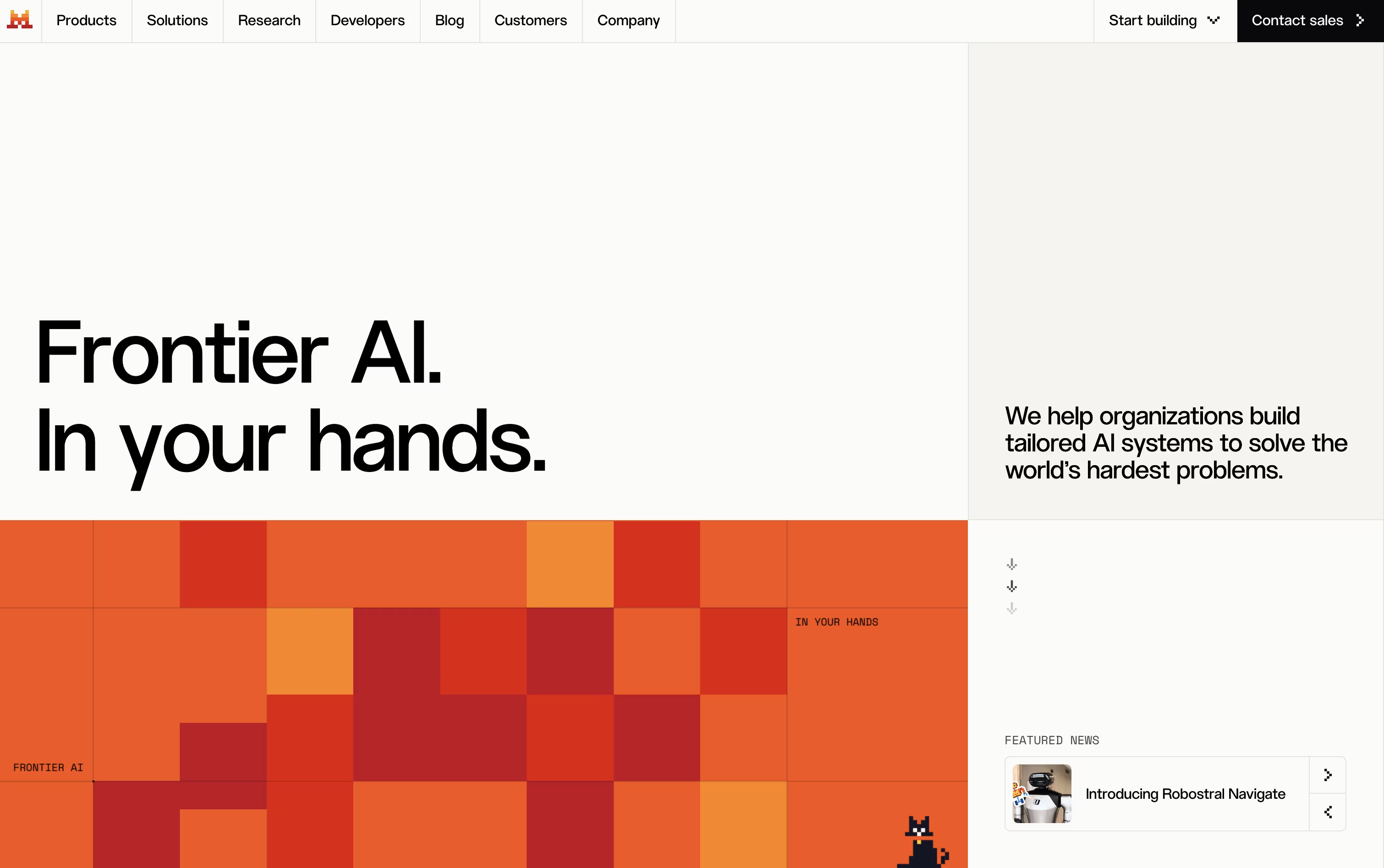
Users can pick between open models they can download and run on their own machines, or premium models built for stronger performance. This mix gives flexibility depending on what someone needs.
Businesses can turn to Studio for building and running their own AI agents, and to Forge for training models using their own data, making the platform useful for custom projects.
On pricing, a Free plan lets anyone get started, Pro costs $14.99 a month with higher limits and full coding access, and Team runs $24.99 per user a month for shared workspaces. Enterprise plans come with custom pricing and extra security controls.
Overall, Mistral AI is built to support everyone from solo users to large teams, with the freedom to run AI locally or in the cloud depending on their needs.

Meku lets you build real websites and apps just by describing what you want in plain words. It puts together a working first version in under a minute, with a clean, modern look already in place.
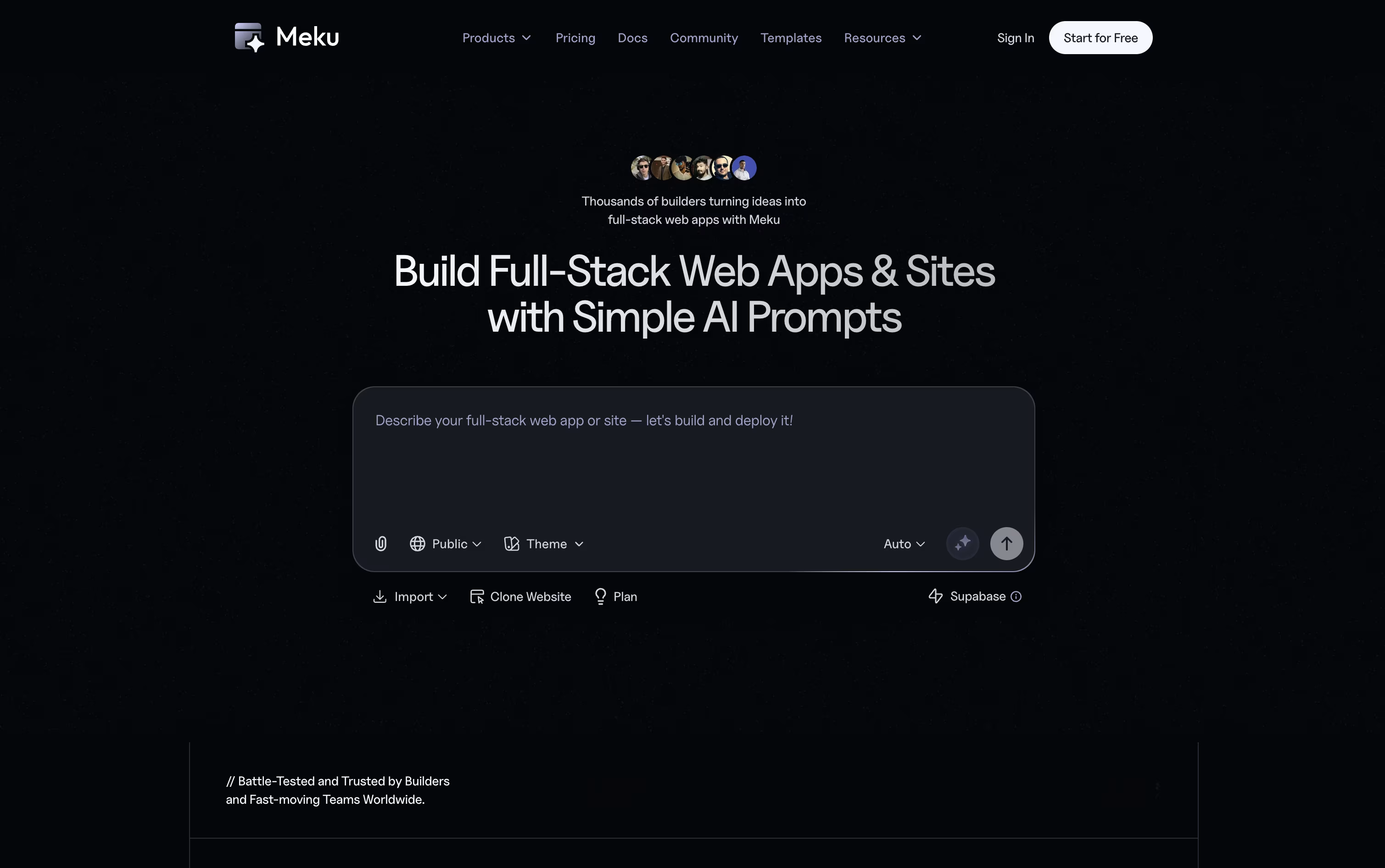
From there, you can shape the project through chat. Ask Meku to change a page, add a feature, or fix something, and you will see it update live as you go.
It also reads Figma files and turns them into working code, and connects with GitHub and Supabase so your project can have logins, a database, and proper version control.
The Free plan costs nothing and gives you 100 credits a month with three public projects. Starter is $16 a month, or $12 a month billed yearly, and opens up private projects, exports, and integrations.
Pro runs $25 a month with more credits and room for a bigger team, and Growth at $49 a month covers larger teams that need more projects, domains, and members.
On any paid plan you can export your code and run it anywhere, so your project is always fully yours.

Product teams often lose time switching between design tools, docs, and separate trackers. Tempo solves this by keeping design, planning, tasks, and AI agents inside one workspace connected to your actual codebase.
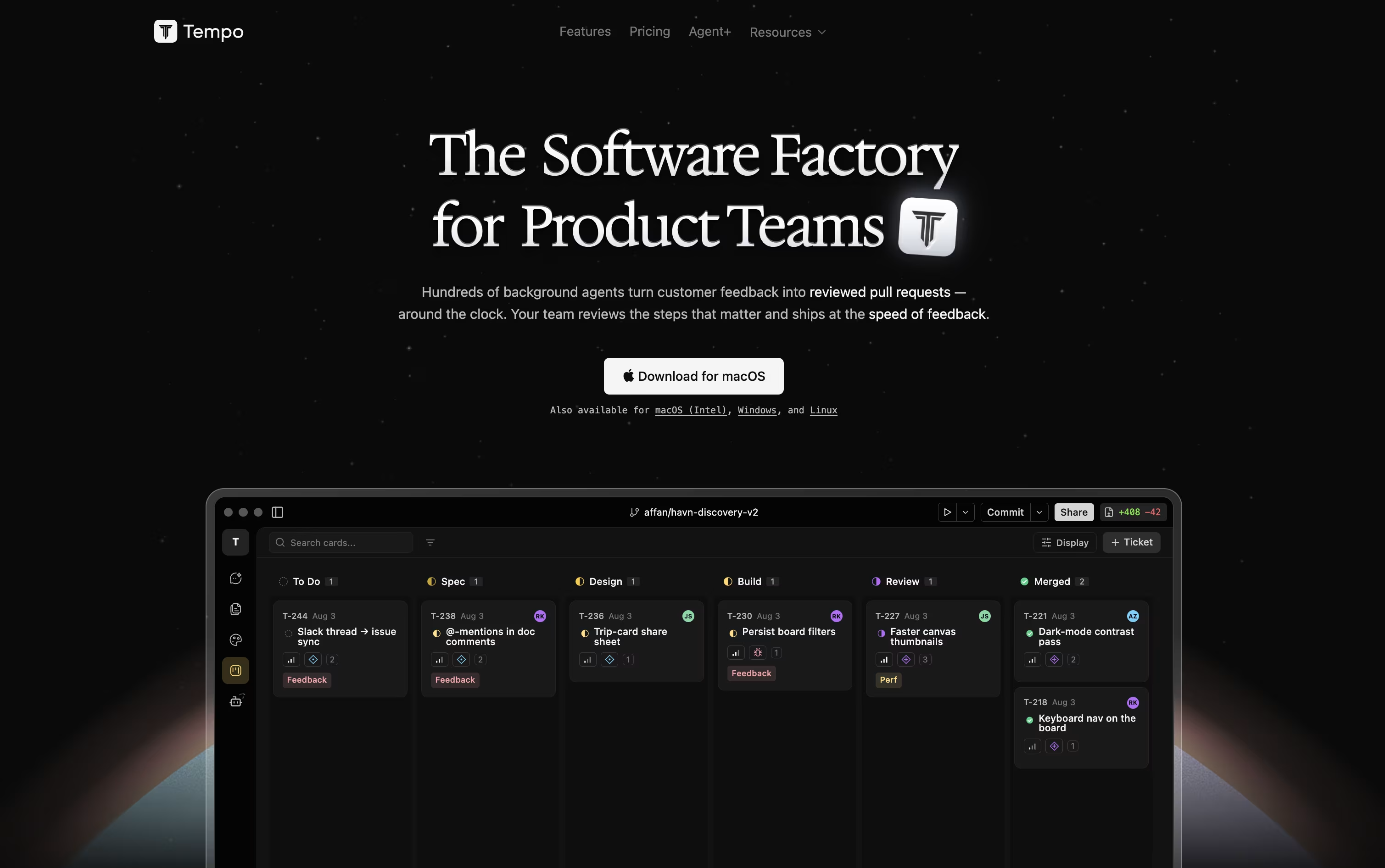
Its Canvas feature turns your React components into a live, editable design surface, so changes reflect the real app instead of a mockup. Docs works like a simple writing tool for specs and notes, and Issues gives you a Kanban board to track work.
AI agents can be chatted with directly, using Claude or OpenAI models, and they make code changes safely inside their own git branch. You can also build custom agents that run automatically based on triggers such as issue updates or Slack messages.
Getting started costs nothing with the Starter plan, which includes 100 AI messages a month and room for up to 10 team members. Growing teams can move to the Team plan at $20 per seat a month for unlimited issues and documents.
For companies that want features built for them, Agent+ starts at $500 a month, pairing AI agents with human engineers and designers who review every change, typically delivering within 48 to 72 hours.
Tempo is built for React, Next.js, and Expo projects, and runs as a web app or desktop app on macOS, Windows, and Linux.

Building a website usually means juggling JavaScript, HTML, CSS, and a separate backend. Reflex removes that split by letting you write the entire app, interface and logic, in one Python codebase.
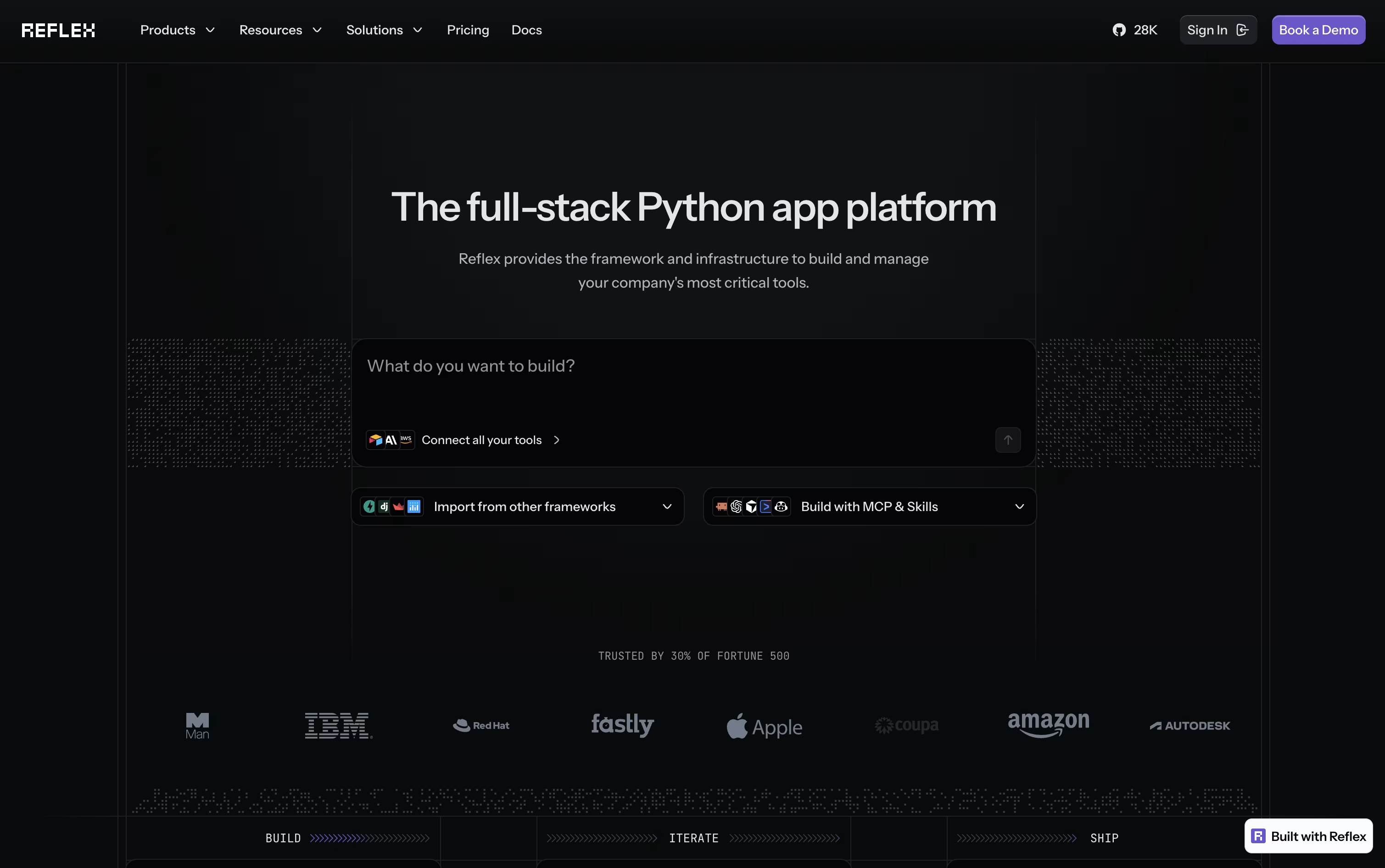
Your Python components get converted into a React frontend automatically, while a FastAPI backend handles the logic. WebSockets keep the two connected in real time, so any change in your data appears on screen right away.
If you would rather not code from scratch, the built-in AI Builder can generate a full working app from a short description or even a screenshot, along with basic tests.
Getting started is free, with 50 monthly credits and one hosted app included. Stepping up to Pro brings 2,000 credits, 10 hosted apps, and custom domains for $200 a month, though it is priced at just $3 a month for a limited time.
For companies that need more control, the Enterprise plan adds dedicated infrastructure, team workspaces, and security features like SSO and HIPAA support, with pricing built around each organization's needs.
Replit lets you build real software just by typing or speaking what you have in mind. The AI Agent takes it from there, planning the work, writing the code, setting up the database, testing the result, and getting it ready to publish, all without you needing to set up anything yourself.
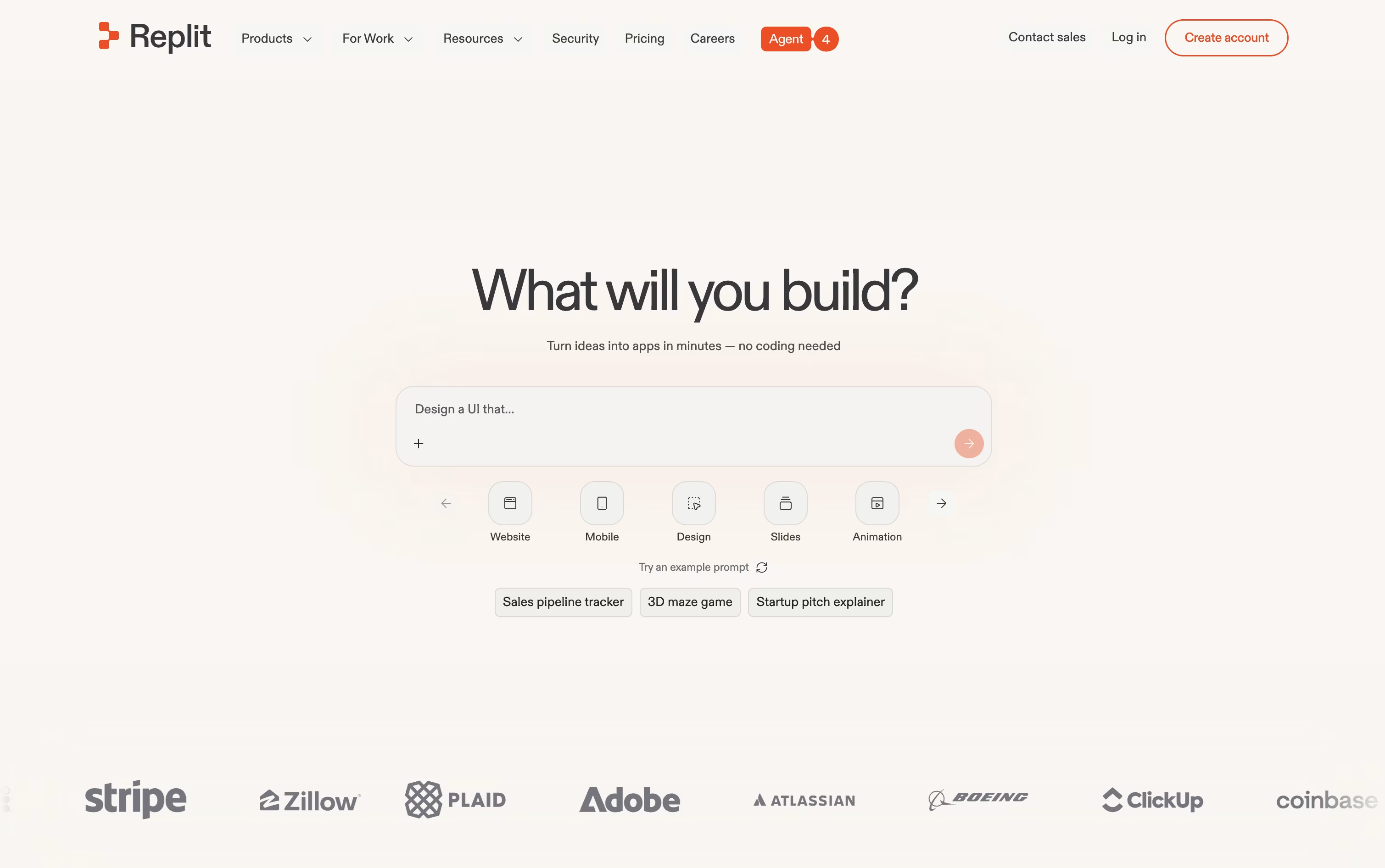
One project can hold many kinds of output at once, such as a website, a mobile app, a slide deck, or a short video, and the Infinite Canvas gives you a visual way to design and adjust things as you go. When a project is big, Parallel Agents can split up the work and handle several parts at the same time.
Anyone can start for free on the Starter plan, which includes daily Agent credits and one published project.
Stepping up to Core runs $20 a month, or $18 a month if you pay yearly, and brings more credits, room for 5 collaborators, and 2 agents working together.
The Pro plan, at $100 a month or $90 a month yearly, is built for professional teams, offering the strongest AI models, 10 parallel agents, and 28 days of database rollbacks.
Larger companies can move to Enterprise for custom pricing with SSO, extra privacy controls, and dedicated support.
Slides is a cloud-based presentation tool that creates HTML presentations using the reveal.js framework. Instead of creating static slides, it generates interactive web presentations that can include animations, code highlighting, and multimedia content. Each presentation is stored as an HTML document, making it viewable on any device with a web browser.
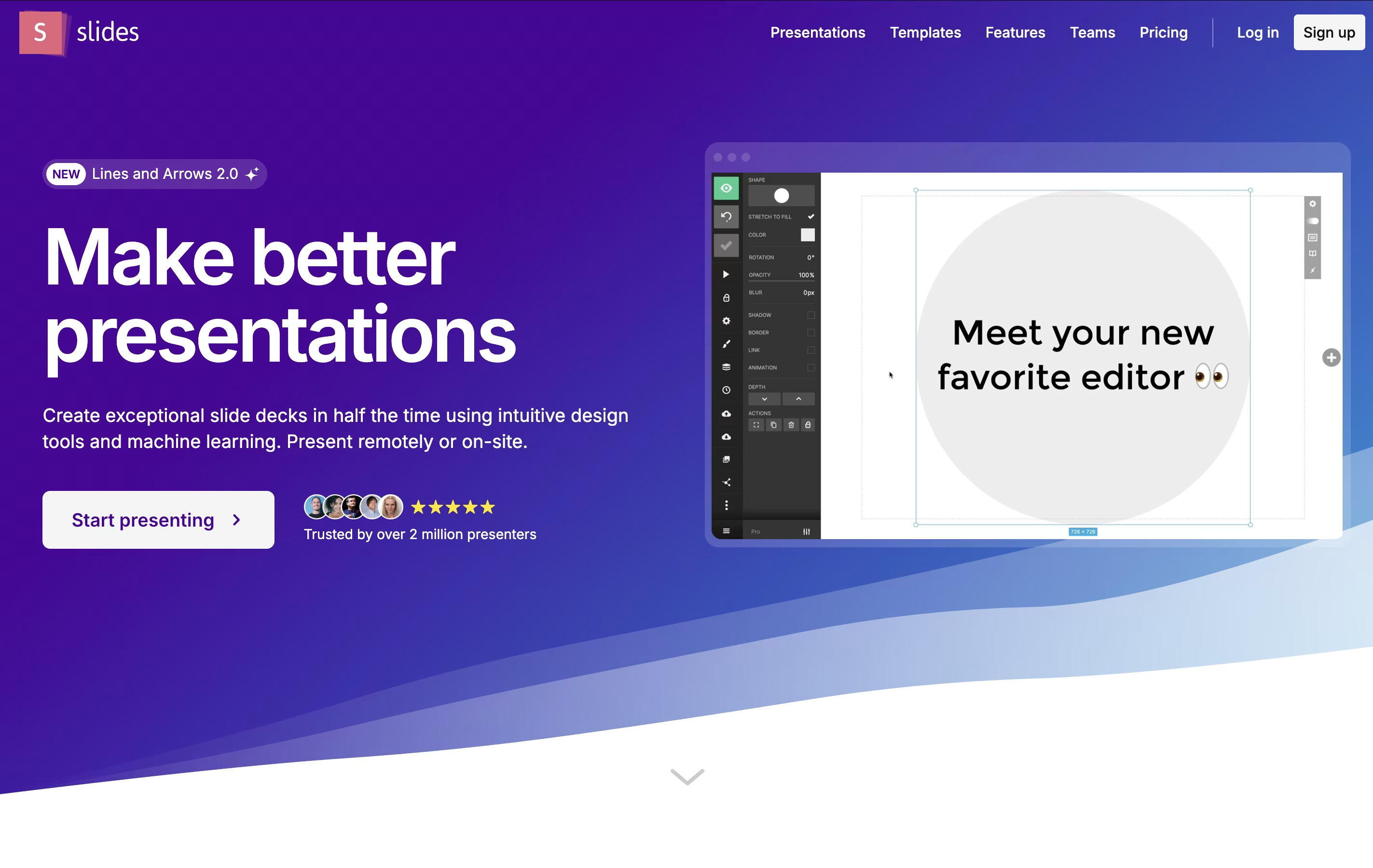
The platform offers both visual editing and code editing modes. Users can create presentations using a drag-and-drop interface or write custom HTML and CSS. Slides supports features like nested slides, speaker notes, live presenting, and real-time collaboration. Presentations can be shared via simple links, embedded on websites, or exported for offline use. The platform is particularly popular with developers because it supports syntax highlighting and allows for code demonstrations within presentations.
Gemini is the AI assistant built into the Google apps you already use every day, from Gmail and Docs to Search and Chrome.
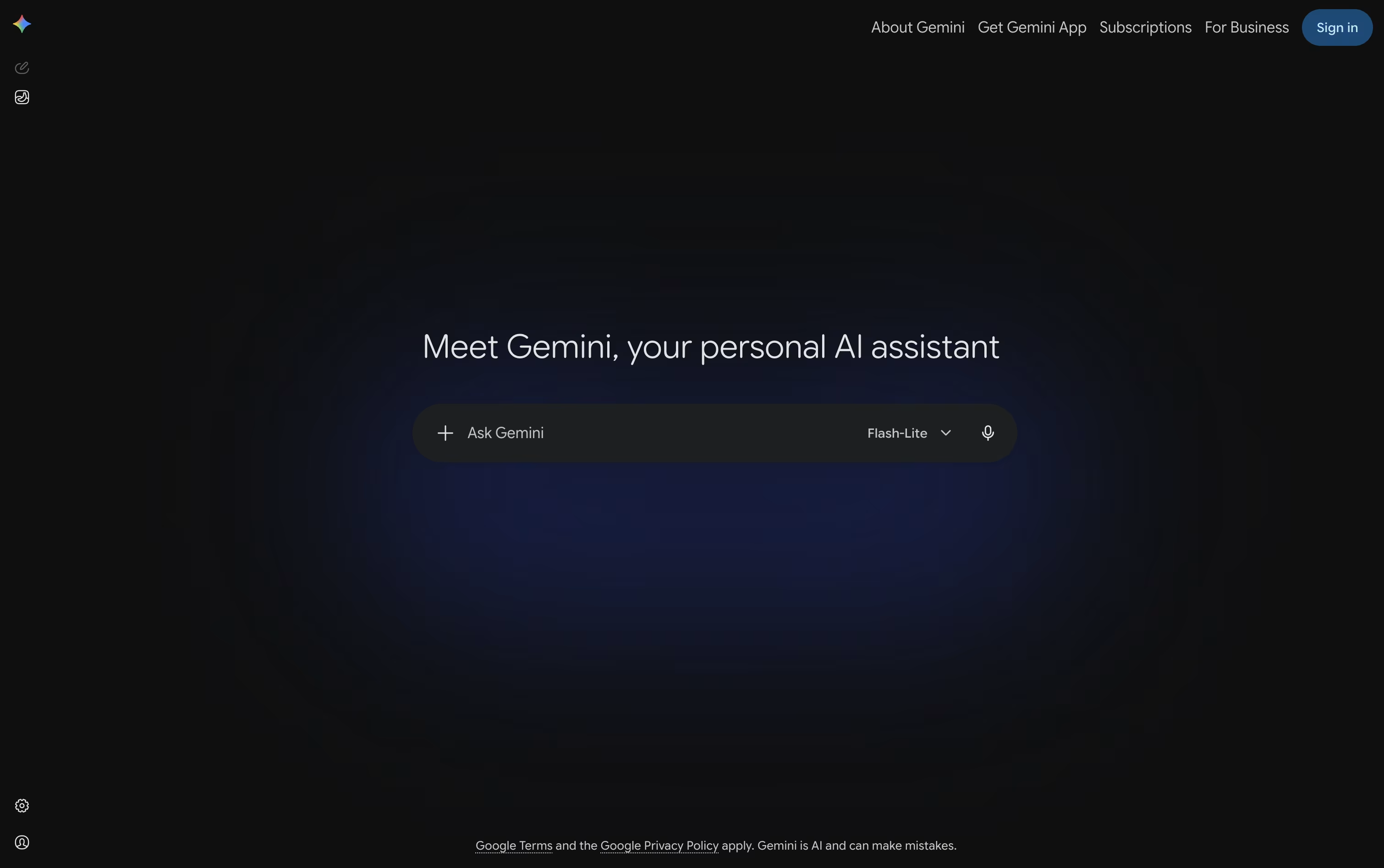
You can type, talk, or show it your camera or screen, and it answers using text, images, audio, or video, whatever fits the task.
Deep Research lets it browse the web on its own and hand back a full, sourced report, while Canvas gives you a shared space to write, code, or build a page together.
The free plan covers everyday use with 15 GB of storage at no cost.
Paying $4.99 a month for Google AI Plus, $19.99 a month for Google AI Pro, or from $99.99 a month for Google AI Ultra unlocks higher usage limits, stronger models, and much more storage.
Custom Gems and Gemini Live round it out, making it useful for quick questions as well as longer projects.

Built by xAI, Grok is an AI assistant designed to answer questions honestly and stay useful even as facts change day to day. It first appeared in late 2023 and is now available on the web, mobile apps, and through a developer API.
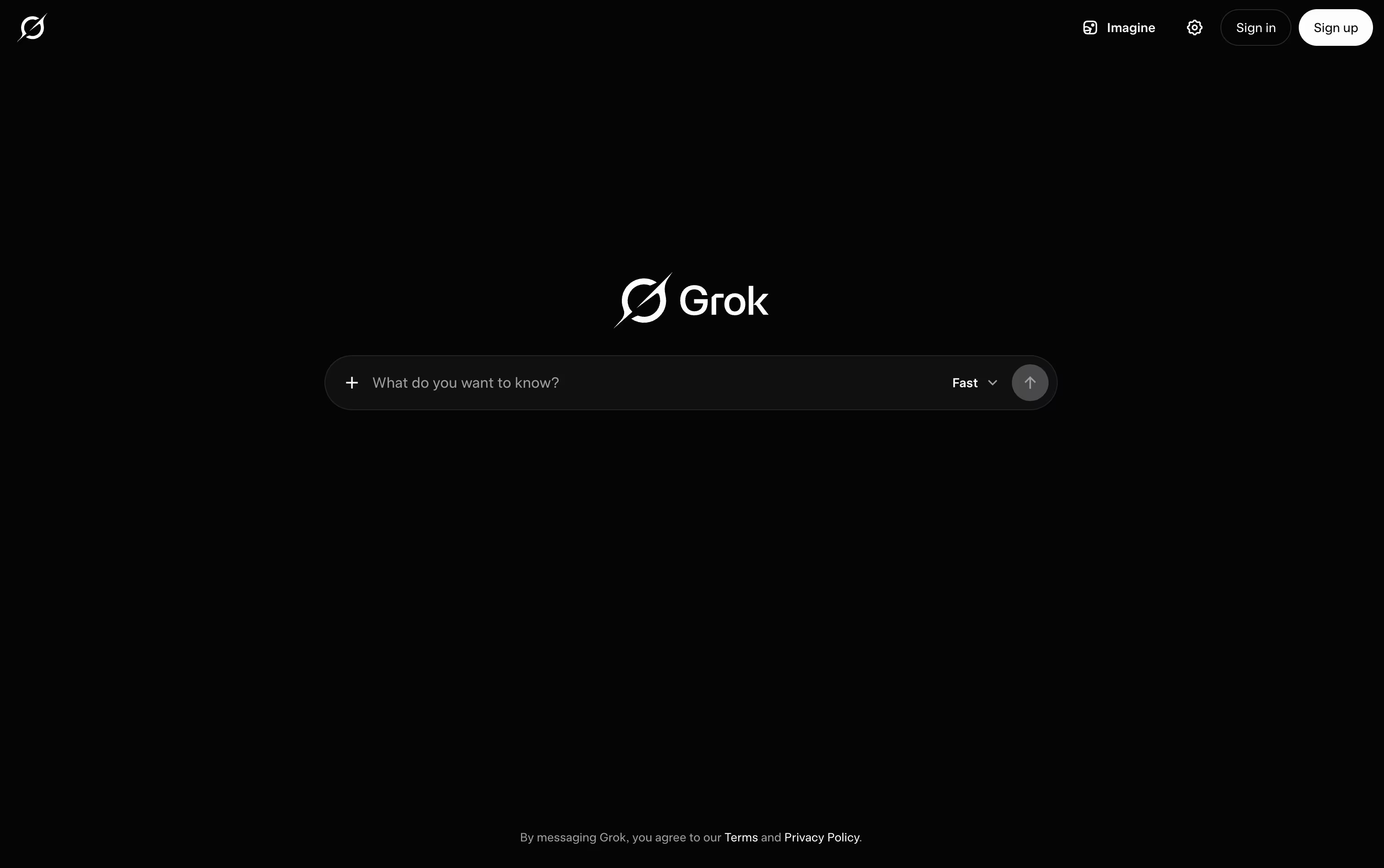
A key part of Grok is its connection to live data. It checks the web and X as it answers, so replies stay current instead of relying only on older training information.
It does more than chat too. Grok can write and fix code, create images and short video clips, and hold spoken conversations. Its Grok Build tool works as a coding agent that can edit files and run commands in a real project.
Anyone can start for free, which includes real time search, voice mode, and connectors. SuperGrok costs $30 a month and unlocks the Grok 4.5 model along with image and video generation.
For groups, the Business plan runs $30 a month per seat and adds team management and access controls, while Enterprise is a custom priced plan built for larger companies with extra security needs.

Type a question or a task into ChatGPT and it responds in plain language, whether that means a quick answer, a written draft, or a finished piece of work.

Powered by the GPT-5.x models, it switches between fast responses and deeper reasoning depending on how hard the request is, and it keeps track of what you asked earlier so follow ups make sense.
It also reads images, listens and speaks through voice mode, searches the web with sources attached, and can dig through many pages at once using Deep Research. ChatGPT Work takes on longer jobs such as building documents or simple websites, and Codex handles coding tasks end to end.
Getting started costs nothing on the Free plan, though features are limited. Go adds more room for $8 a month, and Plus at $20 a month brings GPT-5.6, deeper research, and tools like Projects and custom GPTs.
Heavier users can move to Pro from $100 a month for top usage and models. Teams get Business at $20 per user monthly on yearly billing, or $25 monthly, and larger organizations can request custom Enterprise pricing with stronger security.

Kimi, from Moonshot AI, is built to be more than a chatbot. It works as a full agent platform that can chat, write code, research topics, and carry out long tasks on its own.
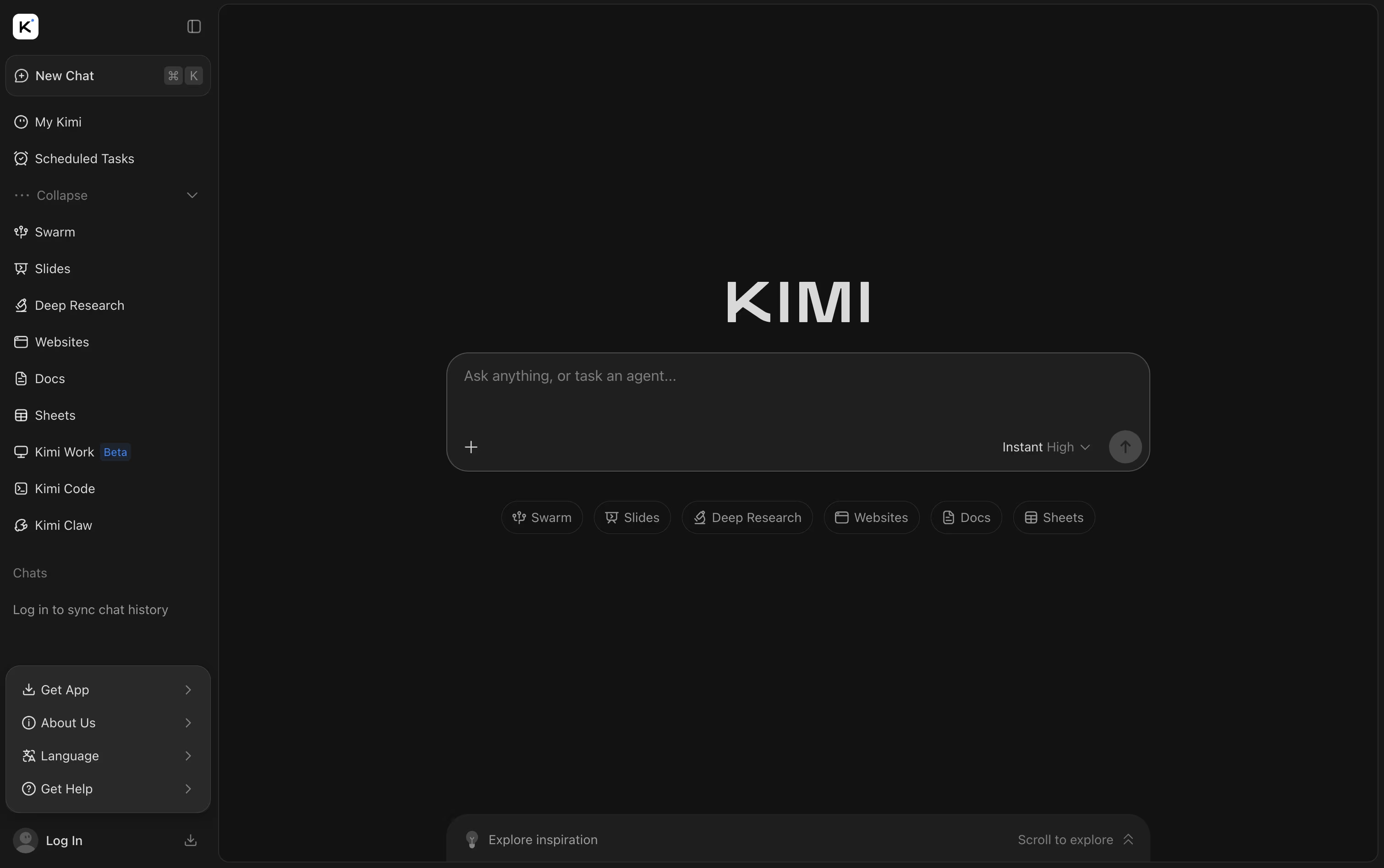
You can hand it files like PDFs, spreadsheets, and slides, or ask it to pull fresh answers from the web. Beyond answering questions, it can build full websites, slide decks, and simple games from just one prompt.
Getting started costs nothing with the Adagio plan, which covers basic agent credits, a dashboard, and scheduled tasks. Stepping up to Moderato at $19 a month adds document work, deep research, website deploy, and Agent Swarm for bigger jobs.
The Allegretto plan at $39 a month brings in Goal Mode and one click setup for always-on Kimi Claw agents. Allegro, priced at $99 a month, opens up to 1 million tokens of context, and Vivace at $199 a month gives the largest share of agent credits.
Switching to yearly billing can save up to $480 a year, and larger teams can contact Kimi directly about the custom Business plan.
Between Kimi Code, Kimi Slides, and Agent Swarm, Kimi brings chat, coding, and research tools together in one place.

With Softgen, you describe the app you want in everyday language, and the AI handles the planning and coding for you. A quick request like a SaaS dashboard with billing and analytics becomes a real, working project.
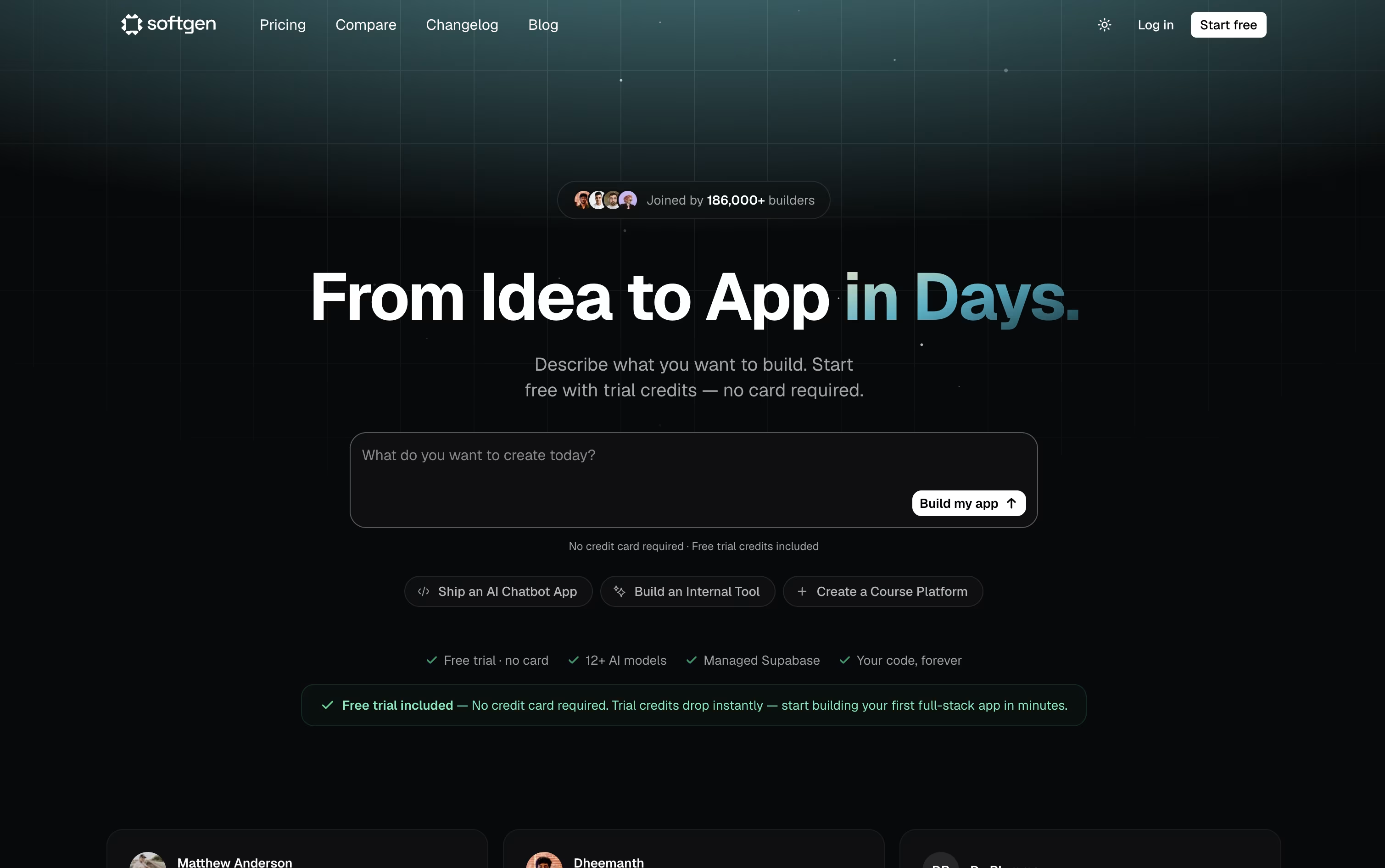
The platform writes the frontend and backend together, sets up the database and login system, and gives you a live preview so you can watch it come together. Further changes just take another chat message.
You can pick from over 12 AI models, including Claude 4.5, GPT 5.4, and Gemini 3.1 Pro, and every project comes with a managed Supabase database, custom domain support, and a Kanban style project board.
Your project is stored as a genuine GitHub repository, so you always own the code and can open it in any editor. Deployment goes straight to your own Vercel account with a single click.
The Starter plan is 25 dollars a month with 500 credits and 10 projects, while the Pro plan is 49 dollars a month with 1,500 credits, unlimited projects, and priority support.
Since the code and hosting belong to you, the app you build stays live even after your subscription ends.

Instead of a plain chat box, camelAI gives its agent a real computer that keeps running and remembers your project. You type what you want in plain English, and it builds a complete application, covering the frontend, backend, database, and API in one go.
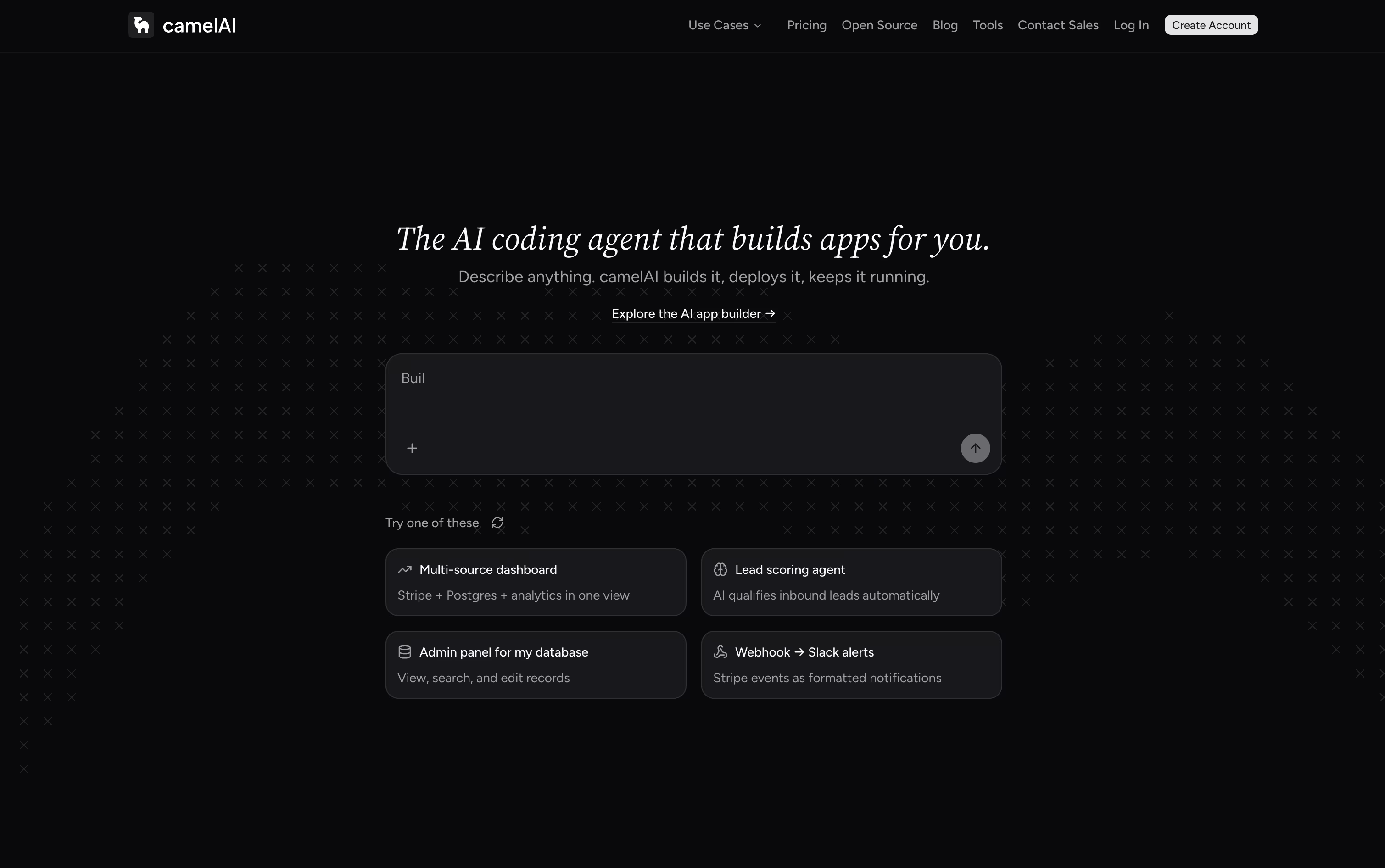
The finished app is published to a live URL right away, with SSL and domain setup handled automatically. Because the workspace saves your files and history, the agent already knows your project when you come back, and you can chat with it over email or Slack too.
Over 50 integrations come ready to use, such as Postgres, Stripe, HubSpot, and Slack, and you can schedule the agent to run jobs on its own, like checking Stripe metrics or emailing a summary report.
Getting started is free, with the Free plan giving 1 workspace, 3 apps, and 5 GB storage using your own API key. The Starter plan runs $10 a month, and the Pro plan, the most popular option, is $40 a month with unlimited apps and domains.
For teams, the Team plan costs $50 per seat monthly with a 3 seat minimum, adding shared workspaces and role based permissions. Enterprise plans are custom priced and include SSO, dedicated support, and compliance features.
Every paid plan comes with a 7 day free trial, and an open source, self hostable version of camelAI is on the way as well.

Typing Mind is an advanced chat frontend for popular AI models like ChatGPT, Claude, Gemini, and others. Instead of using the official websites, you use your own API keys with Typing Mind to get a much better chat experience.
Think of it as a replacement interface that makes AI chatting more powerful and organized. You get features like chat folders, history search, voice input, text-to-speech, and the ability to chat with multiple AI models from one place.
The big advantage is cost and privacy. You only pay for actual API usage (often much cheaper than ChatGPT Plus), and your conversations stay completely private. The tool works offline-first, storing everything locally on your device, so no one else can see your chats.

Pipedream is a serverless workflow automation platform designed specifically for developers who need to connect different applications and APIs. Think of it as a bridge that lets your apps talk to each other automatically.
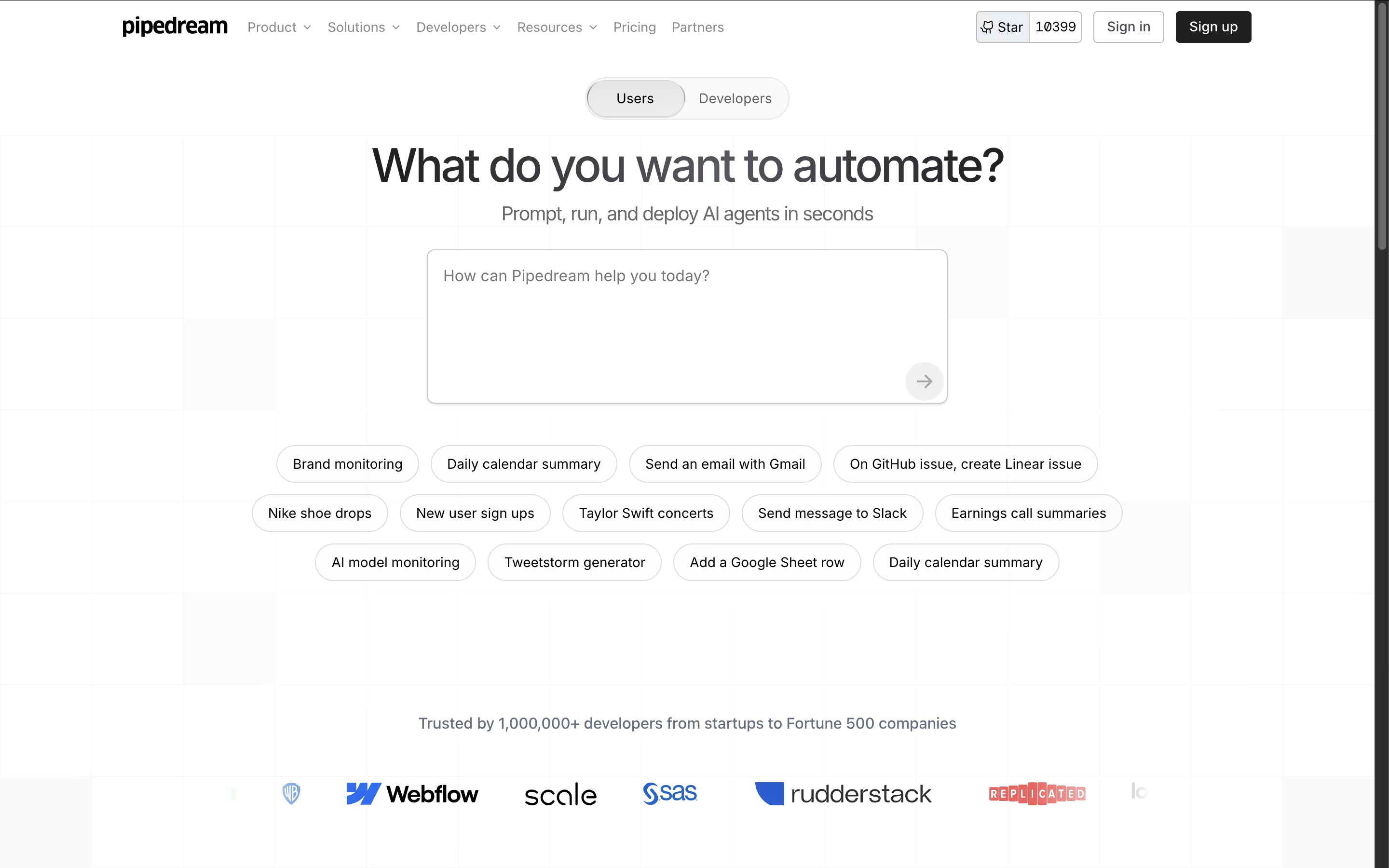
Unlike traditional automation tools, Pipedream gives you the power to write custom code when needed while providing thousands of pre-built components for common tasks. The platform handles all the infrastructure, authentication, and scaling automatically, so you can focus on building workflows instead of managing servers.
Each workflow is a series of steps that run when triggered by events like new emails, API calls, or scheduled times. With support for major programming languages and integration with popular services like Slack, Google Sheets, GitHub, and Stripe, Pipedream makes it easy to automate almost any business process or technical workflow.

Monologue turns your spoken words into clean, formatted text rather than a rough transcript. It cuts filler words, tidies up phrasing, and shapes the output to fit whatever app you are typing into.
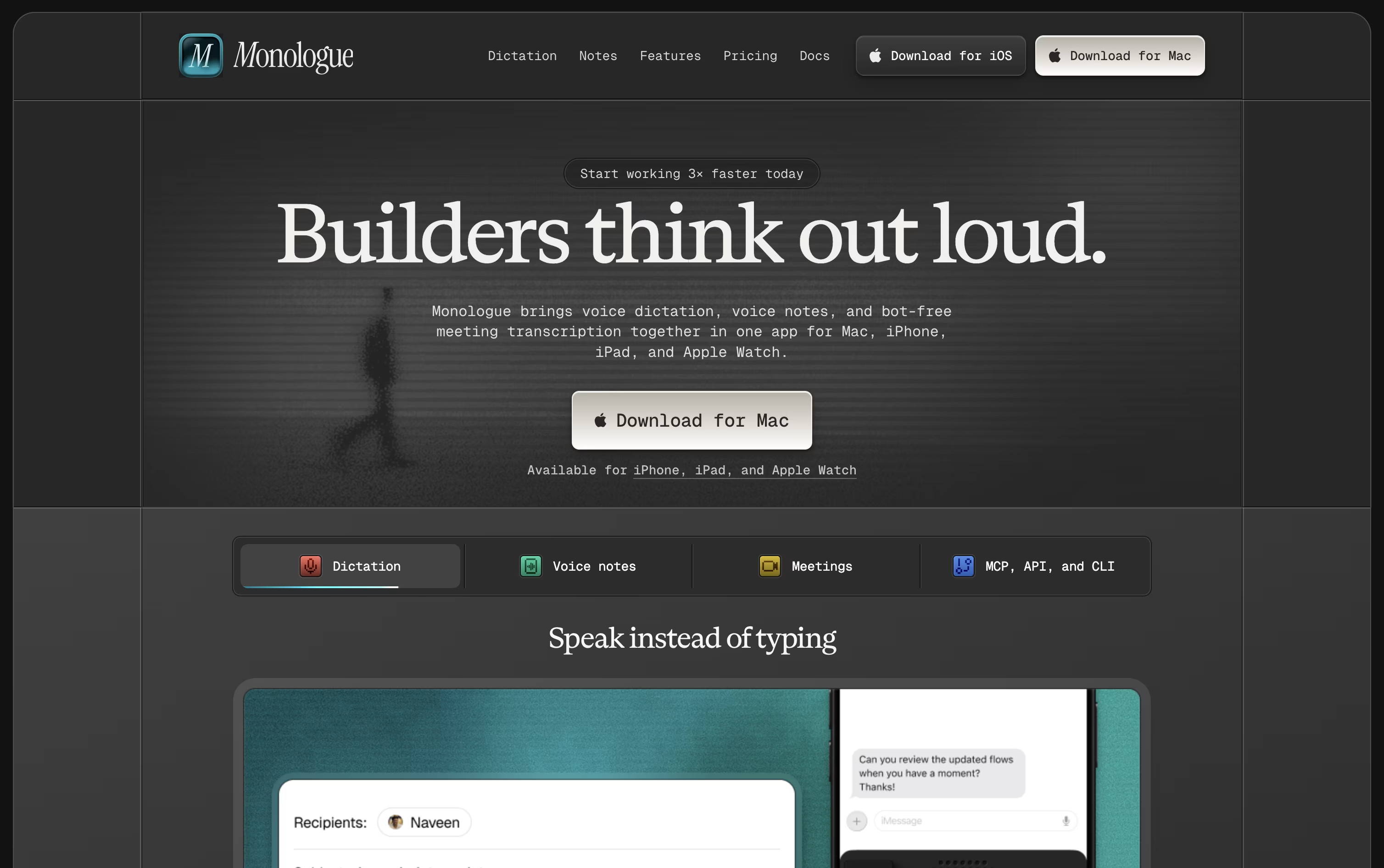
The app is available on Mac, iPhone, iPad, and Apple Watch, with your dictionary, modes, and notes kept in sync everywhere.
A free trial covers 1,000 dictation words and 10 recorded notes so you can test it before paying anything.
Beyond that, Pro costs $15 monthly or $144 a year, which works out to about $12 a month and removes all the usage limits.
Pro also adds bot-free meeting notes and full support across every Apple device.
Monologue is included in the wider Every subscription bundle, and it offers an API, CLI, and MCP support for developers who want notes inside their coding agents.
Poe AI is a multi-model platform that connects you to dozens of leading AI models through a single, unified interface. Think of it as your personal AI command center where you can chat with ChatGPT, Claude, Gemini, and many other top models without switching between different apps or websites.
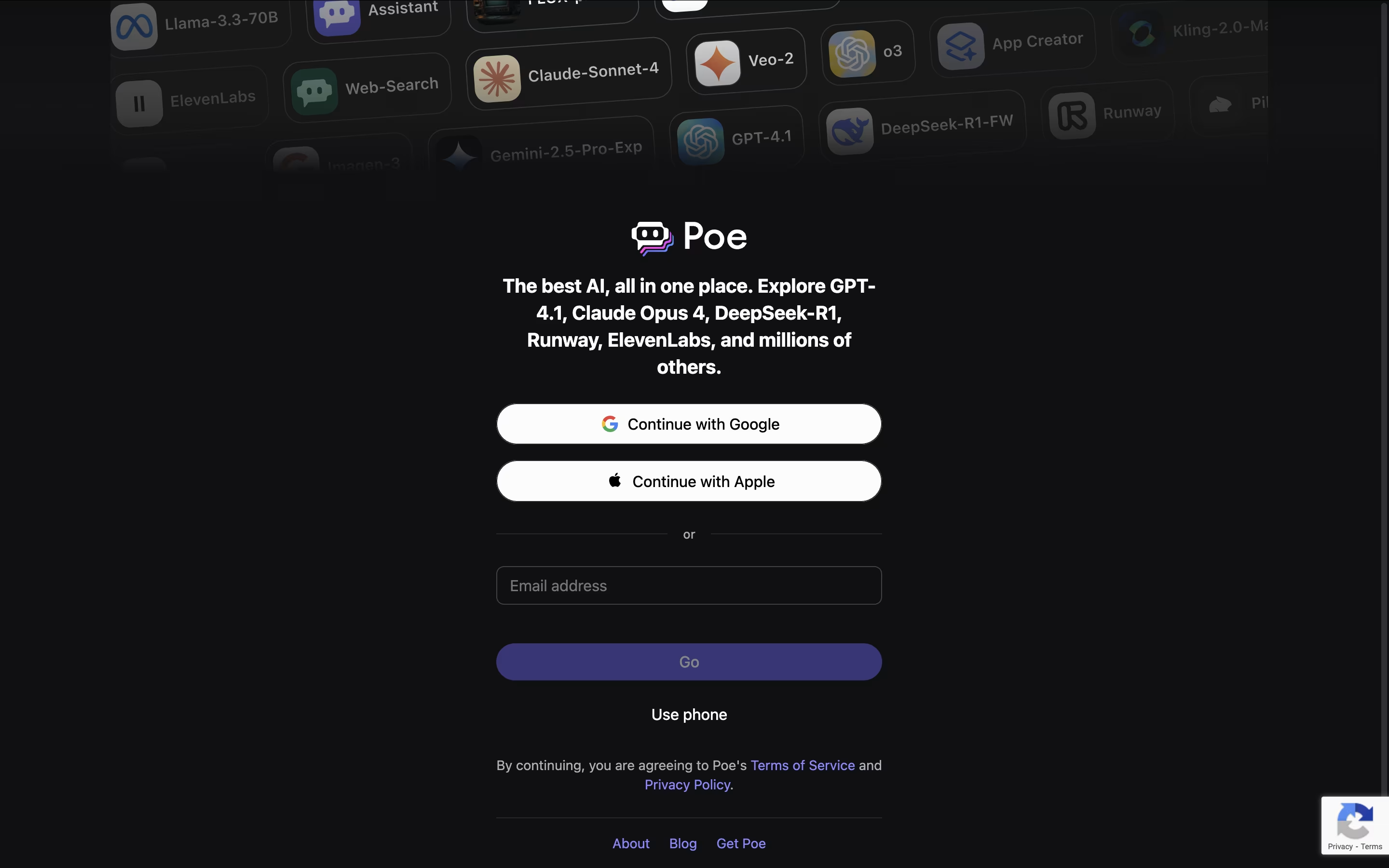
The platform stands out because it lets you compare responses from different AI models side by side, helping you find the best answer for your specific needs. Poe also allows users to create custom AI bots using simple prompts, no coding required. These custom bots can be shared with the community and even generate income for their creators.
Founded by Quora, Poe has become popular because it saves time and makes AI more accessible. You can ask questions in normal language, switch between different AI models instantly, and even use multiple models in the same conversation to get different perspectives on your questions.

Sider is an innovative AI-powered browser extension that transforms your web browsing experience by integrating multiple advanced AI models directly into your browser sidebar. Think of it as your personal AI assistant that never leaves your side while you work online.
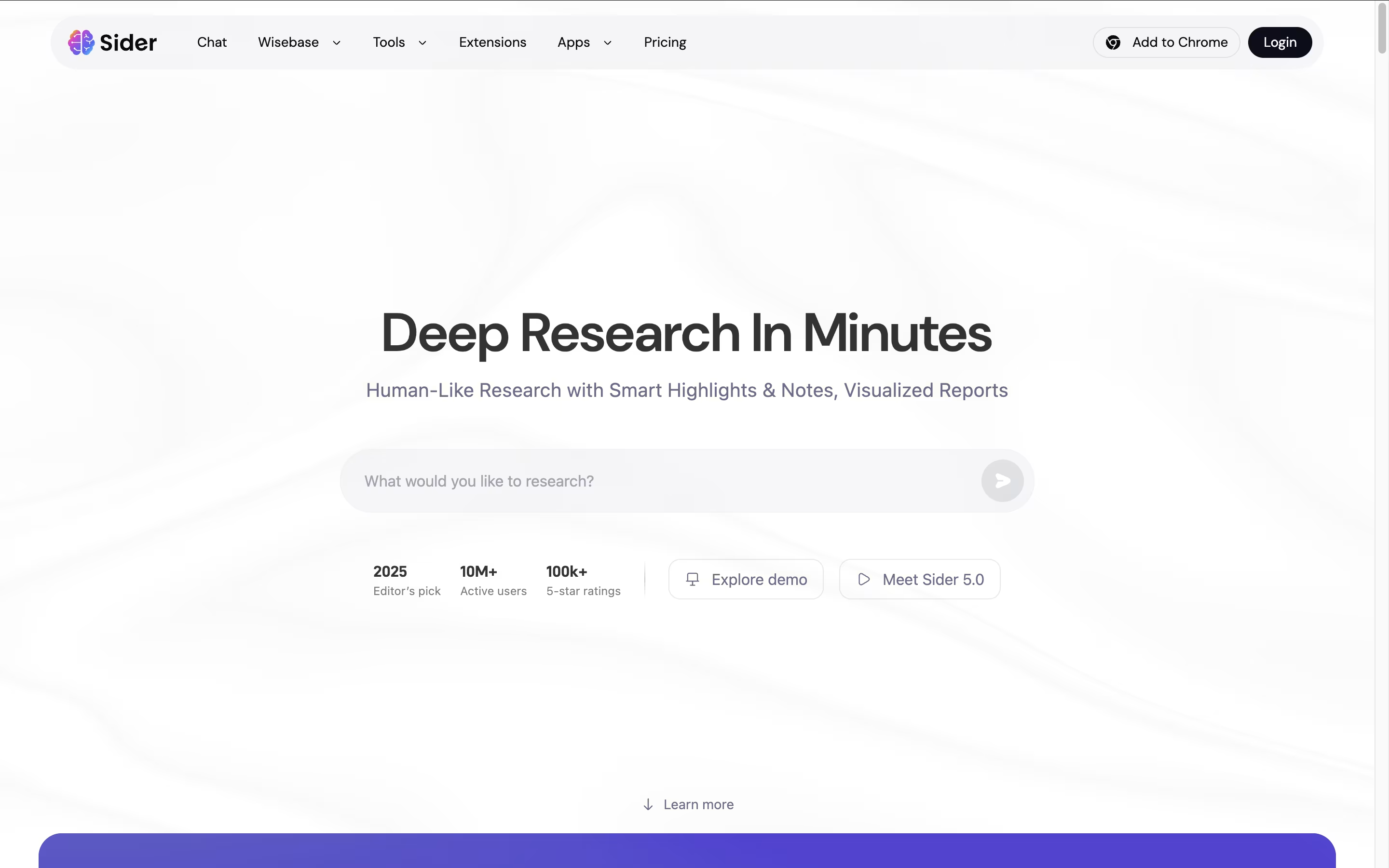
The tool combines popular AI models like GPT-4o, Claude 3.5 Sonnet, Gemini 2.0 Pro, and DeepSeek into one easy-to-use interface. Instead of jumping between different AI websites, you can access all these powerful tools with a simple click while browsing any webpage.
Sider understands that modern work requires flexibility, so it offers group chats where multiple AI models can respond to your questions simultaneously, giving you diverse perspectives on any topic. Founded in 2023, Sider has quickly gained popularity for making AI accessible and practical for everyday tasks, saving users hours of time each week.
Monica AI is a comprehensive AI assistant that integrates multiple advanced AI models including GPT-4o, Claude 3.7, Gemini 2.0, and DeepSeek R1. Instead of using different AI tools separately, Monica brings them all together in one platform.
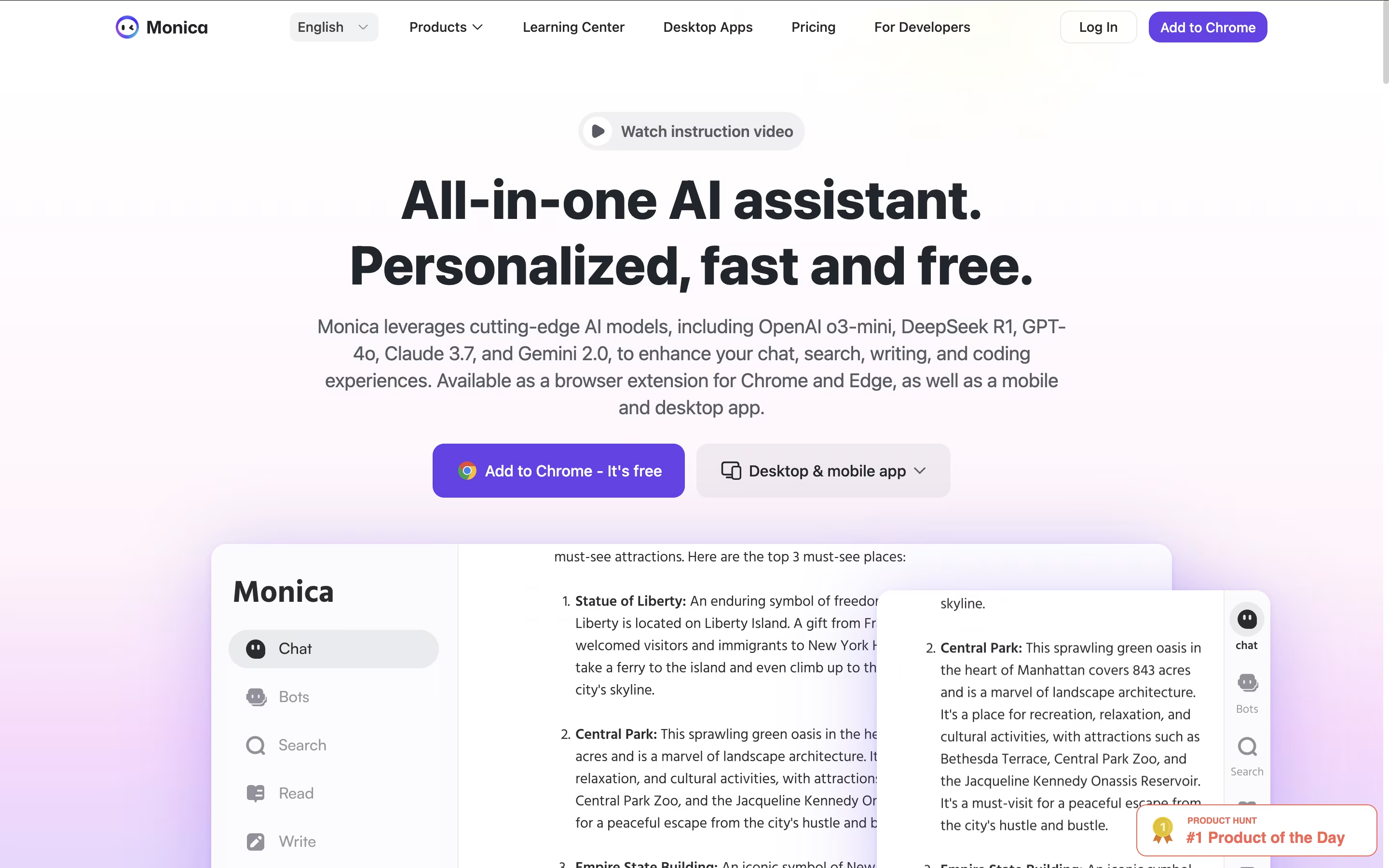
It works as a browser extension for Chrome and Edge, plus mobile and desktop apps for all your devices. Monica can help you chat with AI, write and improve content, create images and videos, translate text, summarize web pages and documents, and even help with coding.
The tool is designed for anyone who wants to boost their productivity with AI. Whether you're a student, professional, content creator, or developer, Monica provides the AI assistance you need without switching between different platforms. It's like having multiple AI assistants combined into one smart helper.

Gumloop is an AI-native automation platform designed to help businesses automate complex workflows using artificial intelligence and machine learning. Think of it as a visual programming tool that connects your favorite business applications with cutting-edge AI models.
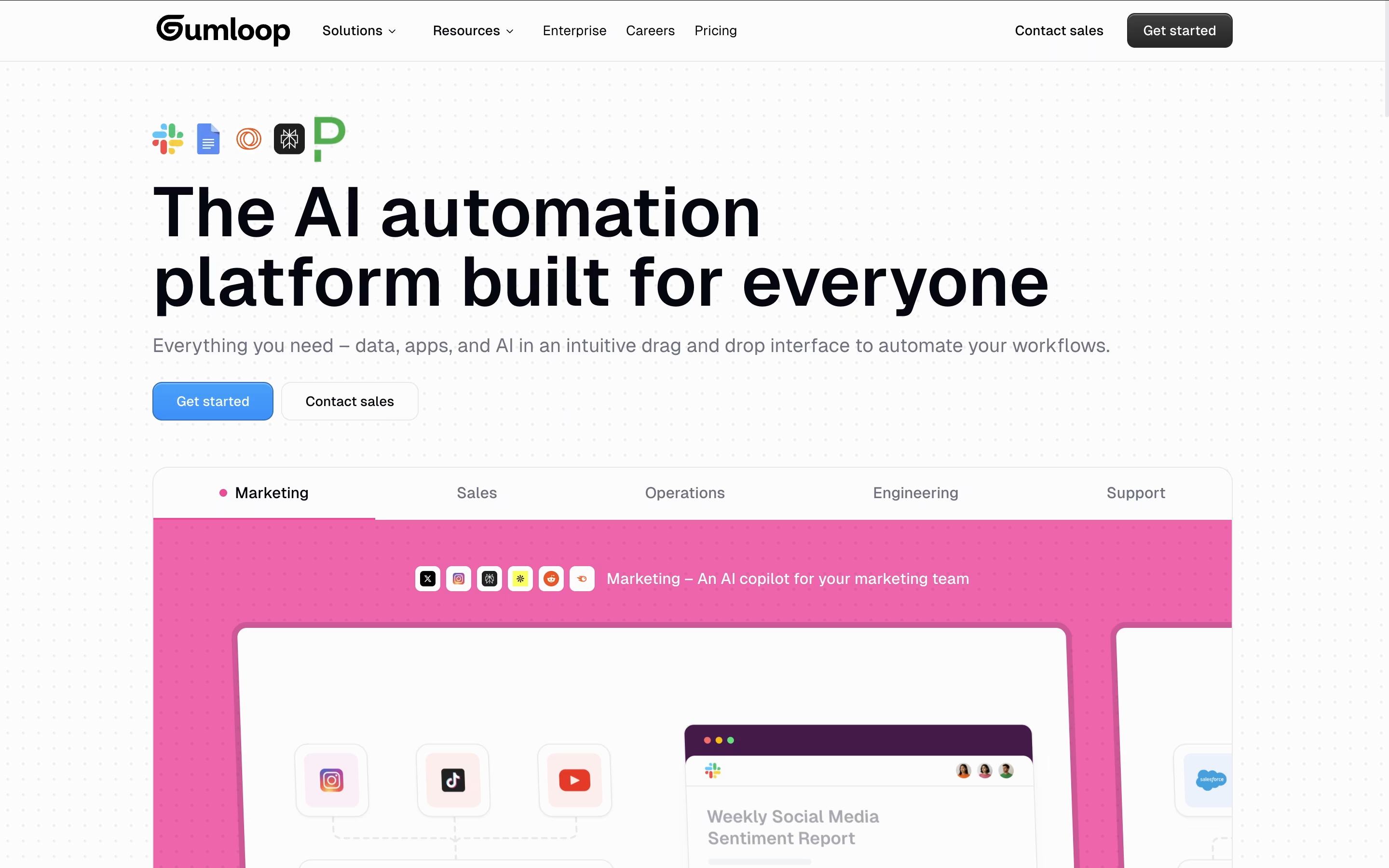
The platform works by letting users drag and drop "nodes" (individual components) onto a visual canvas to build complete automation workflows. These nodes can be anything from web scrapers and document processors to AI models like GPT-4 and Claude. Users connect these nodes together to create "flows" that can handle complex business processes automatically.
Founded in 2023, Gumloop has quickly gained popularity among teams at companies like Webflow, Instacart, and Shopify. What makes it special is its AI-first approach - instead of just moving data between apps, it can actually process, analyze, and make decisions about that data using artificial intelligence. This makes it perfect for automating tasks that previously required human judgment.





