



Cursor CLI
AI Coding Agent for Your Terminal
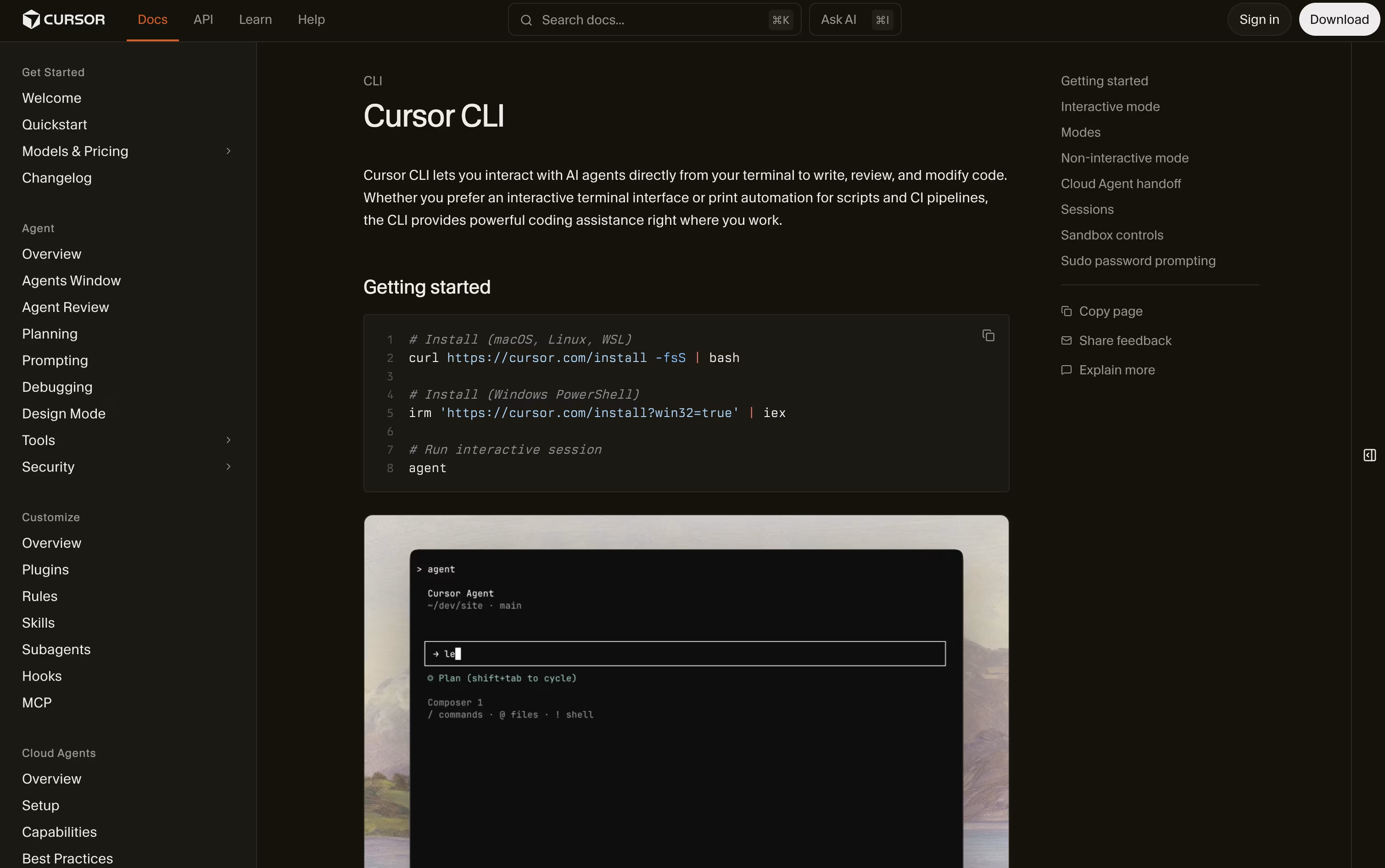
Cursor CLI is a terminal based AI coding agent that writes, reviews, and fixes code from your command line.


What is Cursor CLI
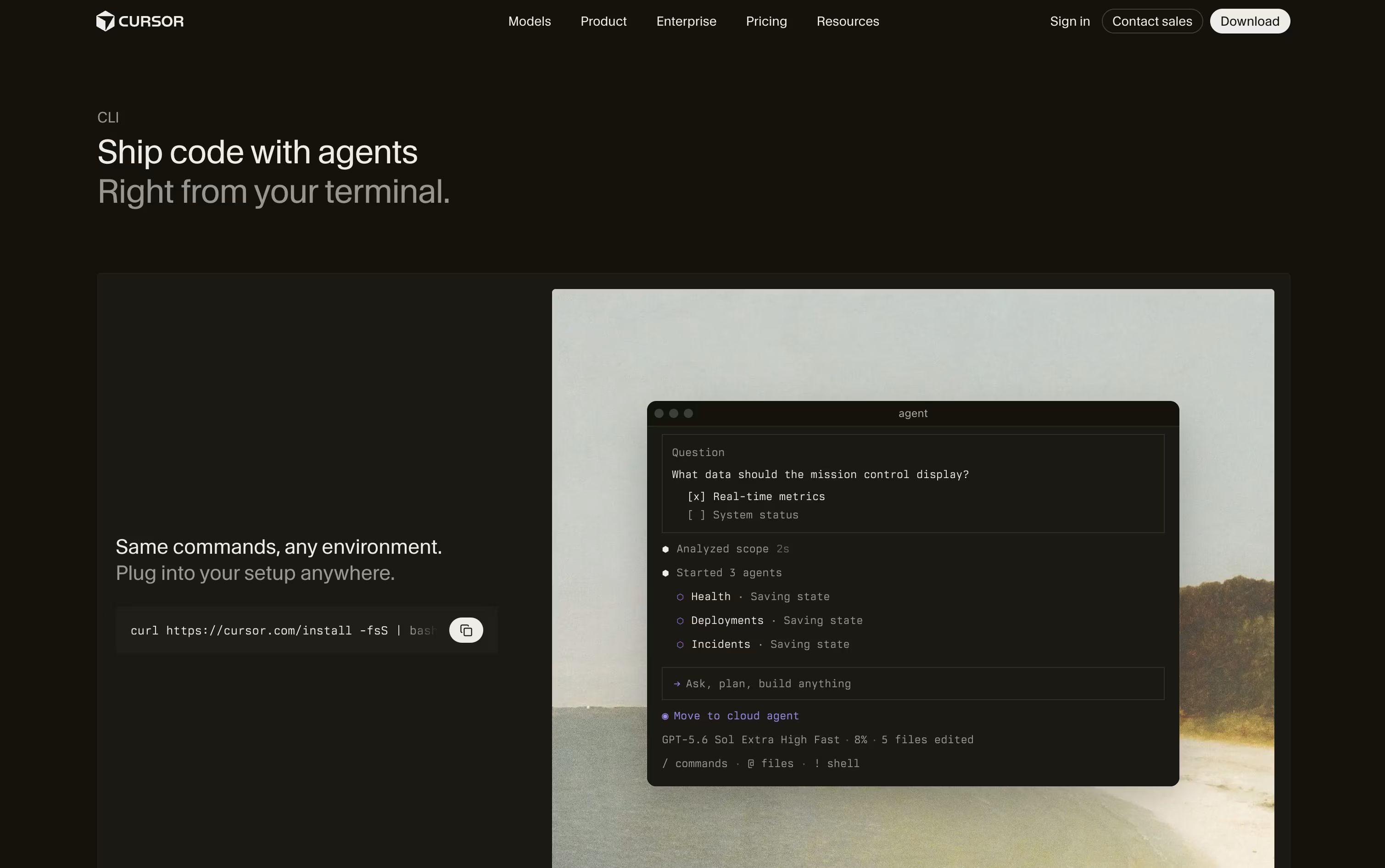
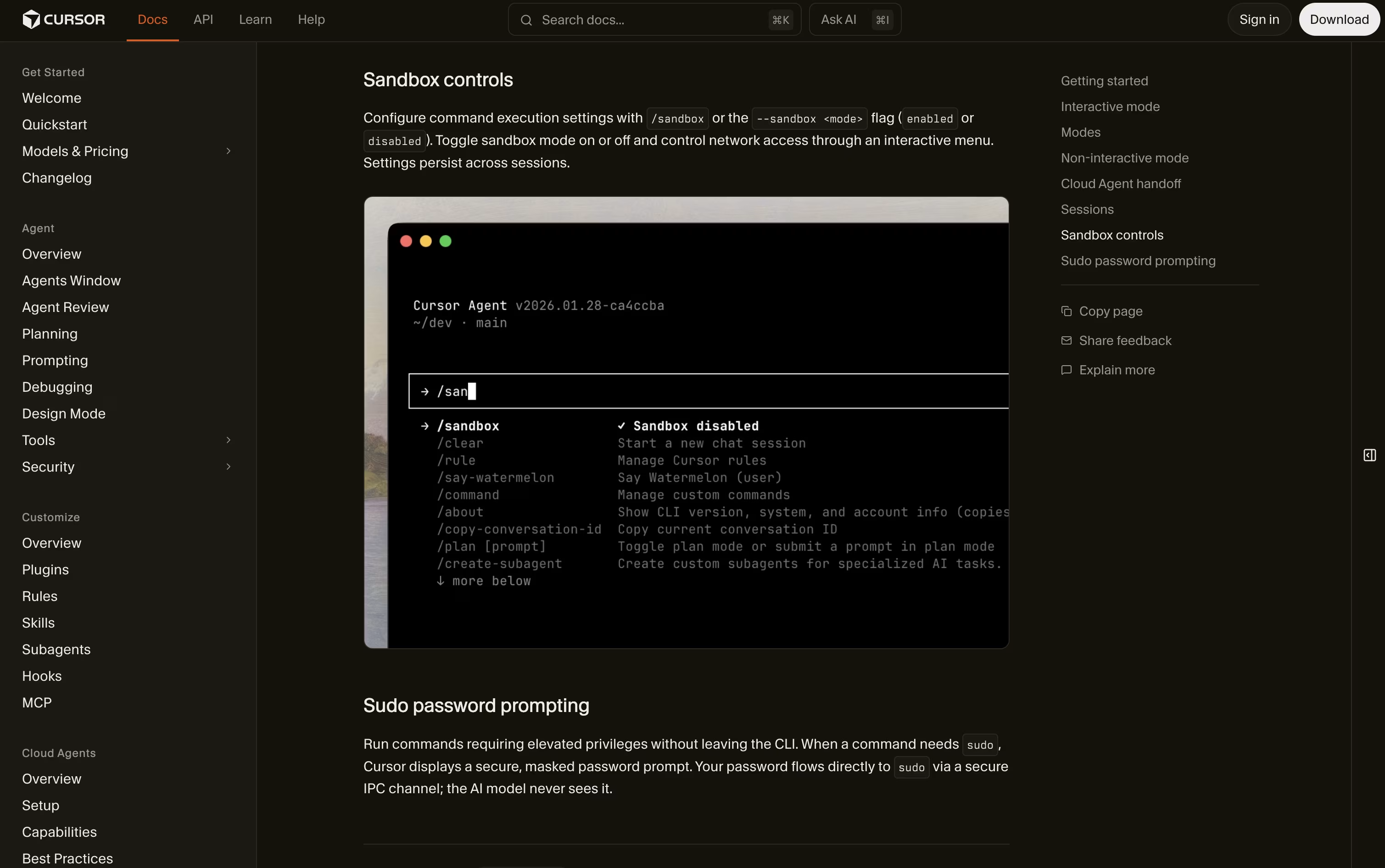
Cursor CLI is a coding agent you run right in your terminal instead of inside an editor. You type what you want in plain language, and it reads your files, plans the work, makes the edits, and runs commands with your approval.
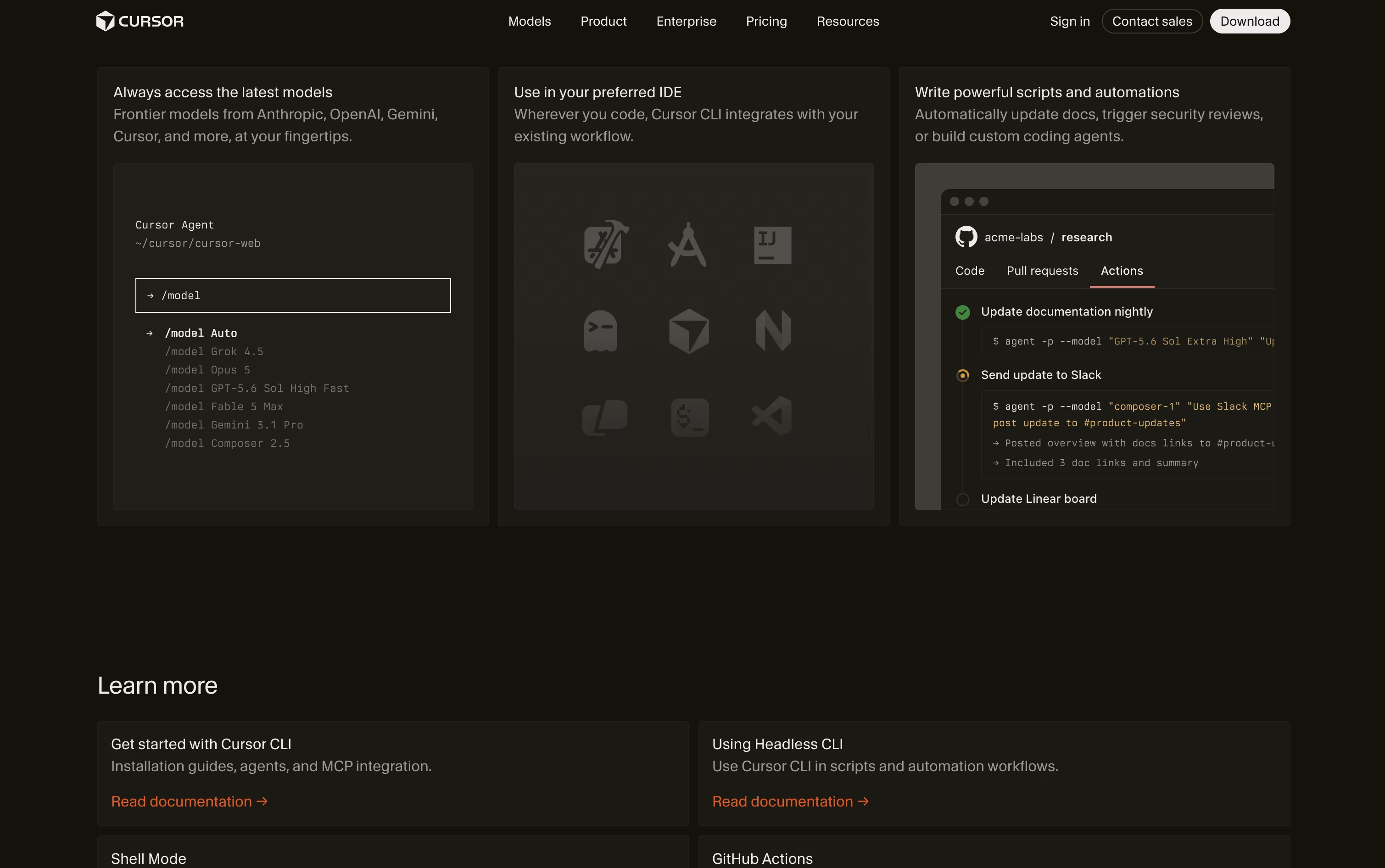
It shares the same models and tools as the Cursor editor, so it works the same way whether you use VS Code, JetBrains, Neovim, or no editor at all. You can use it for quick one off tasks, or run it without any prompts inside scripts, GitHub Actions, and other automation pipelines.
It supports many AI models from different companies, connects to outside tools through MCP, and lets you hand off long running work to the cloud.
Features of Cursor CLI
Runs a coding agent right in your terminal
Agent, Plan, and Ask modes for different needs
Access to many AI models from different providers
Connects to outside tools through MCP
Headless mode for scripts and CI pipelines
Sandbox mode and command approval prompts
Session resume and cloud agent handoff
Works with any editor or none at all
Cursor CLI Pricing
Hobby
- No credit card required
- Limited Agent requests
- Access to Composer
Pro
- Extended limits on Agent
- Generous limits for Grok and Composer
- Access to frontier models
- MCPs, skills, and hooks
- Cloud agents
- Bugbot on usage based billing
Pro+
- 3x Pro limits on Agent
- Generous limits for Grok and Composer
- Access to frontier models
- MCPs, skills, and hooks
- Cloud agents
- Bugbot on usage based billing
Ultra
- 20x Pro limits on Agent
- Generous limits for Grok and Composer
- Access to frontier models
- MCPs, skills, and hooks
- Cloud agents
- Priority access to new features
Teams Standard
- Centralized team billing and administration
- Team marketplace for rules, skills, and plugins
- Agentic code reviews with Bugbot
- Cloud agents with shared team context
- Usage analytics
- SAML/OIDC single sign on
Teams Premium
- 5x Standard limits on Agent
- Centralized team billing and administration
- Team marketplace for rules, skills, and plugins
- Agentic code reviews with Bugbot
- Cloud agents with shared team context
- SAML/OIDC single sign on
Enterprise
- Pooled usage
- Invoice or PO billing
- SCIM seat management
- Repository, model, and MCP access controls
- Audit logs and service accounts
- Priority support and account management
Cursor CLI Use Cases
FAQ's About Cursor CLI











See what users are saying about Cursor CLI
0 Reviews
No reviews yet
Be the first to review Cursor CLI