

Best 10 Tools for Terminal-Based Coding in 2026
Last Updated: August 19, 2026
Some developers prefer working directly from the command line rather than switching to a graphical interface. Terminal-Based Coding tools bring AI-assisted coding directly into the terminal environment.
Developers use terminal-based coding tools to write and edit code without leaving their command-line workflow.
 Claude Code
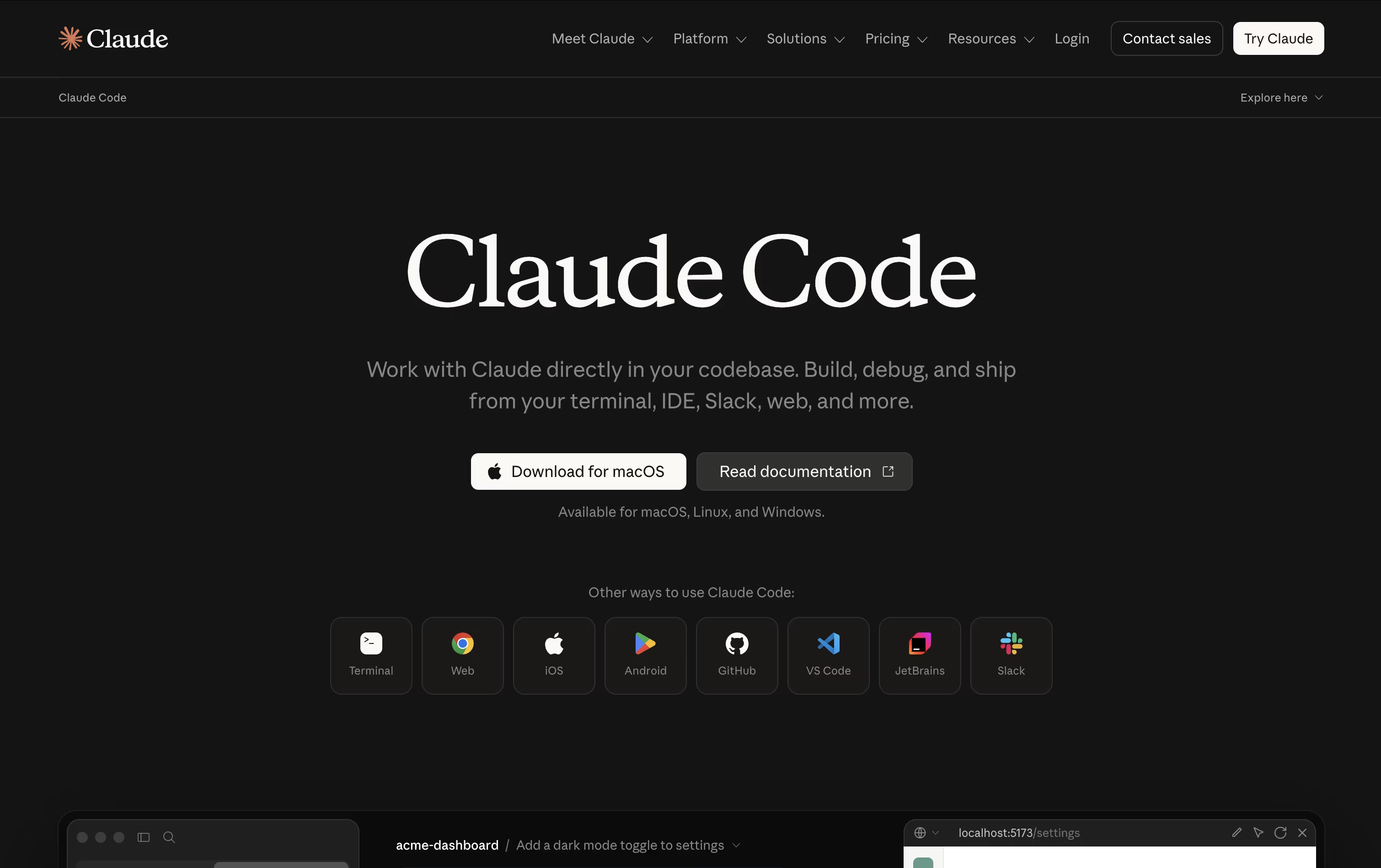 Claude CodeAnthropic's Agentic Coding Tool,
  Qwen Code
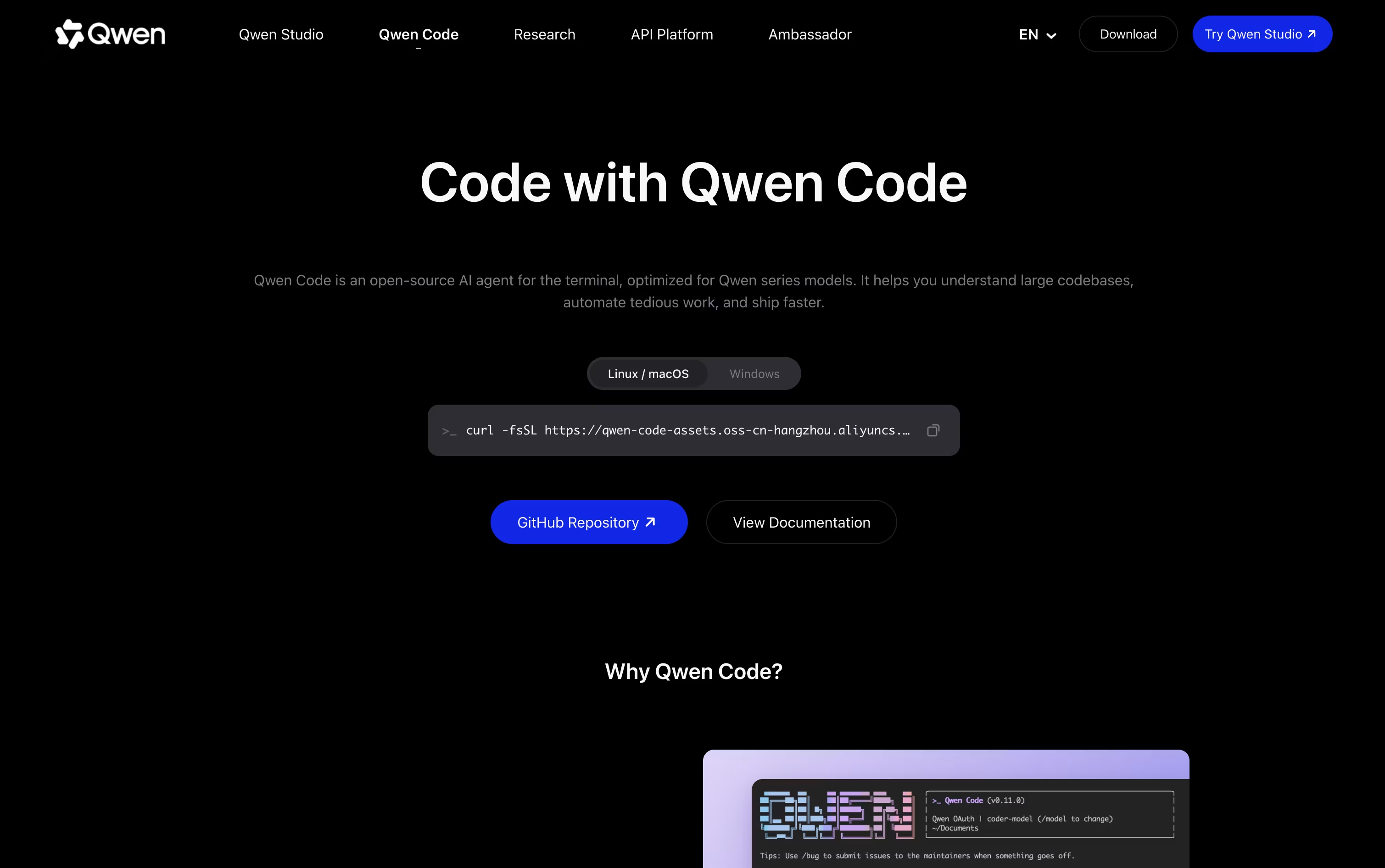 Qwen CodeOpen Source Terminal Coding Agent, and
  Grok Build
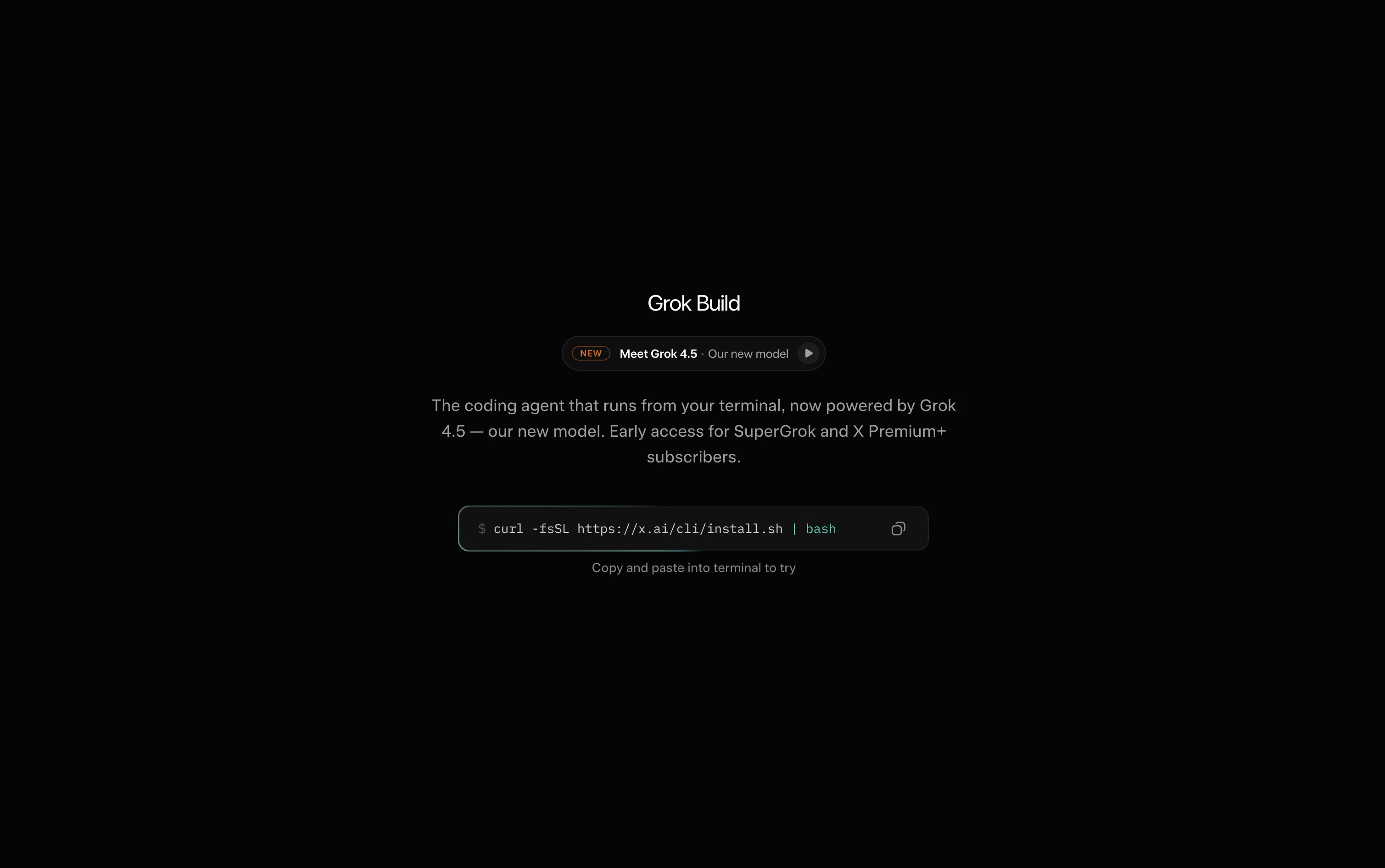 Grok BuildxAI's AI Coding Agent for Terminal are the best for Terminal-Based Coding. So, let’s take a closer look at all 10 tools.

Anthropic built Claude Code as an AI agent that works directly inside your codebase instead of just chatting about it. Give it a goal and it explores the project, plans its steps, then edits files, runs commands, and verifies the outcome itself.
It can map out large repositories in seconds, change multiple files at once while respecting how the project is structured, and take care of Git work like branching, committing, and opening pull requests.
Safety stays in your hands through manual approval, plan review, or automatic modes, plus checkpoints that let you rewind code or conversation if something goes wrong. Skills and background subagents handle repeatable jobs, and MCP connections add outside tools when needed.
On pricing, the Free plan does not include Claude Code, but Pro unlocks it starting at $17 a month with more usage and model access. Max plans begin at $100 a month for 5x or 20x higher usage and priority support.
Teams pay $20 to $125 per seat monthly depending on the seat type, while Enterprise pricing is custom and adds admin controls, audit logs, and compliance features.
You can reach it through the terminal, popular code editors, a desktop app, the web, or mobile, keeping your work connected across devices.
Qwen Code lets you type out what you want in plain English and watches it plan the work, write the code, and test that it runs, all from your terminal.
It is open source and not locked to one model provider, so alongside its home base of Qwen models, it also connects to OpenAI, Anthropic, Gemini, DeepSeek, and local models through Ollama or vLLM.
You are not stuck in the command line either. A desktop app covers macOS, Windows, and Linux, and there are companion extensions for VS Code, JetBrains, and Zed.
Solo developers can start with the Lite plan at $6 a month, then move up to Standard at $18 or Pro at $68 a month as they need more credits and more agents running at once.
Teams instead pick from seat based pricing, $20 per seat a month for Standard, $75 for Pro, or $200 for Max, each unlocking more monthly credits and access to models such as GLM-5, MiniMax-M2.5, and DeepSeek-V3.2.
Since it runs on an Apache-2.0 license, teams that want more control can also self host it or build their own tools on top of it.
Grok Build brings an agent that can actually write and fix code straight into your terminal. Describe a task, and it studies your codebase, drafts a plan, edits files, runs commands, and tests what it changed.
For bigger jobs, Plan Mode lays out each step first so you can review, comment, or approve before anything gets touched. Subagents can also split a large task and work on different parts of it at once.
Access to Grok Build starts with the Free plan at $0 a month. Moving up to SuperGrok for $30 a month brings the Grok 4.5 model, faster limits, and image and video tools.
Businesses can take the Business plan at $30 per user a month, which adds team seat controls and role based access, while Enterprise pricing is handled through sales and covers single sign on and dedicated data handling.
Since it is open source, teams can also run it against their own models instead of xAI's hosted ones.

Moonshot AI built Kimi Code as an agent that can actually carry out coding work, not just answer questions about it. It looks through your codebase, changes multiple files, runs commands, and keeps going until the task is complete.
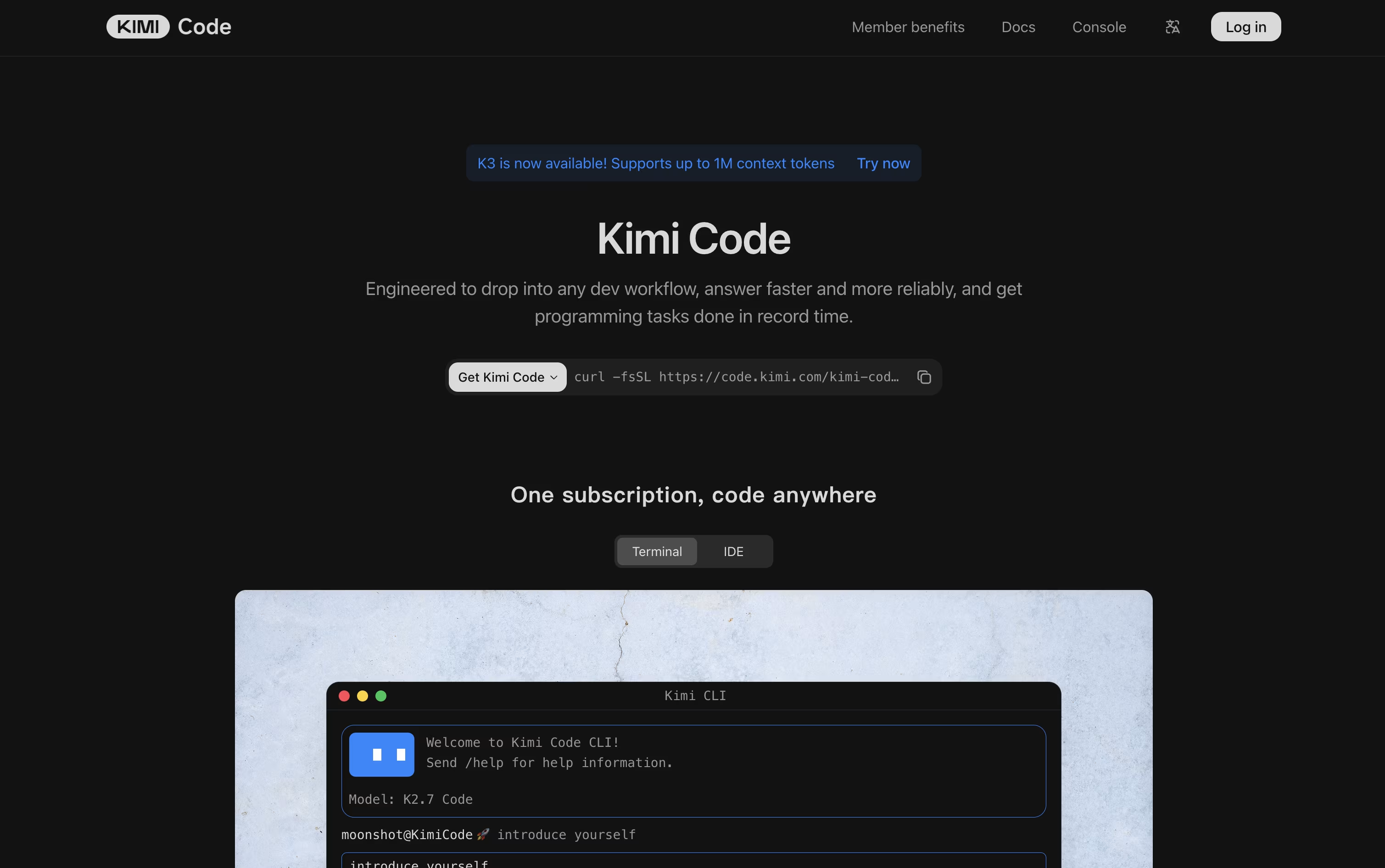
It is available as a CLI you run in the terminal, a VS Code extension, and an API you can wire into other developer tools. Long context support means it can hold onto large projects while it works.
Through MCP support plus skills, plugins, and hooks, you can extend what it can do and connect it to outside services. Swarm mode lets several agents work in parallel, and Goal Mode keeps an agent working toward an objective on its own.
On pricing, the free Adagio plan is a good starting point. From there, Moderato costs $19 a month, Allegretto $39, Allegro $99, and Vivace $199, with each tier unlocking more credits, longer context windows, and added features. Paying yearly lowers the monthly cost and saves as much as $480 a year.
Businesses that need more can reach out for custom pricing.

Think of GitHub Copilot CLI as Copilot's coding agent moved into your terminal window. You describe what you need, and it plans the steps, edits files, runs commands, and can open a pull request when it is done.
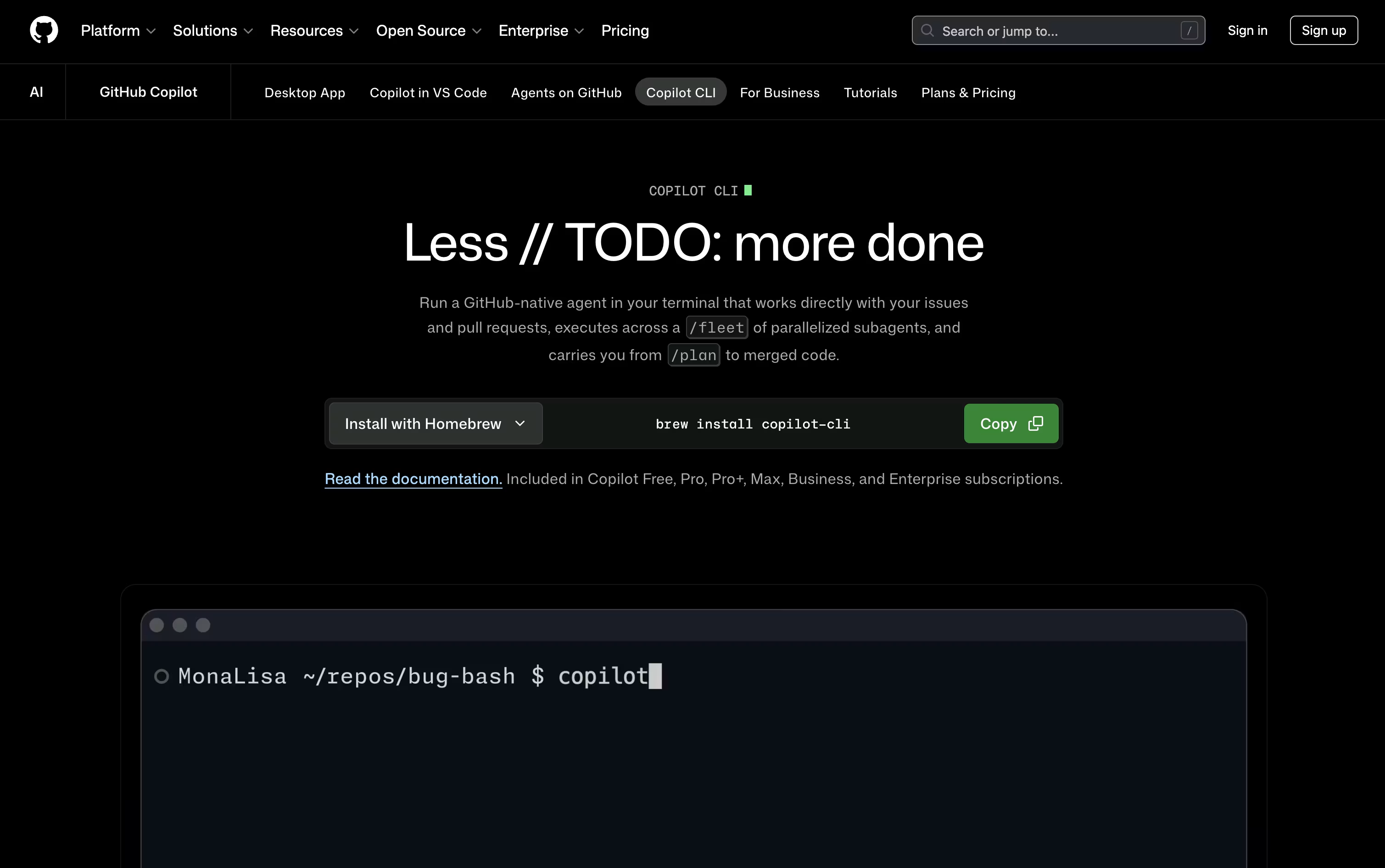
Because it talks to GitHub directly, it can pull in issues, work across branches, and manage pull requests without any extra setup on your part.
Bigger tasks can be split into smaller pieces through the /fleet command, with separate sub agents handling each part, and you are free to switch between models like Claude, GPT, and Gemini as the work needs.
On price, the Free plan gives 2,000 completions monthly at no cost. Pro sits at $10 per user a month with unlimited completions and Cloud Agent access, Pro+ steps up to $39 a month for premium Opus models, and Max tops out at $100 a month with priority access to new releases.
Business runs $19 per user a month for teams, while Enterprise is $39 per user a month with larger pooled credits.
Nothing runs without your say so, since every edit and command still waits for your approval.

Instead of opening an editor, Cursor CLI lets you talk to a coding agent right from the terminal window you already have open.
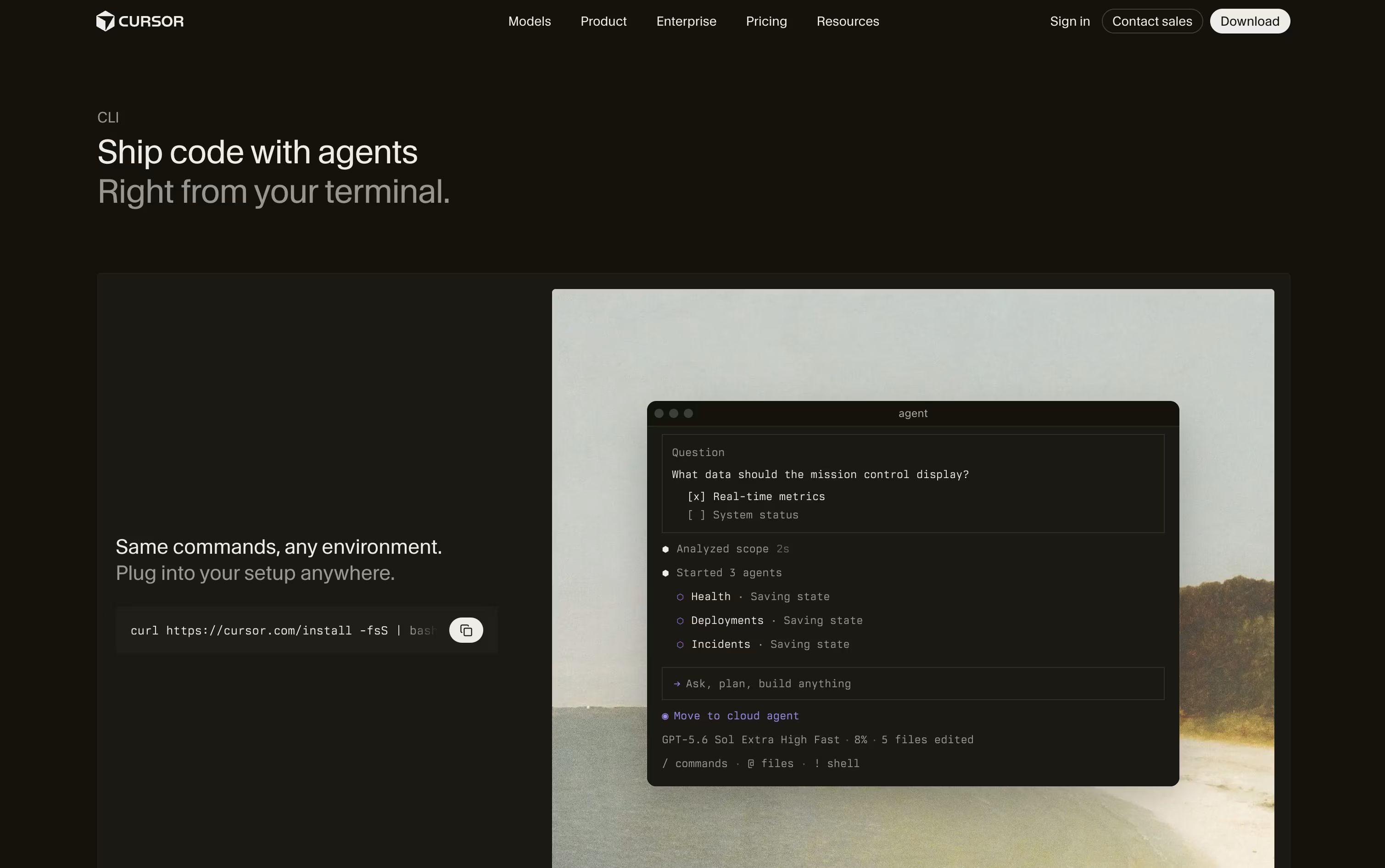
You describe the task, and it reads through your project, works out a plan, edits the files, and runs commands once you approve them.
It uses the same models, rules, and MCP tool connections as the Cursor editor, so nothing changes whether you code in VS Code, JetBrains, Neovim, or with no editor at all.
The Hobby tier is free with limited agent requests, just to get a feel for it. Pro costs $20 a month for extended limits and access to frontier models, Pro+ is $60 a month with three times those limits, and Ultra is $200 a month with twenty times the limits plus early access to new features.
Teams pay $40 per user a month on Standard or $120 per user a month on Premium, both bringing shared context, usage analytics, and single sign on, while Enterprise pricing is custom with pooled usage and audit logs.
Since it can also run without any prompts at all, it fits neatly into GitHub Actions and other CI pipelines for automatic reviews and fixes.

Think of OpenCode as an AI teammate that lives in your terminal, desktop, code editor, or browser. Instead of just autocompleting lines, it reads your codebase, plans out a fix or feature, and then does the work itself using file editing, search, and shell tools.
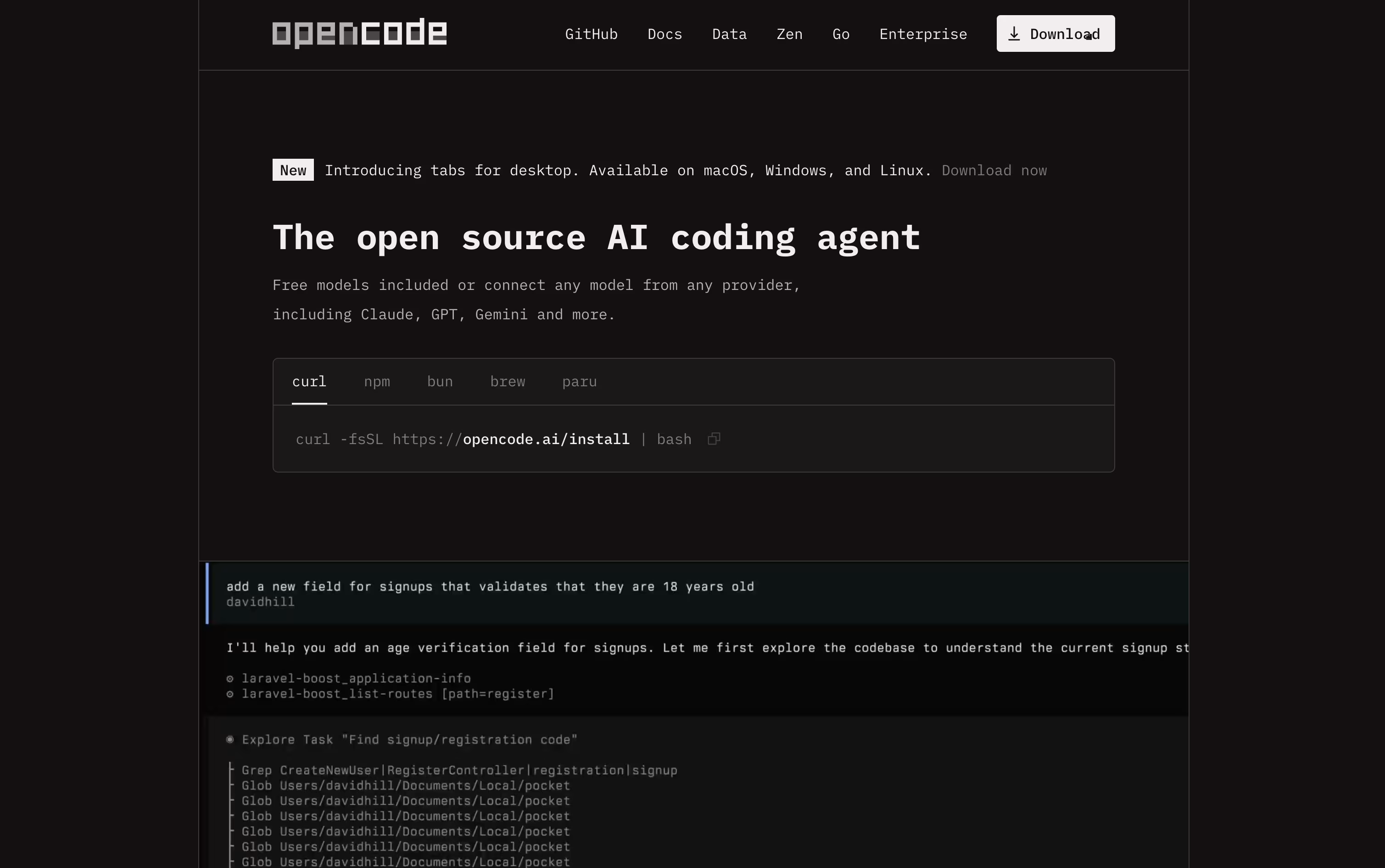
It is completely free and open source under the MIT license, and it never stores your code or project data, which makes it a good fit for developers and teams that care about privacy.
You can connect it to over seventy five AI providers, from paid services like OpenAI and Anthropic to free local models such as Ollama, so there is a setup for every budget.
If you want reliable access to strong open source coding models without managing your own API keys, the OpenCode Go plan is available for $5 in the first month, then $10 a month afterward, with no contract and easy cancellation.
Go includes generous request limits across models like Kimi K3, GLM-5.2, Qwen3.7 Max, and DeepSeek V4 Pro, refreshed on a rolling five hour basis, with extra credit available if you ever need more.
Codex is an AI agent from OpenAI made to take on actual coding tasks, from planning a feature to writing, testing, and fixing the code itself. You describe what you need, and it works through your project on its own.
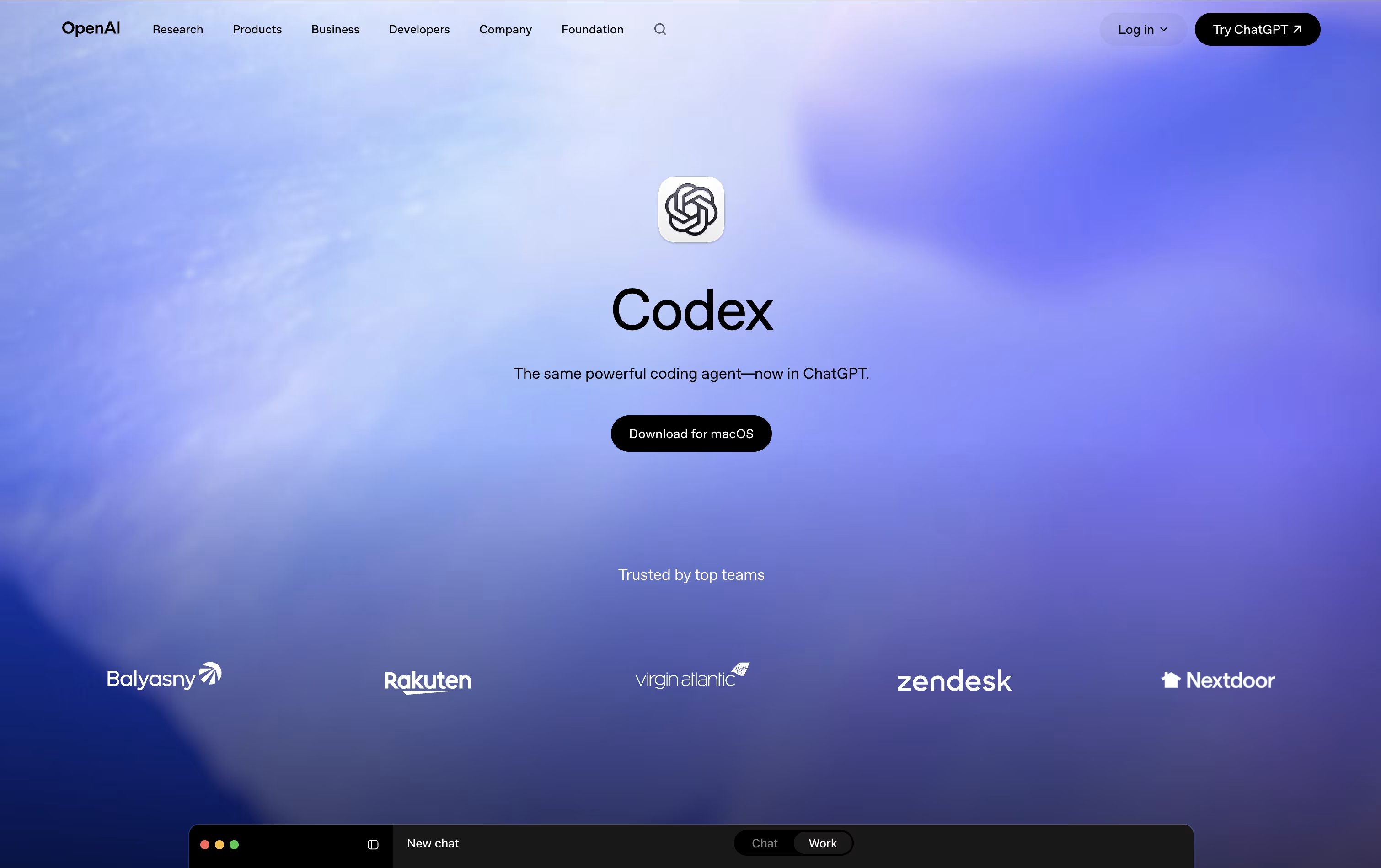
All the work happens in a separate, isolated copy of your project, so your main files stay untouched until you review and approve the changes.
Getting started costs nothing, with limited Codex access included in the Free ChatGPT plan. The Go plan is $8 a month, Plus is $20 a month and unlocks expanded Codex usage, and Pro starts at $100 a month for the most Codex tasks and strongest models.
For companies, Business runs $20 per user a month when billed yearly, or $25 monthly, and adds shared tool connections and admin controls. Enterprise is custom priced with extra security and support.
Codex has also expanded past pure coding, with skills and plugins that let marketers, analysts, and designers use it for everyday work too.

Amp is built around the idea of threads, which are ongoing conversations between you and the agent. Inside a thread, Amp can read your codebase, make edits, run tests, and carry out full tasks with little hand holding.
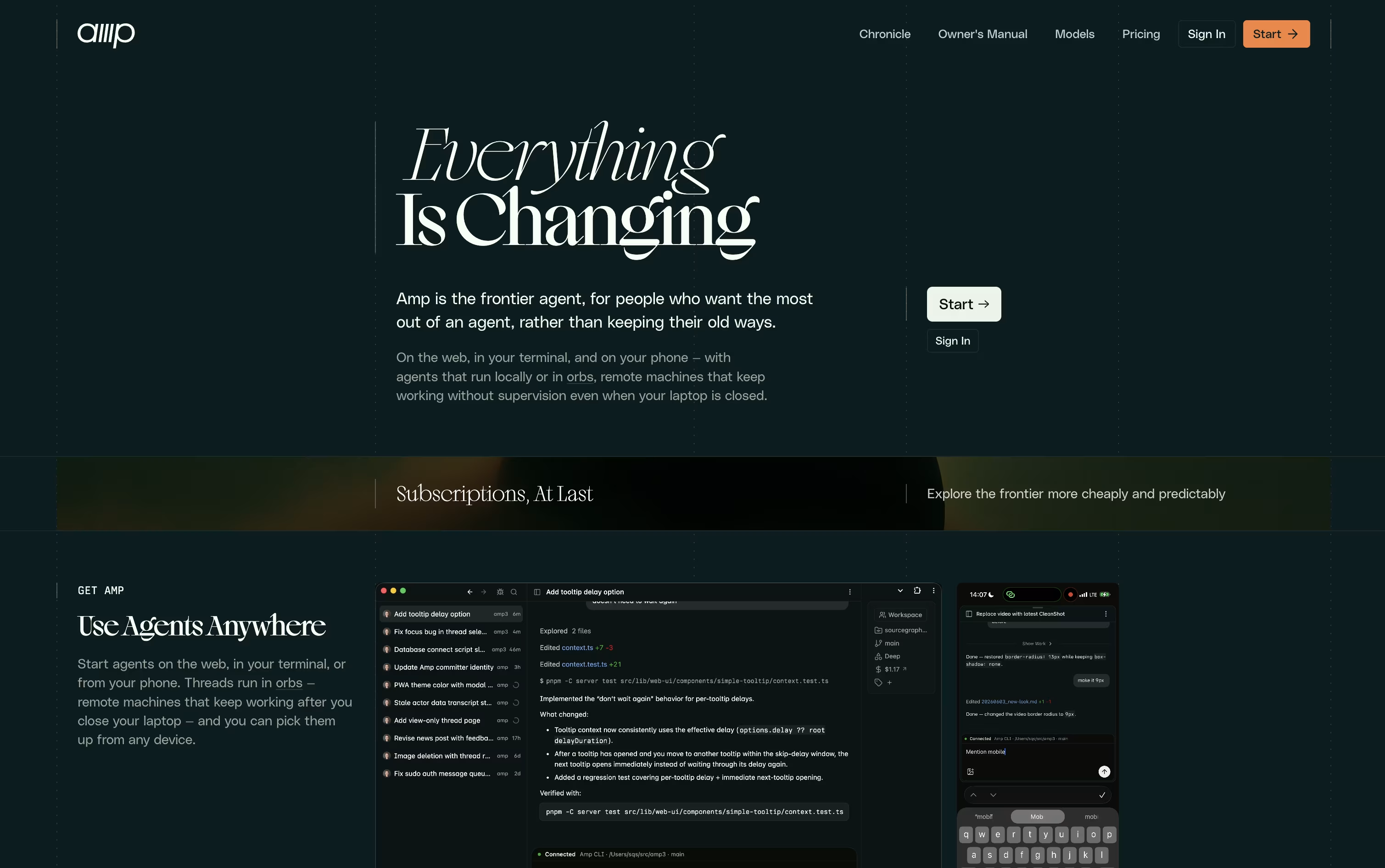
What sets Amp apart is orbs, remote machines that let tasks keep running even when your own computer is turned off. These come pre loaded with common developer tools so work can start right away.
You can choose from several modes depending on how much thinking power a task needs, ranging from quick fixes to deep, complex problem solving. Skills and plugins let you extend what Amp can do even further.
On pricing, the Megawatt plan is $20 a month and covers lighter workloads with orb hours and usage credit. Gigawatt costs $200 a month and adds bigger orbs along with access to every mode. A pay as you go option and a custom priced Enterprise plan round out the choices for larger teams.
Overall, Amp is designed for developers who want an assistant that can work independently and scale with the pace of newer AI models.

What used to be just a terminal has turned into a complete workspace for coding with AI agents. Warp is fast, built on Rust, and designed to feel modern from the first launch.
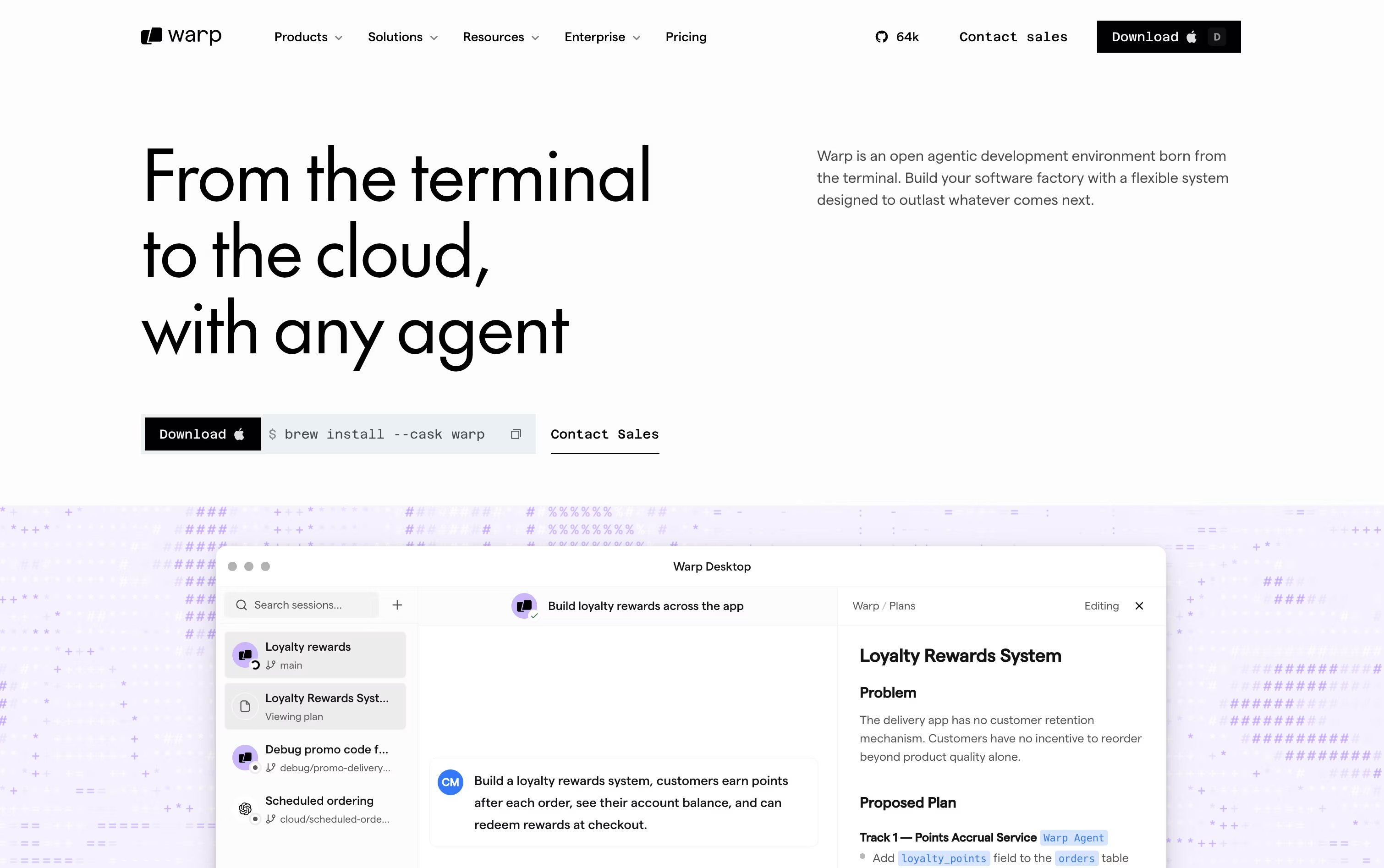
You get a block-based layout that groups commands and their output together, along with a built-in Warp Agent for writing, planning, and fixing code. Other agents such as Claude Code, Codex, and Gemini CLI can run right alongside it.
Oz handles the orchestration side, moving agents between your machine and the cloud whenever you need more power. Warp Drive stores workflows, notebooks, and shared knowledge so your whole team stays on the same page.
Getting started costs nothing on the Free plan, though cloud agent access stays limited. Build opens things up at $20 a month with 1,500 credits and full agent access.
Teams with heavier needs can move to Max at $200 a month, or Business at $50 per seat a month for shared controls and SSO.
Larger companies can talk to sales about Enterprise, which adds self-hosted agents and dedicated support. The whole client is open source and runs across macOS, Linux, and Windows.





