



GitHub Copilot CLI
AI Coding Agent for Terminal
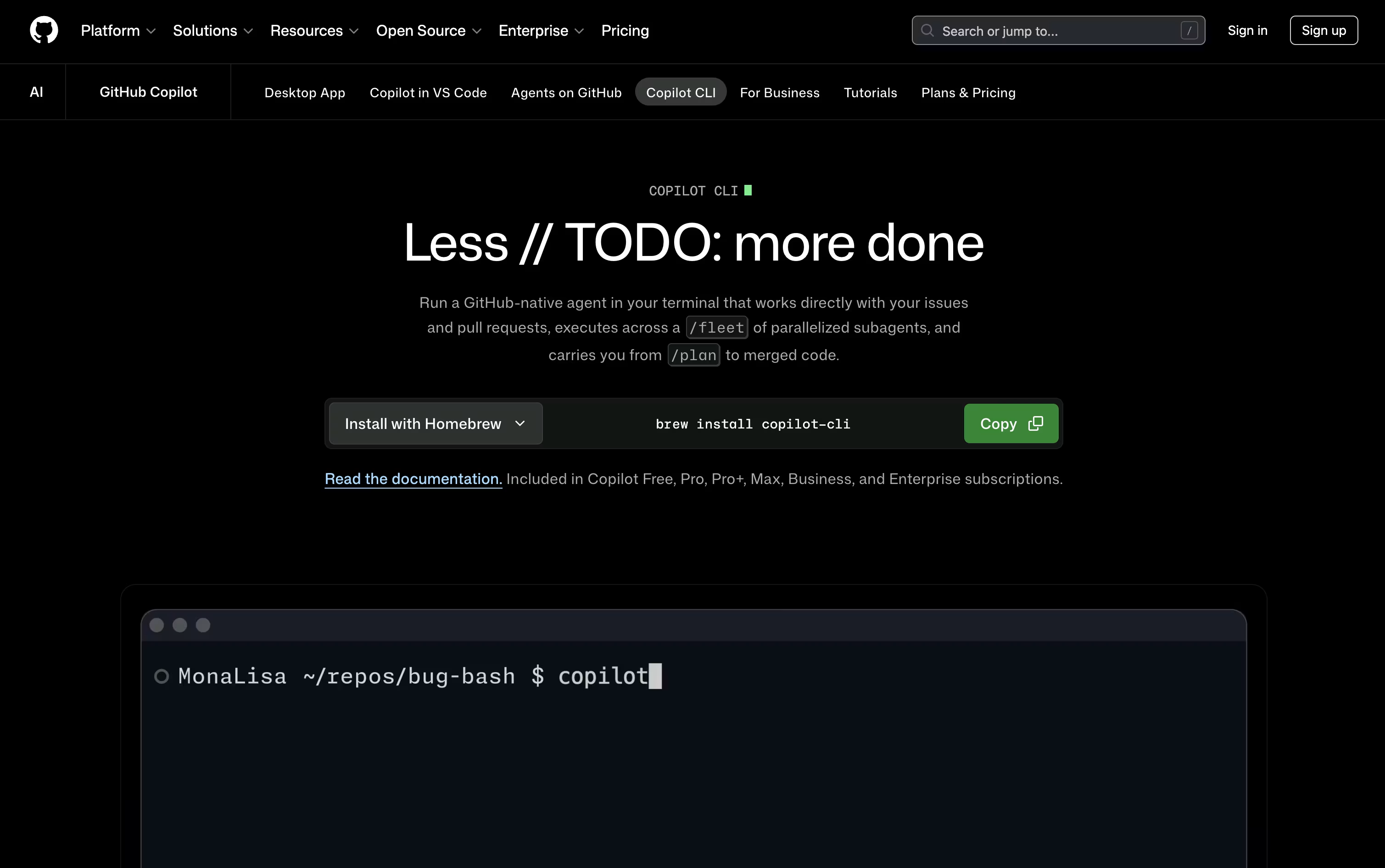
GitHub Copilot CLI is a terminal based AI coding agent that plans, writes, tests, and ships code for you.


What is GitHub Copilot CLI
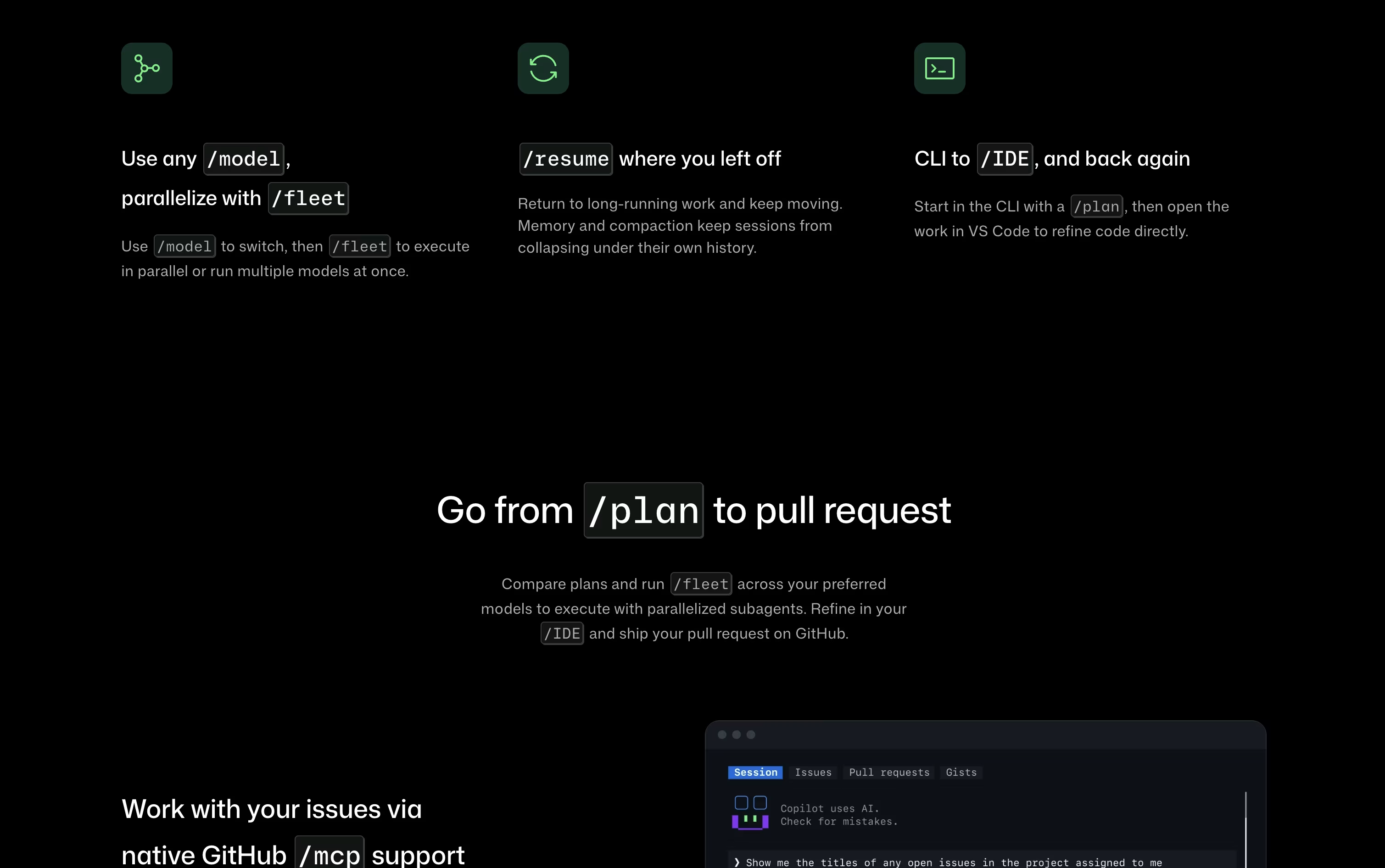
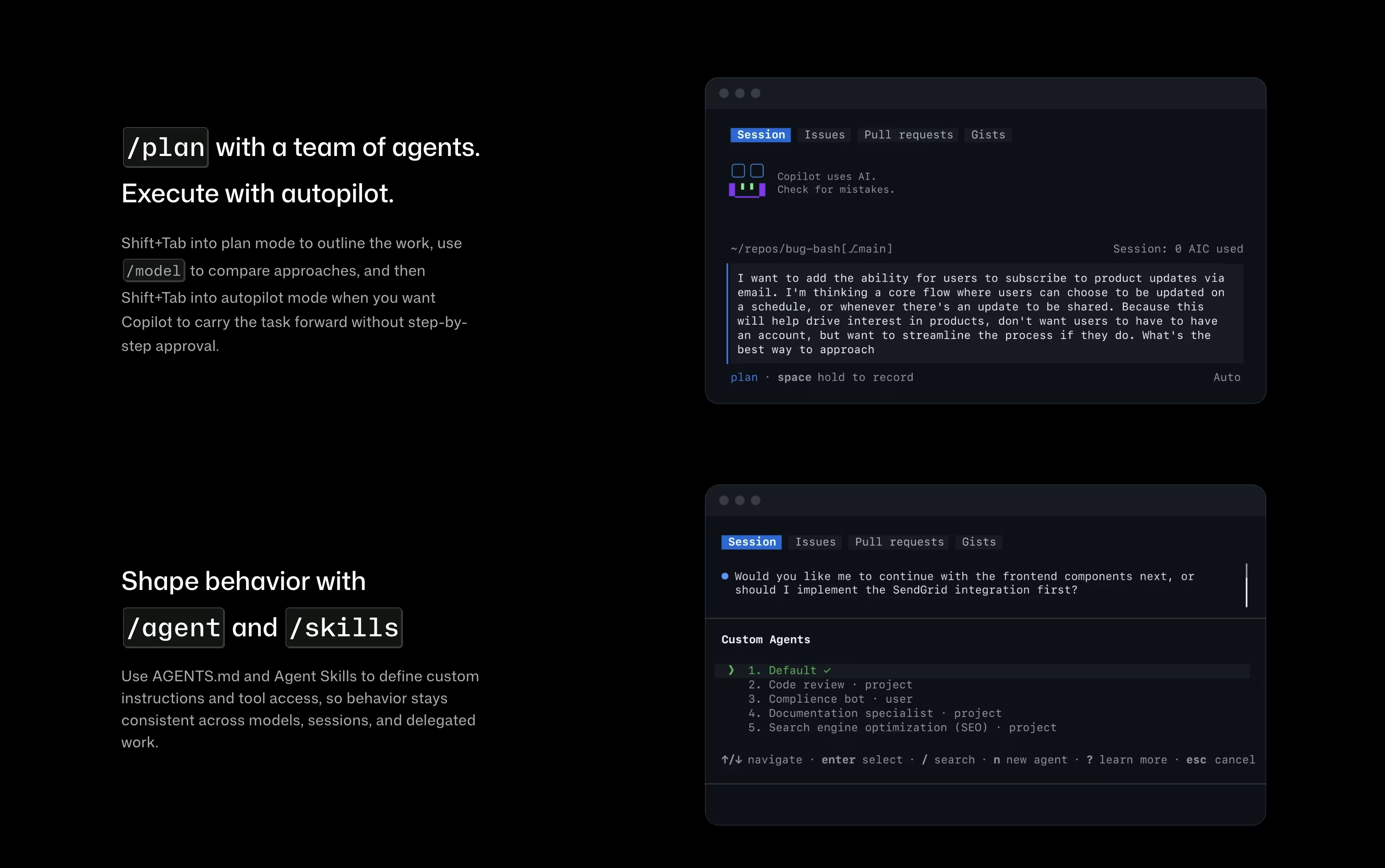
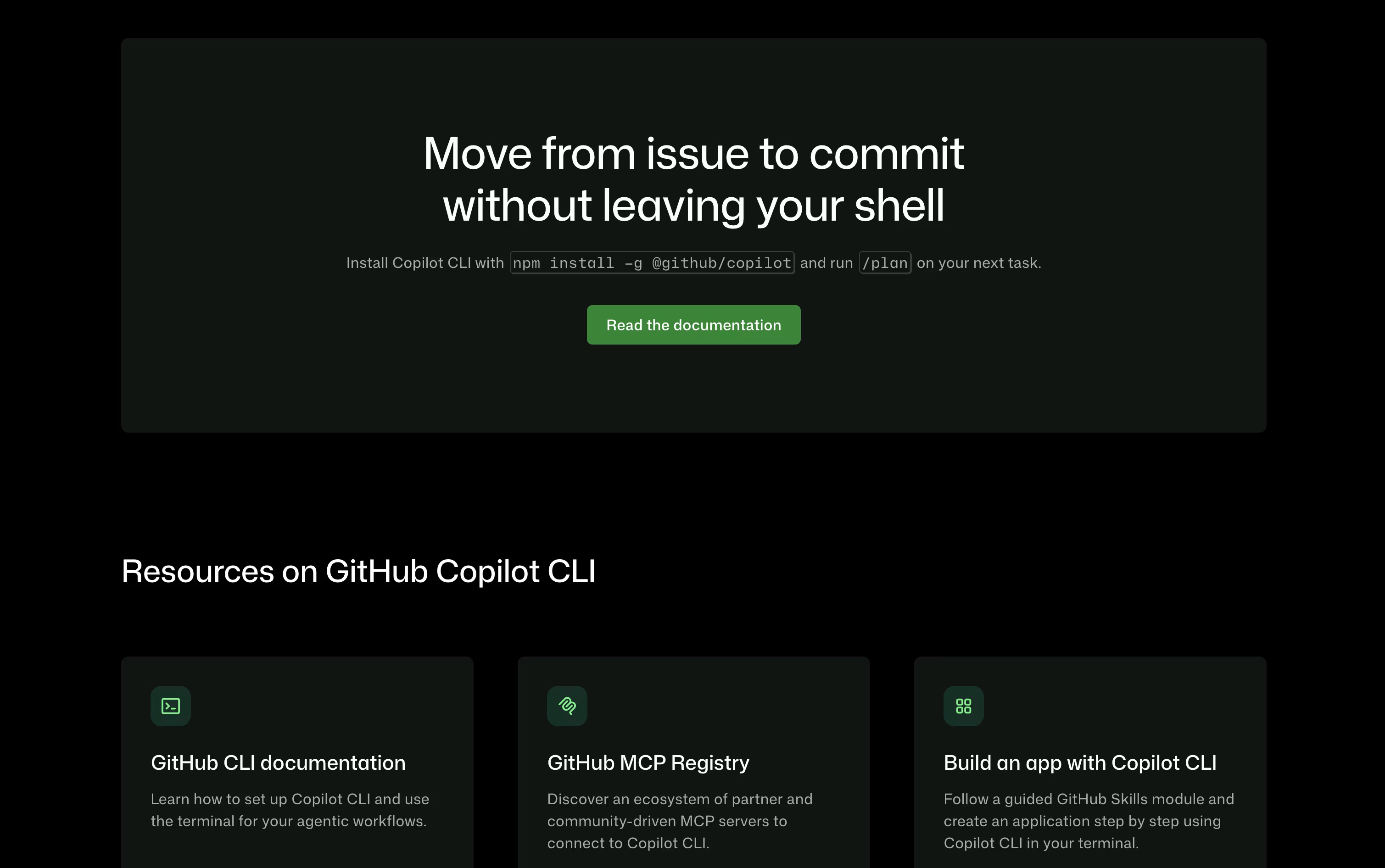
GitHub Copilot CLI brings GitHub's Copilot coding agent straight into your terminal. Instead of switching to an editor, you type a request and it can plan the work, edit files, run shell commands, and open pull requests on its own. It connects natively to GitHub, so it can read issues, work with branches, and manage pull requests without extra setup. You can pick from many AI models, including Claude, GPT, and Gemini options, and switch between them as needed. Plan mode lets you review a checklist before any changes happen, while autopilot mode moves faster with fewer stops. Every file change and command needs your approval first, so you stay in control throughout the process.
Features of GitHub Copilot CLI
Terminal based AI coding agent
Plans, edits, tests, and ships code
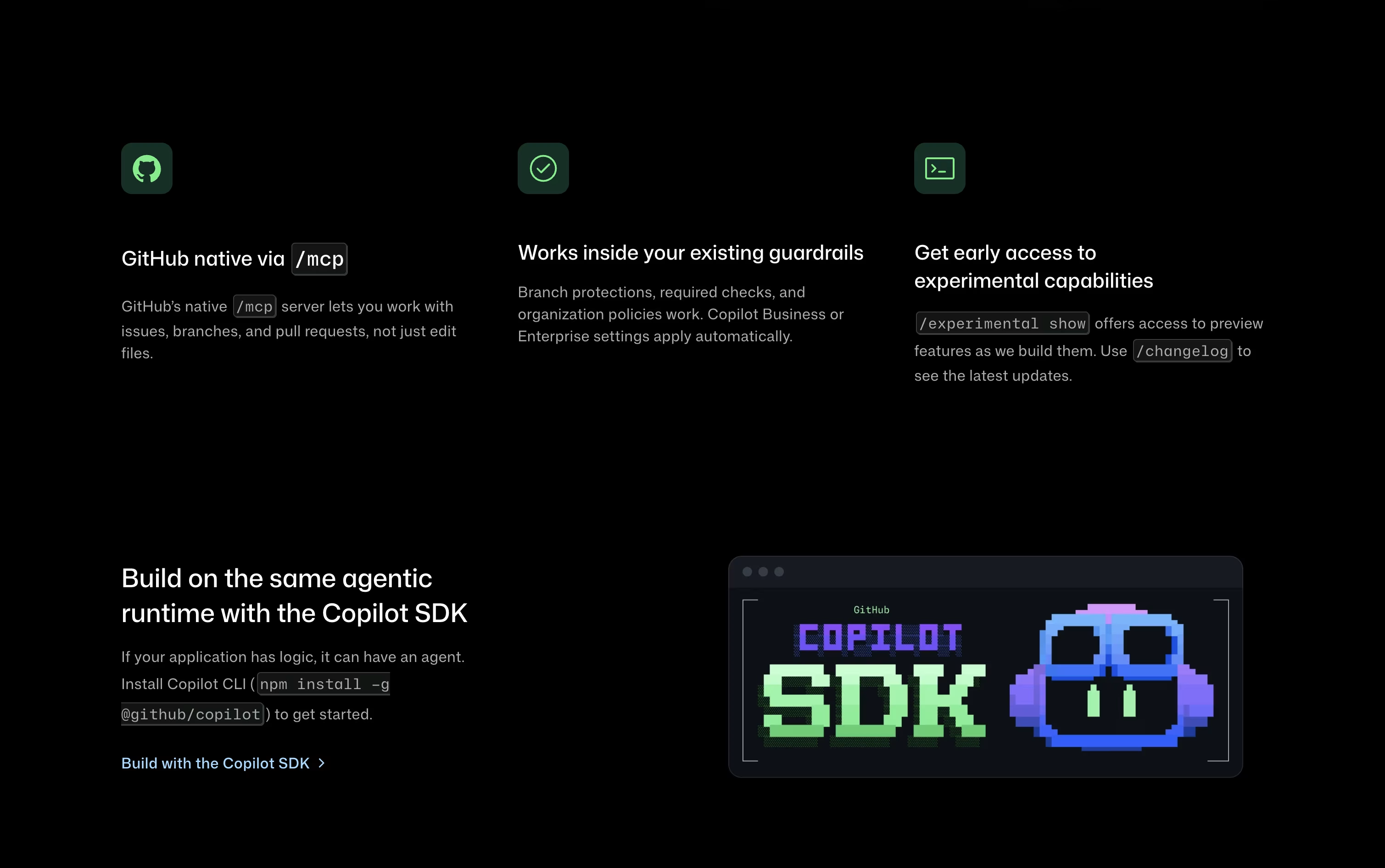
Native GitHub issues and pull request support
Parallel sub agents through /fleet
Plan mode and autopilot mode
Works with Claude, GPT, and Gemini models
MCP servers, skills, hooks, and plugins
Session memory with automatic compaction
Approval required for file and shell changes
Runs on macOS, Linux, and Windows
GitHub Copilot CLI Pricing
Free
- 2,000 completions per month
- Access to Haiku 4.5 and GPT-5 mini
- Copilot CLI included
- Community support
Pro
- Unlimited code completion and edit suggestions
- Access to Cloud Agent and Code Review
- Third-party agents like Claude Code and OpenAI Codex
- Model selection
- $15 monthly AI credits
Pro+
- Everything in Pro
- Access to premium models, including Opus
- Audit logs
- 4x more usage than Pro
- $70 monthly AI credits
Max
- Everything in Pro+
- Priority access to new models and features
- 2.9x more usage than Pro+
- $200 monthly AI credits
Business
- Unlimited code completion and edit suggestions
- Cloud Agent and Code Review
- Access control and budget control
- Governance and IP indemnity
- Data privacy and web based support
Enterprise
- Everything in Business
- Priority access to new models and features
- 2x more usage than Business
- Premium support add-on
GitHub Copilot CLI Use Cases
FAQ's About GitHub Copilot CLI











See what users are saying about GitHub Copilot CLI
0 Reviews
No reviews yet
Be the first to review GitHub Copilot CLI