



ZCode
Agentic AI Coding Tool for Developers
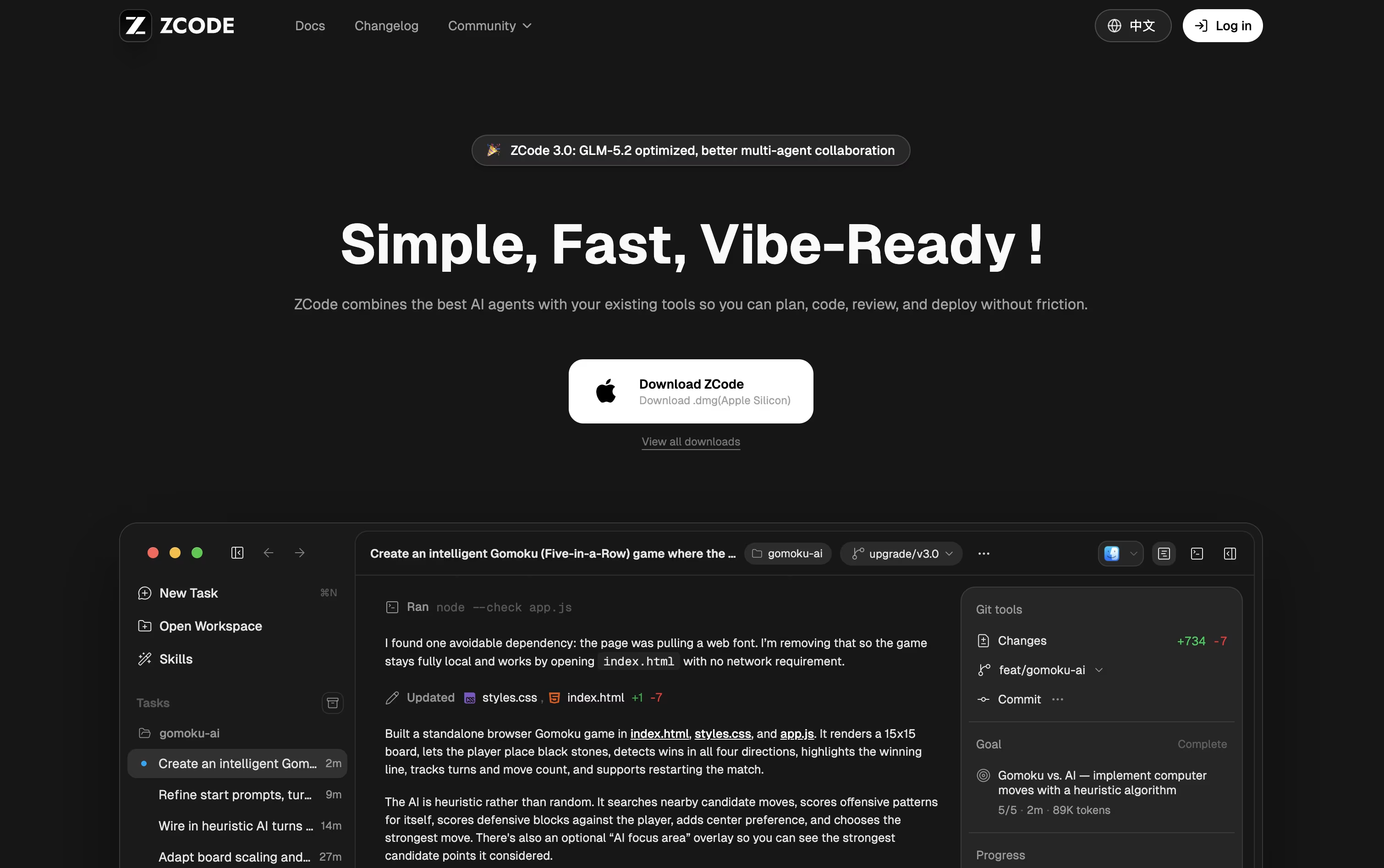
ZCode is a free desktop AI coding tool that plans, edits, tests, and fixes code using the GLM-5.2 model.



What is ZCode
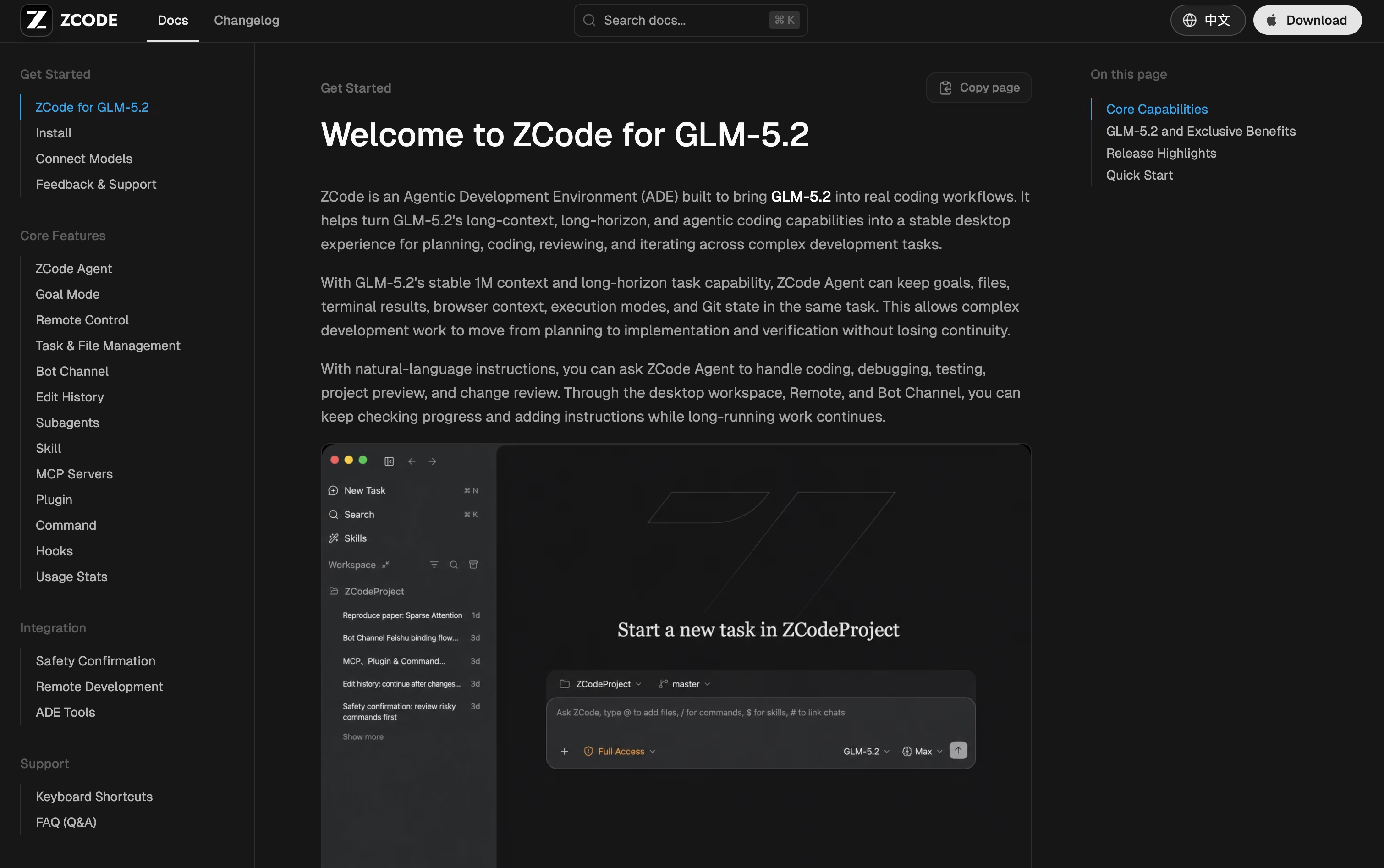
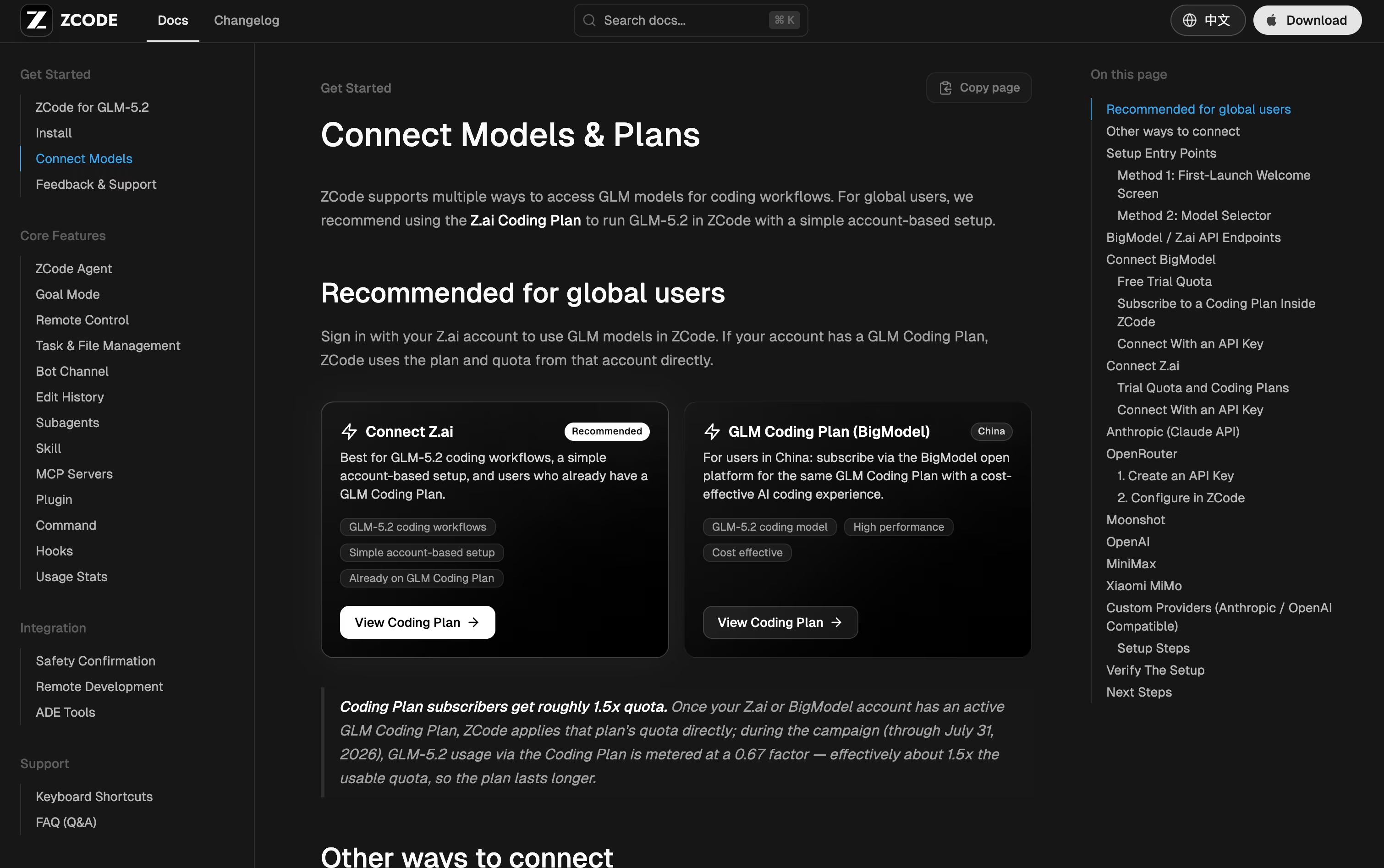
ZCode is a free desktop app from Z.ai that helps you build software using an AI agent. Instead of just chatting with AI inside an editor, you tell ZCode what you want done, and it plans the work, edits your files, runs terminal commands, checks its own results, and keeps working until the task is finished.
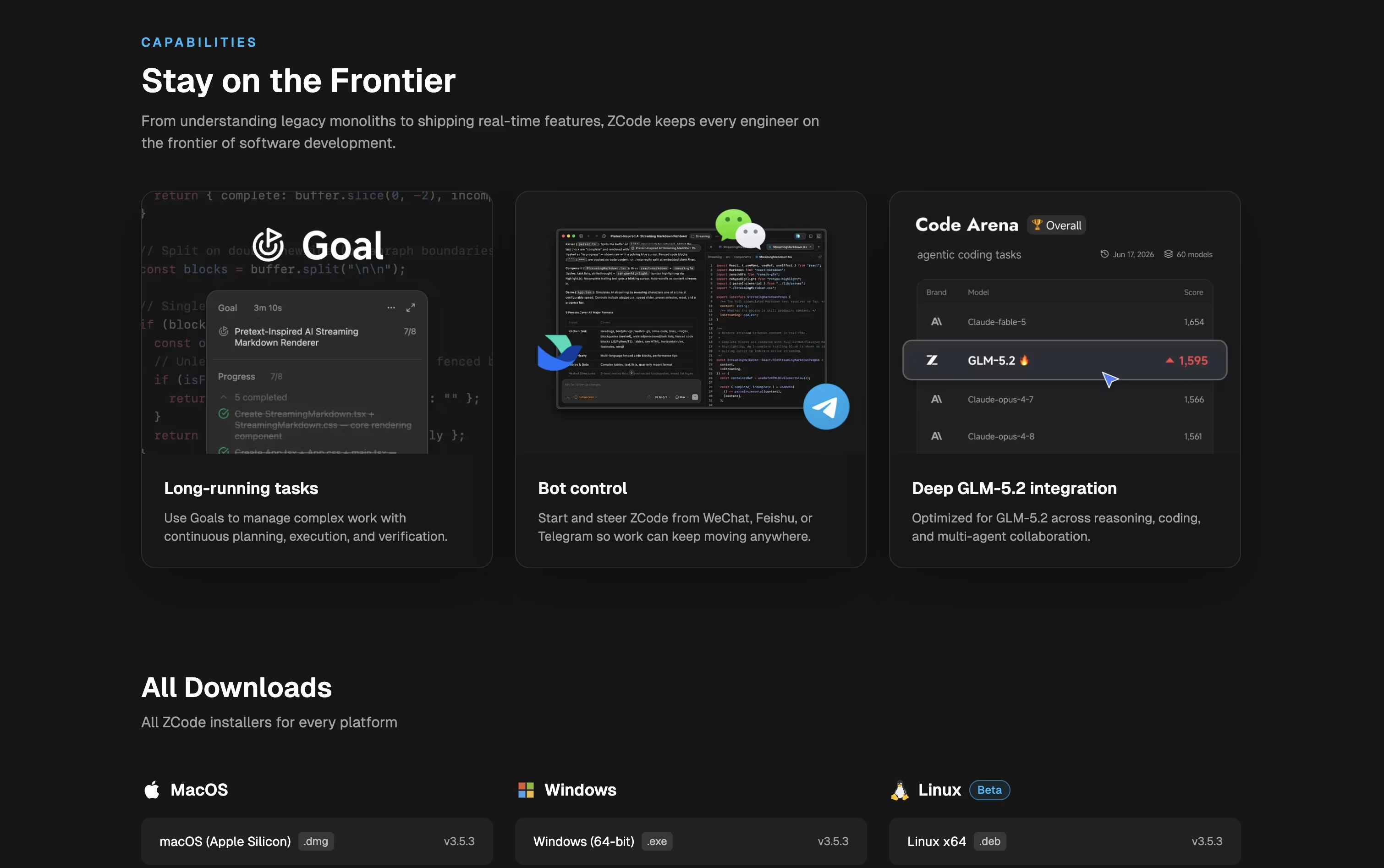
It is built around the GLM-5.2 model, which can hold a huge amount of context so it can work on large, complex projects without losing track of details. You can also connect other AI models if you prefer.
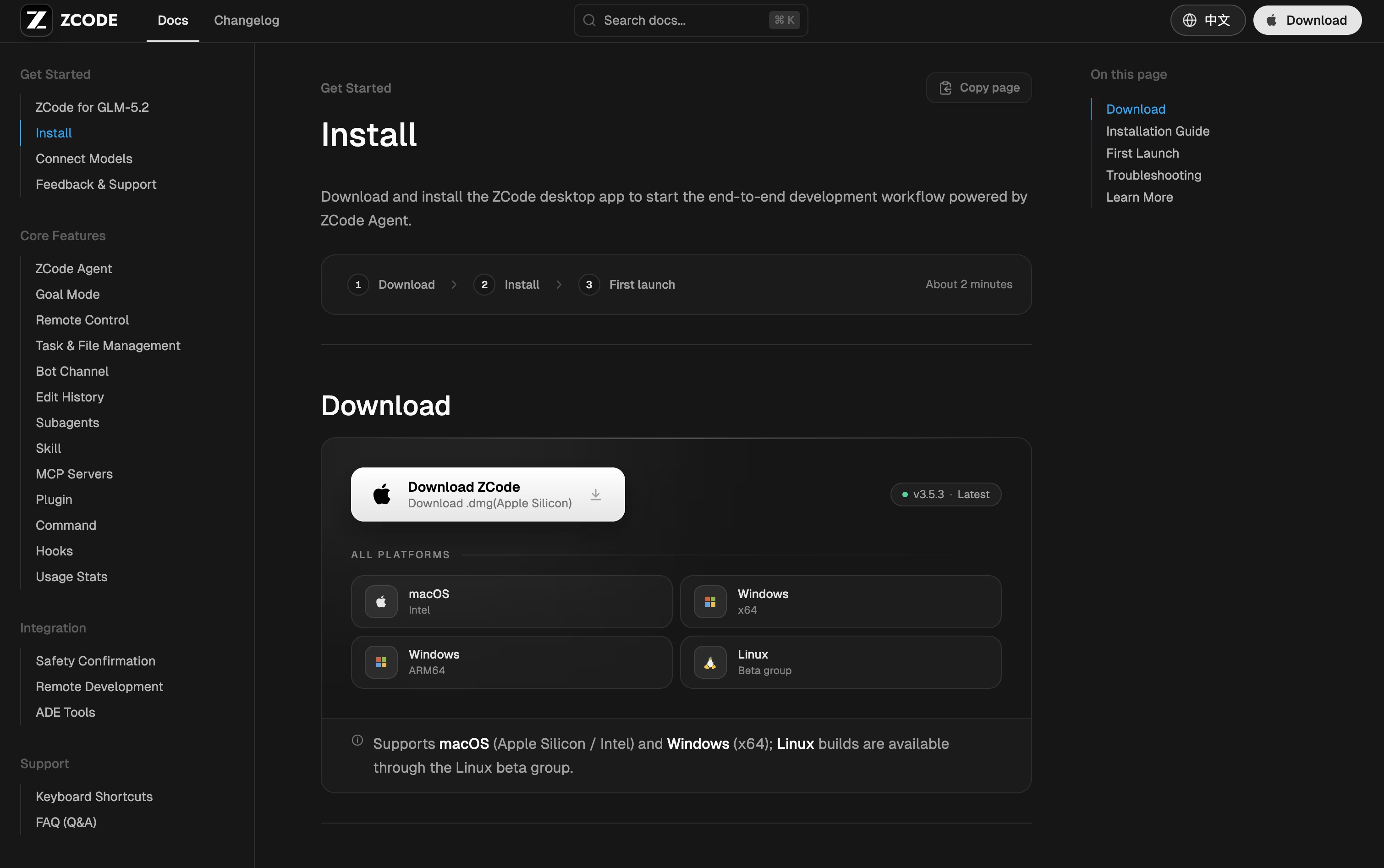
ZCode works on Mac, Windows, and Linux, and you can even guide tasks from your phone while the agent keeps working on your computer.
Features of ZCode
AI agent plans, edits, and tests code
Goal Mode keeps working until tasks pass
Built-in terminal, file manager, and Git panel
Live browser preview for checking results
Custom subagents for research and tasks
Reusable skills and quick commands
Plugin and MCP tool support
Remote access via SSH and Docker
Mobile and bot control while you're away
Works on Mac, Windows, and Linux
ZCode Pricing
Lite
- Base usage allowance included
- Built for lightweight iteration on small repositories
- Rolling access to the latest flagship models and features
- Supports 20+ coding tools, including Claude Code
Pro
- Everything in Lite, plus 5x Lite usage
- Built for day-to-day development on mid-sized repositories
- Priority access to the latest flagship models and features
- Includes a curated selection of MCP tools
- Faster generation speeds
Max
- Everything in Pro, plus 20x Lite usage
- Built for advanced users on mid-to-large repositories
- First access to the latest flagship models and features
- Dedicated resources during peak times
FAQ's About ZCode







See what users are saying about ZCode
0 Reviews
No reviews yet
Be the first to review ZCode