

Best 7 AI Code Editor Tools in 2026
Last Updated: August 24, 2026
An AI Code Editor brings intelligent assistance directly into your development environment, offering real time code completion, refactoring suggestions, and inline explanations as you type. Instead of switching between a chat window and your codebase, these editors understand your project context and help you write, debug, and review code without breaking your flow.
Built for developers who want AI woven into their daily workflow, these tools support multiple languages and frameworks while adapting to your coding style over time. Whether you are building a small script or maintaining a large codebase, an AI powered editor can speed up routine tasks and catch issues before they become bugs.
 Cursor
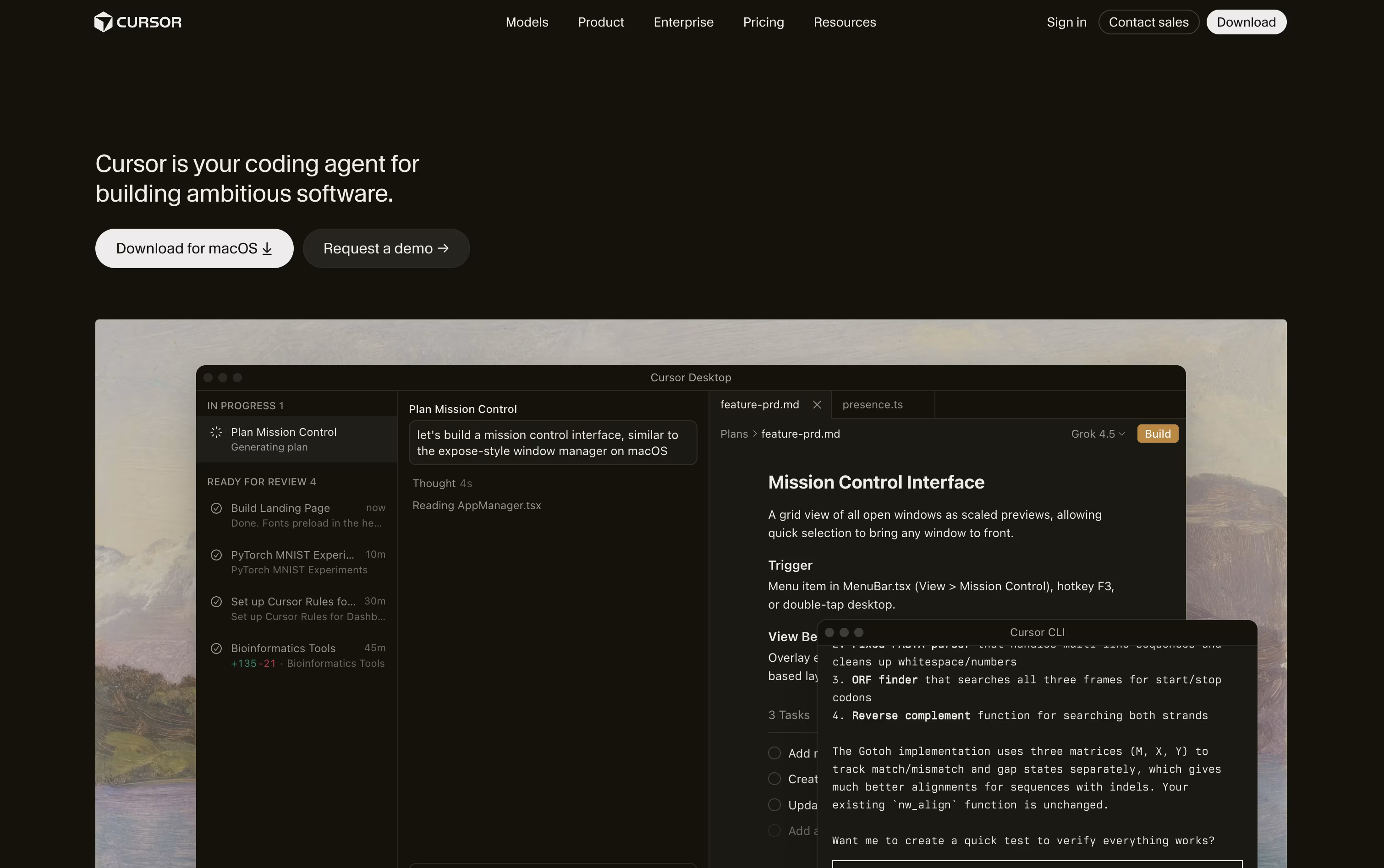 CursorAI-Native Code Editor for Developers,
  Zed
Zed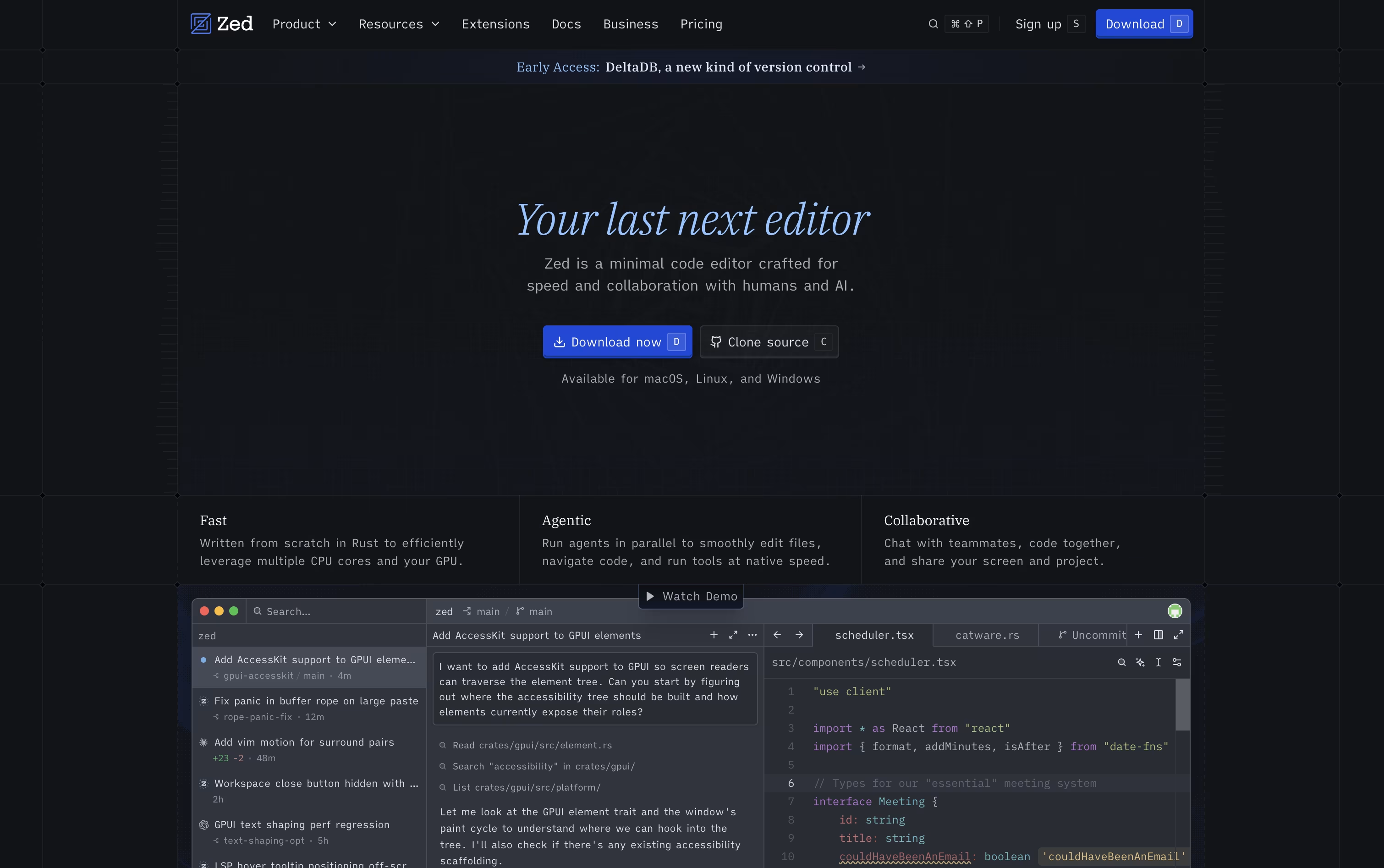 ZedRust Code Editor with AI and Collaboration, and
  ZCode
ZCode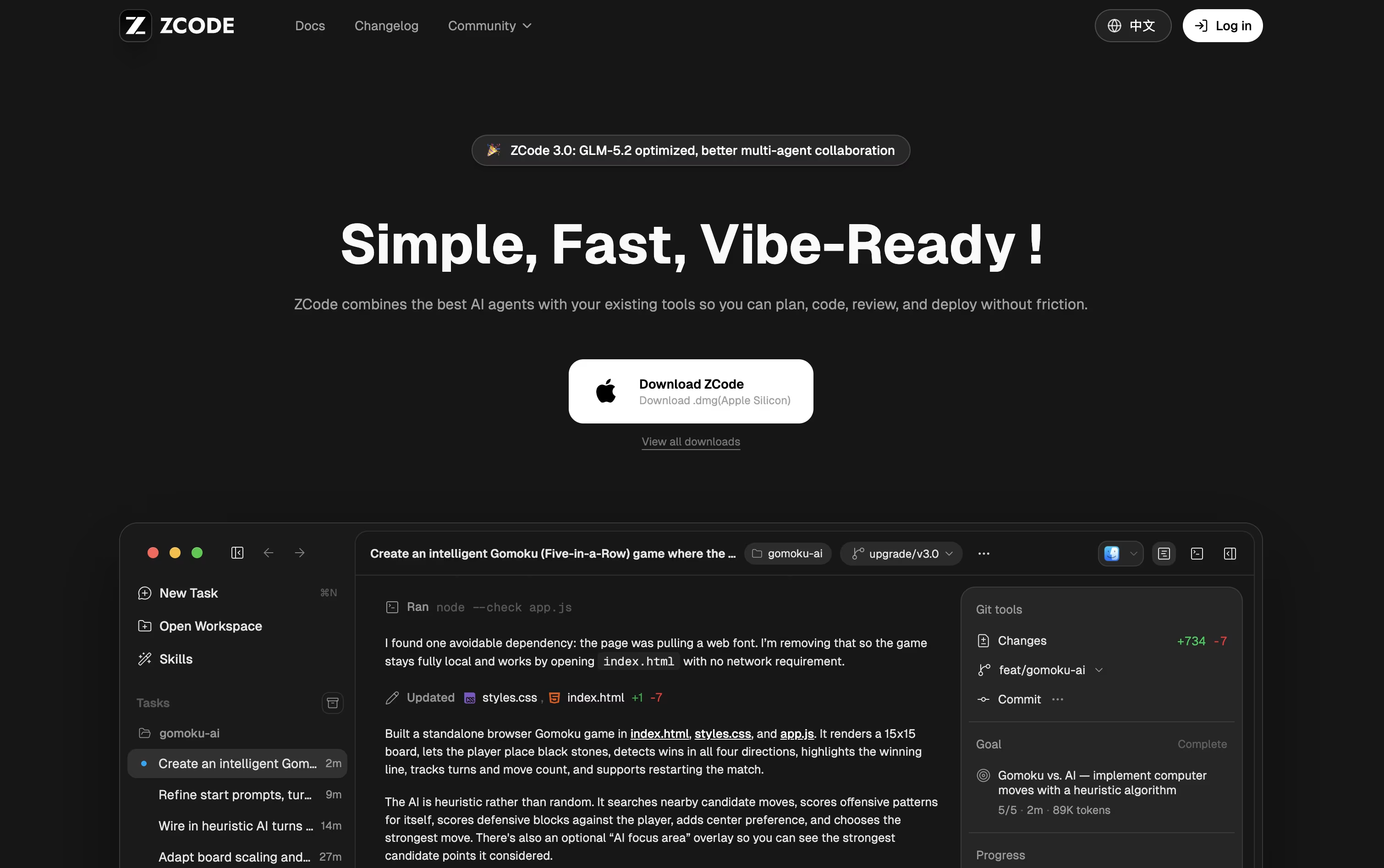 ZCodeAgentic AI Coding Tool for Developers are the best for AI Code Editor. So, let’s take a closer look at all 7 tools.

Cursor turns coding into something you direct rather than type line by line. You explain what you need, and an agent reads through your project, builds a plan, edits the right files, and runs the commands to check its own work.
Quick edits still get a fast, smart autocomplete, while bigger tasks like fixing bugs or adding features go to full agent mode, which can work across many files at once.
Getting started costs nothing on the free Hobby plan, which includes limited agent use and access to Composer. Stepping up to Pro costs $20 a month and adds extended agent limits, top AI models, cloud agents, and outside tool connections through MCP.
Heavier users can choose Pro+ at $60 a month or Ultra at $200 a month for much higher usage limits. Teams can pick Standard at $40 per user a month or Premium at $120 per user a month, both with shared billing and single sign-on.
Bigger organizations can ask for custom Enterprise pricing with extra controls and audit logs. Cursor runs on desktop, in a terminal, on the web, and on mobile.
Zed is a code editor built to move as fast as you think. Written in Rust with a custom graphics engine, it keeps typing, scrolling, and searching smooth even on large codebases.
It also supports real-time collaboration, letting teammates see each other's cursors and edits live, and it comes with built-in AI agents that can search, edit, and fix code across a project from a simple written request.
The Personal plan is free forever, offering 2,000 accepted edit predictions and unlimited use with your own API keys or outside agents such as Claude Agent and Codex.
Stepping up to Pro costs $10 a month and unlocks unlimited edit predictions plus $5 of built-in AI usage, with any extra usage billed after that.
Teams needing more control can choose Business at $30 per seat a month, which adds org-wide AI policies, governance, spend visibility, and role-based access.
ZCode is a free desktop app that puts an AI agent in charge of the coding work rather than just offering suggestions in a sidebar. You describe the outcome you want, and it plans, edits files, runs terminal commands, and reviews its own results until the job is done.
The app is built around the GLM-5.2 model, which can keep a very large amount of context in one task, so it stays on track even on bigger, messier codebases.
Downloading and installing ZCode costs nothing. To actually use an AI model, you need a plan, and pricing starts at $16.20 a month for Lite, rising to $64.80 a month for Pro and $144 a month for Max, each already discounted.
Pro adds five times the usage allowance of Lite along with priority access and a curated set of extra tools, while Max multiplies usage by twenty and adds first access to new models and dedicated resources during peak hours.
Paying yearly brings the cost down by 30% compared to the standard monthly price. On top of that, you can direct a running task from your phone while ZCode keeps working on your computer.

Rather than being its own app, JetBrains AI sits inside the IDEs developers already use, such as IntelliJ IDEA, PyCharm, WebStorm, Android Studio, and ReSharper.
It handles code completion using JetBrains own Mellum model, offers a project aware chat, and brings in coding agents like Junie, Claude Agent, and Codex to plan and carry out multi step changes.
Getting started costs nothing, the Free plan gives 3 AI credits every 30 days along with a 30 day trial of AI Pro.
Moving to AI Pro costs $10 per user a month, or $100 a year, and removes the completion limits while adding 10 AI credits and unlimited Next Edit Suggestions.
Heavier users can pick AI Ultimate at $30 a month for 35 credits, or AI Enterprise at $60 a month, billed yearly, which adds security controls and organization wide management.
Support for local models and your own API keys means teams can balance cost, speed, and privacy however they like.

Qoder is an AI development platform that goes beyond autocomplete, aiming to actually plan, write, test, and fix code the way a developer would. It reads your whole codebase using Enhanced Context Engineering, keeping track of architecture, dependencies, and project history as it works.
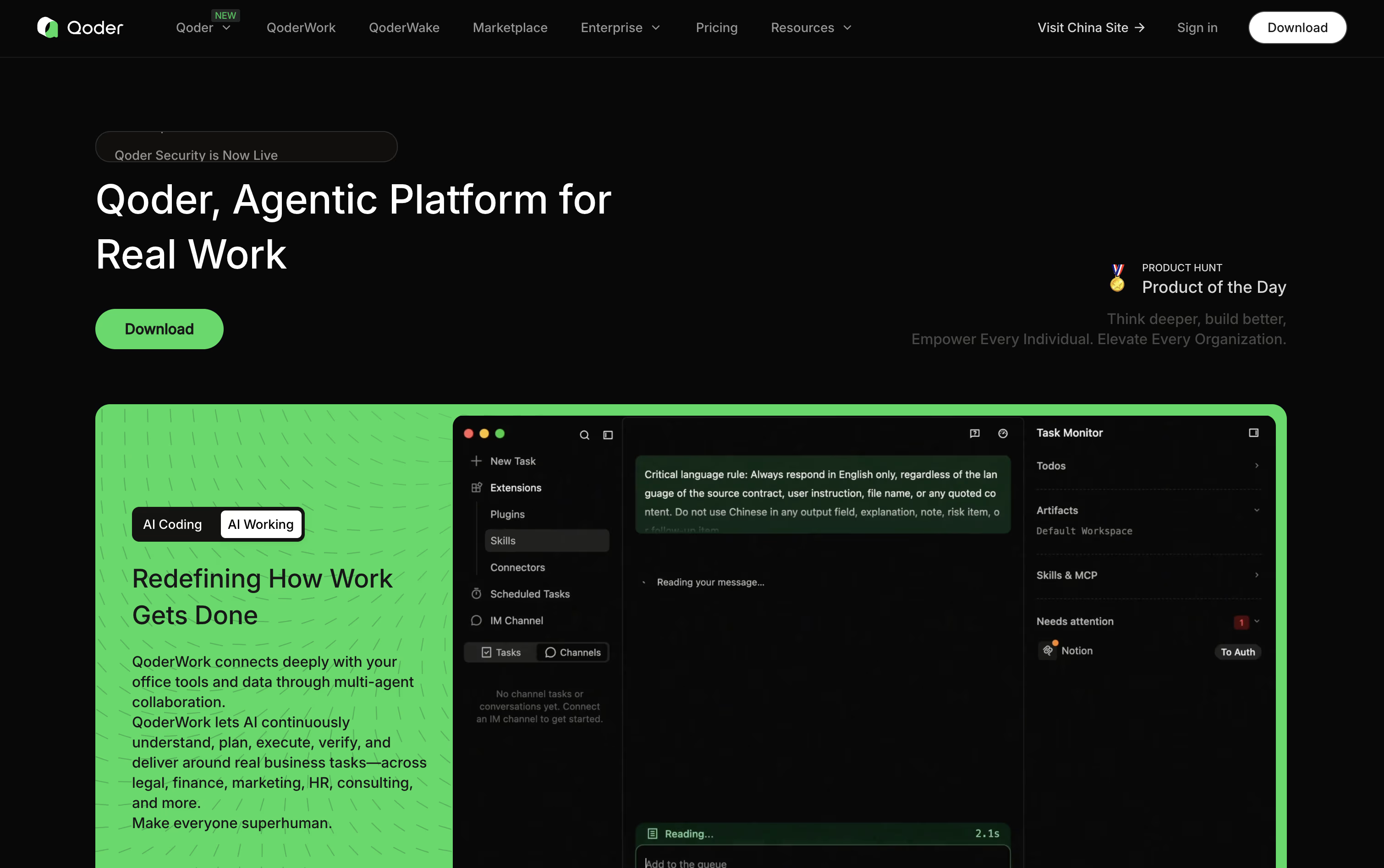
Quest Mode is the standout feature, letting you describe a goal and let Qoder's agents carry it out over long, unattended runs while you check progress on a task board.
Repo Wiki adds another layer, automatically writing and updating documentation so both you and the agents understand how the project fits together.
Pricing starts free with a two week, 300 credit trial. Pro costs $20 a month for 2,000 credits, Pro+ is $60 a month for 6,000 credits, and Ultra runs $200 a month for 20,000 credits.
For companies, Teams costs $40 per seat a month and Enterprise costs $20 per seat with credits bought separately, plus features like SSO and audit logs.
A CLI, JetBrains plugin, mobile app, and cloud agents round out the toolkit for teams working at scale.

Kiro is an AWS-built tool that pairs AI agents with a more structured way of writing code. Rather than turning a single prompt into code right away, it writes out a plan first, called a spec, that covers what needs to be built, how it should be designed, and the tasks needed to get there.
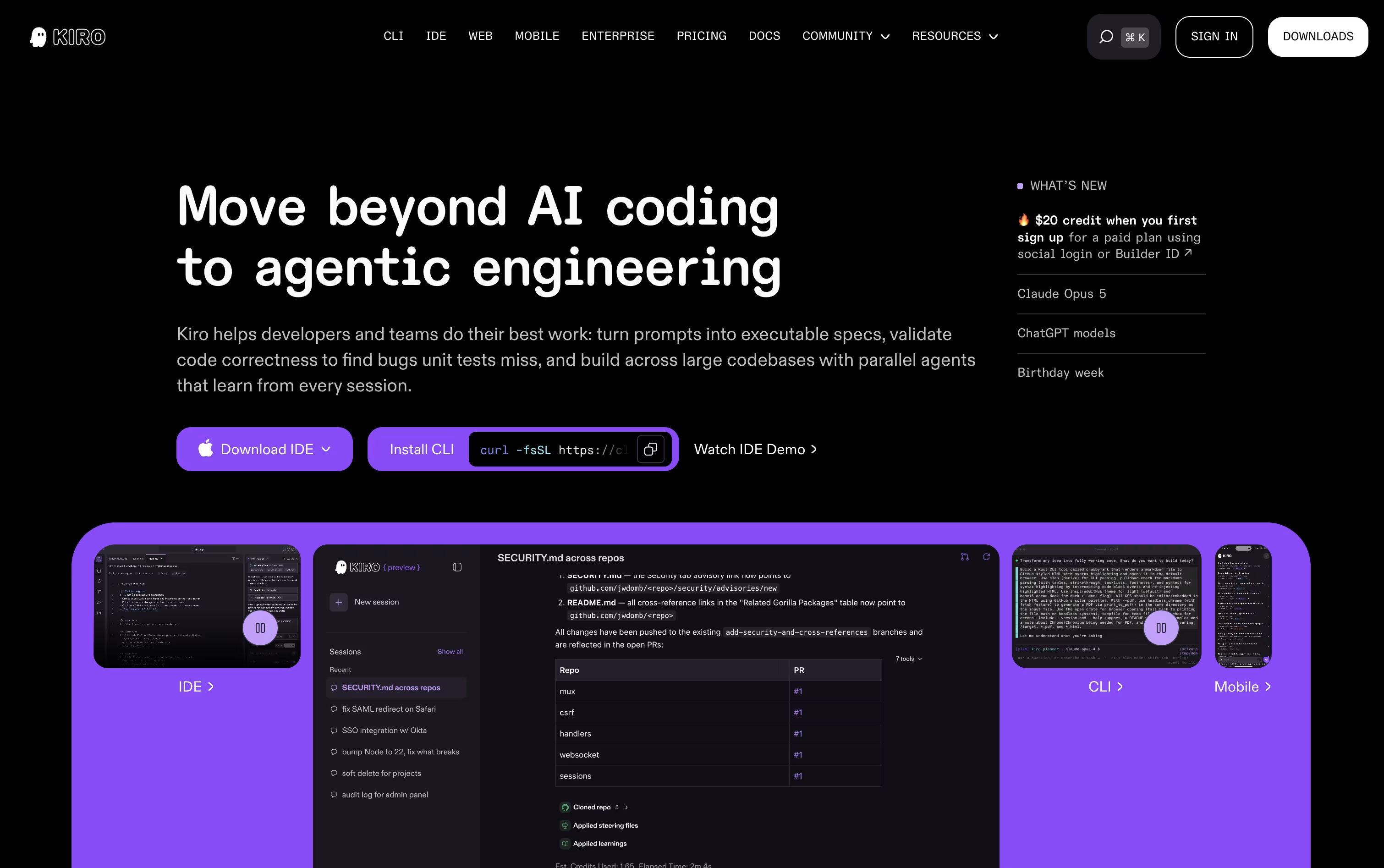
Once the plan is ready, AI agents pick up the tasks, write the code, and run checks that go beyond simple tests to confirm the work matches what was actually asked for.
There is also a lighter chat mode for quick questions, plus an Autopilot mode that can carry a task through from start to finish with little input from you.
Getting started costs nothing. The Free plan includes 50 credits along with open-weight models and Claude Sonnet 4.5. Paid plans move from $20 up to $200 per user a month, adding more credits and access to premium models.
Team plans bring in single sign-on, usage reports, and one combined bill, and an Enterprise option is available with custom pricing and added security and admin controls.
Kiro runs on Amazon Bedrock and follows AWS standards, making it a fit for solo coders, teams, and larger companies alike.
Trae is a coding IDE and work assistant from ByteDance that does more than suggest lines of code. It plans out a task, edits files across your whole project, runs tests, and fixes problems along the way.
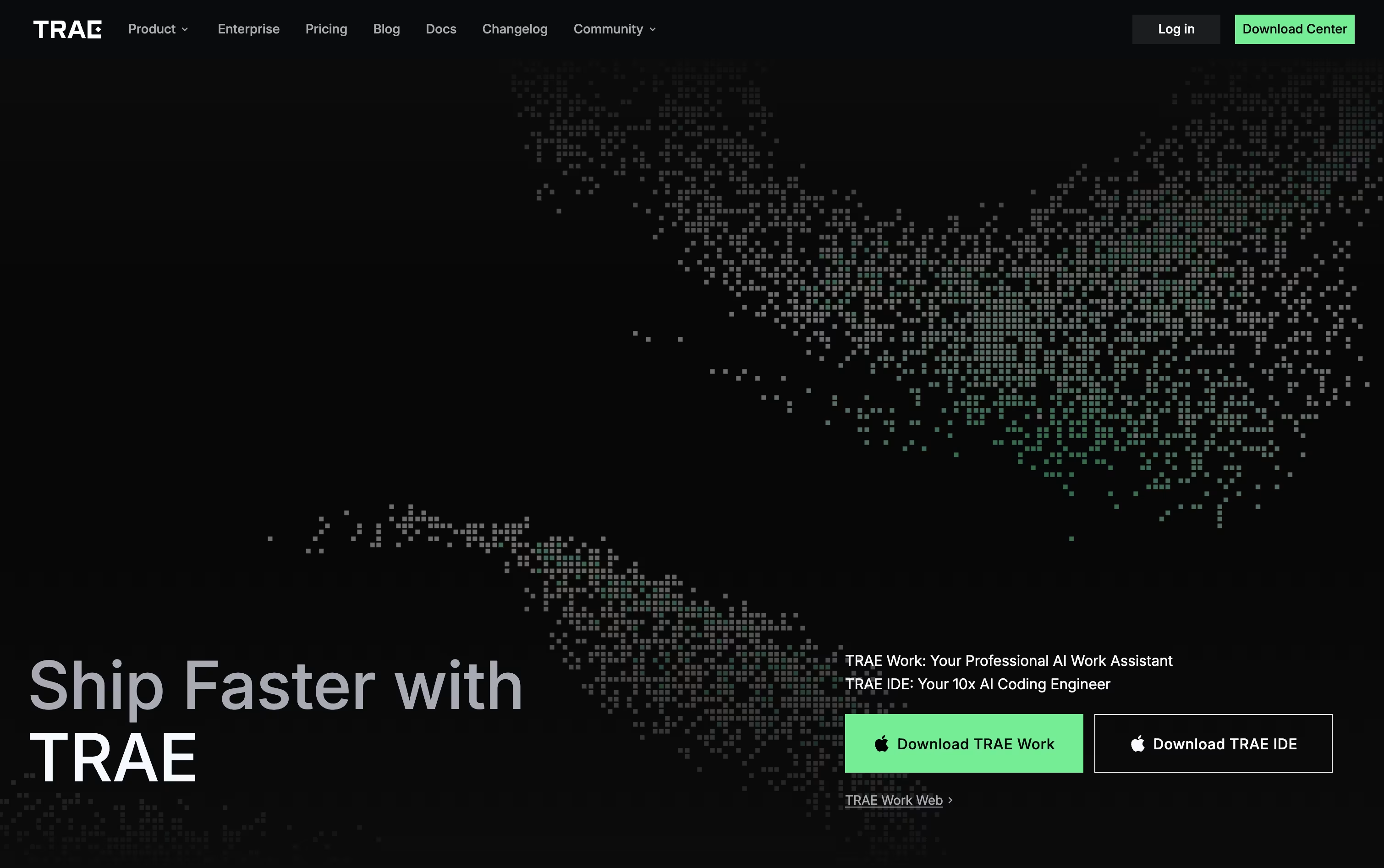
You describe what you need in plain language, by voice, or with a screenshot, and Trae turns that into a set of steps it carries out for you. A built in terminal and preview browser let you see results right inside the app.
Beyond coding, Trae Work covers everyday office tasks like research and report writing, and it works across desktop, web, and mobile, so a task started on your phone can be finished later at your desk.
Pricing starts with a Free plan that includes limited monthly usage. Paid plans move up from Lite at $3 a month, to Pro at $10 a month with a 7 day trial, Pro+ at $30 a month, and Ultra at $100 a month with early model access. Choosing yearly billing cuts 25 percent off any paid plan.
Teams needing more can reach out to BytePlus for custom enterprise pricing and extra security options.





