

Best 9 Tools for Bug Fixing in 2026
Last Updated: August 24, 2026
Once a bug is identified, actually resolving it still takes time to trace the cause and implement a fix. Bug Fixing tools help pinpoint the source of an issue and suggest or apply a correction.
Developers use bug fixing tools to resolve issues faster and get back to building new features.
 Cursor
 CursorAI-Native Code Editor for Developers,
  Devin Desktop
 Devin DesktopAI Coding Agent Command Center IDE, and
  ZCode
ZCode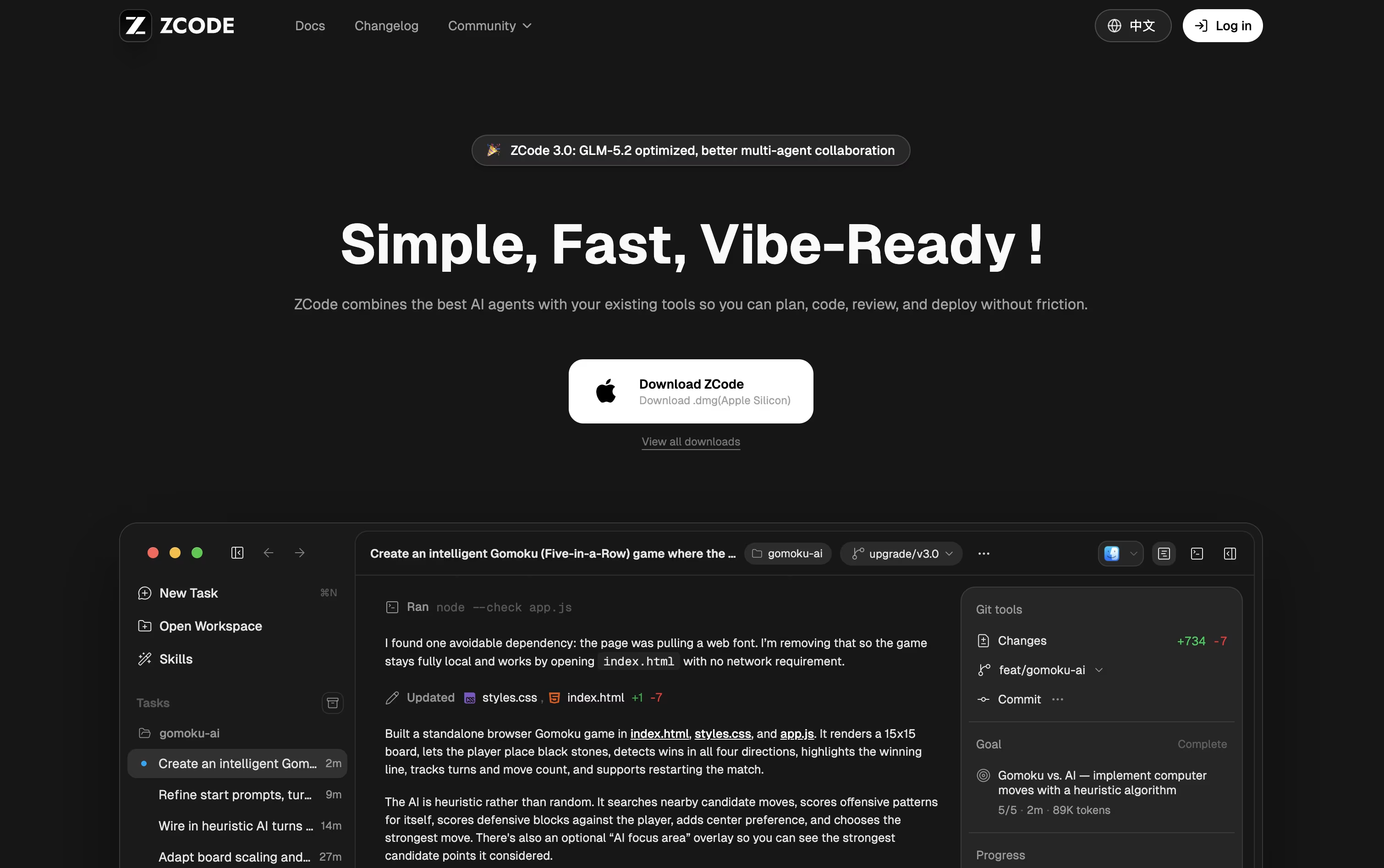 ZCodeAgentic AI Coding Tool for Developers are the best for Bug Fixing. So, let’s take a closer look at all 9 tools.

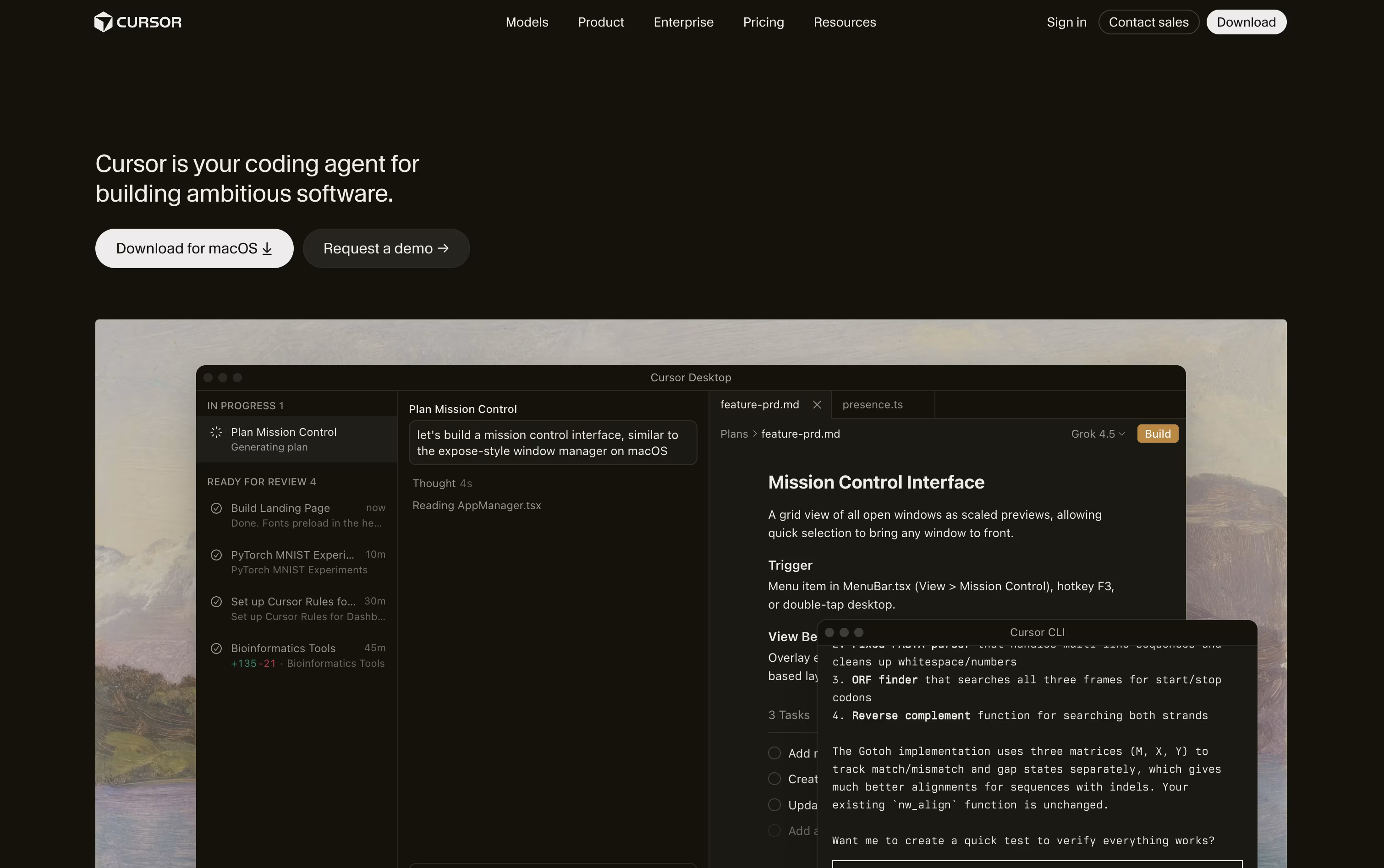
Cursor turns coding into something you direct rather than type line by line. You explain what you need, and an agent reads through your project, builds a plan, edits the right files, and runs the commands to check its own work.
Quick edits still get a fast, smart autocomplete, while bigger tasks like fixing bugs or adding features go to full agent mode, which can work across many files at once.
Getting started costs nothing on the free Hobby plan, which includes limited agent use and access to Composer. Stepping up to Pro costs $20 a month and adds extended agent limits, top AI models, cloud agents, and outside tool connections through MCP.
Heavier users can choose Pro+ at $60 a month or Ultra at $200 a month for much higher usage limits. Teams can pick Standard at $40 per user a month or Premium at $120 per user a month, both with shared billing and single sign-on.
Bigger organizations can ask for custom Enterprise pricing with extra controls and audit logs. Cursor runs on desktop, in a terminal, on the web, and on mobile.
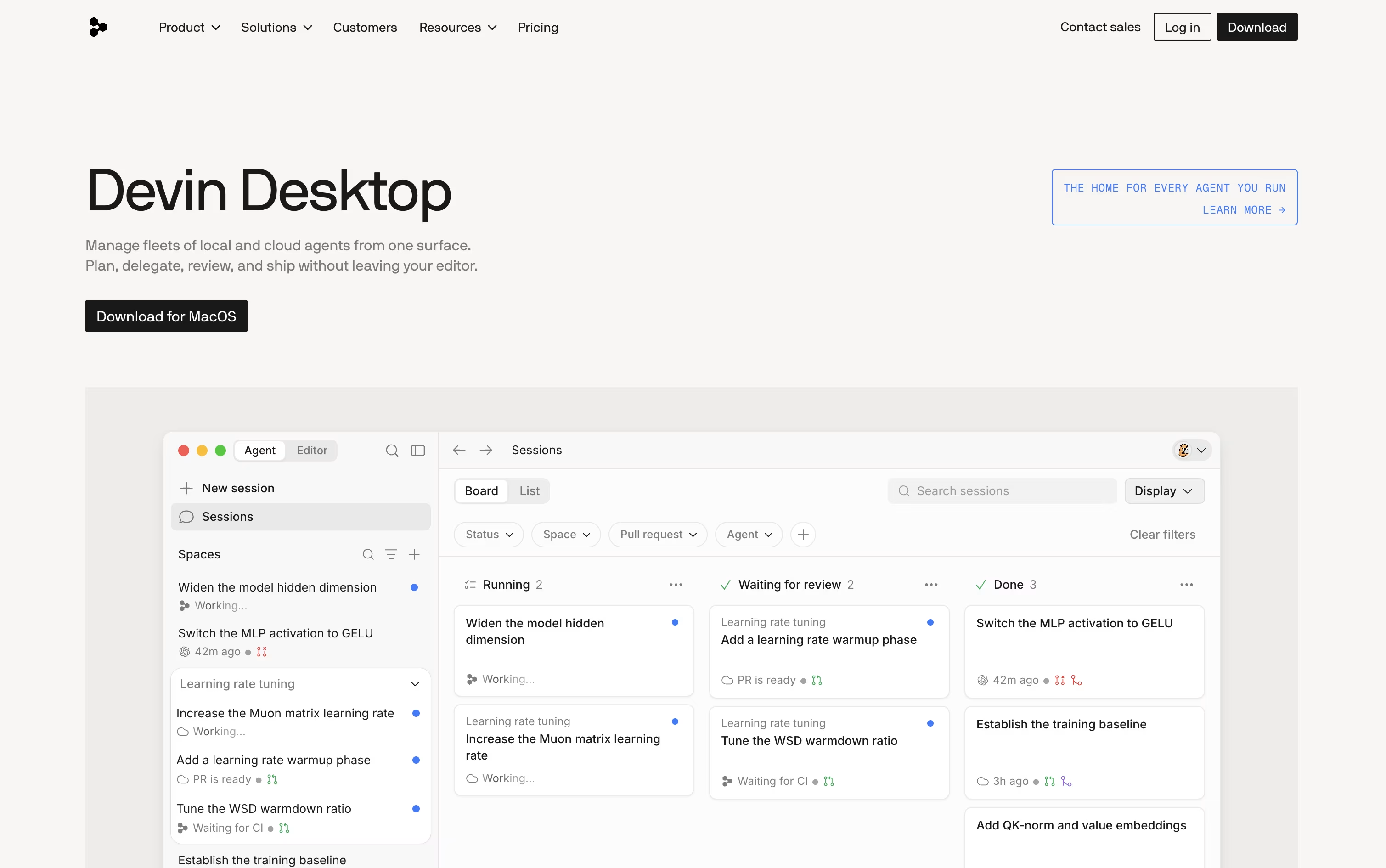
If you're used to switching between an editor, a terminal, and separate AI tools, Devin Desktop puts all of that in one place. Made by Cognition AI and previously called Windsurf, it centers around an Agent Command Center that shows every agent you're running, whether local or in the cloud.
It still functions as a full IDE, so debugging, Git, extensions, and an integrated terminal are all available whenever you want to work by hand.
Because it supports the open Agent Client Protocol, other agents such as Codex and Claude Agent can run right alongside Devin's own agents, all sharing project context through Spaces so nothing needs to be re-explained.
The Free plan gives you a light quota to try things out, along with unlimited inline edits and Tab completions at no cost.
Moving up, Pro costs $20 a month for higher quotas and frontier models, and Max costs $200 a month for teams that need significantly more capacity.
Teams start at $80 a month plus $40 per seat, and Enterprise adds custom pricing, SSO, and private cloud deployment for larger organizations.
ZCode is a free desktop app that puts an AI agent in charge of the coding work rather than just offering suggestions in a sidebar. You describe the outcome you want, and it plans, edits files, runs terminal commands, and reviews its own results until the job is done.
The app is built around the GLM-5.2 model, which can keep a very large amount of context in one task, so it stays on track even on bigger, messier codebases.
Downloading and installing ZCode costs nothing. To actually use an AI model, you need a plan, and pricing starts at $16.20 a month for Lite, rising to $64.80 a month for Pro and $144 a month for Max, each already discounted.
Pro adds five times the usage allowance of Lite along with priority access and a curated set of extra tools, while Max multiplies usage by twenty and adds first access to new models and dedicated resources during peak hours.
Paying yearly brings the cost down by 30% compared to the standard monthly price. On top of that, you can direct a running task from your phone while ZCode keeps working on your computer.

Think of GitHub Copilot as a coding partner that sits inside your editor, terminal, and even GitHub.com. It offers code suggestions as you type and a chat panel for asking questions or fixing errors.
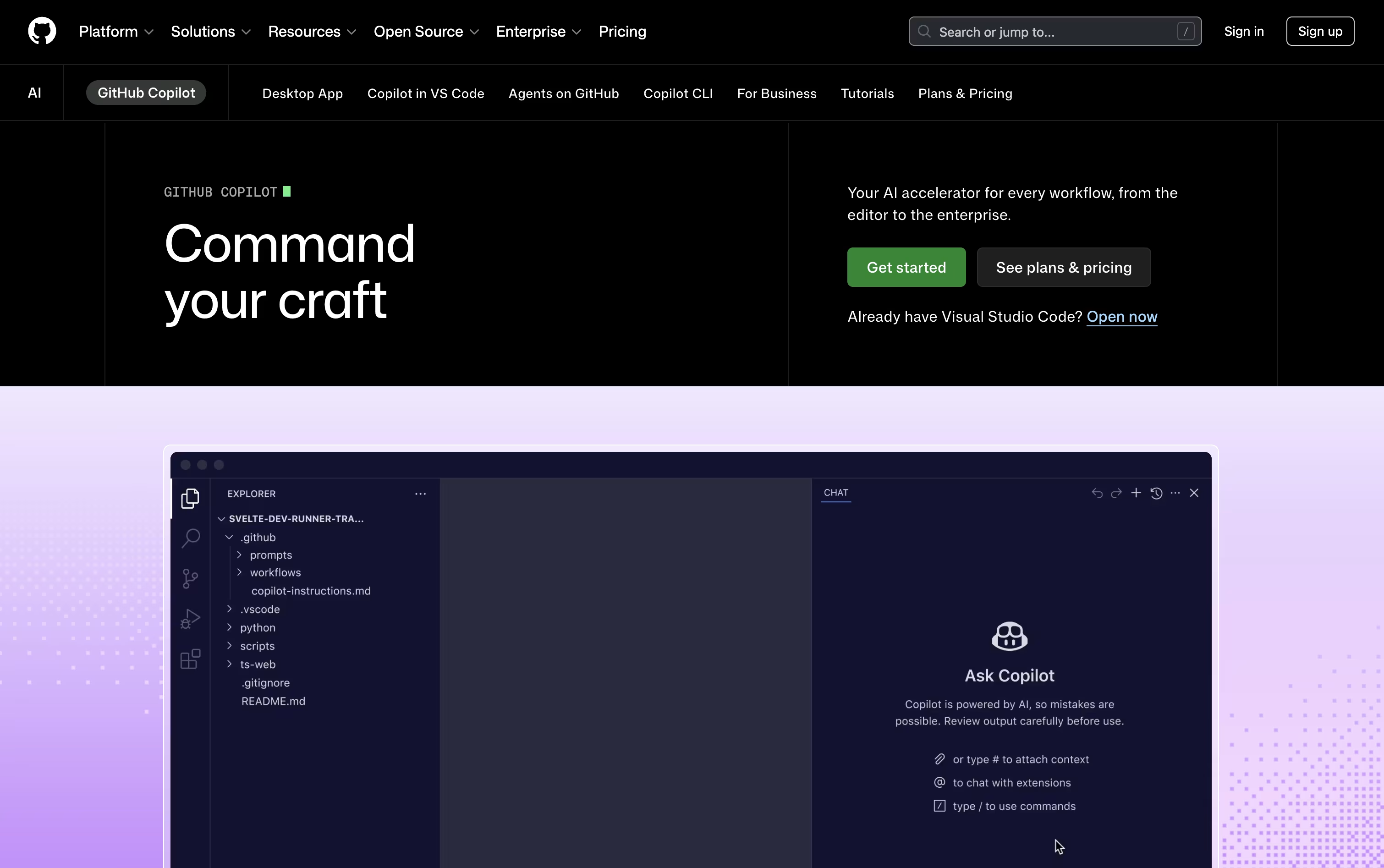
Its agent mode goes further, planning and editing across several files at once, while the cloud agent can take on an entire task, write the code, test it, and raise a pull request for review.
Getting started costs nothing. The free plan includes 2,000 completions each month, a couple of AI models, and access to the Copilot CLI, all without a credit card.
Stepping up to Pro at $10 a month removes the completion limit and adds the cloud agent, code review, and $15 worth of monthly AI credits, plus support for outside agents like Claude Code and OpenAI Codex.
Heavier users can pick Pro+ at $39 a month for premium models like Opus, or Max at $100 a month for priority access to new models and the biggest credit pool.
Organizations get Business at $19 per user a month or Enterprise at $39 per user a month, both offering shared credits and stronger admin controls.

Kiro is an AWS-built tool that pairs AI agents with a more structured way of writing code. Rather than turning a single prompt into code right away, it writes out a plan first, called a spec, that covers what needs to be built, how it should be designed, and the tasks needed to get there.
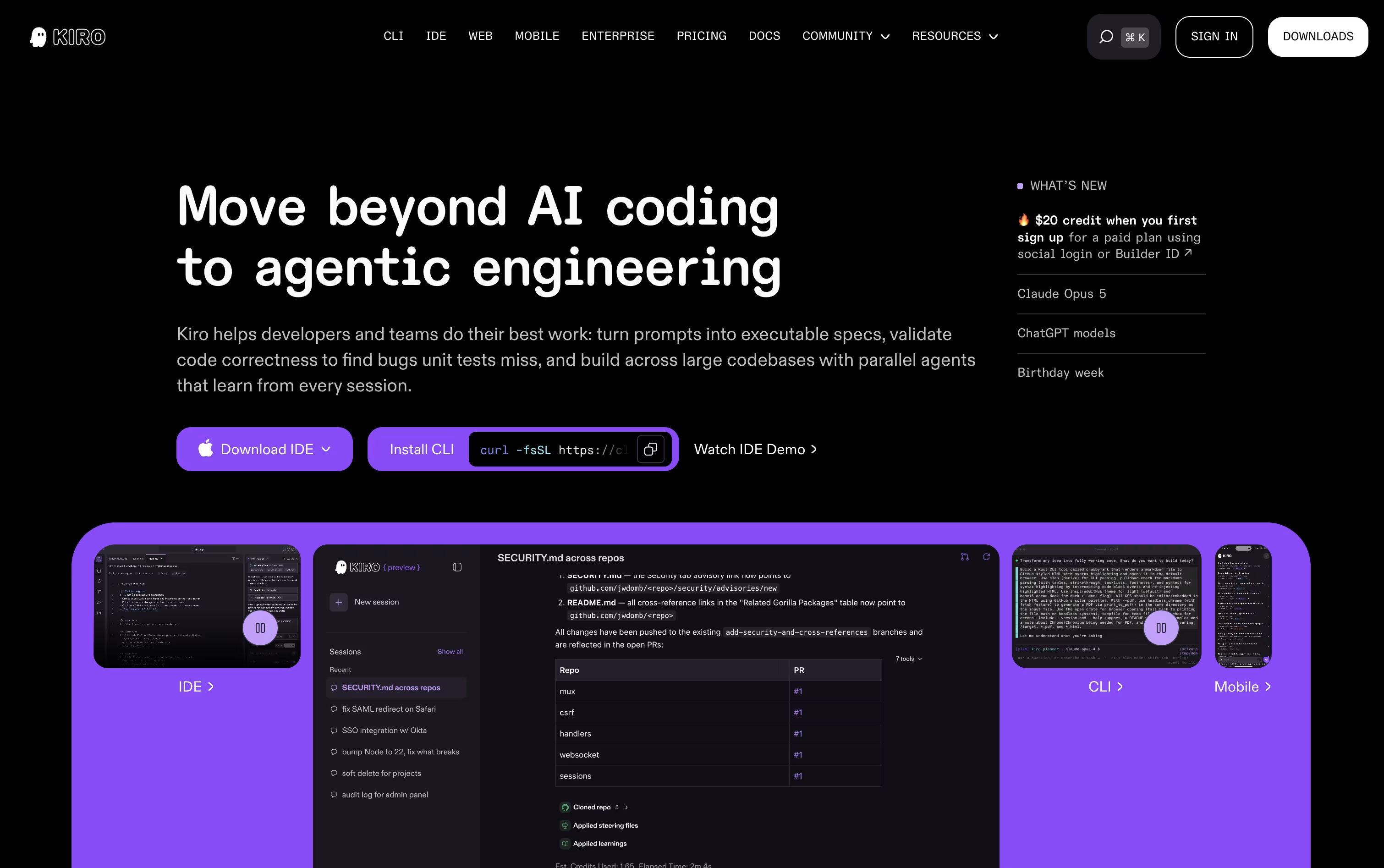
Once the plan is ready, AI agents pick up the tasks, write the code, and run checks that go beyond simple tests to confirm the work matches what was actually asked for.
There is also a lighter chat mode for quick questions, plus an Autopilot mode that can carry a task through from start to finish with little input from you.
Getting started costs nothing. The Free plan includes 50 credits along with open-weight models and Claude Sonnet 4.5. Paid plans move from $20 up to $200 per user a month, adding more credits and access to premium models.
Team plans bring in single sign-on, usage reports, and one combined bill, and an Enterprise option is available with custom pricing and added security and admin controls.
Kiro runs on Amazon Bedrock and follows AWS standards, making it a fit for solo coders, teams, and larger companies alike.

Anthropic built Claude Code as an AI agent that works directly inside your codebase instead of just chatting about it. Give it a goal and it explores the project, plans its steps, then edits files, runs commands, and verifies the outcome itself.
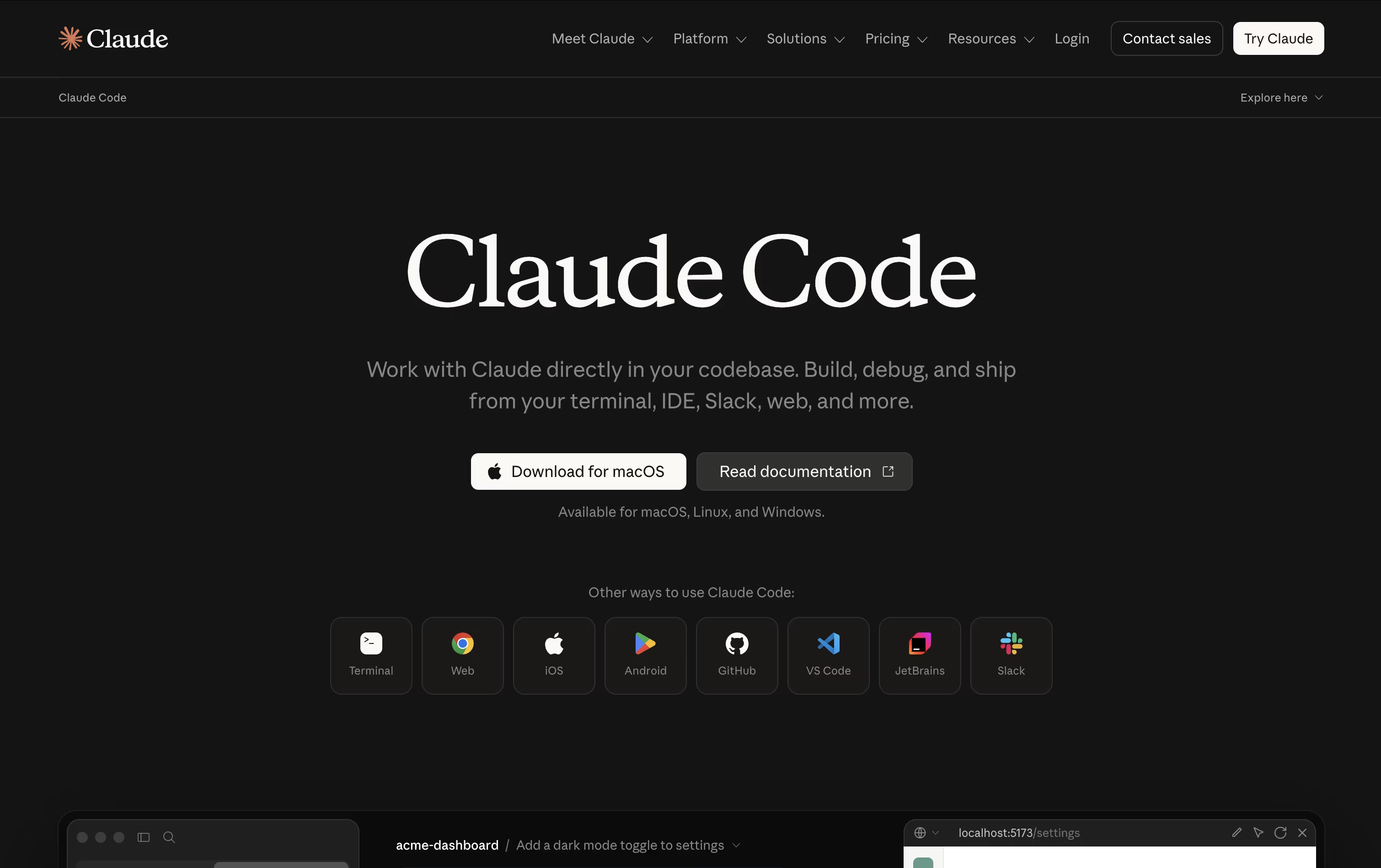
It can map out large repositories in seconds, change multiple files at once while respecting how the project is structured, and take care of Git work like branching, committing, and opening pull requests.
Safety stays in your hands through manual approval, plan review, or automatic modes, plus checkpoints that let you rewind code or conversation if something goes wrong. Skills and background subagents handle repeatable jobs, and MCP connections add outside tools when needed.
On pricing, the Free plan does not include Claude Code, but Pro unlocks it starting at $17 a month with more usage and model access. Max plans begin at $100 a month for 5x or 20x higher usage and priority support.
Teams pay $20 to $125 per seat monthly depending on the seat type, while Enterprise pricing is custom and adds admin controls, audit logs, and compliance features.
You can reach it through the terminal, popular code editors, a desktop app, the web, or mobile, keeping your work connected across devices.
Codex is an AI agent from OpenAI made to take on actual coding tasks, from planning a feature to writing, testing, and fixing the code itself. You describe what you need, and it works through your project on its own.
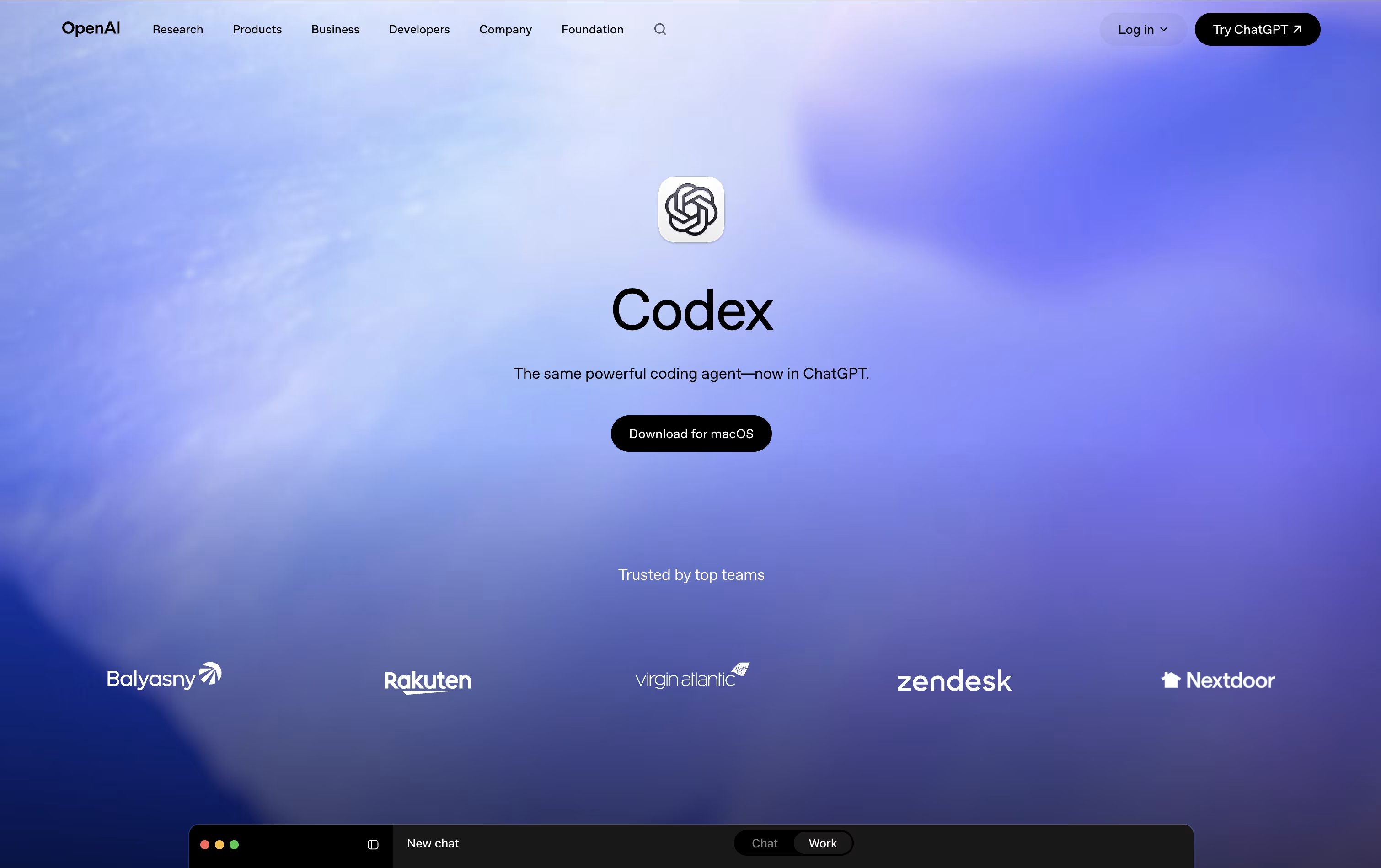
All the work happens in a separate, isolated copy of your project, so your main files stay untouched until you review and approve the changes.
Getting started costs nothing, with limited Codex access included in the Free ChatGPT plan. The Go plan is $8 a month, Plus is $20 a month and unlocks expanded Codex usage, and Pro starts at $100 a month for the most Codex tasks and strongest models.
For companies, Business runs $20 per user a month when billed yearly, or $25 monthly, and adds shared tool connections and admin controls. Enterprise is custom priced with extra security and support.
Codex has also expanded past pure coding, with skills and plugins that let marketers, analysts, and designers use it for everyday work too.

Kilo Code is an AI coding agent built to feel the same wherever you use it, whether that is your code editor, a terminal window, the cloud, or your phone, with sessions that carry over between them.
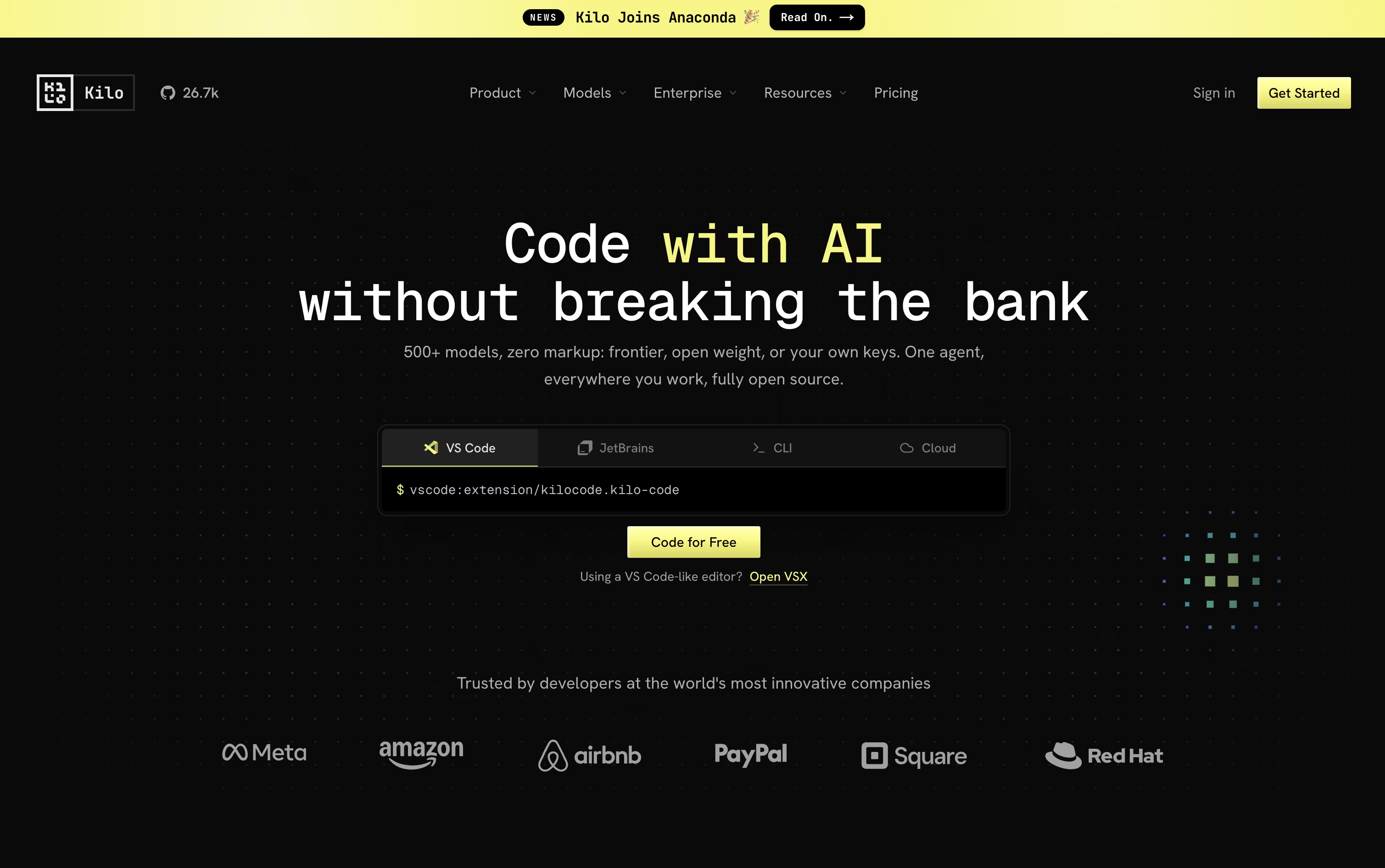
Give it a task in plain language and it breaks the work down, changes code across many files, runs commands, and checks its own results, switching between coding, planning, debugging, and review modes as needed.
Model choice is wide open too, with access to over 500 AI models from more than 60 providers. You can bring your own provider keys or run local models, and Kilo never adds a markup on top of what the provider charges.
Using Kilo Code as an individual is free, and that includes the open source VS Code extension, the JetBrains plugin, and the CLI. You only pay separately for the AI models and cloud compute you actually use.
For groups that want shared billing and usage reporting, the Teams plan is $15 per user each month, and larger companies can request Enterprise pricing that adds SSO, audit logs, and dedicated support.

Think of Cline as a coding partner that lives right inside your editor. It looks through your codebase, works out how the files connect, and takes on tasks you describe in plain English, whether that means fixing a bug or building out a new feature.
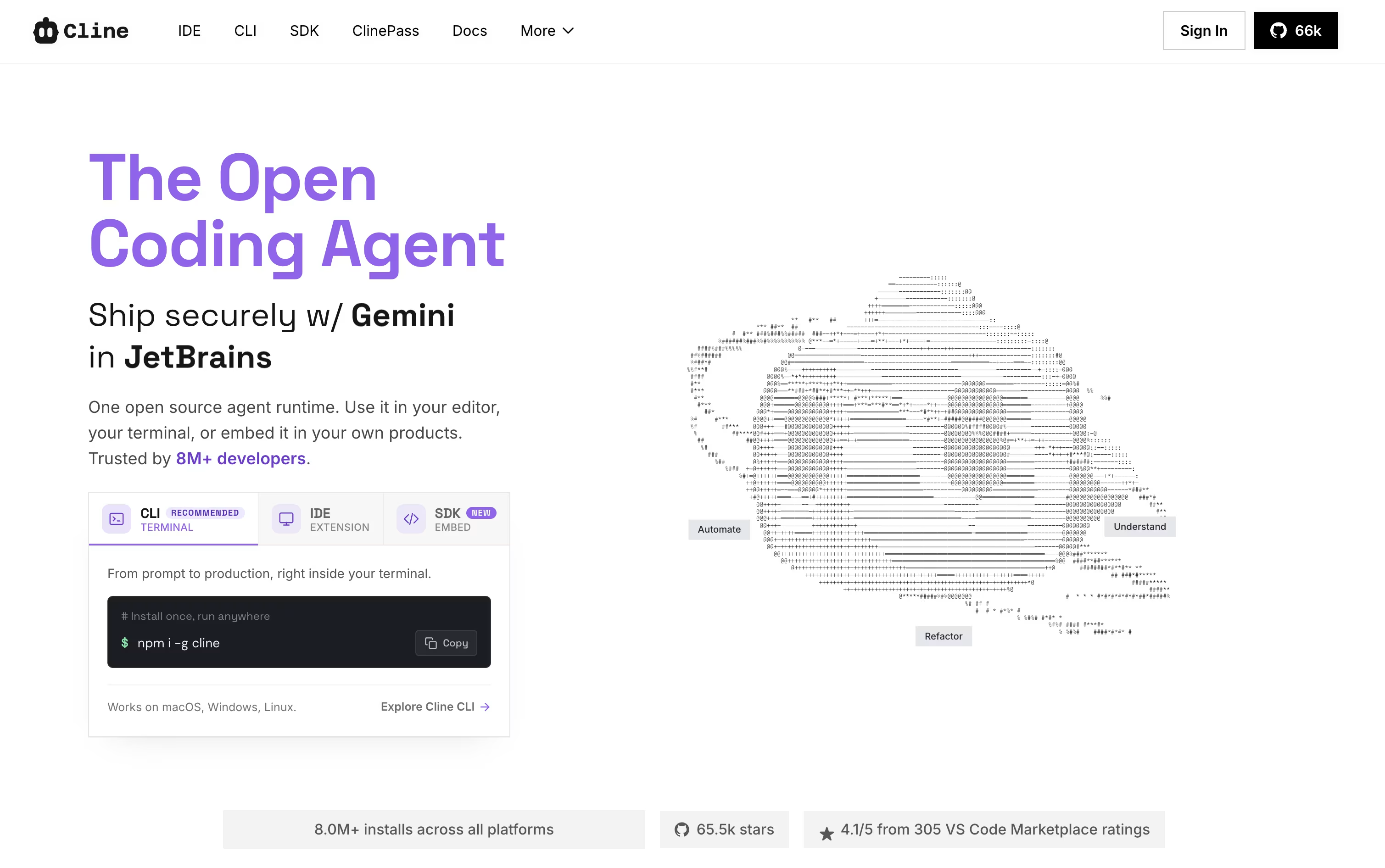
Two modes shape how it works. Plan mode looks around the project and lays out an approach first, while Act mode does the actual work, one step at a time, with your approval built in unless you switch on auto-approve.
It is not limited to editing files either. Cline can run terminal commands, open a browser to check how a web page behaves, and link up with outside tools and services through MCP. Every change comes with a checkpoint, so undoing something is simple.
Using the open-source edition costs nothing beyond what you spend on your own AI provider, whether that is OpenAI, Anthropic, Google, or others. If you would rather skip managing API keys, ClinePass is available for $4.99 in the first month and $9.99 a month after that, bundling in a set of open-weight models.
Larger teams can move to the Enterprise plan instead, which brings single sign-on, centralized billing, access controls, audit logs, and dedicated support, all priced individually by contacting sales.





