

Best 14+ AI Developer Tools in 2026
Last Updated: August 19, 2026
Building and maintaining software involves far more than just writing code, from testing to deployment to documentation. AI Developer tools support the entire development lifecycle, automating repetitive tasks and surfacing insights across the codebase.
These platforms are used by engineering teams, startups, and independent developers looking to ship faster without cutting corners. As AI capabilities improve, these tools are taking on a growing share of the routine work in software development.
 Claude Code
 Claude CodeAnthropic's Agentic Coding Tool,
  Google AI Studio
 Google AI StudioBuild Apps with Gemini AI Models, and
  Meku
Meku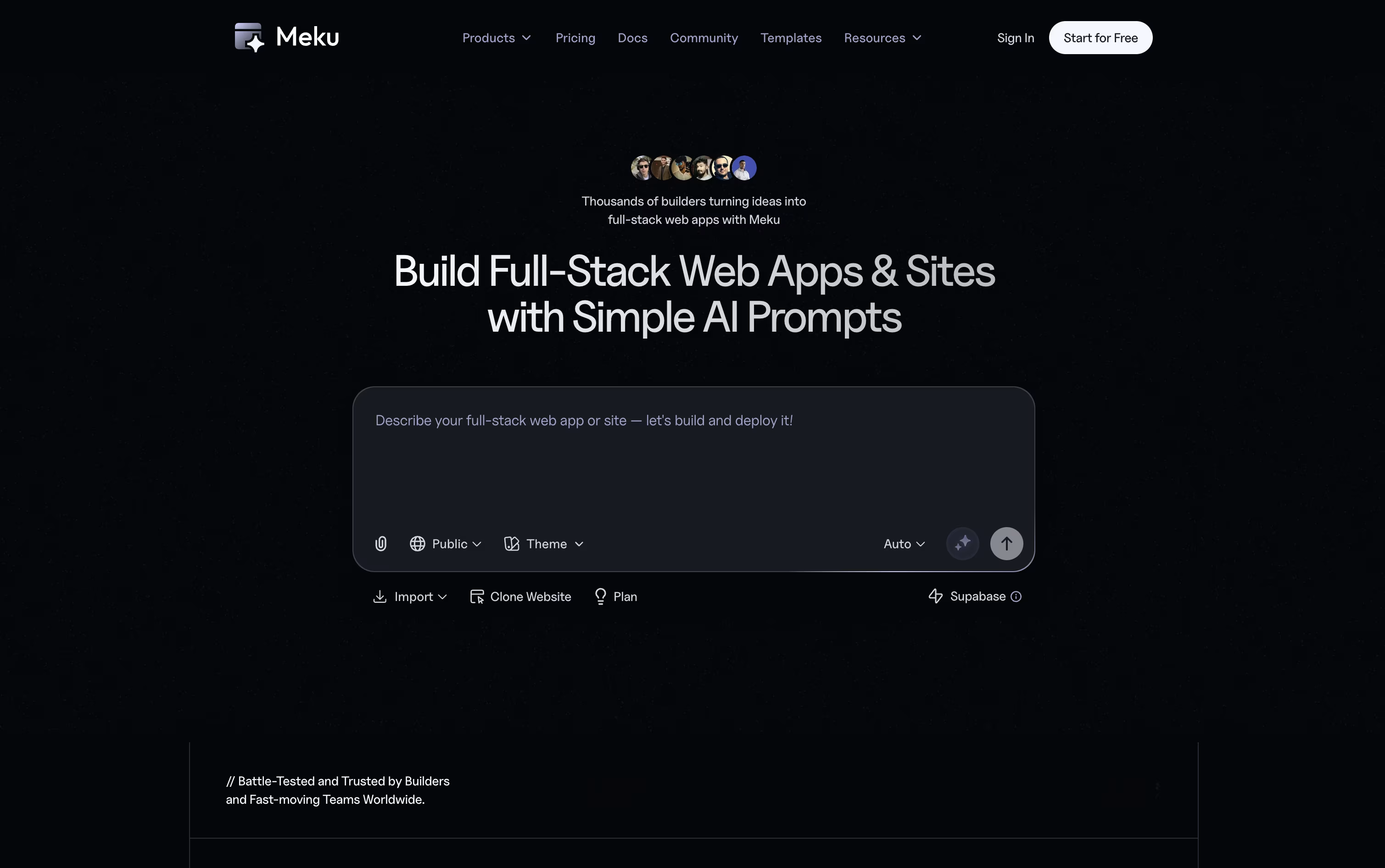 MekuBuild Real Web Apps From Simple Prompts are the best for AI Developer. So, let’s take a closer look at all 14+ tools.

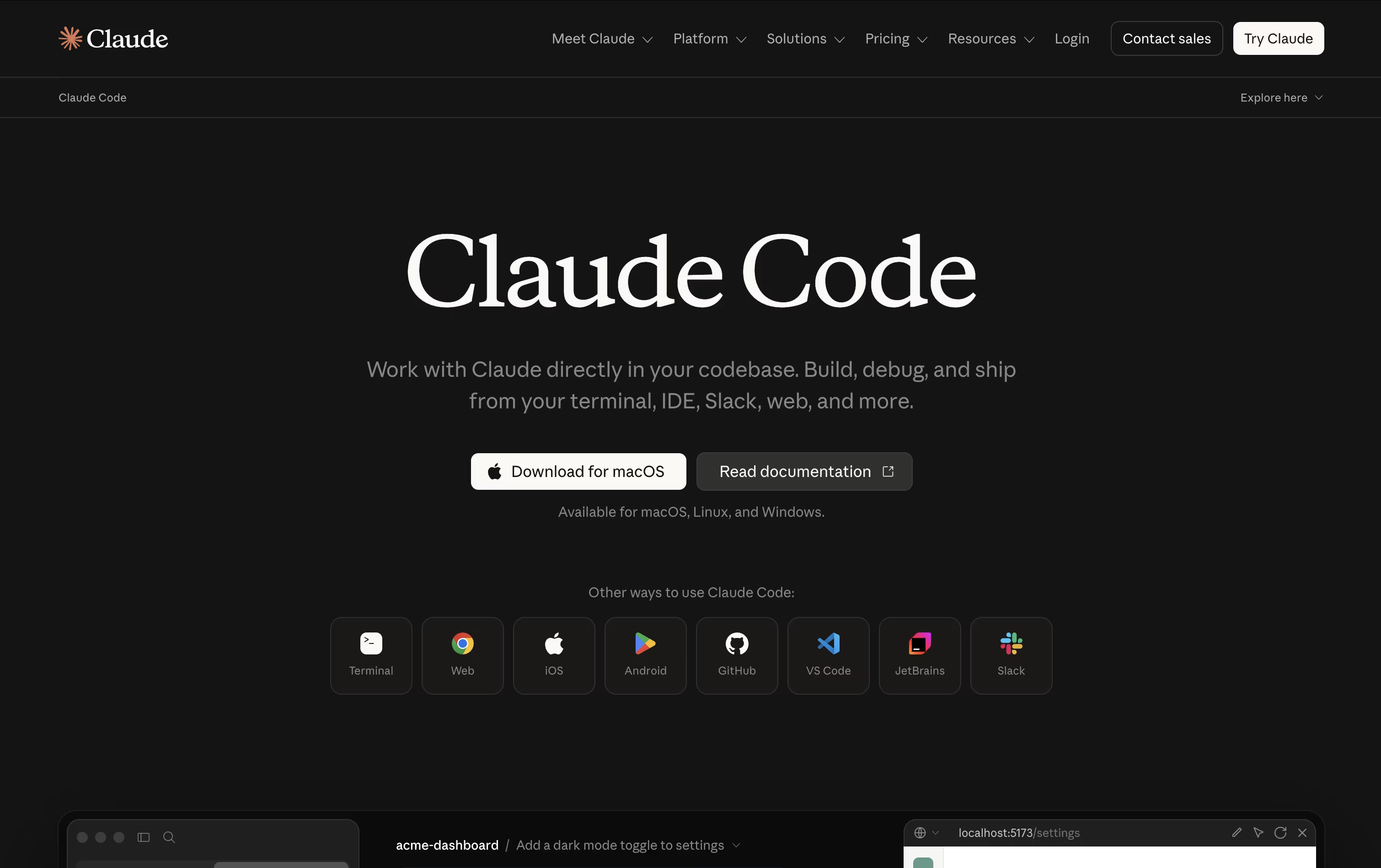
Anthropic built Claude Code as an AI agent that works directly inside your codebase instead of just chatting about it. Give it a goal and it explores the project, plans its steps, then edits files, runs commands, and verifies the outcome itself.
It can map out large repositories in seconds, change multiple files at once while respecting how the project is structured, and take care of Git work like branching, committing, and opening pull requests.
Safety stays in your hands through manual approval, plan review, or automatic modes, plus checkpoints that let you rewind code or conversation if something goes wrong. Skills and background subagents handle repeatable jobs, and MCP connections add outside tools when needed.
On pricing, the Free plan does not include Claude Code, but Pro unlocks it starting at $17 a month with more usage and model access. Max plans begin at $100 a month for 5x or 20x higher usage and priority support.
Teams pay $20 to $125 per seat monthly depending on the seat type, while Enterprise pricing is custom and adds admin controls, audit logs, and compliance features.
You can reach it through the terminal, popular code editors, a desktop app, the web, or mobile, keeping your work connected across devices.
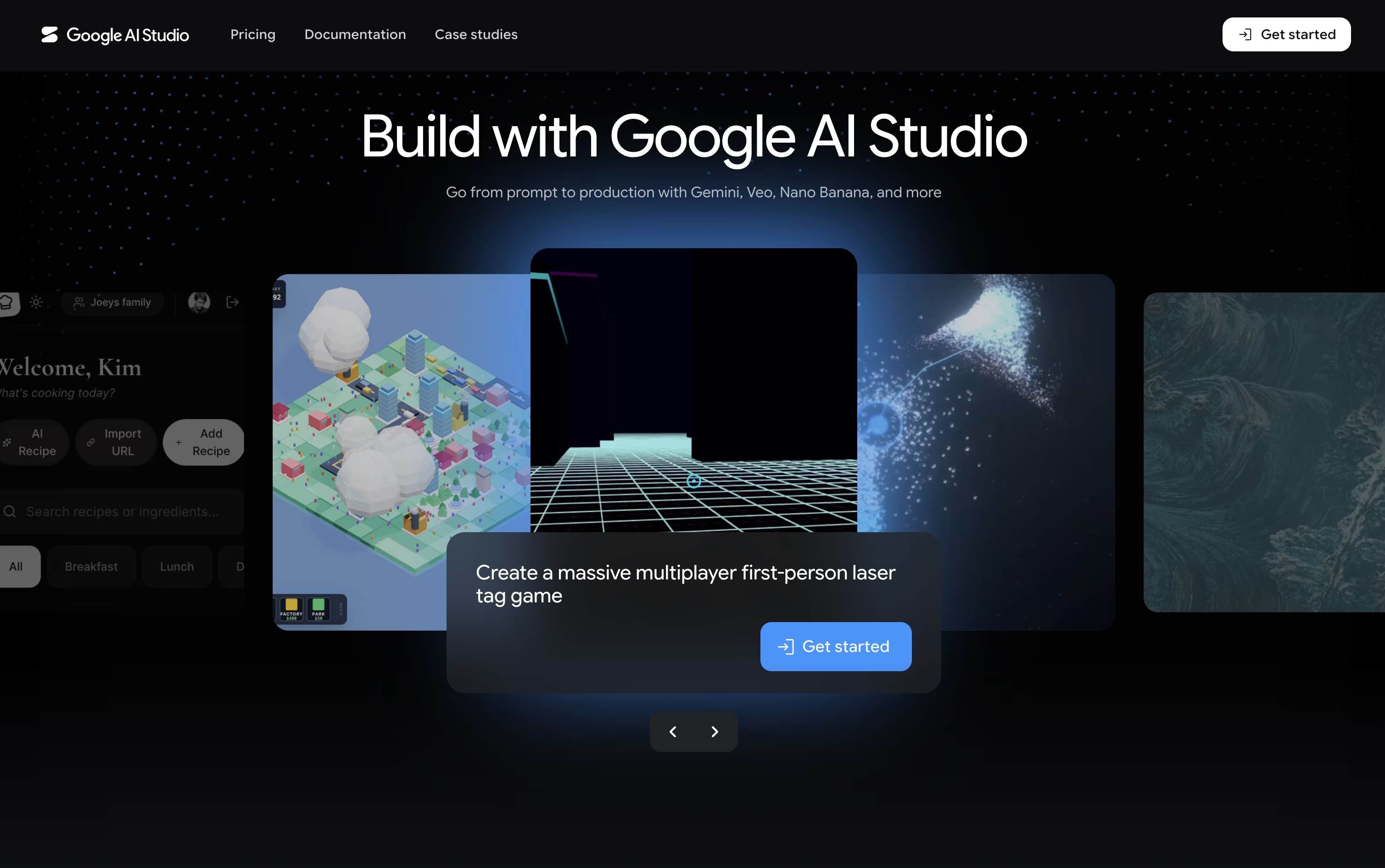
Think of Google AI Studio as a free workshop for Google's Gemini models. You can chat with a model, tweak its settings, and see how it responds, all inside your browser with no setup needed.
It goes beyond text too, letting you create images, video, audio, and music, and even hold live voice and video conversations with the AI through Gemini Live.
The standout feature is Build mode, where describing an app in everyday language produces a working React or Android app, along with a live preview you can adjust just by describing the change.
Getting started costs nothing on the Free plan, though usage is limited. The Paid plan bills by the token, so a model like Gemini 3.6 Flash runs about $1.50 per million input tokens and $7.50 per million output tokens, and it adds higher limits and batch discounts.
Larger organizations can move to the Enterprise plan for dedicated support, stronger security, and pricing built around their scale.
Meku lets you build real websites and apps just by describing what you want in plain words. It puts together a working first version in under a minute, with a clean, modern look already in place.
From there, you can shape the project through chat. Ask Meku to change a page, add a feature, or fix something, and you will see it update live as you go.
It also reads Figma files and turns them into working code, and connects with GitHub and Supabase so your project can have logins, a database, and proper version control.
The Free plan costs nothing and gives you 100 credits a month with three public projects. Starter is $16 a month, or $12 a month billed yearly, and opens up private projects, exports, and integrations.
Pro runs $25 a month with more credits and room for a bigger team, and Growth at $49 a month covers larger teams that need more projects, domains, and members.
On any paid plan you can export your code and run it anywhere, so your project is always fully yours.

Instead of a plain chat box, camelAI gives its agent a real computer that keeps running and remembers your project. You type what you want in plain English, and it builds a complete application, covering the frontend, backend, database, and API in one go.
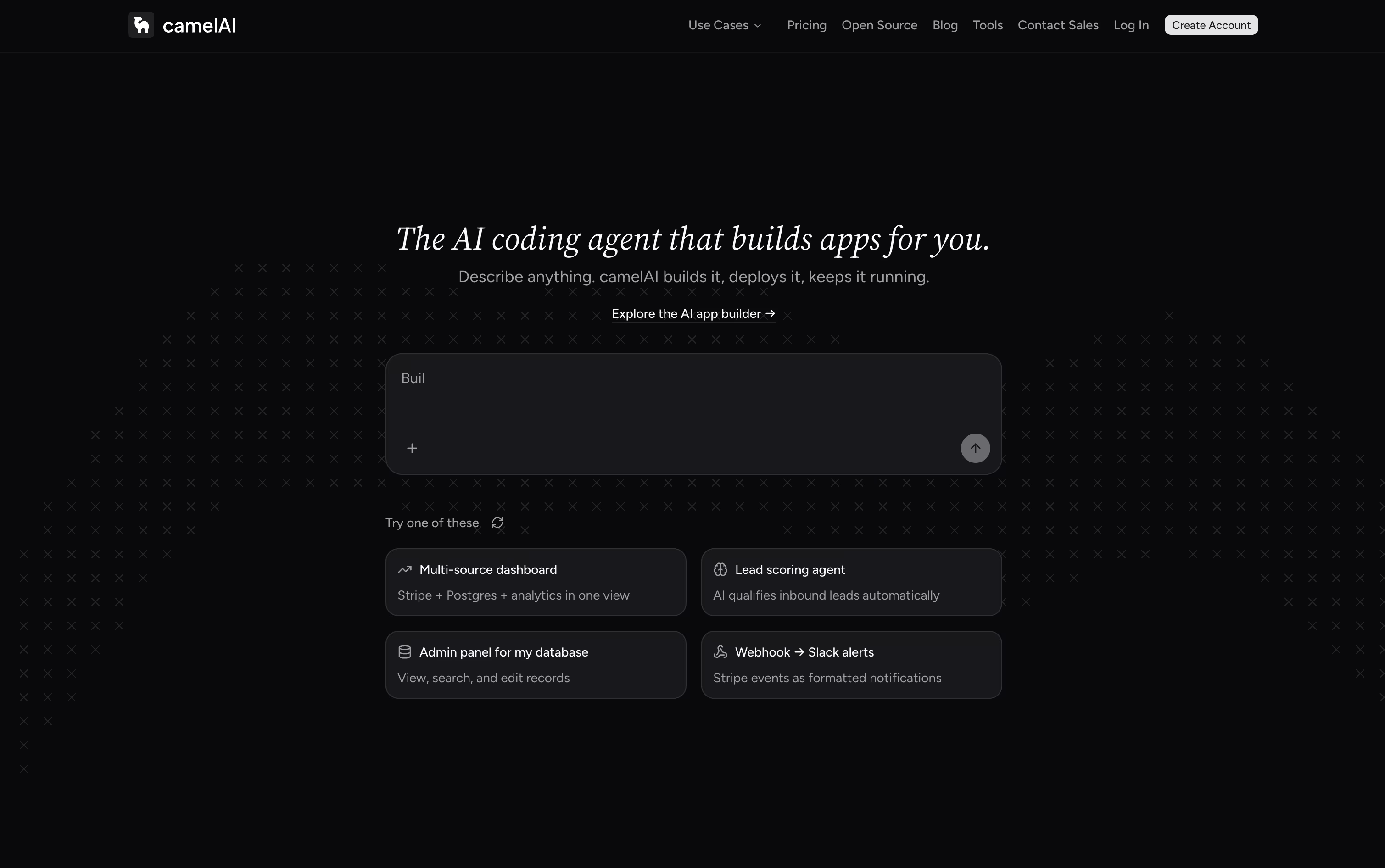
The finished app is published to a live URL right away, with SSL and domain setup handled automatically. Because the workspace saves your files and history, the agent already knows your project when you come back, and you can chat with it over email or Slack too.
Over 50 integrations come ready to use, such as Postgres, Stripe, HubSpot, and Slack, and you can schedule the agent to run jobs on its own, like checking Stripe metrics or emailing a summary report.
Getting started is free, with the Free plan giving 1 workspace, 3 apps, and 5 GB storage using your own API key. The Starter plan runs $10 a month, and the Pro plan, the most popular option, is $40 a month with unlimited apps and domains.
For teams, the Team plan costs $50 per seat monthly with a 3 seat minimum, adding shared workspaces and role based permissions. Enterprise plans are custom priced and include SSO, dedicated support, and compliance features.
Every paid plan comes with a 7 day free trial, and an open source, self hostable version of camelAI is on the way as well.

Product teams often lose time switching between design tools, docs, and separate trackers. Tempo solves this by keeping design, planning, tasks, and AI agents inside one workspace connected to your actual codebase.
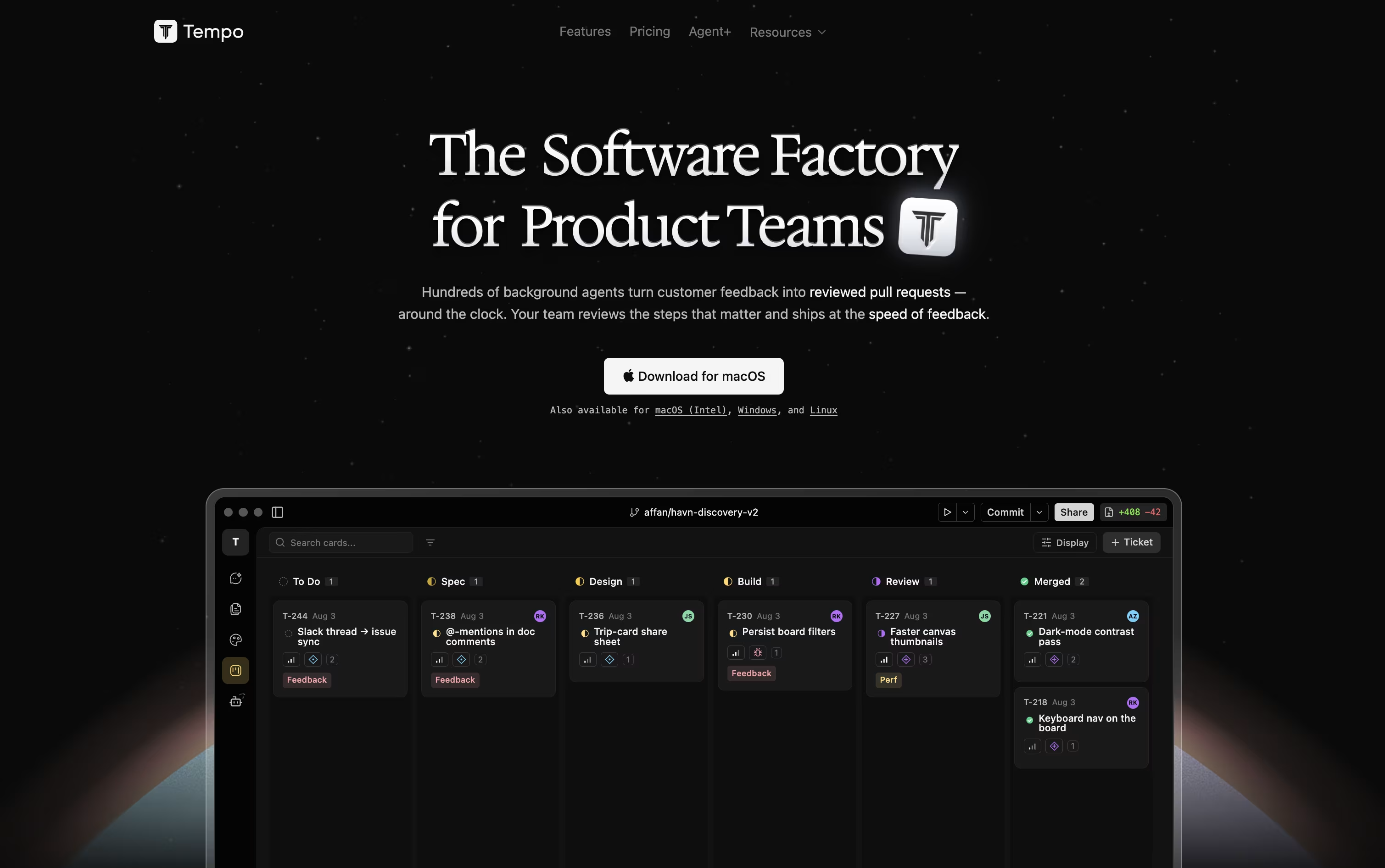
Its Canvas feature turns your React components into a live, editable design surface, so changes reflect the real app instead of a mockup. Docs works like a simple writing tool for specs and notes, and Issues gives you a Kanban board to track work.
AI agents can be chatted with directly, using Claude or OpenAI models, and they make code changes safely inside their own git branch. You can also build custom agents that run automatically based on triggers such as issue updates or Slack messages.
Getting started costs nothing with the Starter plan, which includes 100 AI messages a month and room for up to 10 team members. Growing teams can move to the Team plan at $20 per seat a month for unlimited issues and documents.
For companies that want features built for them, Agent+ starts at $500 a month, pairing AI agents with human engineers and designers who review every change, typically delivering within 48 to 72 hours.
Tempo is built for React, Next.js, and Expo projects, and runs as a web app or desktop app on macOS, Windows, and Linux.

Building a website usually means juggling JavaScript, HTML, CSS, and a separate backend. Reflex removes that split by letting you write the entire app, interface and logic, in one Python codebase.
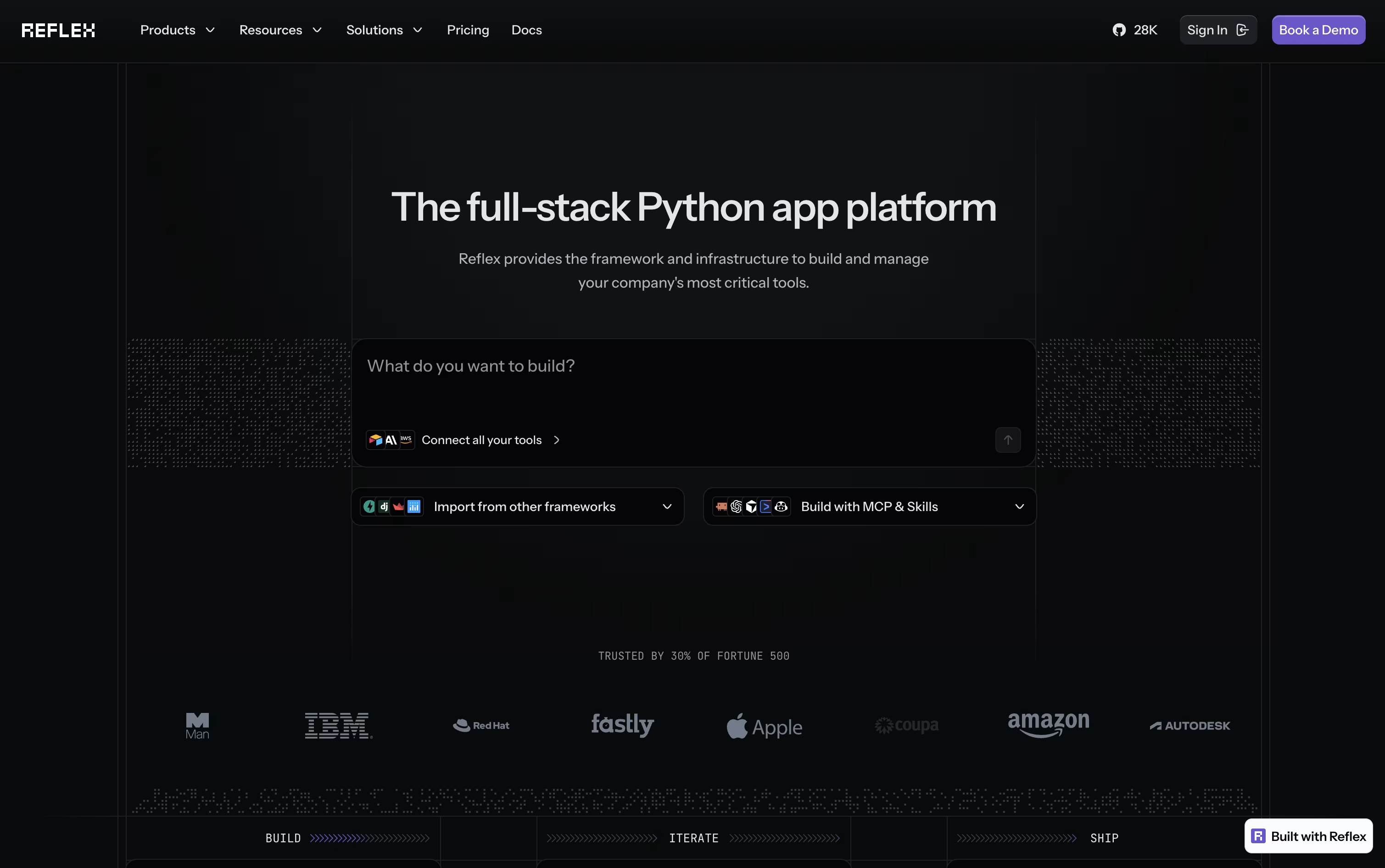
Your Python components get converted into a React frontend automatically, while a FastAPI backend handles the logic. WebSockets keep the two connected in real time, so any change in your data appears on screen right away.
If you would rather not code from scratch, the built-in AI Builder can generate a full working app from a short description or even a screenshot, along with basic tests.
Getting started is free, with 50 monthly credits and one hosted app included. Stepping up to Pro brings 2,000 credits, 10 hosted apps, and custom domains for $200 a month, though it is priced at just $3 a month for a limited time.
For companies that need more control, the Enterprise plan adds dedicated infrastructure, team workspaces, and security features like SSO and HIPAA support, with pricing built around each organization's needs.

Think of OpenCode as an AI teammate that lives in your terminal, desktop, code editor, or browser. Instead of just autocompleting lines, it reads your codebase, plans out a fix or feature, and then does the work itself using file editing, search, and shell tools.
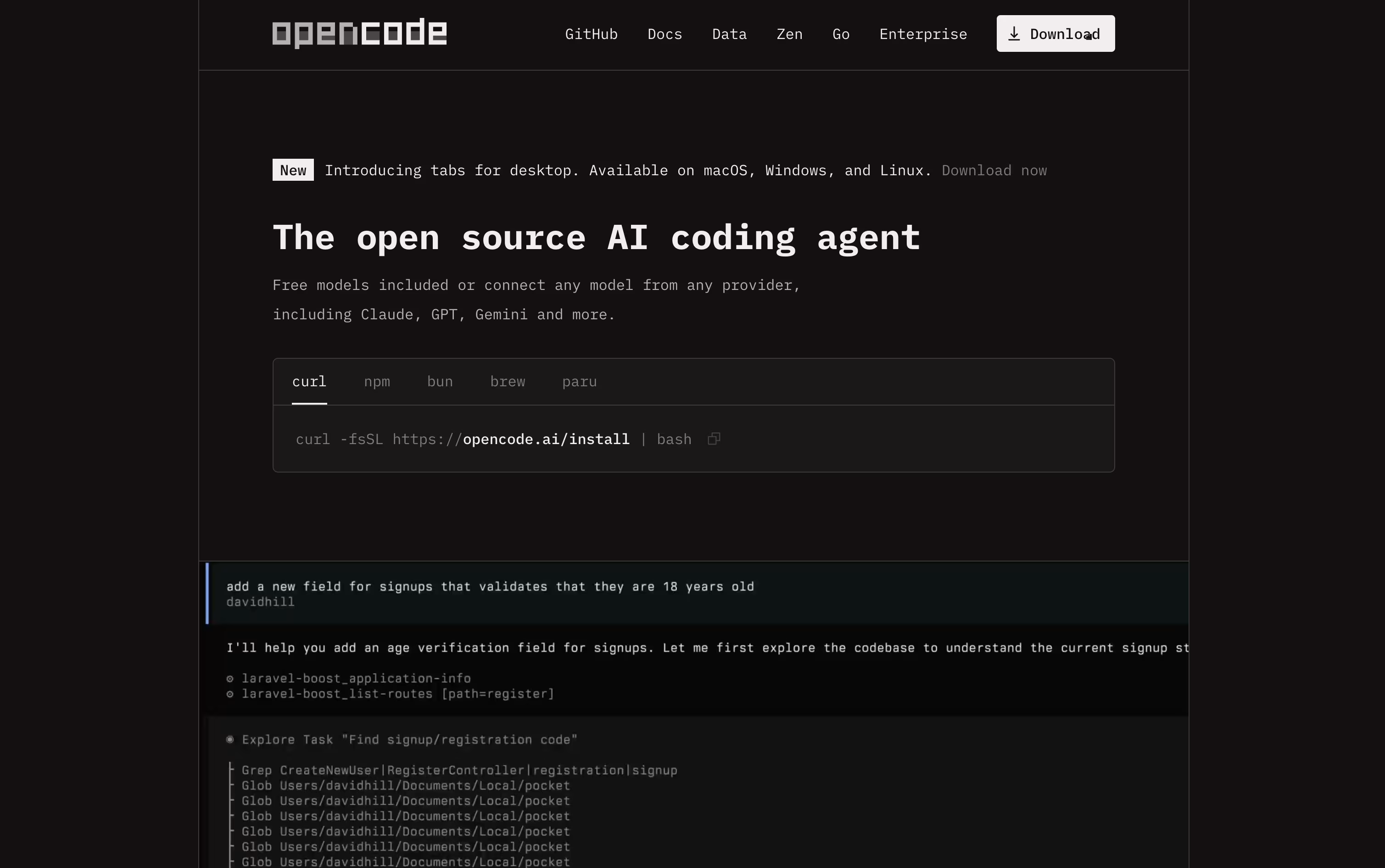
It is completely free and open source under the MIT license, and it never stores your code or project data, which makes it a good fit for developers and teams that care about privacy.
You can connect it to over seventy five AI providers, from paid services like OpenAI and Anthropic to free local models such as Ollama, so there is a setup for every budget.
If you want reliable access to strong open source coding models without managing your own API keys, the OpenCode Go plan is available for $5 in the first month, then $10 a month afterward, with no contract and easy cancellation.
Go includes generous request limits across models like Kimi K3, GLM-5.2, Qwen3.7 Max, and DeepSeek V4 Pro, refreshed on a rolling five hour basis, with extra credit available if you ever need more.

Replit lets you build real software just by typing or speaking what you have in mind. The AI Agent takes it from there, planning the work, writing the code, setting up the database, testing the result, and getting it ready to publish, all without you needing to set up anything yourself.
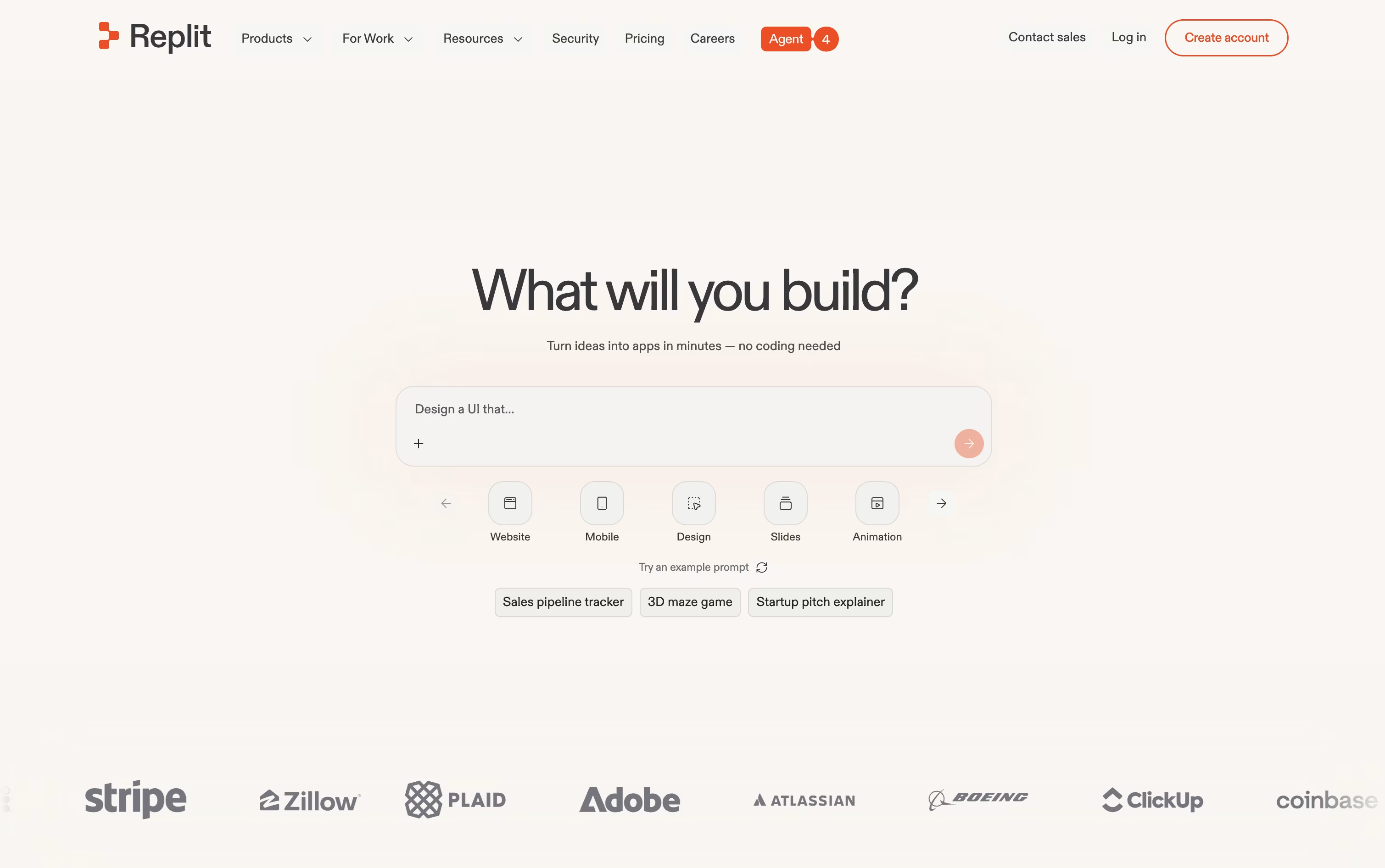
One project can hold many kinds of output at once, such as a website, a mobile app, a slide deck, or a short video, and the Infinite Canvas gives you a visual way to design and adjust things as you go. When a project is big, Parallel Agents can split up the work and handle several parts at the same time.
Anyone can start for free on the Starter plan, which includes daily Agent credits and one published project.
Stepping up to Core runs $20 a month, or $18 a month if you pay yearly, and brings more credits, room for 5 collaborators, and 2 agents working together.
The Pro plan, at $100 a month or $90 a month yearly, is built for professional teams, offering the strongest AI models, 10 parallel agents, and 28 days of database rollbacks.
Larger companies can move to Enterprise for custom pricing with SSO, extra privacy controls, and dedicated support.
Codex is an AI agent from OpenAI made to take on actual coding tasks, from planning a feature to writing, testing, and fixing the code itself. You describe what you need, and it works through your project on its own.
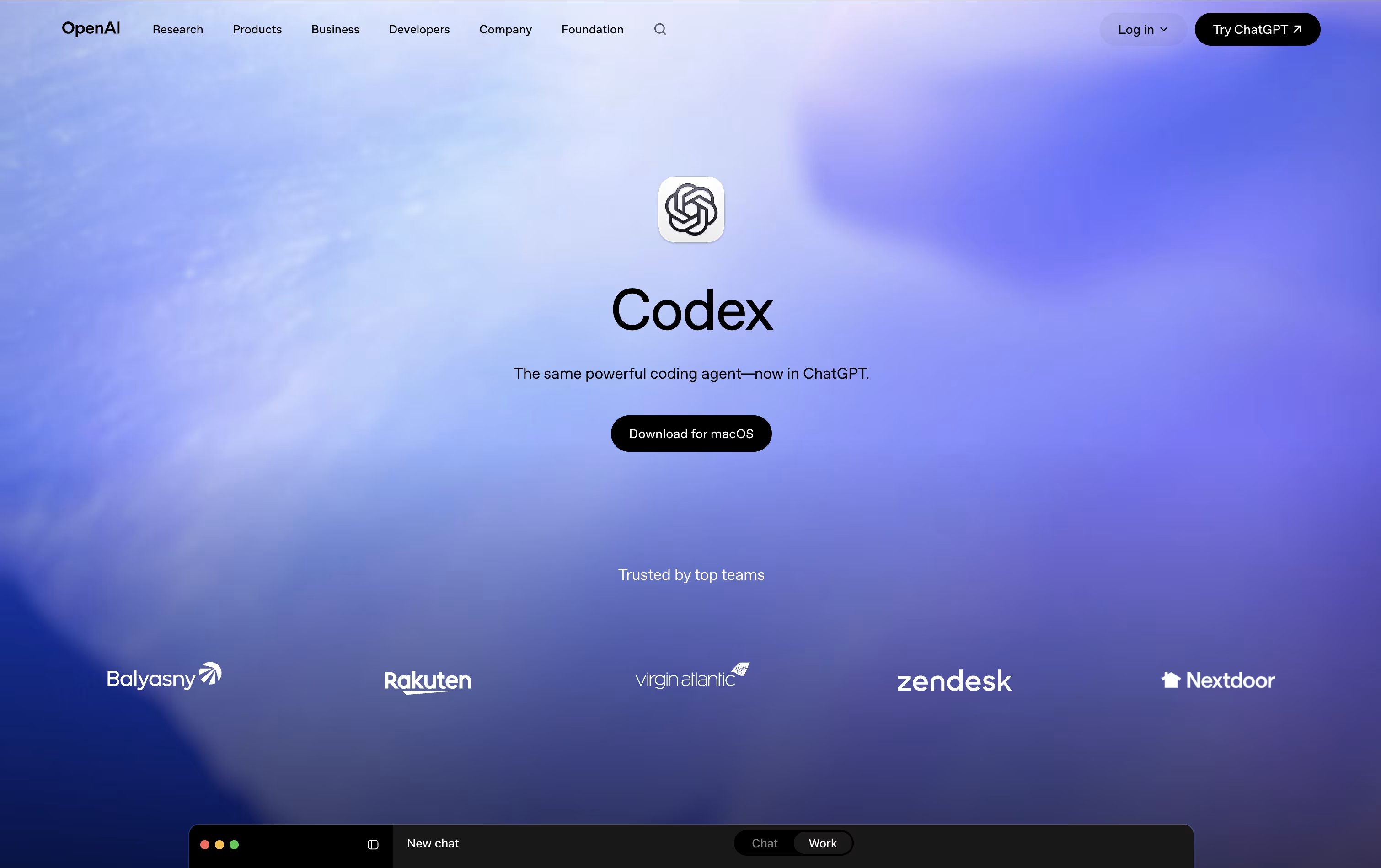
All the work happens in a separate, isolated copy of your project, so your main files stay untouched until you review and approve the changes.
Getting started costs nothing, with limited Codex access included in the Free ChatGPT plan. The Go plan is $8 a month, Plus is $20 a month and unlocks expanded Codex usage, and Pro starts at $100 a month for the most Codex tasks and strongest models.
For companies, Business runs $20 per user a month when billed yearly, or $25 monthly, and adds shared tool connections and admin controls. Enterprise is custom priced with extra security and support.
Codex has also expanded past pure coding, with skills and plugins that let marketers, analysts, and designers use it for everyday work too.

If you're used to switching between an editor, a terminal, and separate AI tools, Devin Desktop puts all of that in one place. Made by Cognition AI and previously called Windsurf, it centers around an Agent Command Center that shows every agent you're running, whether local or in the cloud.
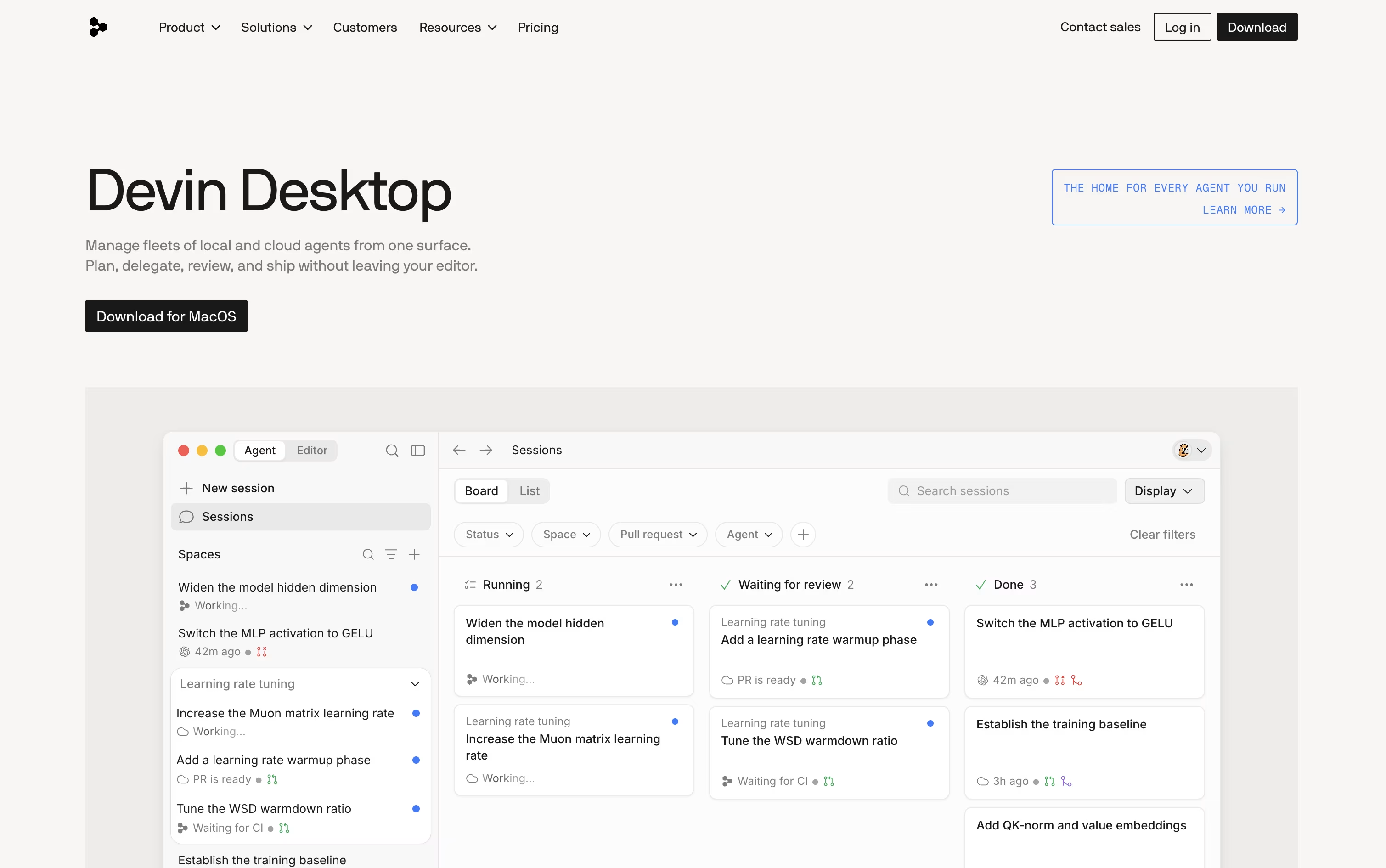
It still functions as a full IDE, so debugging, Git, extensions, and an integrated terminal are all available whenever you want to work by hand.
Because it supports the open Agent Client Protocol, other agents such as Codex and Claude Agent can run right alongside Devin's own agents, all sharing project context through Spaces so nothing needs to be re-explained.
The Free plan gives you a light quota to try things out, along with unlimited inline edits and Tab completions at no cost.
Moving up, Pro costs $20 a month for higher quotas and frontier models, and Max costs $200 a month for teams that need significantly more capacity.
Teams start at $80 a month plus $40 per seat, and Enterprise adds custom pricing, SSO, and private cloud deployment for larger organizations.

Cloudonix is a "Communications Platform as a Service" (CPaaS) that provides voice APIs, SIP trunking, and development tools for building voice applications. The platform is designed to add "superpowers" to AI voice agents by connecting them to phone systems, carriers, and business applications.
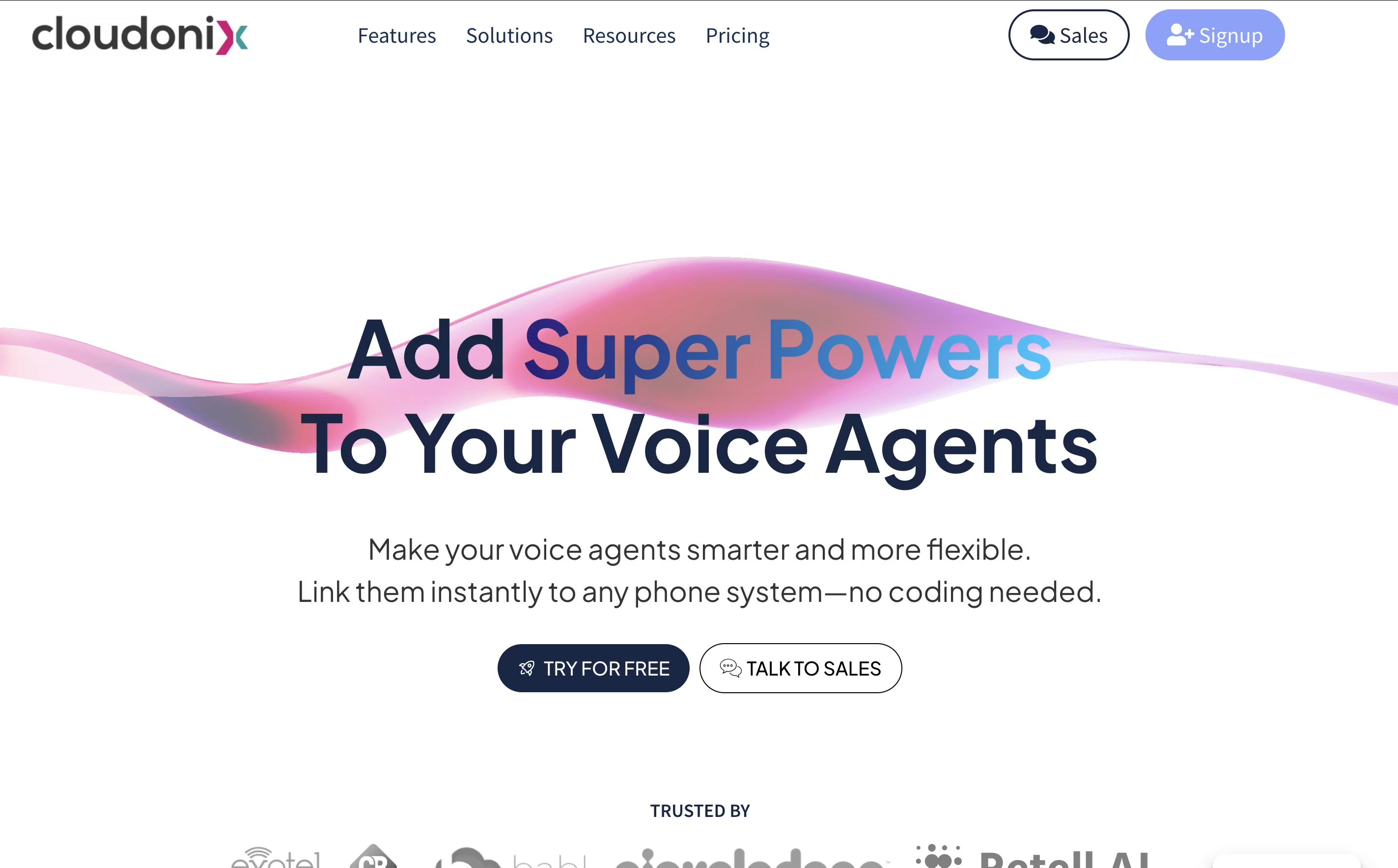
It uses a special programming language called CXML (Cloudonix XML) that makes building voice apps simple. The platform also offers no-code tools through Make.com integration, so businesses can create voice solutions without programming skills.
Cloudonix supports popular AI voice platforms like VAPI, ReTell, and 11Labs, making it easy to connect voice agents to real phone calls. It also provides mobile and web SDKs for developers who want to add voice calling features to their apps.

Strapi is an open-source headless CMS built with Node.js that delivers content through APIs instead of traditional web pages. Think of it as a smart backend system that stores and manages your content, then sends it anywhere you need through REST or GraphQL APIs.
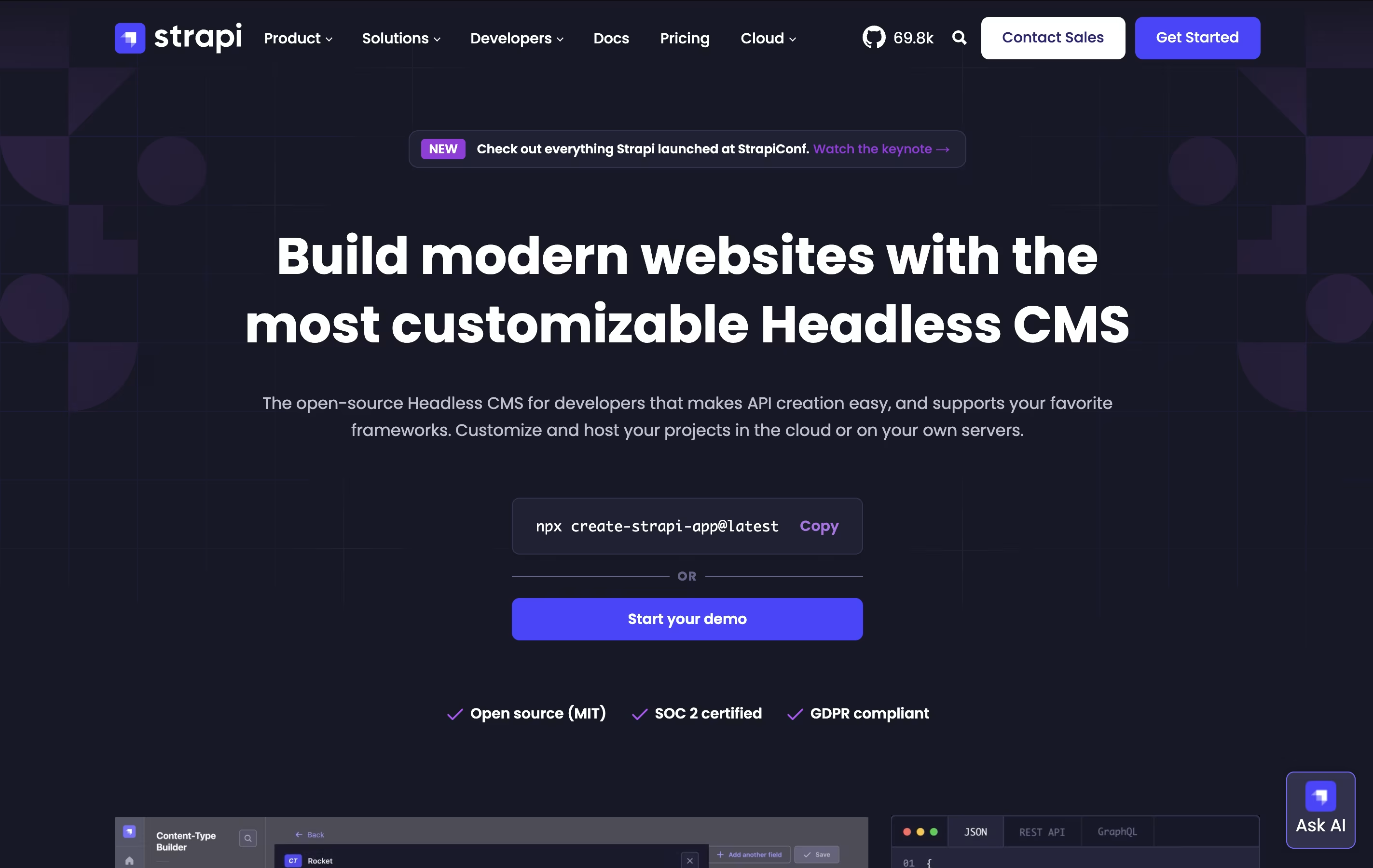
The main difference from traditional systems like WordPress is flexibility. Instead of forcing you to use specific templates, Strapi lets you build exactly what you need. You control everything: the database, the content structure, and how it all works together. Each project starts with built-in features like user management, permissions, and content organization.
Founded in 2015, Strapi has become popular with over 60,000 stars on GitHub and millions of downloads. You can host it yourself on your own servers or use Strapi Cloud for managed hosting, making it perfect for any project size.
Contentful is a headless content management system, which means it stores and organizes your content but does not control how it appears to users. Think of it like a smart storage room for all your digital content - text, images, videos, and more. When you need to show this content on your website, app, or any other platform, Contentful sends it instantly through connections called APIs.
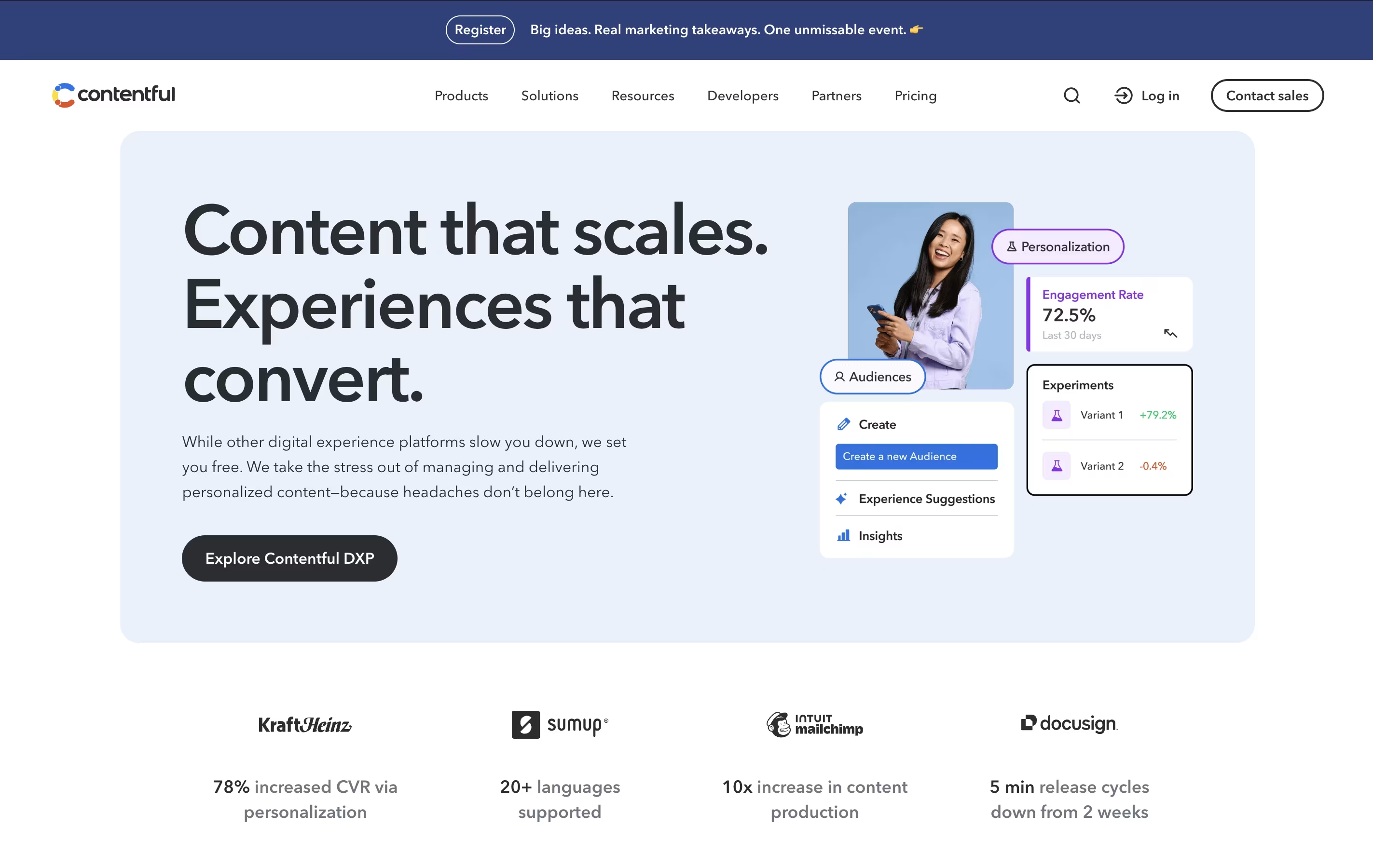
The platform lets you build custom content structures that fit your exact needs. You can create different types of content, add various fields to them, and organize everything in ways that make sense for your business. Multiple team members can work together, editing and updating content at the same time without stepping on each other's toes.

Sanity is a content platform that stores your content as structured data and makes it available through powerful tools. Unlike traditional systems where content and design are locked together, Sanity keeps them separate. This means you create content once and use it anywhere - websites, apps, smart devices, or anywhere else you need it.
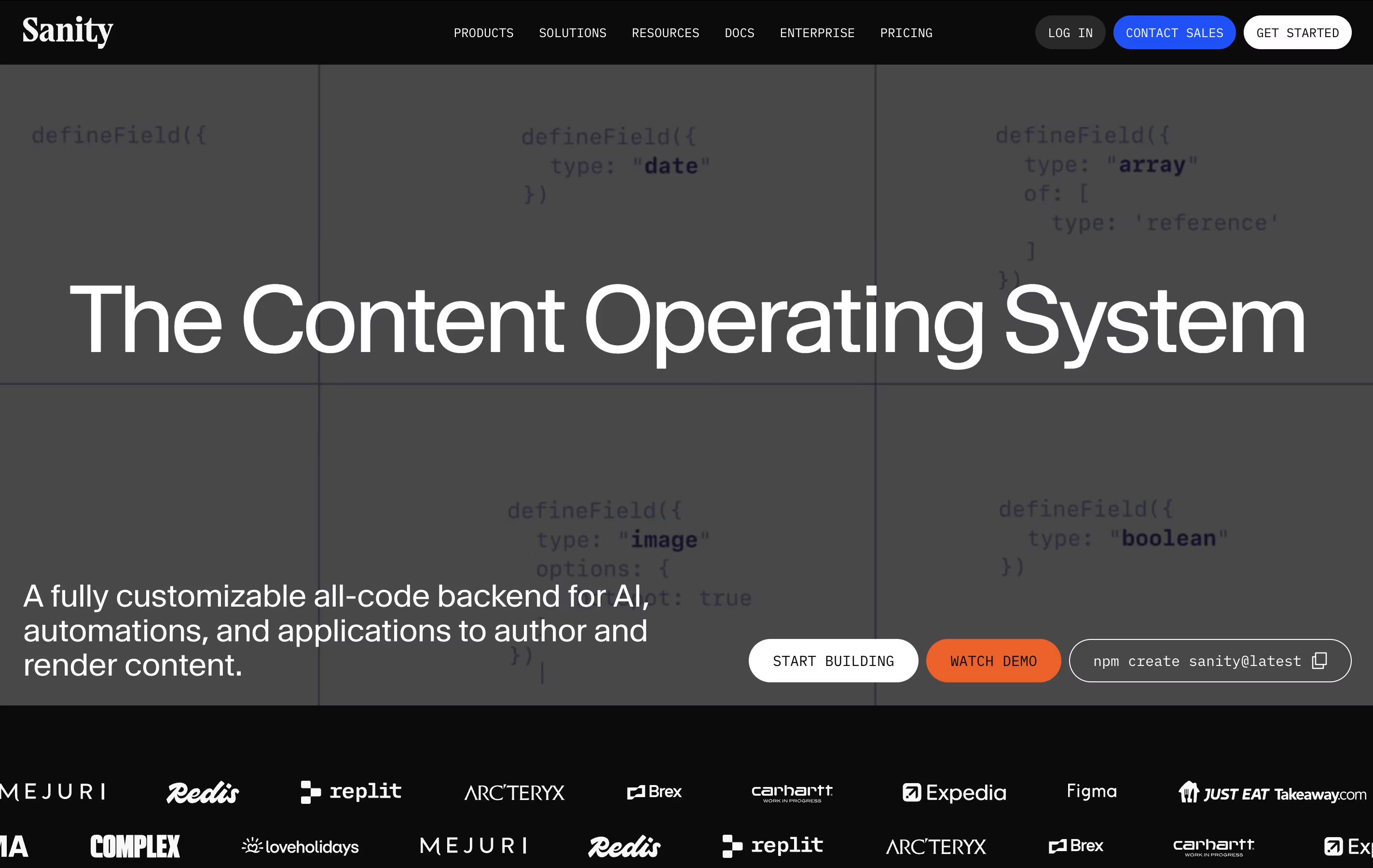
The platform has three main parts: Content Lake for storing your content as data, Sanity Studio for editing and managing content, and powerful tools for getting your content where it needs to go. It uses a special query language called GROQ that makes finding and organizing content simple and fast. Everything updates in real-time, so teams can work together without conflicts or delays.

Insomnia is a desktop application that lets you test and work with APIs. Think of it as a specialized tool for developers who need to send requests to APIs and check the responses they get back. It supports all major API types, so you don't need different tools for different projects.
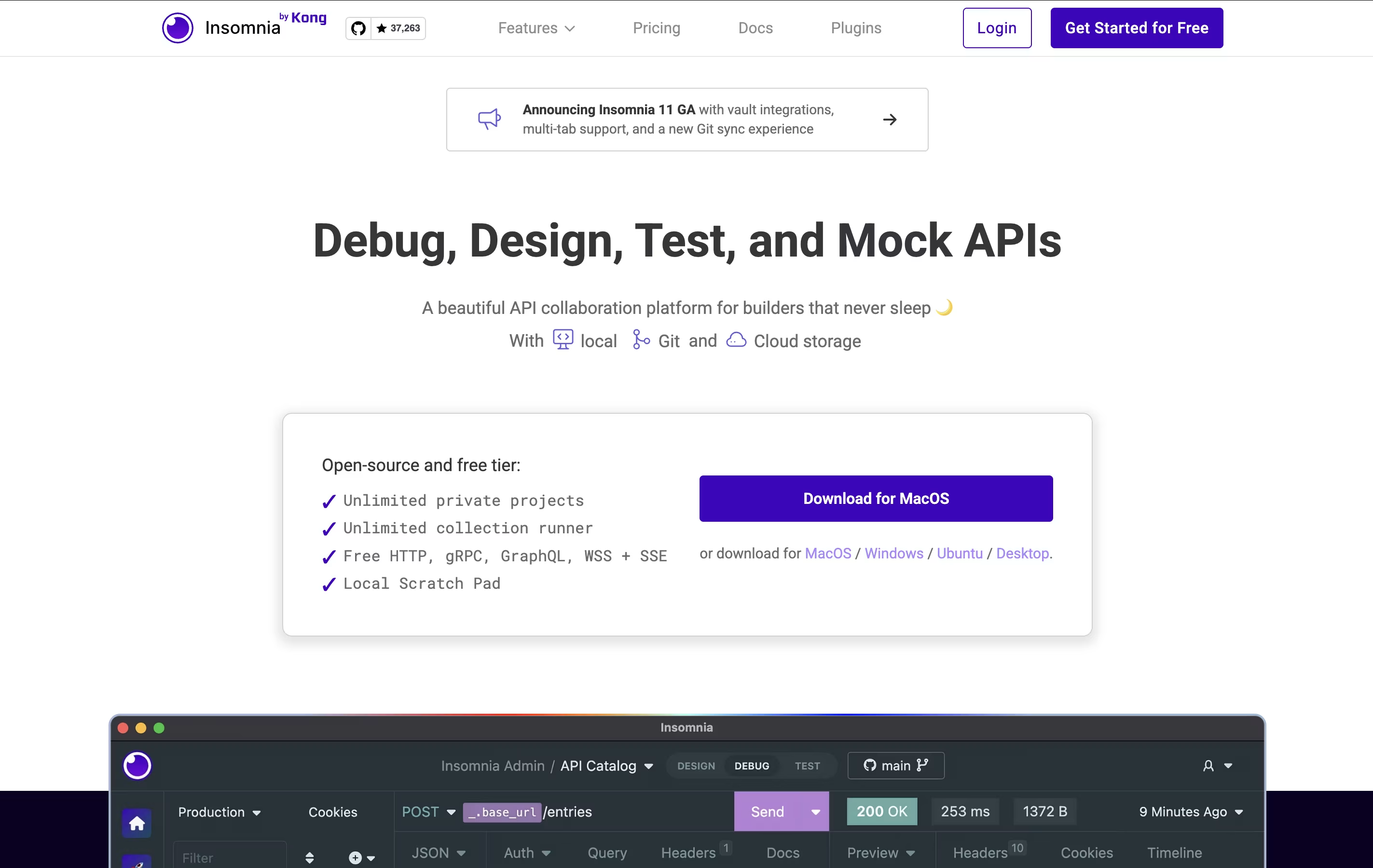
The tool includes helpful features like environment variables (which let you switch between different settings easily), code generation (which creates code snippets you can use), and authentication helpers (which handle login details). You can also create mock servers to test your APIs before they're fully built.
Insomnia offers both free and paid versions. The free version works great for most individual developers, while paid plans add team features and extra tools.

Postman is an all-in-one platform for working with APIs throughout their entire lifecycle. It provides tools to send API requests, view responses, write tests, create documentation, and monitor performance. Unlike basic HTTP clients, Postman offers a complete environment where teams can organize their work into collections, share them with teammates, and automate testing.
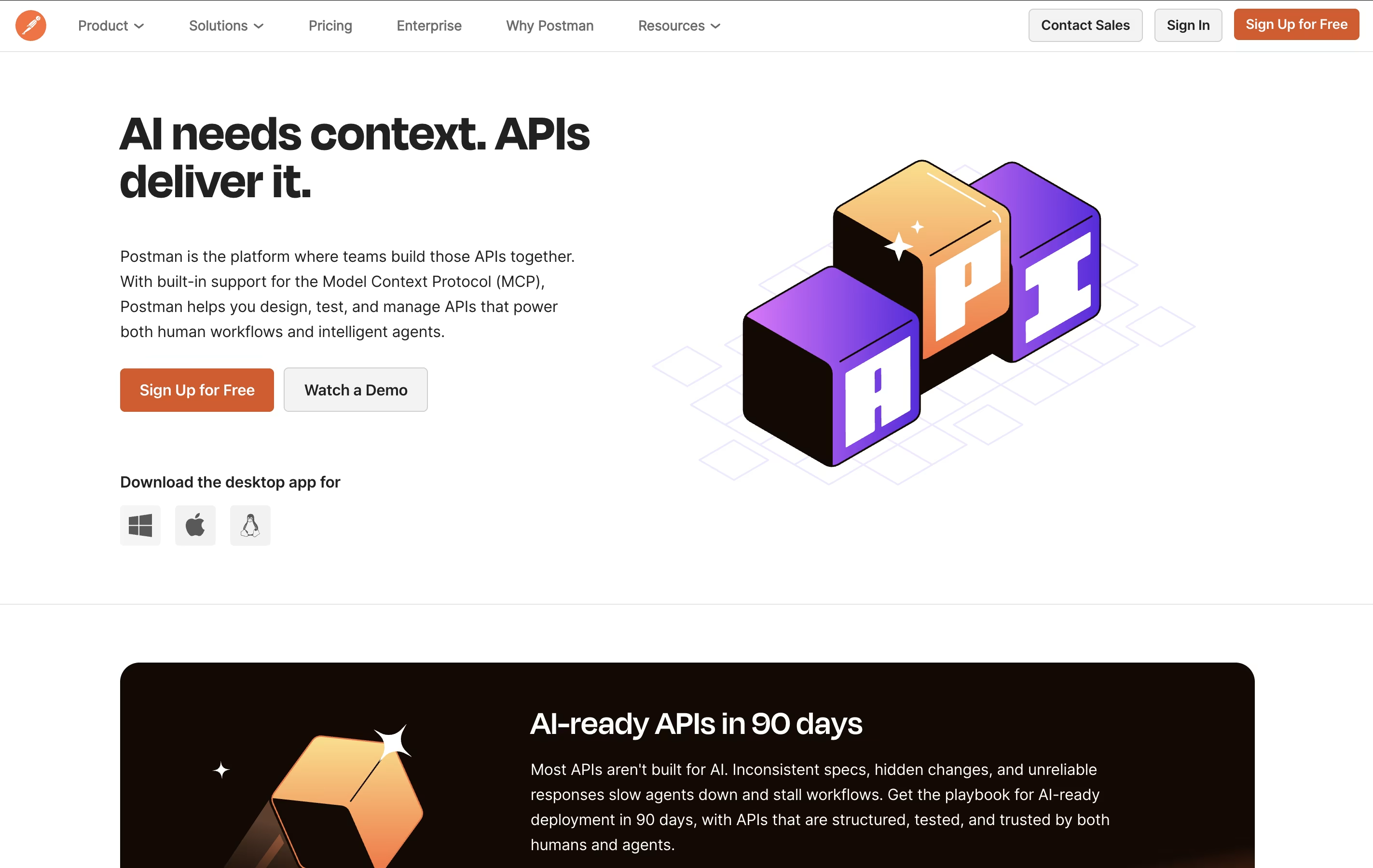
The platform includes an easy-to-use interface where you can build requests without writing code, though it also supports advanced scripting when needed. Postman works as a desktop app, web app, or through command-line tools for automation. It integrates with popular development tools and supports team collaboration through workspaces, making it ideal for both individual developers and large organizations building complex API systems.

VideoSDK is a real-time communication platform that provides APIs and software tools for developers to build video and voice applications. Instead of creating video calling systems from scratch, developers can use VideoSDK's ready-made tools to add features like video meetings, live streaming, screen sharing, and AI-powered voice agents to their apps.
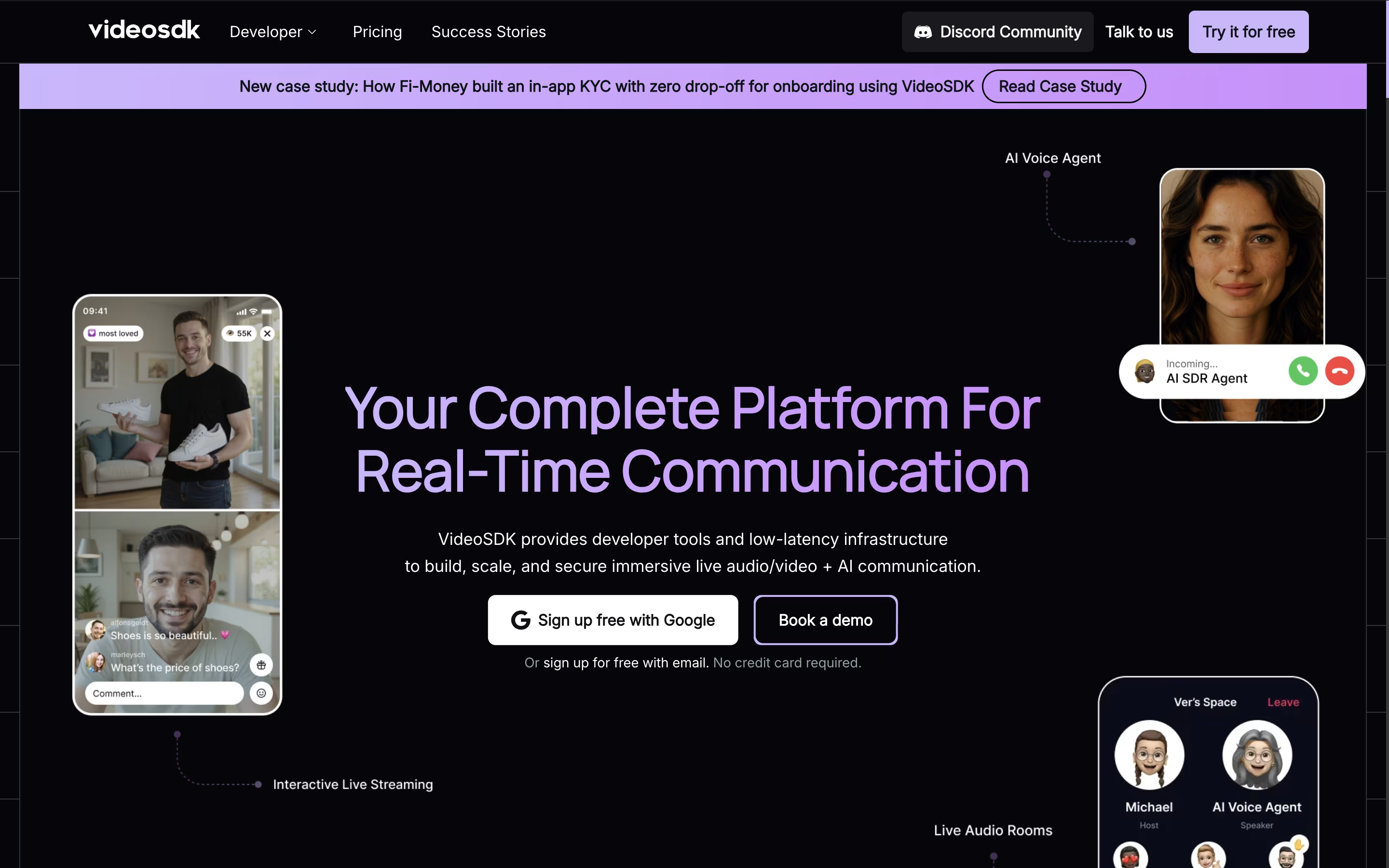
The platform works across all devices and operating systems, including web browsers, mobile apps, and desktop applications. It uses advanced technology to ensure smooth video quality even with poor internet connections and provides global infrastructure with 150ms worldwide latency.
VideoSDK offers both free and paid plans, starting with 10,000 free minutes every month. This makes it perfect for startups, small businesses, and large companies that need reliable video communication features without building everything from scratch.

LiveKit is a complete real-time communication platform that uses WebRTC technology to enable low-latency audio, video, and data exchange between users and AI agents. Unlike traditional communication tools, LiveKit is built specifically for developers who want to create custom real-time experiences.
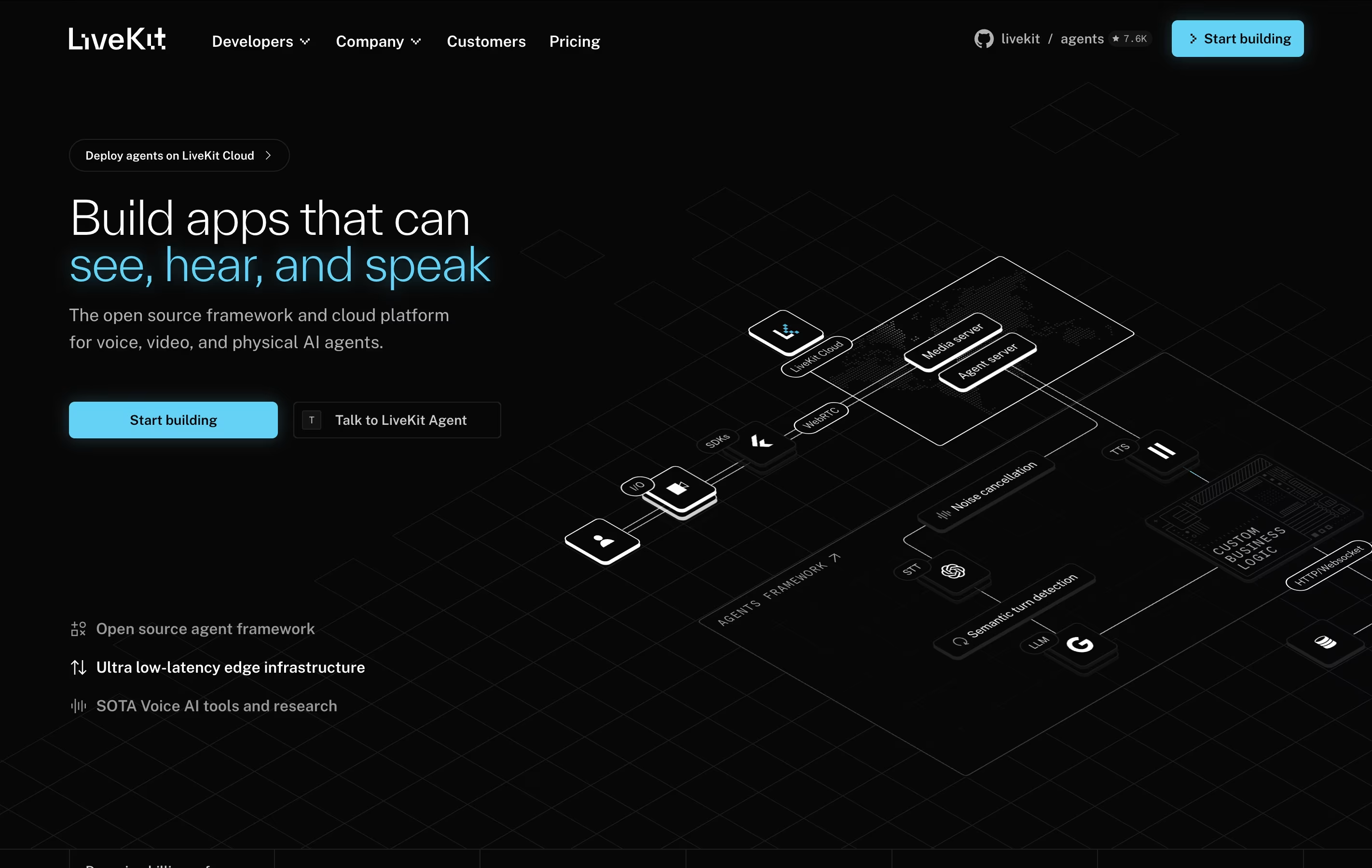
The platform consists of several parts: the open-source LiveKit server that handles media routing, client SDKs for all major platforms, and LiveKit Cloud for managed hosting. It uses a Selective Forwarding Unit (SFU) architecture, which means it can efficiently handle many participants without heavy server processing.
LiveKit is especially strong for AI applications. It can connect voice agents to phone systems, enable real-time transcription, and support multimodal AI that can see and hear simultaneously. Whether you want to build a simple video chat or a complex AI assistant, LiveKit provides the foundation you need.

Tencent RTC is a comprehensive real-time communication platform that gives developers powerful tools to build interactive audio and video experiences. It offers SDKs and APIs that work across all platforms, making it easy to add features like video calling, voice chat, live streaming, and instant messaging to any application.
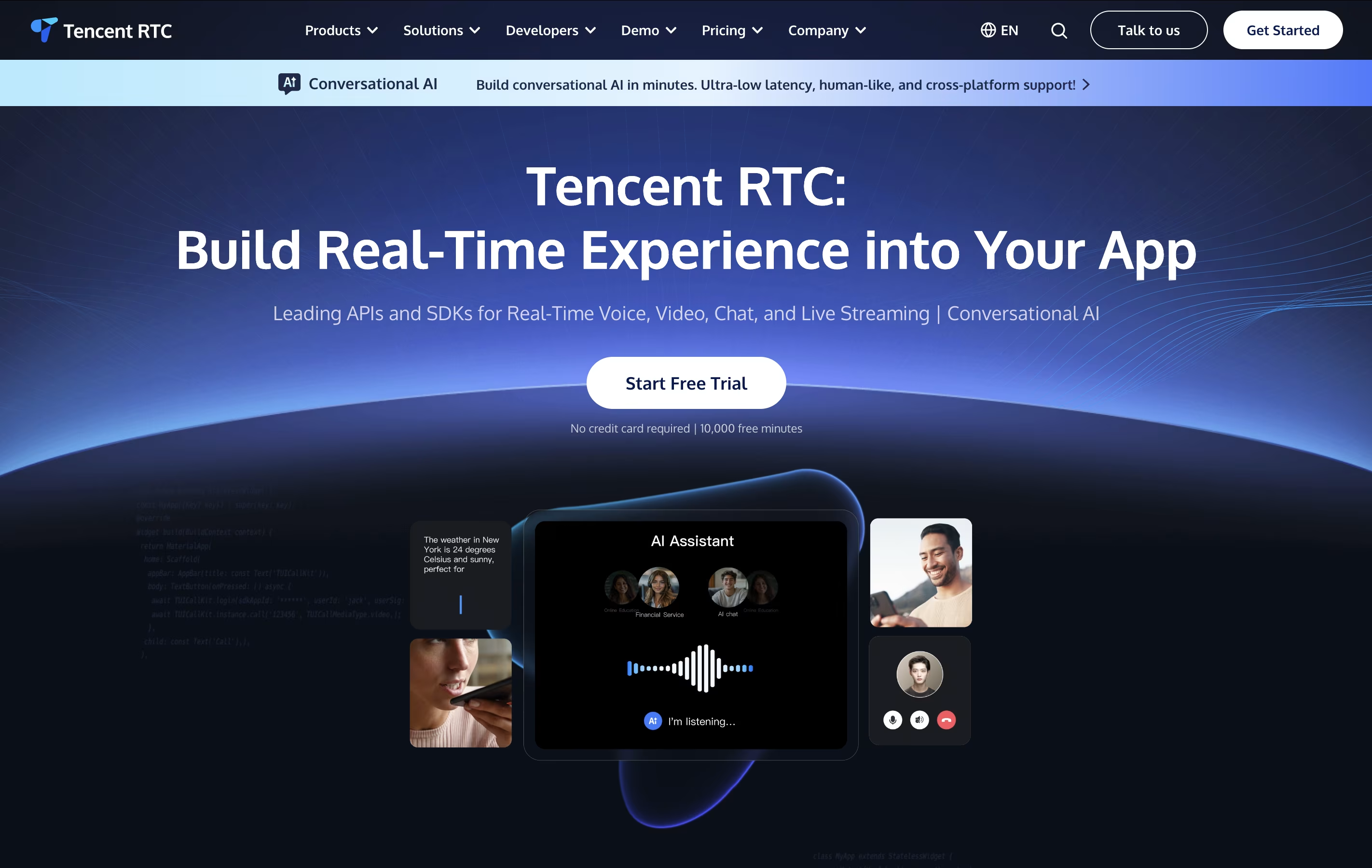
The platform handles complex technical challenges like network optimization, audio processing, and video encoding automatically. This means developers can focus on building great user experiences instead of worrying about technical details. It supports everything from simple one-on-one video calls to massive live streaming events with thousands of viewers.
With built-in features like beauty filters, screen sharing, recording, and AI-powered noise reduction, Tencent RTC provides enterprise-grade communication tools that scale from small startups to large businesses serving millions of users.

Agora is a Platform-as-a-Service (PaaS) that provides real-time communication APIs for developers. Instead of building video calling or live streaming technology from scratch, developers can use Agora's ready-made tools to add these features to their apps quickly.
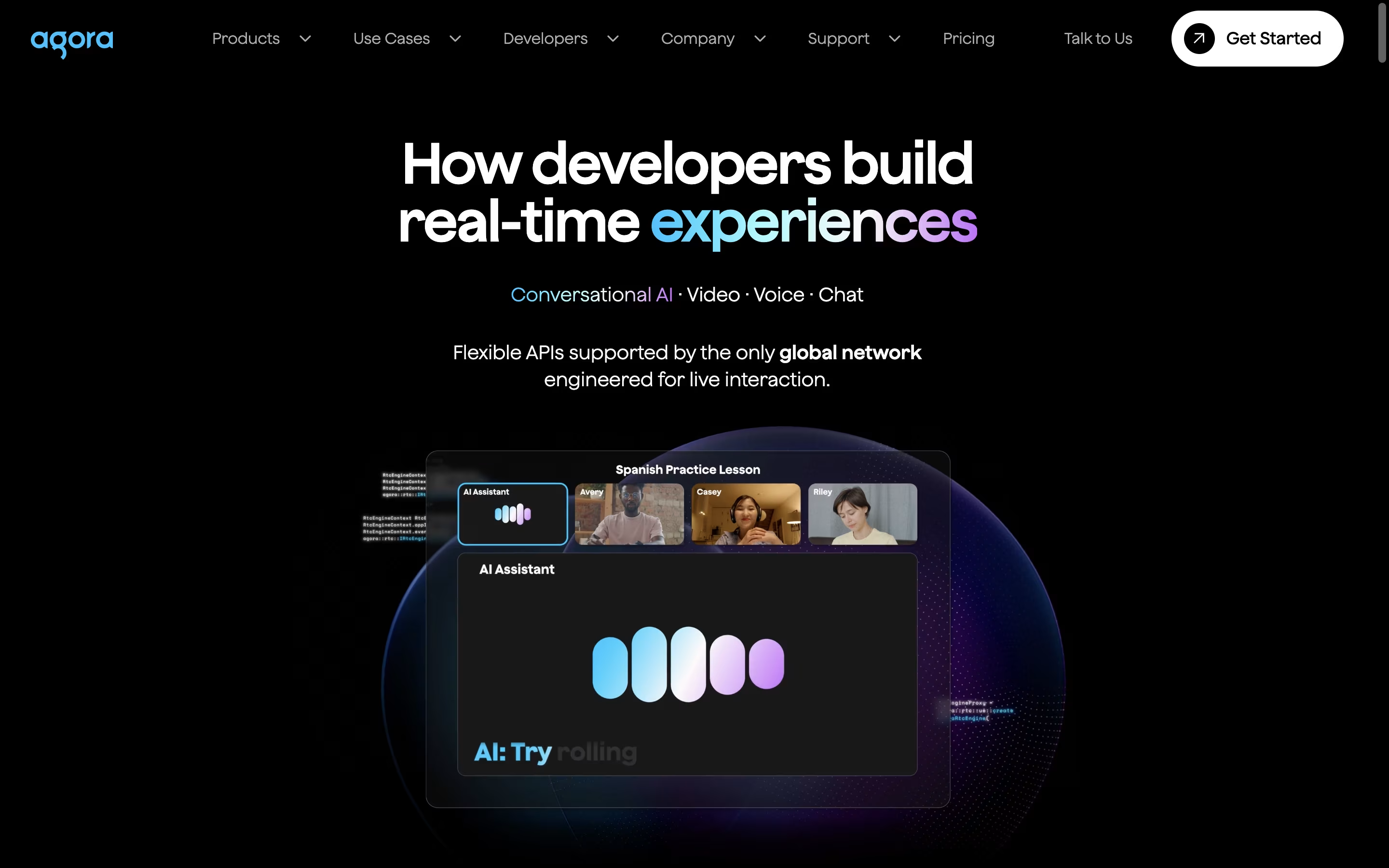
The platform offers SDKs (software development kits) for most programming languages and devices, including mobile apps, websites, and desktop applications. Agora's main strength is its global network called SD-RTN (Software-Defined Real-time Network), which automatically finds the best path for audio and video data to travel between users.
Key products include Video Calling APIs, Interactive Live Streaming, Voice Calling, Cloud Recording, and AI-powered features like noise reduction. The platform also provides analytics tools to monitor call quality and usage. Agora is publicly traded on NASDAQ under the symbol "API."

Typing Mind is an advanced chat frontend for popular AI models like ChatGPT, Claude, Gemini, and others. Instead of using the official websites, you use your own API keys with Typing Mind to get a much better chat experience.
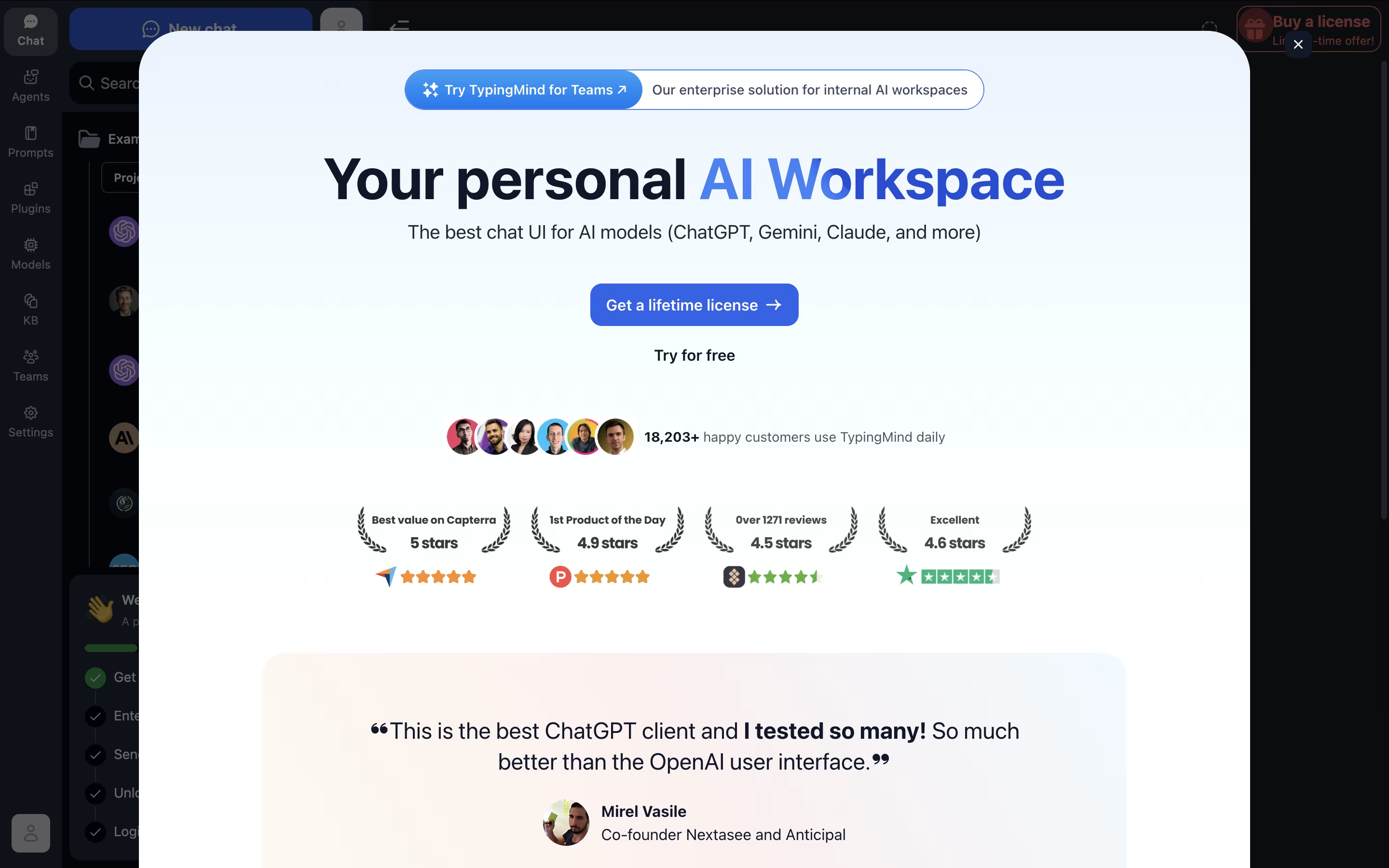
Think of it as a replacement interface that makes AI chatting more powerful and organized. You get features like chat folders, history search, voice input, text-to-speech, and the ability to chat with multiple AI models from one place.
The big advantage is cost and privacy. You only pay for actual API usage (often much cheaper than ChatGPT Plus), and your conversations stay completely private. The tool works offline-first, storing everything locally on your device, so no one else can see your chats.

Basedash is an AI-powered platform that turns your database into a collaborative workspace for visualizing, editing, and exploring data without any coding knowledge. Think of it as having a conversation with your data – you ask questions in plain English, and Basedash creates charts, dashboards, and admin panels automatically.
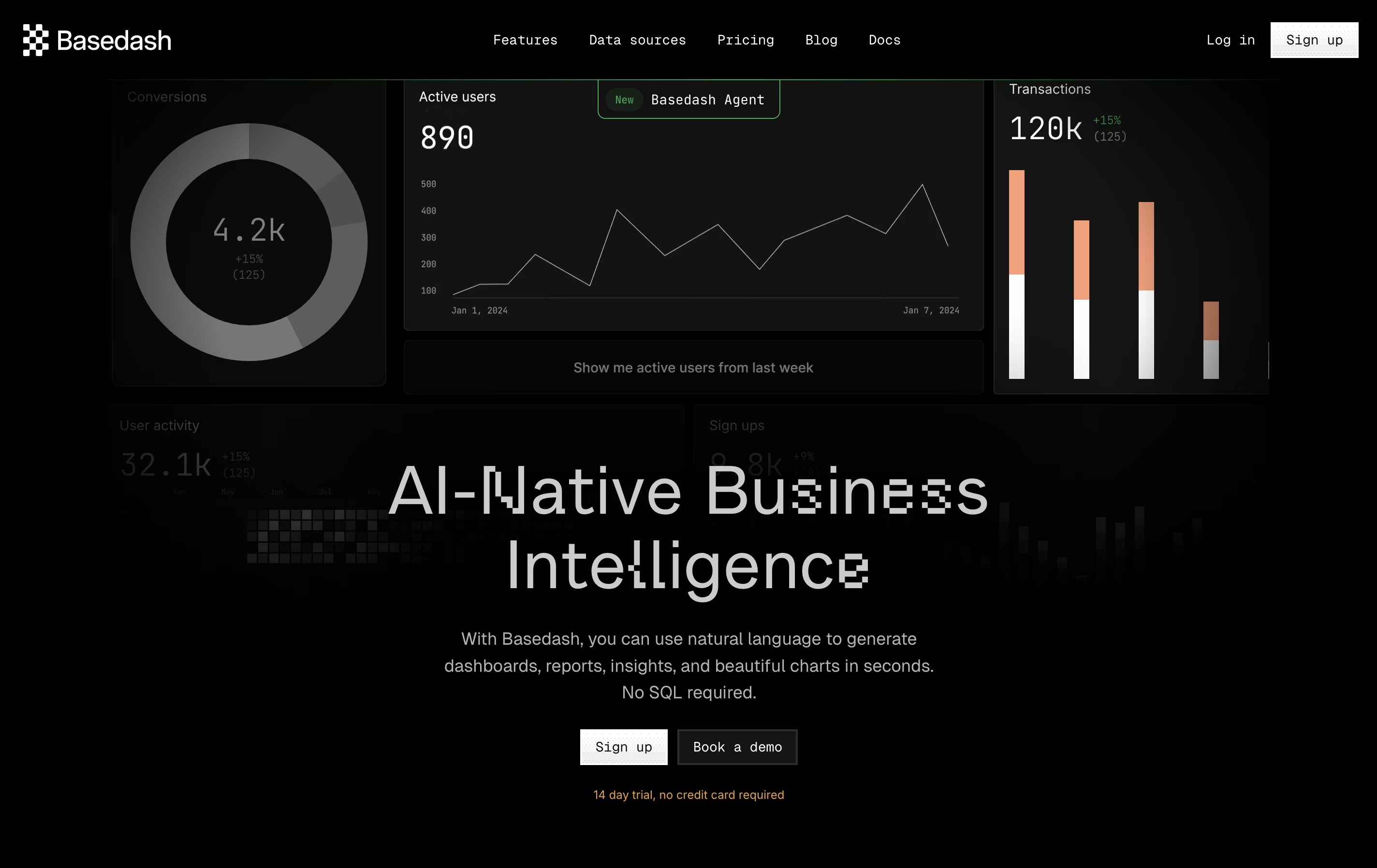
The platform works by connecting directly to your database or data warehouse, then using artificial intelligence to understand your data structure and relationships. You can create custom CRM systems, build business intelligence dashboards, generate reports, and manage your data through an intuitive interface that feels like using a spreadsheet.
What sets Basedash apart is its natural language processing capabilities. Instead of writing SQL queries or learning complex tools, you simply tell it what you want to see, and it creates the visualization for you instantly.
Cube.js is a universal semantic layer that sits between your data sources and applications. Think of it as a smart middleware that connects to data warehouses like Snowflake, BigQuery, or Postgres and transforms raw data into business-ready metrics and dimensions.
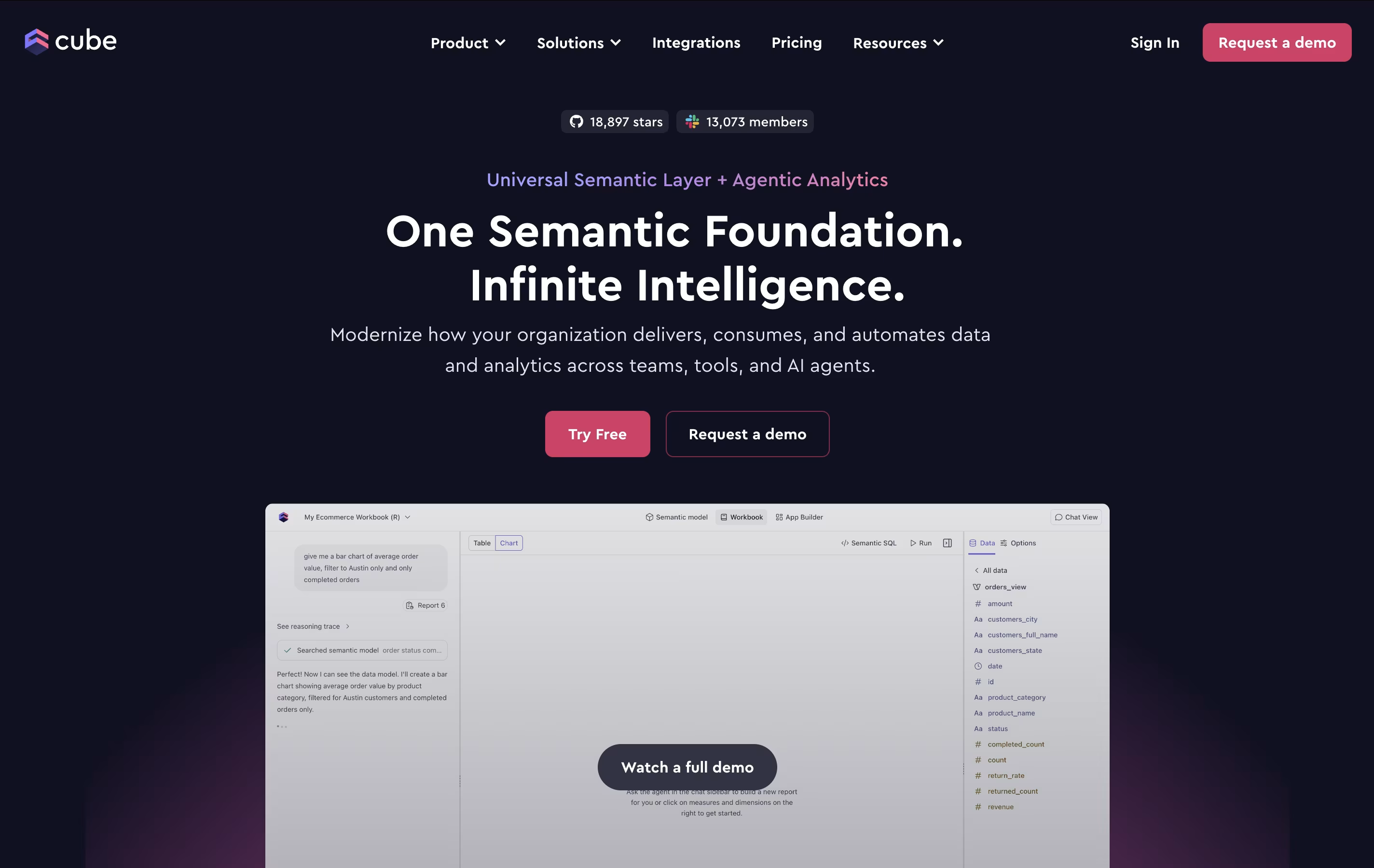
Unlike traditional BI tools that lock you into specific interfaces, Cube.js provides flexible APIs that work with any application or tool. You define your data model once using code, and Cube.js automatically generates optimized SQL queries, handles caching for faster performance, and provides consistent results across all your applications.
The platform consists of two main offerings: Cube Core (open-source) for self-hosting and Cube Cloud (managed service) with additional enterprise features. Both versions support the same core functionality but Cube Cloud includes hosting, security features, and integrations with popular BI tools like Tableau and Power BI.

Integry is an enterprise-grade integration platform that serves as the bridge between SaaS applications and hundreds of third-party tools. Unlike traditional integration solutions, Integry focuses on embedded, user-facing integrations that work directly within your product interface.
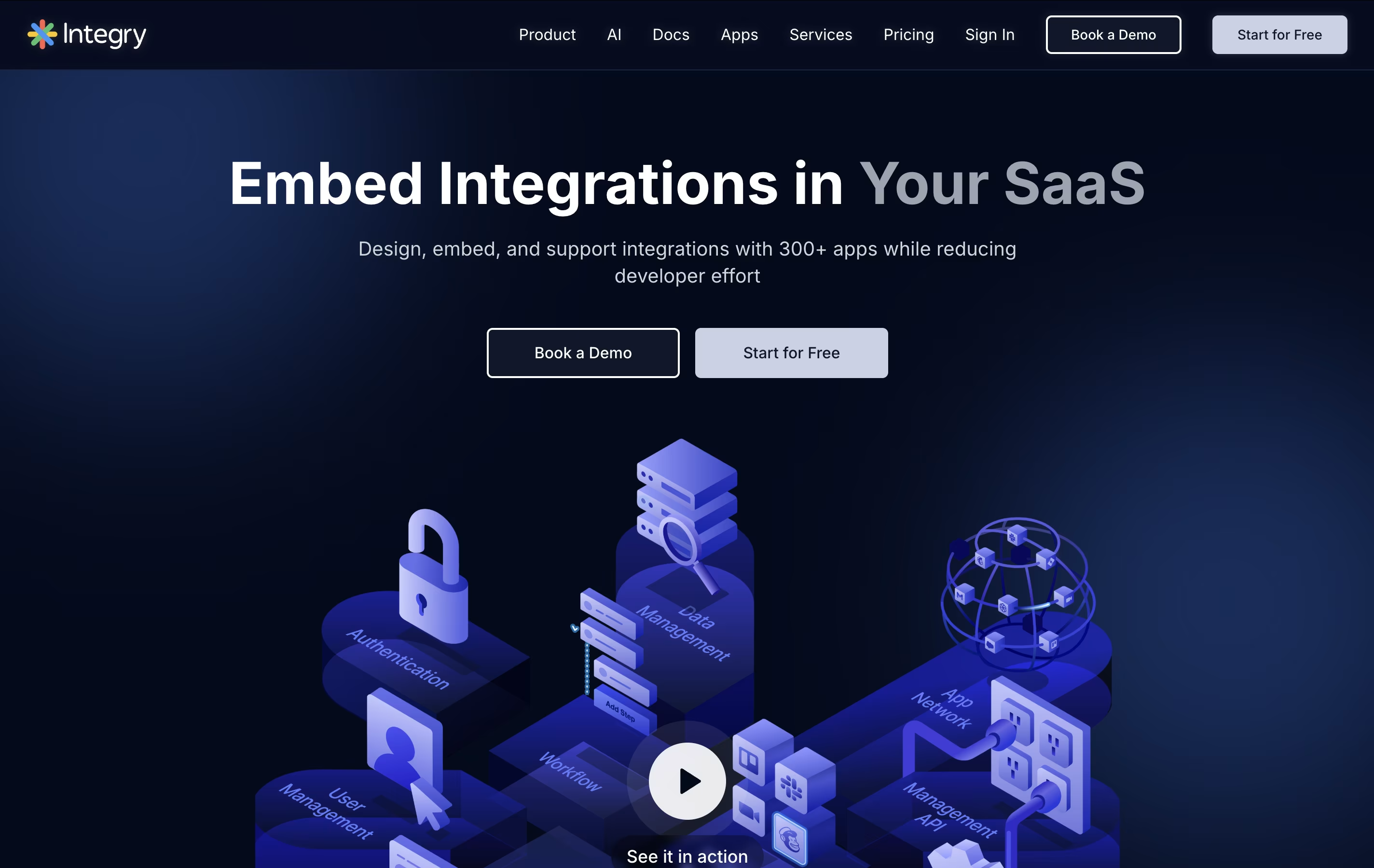
The platform offers AI-powered function calling capabilities, allowing artificial intelligence systems to predict and execute actions across different applications automatically. This makes it particularly valuable for AI agents and chatbots that need to interact with external tools.
Integry handles the complex technical aspects of integrations including OAuth authentication, data mapping, error handling, and API management. The visual programming environment lets product teams build sophisticated workflows without writing code, while the white-label components ensure the integration experience matches your brand perfectly.

Relevance AI is a no-code platform where anyone can build AI agents and complete AI teams to handle business tasks automatically. These AI agents work like digital employees that can be trained to follow your exact processes and procedures.
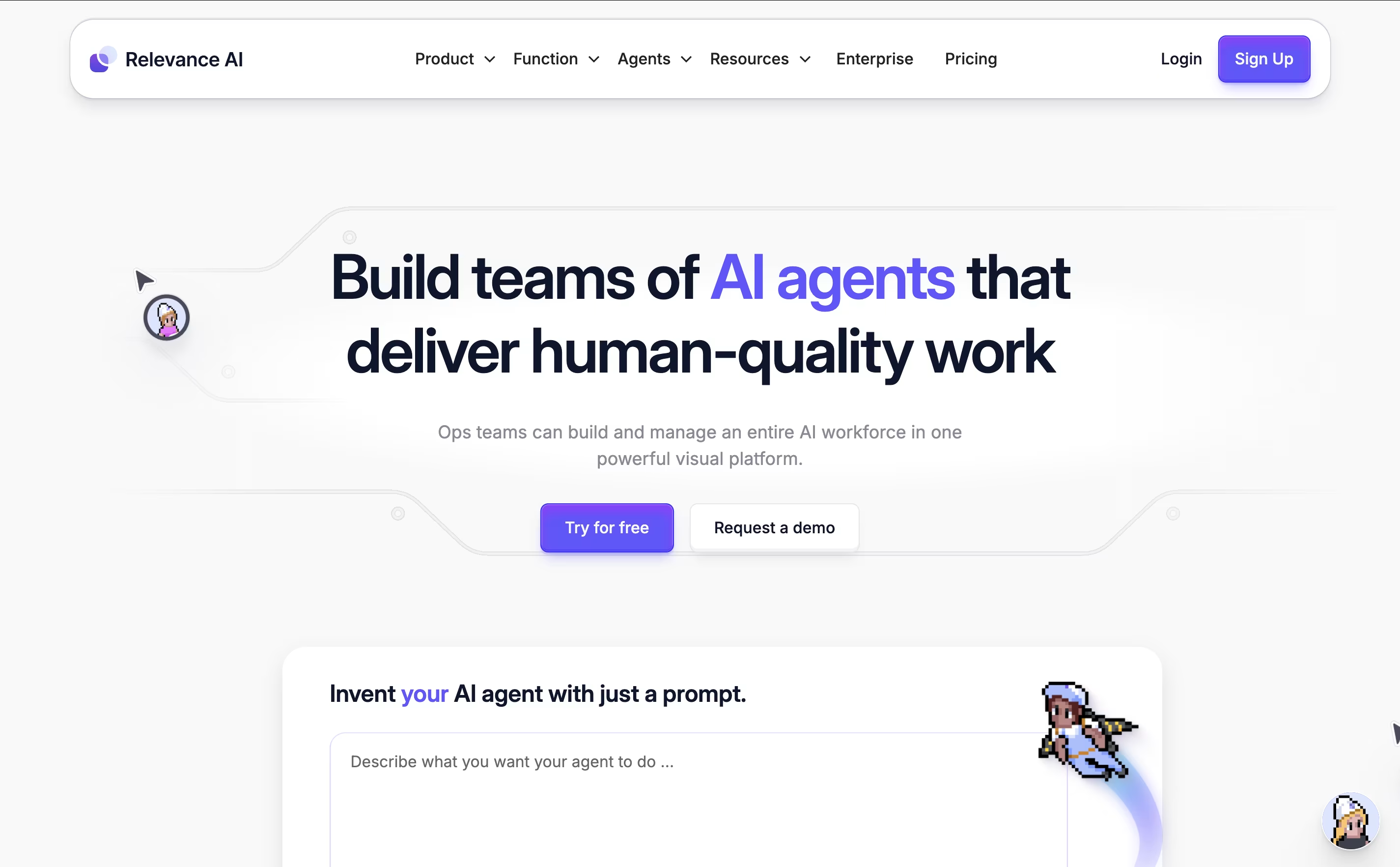
The platform supports multiple AI models including GPT-4, Claude, and Gemini, so you get access to the most advanced AI technology. You can create custom tools and workflows, then give these tools to your AI agents so they can complete complex tasks on their own.
What makes it special is that everything happens without coding. You simply drag and drop to build workflows, connect your existing apps, and train your agents using plain English. The platform is SOC 2 compliant and offers data centers in the US, EU, and Australia for security and privacy.

Bruno is an "offline-first API client" that revolutionizes how developers test and manage APIs. Instead of forcing you to create accounts or store data in the cloud, Bruno saves everything directly on your device using a simple text format called "Bru."
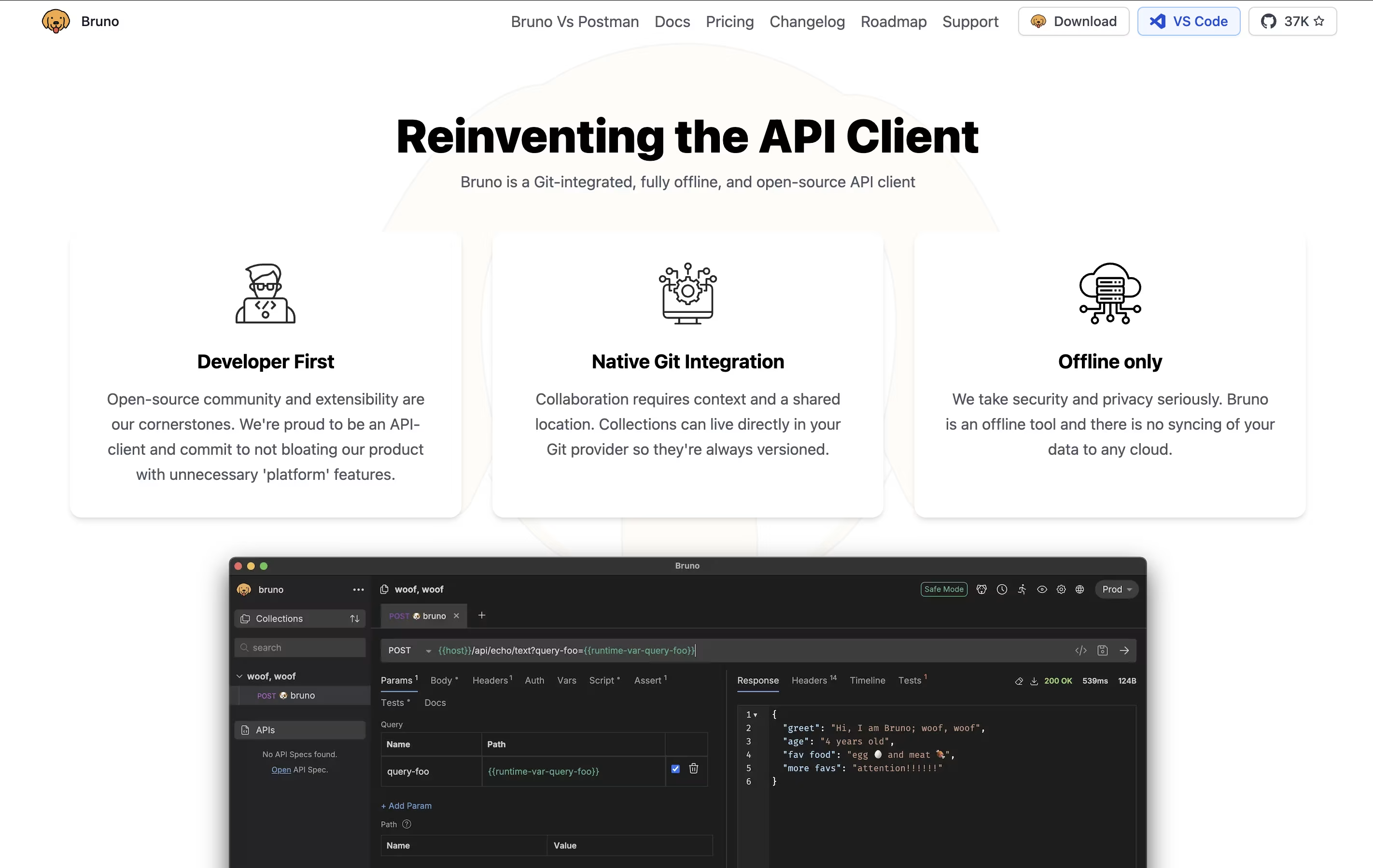
This approach means your API collections, tests, and sensitive data never leave your computer unless you choose to share them. Bruno supports all major API types including REST, GraphQL, and gRPC, making it versatile for any project.
The tool integrates seamlessly with Git and other version control systems, allowing teams to collaborate on API collections just like they do with code. Bruno also includes JavaScript-based testing, environment management, and command-line support for automation and continuous integration workflows.

CREAO is a "no-code AI app builder" that turns natural language descriptions into working software applications. When you describe your app idea in simple words, CREAO's AI automatically builds the complete application including the user interface, backend systems, database, and web hosting.
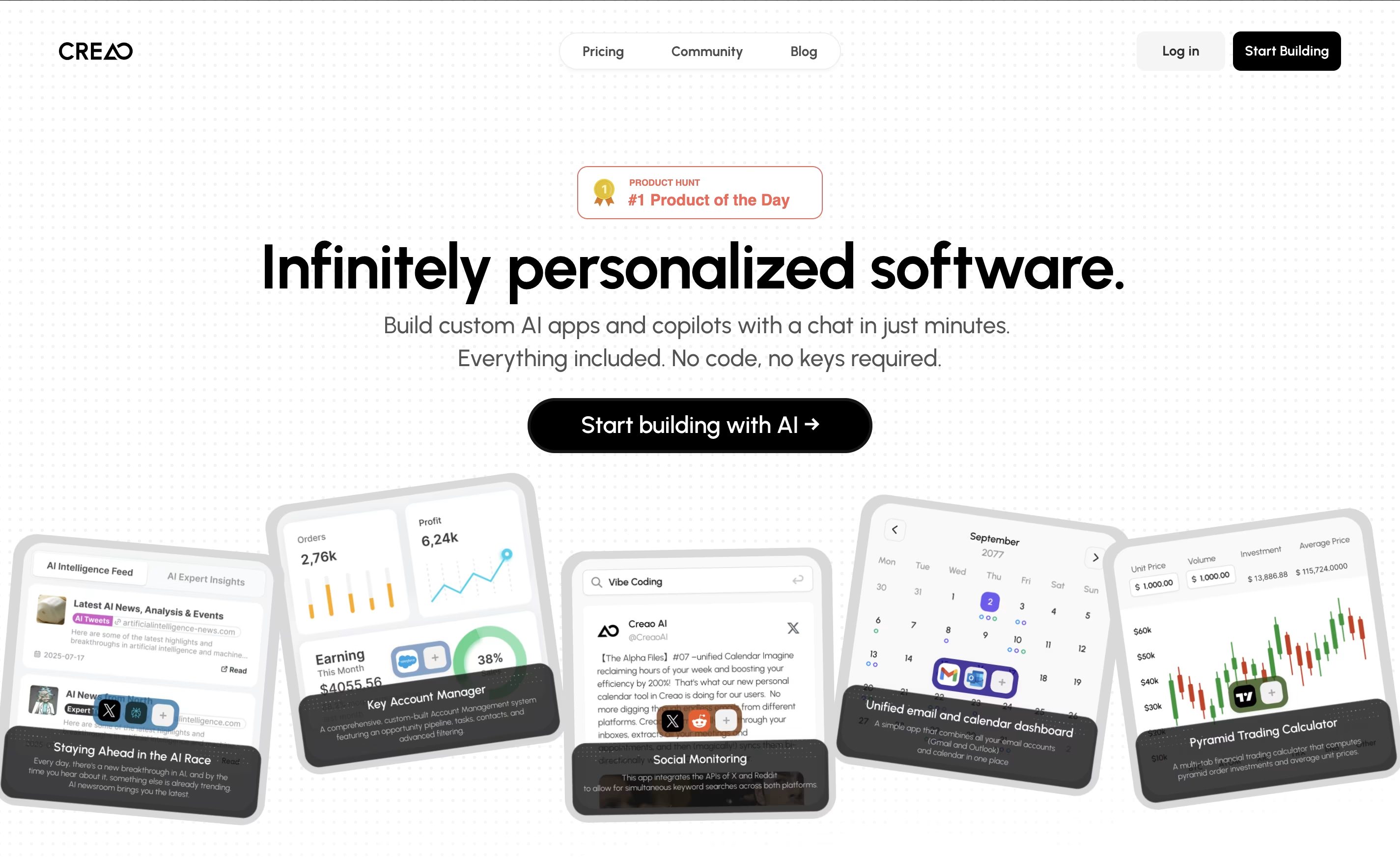
What makes CREAO special is that every app it creates is "AI-native," meaning each one includes a smart AI assistant that understands your specific workflow and data. This built-in copilot can answer questions, manage information, and help users complete complex tasks within the app.
The platform also offers easy connections to popular business tools and services, so your custom app can work alongside your existing software. This makes it perfect for creating internal business tools, customer portals, or workflow management systems.

Codemagic is a cloud-based Continuous Integration and Continuous Delivery platform built specifically for mobile app development. Think of it as your personal build farm in the cloud that handles all the complex parts of app development automatically.
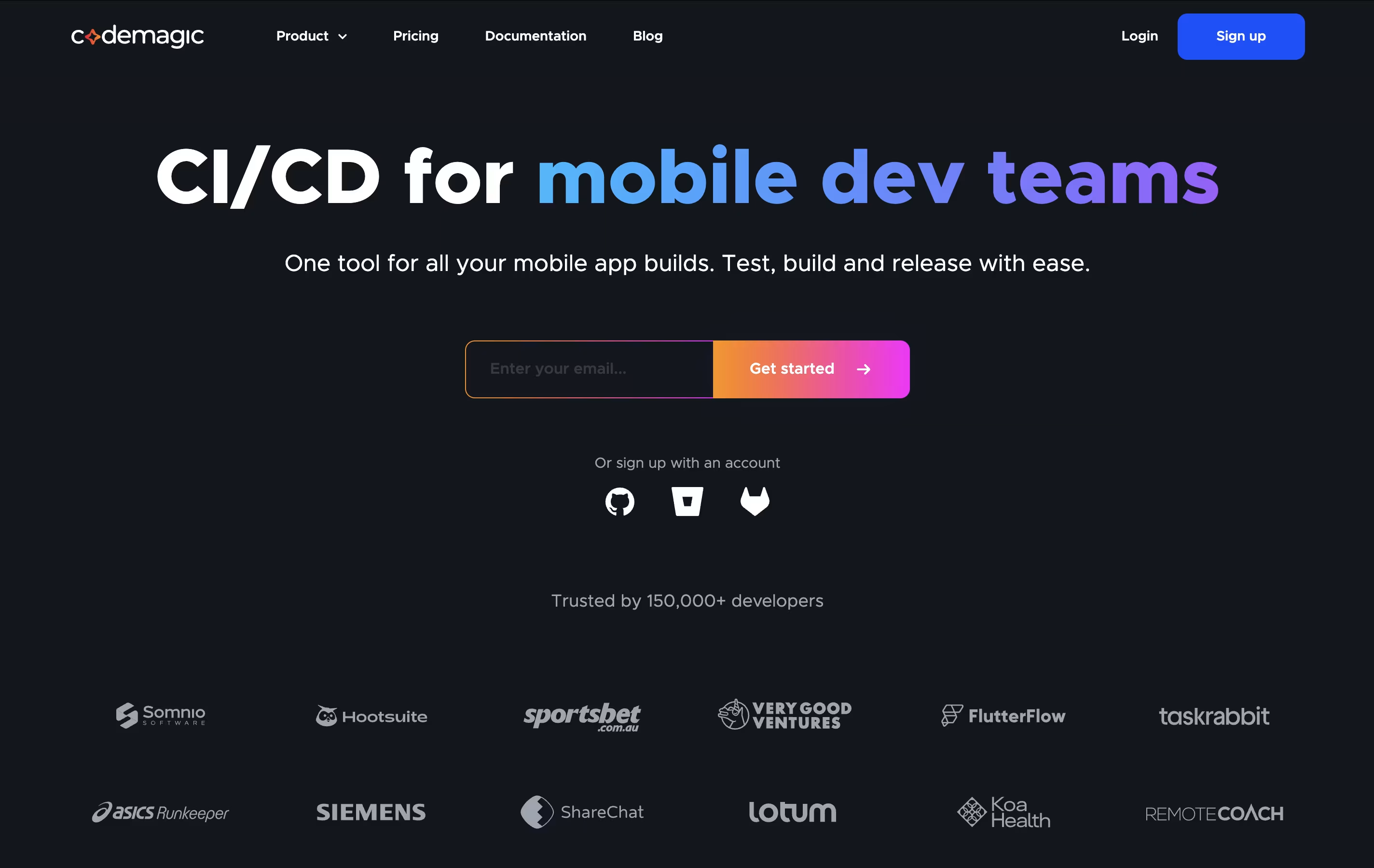
The platform supports multiple mobile frameworks including Flutter, React Native, native iOS and Android, Unity, Kotlin Multiplatform Mobile, and Ionic. What makes Codemagic special is its focus on mobile development challenges like code signing, device testing, and app store publishing. The platform runs on powerful Apple Silicon machines, making builds significantly faster than traditional solutions.
Founded in 2018, Codemagic was the first CI/CD provider to offer Apple Silicon machines to developers. It integrates seamlessly with GitHub, GitLab, Bitbucket, and Azure DevOps, automatically triggering builds when you push code. The result is faster development cycles and more reliable app releases.

Fal AI is a serverless generative media platform designed specifically for developers who want to build next-generation creative applications. Think of it as the fastest way to add AI-powered image, video, and audio generation to your apps without dealing with complex infrastructure.
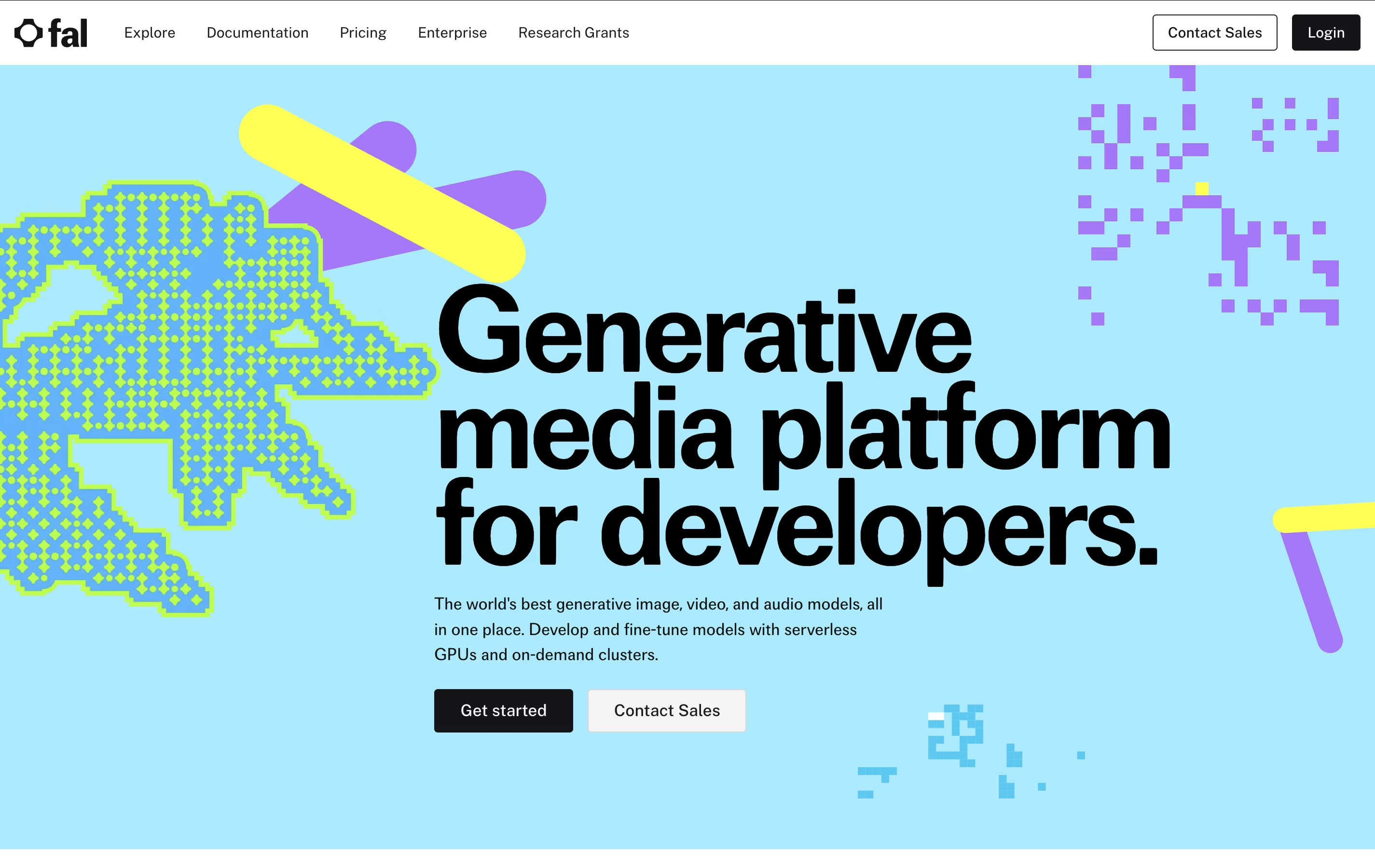
The platform uses a custom-built inference engine that runs diffusion models up to 4x faster than competitors, making real-time AI applications possible. It offers access to popular models like FLUX, Stable Diffusion, and many others through simple REST APIs. What sets Fal AI apart is its focus on speed and reliability - with 99.99% uptime and no cold starts, your users get instant results every time.
Founded by AI infrastructure experts, Fal AI has quickly become the go-to platform for major companies like Perplexity and Photoroom, processing over 50 million AI requests daily across various creative applications.

Voiceflow is a collaborative AI agent platform that allows teams to design, develop, and deploy conversational AI experiences without coding. Think of it as a visual builder for smart chatbots and voice assistants that can understand and respond to customer questions naturally.
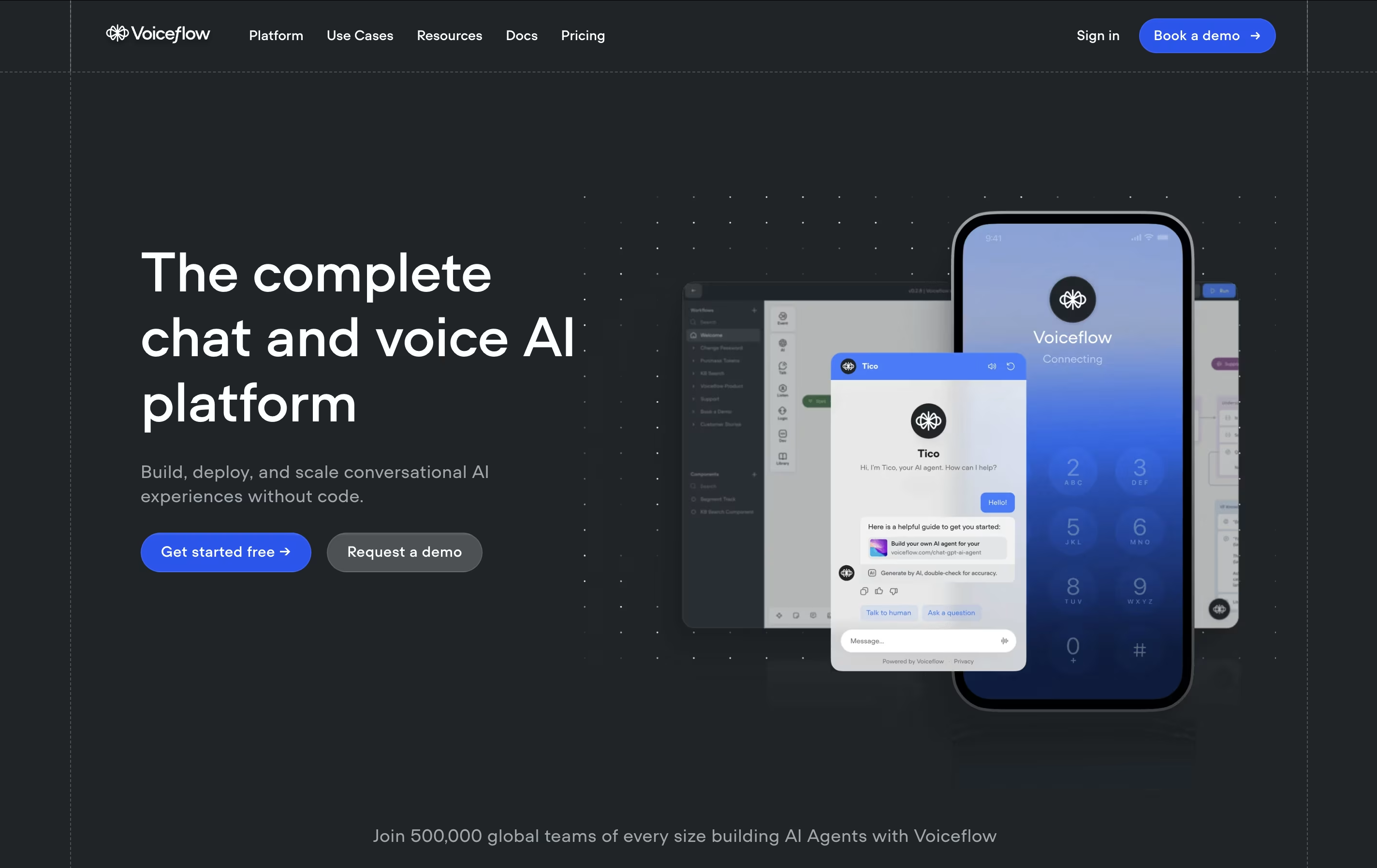
The platform uses a drag-and-drop canvas where you create conversation flows, add AI capabilities, and connect to your business systems. What makes Voiceflow special is its ability to work with multiple AI models like GPT-4, Claude, and Gemini, giving you flexibility in how your agents respond.
You can train these agents on your own content, documents, and data to provide accurate, company-specific answers. The platform supports both text-based chatbots for websites and voice agents for phone systems, making it versatile for different business needs.

Roboflow is a complete computer vision development platform that makes building AI models simple and fast. Think of it as the missing piece that connects your images to working AI applications. The platform handles every step of the computer vision pipeline, from organizing your data to deploying models that can recognize objects, detect defects, or analyze scenes in real-time.
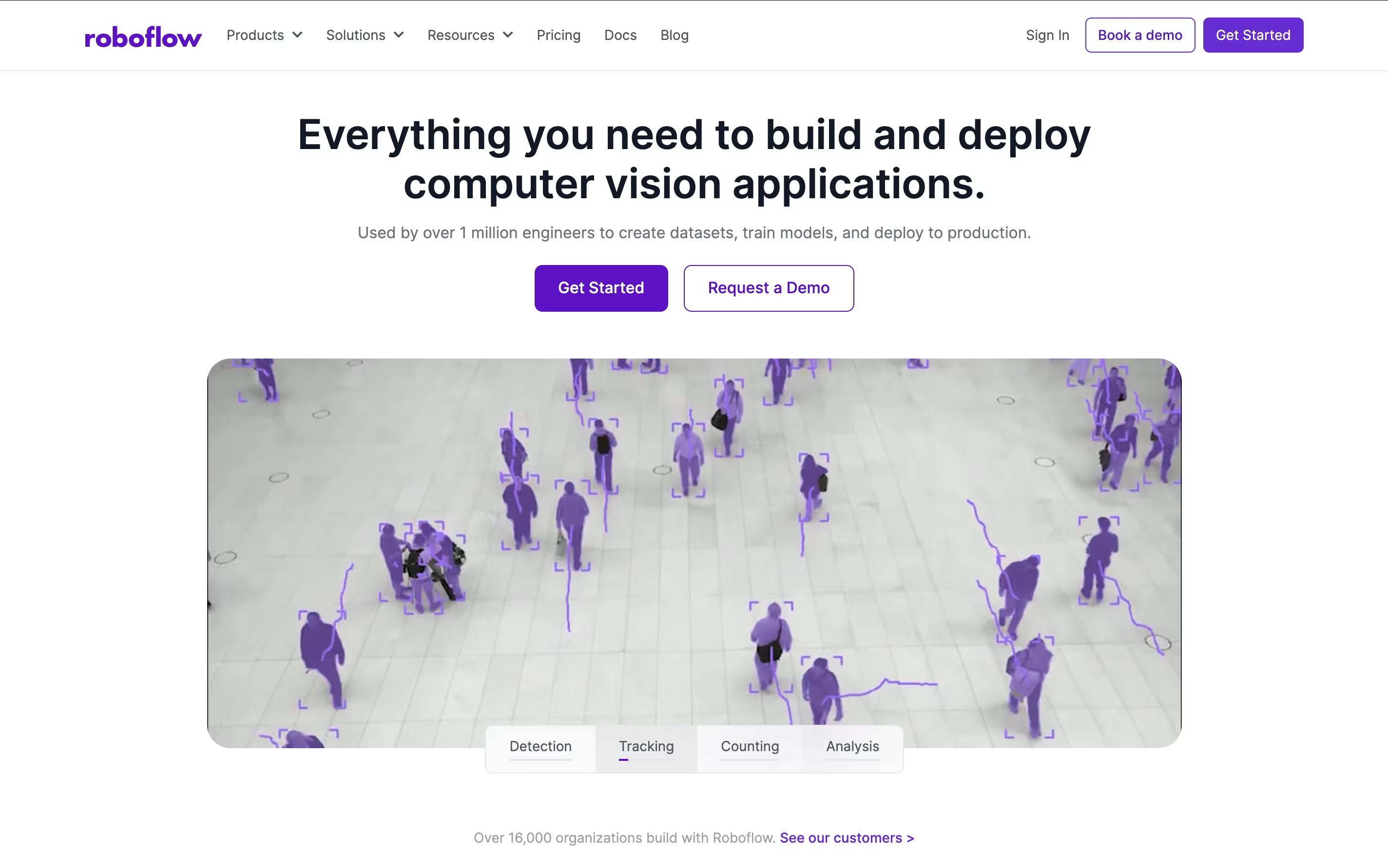
Unlike traditional approaches that require deep technical expertise, Roboflow provides user-friendly tools that work together seamlessly. You can upload images, label them with smart AI assistance, train state-of-the-art models with one click, and deploy them anywhere from cloud APIs to edge devices. The platform includes access to thousands of pre-trained models and datasets through Roboflow Universe, making it possible to start with existing solutions and customize them for your specific needs.

Pulumi is an open-source infrastructure as code platform that allows developers to define, deploy, and manage cloud infrastructure using familiar programming languages instead of proprietary domain-specific languages. Think of it as bringing software engineering practices to infrastructure management.
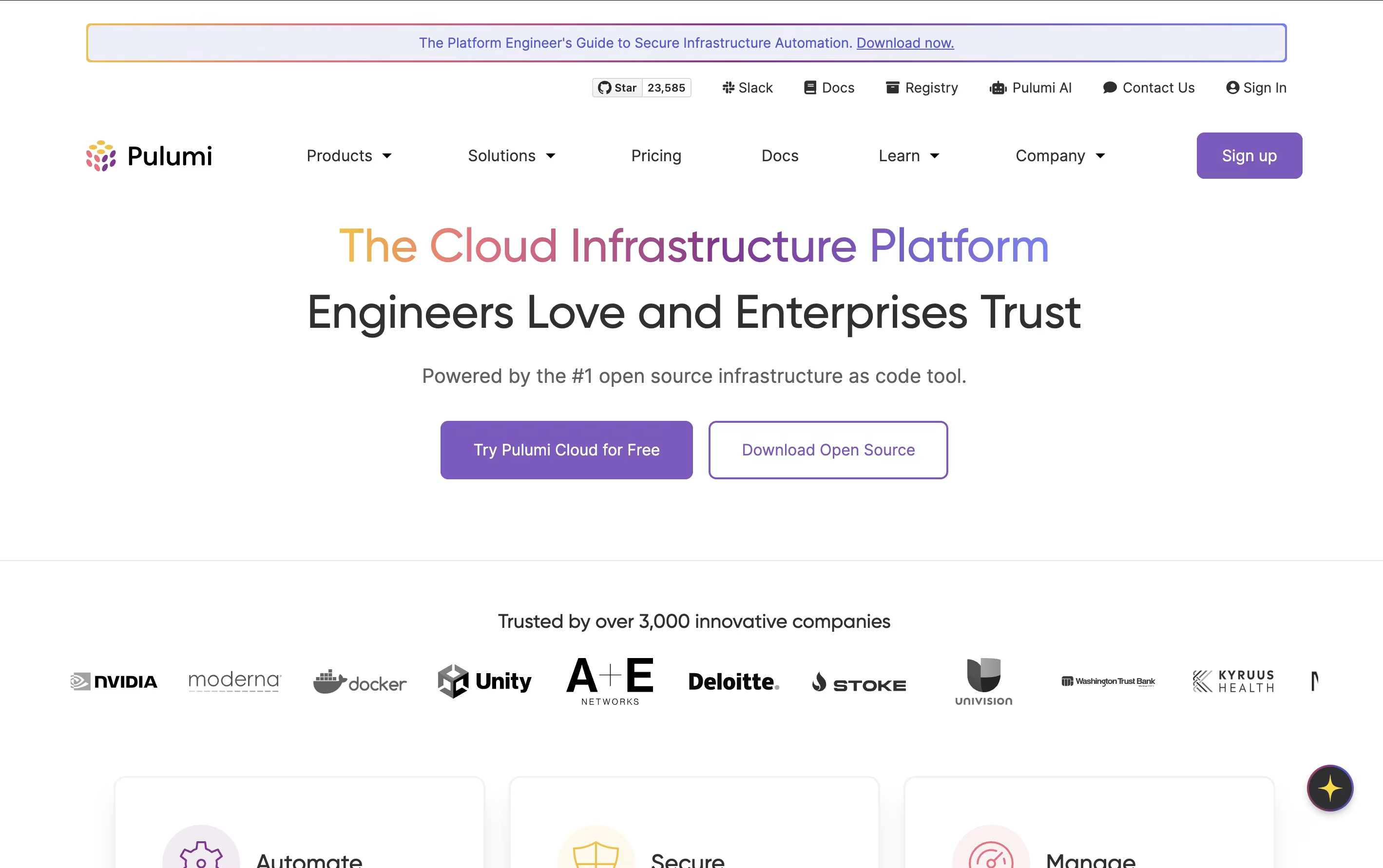
The platform consists of three main products: Pulumi IaC for infrastructure management, Pulumi ESC for secrets and configuration management, and Pulumi Insights for AI-powered infrastructure analytics. What sets Pulumi apart is its use of real programming languages, enabling developers to write infrastructure code with loops, conditionals, functions, and all the features they're used to.
Pulumi manages infrastructure declaratively while providing the flexibility of imperative programming. Each resource is tracked and managed through state files, ensuring consistent and predictable deployments. The platform integrates with existing CI/CD pipelines and supports policy as code for security and compliance requirements.
Apify is a comprehensive web scraping and browser automation platform designed to help businesses extract data from websites at scale. Think of it as a marketplace combined with a powerful infrastructure that handles all the complex technical parts of web scraping for you.
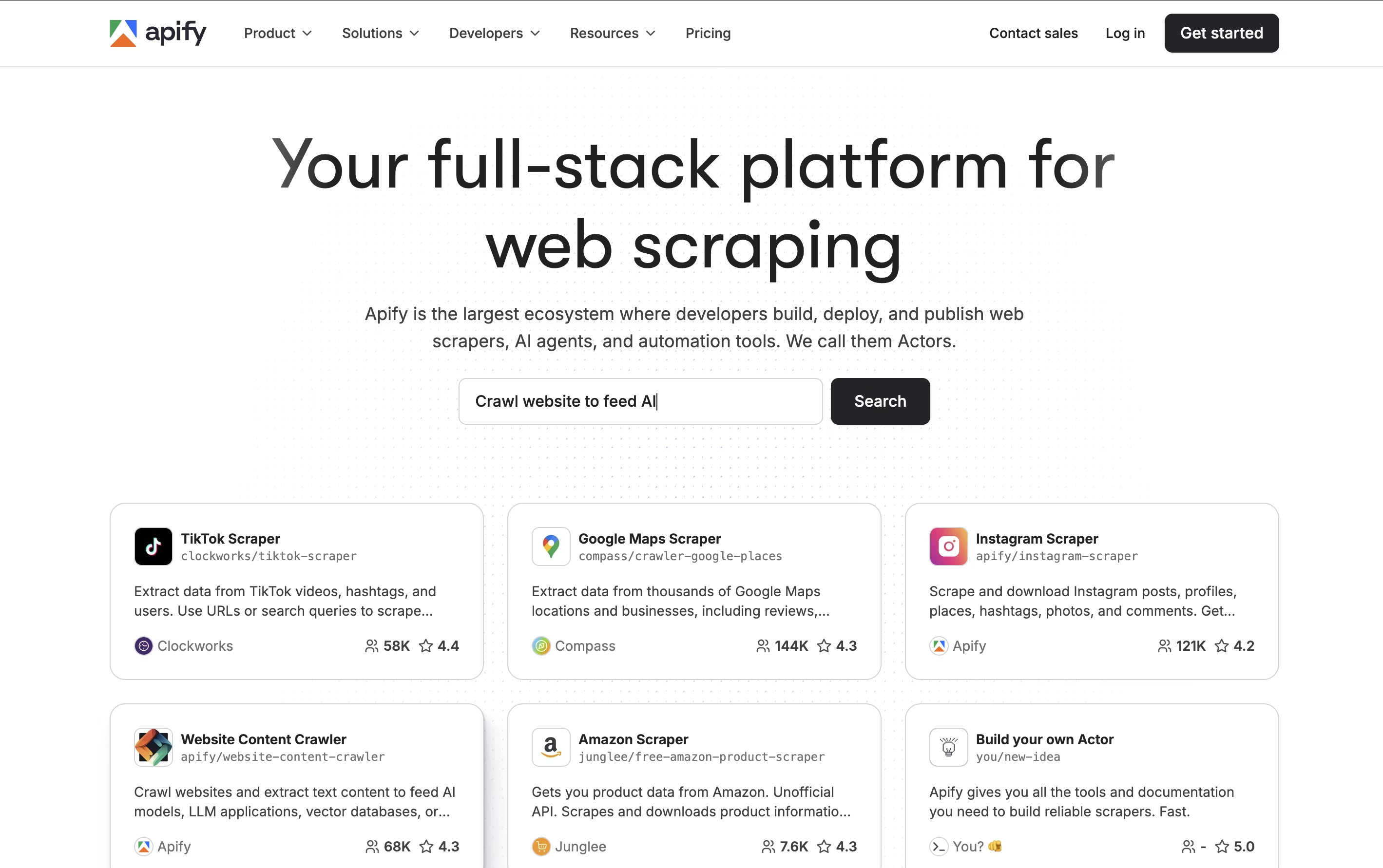
The platform hosts over 6,000 pre-built scrapers and automation tools called "Actors" that can extract data from popular websites like Google Maps, Instagram, Amazon, LinkedIn, and many others. Each Actor is like a specialized robot that knows exactly how to navigate and collect data from specific websites. The main difference from building your own scrapers is simplicity: instead of dealing with proxies, browser management, and anti-bot measures, you just choose an Actor, configure it, and let it run. Founded in 2015, Apify has become the largest ecosystem for web scraping tools, serving over 10,000 customers worldwide.

Pulsetic is a comprehensive website uptime monitoring service designed to help businesses ensure their websites stay online and perform well. Think of it as a digital watchdog that never sleeps, constantly checking if your website is accessible to visitors around the world. The platform monitors your site from multiple global locations and sends immediate notifications when downtime is detected.
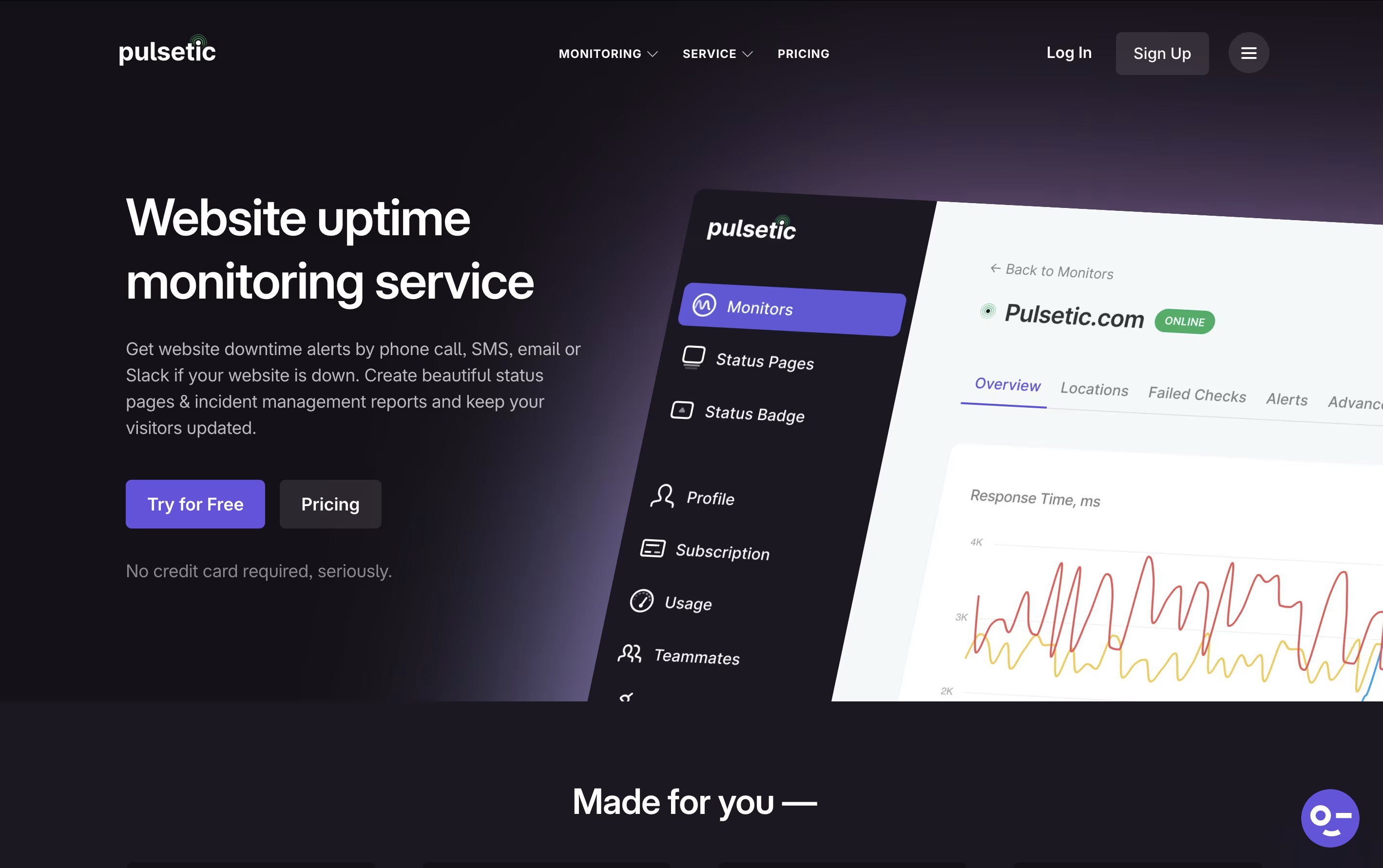
What makes Pulsetic special is its focus on both monitoring and communication. Beyond just alerting you about problems, it helps you communicate with customers through customizable status pages and incident reports. The service tracks various metrics including response times, SSL certificate health, and server connectivity. Built by the team at Designmodo, Pulsetic combines powerful monitoring capabilities with an easy-to-use interface that doesn't require technical expertise to set up and manage effectively.

Appliku is a deployment automation platform designed to simplify server management and application deployment for developers and teams. Think of it as a bridge between complex server administration and easy-to-use hosting platforms.
The service works by connecting to your existing cloud servers (like AWS, DigitalOcean, or any Ubuntu server) and automatically setting up everything needed to run your applications. It uses Docker and Nginx behind the scenes to create a reliable hosting environment without requiring you to learn server management.
What makes Appliku special is its BYOS (Bring-Your-Own-Server) approach. You keep full control over your hosting costs and server specifications while getting the same easy deployment experience as premium hosting platforms. Founded to help developers focus on building rather than server management, Appliku supports Python, Django, and other web applications with automatic Git-based deployments.

GrowthBook is an open-source feature flagging and A/B testing platform designed to help companies release features safely and measure their impact with confidence. Think of it as your complete experimentation toolkit that works with your existing data setup.
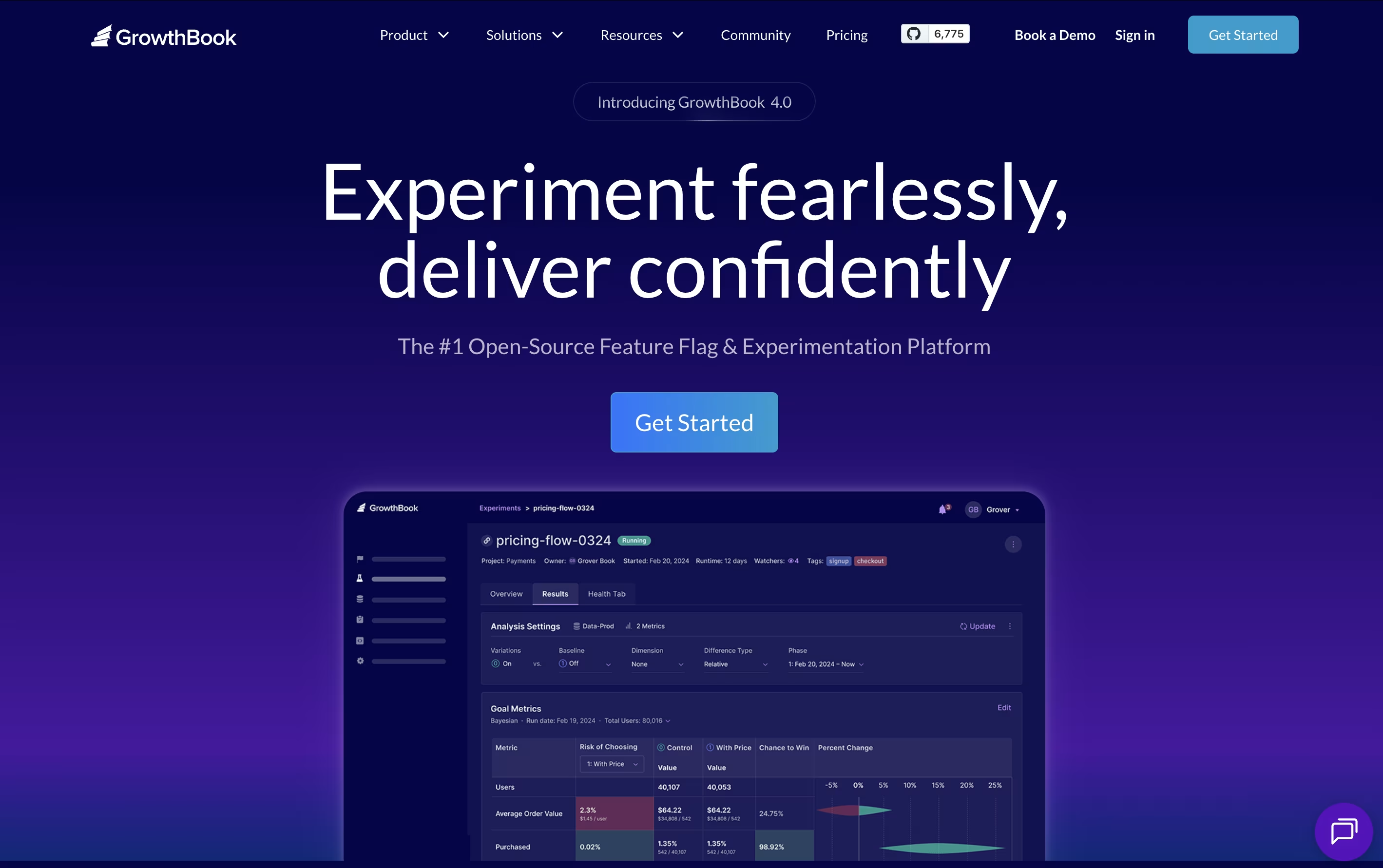
The platform combines two essential capabilities: feature flags that let you control who sees new features and when, and A/B testing tools that help you understand which changes actually improve your product. What makes GrowthBook special is its warehouse-native approach - it connects directly to your data sources like BigQuery, Snowflake, or Google Analytics instead of requiring you to send data elsewhere.
Founded in 2021, GrowthBook has grown rapidly and now powers experiments at thousands of companies. You can use it as a hosted cloud service or install it on your own servers for complete control and privacy.

Trigger.dev is an open source background jobs framework that allows developers to create reliable, long-running tasks directly in their codebase. Think of it as a better way to handle any job that takes more than a few seconds to complete, without worrying about timeouts or server management.
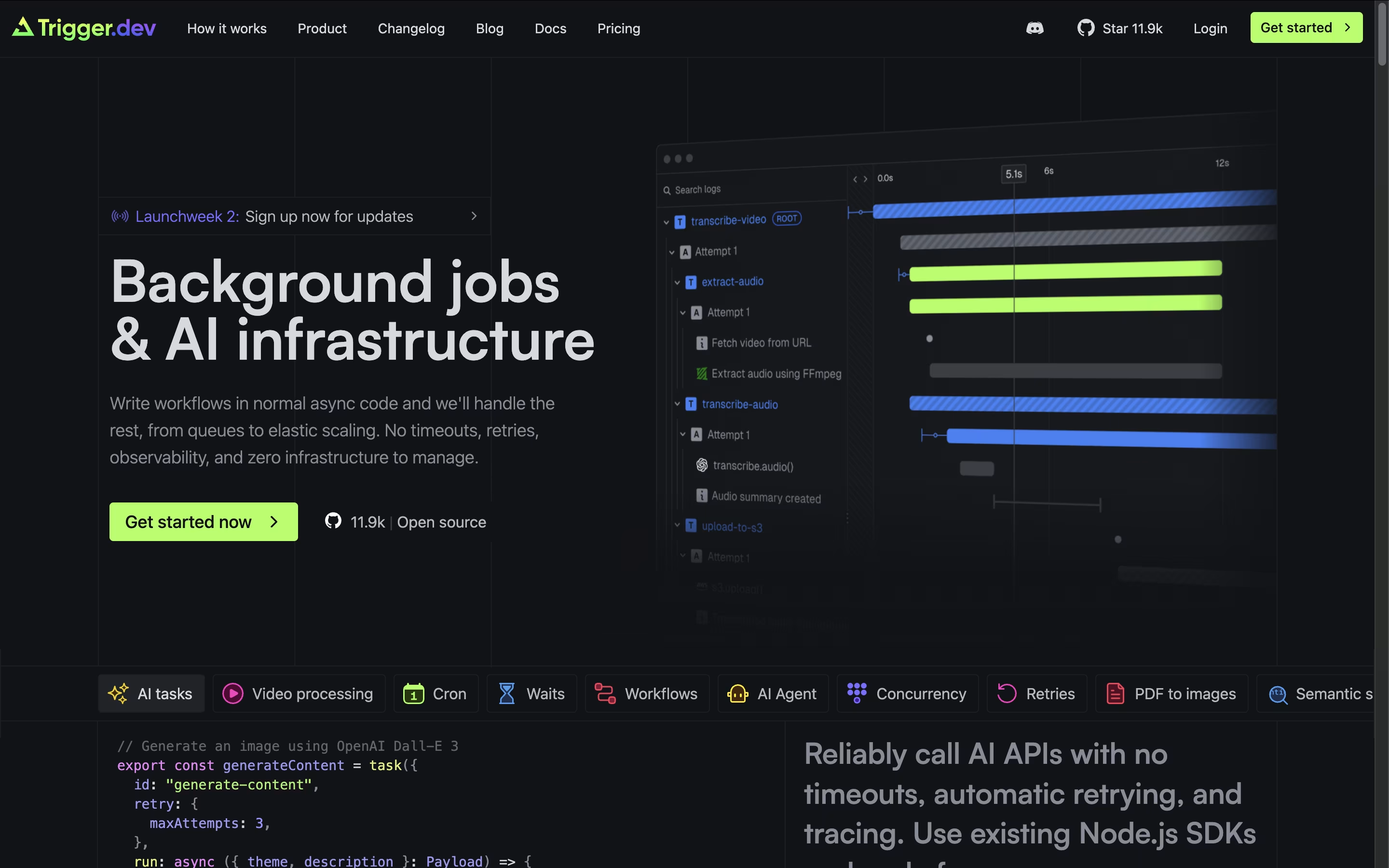
The platform excels at tasks like AI content generation, video processing, data analysis, email campaigns, and complex workflows that traditional serverless functions struggle with. What makes Trigger.dev special is its simplicity - you write regular JavaScript or TypeScript code, deploy it through their CLI, and it runs on their managed infrastructure with no timeout limits.
With automatic retries, real-time monitoring, and seamless integration with your existing codebase, Trigger.dev handles the complex parts of background job management while you focus on building great features. It supports multiple environments and can be self-hosted or used as a cloud service.
Atlassian is a leading software company that creates collaboration and work management tools designed to help teams of all sizes work more effectively together. Founded by Mike Cannon-Brookes and Scott Farquhar in Sydney, Australia, the company has grown from a bootstrapped startup to a global technology leader.
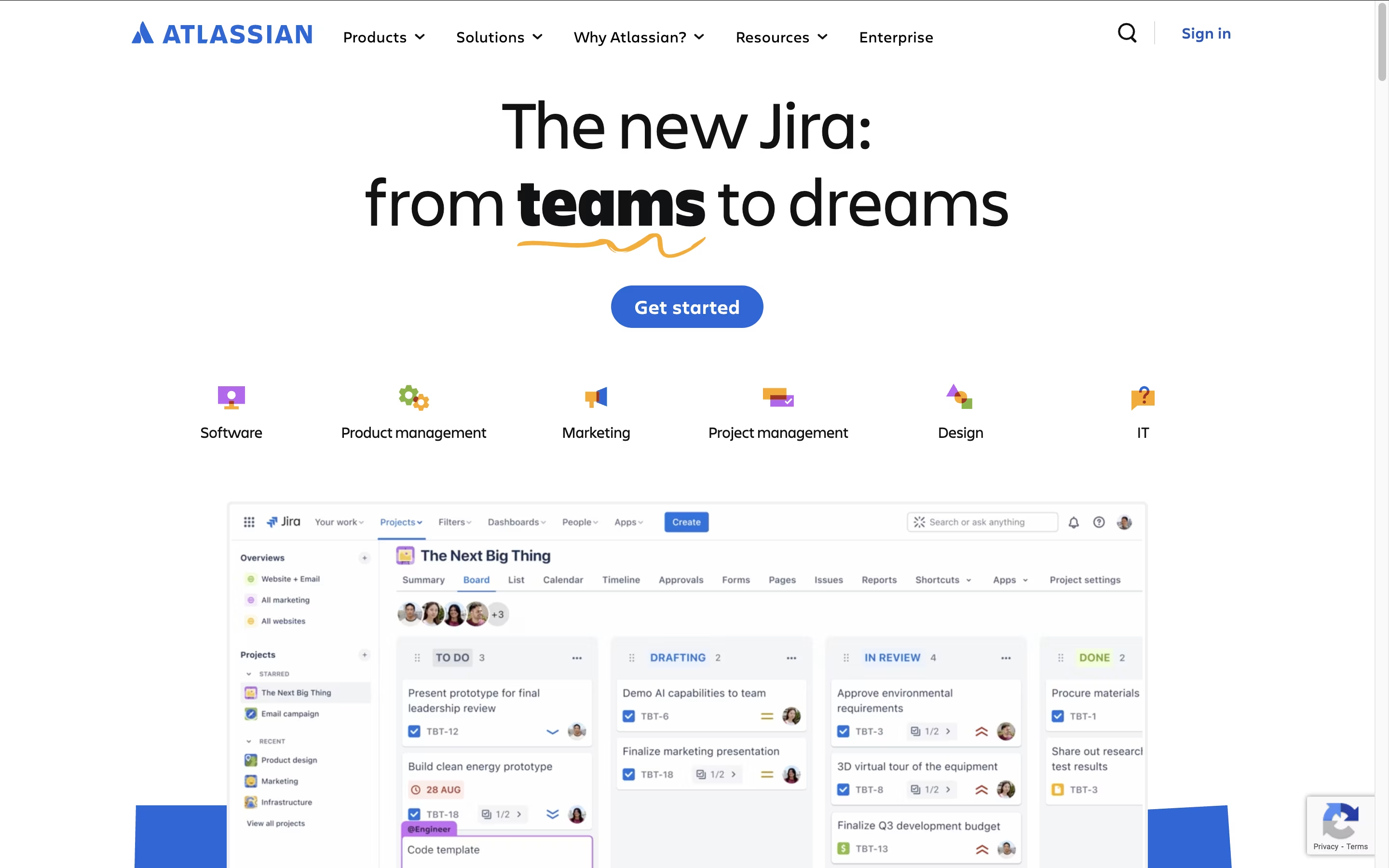
The Atlassian ecosystem centers around four main products that integrate seamlessly. Jira serves as the backbone for project management and issue tracking, particularly popular with software development teams. Confluence acts as a team workspace for creating and sharing knowledge. Trello provides visual project management using boards and cards. Bitbucket handles code collaboration and version control.
What sets Atlassian apart is how these tools work together as a unified system. Teams can link Jira issues to Confluence pages, embed Trello boards in documentation, and track code changes from Bitbucket. This integration eliminates the need to switch between multiple platforms and keeps everyone aligned.

Browser Use is an AI-powered browser automation framework designed to make websites accessible for artificial intelligence agents. Think of it as giving AI the ability to see and interact with web pages just like a human would, but much faster and more accurately.
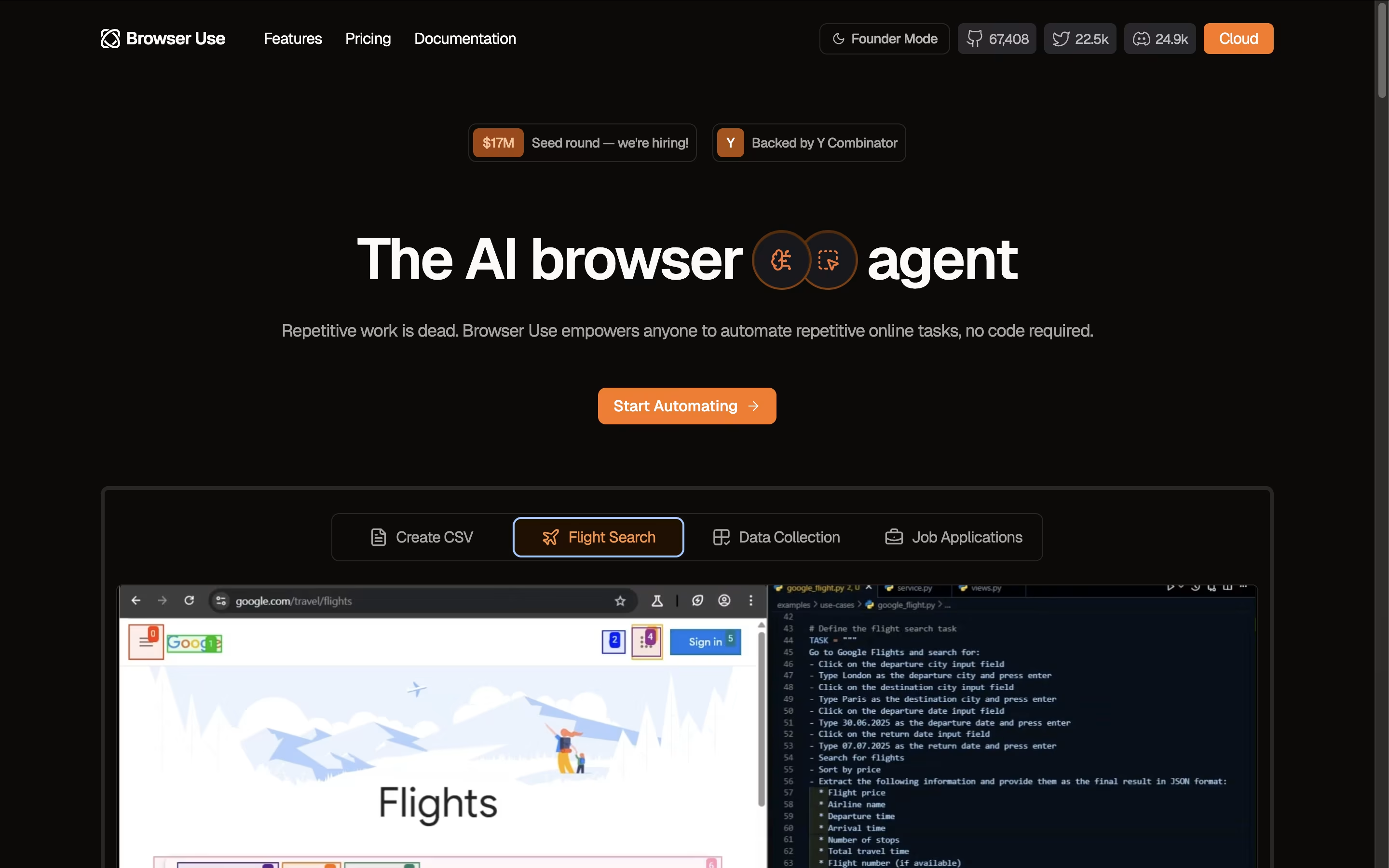
The key innovation lies in how Browser Use converts website elements like buttons, forms, and menus into a text-based format that AI models can easily understand and manipulate. Unlike traditional automation tools that rely on rigid scripts, Browser Use uses large language models to make intelligent decisions about how to navigate and interact with websites.
The framework supports multiple AI models including OpenAI GPT, Claude, Google AI, and others. It offers both an open-source version for developers and a cloud API service for businesses. Browser Use excels at complex tasks like logging into websites, extracting dynamic content, filling forms with contextual data, and performing multi-step web workflows automatically.

Pipedream is a serverless workflow automation platform designed specifically for developers who need to connect different applications and APIs. Think of it as a bridge that lets your apps talk to each other automatically.
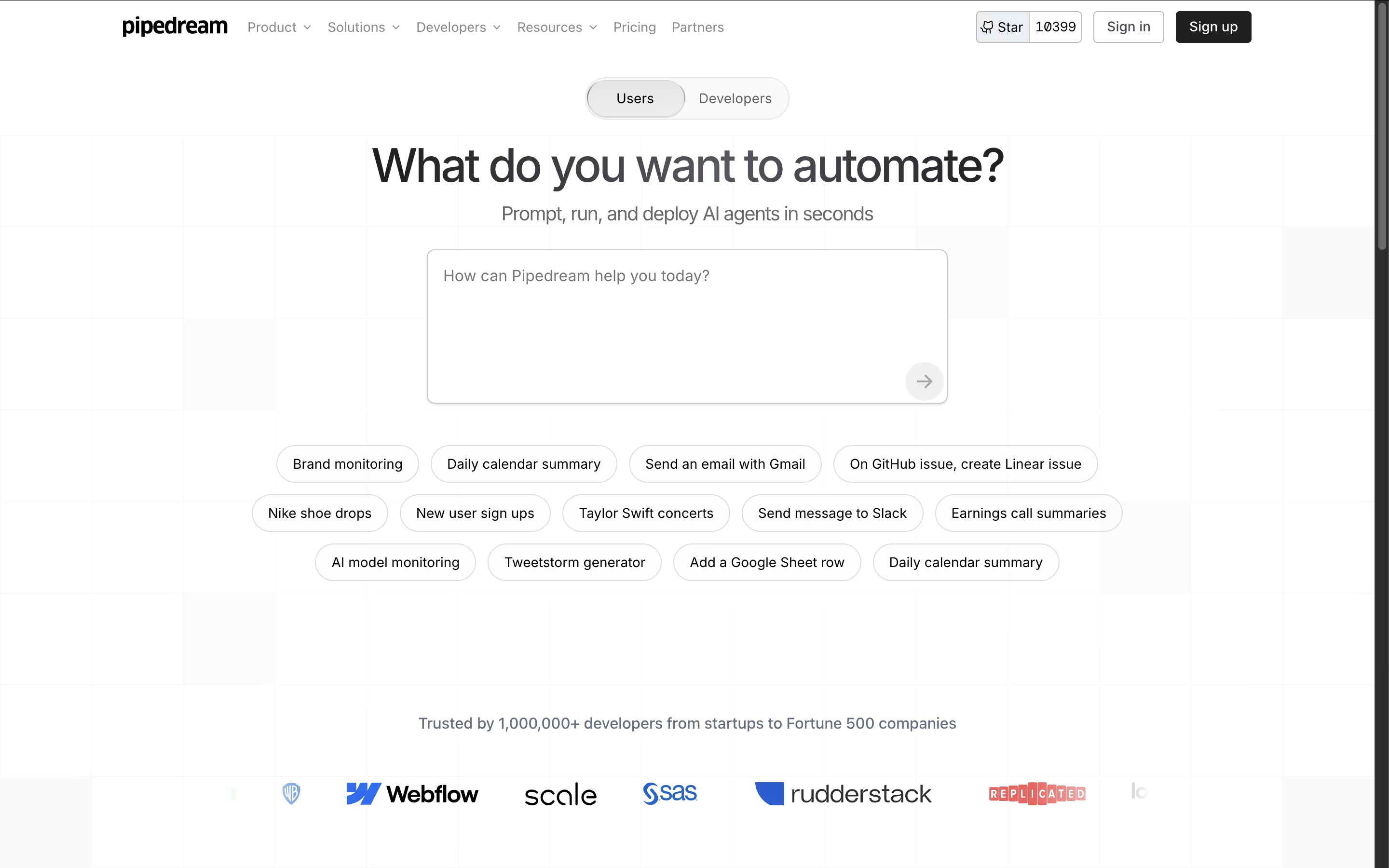
Unlike traditional automation tools, Pipedream gives you the power to write custom code when needed while providing thousands of pre-built components for common tasks. The platform handles all the infrastructure, authentication, and scaling automatically, so you can focus on building workflows instead of managing servers.
Each workflow is a series of steps that run when triggered by events like new emails, API calls, or scheduled times. With support for major programming languages and integration with popular services like Slack, Google Sheets, GitHub, and Stripe, Pipedream makes it easy to automate almost any business process or technical workflow.

Hoppscotch is an API development environment that runs in your web browser. You can test any API by sending requests and viewing the responses instantly. Unlike traditional tools, Hoppscotch is completely free and open-source, meaning anyone can use it or even contribute to improving it.
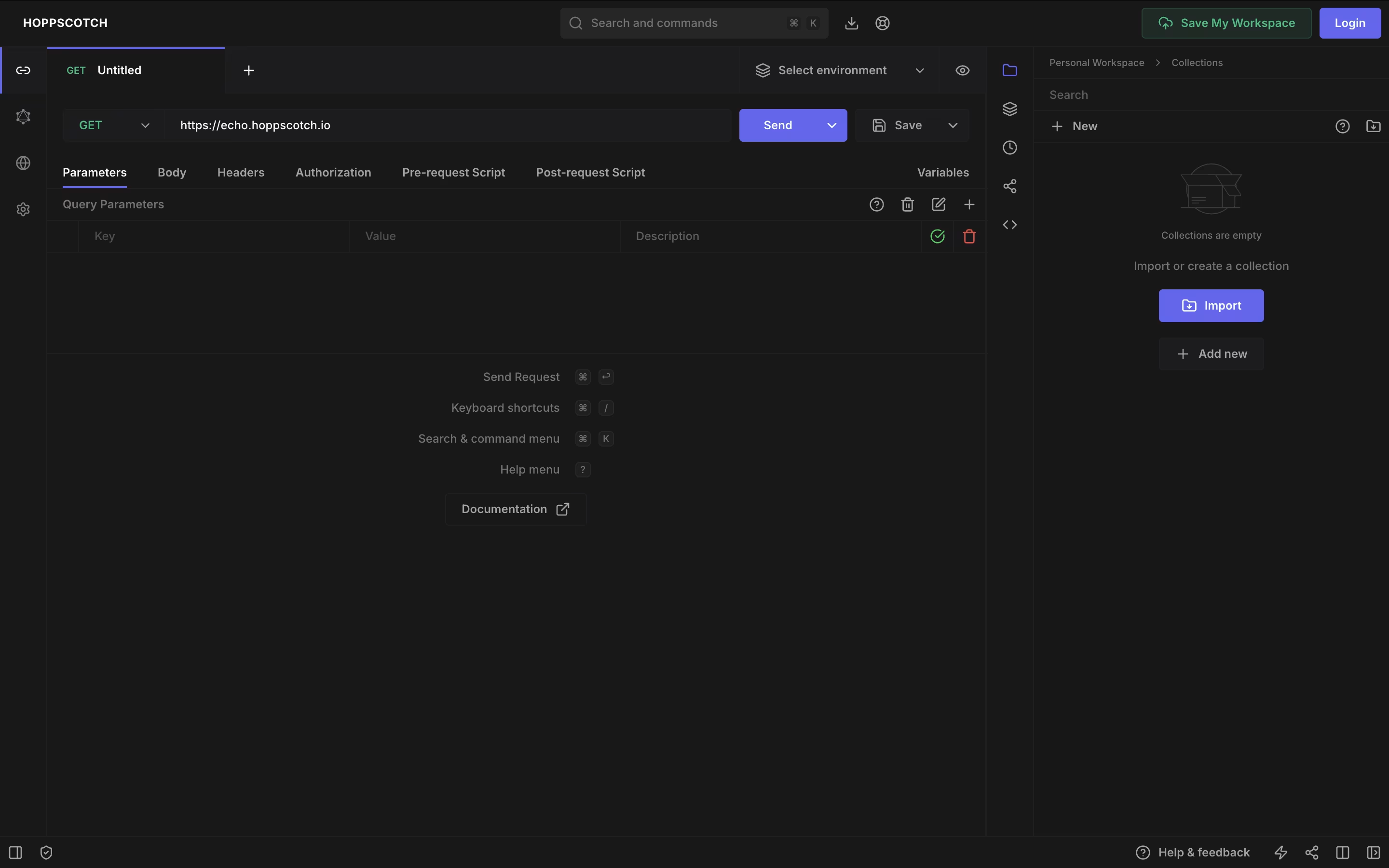
The platform supports various API types including REST, GraphQL, WebSocket, Socket.IO, MQTT, and Server-Sent Events. This makes it useful for testing modern real-time applications as well as standard web services. You can organize your API requests into collections, use environment variables for different setups, and write tests to check if APIs work correctly.
Hoppscotch offers both a free version with full features and an Organization plan for teams needing extra collaboration tools and support.

Inngest is an event-driven durable execution platform built to run reliable, multi-step workflows on any platform without managing infrastructure. Think of it as a mix between traditional queues and modern serverless functions, but much better.
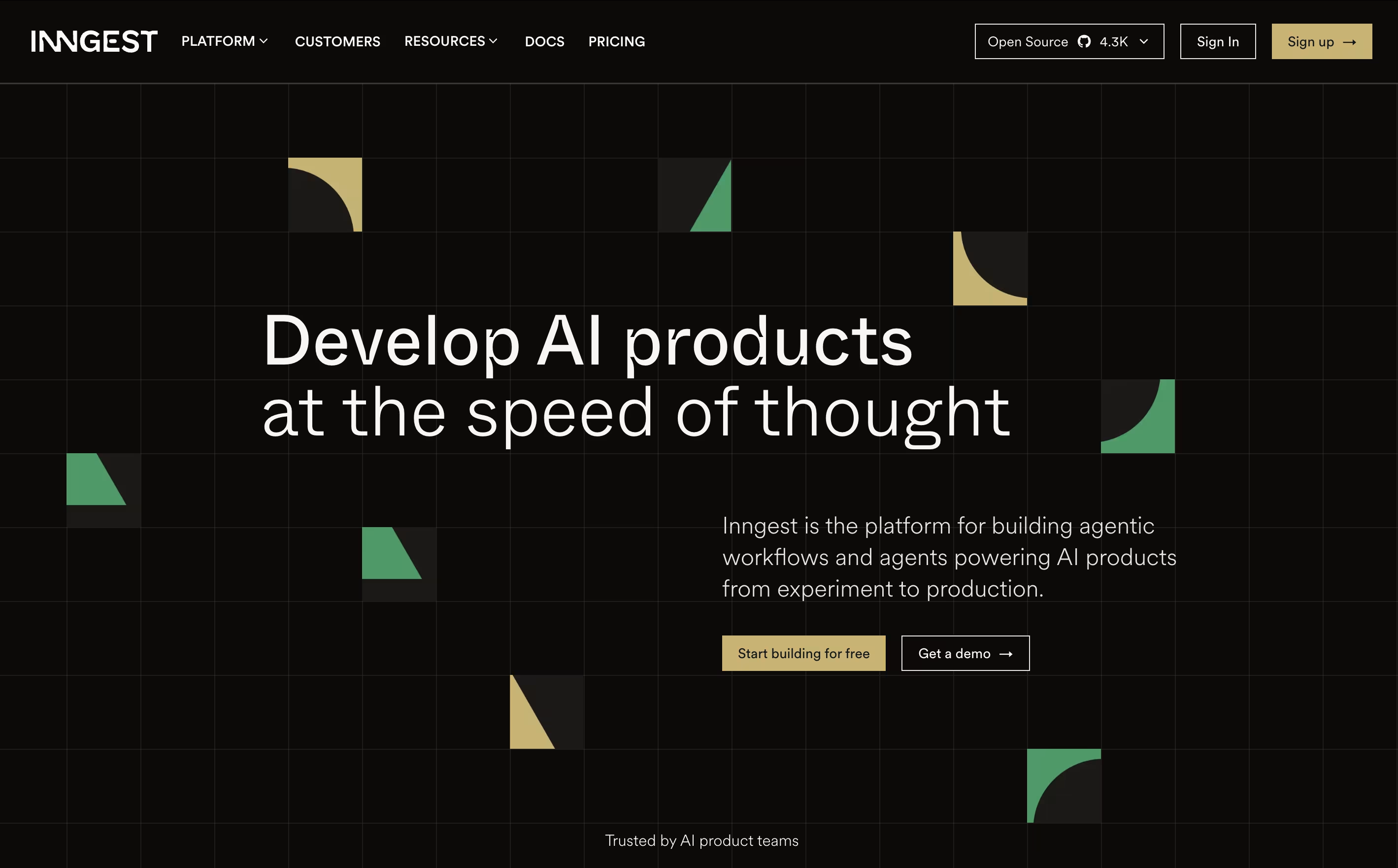
It uses step functions and incorporates real-time event processing, enabling developers to build complex workflows that can run for days or months with automatic error recovery. The main difference from regular workflow tools is simple: instead of setting up queues and managing state, you write normal code and Inngest handles all the infrastructure complexity.
Each step in your workflow automatically retries on failure and maintains state between executions, allowing you to easily build reliable systems. Founded in 2021, this tool has become popular because it eliminates infrastructure headaches and makes complex workflows easy. You can write functions in TypeScript, Python, or Go and deploy anywhere.

Amp is built around the idea of threads, which are ongoing conversations between you and the agent. Inside a thread, Amp can read your codebase, make edits, run tests, and carry out full tasks with little hand holding.
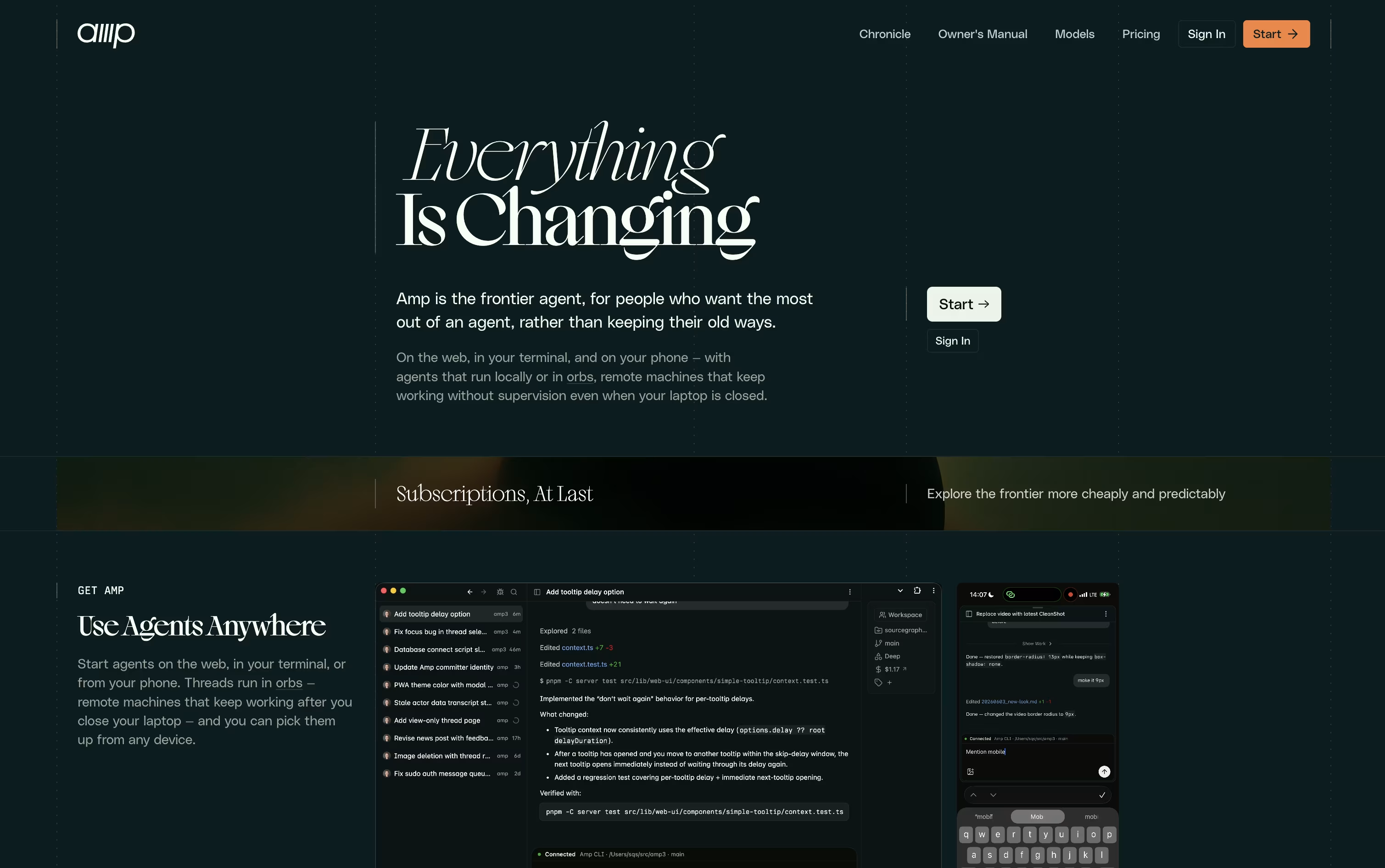
What sets Amp apart is orbs, remote machines that let tasks keep running even when your own computer is turned off. These come pre loaded with common developer tools so work can start right away.
You can choose from several modes depending on how much thinking power a task needs, ranging from quick fixes to deep, complex problem solving. Skills and plugins let you extend what Amp can do even further.
On pricing, the Megawatt plan is $20 a month and covers lighter workloads with orb hours and usage credit. Gigawatt costs $200 a month and adds bigger orbs along with access to every mode. A pay as you go option and a custom priced Enterprise plan round out the choices for larger teams.
Overall, Amp is designed for developers who want an assistant that can work independently and scale with the pace of newer AI models.

Kilo Code is an AI coding agent built to feel the same wherever you use it, whether that is your code editor, a terminal window, the cloud, or your phone, with sessions that carry over between them.
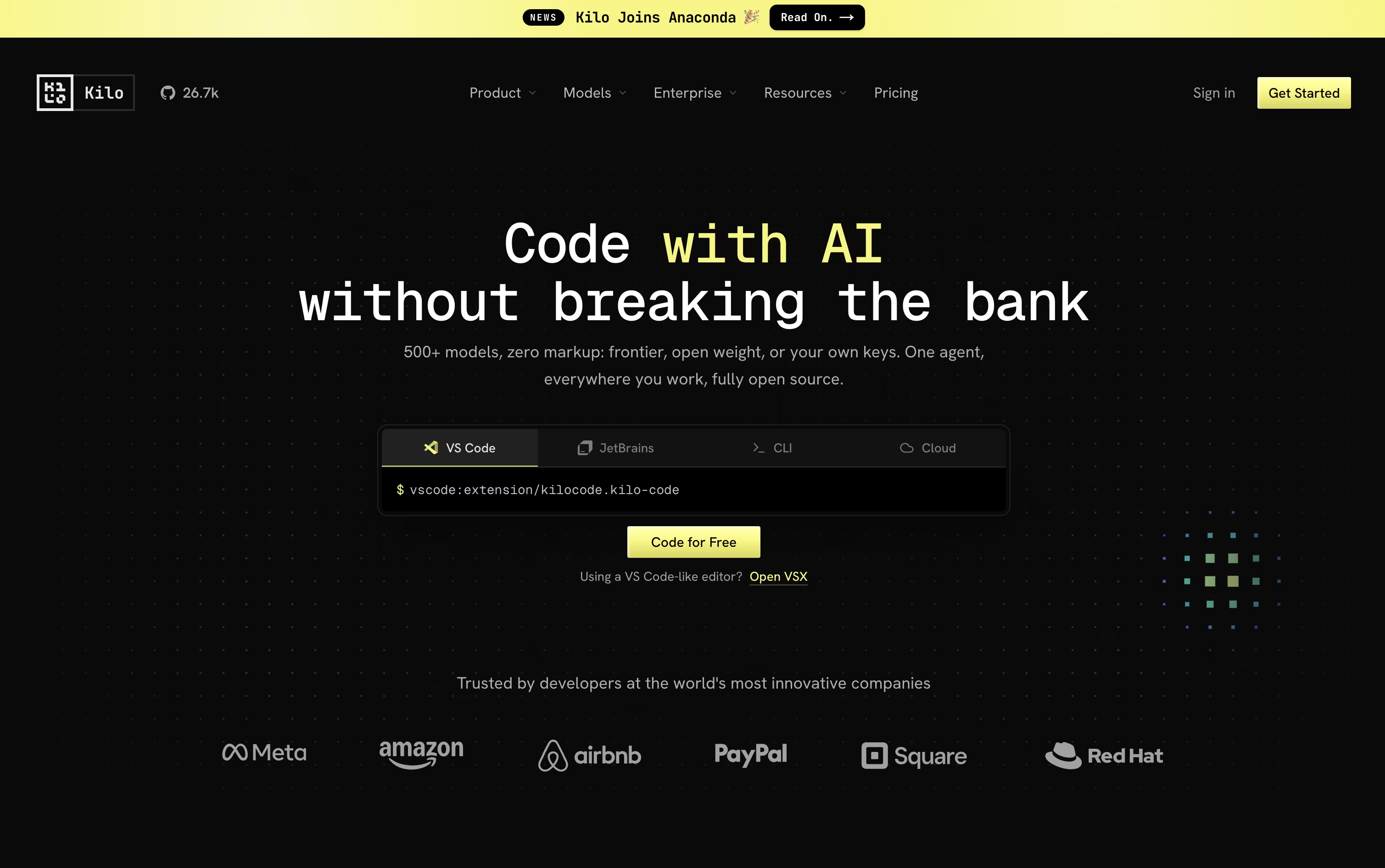
Give it a task in plain language and it breaks the work down, changes code across many files, runs commands, and checks its own results, switching between coding, planning, debugging, and review modes as needed.
Model choice is wide open too, with access to over 500 AI models from more than 60 providers. You can bring your own provider keys or run local models, and Kilo never adds a markup on top of what the provider charges.
Using Kilo Code as an individual is free, and that includes the open source VS Code extension, the JetBrains plugin, and the CLI. You only pay separately for the AI models and cloud compute you actually use.
For groups that want shared billing and usage reporting, the Teams plan is $15 per user each month, and larger companies can request Enterprise pricing that adds SSO, audit logs, and dedicated support.

Instead of a single chat window, Zencoder gives development teams a full agent platform that plans, builds, tests, and reviews code on its own. It works inside popular editors like VS Code and JetBrains, or through the standalone Zenflow desktop app.
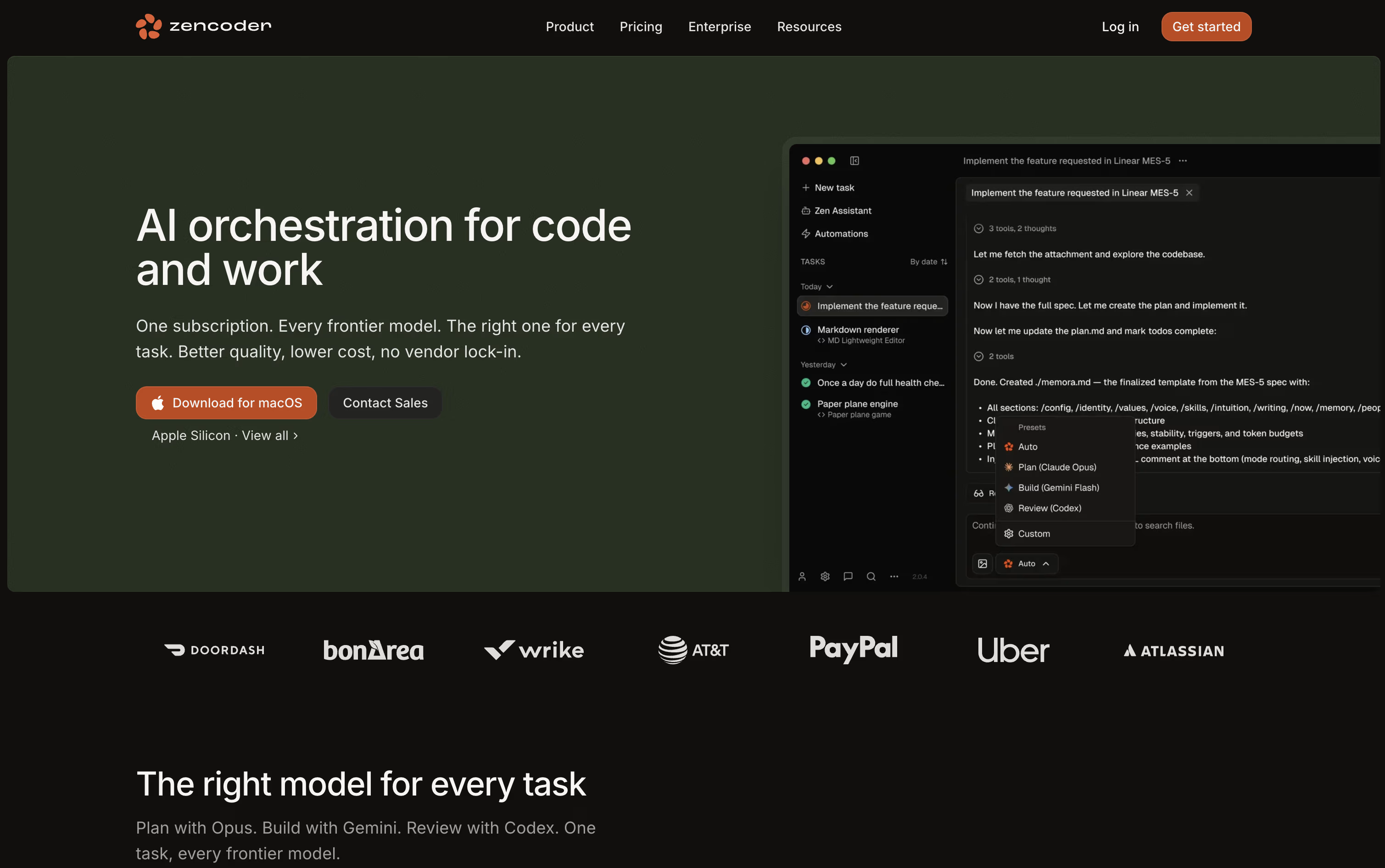
Because it understands your whole codebase, including several repositories at once, the agents write code that actually matches your existing patterns and structure. You can also run many agents together, each working in its own isolated space so changes never collide.
Pricing runs across four tiers. Pro is $45 a month per user, dropping to $40 with yearly billing, and comes with 30,000 credits plus access to OpenAI, Claude, and Gemini. Pro Plus moves to $95 a month, or $85 yearly, and unlocks a shared credit pool along with multi-repository indexing.
Pro Max sits at $195 a month, or $175 yearly, raising the credit limit and adding priority support. Enterprise is priced individually and brings private deployment, unlimited multi-repository indexing, and a dedicated success manager.
Every tier starts with a 7-day trial and 5,000 free credits, giving teams a real chance to test it out first.

ZCode is a free desktop app that puts an AI agent in charge of the coding work rather than just offering suggestions in a sidebar. You describe the outcome you want, and it plans, edits files, runs terminal commands, and reviews its own results until the job is done.
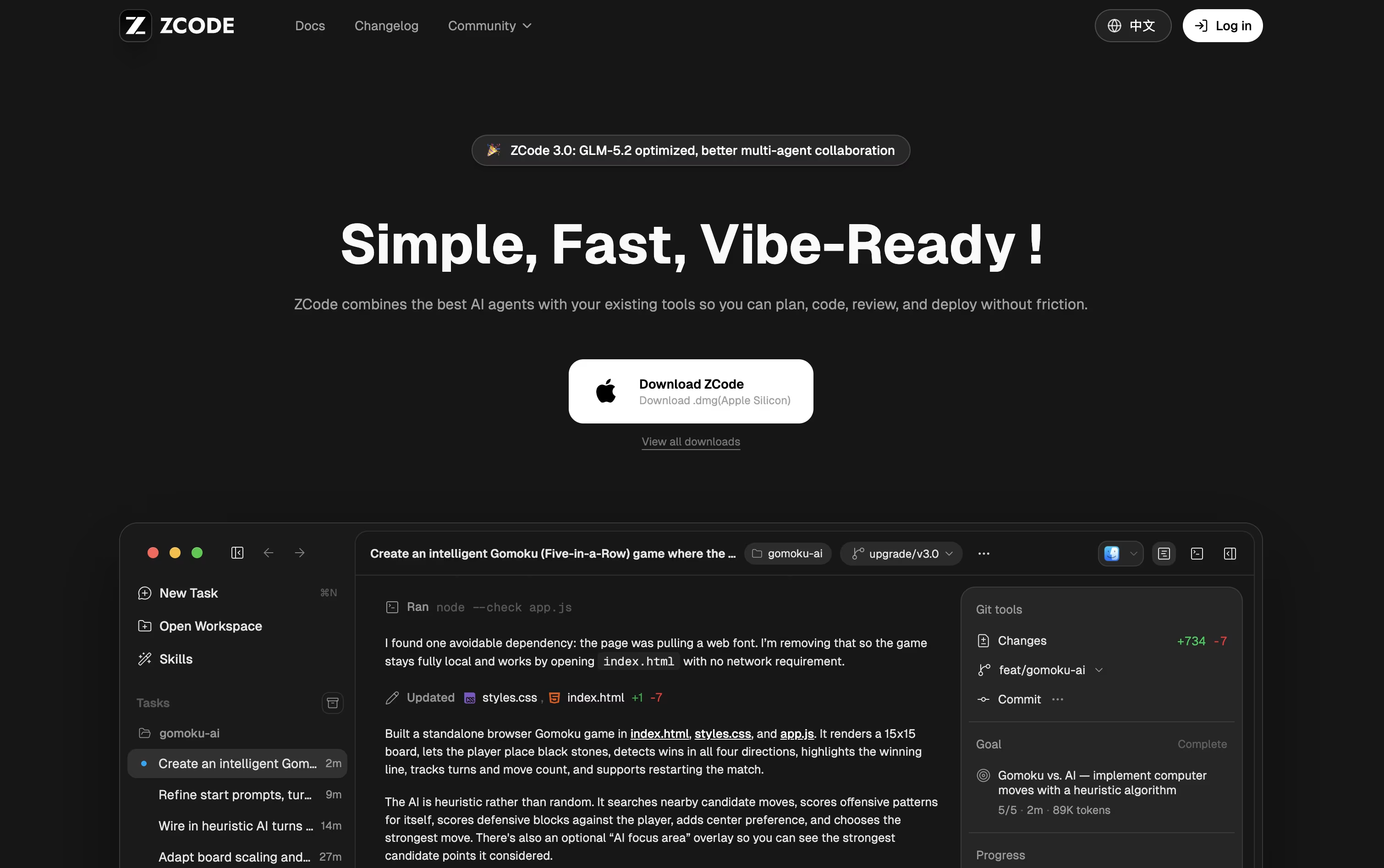
The app is built around the GLM-5.2 model, which can keep a very large amount of context in one task, so it stays on track even on bigger, messier codebases.
Downloading and installing ZCode costs nothing. To actually use an AI model, you need a plan, and pricing starts at $16.20 a month for Lite, rising to $64.80 a month for Pro and $144 a month for Max, each already discounted.
Pro adds five times the usage allowance of Lite along with priority access and a curated set of extra tools, while Max multiplies usage by twenty and adds first access to new models and dedicated resources during peak hours.
Paying yearly brings the cost down by 30% compared to the standard monthly price. On top of that, you can direct a running task from your phone while ZCode keeps working on your computer.

Kiro is an AWS-built tool that pairs AI agents with a more structured way of writing code. Rather than turning a single prompt into code right away, it writes out a plan first, called a spec, that covers what needs to be built, how it should be designed, and the tasks needed to get there.
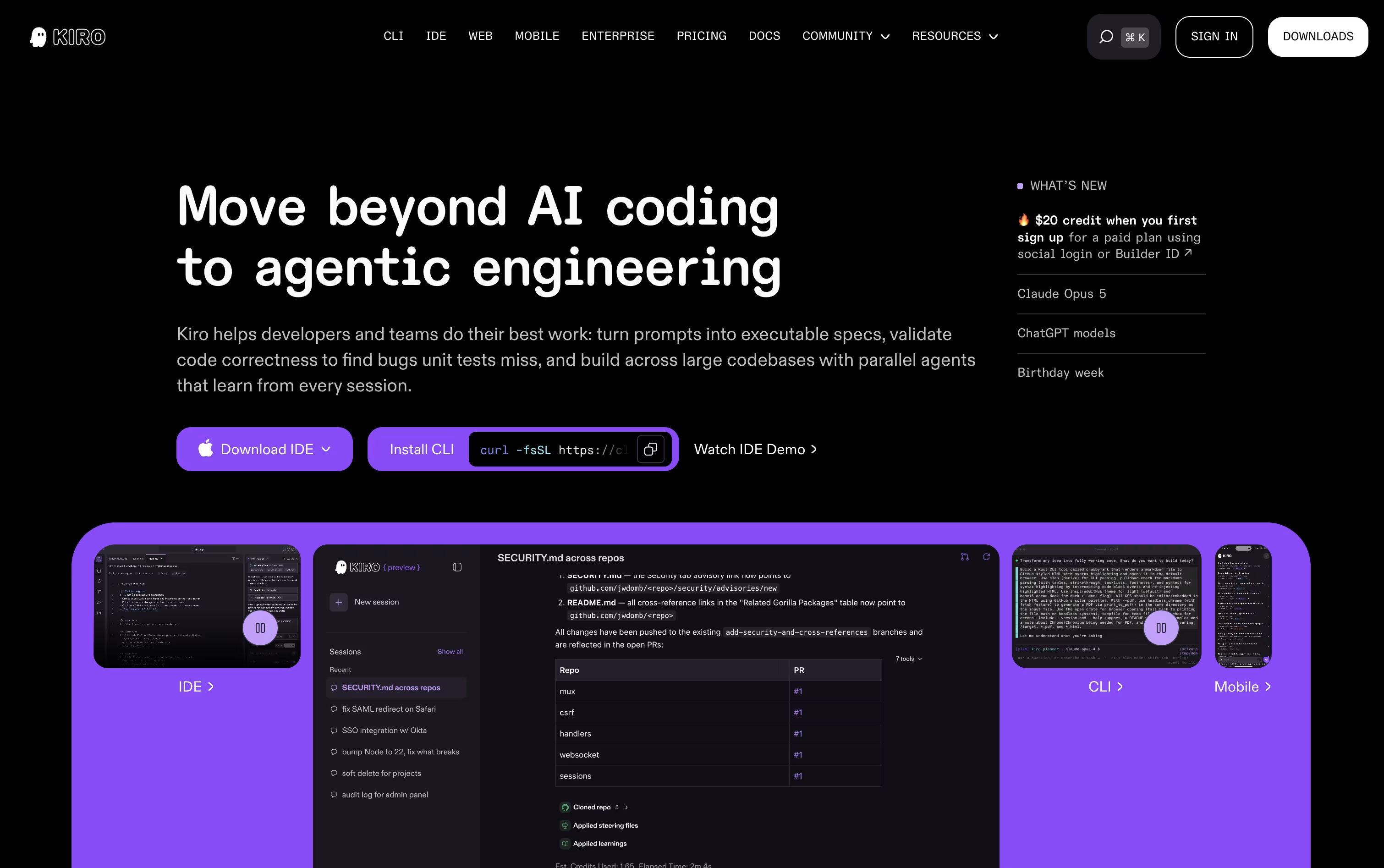
Once the plan is ready, AI agents pick up the tasks, write the code, and run checks that go beyond simple tests to confirm the work matches what was actually asked for.
There is also a lighter chat mode for quick questions, plus an Autopilot mode that can carry a task through from start to finish with little input from you.
Getting started costs nothing. The Free plan includes 50 credits along with open-weight models and Claude Sonnet 4.5. Paid plans move from $20 up to $200 per user a month, adding more credits and access to premium models.
Team plans bring in single sign-on, usage reports, and one combined bill, and an Enterprise option is available with custom pricing and added security and admin controls.
Kiro runs on Amazon Bedrock and follows AWS standards, making it a fit for solo coders, teams, and larger companies alike.

Testfully is a platform that helps developers test and monitor APIs during development and after deployment. You can use it to send requests to your APIs, create automated tests, and set up monitoring to catch problems before they affect users.
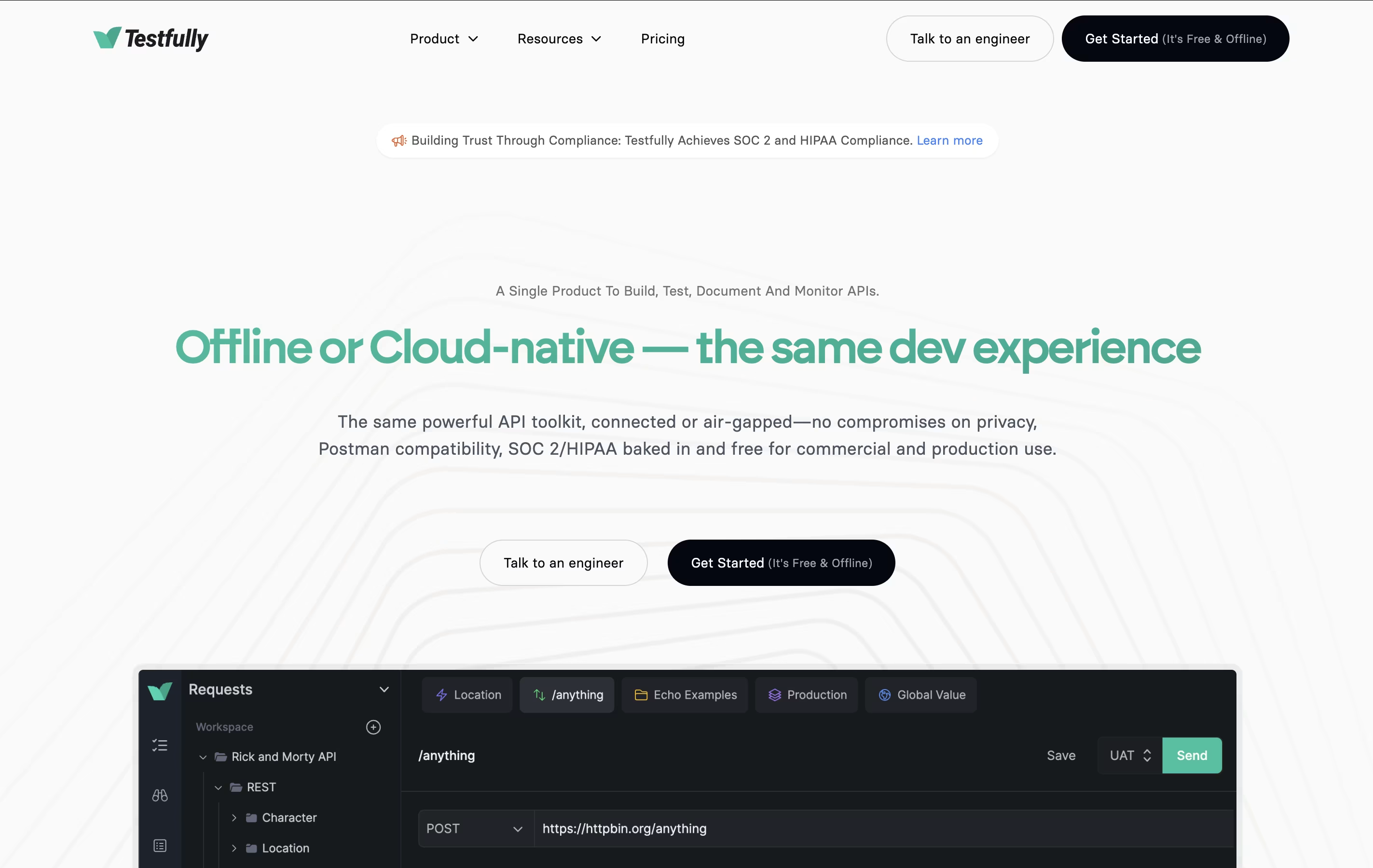
The tool comes in two versions: Cloud and Offline. The Cloud version stores your data online and makes collaboration easy. The Offline version keeps everything on your computer for enhanced privacy and security. Both versions have identical features, so you can choose based on your needs.
Testfully works with major API types including REST, GraphQL, and XML. It includes an API client for building requests, testing tools for validation, and monitoring features for tracking API health around the clock.

Katalon is a complete testing solution that automates the process of checking if software works correctly. Instead of testing applications manually every time, Katalon lets you create automated tests that run on their own.
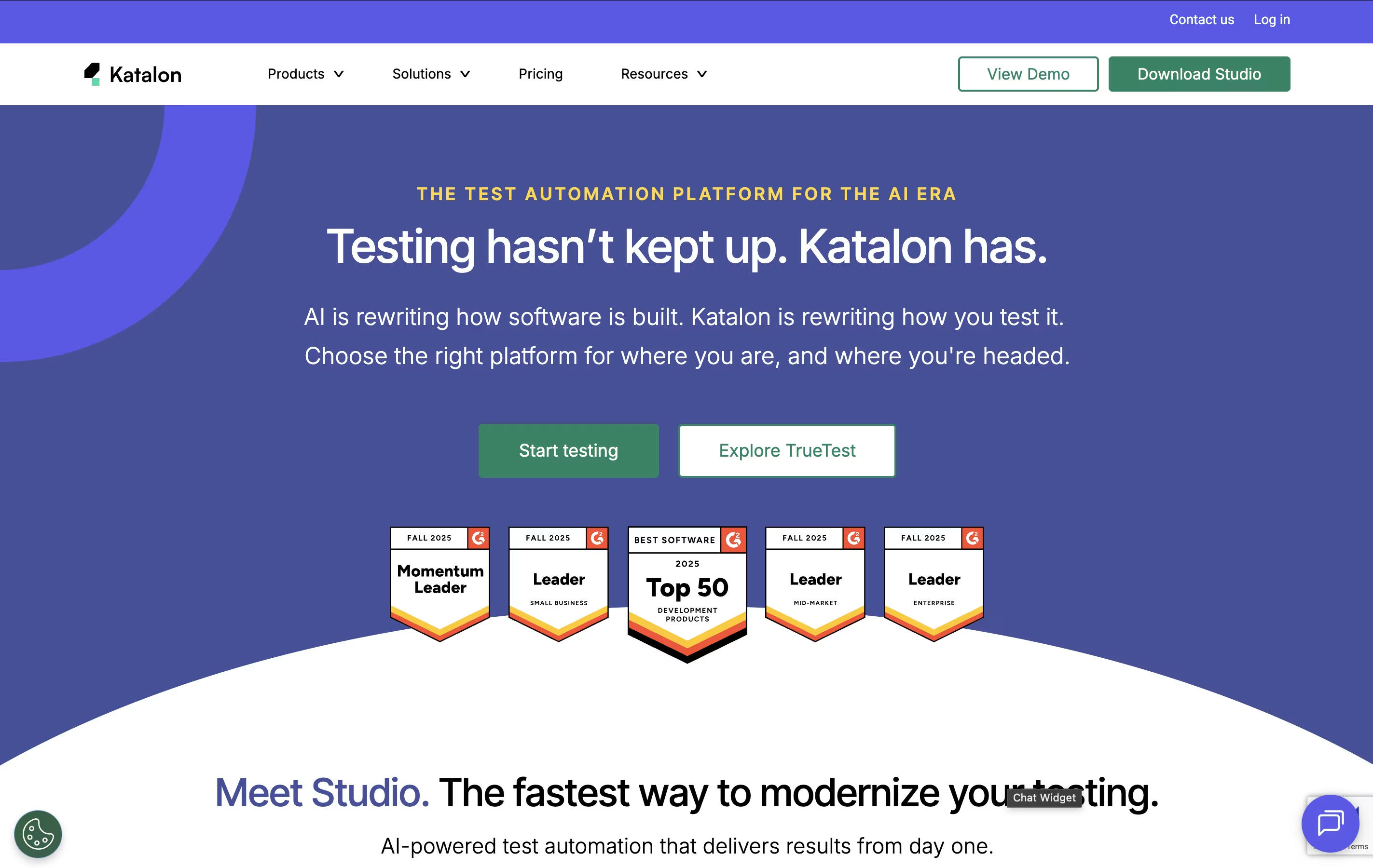
The platform supports four main types of testing in one place: web applications, mobile apps (Android and iOS), APIs, and desktop programs. You can create tests using simple point-and-click recording, basic drag-and-drop actions, or by writing code if you prefer more control.
Katalon uses artificial intelligence to make testing easier. The AI can write test code from simple instructions, explain existing code, fix tests when websites change, and spot problems automatically. Tests can run on your computer or in the cloud.

Thunder Client is a REST API testing tool that lives inside Visual Studio Code. You can send requests, check responses, and organize your API tests without opening another program. It works just like other API testing tools but runs directly in your code editor.
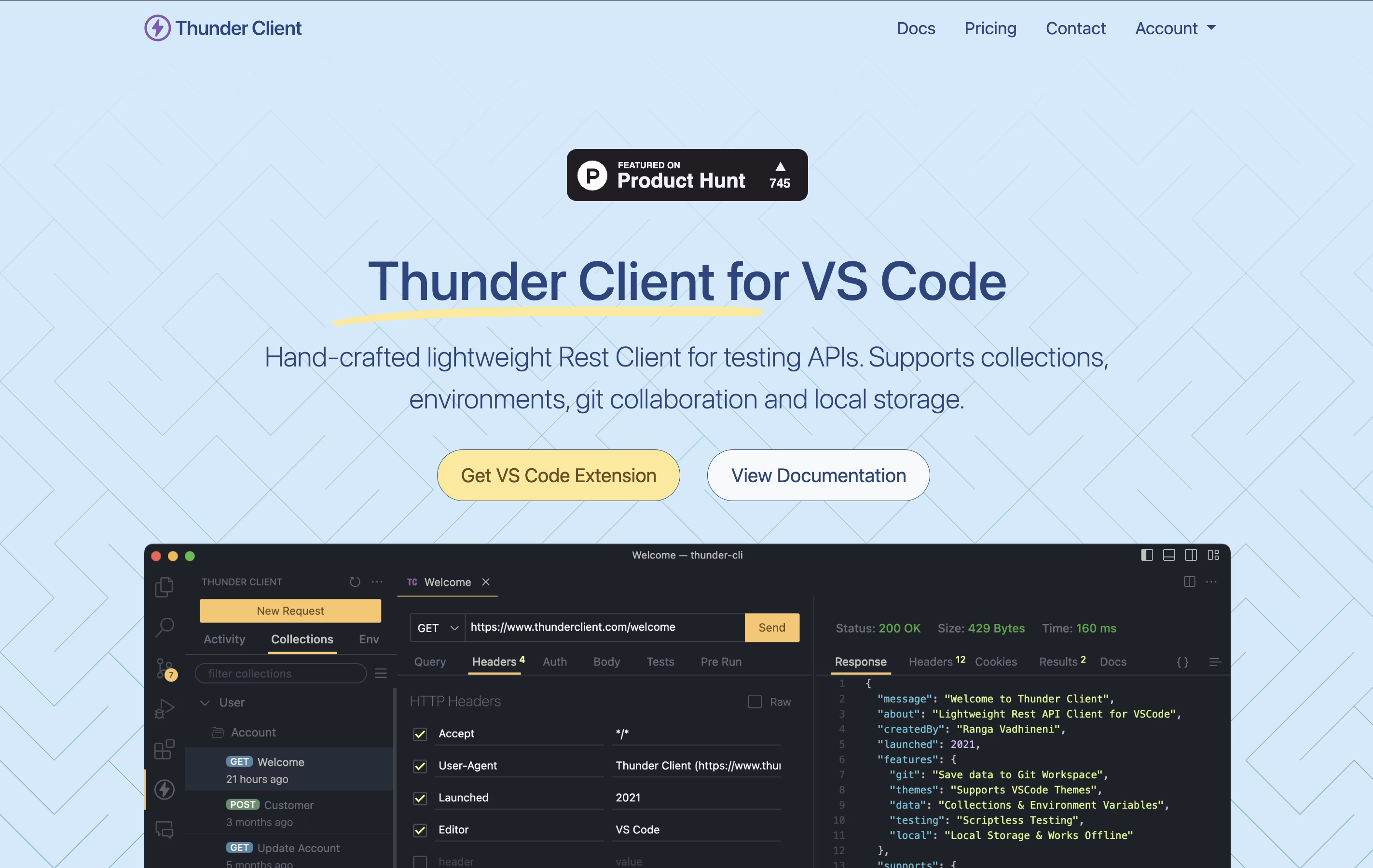
The extension saves all your requests and settings on your own computer. This makes it fast, private, and able to work without internet. You can also save your testing data to Git repositories, making it easy to share with your team.
Thunder Client offers both free and paid versions. The free version works great for basic testing, while paid plans add features like unlimited test runs, team management tools, and advanced testing options for businesses.

Firecamp is a multi-protocol API development tool that helps you test and build APIs with ease. Unlike traditional API clients that focus mainly on REST, Firecamp offers dedicated GUI playgrounds for REST, GraphQL, WebSocket, and Socket.IO protocols all in one application.
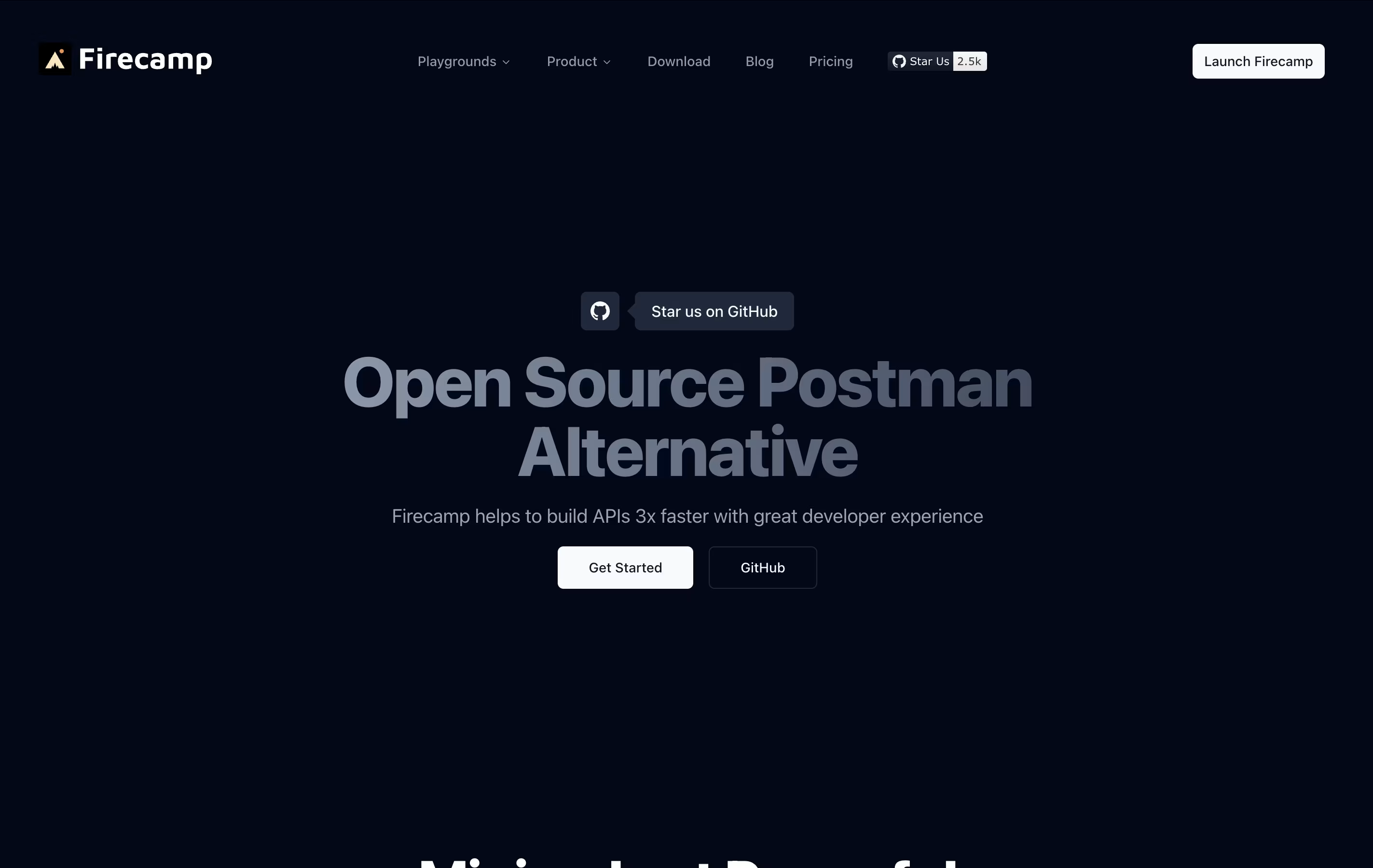
The platform is completely open-source and built with developers in mind. It provides a clean interface similar to VS Code, making it familiar and easy to navigate. You can create API collections, set up environments, write scripts, and collaborate with your team in real-time.
Whether you use the web version or desktop app, Firecamp keeps everything synchronized across your workspace. It supports authentication methods, allows you to import collections from Postman, and helps you document your APIs for your team or community.

Think of Cline as a coding partner that lives right inside your editor. It looks through your codebase, works out how the files connect, and takes on tasks you describe in plain English, whether that means fixing a bug or building out a new feature.
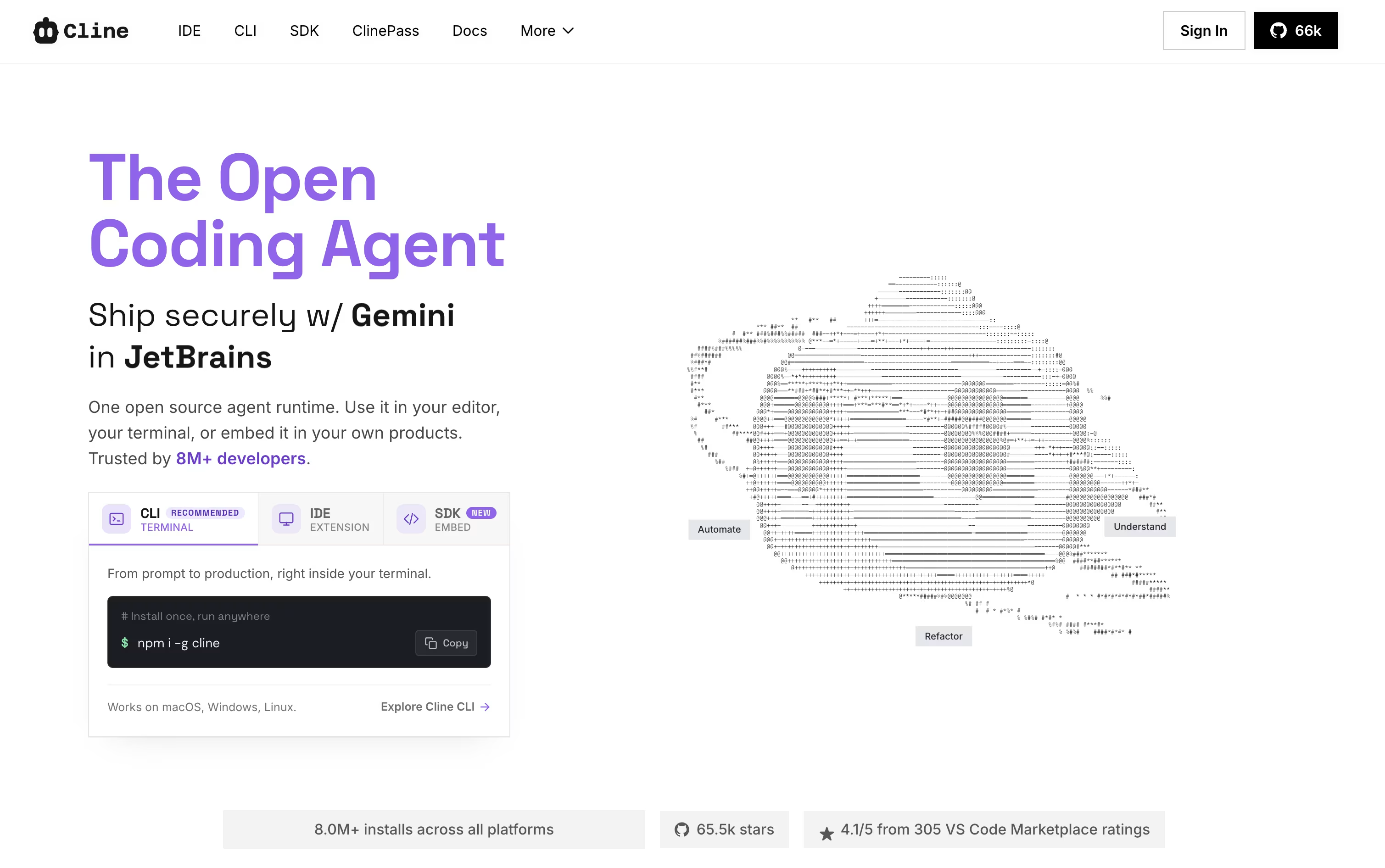
Two modes shape how it works. Plan mode looks around the project and lays out an approach first, while Act mode does the actual work, one step at a time, with your approval built in unless you switch on auto-approve.
It is not limited to editing files either. Cline can run terminal commands, open a browser to check how a web page behaves, and link up with outside tools and services through MCP. Every change comes with a checkpoint, so undoing something is simple.
Using the open-source edition costs nothing beyond what you spend on your own AI provider, whether that is OpenAI, Anthropic, Google, or others. If you would rather skip managing API keys, ClinePass is available for $4.99 in the first month and $9.99 a month after that, bundling in a set of open-weight models.
Larger teams can move to the Enterprise plan instead, which brings single sign-on, centralized billing, access controls, audit logs, and dedicated support, all priced individually by contacting sales.

HTTPie is a tool designed for testing APIs and HTTP servers with an easy-to-understand approach. You type commands that look similar to the actual HTTP requests you want to make, and HTTPie handles the technical details for you. The responses come back formatted with colors, making JSON and other data easy to read.
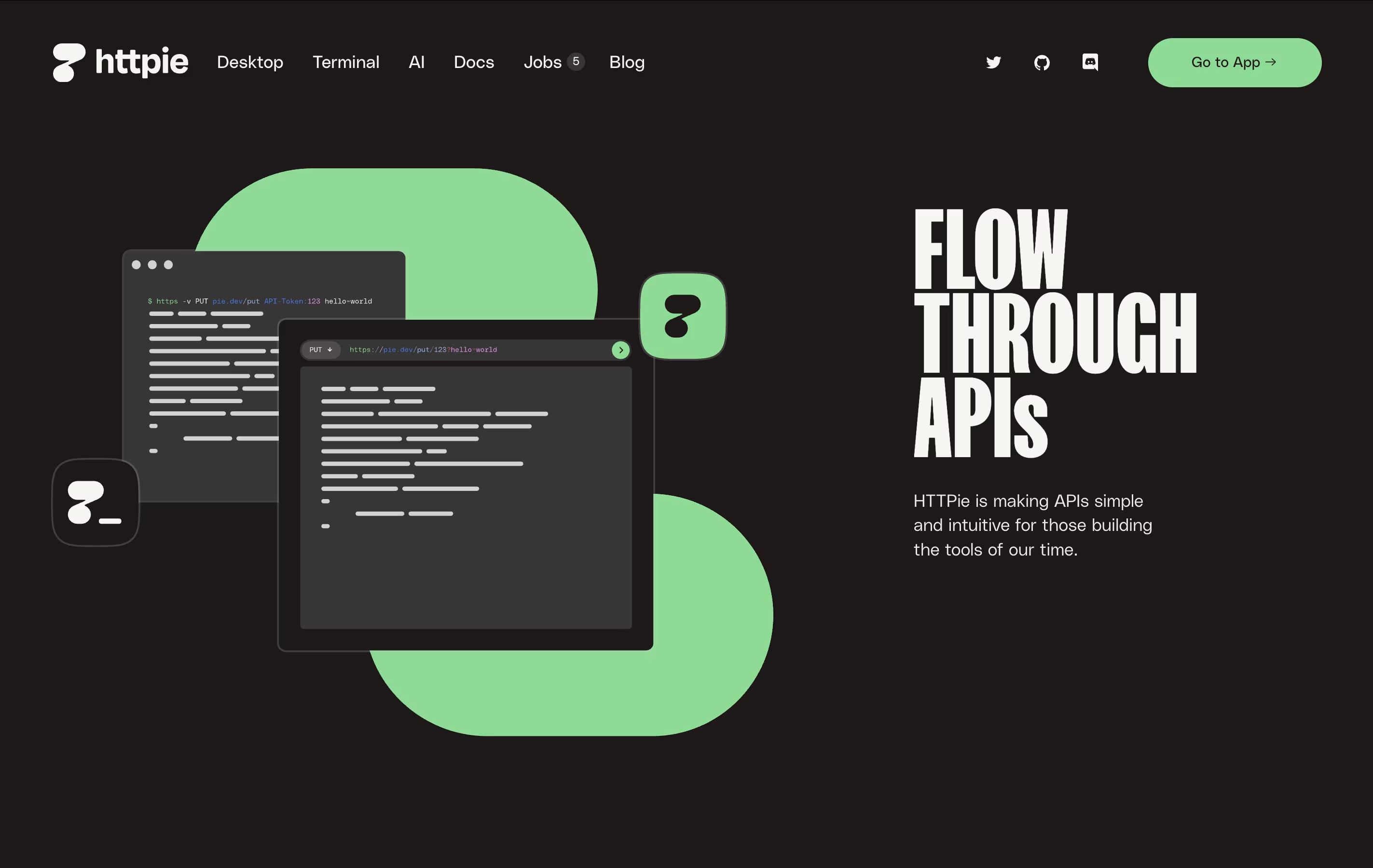
The command-line version is completely free and open-source, meaning anyone can use it and even modify it. The web and desktop versions offer a visual interface with the same friendly approach. HTTPie supports everything developers need: authentication, custom headers, file uploads, session management, and more. It works on all major operating systems and integrates well with development workflows.

Budibase is an "open-source low-code platform" designed specifically for building internal business applications. This means you can create tools like admin panels, approval workflows, data dashboards, and form-based apps without writing extensive code.
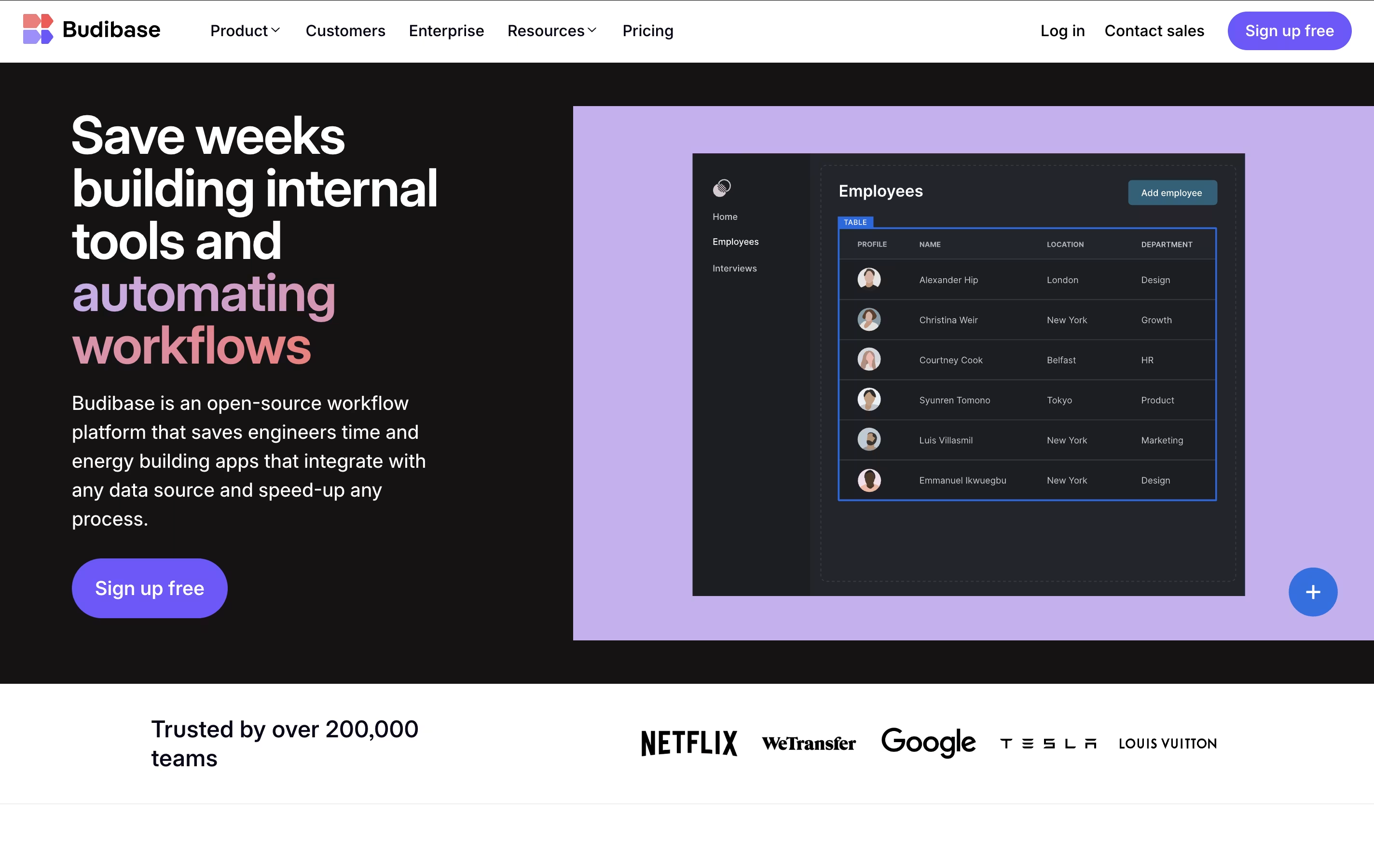
The platform works by connecting to your existing data sources - whether that's a SQL database, spreadsheet, or external API - and letting you build responsive user interfaces on top of that data. What makes Budibase unique is its complete approach: it includes a visual app builder, built-in database, automation engine, and hosting options all in one package.
The open-source nature means you can self-host it for free, customize the platform, and maintain full control over your data and applications.
Gadget is an AI-powered, full-stack development platform designed to accelerate web application development by eliminating repetitive boilerplate code and setup tasks. Think of it as a complete development environment that includes everything you need: a Node.js backend, React frontend, PostgreSQL database, and serverless hosting, all integrated and ready to use.
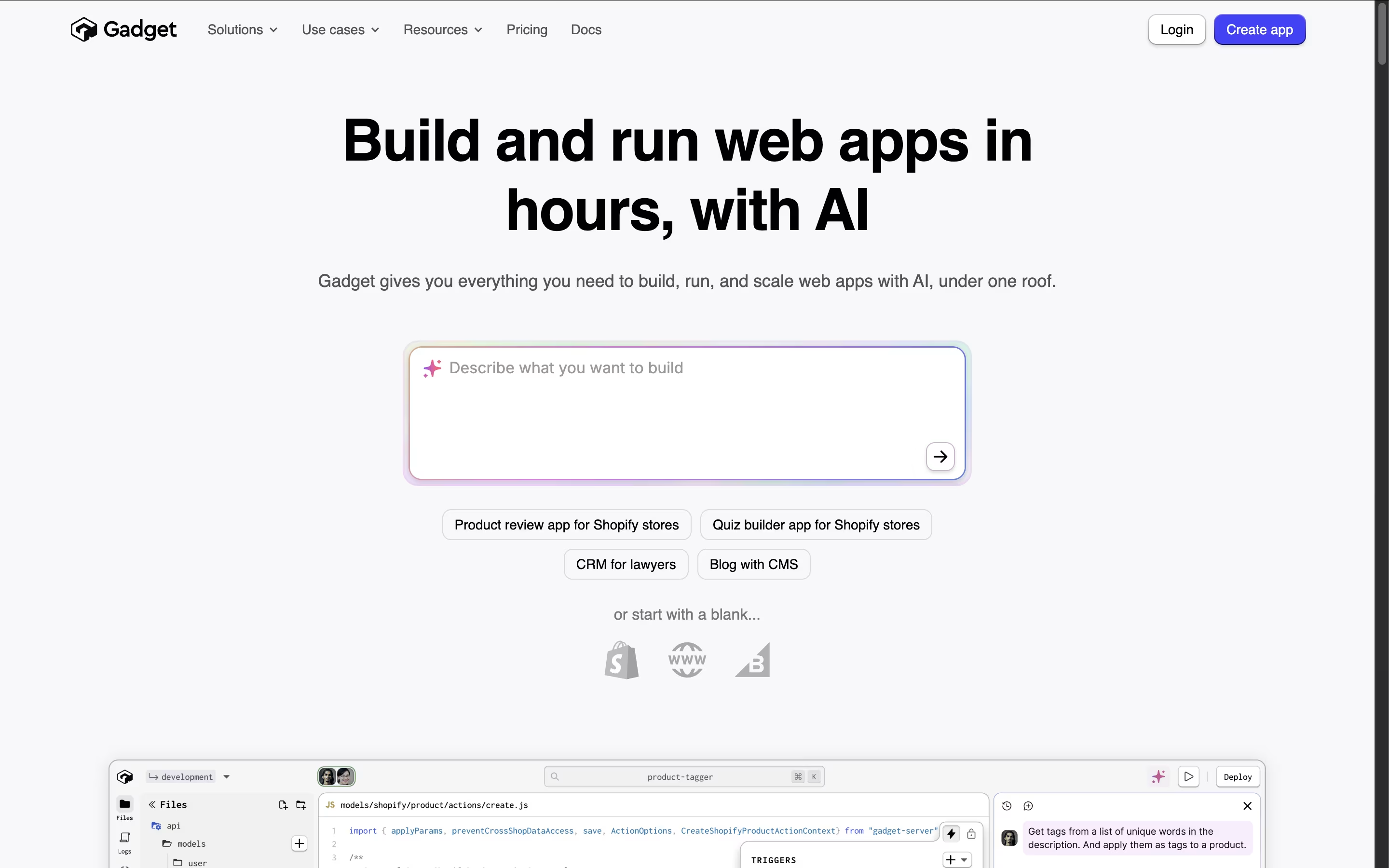
The platform automatically generates APIs, handles authentication, manages databases, and provides built-in connections to popular services like Shopify and BigCommerce. What makes Gadget special is its AI assistant that understands your specific app and helps write code, create database tables, and handle deployment tasks.
Unlike no-code tools that limit customization, Gadget gives you full control over your code while removing the tedious setup work. Founded by ex-Shopify executives, it combines best practices with smart automation to help developers build applications up to 10 times faster than traditional methods.

With Softgen, you describe the app you want in everyday language, and the AI handles the planning and coding for you. A quick request like a SaaS dashboard with billing and analytics becomes a real, working project.
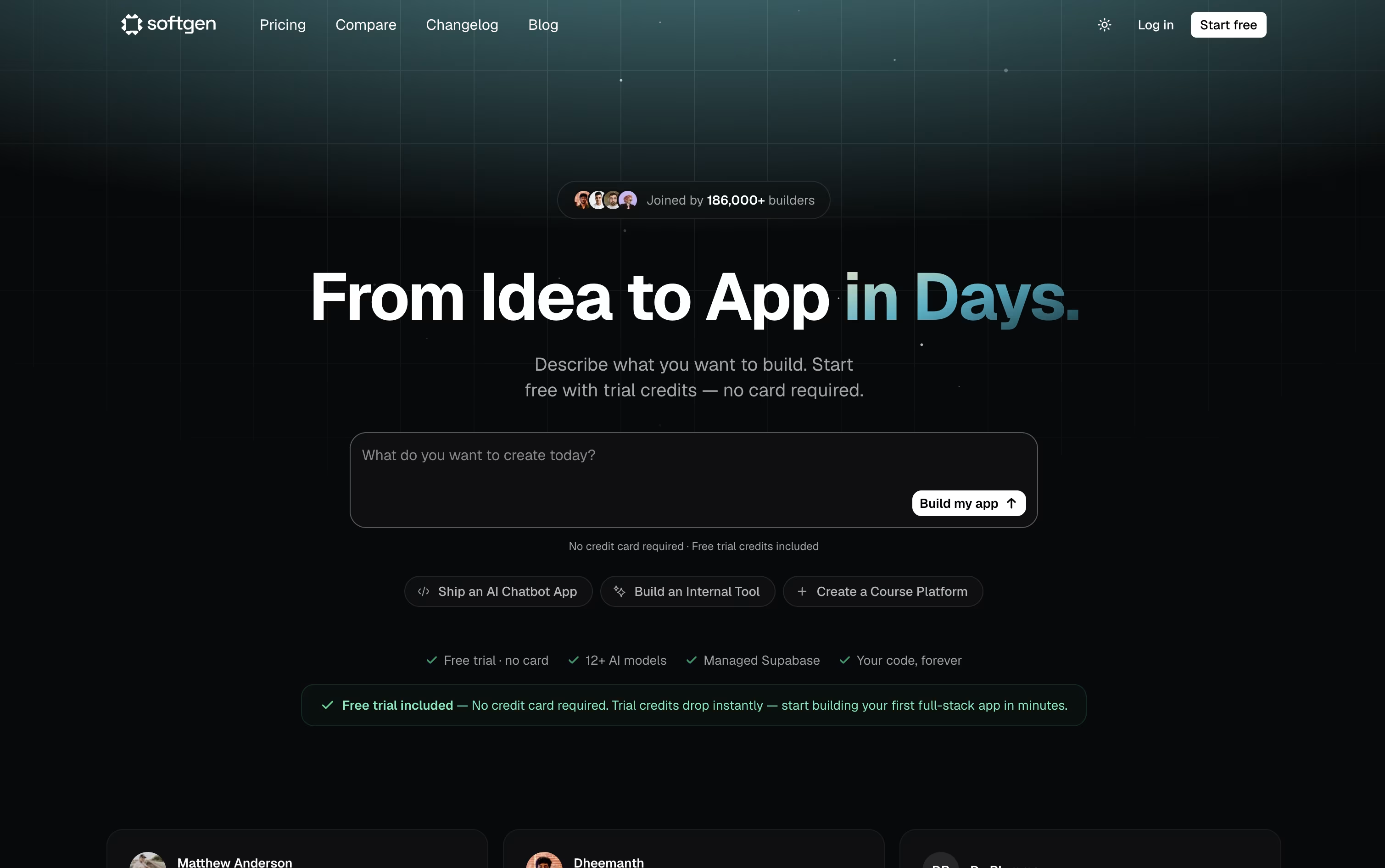
The platform writes the frontend and backend together, sets up the database and login system, and gives you a live preview so you can watch it come together. Further changes just take another chat message.
You can pick from over 12 AI models, including Claude 4.5, GPT 5.4, and Gemini 3.1 Pro, and every project comes with a managed Supabase database, custom domain support, and a Kanban style project board.
Your project is stored as a genuine GitHub repository, so you always own the code and can open it in any editor. Deployment goes straight to your own Vercel account with a single click.
The Starter plan is 25 dollars a month with 500 credits and 10 projects, while the Pro plan is 49 dollars a month with 1,500 credits, unlimited projects, and priority support.
Since the code and hosting belong to you, the app you build stays live even after your subscription ends.

Paw is a complete API testing and development tool designed for Mac computers. You can use it to create and send HTTP requests, then see detailed responses with headers, status codes, and body content. The app supports all common HTTP methods including GET, POST, PUT, DELETE, and PATCH.
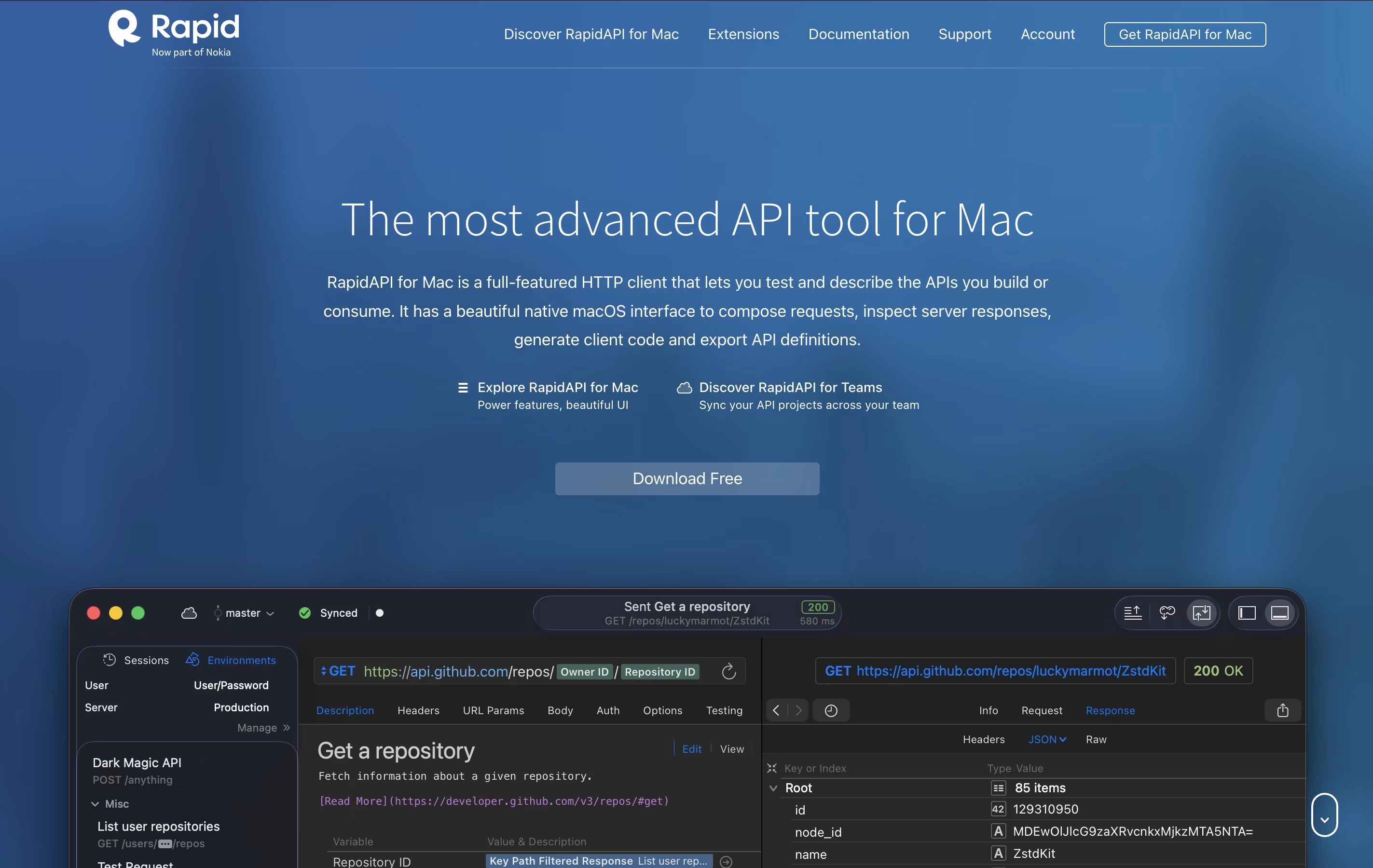
It includes features like dynamic values, environment management, and the ability to chain requests together. You can describe your APIs using JSON Schema and export documentation in standard formats. The tool also generates ready-to-use code snippets in languages like Swift, Python, JavaScript, and more.
There's a free version for personal use and team plans with cloud sync and collaboration features for organizations that need to work together.
Mage AI is a comprehensive data pipeline orchestration platform designed to simplify how teams build, deploy, and manage data workflows. Think of it as a smart workspace that combines notebook-style development with powerful automation features.
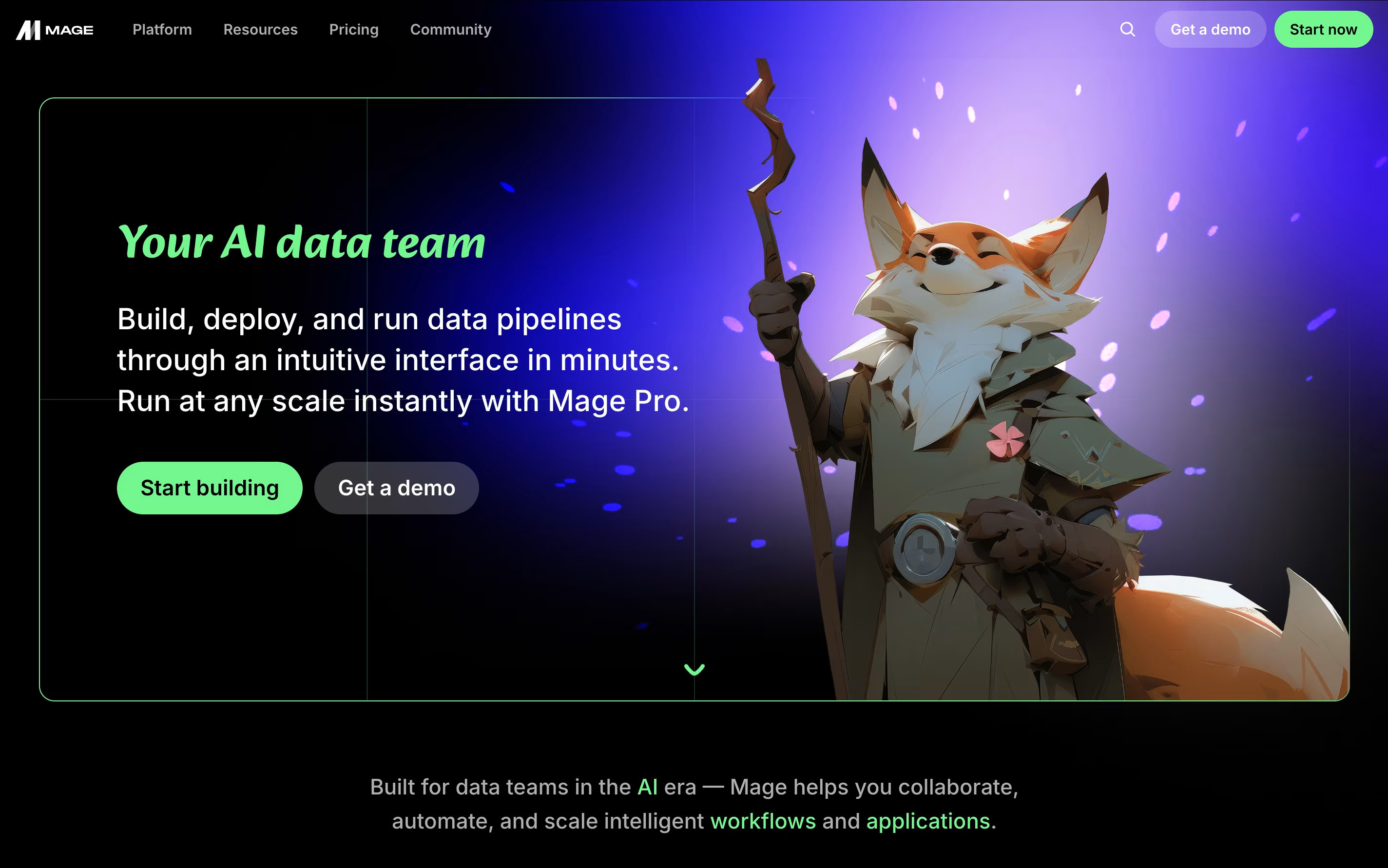
The platform offers both open-source and enterprise versions, allowing teams to start free and scale as needed. Mage connects to virtually any data source, from databases and APIs to cloud storage services, making data integration seamless. What sets it apart is its AI-powered assistance that helps write code, optimize performance, and debug issues automatically.
The tool supports multiple programming languages including Python, SQL, and R, giving developers flexibility to work with familiar tools. Built-in features include real-time monitoring, automated testing, version control, and collaboration tools. This makes Mage perfect for data engineers, analysts, and scientists who want to focus on insights rather than infrastructure management.

SoapUI is a testing platform that checks how APIs and web services perform. You can use it to send requests to your API, check the responses, and make sure everything works as expected. It runs on Windows, Mac, and Linux computers because it is built using Java.
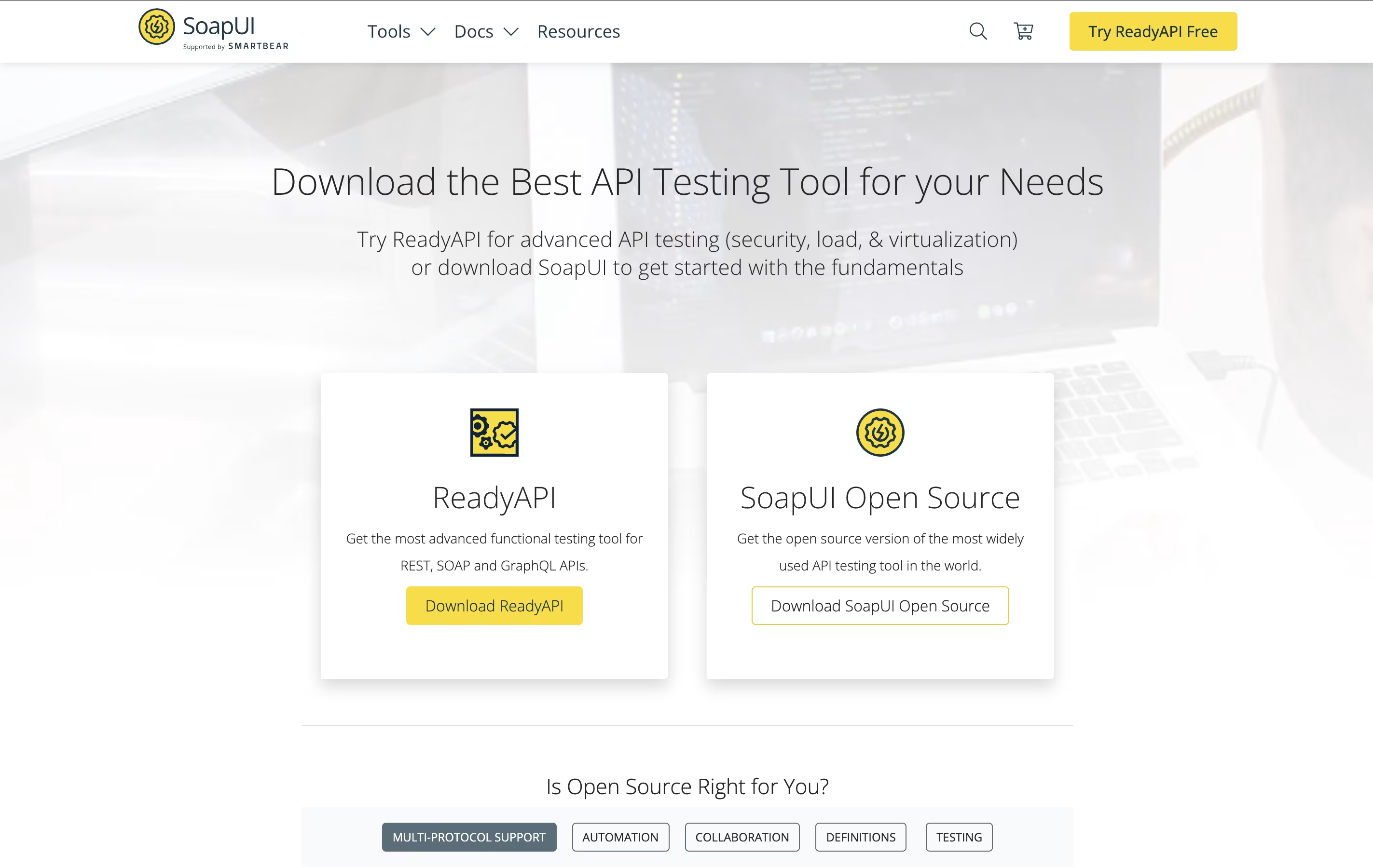
The tool lets you do functional testing to verify your API works correctly, load testing to see how it handles many users, and security testing to find weak points. You can also write custom test scripts using Groovy programming language for more complex scenarios.
SoapUI works well with popular tools like Jenkins for continuous testing in your development process. The open-source version is completely free, while ReadyAPI offers extra productivity features.

Paragon is an embedded integration infrastructure platform designed specifically for B2B SaaS companies that need to offer native integrations to their customers. Think of it as the backbone that powers all your app's connections to other software tools your customers use daily.
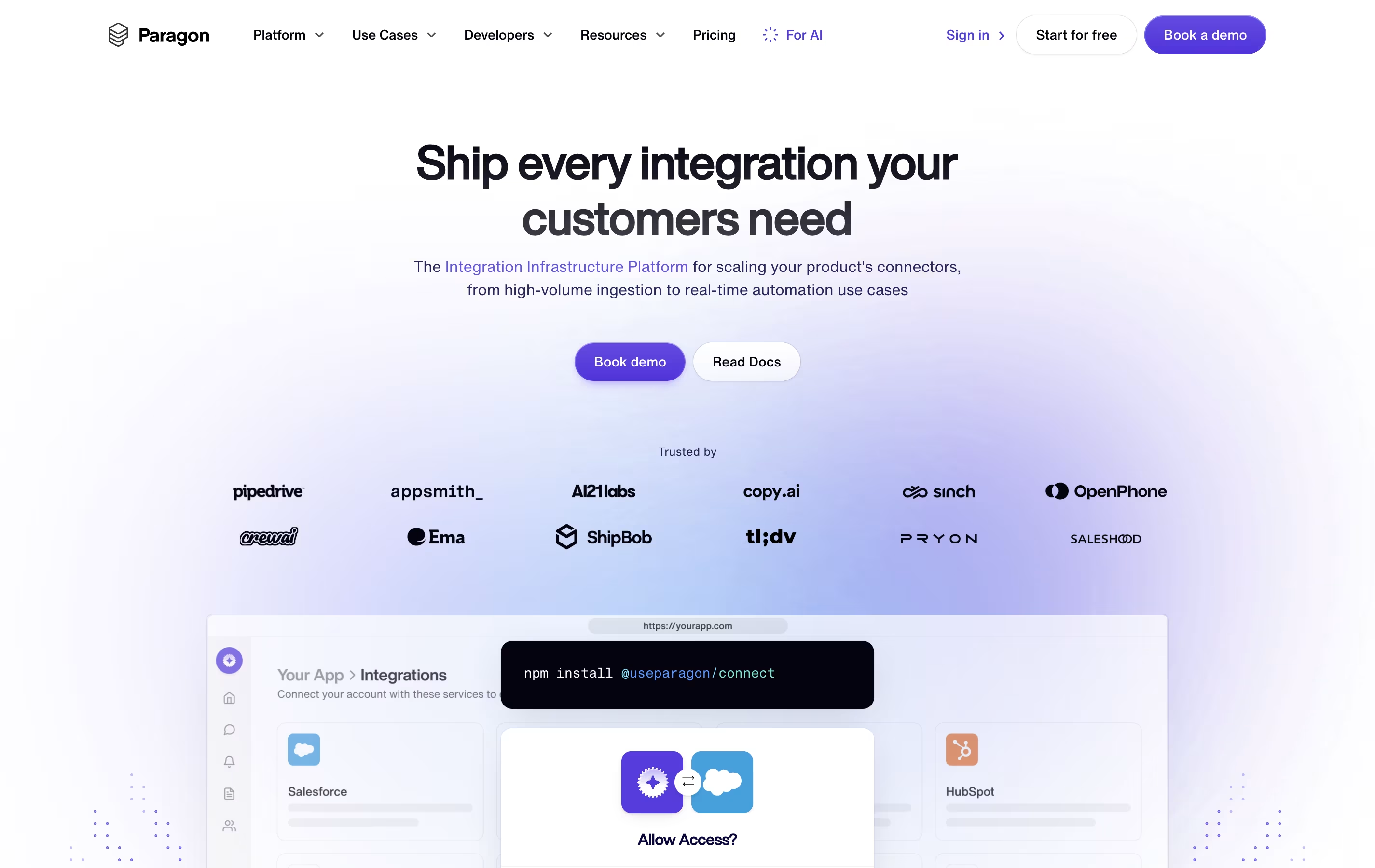
The platform provides over 130 pre-built connectors for popular business applications, along with the ability to create custom integrations for any third-party API. What makes Paragon special is that it handles all the technical complexity behind integrations - user authentication, data syncing, error monitoring, and maintenance - while providing your customers with a white-labeled, native experience that looks and feels like part of your product.
Founded in 2019 and backed by Y Combinator, Paragon processes over 100 million requests monthly for companies ranging from startups to enterprise organizations, making it a trusted solution for scaling integration needs.

Temporal is a durable execution platform that guarantees your application code will run to completion, no matter what goes wrong. Think of it as a safety net for your software that automatically handles all the messy parts of distributed systems.
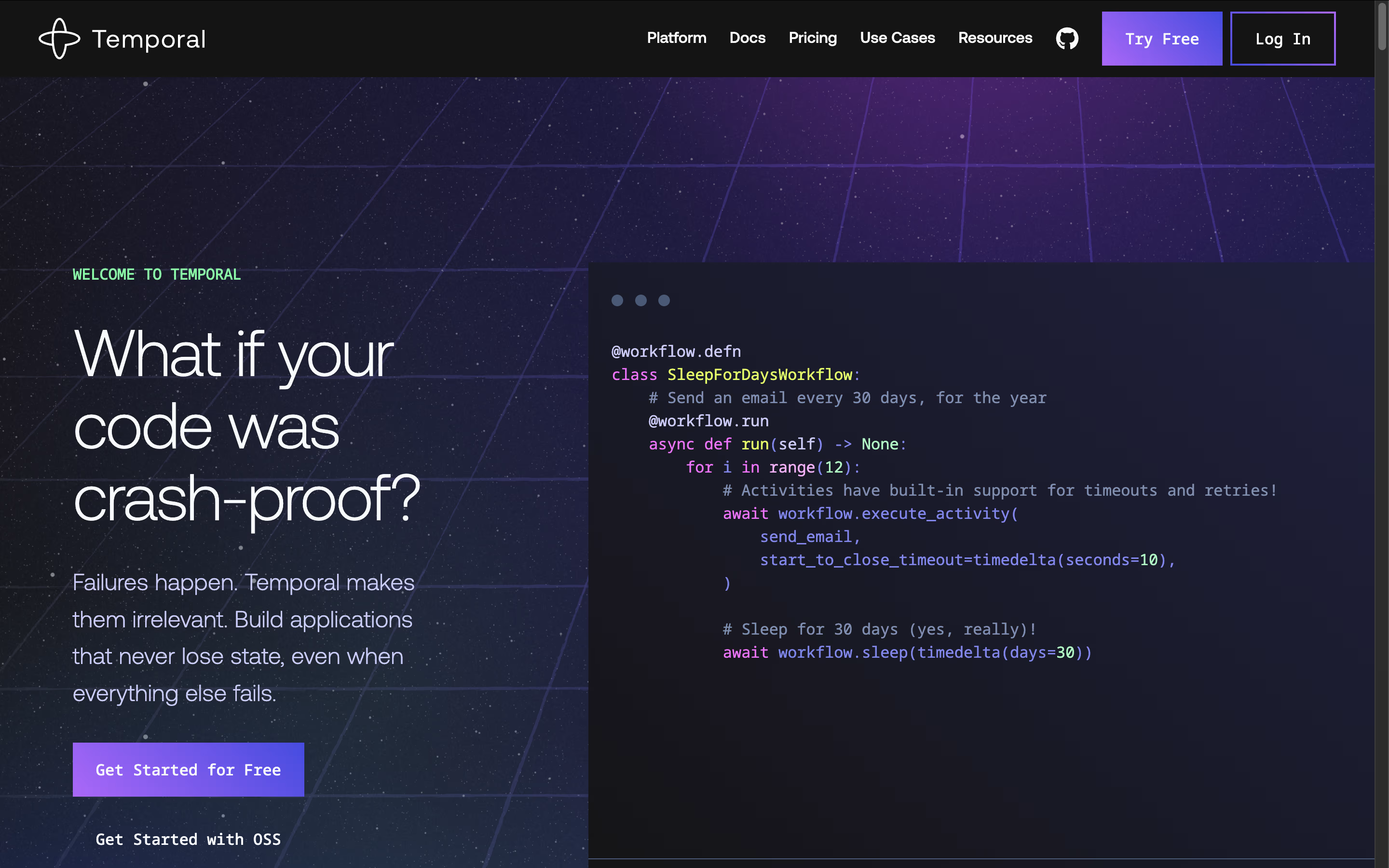
The platform consists of two main parts: an open-source server that manages workflow execution and SDKs for popular programming languages like Go, Java, Python, TypeScript, .NET, and PHP. Unlike traditional approaches where you write complex error-handling code, Temporal lets you write your business logic as simple workflows and activities.
Workflows define the overall process, while activities handle individual tasks like sending emails or processing payments. The system automatically persists your application's state at every step, so if something fails, execution picks up exactly where it left off. This approach eliminates the need for custom retry logic, state machines, and complex failure handling code.





