

Best 14+ AI Image Generator Tools in 2026
Last Updated: September 3, 2026
Turning a text description into a fully realized image used to require serious design skill. AI Image Generators create original images from simple text prompts, covering everything from photorealistic scenes to stylized illustrations.
These tools are used widely by designers, marketers, and content creators who need custom visuals without hiring a photographer or illustrator. With control over style, composition, and resolution, image generators have become a fast, affordable way to produce unique visual content.
 OpenArt
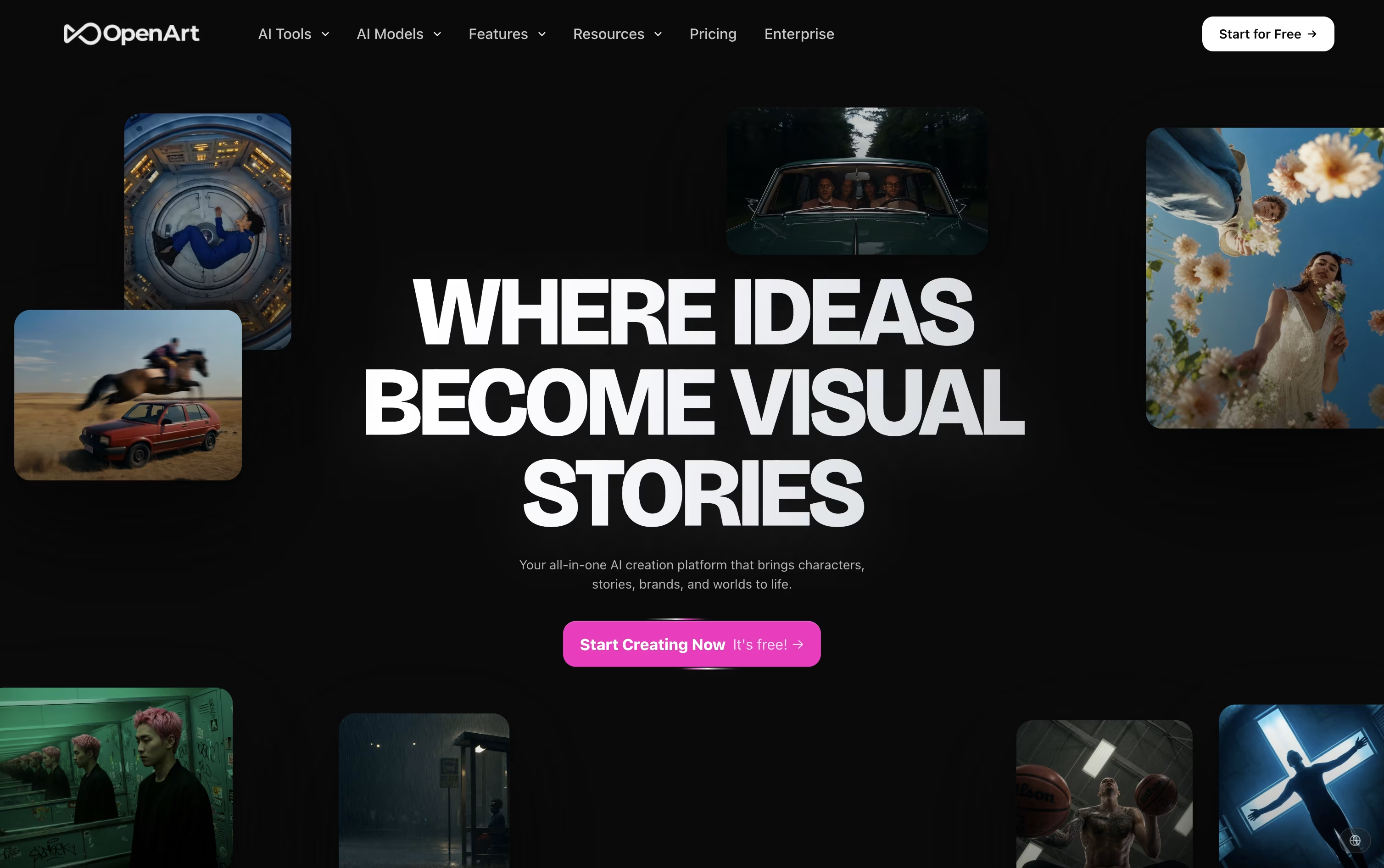 OpenArtAI Studio for Images, Video and Audio,
  Piktochart
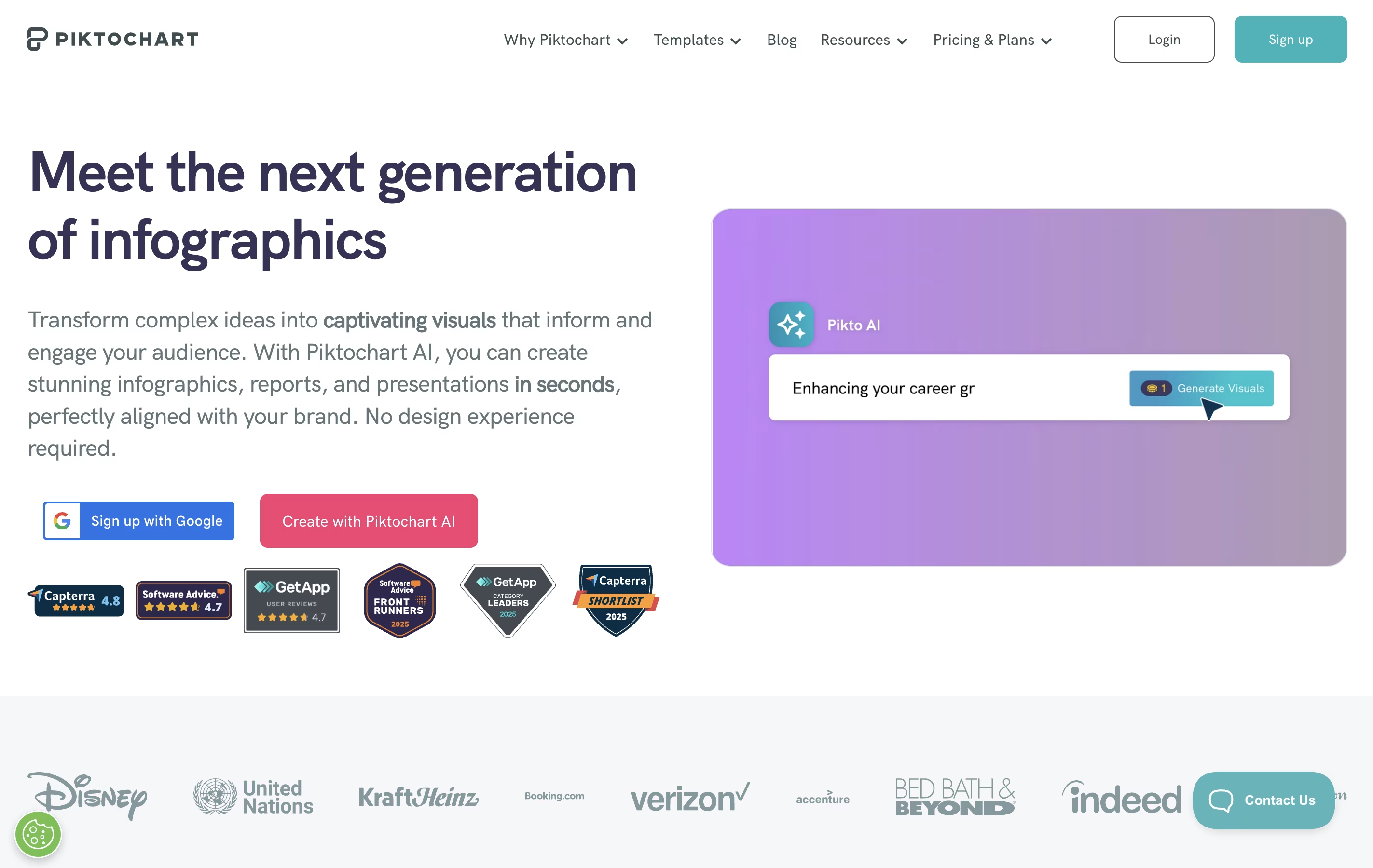 PiktochartAI-Powered Infographic & Visual Content Maker, and
  Venngage
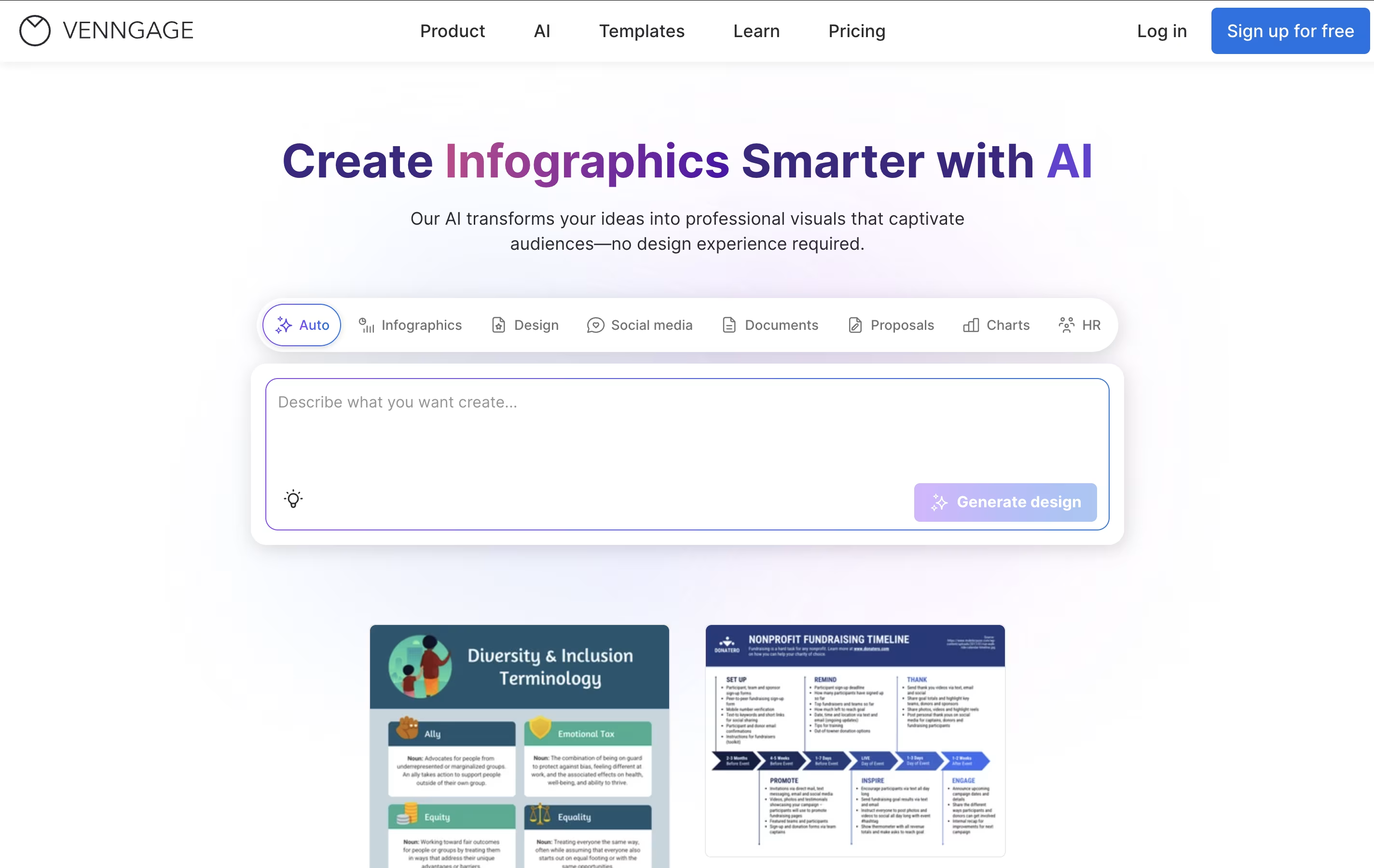 VenngageAI-Powered Design Tool for Professional Infographics & Visual Content are the best for AI Image Generator. So, let’s take a closer look at all 14+ tools.

OpenArt brings image, video, audio, and character creation into a single workspace, so a project does not need to be pulled apart across separate apps.
You describe what you want in a prompt, or upload a reference photo, and the platform sends the request to one of more than 100 connected AI models for images, video, and sound.
Its character tool is one of the main draws. Build a character once and it can appear again and again across new scenes and videos while staying recognizable.
On price, the Starter plan begins at $14 a month with 4,000 credits, while the top individual plan, Wonder, costs $240 a month for 106,000 credits and extra perks like unlimited creation.
Groups can pick the Business plan, priced from $680 a month for a shared credit pool across up to 50 people, and larger organizations can ask for custom Enterprise pricing with unlimited seats.
A free trial with starter credits is available for anyone who wants to try it first.
Piktochart is a cloud-based design platform that simplifies visual content creation for non-designers. It offers hundreds of professionally designed templates for infographics, presentations, reports, posters, social media graphics, and more. Users can customize these templates using a drag-and-drop interface without needing graphic design skills.
The platform includes powerful data visualization tools, allowing users to create charts, graphs, maps, and diagrams from their data. It supports importing information from Excel and Google Sheets to automatically generate visuals. Recently, Piktochart added AI features that can generate complete designs from simple text prompts in seconds.
The tool is web-based, meaning everything works through your browser without downloading software. It includes collaboration features for teams, brand customization tools, and various sharing options to publish or download finished designs.
Venngage is a cloud-based visual content creation platform designed to make professional design accessible to everyone. Think of it as your personal design assistant that combines artificial intelligence with thousands of pre-made templates to help you create stunning visuals in minutes.
The platform specializes in infographics, presentations, reports, social media graphics, and data visualizations. What sets Venngage apart is its AI-powered approach - you can simply describe what you want, and the AI generates a complete design with proper layouts, colors, and elements. The drag-and-drop editor then lets you customize every detail to match your brand and message.
Founded as a solution for non-designers who need professional-looking graphics, Venngage has grown to serve over 5 million users worldwide. It's particularly popular among marketers, educators, students, and small business owners who need to communicate complex information through clear, engaging visuals without hiring a professional designer.

Fal AI is a serverless generative media platform designed specifically for developers who want to build next-generation creative applications. Think of it as the fastest way to add AI-powered image, video, and audio generation to your apps without dealing with complex infrastructure.
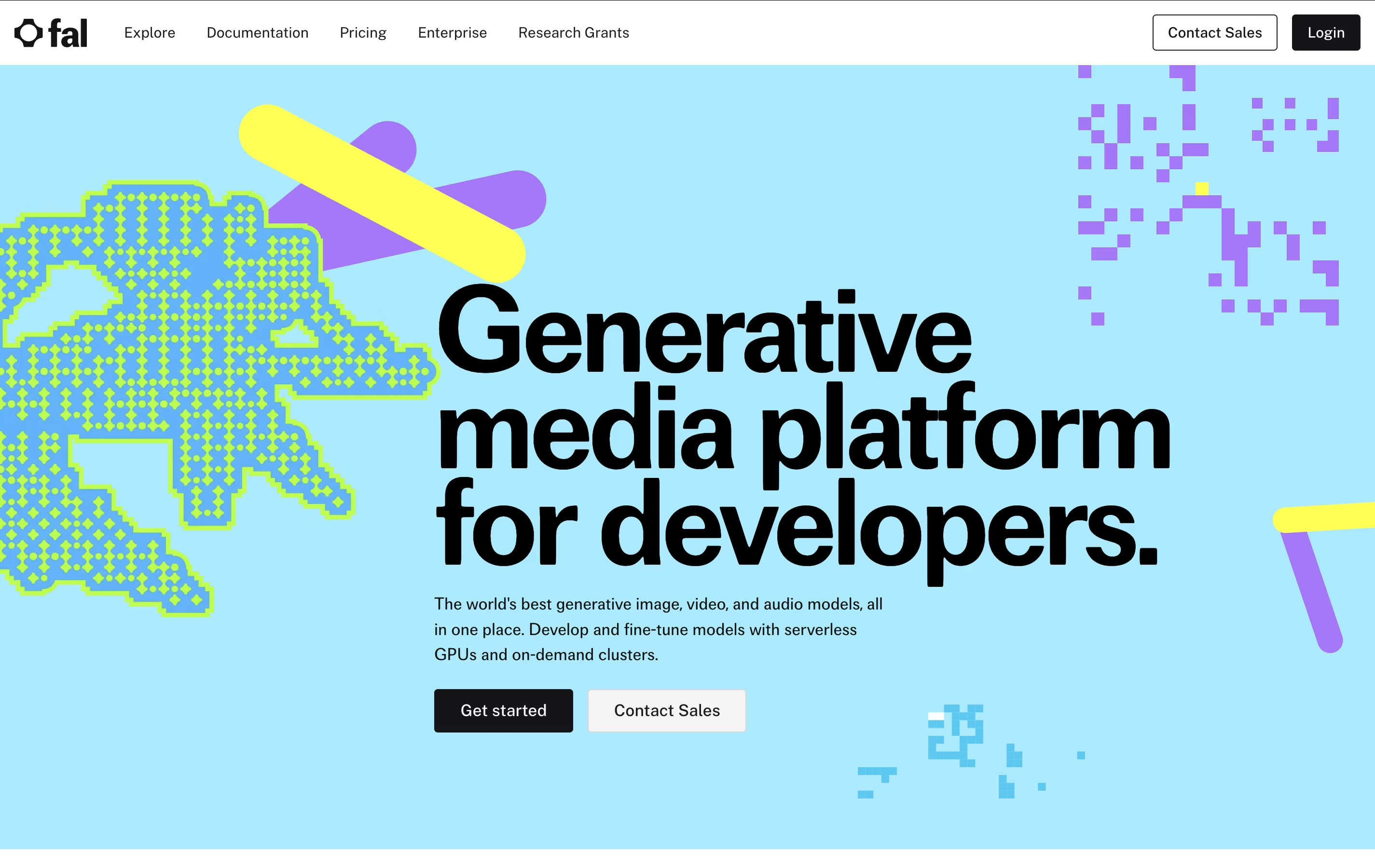
The platform uses a custom-built inference engine that runs diffusion models up to 4x faster than competitors, making real-time AI applications possible. It offers access to popular models like FLUX, Stable Diffusion, and many others through simple REST APIs. What sets Fal AI apart is its focus on speed and reliability - with 99.99% uptime and no cold starts, your users get instant results every time.
Founded by AI infrastructure experts, Fal AI has quickly become the go-to platform for major companies like Perplexity and Photoroom, processing over 50 million AI requests daily across various creative applications.
Adobe Firefly is Adobe's generative AI toolkit for creating and editing images, video, audio, and vector art from simple text prompts. You can use it on the web, through mobile apps, or right inside apps like Photoshop, Illustrator, and Premiere Pro.
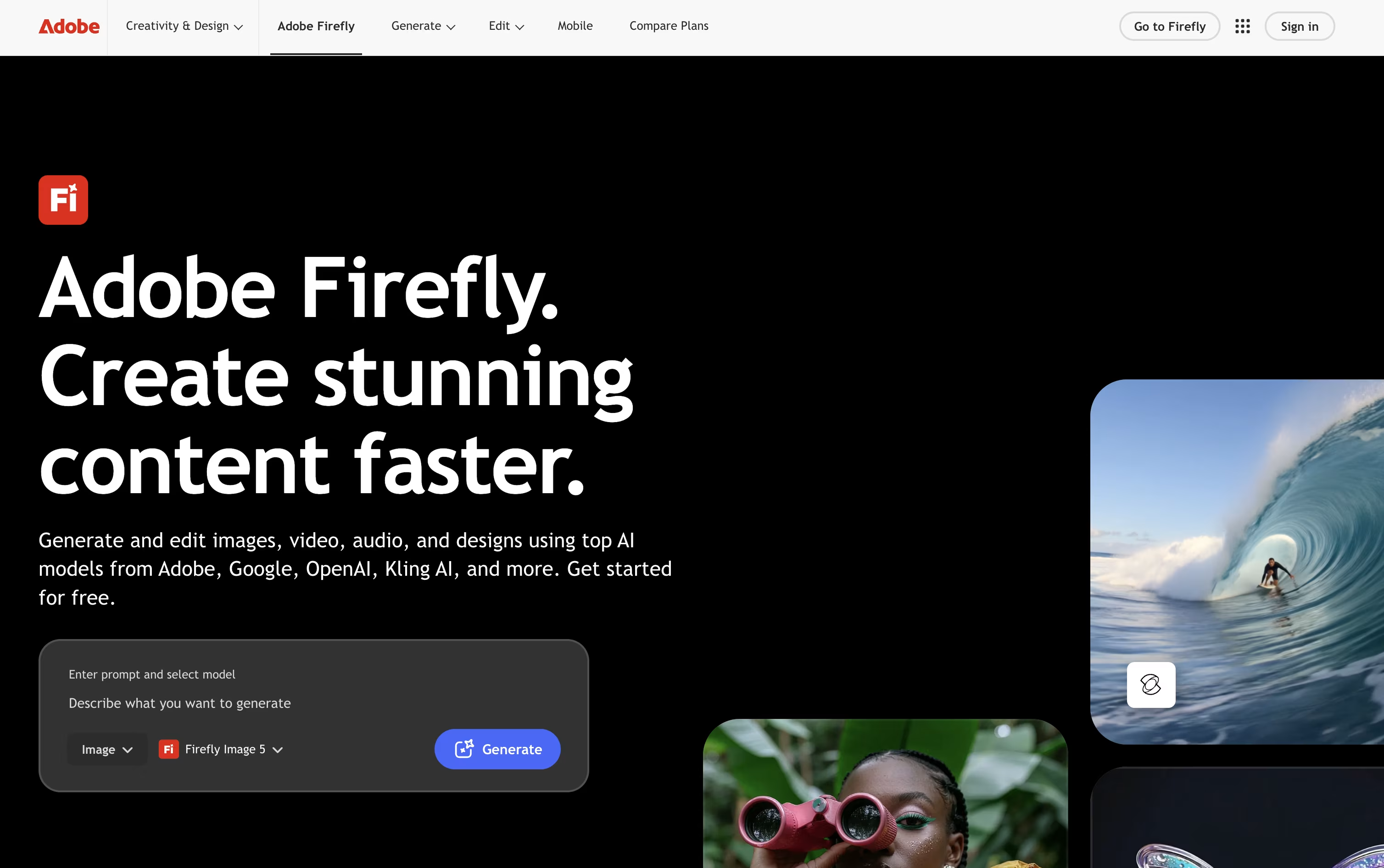
The tool covers a wide creative range, from generating a photo out of nothing to using Generative Fill and Expand to edit an existing picture, producing short AI videos, creating custom music and sound effects, and translating spoken video content into other languages.
Collaborative Firefly Boards make it easy for teams to build mood boards and storyboards together, while the AI Assistant can carry out multi step creative tasks across Adobe apps just from a written request.
Anyone can start for free with daily generation limits across image, video, and audio. From there, paid plans run from Firefly Standard at $9.99 a month up to Firefly Premium at $139.91 a month, each adding more monthly credits, longer videos, and access to more AI models.
For companies, Firefly for Teams starts at $19.99 per license a month on an annual plan and adds admin controls and round the clock support. Because Firefly trains on licensed material, its output is built to be safe for commercial projects.
Leonardo AI lets you turn a written prompt, a sketch, or a reference photo into a finished image, short video, or 3D model. The goal is consistency, so the same character or style can be repeated across many outputs.
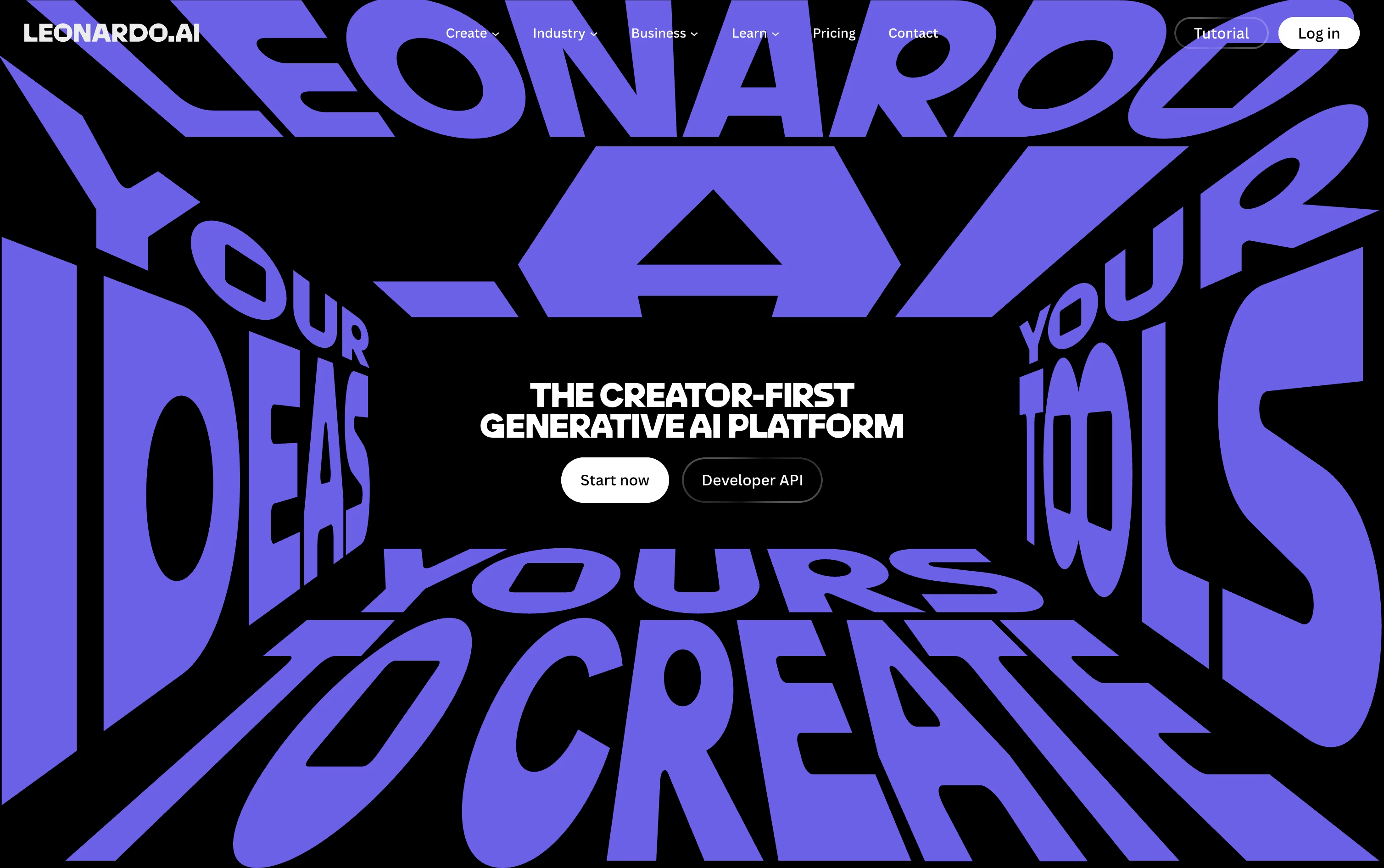
Extra tools cover editing and masking, upscaling made for AI images, motion clips from a still image, and training a personal AI model on your own pictures.
The Free plan gives 150 fast tokens a day with basic quality settings. Essential costs $12 a month, Premium is $30, and Ultimate is $60, and each step up adds more tokens, private generations, unlimited collections, and more AI model training slots.
Teams can start at $72 a month for 3 seats with shared tokens and unlimited relaxed generation on chosen models, and a custom plan is available for larger teams.
Developers can use a pay as you go API with credits that never expire, or move to a custom API plan for bigger production needs.
Built by Vyro AI, ImagineArt combines image, video, voice, and music creation into a single AI platform, so you are not switching between separate apps for each format.
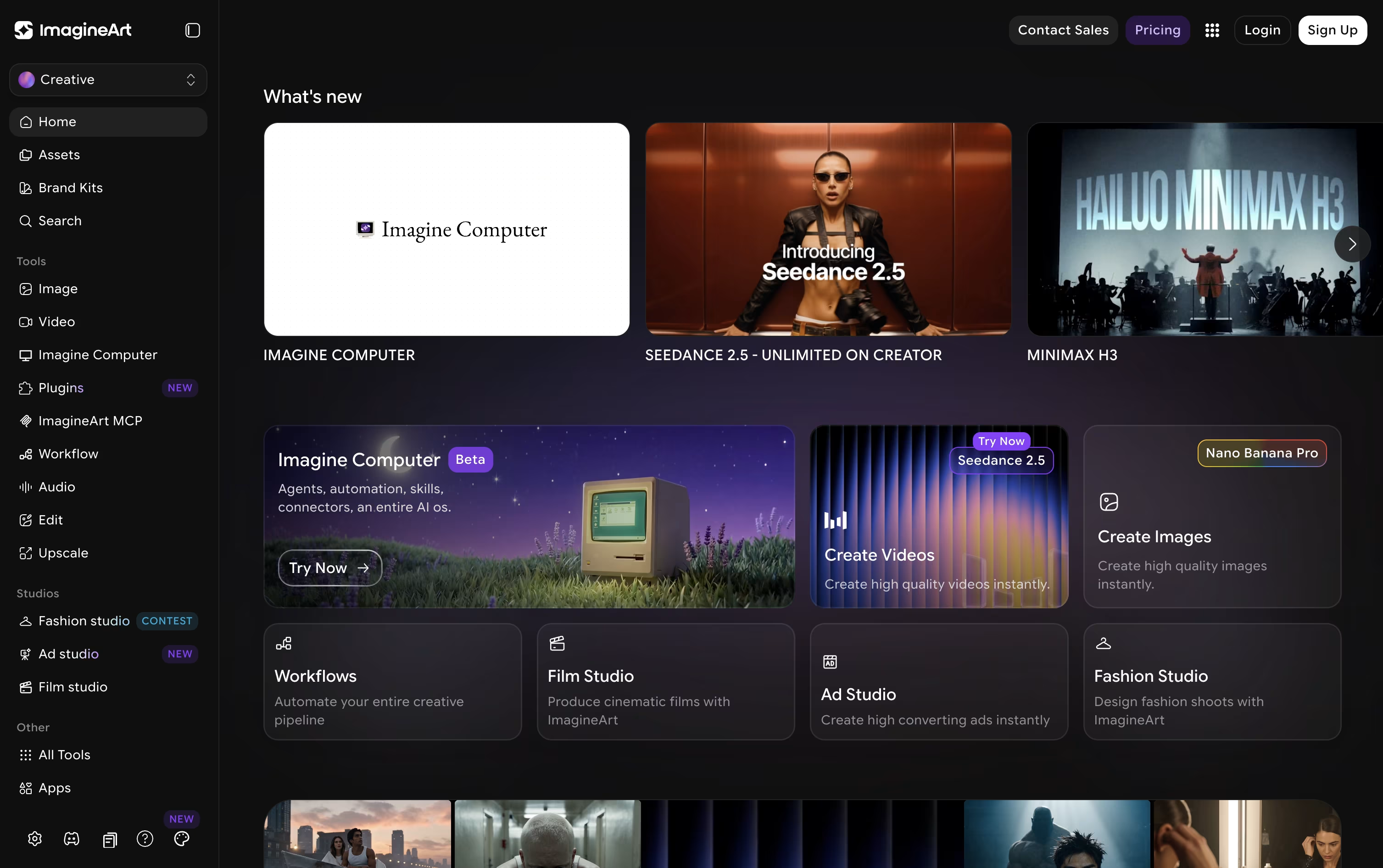
The platform pulls together many well-known AI models, such as GPT, Gemini, Claude, Seedance, and Nano Banana, and lets you access them all from one account.
For more guided output, dedicated studios cover film, advertising, and fashion projects, while Imagine Flow offers a node-based canvas for building repeatable creative pipelines.
Anyone can start free, receiving 100 credits each day with access to a small set of models.
From there, plans move from $13 a month at the Basic tier up to $250 a month for Creator, passing through Standard at $30 and the popular Ultimate plan at $50, each raising credits, concurrent generations, and model access.
Businesses can also choose Team plans or a custom-priced Enterprise plan that adds unlimited seats, single sign-on, and dedicated support.
Rather than being built around a single AI model, Higgsfield works as a layer on top of many models such as Seedance, Nano Banana, Kling, and Google Veo, adding its own camera and character tools for a more filmmaker friendly result.
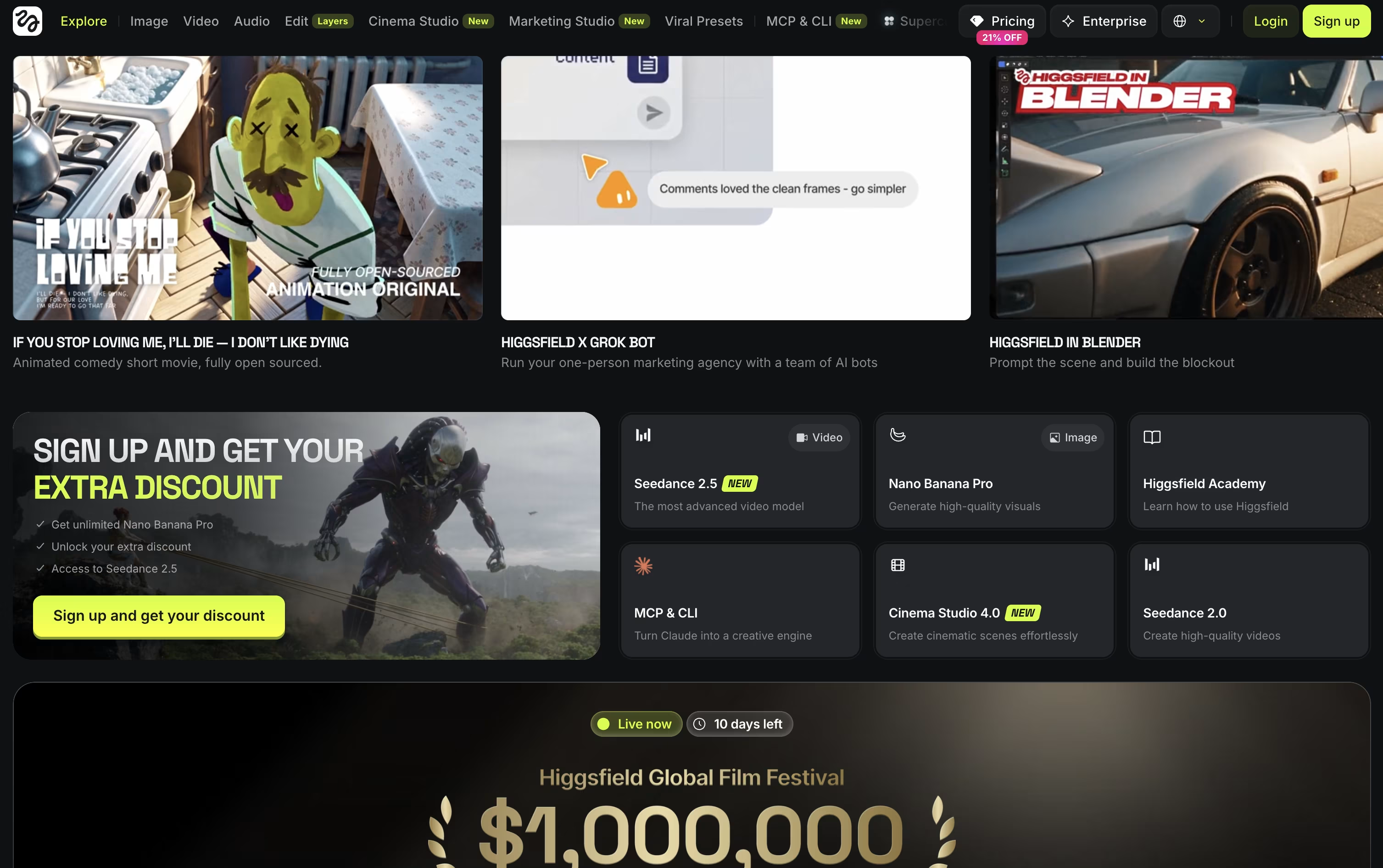
Anyone can try it for free, though the free tier is limited to one job at a time and does not allow commercial use.
The first paid step is Basic at $9 a month, giving 120 credits, commercial rights, and quicker generation speeds.
Pro is the bigger upgrade at $29 a month, or $23 a month when billed yearly, since it opens up the complete Seedance lineup and removes the cap on marketplace apps.
Max sits at the top for individuals at $79 a month, or $59 annually, with 1,800 credits and the highest concurrency for video and image jobs.
Businesses can move to Team or Scale for shared seats and credits, or contact sales for a custom Enterprise plan with SSO, dedicated capacity, and compliance support.

Runway brings video, image, and audio generation together in one AI powered workspace, so creators are not stuck jumping between different apps for different tasks.
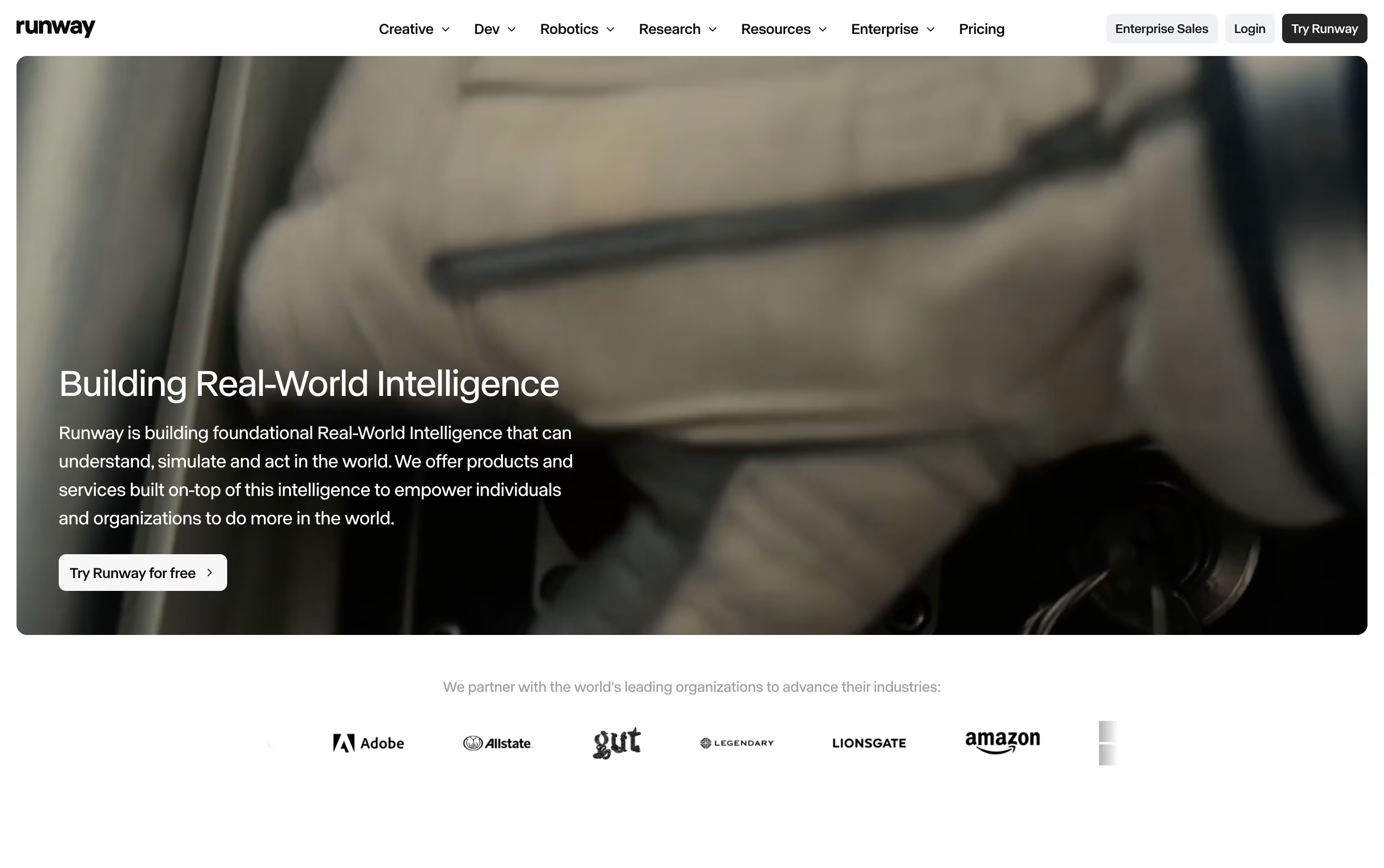
A simple text prompt or a single reference image can become a short video clip. If something needs changing, Aleph lets you edit one frame and carries that edit across the entire clip without disturbing the original motion or lighting.
For characters, Act-Two maps a performance video onto a character so their movement, expression, and lip sync all follow the reference footage. The Runway Agent can also build out full marketing campaigns from a short description.
On pricing, the Free plan hands out 125 credits one time that never expire. Standard is $15 a month for 625 credits, Pro is $35 a month for 2,250 credits with custom voices and 500GB of storage, and Max is $95 a month for 9,500 credits with one month of credit rollover and first access to new models.
Bigger teams can move to Enterprise for custom pricing with SSO, analytics, and priority support.
For building AI tools into other software, Runway Dev offers pay as you go pricing starting at $0.05 per second of video.

Midjourney turns a short text description into a finished image or short video, usually within seconds. It is made by a small independent studio and can be used through its website or through Discord.
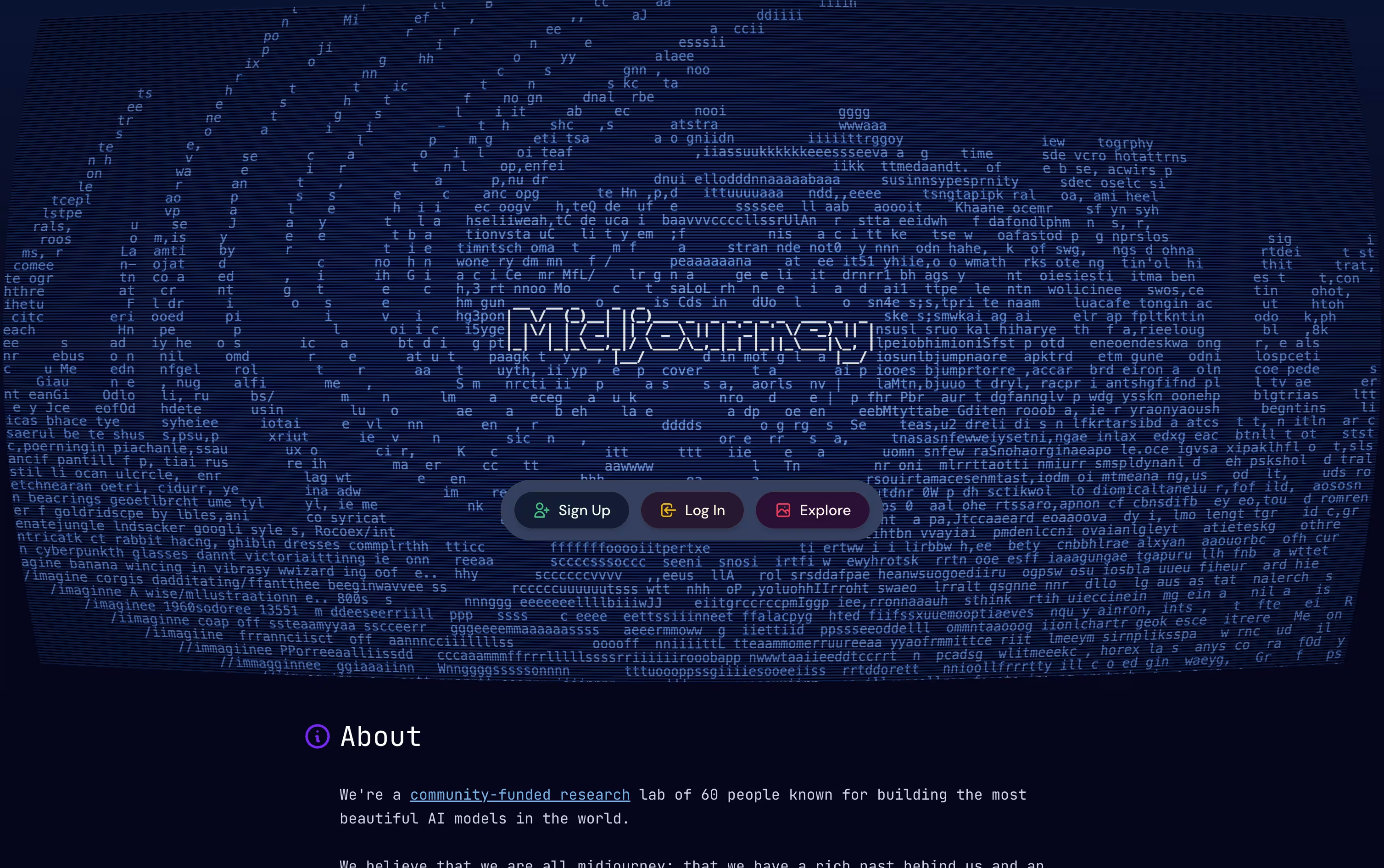
After you get your first results, you can choose one, request changes, make it bigger and sharper, or turn it into a short moving clip using the built in editing tools.
Every plan needs payment upfront, there is no free option. The Basic plan starts at $10 a month and gives around 200 image jobs. Standard costs $30 a month and adds unlimited slower generations plus HD video.
The Pro plan at $60 a month and Mega at $120 a month give more fast generation time, allow more images to run together, and unlock Stealth Mode for private work.
Choosing yearly billing instead of monthly saves 20% across every plan level.
For anyone who wants quick, high quality AI images and video clips without learning design software, Midjourney is a solid choice.
Gemini is the AI assistant built into the Google apps you already use every day, from Gmail and Docs to Search and Chrome.
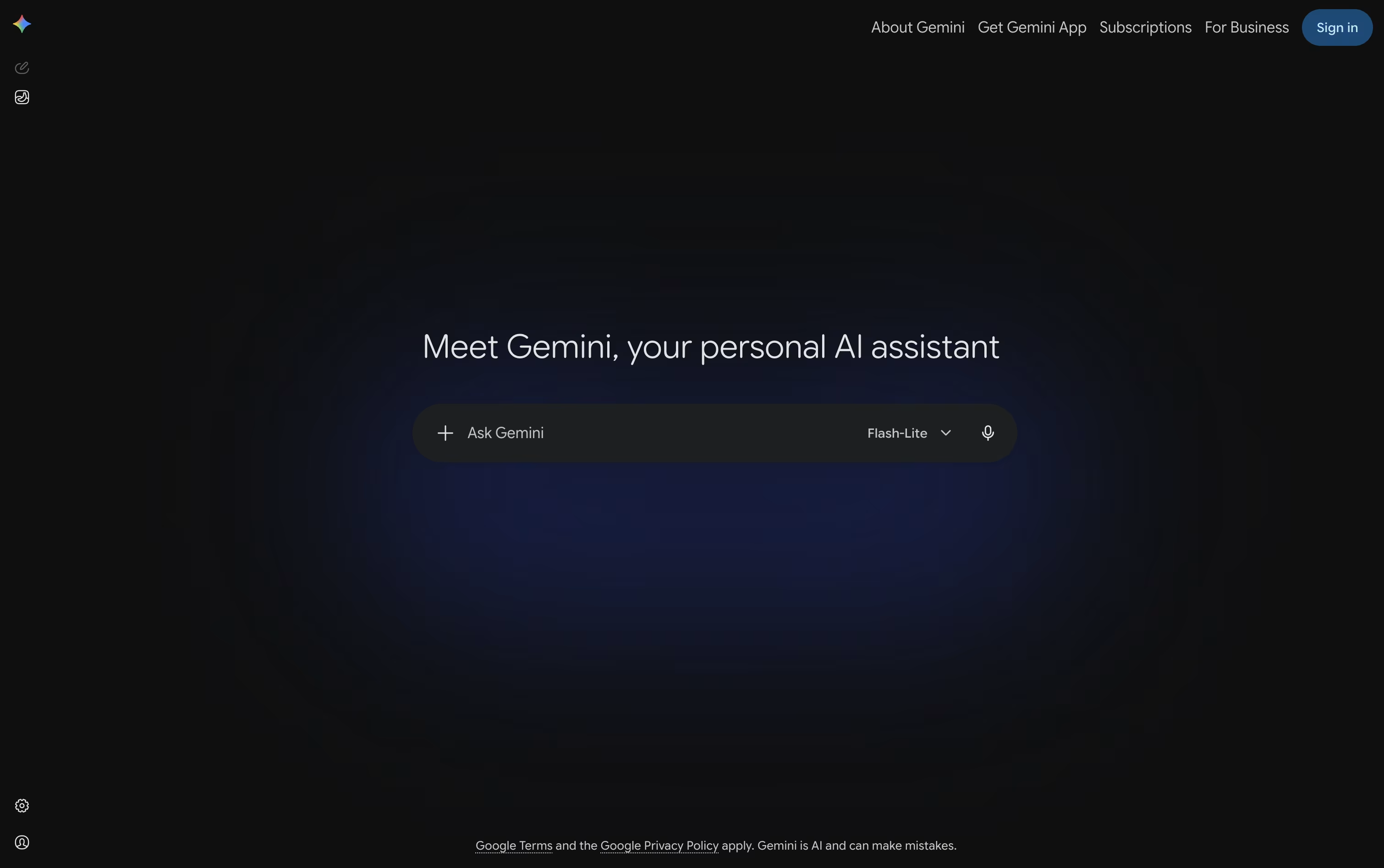
You can type, talk, or show it your camera or screen, and it answers using text, images, audio, or video, whatever fits the task.
Deep Research lets it browse the web on its own and hand back a full, sourced report, while Canvas gives you a shared space to write, code, or build a page together.
The free plan covers everyday use with 15 GB of storage at no cost.
Paying $4.99 a month for Google AI Plus, $19.99 a month for Google AI Pro, or from $99.99 a month for Google AI Ultra unlocks higher usage limits, stronger models, and much more storage.
Custom Gems and Gemini Live round it out, making it useful for quick questions as well as longer projects.

Built by xAI, Grok is an AI assistant designed to answer questions honestly and stay useful even as facts change day to day. It first appeared in late 2023 and is now available on the web, mobile apps, and through a developer API.
A key part of Grok is its connection to live data. It checks the web and X as it answers, so replies stay current instead of relying only on older training information.
It does more than chat too. Grok can write and fix code, create images and short video clips, and hold spoken conversations. Its Grok Build tool works as a coding agent that can edit files and run commands in a real project.
Anyone can start for free, which includes real time search, voice mode, and connectors. SuperGrok costs $30 a month and unlocks the Grok 4.5 model along with image and video generation.
For groups, the Business plan runs $30 a month per seat and adds team management and access controls, while Enterprise is a custom priced plan built for larger companies with extra security needs.

Type a question or a task into ChatGPT and it responds in plain language, whether that means a quick answer, a written draft, or a finished piece of work.
Powered by the GPT-5.x models, it switches between fast responses and deeper reasoning depending on how hard the request is, and it keeps track of what you asked earlier so follow ups make sense.
It also reads images, listens and speaks through voice mode, searches the web with sources attached, and can dig through many pages at once using Deep Research. ChatGPT Work takes on longer jobs such as building documents or simple websites, and Codex handles coding tasks end to end.
Getting started costs nothing on the Free plan, though features are limited. Go adds more room for $8 a month, and Plus at $20 a month brings GPT-5.6, deeper research, and tools like Projects and custom GPTs.
Heavier users can move to Pro from $100 a month for top usage and models. Teams get Business at $20 per user monthly on yearly billing, or $25 monthly, and larger organizations can request custom Enterprise pricing with stronger security.

Meta AI sits inside the apps people already use every day, WhatsApp, Instagram, Facebook, Messenger, and Threads, along with its own phone app, a Mac app, and Meta's smart glasses. There is no separate account to create, you just sign in with Meta and start chatting.
Ask it a question and it searches the current web for an answer, or hand it a writing task, an image to create, or a photo to edit. Voice mode lets you talk naturally and even interrupt or change the subject mid conversation, and the camera can describe what it sees on the spot.
It is also starting to handle recurring work, like a daily briefing at a set time, a slide deck built from scratch, or a weekly meal plan, and it can mix Marketplace listings with web results when you are shopping.
Chatting with Meta AI costs nothing. If you want the Muse Code coding agent, Meta charges $5 a month for everyday coding, $15 a month for bigger projects with three times the usage, and $50 a month for the heaviest workloads with ten times the usage and early feature access.
The whole thing runs on Meta's own Muse Spark models, while the older Llama models remain free and open for anyone to run themselves.

PicLumen brings image and video creation together in one place, giving you access to many AI models instead of just one. A prompt, a reference photo, or a short script is enough to get started on a new piece of visual content.
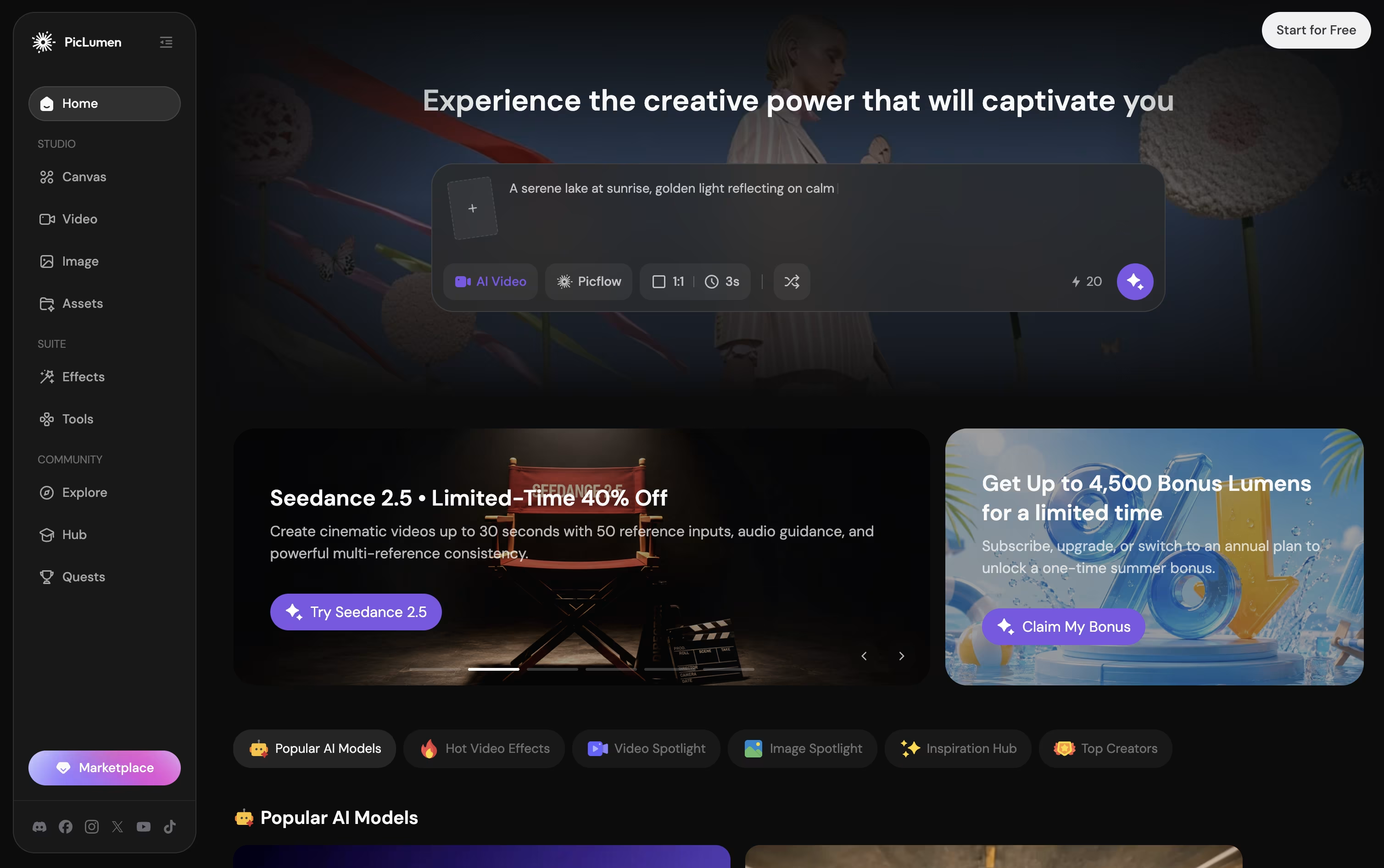
Its infinite Canvas feature is built for workflows, letting one photo grow into a whole set of consistent shots and angles without redoing the work each time.
Getting started costs nothing on the Basic plan, which gives 10 free Lumens a day, though the free plan does add a watermark and has no commercial rights.
From there, paid plans move from Lite at $7.59 a month up to Elite at $179.99 a month, each raising the monthly Lumen amount, generation speed, and commercial license level.
Choosing yearly billing brings the monthly price down across every paid tier, and a custom priced Enterprise plan is available for teams.
Running low on Lumens mid month is not a dead end either, since extra Lumen packs can be purchased at any time.

Recraft brings AI powered design into one workspace, aimed at creators, marketers, and teams who need usable, professional output rather than random generated art.
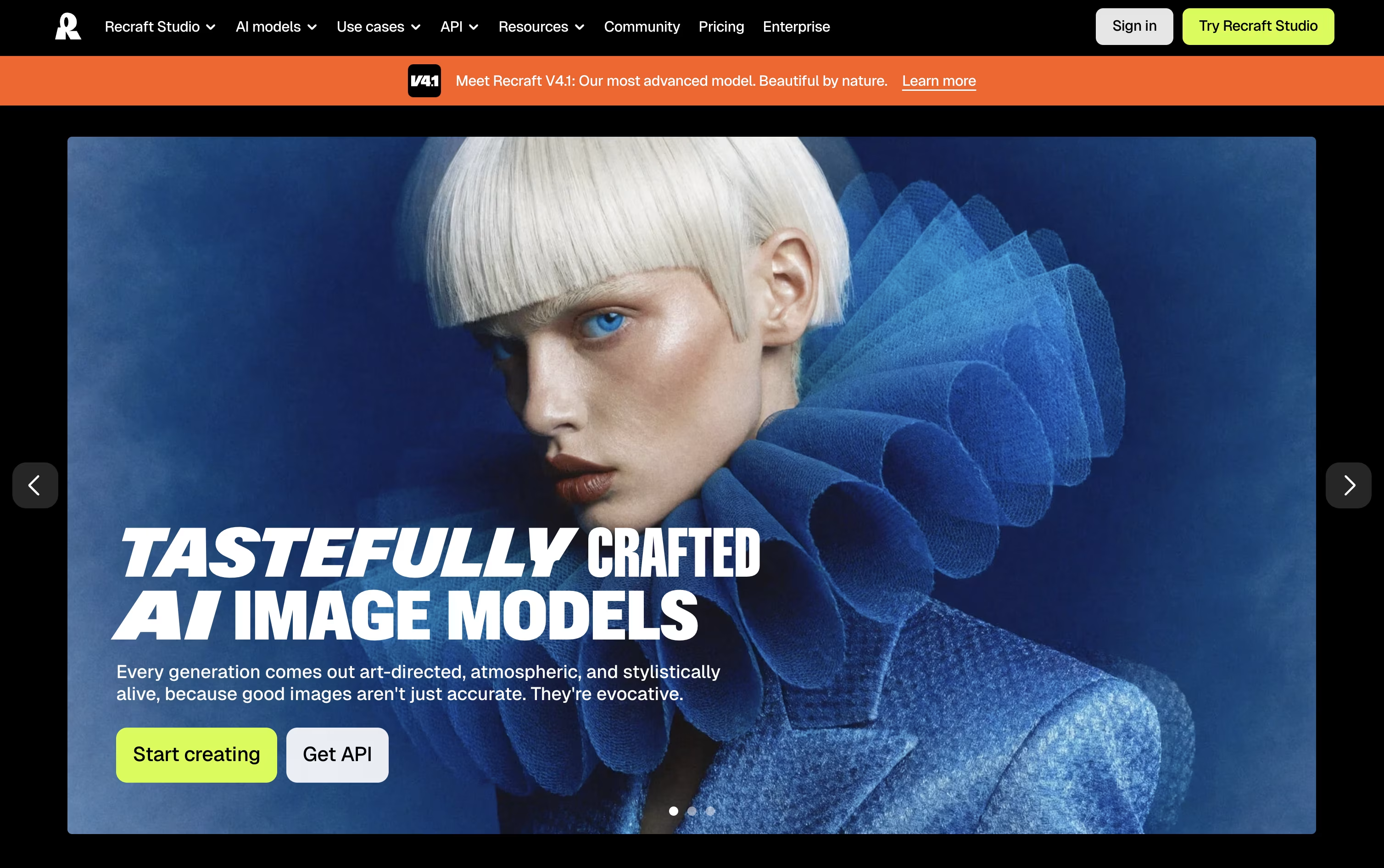
Its infinite canvas lets you generate raster images or clean editable vectors, then edit, organize, and iterate without leaving the page, either through manual controls or a chat style prompt.
Reusable brand styles keep your visuals consistent, while tools like background removal, inpainting, upscaling, and mockup generation round out the editing side.
Getting started is free, though the Free plan limits you to public images with no commercial use.
The Basic plan at $12/month unlocks commercial rights and private generations, Pro at $20/month adds video generation and priority processing, and Teams at $22/month per seat brings shared workspaces, centralized billing, and SSO.
Developers can skip the interface entirely and call the API directly, paying per image generated or edited.
MiniMax builds its own AI models and packages them into a family of products built for everyday work and creative projects.
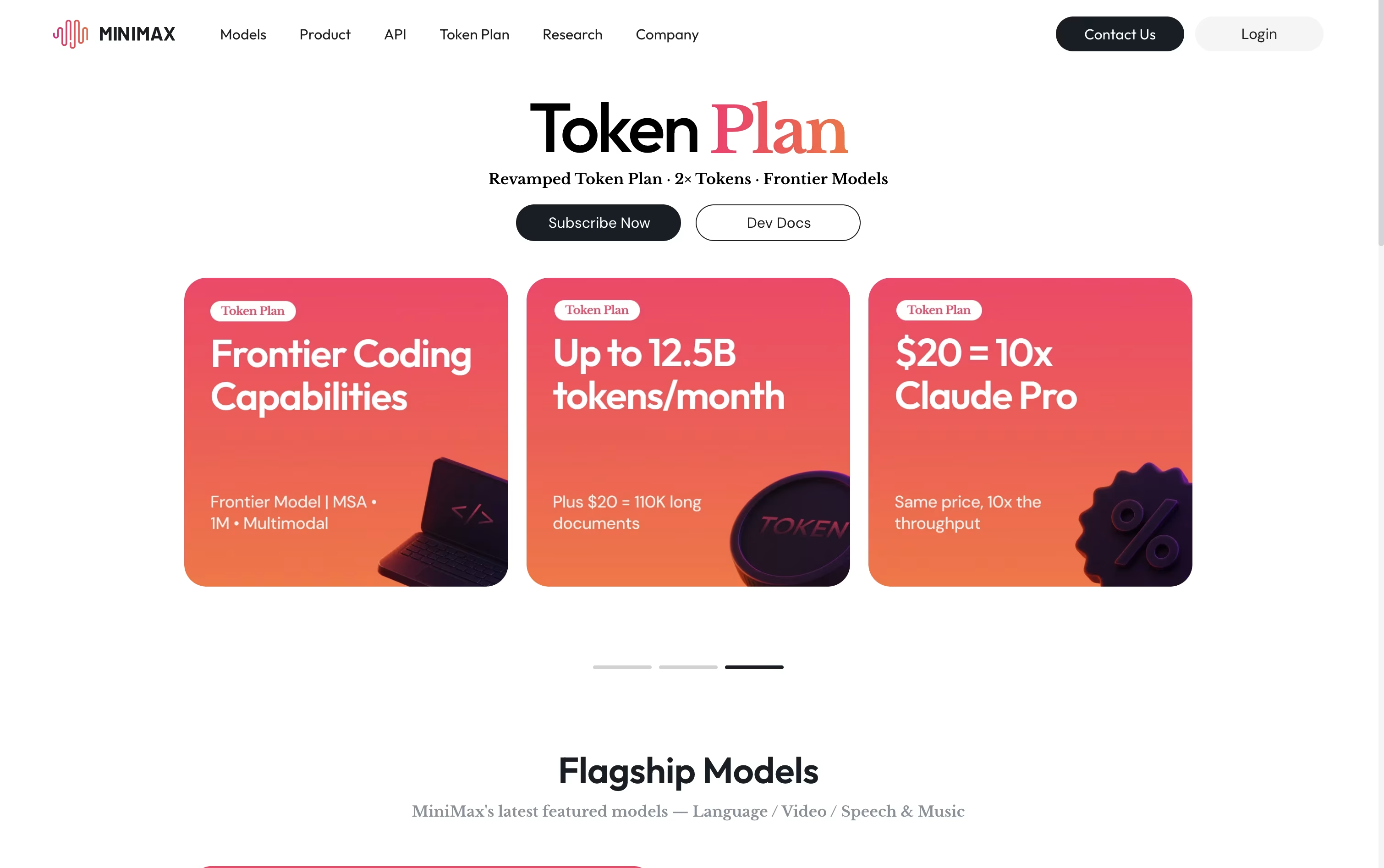
Its flagship, MiniMax Agent, plans out tasks step by step and carries them through, whether that means digging into research, writing and debugging code, building a working app, or putting together a presentation.
Other tools round out the lineup: MiniMax Hub for turning a brief into finished video and social content, MiniMax Audio for cloning voices and composing music, Hailuo for generating video from text or images, and Talkie for chatting with custom AI personas.
On the pricing side, Plus starts at $20 a month, Max sits at $50, and Ultra tops out at $120, with each tier unlocking more monthly tokens, more agents working at once, and added video generation, plus two free months if paid yearly.
Smaller credit packs begin at $5, and larger teams can move to per seat billing with shared usage management.
Behind all of it sits M3, MiniMax's newest model, which understands text, images, and video together and can work through documents up to 1 million tokens long.

Rather than juggling separate apps for text, image, and video generation, FLORA puts more than 60 AI models inside one infinite canvas built for creative teams.
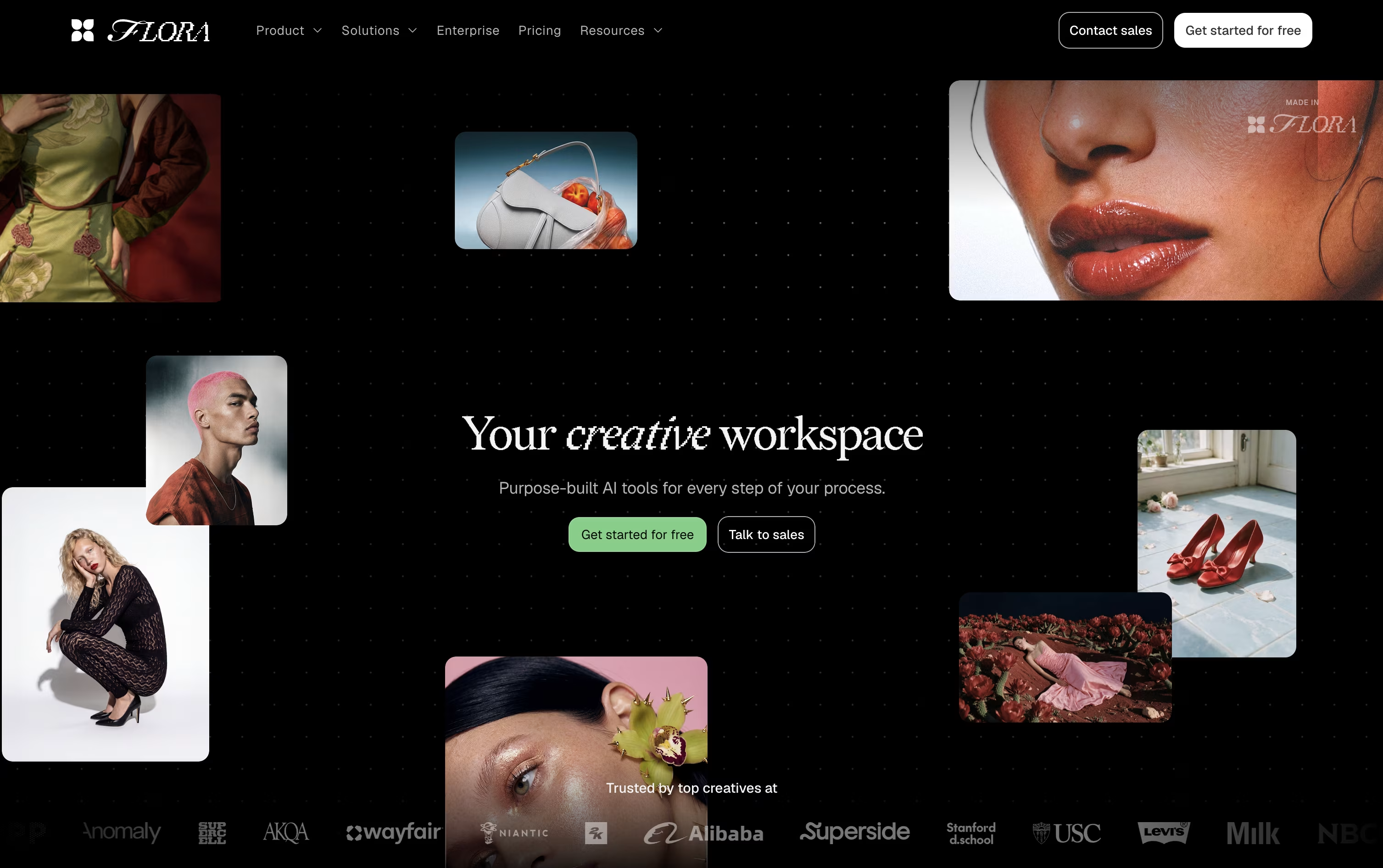
Work happens as connected nodes, so every idea, generation, and edit stays visible, branchable, and easy to trace back to where it started.
The built in FAUNA agent can plan and run entire sequences for you. Tell it what you're after, and it picks the right models, writes prompts, and organizes results on the canvas, all while keeping every action editable.
Reusable workflows called Techniques let teams turn a process into a repeatable system, useful for producing large batches of consistent, on-brand assets.
The Free plan gives one seat and a limited number of generations to try things out. Starter is $18 per seat a month, Pro (the most popular tier) is $50 per seat a month, and Max is $200 per seat a month, with 20% off on quarterly and annual billing. Enterprise plans are custom priced and include SSO, SAML, and dedicated onboarding support.
Think of Pollo AI as a hub for AI video and image creation, gathering many different models under one roof instead of building just one. You type a prompt, upload a photo, or drop in a product link, and the platform handles the rest.
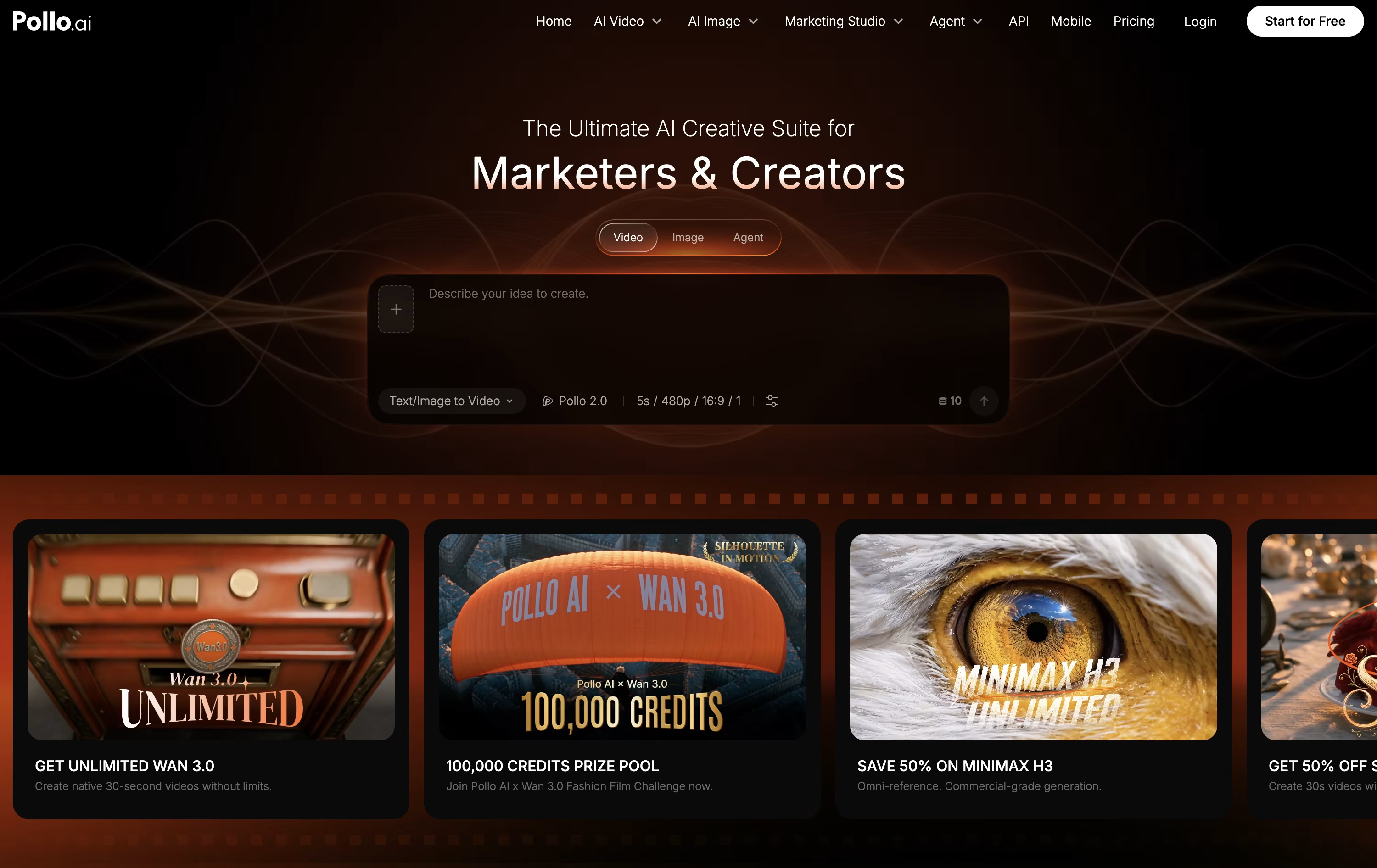
Choosing a Studio narrows things down, Creative Studio for general work, Marketing Studio for ads, and Commerce Studio for product visuals and listings. There is also an Agent mode that breaks a brief into scenes, writes the prompts, and puts together a more finished video automatically.
On the pricing side, a free plan gives 20 credits a month to test things out. The Lite plan costs $15 a month for 400 credits, Pro costs $59 a month for 2,000 credits plus faster speed and add-on credits, and Ultra costs $129 a month for 5,000 credits and the broadest unlimited model access.
Paying yearly lowers each of these monthly rates by roughly 50%, and any add-on credits you buy separately stick around even after your subscription ends.
With hundreds of supported models for video and image work, plus editing, avatar, and audio tools built in, Pollo AI aims to cover most short-form content needs in one place.

Hailuo AI is a video and image generator from MiniMax. Give it a written prompt or a photo, and it produces a short clip with lifelike motion, camera movement, and facial detail.
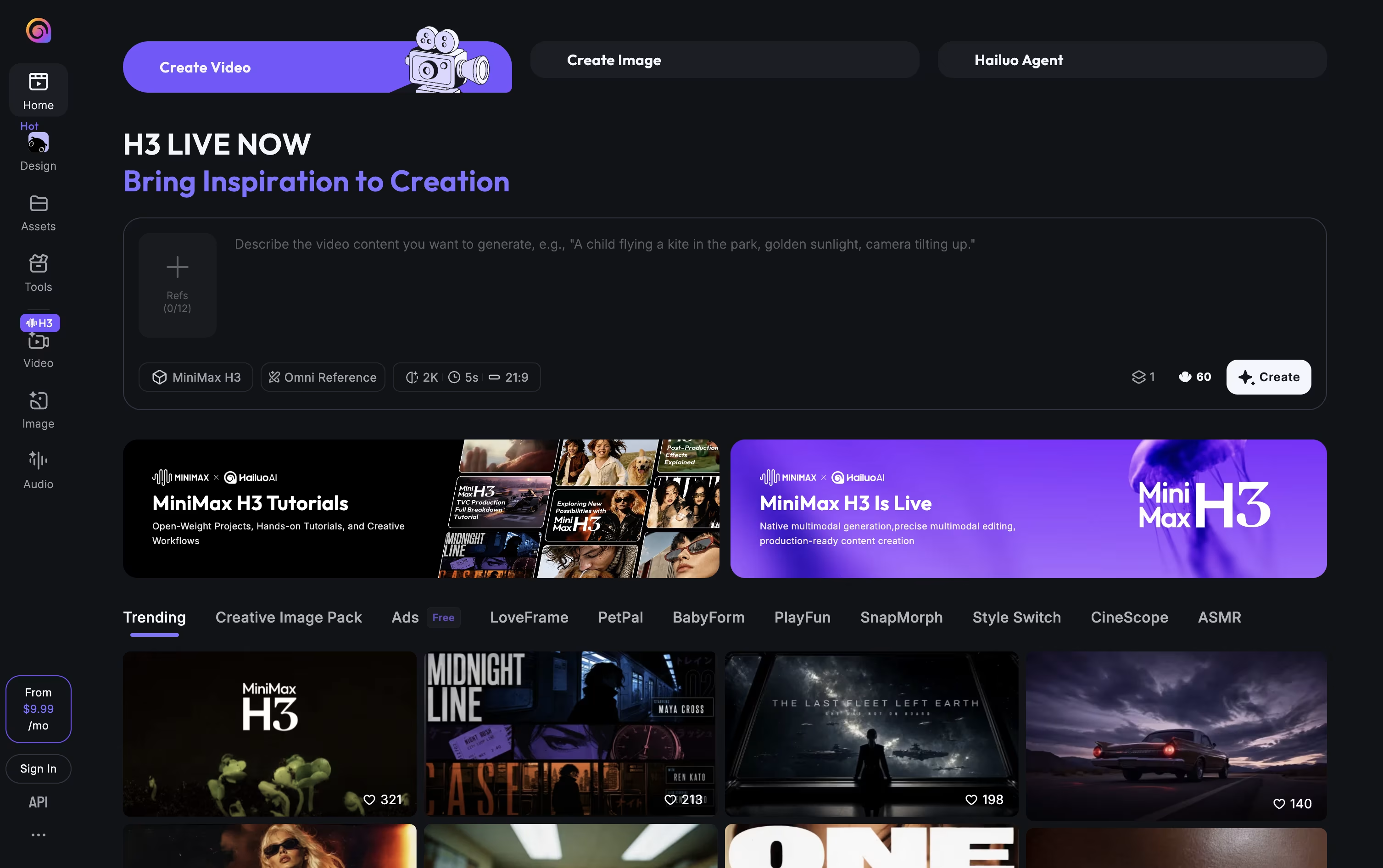
A start and end frame can be set to control how the video moves between two points, and camera actions such as zoom, pan, or tilt can be written directly into the prompt. A character reference tool keeps a person or object looking consistent across multiple clips.
The platform also makes still images, relights photos through its Light Studio tool, and offers music, lip sync, and video upscaling. Its Agent mode can put together a full video from a short brief, images, and music you provide.
You can reach it through the website, mobile apps for Android and iPhone, or its API for developers.
Pricing starts free with trial credits, then moves through paid tiers from roughly $10.50 to $216 a month. Higher tiers give more monthly credits, better video resolution, and access to more image models. Yearly billing brings the monthly price down on every paid tier.

Getimg.ai gathers image, video, and audio creation into a single browser based workspace, cutting out the need to juggle separate apps and accounts.
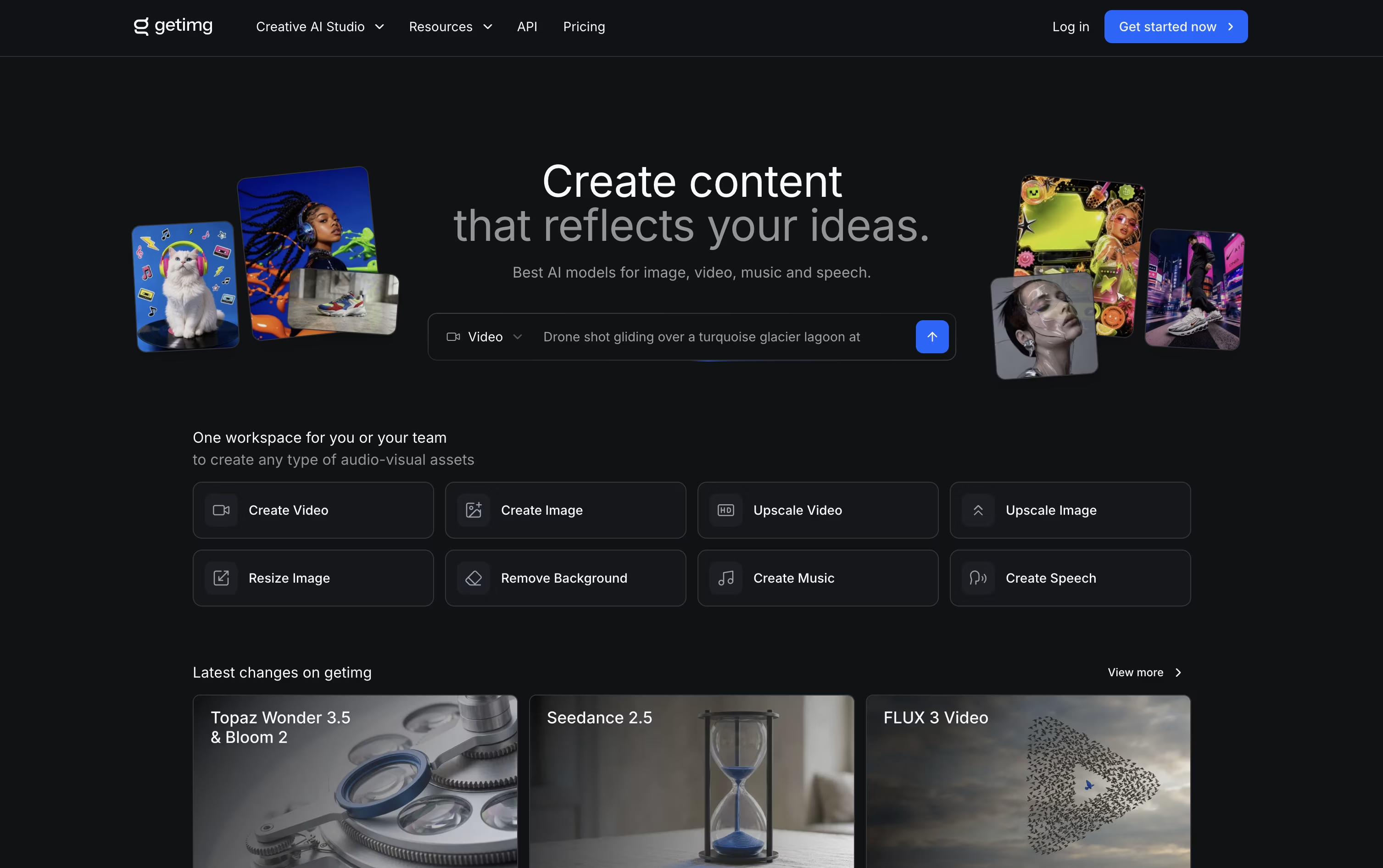
You simply describe what you need, and the platform automatically chooses a fitting AI model and refines your prompt in the background.
Editing is built in too, with one click background removal, image upscaling up to 16K, smart resizing, and video upscaling up to 4K.
Plans begin at $10 a month for the Entry tier with 3,000 credits, and move up to $30, $65, and $175 a month per seat for Core, Plus, and Ultra, each adding more credits, higher quality upscaling, and larger team access.
Choosing yearly billing lowers the price by roughly 20 percent across every plan.
Paid subscriptions also unlock full commercial rights, and a developer API with ready made SDKs is available for teams that want to build the tools into their own apps.

Krea packs image, video, and 3D generation into one browser based workspace, so creative teams don't need to jump between separate tools. It works well for designers, filmmakers, agencies, and beginners alike.
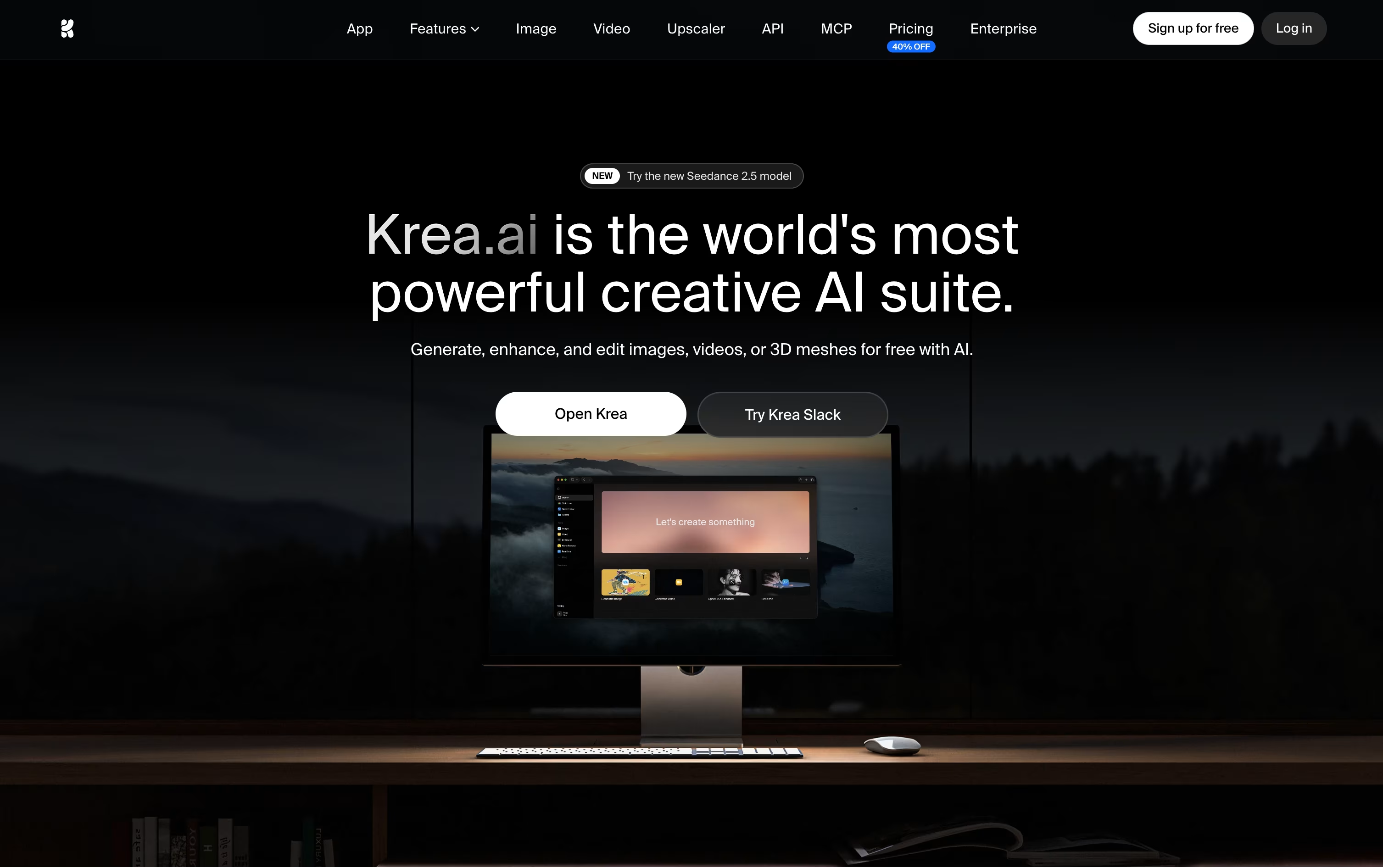
Behind the simple interface sits access to dozens of AI models, including Krea's own Krea 2, plus a realtime canvas that updates as you type, an editor for region based changes, 3D mesh generation, and a lipsync tool for talking videos.
You can also train private LoRA styles and set up automated Nodes workflows, or let Nodes Agent build a workflow from a text description.
Getting started is free, with 100 units a day and limited model access. Basic runs $9 a month, or $5 yearly, unlocking full image models and LoRA training.
Pro, the most popular tier, costs $35 a month, or $21 yearly, and adds all video models plus Nodes Agent and early feature access, while Max reaches $105 a month for unlimited concurrency and relaxed generations.
Larger teams can pick Business at $200 a month for 80,000 units and up to 50 seats, or move to Enterprise for custom pricing with SAML SSO and priority support.

Artlist works as a single home for both stock assets and AI generation, aimed at creators who don't want to jump between separate apps.
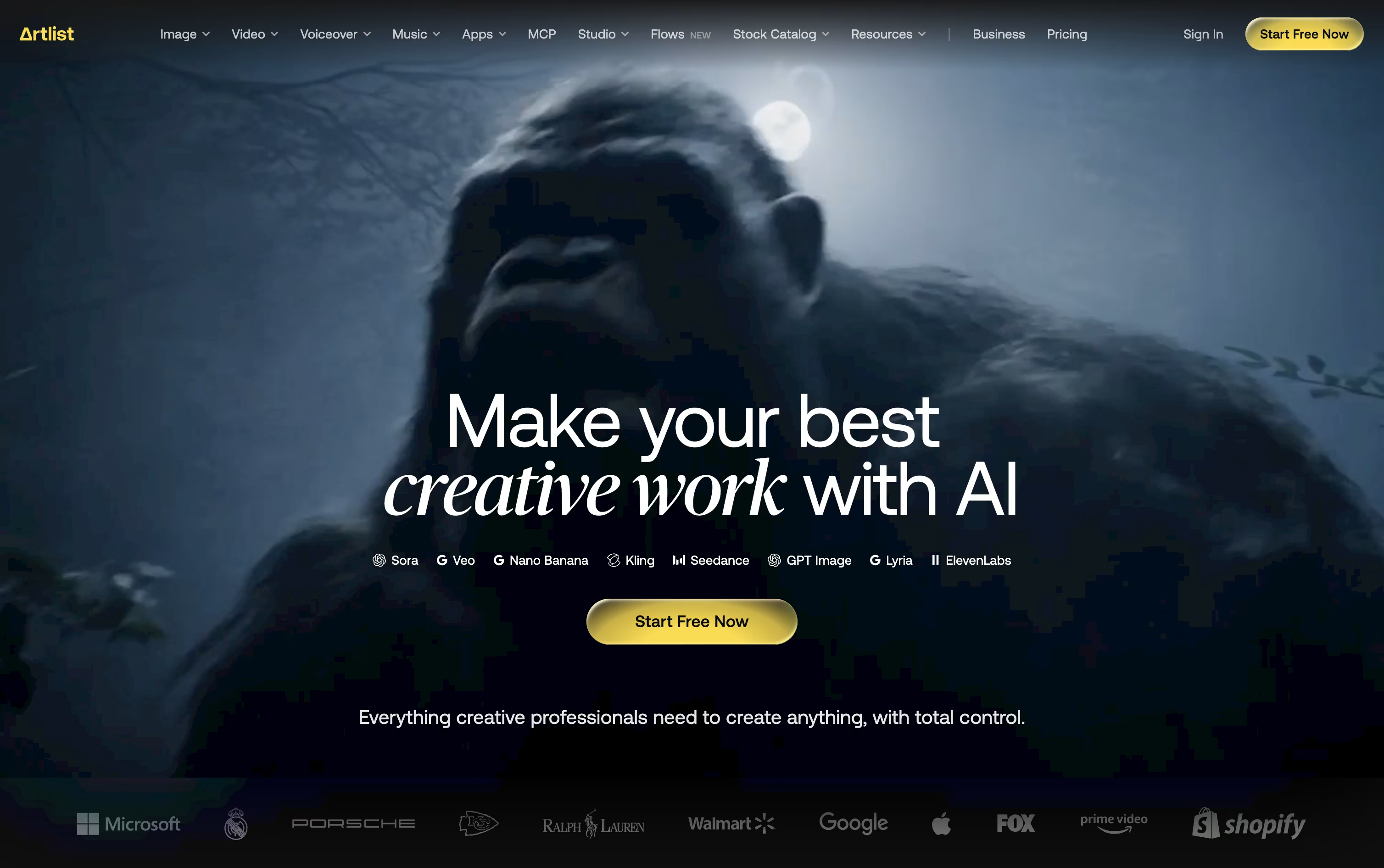
Its library covers royalty free music, sound effects, footage, templates, and LUTs, while the AI Toolkit handles text to image, text to video, voiceover, avatar, and dubbing generation across 100+ models.
The AI Suite has three main paid tiers. AI Starter runs $19.99 a month with 16,500 credits, AI Core is $39.99 a month with 40,000 credits and the Most Popular label, and AI Creator is $69.99 a month with 80,000 credits. Paying yearly drops these to $11.99, $23.99, and $41.67 a month.
Separately, the Stock Catalog starts at $9.99 a month for Music & SFX, moves up to $50.66 a month for Max, and $399 a month for Max Business teams, both on annual billing.
Custom Business options exist for both the AI Suite and Stock Catalog, offering unlimited generations, enterprise security, SSO, and a dedicated account manager at custom pricing.
Editors can also reach Artlist through Premiere Pro, After Effects, and DaVinci Resolve plugins, or generate assets directly inside Claude via the Artlist MCP integration.
Built by the team behind TikTok and CapCut, Dreamina is ByteDance's AI creative suite for turning words and pictures into finished images, videos, and talking avatars. It works right in the browser, so there is nothing to install.
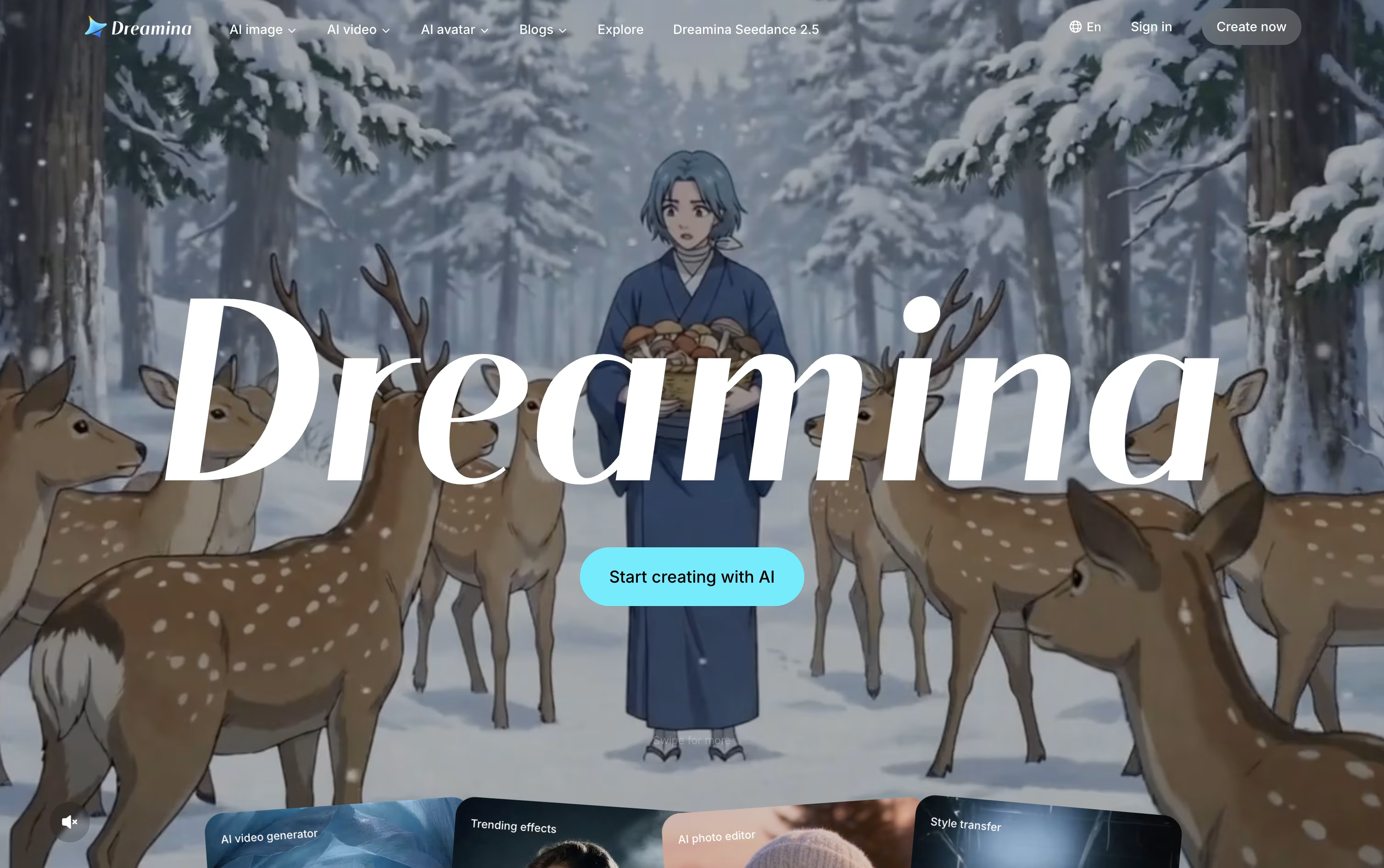
Image and video work is powered by ByteDance's Seedream and Seedance models, which keep characters consistent, handle camera motion well, and add natural audio with accurate lip sync straight out of the box.
Once something is generated, it can be sent directly into CapCut for editing, so creators skip the usual back and forth of downloading and re-uploading files between separate apps.
The Free plan costs nothing and hands out bonus credits every day. Basic runs $15 a month, or $144.99 a year, for 1,575 credits along with watermark removal and 60 FPS video.
Standard sits at $35 a month, or $334.99 a year, offering 3,885 credits with the same feature list as Basic. Advanced, at $70 a month or $669.99 a year, gives 8,645 credits, top-priority generation, and a limited-time unlimited 4K benefit.
Paying yearly instead of monthly cuts the overall cost by roughly 20% on every paid tier.
Luma AI lets you describe a creative task and have its AI agents research, generate, and polish the result across video, image, and audio formats.
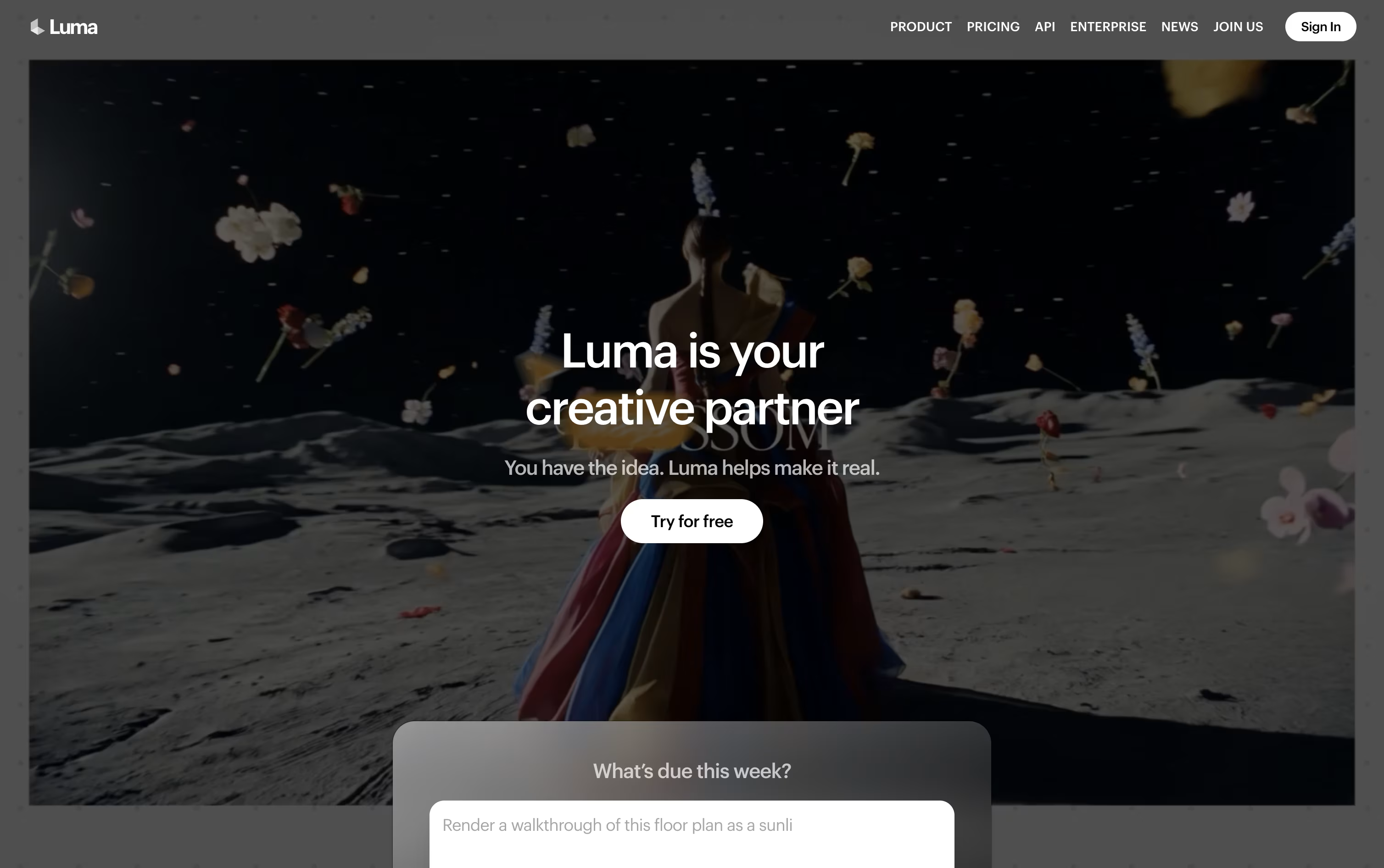
Luma Agents sits at the core of the platform, pulling together models such as Ray for video and Uni for images while keeping a consistent brand look. With Luma Skills, any workflow you build can be saved and reused on future work instead of starting from scratch.
The newest video model, Ray 3.2, allows up to sixteen keyframes in a single clip, lets you edit existing footage with Modify Video, reshape aspect ratios with Reframe, and export in native HDR for color grading.
On the pricing side, the Plus plan starts at $30 a month with 10,000 credits, while Pro at $90 a month and Ultra at $300 a month unlock more credits and greater agent usage. Choosing yearly billing cuts the cost by up to 20 percent.
Larger teams can move to the Team or Enterprise plan, both quoted individually, which bring in team management, shared credit pools, analytics, and single sign-on.
Every actual generation, whether video, image, or audio, is billed from your credit balance based on the model and quality chosen.
Monica AI is a comprehensive AI assistant that integrates multiple advanced AI models including GPT-4o, Claude 3.7, Gemini 2.0, and DeepSeek R1. Instead of using different AI tools separately, Monica brings them all together in one platform.
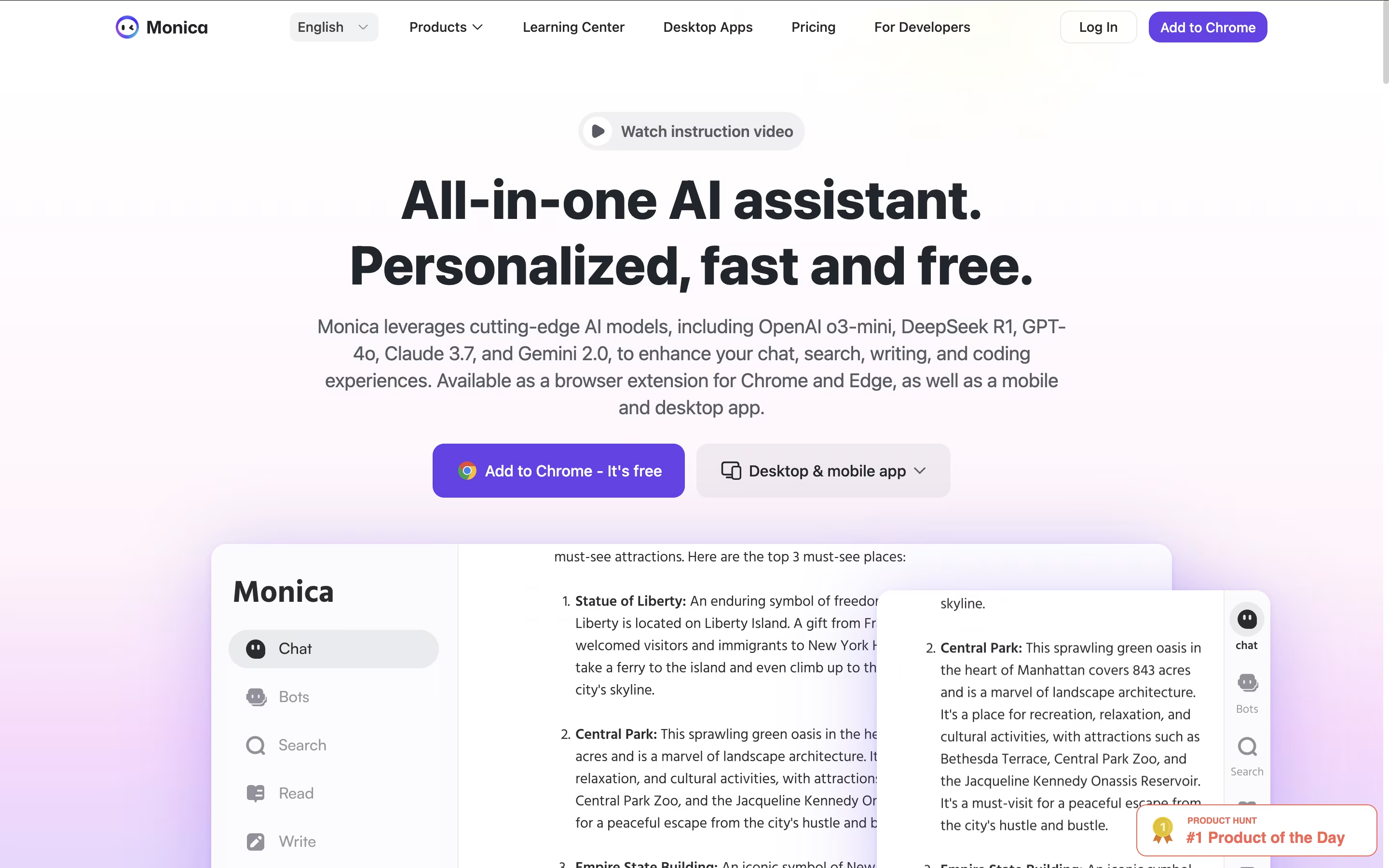
It works as a browser extension for Chrome and Edge, plus mobile and desktop apps for all your devices. Monica can help you chat with AI, write and improve content, create images and videos, translate text, summarize web pages and documents, and even help with coding.
The tool is designed for anyone who wants to boost their productivity with AI. Whether you're a student, professional, content creator, or developer, Monica provides the AI assistance you need without switching between different platforms. It's like having multiple AI assistants combined into one smart helper.

Genspark AI is an advanced AI agent engine that serves as both a next-generation search platform and an autonomous task automation system. At its core, Genspark uses specialized AI agents that work together to deliver personalized, real-time results through custom-generated pages called Sparkpages.
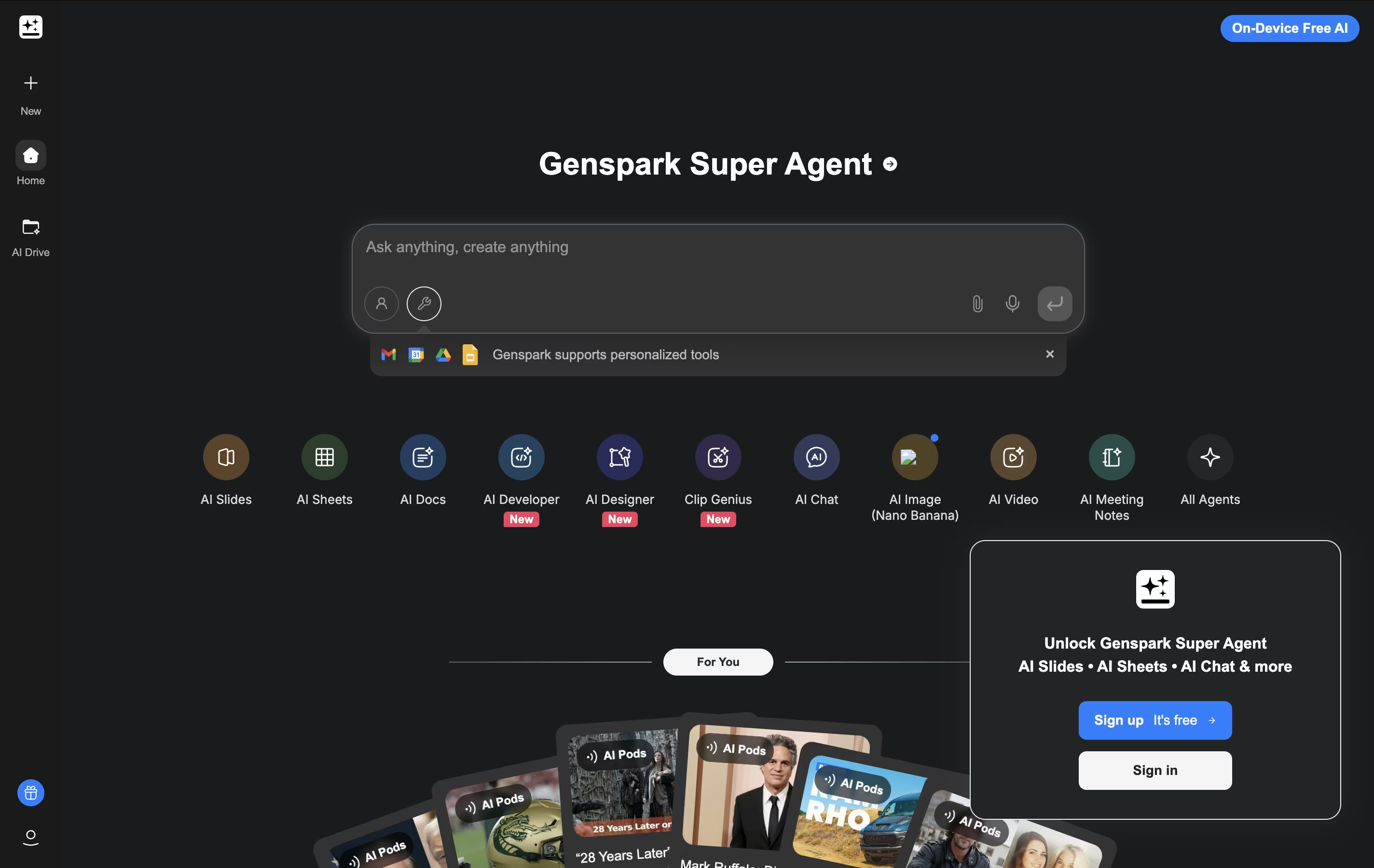
What makes Genspark unique is its Super Agent functionality. Instead of just providing information, it can actually execute tasks in the real world. The platform integrates over 80 specialized tools and combines multiple large language models (including GPT-4 and Claude) to handle everything from research and content creation to making actual phone calls and building functional websites.
The system operates on a multi-agent framework where different AI specialists handle specific types of queries and tasks. This approach ensures highly accurate, unbiased results free from commercial influences, while providing users with interactive, editable content that goes far beyond traditional search results.




