



OmniFocus
Professional Task Management for Apple
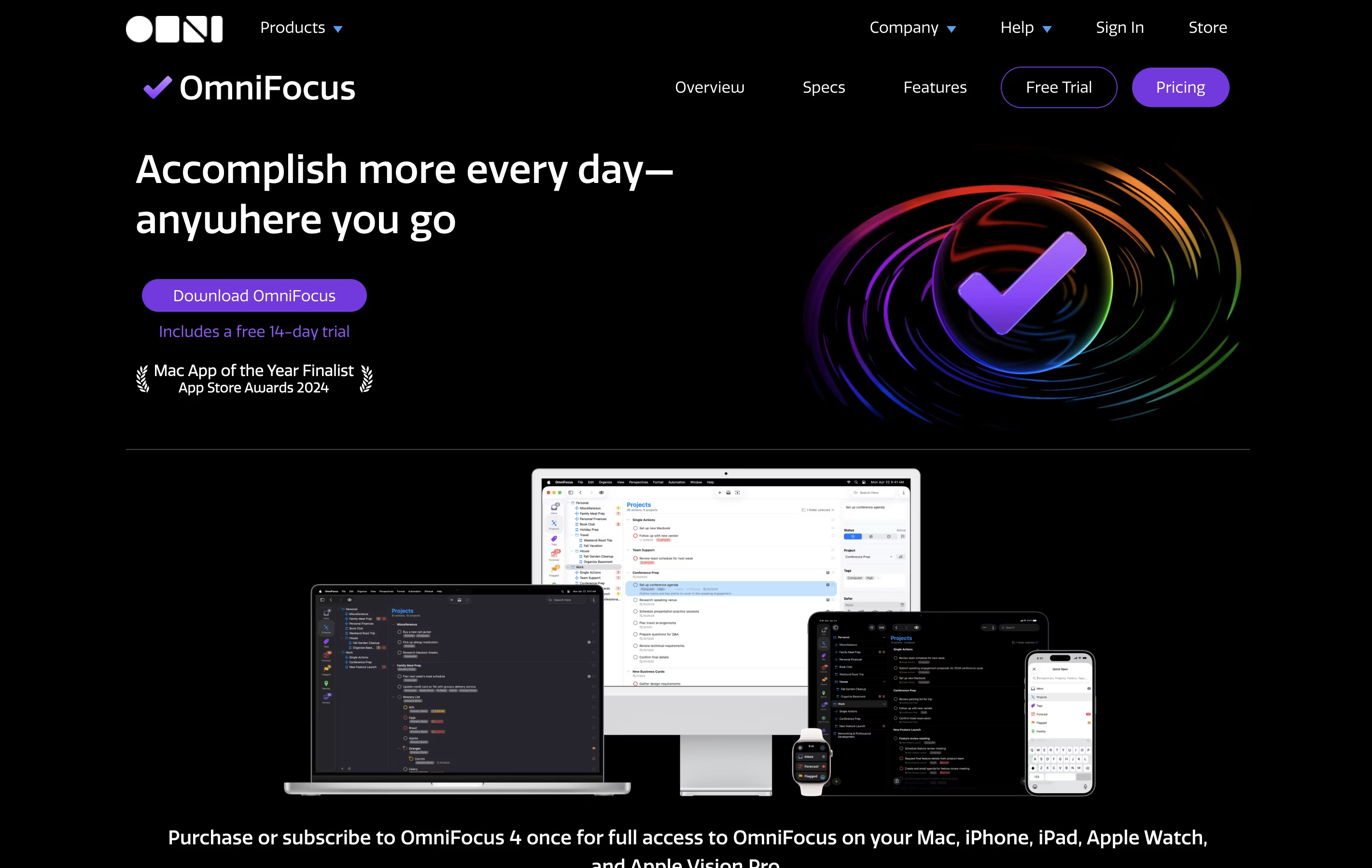
OmniFocus is a powerful task management tool for Apple devices that helps busy professionals organize projects using the Getting Things Done method.



What is OmniFocus
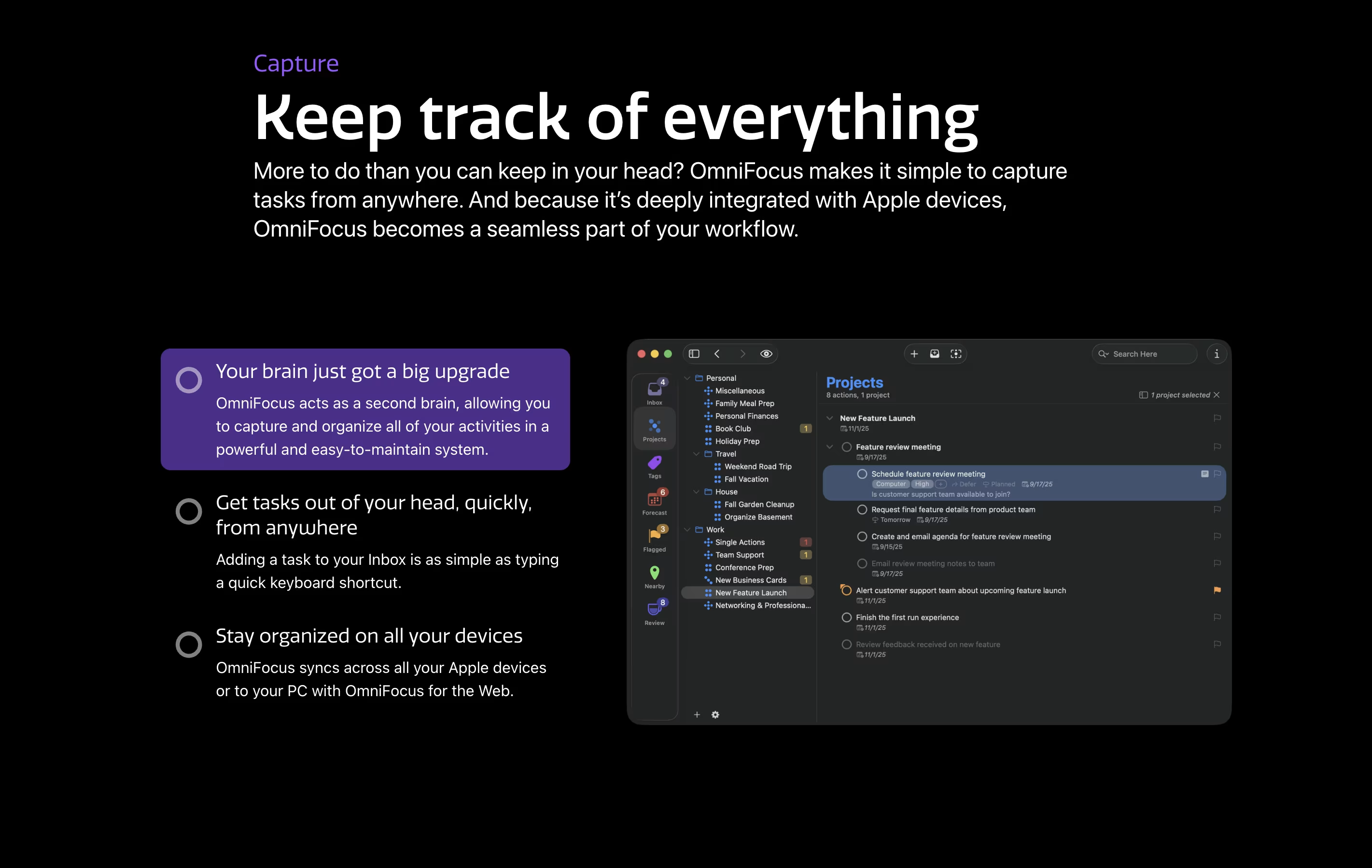
OmniFocus is a task manager that turns chaos into organized action. You can capture any task the moment you think of it, then organize it later with tags, projects, and dates. The tool helps you see what needs attention today while keeping future tasks out of sight until you need them.
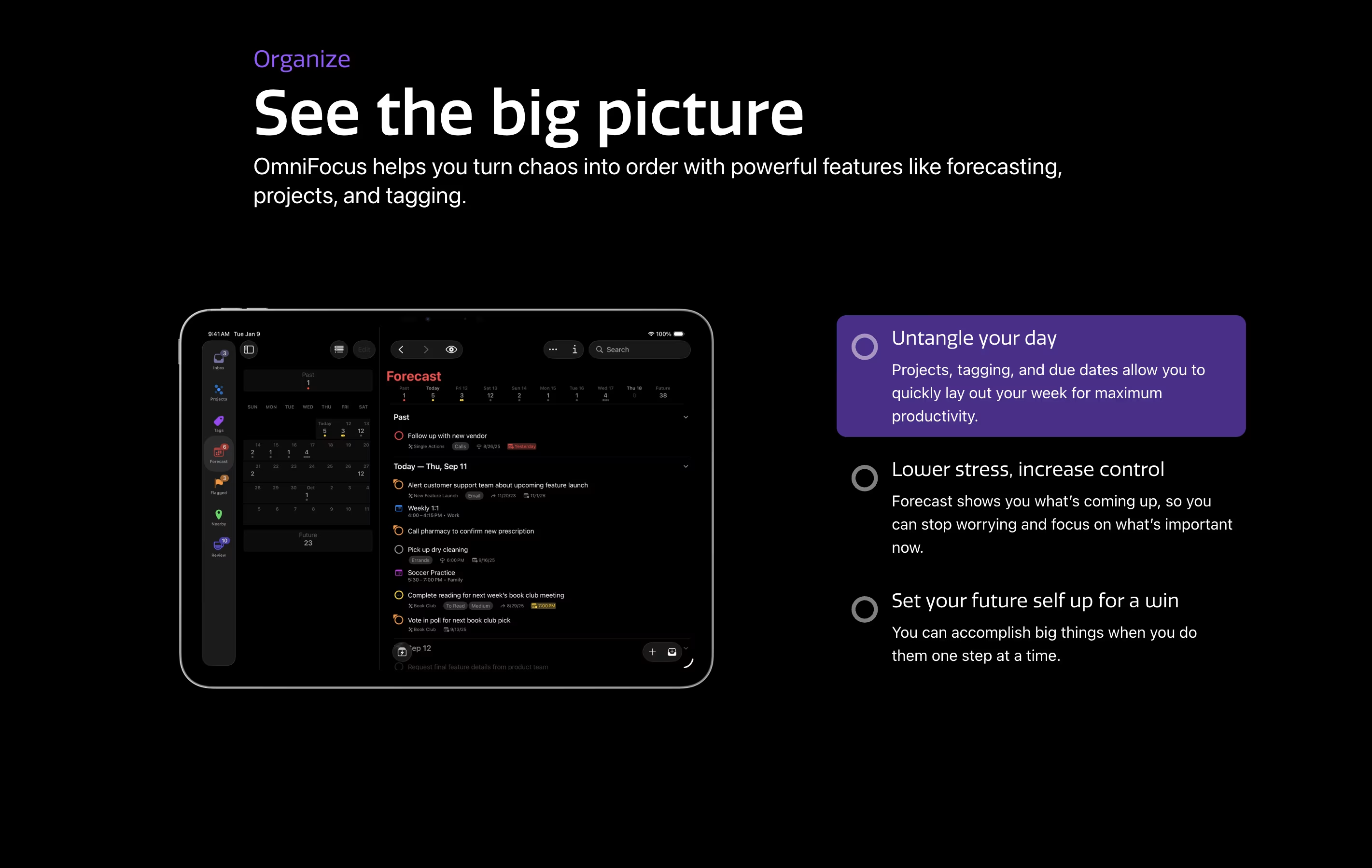
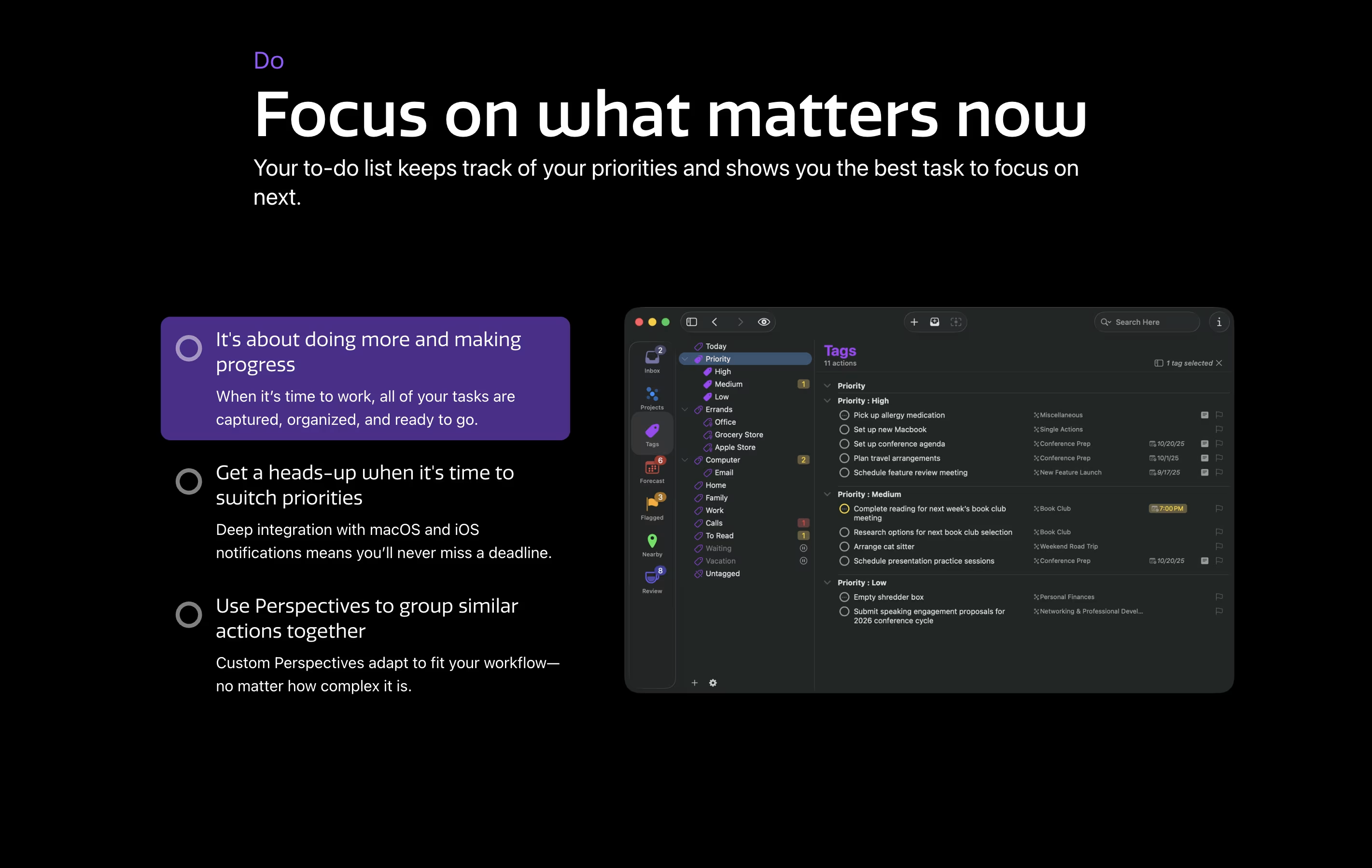
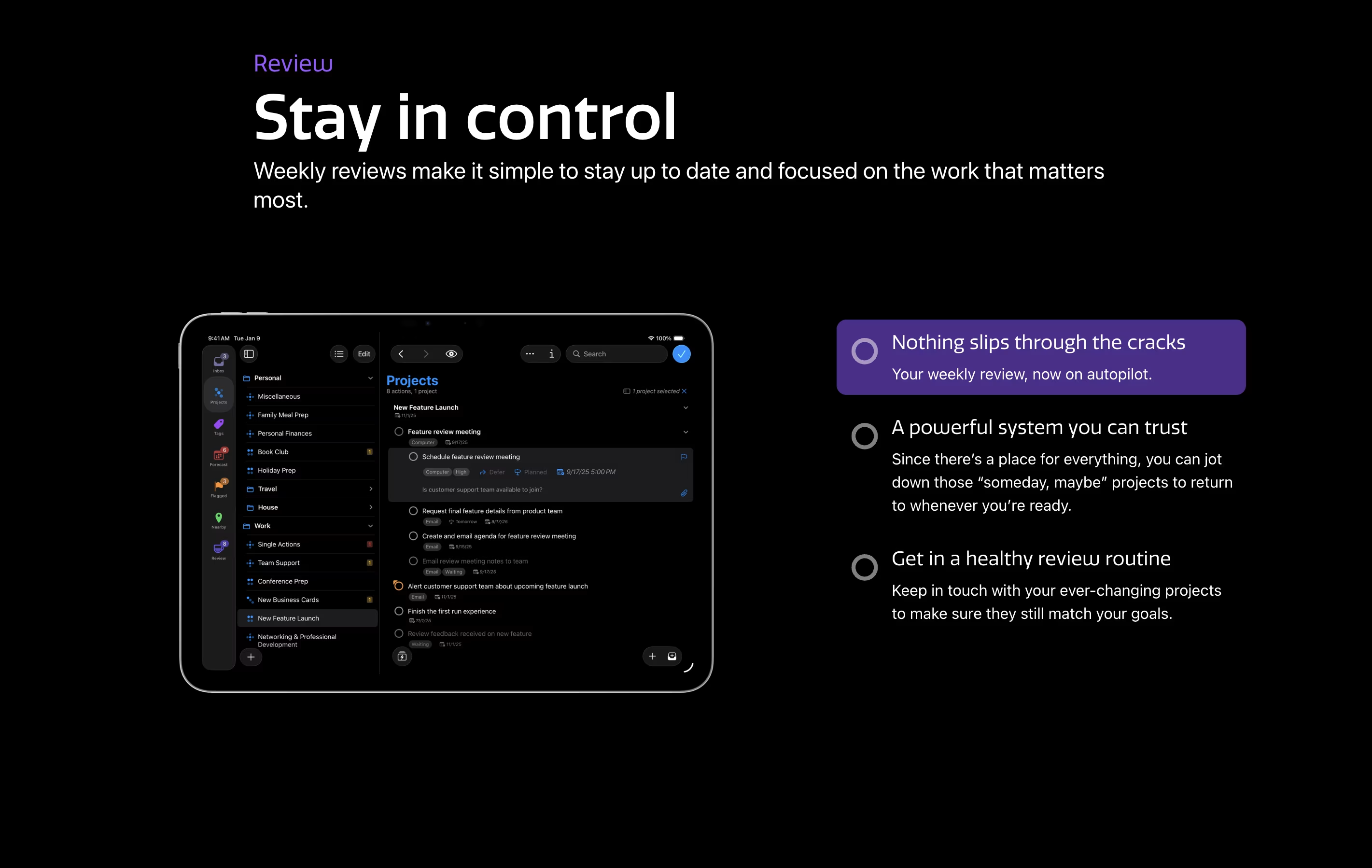
Unlike basic to-do apps, OmniFocus offers custom views called Perspectives that show your work exactly how you want to see it. The Forecast feature displays upcoming tasks alongside your calendar events. The Review function reminds you to check your projects regularly, making sure nothing gets forgotten.
There are different versions available: Standard and Pro licenses for one-time purchase, plus a subscription option that includes web access from any browser.
Features of OmniFocus
Capture tasks instantly from anywhere
Projects and folders for organization
Custom perspectives with filtering rules
Forecast view with calendar integration
Location-based task viewing
Weekly review reminders
Flexible tagging system
Available and due date management
Focus mode for concentration
Cross-device sync across Apple platforms
Automation with scripts
Attach files to tasks
Repeating tasks
Inspector for batch editing
OmniFocus Pricing
v4 Standard License
- Universal purchase for Mac, iPhone, iPad, Apple Watch, and Apple Vision Pro
- All core task management features
- Projects and folders
- Tags and dates
- Forecast view
- Review system
- All v4.x updates included
- 30-day money back guarantee
v4 Pro License
- All Standard features included
- Universal purchase for Mac, iPhone, iPad, Apple Watch, and Apple Vision Pro
- Custom perspectives
- Omni Automation support
- AppleScript support
- Enhanced customization options
- All v4.x updates included
- 30-day money back guarantee
Annual Subscription
- Access to latest Pro version
- Universal access for Mac, iPhone, iPad, Apple Watch, and Apple Vision Pro
- OmniFocus for the Web included
- All Pro features
- No major version upgrade costs
- Auto-renews until canceled
- Cancel anytime
Web Access Only (Monthly)
- Web companion access
- Requires existing OmniFocus setup
- Access from any JavaScript-enabled browser
- Syncs with Mac and iOS apps
- Auto-renews until canceled
Web Access Only (Yearly)
- Web companion access
- Requires existing OmniFocus setup
- Access from any JavaScript-enabled browser
- Syncs with Mac and iOS apps
- Auto-renews until canceled
- Save 17% compared to monthly
OmniFocus Use Cases
FAQ's About OmniFocus








See what users are saying about OmniFocus
0 Reviews
No reviews yet
Be the first to review OmniFocus