

Best 6 Tools for Project Organization in 2026
Last Updated: March 24, 2026
Keeping a project's files, tasks, and notes structured makes it much easier to stay on top of as it grows. Project Organization tools help structure everything related to a project in one accessible place.
Teams and individuals use project organization to avoid losing track of details as work progresses.
 Todoist
 TodoistSimple Task Manager & To-Do List App,
  OmniFocus
 OmniFocusProfessional Task Management for Apple, and
  Freeter
 FreeterFree Desktop Organizer for All Projects are the best for Project Organization. So, let’s take a closer look at all 6 tools.

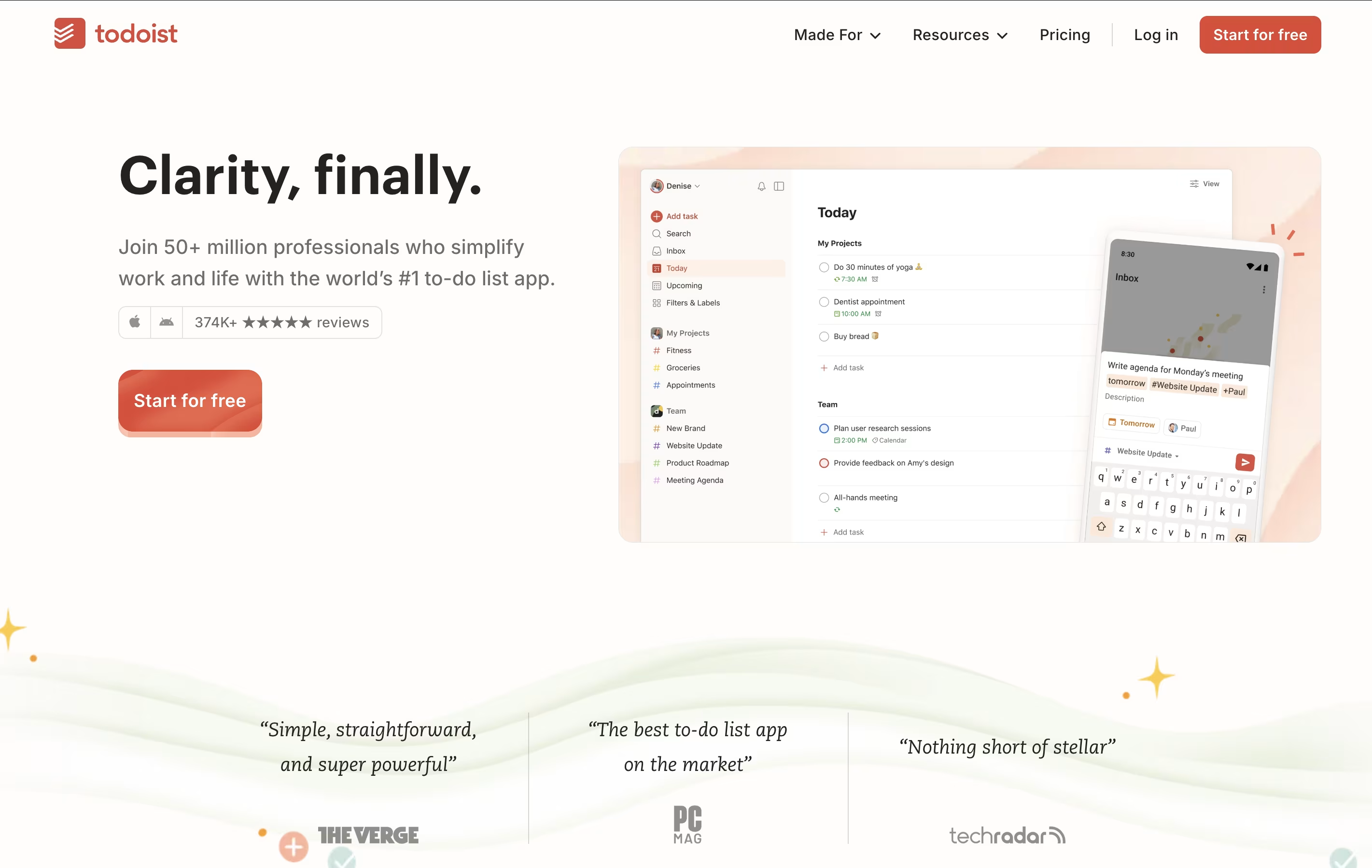
Todoist is a task management app that helps you organize tasks and projects in one place. You can add tasks using simple language, set priorities, and group related items into projects. The app shows your tasks in different views like lists, boards, or calendars so you can see what needs attention.
It works across all your devices and updates everything automatically. You can set reminders for important tasks, add notes and files, and work together with others on shared projects. The app also includes smart features like filters to find specific tasks quickly and templates to start common projects faster.
There is a free version with basic features and paid plans that add more power, including an AI assistant to help manage your workload better.
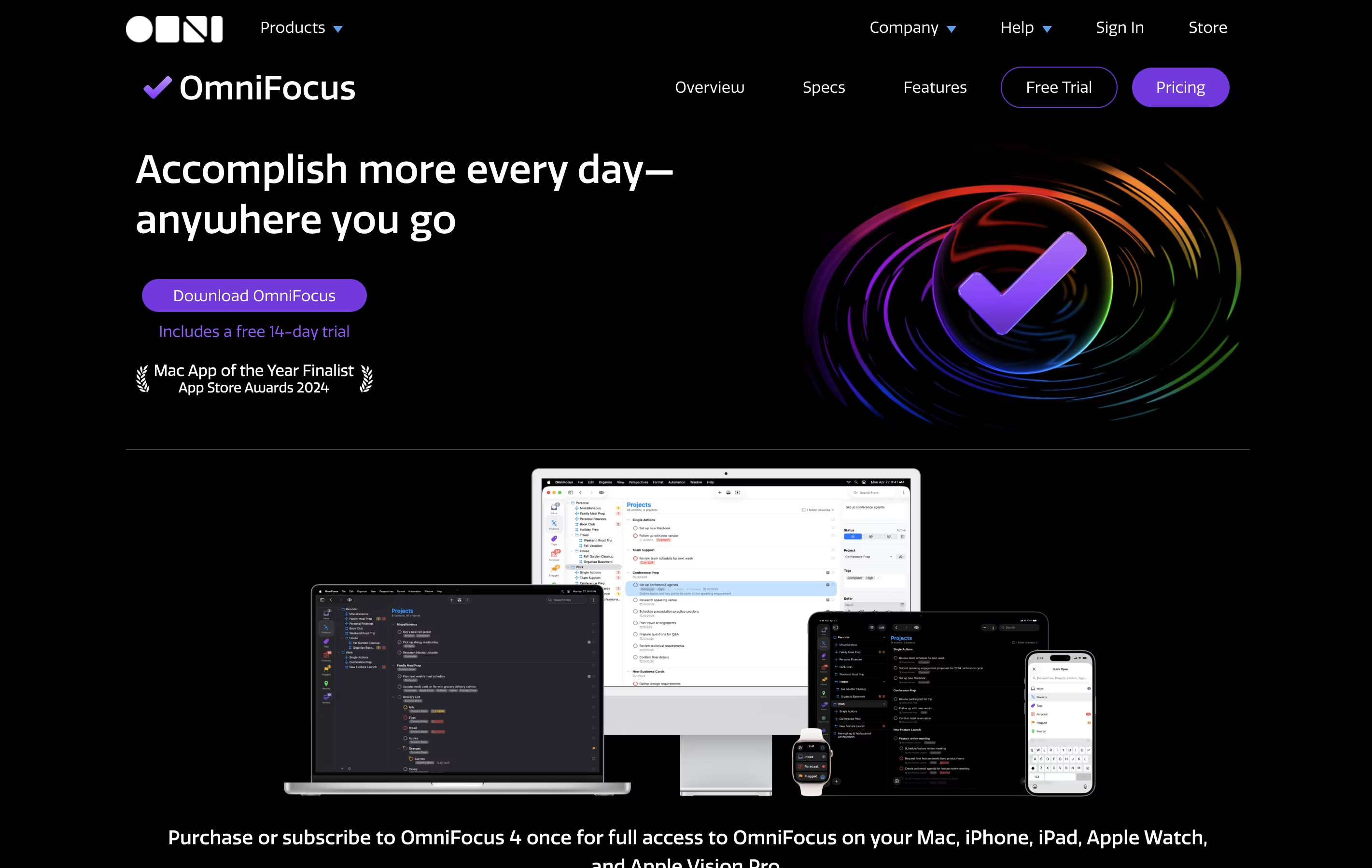
OmniFocus is a task manager that turns chaos into organized action. You can capture any task the moment you think of it, then organize it later with tags, projects, and dates. The tool helps you see what needs attention today while keeping future tasks out of sight until you need them.
Unlike basic to-do apps, OmniFocus offers custom views called Perspectives that show your work exactly how you want to see it. The Forecast feature displays upcoming tasks alongside your calendar events. The Review function reminds you to check your projects regularly, making sure nothing gets forgotten.
There are different versions available: Standard and Pro licenses for one-time purchase, plus a subscription option that includes web access from any browser.
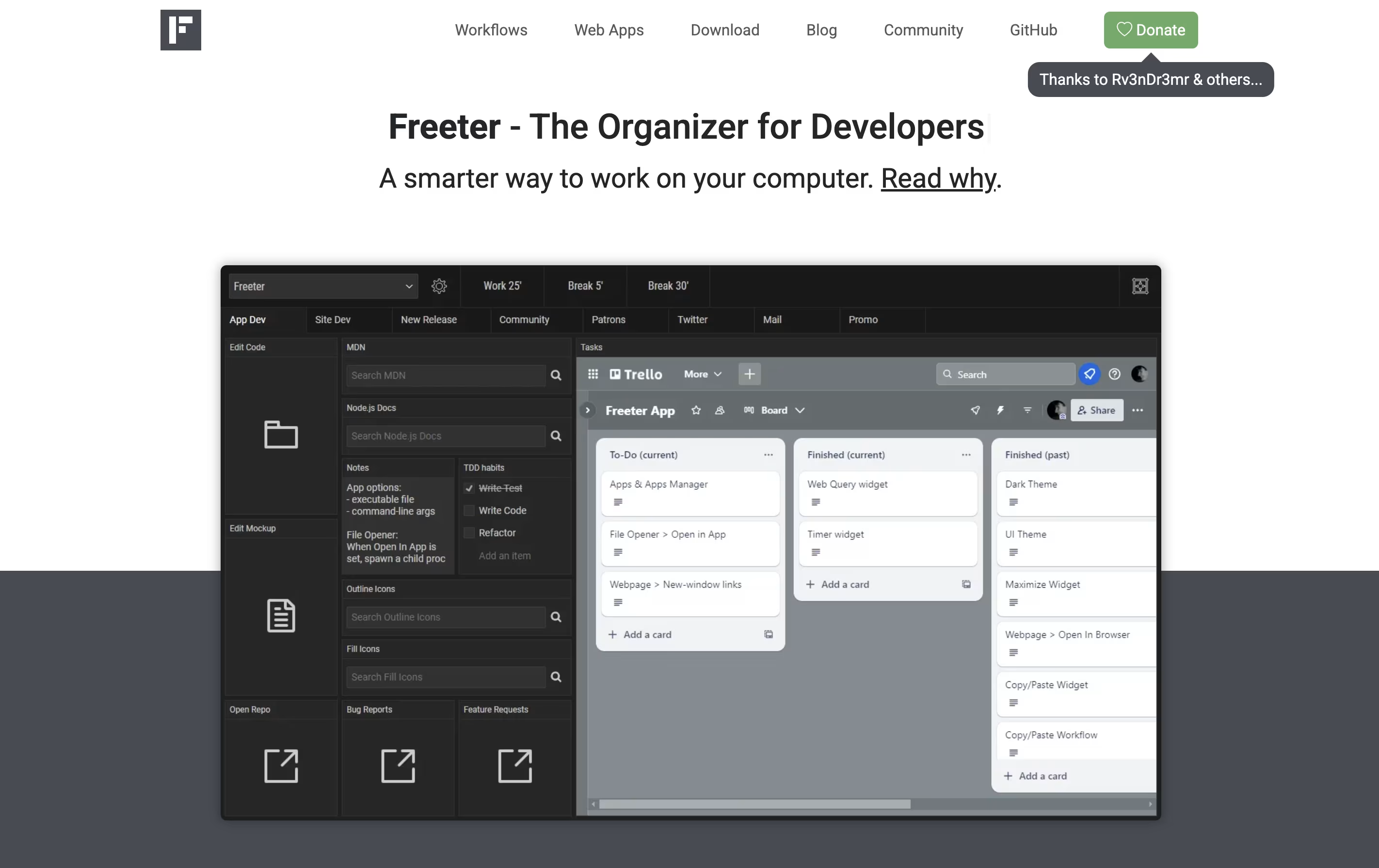
Freeter is a desktop application that organizes all your work tools in one place. Instead of switching between many apps and browser tabs, you create project-based workspaces that contain everything you need for each task.
The app uses widgets to bring different tools together. You can embed web apps like Gmail or Trello, open project files with one click, run command-line scripts, keep to-do lists, set timers, and write quick notes. Each project can have multiple workflow tabs to organize different activities.
Freeter works on Windows, Linux, and Mac computers. It is completely free and open-source under the GNU GPL license. The app works offline and does not send any data to external servers, making it secure and private.
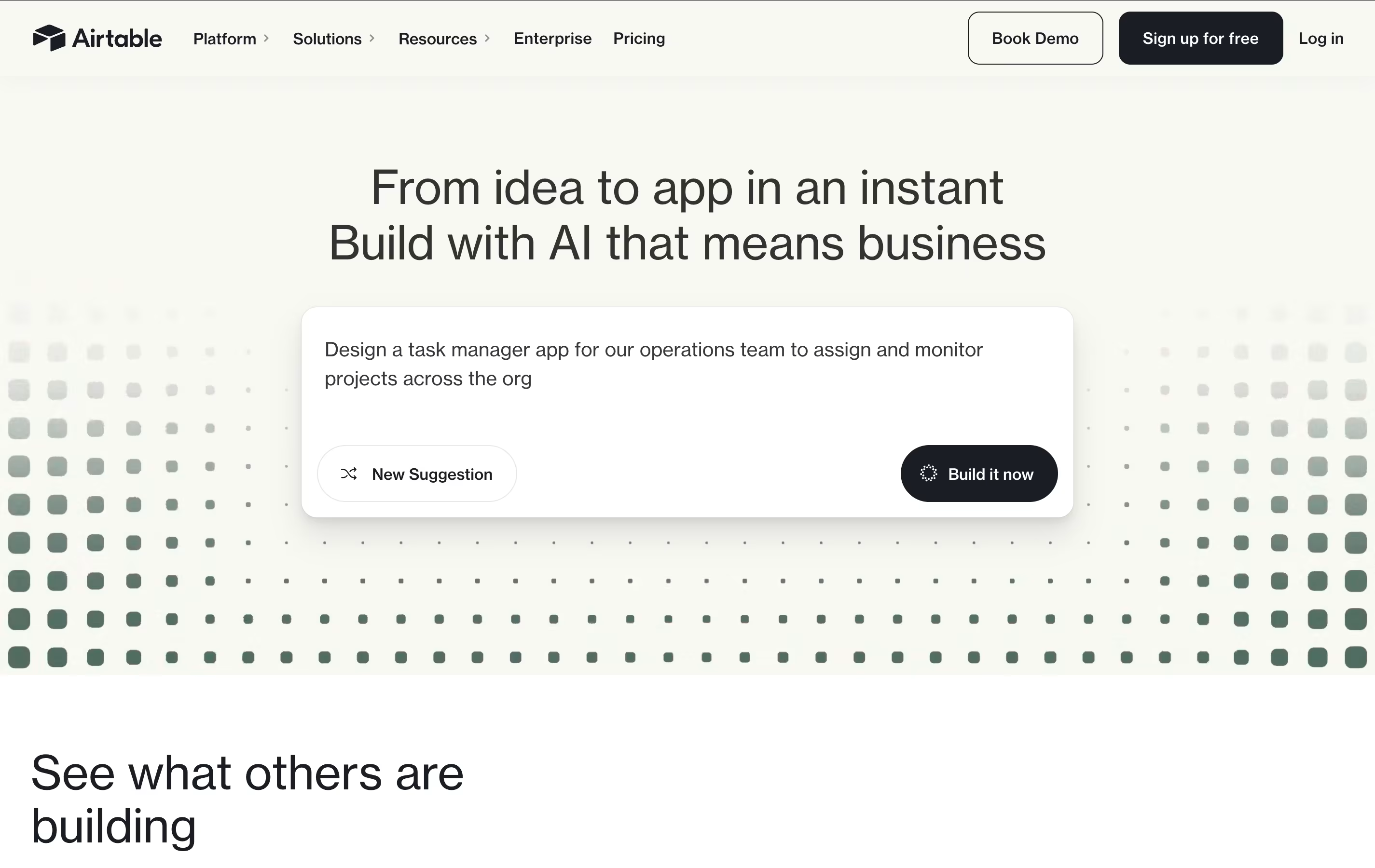
Airtable is a no-code platform that works like a supercharged spreadsheet with database capabilities. You can store, organize, and connect different types of information while creating custom views like grids, calendars, forms, and boards to see your data in different ways.
What makes Airtable special is its ability to link related information across different tables. For example, you can connect customer records to their orders, or link project tasks to team members. This creates a web of connected data that gives you a complete picture of your business operations.
The platform includes built-in automation, AI features, and hundreds of integrations with other business tools. Teams use Airtable for project management, customer tracking, content planning, inventory management, and many other business processes. It requires no technical skills to get started, making it accessible to everyone on your team.

ClickUp is the world's only all-in-one productivity platform that flexes to the way people want to work. Founded in 2017 and based in San Diego, it replaces all individual workplace productivity tools with a single, unified workspace.
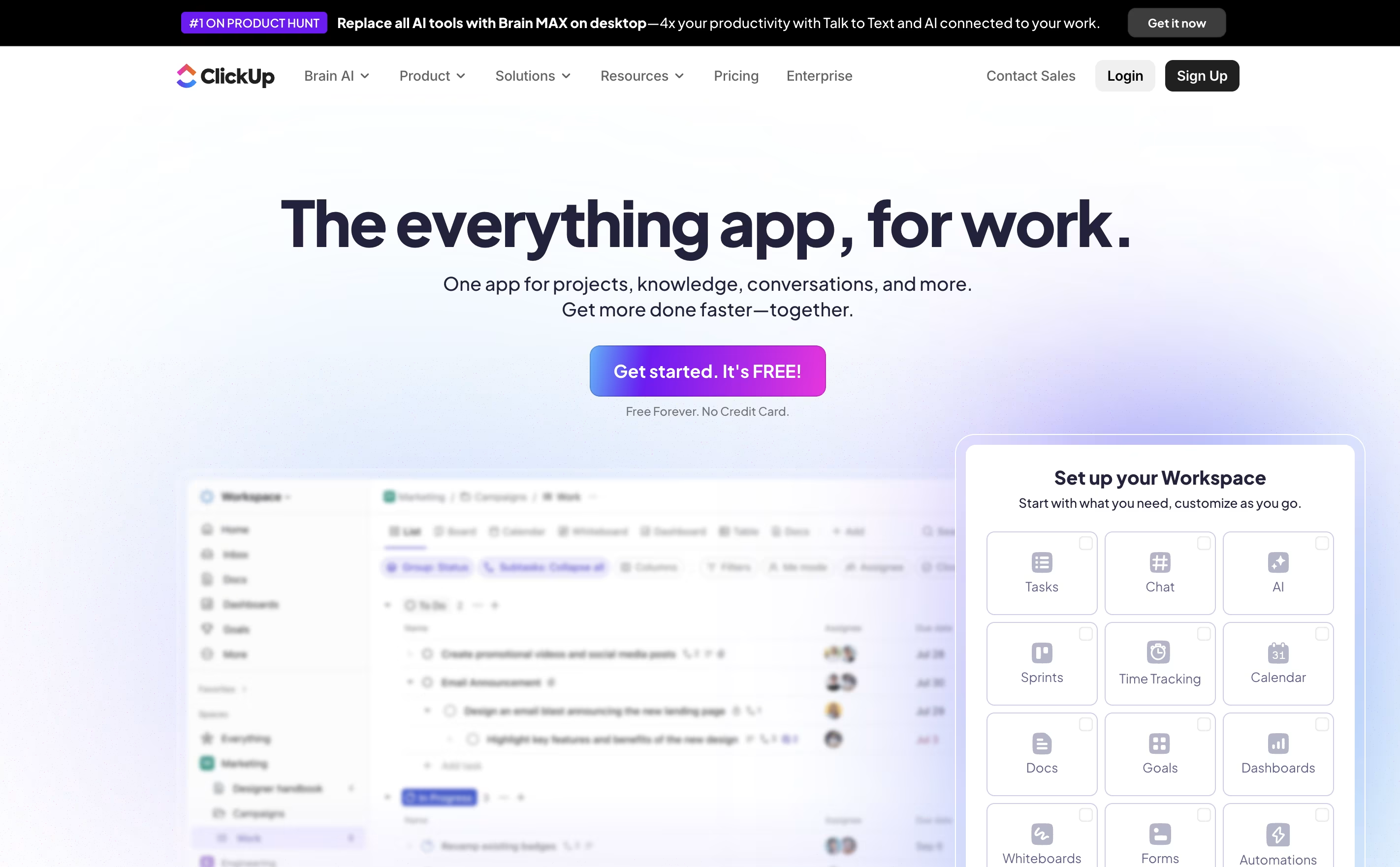
The platform combines project management, task tracking, document collaboration, whiteboards, spreadsheets, time tracking, and goal setting in one place. Unlike traditional project management tools that focus on just one area, ClickUp aims to be the "everything app for work" that eliminates app switching and increases team efficiency.
Used by over 10 million users and 2 million teams worldwide, ClickUp serves businesses of all sizes across different industries. The platform is designed to handle any type of work, from simple task lists to complex enterprise workflows, making it suitable for marketing teams, developers, agencies, and large corporations alike.

Notion is a versatile all-in-one workspace that functions like a set of digital building blocks. Think of it as a combination of Google Docs, Trello, Airtable, and Evernote all rolled into one seamless platform. Every page in Notion is built using 'blocks' - individual pieces of content like text, images, databases, or embedded files that you can arrange however you want.
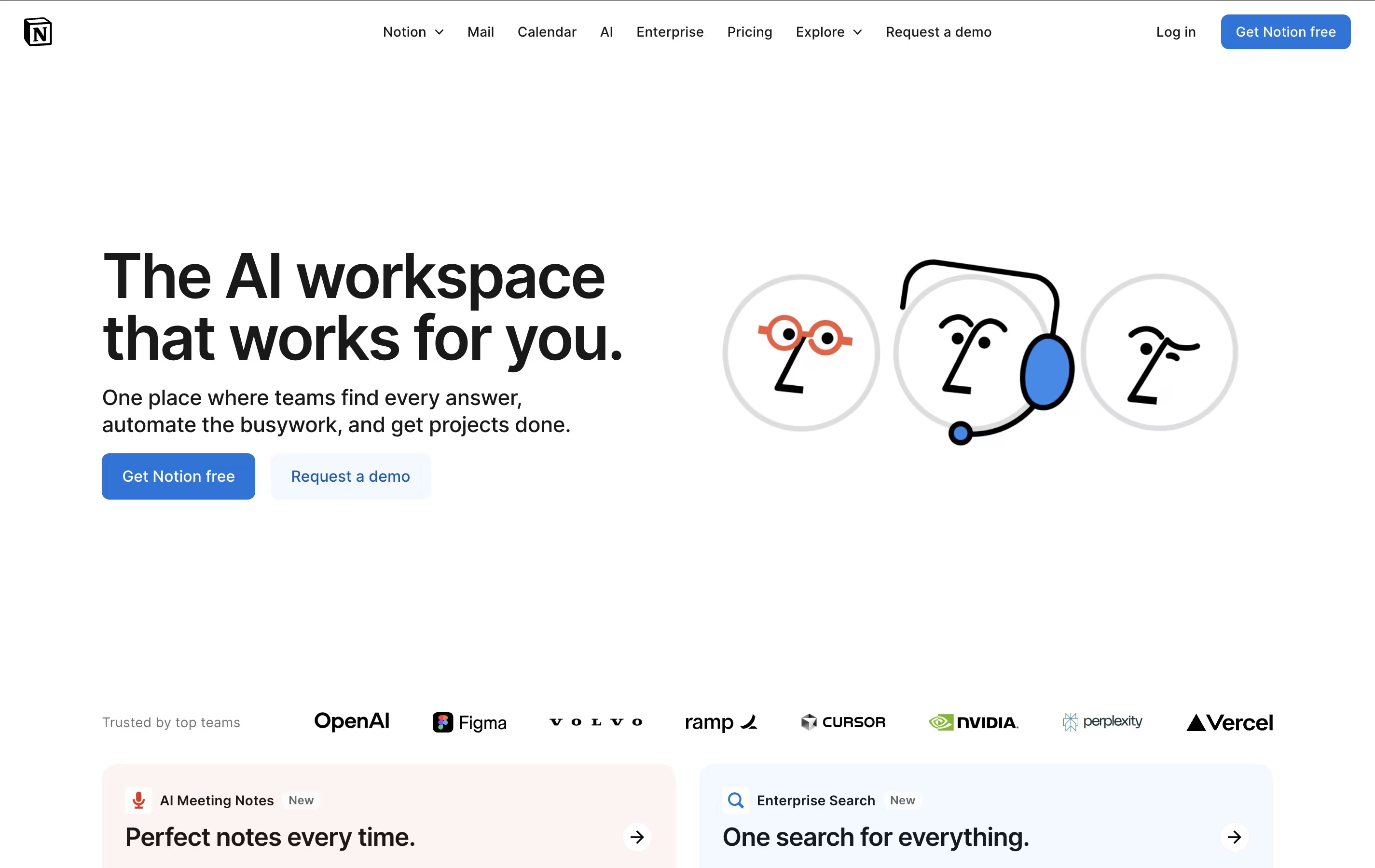
What sets Notion apart is its flexibility. You can create simple notes, complex project management systems, company wikis, or personal journals using the same tool. The platform supports real-time collaboration, allowing teams to work together on documents, databases, and projects simultaneously. With templates for common use cases and the ability to create custom workflows, Notion scales from personal use to enterprise-level operations while maintaining simplicity and elegance.





