

Best 12+ Tools for Content Creation in 2026
Last Updated: August 25, 2026
Going from a blank page to a finished, publish-ready asset is where most creative work stalls. Content Creation tools help at every stage of that process, from generating ideas and drafting copy to designing visuals and assembling different formats into one cohesive piece.
Marketing teams, freelancers, and solo creators rely on these tools to keep up a consistent publishing schedule across channels, without the burnout that comes from producing everything manually.
 OpenArt
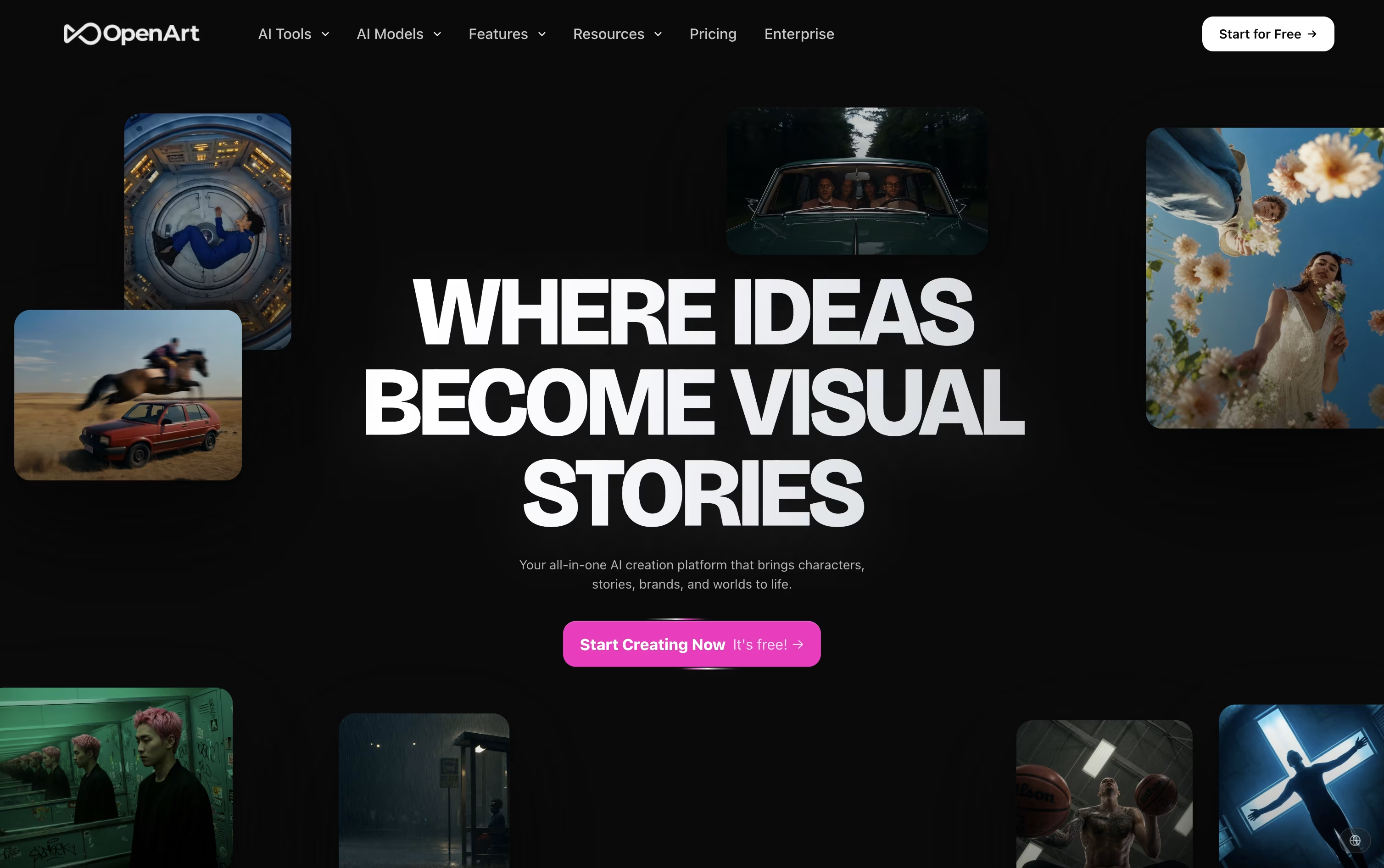 OpenArtAI Studio for Images, Video and Audio,
  Adobe Firefly
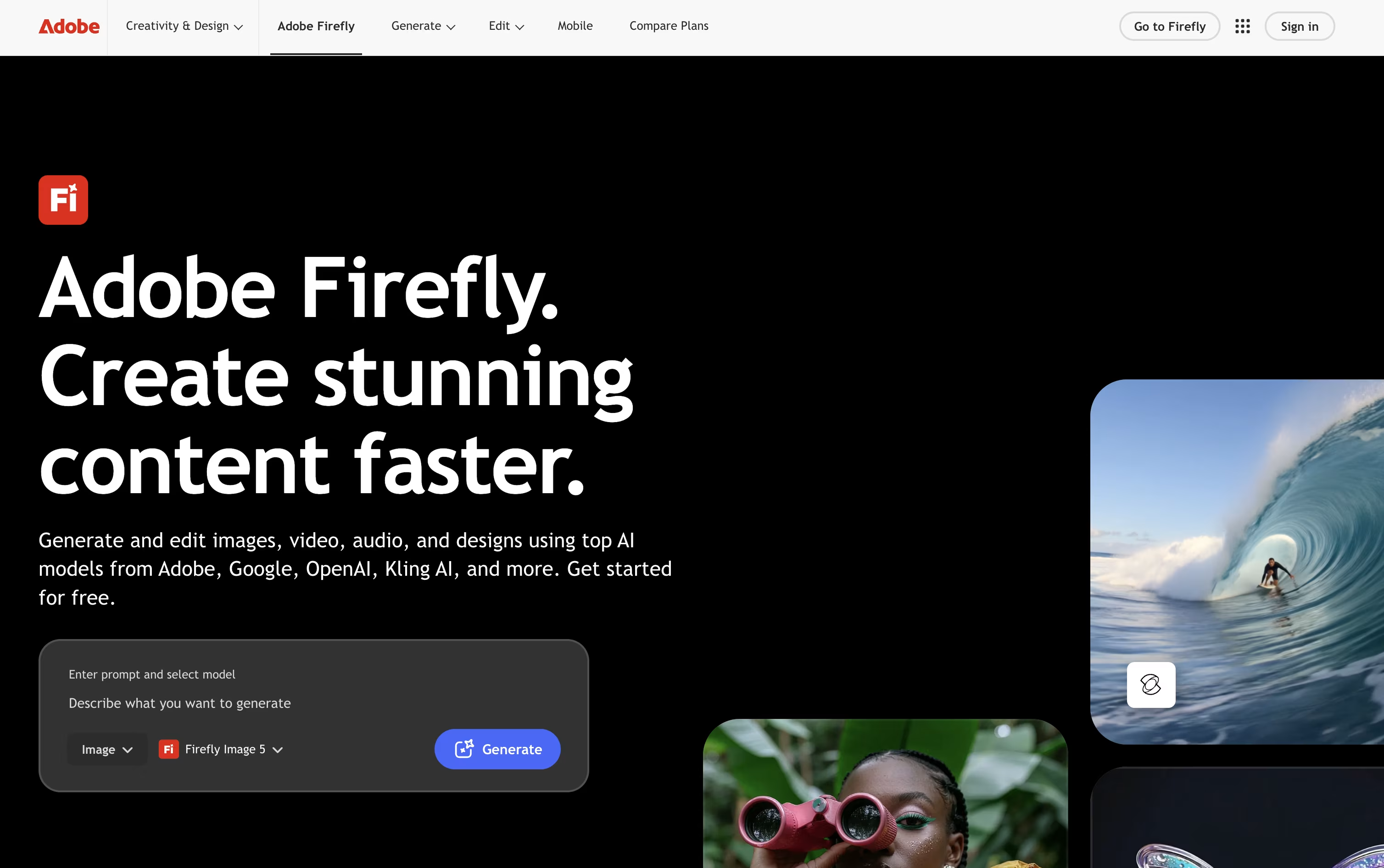 Adobe FireflyCreate Images, Video & Audio, and
  Leonardo AI
 Leonardo AICreate AI Images, Video & 3D Art are the best for Content Creation. So, let’s take a closer look at all 12+ tools.

OpenArt brings image, video, audio, and character creation into a single workspace, so a project does not need to be pulled apart across separate apps.
You describe what you want in a prompt, or upload a reference photo, and the platform sends the request to one of more than 100 connected AI models for images, video, and sound.
Its character tool is one of the main draws. Build a character once and it can appear again and again across new scenes and videos while staying recognizable.
On price, the Starter plan begins at $14 a month with 4,000 credits, while the top individual plan, Wonder, costs $240 a month for 106,000 credits and extra perks like unlimited creation.
Groups can pick the Business plan, priced from $680 a month for a shared credit pool across up to 50 people, and larger organizations can ask for custom Enterprise pricing with unlimited seats.
A free trial with starter credits is available for anyone who wants to try it first.
Adobe Firefly is Adobe's generative AI toolkit for creating and editing images, video, audio, and vector art from simple text prompts. You can use it on the web, through mobile apps, or right inside apps like Photoshop, Illustrator, and Premiere Pro.
The tool covers a wide creative range, from generating a photo out of nothing to using Generative Fill and Expand to edit an existing picture, producing short AI videos, creating custom music and sound effects, and translating spoken video content into other languages.
Collaborative Firefly Boards make it easy for teams to build mood boards and storyboards together, while the AI Assistant can carry out multi step creative tasks across Adobe apps just from a written request.
Anyone can start for free with daily generation limits across image, video, and audio. From there, paid plans run from Firefly Standard at $9.99 a month up to Firefly Premium at $139.91 a month, each adding more monthly credits, longer videos, and access to more AI models.
For companies, Firefly for Teams starts at $19.99 per license a month on an annual plan and adds admin controls and round the clock support. Because Firefly trains on licensed material, its output is built to be safe for commercial projects.
Leonardo AI lets you turn a written prompt, a sketch, or a reference photo into a finished image, short video, or 3D model. The goal is consistency, so the same character or style can be repeated across many outputs.
Extra tools cover editing and masking, upscaling made for AI images, motion clips from a still image, and training a personal AI model on your own pictures.
The Free plan gives 150 fast tokens a day with basic quality settings. Essential costs $12 a month, Premium is $30, and Ultimate is $60, and each step up adds more tokens, private generations, unlimited collections, and more AI model training slots.
Teams can start at $72 a month for 3 seats with shared tokens and unlimited relaxed generation on chosen models, and a custom plan is available for larger teams.
Developers can use a pay as you go API with credits that never expire, or move to a custom API plan for bigger production needs.
Built by Vyro AI, ImagineArt combines image, video, voice, and music creation into a single AI platform, so you are not switching between separate apps for each format.
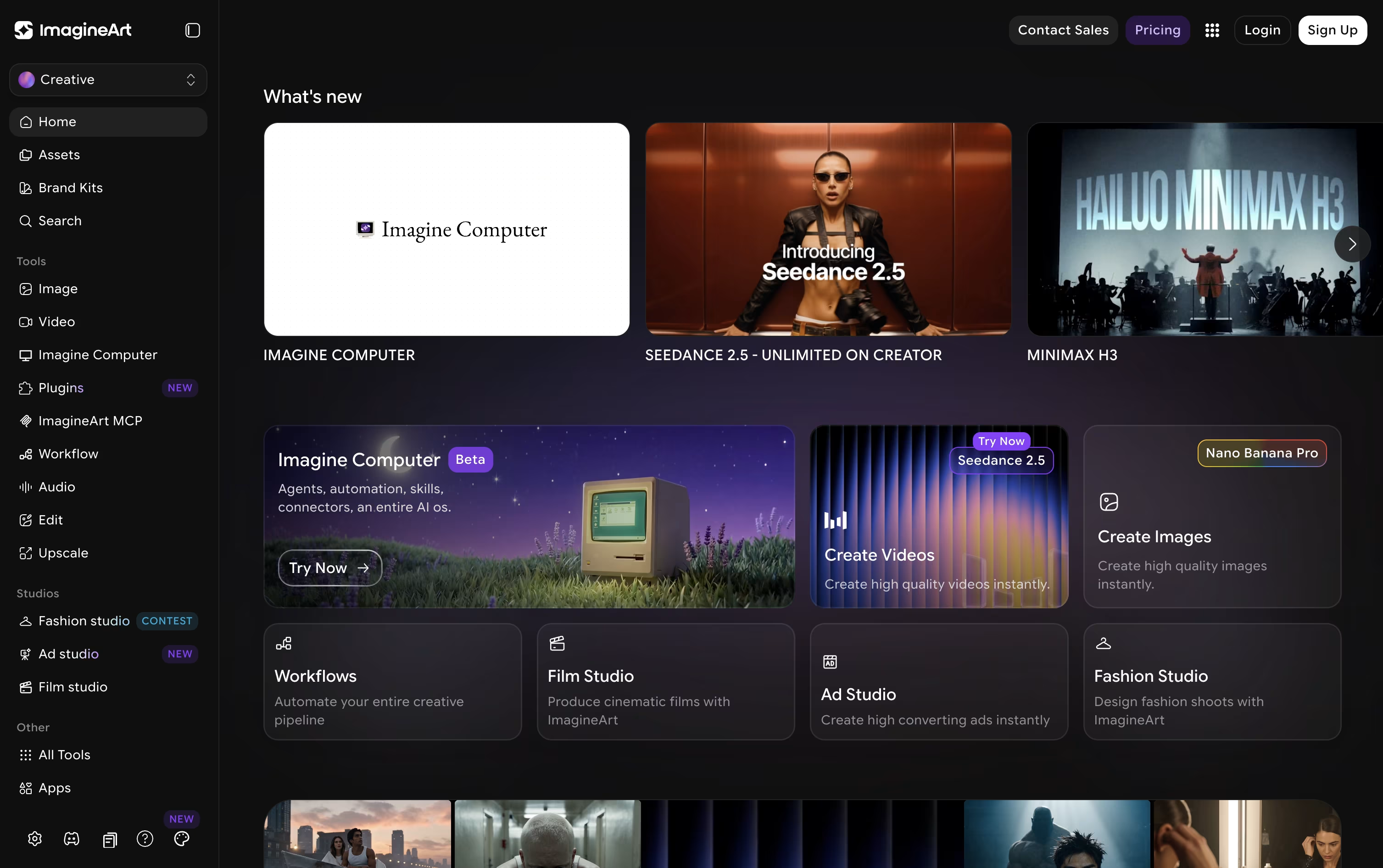
The platform pulls together many well-known AI models, such as GPT, Gemini, Claude, Seedance, and Nano Banana, and lets you access them all from one account.
For more guided output, dedicated studios cover film, advertising, and fashion projects, while Imagine Flow offers a node-based canvas for building repeatable creative pipelines.
Anyone can start free, receiving 100 credits each day with access to a small set of models.
From there, plans move from $13 a month at the Basic tier up to $250 a month for Creator, passing through Standard at $30 and the popular Ultimate plan at $50, each raising credits, concurrent generations, and model access.
Businesses can also choose Team plans or a custom-priced Enterprise plan that adds unlimited seats, single sign-on, and dedicated support.
Rather than being built around a single AI model, Higgsfield works as a layer on top of many models such as Seedance, Nano Banana, Kling, and Google Veo, adding its own camera and character tools for a more filmmaker friendly result.

Anyone can try it for free, though the free tier is limited to one job at a time and does not allow commercial use.
The first paid step is Basic at $9 a month, giving 120 credits, commercial rights, and quicker generation speeds.
Pro is the bigger upgrade at $29 a month, or $23 a month when billed yearly, since it opens up the complete Seedance lineup and removes the cap on marketplace apps.
Max sits at the top for individuals at $79 a month, or $59 annually, with 1,800 credits and the highest concurrency for video and image jobs.
Businesses can move to Team or Scale for shared seats and credits, or contact sales for a custom Enterprise plan with SSO, dedicated capacity, and compliance support.

Runway brings video, image, and audio generation together in one AI powered workspace, so creators are not stuck jumping between different apps for different tasks.
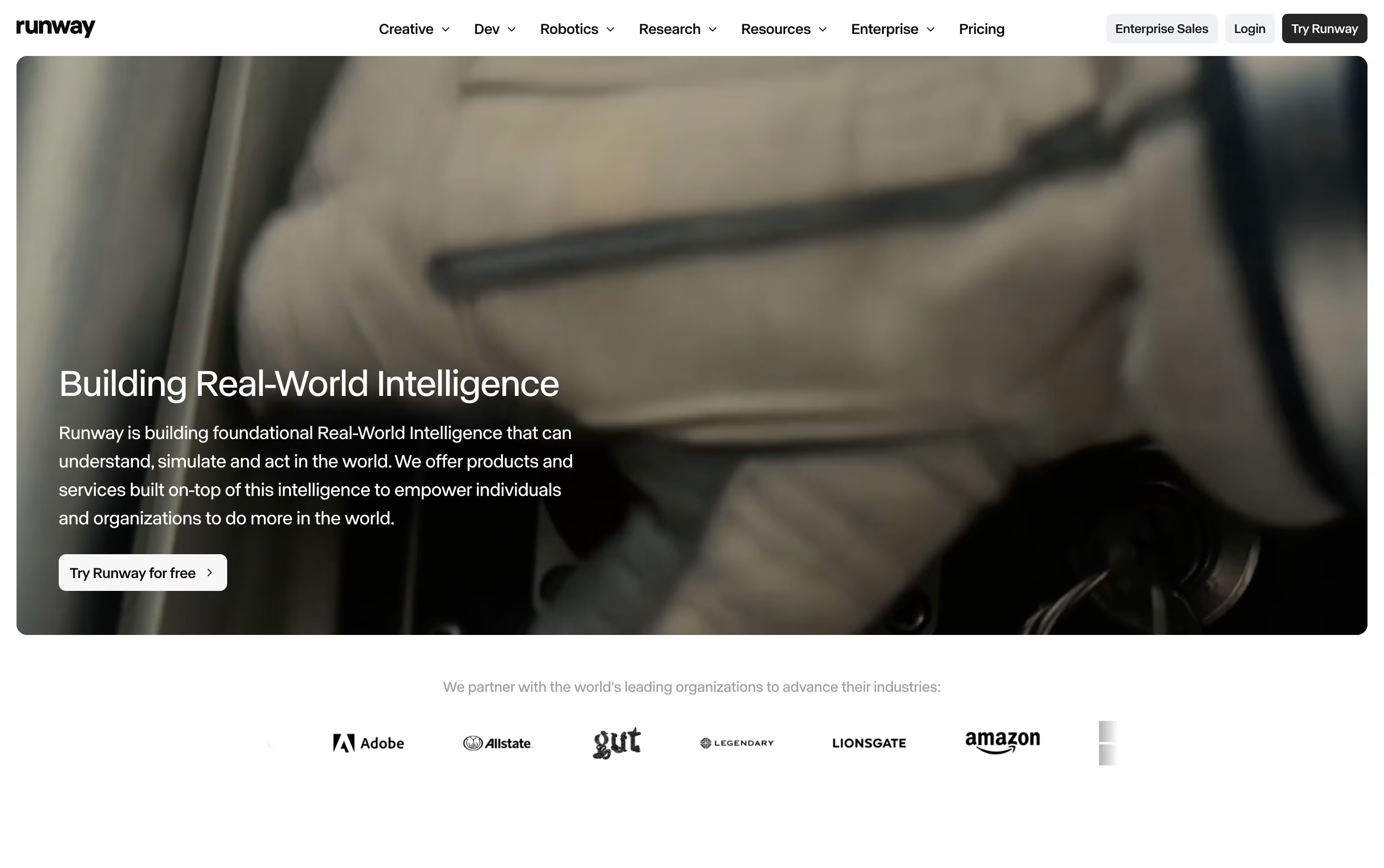
A simple text prompt or a single reference image can become a short video clip. If something needs changing, Aleph lets you edit one frame and carries that edit across the entire clip without disturbing the original motion or lighting.
For characters, Act-Two maps a performance video onto a character so their movement, expression, and lip sync all follow the reference footage. The Runway Agent can also build out full marketing campaigns from a short description.
On pricing, the Free plan hands out 125 credits one time that never expire. Standard is $15 a month for 625 credits, Pro is $35 a month for 2,250 credits with custom voices and 500GB of storage, and Max is $95 a month for 9,500 credits with one month of credit rollover and first access to new models.
Bigger teams can move to Enterprise for custom pricing with SSO, analytics, and priority support.
For building AI tools into other software, Runway Dev offers pay as you go pricing starting at $0.05 per second of video.

Midjourney turns a short text description into a finished image or short video, usually within seconds. It is made by a small independent studio and can be used through its website or through Discord.
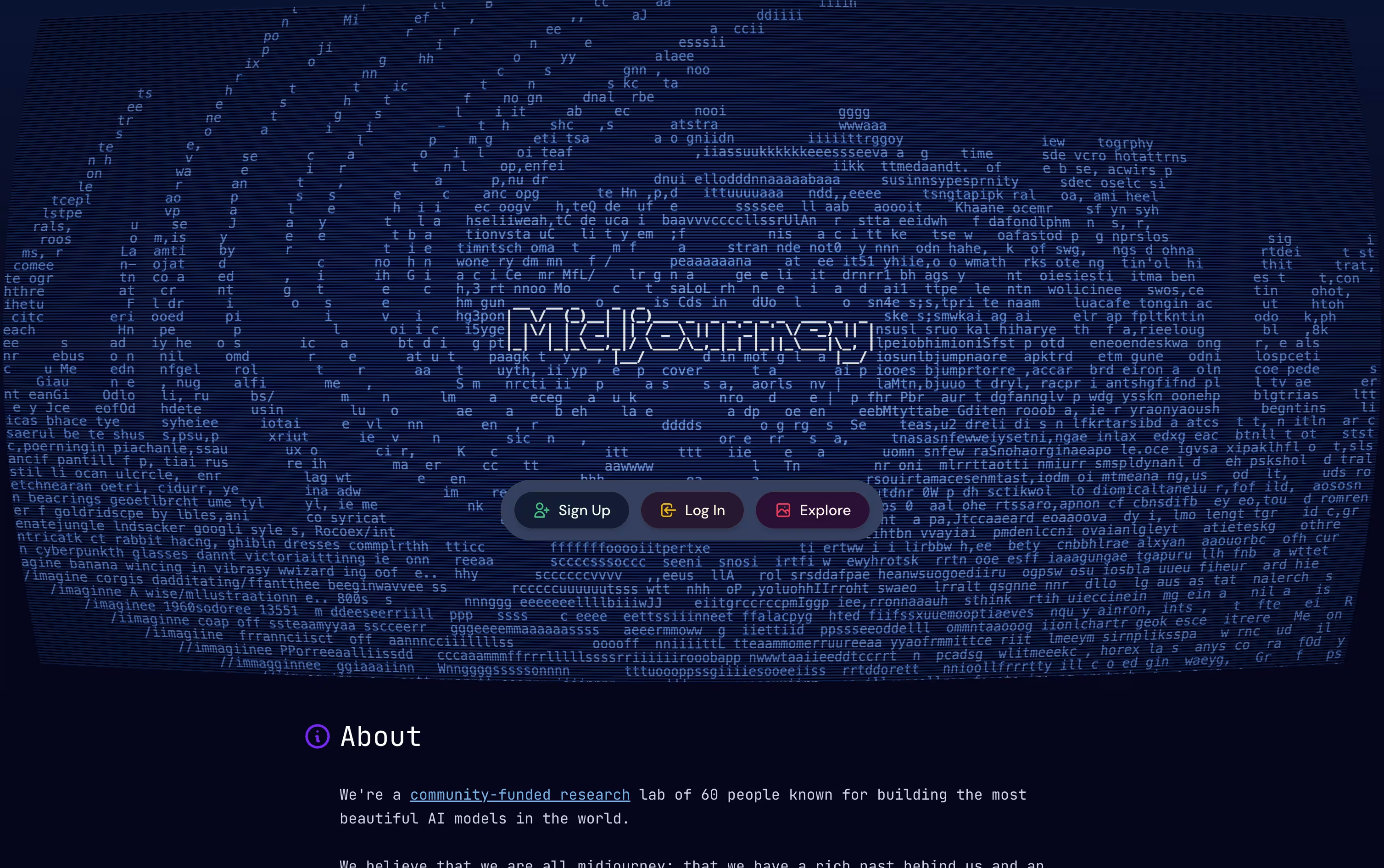
After you get your first results, you can choose one, request changes, make it bigger and sharper, or turn it into a short moving clip using the built in editing tools.
Every plan needs payment upfront, there is no free option. The Basic plan starts at $10 a month and gives around 200 image jobs. Standard costs $30 a month and adds unlimited slower generations plus HD video.
The Pro plan at $60 a month and Mega at $120 a month give more fast generation time, allow more images to run together, and unlock Stealth Mode for private work.
Choosing yearly billing instead of monthly saves 20% across every plan level.
For anyone who wants quick, high quality AI images and video clips without learning design software, Midjourney is a solid choice.

PicLumen brings image and video creation together in one place, giving you access to many AI models instead of just one. A prompt, a reference photo, or a short script is enough to get started on a new piece of visual content.
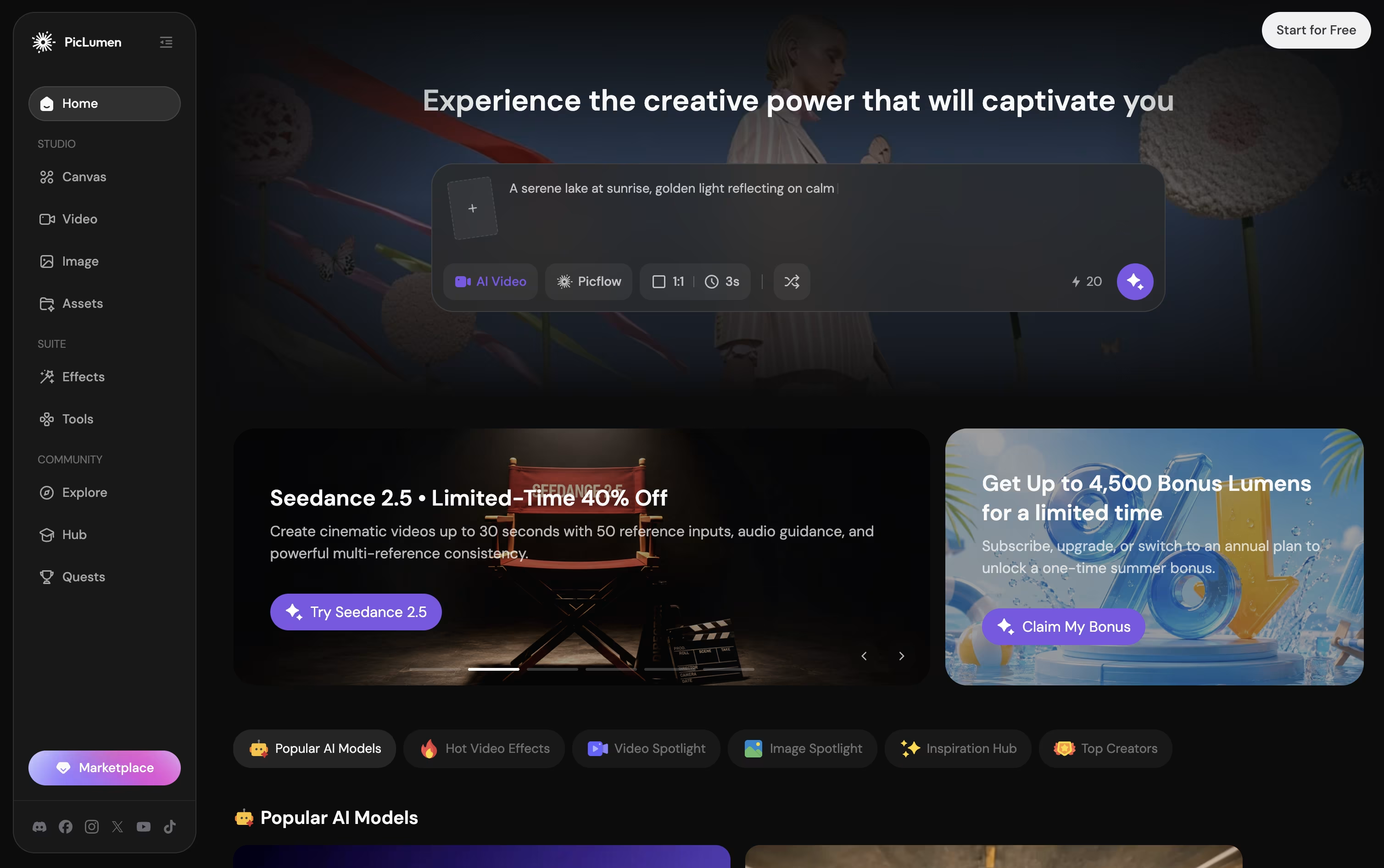
Its infinite Canvas feature is built for workflows, letting one photo grow into a whole set of consistent shots and angles without redoing the work each time.
Getting started costs nothing on the Basic plan, which gives 10 free Lumens a day, though the free plan does add a watermark and has no commercial rights.
From there, paid plans move from Lite at $7.59 a month up to Elite at $179.99 a month, each raising the monthly Lumen amount, generation speed, and commercial license level.
Choosing yearly billing brings the monthly price down across every paid tier, and a custom priced Enterprise plan is available for teams.
Running low on Lumens mid month is not a dead end either, since extra Lumen packs can be purchased at any time.

Recraft brings AI powered design into one workspace, aimed at creators, marketers, and teams who need usable, professional output rather than random generated art.
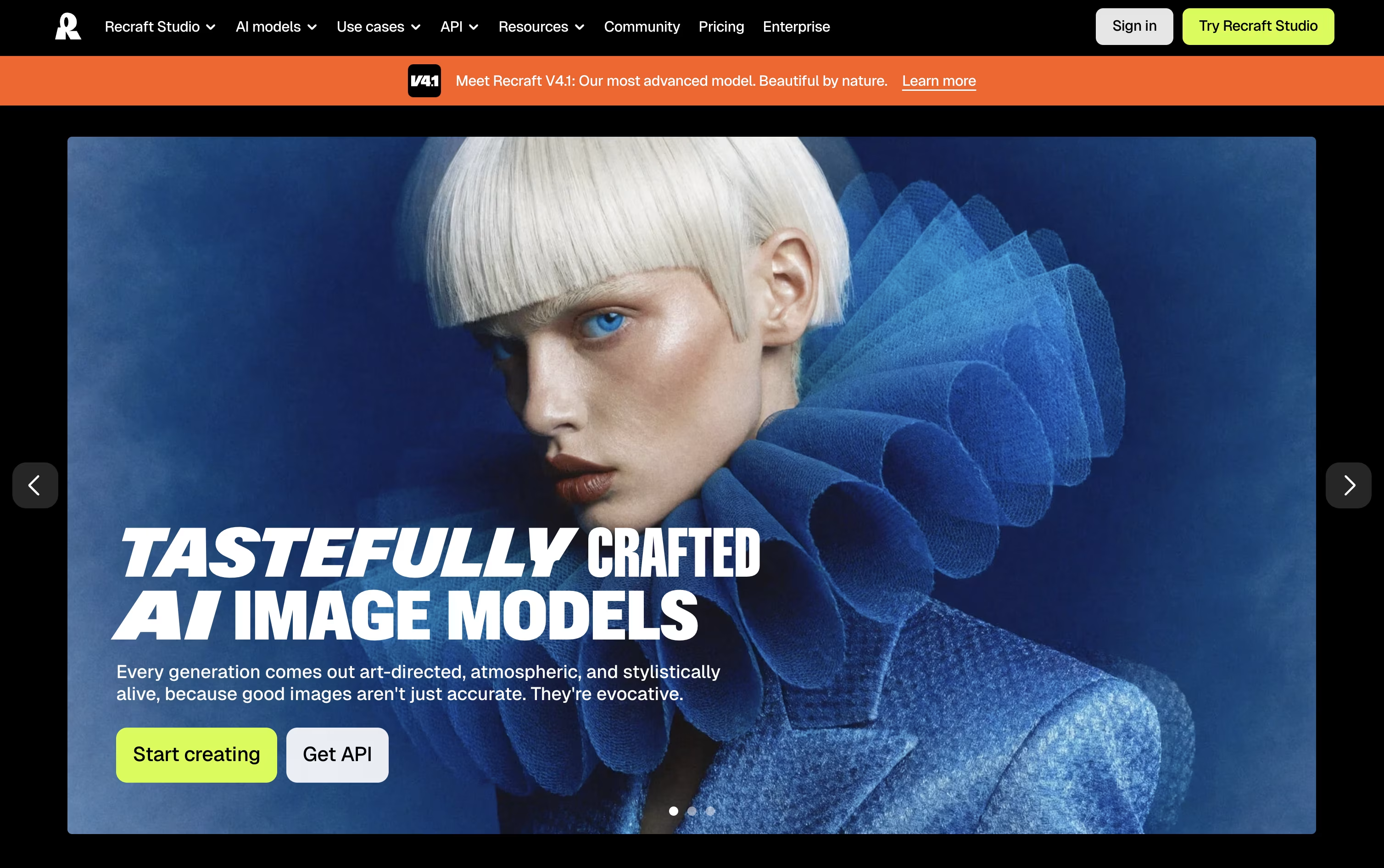
Its infinite canvas lets you generate raster images or clean editable vectors, then edit, organize, and iterate without leaving the page, either through manual controls or a chat style prompt.
Reusable brand styles keep your visuals consistent, while tools like background removal, inpainting, upscaling, and mockup generation round out the editing side.
Getting started is free, though the Free plan limits you to public images with no commercial use.
The Basic plan at $12/month unlocks commercial rights and private generations, Pro at $20/month adds video generation and priority processing, and Teams at $22/month per seat brings shared workspaces, centralized billing, and SSO.
Developers can skip the interface entirely and call the API directly, paying per image generated or edited.

Rather than juggling separate apps for text, image, and video generation, FLORA puts more than 60 AI models inside one infinite canvas built for creative teams.
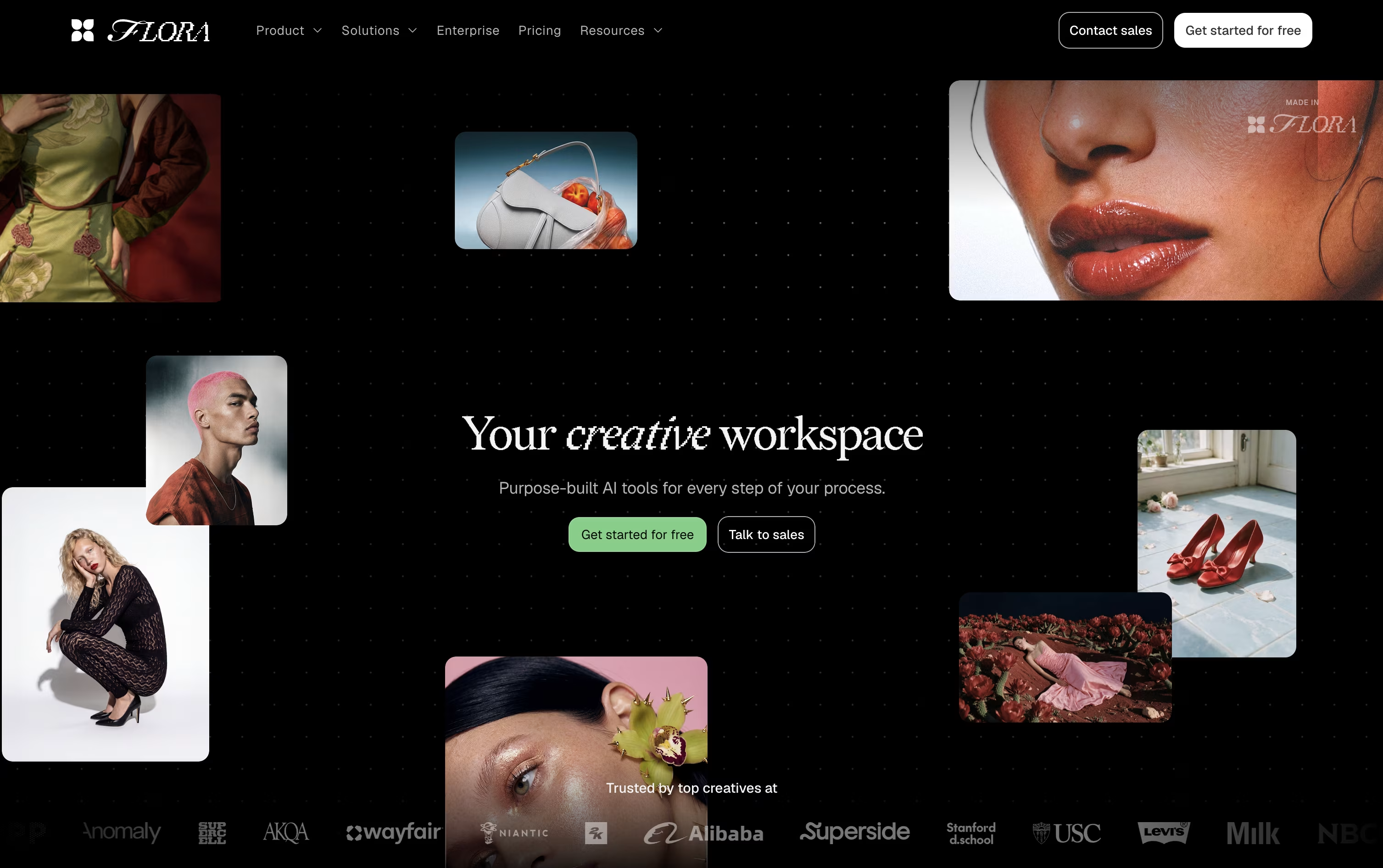
Work happens as connected nodes, so every idea, generation, and edit stays visible, branchable, and easy to trace back to where it started.
The built in FAUNA agent can plan and run entire sequences for you. Tell it what you're after, and it picks the right models, writes prompts, and organizes results on the canvas, all while keeping every action editable.
Reusable workflows called Techniques let teams turn a process into a repeatable system, useful for producing large batches of consistent, on-brand assets.
The Free plan gives one seat and a limited number of generations to try things out. Starter is $18 per seat a month, Pro (the most popular tier) is $50 per seat a month, and Max is $200 per seat a month, with 20% off on quarterly and annual billing. Enterprise plans are custom priced and include SSO, SAML, and dedicated onboarding support.
Think of Pollo AI as a hub for AI video and image creation, gathering many different models under one roof instead of building just one. You type a prompt, upload a photo, or drop in a product link, and the platform handles the rest.
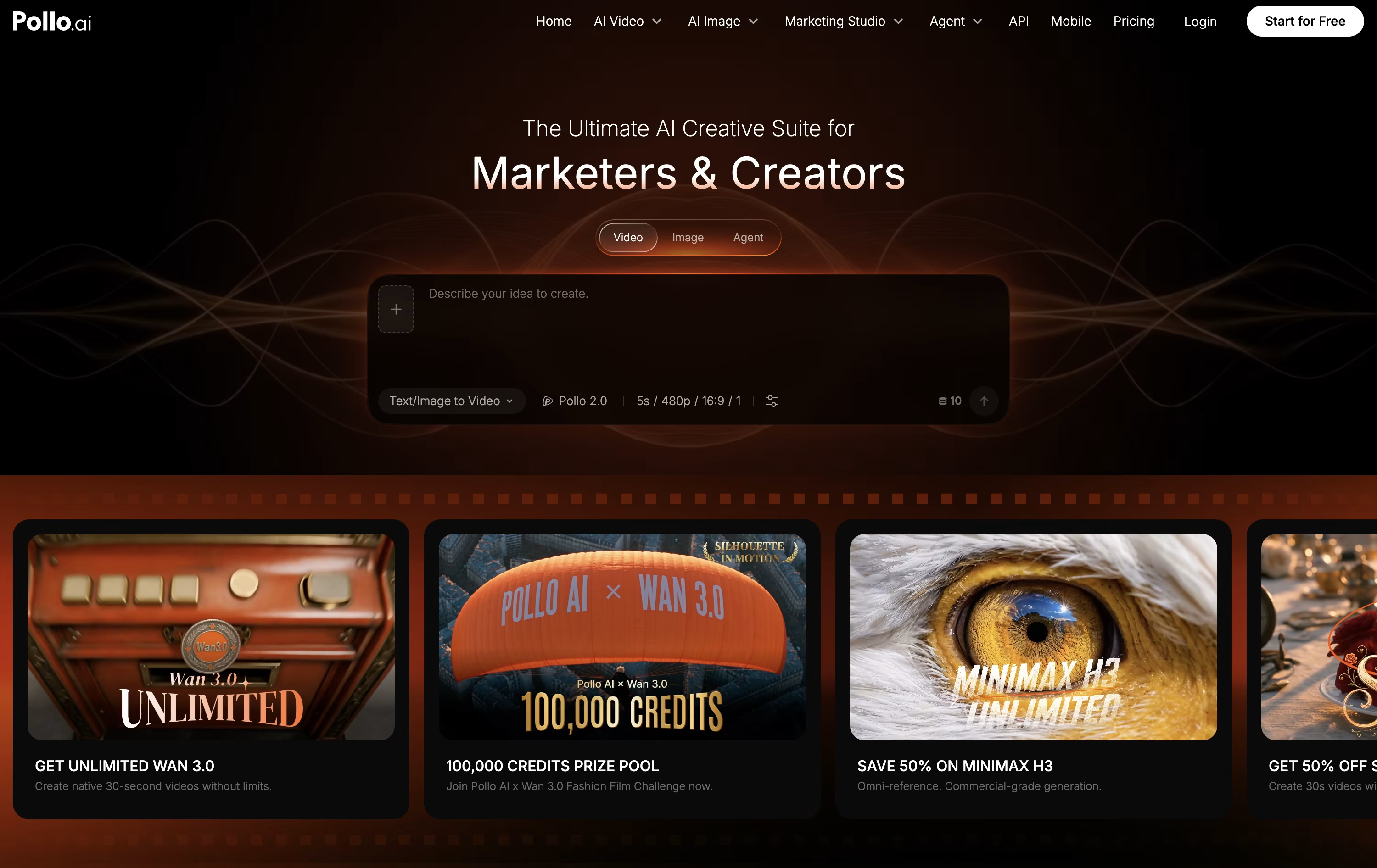
Choosing a Studio narrows things down, Creative Studio for general work, Marketing Studio for ads, and Commerce Studio for product visuals and listings. There is also an Agent mode that breaks a brief into scenes, writes the prompts, and puts together a more finished video automatically.
On the pricing side, a free plan gives 20 credits a month to test things out. The Lite plan costs $15 a month for 400 credits, Pro costs $59 a month for 2,000 credits plus faster speed and add-on credits, and Ultra costs $129 a month for 5,000 credits and the broadest unlimited model access.
Paying yearly lowers each of these monthly rates by roughly 50%, and any add-on credits you buy separately stick around even after your subscription ends.
With hundreds of supported models for video and image work, plus editing, avatar, and audio tools built in, Pollo AI aims to cover most short-form content needs in one place.

Hailuo AI is a video and image generator from MiniMax. Give it a written prompt or a photo, and it produces a short clip with lifelike motion, camera movement, and facial detail.
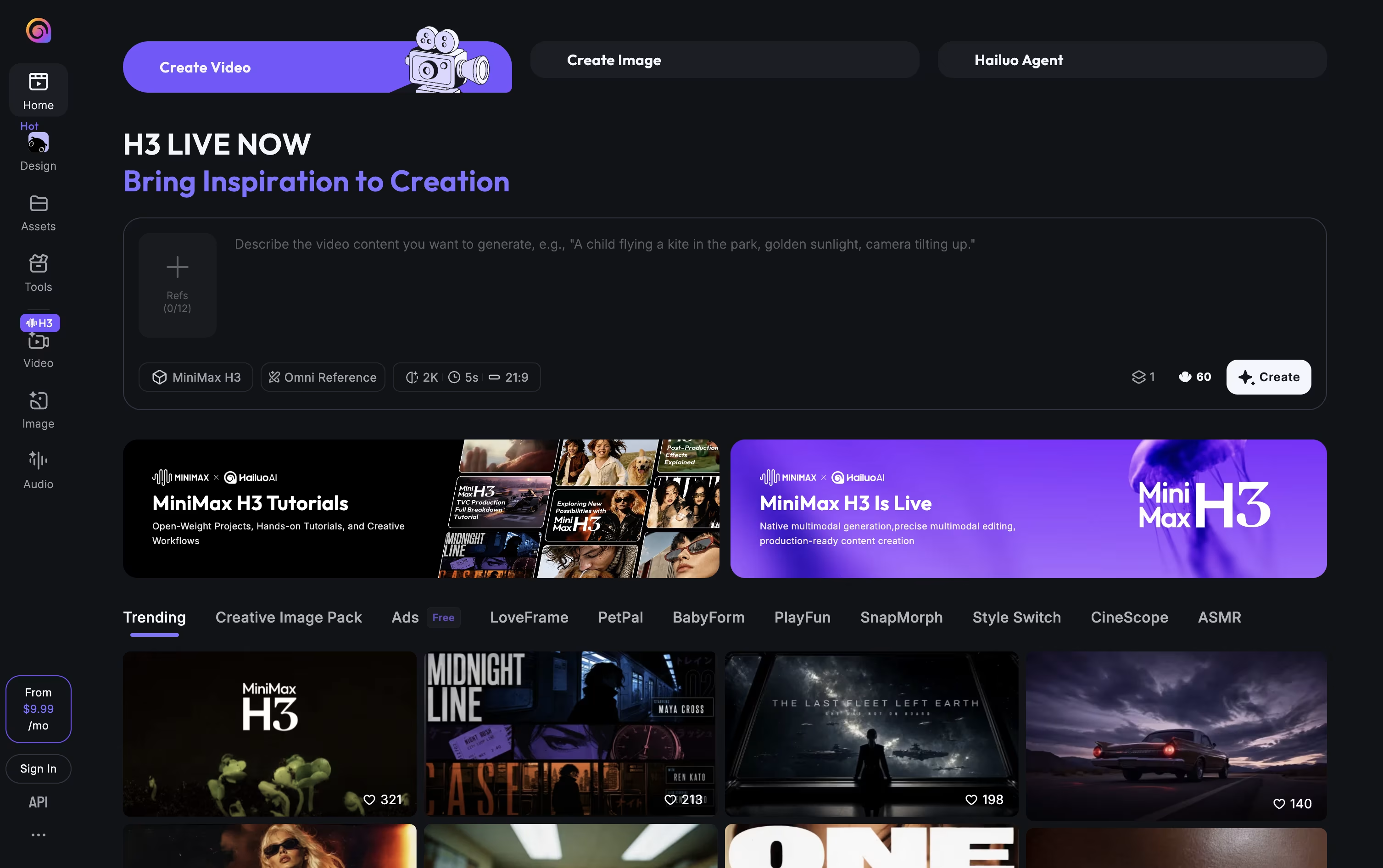
A start and end frame can be set to control how the video moves between two points, and camera actions such as zoom, pan, or tilt can be written directly into the prompt. A character reference tool keeps a person or object looking consistent across multiple clips.
The platform also makes still images, relights photos through its Light Studio tool, and offers music, lip sync, and video upscaling. Its Agent mode can put together a full video from a short brief, images, and music you provide.
You can reach it through the website, mobile apps for Android and iPhone, or its API for developers.
Pricing starts free with trial credits, then moves through paid tiers from roughly $10.50 to $216 a month. Higher tiers give more monthly credits, better video resolution, and access to more image models. Yearly billing brings the monthly price down on every paid tier.

Getimg.ai gathers image, video, and audio creation into a single browser based workspace, cutting out the need to juggle separate apps and accounts.
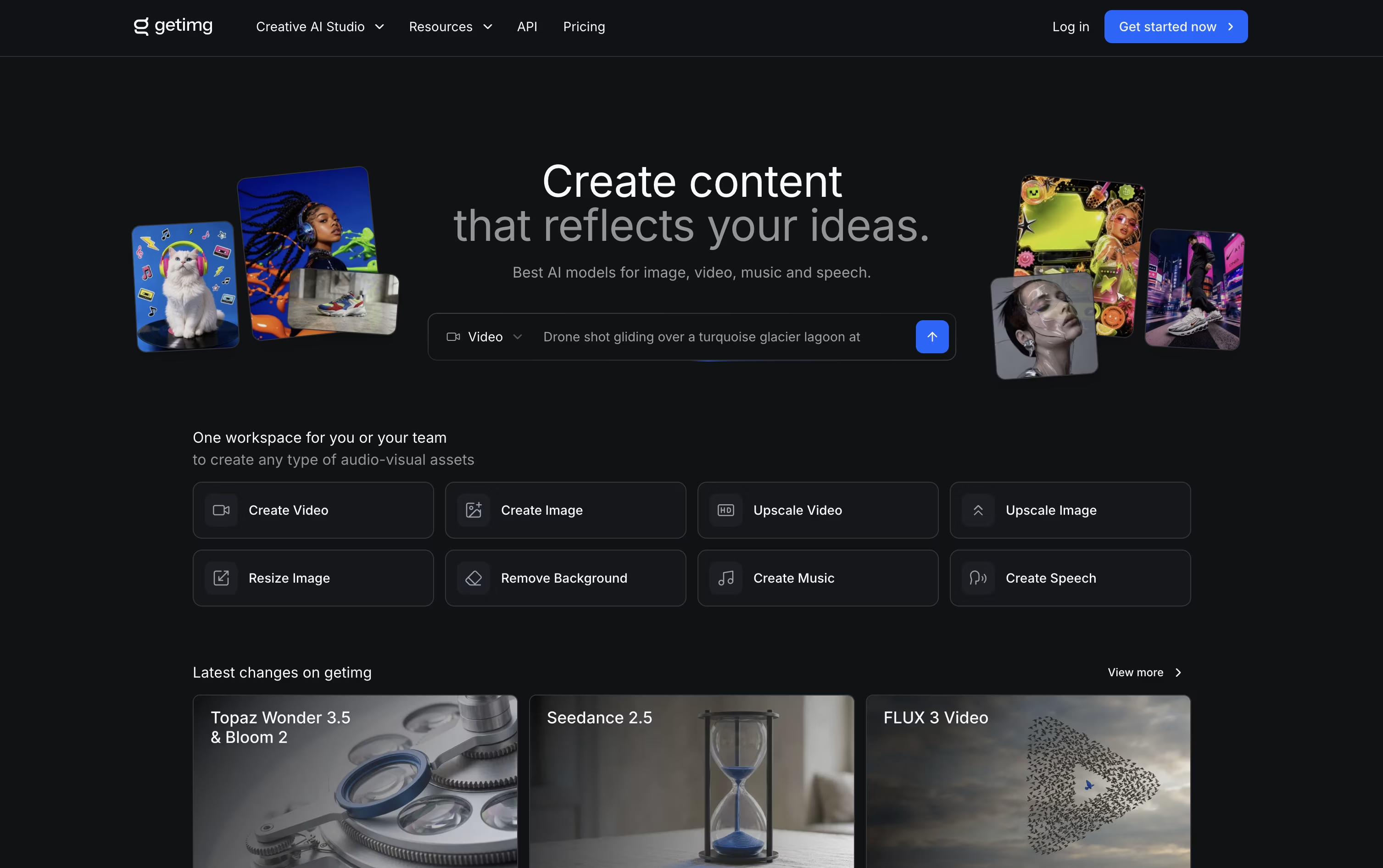
You simply describe what you need, and the platform automatically chooses a fitting AI model and refines your prompt in the background.
Editing is built in too, with one click background removal, image upscaling up to 16K, smart resizing, and video upscaling up to 4K.
Plans begin at $10 a month for the Entry tier with 3,000 credits, and move up to $30, $65, and $175 a month per seat for Core, Plus, and Ultra, each adding more credits, higher quality upscaling, and larger team access.
Choosing yearly billing lowers the price by roughly 20 percent across every plan.
Paid subscriptions also unlock full commercial rights, and a developer API with ready made SDKs is available for teams that want to build the tools into their own apps.

Magnific is the rebranded, expanded version of Freepik, now built as a full AI creative suite rather than just a stock and upscaling site.
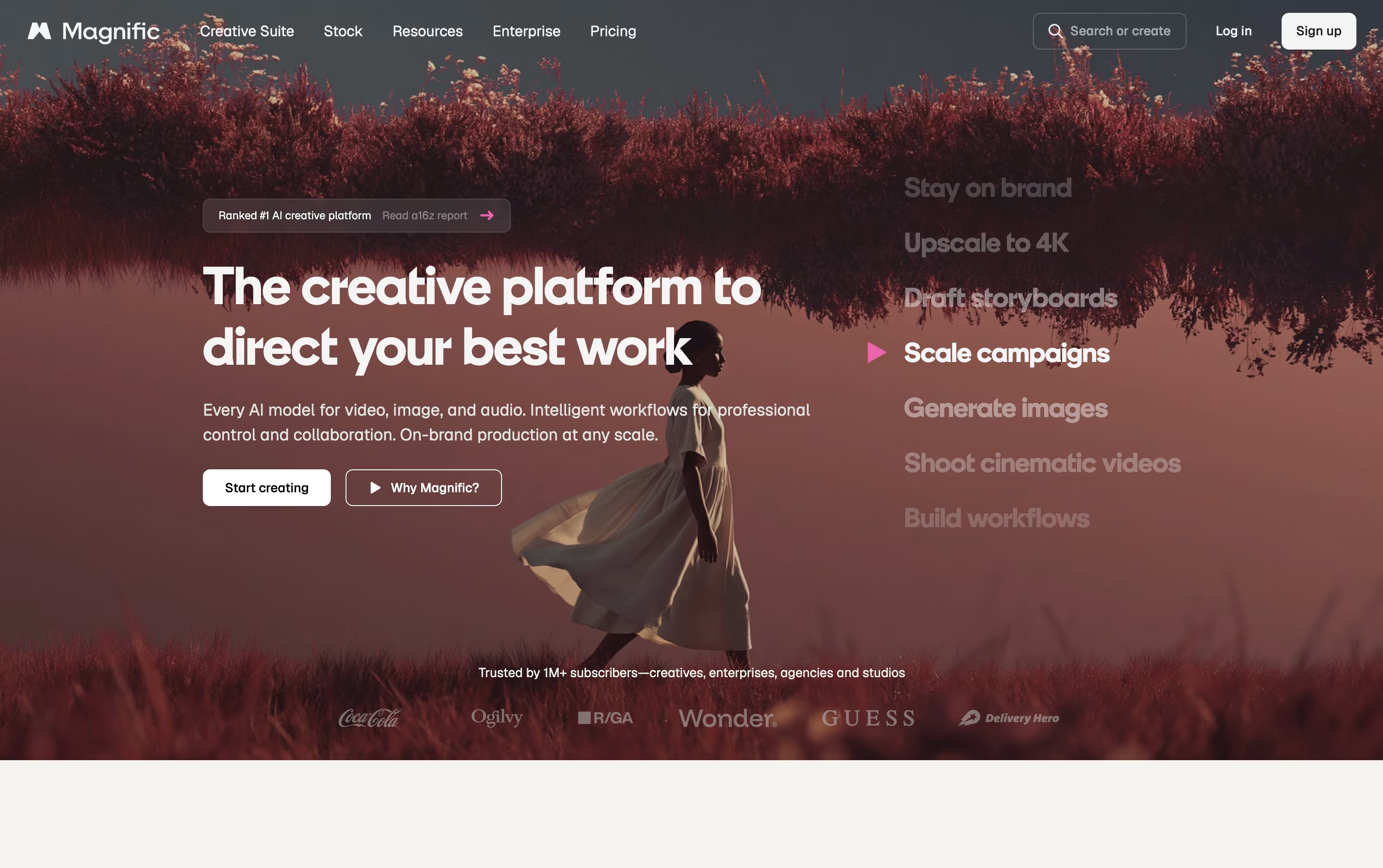
Inside it you'll find image and video generation from many AI models, the well-known Magnific upscaler for adding sharp, realistic detail to low-resolution files, and tools for music, voice, and 3D content, all drawing from the same pool of credits.
A library of over 250 million licensed photos, vectors, and templates sits alongside the AI tools, and Spaces lets teams build and share step-by-step creative workflows on one canvas.
The Premium plan starts at €15 a month with 20,000 credits, Premium+ costs €34 a month and unlocks unlimited use of certain models, and Pro runs €215 a month for heavier, professional workloads.
For teams, Business is priced at €59 per seat a month with a shared credit pool, while Enterprise offers custom pricing, unlimited seats, and hands-on support.
Paying yearly brings the price down by 25% on individual plans and 20% on team plans, and a commercial license is included no matter which plan you pick.

Krea packs image, video, and 3D generation into one browser based workspace, so creative teams don't need to jump between separate tools. It works well for designers, filmmakers, agencies, and beginners alike.
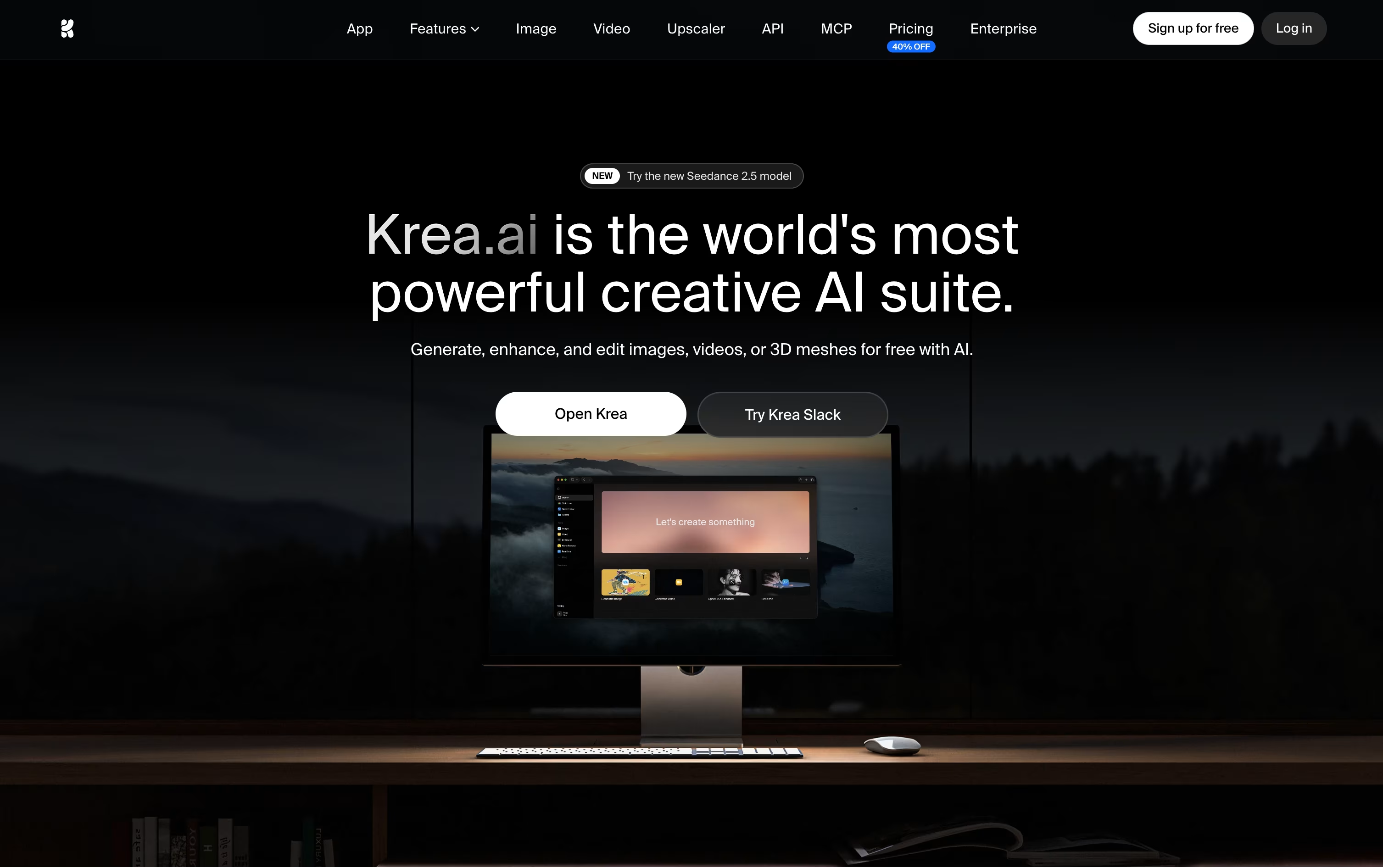
Behind the simple interface sits access to dozens of AI models, including Krea's own Krea 2, plus a realtime canvas that updates as you type, an editor for region based changes, 3D mesh generation, and a lipsync tool for talking videos.
You can also train private LoRA styles and set up automated Nodes workflows, or let Nodes Agent build a workflow from a text description.
Getting started is free, with 100 units a day and limited model access. Basic runs $9 a month, or $5 yearly, unlocking full image models and LoRA training.
Pro, the most popular tier, costs $35 a month, or $21 yearly, and adds all video models plus Nodes Agent and early feature access, while Max reaches $105 a month for unlimited concurrency and relaxed generations.
Larger teams can pick Business at $200 a month for 80,000 units and up to 50 seats, or move to Enterprise for custom pricing with SAML SSO and priority support.

Artlist works as a single home for both stock assets and AI generation, aimed at creators who don't want to jump between separate apps.
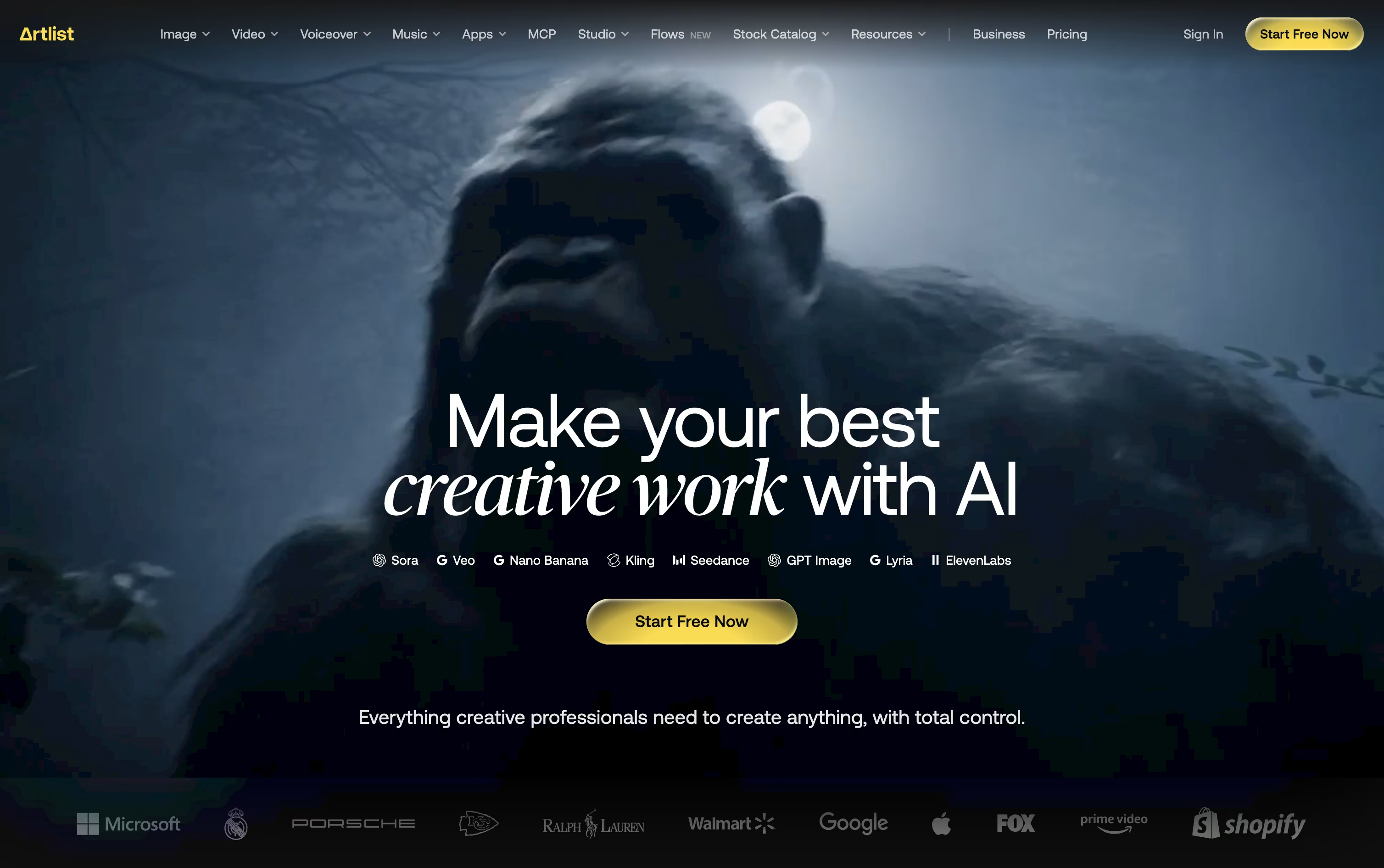
Its library covers royalty free music, sound effects, footage, templates, and LUTs, while the AI Toolkit handles text to image, text to video, voiceover, avatar, and dubbing generation across 100+ models.
The AI Suite has three main paid tiers. AI Starter runs $19.99 a month with 16,500 credits, AI Core is $39.99 a month with 40,000 credits and the Most Popular label, and AI Creator is $69.99 a month with 80,000 credits. Paying yearly drops these to $11.99, $23.99, and $41.67 a month.
Separately, the Stock Catalog starts at $9.99 a month for Music & SFX, moves up to $50.66 a month for Max, and $399 a month for Max Business teams, both on annual billing.
Custom Business options exist for both the AI Suite and Stock Catalog, offering unlimited generations, enterprise security, SSO, and a dedicated account manager at custom pricing.
Editors can also reach Artlist through Premiere Pro, After Effects, and DaVinci Resolve plugins, or generate assets directly inside Claude via the Artlist MCP integration.

Built by the team behind TikTok and CapCut, Dreamina is ByteDance's AI creative suite for turning words and pictures into finished images, videos, and talking avatars. It works right in the browser, so there is nothing to install.
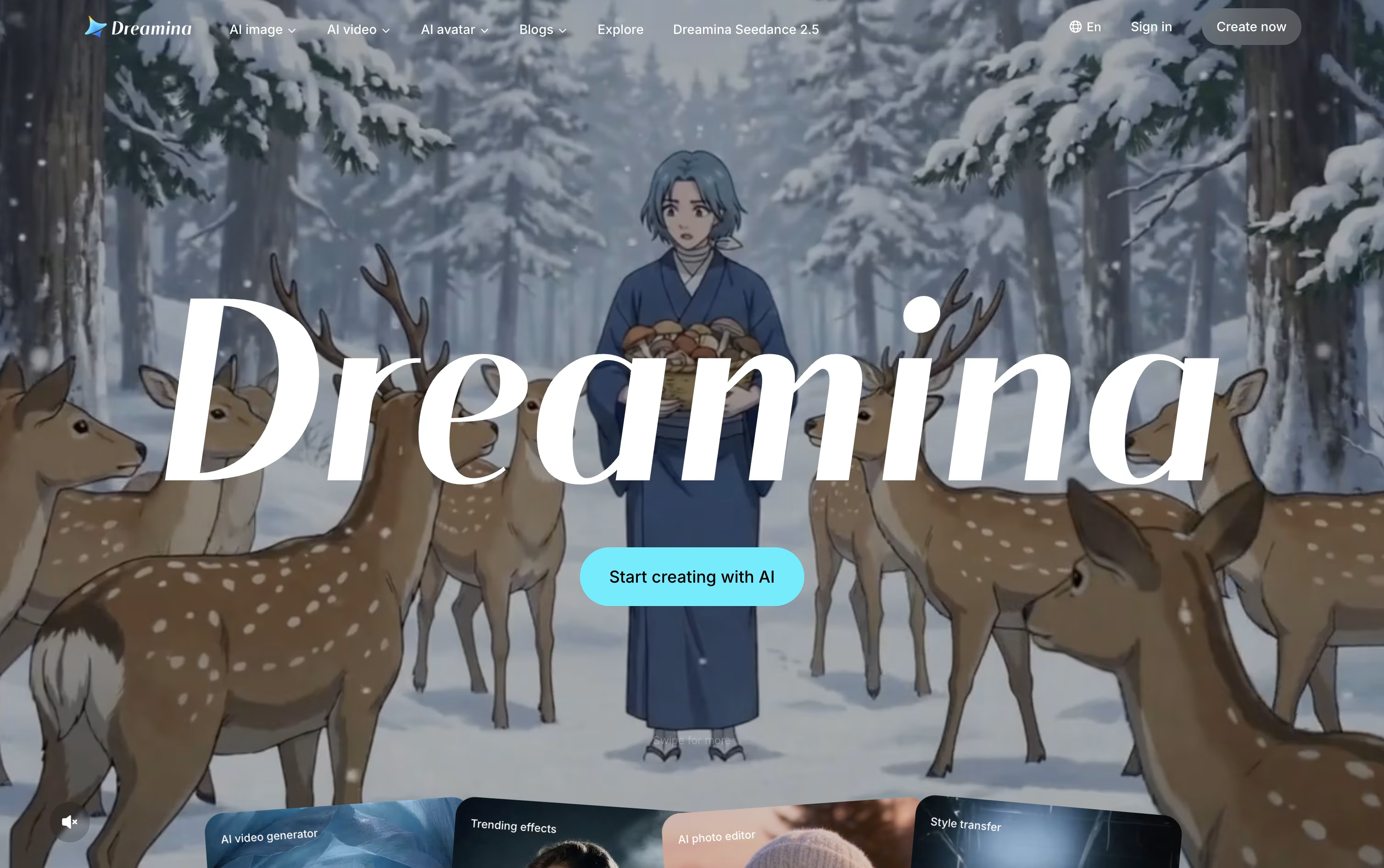
Image and video work is powered by ByteDance's Seedream and Seedance models, which keep characters consistent, handle camera motion well, and add natural audio with accurate lip sync straight out of the box.
Once something is generated, it can be sent directly into CapCut for editing, so creators skip the usual back and forth of downloading and re-uploading files between separate apps.
The Free plan costs nothing and hands out bonus credits every day. Basic runs $15 a month, or $144.99 a year, for 1,575 credits along with watermark removal and 60 FPS video.
Standard sits at $35 a month, or $334.99 a year, offering 3,885 credits with the same feature list as Basic. Advanced, at $70 a month or $669.99 a year, gives 8,645 credits, top-priority generation, and a limited-time unlimited 4K benefit.
Paying yearly instead of monthly cuts the overall cost by roughly 20% on every paid tier.

Luma AI lets you describe a creative task and have its AI agents research, generate, and polish the result across video, image, and audio formats.
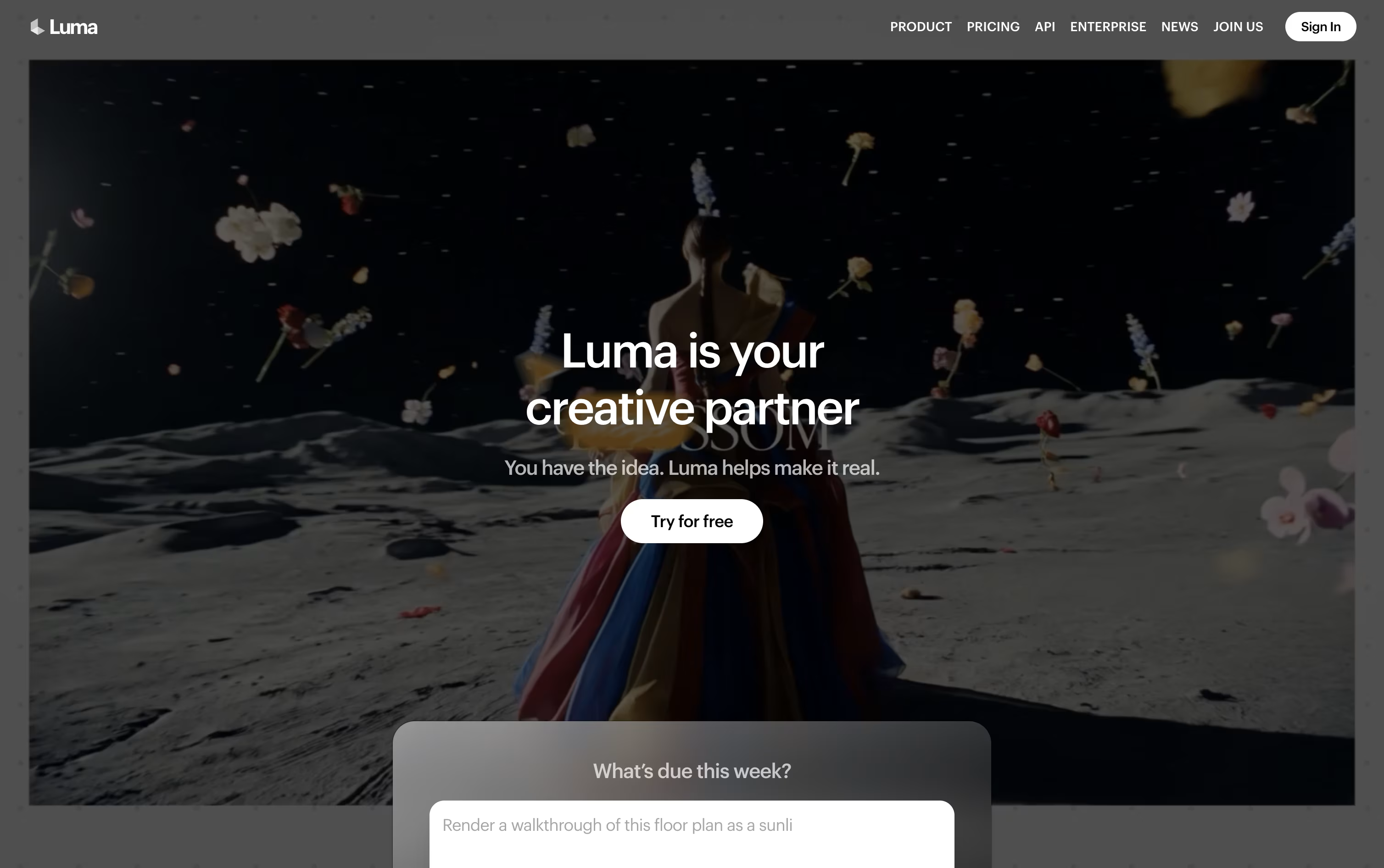
Luma Agents sits at the core of the platform, pulling together models such as Ray for video and Uni for images while keeping a consistent brand look. With Luma Skills, any workflow you build can be saved and reused on future work instead of starting from scratch.
The newest video model, Ray 3.2, allows up to sixteen keyframes in a single clip, lets you edit existing footage with Modify Video, reshape aspect ratios with Reframe, and export in native HDR for color grading.
On the pricing side, the Plus plan starts at $30 a month with 10,000 credits, while Pro at $90 a month and Ultra at $300 a month unlock more credits and greater agent usage. Choosing yearly billing cuts the cost by up to 20 percent.
Larger teams can move to the Team or Enterprise plan, both quoted individually, which bring in team management, shared credit pools, analytics, and single sign-on.
Every actual generation, whether video, image, or audio, is billed from your credit balance based on the model and quality chosen.

SocialBu is a comprehensive social media management and automation platform designed to streamline your online presence across multiple social networks. Think of it as your personal social media assistant that never sleeps.
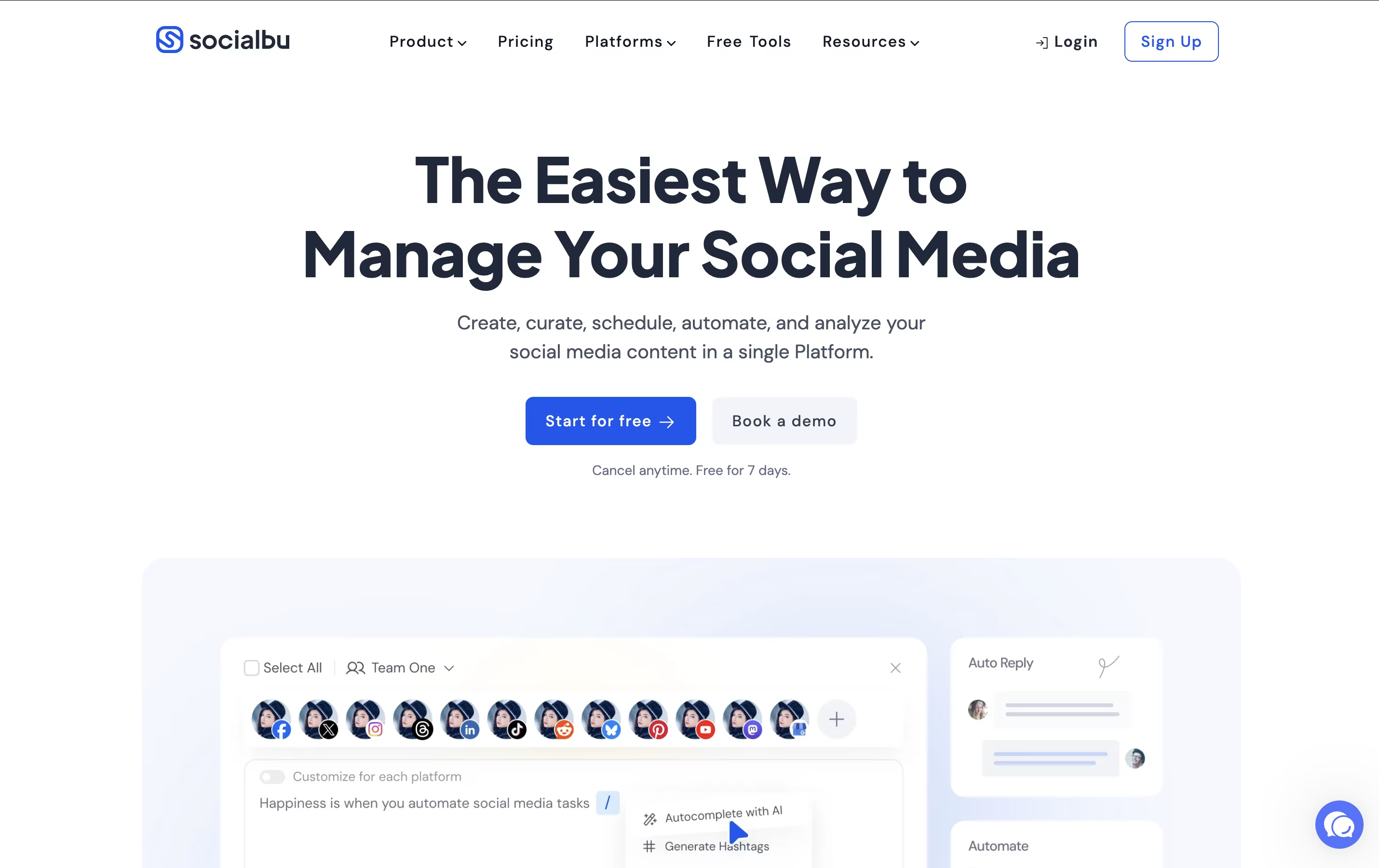
This AI-powered tool goes beyond simple post scheduling. It helps you create engaging content with AI generation, automate repetitive tasks like responding to comments, track your performance with detailed analytics, and collaborate with your team seamlessly. The platform supports all major social networks including Facebook, Instagram, Twitter, LinkedIn, TikTok, YouTube, Google Business Profile, and emerging platforms like Threads and Bluesky.
What makes SocialBu special is its focus on automation and AI. You can set up rules to automatically post from RSS feeds, recycle your best content, and even generate new posts with AI. Founded with small businesses and creators in mind, it offers enterprise-level features at affordable prices.

Sider is an innovative AI-powered browser extension that transforms your web browsing experience by integrating multiple advanced AI models directly into your browser sidebar. Think of it as your personal AI assistant that never leaves your side while you work online.
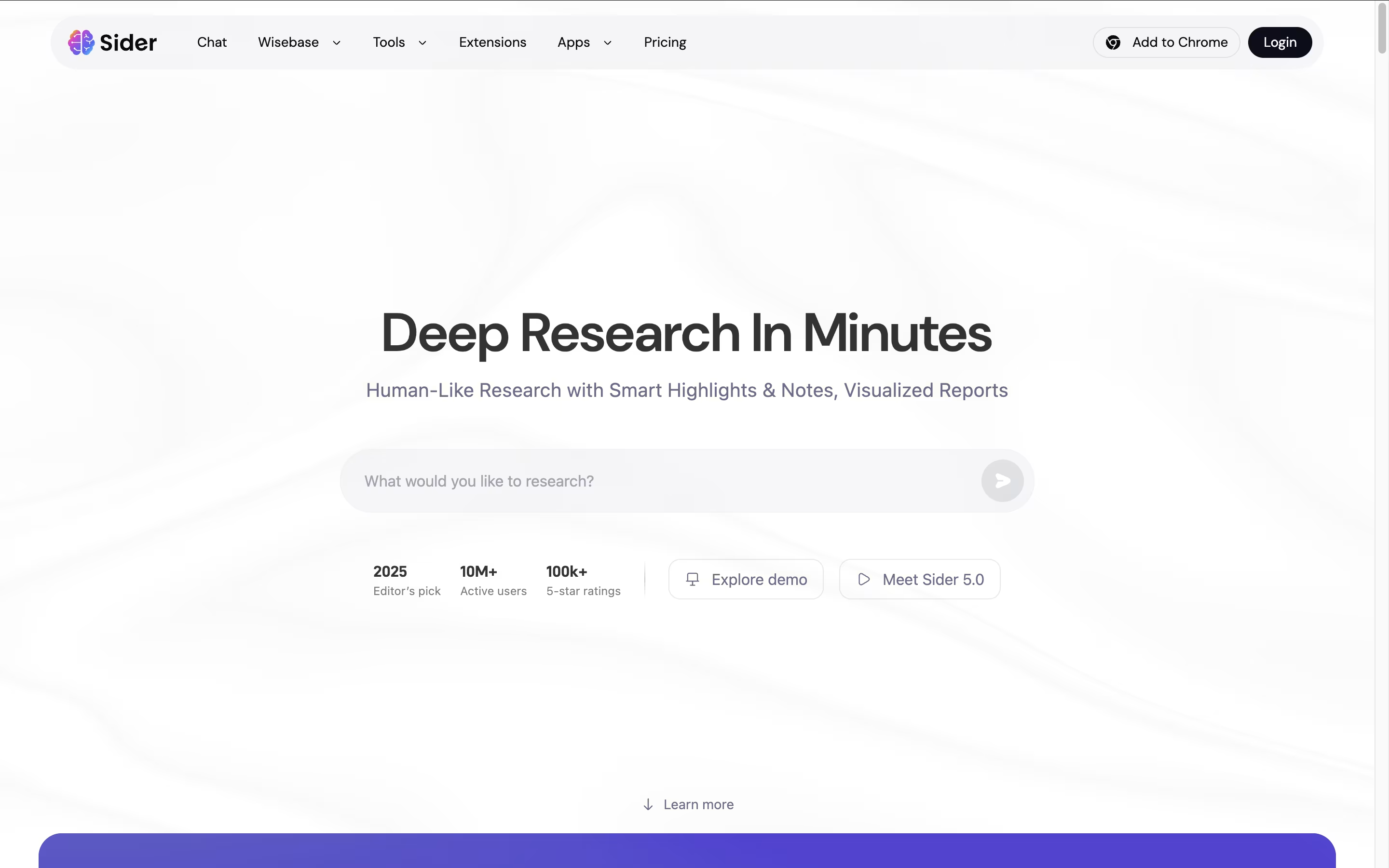
The tool combines popular AI models like GPT-4o, Claude 3.5 Sonnet, Gemini 2.0 Pro, and DeepSeek into one easy-to-use interface. Instead of jumping between different AI websites, you can access all these powerful tools with a simple click while browsing any webpage.
Sider understands that modern work requires flexibility, so it offers group chats where multiple AI models can respond to your questions simultaneously, giving you diverse perspectives on any topic. Founded in 2023, Sider has quickly gained popularity for making AI accessible and practical for everyday tasks, saving users hours of time each week.

Voibe swaps your keyboard for your voice on Mac and Windows. Hold a hotkey, speak normally, and the app inserts clear, properly punctuated text directly into whatever app you are using, from code editors to email.
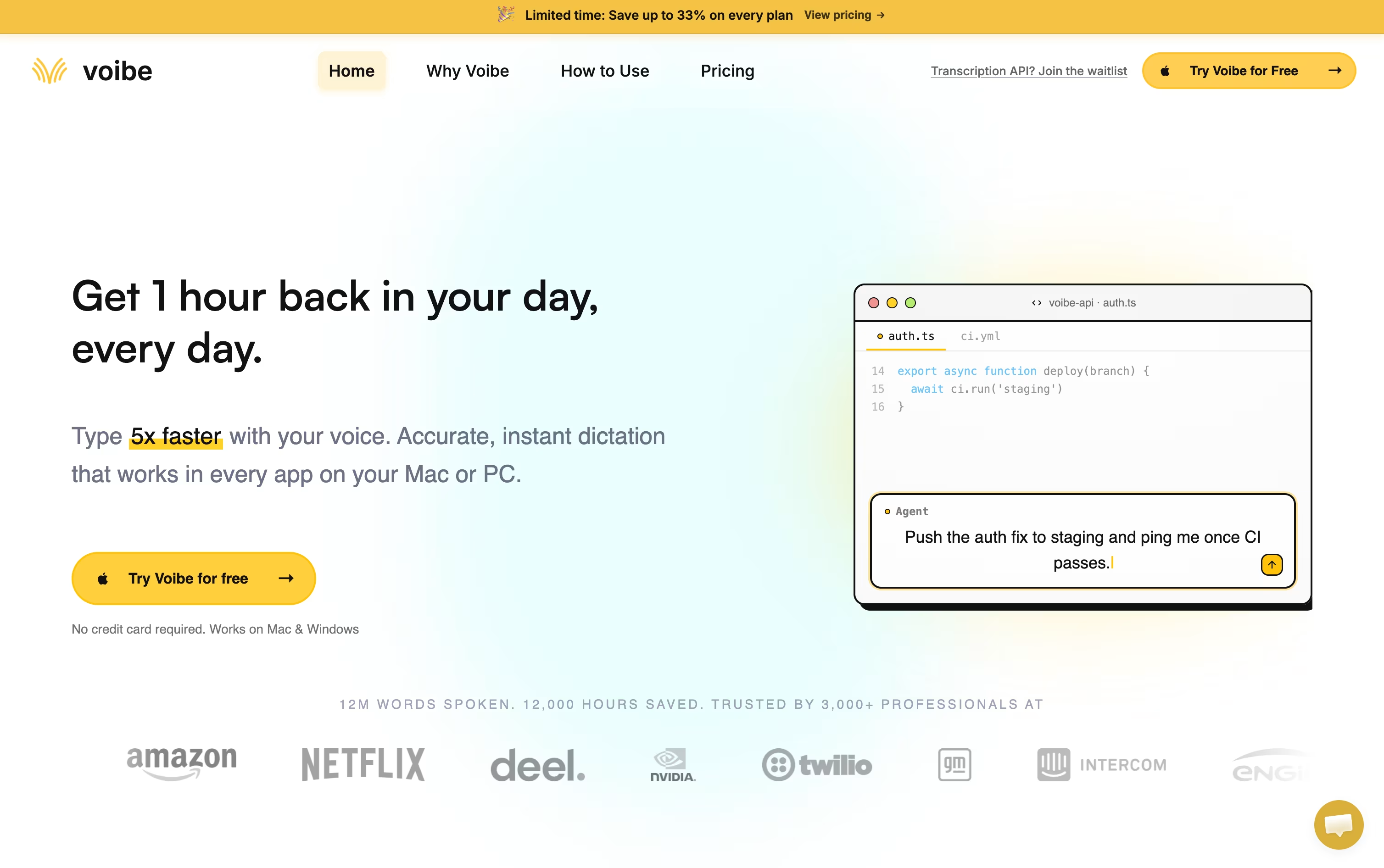
Behind the scenes it uses open source Whisper based models, not proprietary big tech AI, and never stores or trains on your audio. Apple Silicon Macs can run the whole thing offline, while Windows relies on a zero retention cloud path.
Developers get a Developer Mode that scans the local workspace so spoken file names and variables resolve correctly inside Cursor, VS Code, and Windsurf, which is a big help for AI coding workflows.
On price, professionals can pick monthly at $7.50, annual at $59 with four months free, or a one time lifetime purchase at $149. Teams of three or more save around 20 percent, larger teams of ten or more can request custom terms, and every plan starts with a free trial and a 30 day refund guarantee.

Rather than typing out every message, Typeless lets you speak and hands back writing that already reads clearly. Hold the hotkey on desktop, or the voice button on mobile, and the app fills in the text for you.
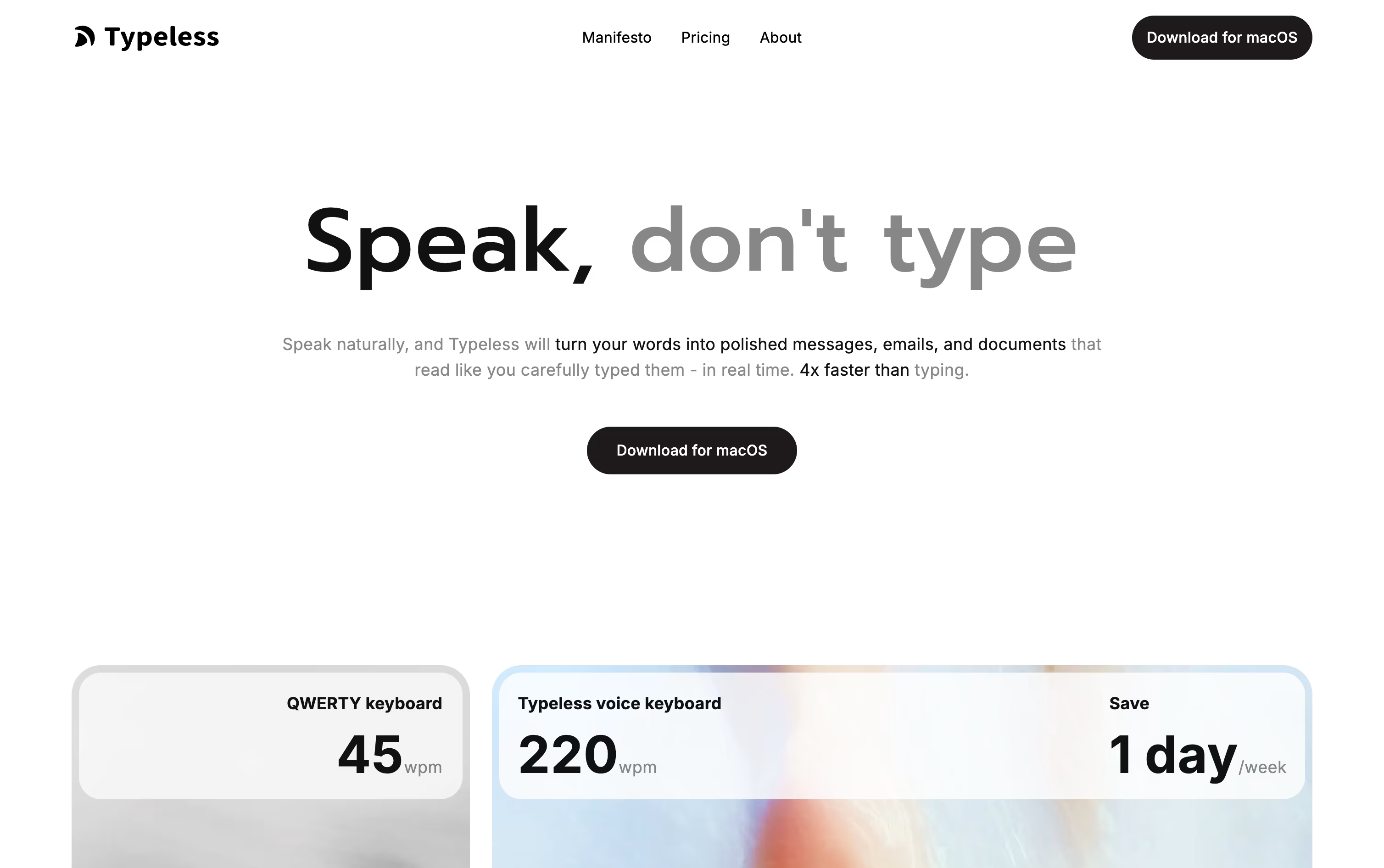
It quietly strips out ums, repeated words, and false starts, then arranges the result into sentences, steps, or paragraphs that match what you were trying to say.
You can use it almost anywhere on your device, whether that is a work email, a group chat, or a long document, and the experience stays consistent across macOS, Windows, iOS, and Android.
Getting started is free, with 8,000 words covered each week at standard accuracy. Moving to Pro costs $12 per member monthly on the yearly plan, or $30 if you pay month to month, and lifts the word cap while speeding things up for teams.
Bigger companies can ask about Enterprise pricing, which adds single sign-on, audit trails, and priority support.
With support for more than 100 languages and a habit of learning how you write, it fits both short daily notes and longer pieces of writing.

Instead of typing, Willow Voice lets you simply talk, and it turns your speech into polished, formatted text inside whatever app you are using, from email to chat to notes.
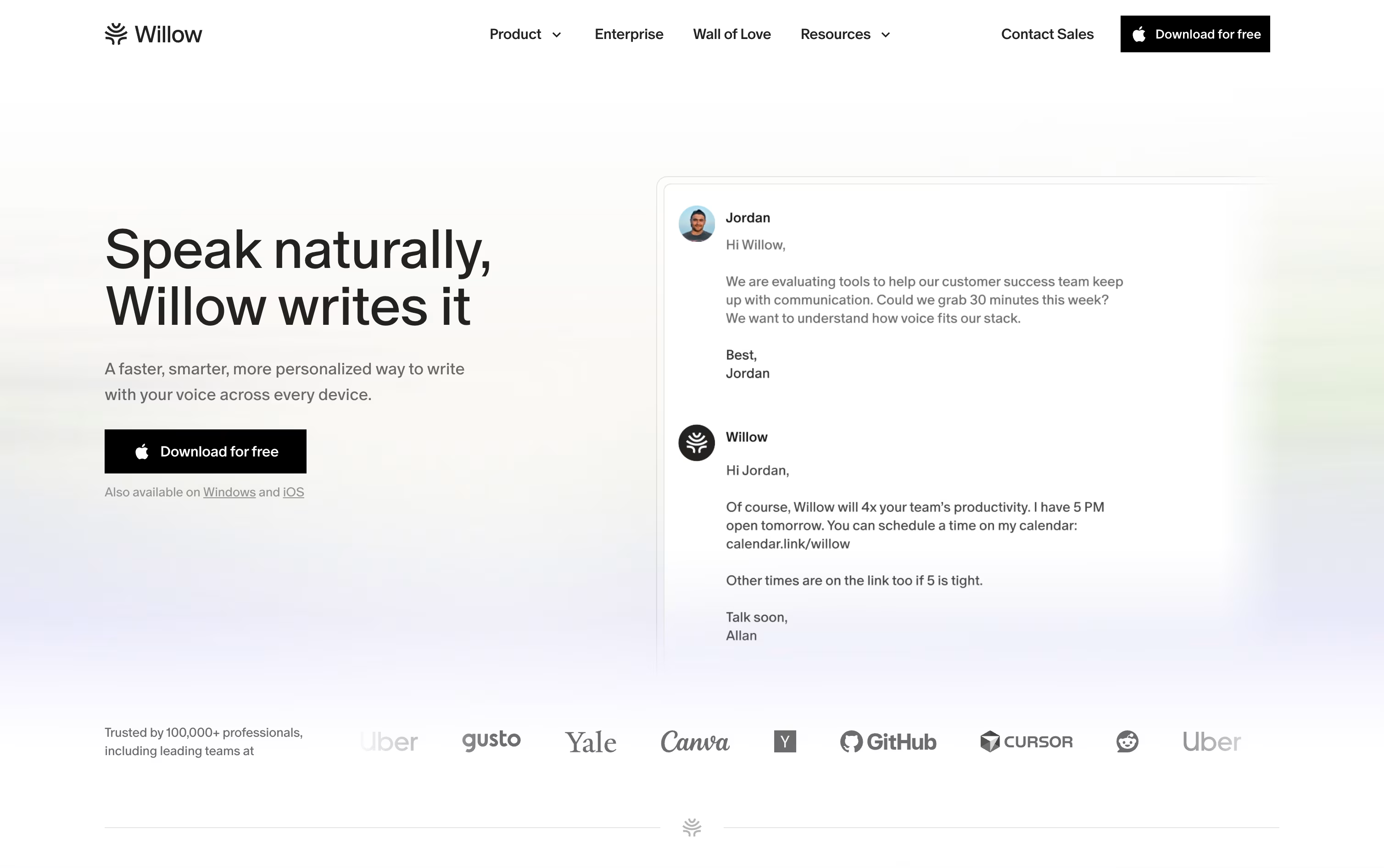
It is available on Mac, Windows, and iPhone, and it learns your writing style over time so replies sound like you wrote them yourself.
Starting out costs nothing. The free plan includes unlimited dictation with the Frontier Mini model, basic personalization, and 20 uses of the Scribe writing assistant each week.
Stepping up to Pro brings the more accurate Frontier Pro model, unlimited Scribe, quicker transcription, and access on iPhone, priced at $15 per user monthly or $12 with annual billing.
Business plans add team features like shared dictionaries, centralized billing, and stronger security such as SOC 2 and zero data retention, for $35 a month or $28 billed yearly.
Larger organizations can move to Enterprise, which adds single sign-on, dedicated support, and advanced controls at custom pricing.
Vrite is a content management platform designed specifically for technical writing. It offers a modern editor that works like familiar tools such as Notion, but adds features developers need. You can write in a visual editor while also having access to code blocks with syntax highlighting and formatting.
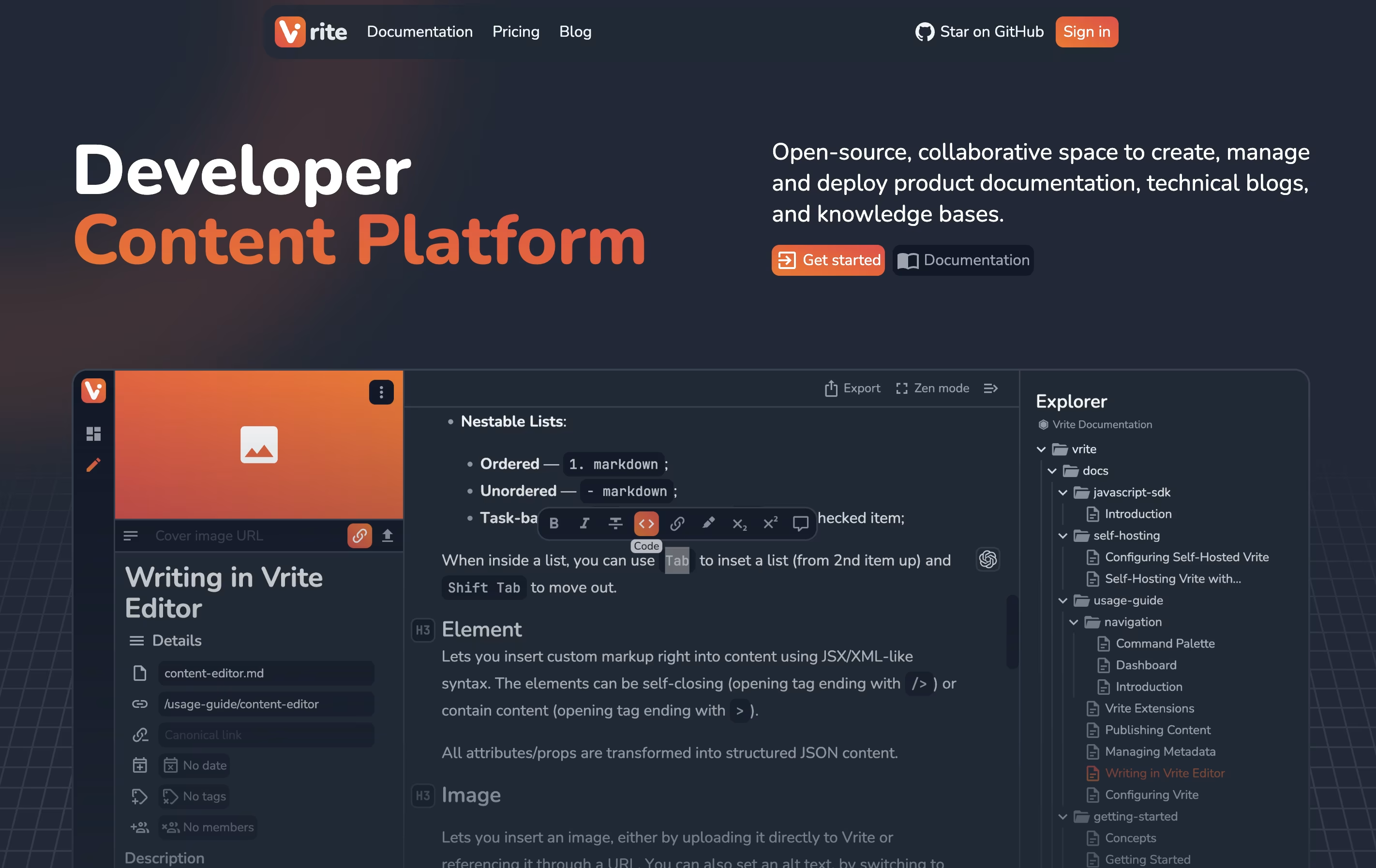
The platform includes a dashboard where you organize content using Kanban boards or table views. This helps teams track what's being written, what needs review, and what's ready to publish. Vrite connects with GitHub for version control and supports extensions that add more functionality.
The platform includes AI-powered search that helps find information in your content quickly. You can either use their cloud version or install it on your own servers for complete data control.

Instead of typing, Wispr Flow lets you simply speak, and it turns even rambling or corrected speech into clean, polished text dropped straight into whatever app you have open.
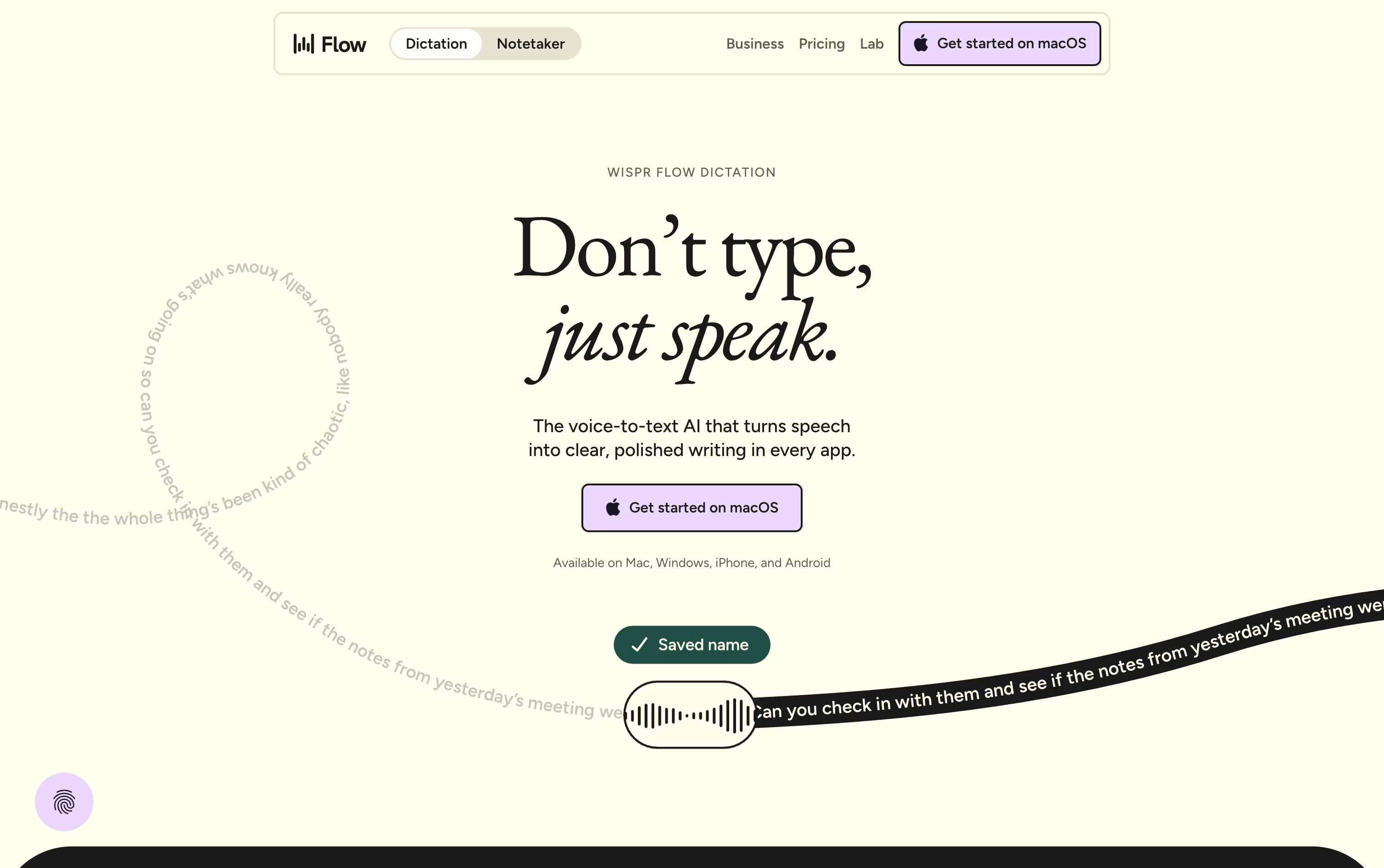
It runs system wide on Mac, Windows, iOS, and Android, so emails, chat messages, notes, and even code comments can all be dictated without any copy and pasting.
On top of dictation, it offers a meeting notetaker that identifies speakers, a personal dictionary for names and jargon, and snippets that expand a short phrase into a full pre-written message.
Free costs $0 a month and covers the basics with some weekly limits on words and meetings.
Pro is $15 per user monthly, dropping to $12 a month on the annual plan, and removes those limits while adding stronger AI models.
Enterprise is priced on request and brings in security features like SSO and SOC 2 for bigger organizations.
Instead of typing, Superwhisper lets you talk and have your words appear as clean, formatted text in whatever app you are using, on Mac, Windows, or iPhone.
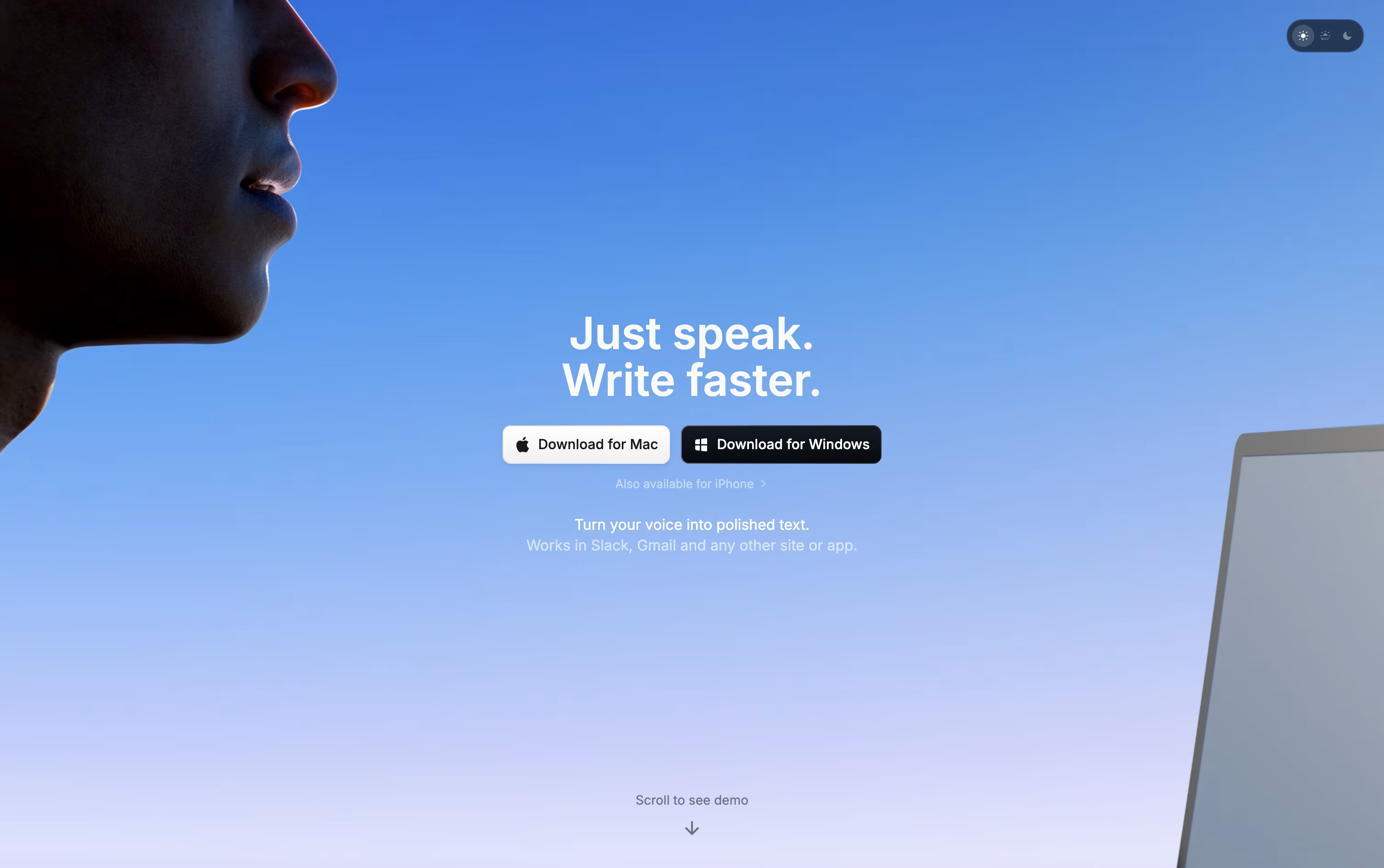
Behind the scenes it records your voice, converts it to text, then runs it through an AI model that follows the mode you have selected, whether that is a quick note, a formal email, or a meeting summary.
You decide how much stays private. Local models keep everything on your device, while cloud models and your own API keys open up stronger results when you want them.
Getting started costs nothing. The free plan includes core dictation, meeting recording, and support for over 100 languages.
Stepping up to Pro runs $8.49 a month, or $84.99 a year with close to two months free, adding translation, file transcription, and unlimited model access. A lifetime option is also available for a single $249.99 payment.
Teams with bigger needs can move to Enterprise, a custom priced plan built around security certifications, centralized billing, and volume pricing.

Monologue turns your spoken words into clean, formatted text rather than a rough transcript. It cuts filler words, tidies up phrasing, and shapes the output to fit whatever app you are typing into.
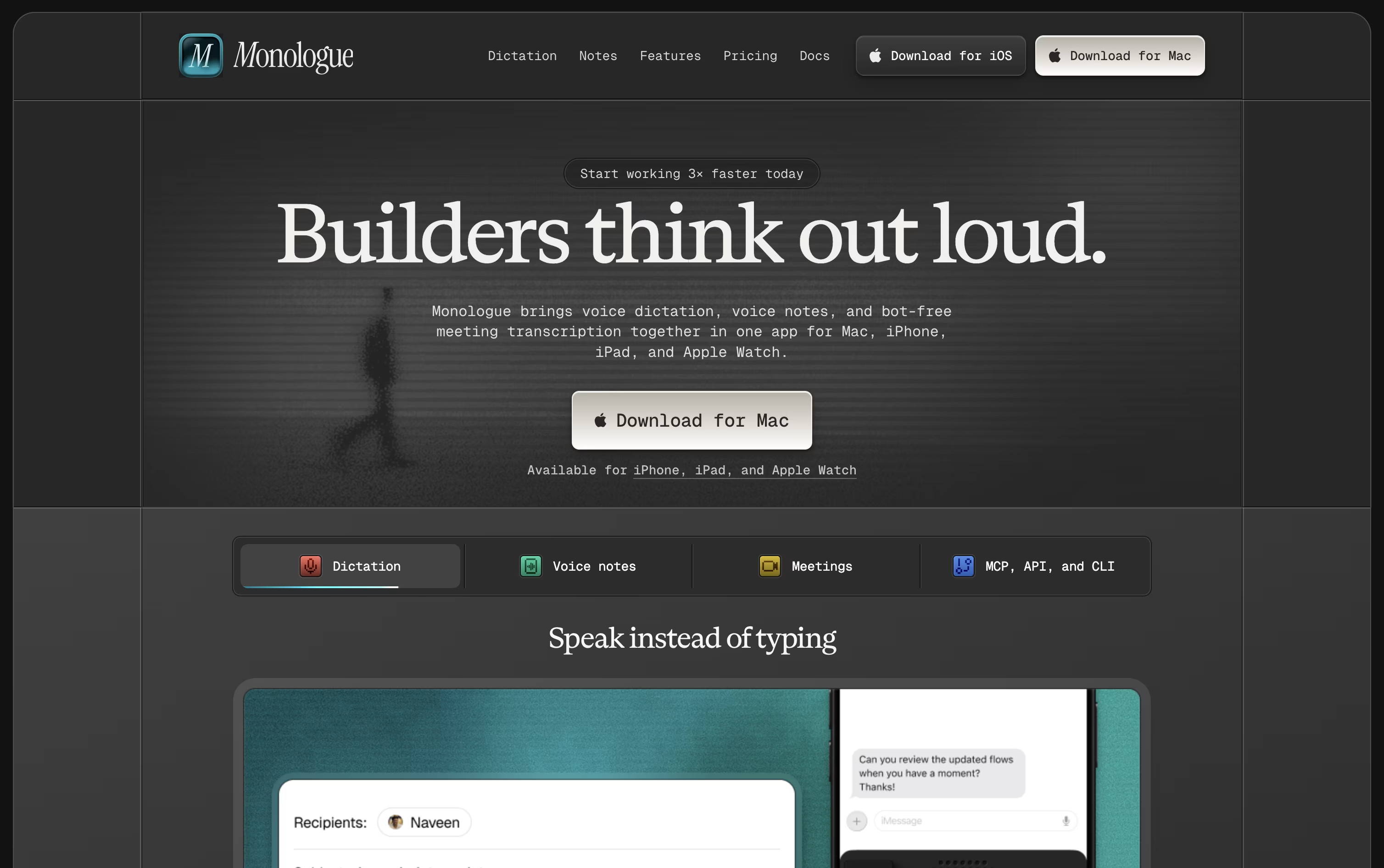
The app is available on Mac, iPhone, iPad, and Apple Watch, with your dictionary, modes, and notes kept in sync everywhere.
A free trial covers 1,000 dictation words and 10 recorded notes so you can test it before paying anything.
Beyond that, Pro costs $15 monthly or $144 a year, which works out to about $12 a month and removes all the usage limits.
Pro also adds bot-free meeting notes and full support across every Apple device.
Monologue is included in the wider Every subscription bundle, and it offers an API, CLI, and MCP support for developers who want notes inside their coding agents.
Visme is an all-in-one visual design platform that helps you create professional presentations, infographics, reports, social media graphics, and over 30 other types of content. Unlike traditional design software that requires technical skills, Visme makes design accessible to everyone through its intuitive interface and extensive template library.
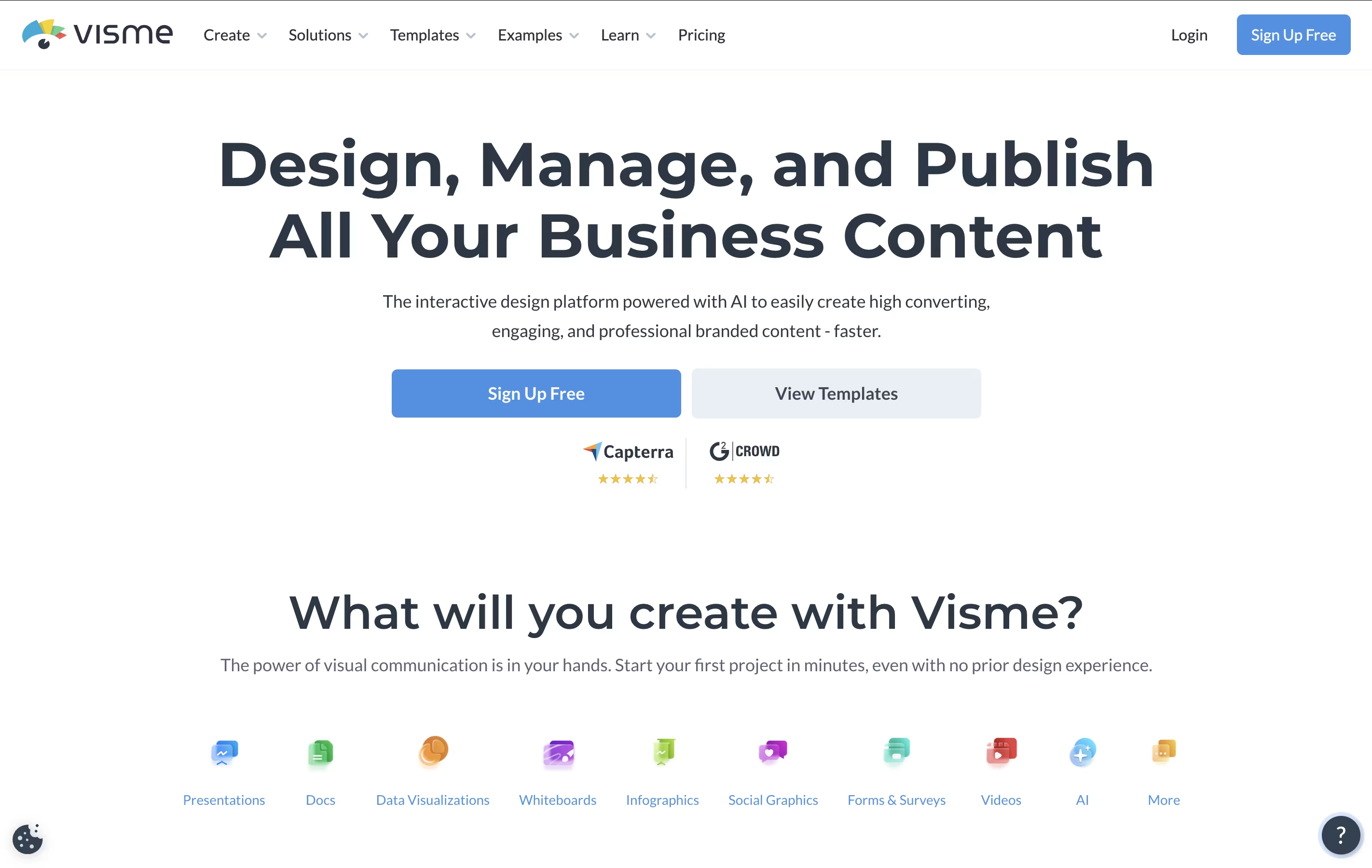
The platform offers thousands of customizable templates, drag-and-drop editing, interactive elements like animations and clickable links, and collaboration features for teams. It includes AI-powered tools that can generate designs from text prompts, making content creation even faster.
Visme works entirely online, so you don't need to download software. You can create content, share it with your team for feedback, and publish it directly from the platform. It's designed for businesses, educators, marketers, and anyone who needs to communicate ideas visually without hiring a designer.



