



Willow Voice
Smarter AI Voice Dictation Tool
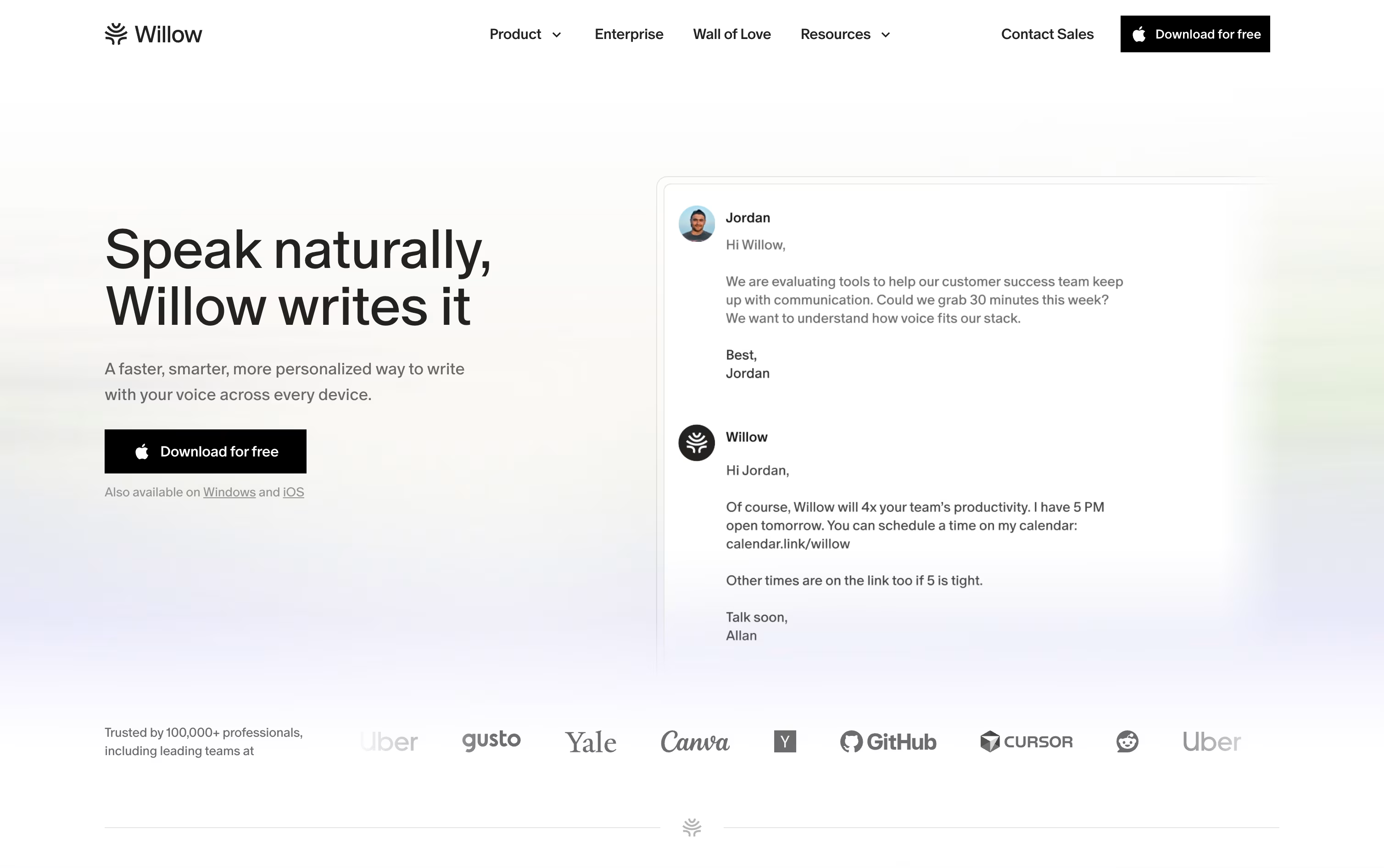
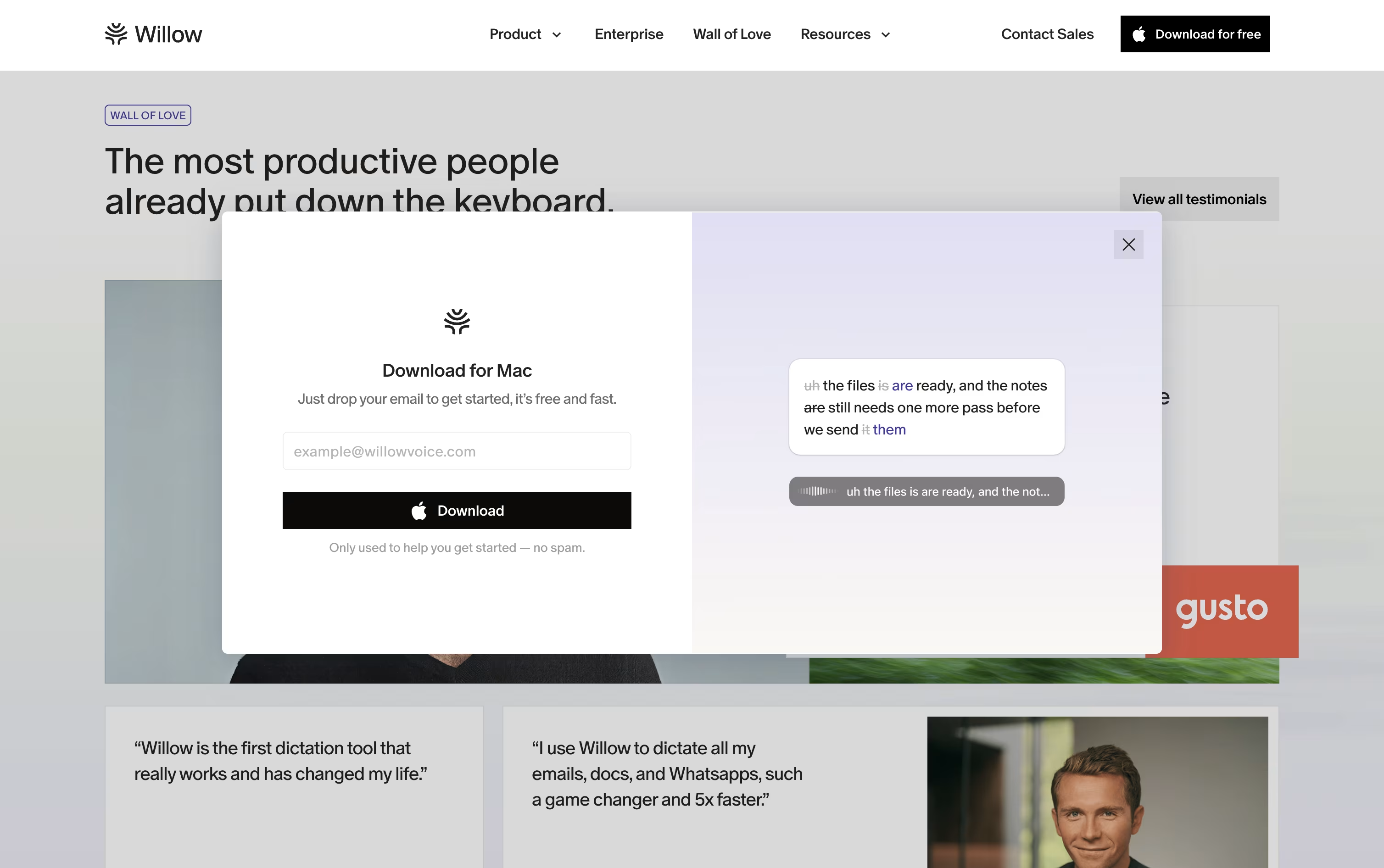
Willow Voice is an AI dictation tool that turns your speech into clean, formatted text in any app instantly.



What is Willow Voice
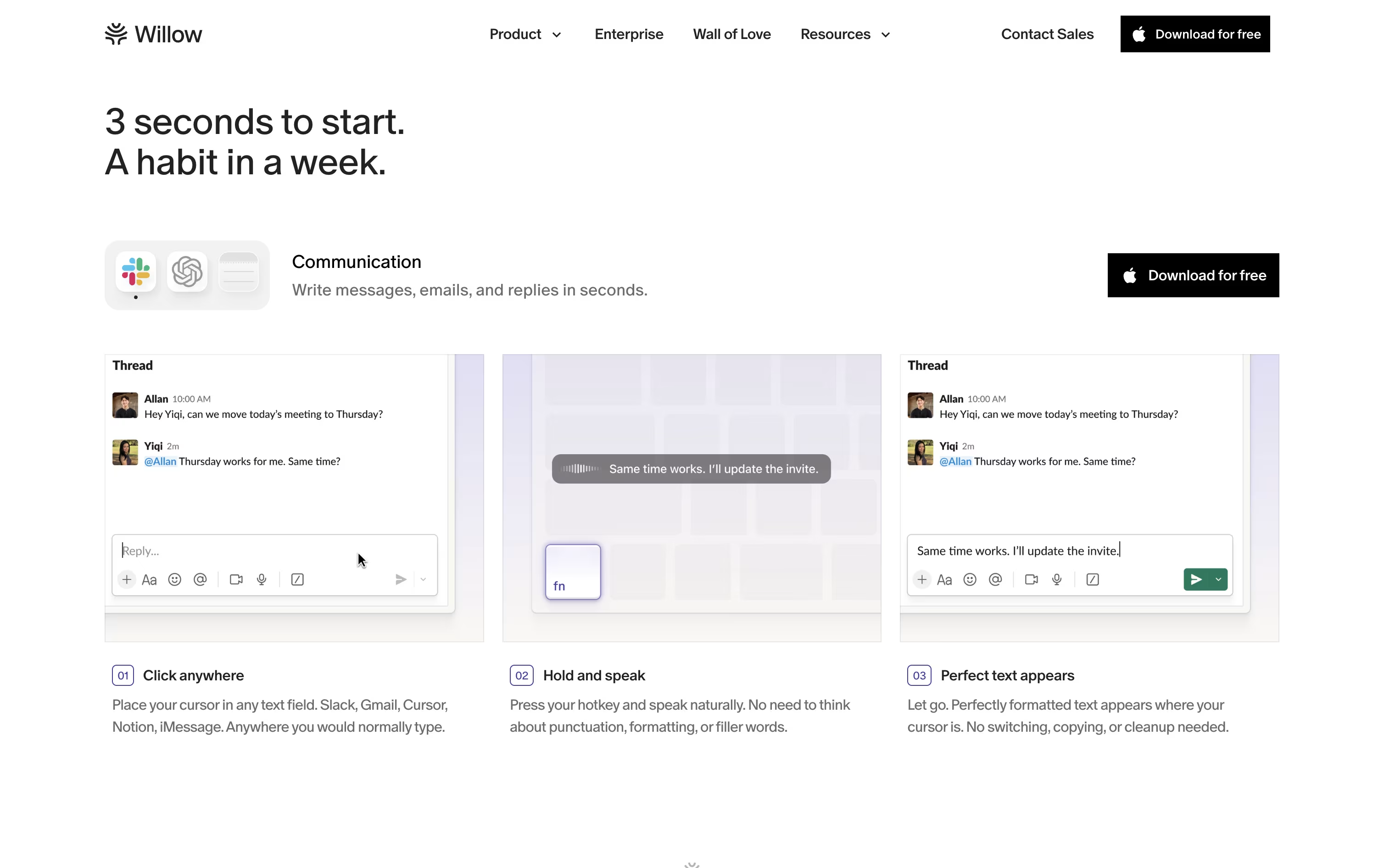
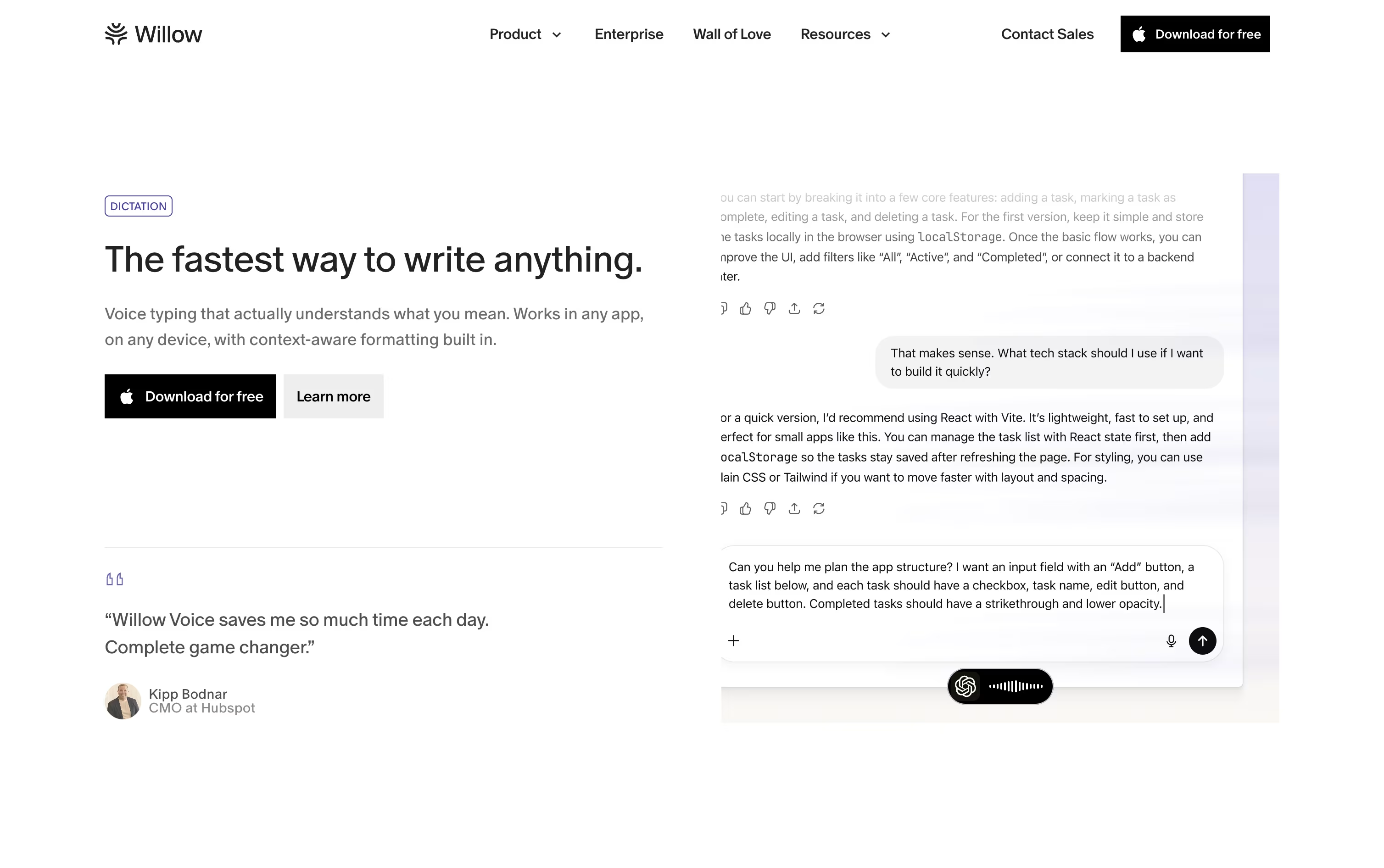
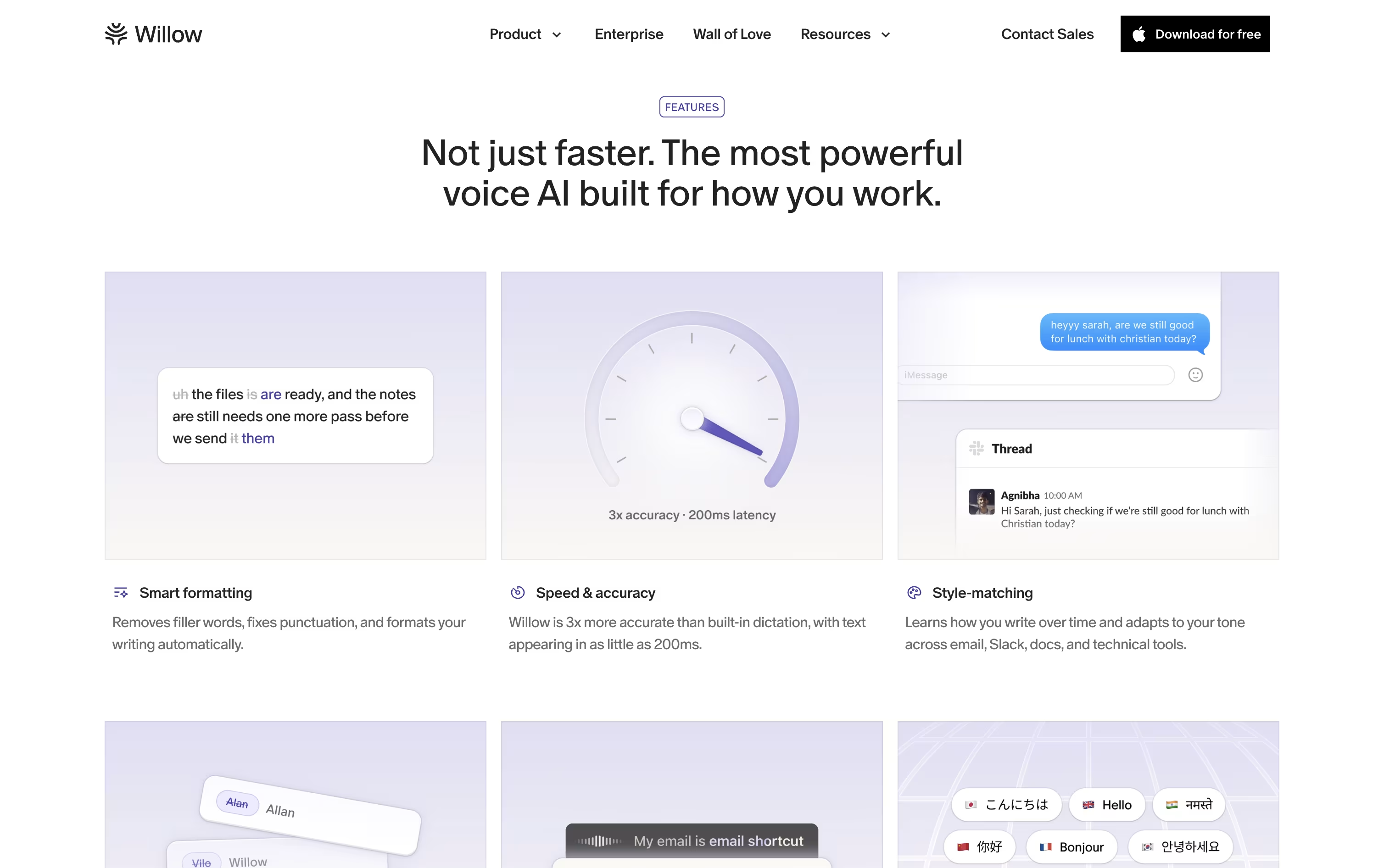
Willow Voice is a voice dictation app that turns your spoken words into clean, ready to use text. You just talk, and it fixes punctuation, removes filler words, and shapes the text to fit wherever you are typing.
It works on Mac, Windows, and iPhone, so you can dictate emails, messages, notes, and even prompts for AI tools like Cursor and ChatGPT. Over time it learns your writing style and adjusts its tone based on the app you are using.
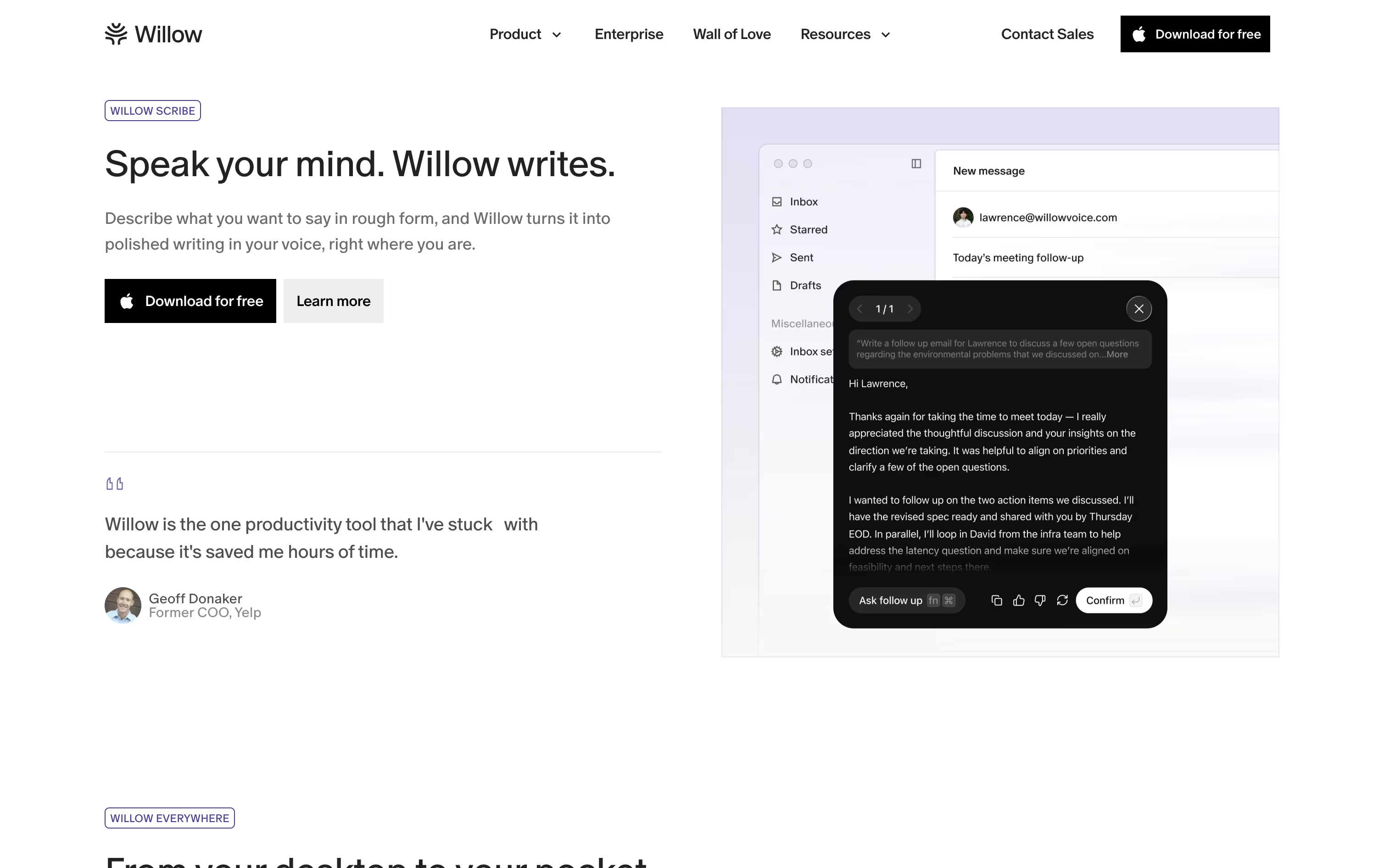
You can also teach it names, jargon, or terms specific to your work, and it remembers them going forward. A feature called Scribe lets you describe what you want to say and get a fully written message back in your own voice.
Willow Voice also pays attention to privacy, with options like zero data retention, and offers team plans for businesses that want shared dictionaries and central management.
Features of Willow Voice
Real-time speech-to-text with low latency
Automatic punctuation and filler word cleanup
Context-aware accuracy for names and jargon
Learns and matches your writing style
Custom and auto-learning dictionary
Willow Scribe AI writing assistant
Works on Mac, Windows, and iPhone
Hands-free dictation mode
Shared team dictionaries and dashboard
SOC 2 and HIPAA compliant privacy options
Willow Voice Pricing
Basic
- Unlimited dictation with Frontier Mini model
- Limited personalization
- 20 Scribe uses per week
- Works in any app you type in
- Mac and Windows support
- Standard customer support
Pro
- Unlimited dictation with Frontier Pro model
- Faster, priority transcription
- Smart memory of your writing style
- Unlimited Scribe usage
- Increased dictation length
- Mac, Windows, and iPhone support
- Priority customer support
Business
- Everything in Pro
- Enforced zero data retention
- SOC 2 Type II compliance
- Enforced HIPAA compliance
- Centralized billing and shared dictionary
- Team management dashboard
Enterprise
- Everything in Business
- Invoice or PO billing
- Single sign-on (SSO) and SAML
- Enterprise-grade security and controls
- Advanced usage dashboards and API
- Dedicated 1:1 support
Willow Voice Use Cases
FAQ's About Willow Voice







See what users are saying about Willow Voice
0 Reviews
No reviews yet
Be the first to review Willow Voice