

Best 5 Tools for Email Writing in 2026
Last Updated: August 24, 2026
Whether it is a sales outreach message or a customer newsletter, the wording of an email has a direct impact on whether it gets opened and acted on. Email Writing tools help draft subject lines, body copy, and calls to action that are clear and effective.
Sales teams, marketers, and customer support reps use email writing tools to send effective messages faster, without starting from a blank draft every time.
 Superwhisper
 SuperwhisperAI Voice Dictation for Any App,
  Typeless
 TypelessAI Voice Keyboard That Writes for You, and
  Willow Voice
 Willow VoiceSmarter AI Voice Dictation Tool are the best for Email Writing. So, let’s take a closer look at all 5 tools.

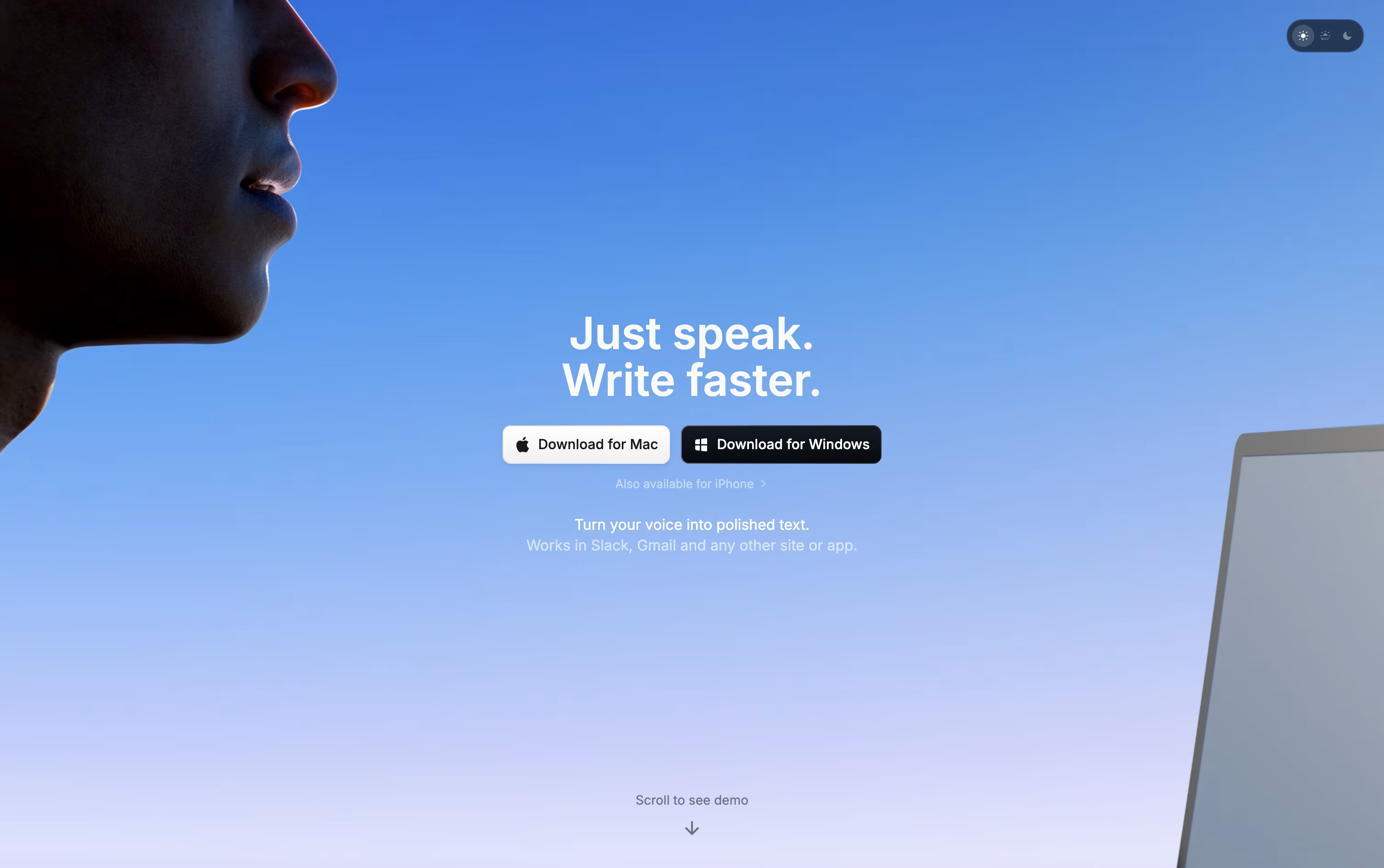
Instead of typing, Superwhisper lets you talk and have your words appear as clean, formatted text in whatever app you are using, on Mac, Windows, or iPhone.
Behind the scenes it records your voice, converts it to text, then runs it through an AI model that follows the mode you have selected, whether that is a quick note, a formal email, or a meeting summary.
You decide how much stays private. Local models keep everything on your device, while cloud models and your own API keys open up stronger results when you want them.
Getting started costs nothing. The free plan includes core dictation, meeting recording, and support for over 100 languages.
Stepping up to Pro runs $8.49 a month, or $84.99 a year with close to two months free, adding translation, file transcription, and unlimited model access. A lifetime option is also available for a single $249.99 payment.
Teams with bigger needs can move to Enterprise, a custom priced plan built around security certifications, centralized billing, and volume pricing.
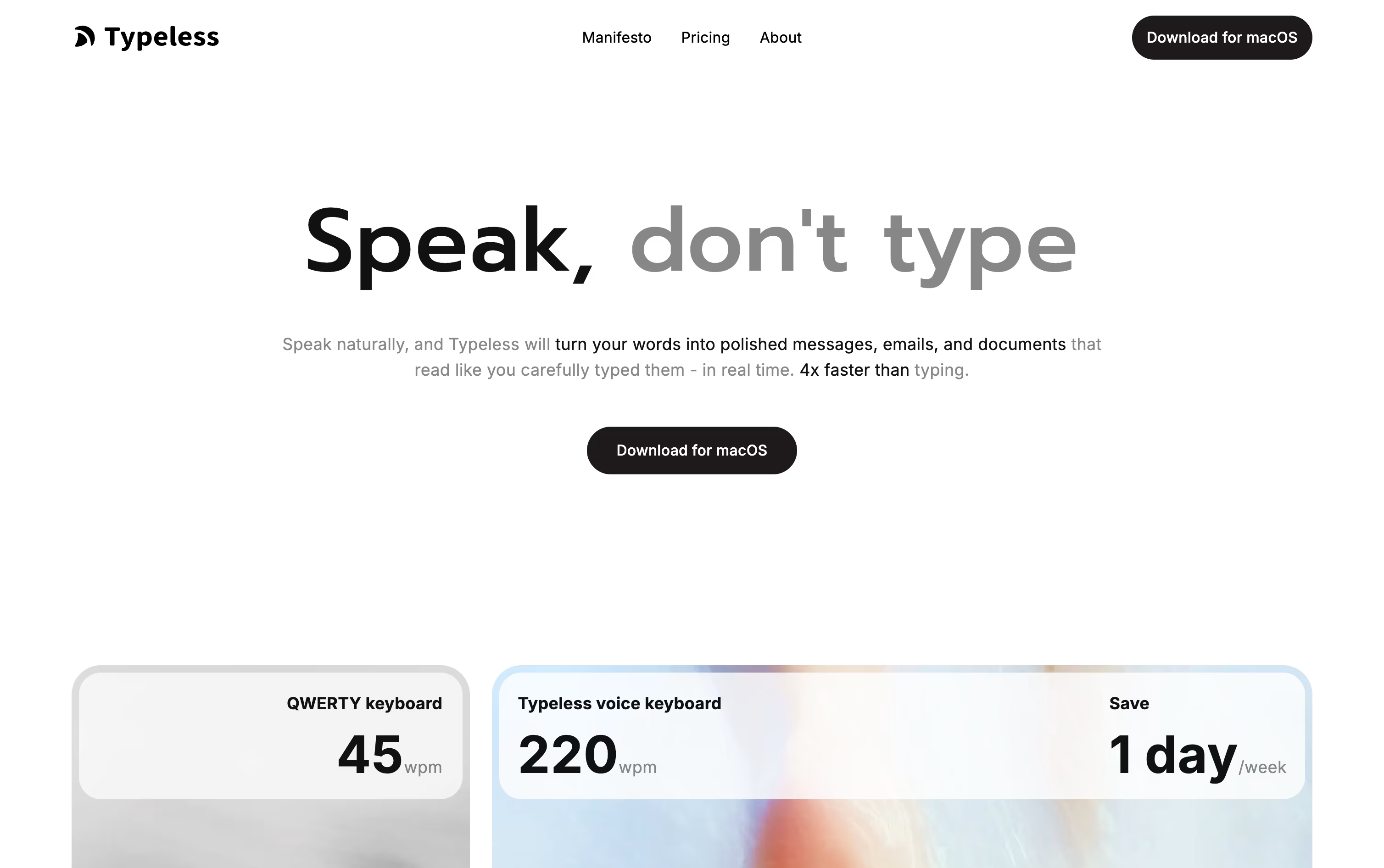
Rather than typing out every message, Typeless lets you speak and hands back writing that already reads clearly. Hold the hotkey on desktop, or the voice button on mobile, and the app fills in the text for you.
It quietly strips out ums, repeated words, and false starts, then arranges the result into sentences, steps, or paragraphs that match what you were trying to say.
You can use it almost anywhere on your device, whether that is a work email, a group chat, or a long document, and the experience stays consistent across macOS, Windows, iOS, and Android.
Getting started is free, with 8,000 words covered each week at standard accuracy. Moving to Pro costs $12 per member monthly on the yearly plan, or $30 if you pay month to month, and lifts the word cap while speeding things up for teams.
Bigger companies can ask about Enterprise pricing, which adds single sign-on, audit trails, and priority support.
With support for more than 100 languages and a habit of learning how you write, it fits both short daily notes and longer pieces of writing.
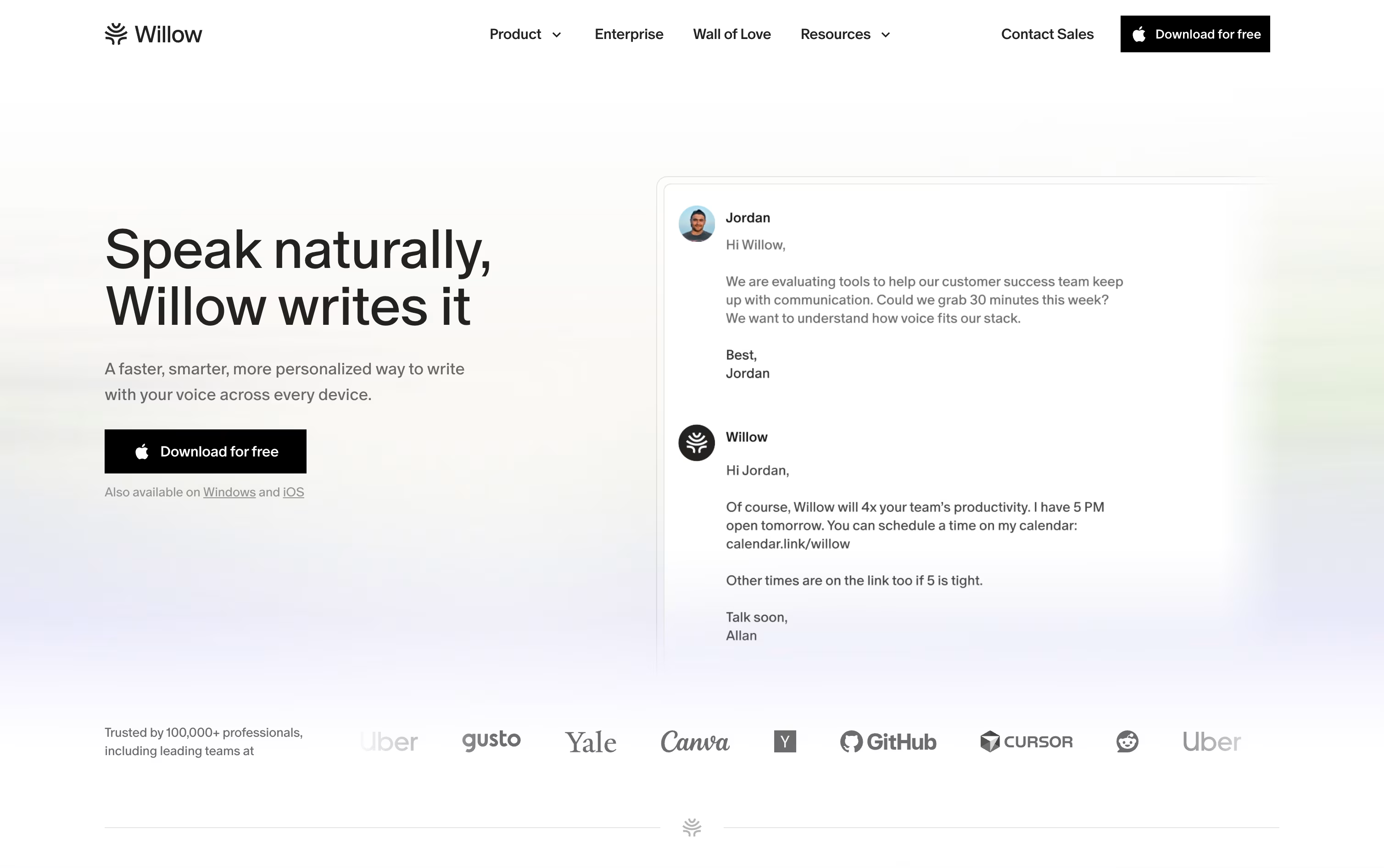
Instead of typing, Willow Voice lets you simply talk, and it turns your speech into polished, formatted text inside whatever app you are using, from email to chat to notes.
It is available on Mac, Windows, and iPhone, and it learns your writing style over time so replies sound like you wrote them yourself.
Starting out costs nothing. The free plan includes unlimited dictation with the Frontier Mini model, basic personalization, and 20 uses of the Scribe writing assistant each week.
Stepping up to Pro brings the more accurate Frontier Pro model, unlimited Scribe, quicker transcription, and access on iPhone, priced at $15 per user monthly or $12 with annual billing.
Business plans add team features like shared dictionaries, centralized billing, and stronger security such as SOC 2 and zero data retention, for $35 a month or $28 billed yearly.
Larger organizations can move to Enterprise, which adds single sign-on, dedicated support, and advanced controls at custom pricing.

Instead of typing, Wispr Flow lets you simply speak, and it turns even rambling or corrected speech into clean, polished text dropped straight into whatever app you have open.
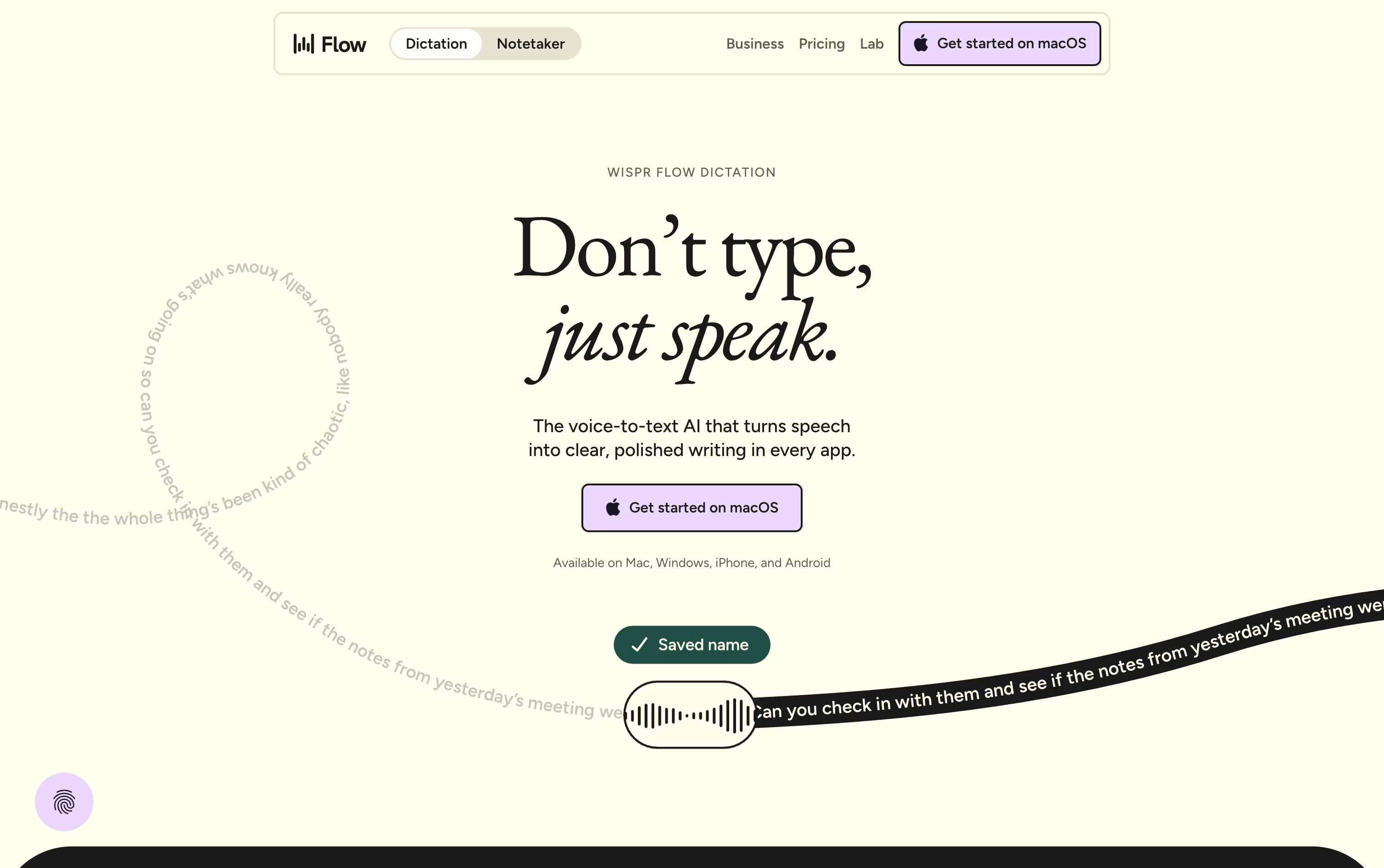
It runs system wide on Mac, Windows, iOS, and Android, so emails, chat messages, notes, and even code comments can all be dictated without any copy and pasting.
On top of dictation, it offers a meeting notetaker that identifies speakers, a personal dictionary for names and jargon, and snippets that expand a short phrase into a full pre-written message.
Free costs $0 a month and covers the basics with some weekly limits on words and meetings.
Pro is $15 per user monthly, dropping to $12 a month on the annual plan, and removes those limits while adding stronger AI models.
Enterprise is priced on request and brings in security features like SSO and SOC 2 for bigger organizations.

Monologue turns your spoken words into clean, formatted text rather than a rough transcript. It cuts filler words, tidies up phrasing, and shapes the output to fit whatever app you are typing into.
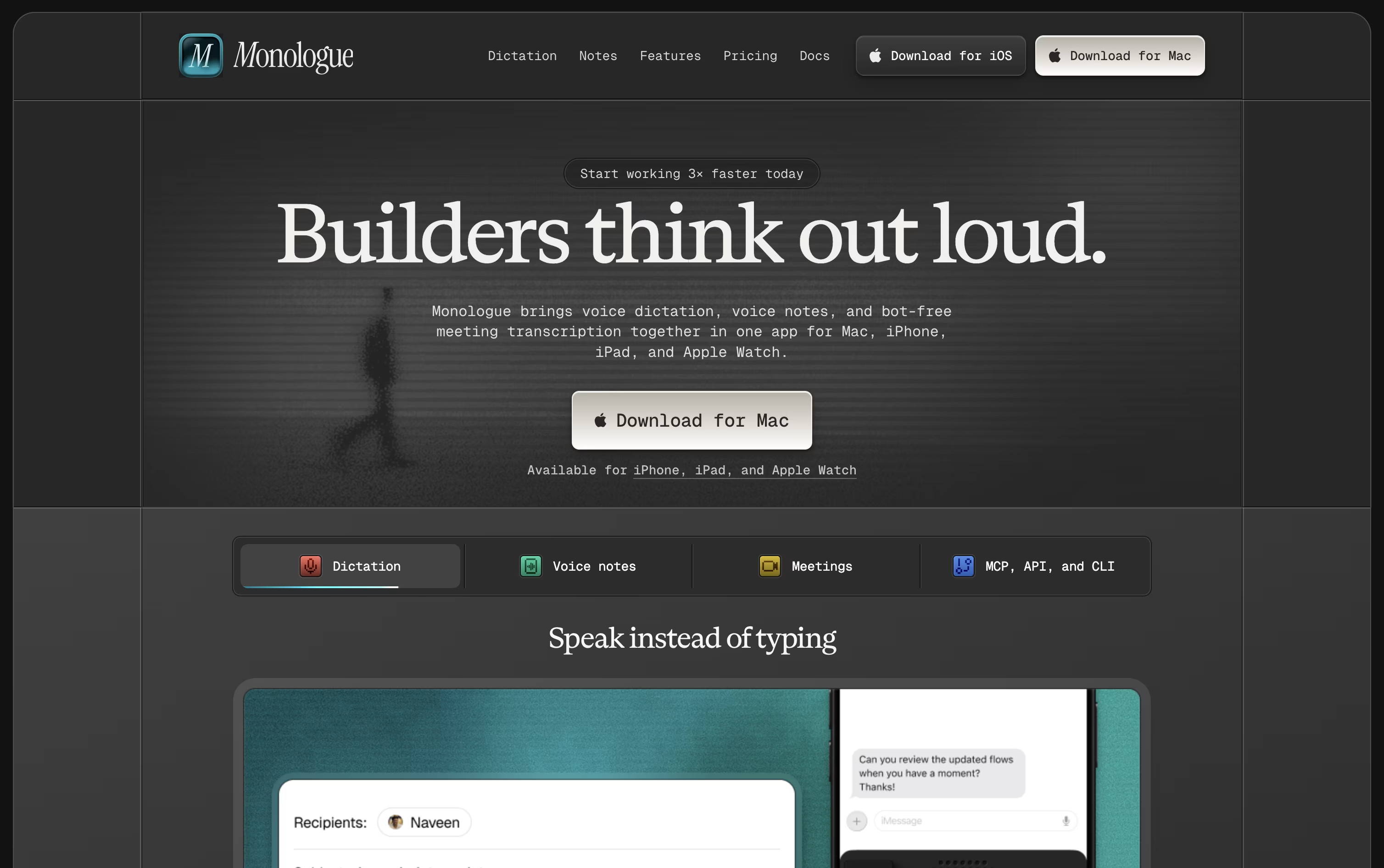
The app is available on Mac, iPhone, iPad, and Apple Watch, with your dictionary, modes, and notes kept in sync everywhere.
A free trial covers 1,000 dictation words and 10 recorded notes so you can test it before paying anything.
Beyond that, Pro costs $15 monthly or $144 a year, which works out to about $12 a month and removes all the usage limits.
Pro also adds bot-free meeting notes and full support across every Apple device.
Monologue is included in the wider Every subscription bundle, and it offers an API, CLI, and MCP support for developers who want notes inside their coding agents.