

Best 12+ Tools for Voice-to-Text Conversion in 2026
Last Updated: August 25, 2026
Speaking is often faster than typing, but the result still needs to end up as written text. Voice-to-Text Conversion tools transcribe spoken words into text in real time or from a recording.
Professionals and students use voice-to-text to capture notes, drafts, or dictation without typing manually.
 AssemblyAI
 AssemblyAISpeech-to-Text and Voice AI APIs,
  Wispr Flow
 Wispr FlowTurn Your Speech Into Clean Text, and
  Letterly
 LetterlyAI Voice Dictation & Note Taking App are the best for Voice-to-Text Conversion. So, let’s take a closer look at all 12+ tools.

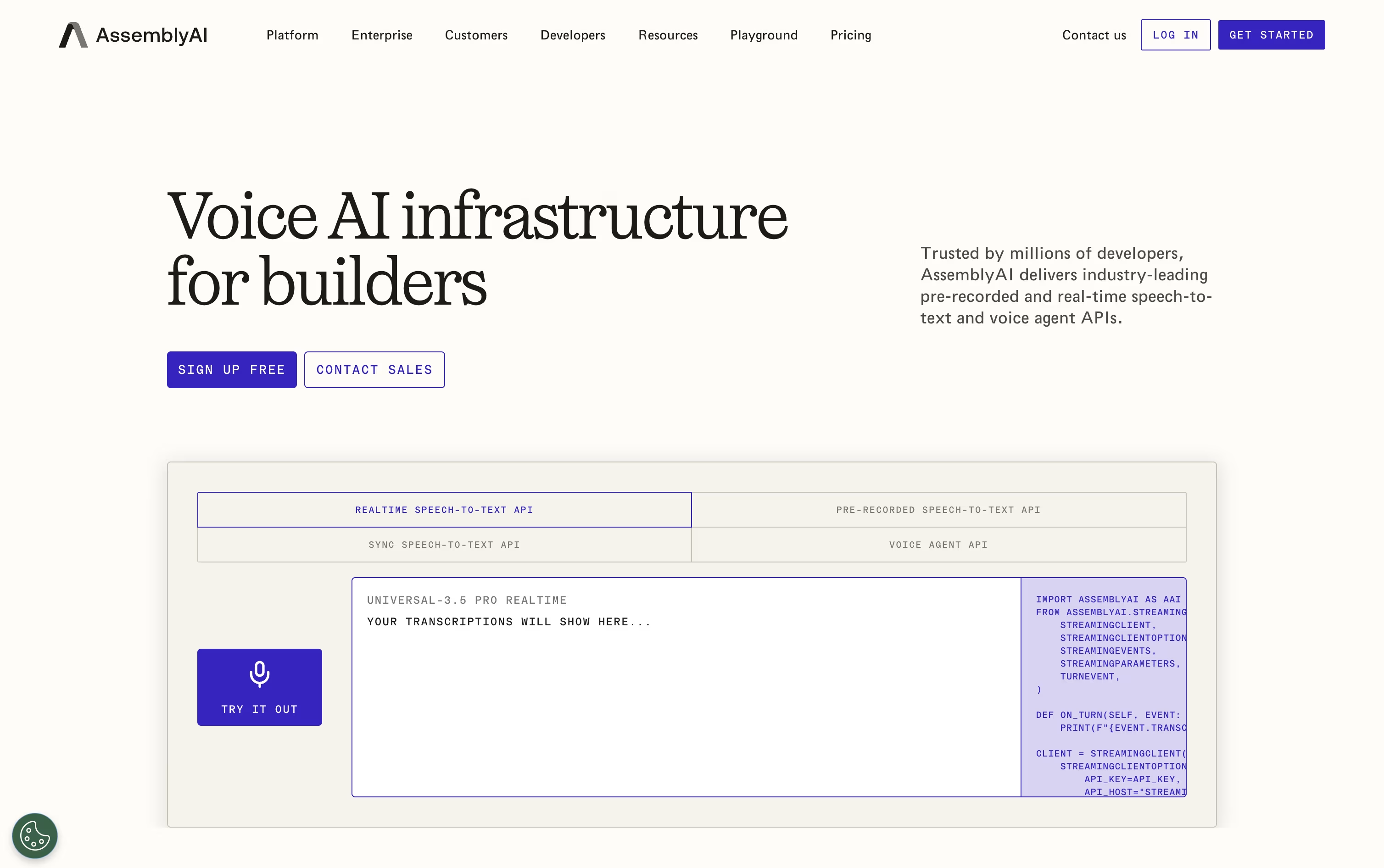
AssemblyAI gives developers a way to turn audio and video into text and insights without building speech models from scratch.
You can send in a finished recording for batch processing, stream live audio for realtime captions, or use the Sync API when you just need a quick transcript from a short clip in one call.
The Universal-3.5 Pro model is built for real conversations, working across 18 languages, labeling different speakers, and picking up medical and technical words accurately.
On top of the transcript, Speech Understanding can summarize the audio, detect sentiment and topics, translate it, and pull out names, dates, and other details.
Everything is billed per hour of audio processed, starting around $0.15 an hour, with extra features priced as small add-ons.
Teams building voice agents can instead use the Voice Agent API at $4.50 an hour, which already includes the speech model, a conversation focused language model, and text-to-speech together.
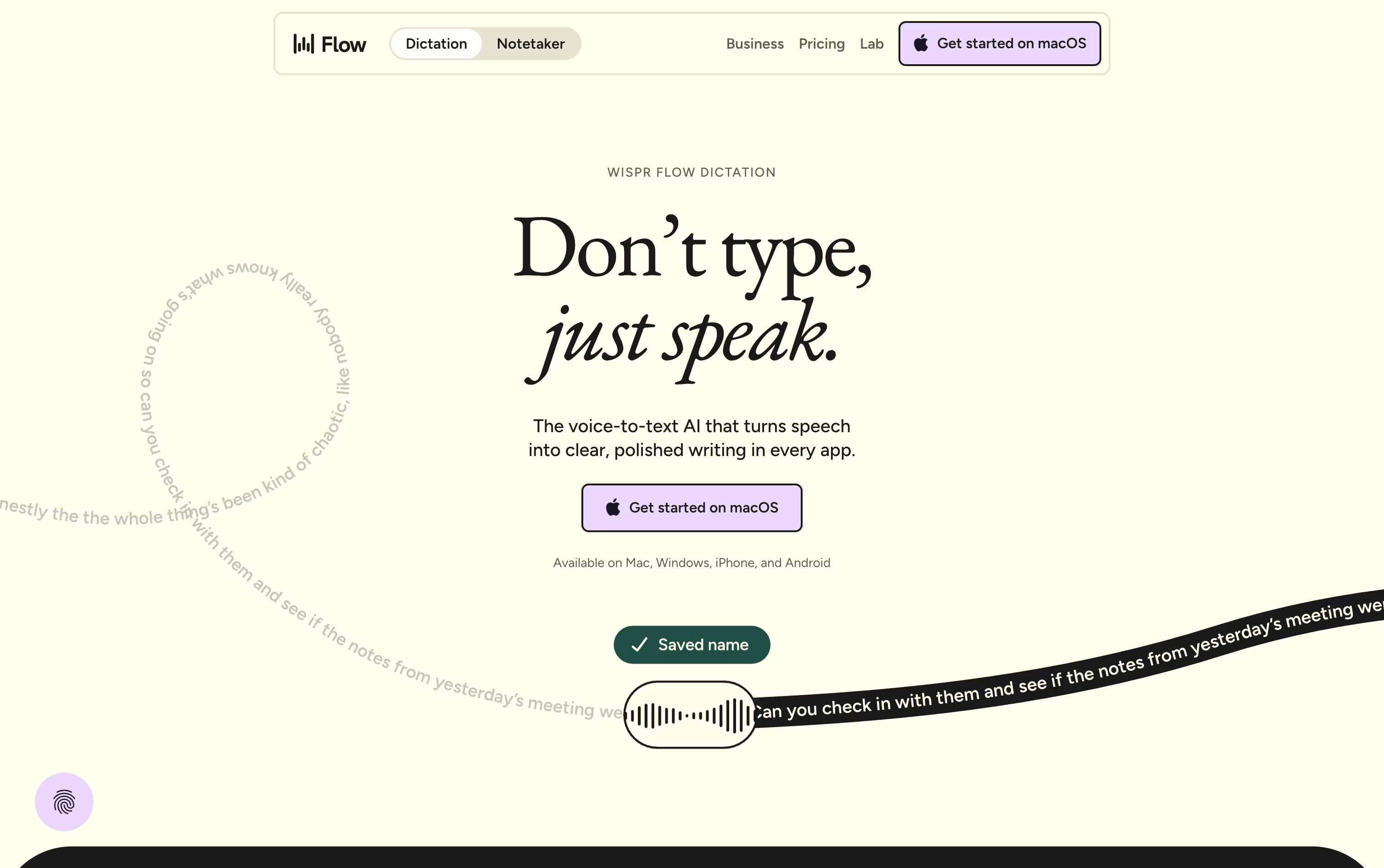
Instead of typing, Wispr Flow lets you simply speak, and it turns even rambling or corrected speech into clean, polished text dropped straight into whatever app you have open.
It runs system wide on Mac, Windows, iOS, and Android, so emails, chat messages, notes, and even code comments can all be dictated without any copy and pasting.
On top of dictation, it offers a meeting notetaker that identifies speakers, a personal dictionary for names and jargon, and snippets that expand a short phrase into a full pre-written message.
Free costs $0 a month and covers the basics with some weekly limits on words and meetings.
Pro is $15 per user monthly, dropping to $12 a month on the annual plan, and removes those limits while adding stronger AI models.
Enterprise is priced on request and brings in security features like SSO and SOC 2 for bigger organizations.
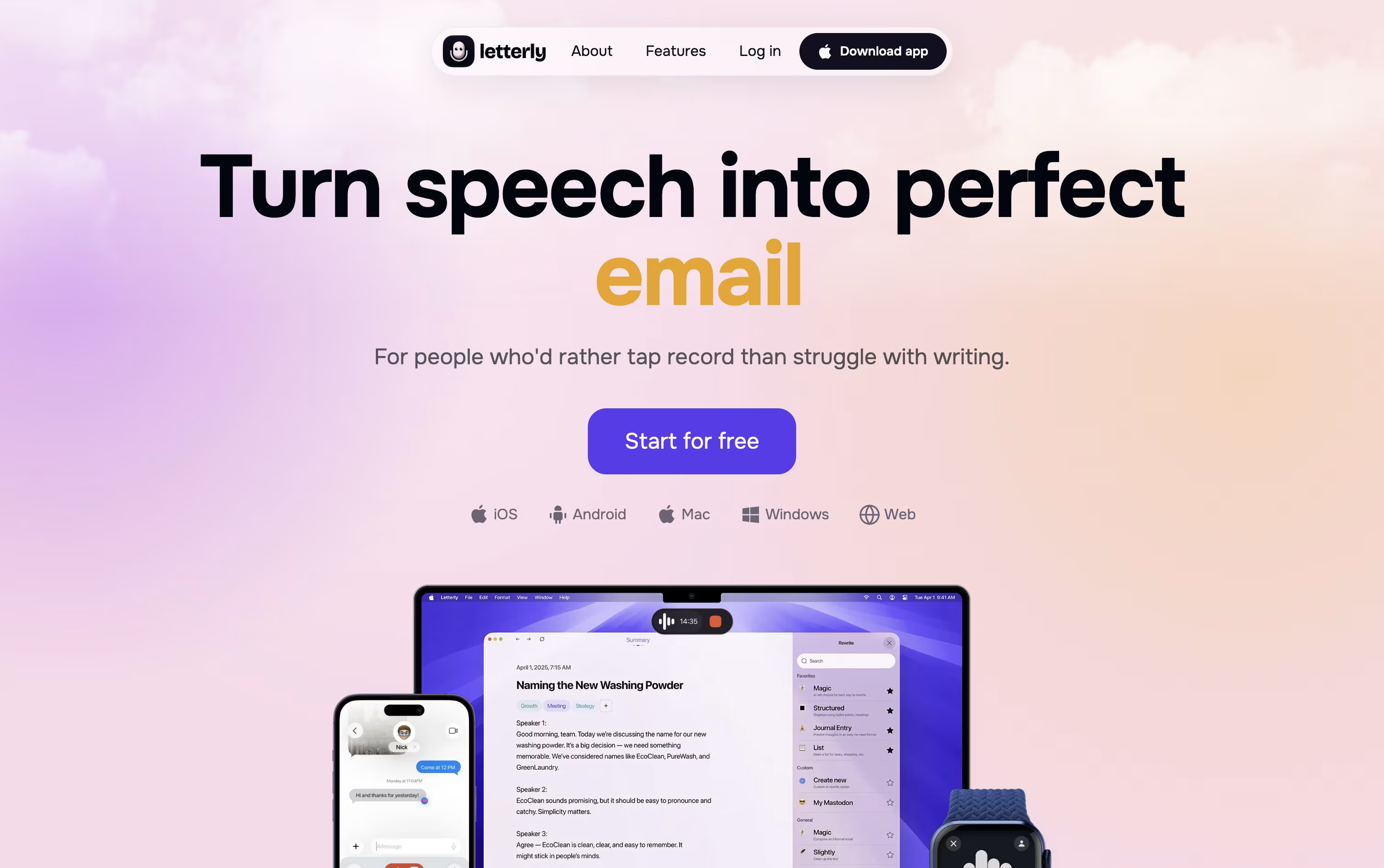
Instead of typing out notes or emails, Letterly lets you just talk and hands back text that is already cleaned up and organized. Filler words disappear, grammar gets fixed, and your rambling thoughts turn into structured paragraphs or bullet points.
It covers everyday note taking, multi speaker meeting transcripts, and direct dictation into tools like Gmail, Slack, and Notion, all in over 90 languages.
The app runs on web, iOS, Android, macOS, and Windows, with notes syncing live across every device you use.
Three pricing options are available: Monthly at $19.99, Annual at $79.99 with a 7 day free trial, and a Lifetime option at $199.99 paid once.
All three come with unlimited recordings, unlimited AI rewrites, and access on unlimited devices, so it is really about how long you want to commit.

Voibe swaps your keyboard for your voice on Mac and Windows. Hold a hotkey, speak normally, and the app inserts clear, properly punctuated text directly into whatever app you are using, from code editors to email.
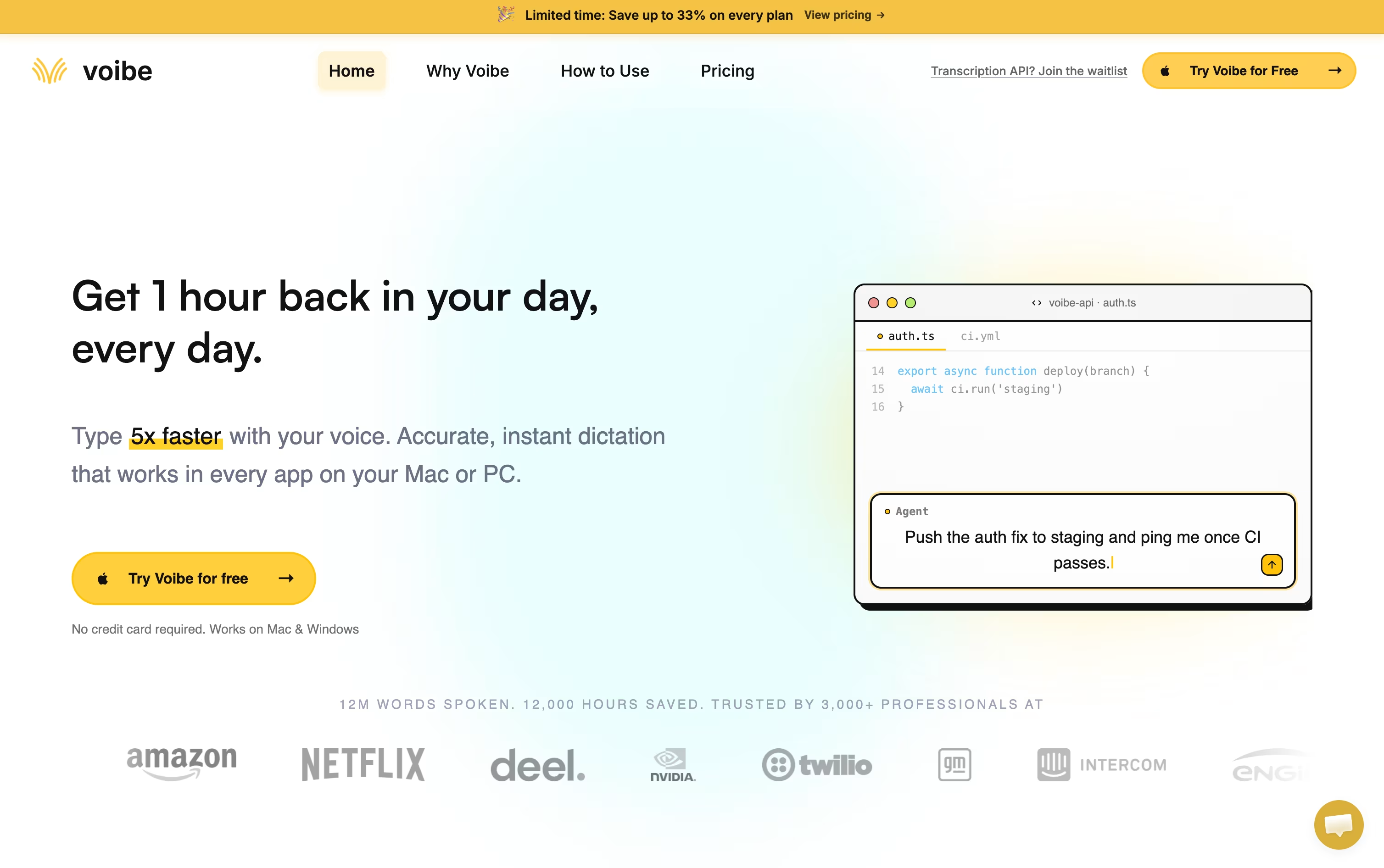
Behind the scenes it uses open source Whisper based models, not proprietary big tech AI, and never stores or trains on your audio. Apple Silicon Macs can run the whole thing offline, while Windows relies on a zero retention cloud path.
Developers get a Developer Mode that scans the local workspace so spoken file names and variables resolve correctly inside Cursor, VS Code, and Windsurf, which is a big help for AI coding workflows.
On price, professionals can pick monthly at $7.50, annual at $59 with four months free, or a one time lifetime purchase at $149. Teams of three or more save around 20 percent, larger teams of ten or more can request custom terms, and every plan starts with a free trial and a 30 day refund guarantee.
Typing often slows people down more than thinking does, and VoiceTypr is built around that idea. It is an open-source voice dictation app for macOS and Windows that turns speech into text inside any app you already use.
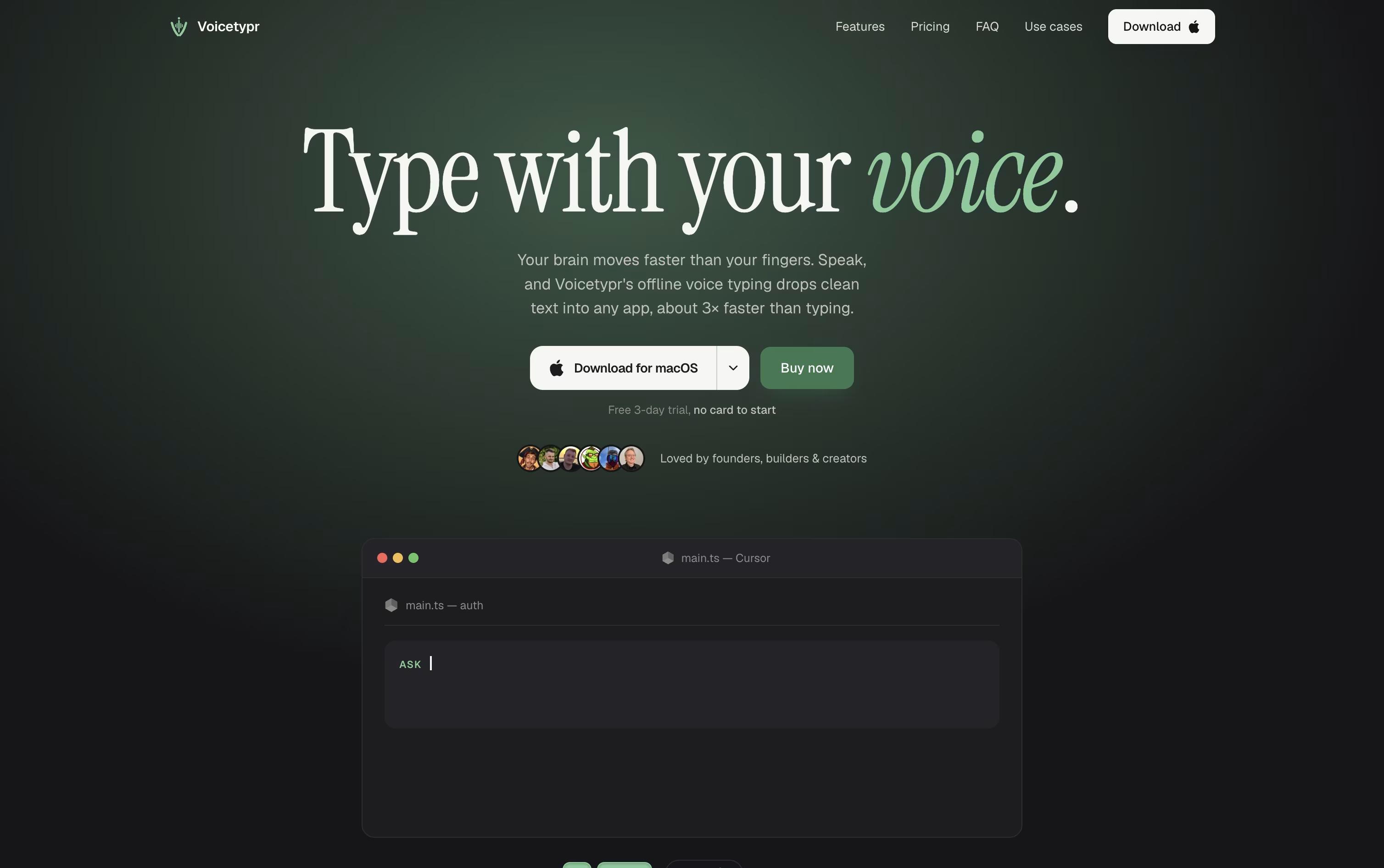
Hold a global hotkey, talk naturally, and let go. The words appear instantly at your cursor, whether that is a code editor, an email client, or a chat app.
Transcription happens on your own device by default, using open-source Whisper models, so nothing needs to reach the internet just to get your words down.
When you want more, an optional AI enhancement pass can reshape rough speech into a polished prompt, email, note, or commit message, powered by cloud models like Groq or OpenAI.
There is also a CLI and Agent API, so developers can wire voice input straight into scripts or AI agents rather than typing everything by hand.
Pricing is a one-time lifetime purchase rather than a subscription, starting at $39 for one device and going up to $99 for four, with a 3-day free trial and 7-day refund window to try it first.

Monologue turns your spoken words into clean, formatted text rather than a rough transcript. It cuts filler words, tidies up phrasing, and shapes the output to fit whatever app you are typing into.
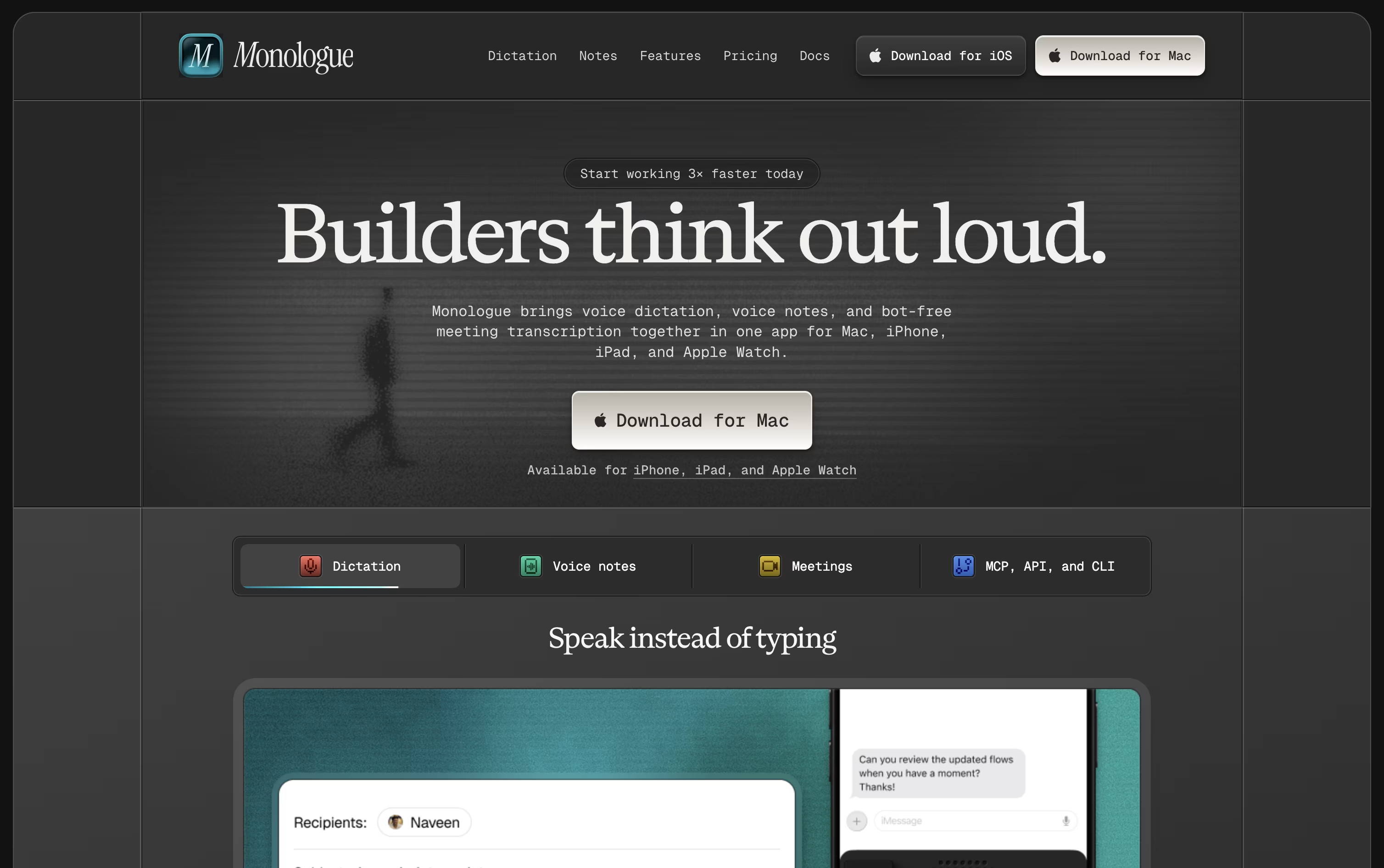
The app is available on Mac, iPhone, iPad, and Apple Watch, with your dictionary, modes, and notes kept in sync everywhere.
A free trial covers 1,000 dictation words and 10 recorded notes so you can test it before paying anything.
Beyond that, Pro costs $15 monthly or $144 a year, which works out to about $12 a month and removes all the usage limits.
Pro also adds bot-free meeting notes and full support across every Apple device.
Monologue is included in the wider Every subscription bundle, and it offers an API, CLI, and MCP support for developers who want notes inside their coding agents.

Instead of typing, Aqua Voice lets you talk. Hold a key in any app, speak naturally, and your words appear as neat, formatted text within moments, ready for code editors, emails, or chat apps.
The tool is powered by Avalon, a speech model trained specifically on how people talk to computers and AI assistants, so it recognizes coding terms and technical names more reliably than typical dictation software.
Anyone can start for free with the Starter plan and 1,000 words. Moving to Pro costs $10 a month, or $8 a month if billed yearly, and removes the word limit while adding custom instructions.
The Max plan is $30 a month, or $24 a month yearly, and brings realtime streaming plus spoken commands like sending a message. Teams pay $15 per user monthly, or $12 yearly, with one shared bill.
Enterprise customers get custom pricing along with single sign-on, zero data retention, and detailed reporting for larger organizations.
A 70% student discount applies to Pro and Max, and all plans allow cancelling at any time.
Instead of typing, VoiceInk lets you simply talk on your Mac or iPhone. Hit a shortcut, say what you need, and clean, ready to use text appears wherever your cursor is.
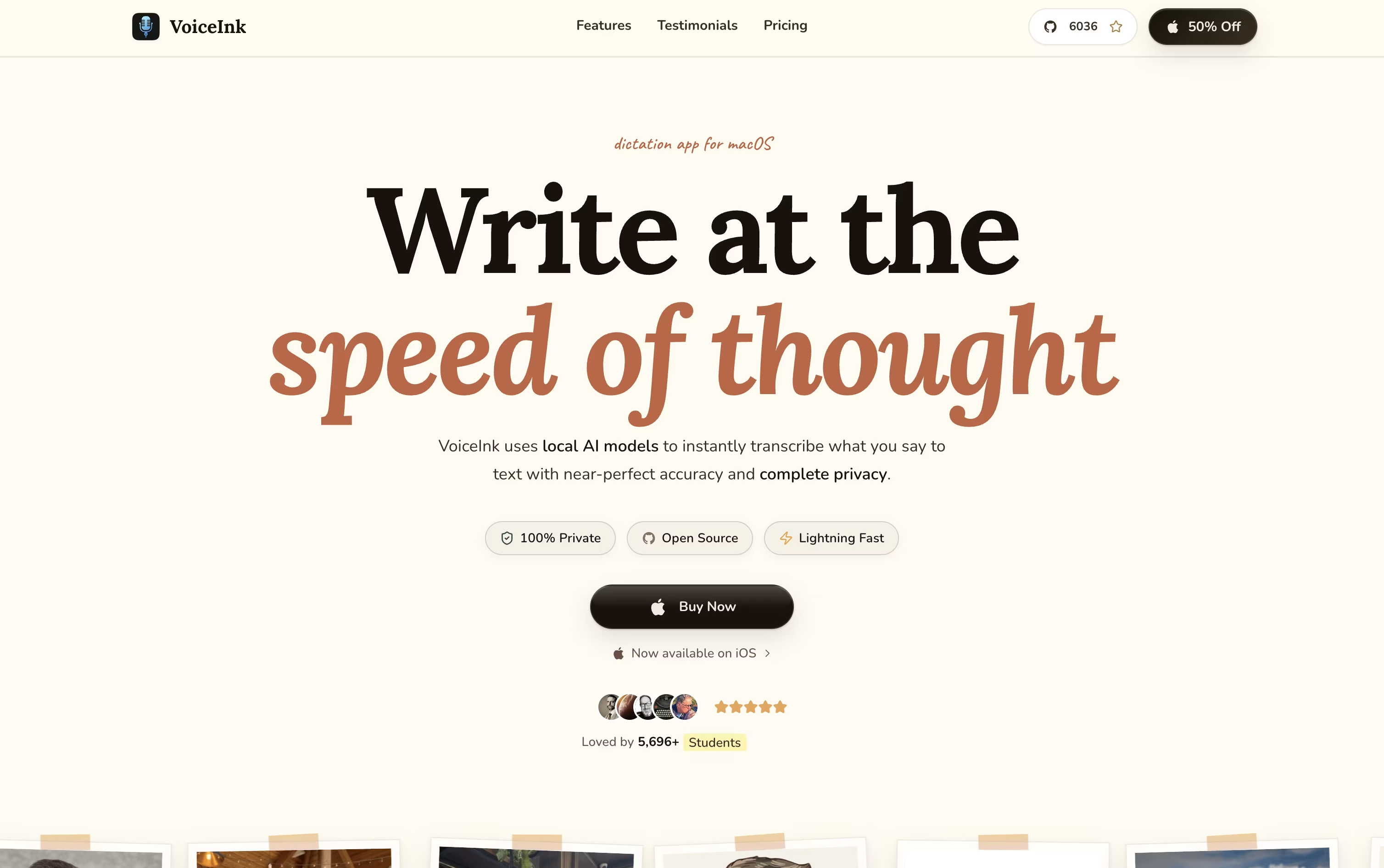
Voice processing happens locally on your device by default, keeping your audio private, though optional cloud models are available if you supply your own API key.
Its Modes feature recognizes which app you are using, like Slack or Gmail, and adjusts the transcription model and writing style to fit that context automatically.
There is no subscription here. Solo is $29 for one Mac, Personal is $49 for two Macs, Extended is $69 for three Macs, and teams can grab a 10 seat Startup license for $199.
Every option comes with lifetime updates and a 14 day refund window, one payment covers it for good.
Being open source, it is also actively shaped by an engaged community of users.

Instead of typing, Superwhisper lets you talk and have your words appear as clean, formatted text in whatever app you are using, on Mac, Windows, or iPhone.
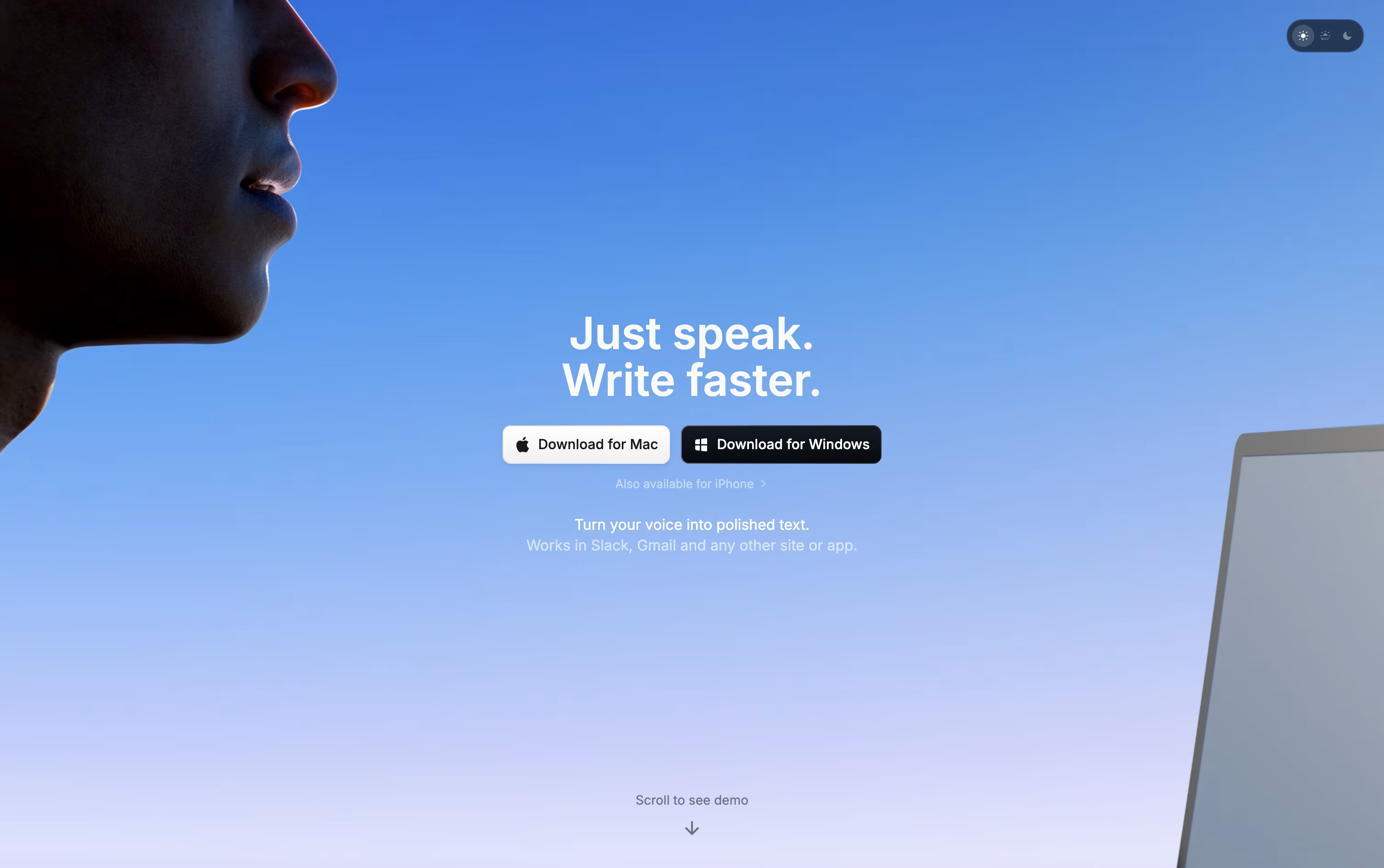
Behind the scenes it records your voice, converts it to text, then runs it through an AI model that follows the mode you have selected, whether that is a quick note, a formal email, or a meeting summary.
You decide how much stays private. Local models keep everything on your device, while cloud models and your own API keys open up stronger results when you want them.
Getting started costs nothing. The free plan includes core dictation, meeting recording, and support for over 100 languages.
Stepping up to Pro runs $8.49 a month, or $84.99 a year with close to two months free, adding translation, file transcription, and unlimited model access. A lifetime option is also available for a single $249.99 payment.
Teams with bigger needs can move to Enterprise, a custom priced plan built around security certifications, centralized billing, and volume pricing.

Rather than typing out every message, Typeless lets you speak and hands back writing that already reads clearly. Hold the hotkey on desktop, or the voice button on mobile, and the app fills in the text for you.
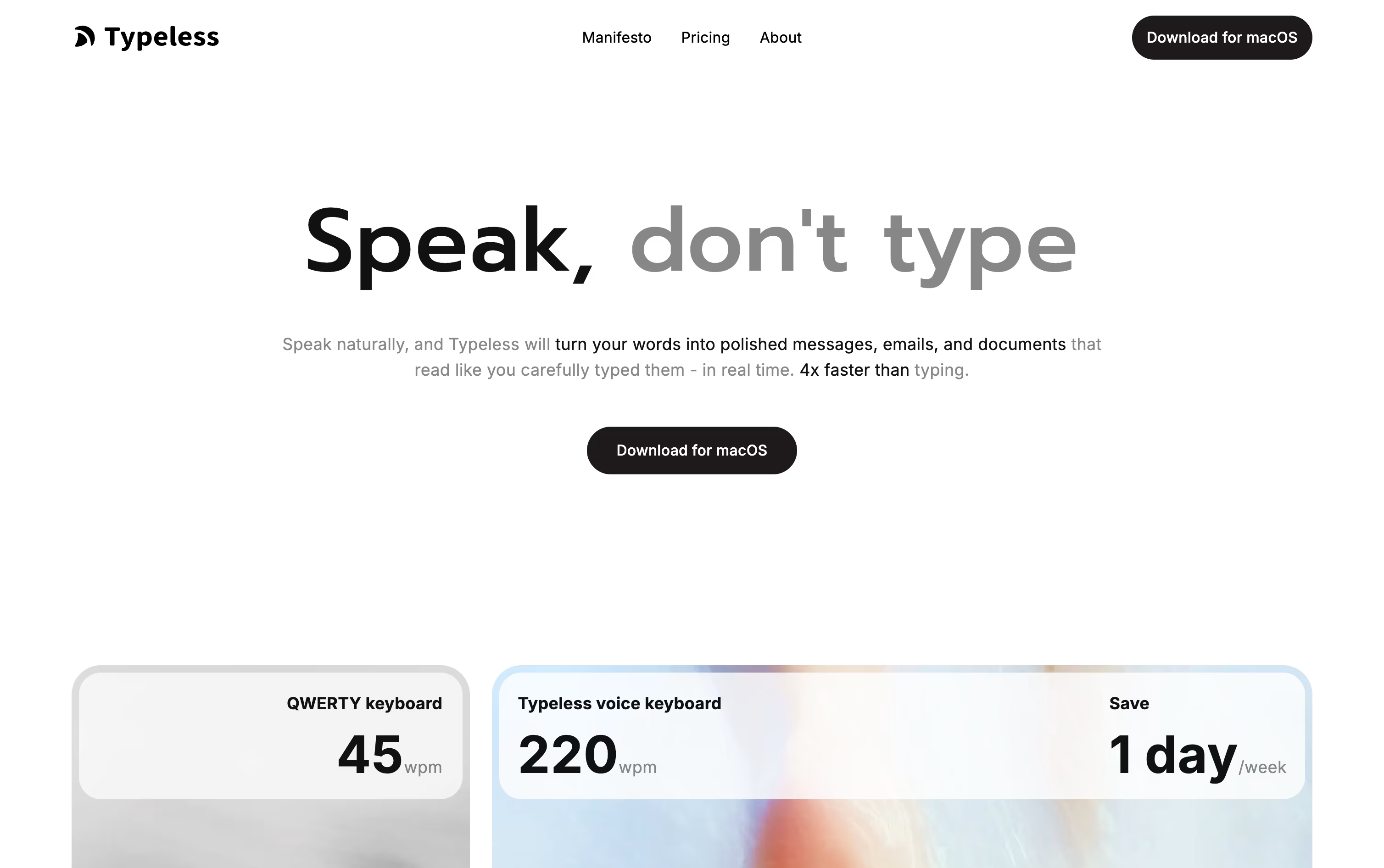
It quietly strips out ums, repeated words, and false starts, then arranges the result into sentences, steps, or paragraphs that match what you were trying to say.
You can use it almost anywhere on your device, whether that is a work email, a group chat, or a long document, and the experience stays consistent across macOS, Windows, iOS, and Android.
Getting started is free, with 8,000 words covered each week at standard accuracy. Moving to Pro costs $12 per member monthly on the yearly plan, or $30 if you pay month to month, and lifts the word cap while speeding things up for teams.
Bigger companies can ask about Enterprise pricing, which adds single sign-on, audit trails, and priority support.
With support for more than 100 languages and a habit of learning how you write, it fits both short daily notes and longer pieces of writing.

Instead of typing, Willow Voice lets you simply talk, and it turns your speech into polished, formatted text inside whatever app you are using, from email to chat to notes.
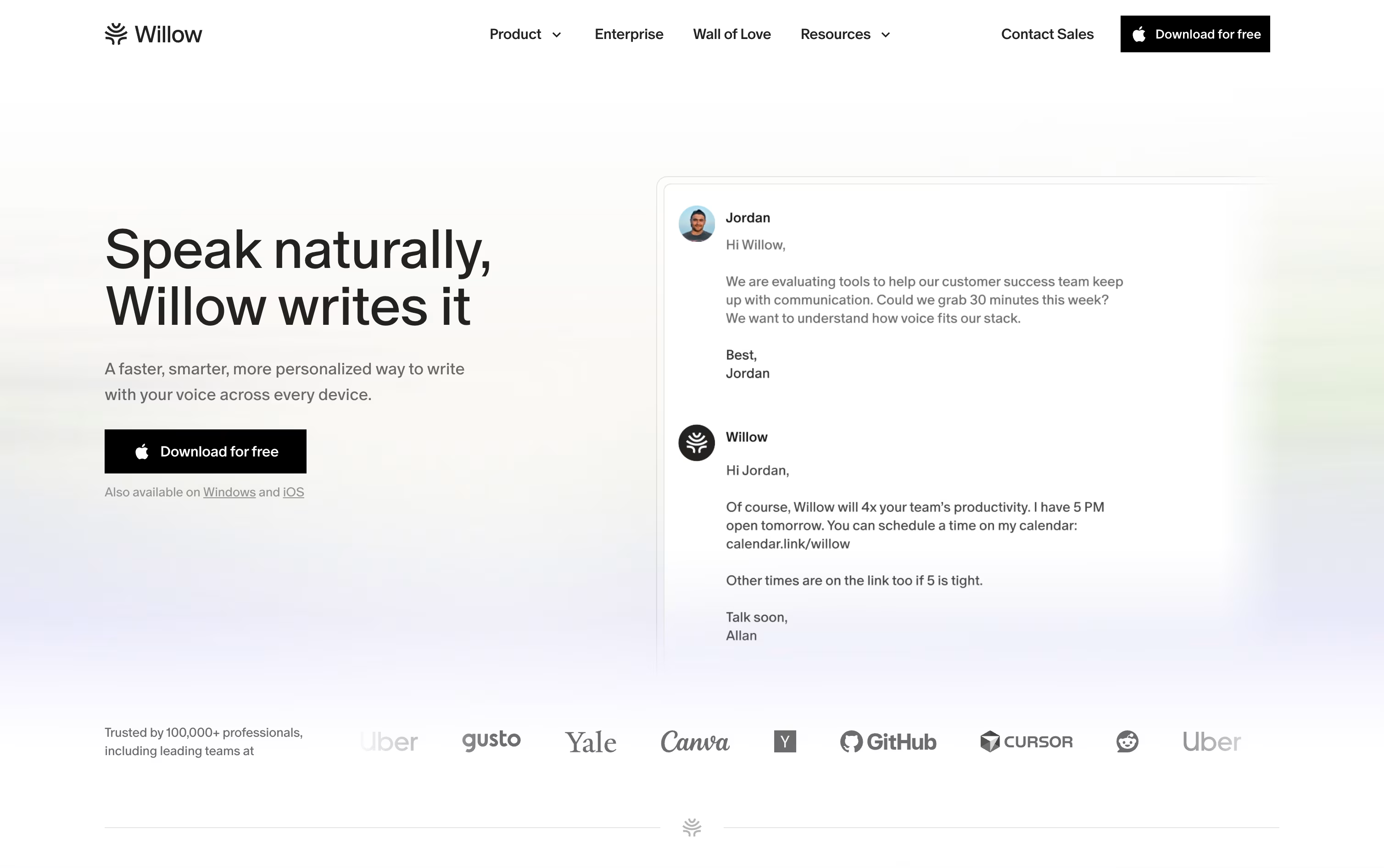
It is available on Mac, Windows, and iPhone, and it learns your writing style over time so replies sound like you wrote them yourself.
Starting out costs nothing. The free plan includes unlimited dictation with the Frontier Mini model, basic personalization, and 20 uses of the Scribe writing assistant each week.
Stepping up to Pro brings the more accurate Frontier Pro model, unlimited Scribe, quicker transcription, and access on iPhone, priced at $15 per user monthly or $12 with annual billing.
Business plans add team features like shared dictionaries, centralized billing, and stronger security such as SOC 2 and zero data retention, for $35 a month or $28 billed yearly.
Larger organizations can move to Enterprise, which adds single sign-on, dedicated support, and advanced controls at custom pricing.
Instead of giving you a raw transcript full of ums and half-finished sentences, AudioPen rewrites your speech into text you could send or publish right away.
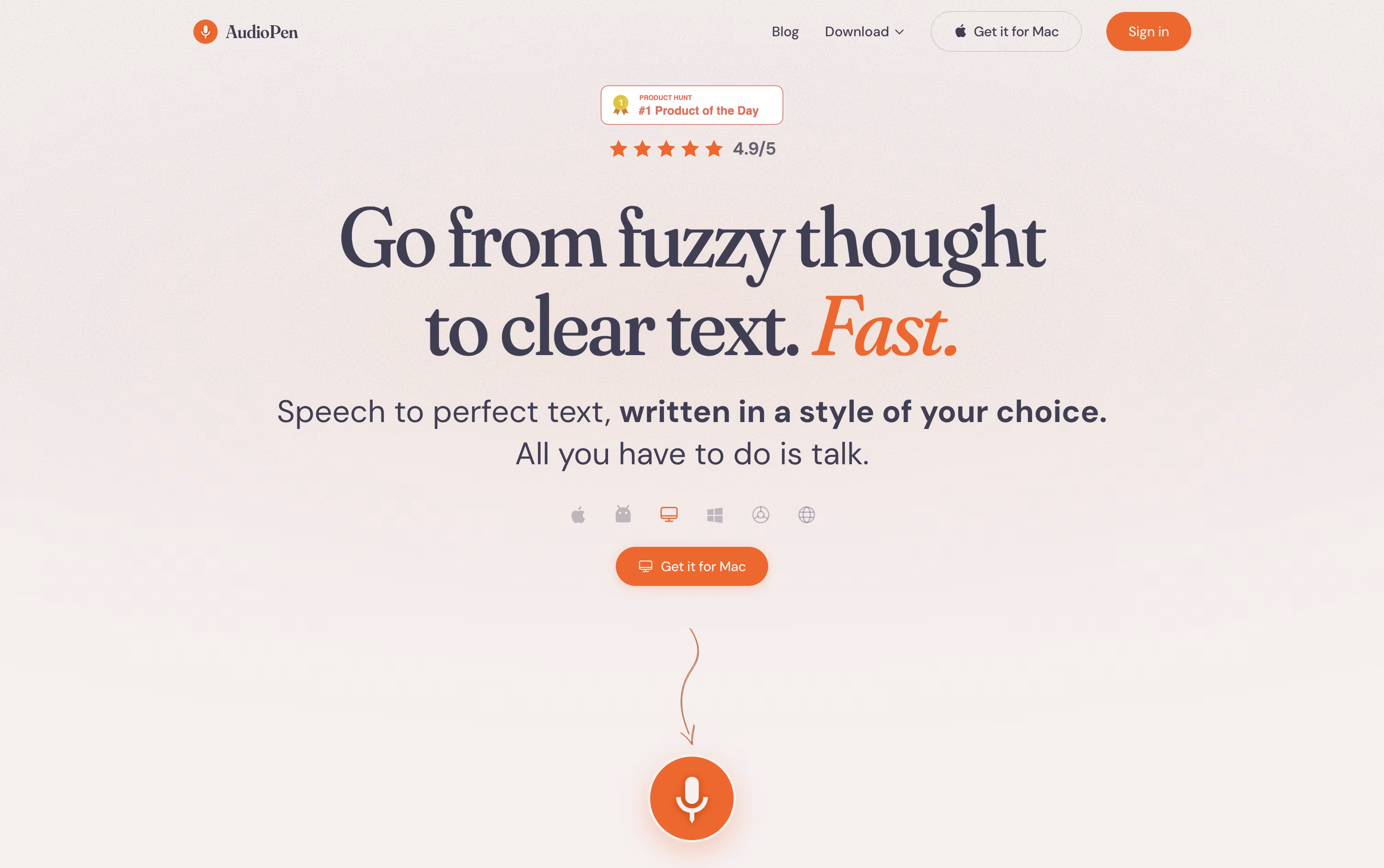
You choose from preset writing styles like business, email, or casual notes, or teach it your own tone by feeding it samples of your writing.
It works across devices, including a Mac app with hotkey typing, an iOS keyboard, an Android app, and a Chrome extension for browser use.
Rather than a subscription, AudioPen sells access as one-time passes. Three months costs $33, a full year is $99, and two years runs $159, each charged only once.
Every plan includes the same tools, unlimited AI rewrites, audio file uploads, SuperSummaries, organized folders and tags, and integrations through Zapier and webhooks.
Audio recordings are deleted from servers quickly and your notes are never used to train AI models, which keeps the whole process quick and private.

ElevenLabs is best known for making AI speech that actually sounds human, with natural pauses, tone, and emotion instead of a flat robotic voice. On top of speech, it can clone a voice from a short sample, dub videos into dozens of languages, generate music and sound effects, and run voice agents that talk to customers over the phone or in chat.
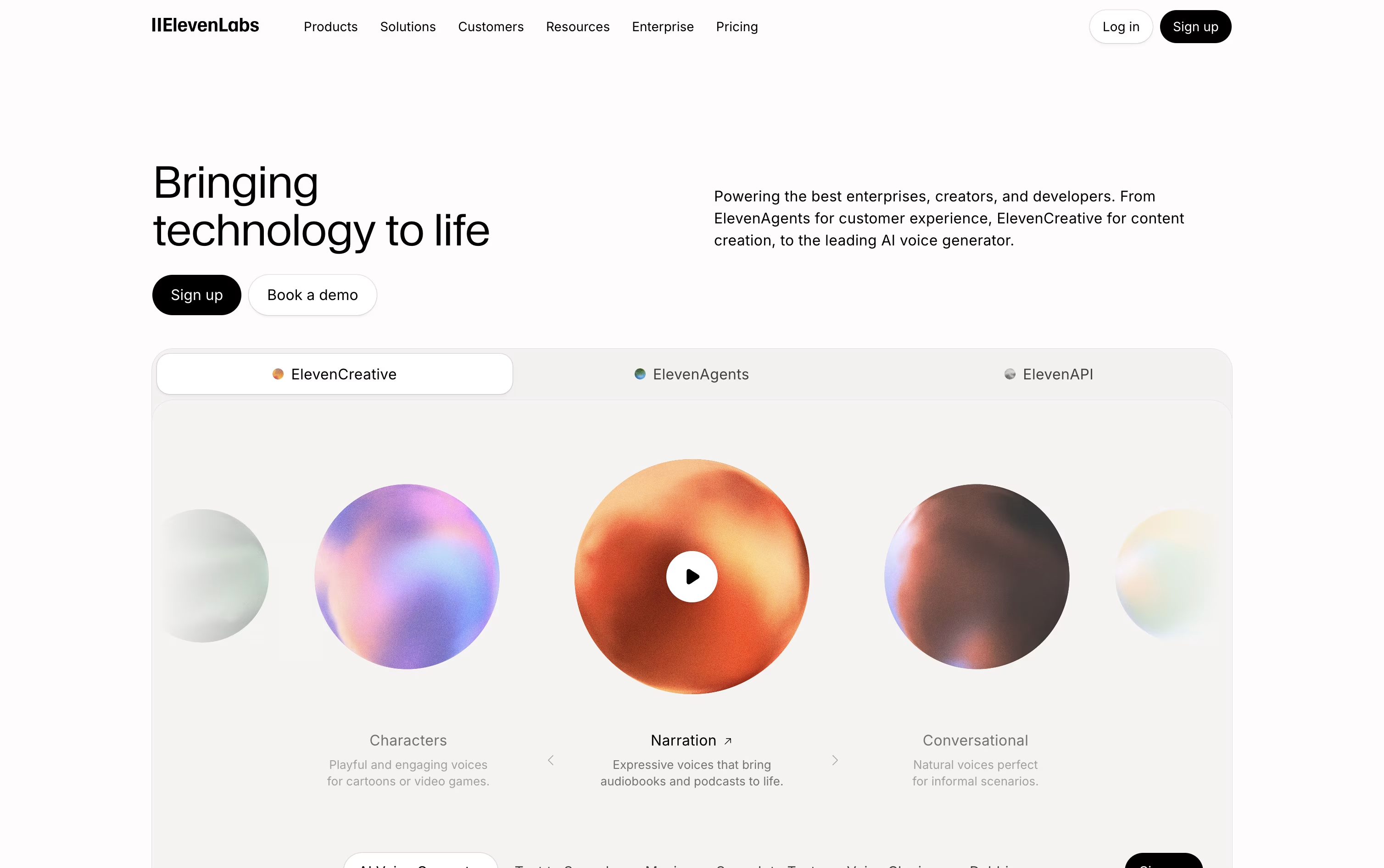
There are three main ways to use it. ElevenCreative is a web based studio built for content creators making podcasts, ads, and short videos. ElevenAgents lets you design and launch conversational voice and chat bots without needing to write code. ElevenAPI opens up the same technology to developers through a REST API with ready made Python and JavaScript SDKs.
The Free plan gives 10,000 credits a month so anyone can try the basics at no cost. Starter is $6 a month and adds commercial licensing plus instant voice cloning. Creator, the most popular tier, is normally $22 a month, sometimes offered at $11 for the first month, and includes professional grade voice cloning with a much larger credit allowance.
Bigger needs are covered by Pro at $99 a month, Scale at $299 a month with shared workspace seats, and Business at $990 a month with ten seats and lower cost, low latency speech. Enterprise pricing is discussed directly with the ElevenLabs team and includes custom security and priority support.
Since every plan draws from the same underlying voice and audio models, the quality does not drop as you scale up, whether you are producing a single video or running thousands of live customer calls.
Deepgram gives developers one platform for speech-to-text, text-to-speech, and real-time voice agents, instead of stitching together separate tools.
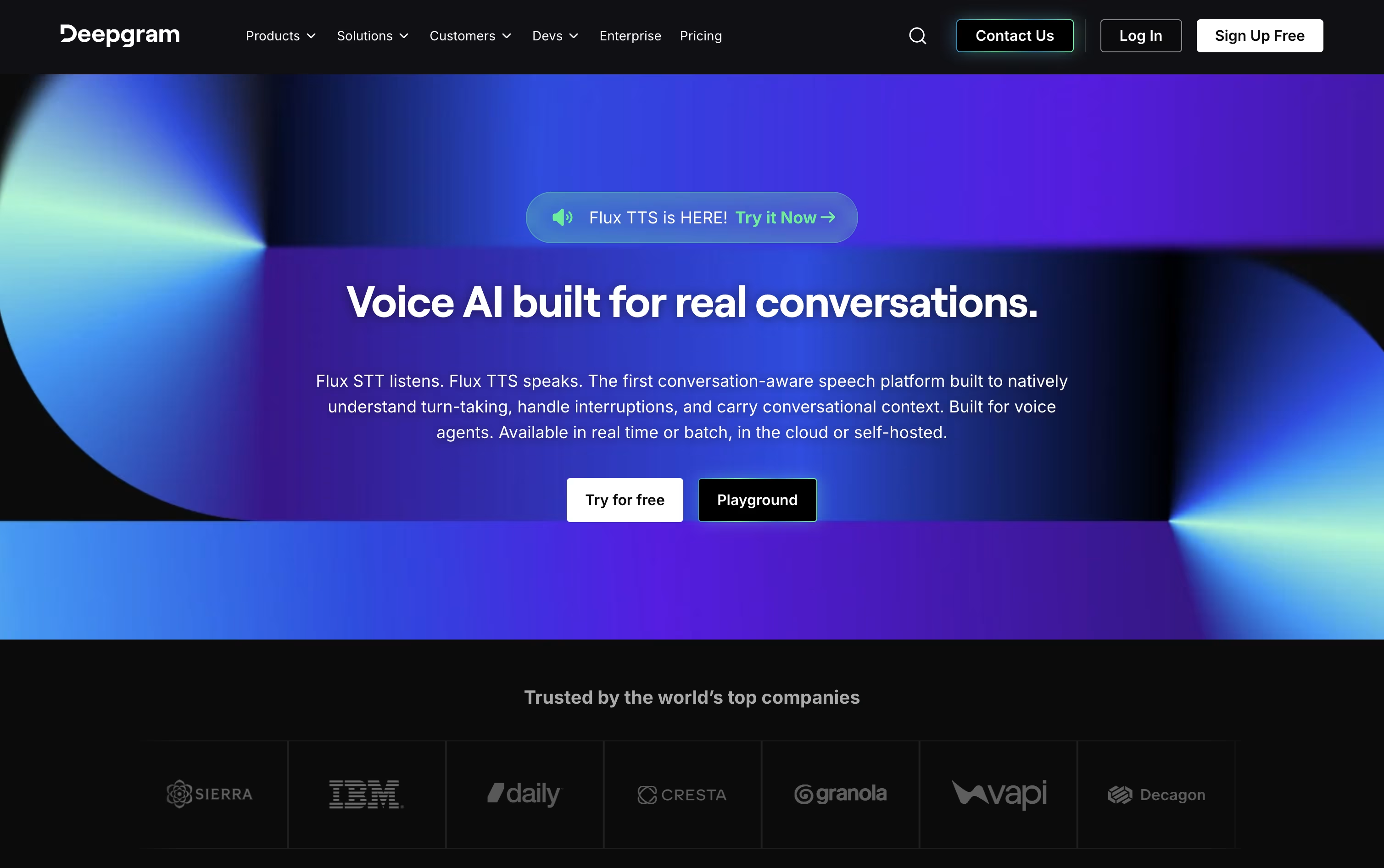
Its Nova-3 and Flux models transcribe audio quickly and accurately in more than 45 languages, with built-in speaker labels, formatting, and redaction of private information.
On the speech side, Aura voice models generate natural sounding replies fast, and the Voice Agent API ties listening, reasoning, and speaking together into one smooth, low-latency conversation.
New users start on Pay As You Go, which comes with a $200 free credit and charges only for actual usage after that.
Growth suits busier teams for $4,000 or more a year in prepaid credits, bringing lower rates on most services and higher concurrency limits.
Larger organizations can move to Enterprise, a custom priced plan through sales that adds dedicated support, custom models, and options to self-host for stricter data control.

Most voice assistants read text out loud without any real feel for the moment. Hume AI takes a different approach, building an Empathic Voice Interface that listens for tone and emotion, then responds in a voice that actually matches how the conversation feels.
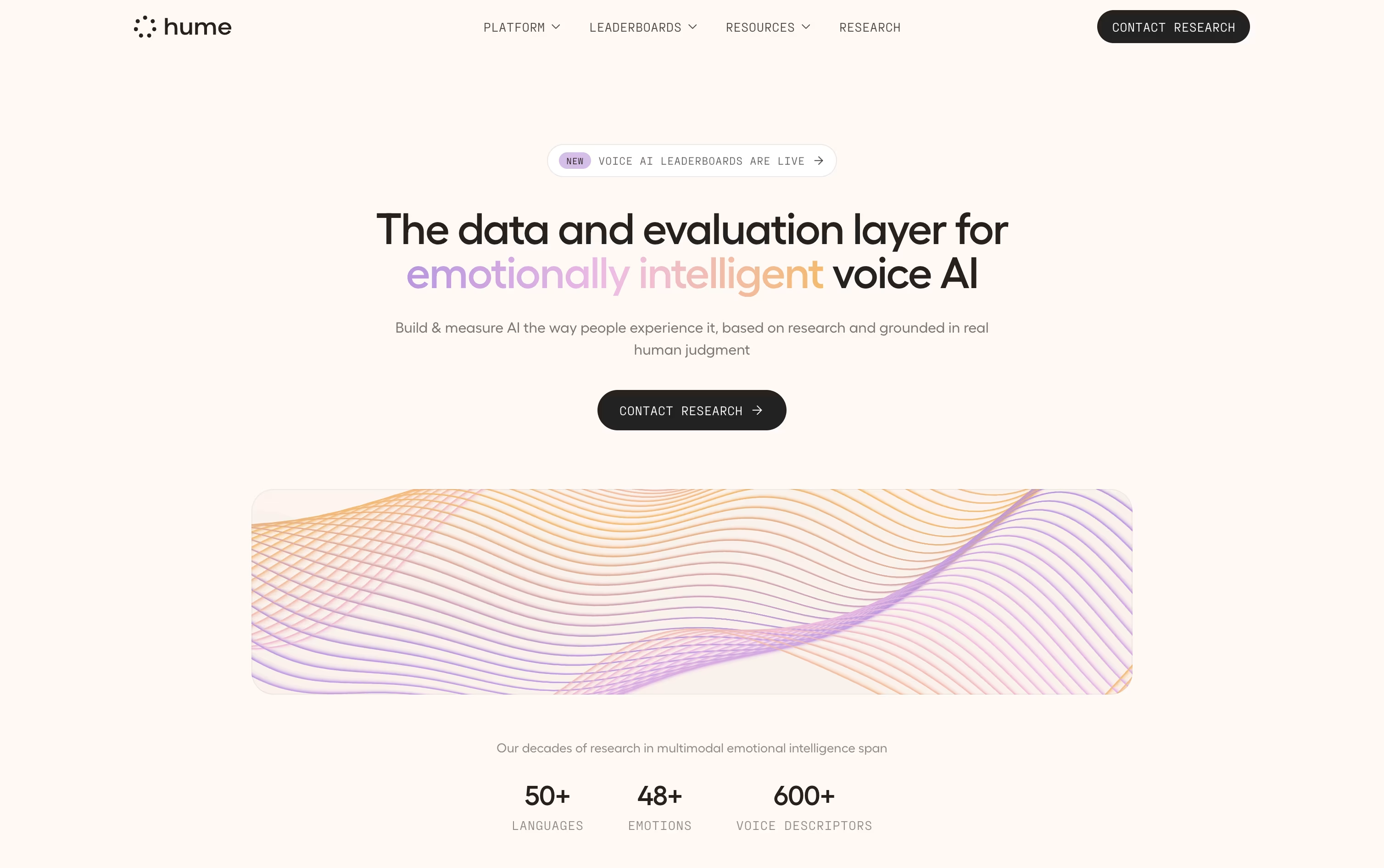
Its Octave text-to-speech model works the same way, using context to control pitch, pace, and emphasis rather than reading in a flat, mechanical voice.
A free plan is available with 10,000 characters of speech and 5 minutes of voice conversation each month, enough to try things out.
From there, Starter starts at $3 a month, with Creator, Pro, Scale, and Business each stepping up in usage, request speed, and lower overage pricing along the way.
Businesses that need more can move to a custom Enterprise plan, which includes unlimited team seats, Slack based support, and compliance with SOC 2 Type II, GDPR, and HIPAA.
Since Hume's voice layer works with outside models such as Claude, GPT, and Gemini, teams can change the brain behind the assistant without changing how it sounds.




