ToolQuestor Logo
Todoist
No reviews yet
0 Saved
Added:3/21/2026
Type:Saas
Monthly Traffic:-
Pricing:
FREEMIUMSUBSCRIPTION
CollaborationAutomationTemplatesSchedulingTime Tracking
Wispr Flow

Wispr Flow

FEATURED
BASE44

BASE44

FEATURED
OpenArt AI

OpenArt AI

FEATURED
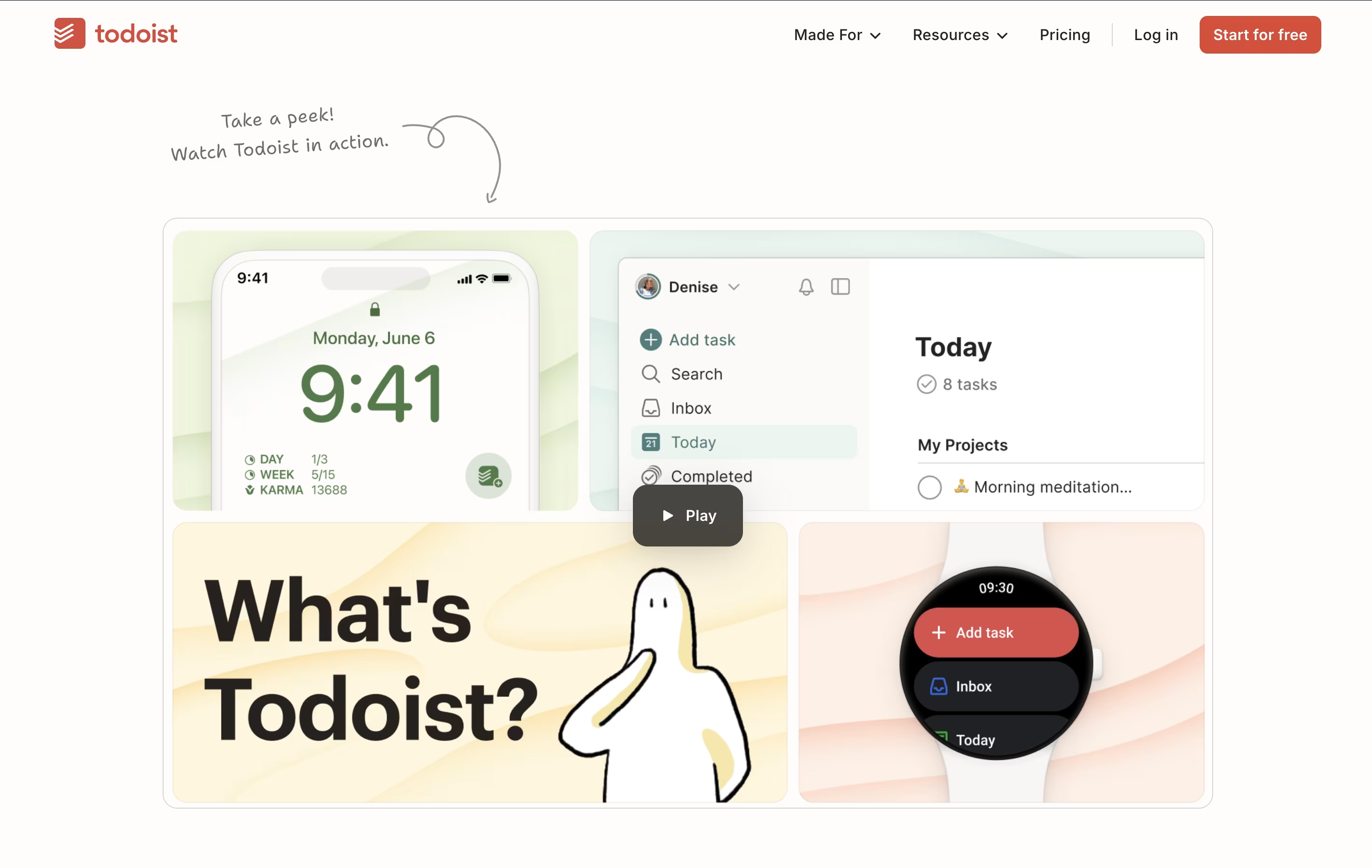
Todoist screenshot 2
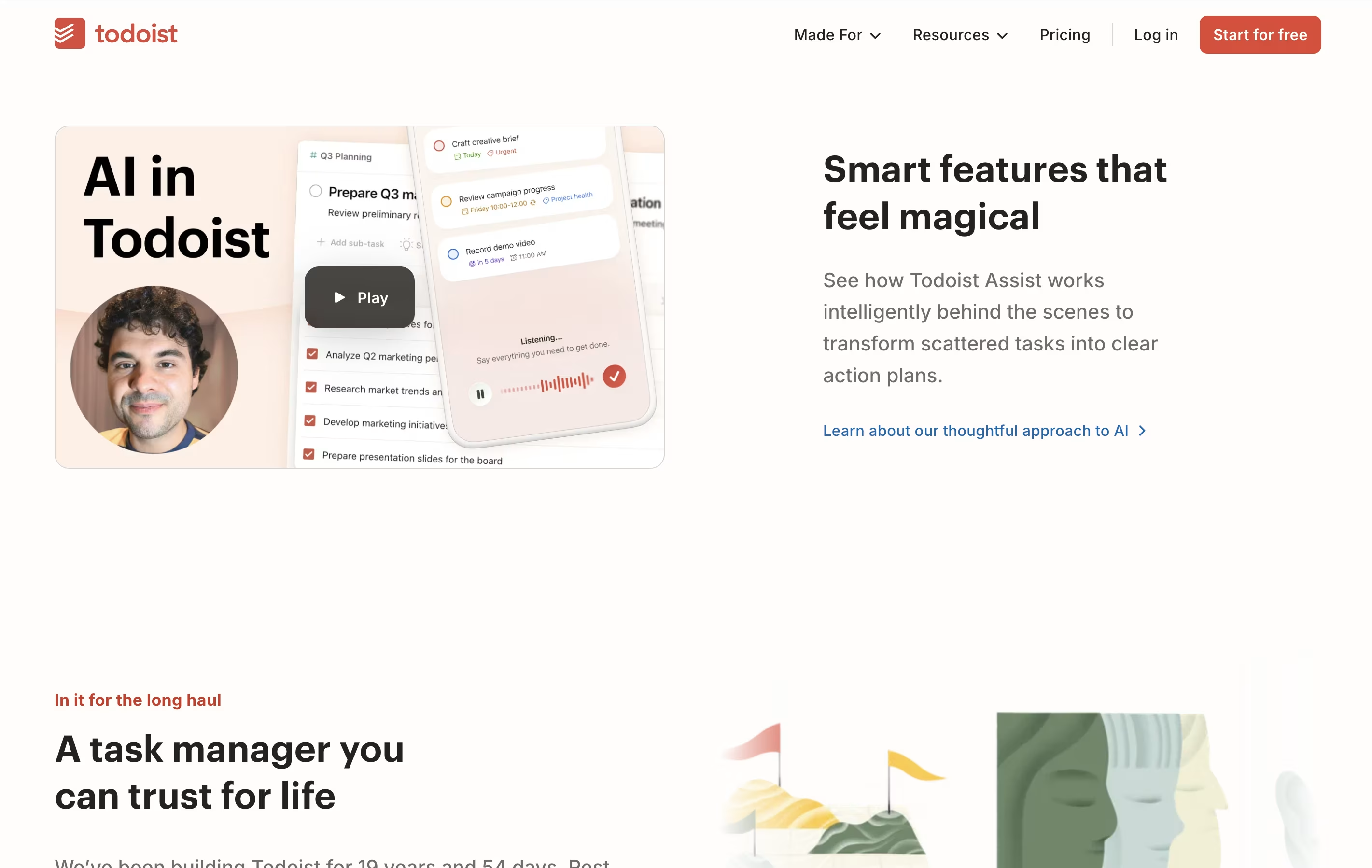
Todoist screenshot 3
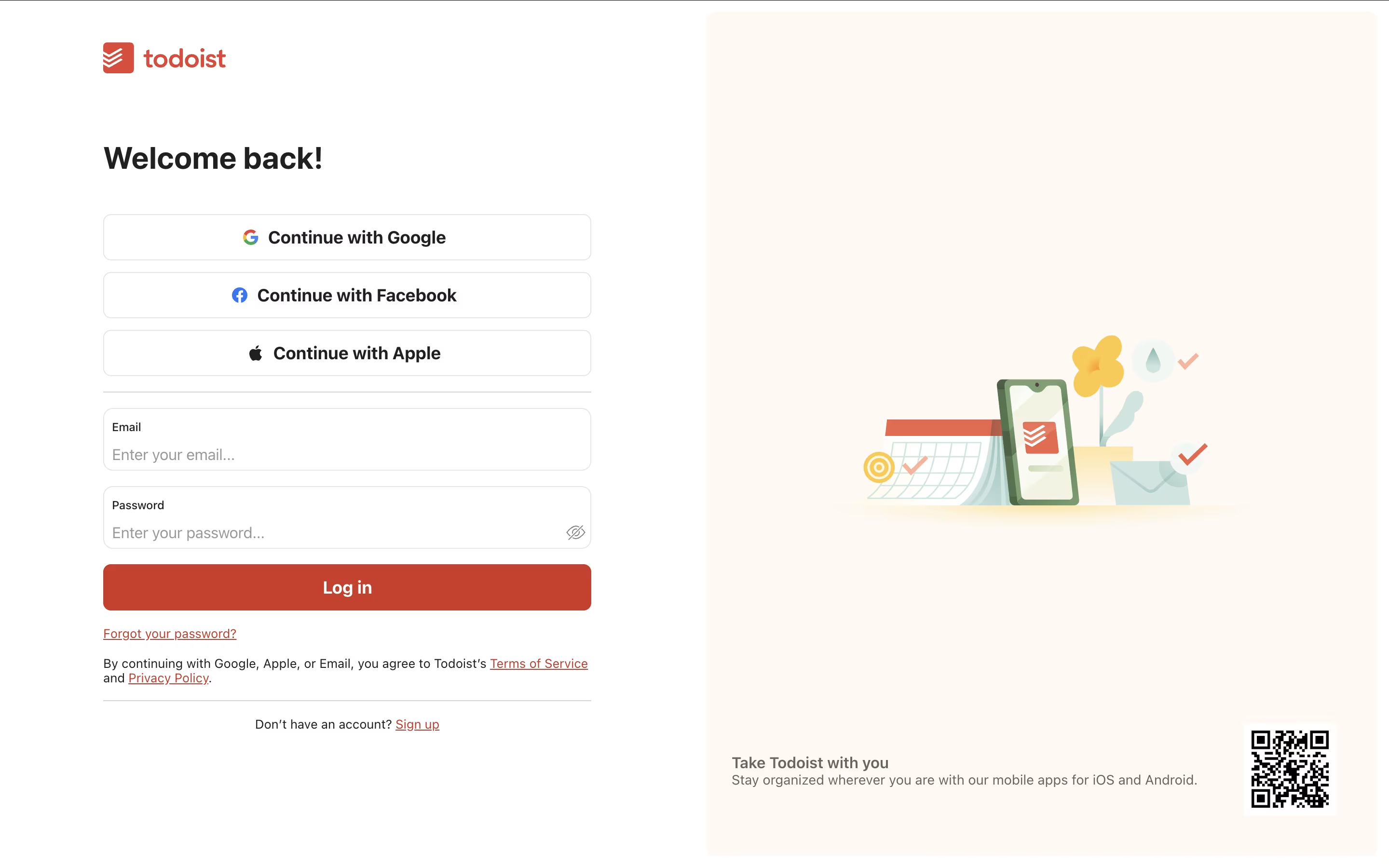
Todoist screenshot 4
Todoist screenshot 5

What is Todoist

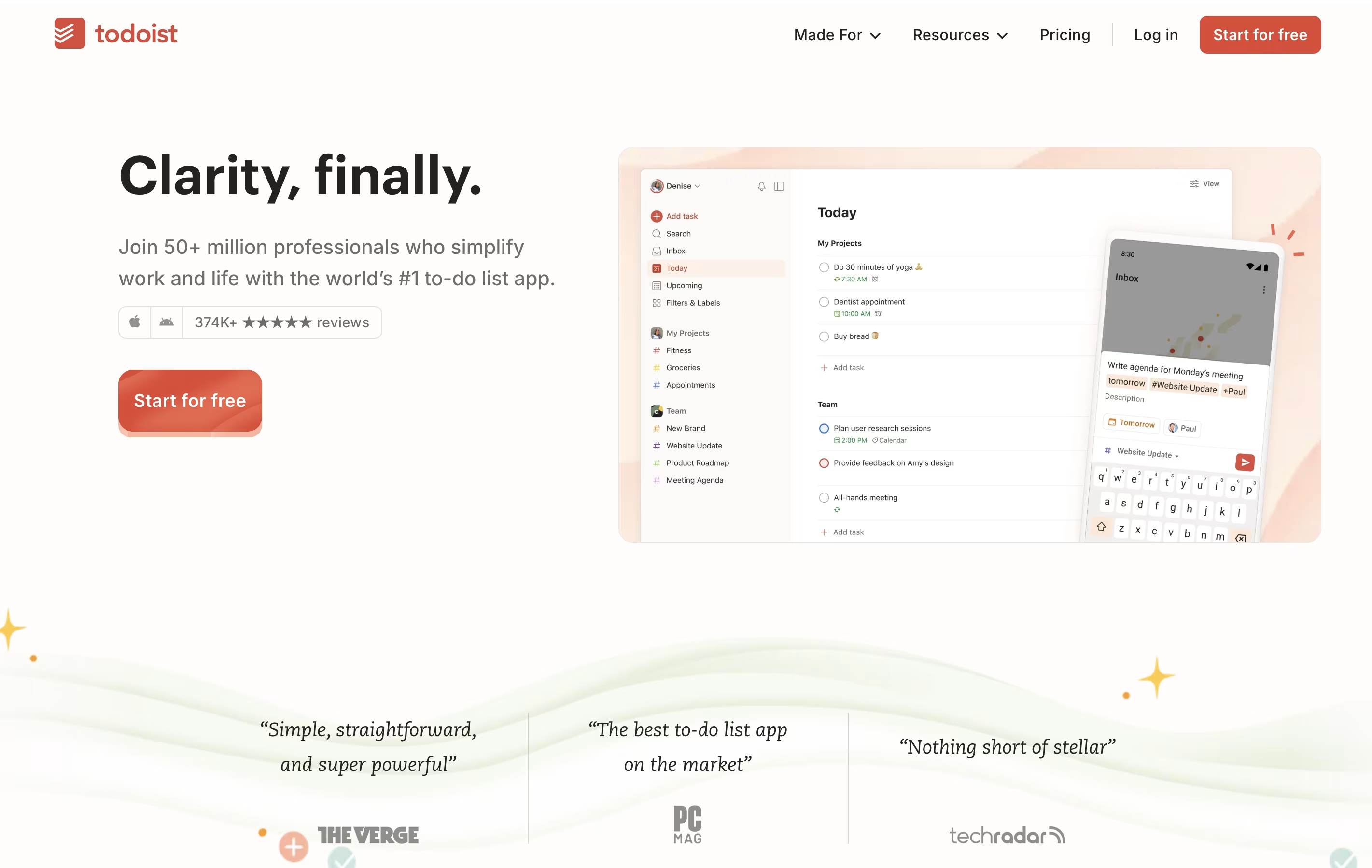
Todoist is a task management app that helps you organize tasks and projects in one place. You can add tasks using simple language, set priorities, and group related items into projects. The app shows your tasks in different views like lists, boards, or calendars so you can see what needs attention.

It works across all your devices and updates everything automatically. You can set reminders for important tasks, add notes and files, and work together with others on shared projects. The app also includes smart features like filters to find specific tasks quickly and templates to start common projects faster.

There is a free version with basic features and paid plans that add more power, including an AI assistant to help manage your workload better.

How to Use Todoist

Using Todoist is straightforward. Here are the main steps:

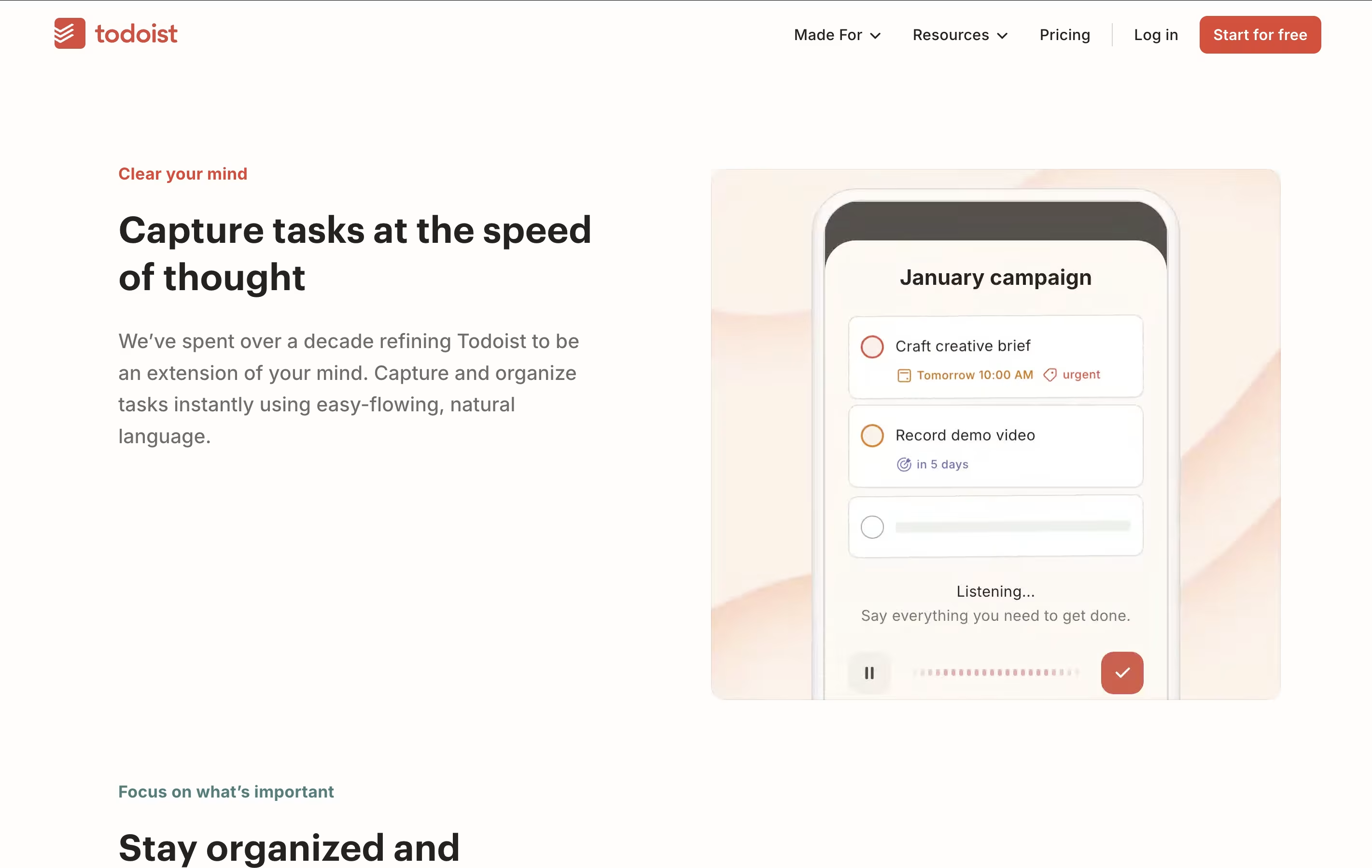
  • Add tasks quickly: Type what you need to do in simple language. You can say things like "meeting tomorrow at 3pm" and it will understand the date and time automatically.

  • Organize into projects: Group related tasks together. For example, create separate projects for work, personal life, or specific goals.

  • Set priorities: Mark tasks as urgent, important, or normal so you know what to focus on first.

  • Use filters and labels: Add tags to tasks and create custom filters to see only what matters right now.

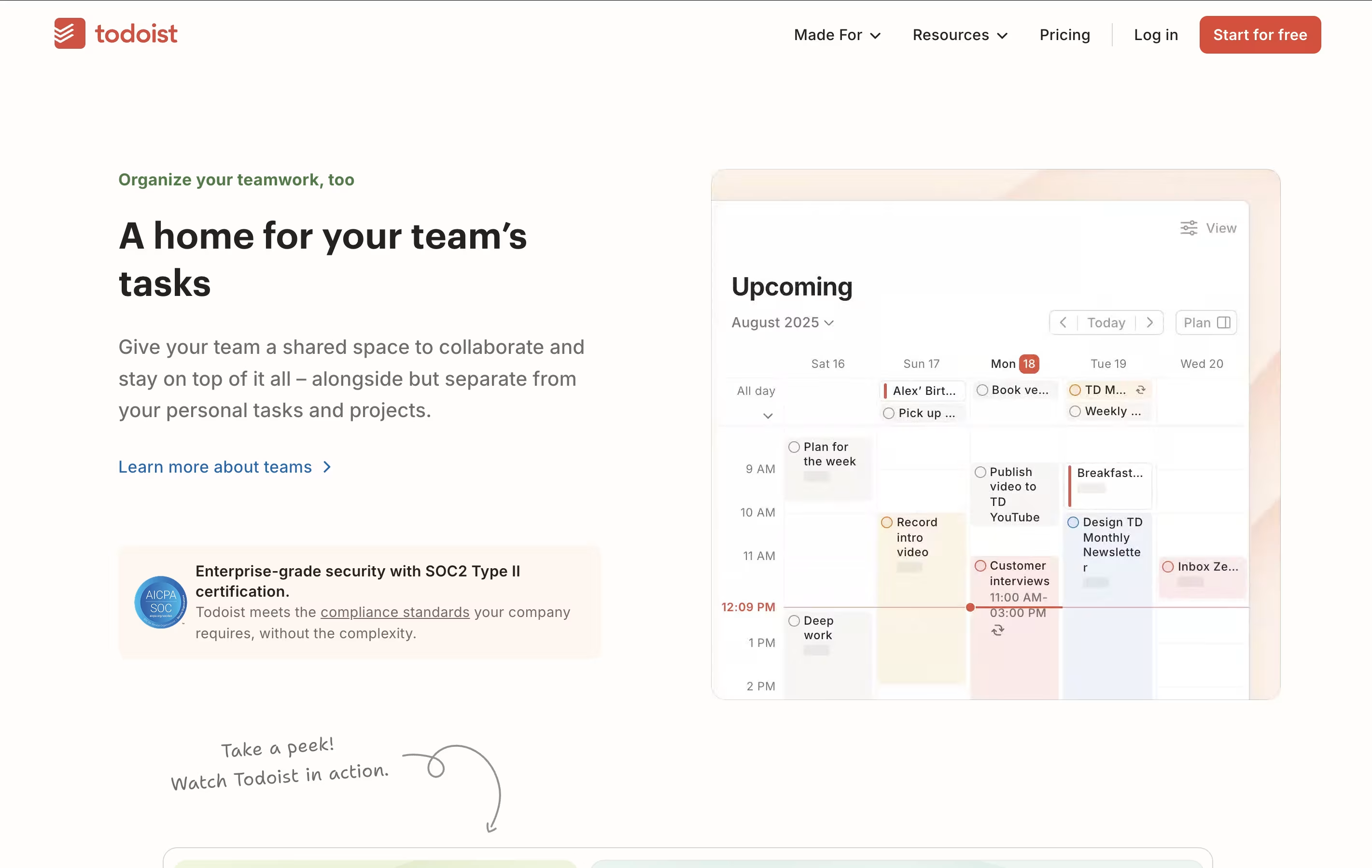
  • Share with others: Invite team members or family to projects where you need to work together. You can assign tasks and leave comments.

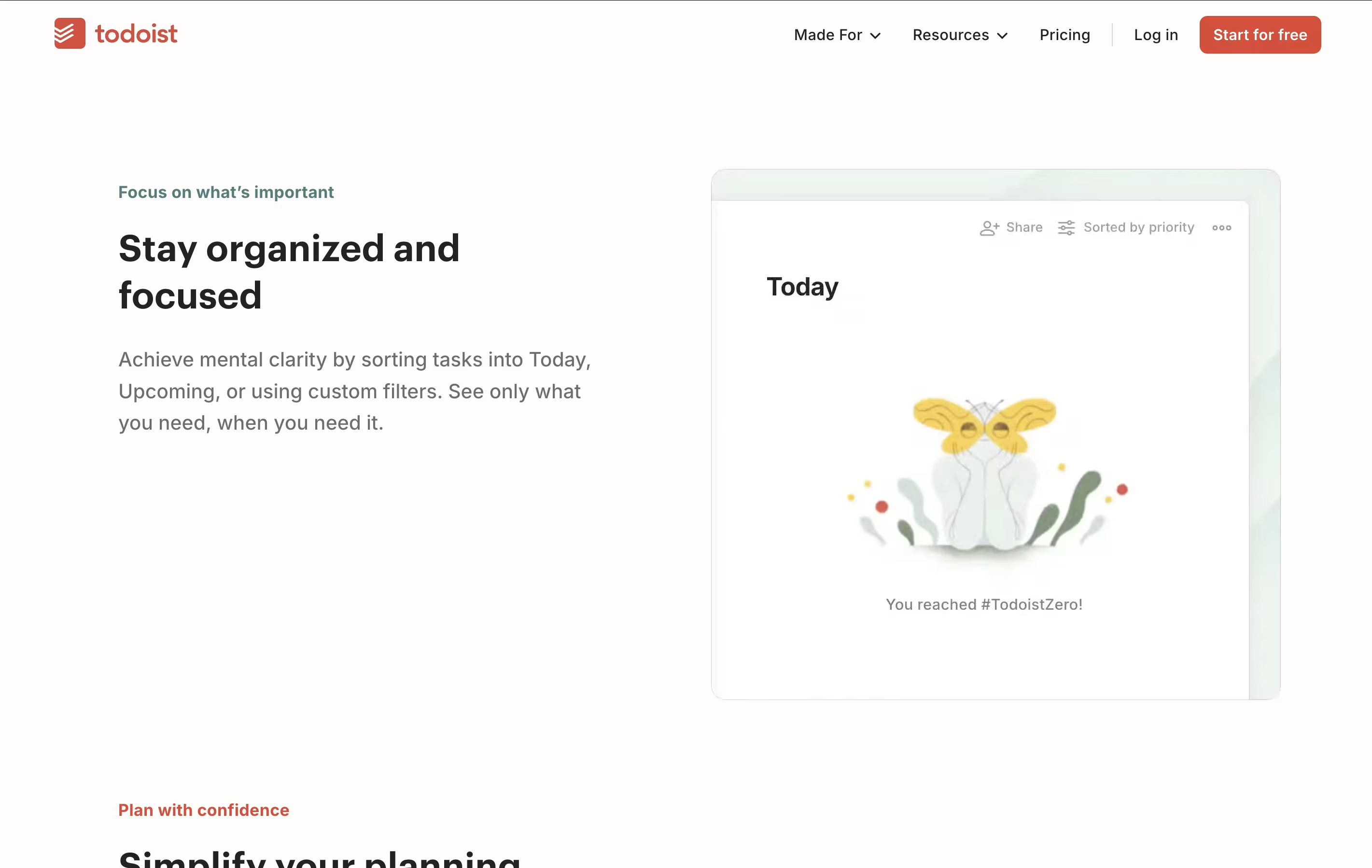
  • Review regularly: Check the Today view each morning to see what's scheduled and the Upcoming view to plan ahead.

Features of Todoist

  • Quick task entry with natural language

  • Multiple view options (list, board, calendar)

  • Smart reminders and recurring tasks

  • Priority levels and labels for organization

  • Project templates for fast setup

  • Team collaboration with shared workspaces

  • Cross-platform syncing across all devices

  • 60+ app integrations

  • Productivity tracking and reports

  • AI assistant for task management

Todoist Pricing

Beginner

Free

What's included:
  • 5 personal projects
  • Smart quick add
  • Task reminders
  • Flexible list & board layouts
  • 3 filter views
  • 1 week activity history
  • Integrate email, calendar, and more
Most Popular
Pro

$5

What's included:
  • 300 personal projects
  • Calendar layout
  • Task duration
  • Custom task reminders
  • 150 filter views
  • Unlimited activity history
  • AI Assistant
  • Advanced deadlines and scheduling
Business

$8

What's included:
  • Everything in Pro for every member
  • A shared team workspace
  • Up to 500 team projects
  • Calendar layout for team projects
  • Granular team activity logs
  • Shared templates
  • 1000 team members & guests
  • 1000 project folders
  • Team roles & permissions
  • Centralized team billing

FAQ's About Todoist

Is Todoist completely free to use?
Yes, Todoist offers a free Beginner plan that includes essential features like 5 personal projects, task reminders, and smart task entry. For more advanced features like unlimited projects, calendar view, and AI assistance, you can upgrade to Pro ($5/month) or Business ($8/month).
Can I use Todoist on all my devices?
Absolutely! Todoist works on all major platforms including web browsers, iPhone, iPad, Android, macOS, Windows, and Linux. Everything syncs automatically across your devices, so you can add a task on your phone and see it immediately on your computer.
How is Todoist different from other to-do apps?
Todoist stands out with its natural language input that understands when you type "meeting next Friday at 2pm," its clean interface that's easy to learn, and its powerful features like custom filters, templates, and an AI assistant. It balances simplicity for beginners with advanced features for power users.
Can teams use Todoist for project management?
Yes! The Business plan ($8/month per user) includes team features like shared workspaces, task assignments, team roles and permissions, and collaborative commenting. You can manage up to 500 team projects with up to 1000 members and guests.
Does Todoist integrate with other apps I use?
Todoist connects with over 60 popular apps including Gmail, Google Calendar, Outlook, Slack, Zapier, Dropbox, and many more. These integrations help you create tasks from emails, see tasks on your calendar, and automate workflows between different tools.

Share your experience with Todoist

Loading...

See what users are saying about Todoist

0.0

0 Reviews

5
0
4
0
3
0
2
0
1
0

No reviews yet

Be the first to review Todoist

Embed Todoist badges

Show your community that Todoist is featured on Tool Questor. Add these beautiful badges to your website, documentation, or social profiles to boost credibility and drive more traffic.

Light Badge Preview
Todoist – Simple Task Manager & To-Do List App