

Best 14+ Todoist Alternatives in 2026
Last Updated: August 15, 2026
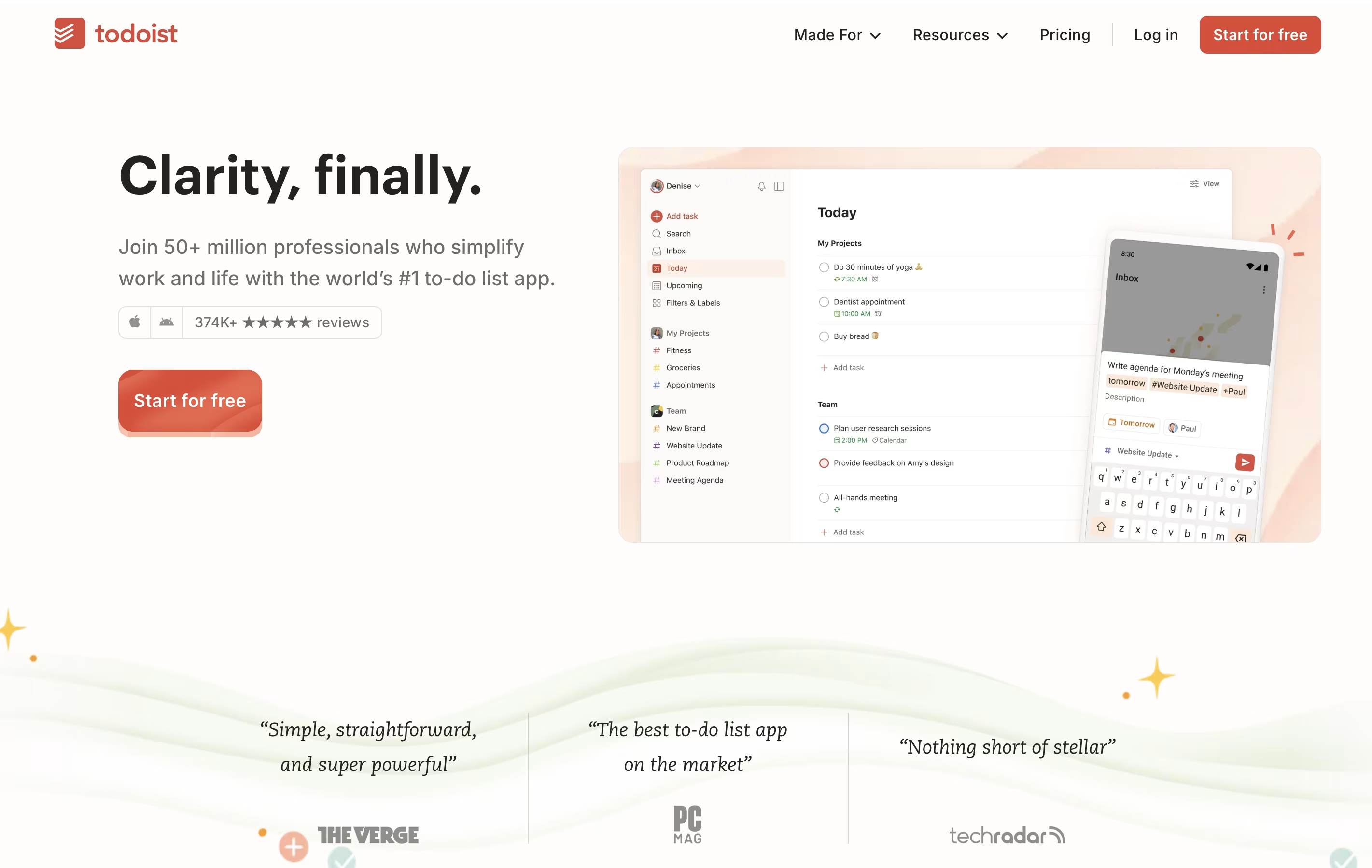
Todoist is a task management app that helps you organize tasks and projects in one place. You can add tasks using simple language, set priorities, and group related items into projects. The app shows your tasks in different views like lists, boards, or calendars so you can see what needs attention.
It works across all your devices and updates everything automatically. You can set reminders for important tasks, add notes and files, and work together with others on shared projects. The app also includes smart features like filters to find specific tasks quickly and templates to start common projects faster.
The best alternative to Todoist is  Motion
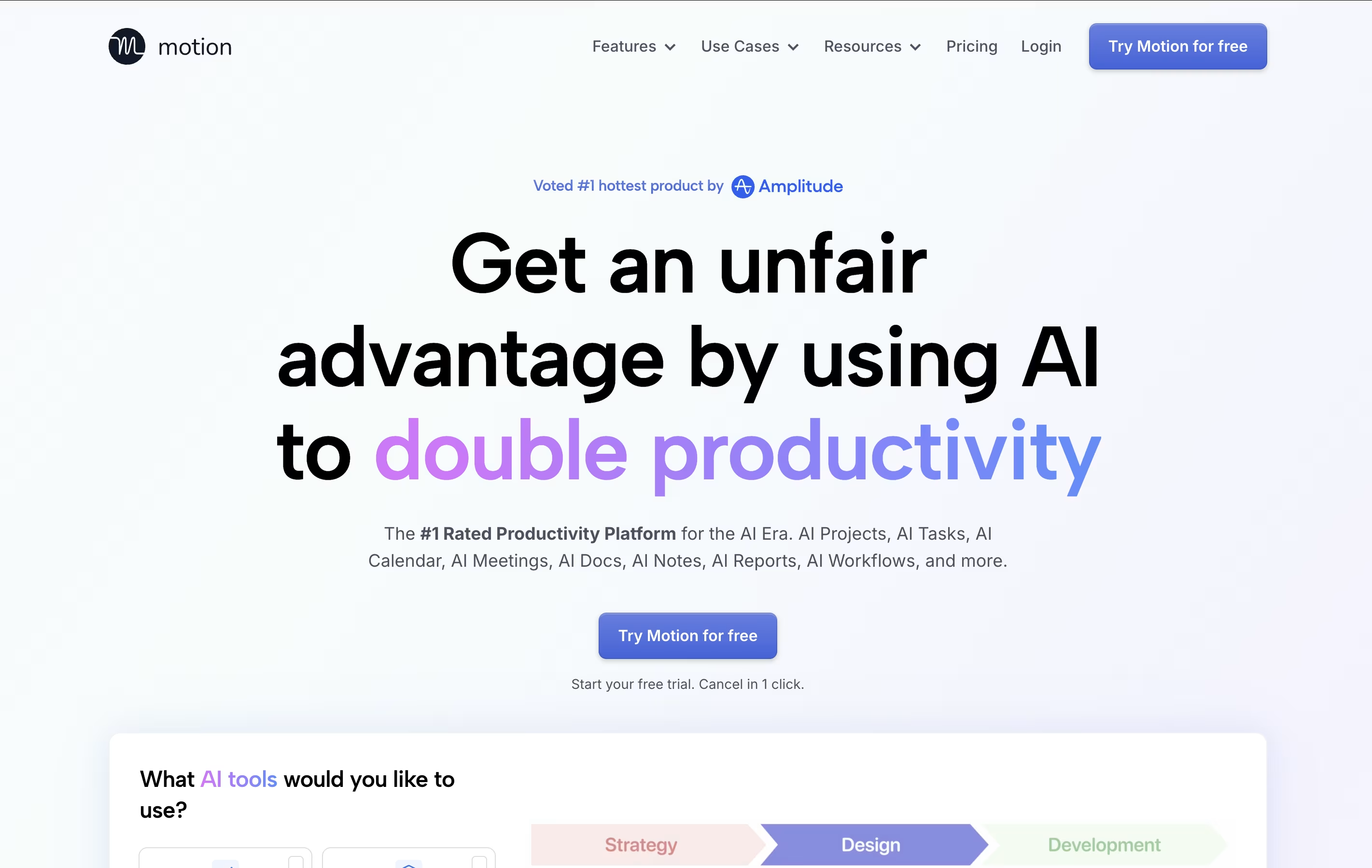 MotionAI-Powered Productivity & Task Management.
  OmniFocus
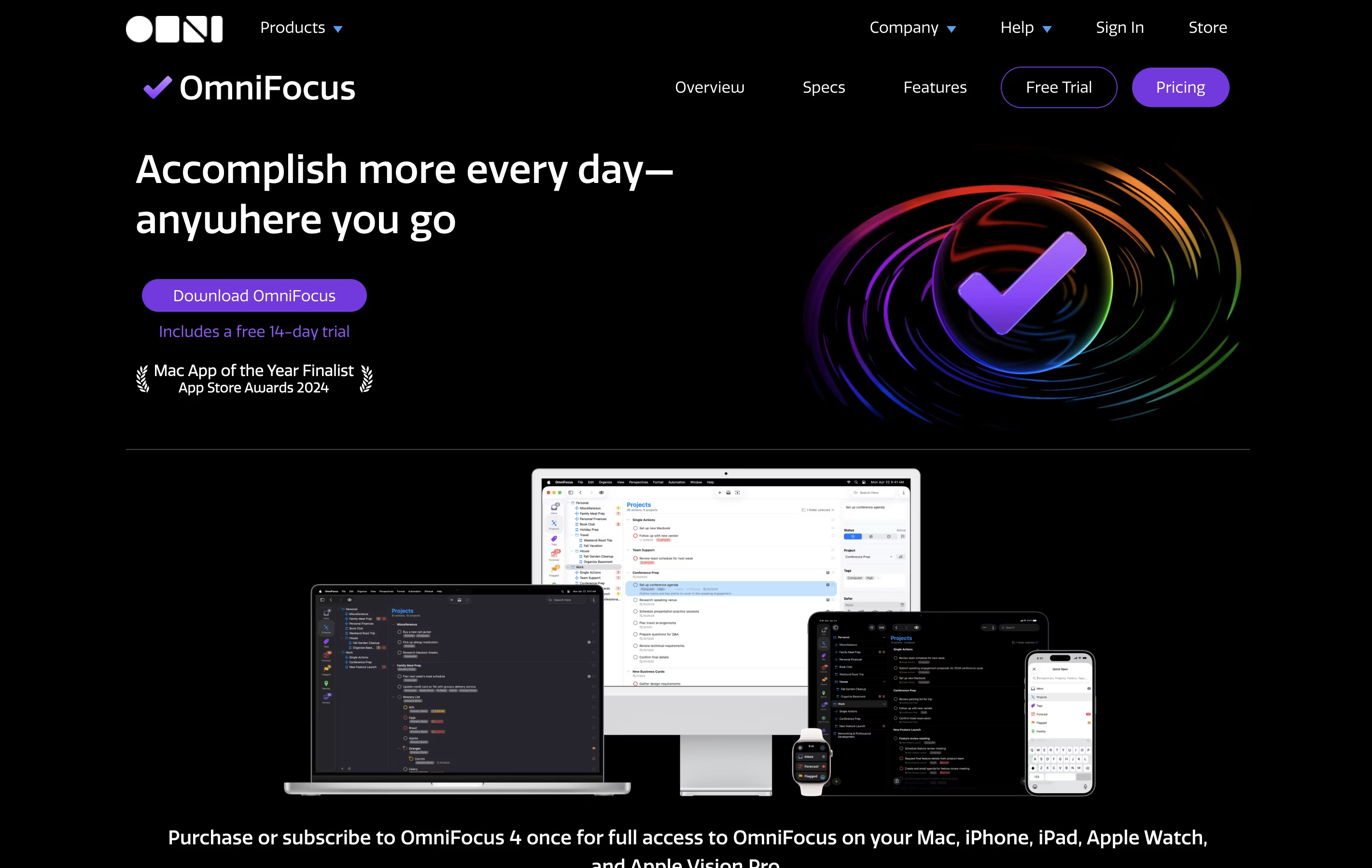 OmniFocusProfessional Task Management for Apple and
  Akiflow
 AkiflowAI-Powered Time-Blocking & Task Management are also among the best options for Task Management.
So, here are the 12+ best alternatives to Todoist:
Motion is an all-in-one productivity tool that uses artificial intelligence to manage your time and tasks. Instead of spending hours organizing your workday, Motion automatically schedules everything based on deadlines, priorities, and your available time.
The platform combines several tools into one: a smart calendar that syncs with Google Calendar and Outlook, a task manager that auto-schedules work, a project management system with Kanban and Gantt views, and meeting scheduling features similar to Calendly. Motion also includes AI Employees—smart assistants that can draft emails, create content, analyze data, and handle repetitive tasks.
Motion continuously monitors your schedule and adjusts tasks when meetings pop up or deadlines change, ensuring everything gets done on time.
OmniFocus is a task manager that turns chaos into organized action. You can capture any task the moment you think of it, then organize it later with tags, projects, and dates. The tool helps you see what needs attention today while keeping future tasks out of sight until you need them.
Unlike basic to-do apps, OmniFocus offers custom views called Perspectives that show your work exactly how you want to see it. The Forecast feature displays upcoming tasks alongside your calendar events. The Review function reminds you to check your projects regularly, making sure nothing gets forgotten.
There are different versions available: Standard and Pro licenses for one-time purchase, plus a subscription option that includes web access from any browser.
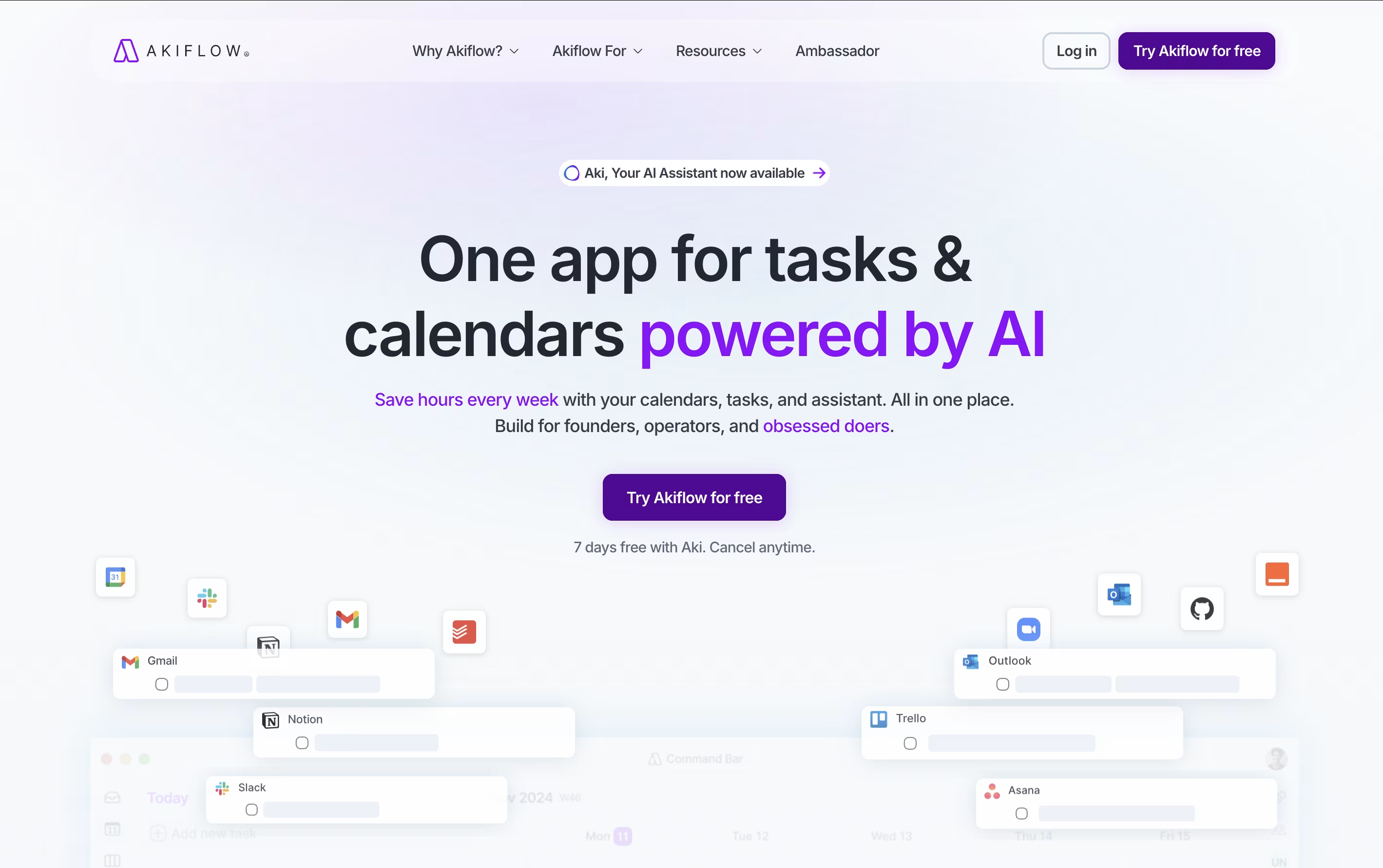
Akiflow is a comprehensive productivity platform that combines task management, calendar scheduling, and time-blocking in one powerful application. Think of it as the control center for your entire work life, designed specifically for busy professionals who use multiple tools throughout their day.
The platform automatically imports tasks from popular apps like Gmail, Slack, Asana, Notion, and thousands of others through smart integrations. What makes Akiflow special is its time-blocking approach - you can drag and drop tasks directly onto your calendar, ensuring every important item gets the time it deserves.
The platform also features an AI assistant called Aki that helps organize your schedule, suggests optimal time slots, and even handles routine scheduling tasks. Founded in 2020 and backed by Y Combinator, Akiflow has quickly become a favorite among founders, developers, and productivity enthusiasts who need to stay organized without the complexity.

Morgen is an AI-powered calendar and task management platform designed to help you manage all your time commitments in one place. Think of it as your personal scheduling assistant that combines multiple calendars with intelligent task planning.
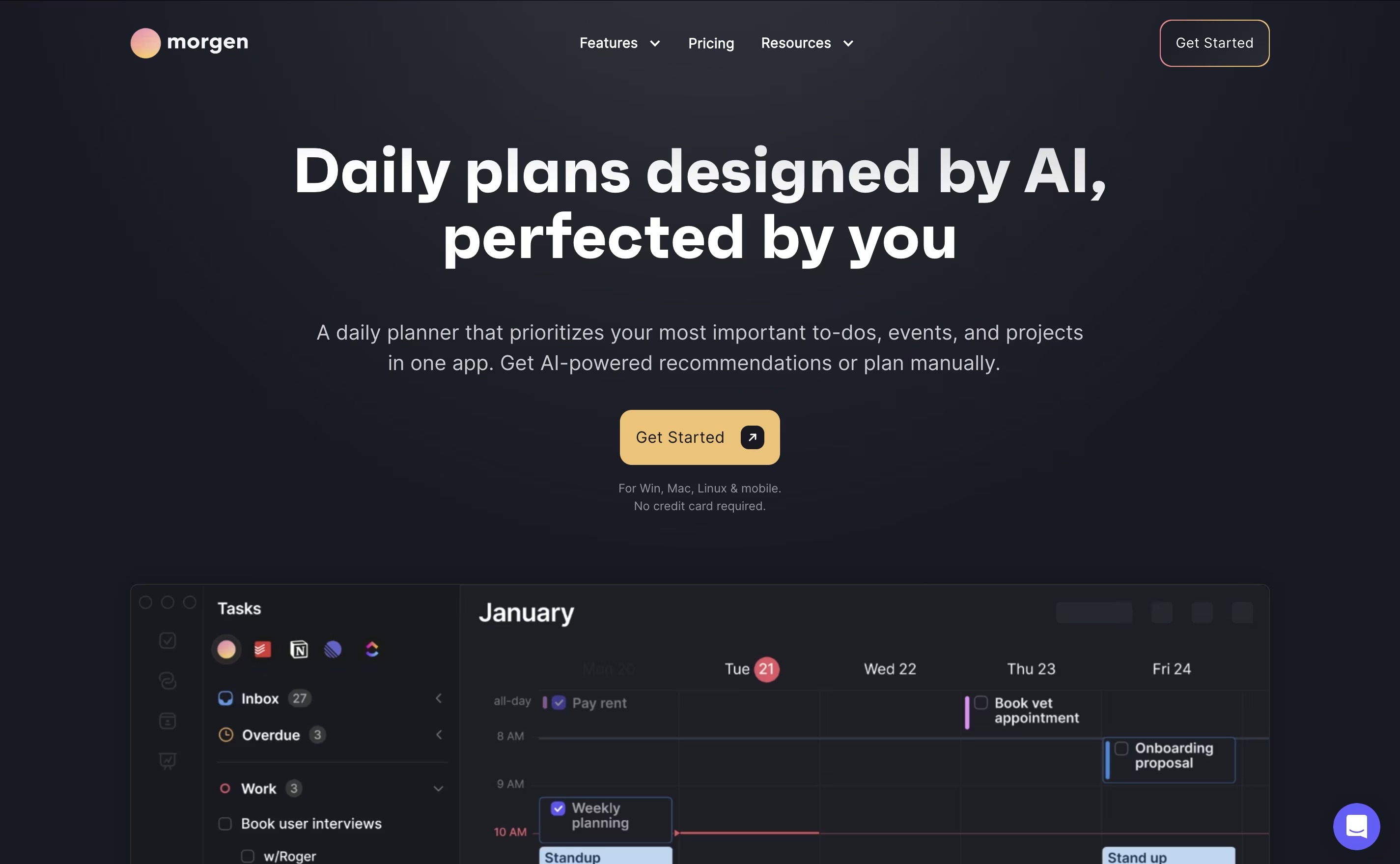
The app works by connecting your existing calendars from Google, Outlook, Apple, and other providers, then adding powerful features like task integration, AI-powered scheduling, and workflow automation. The main difference from regular calendar apps is simple: instead of just showing events, Morgen helps you plan productive days by scheduling tasks alongside meetings.
Founded as a cross-platform solution, Morgen works on Windows, Mac, Linux, iOS, and Android. The AI Planner feature analyzes your available time and creates daily schedules that prioritize important tasks while protecting focus time. You can share booking links, automate calendar workflows, and sync tasks from your favorite productivity tools seamlessly.
TickTick is a complete task management system that helps you organize everything you need to do. It lets you create tasks, set due dates, add reminders, and check things off when finished. Beyond simple to-do lists, it includes a built-in calendar to see your schedule, a Pomodoro timer to stay focused, and a habit tracker to build better routines.
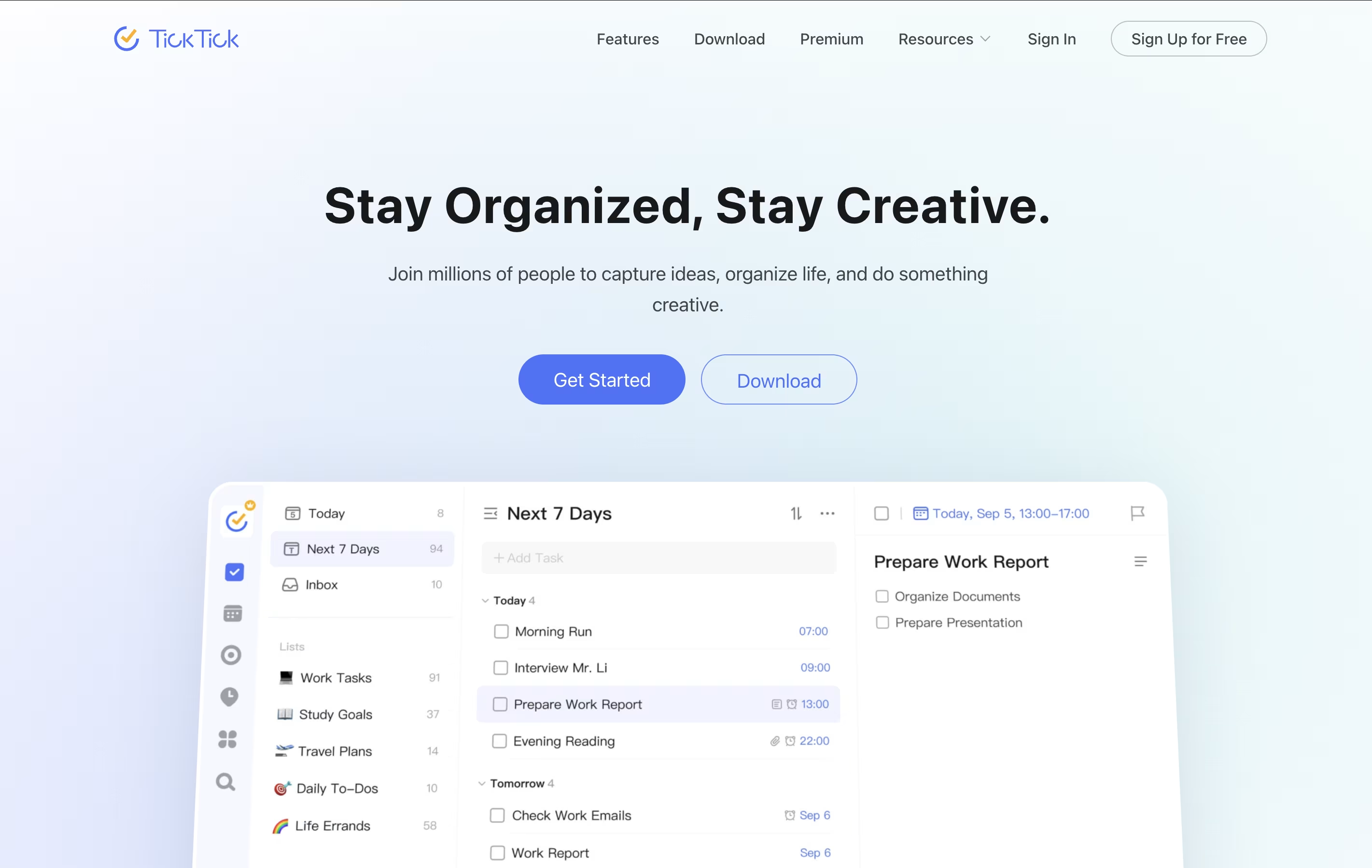
The app uses cloud technology to keep your information synced across all your devices. You can access your tasks from your phone, tablet, computer, or web browser, and changes appear everywhere instantly. TickTick also includes natural language processing, which means you can type something like "call mom tomorrow at 3pm" and it automatically sets the right date and time. This makes adding tasks quick and natural.
Any.do is a tool that helps you manage your tasks and organize your time effectively. You can create lists of things to do, set reminders so you don't forget important items, and see your schedule in a calendar view. Unlike complicated project tools, Any.do keeps things simple and easy to understand.
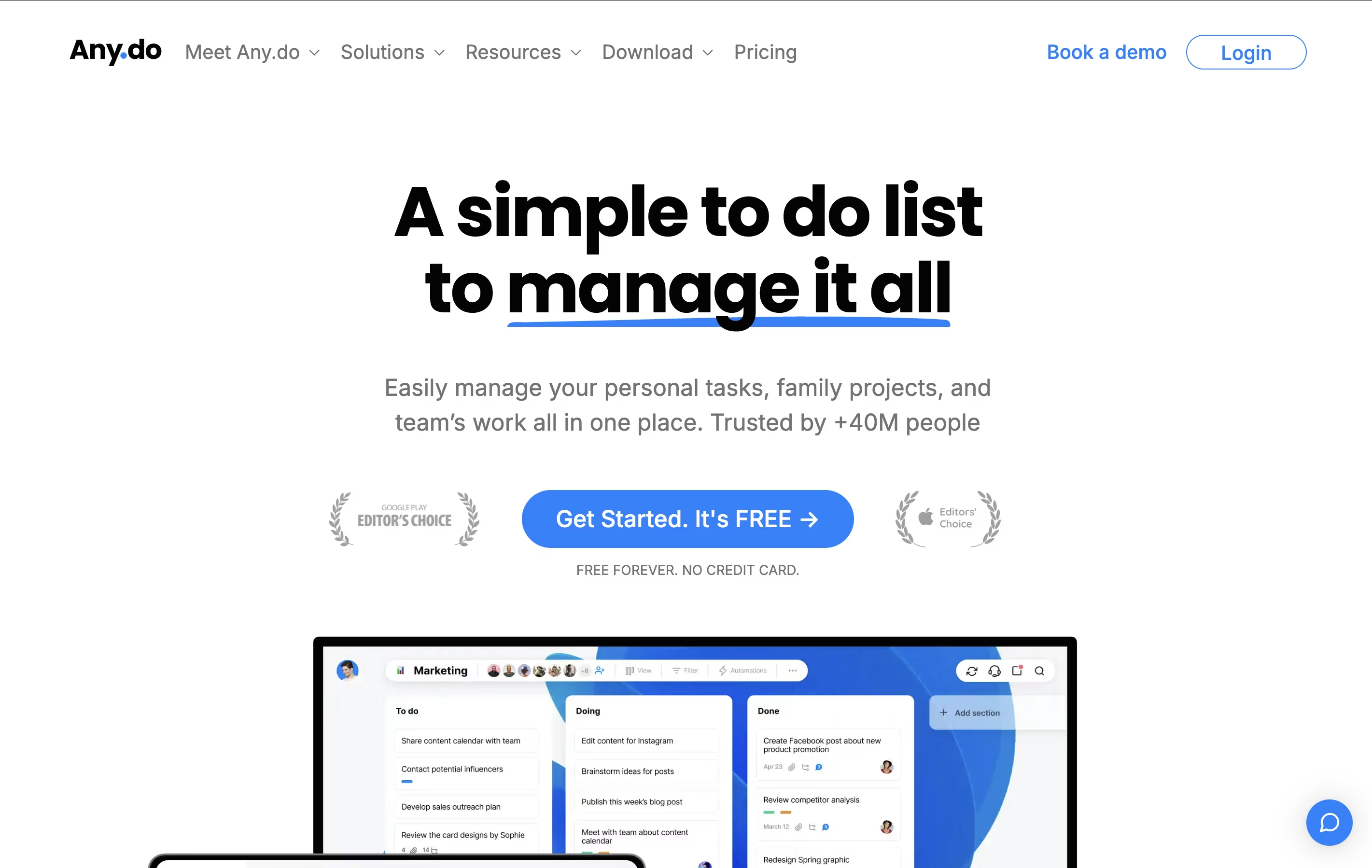
The app works on your phone, computer, and tablet, and everything stays in sync. This means you can add a task on your phone and see it on your computer later. It also lets you share lists with family members or team members, making it great for group projects or household planning.
Both free and paid versions are available, with the paid plans offering extra features like recurring tasks, color tags, and team collaboration tools.

Vikunja is a complete task management system that you can use in different ways depending on your needs. It lets you create tasks, organize them into projects, set due dates, add reminders, and share work with others. The tool is built with speed in mind and every action happens quickly without loading delays.
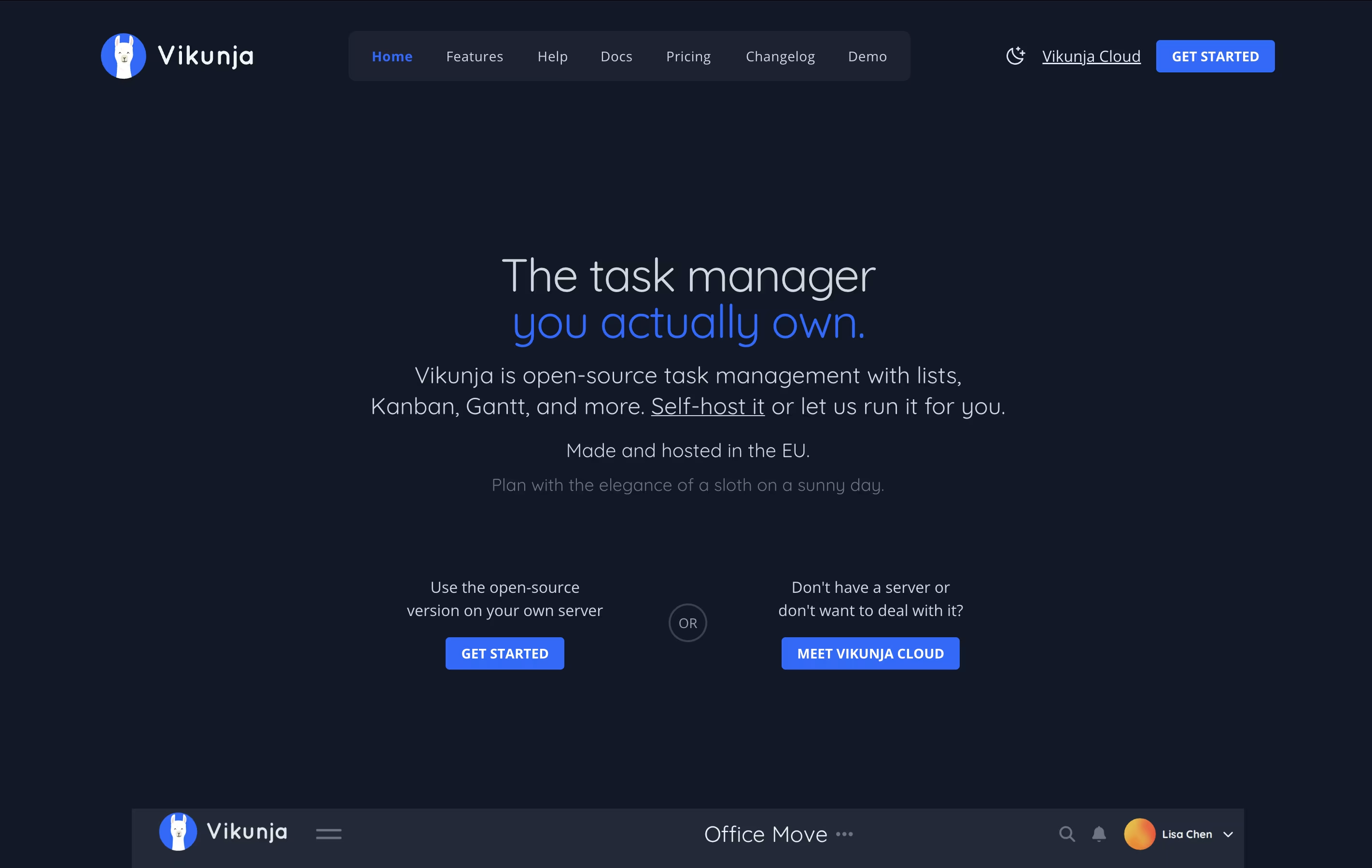
What makes Vikunja special is that it is completely open-source under the AGPL license. This means you can check the code, run it yourself, or use the cloud version. You get features like task relationships, filters, labels, subtasks, and file attachments. The interface is clean and modern, making it easy to focus on your work instead of learning complex software.
Atlassian is a leading software company that creates collaboration and work management tools designed to help teams of all sizes work more effectively together. Founded by Mike Cannon-Brookes and Scott Farquhar in Sydney, Australia, the company has grown from a bootstrapped startup to a global technology leader.
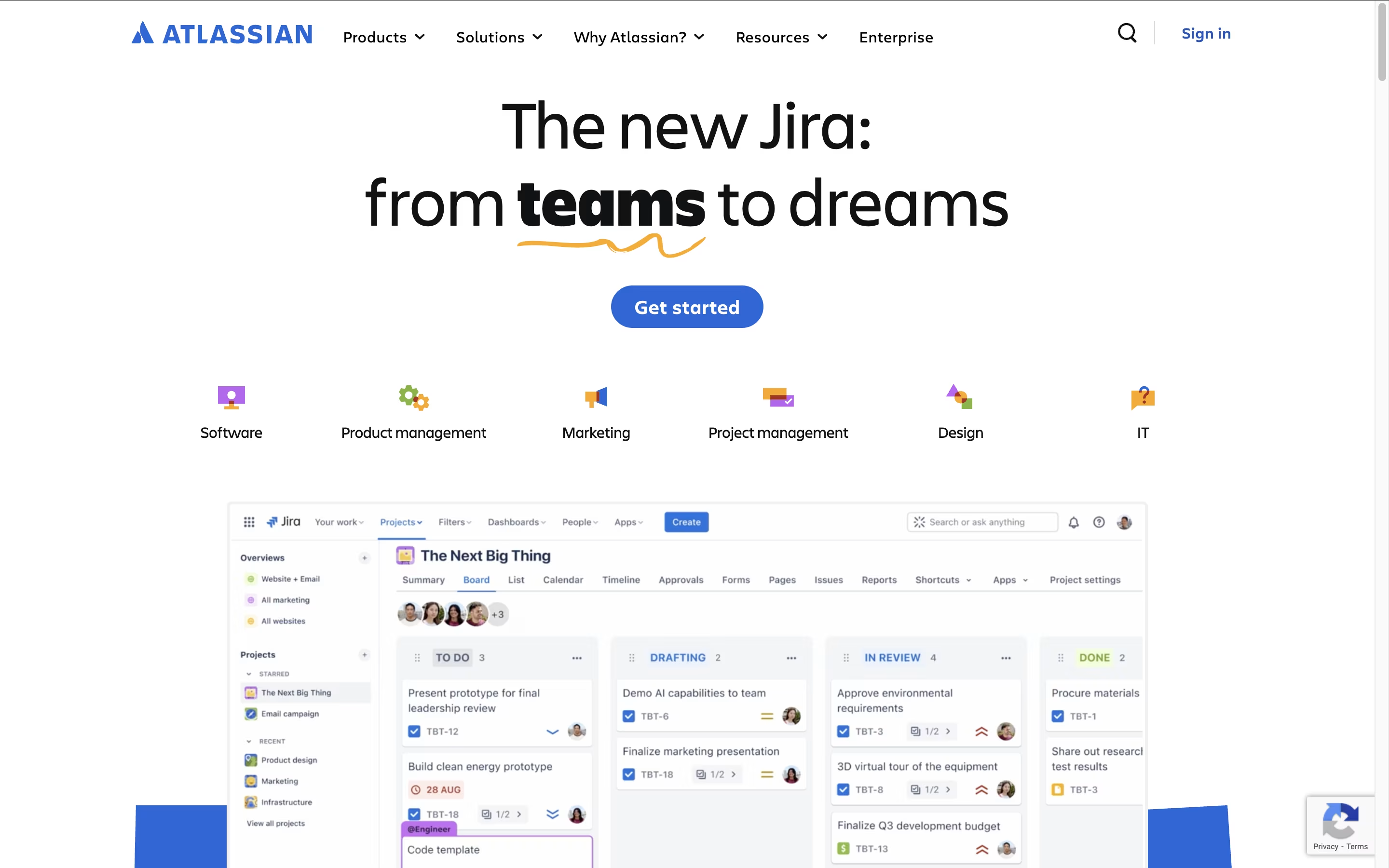
The Atlassian ecosystem centers around four main products that integrate seamlessly. Jira serves as the backbone for project management and issue tracking, particularly popular with software development teams. Confluence acts as a team workspace for creating and sharing knowledge. Trello provides visual project management using boards and cards. Bitbucket handles code collaboration and version control.
What sets Atlassian apart is how these tools work together as a unified system. Teams can link Jira issues to Confluence pages, embed Trello boards in documentation, and track code changes from Bitbucket. This integration eliminates the need to switch between multiple platforms and keeps everyone aligned.
Focalboard is a project management platform that lets you organize work in different ways. You can view tasks as cards on a Kanban board, rows in a table, items in a gallery, or events on a calendar. This flexibility helps you work in the style that suits you best.
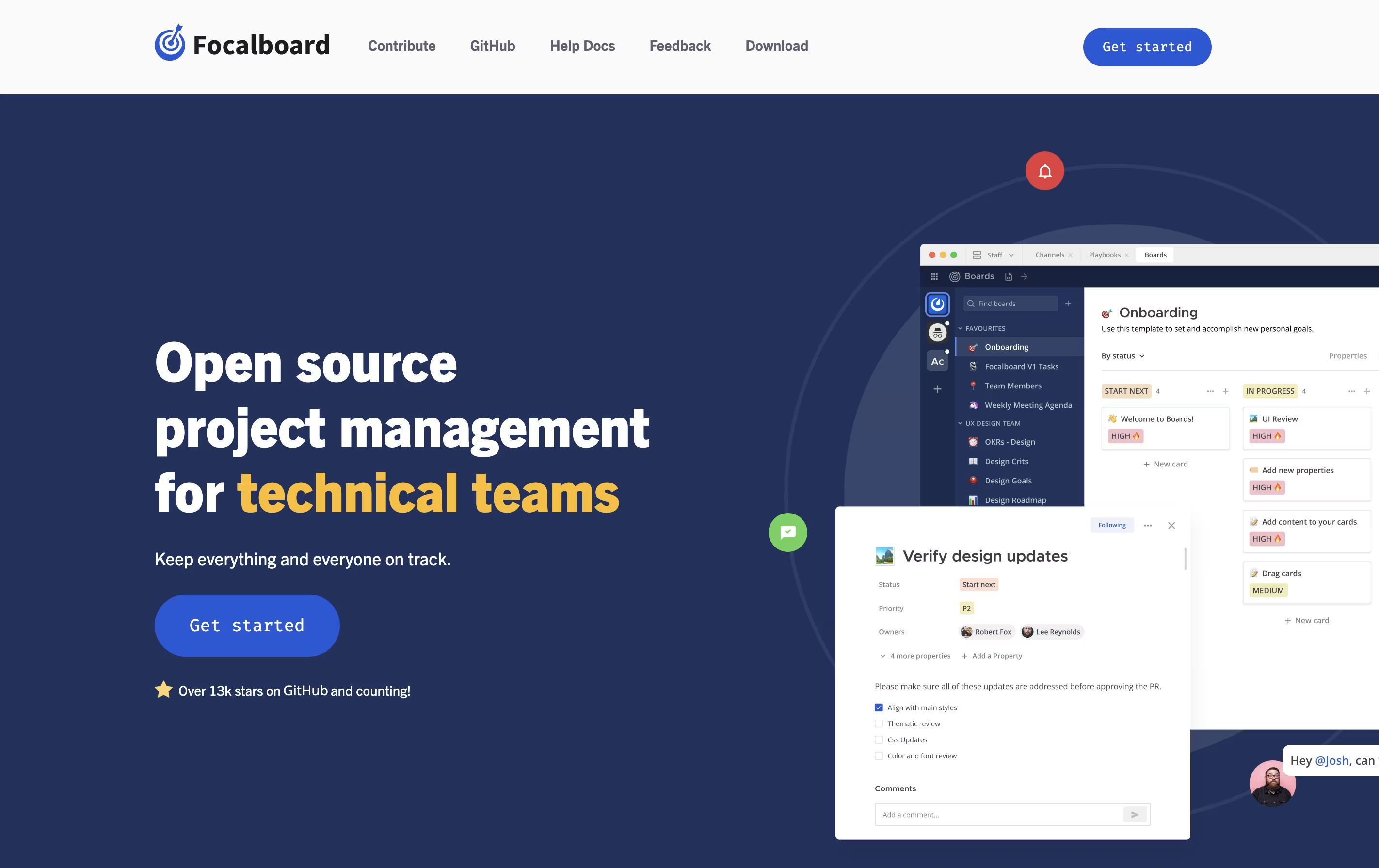
It comes in two main versions. The Personal Desktop version is a single-user app for managing your own tasks and projects. The Personal Server version supports multiple users and works well for teams. When used with Mattermost, it integrates messaging and project management in one place.
The tool is completely free to use and modify because it is open source. You can find the source code on GitHub and contribute to its development.
Sunsama is a digital daily planner that combines task management with calendar planning. You can pull tasks from tools like Asana, Trello, Notion, and GitHub into one focused view. Each morning, Sunsama guides you through planning your day by setting time estimates and blocking time on your calendar.
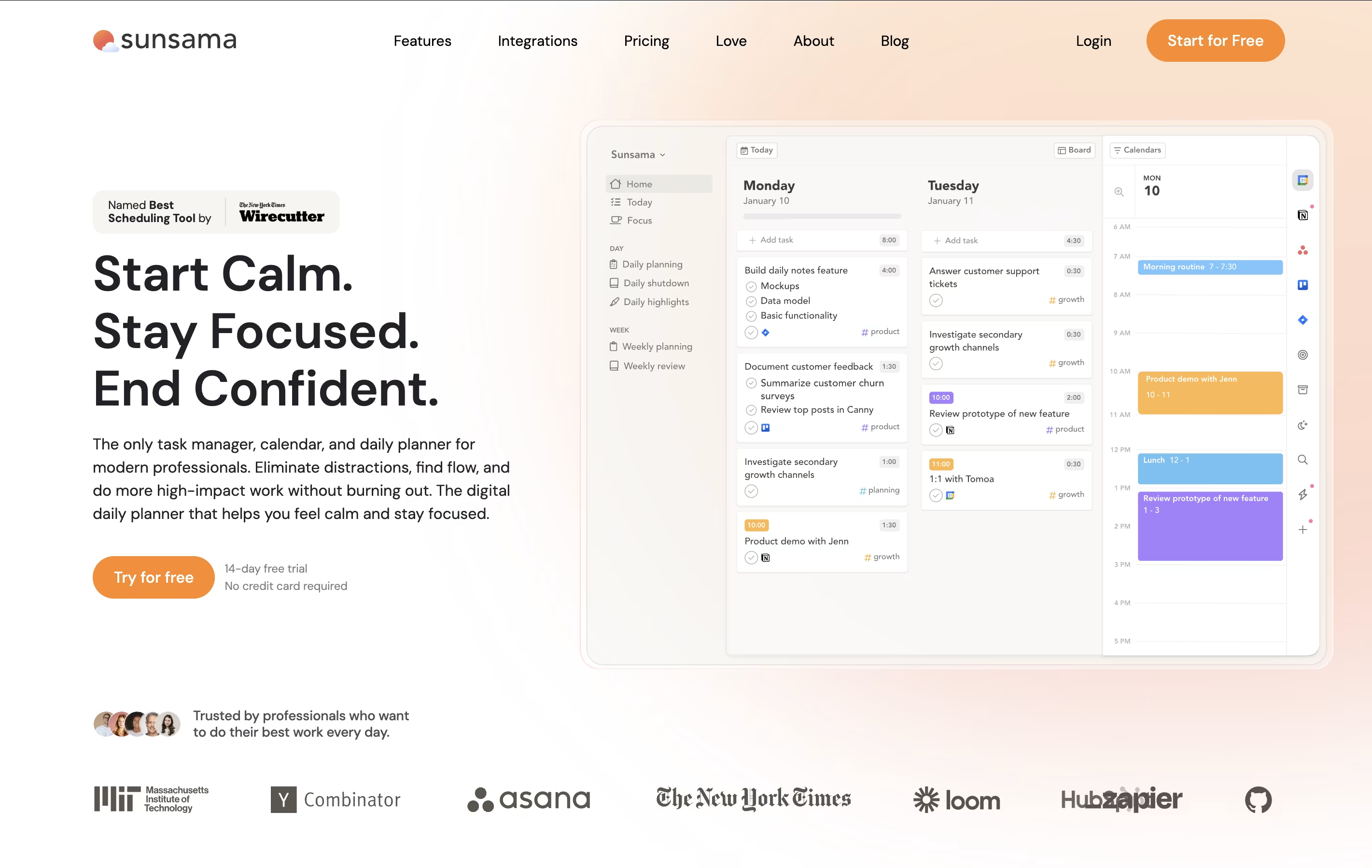
Unlike other task managers that just list everything you need to do, Sunsama helps you choose what to work on today. It syncs with your calendar so you can see meetings alongside tasks. The tool includes daily planning rituals, end-of-day reviews, and weekly reflection sessions to help you stay on track.
There is a 14-day free trial with no credit card required. After that, paid plans start at $16 per month when billed yearly, or $20 per month when billed monthly.

Remember The Milk is a task management application that works on web browsers, desktop computers, and mobile devices. It helps you keep track of everything you need to do in one place. The tool allows you to create multiple lists, organize tasks with tags, set due dates, and receive reminders when tasks are approaching their deadlines.
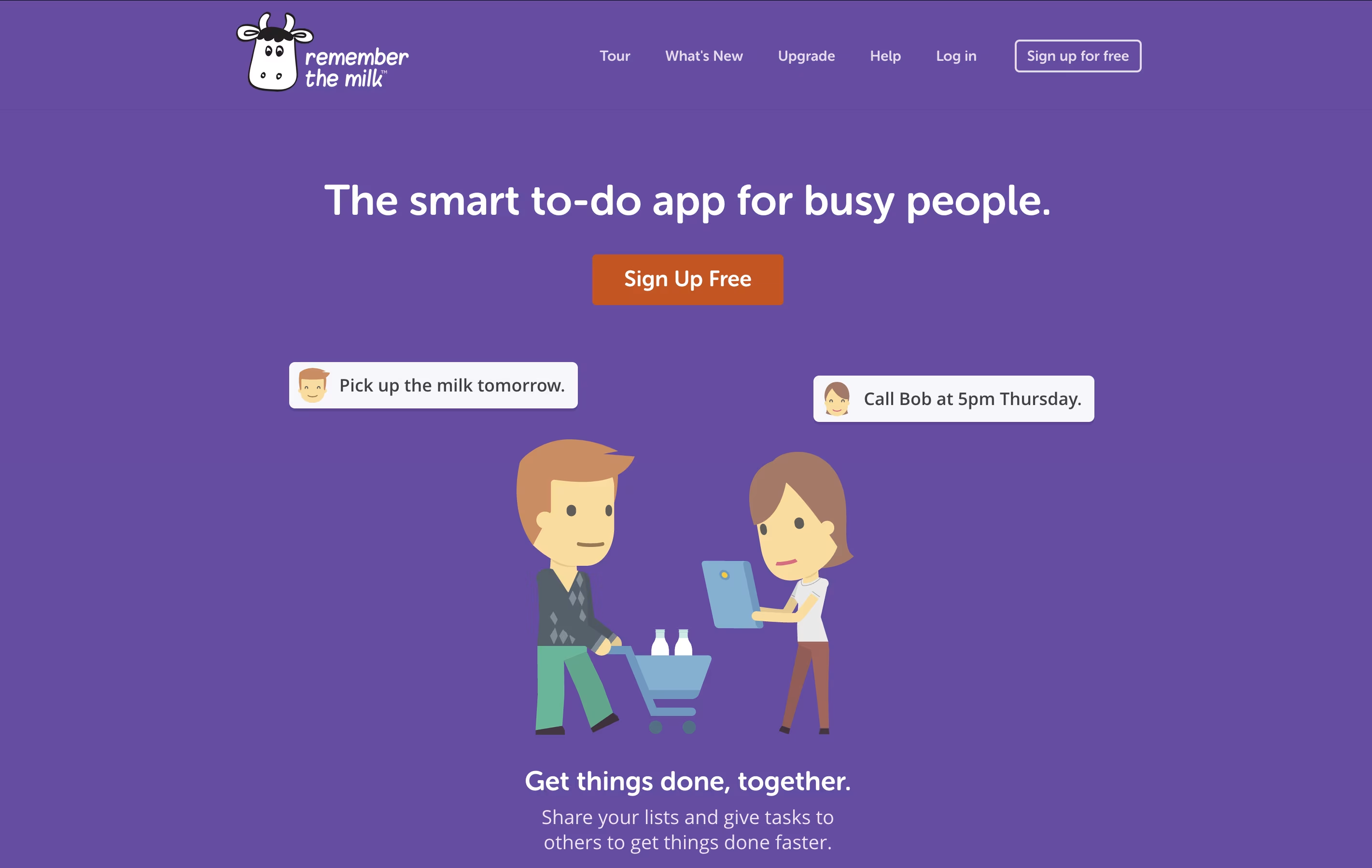
The app offers both free and paid versions. The free version includes basic task management features like creating unlimited tasks, organizing them into lists, and syncing across devices. The paid Pro version adds advanced features like subtasks, colored tags, mobile reminders, file attachments, and integration with services like Zapier and Microsoft Outlook. Whether you need simple reminders or complex project management, Remember The Milk adapts to your needs.
Plane is a project management tool built to track work, manage sprints, and organize team projects without unnecessary complexity. It gives teams a clear view of their work through multiple layouts like lists, boards, calendars, and charts. You can create tasks called work items, group them into projects, and track progress over time.
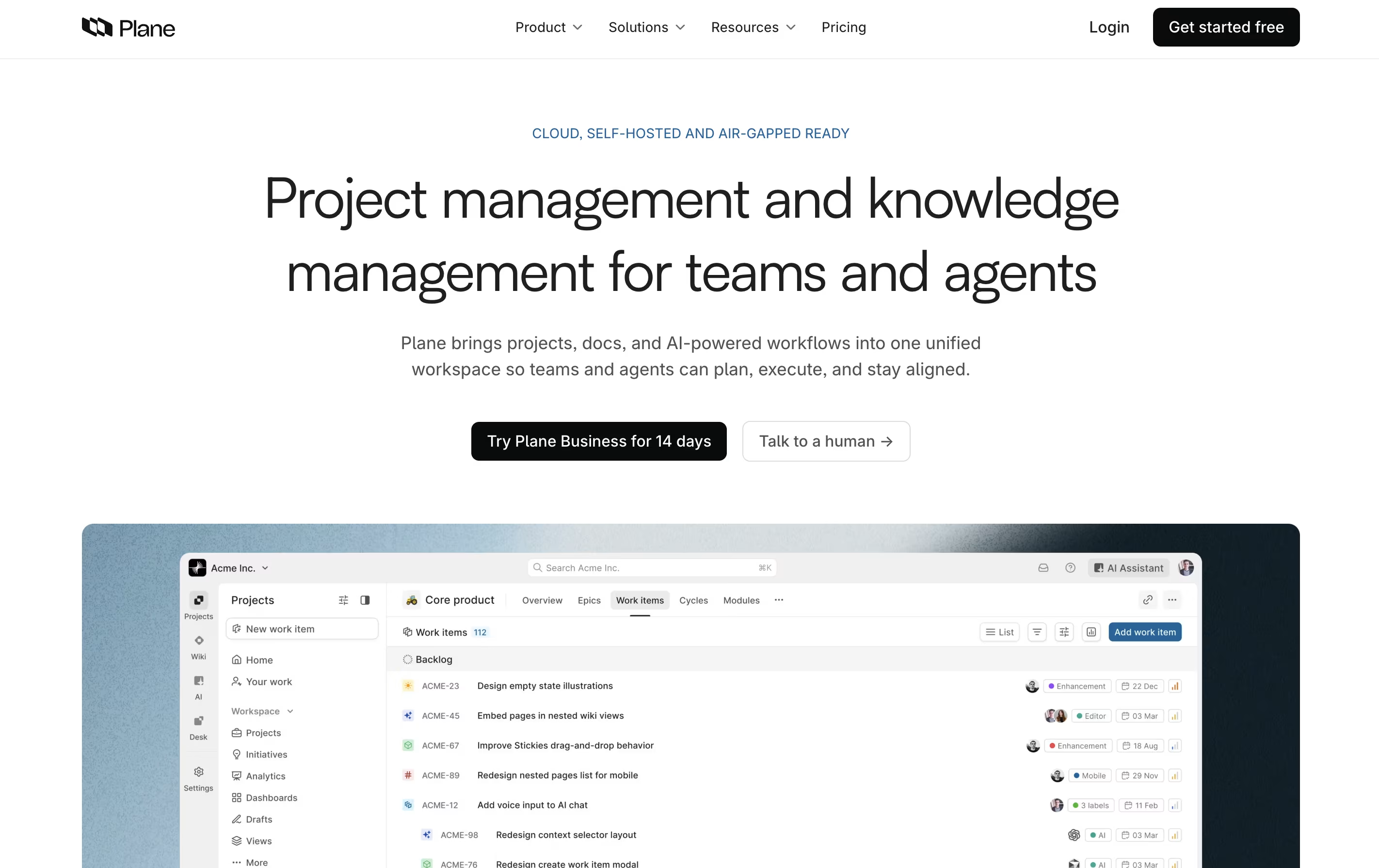
The platform includes AI-powered pages for documenting ideas and plans, built-in time tracking, and detailed analytics to understand team performance. Plane supports both cloud hosting and self-hosting, so you can choose where your data lives. It connects with tools like GitHub and Slack, making it easy to fit into your existing workflow. Whether you use agile methods, scrum, or your own process, Plane adjusts to match how your team actually works.
Taiga is a project management tool that helps teams organize their work using agile methods. You can create projects, add tasks, track progress, and work with your team all in one place. The tool shows your work in different views like boards, lists, and charts to match how your team likes to work.
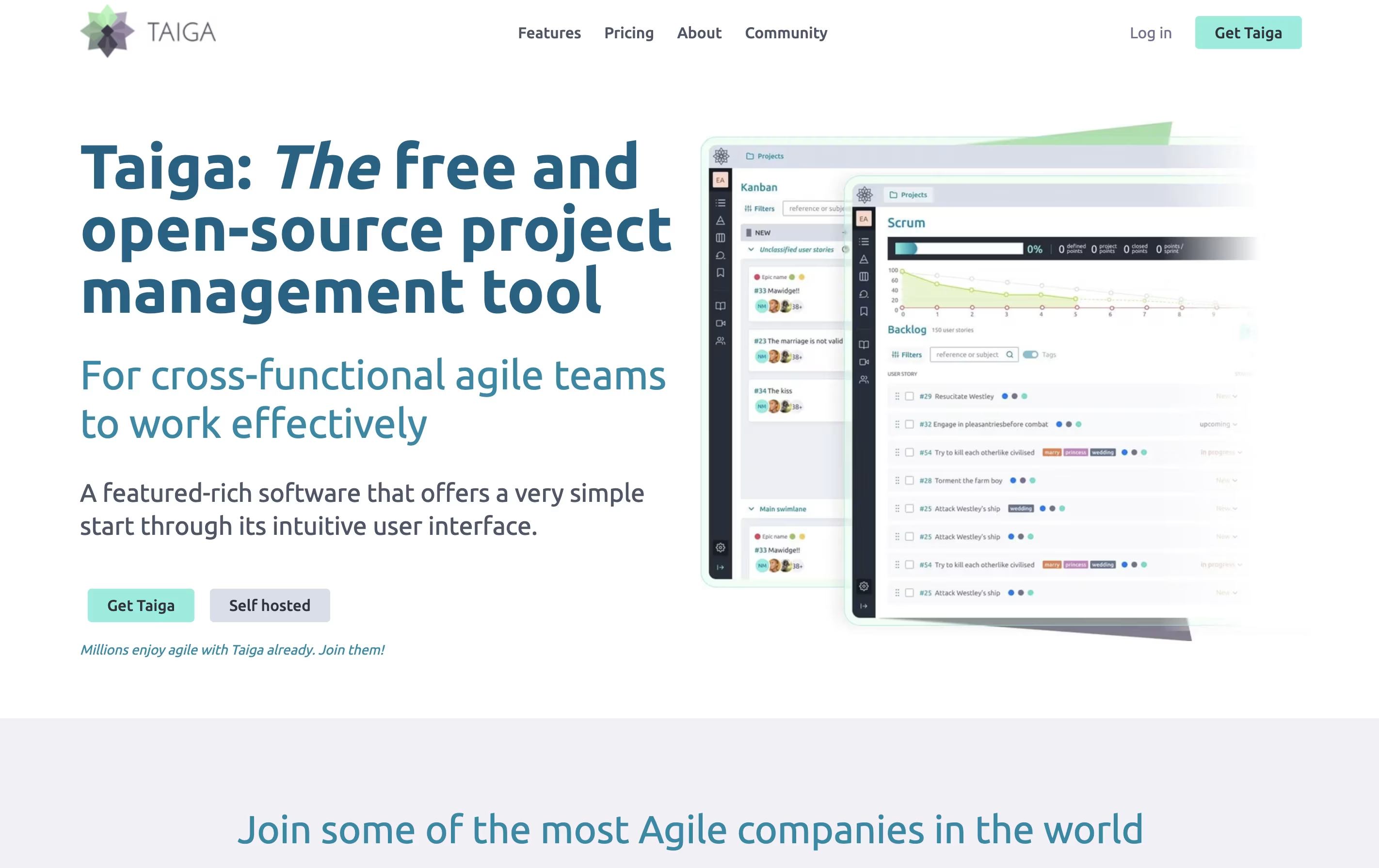
Unlike many project tools, Taiga is completely open source. This means you can see how it works, change it to fit your needs, or install it on your own computers. The platform includes everything teams need: task boards, sprint planning, progress tracking, file sharing, and team chat. It connects with tools you already use like GitHub, Slack, and GitLab to keep everything linked together.
OpenProject is software that helps teams plan, track, and complete projects together. You can create tasks, assign them to team members, set deadlines, and watch progress in real time. It works for any project style: traditional waterfall planning, agile sprints, or a combination of both.
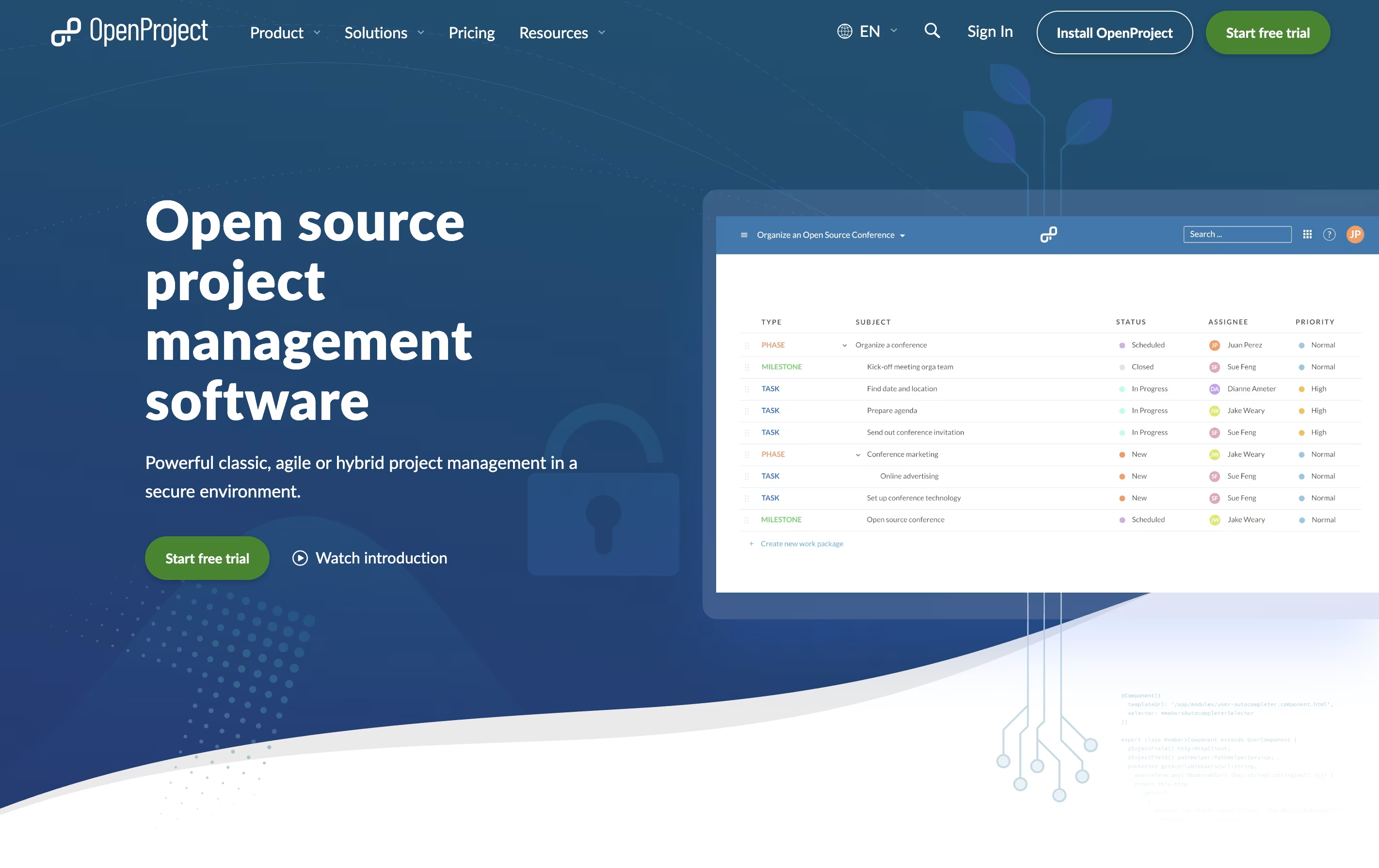
The platform includes visual tools like Gantt charts for timeline planning, Kanban boards for workflow tracking, and calendars for scheduling. Everything stays in one place: your task lists, documents, team discussions, and time tracking.
There is a free community version you can install yourself, plus paid enterprise plans with extra features and support. The cloud version requires no setup, while self-hosted versions give you complete control over your data and privacy.

Huly is an all-in-one workspace that combines project tracking, real-time chat, video meetings, and document editing. Unlike traditional tools that focus on one thing, Huly handles multiple team needs together. You can create tasks, chat with teammates, hold video calls, write documents, and plan your schedule without leaving the platform.
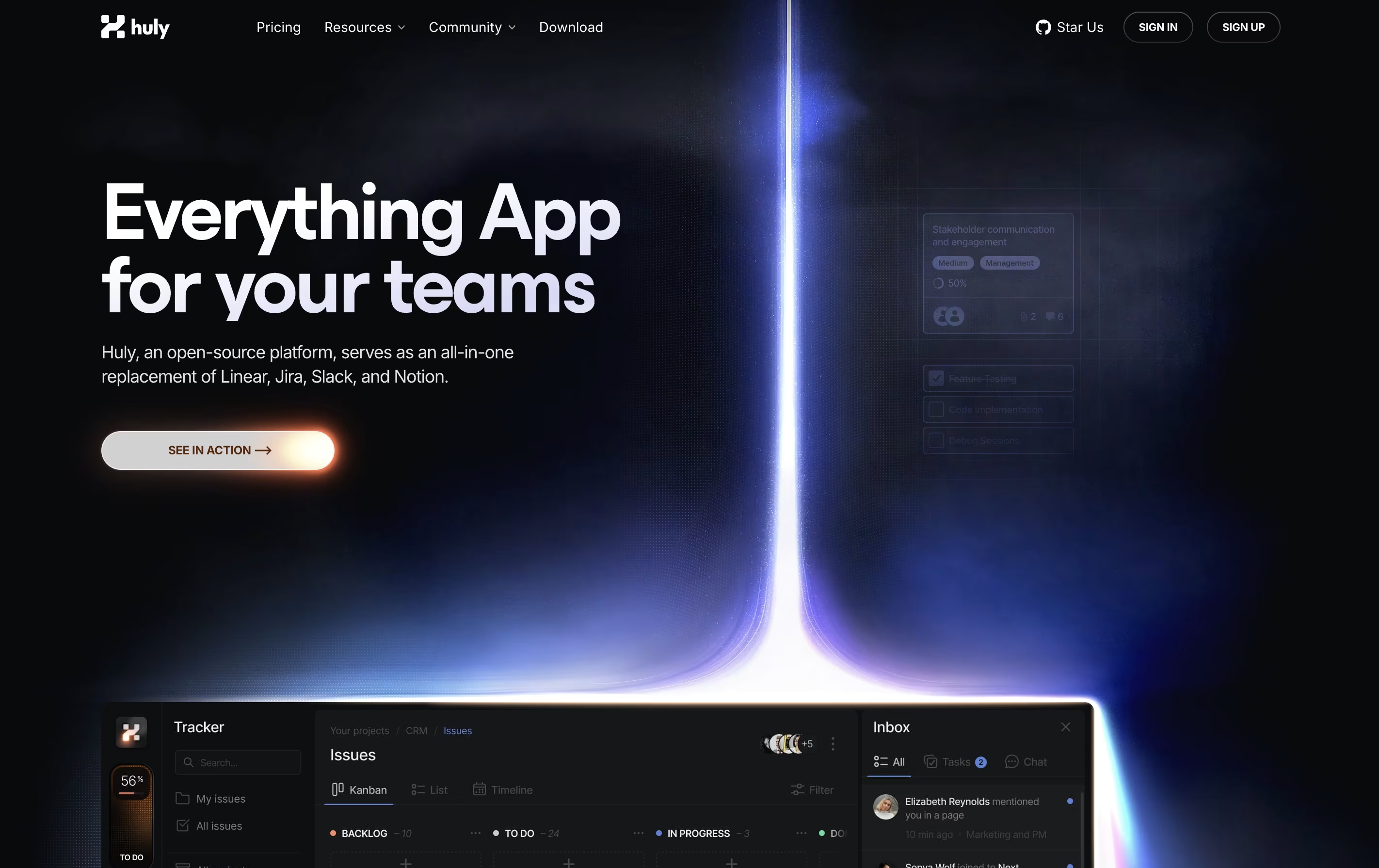
The platform works especially well with GitHub, syncing issues and pull requests automatically. This makes it popular with software development teams. Huly is open-source, meaning the code is publicly available and can be customized. You can use it as a cloud service or host it on your own servers.
There are four pricing levels, starting with a free plan that includes unlimited users and basic features for small teams getting started.
Operately is an all-in-one platform that helps teams manage their work without needing a full-time operations manager. It brings together three main areas: goal tracking similar to OKRs, project management with tasks and milestones, and team collaboration through message boards and documents.
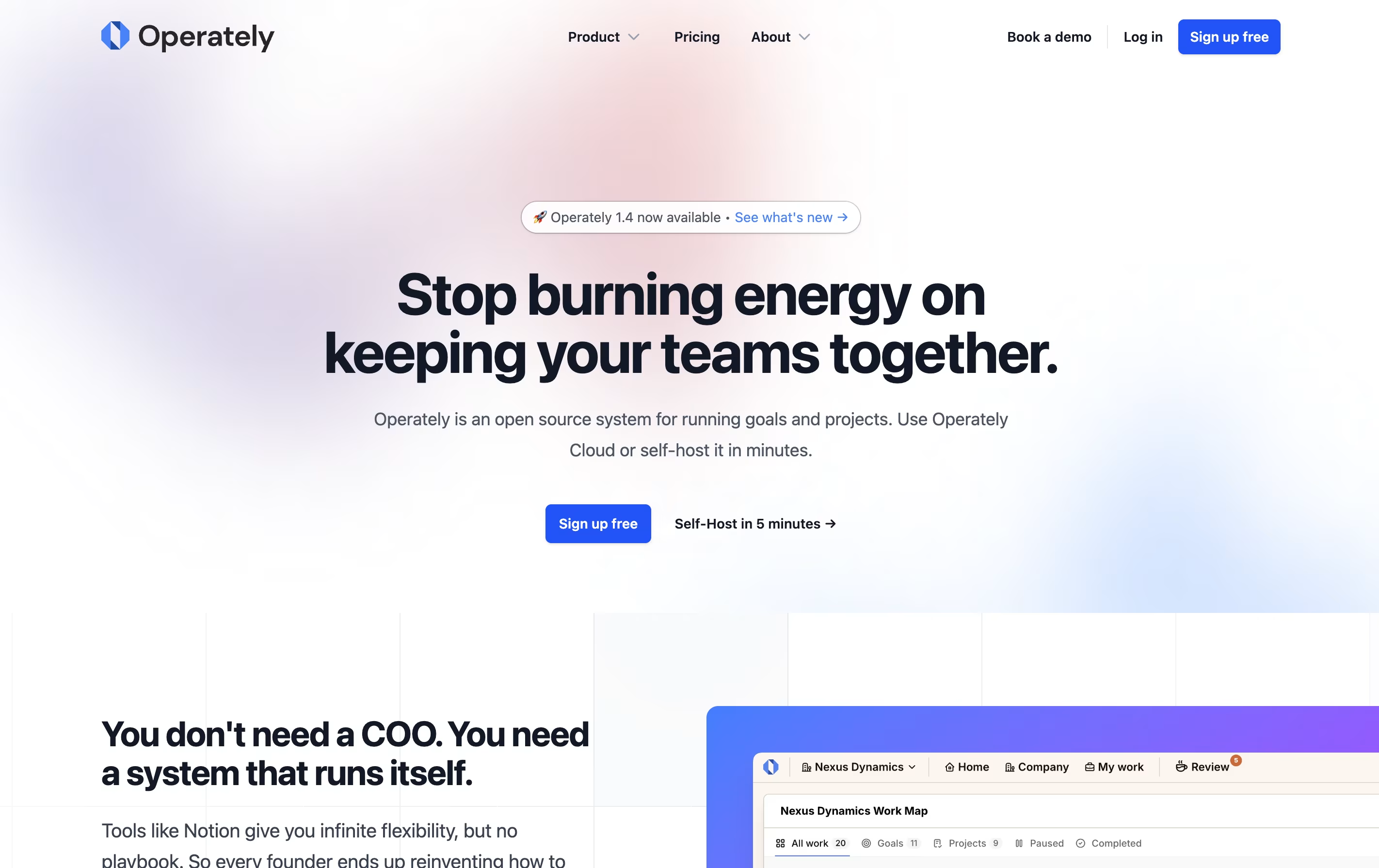
The tool is open source, which means the code is publicly available and you can even host it on your own servers if you want full control over your data. This makes it appealing to companies that care about privacy and security.
Operately also includes an AI assistant called Alfred that reviews your goals and projects, giving helpful feedback and suggestions to keep your team on track and improve how you work.

Amie is a calendar and productivity app that combines scheduling, task management, and email handling in one tool. You can view your calendar events and to-do lists side by side, making it easier to plan your day. The app connects with Google Calendar, Apple Calendar, and other services you already use.
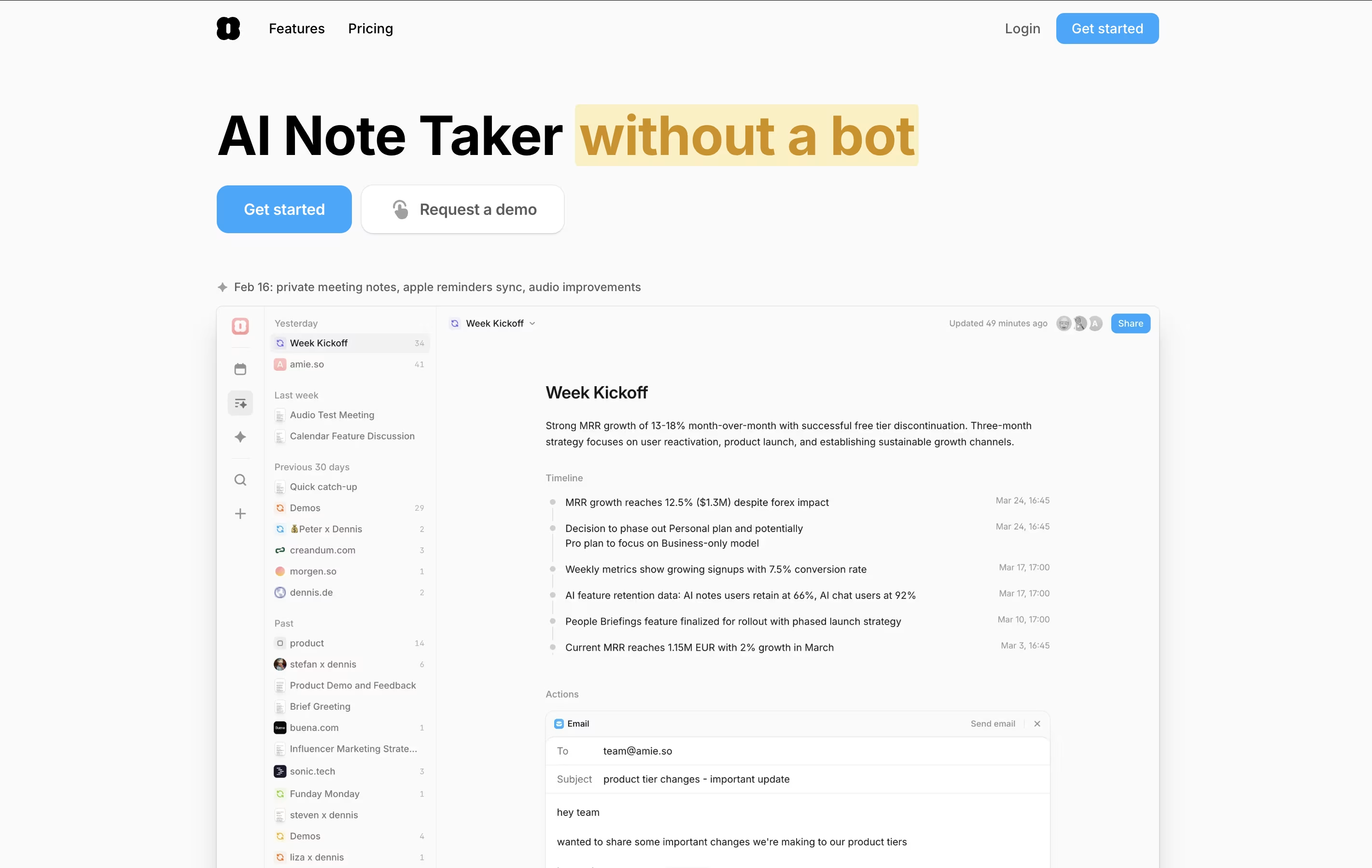
The standout feature is AI-powered meeting notes. Amie records your calls in the background without joining as a bot, then creates summaries and action items automatically. You can ask the AI questions about your meetings later, and it will pull information from all your past conversations.
Amie also lets you time-block tasks, color-code events, share scheduling links with others, and manage emails right from your calendar view.

Routine is a workspace tool that helps you manage your time and tasks more effectively. You can connect your existing calendars from Google, Outlook, or iCloud, and view everything in one timeline. The app lets you create tasks, take notes, schedule events, and store contact information all in the same place.
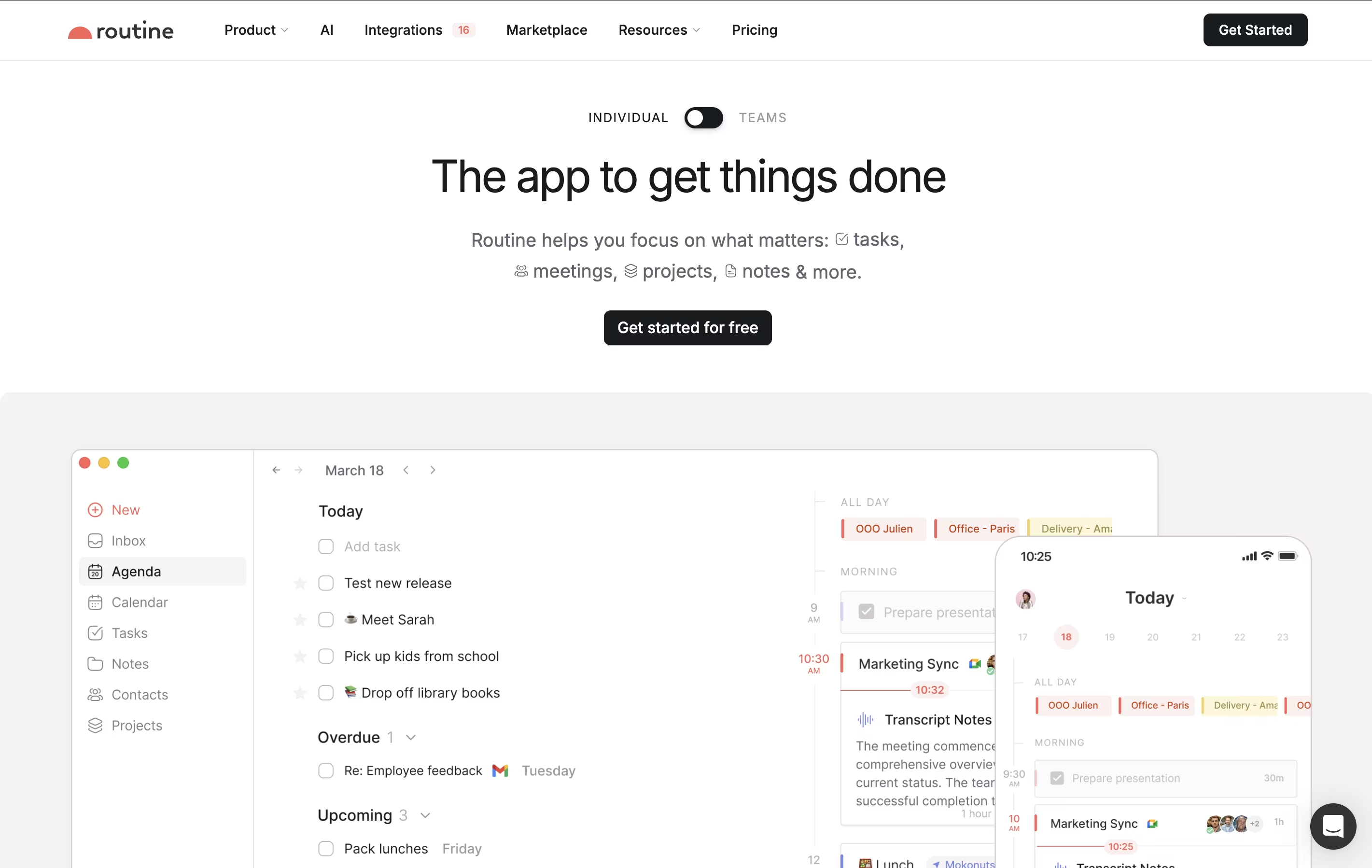
What makes Routine different is its quick capture feature called the Console. You can press a keyboard shortcut anywhere on your computer, type what you need to do, and it automatically gets organized. The app works offline, so you never lose access to your information. It also uses natural language, meaning you can type things like "meeting with John next Tuesday at 3pm" and it understands what you mean.

Freeter is a desktop application that organizes all your work tools in one place. Instead of switching between many apps and browser tabs, you create project-based workspaces that contain everything you need for each task.
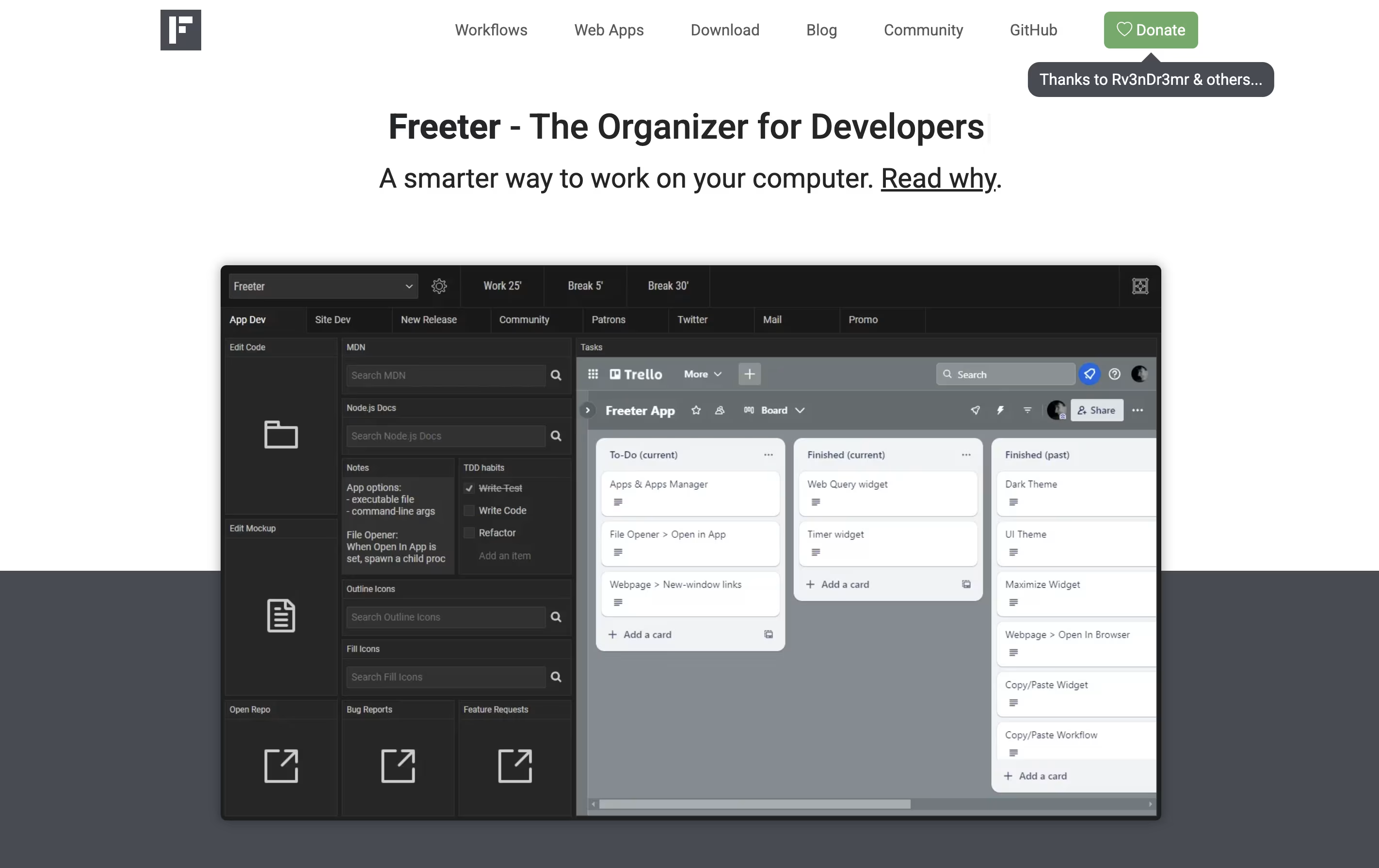
The app uses widgets to bring different tools together. You can embed web apps like Gmail or Trello, open project files with one click, run command-line scripts, keep to-do lists, set timers, and write quick notes. Each project can have multiple workflow tabs to organize different activities.
Freeter works on Windows, Linux, and Mac computers. It is completely free and open-source under the GNU GPL license. The app works offline and does not send any data to external servers, making it secure and private.


