



Plane
Open Source Project Management Tool
Plane is an open-source project management tool that helps teams track work items, run sprints, and manage roadmaps easily and efficiently.


What is Plane
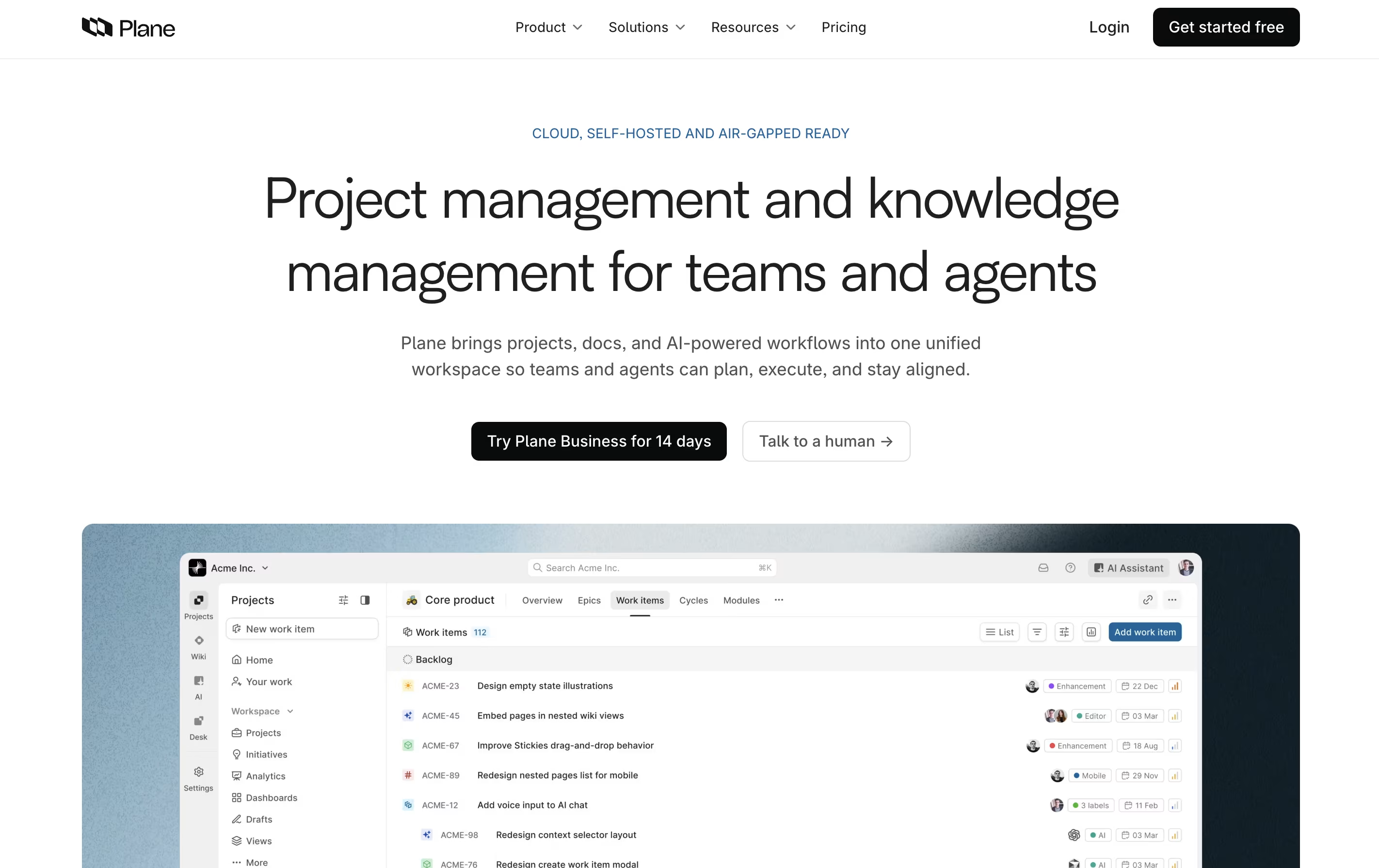
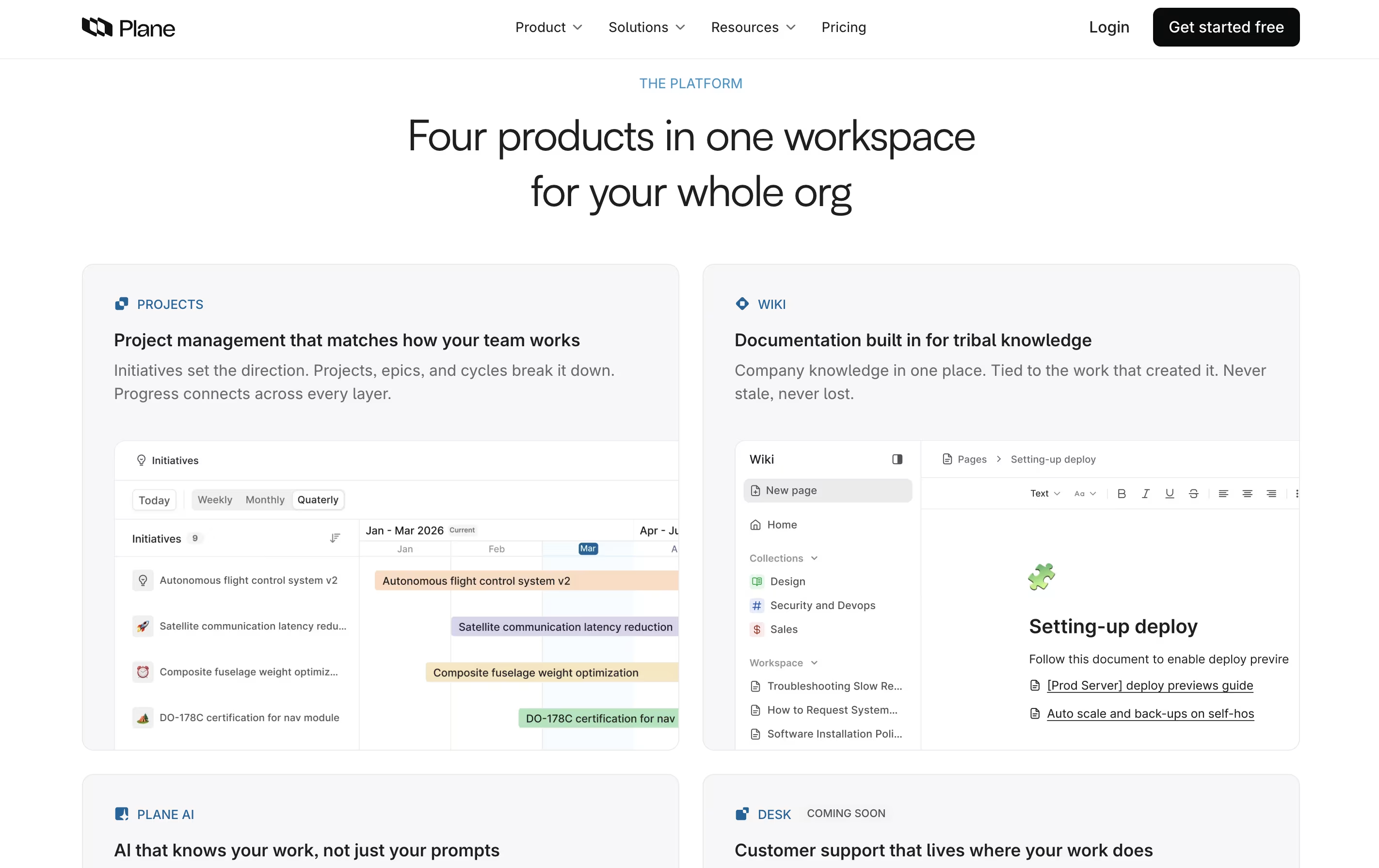
Plane is a project management tool built to track work, manage sprints, and organize team projects without unnecessary complexity. It gives teams a clear view of their work through multiple layouts like lists, boards, calendars, and charts. You can create tasks called work items, group them into projects, and track progress over time.
The platform includes AI-powered pages for documenting ideas and plans, built-in time tracking, and detailed analytics to understand team performance. Plane supports both cloud hosting and self-hosting, so you can choose where your data lives. It connects with tools like GitHub and Slack, making it easy to fit into your existing workflow. Whether you use agile methods, scrum, or your own process, Plane adjusts to match how your team actually works.
Features of Plane
Open-source project management with full transparency
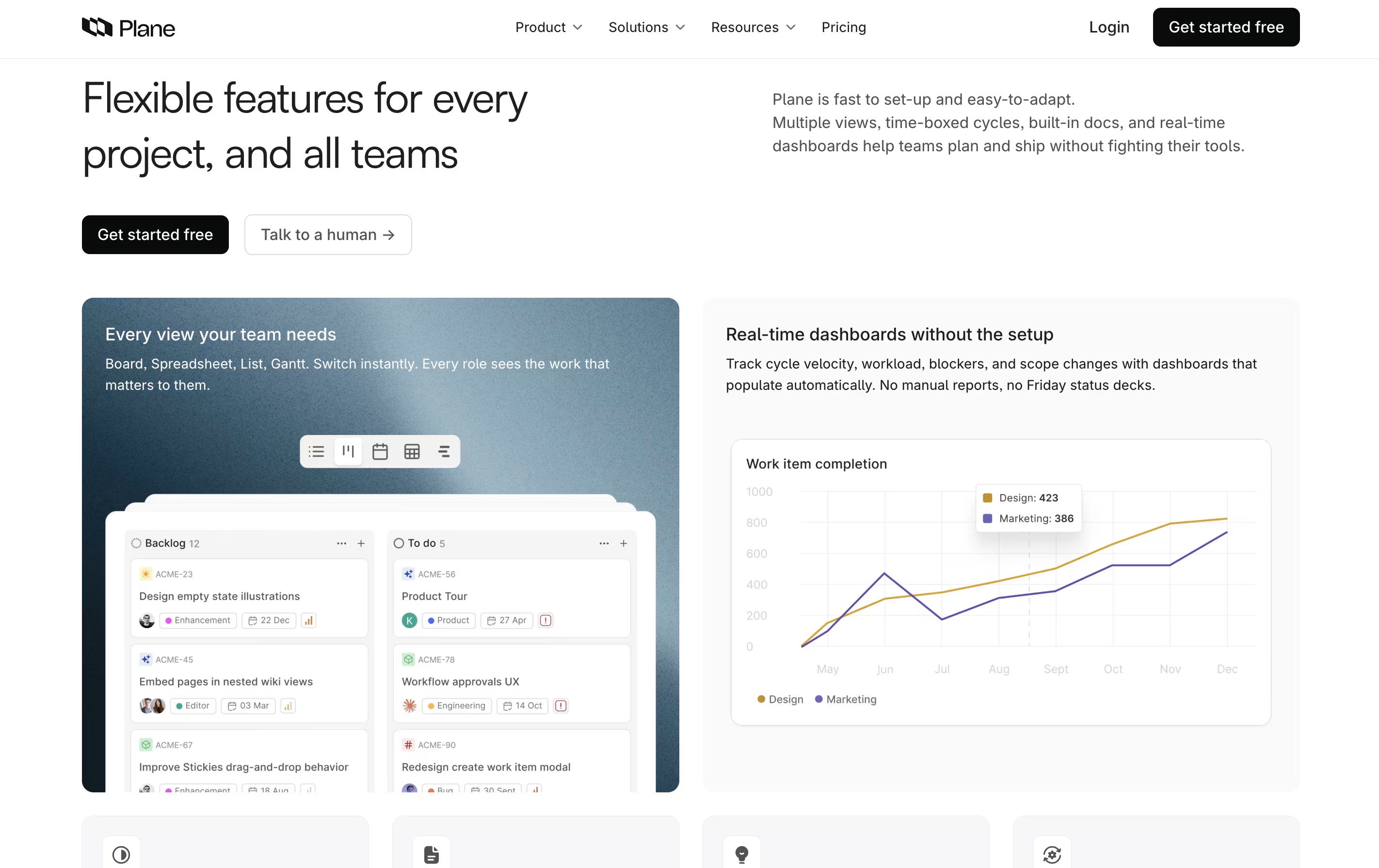
Multiple view options: list, board, calendar, spreadsheet, timeline
AI-powered pages for documentation
Cycle management with burn-down charts
Custom workflows and approval processes
Time tracking and work logs
Real-time analytics and dashboards
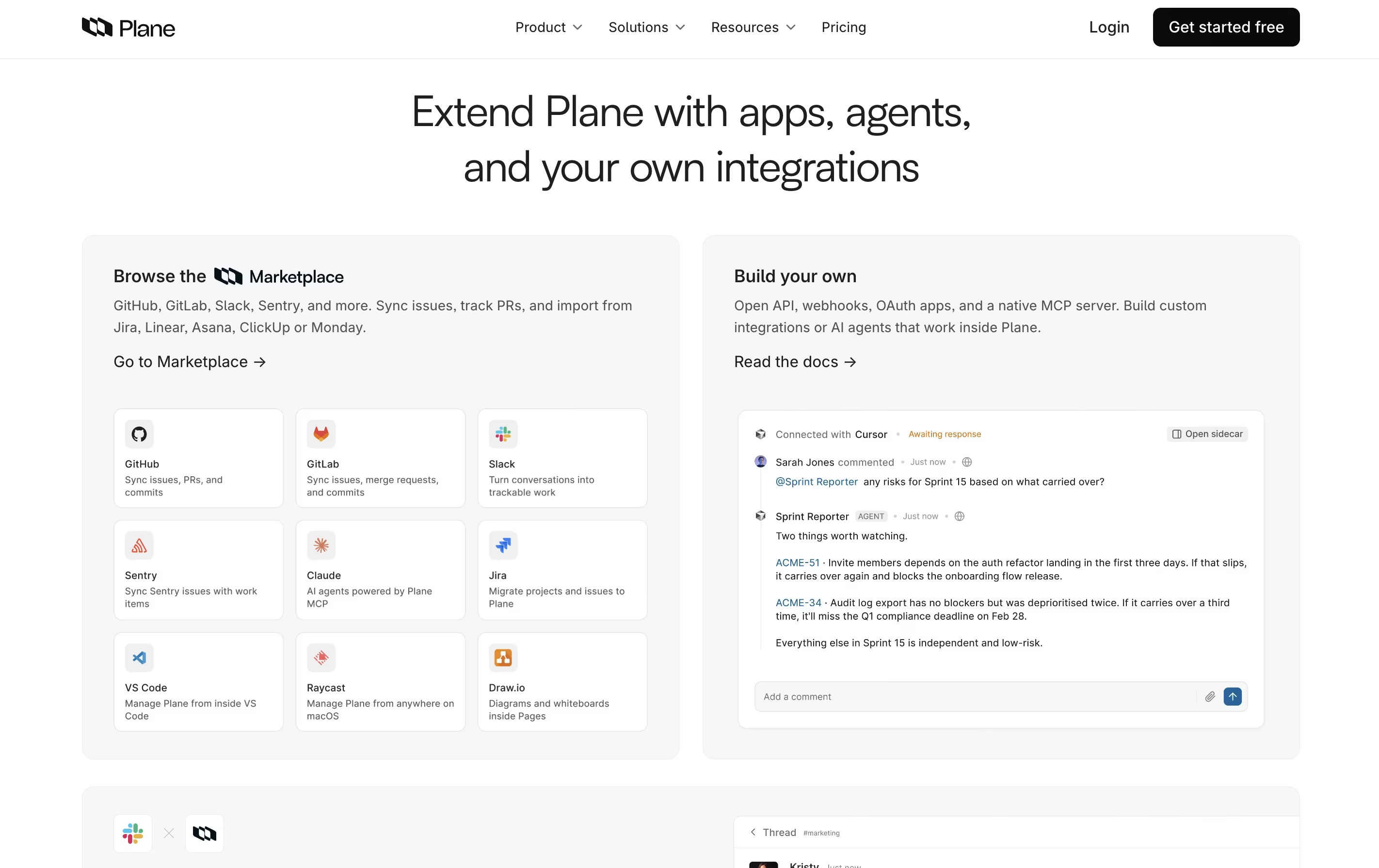
GitHub and Slack integrations
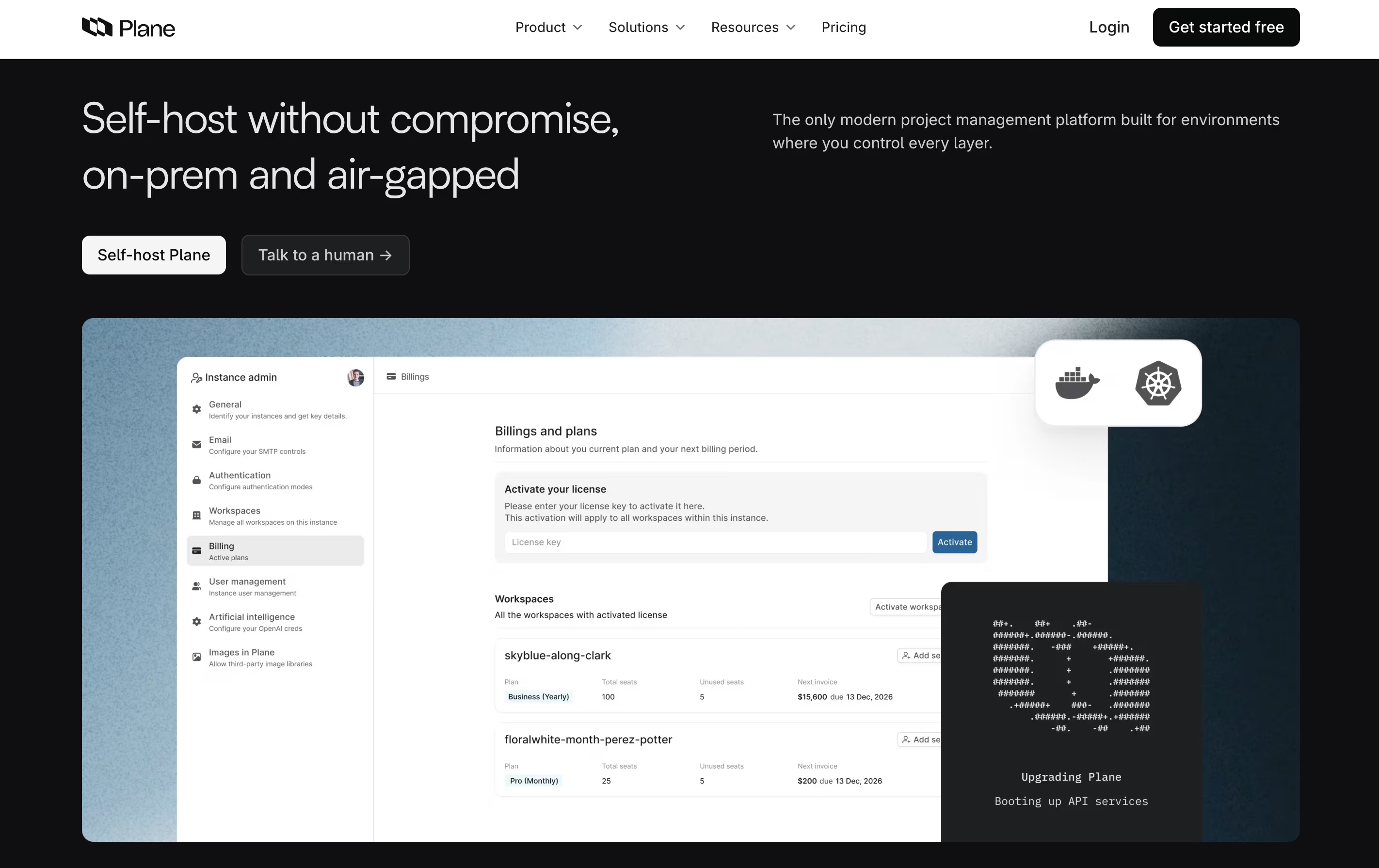
Cloud-hosted or self-hosted options
Mobile app for iOS and Android
Unlimited team members on free plan
Plane Pricing
Free
- Up to 12 team members
- 500 AI credits per seat per month
- Unlimited projects and work items
- Cycles and modules
- Five layouts with unlimited views
- Work item intake
- Estimates
- Project pages
Pro
- Everything in Free plan
- 1,000 AI credits per seat (1-month rollover)
- Custom work item types and properties
- Workspace wiki
- Time tracking and work logs
- Work item and page templates
- Dashboards
- Epics and initiatives
Business
- Everything in Pro plan
- 2,000 AI credits per seat (3-month rollover)
- Project templates
- Recurring work items
- Intake email and forms
- Nested pages and embeds
- Workflows and approvals
- Customer profiles
Enterprise Grid
- Everything in Business plan
- Flexible AI credits with custom limits
- Private and managed deployments
- Granular access control
- LDAP support
- API-enabled audit logs
- Migration and implementation services
- Priority support
Plane Use Cases
Plane Repository
View on Github| Stars | 59,795 |
| Forks | 5,844 |
| Repository Age | 3 years |
| Last Commit | 1 hour ago |
FAQ's About Plane









See what users are saying about Plane
0 Reviews
No reviews yet
Be the first to review Plane