ToolQuestor Logo
Focalboard

Focalboard

No reviews yet
0 Saved
Added:3/22/2026
Type:Desktop App
Monthly Traffic:-
Pricing:
FREE
No-CodeOpen SourceSelf-HostedCollaborationProject Management
OpenArt AI

OpenArt AI

FEATURED
Vidnoz AI

Vidnoz AI

FEATURED
Wispr Flow

Wispr Flow

FEATURED
Focalboard screenshot 2
Focalboard screenshot 3
Focalboard screenshot 4
Focalboard screenshot 5

What is Focalboard

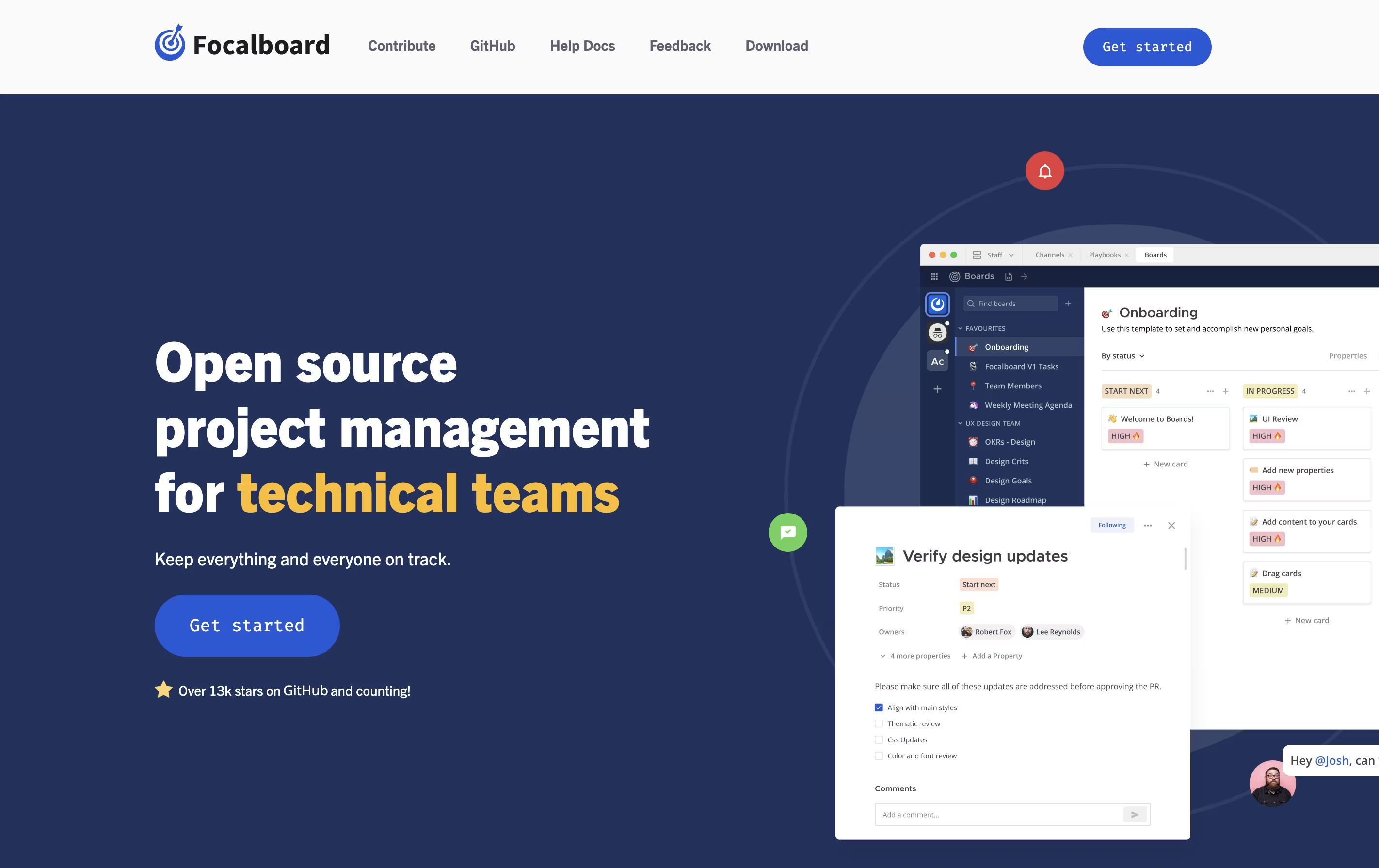
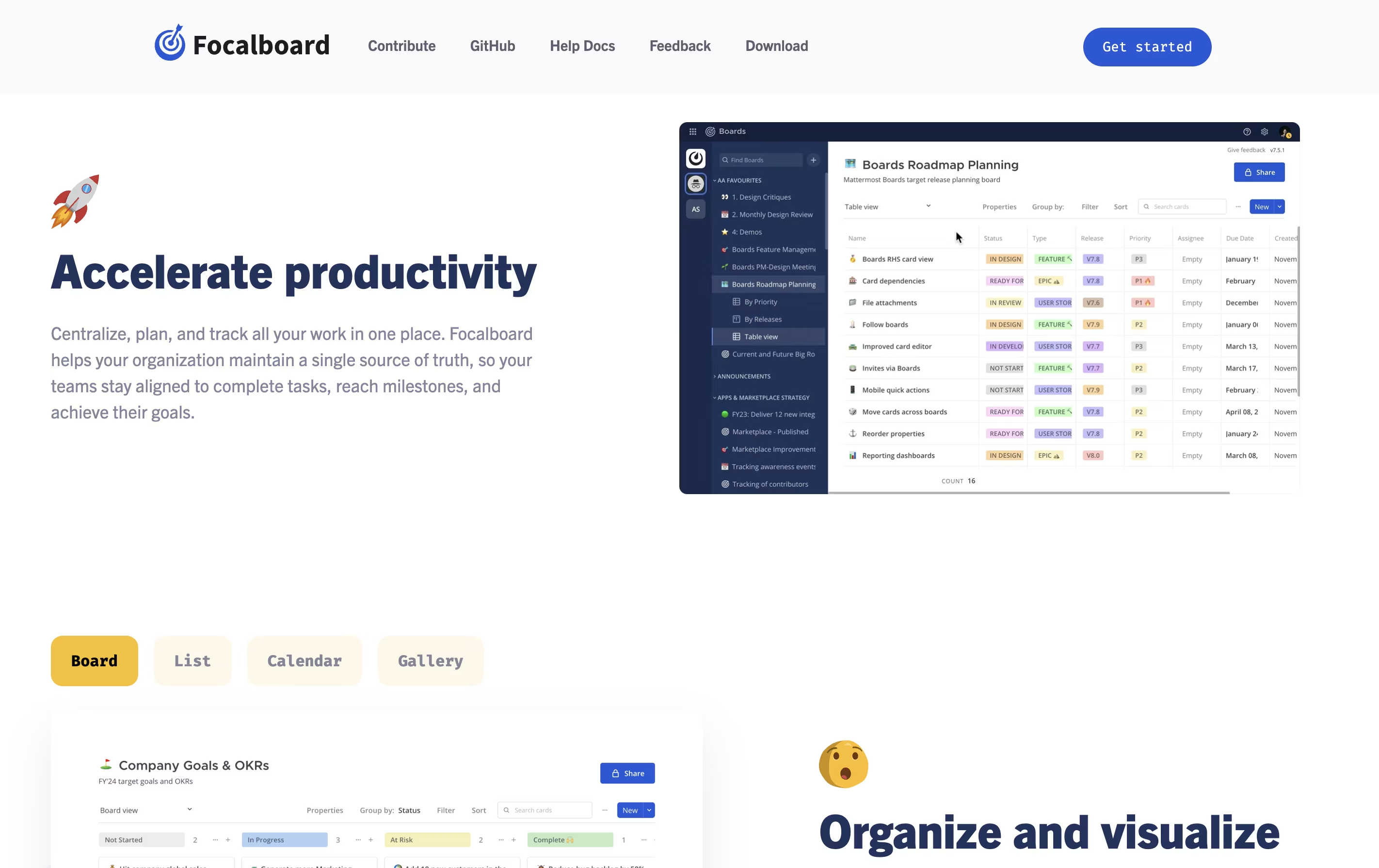
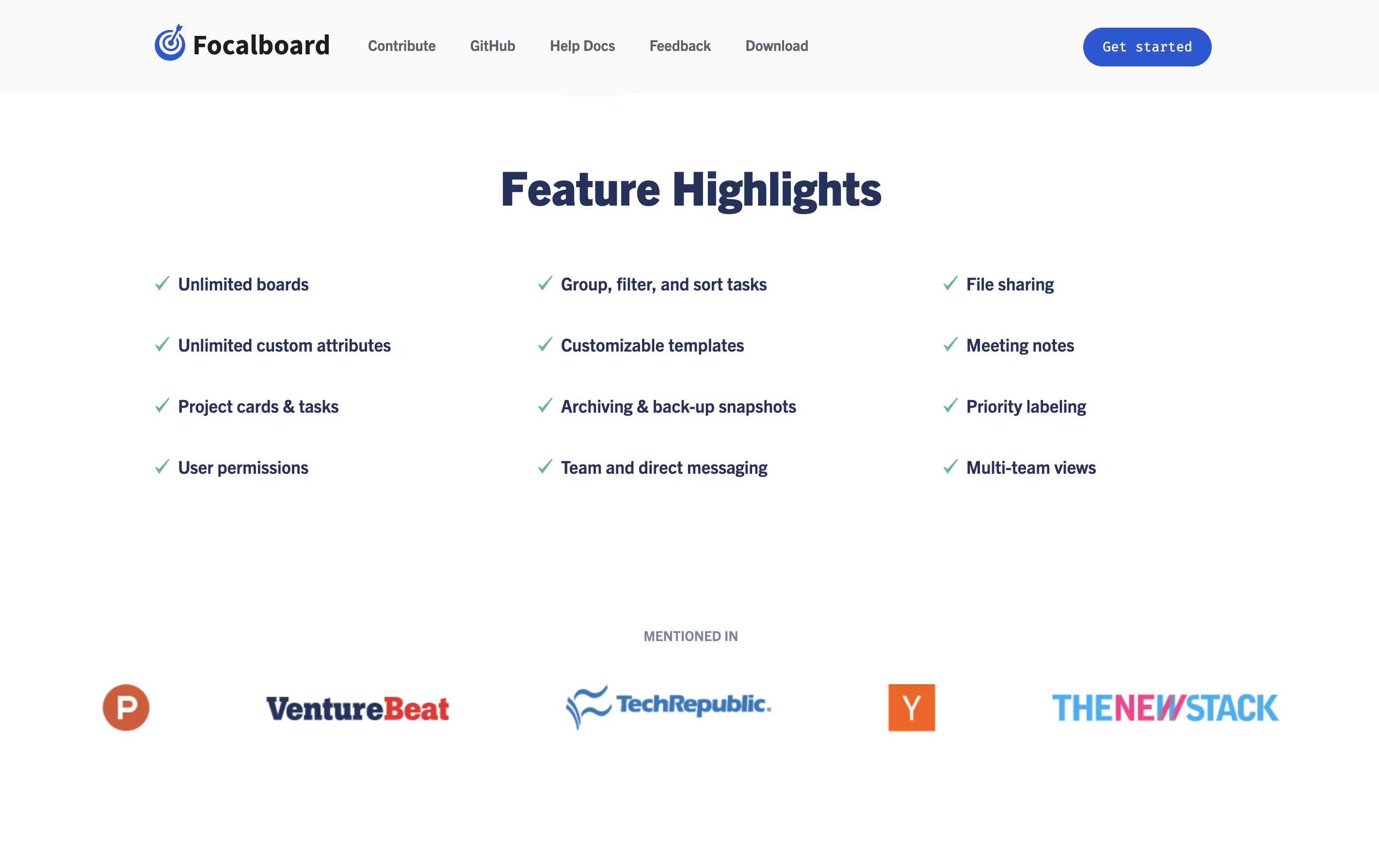
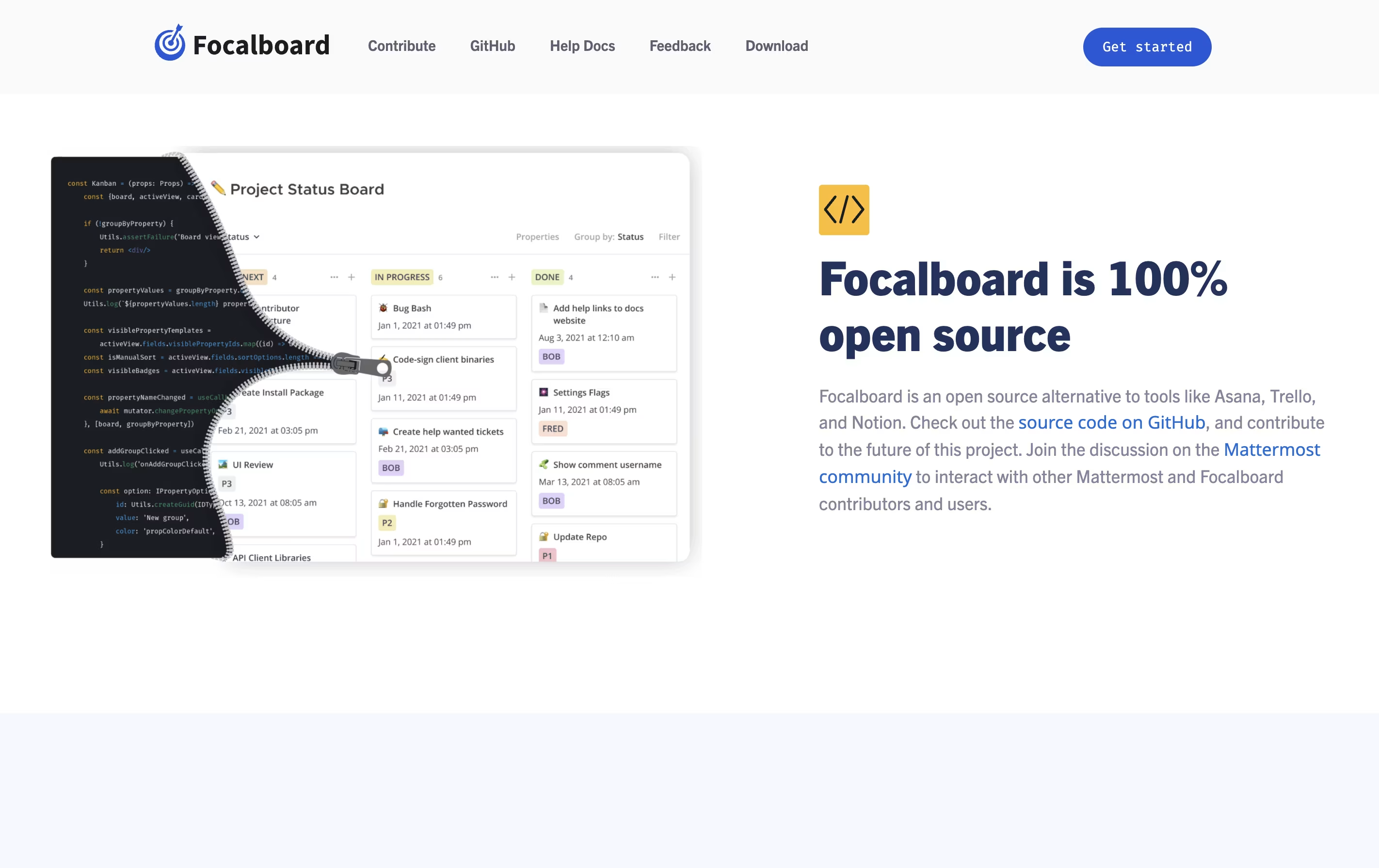
Focalboard is a project management platform that lets you organize work in different ways. You can view tasks as cards on a Kanban board, rows in a table, items in a gallery, or events on a calendar. This flexibility helps you work in the style that suits you best.

It comes in two main versions. The Personal Desktop version is a single-user app for managing your own tasks and projects. The Personal Server version supports multiple users and works well for teams. When used with Mattermost, it integrates messaging and project management in one place.

The tool is completely free to use and modify because it is open source. You can find the source code on GitHub and contribute to its development.

How to Use Focalboard

Getting started with Focalboard is straightforward. Here are the steps:

  • Download the app from the official website or install it through the Windows or Mac App Store. For Linux, download the package and extract it.

  • Launch the application and create your first account. For the Personal Server version, register the first user who will have admin access.

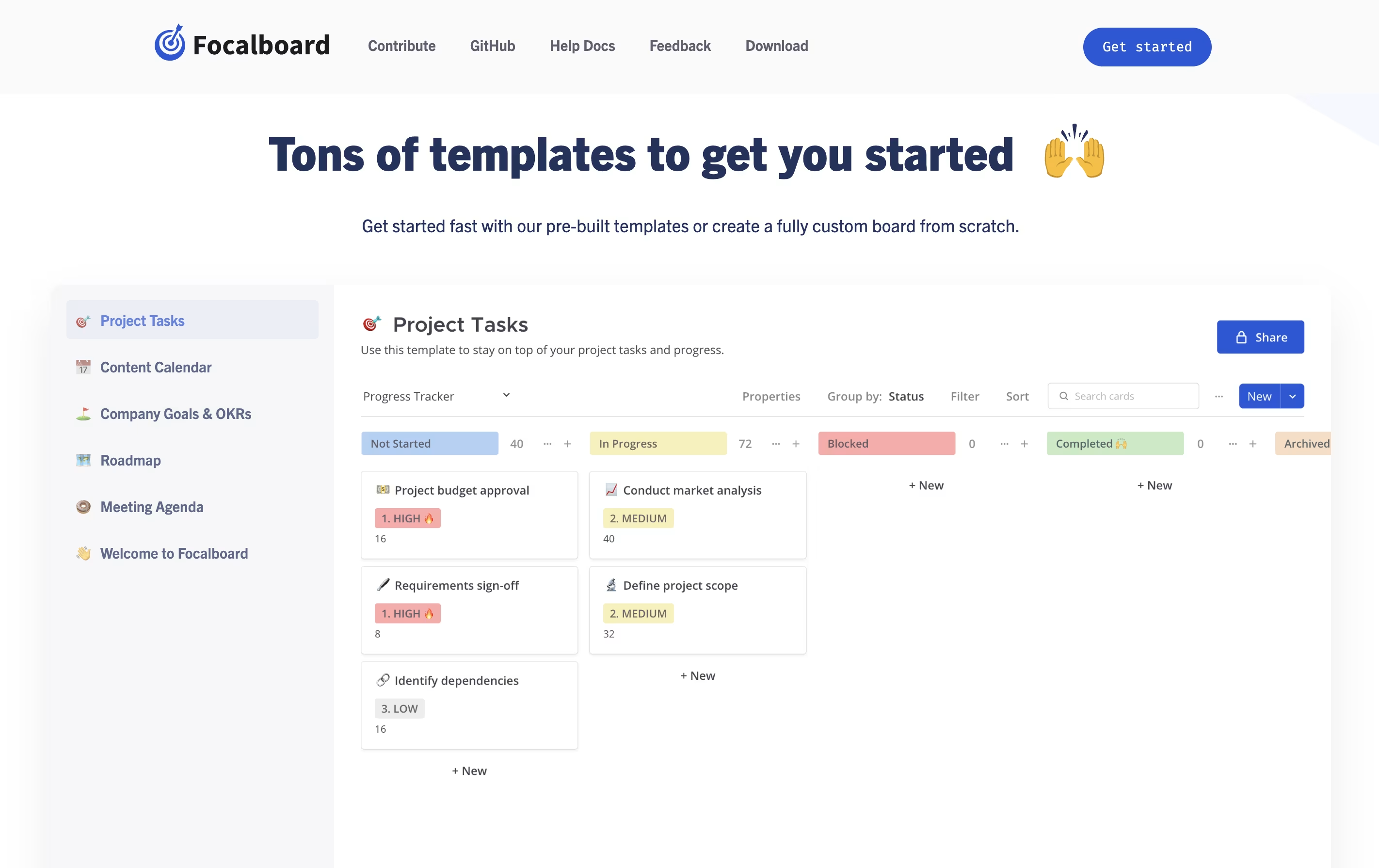
  • Click 'Add Board' to create a new workspace. Choose from ready-made templates like Project Tasks, Content Calendar, or Roadmap, or start with a blank board.

  • Add cards to represent tasks or items. Each card can have properties like status, priority, due date, and assigned person.

  • Switch between different views using the sidebar. Try Kanban for workflow management, Table for detailed information, Gallery for visual items, or Calendar for time-based planning.

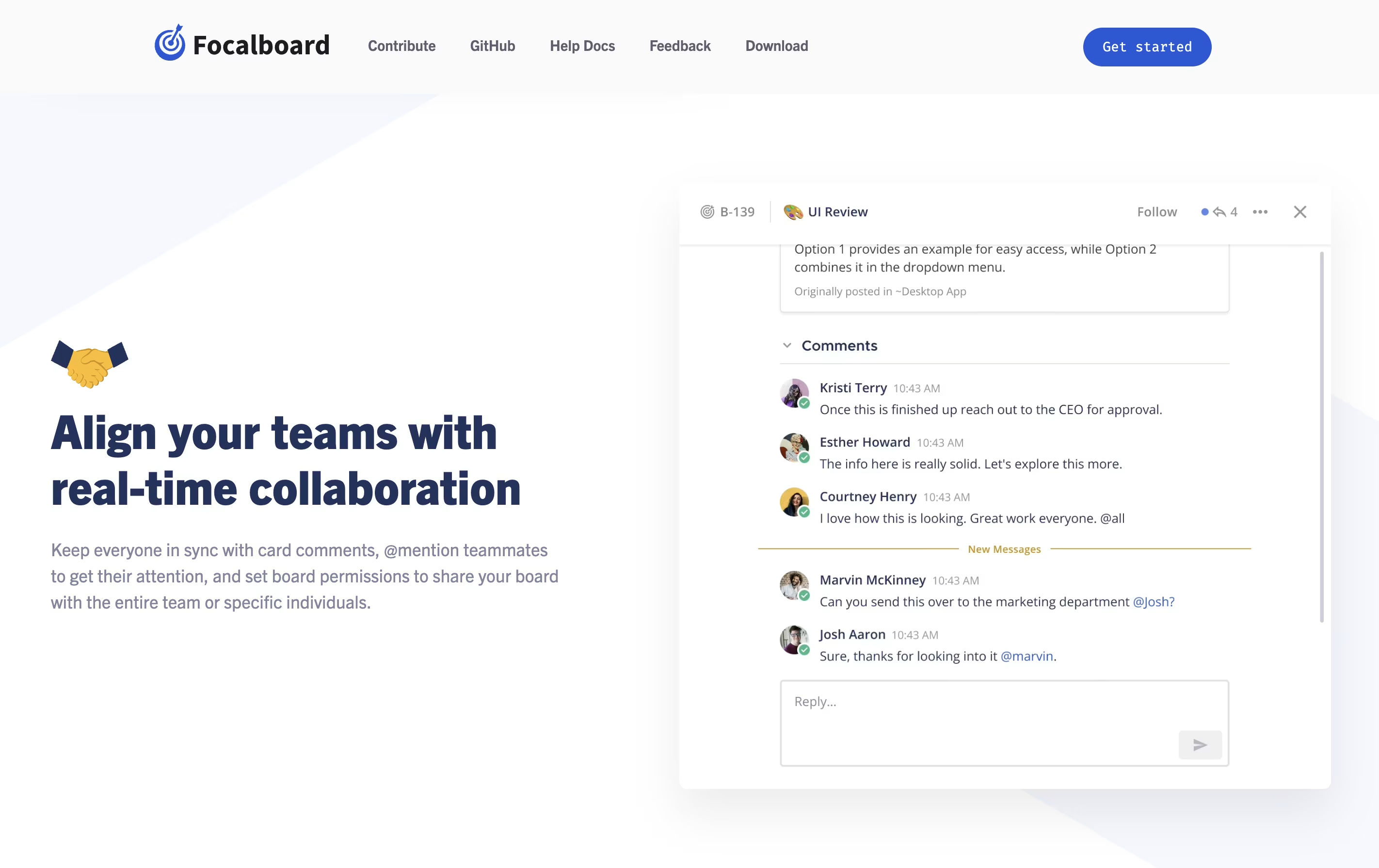
  • Use filters to focus on specific tasks and save these filtered views for quick access later. Add comments and mention teammates using @ to keep everyone informed.

Features of Focalboard

  • Kanban, table, gallery, and calendar views

  • Customizable task cards with properties

  • Pre-built templates for quick start

  • Board filters and saved views

  • Team collaboration with comments and mentions

  • Open source with GitHub access

  • Self-hosted for data privacy

  • Multi-language interface

  • Works offline on desktop

  • Free to use and modify

Focalboard Pricing

Most Popular
Personal Desktop

Free

What's included:
  • Single-user desktop application
  • Works on Windows, Mac, and Linux
  • Kanban, table, gallery, and calendar views
  • Unlimited boards and cards
  • Pre-built templates
  • Customizable properties and filters
  • Works offline
  • No account required
Personal Server

Free

What's included:
  • Multi-user support for teams
  • Self-hosted on your own server
  • All desktop features included
  • User permissions and access control
  • Board sharing capabilities
  • Comments and @mentions
  • API access
  • Full data privacy and control
Mattermost Plugin

Free

What's included:
  • Integrated with Mattermost messaging
  • Channel-based board access
  • All collaboration features
  • Seamless team communication
  • Included in Mattermost v6.0+
  • Public board sharing
  • Enterprise-ready security
  • Free with Mattermost installation

Focalboard Repository

View on Github
Stars25,993
Forks2,508
Repository Age5 years
Last Commit1 day ago

FAQ's About Focalboard

Is Focalboard really free to use?
Yes, Focalboard is completely free and open source. There are no subscription fees, premium plans, or usage limits. You can download the desktop app or install the personal server at no cost and use all features without restrictions.
How is Focalboard different from Trello or Asana?
Focalboard is open source and self-hosted, giving you complete control over your data and privacy. Unlike cloud-based tools, you can install it on your own computer or server. It's free with no paid tiers, and you can modify the source code to fit your needs.
Can I use Focalboard with my team?
Yes, the Personal Server version supports multiple users for team collaboration. You can share boards, add comments, mention teammates, and control access with permissions. For better team integration, use it with Mattermost to combine messaging and project management.
Do I need technical skills to install Focalboard?
No, the Personal Desktop version is easy to install like any other app. Just download and run it on Windows, Mac, or Linux. The Personal Server version requires basic server setup knowledge, but detailed guides are available on the official documentation site.
Can I import my data from other project management tools?
Yes, Focalboard supports importing data from several tools including Trello, Asana, Notion, and Jira. You can find the import option in the Settings menu. This makes it easy to move your existing projects to Focalboard without starting from scratch.

Share your experience with Focalboard

Loading...

See what users are saying about Focalboard

0.0

0 Reviews

5
0
4
0
3
0
2
0
1
0

No reviews yet

Be the first to review Focalboard

Embed Focalboard badges

Show your community that Focalboard is featured on Tool Questor. Add these beautiful badges to your website, documentation, or social profiles to boost credibility and drive more traffic.

Light Badge Preview