

Best 12 Tools for Project Coordination in 2026
Last Updated: August 15, 2026
Keeping a project on track requires more than a to-do list, it means tracking dependencies, deadlines, and who owns what. Project Coordination tools help organize tasks, timelines, and communication across a team working toward a shared goal.
Project managers and team leads use coordination tools to keep everyone aligned and moving in the same direction.
 Any.do
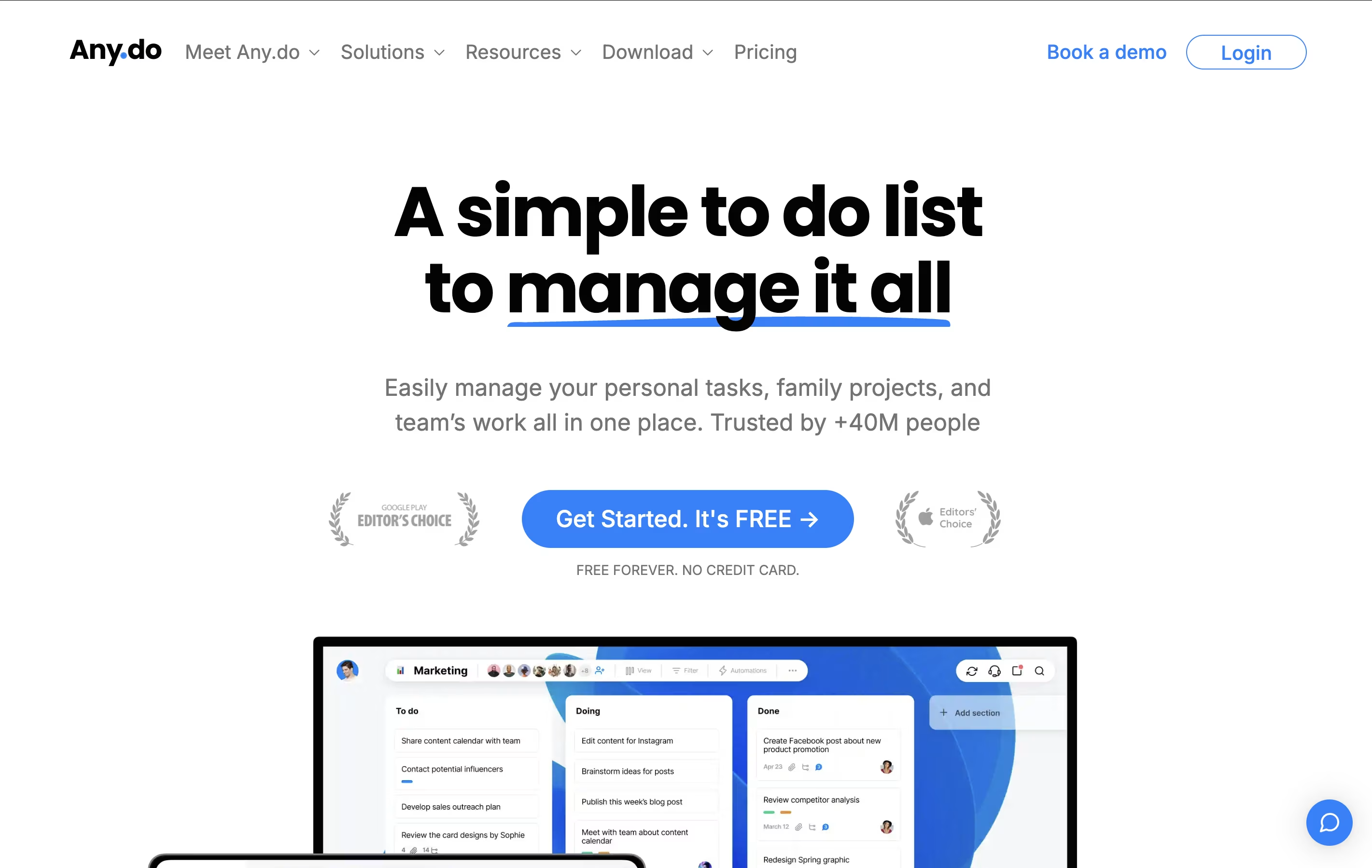 Any.doSimple Task Manager with Calendar and Reminders,
  Motion
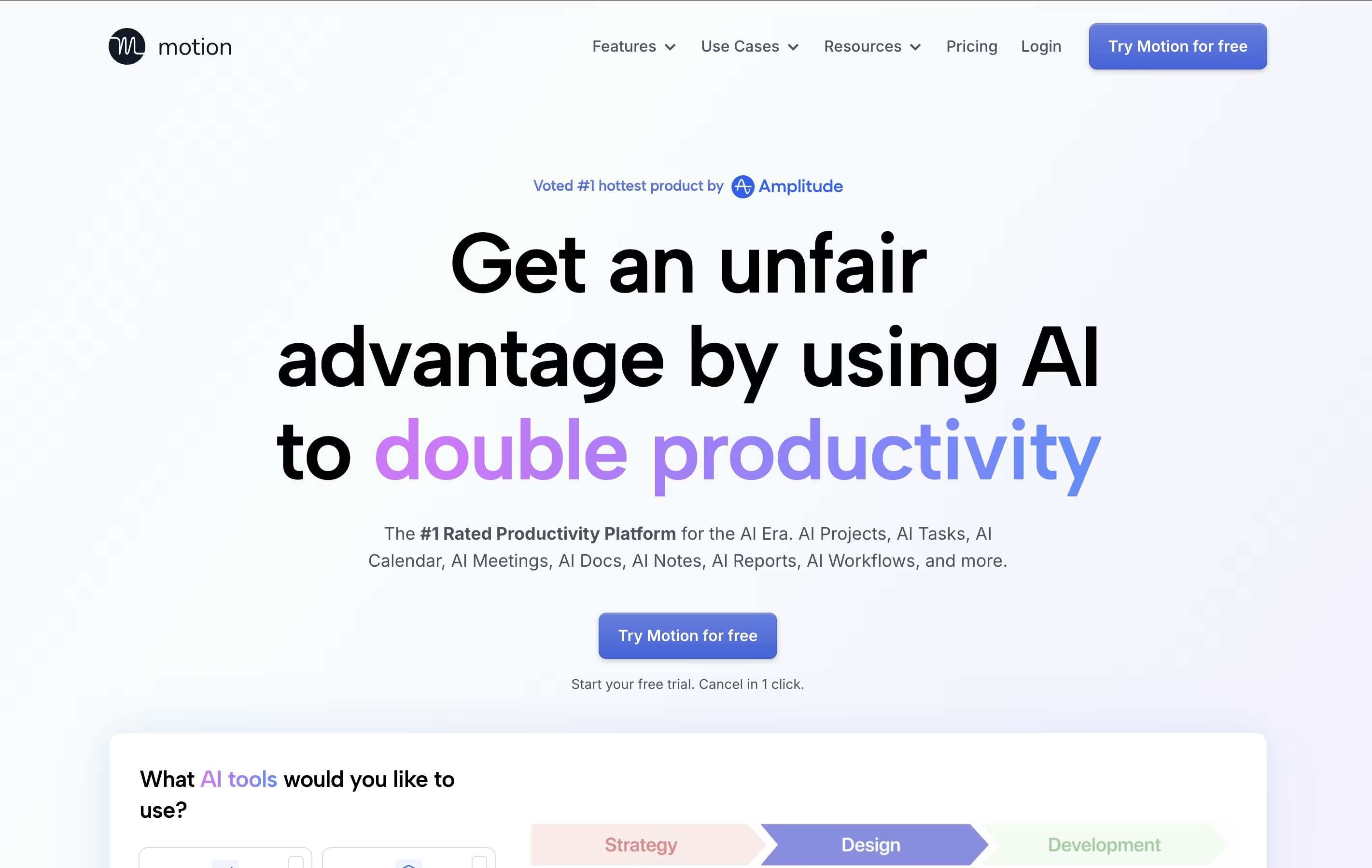 MotionAI-Powered Productivity & Task Management, and
  Focalboard
 FocalboardFree Open Source Project Management Tool are the best for Project Coordination. So, let’s take a closer look at all 12 tools.

Any.do is a tool that helps you manage your tasks and organize your time effectively. You can create lists of things to do, set reminders so you don't forget important items, and see your schedule in a calendar view. Unlike complicated project tools, Any.do keeps things simple and easy to understand.
The app works on your phone, computer, and tablet, and everything stays in sync. This means you can add a task on your phone and see it on your computer later. It also lets you share lists with family members or team members, making it great for group projects or household planning.
Both free and paid versions are available, with the paid plans offering extra features like recurring tasks, color tags, and team collaboration tools.
Motion is an all-in-one productivity tool that uses artificial intelligence to manage your time and tasks. Instead of spending hours organizing your workday, Motion automatically schedules everything based on deadlines, priorities, and your available time.
The platform combines several tools into one: a smart calendar that syncs with Google Calendar and Outlook, a task manager that auto-schedules work, a project management system with Kanban and Gantt views, and meeting scheduling features similar to Calendly. Motion also includes AI Employees—smart assistants that can draft emails, create content, analyze data, and handle repetitive tasks.
Motion continuously monitors your schedule and adjusts tasks when meetings pop up or deadlines change, ensuring everything gets done on time.
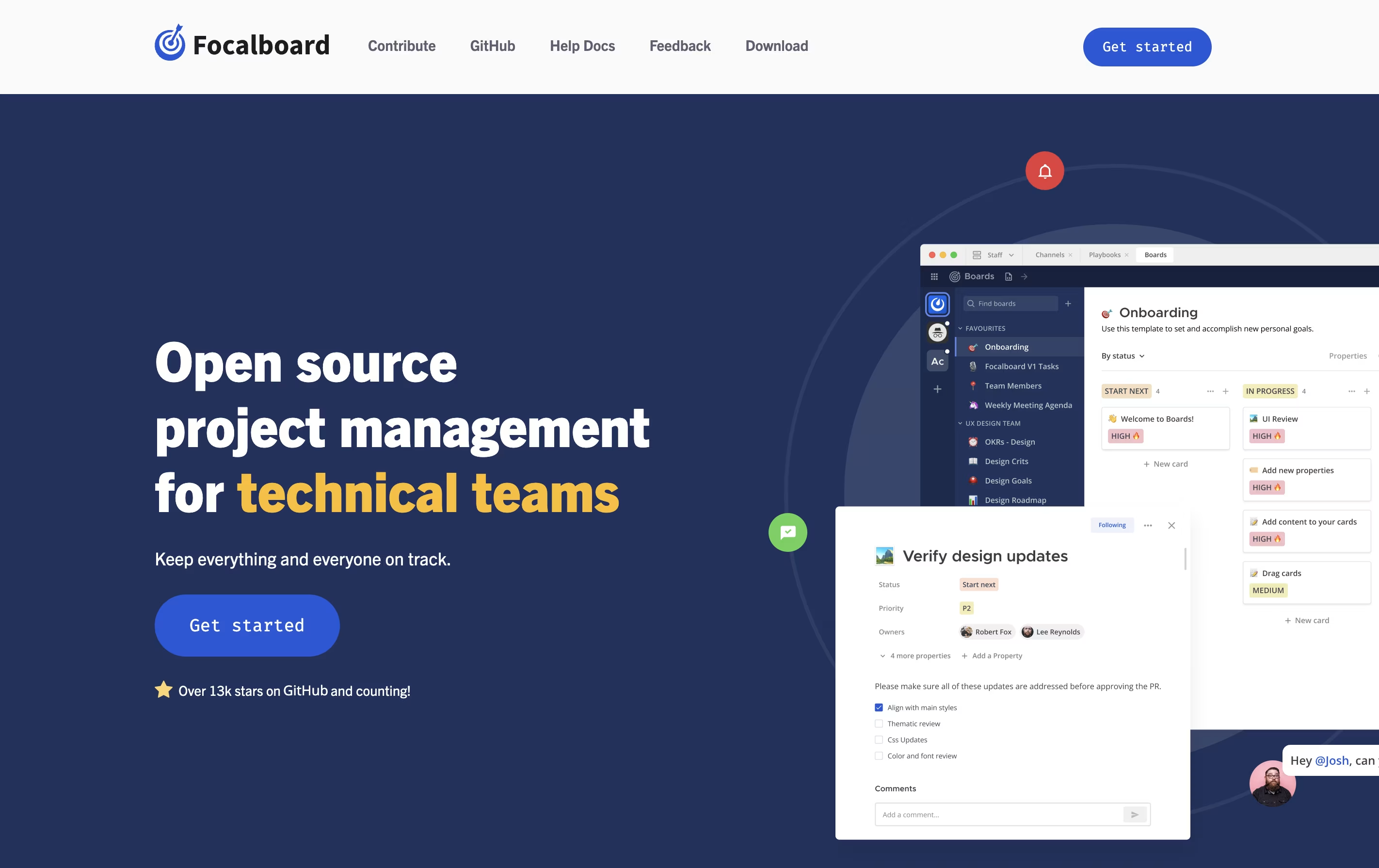
Focalboard is a project management platform that lets you organize work in different ways. You can view tasks as cards on a Kanban board, rows in a table, items in a gallery, or events on a calendar. This flexibility helps you work in the style that suits you best.
It comes in two main versions. The Personal Desktop version is a single-user app for managing your own tasks and projects. The Personal Server version supports multiple users and works well for teams. When used with Mattermost, it integrates messaging and project management in one place.
The tool is completely free to use and modify because it is open source. You can find the source code on GitHub and contribute to its development.
Plane is a project management tool built to track work, manage sprints, and organize team projects without unnecessary complexity. It gives teams a clear view of their work through multiple layouts like lists, boards, calendars, and charts. You can create tasks called work items, group them into projects, and track progress over time.
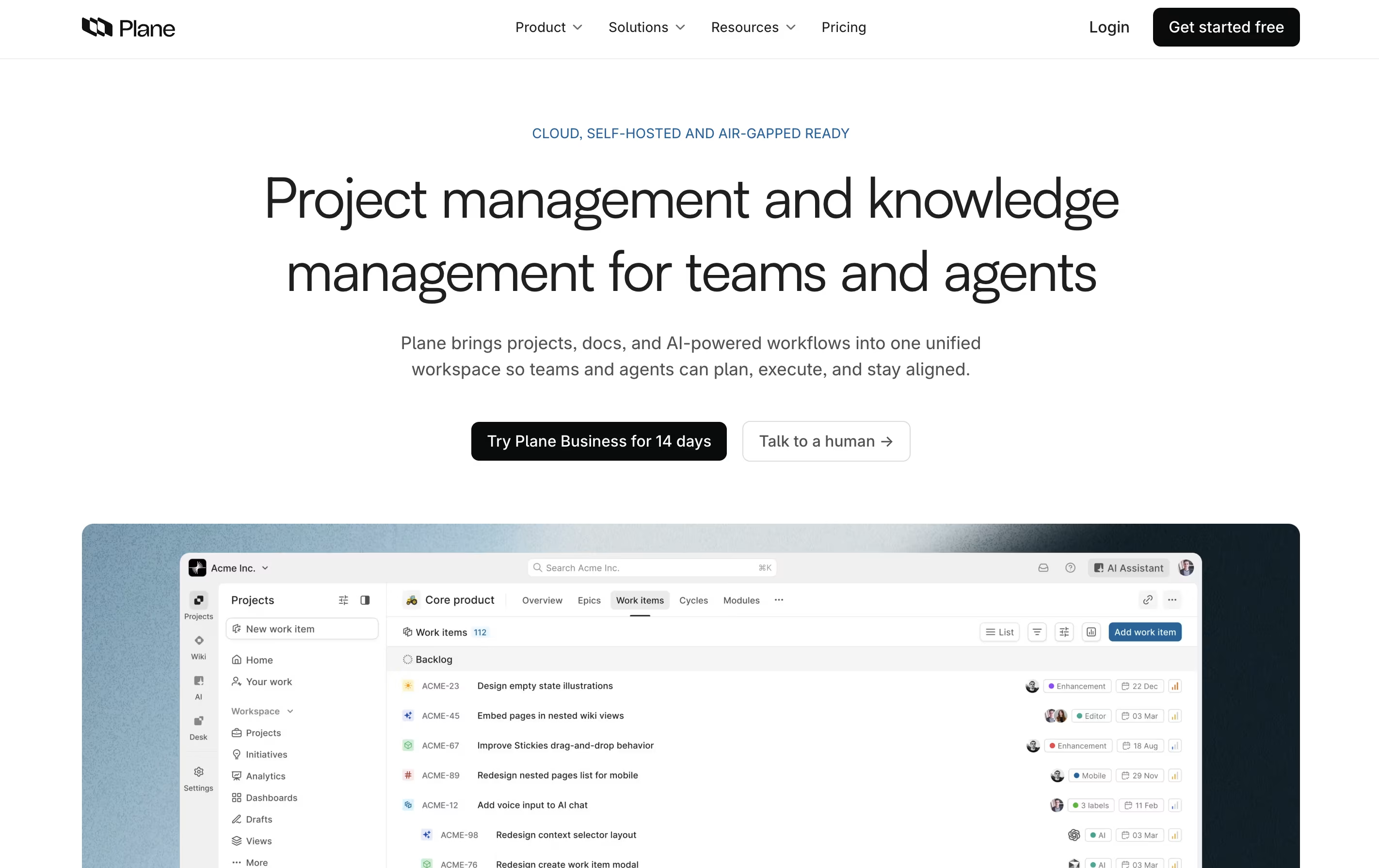
The platform includes AI-powered pages for documenting ideas and plans, built-in time tracking, and detailed analytics to understand team performance. Plane supports both cloud hosting and self-hosting, so you can choose where your data lives. It connects with tools like GitHub and Slack, making it easy to fit into your existing workflow. Whether you use agile methods, scrum, or your own process, Plane adjusts to match how your team actually works.

Huly is an all-in-one workspace that combines project tracking, real-time chat, video meetings, and document editing. Unlike traditional tools that focus on one thing, Huly handles multiple team needs together. You can create tasks, chat with teammates, hold video calls, write documents, and plan your schedule without leaving the platform.
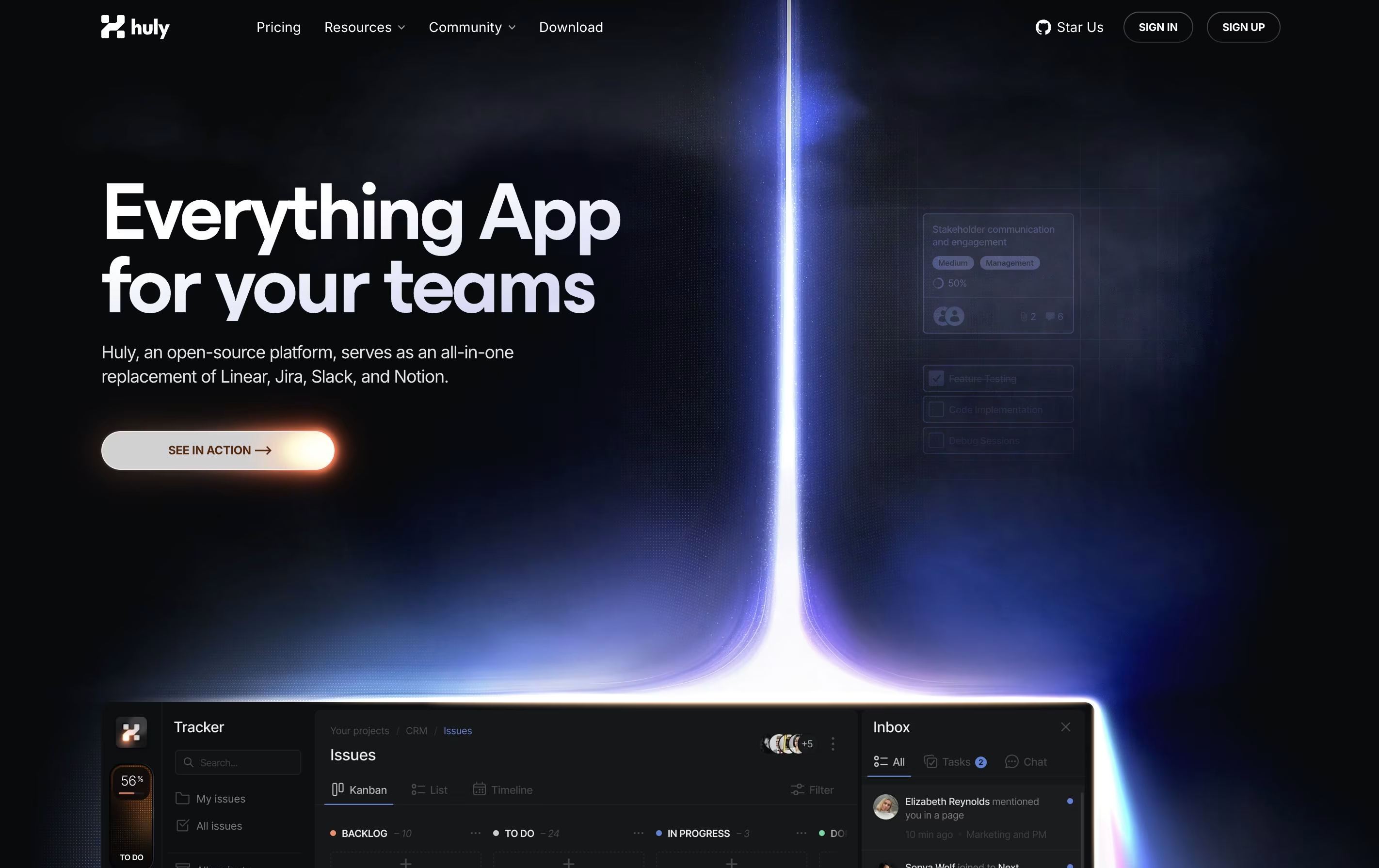
The platform works especially well with GitHub, syncing issues and pull requests automatically. This makes it popular with software development teams. Huly is open-source, meaning the code is publicly available and can be customized. You can use it as a cloud service or host it on your own servers.
There are four pricing levels, starting with a free plan that includes unlimited users and basic features for small teams getting started.
Taiga is a project management tool that helps teams organize their work using agile methods. You can create projects, add tasks, track progress, and work with your team all in one place. The tool shows your work in different views like boards, lists, and charts to match how your team likes to work.
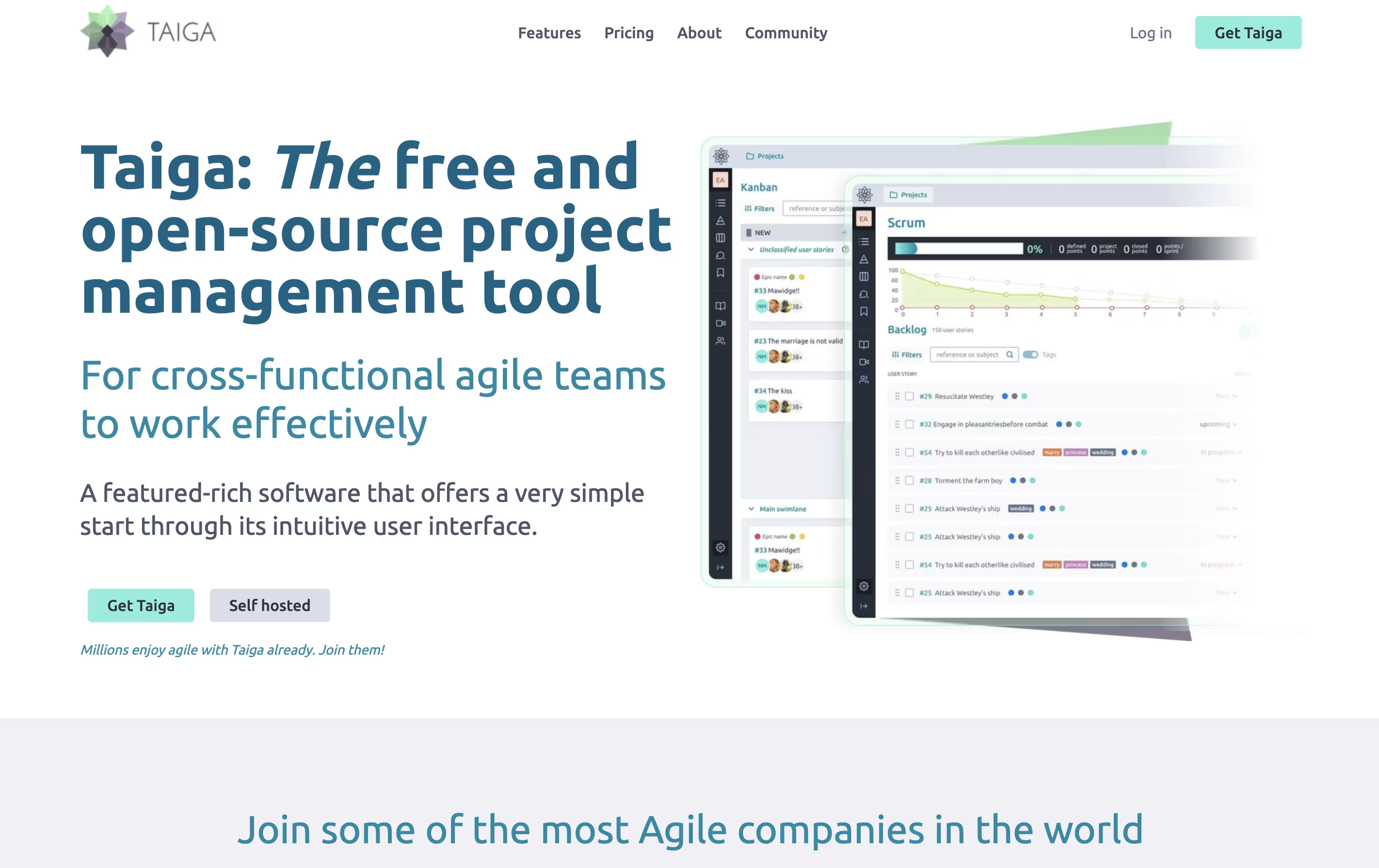
Unlike many project tools, Taiga is completely open source. This means you can see how it works, change it to fit your needs, or install it on your own computers. The platform includes everything teams need: task boards, sprint planning, progress tracking, file sharing, and team chat. It connects with tools you already use like GitHub, Slack, and GitLab to keep everything linked together.
Operately is an all-in-one platform that helps teams manage their work without needing a full-time operations manager. It brings together three main areas: goal tracking similar to OKRs, project management with tasks and milestones, and team collaboration through message boards and documents.
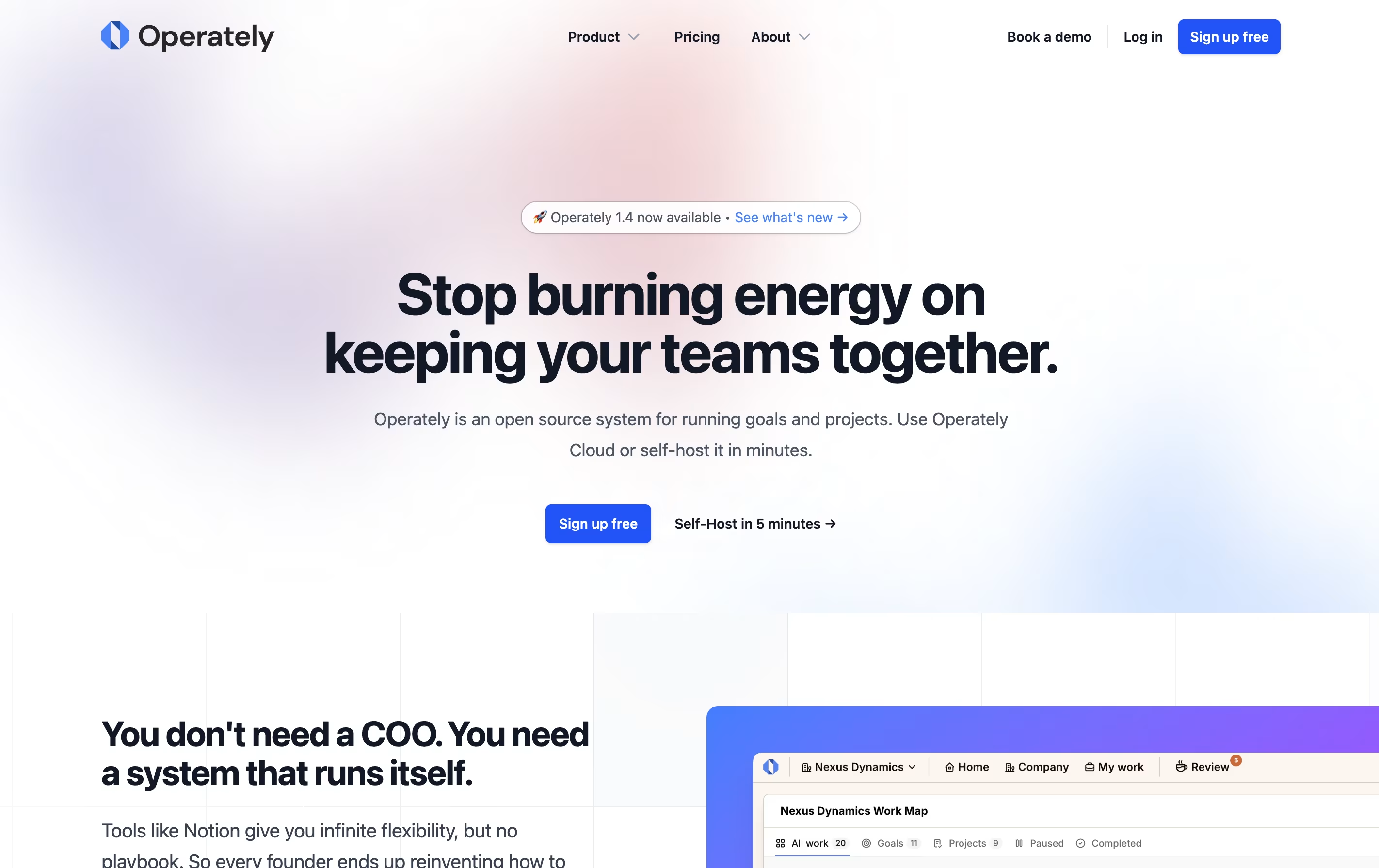
The tool is open source, which means the code is publicly available and you can even host it on your own servers if you want full control over your data. This makes it appealing to companies that care about privacy and security.
Operately also includes an AI assistant called Alfred that reviews your goals and projects, giving helpful feedback and suggestions to keep your team on track and improve how you work.
Todoist is a task management app that helps you organize tasks and projects in one place. You can add tasks using simple language, set priorities, and group related items into projects. The app shows your tasks in different views like lists, boards, or calendars so you can see what needs attention.
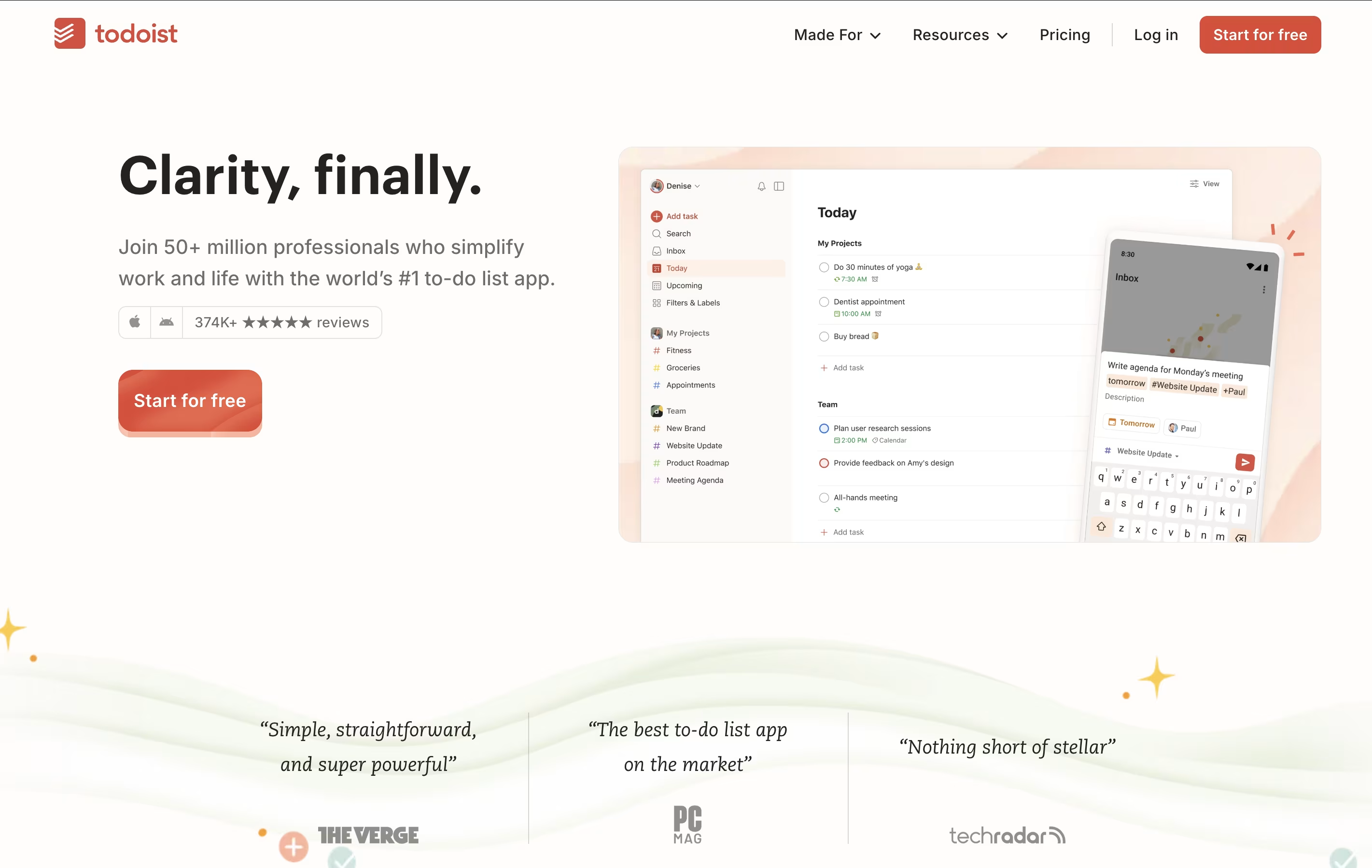
It works across all your devices and updates everything automatically. You can set reminders for important tasks, add notes and files, and work together with others on shared projects. The app also includes smart features like filters to find specific tasks quickly and templates to start common projects faster.
There is a free version with basic features and paid plans that add more power, including an AI assistant to help manage your workload better.
OpenProject is software that helps teams plan, track, and complete projects together. You can create tasks, assign them to team members, set deadlines, and watch progress in real time. It works for any project style: traditional waterfall planning, agile sprints, or a combination of both.
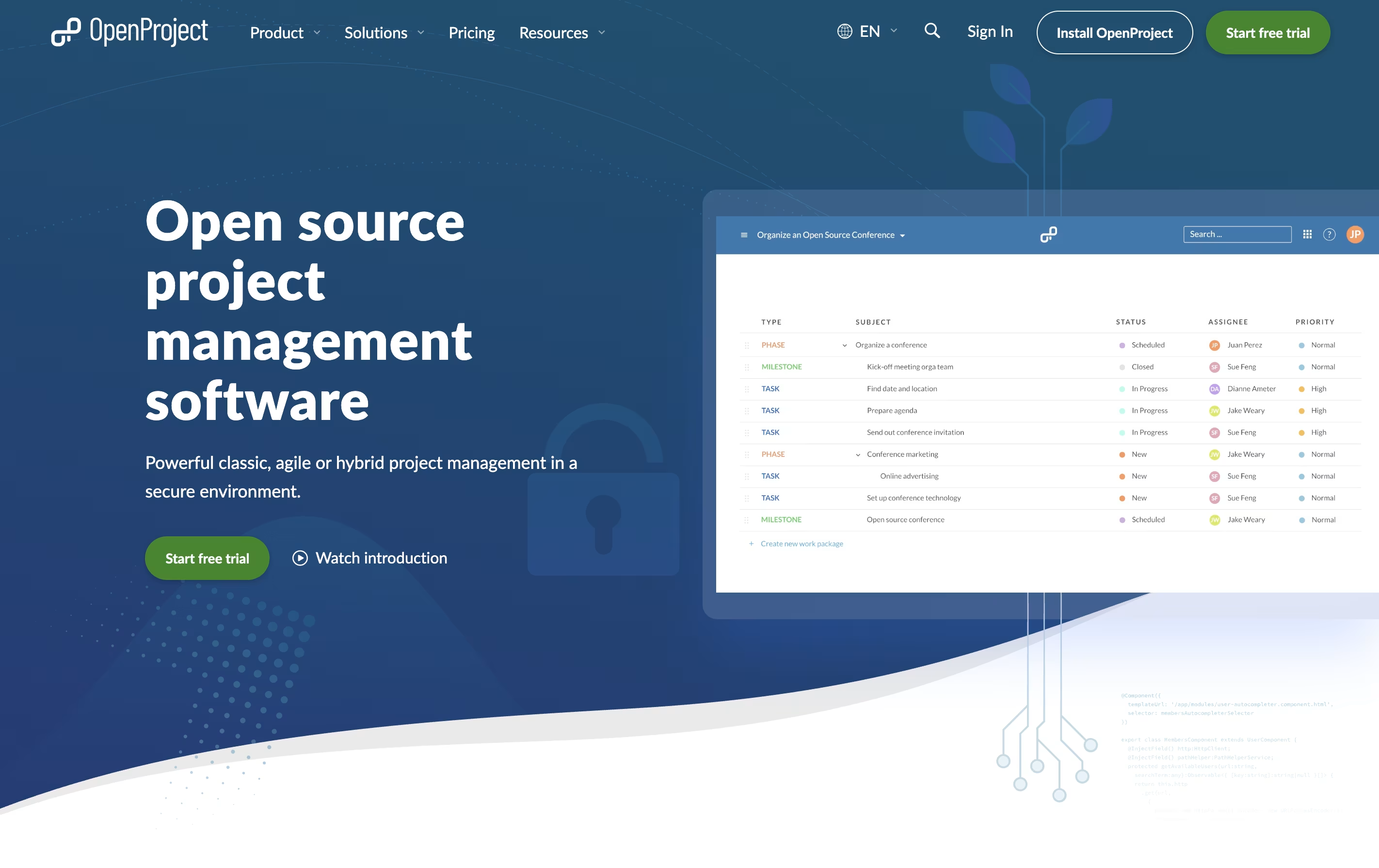
The platform includes visual tools like Gantt charts for timeline planning, Kanban boards for workflow tracking, and calendars for scheduling. Everything stays in one place: your task lists, documents, team discussions, and time tracking.
There is a free community version you can install yourself, plus paid enterprise plans with extra features and support. The cloud version requires no setup, while self-hosted versions give you complete control over your data and privacy.
Tonkean is an enterprise-grade process orchestration platform that uses artificial intelligence to automate and coordinate business workflows across teams and systems. Think of it as the missing link between all your business applications, creating seamless experiences for employees who need to get things done.
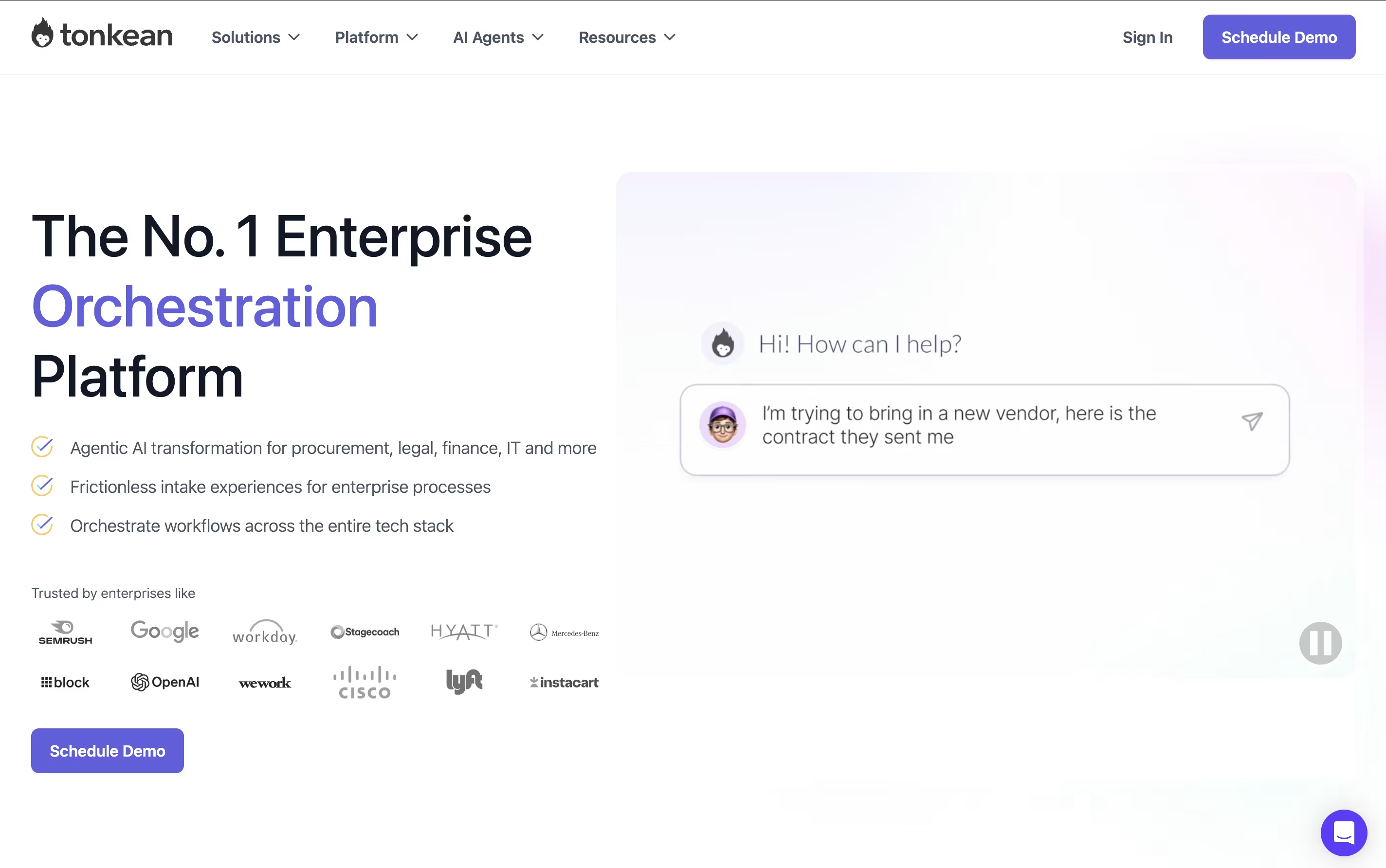
The platform specializes in "process orchestration," which means it doesn't just automate individual tasks—it manages entire workflows that involve multiple people, departments, and software systems. For example, when someone submits a purchase request, Tonkean can automatically check company policies, route it to the right approver, create purchase orders in your procurement system, and send updates to everyone involved.
Founded in 2015 and trusted by companies like Google, Netflix, and Instacart, Tonkean stands out because it requires no coding skills and works with your existing tools. You can build complex automated processes using simple drag-and-drop tools, making it accessible to business users rather than just IT professionals.
Atlassian is a leading software company that creates collaboration and work management tools designed to help teams of all sizes work more effectively together. Founded by Mike Cannon-Brookes and Scott Farquhar in Sydney, Australia, the company has grown from a bootstrapped startup to a global technology leader.
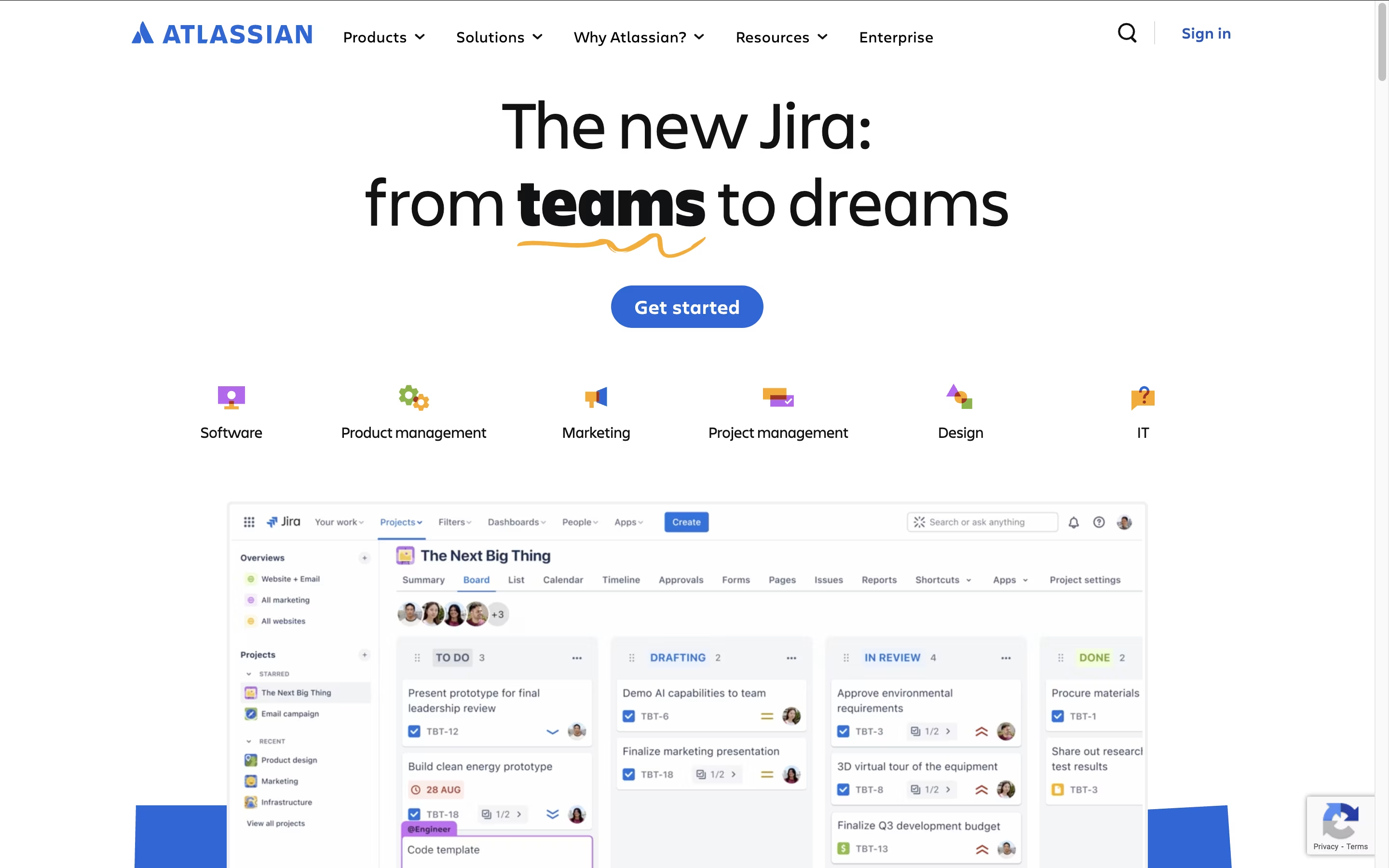
The Atlassian ecosystem centers around four main products that integrate seamlessly. Jira serves as the backbone for project management and issue tracking, particularly popular with software development teams. Confluence acts as a team workspace for creating and sharing knowledge. Trello provides visual project management using boards and cards. Bitbucket handles code collaboration and version control.
What sets Atlassian apart is how these tools work together as a unified system. Teams can link Jira issues to Confluence pages, embed Trello boards in documentation, and track code changes from Bitbucket. This integration eliminates the need to switch between multiple platforms and keeps everyone aligned.
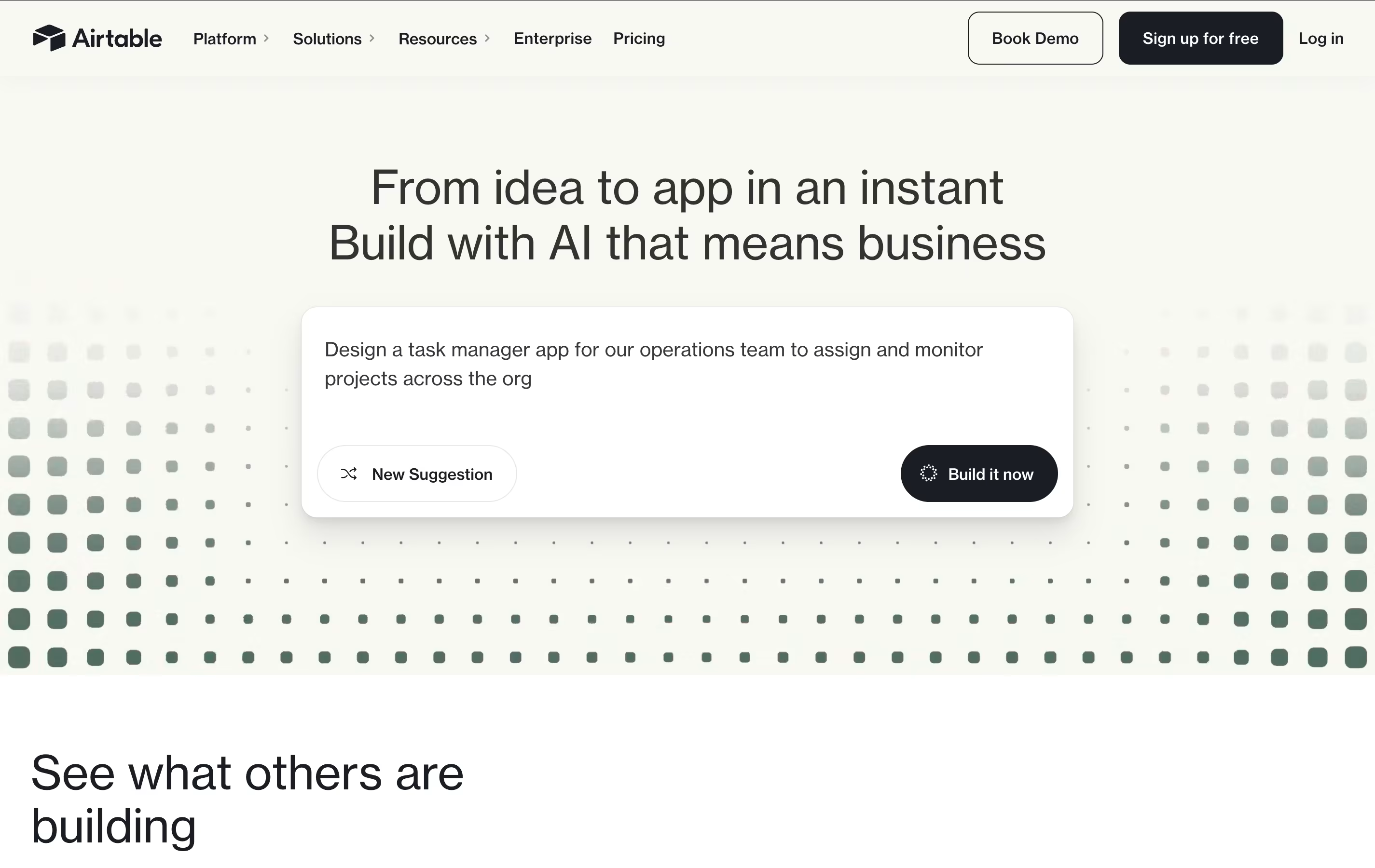
Airtable is a no-code platform that works like a supercharged spreadsheet with database capabilities. You can store, organize, and connect different types of information while creating custom views like grids, calendars, forms, and boards to see your data in different ways.
What makes Airtable special is its ability to link related information across different tables. For example, you can connect customer records to their orders, or link project tasks to team members. This creates a web of connected data that gives you a complete picture of your business operations.
The platform includes built-in automation, AI features, and hundreds of integrations with other business tools. Teams use Airtable for project management, customer tracking, content planning, inventory management, and many other business processes. It requires no technical skills to get started, making it accessible to everyone on your team.





