



Freeter
Free Desktop Organizer for All Projects
Freeter is a free, open-source desktop organizer that brings all your project files, apps, and tasks into one workspace.


What is Freeter
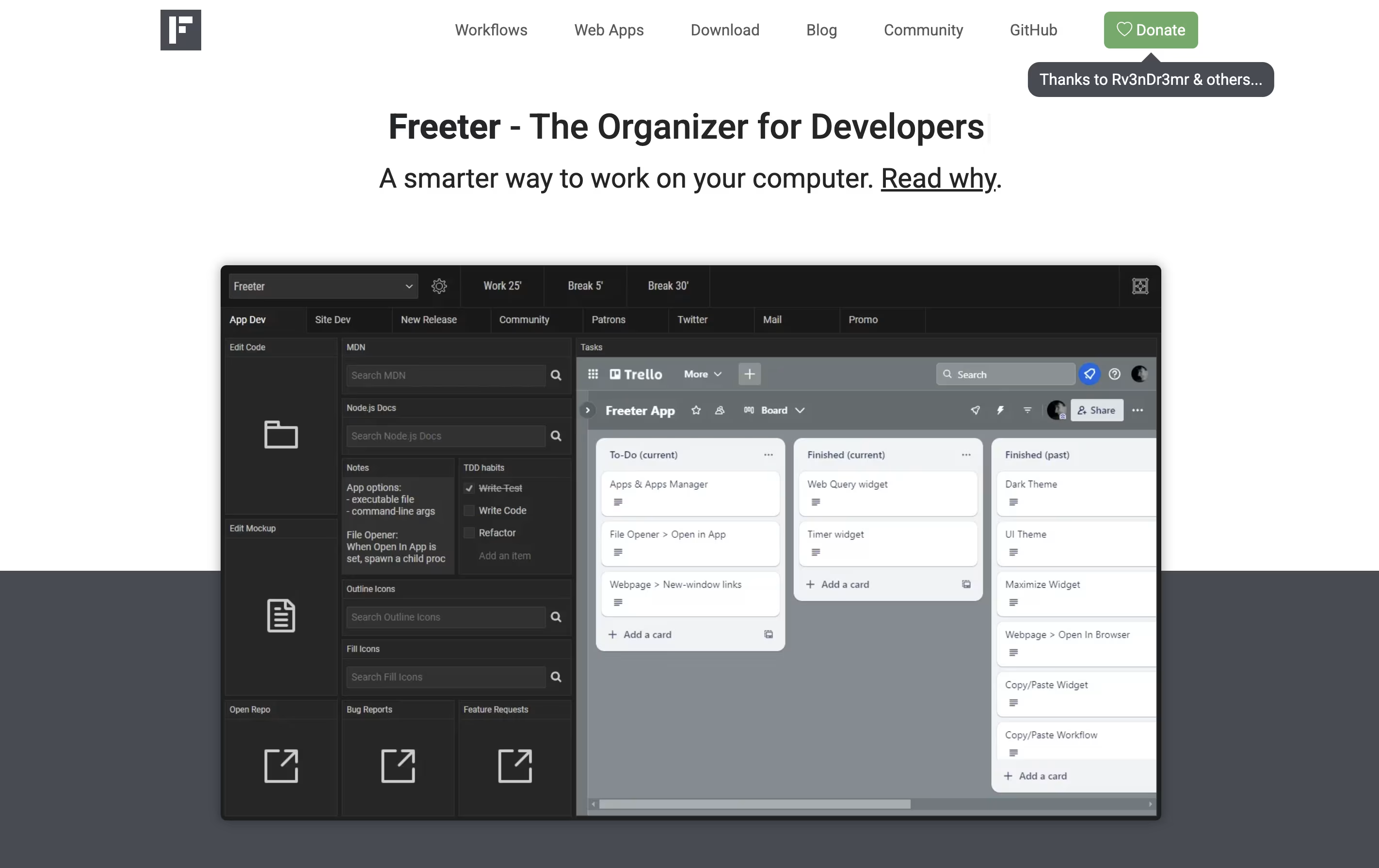
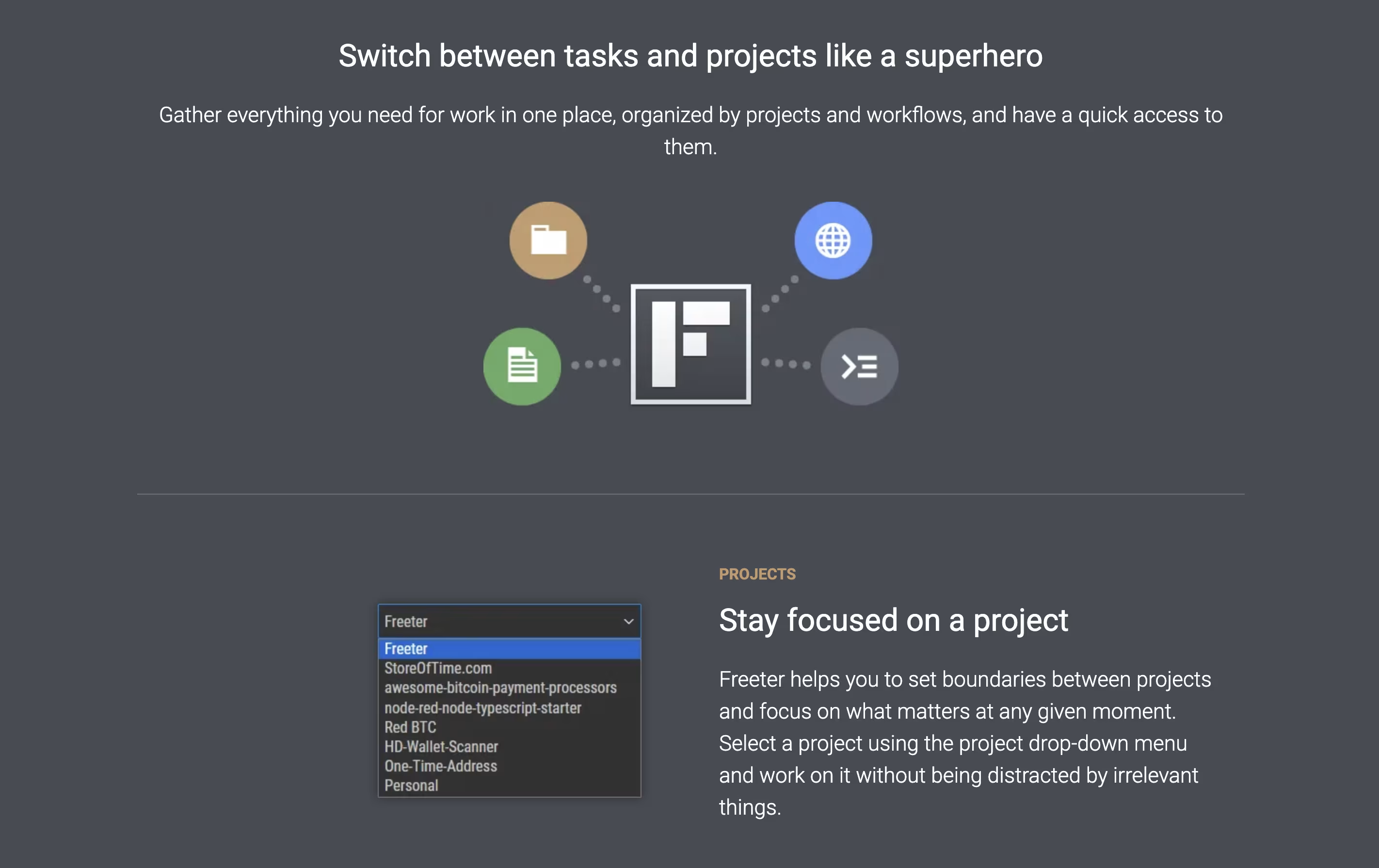
Freeter is a desktop application that organizes all your work tools in one place. Instead of switching between many apps and browser tabs, you create project-based workspaces that contain everything you need for each task.
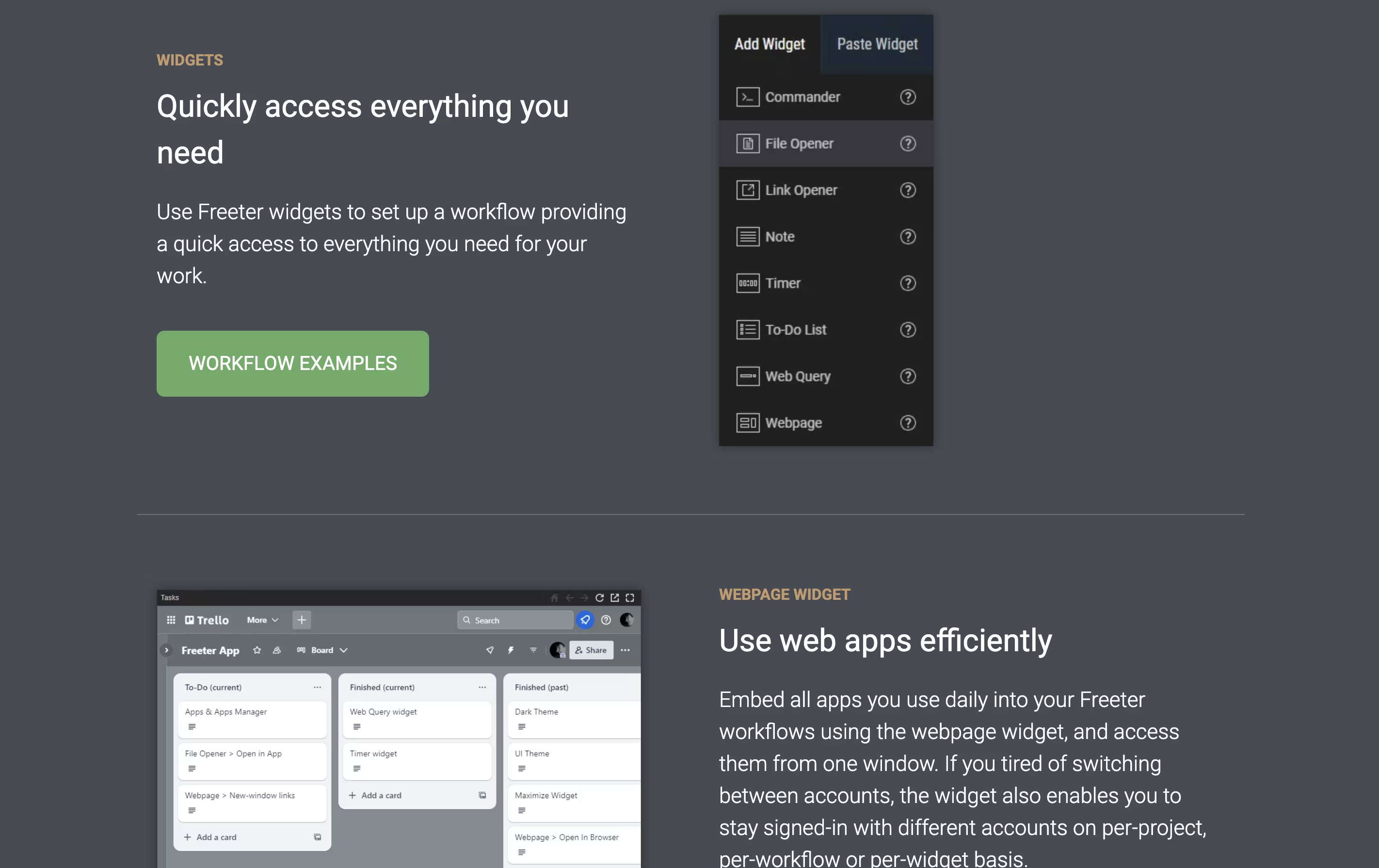
The app uses widgets to bring different tools together. You can embed web apps like Gmail or Trello, open project files with one click, run command-line scripts, keep to-do lists, set timers, and write quick notes. Each project can have multiple workflow tabs to organize different activities.
Freeter works on Windows, Linux, and Mac computers. It is completely free and open-source under the GNU GPL license. The app works offline and does not send any data to external servers, making it secure and private.
Features of Freeter
Organize projects with customizable widgets
Embed web apps and manage multiple accounts
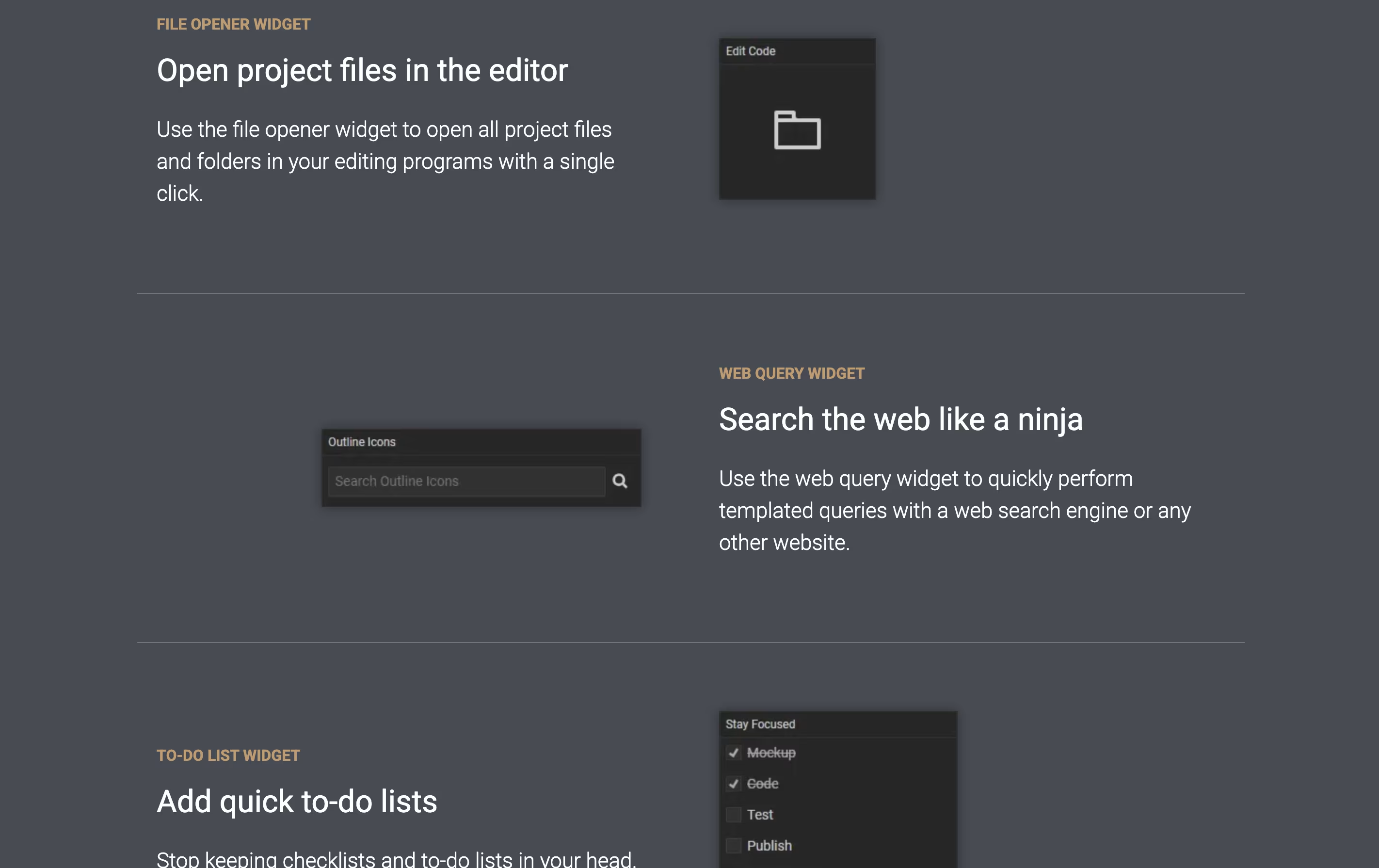
Open files and folders with one click
Run command-line scripts easily
Built-in to-do lists and timers
Quick notes and web search templates
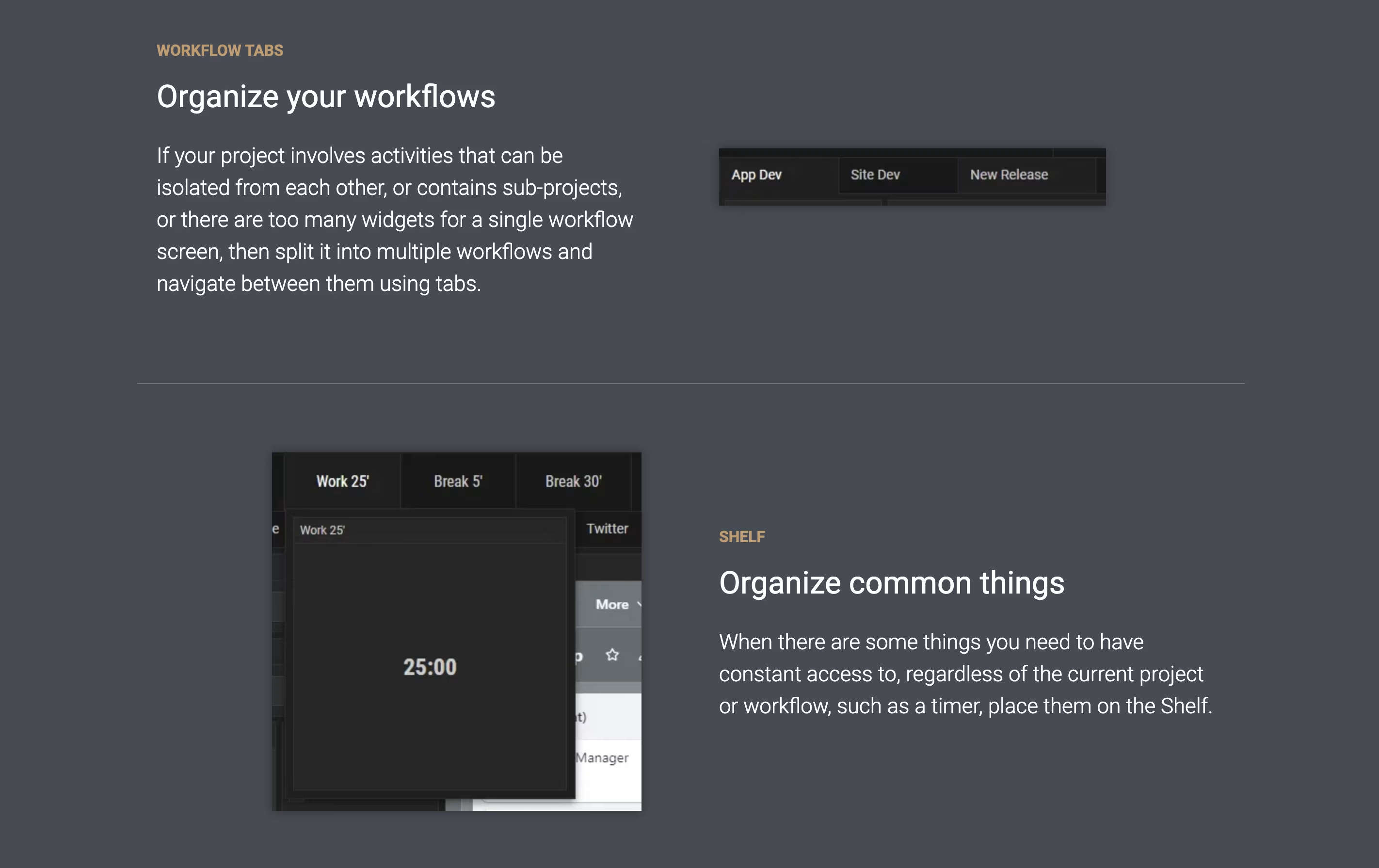
Multiple workflow tabs per project
Global hotkey access (Ctrl/Cmd+Shift+F)
Light and dark themes
Complete privacy with no tracking
Free and open-source forever
Freeter Pricing
Free
- Unlimited projects and workflows
- All widget types (Webpage, File Opener, Web Query, To-Do List, Commander, Timer, Note)
- Multiple workflow tabs per project
- Session management for multiple accounts
- Shelf for common tools
- Global hotkey access
- Light and dark themes
- Complete privacy - no tracking or telemetry
Freeter Use Cases
Freeter Repository
View on Github| Stars | 1,024 |
| Forks | 64 |
| Repository Age | 2 years |
| Last Commit | 3 months ago |
FAQ's About Freeter










See what users are saying about Freeter
0 Reviews
No reviews yet
Be the first to review Freeter