ToolQuestor Logo
Taiga
No reviews yet
0 Saved
Added:3/22/2026
Type:Saas
Monthly Traffic:-
Pricing:
FREEMIUMSUBSCRIPTION
Open SourceCollaborationAutomationProject ManagementCode
BASE44

BASE44

FEATURED
Wispr Flow

Wispr Flow

FEATURED
Vidnoz AI

Vidnoz AI

FEATURED
Taiga screenshot 2
Taiga screenshot 3
Taiga screenshot 4
Taiga screenshot 5

What is Taiga

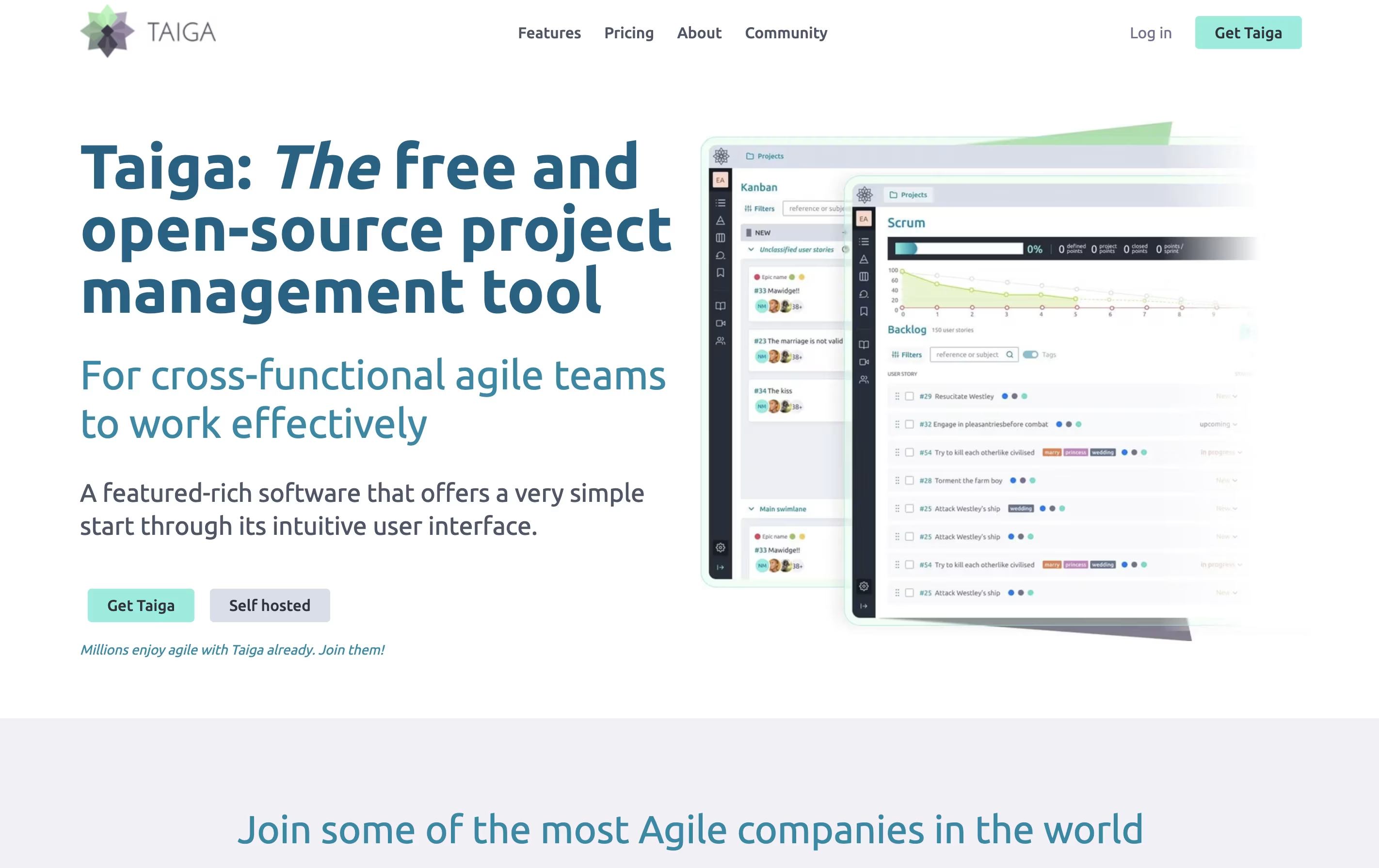
Taiga is a project management tool that helps teams organize their work using agile methods. You can create projects, add tasks, track progress, and work with your team all in one place. The tool shows your work in different views like boards, lists, and charts to match how your team likes to work.

Unlike many project tools, Taiga is completely open source. This means you can see how it works, change it to fit your needs, or install it on your own computers. The platform includes everything teams need: task boards, sprint planning, progress tracking, file sharing, and team chat. It connects with tools you already use like GitHub, Slack, and GitLab to keep everything linked together.

How to Use Taiga

Getting started with Taiga is straightforward. Here is how to use it effectively:

  • Sign up for a free account on the Taiga website or install it on your own server if you prefer to keep data private.

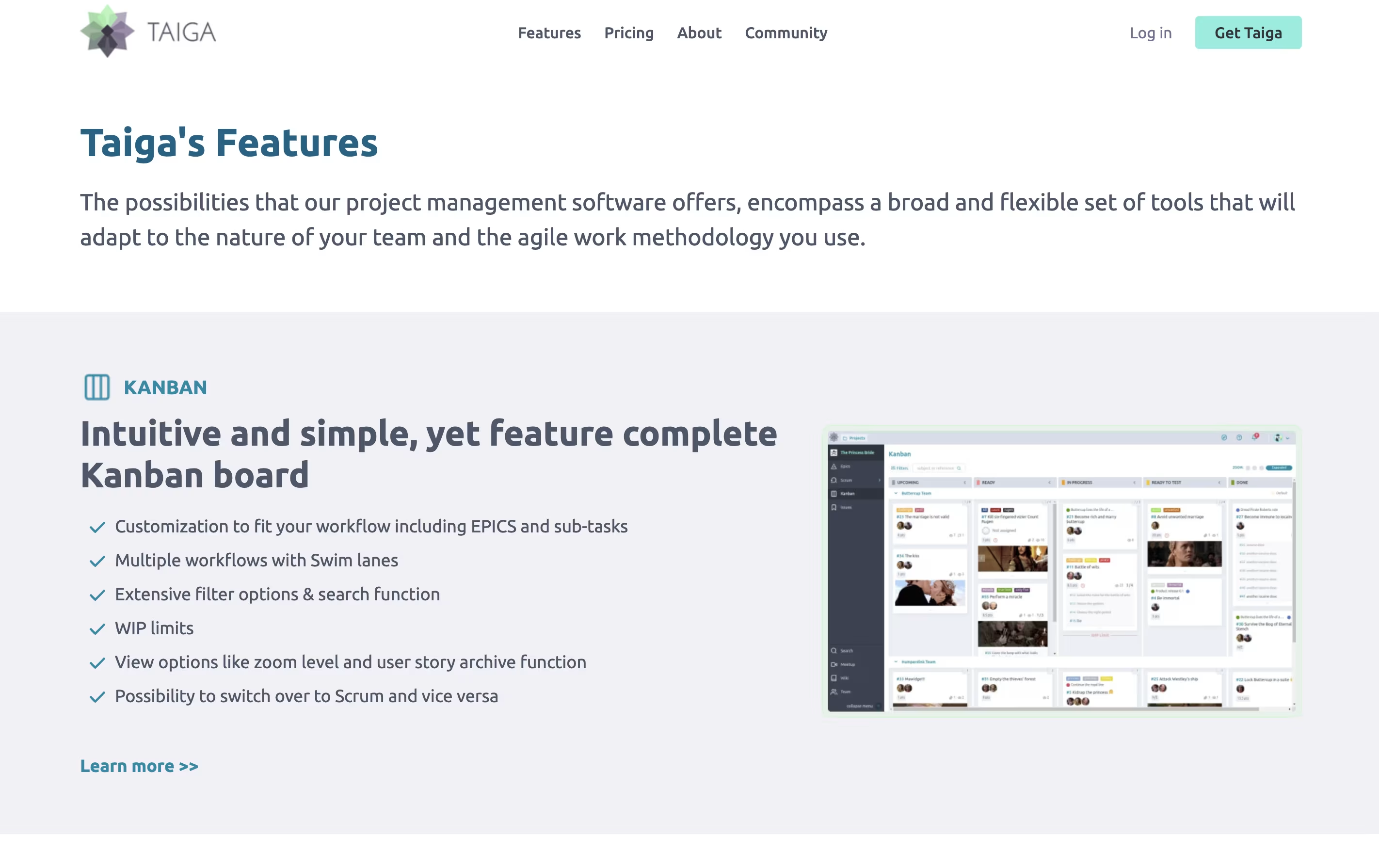
  • Create your first project by choosing a template. Pick Scrum if you work in sprints, Kanban if you prefer continuous flow, or start with a blank project.

  • Add your team members by inviting them with their email addresses. You can set different roles like team member, project owner, or viewer.

  • Start adding work to your backlog. Create user stories for features you want to build, or add tasks for work that needs doing.

  • Use the board view to move tasks through stages like 'To Do','In Progress', and 'Done'. You can drag and drop items to update their status.

  • Track your progress with built-in charts and reports that show how much work is completed and what remains.

Features of Taiga

  • Scrum and Kanban boards with drag-and-drop

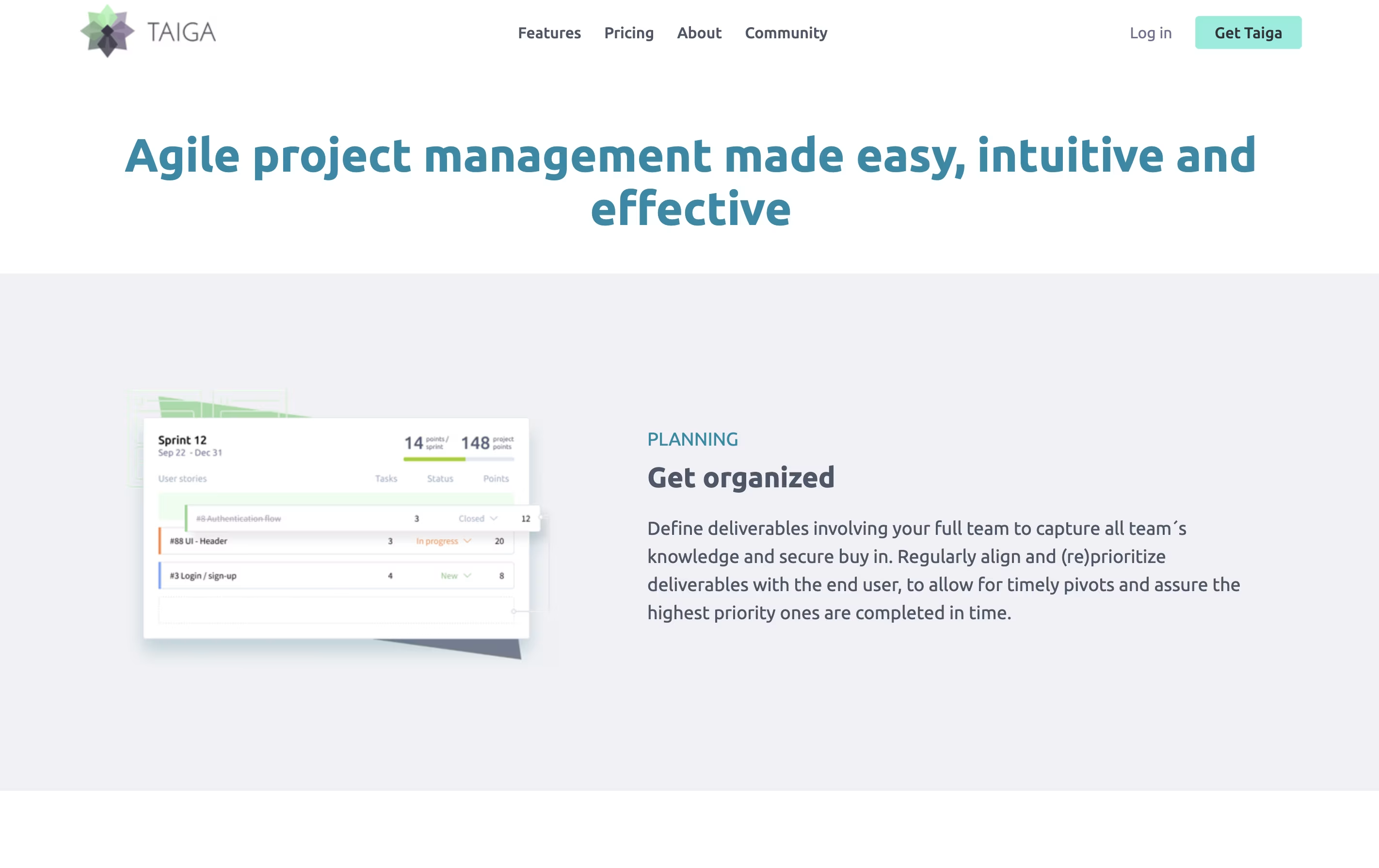
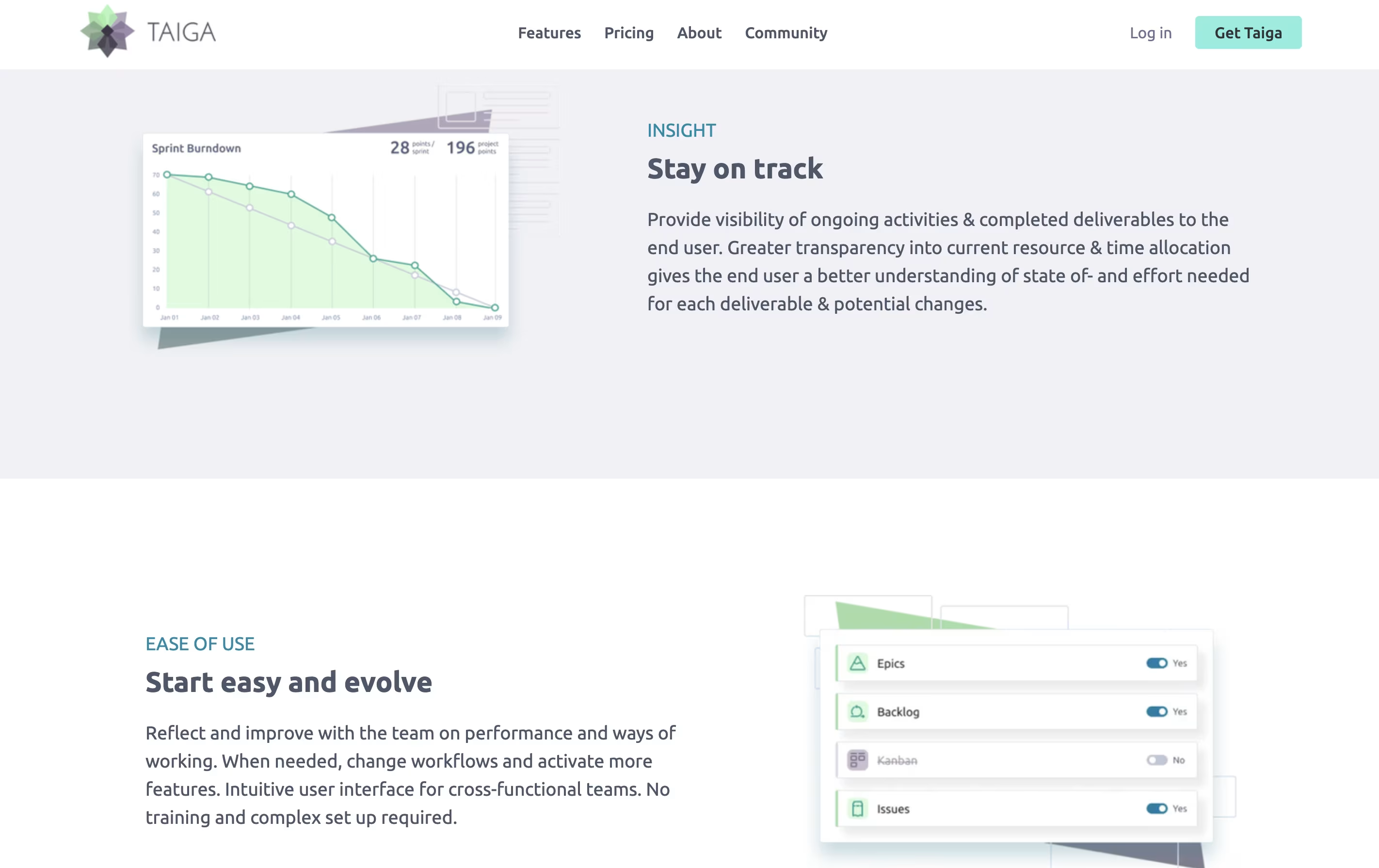
  • Sprint planning with burndown charts

  • User story and task management

  • Issue and bug tracking system

  • Wiki for team documentation

  • Custom workflows and task statuses

  • Team roles and permissions

  • GitHub, GitLab, and Slack integrations

  • Available in 30+ languages

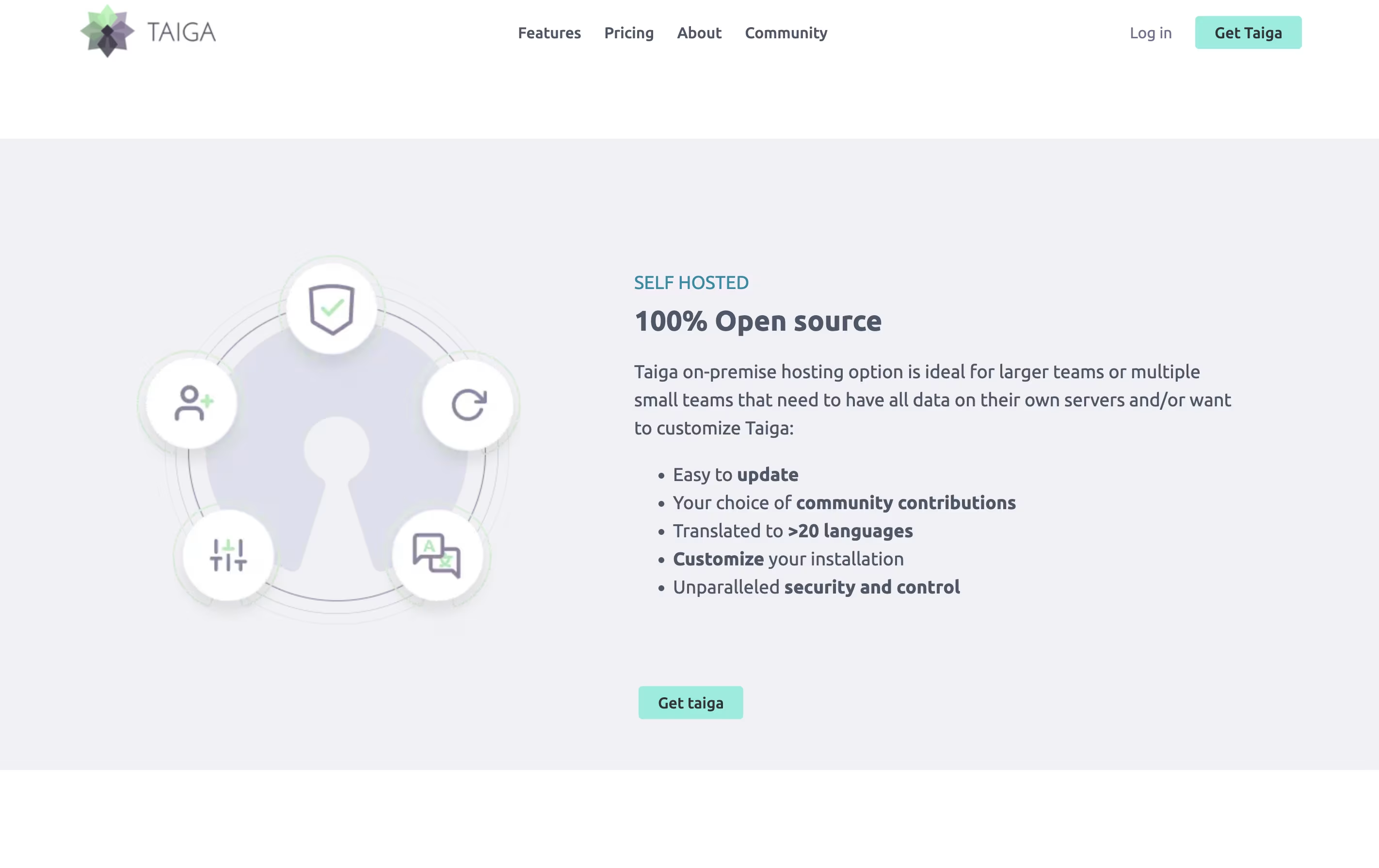
  • Self-hosted or cloud options

  • Real-time team notifications

  • File attachments and comments

Taiga Pricing

Free (Self-Hosted)

Free

What's included:
  • 100% open source
  • Unlimited projects and users
  • Host on your own servers
  • Full feature access
  • Community support
  • Available in 30+ languages
  • Complete control over data
Enthusiast

EUR5 /mo

What's included:
  • 5 public projects
  • 5 private projects
  • Up to 100MB storage
  • Unlimited number of users
  • Community support
  • All core features included
  • Help fund Taiga open source project
Most Popular
Basic

EUR20 /mo

What's included:
  • Unlimited number of projects
  • Up to 500MB storage
  • Unlimited number of users
  • Basic support from Taiga team
  • All features included
  • Help fund Taiga open source project
Premium

EUR60 /mo

What's included:
  • Unlimited number of projects
  • Up to 3GB storage
  • Unlimited number of users
  • Premium support with faster response
  • All features from Basic plan
  • Priority assistance
  • Help fund Taiga open source project
Managed Instances

Custom

What's included:
  • Priority support with SLA
  • Use behind your firewall or VPN
  • Unlimited projects and users
  • Installation support included
  • Updates and maintenance managed by Taiga
  • Suitable for teams over 25 people
  • Custom enterprise features
  • Dedicated resources

Taiga Repository

View on Github
Stars815
Forks278
Repository Age4 years
Last Commit1 day ago

FAQ's About Taiga

Is Taiga completely free to use?
Yes, Taiga is open-source and free if you install it on your own servers. The cloud-hosted version offers a free option with limits, and paid plans starting at €5 per month for more features and storage.
What is the difference between Scrum and Kanban in Taiga?
Scrum uses time-boxed sprints with planning and review cycles, perfect for teams working in regular intervals. Kanban focuses on continuous flow with work-in-progress limits, ideal for teams handling ongoing tasks. Taiga supports both, so you can choose what fits your team.
Can I move my projects from other tools to Taiga?
Yes, Taiga includes importers that help you bring data from Trello, Jira, Asana, and GitHub. This makes switching easier since you do not have to recreate all your existing projects manually.
Does Taiga work for non-technical teams?
Absolutely. While Taiga was built by developers, its simple interface works for any team doing project work. Marketing teams, designers, teachers, and many others use Taiga successfully because it focuses on clear organization rather than complex features.
What integrations does Taiga support?
Taiga connects with popular tools including GitHub, GitLab, Slack, and others through pre-configured integrations. You can also create custom connections using webhooks and API access for other tools your team uses.

Share your experience with Taiga

Loading...

See what users are saying about Taiga

0.0

0 Reviews

5
0
4
0
3
0
2
0
1
0

No reviews yet

Be the first to review Taiga

Embed Taiga badges

Show your community that Taiga is featured on Tool Questor. Add these beautiful badges to your website, documentation, or social profiles to boost credibility and drive more traffic.

Light Badge Preview