

Best 4 Animated Explainer Video Tools in 2026
Last Updated: August 28, 2026
Turn complex ideas into simple, engaging visuals with Animated Explainer Video tools. These platforms combine motion graphics, voiceover, and storytelling templates to help you explain a product, service, or concept in a way that live-action footage often cannot.
They are a favorite among startups, SaaS companies, and marketing teams who need to communicate value quickly on landing pages, social media, or investor pitches. With drag-and-drop scene builders, character libraries, and royalty-free music, you can produce a polished explainer without any prior animation experience.
 Powtoon
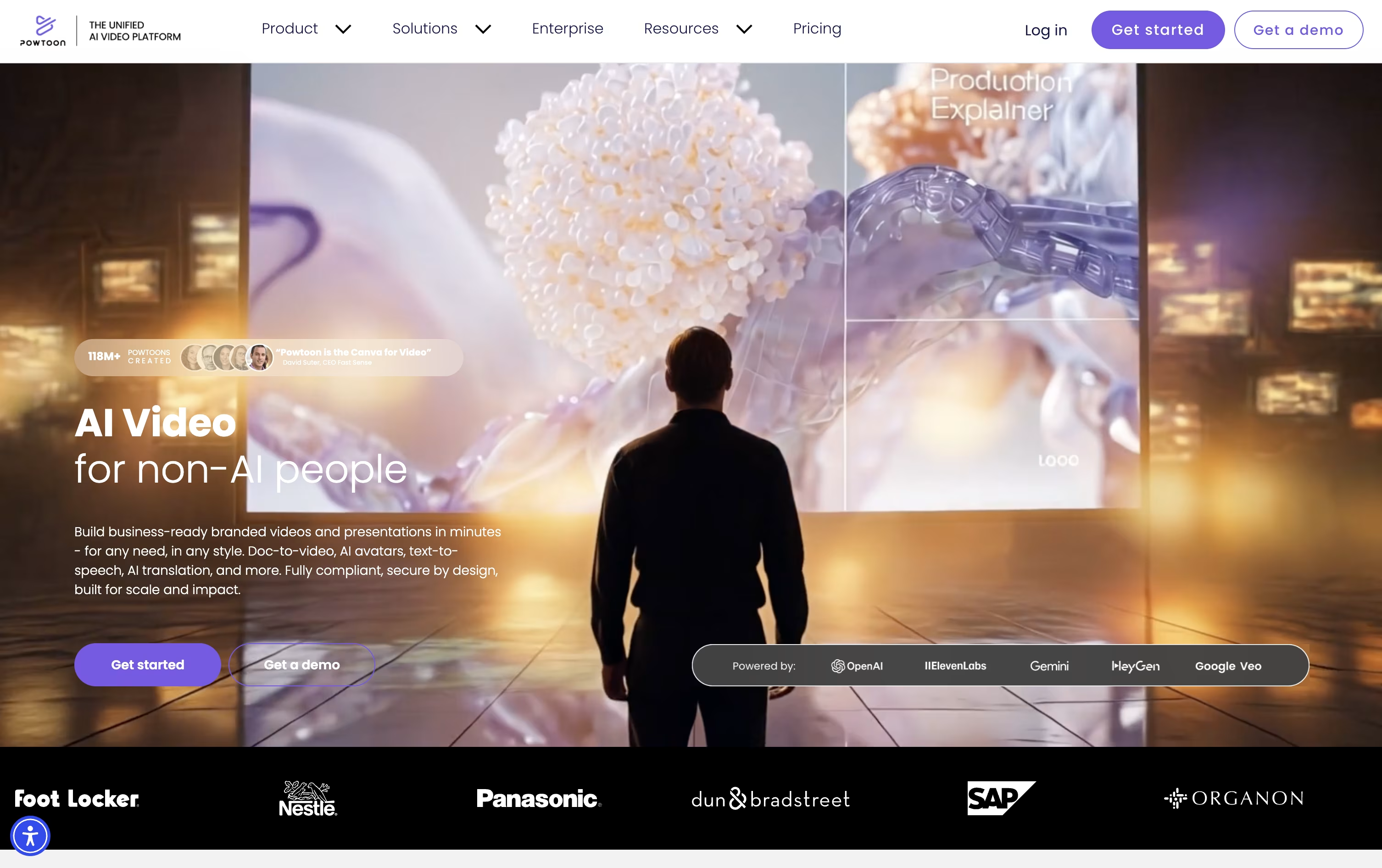 PowtoonAI Video Maker for Animated Content,
  Vyond
Vyond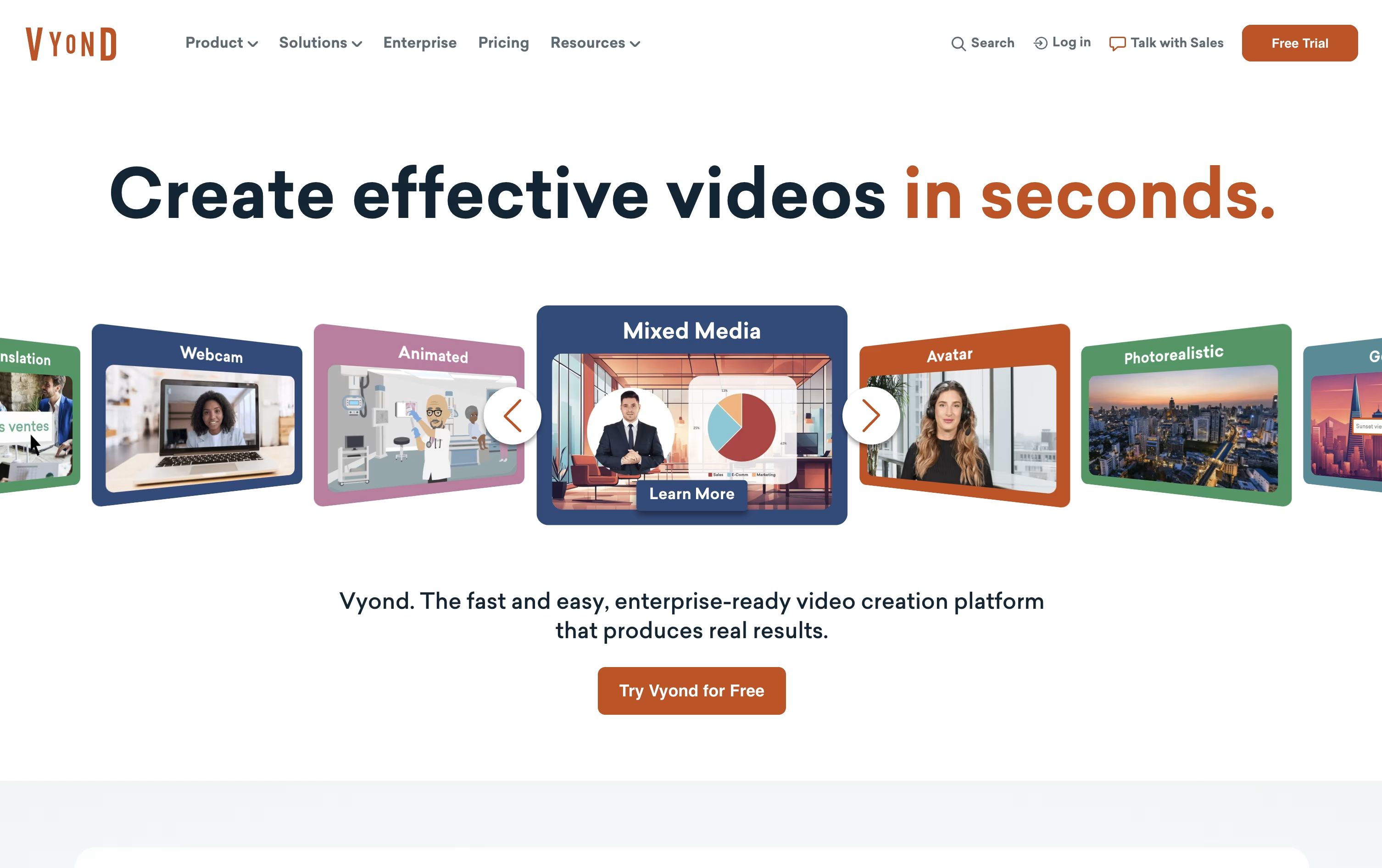 VyondAI-Powered Business Video Creation Tool, and
  Steve AI
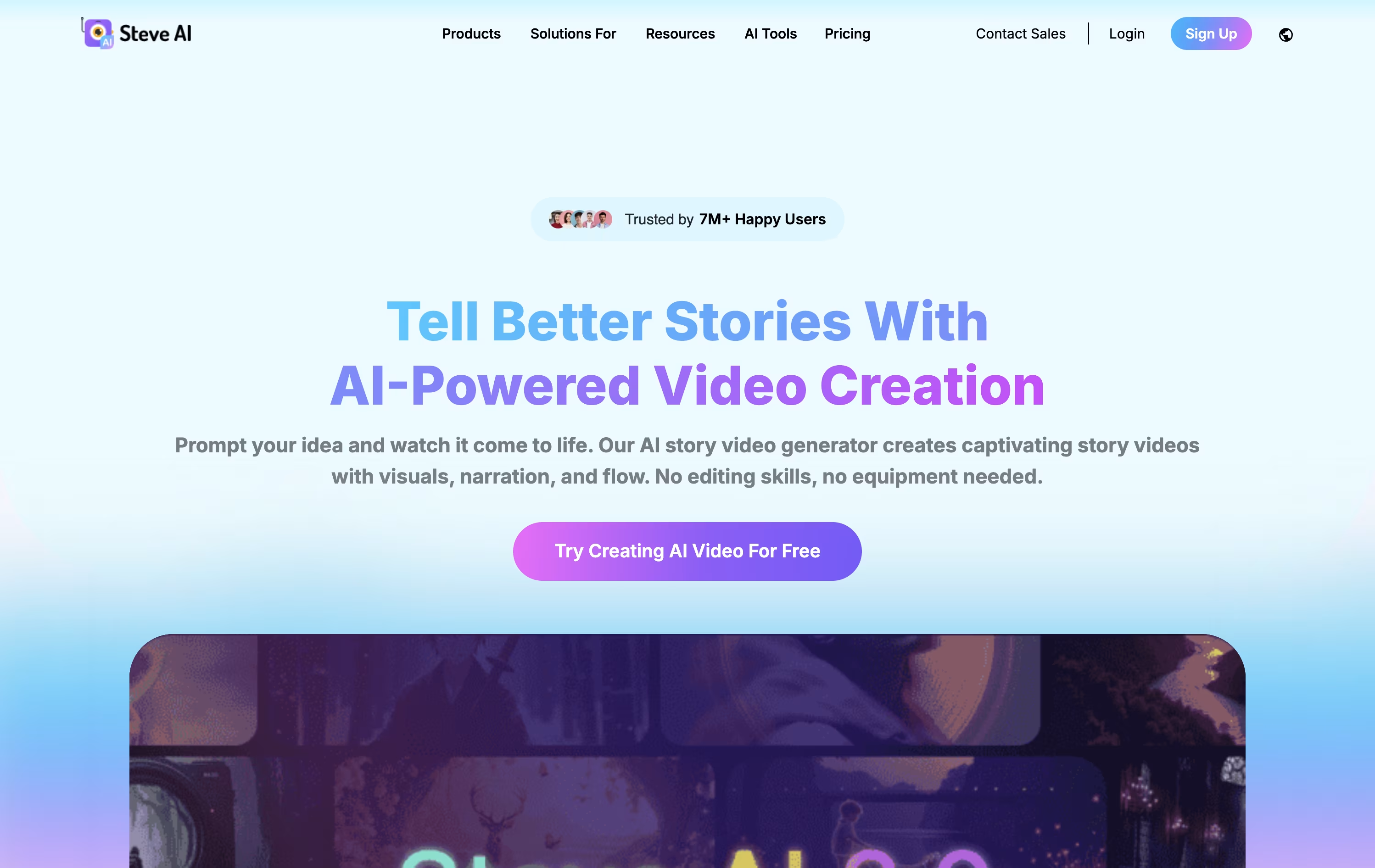 Steve AIAI-Powered Video Creation Made Easy are the best for Animated Explainer Video. So, let’s take a closer look at all 4 tools.

Making a polished video usually means learning animation software or hiring someone who already knows it. Powtoon skips that step by giving you templates, a drag and drop editor, and AI tools that build a video from a document or a short prompt.
Its AI system writes a script, adds a voiceover, and puts together visuals automatically, and everything it creates can still be edited by hand afterward inside the Studio.
Alongside the AI tools, there are animated characters, whiteboard and live footage styles, and a large stock media library to pull from.
Pricing starts with a free plan limited to 3 minute videos with a watermark. The Lite plan runs $15 a month yearly, Professional $40 a month, and Advanced $125 a month, each unlocking longer videos, more AI credits, and features like custom characters and lip-sync.
Schools can get the Education plan for $8 a month, and larger organizations can reach out for custom Enterprise pricing with added security and admin controls.
If you need videos for training, HR, or marketing but do not have an animation team, Vyond is built to fill that gap. It runs fully in the browser, with no software to download.
Start by typing a prompt, pasting a script, uploading a document, or dropping in a URL, and Vyond Go will generate a working draft with characters, scenes, and voice in under a minute. Then move into Studio to adjust the details, from character actions to timing.
The toolkit includes AI avatars, hundreds of animated characters, over 650 voices for text to speech, and built in screen and webcam recording, along with thousands of ready made templates.
The Starter plan is $99 a month or $699 billed yearly, meant for one person, with 10,000 credits and a 25 minute video cap.
Professional moves to $1,199 a year per user and brings in team features, Shutterstock's asset library, and translation into 95 languages.
For larger organizations, Enterprise and Agency plans run $1,649 and $1,999 a year per user, adding near unlimited usage, brand controls, and enterprise grade security like single sign on.
Making a video usually means a camera, a script, and hours of editing. Steve AI skips most of that by turning text, a blog link, audio, or a short prompt into a ready video.
The AI handles the script, matches scenes with visuals, adds a voice track, music, and captions, so a video that would normally take a day can be ready in minutes.
There are more than seven visual styles to pick from, animated characters, generative AI scenes, and live-action stock clips, along with Google Veo 3 access for short realistic clips.
The Starter plan costs $29 a month, or $19 a month if billed yearly, and includes 100 minutes of AI video plus 1080p output with no watermark.
Stepping up to Pro at $59 a month or the Recommended Generative AI plan at $129 a month brings more render minutes, 2K video, and voices that sound close to human.
For bigger needs, Enterprise offers custom pricing with 4K video, team tools, dedicated infrastructure, and commercial reselling rights.

Instead of juggling separate apps for video editing, logo design, and website building, Renderforest puts all of it in one AI driven workspace.
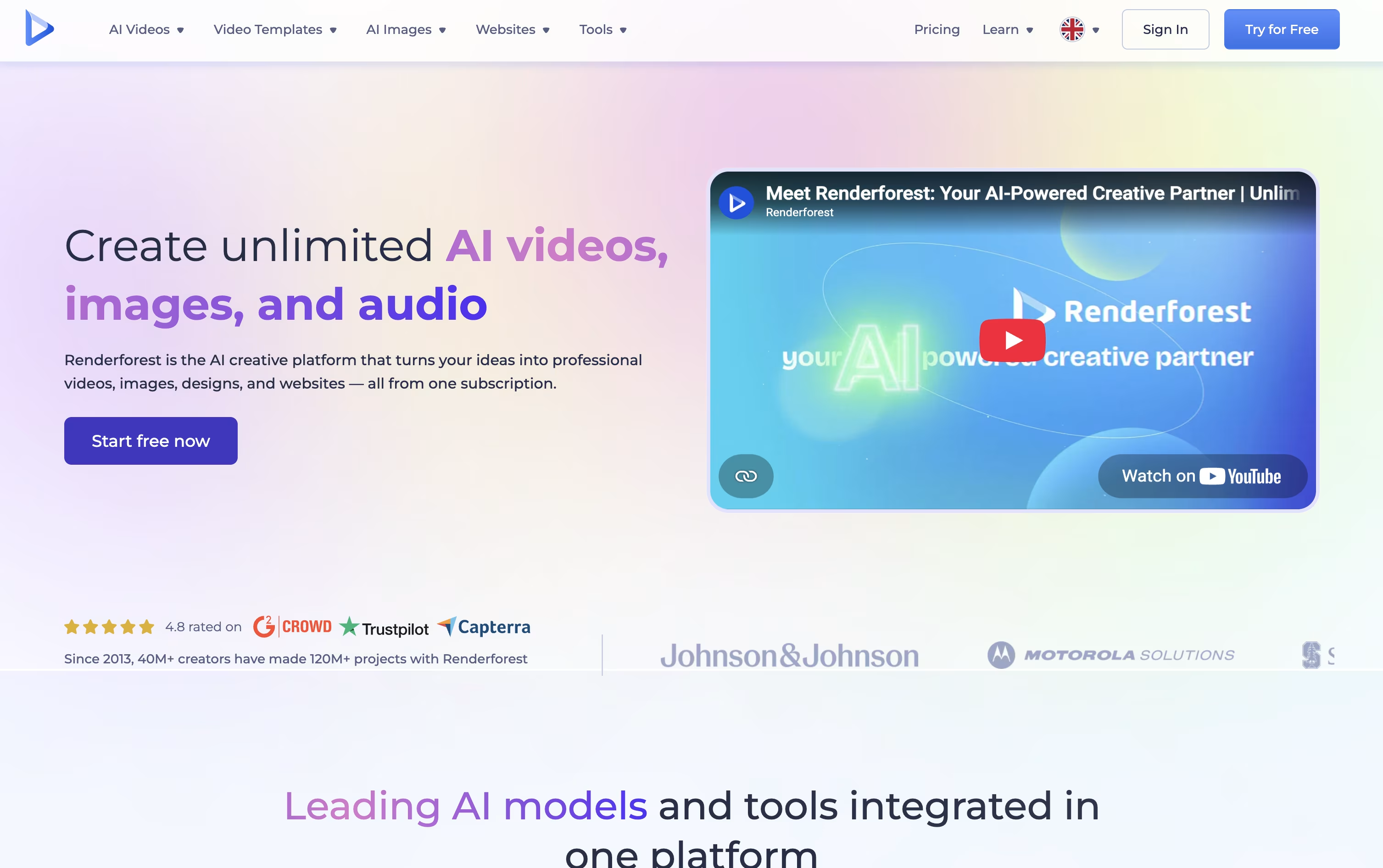
You can pick from over 1,200 templates or type a prompt and let the AI handle the scenes, visuals, voice, and music. Under the hood it taps into models like Nano Banana, Veo, Kling, and Seedance for up to date results.
Signing up is free and does not need a payment method, so you can try the editor first.
The Lite plan starts at $9 a month with 400 credits and HD720 exports, while Pro, the most popular tier, is $39 a month with 1,600 credits, HD1080 exports, and your own website domain.
Business runs $59 a month with 3,000 credits, 4K exports, unlimited image generation, and team tools plus a reseller license. Yearly billing brings the cost down to as low as $8 a month.
It suits people who want template speed and AI generation without switching between separate design tools.





