

Best 5 Corporate Training Video Tools in 2026
Last Updated: August 28, 2026
Deliver consistent, scalable learning experiences with Corporate Training Video tools built for onboarding, compliance, and skills development. These platforms make it easy to record, edit, and organize training content that employees can revisit anytime.
They are widely used by HR teams, L&D departments, and enterprise trainers who need to standardize knowledge across large or distributed teams. Features like quizzes, branching scenarios, and progress tracking help turn passive video content into measurable, effective training.
 Synthesia
 SynthesiaAI Avatar Video Creation Platform,
  Vyond
Vyond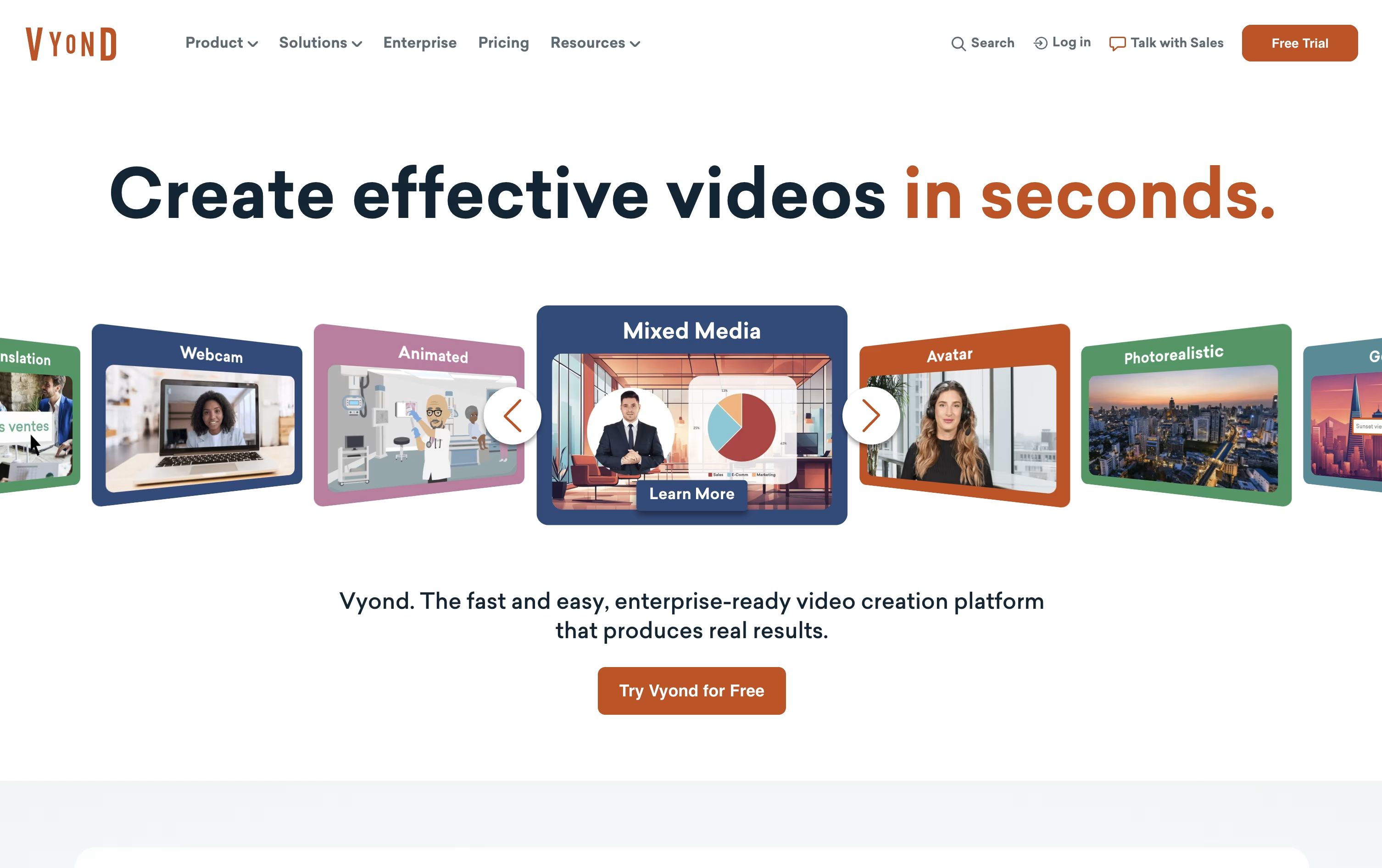 VyondAI-Powered Business Video Creation Tool, and
  Colossyan Creator
 Colossyan CreatorAI Training Video Platform are the best for Corporate Training Video. So, let’s take a closer look at all 5 tools.

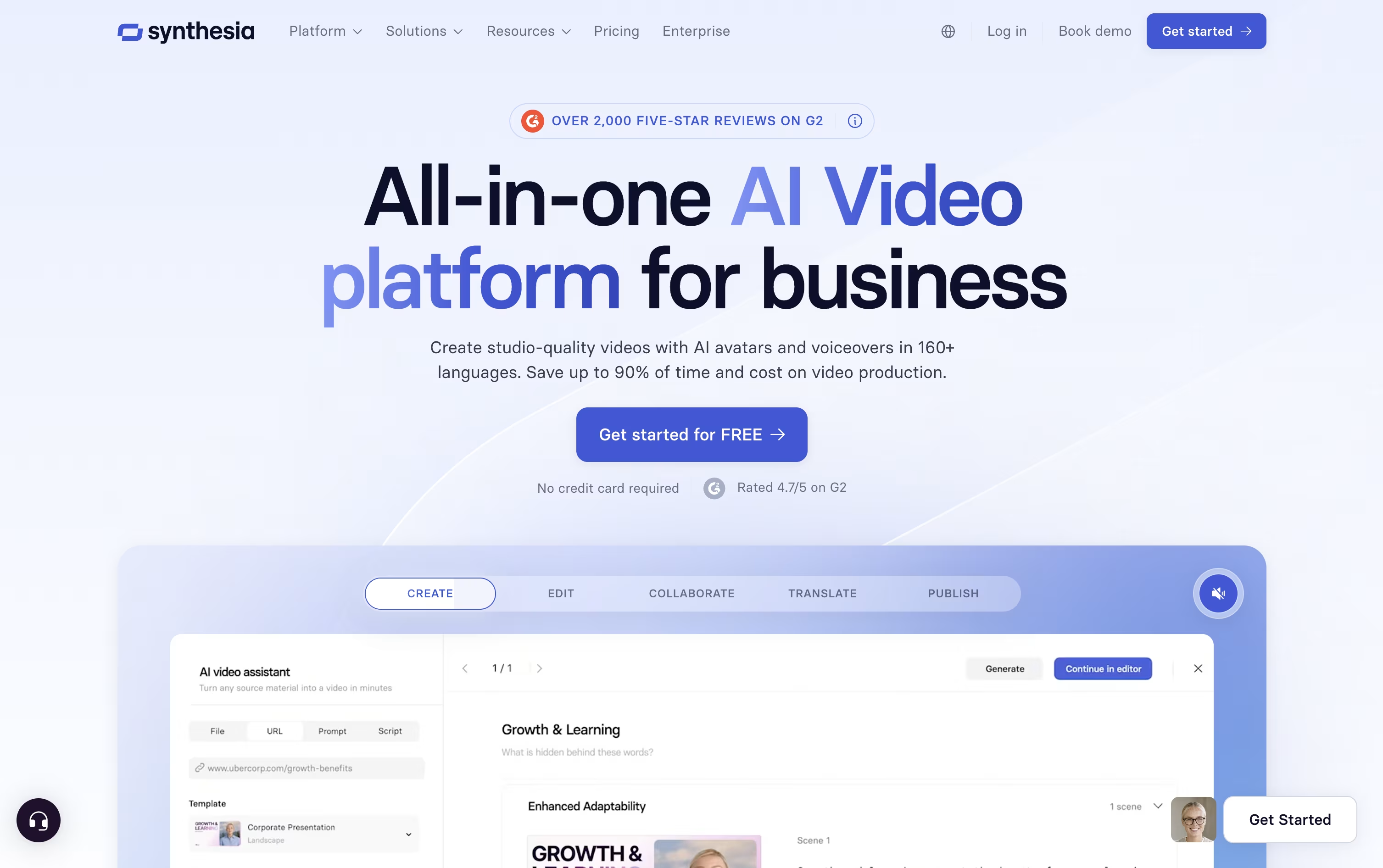
Instead of hiring actors or booking a studio, Synthesia turns written text into a video with an AI avatar reading it aloud.
The avatar library has grown past 240 options, and you can also create a personal avatar plus a cloned voice so the video sounds and looks like you.
Getting started costs nothing on the Basic plan, which includes 10 minutes of video each month and 9 avatars.
Moving up, Starter is $18 a month on the yearly plan and adds downloads plus dubbing, while Creator at $64 a month brings API access, interactive elements, and branded pages, and is the most popular tier.
Enterprise drops the limits entirely with custom pricing, unlimited minutes, unlimited personal avatars, SSO, and hands-on onboarding support.
Since updates just mean changing the script rather than filming again, it fits well for training material and internal videos that change often.
If you need videos for training, HR, or marketing but do not have an animation team, Vyond is built to fill that gap. It runs fully in the browser, with no software to download.
Start by typing a prompt, pasting a script, uploading a document, or dropping in a URL, and Vyond Go will generate a working draft with characters, scenes, and voice in under a minute. Then move into Studio to adjust the details, from character actions to timing.
The toolkit includes AI avatars, hundreds of animated characters, over 650 voices for text to speech, and built in screen and webcam recording, along with thousands of ready made templates.
The Starter plan is $99 a month or $699 billed yearly, meant for one person, with 10,000 credits and a 25 minute video cap.
Professional moves to $1,199 a year per user and brings in team features, Shutterstock's asset library, and translation into 95 languages.
For larger organizations, Enterprise and Agency plans run $1,649 and $1,999 a year per user, adding near unlimited usage, brand controls, and enterprise grade security like single sign on.
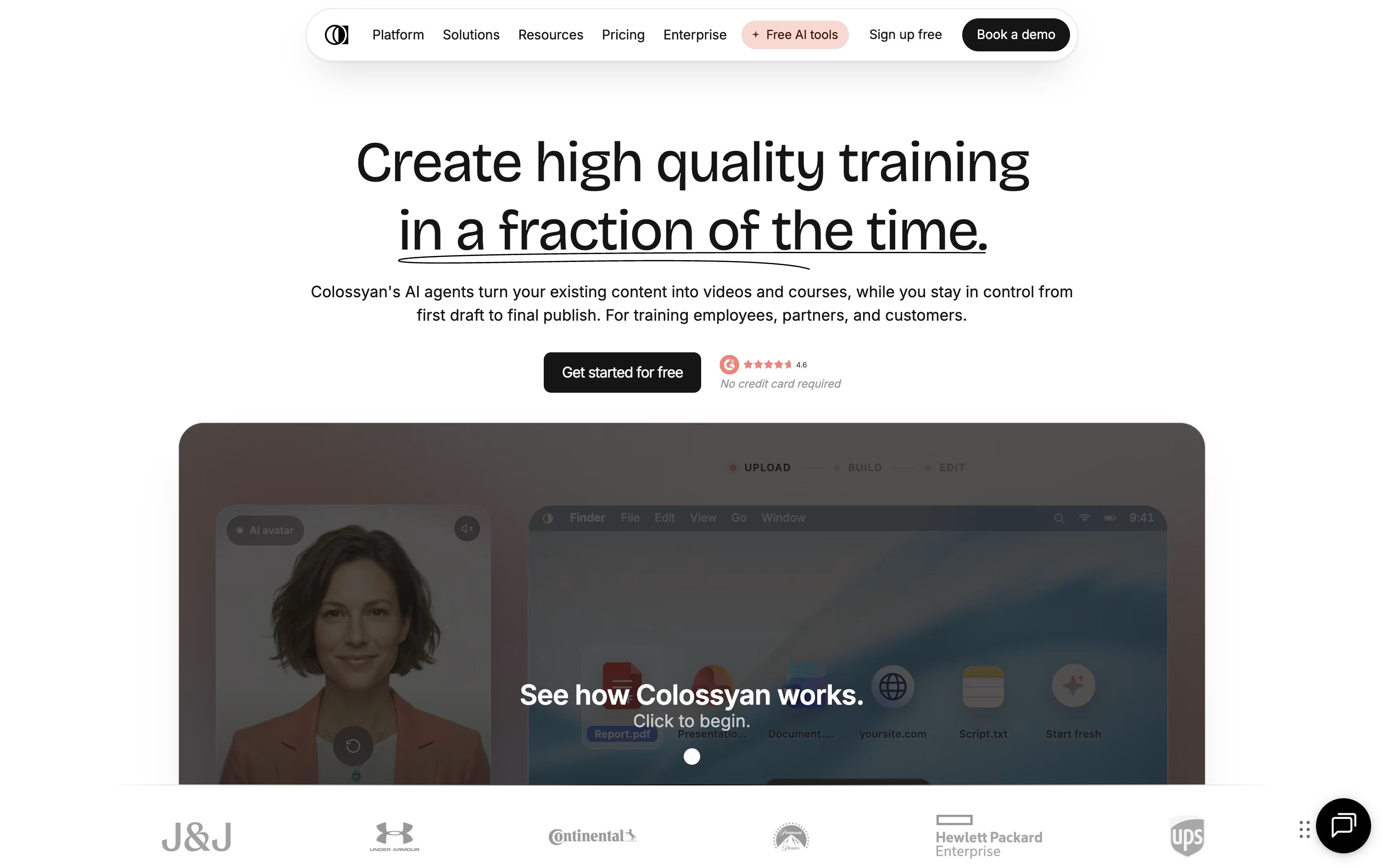
Turning a document or slide deck into a finished training video usually means hiring a producer or spending hours in editing software. Colossyan Creator skips that step by generating an avatar narrated video straight from your script, PDF, or PowerPoint file.
Once your content is in, you choose from hundreds of stock avatars and voices, or build a custom avatar from a short recording of yourself. The editor lays out scenes automatically, and you can drop in quizzes, branching scenarios, or clickable buttons so viewers actively engage instead of just watching.
A single video can also be auto translated into over 100 languages, with the lip sync and on screen text adjusted for each one, which saves a lot of manual localization work for global teams.
Pricing starts with a free Starter plan that includes 20 minutes of video a month and 15 custom avatars. Professional runs $89 a month, or $59 a month on the annual plan, a saving of about 34 percent, and unlocks more minutes, SCORM export, and watermark removal.
Enterprise teams get custom pricing with unlimited usage, 4K video, analytics, and dedicated account support.

Elai.io lets you turn text, a web article, or a PowerPoint file into a video with a realistic AI avatar speaking the content, without any filming.
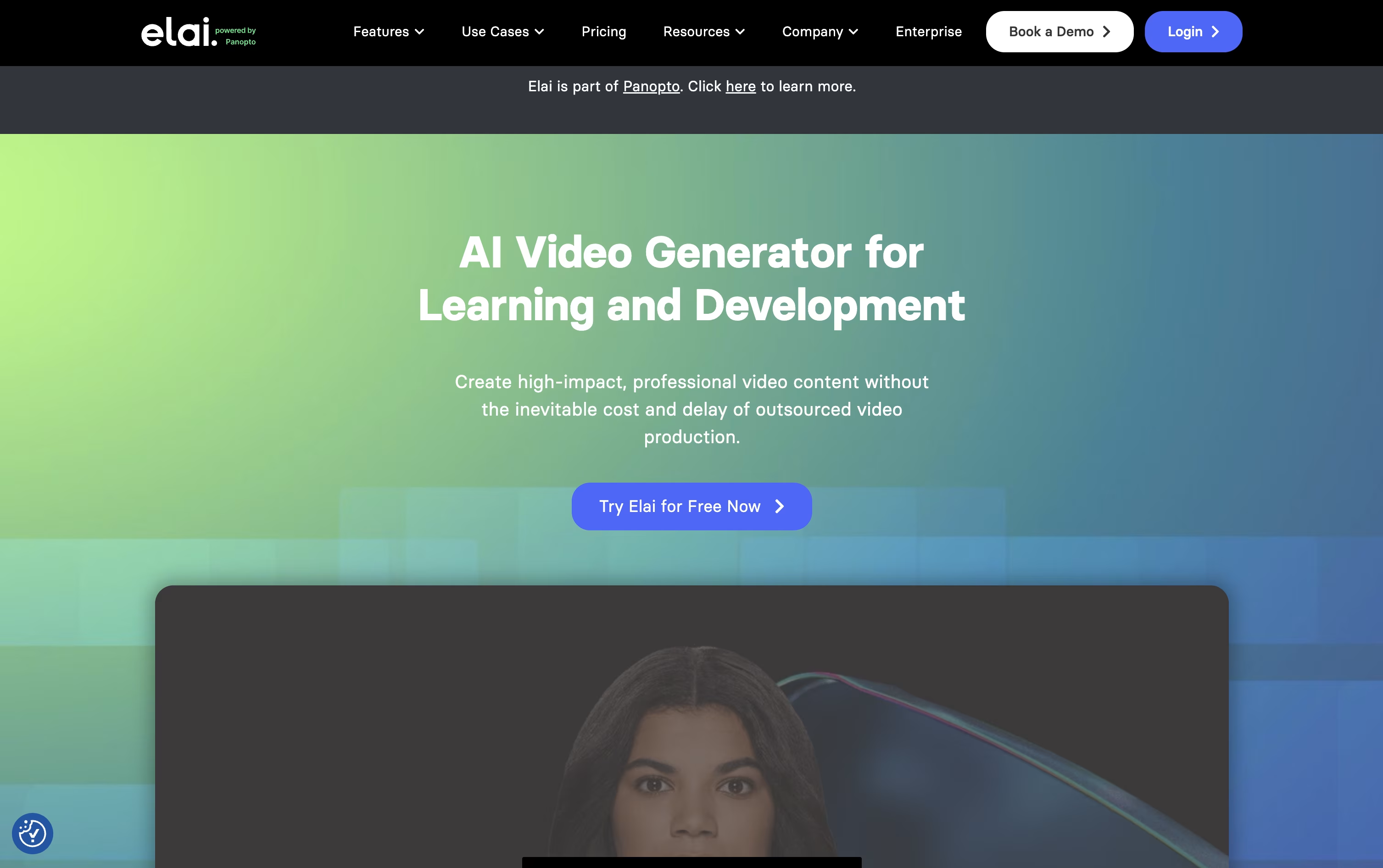
It leans heavily toward L&D and training use cases, with built in quizzes, branching paths, and SCORM export for learning platforms.
Anyone can start for free with 1 minute of video, 80+ avatars, and 75+ languages included from the start.
The Creator plan is $29 a month for 15 minutes, while Team is $125 a month for 50 minutes, 3 seats, and 4K video, and both drop 20% when billed yearly.
Enterprise pricing is custom and unlocks unlimited seats, SSO, and workspaces for bigger teams.
Being part of Panopto now also means Elai videos can be managed, shared, and tracked in one connected system.

Making a video with AI Studios starts with typing a script, pasting a link, uploading a document, or just describing an idea. The platform builds the rest, including a talking AI avatar, matching voice, scenes, and captions.
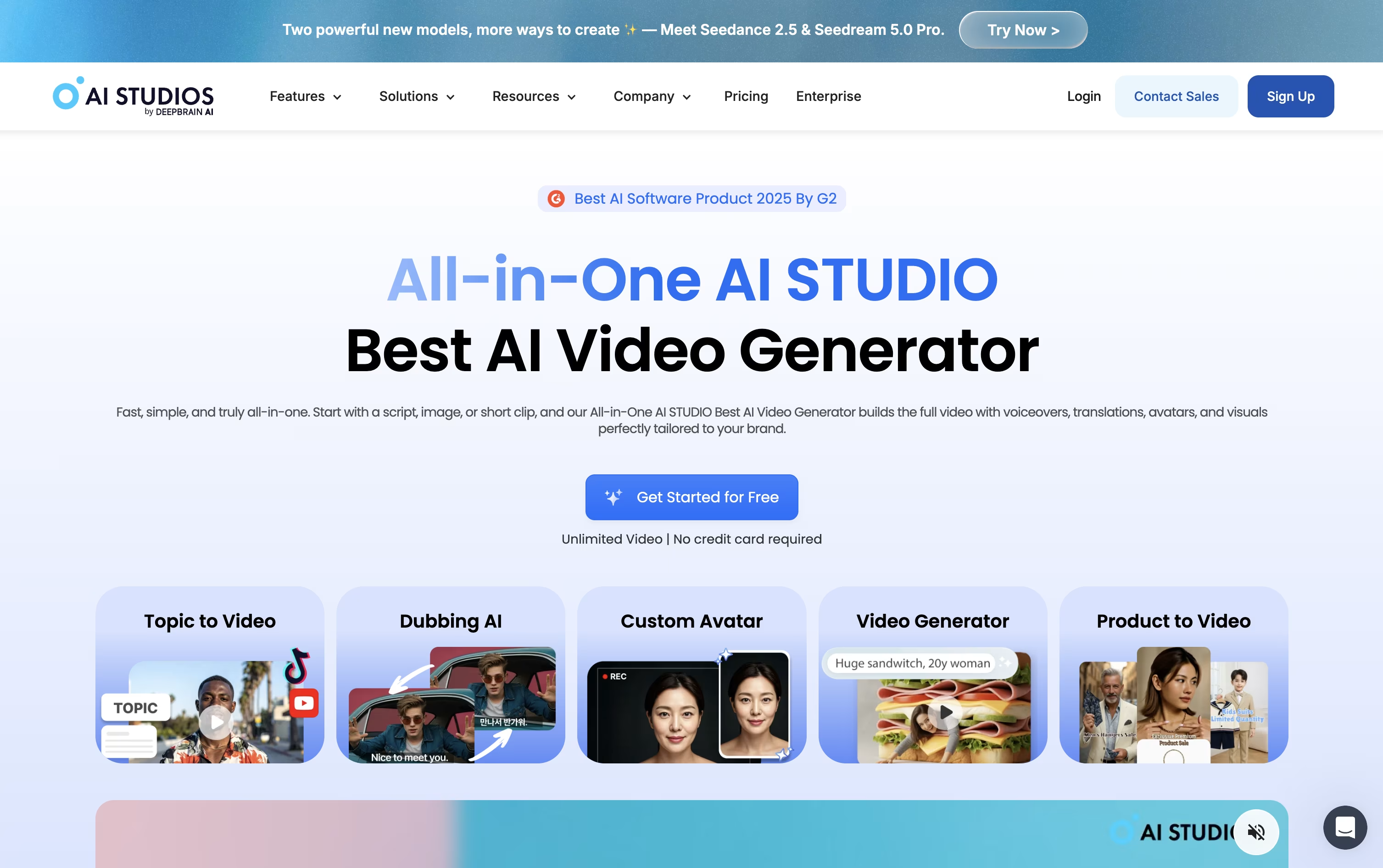
Avatars come from a library of over 2,000 options, or you can create your own from a short recording or a photo, complete with a cloned voice if you choose.
For existing videos, AI dubbing rewrites the spoken audio into another language while keeping the speaker's lips in sync, supporting more than 150 languages.
Pricing starts free, letting you try 3 short videos at 720p. Moving to Personal at $29 a month unlocks unlimited videos up to 30 minutes and 1080p export, with a lower $24 rate if billed yearly.
Teams pay $69 per seat monthly, or $55 annually, for 4K export, longer clips, and shared project spaces, while Enterprise moves to custom pricing with unlimited everything and priority support.
There's also a standalone Interactive Avatar plan for live, real-time avatar conversations, priced free to start and $99 a month for the Standard tier.





