

Best 5 Docs-as-Code Platforms Tools in 2026
Last Updated: November 8, 2025
Treating documentation like code, with version control and review workflows, keeps docs accurate and up to date. Docs-as-Code Platforms let teams write and manage documentation using the same tools and workflows they use for software development.
These platforms are popular with engineering teams and technical writers who want documentation to stay in sync with the codebase it describes. Bringing docs into the development workflow makes it far less likely they fall out of date.
 Mintlify
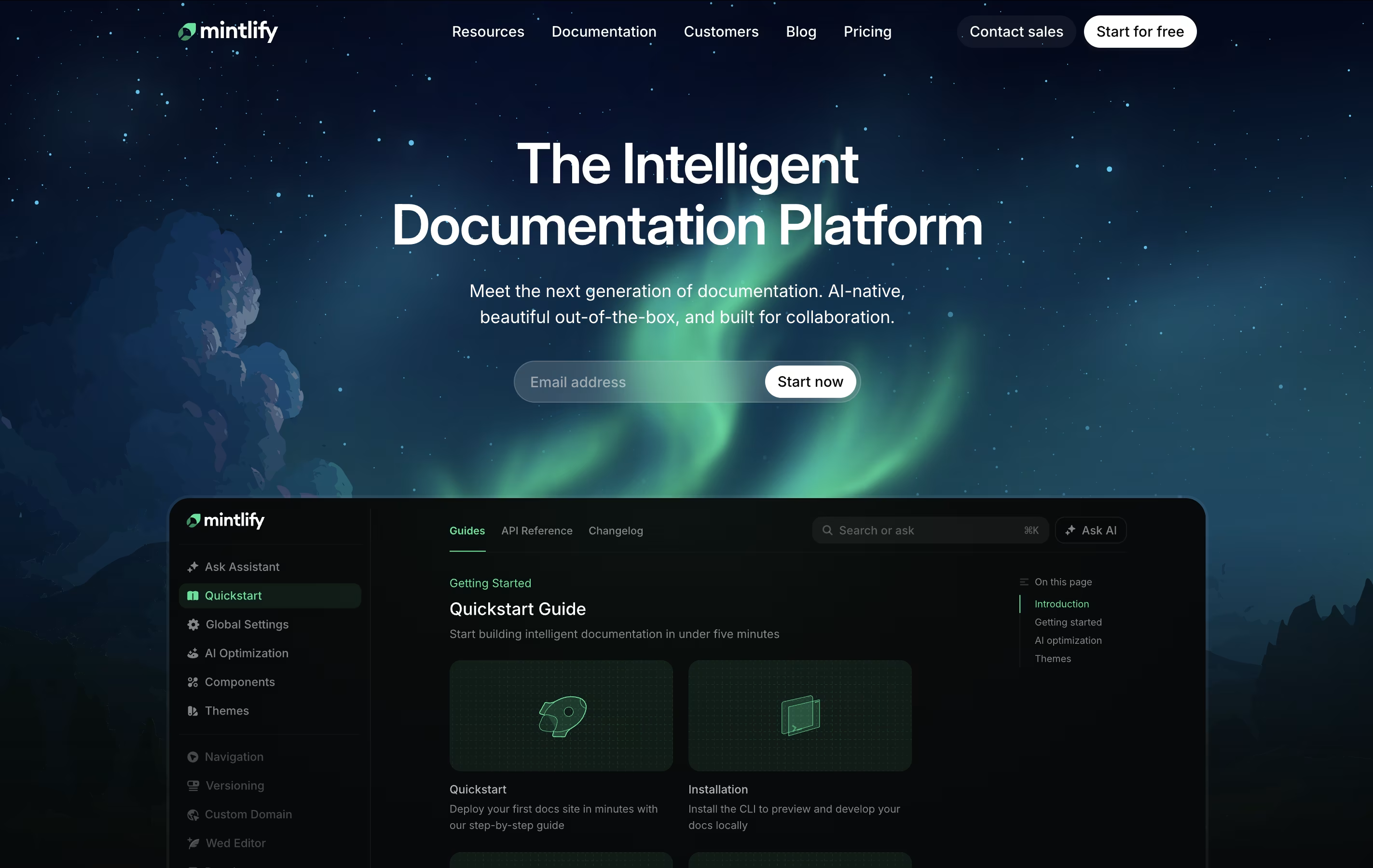 MintlifyAI-Powered Documentation Platform for Developers,
  GitBook
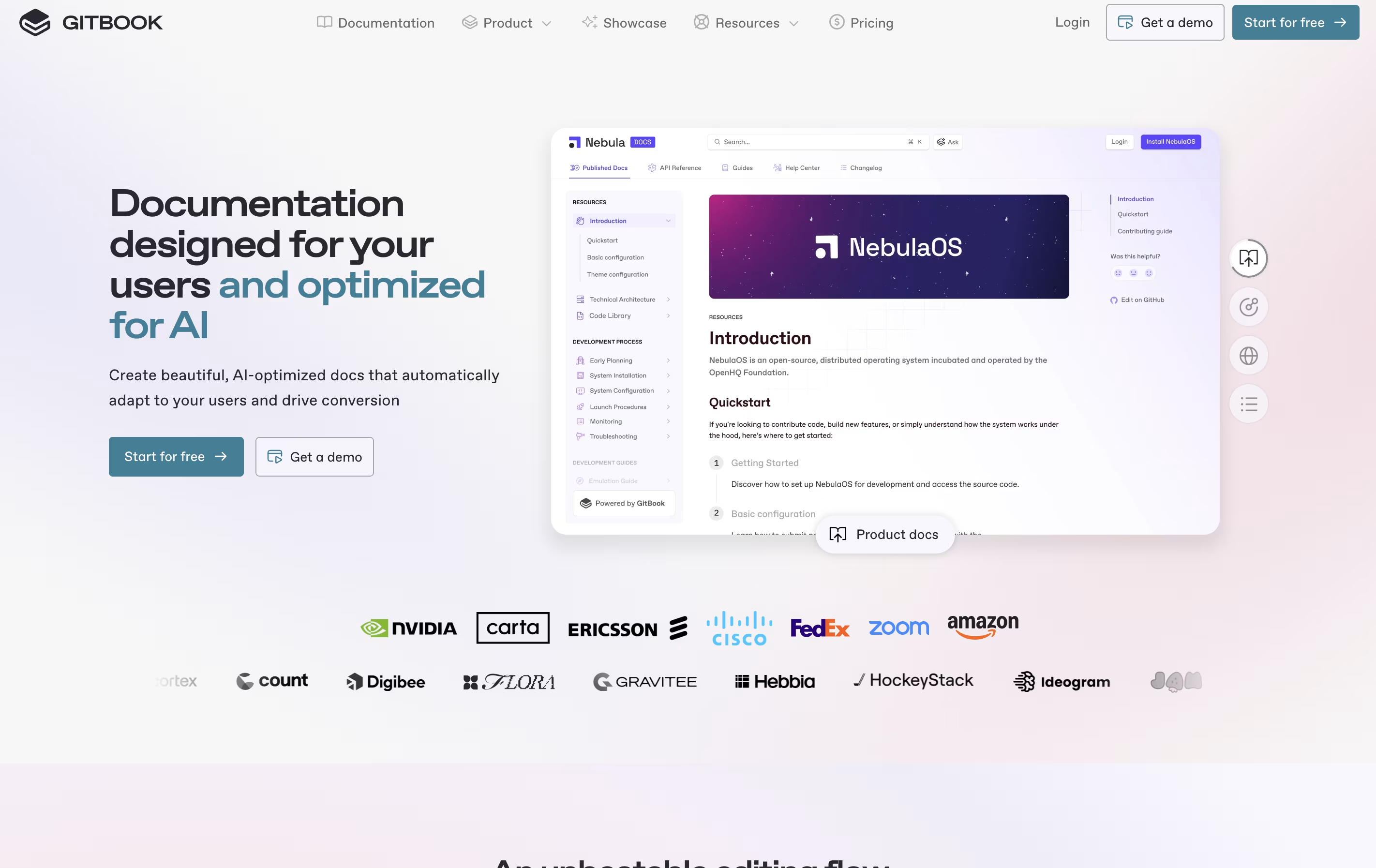 GitBookCreate Beautiful Documentation with AI-Powered Features, and
  Doctave
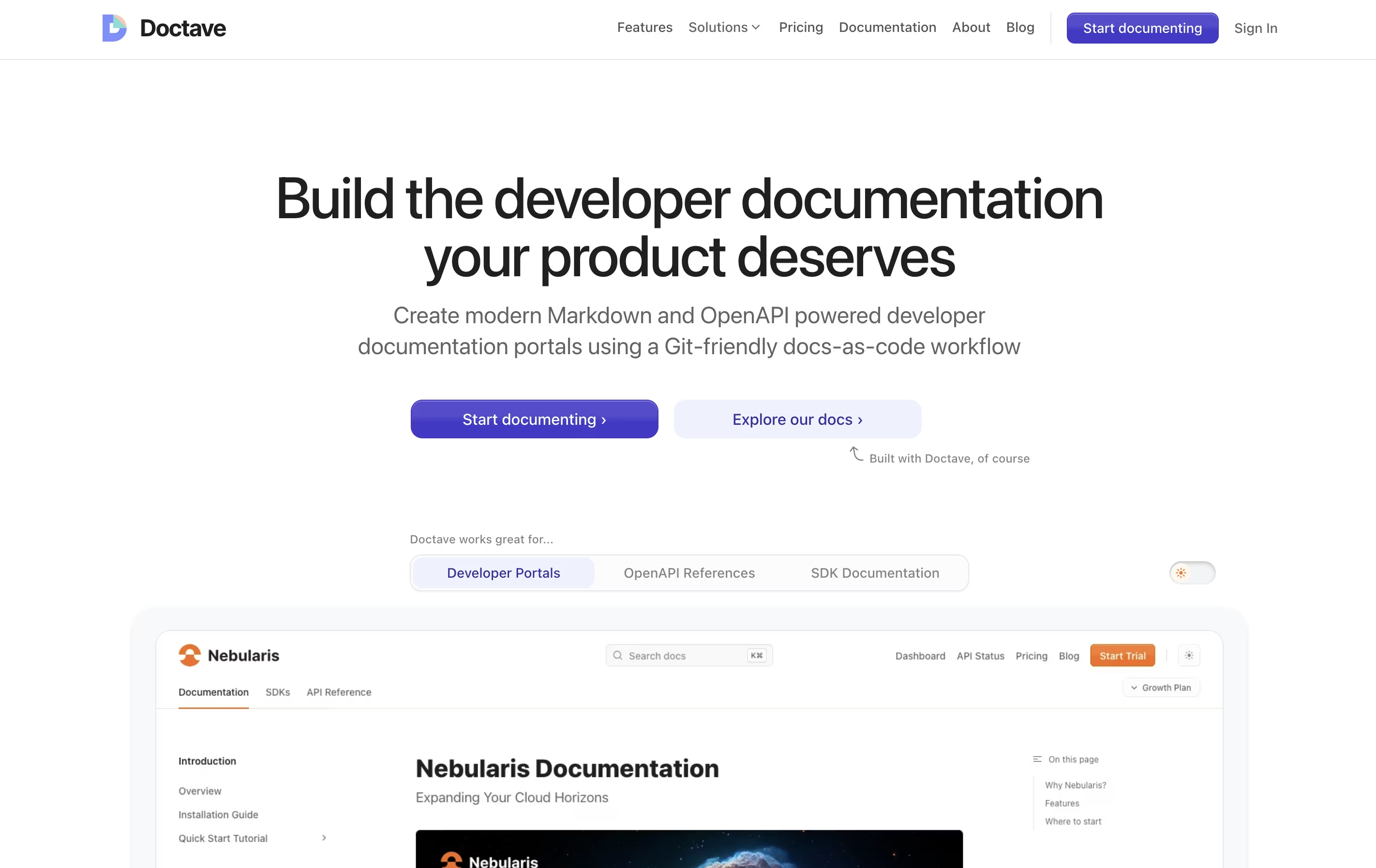 DoctaveGit-Based Documentation Platform are the best for Docs-as-Code Platforms. So, let’s take a closer look at all 5 tools.
Mintlify is a documentation platform that transforms markdown files into polished, interactive websites. It works by connecting to your code repository and automatically building documentation sites whenever you make changes. The platform includes an AI assistant that helps write content, suggests improvements, and answers user questions directly in the docs.
Unlike traditional documentation tools that require coding knowledge and complex setup, Mintlify provides ready-to-use components and templates. You get features like API playgrounds, search functionality, and mobile-responsive designs without extra work. The platform also includes analytics so you can see which pages users visit most and where they struggle. There is a free plan for individuals and paid plans for teams that need collaboration features and advanced AI capabilities.
GitBook is a cloud-based tool designed specifically for creating documentation. Think of it as a specialized writing platform where you can build everything from simple user guides to complex API documentation. The platform uses a block-based editor, similar to modern website builders, making it easy to add text, images, code examples, and other content without coding knowledge.
What sets GitBook apart is its two-way sync with GitHub and GitLab. This means developers can write documentation directly in their code editor, while content teams work in GitBook's visual interface. Everything stays synchronized automatically. The platform also includes AI features that help users find information quickly and assist in creating content. You can publish documentation publicly or keep it private with password protection.
Doctave is a documentation platform that combines the flexibility of writing in Markdown with the power of professional documentation hosting. You write your documentation in plain text files, store them in Git alongside your code, and Doctave takes care of turning them into beautiful, searchable documentation websites.
The platform supports both regular Markdown guides and OpenAPI specifications for API documentation. It automatically creates preview environments when you make changes, so your team can review updates before publishing. Everything stays in your Git repository, giving you full version control over your documentation.
Doctave Studio is the companion desktop application that provides real-time previews, auto-complete suggestions, broken link checking, and spell checking. Together, these tools help teams create documentation that stays current and accurate.

Bump is an API documentation tool that creates beautiful documentation from your OpenAPI or AsyncAPI files. Instead of writing documentation by hand, you provide your API specification file, and Bump generates a complete documentation website with all endpoints, parameters, and examples.
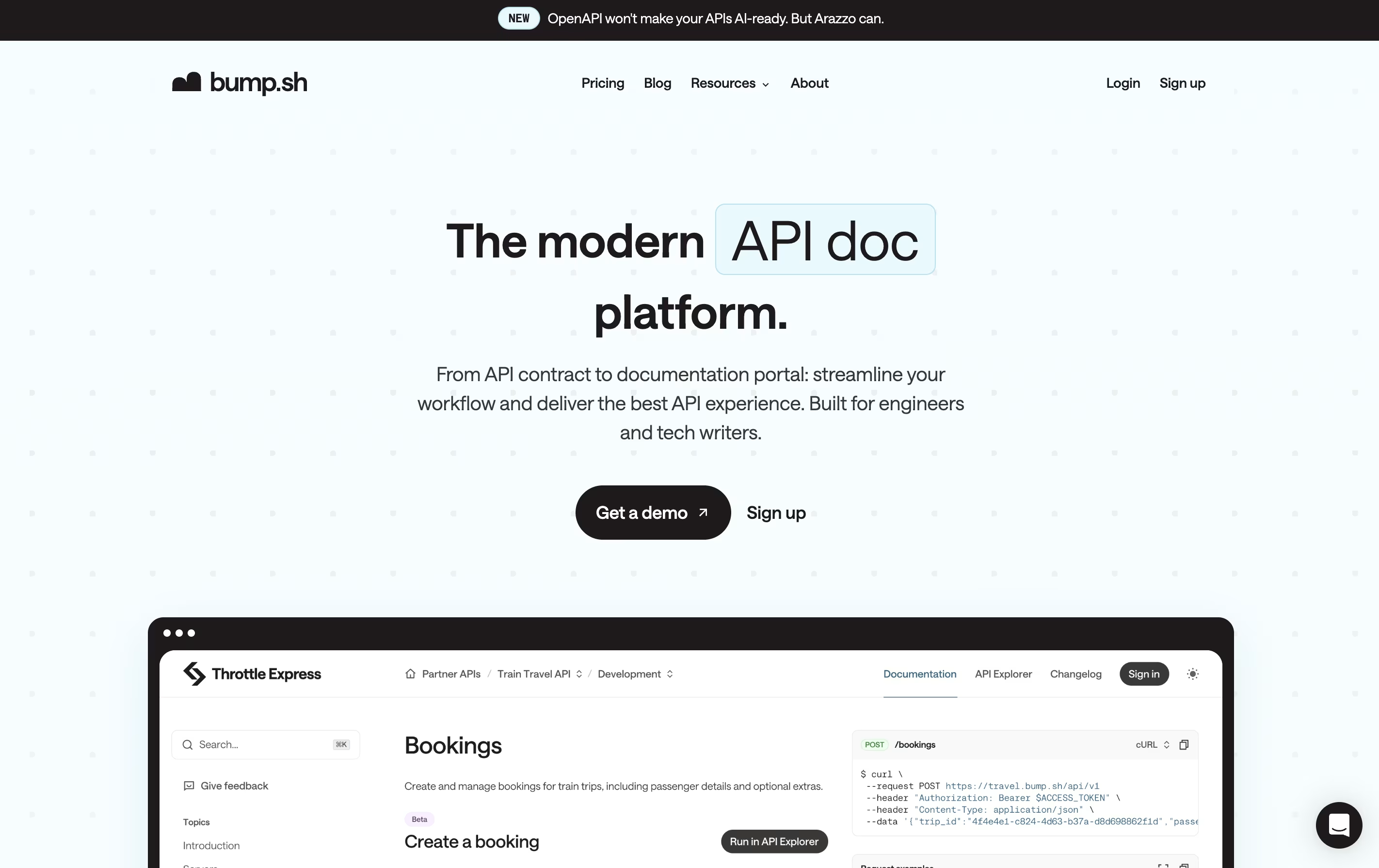
The platform works as a hub for all your API documentation. It can host multiple API docs in one place, making it easy for developers to find what they need. Bump tracks every change you make to your API and creates a detailed changelog automatically. This means your team and API users always know what changed and when.
It includes features like custom domains, access control, and team collaboration tools. You can make your documentation public or keep it private with password protection.
xyd is a documentation framework that lets you create professional documentation websites without wrestling with complex tools. It comes with six beautiful built-in themes you can use right away, or you can customize every part to match your brand. The framework automatically generates documentation from your OpenAPI, GraphQL, TypeScript, and React code specifications.
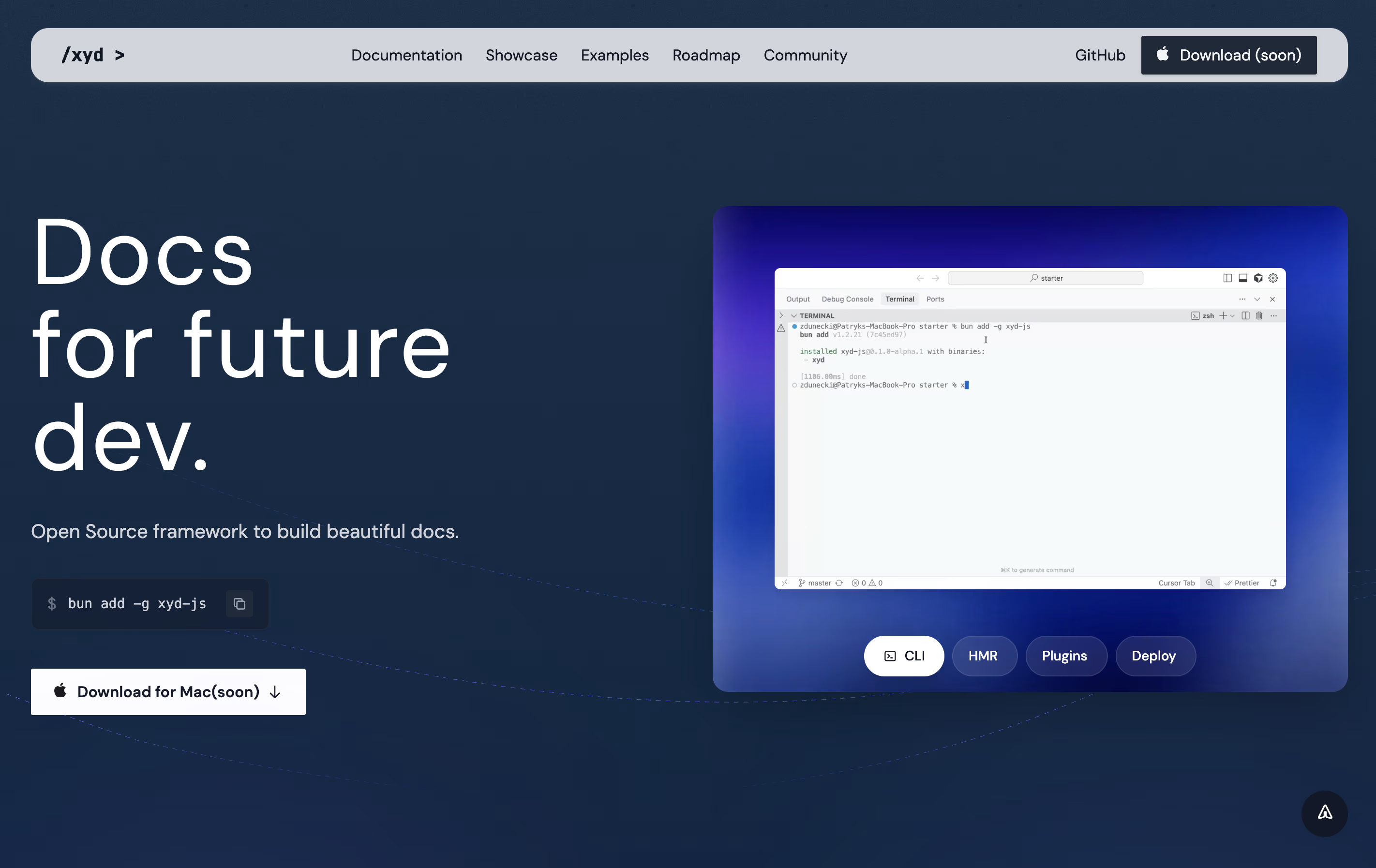
Unlike other documentation tools, xyd includes everything you need from the start. You get full-text search with smart suggestions, built-in analytics to track how people use your docs, live chat integration, and even A/B testing capabilities. The development server starts instantly with hot reload, so you see changes immediately. Built by developers for developers, xyd removes the boring parts of making documentation so you can focus on writing great content.





