

Best 4 Tools for Codebase Question Answering in 2026
Last Updated: August 19, 2026
New engineers and even long-tenured ones often lose time digging through files just to understand how a piece of logic actually works. Asking in plain language and getting an accurate answer grounded in the real source is the promise of codebase question answering, turning a sprawling repository into something you can simply talk to.
Because the answers are pulled directly from the code and its history, they stay accurate as the project evolves. This shortens onboarding, reduces interruptions to senior developers, and makes tribal knowledge something anyone on the team can retrieve on their own.
 Macroscope
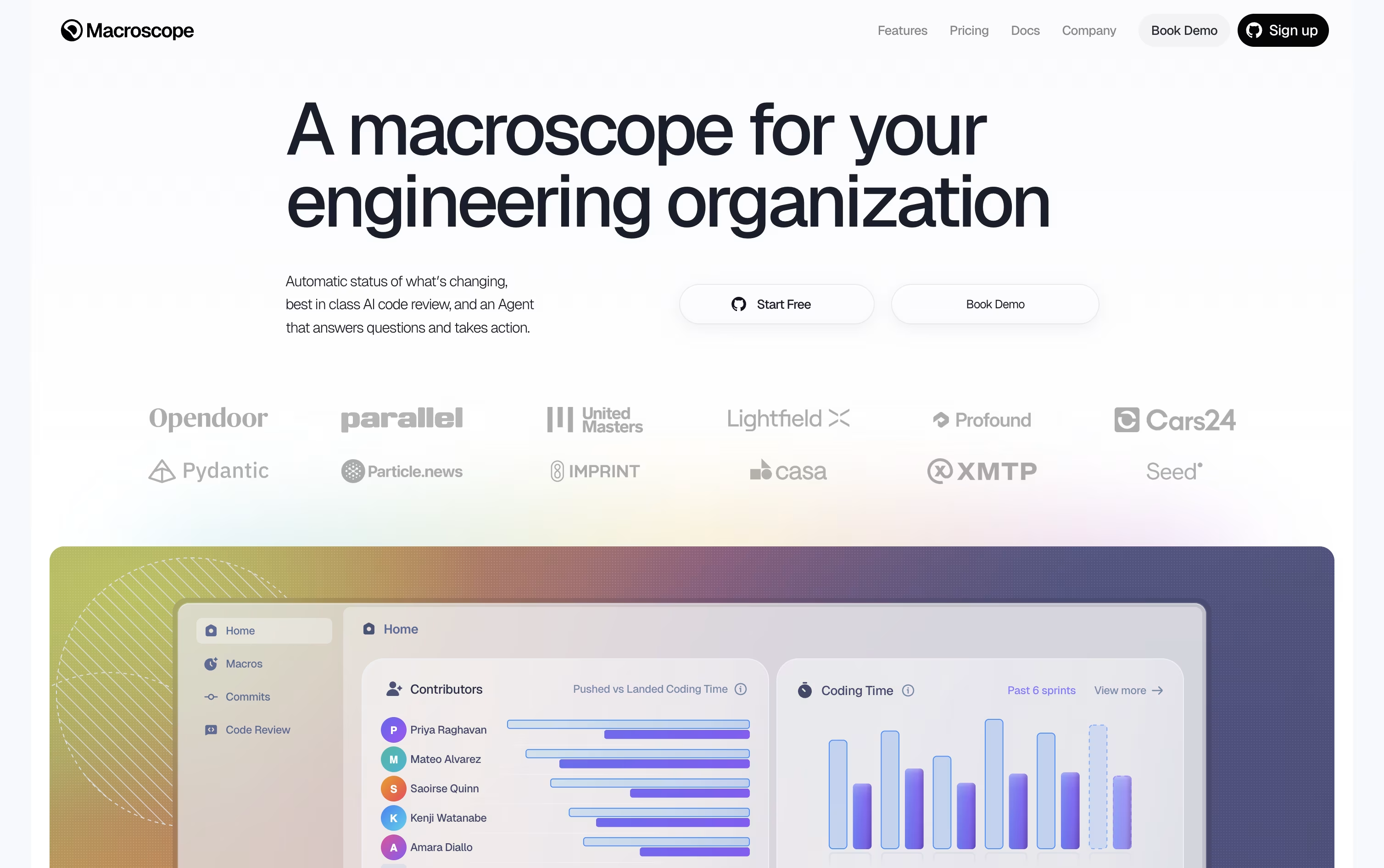 MacroscopeAI Engineering Understanding Engine,
  CodeRabbit
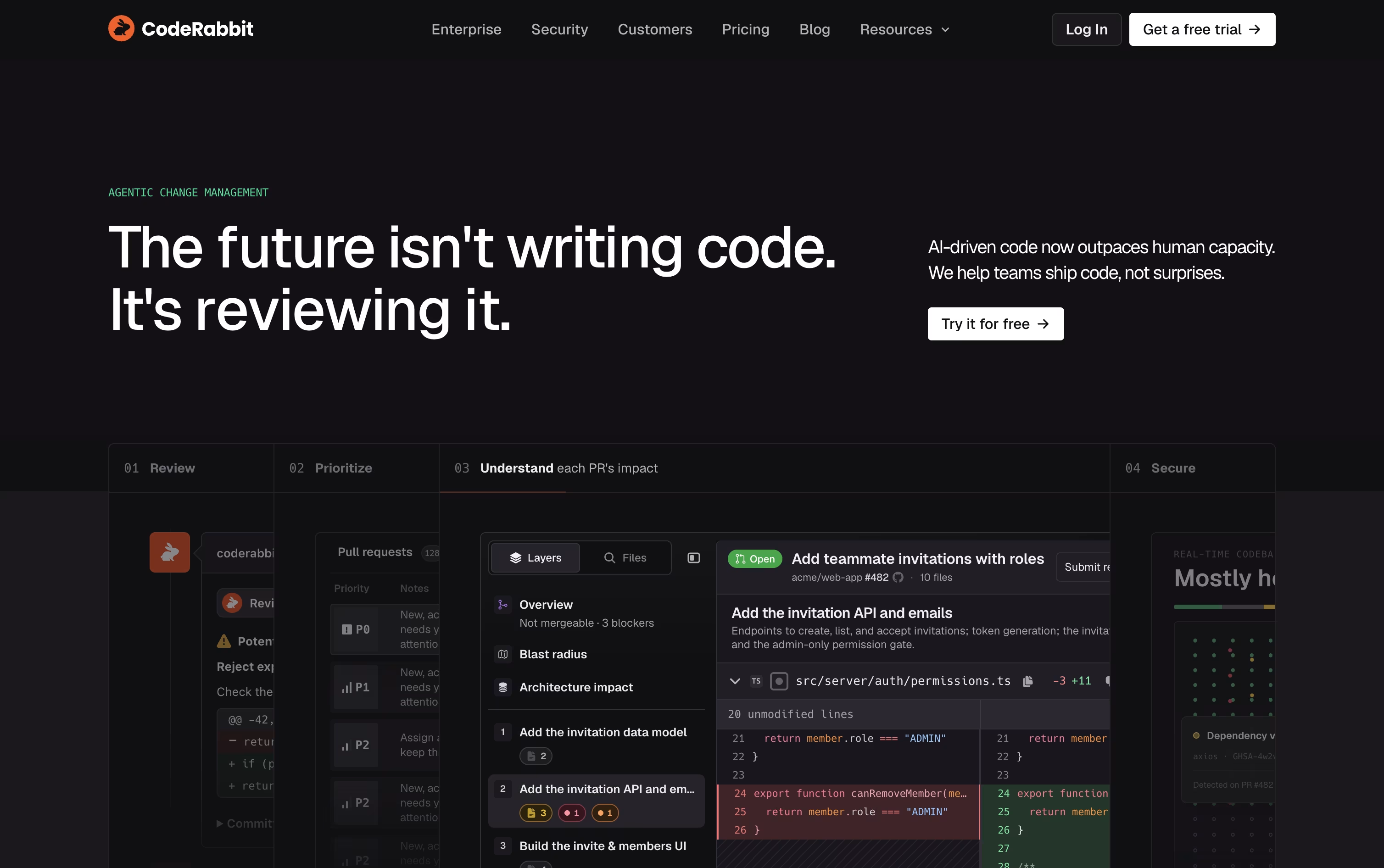 CodeRabbitAI-Powered Code Review for Teams, and
  Greptile
 GreptileAI Code Review for Every Pull Request are the best for Codebase Question Answering. So, let’s take a closer look at all 4 tools.

Think of Macroscope as an extra set of eyes on your GitHub repos. It checks every pull request for real bugs, not just style issues, and explains what actually changed in plain language.
It does this by building a graph of the codebase, tracing how functions and files connect, so its comments and summaries are based on the real structure of the code.
It also acts as an assistant you can ask questions to in Slack or GitHub, and it can create tickets, open pull requests, or apply small fixes on its own.
Costs scale with use. Reviews are priced by the size of the code checked, status updates by the number of commits, and the agent by credits spent answering or acting.
Every new account starts with $100 of free usage, and bigger teams can switch to a custom priced Enterprise plan with extra support and legal agreements.
Think of CodeRabbit as an AI reviewer that sits inside your pull request process. It reads new and updated code, then leaves clear comments, summaries, and diagrams instead of a wall of raw diffs.
It blends large language models with over 40 static analysis and security tools, along with context from your codebase and prior feedback, to flag bugs, security risks, and style problems before they slip through.
Support spans GitHub, GitLab, Bitbucket, and Azure DevOps, along with IDE extensions for VS Code, Cursor, and Windsurf, a CLI for local reviews, and Slack and Discord agents for team chat.
Open source projects can use it for free. Paid plans start with Pro at $30 per user a month, or $24 a month if billed yearly, covering PR and CLI reviews, one-click fixes, and learnings.
Pro Plus runs $60 per user a month, or $48 billed yearly, and unlocks multi-repo analysis, custom pre-merge checks, unit test generation, and post-merge automation.
Larger teams can move to Enterprise for custom pricing, which adds SSO, RBAC, audit logs, API access, and self-hosting, and both paid plans include a 14-day free trial.
Rather than reviewing just the diff, Greptile builds a full map of your codebase, connecting files, functions, and dependencies, so it understands the wider impact of every change.
Each pull request is checked by a group of AI agents looking for bugs, security problems, performance issues, and style mistakes. Comments arrive quickly, usually within about three minutes, along with suggested fixes.
Its TREX feature goes further by writing and running actual tests in an isolated sandbox, which helps catch runtime bugs that a static review alone might miss.
On pricing, the Starter plan is free and gives individual developers 50 credits a month across unlimited repositories. The Pro plan is $30 per seat per month with a 14 day free trial, unlimited users, and custom review rules.
Enterprise pricing is custom and unlocks self hosting, SSO and SAML, and dedicated support, while qualifying open source projects and early stage startups can get free access or a 50% discount.

Most code review tools only look at what changed in a pull request. CodeAnt AI instead reads your whole codebase, your infrastructure files, and even your commit history, so its AI agents can trace real attack paths instead of guessing.
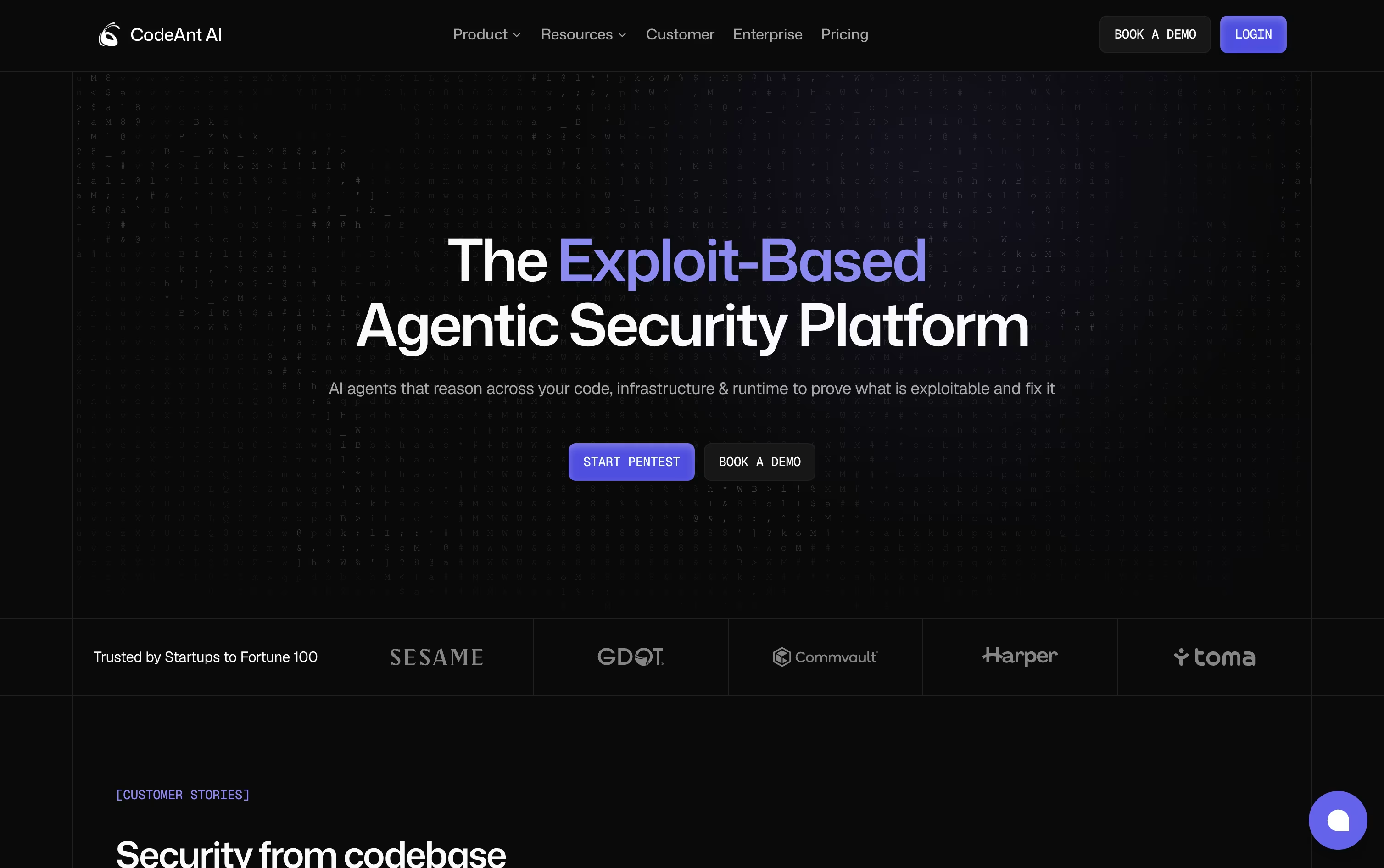
Every pull request gets an automatic review with plain language explanations, severity ranking, and fixes you can apply with a single click.
On the offensive side, CodeAnt AI runs autonomous pentests, chaining together exploits across 500 plus attack types to show what is genuinely exploitable, not just theoretically risky.
It also handles secret scanning, dependency checks, cloud misconfiguration detection, and dev metrics for tracking team output over time.
AI Code Review begins with a free 14 day trial, then runs $30 per user a month, or $24 on yearly billing. Code Security and Code Quality both start at $250 a month for 10 users, falling to $200 yearly, and Dev Metrics runs $25 per user monthly or $20 yearly.
AI Pentesting offers one free scan with low and medium findings always free, and an Enterprise tier with custom pricing is available across every product.





