

Best 5 Tools for Sales Presentation Creation in 2026
Last Updated: August 28, 2026
A pitch deck needs to build a case for the product while holding a prospect's attention the entire time. Sales Presentation Creation tools help design and structure decks specifically built for a sales conversation.
Sales teams use sales presentation tools to make a stronger case during pitches and demos.
 Synthesia
 SynthesiaAI Avatar Video Creation Platform,
  HeyGen
 HeyGenCreate Realistic AI Avatar Videos Fast, and
  Pitch Avatar
 Pitch AvatarAI-Powered Avatar Presentations are the best for Sales Presentation Creation. So, let’s take a closer look at all 5 tools.

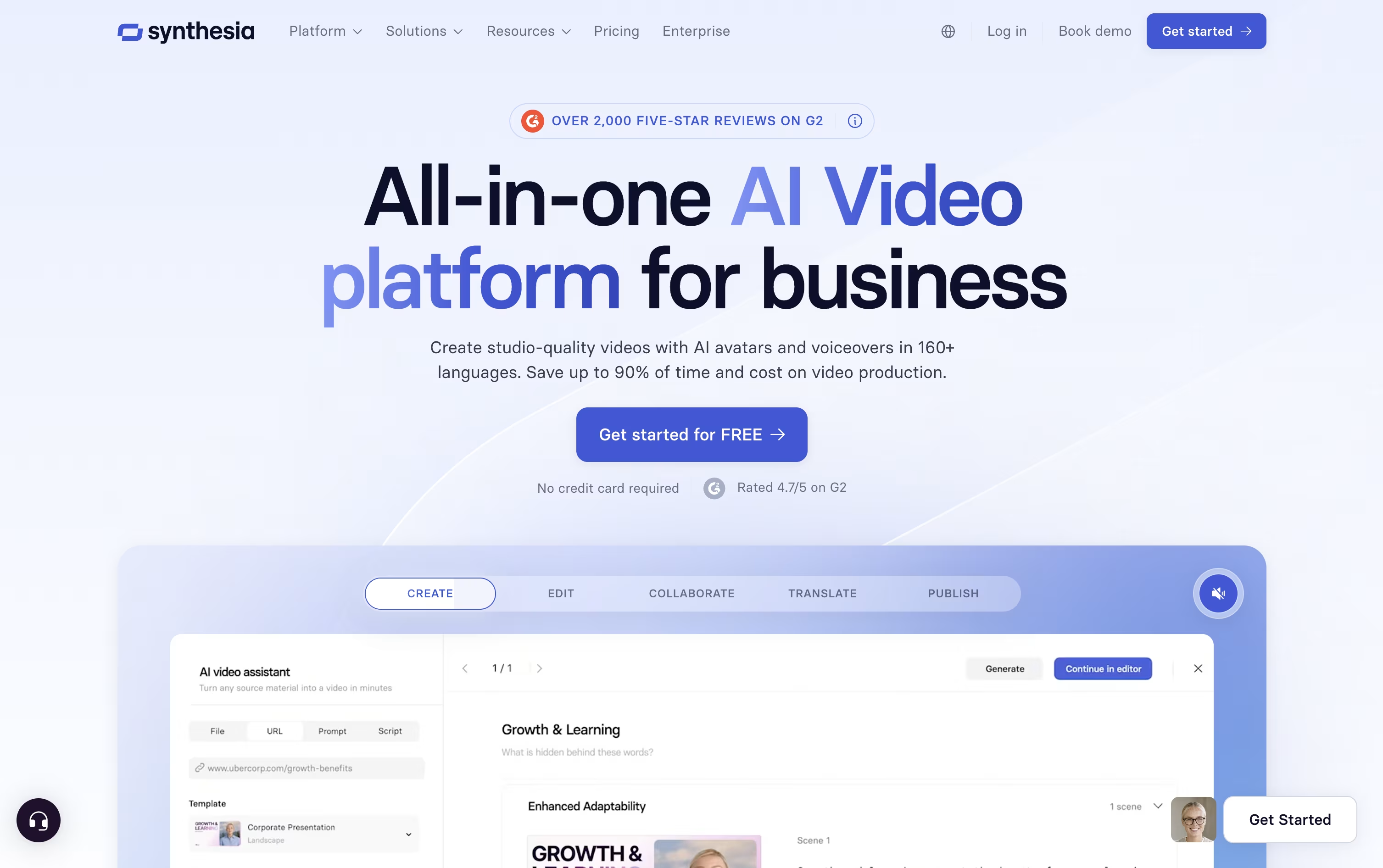
Instead of hiring actors or booking a studio, Synthesia turns written text into a video with an AI avatar reading it aloud.
The avatar library has grown past 240 options, and you can also create a personal avatar plus a cloned voice so the video sounds and looks like you.
Getting started costs nothing on the Basic plan, which includes 10 minutes of video each month and 9 avatars.
Moving up, Starter is $18 a month on the yearly plan and adds downloads plus dubbing, while Creator at $64 a month brings API access, interactive elements, and branded pages, and is the most popular tier.
Enterprise drops the limits entirely with custom pricing, unlimited minutes, unlimited personal avatars, SSO, and hands-on onboarding support.
Since updates just mean changing the script rather than filming again, it fits well for training material and internal videos that change often.
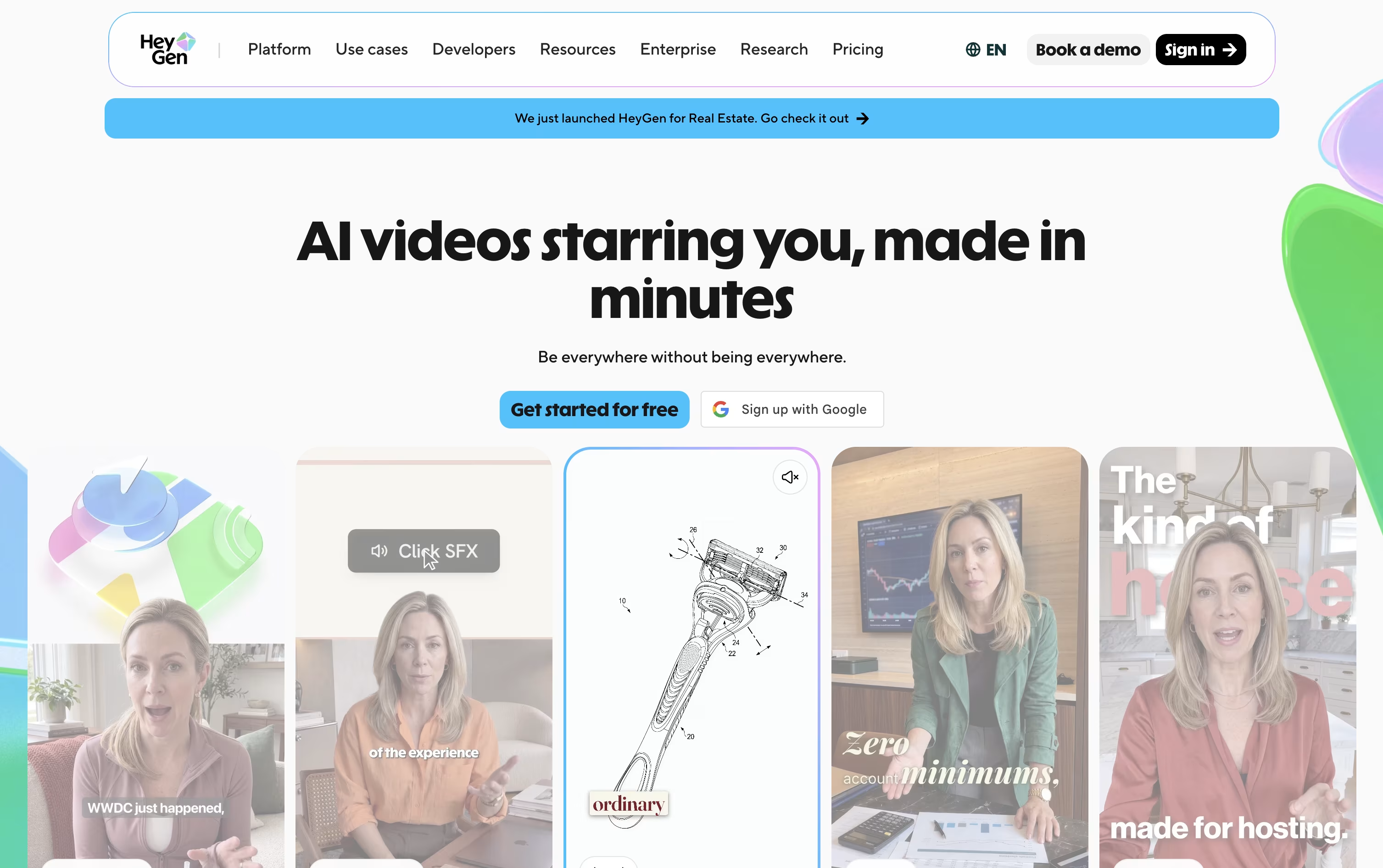
Instead of hiring actors and booking a studio, HeyGen builds your video from a script, a photo, a document, or a simple text prompt using AI avatars.
You can create a digital twin from a short recording of yourself, turn a single photo into a talking presenter, or choose from hundreds of stock avatars, all with realistic lip-sync and body movement.
Getting started costs nothing: the free plan allows 3 short videos a month without asking for a card.
Once you need more, Creator at $29 a month adds 30-minute videos, 1080p exports, voice cloning, and over 175 languages.
Pro, from $49 a month, adds 4K export and more advanced models, and Business at $149 a month brings in team workspaces, single sign-on, and app integrations.
Larger organizations can move to Enterprise, which is priced individually with dedicated support.
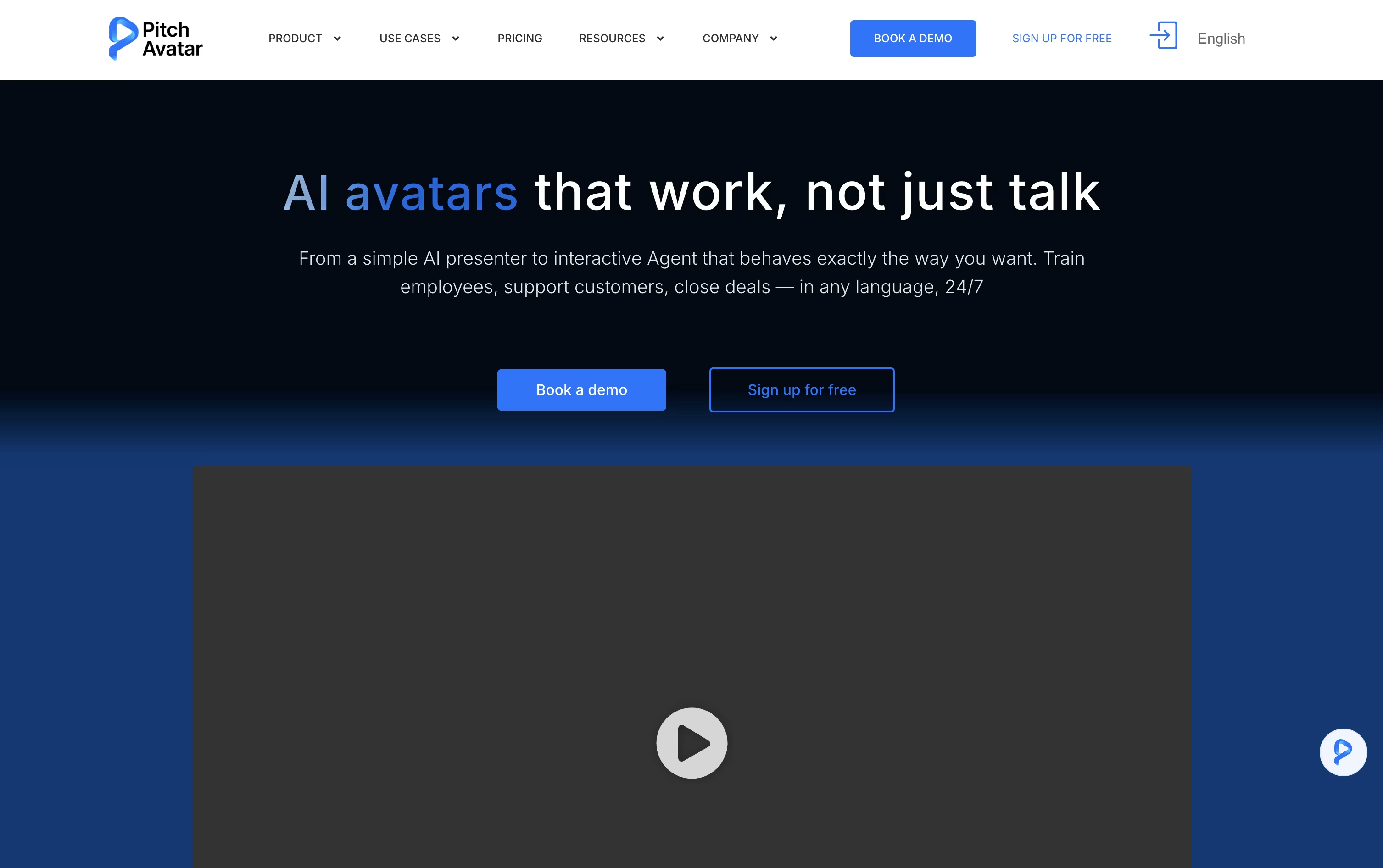
Rather than recording yourself on camera, Pitch Avatar lets you upload a deck, PDF, video, or screen recording and have a digital avatar present it for you, speaking in your cloned voice if you choose.
Its AI Chat-avatars go further, acting as interactive agents that answer viewer questions, qualify leads, schedule meetings, and handle support or training conversations at any time, in whatever language the viewer prefers.
Videos and presentations can also be dubbed and translated into over 76 languages, so one piece of content can reach viewers everywhere without redoing the recording.
Pricing starts with the Professional plan at $29 a month, giving 1 user, 10 presentations, 20 videos, and 5 Chat-avatars. Moving up to Business at $79 a month unlocks 5 users, 100 presentations, and 20 Chat-avatars.
Larger teams can choose Enterprise for custom limits, unlimited video length up to 60 minutes, and unlimited downloads, while extra Avatar minutes are available separately from $12 to $109.
Every paid plan comes with a 7-day free trial and a 14-day refund window, so testing the platform carries little risk.

Turning a document or slide deck into a finished training video usually means hiring a producer or spending hours in editing software. Colossyan Creator skips that step by generating an avatar narrated video straight from your script, PDF, or PowerPoint file.
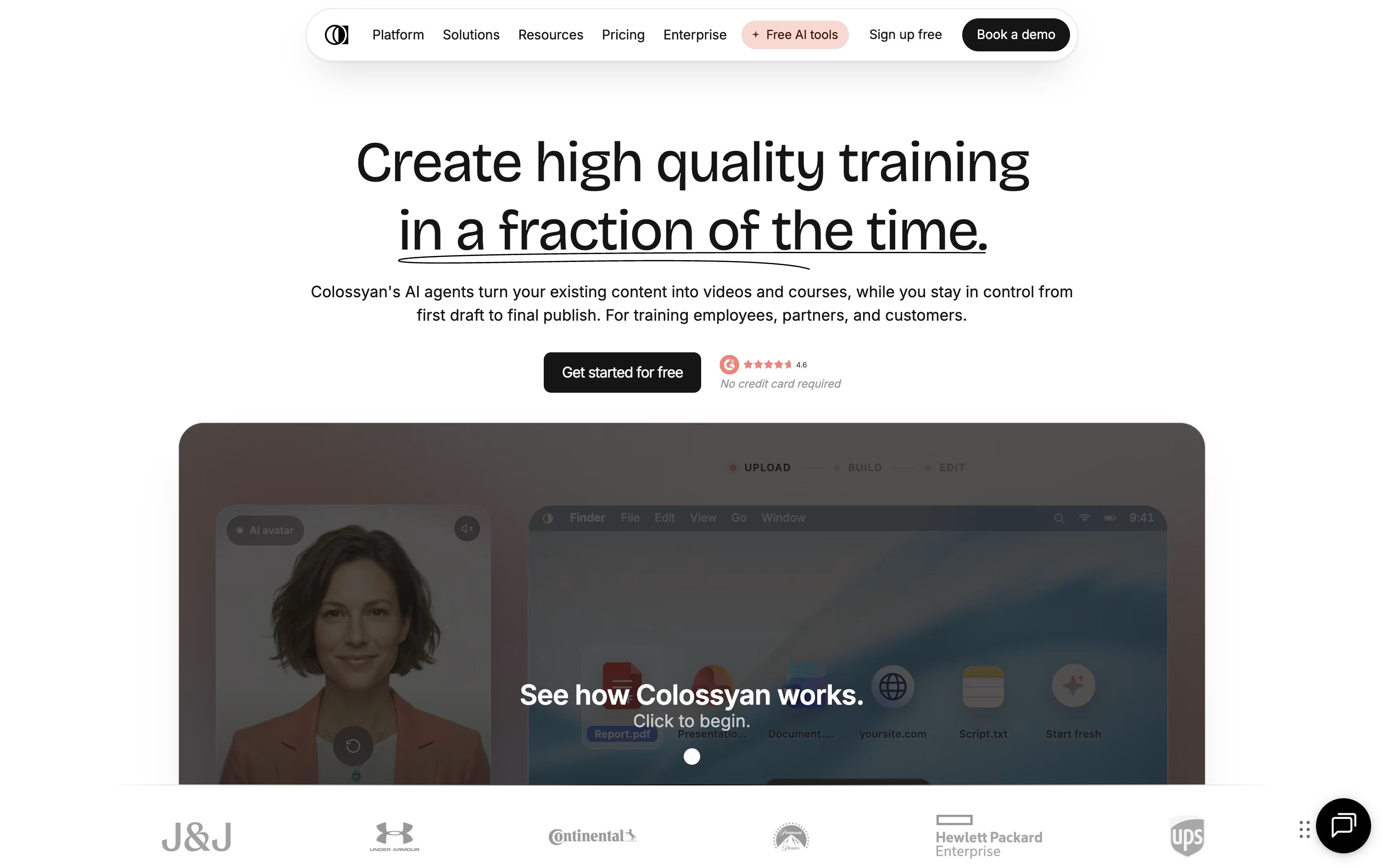
Once your content is in, you choose from hundreds of stock avatars and voices, or build a custom avatar from a short recording of yourself. The editor lays out scenes automatically, and you can drop in quizzes, branching scenarios, or clickable buttons so viewers actively engage instead of just watching.
A single video can also be auto translated into over 100 languages, with the lip sync and on screen text adjusted for each one, which saves a lot of manual localization work for global teams.
Pricing starts with a free Starter plan that includes 20 minutes of video a month and 15 custom avatars. Professional runs $89 a month, or $59 a month on the annual plan, a saving of about 34 percent, and unlocks more minutes, SCORM export, and watermark removal.
Enterprise teams get custom pricing with unlimited usage, 4K video, analytics, and dedicated account support.

Sendspark is a video communication platform that combines screen recording with artificial intelligence to help businesses send personalized video messages at scale. You can record yourself, your screen, or both together, then use AI to automatically add personal touches like each viewer's name spoken naturally in your voice.
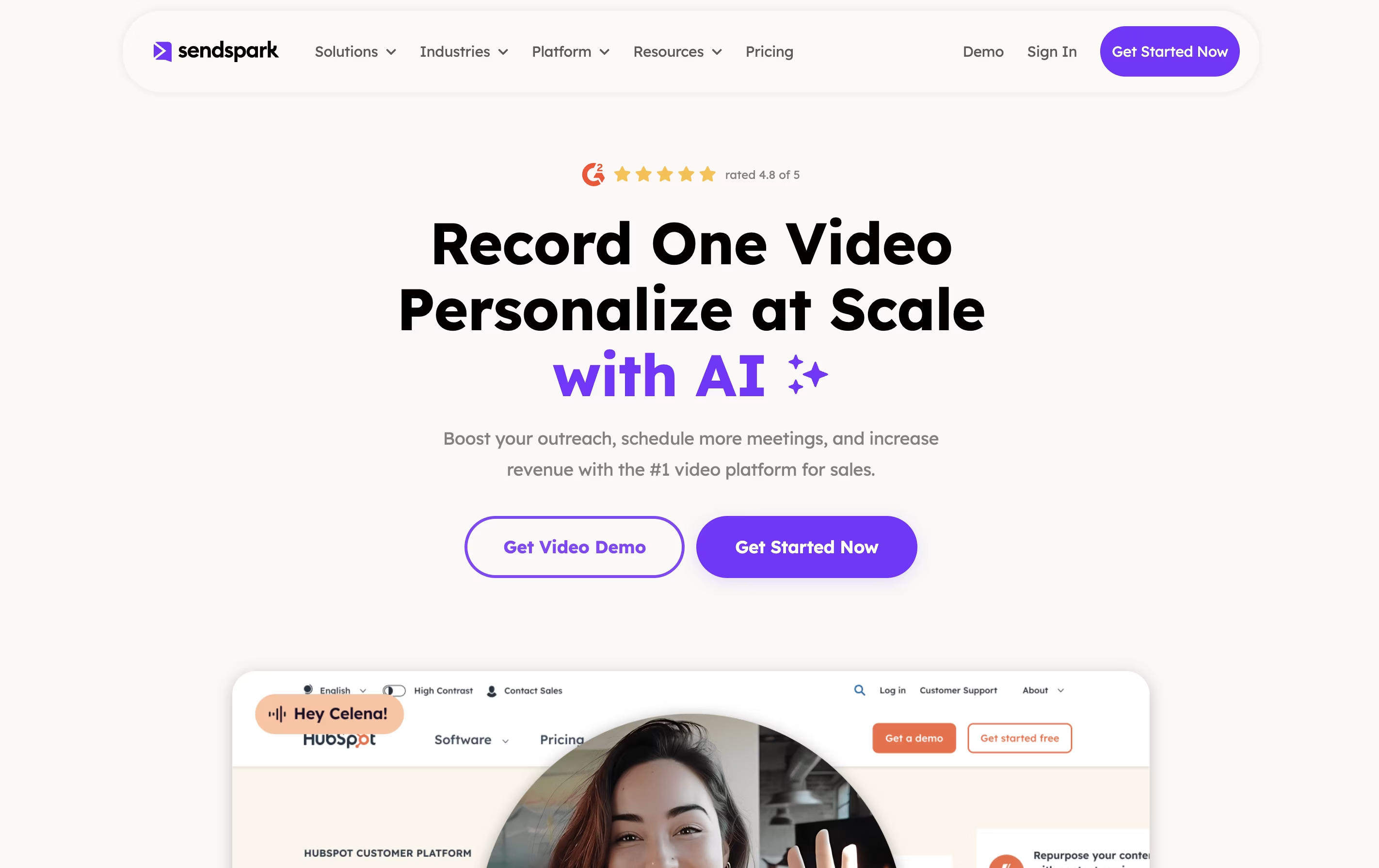
The platform's standout feature is dynamic backgrounds, which lets you overlay your video on top of a prospect's website or LinkedIn profile. This creates a highly personalized viewing experience that grabs attention and builds trust. Sendspark works through a web app, Chrome extension, and desktop application, making it easy to record and share videos anywhere.
The tool integrates with over 50 platforms including HubSpot, Salesforce, Outreach, and LinkedIn, fitting seamlessly into your existing sales and marketing workflow.





