

Best 5 Tools for Layout Design in 2026
Last Updated: August 15, 2026
How elements are arranged on a page has a big impact on whether content feels easy to read or cluttered. Layout Design tools help structure text, images, and other elements into a clean, organized composition for print or digital use.
Designers, publishers, and marketing teams use layout tools to keep every page or document visually consistent and easy to navigate.
 Beautiful.ai
 Beautiful.aiAI-Powered Presentation Software,
  Enhancv
 EnhancvCreate Professional Resumes, and
  Relume
 RelumeAI Website Builder & Component Library are the best for Layout Design. So, let’s take a closer look at all 5 tools.
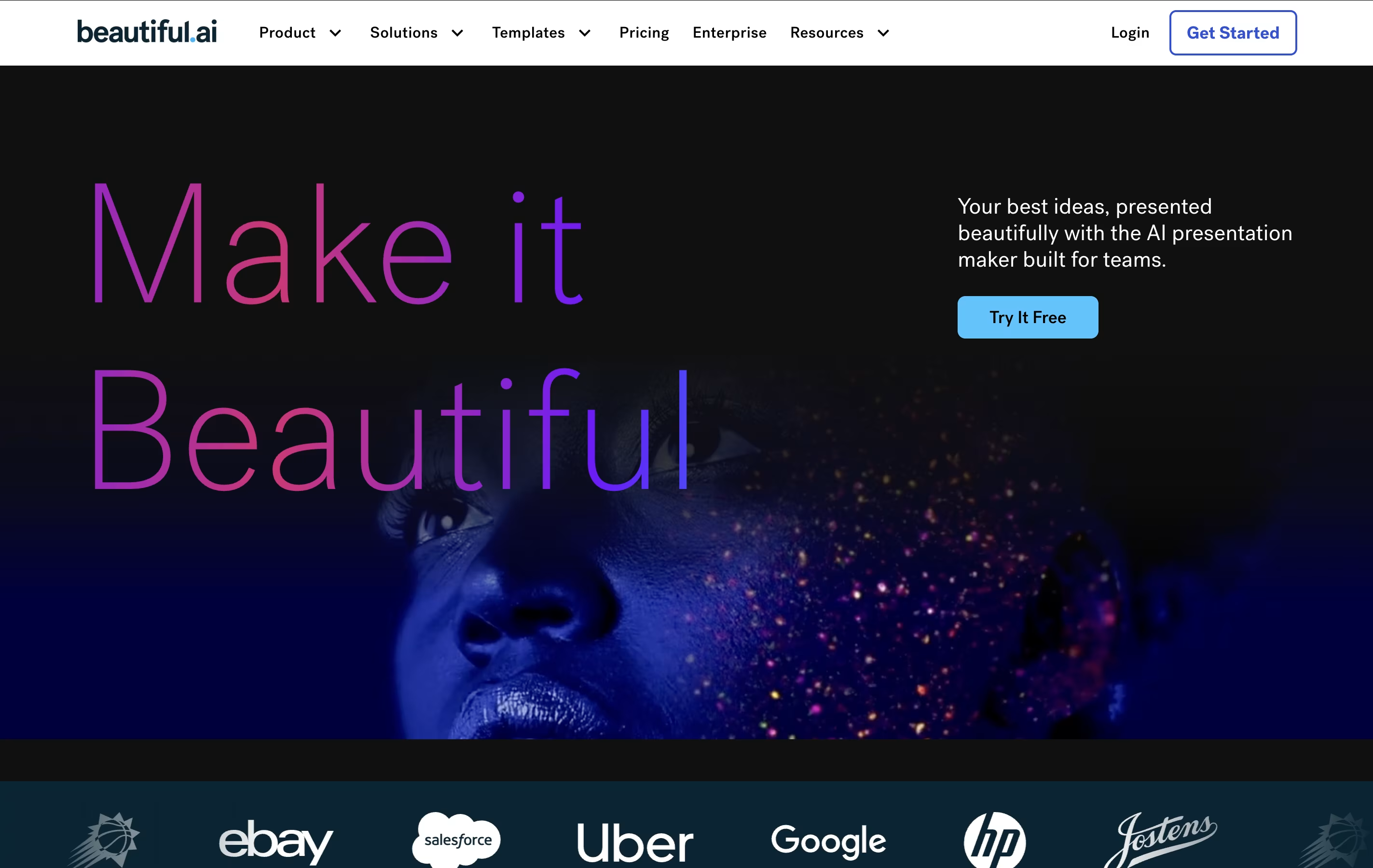
Beautiful.ai is an AI-powered presentation software designed to eliminate the frustration of manual slide formatting and design. Think of it as having a professional designer built directly into your presentation tool. The platform uses Smart Slides technology that automatically adjusts layouts, spacing, and visual elements as you add content.
The main difference from regular presentation tools is simple: instead of manually arranging elements, the AI handles all design decisions for you. Each template follows proven design principles and adapts instantly when you change text, add images, or insert charts. Founded by presentation software veterans, Beautiful.ai solves the biggest problem with traditional tools - the time wasted on formatting instead of focusing on your message.
The platform includes AI content generation, professional templates, team collaboration features, and seamless PowerPoint integration, making it perfect for business professionals who need polished presentations quickly.
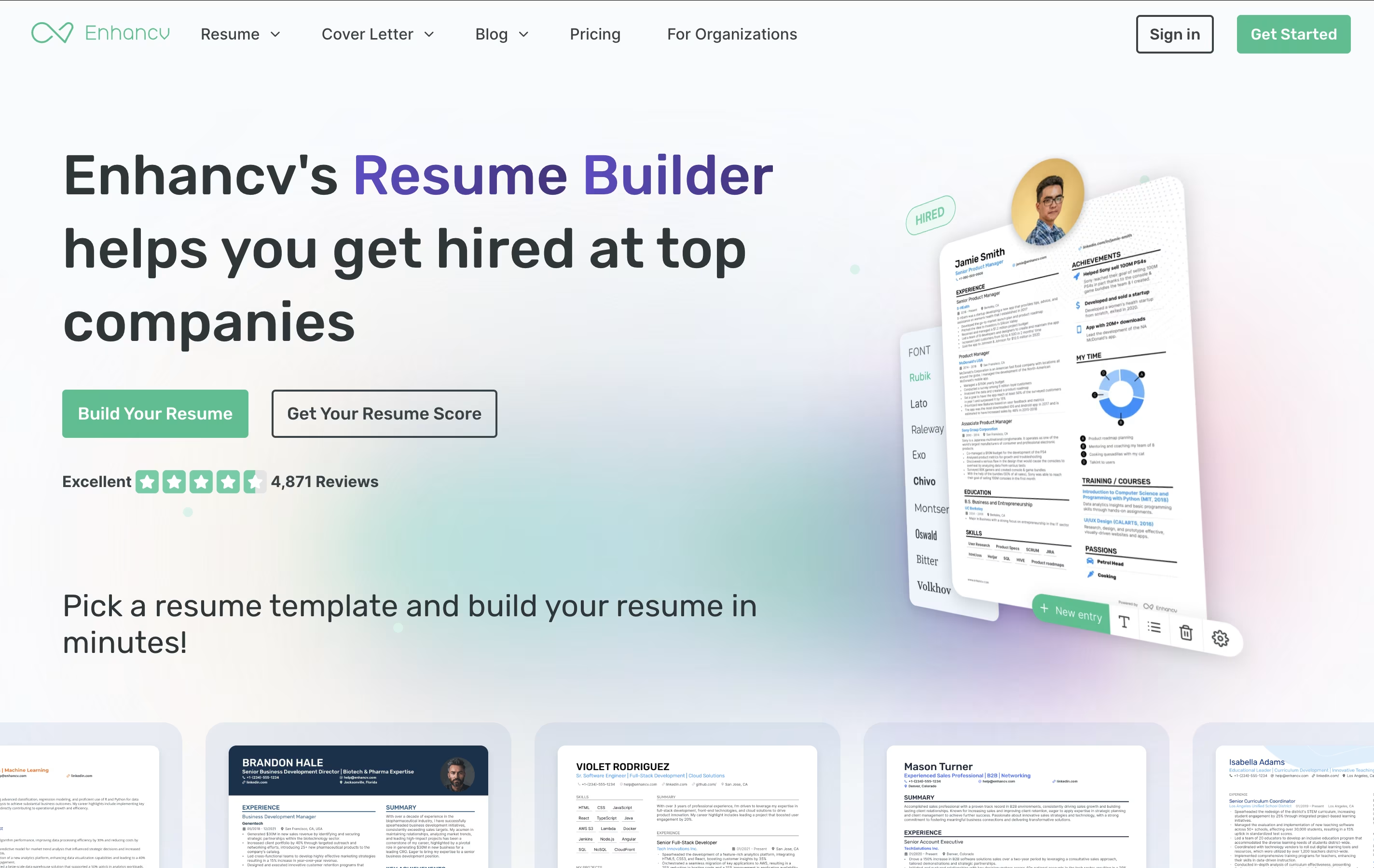
Enhancv is an AI-powered resume building platform that transforms the way people create job applications. Instead of starting with blank pages, you can upload your existing resume or import your LinkedIn profile, and the AI will help optimize your content for better results.
The platform features over 20 professional templates that are both visually appealing and ATS-compatible. Its smart editor provides real-time feedback on your writing, suggests stronger keywords, and helps you tailor your resume for specific job applications. You can also create matching cover letters and track your job applications all in one place.
The tool works entirely online, so you can access and edit your resumes from anywhere. It's perfect for job seekers who want professional results without design skills.
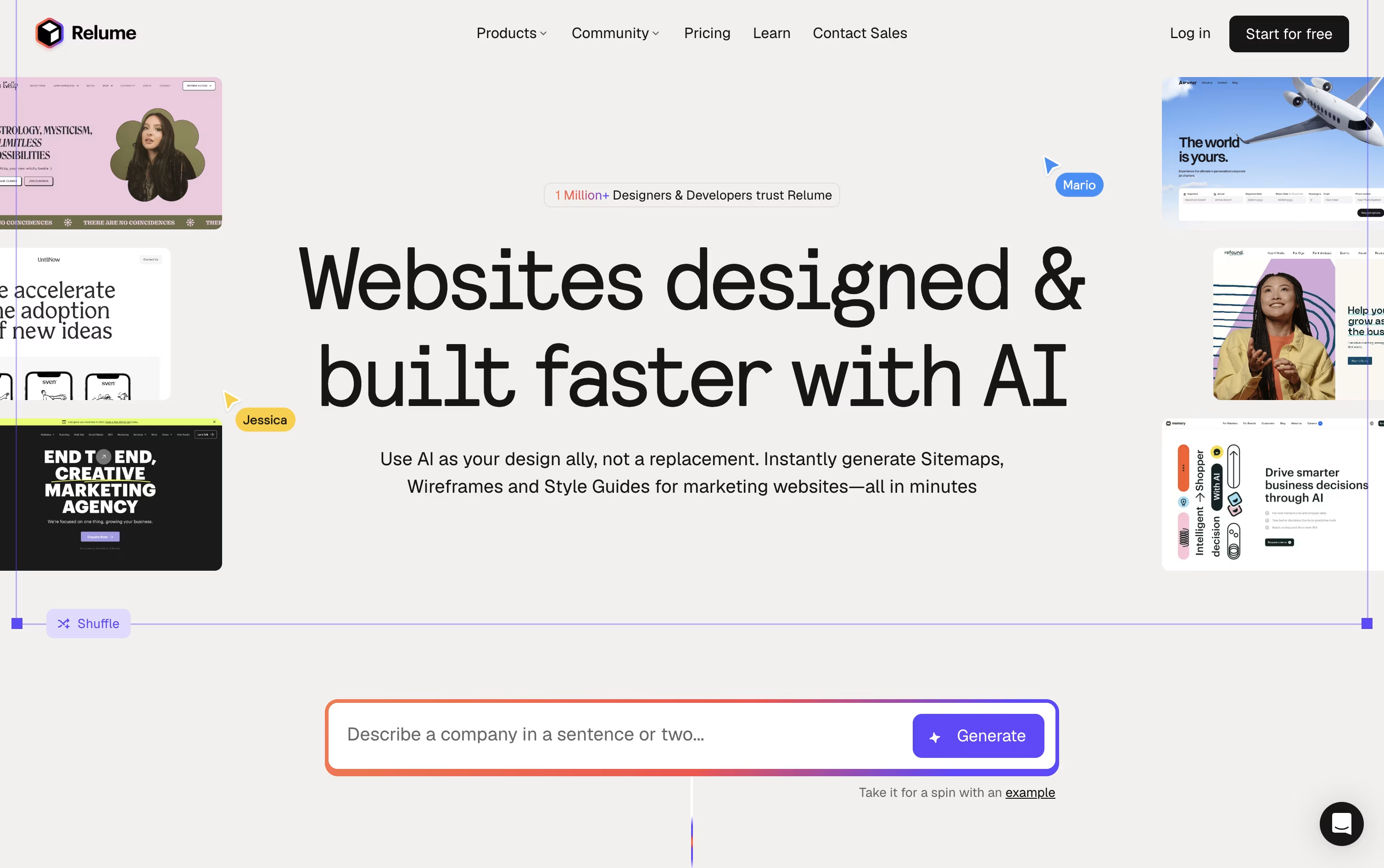
Most website projects start with a blank page and a lot of guesswork. Relume changes that by turning a short prompt into a full sitemap, then converting it into a wireframe built from real components rather than throwaway mockups.
Once the structure is set, the Style Guide Builder suggests colors, fonts, and UI styles that match your brand, and you can pull from more than 1,000 components across Figma, Webflow, and React.
You can try all of this for free with 1 project and 1 page, exporting only to Figma. Moving to Starter at $26 a month, or $18 a month if billed yearly, opens up 5 pages plus Webflow and React export.
Freelancers juggling several sites usually pick Pro, at $58 a month or $40 a month billed yearly, since it drops the project and page caps entirely.
Agencies and teams can go with Team at $52 a month per person, or $36 a month per person billed yearly, with a minimum of 3 people, which layers on a shared workspace and branded client sharing.
Developers also get Relume Library MCP, a way to bring the same component library straight into AI coding tools like Cursor and VS Code.

Turning a rough idea into something you can actually show a client or teammate is what Visily is built for. Type out what you want, upload a screenshot, or sketch it out, and the AI builds an editable design around it.
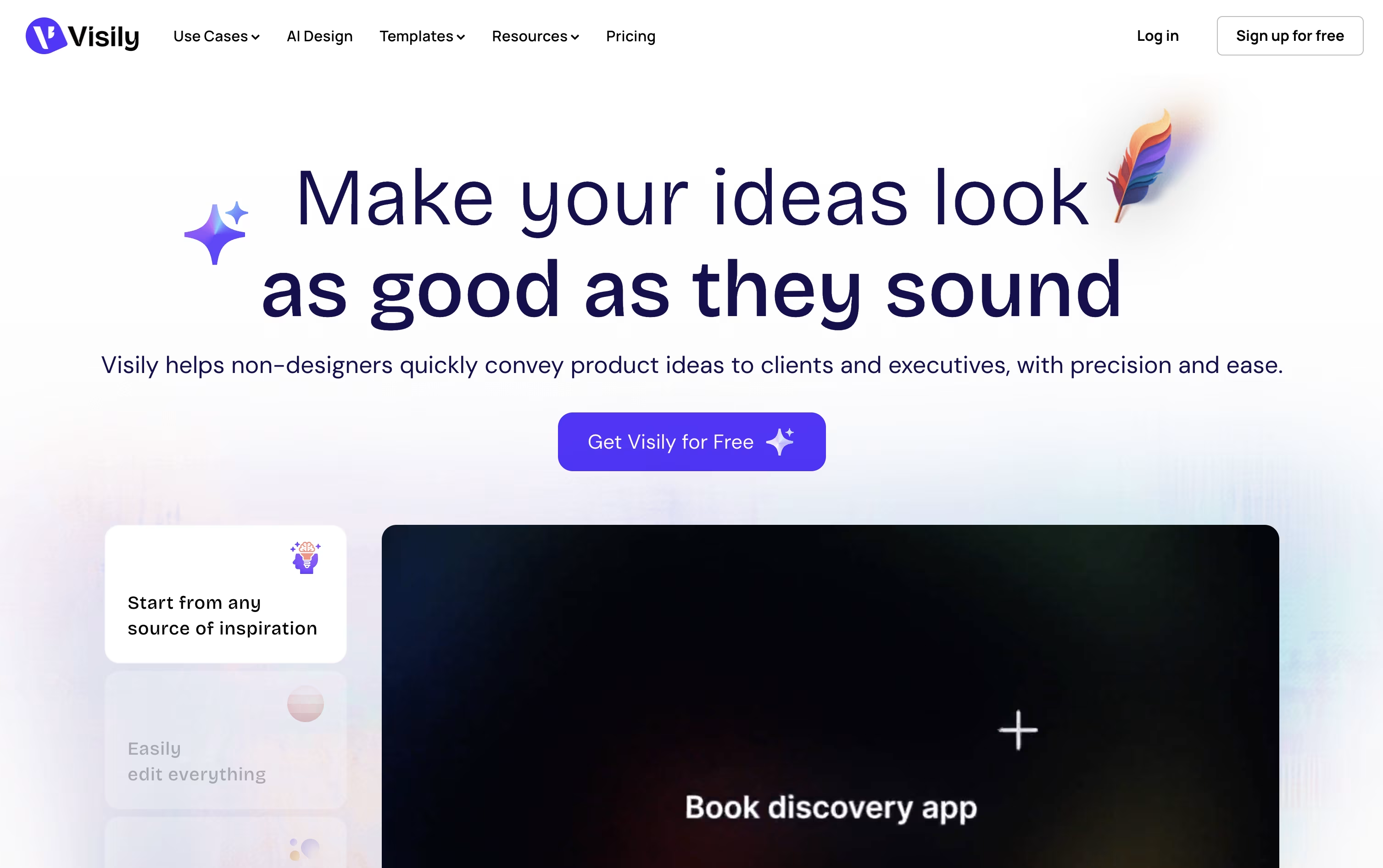
The same canvas handles diagrams and flowcharts too, and you can convert those straight into screen designs. Once a design is in place, you can wire up links, hover states, and screen transitions so it behaves like a working app.
Because everything lives on a shared board, your whole team can comment, chat, and edit at the same time, and updates can flow into Slack, Notion, or Jira automatically.
Pricing starts free with the Starter plan and its 300 monthly AI credits. Pro moves you to $14 per editor a month with unlimited boards and Figma export, while Business at $29 per editor a month adds custom teams and single sign-on. Enterprise pricing is custom.
Every design stays fully editable, so you can keep refining it, hand it to Figma for polish, or generate code straight from the layout.

Think of UX Pilot as a design partner that takes your rough idea and turns it into real screens. Feed it a prompt, a sketch, a PRD, or a website link, and it gets to work.
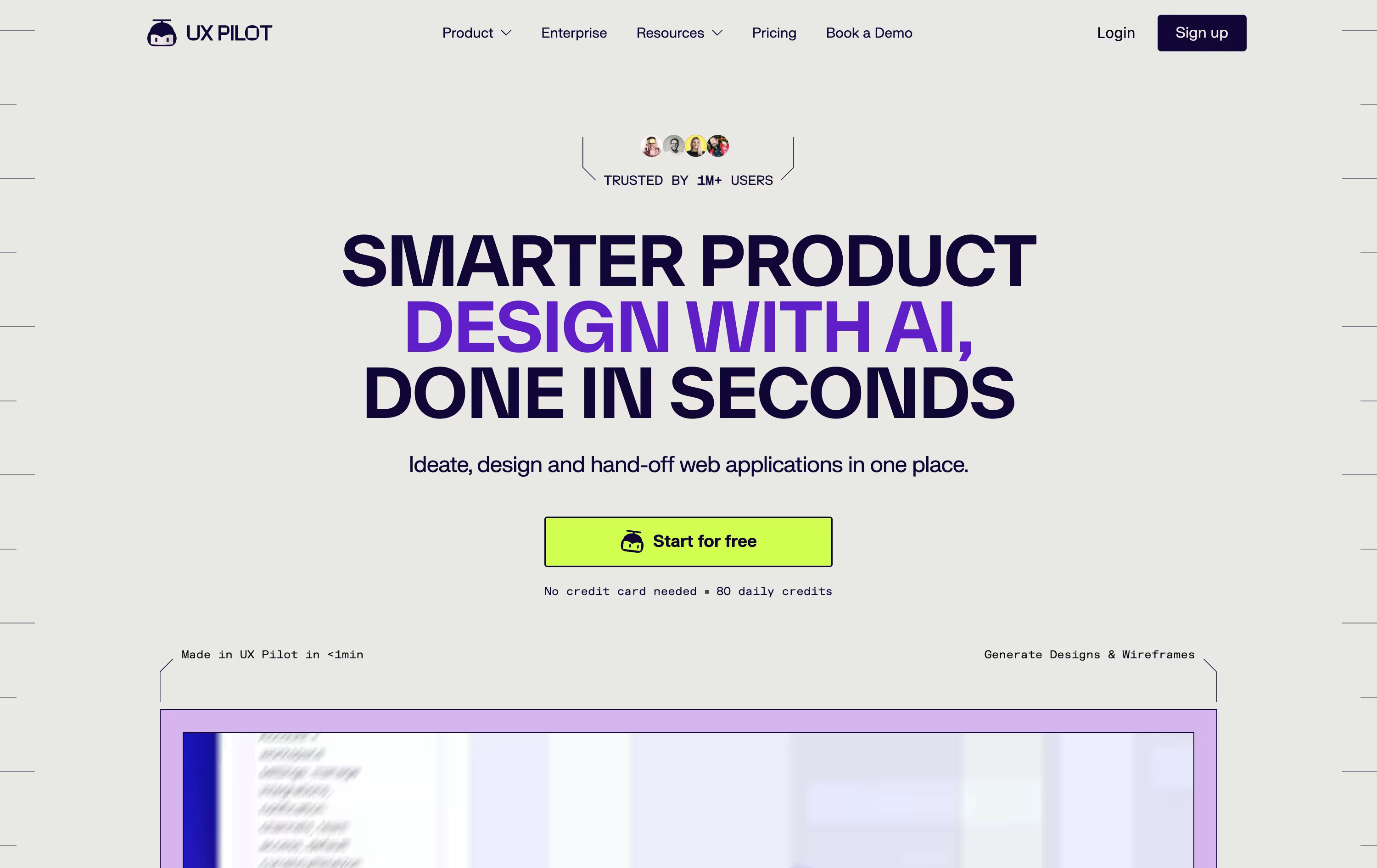
First comes the wireframe, then a polished hi fi version, and if needed a full flow covering every screen in the journey. You can also spin up a working React prototype with a visual editor and live chat edits.
For Figma users, the Nodey agent builds native layers straight from your own component library, so the result already looks like your product instead of a generic template. Code export and GitHub sync round out the handoff.
Pricing starts free, with 80 credits a day and 1 project at no cost.
Pro is $29 monthly, or $19 monthly if billed yearly, unlocking 750 credits, 125 screens, and website cloning.
Teams costs $39 per user monthly, or $31 per user yearly, with shared credits and collaboration, while Enterprise offers custom pricing with brand tuned AI, SSO, and a dedicated team.





