

Best 3 Tools for AI Storyboard Generation in 2026
Last Updated: August 25, 2026
Turning a written script into a visual sequence of scenes usually requires an artist sketching every shot by hand. AI Storyboard Generation tools automatically generate visual storyboards from a script.
Filmmakers and video teams use AI storyboarding to visualize a production quickly before filming begins.
 Artlist
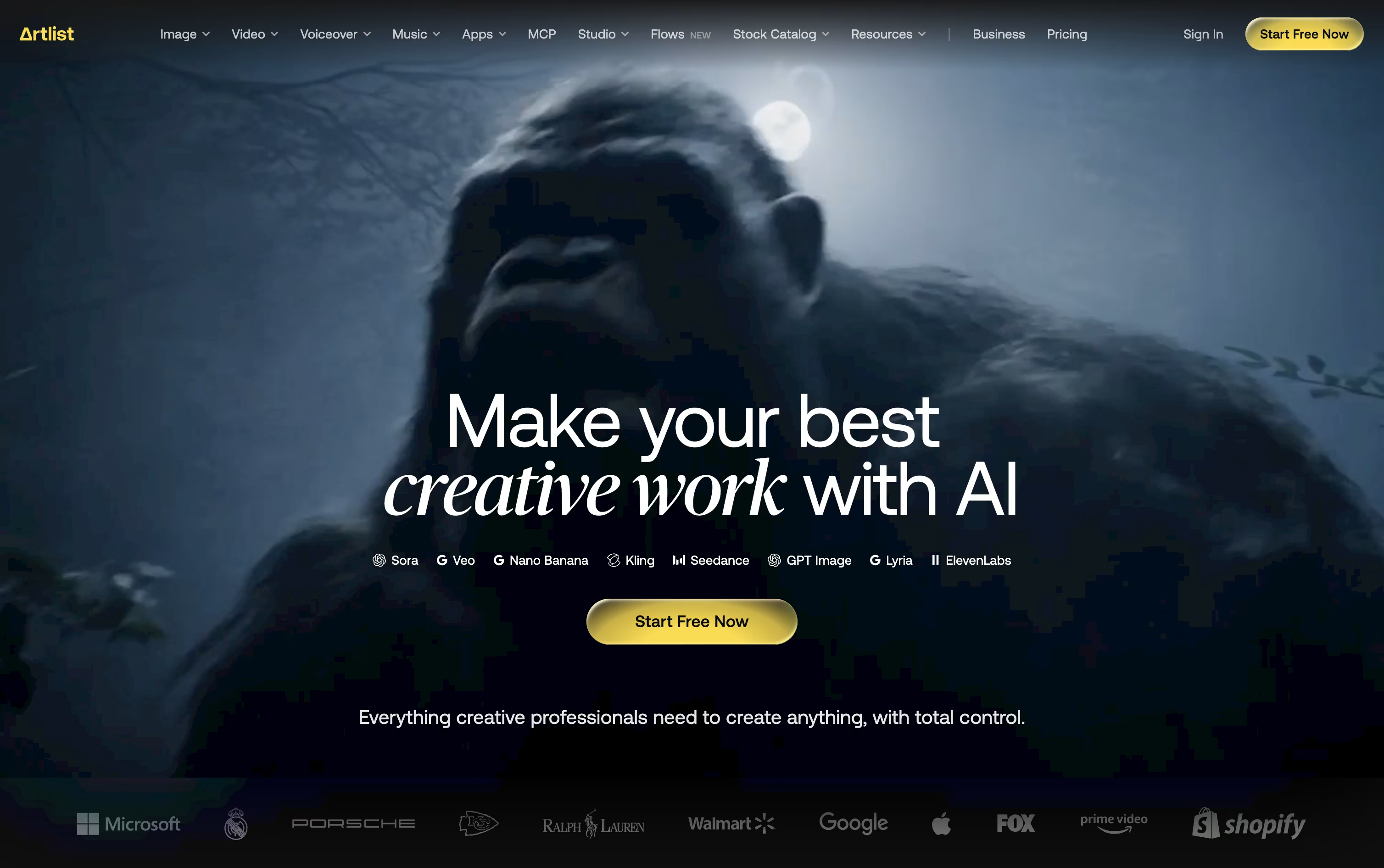 ArtlistAI Video, Music & Stock Creative Tools,
  Higgsfield
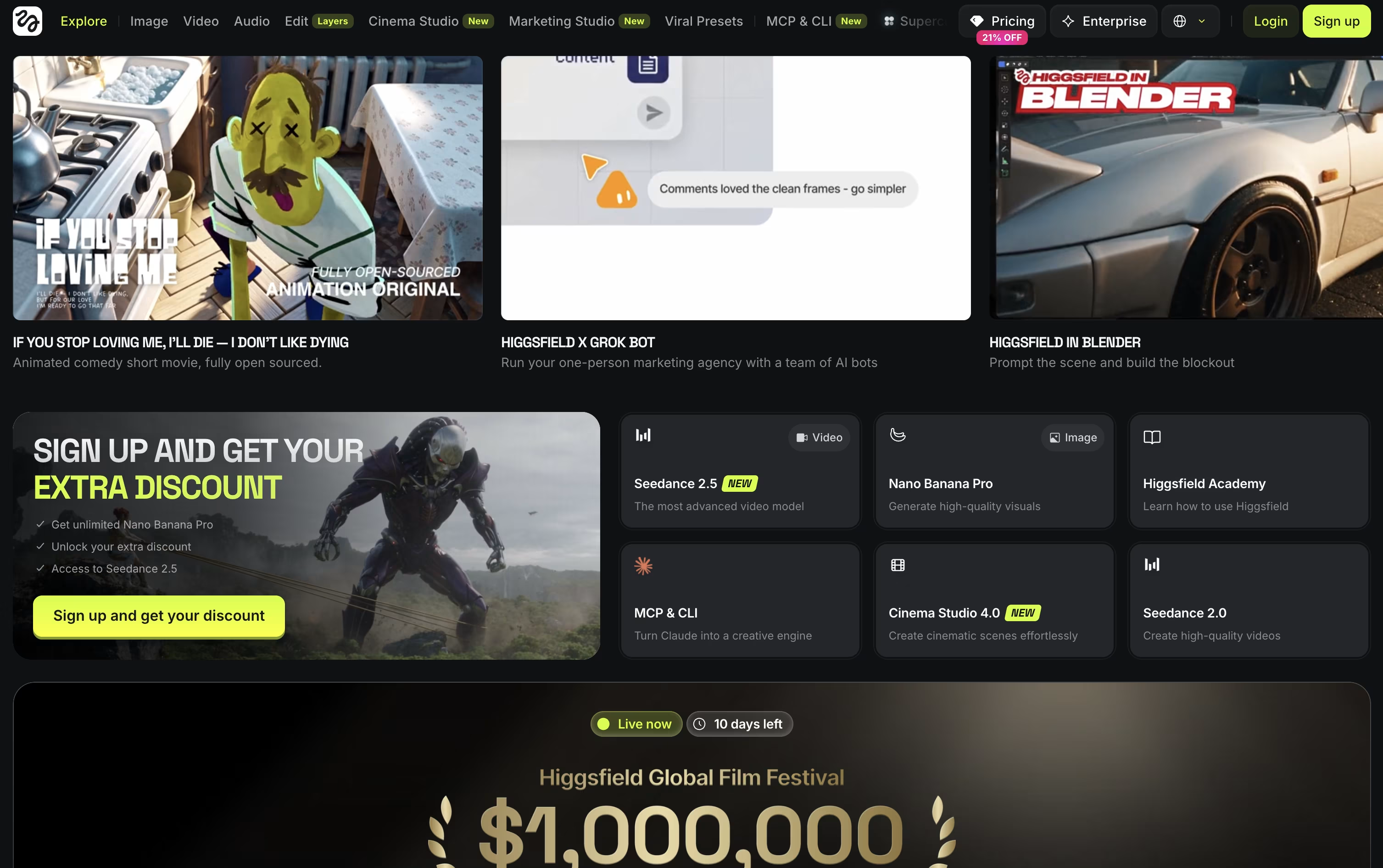 HiggsfieldAI Video & Image Creation Studio, and
  OpenArt
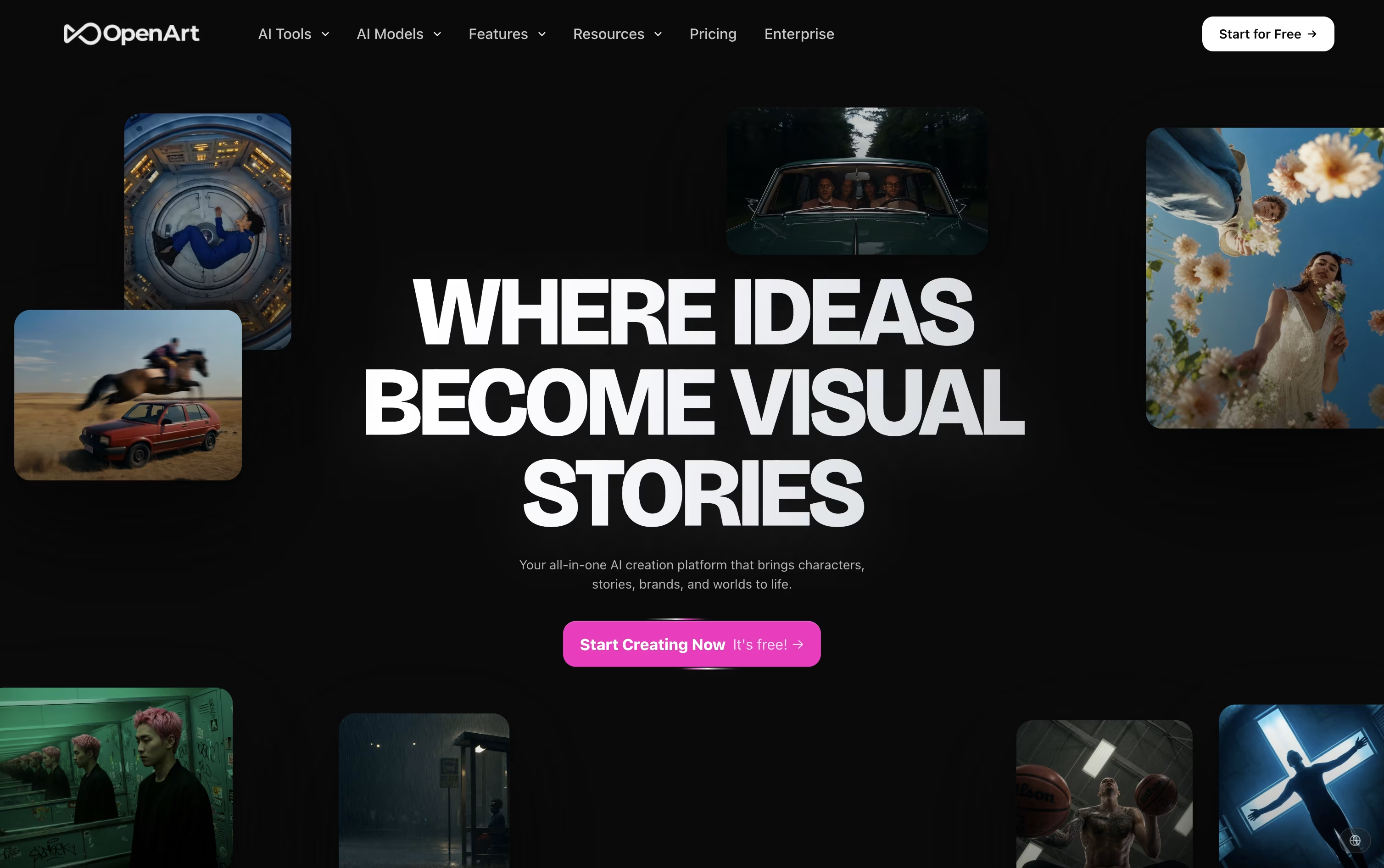 OpenArtAI Studio for Images, Video and Audio are the best for AI Storyboard Generation. So, let’s take a closer look at all 3 tools.
Artlist works as a single home for both stock assets and AI generation, aimed at creators who don't want to jump between separate apps.
Its library covers royalty free music, sound effects, footage, templates, and LUTs, while the AI Toolkit handles text to image, text to video, voiceover, avatar, and dubbing generation across 100+ models.
The AI Suite has three main paid tiers. AI Starter runs $19.99 a month with 16,500 credits, AI Core is $39.99 a month with 40,000 credits and the Most Popular label, and AI Creator is $69.99 a month with 80,000 credits. Paying yearly drops these to $11.99, $23.99, and $41.67 a month.
Separately, the Stock Catalog starts at $9.99 a month for Music & SFX, moves up to $50.66 a month for Max, and $399 a month for Max Business teams, both on annual billing.
Custom Business options exist for both the AI Suite and Stock Catalog, offering unlimited generations, enterprise security, SSO, and a dedicated account manager at custom pricing.
Editors can also reach Artlist through Premiere Pro, After Effects, and DaVinci Resolve plugins, or generate assets directly inside Claude via the Artlist MCP integration.
Rather than being built around a single AI model, Higgsfield works as a layer on top of many models such as Seedance, Nano Banana, Kling, and Google Veo, adding its own camera and character tools for a more filmmaker friendly result.
Anyone can try it for free, though the free tier is limited to one job at a time and does not allow commercial use.
The first paid step is Basic at $9 a month, giving 120 credits, commercial rights, and quicker generation speeds.
Pro is the bigger upgrade at $29 a month, or $23 a month when billed yearly, since it opens up the complete Seedance lineup and removes the cap on marketplace apps.
Max sits at the top for individuals at $79 a month, or $59 annually, with 1,800 credits and the highest concurrency for video and image jobs.
Businesses can move to Team or Scale for shared seats and credits, or contact sales for a custom Enterprise plan with SSO, dedicated capacity, and compliance support.
OpenArt brings image, video, audio, and character creation into a single workspace, so a project does not need to be pulled apart across separate apps.
You describe what you want in a prompt, or upload a reference photo, and the platform sends the request to one of more than 100 connected AI models for images, video, and sound.
Its character tool is one of the main draws. Build a character once and it can appear again and again across new scenes and videos while staying recognizable.
On price, the Starter plan begins at $14 a month with 4,000 credits, while the top individual plan, Wonder, costs $240 a month for 106,000 credits and extra perks like unlimited creation.
Groups can pick the Business plan, priced from $680 a month for a shared credit pool across up to 50 people, and larger organizations can ask for custom Enterprise pricing with unlimited seats.
A free trial with starter credits is available for anyone who wants to try it first.




