

Best 7 Tools for AI Voiceover Generation in 2026
Last Updated: August 28, 2026
Adding professional narration to a video used to require hiring a voice actor or recording it yourself. AI Voiceover Generation tools generate realistic spoken narration from a script.
Video creators and marketers use AI voiceovers to add narration quickly without booking studio time.
 Vidnoz AI
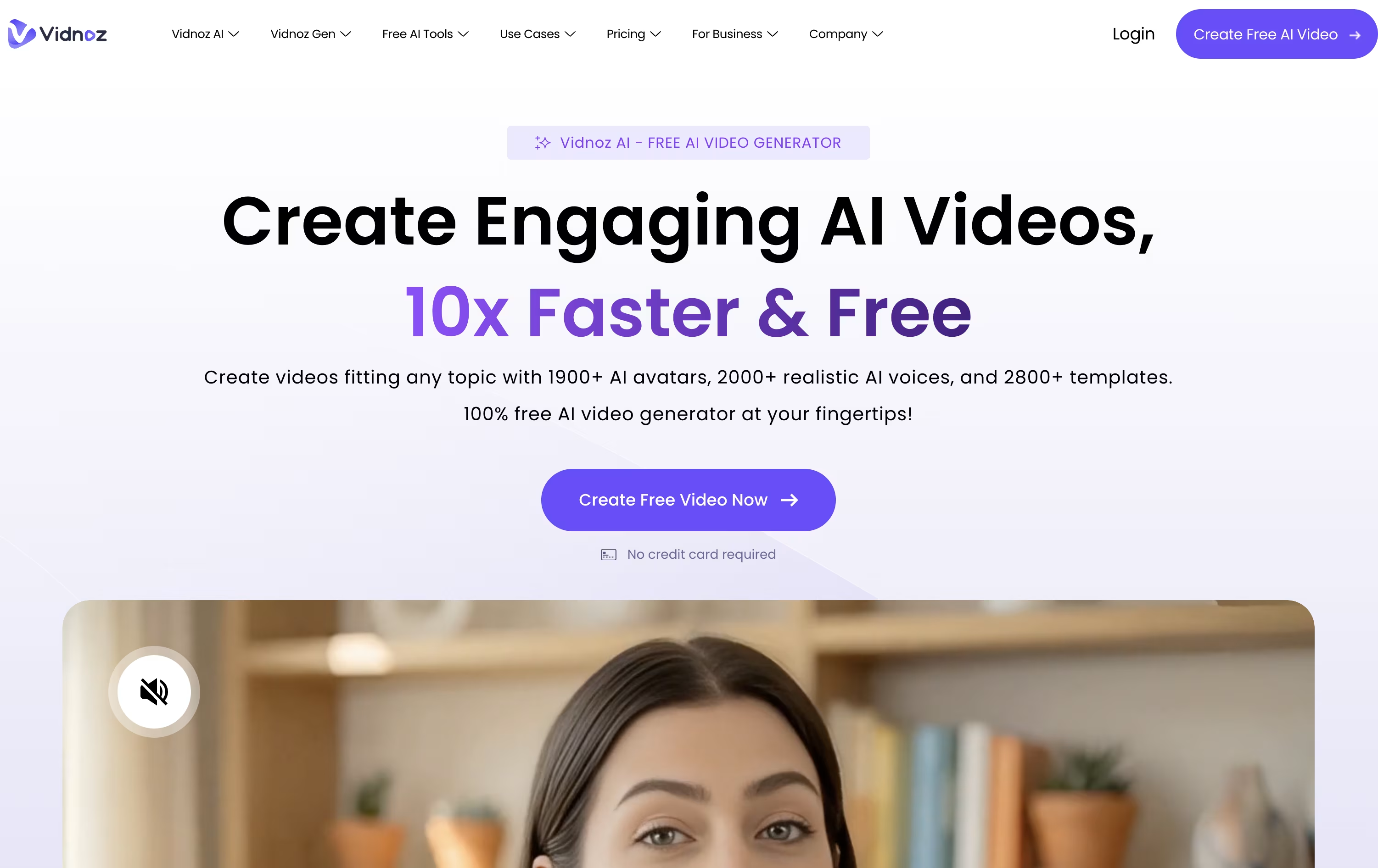 Vidnoz AIAI Avatar Video & Voice Maker,
  Fliki
Fliki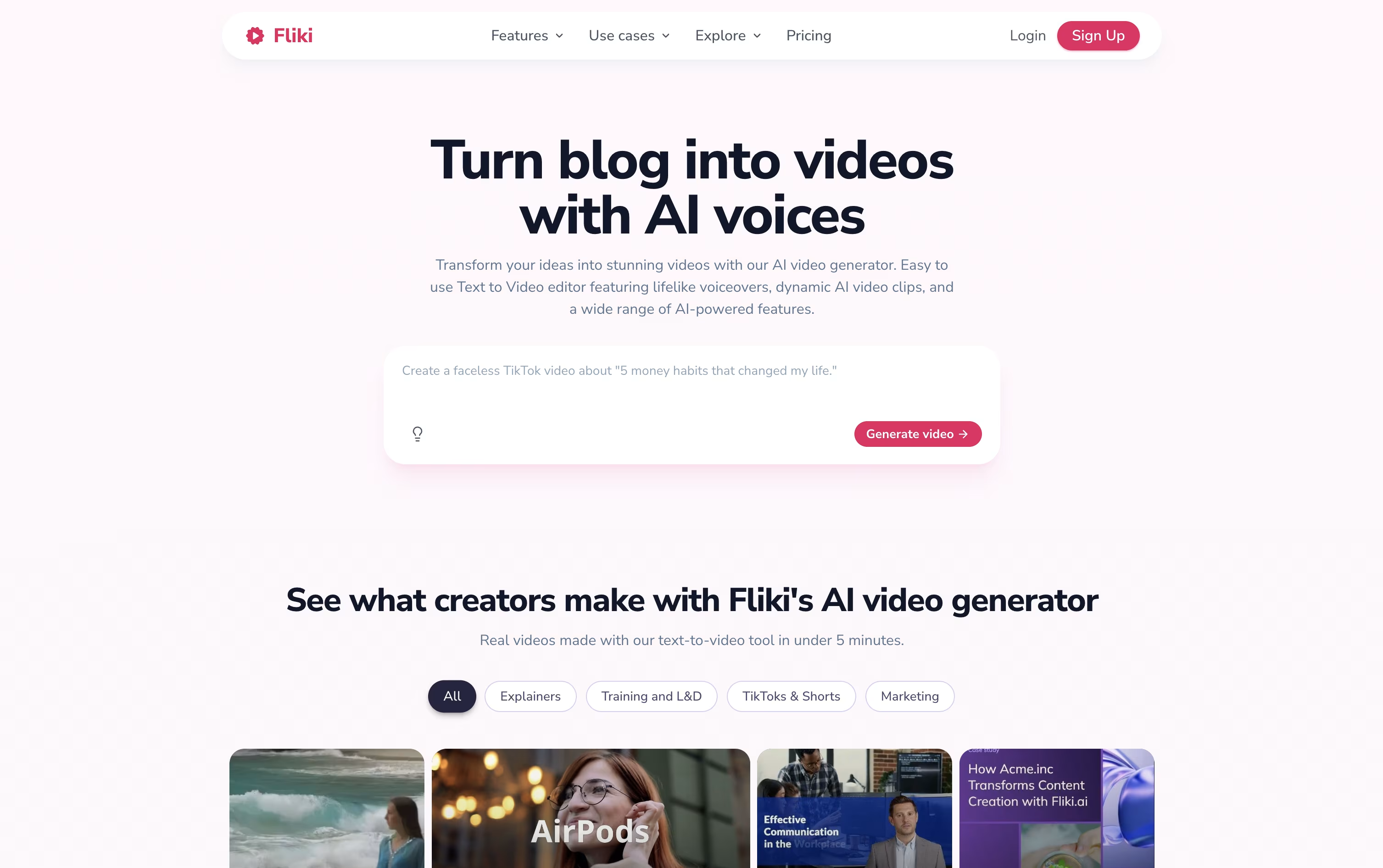 FlikiCreate AI Videos with Lifelike Voices, and
  HeyGen
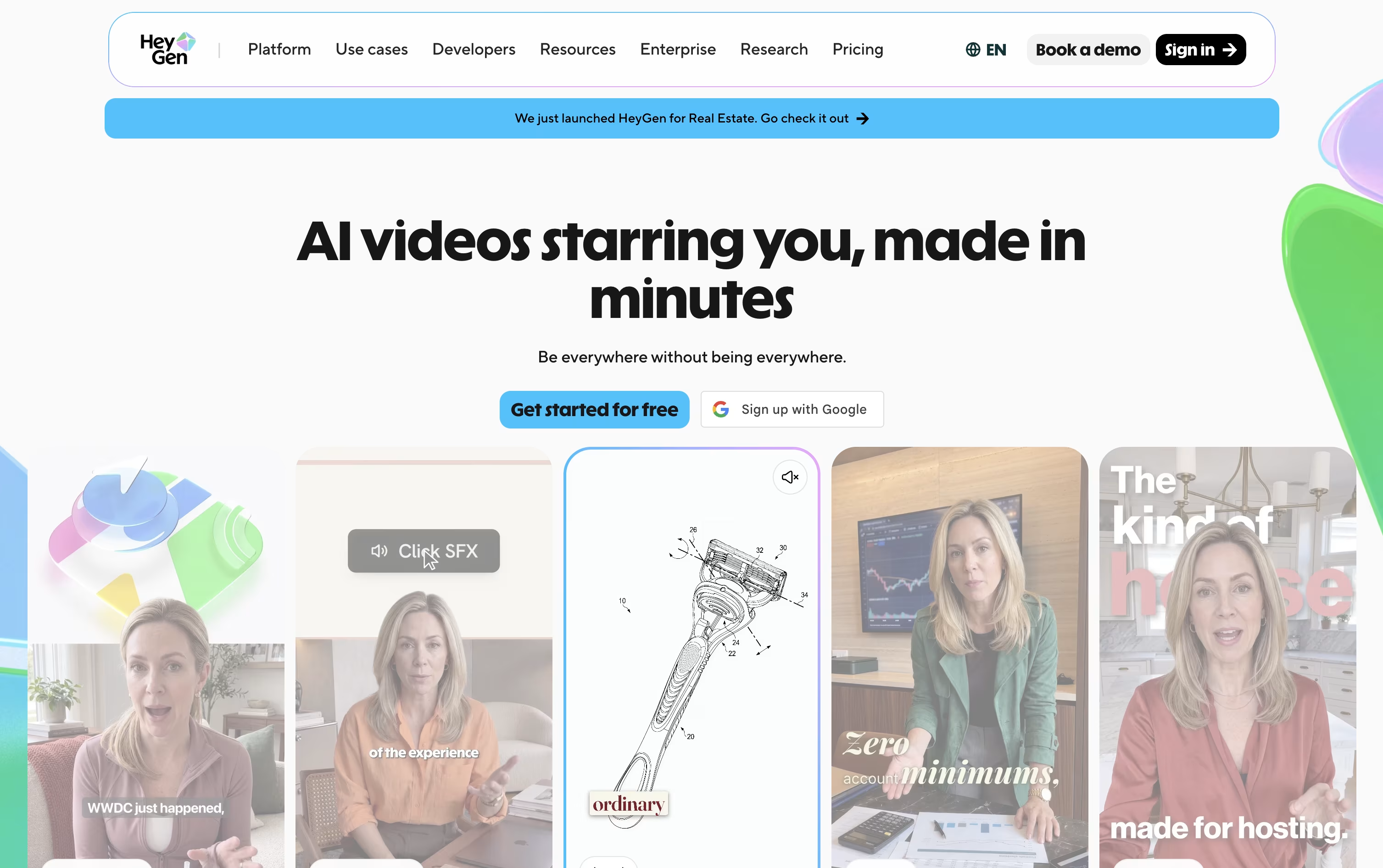 HeyGenCreate Realistic AI Avatar Videos Fast are the best for AI Voiceover Generation. So, let’s take a closer look at all 7 tools.

Vidnoz AI lets you make talking avatar videos from a script, a document, or just an idea, without needing a camera or a studio.
The library includes over 1,600 avatars and hundreds of voices, plus tools for face swap, photo editing, and background removal.
Starting out costs nothing, though the free plan is limited to short 3 minute clips at 720p with a watermark.
Moving to Starter for $26.99 a month, or $19.99 a month when billed yearly, removes the watermark and unlocks 1080p exports and 60 minute videos.
The Business plan at $74.99 a month, or $56.99 yearly, is built for teams, adding branding tools, video analytics, and up to 1,000 user seats.
For larger needs, Enterprise offers custom pricing with a dedicated account manager and priority support.
Instead of filming or recording anything, Fliki lets you type a script, paste a blog link, or upload a PowerPoint and get back a finished video.
Behind the scenes it draws on thousands of realistic AI voices across 80+ languages, AI avatars, auto generated subtitles, and a library of stock and AI made visuals and music.
The editor itself is browser based, with a scene rail and full timeline, and Copilot, an AI assistant that follows plain language instructions to edit scenes, add music, or write a script.
Anyone can start on the Free plan, which includes a handful of monthly credits and 720p exports with a watermark.
Moving up to Standard at $28 a month unlocks 180 credits, 1080p video up to 15 minutes, 1,000 voices, and commercial rights, and Premium at $88 a month pushes this further to 600 credits, 40 minute videos, over 2,000 voices, avatars, and API access.
Larger organizations can request Enterprise pricing for custom credits, branded templates, and a dedicated account manager.
Instead of hiring actors and booking a studio, HeyGen builds your video from a script, a photo, a document, or a simple text prompt using AI avatars.
You can create a digital twin from a short recording of yourself, turn a single photo into a talking presenter, or choose from hundreds of stock avatars, all with realistic lip-sync and body movement.
Getting started costs nothing: the free plan allows 3 short videos a month without asking for a card.
Once you need more, Creator at $29 a month adds 30-minute videos, 1080p exports, voice cloning, and over 175 languages.
Pro, from $49 a month, adds 4K export and more advanced models, and Business at $149 a month brings in team workspaces, single sign-on, and app integrations.
Larger organizations can move to Enterprise, which is priced individually with dedicated support.

Turning a blog post or script into a finished video usually means learning editing software. Pictory skips that step by letting the AI handle scene building, visuals, captions, and voiceover from whatever text or file you give it.
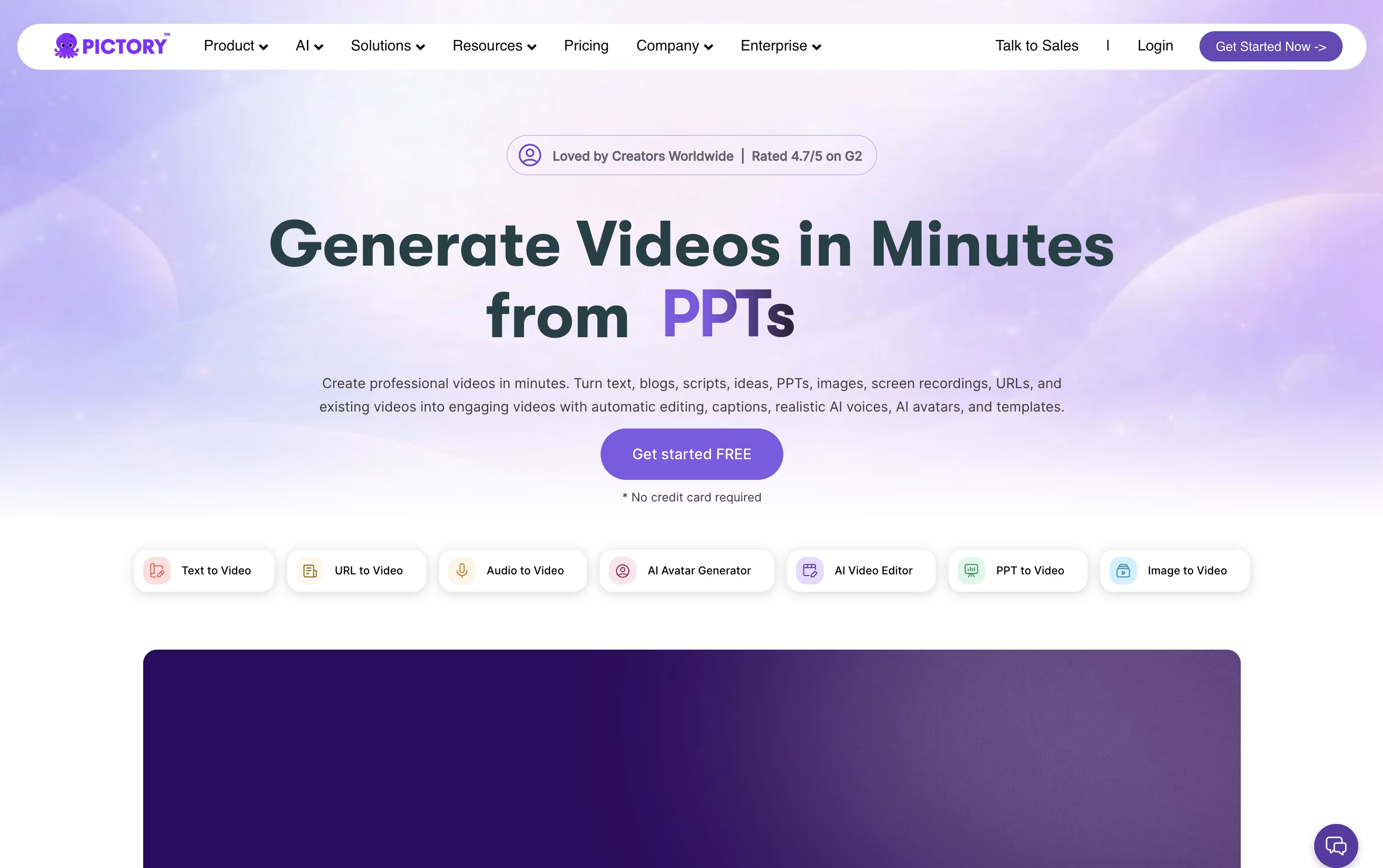
Once the draft video is ready, a scene-based editor lets you swap visuals, adjust timing, or apply your brand colors and logo without dragging clips on a timeline.
Features like AI avatars, voice cloning, and text-based editing, where deleting a word deletes that part of the video, make the platform useful for marketers, educators, and content teams alike.
Pricing starts with Starter at $29 a month, dropping to $25 a month on the annual plan, covering 200 video minutes and 5 GB of storage.
Professional runs $59 a month and adds custom avatars and voice cloning, while Team at $199 a month supports 3 or more users sharing one workspace.
Larger organizations get custom Enterprise pricing with SSO, dedicated support, and Pictory Central for interactive video hosting, and everyone can start with a 14 day free trial.

Editing, recording, and translating video usually means jumping between several different apps. RecCloud tries to fix that by putting AI transcription, subtitles, translation, dubbing, and video generation next to basic screen recording and editing in one browser based platform.
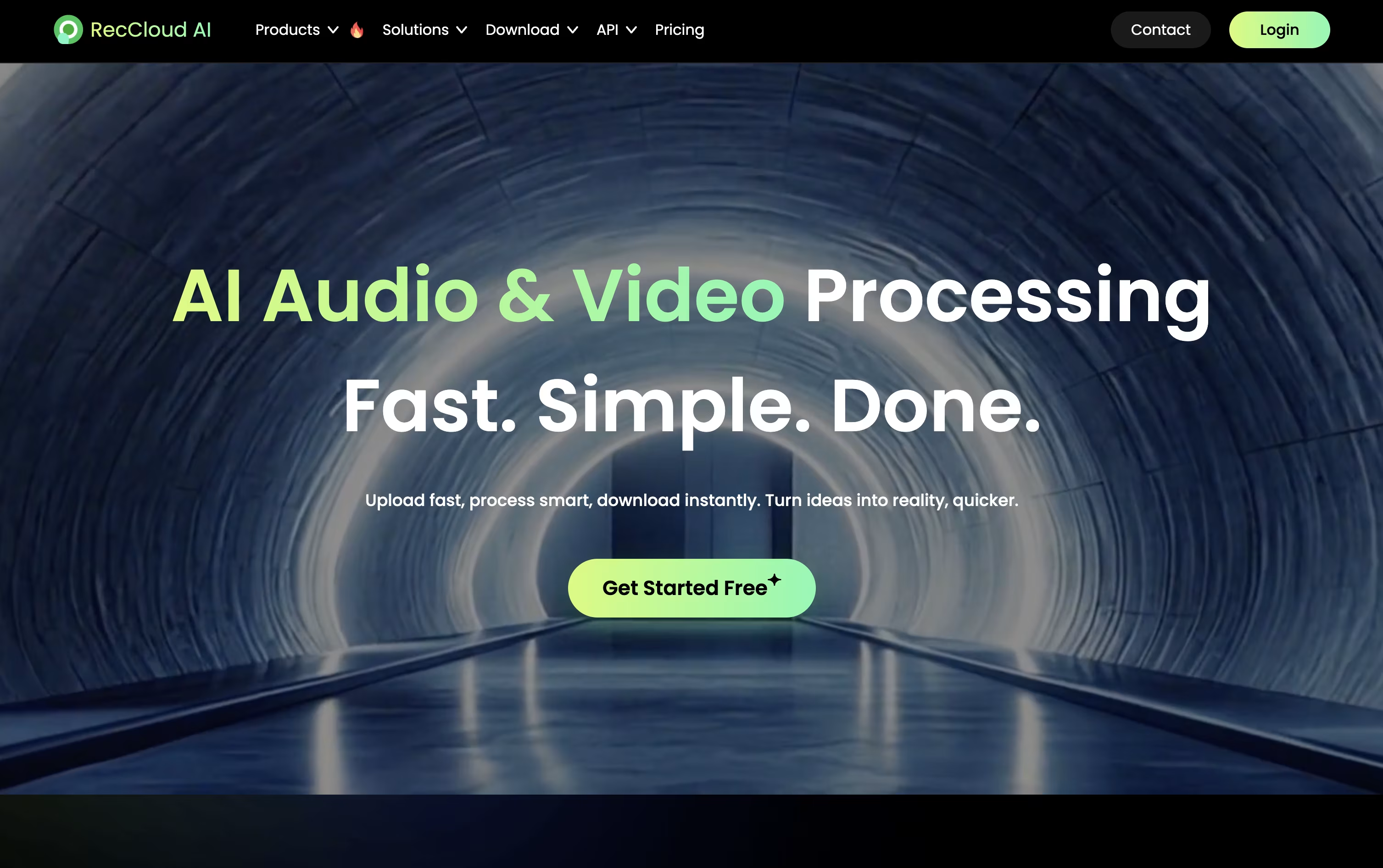
Speech is converted to text in over 99 languages, subtitles can be created and translated automatically, and full videos can be dubbed using cloned voices with lip sync. For creating new content, the AI Video Generation Agent can write a script, add voiceover, and build a video from just a short prompt.
Pricing is based on credits, which are spent as you use these AI tools. The Weekly plan is $15 for 300 credits, and Basic Annual works out to $4 a month, billed yearly at $48, for 3,000 credits.
Pro Annual costs $4.92 a month, billed at $59 a year, and includes a promotional bonus taking the yearly total to 6,000 plus 2,000 credits. Business Annual, at $188 a year, adds 24,000 credits, 100 GB storage, 10 concurrent tasks, batch processing, and commercial usage rights.
Additional credits and storage can be purchased separately, and a 7 day money back guarantee covers every plan.

Turning a document or slide deck into a finished training video usually means hiring a producer or spending hours in editing software. Colossyan Creator skips that step by generating an avatar narrated video straight from your script, PDF, or PowerPoint file.
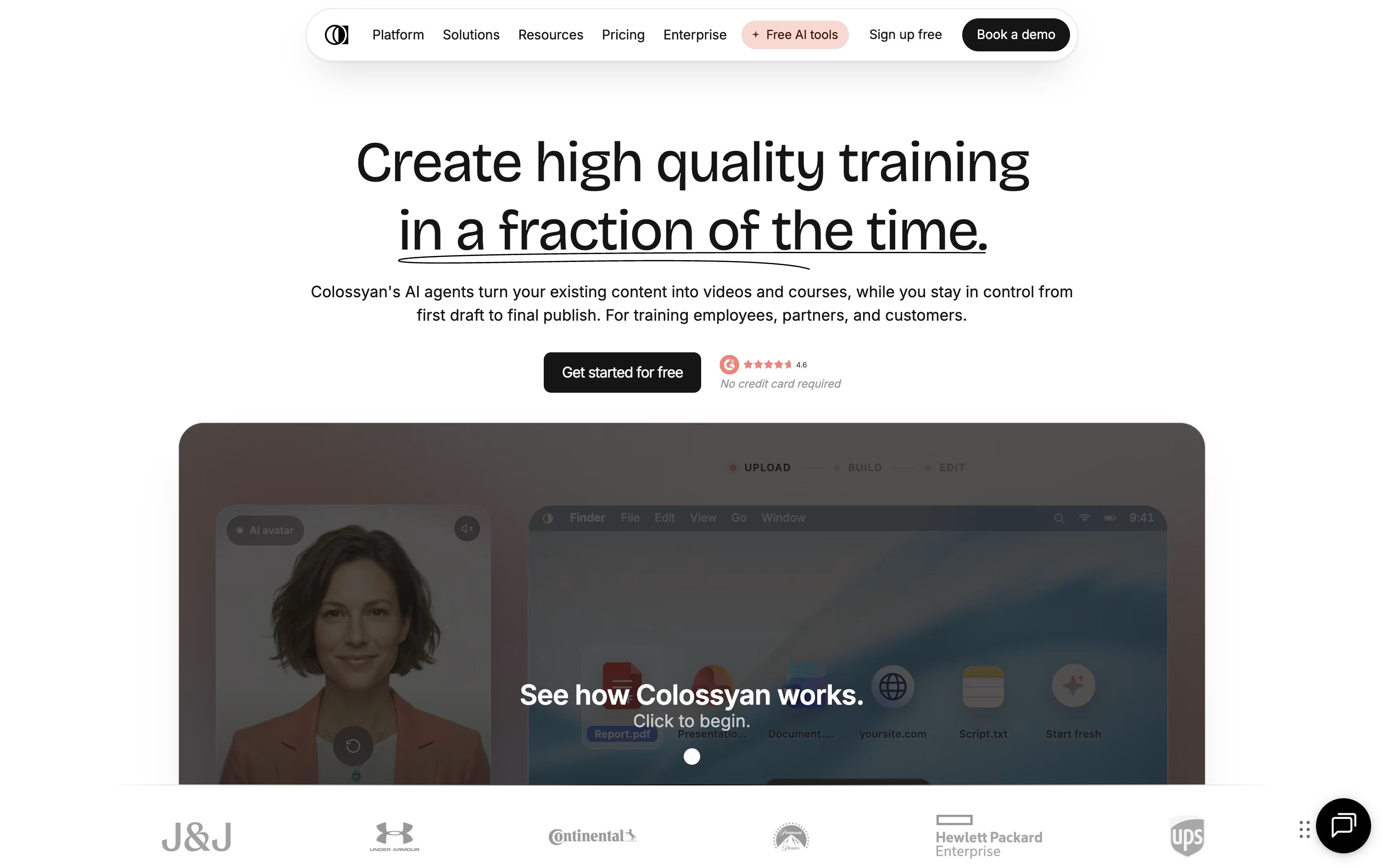
Once your content is in, you choose from hundreds of stock avatars and voices, or build a custom avatar from a short recording of yourself. The editor lays out scenes automatically, and you can drop in quizzes, branching scenarios, or clickable buttons so viewers actively engage instead of just watching.
A single video can also be auto translated into over 100 languages, with the lip sync and on screen text adjusted for each one, which saves a lot of manual localization work for global teams.
Pricing starts with a free Starter plan that includes 20 minutes of video a month and 15 custom avatars. Professional runs $89 a month, or $59 a month on the annual plan, a saving of about 34 percent, and unlocks more minutes, SCORM export, and watermark removal.
Enterprise teams get custom pricing with unlimited usage, 4K video, analytics, and dedicated account support.

Instead of hiring actors or booking a studio, Synthesia turns written text into a video with an AI avatar reading it aloud.
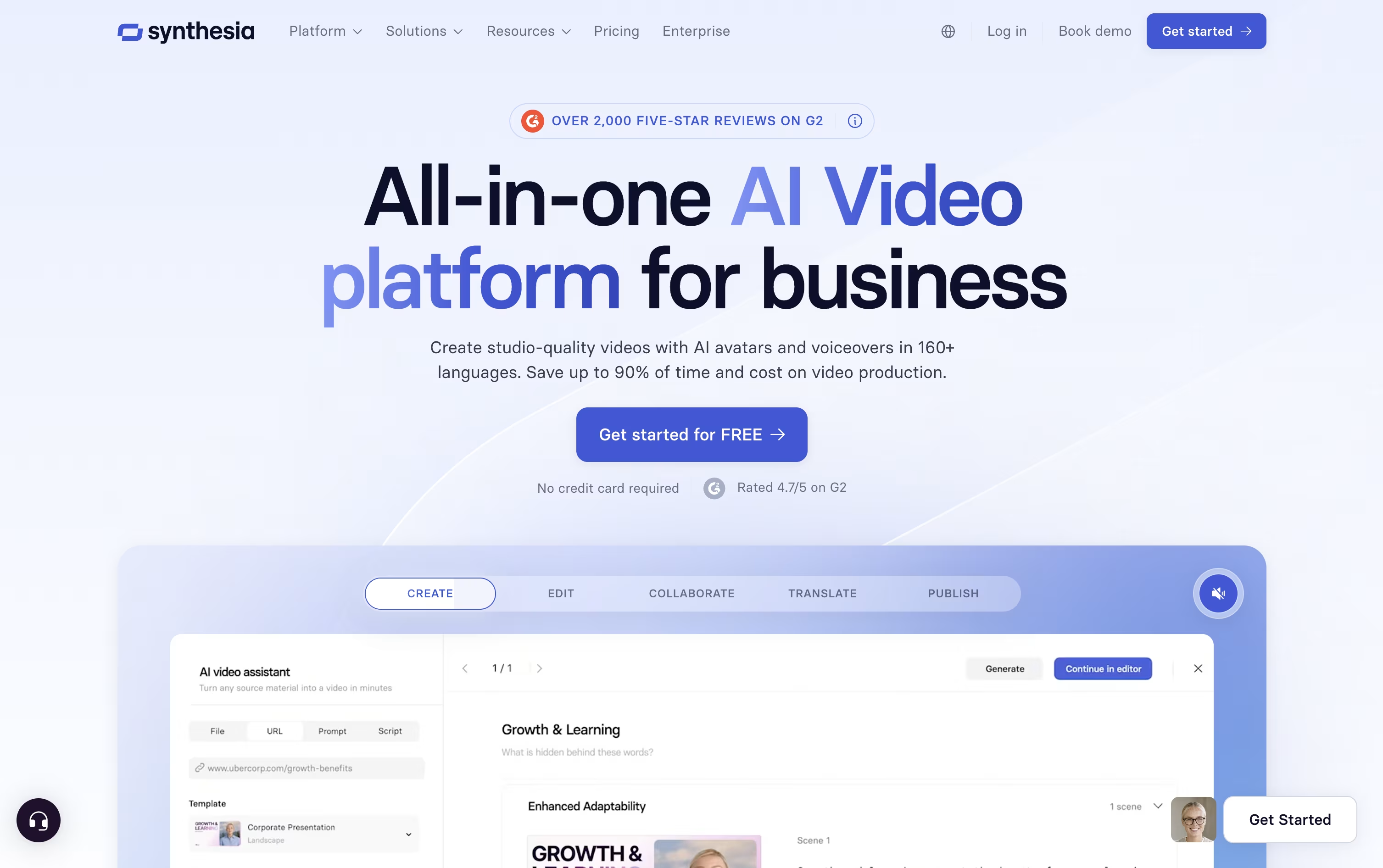
The avatar library has grown past 240 options, and you can also create a personal avatar plus a cloned voice so the video sounds and looks like you.
Getting started costs nothing on the Basic plan, which includes 10 minutes of video each month and 9 avatars.
Moving up, Starter is $18 a month on the yearly plan and adds downloads plus dubbing, while Creator at $64 a month brings API access, interactive elements, and branded pages, and is the most popular tier.
Enterprise drops the limits entirely with custom pricing, unlimited minutes, unlimited personal avatars, SSO, and hands-on onboarding support.
Since updates just mean changing the script rather than filming again, it fits well for training material and internal videos that change often.




