

Best 2 Tools for Meeting Recording in 2026
Last Updated: November 9, 2025
Trying to take notes and stay fully present in a meeting at the same time is hard to do well. Meeting Recording tools capture audio and video of meetings automatically for later reference.
Teams and professionals use meeting recording to stay focused on the conversation instead of note-taking.
 Alter
Alter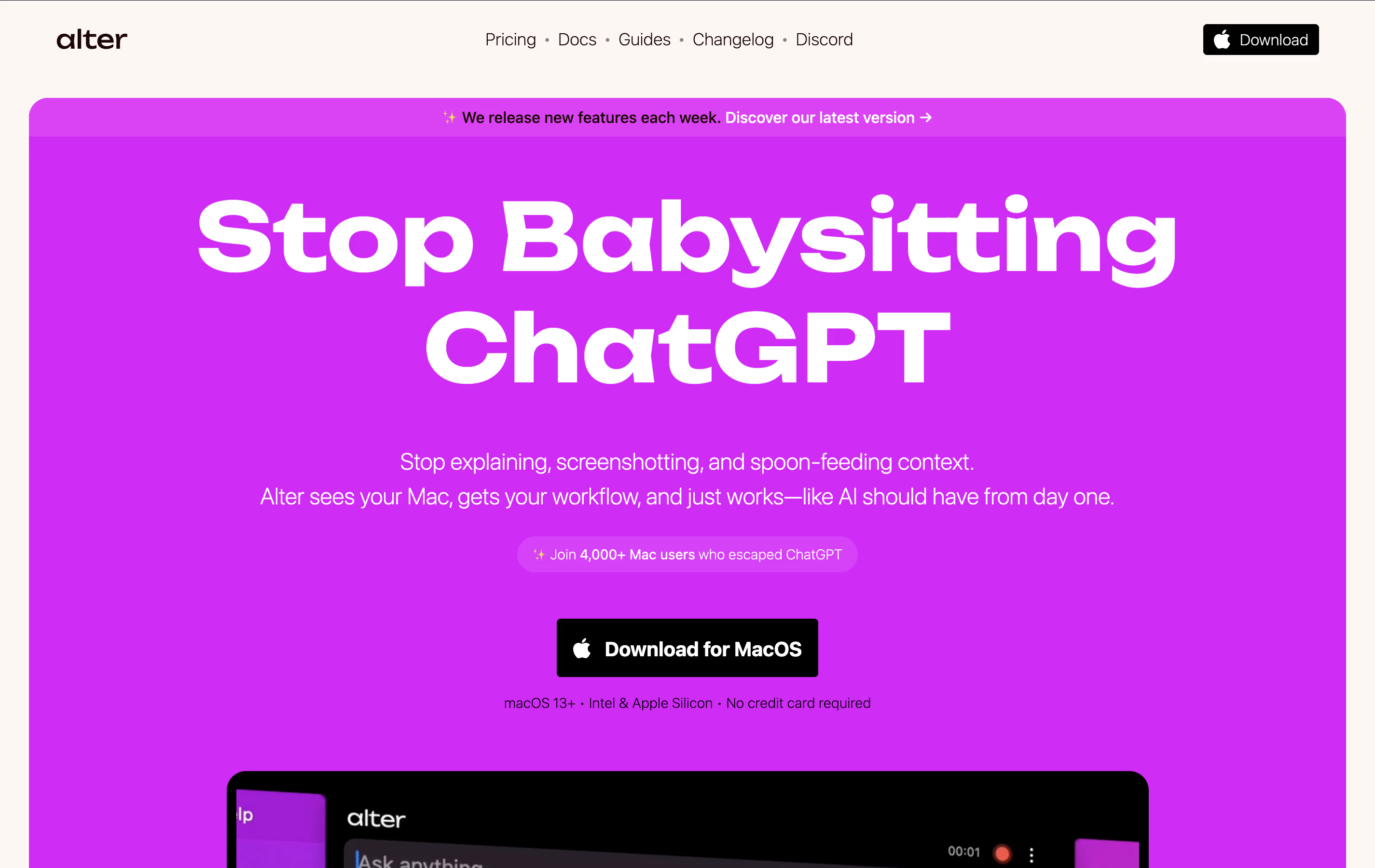 AlterNative macOS Assistant for Voice Workflows and
  Loom
Loom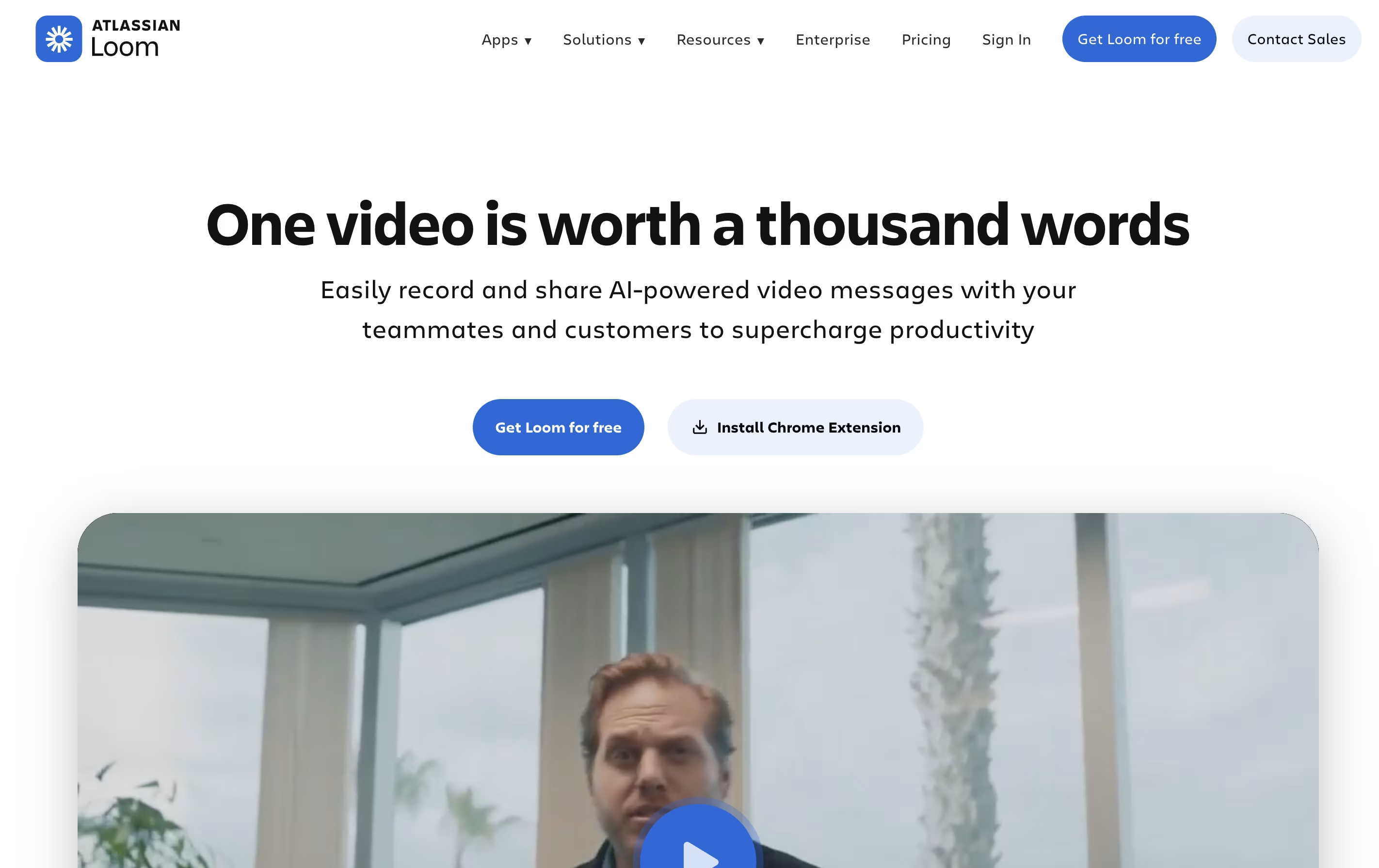 LoomEasy Video Messaging for Teams are the best for Meeting Recording. So, let’s take a closer look at both tools.
Alter is a native macOS AI assistant designed specifically for Mac power users who want seamless AI integration across their entire workflow. It works as a system-wide productivity tool that understands context from any app you're using.
The tool operates through voice commands and contextual menus, allowing you to perform AI-powered actions without switching between applications. It can record meetings, transcribe audio, summarize content, write emails, create presentations, and handle complex tasks across apps like Finder, Keynote, and Apple Mail.
What sets Alter apart is its privacy-first approach. Your data stays encrypted locally, and you can run AI models completely offline using Ollama or LM Studio, ensuring sensitive information never leaves your device.
Loom is a tool that lets you create video messages by recording what's on your screen along with your voice and face. It's different from video calls because people can watch your message whenever it's convenient for them, without needing to schedule a meeting.
When you record with Loom, it saves the video to the cloud right away and creates a link you can share. The person watching can leave comments on specific parts of your video, making feedback easy and clear. Loom works through a Chrome extension, desktop app, or mobile app.
The platform includes smart AI features that automatically remove pauses and filler words from your videos, add titles and summaries, and create written versions of what you said. This makes your videos more professional without extra effort.





