

Best 2 Tools for Model Training in 2026
Last Updated: October 24, 2025
A machine learning model is only as good as the process used to train it on relevant data. Model Training tools help manage datasets, training runs, and evaluation to build models that perform reliably.
Data scientists and ML engineers use model training tools to develop and refine models before they are deployed.
 Roboflow
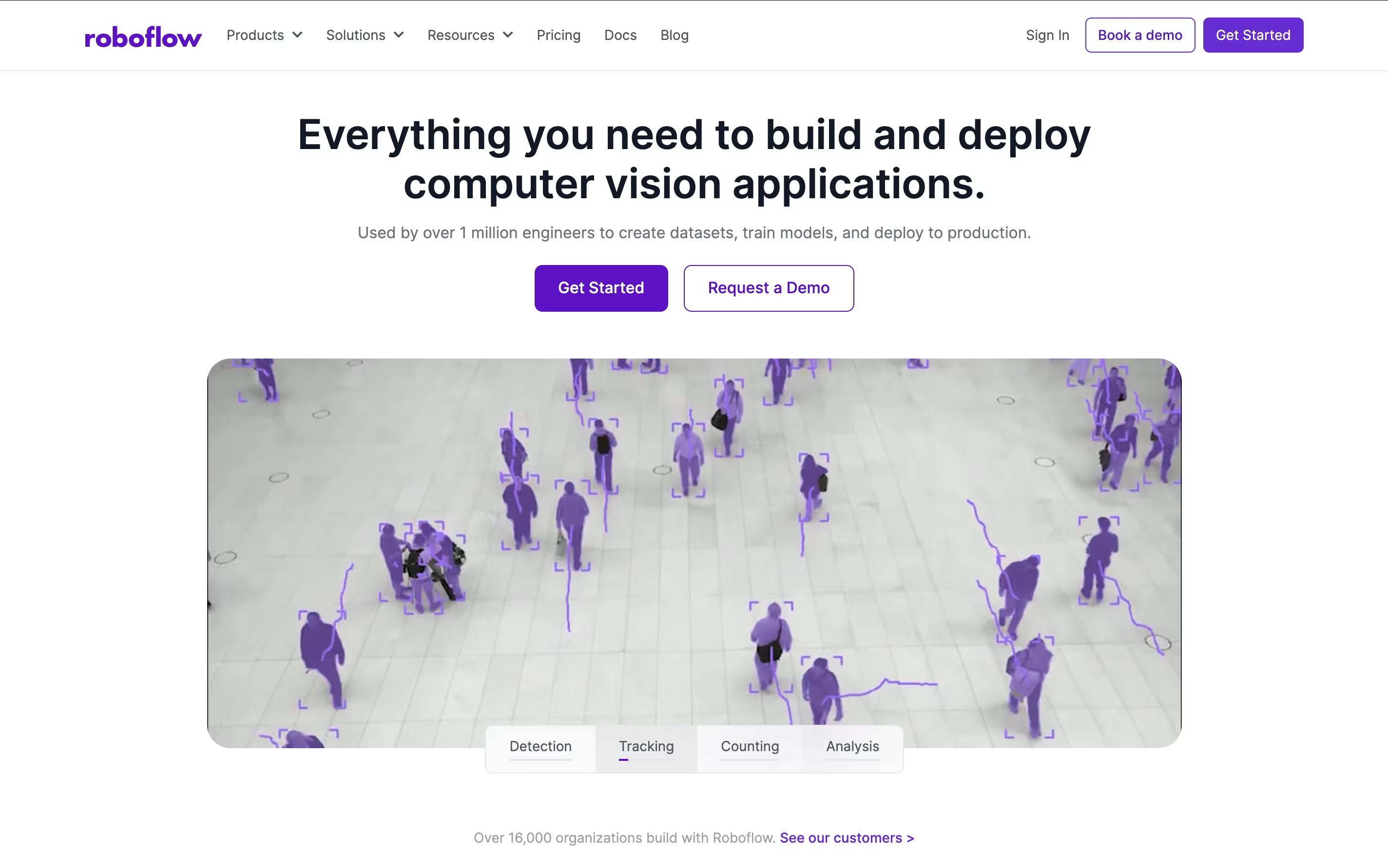 RoboflowComplete Computer Vision Platform for AI Development and
  Vellum
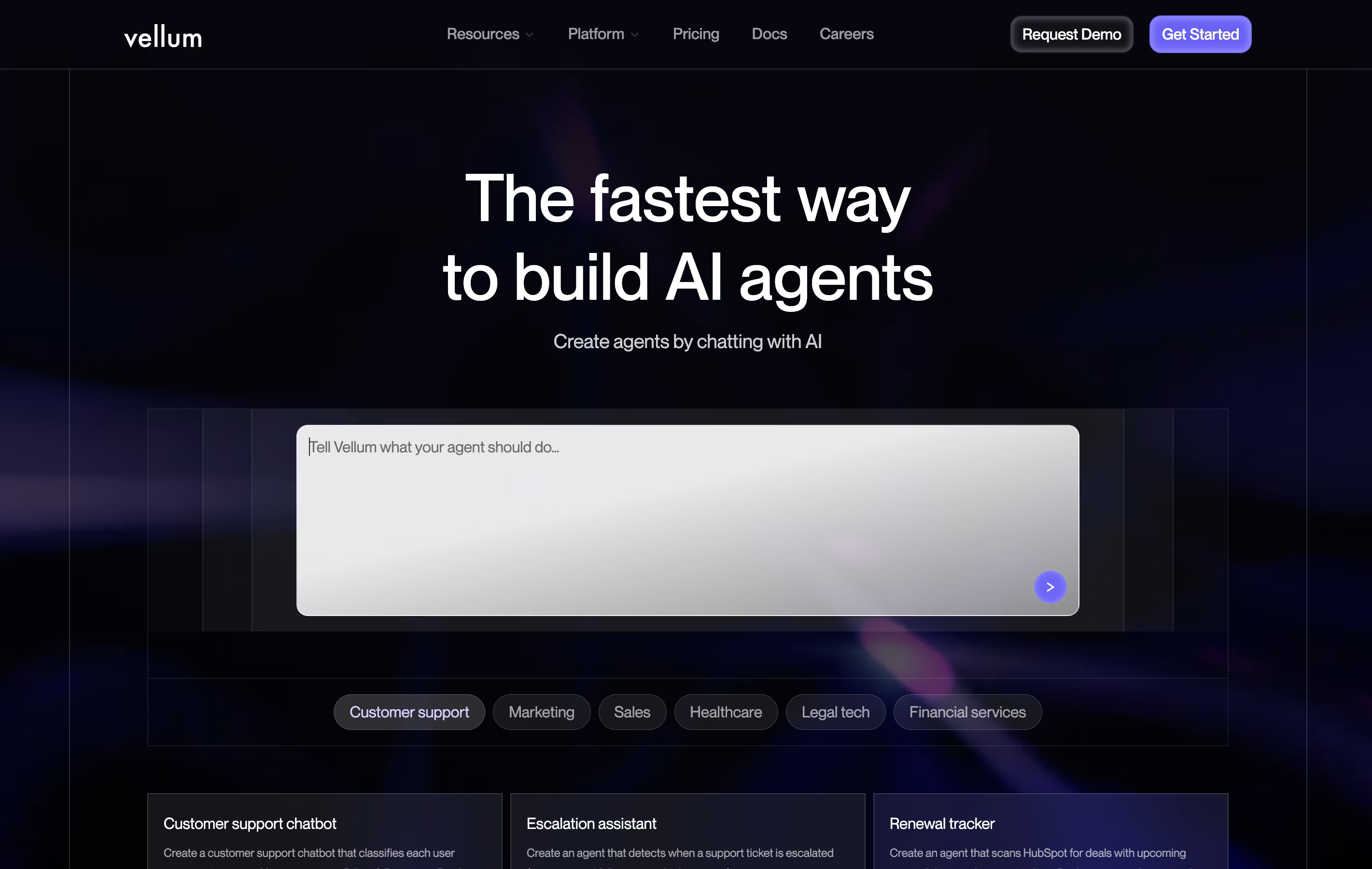 VellumBuild and Deploy Production AI Apps Fast are the best for Model Training. So, let’s take a closer look at both tools.
Roboflow is a complete computer vision development platform that makes building AI models simple and fast. Think of it as the missing piece that connects your images to working AI applications. The platform handles every step of the computer vision pipeline, from organizing your data to deploying models that can recognize objects, detect defects, or analyze scenes in real-time.
Unlike traditional approaches that require deep technical expertise, Roboflow provides user-friendly tools that work together seamlessly. You can upload images, label them with smart AI assistance, train state-of-the-art models with one click, and deploy them anywhere from cloud APIs to edge devices. The platform includes access to thousands of pre-trained models and datasets through Roboflow Universe, making it possible to start with existing solutions and customize them for your specific needs.
Vellum is a platform that helps you create AI applications from start to finish. You can build chatbots, content tools, data analysis systems, or custom AI assistants. The platform works with all major AI models including GPT-4, Claude, and open source options.
What makes Vellum different is its agent builder. You describe what you want your AI to do in plain language, and it automatically creates the workflow. You can connect your AI to business tools like HubSpot, Slack, and Google Drive. The platform includes testing tools to check quality before launch and monitoring to track how well things work after launch.
Both technical and non-technical team members can use Vellum. Developers set up connections and security, while other team members adjust prompts and workflows without touching code.


