

Best 5 Tools for Image Upscaling in 2026
Last Updated: August 25, 2026
A low-resolution image often cannot be used for print or larger displays without looking blurry or pixelated. Image Upscaling tools increase an image's resolution while preserving detail and sharpness.
Designers and photographers use upscaling to make older or smaller images usable at larger sizes.
 Magnific
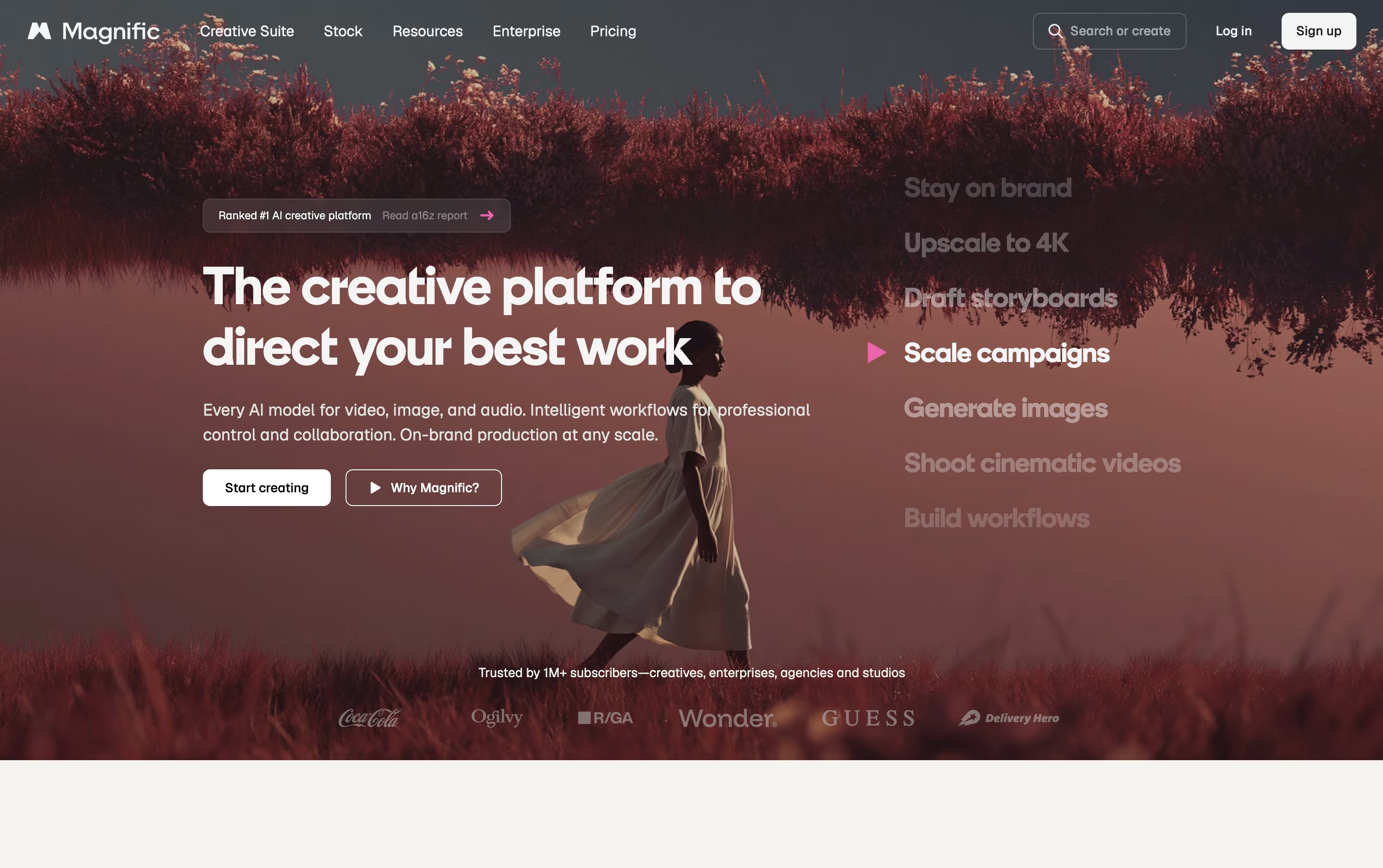 MagnificAI Platform for Images, Video & More,
  Leonardo AI
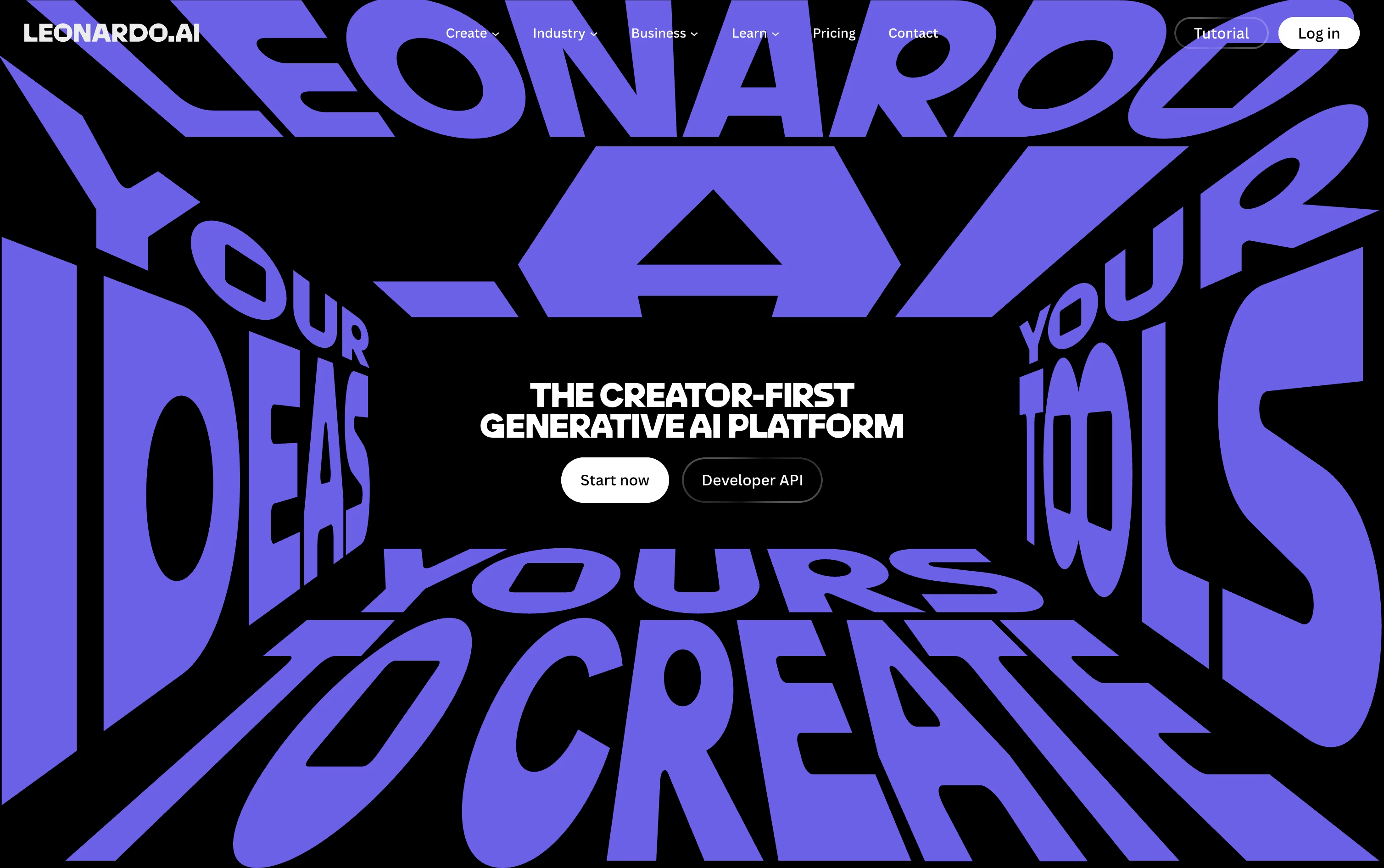 Leonardo AICreate AI Images, Video & 3D Art, and
  Getimg.ai
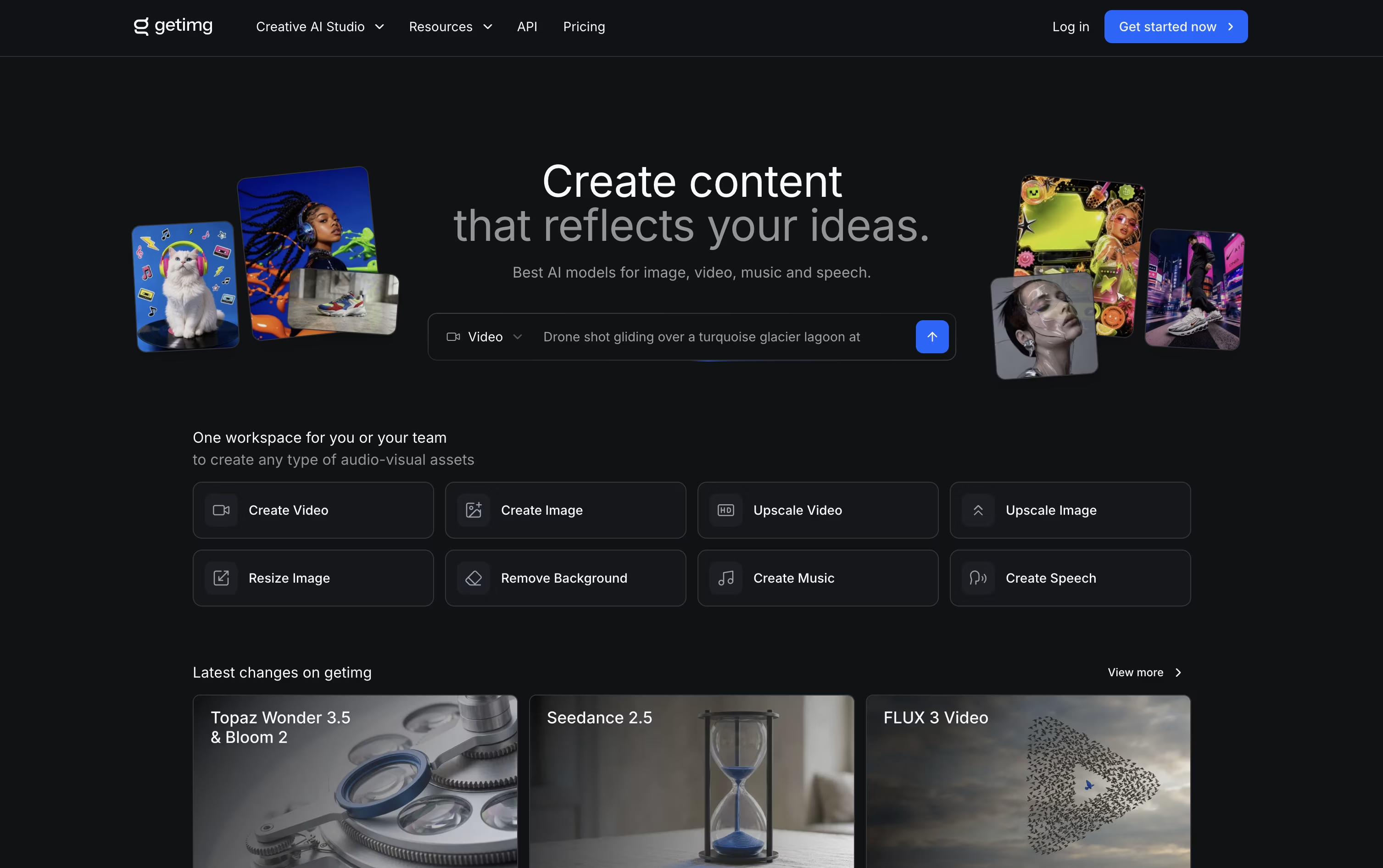 Getimg.aiThe All-in-One AI Creative Platform are the best for Image Upscaling. So, let’s take a closer look at all 5 tools.
Magnific is the rebranded, expanded version of Freepik, now built as a full AI creative suite rather than just a stock and upscaling site.
Inside it you'll find image and video generation from many AI models, the well-known Magnific upscaler for adding sharp, realistic detail to low-resolution files, and tools for music, voice, and 3D content, all drawing from the same pool of credits.
A library of over 250 million licensed photos, vectors, and templates sits alongside the AI tools, and Spaces lets teams build and share step-by-step creative workflows on one canvas.
The Premium plan starts at €15 a month with 20,000 credits, Premium+ costs €34 a month and unlocks unlimited use of certain models, and Pro runs €215 a month for heavier, professional workloads.
For teams, Business is priced at €59 per seat a month with a shared credit pool, while Enterprise offers custom pricing, unlimited seats, and hands-on support.
Paying yearly brings the price down by 25% on individual plans and 20% on team plans, and a commercial license is included no matter which plan you pick.
Leonardo AI lets you turn a written prompt, a sketch, or a reference photo into a finished image, short video, or 3D model. The goal is consistency, so the same character or style can be repeated across many outputs.
Extra tools cover editing and masking, upscaling made for AI images, motion clips from a still image, and training a personal AI model on your own pictures.
The Free plan gives 150 fast tokens a day with basic quality settings. Essential costs $12 a month, Premium is $30, and Ultimate is $60, and each step up adds more tokens, private generations, unlimited collections, and more AI model training slots.
Teams can start at $72 a month for 3 seats with shared tokens and unlimited relaxed generation on chosen models, and a custom plan is available for larger teams.
Developers can use a pay as you go API with credits that never expire, or move to a custom API plan for bigger production needs.
Getimg.ai gathers image, video, and audio creation into a single browser based workspace, cutting out the need to juggle separate apps and accounts.
You simply describe what you need, and the platform automatically chooses a fitting AI model and refines your prompt in the background.
Editing is built in too, with one click background removal, image upscaling up to 16K, smart resizing, and video upscaling up to 4K.
Plans begin at $10 a month for the Entry tier with 3,000 credits, and move up to $30, $65, and $175 a month per seat for Core, Plus, and Ultra, each adding more credits, higher quality upscaling, and larger team access.
Choosing yearly billing lowers the price by roughly 20 percent across every plan.
Paid subscriptions also unlock full commercial rights, and a developer API with ready made SDKs is available for teams that want to build the tools into their own apps.

Krea packs image, video, and 3D generation into one browser based workspace, so creative teams don't need to jump between separate tools. It works well for designers, filmmakers, agencies, and beginners alike.
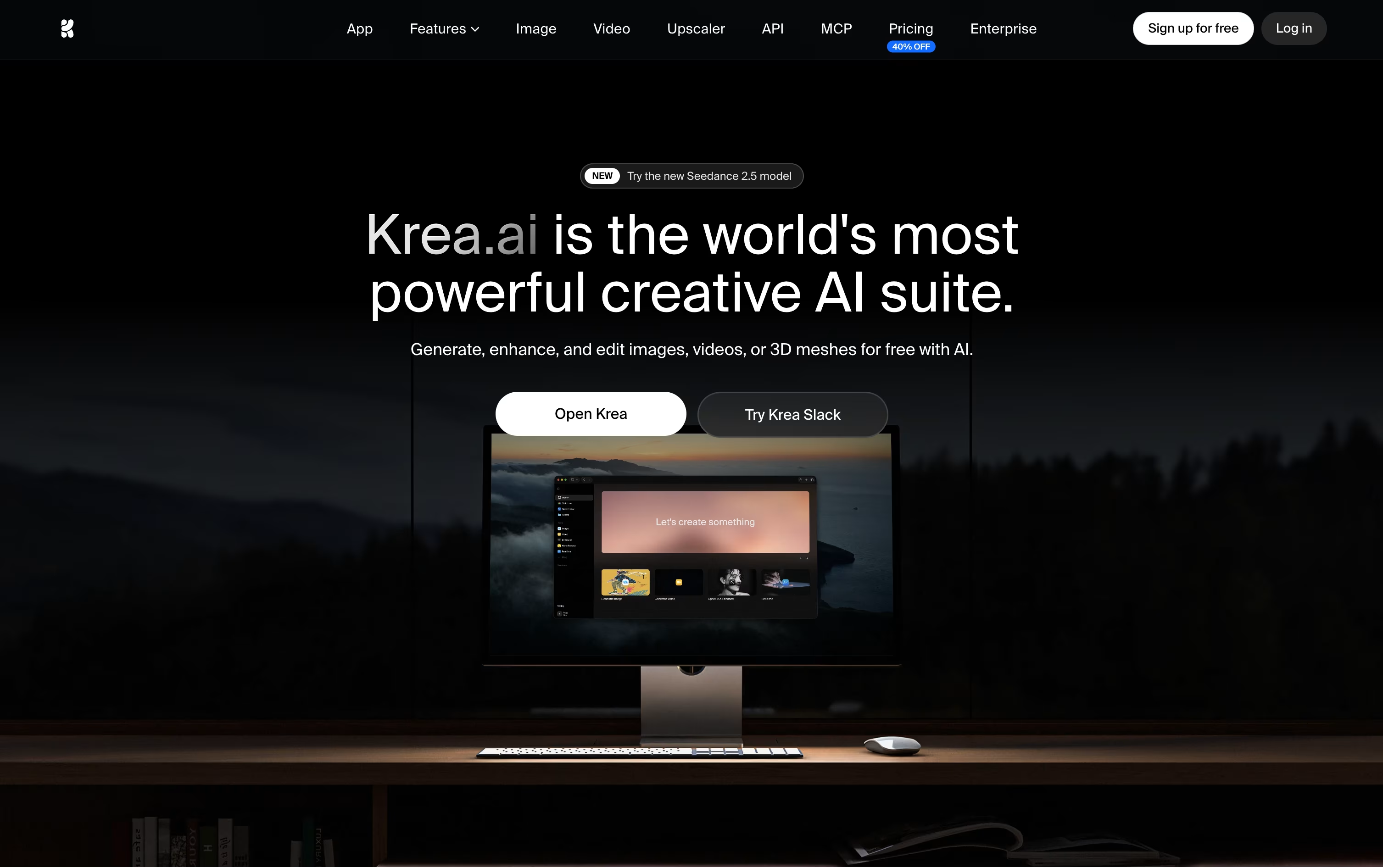
Behind the simple interface sits access to dozens of AI models, including Krea's own Krea 2, plus a realtime canvas that updates as you type, an editor for region based changes, 3D mesh generation, and a lipsync tool for talking videos.
You can also train private LoRA styles and set up automated Nodes workflows, or let Nodes Agent build a workflow from a text description.
Getting started is free, with 100 units a day and limited model access. Basic runs $9 a month, or $5 yearly, unlocking full image models and LoRA training.
Pro, the most popular tier, costs $35 a month, or $21 yearly, and adds all video models plus Nodes Agent and early feature access, while Max reaches $105 a month for unlimited concurrency and relaxed generations.
Larger teams can pick Business at $200 a month for 80,000 units and up to 50 seats, or move to Enterprise for custom pricing with SAML SSO and priority support.

Wondershare is a software company that develops easy-to-use applications for creative professionals, businesses, and everyday users. Their main products solve common digital problems like editing videos, managing PDF documents, recovering lost data, and creating visual content.
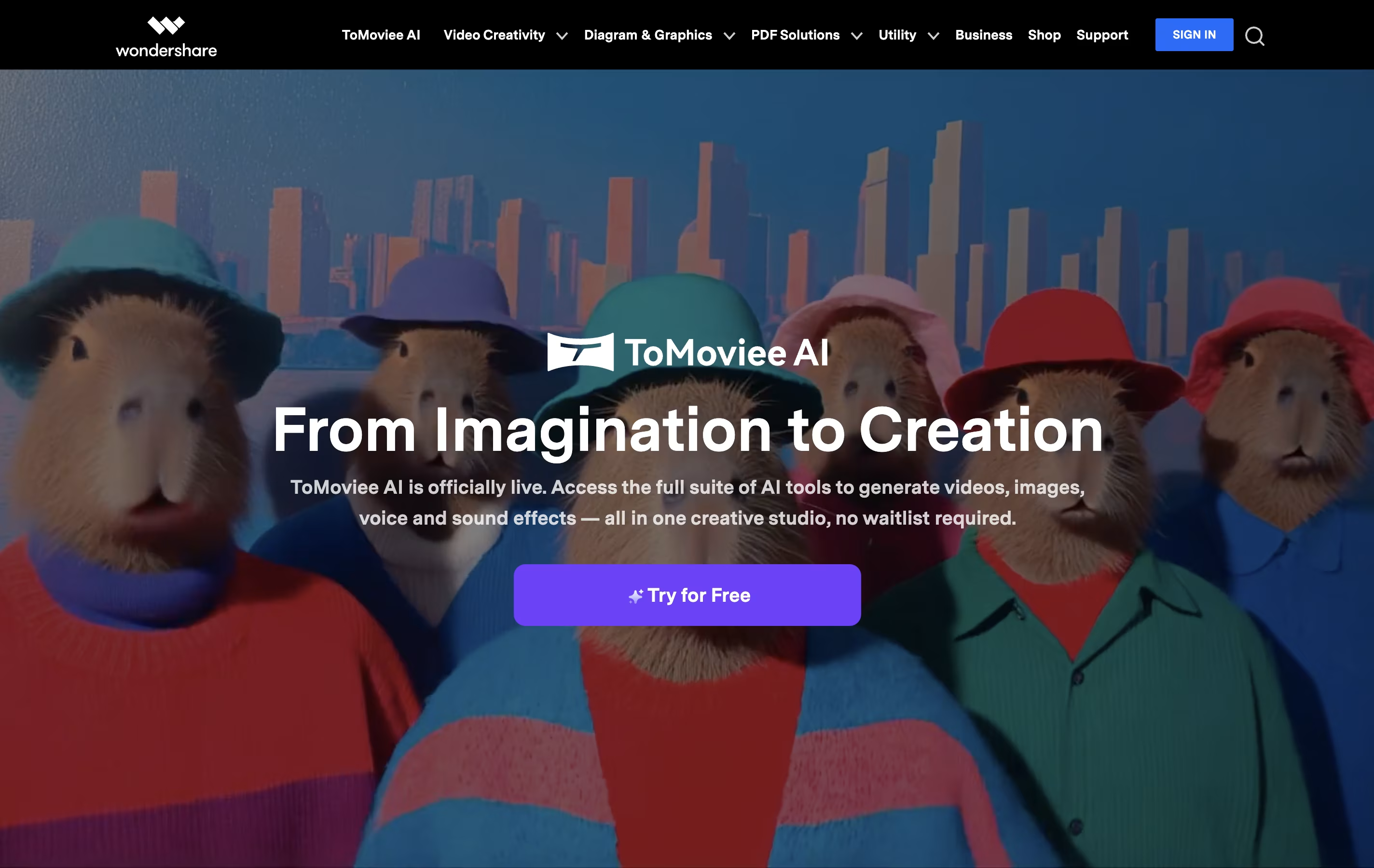
The company operates as a Software-as-a-Service provider, offering both desktop applications and web-based tools. Their most popular products include Filmora for video editing, PDFelement for PDF tasks, Recoverit for data recovery, and Dr.Fone for mobile device management. Many tools now include AI features to make complex tasks simpler.
Wondershare focuses on user-friendly design, making professional-grade software accessible to people without technical backgrounds. They offer various pricing options including free versions, monthly subscriptions, annual plans, and lifetime licenses to fit different needs and budgets.





