

Best 5 Tools for Voice-Based Text Editing in 2026
Last Updated: August 24, 2026
Typing out captions on a phone is slow, especially when ideas come faster than your thumbs can move. With voice-based text editing, you simply speak your caption, description, or comment reply, and it gets transcribed into editable text you can quickly clean up before scheduling.
This is especially useful for creators and social media managers who draft content on the go, between meetings or while commuting. Instead of losing a good idea because typing feels like a chore, you capture it instantly and refine the wording afterward.
Some tools go a step further by letting you edit the transcribed text using voice commands alone, such as rewording a sentence or removing a phrase. For anyone managing several accounts at once, this small feature can shave real time off the daily content workflow.
 VoiceInk
 VoiceInkPrivate AI Dictation for Mac & iOS,
  Aqua Voice
 Aqua VoiceFast, Accurate AI Voice Dictation, and
  Typeless
 TypelessAI Voice Keyboard That Writes for You are the best for Voice-Based Text Editing. So, let’s take a closer look at all 5 tools.

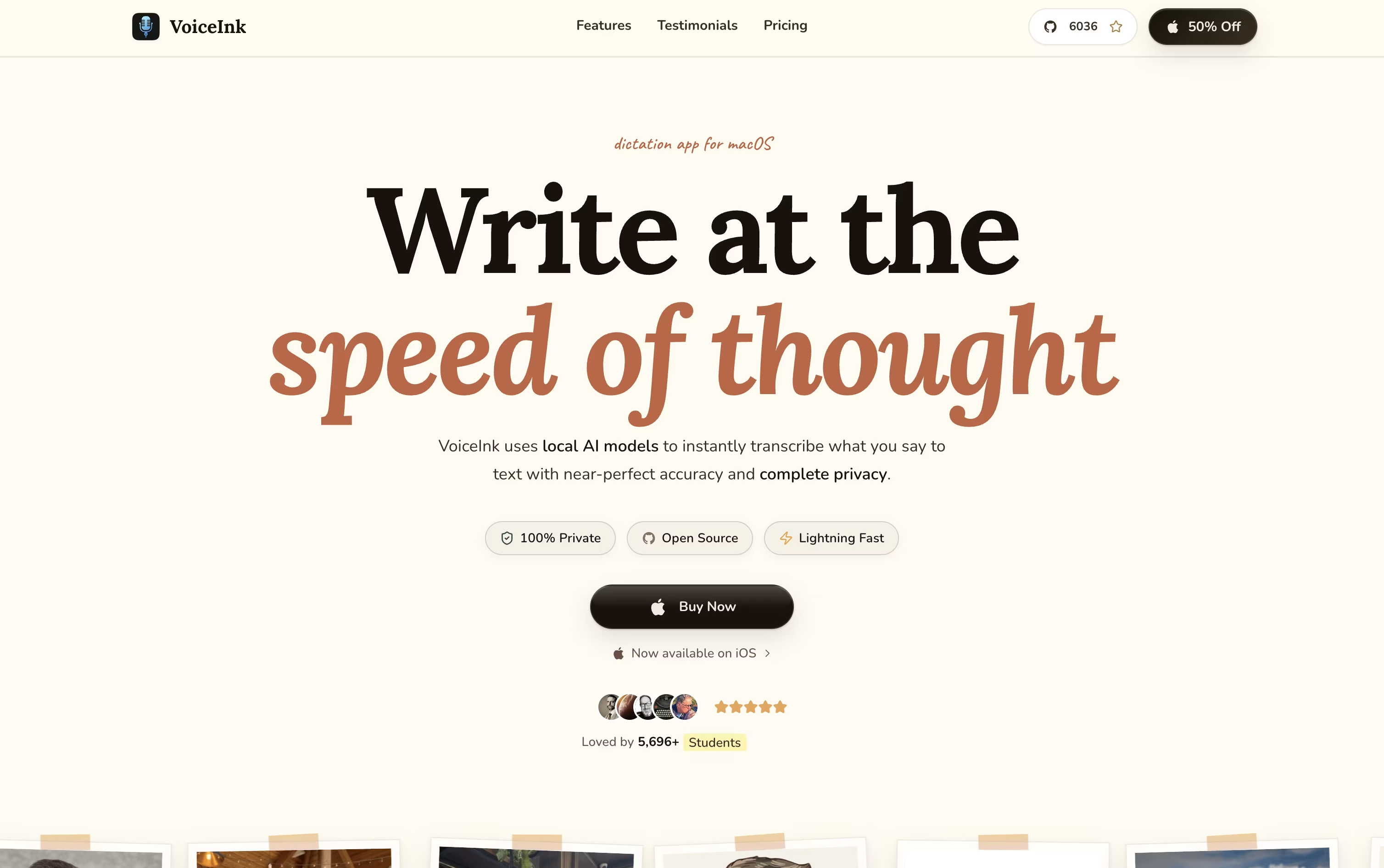
Instead of typing, VoiceInk lets you simply talk on your Mac or iPhone. Hit a shortcut, say what you need, and clean, ready to use text appears wherever your cursor is.
Voice processing happens locally on your device by default, keeping your audio private, though optional cloud models are available if you supply your own API key.
Its Modes feature recognizes which app you are using, like Slack or Gmail, and adjusts the transcription model and writing style to fit that context automatically.
There is no subscription here. Solo is $29 for one Mac, Personal is $49 for two Macs, Extended is $69 for three Macs, and teams can grab a 10 seat Startup license for $199.
Every option comes with lifetime updates and a 14 day refund window, one payment covers it for good.
Being open source, it is also actively shaped by an engaged community of users.
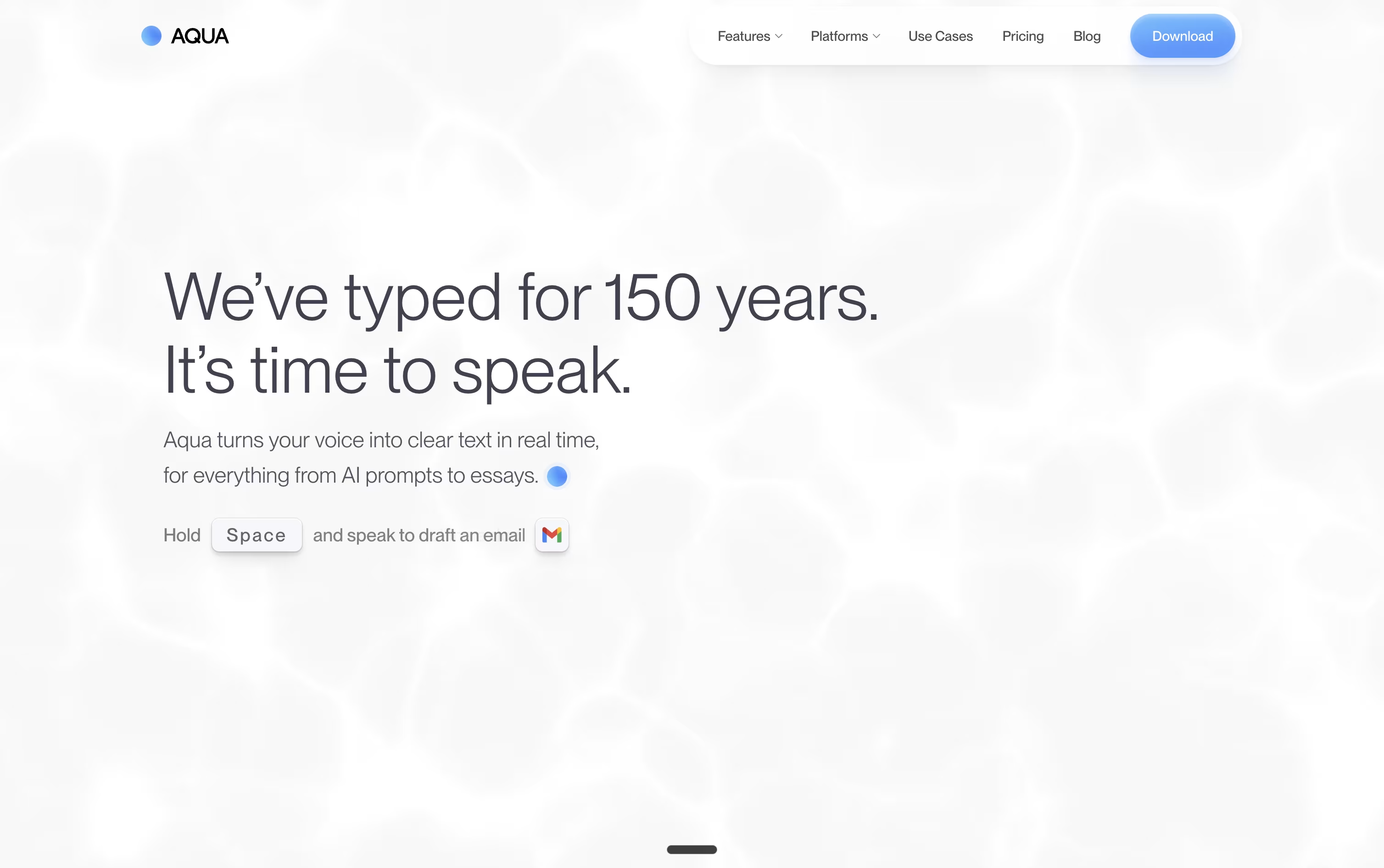
Instead of typing, Aqua Voice lets you talk. Hold a key in any app, speak naturally, and your words appear as neat, formatted text within moments, ready for code editors, emails, or chat apps.
The tool is powered by Avalon, a speech model trained specifically on how people talk to computers and AI assistants, so it recognizes coding terms and technical names more reliably than typical dictation software.
Anyone can start for free with the Starter plan and 1,000 words. Moving to Pro costs $10 a month, or $8 a month if billed yearly, and removes the word limit while adding custom instructions.
The Max plan is $30 a month, or $24 a month yearly, and brings realtime streaming plus spoken commands like sending a message. Teams pay $15 per user monthly, or $12 yearly, with one shared bill.
Enterprise customers get custom pricing along with single sign-on, zero data retention, and detailed reporting for larger organizations.
A 70% student discount applies to Pro and Max, and all plans allow cancelling at any time.
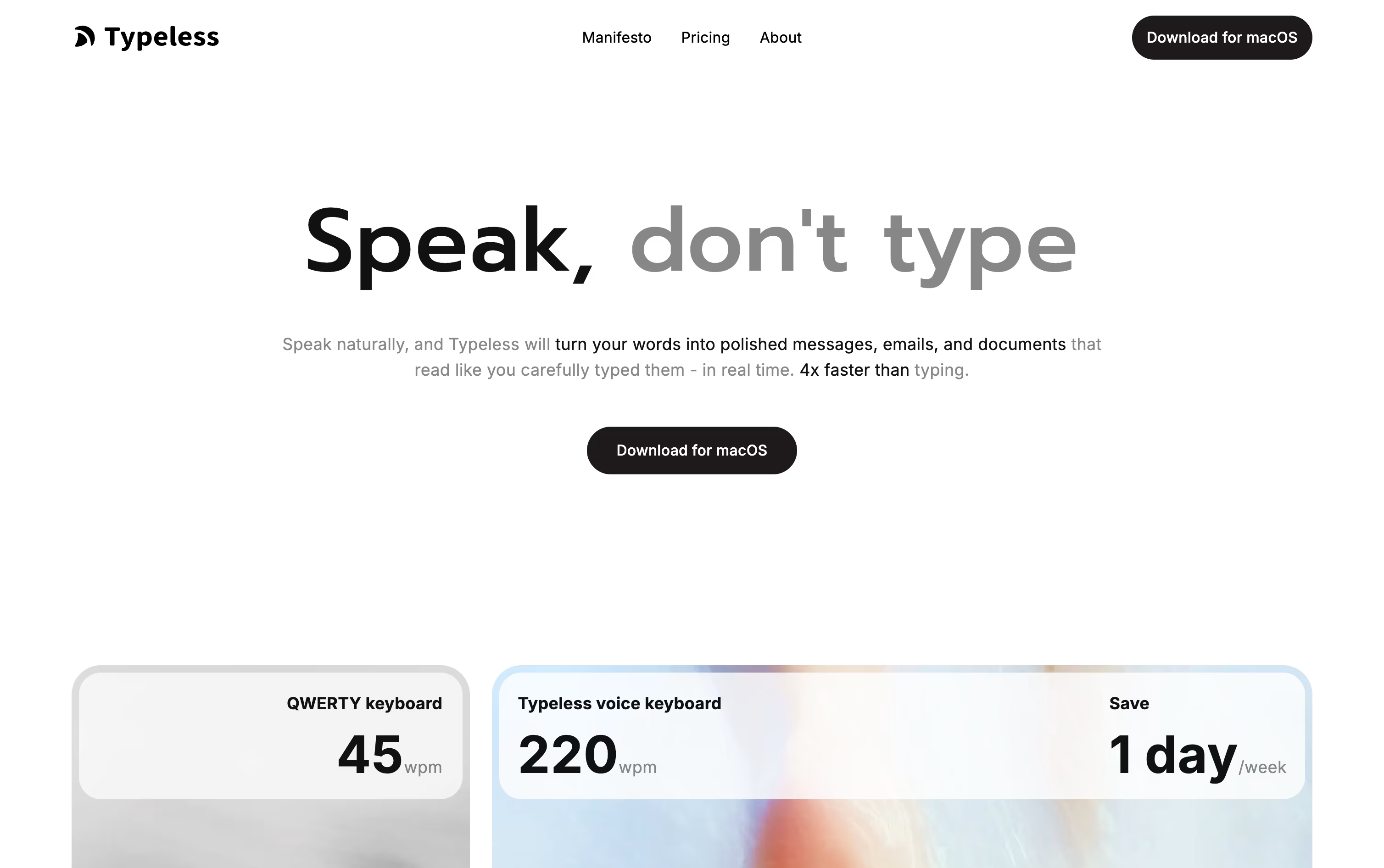
Rather than typing out every message, Typeless lets you speak and hands back writing that already reads clearly. Hold the hotkey on desktop, or the voice button on mobile, and the app fills in the text for you.
It quietly strips out ums, repeated words, and false starts, then arranges the result into sentences, steps, or paragraphs that match what you were trying to say.
You can use it almost anywhere on your device, whether that is a work email, a group chat, or a long document, and the experience stays consistent across macOS, Windows, iOS, and Android.
Getting started is free, with 8,000 words covered each week at standard accuracy. Moving to Pro costs $12 per member monthly on the yearly plan, or $30 if you pay month to month, and lifts the word cap while speeding things up for teams.
Bigger companies can ask about Enterprise pricing, which adds single sign-on, audit trails, and priority support.
With support for more than 100 languages and a habit of learning how you write, it fits both short daily notes and longer pieces of writing.

Instead of typing, Wispr Flow lets you simply speak, and it turns even rambling or corrected speech into clean, polished text dropped straight into whatever app you have open.
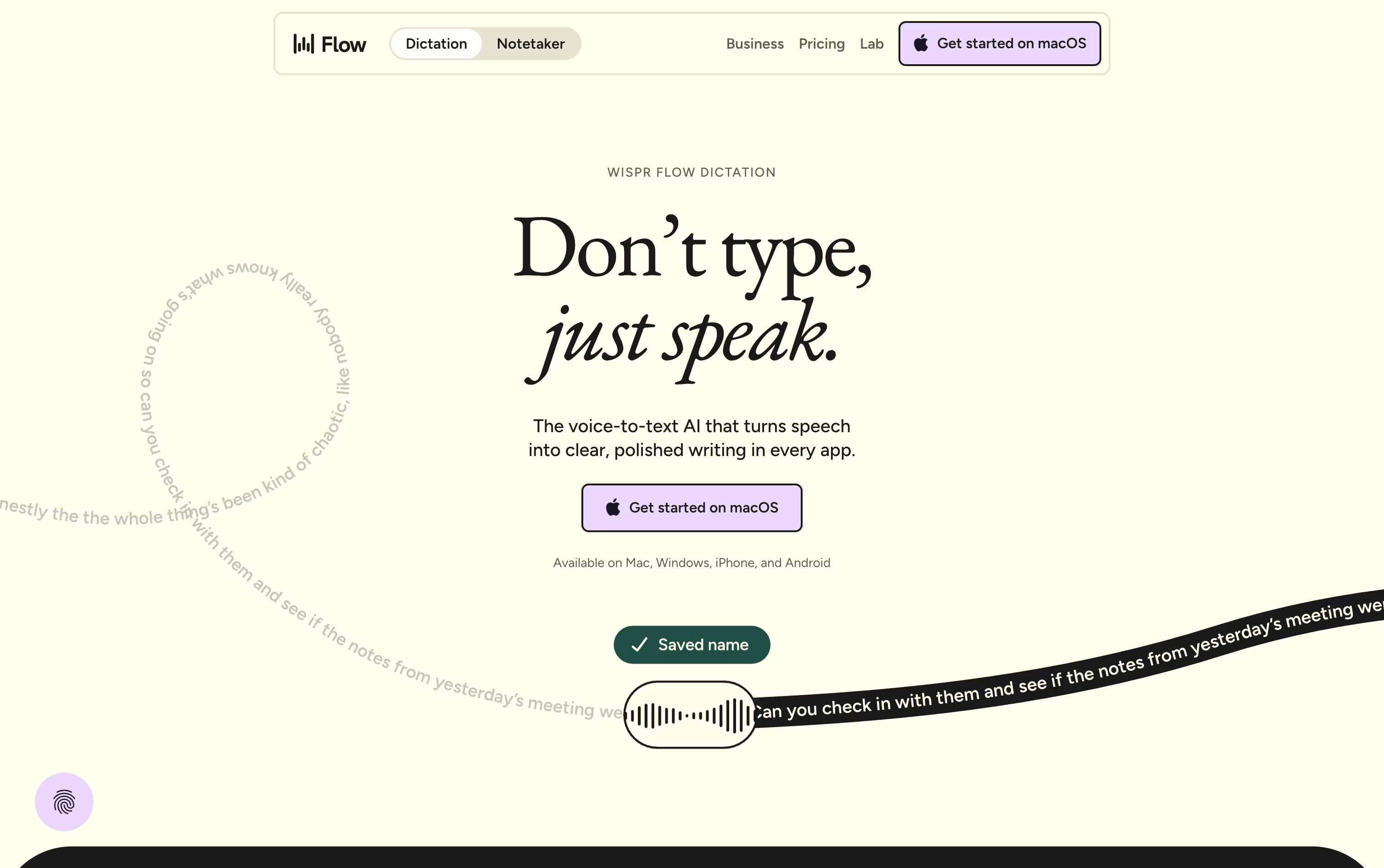
It runs system wide on Mac, Windows, iOS, and Android, so emails, chat messages, notes, and even code comments can all be dictated without any copy and pasting.
On top of dictation, it offers a meeting notetaker that identifies speakers, a personal dictionary for names and jargon, and snippets that expand a short phrase into a full pre-written message.
Free costs $0 a month and covers the basics with some weekly limits on words and meetings.
Pro is $15 per user monthly, dropping to $12 a month on the annual plan, and removes those limits while adding stronger AI models.
Enterprise is priced on request and brings in security features like SSO and SOC 2 for bigger organizations.

Monologue turns your spoken words into clean, formatted text rather than a rough transcript. It cuts filler words, tidies up phrasing, and shapes the output to fit whatever app you are typing into.
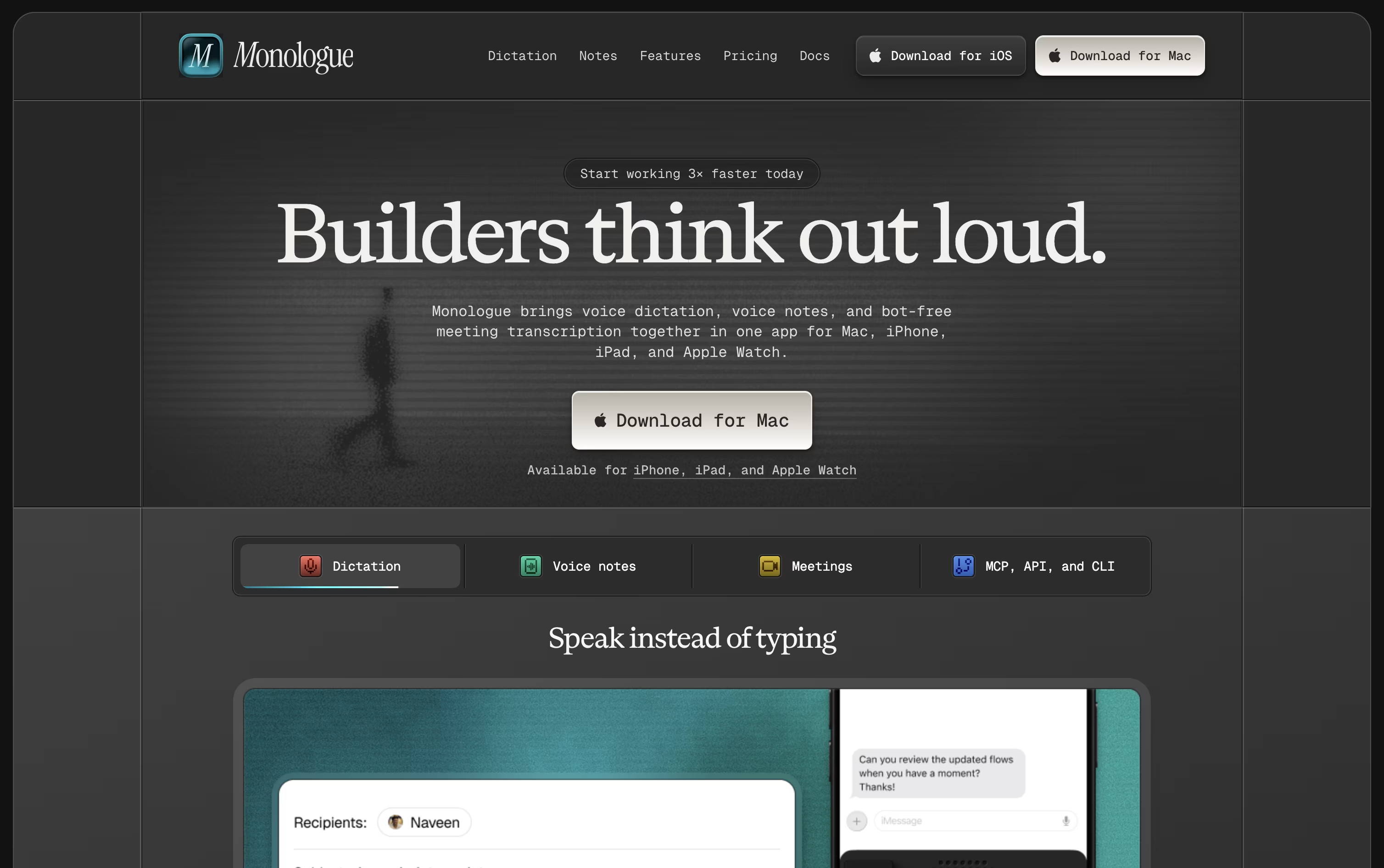
The app is available on Mac, iPhone, iPad, and Apple Watch, with your dictionary, modes, and notes kept in sync everywhere.
A free trial covers 1,000 dictation words and 10 recorded notes so you can test it before paying anything.
Beyond that, Pro costs $15 monthly or $144 a year, which works out to about $12 a month and removes all the usage limits.
Pro also adds bot-free meeting notes and full support across every Apple device.
Monologue is included in the wider Every subscription bundle, and it offers an API, CLI, and MCP support for developers who want notes inside their coding agents.




