MiniMax Audio vs Udio: Features, Pricing and User Reviews 2026
What are MiniMax Audio and Udio?
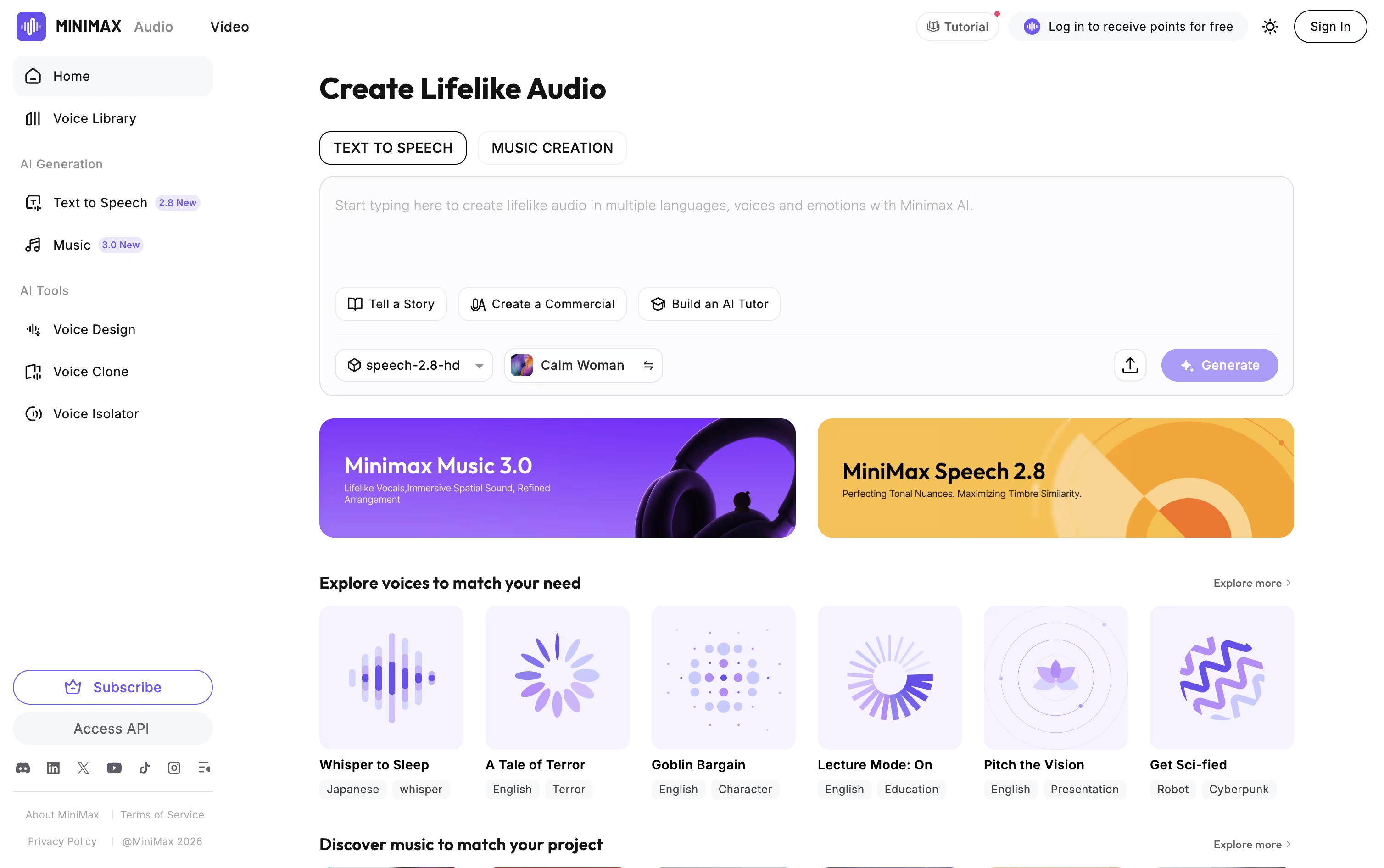
MiniMax Audio is a tool that turns text into natural sounding speech and creates full songs from simple prompts. It is built by MiniMax, an AI company known for advanced voice and music models.
You can type or paste text and pick from hundreds of voices in over 40 languages. The speech comes with real sounds like breaths, laughs, and pauses, so it feels less robotic and more human.
You can also clone a voice using just a short audio clip, or design a brand new voice by describing it in words. For music, you give a prompt and get a full song with vocals and instruments in just a few minutes.

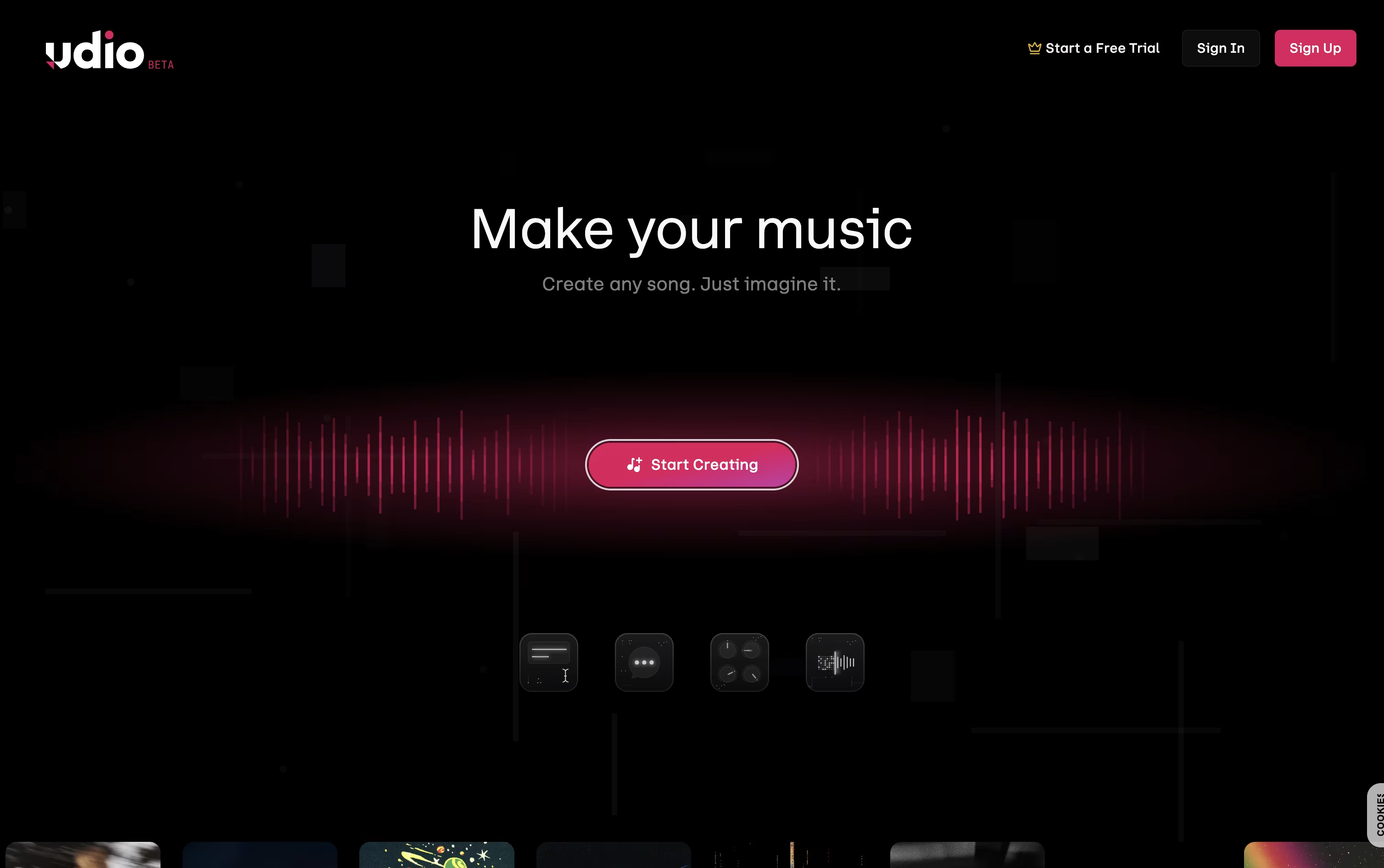
Udio is a website where you can create full songs just by typing what you want. You describe the style, mood, or story, and it writes music with vocals, instruments, and structure for you.
No music training is needed, so anyone can use it for fun songs, background music, or serious projects. You can also upload your own lyrics or audio clips and let Udio build around them.
Once a song is made, you can extend it, remix it, or edit small parts without starting over. Udio offers a free plan with daily limits, plus paid plans that unlock more song generations, editing tools, and higher monthly credits for regular use.
Features of MiniMax Audio and Udio
Realistic text to speech in 40+ languages
Native sound tags like breaths and laughs
Voice cloning from a short audio clip
Custom voice design from text descriptions
Full AI music and song generation
Song cover and style transfer tools
Adjustable pitch, speed, and pauses
Noise reduction for clean audio
Long text support for big projects
Free plan plus flexible paid plans
Text-to-song generation with vocals and instruments
Custom lyrics writing and line-by-line editing
Style references from songs or your own uploads
Voice library for choosing a vocal character
Extend and remix existing tracks
Audio inpainting to fix or redo one section
Sessions timeline editor with saved takes
Cover art generation and custom uploads
Upload your own audio files
Cross-device sync with the iOS app
Use Cases of MiniMax Audio and Udio
Pricing of MiniMax Audio and Udio
MiniMax Audio offers five plans so you can pick based on how much you create.
The Free plan costs $0 and gives 10,000 credits, 3 voice slots, and about 12 minutes of HD audio each month.
The Starter plan is $5 a month, or $4.50 a month billed yearly, with 100,000 credits, 10 voice slots, and commercial rights.
The Creator plan is $15 a month, or $13 a month yearly, with 330,000 credits and 30 voice slots.
The Standard plan is $30 a month, or $25 a month yearly, with 750,000 credits and 50 voice slots.
The Pro plan is $99 a month, or $80 a month yearly, with 3 million credits and 250 voice slots, the biggest plan available.
Yearly billing saves up to 47% compared to paying monthly, and a pay as you go credit option is also available.
Udio has three pricing plans: Free, Standard, and Pro.
Free Plan ($0/month): Gives 10 credits a day and 100 credits a month, enough for basic songs, remixes, and extensions.
Standard Plan ($10/month, or $8/month billed yearly): Gives 2,400 credits a month plus voice control, audio uploads, and lyric editing.
Pro Plan ($30/month, or $24/month billed yearly): Gives 6,000 credits a month with the highest generation limits and full access to every feature, including song access permissions.
Annual billing saves money on both paid plans, and Standard also offers a free trial with Standard features, though it stays under the free-tier daily credit limit. Extra credits can also be bought separately, and they never expire.
FAQs: MiniMax Audio vs Udio
Reviews: MiniMax Audio vs Udio
Based on 0 reviews
Based on 0 reviews