

Best 8 AI Mobile App Builder Tools in 2026
Last Updated: September 9, 2026
Building a mobile app used to mean hiring developers or spending months learning to code. AI Mobile App Builders change that by letting you describe what you want and generating a working app in return, complete with screens, navigation, and backend logic ready to customize.
These tools are ideal for founders, indie makers, and small teams who want to turn an idea into a real iOS or Android app without a technical co-founder. Most platforms handle the heavy lifting of UI design, database setup, and app store deployment, so you can focus on refining features and testing with real users.
Whether you are prototyping a quick MVP or building a full product, AI mobile app builders cut development time from months to days while keeping the process approachable for non-developers.
 Emergent
 EmergentBuild Full-Stack Apps with AI Agents,
  Webflow
 WebflowVisual Website Builder & CMS Platform, and
  Rocket
 RocketAI-Powered Vibe Solutioning Platform are the best for AI Mobile App Builder. So, let’s take a closer look at all 8 tools.

Emergent turns a written idea into a real, working application. You explain what you need in everyday English, and a group of AI agents handles the planning, design, coding, testing, and deployment on your behalf.
The system builds the entire application, covering the visual design, backend rules, database structure, and account logins, so you are not left with just a frontend mockup.
Getting started is free, with 10 credits included each month and access to the core tools. Moving up to Standard costs $20 monthly, or $17 monthly when paid yearly, and adds private hosting plus GitHub syncing.
The Pro tier runs $200 a month, or $167 a month annually, and gives you a much larger 1 million token memory window, the ability to build your own custom agents, and 750 credits a month.
Companies needing tighter control can move to Business or Enterprise, both priced on request, which bring in single sign on, access controls, audit trails, and private cloud deployment.
With built in connections to GitHub, Stripe, and Supabase and support for both web and mobile builds, Emergent suits solo founders, agencies, and teams that want working software without a long build cycle.
Instead of handing a design to a developer, Webflow lets you build the finished, working website yourself on a visual canvas that outputs clean HTML, CSS, and JavaScript.
A built-in CMS handles blogs and other repeating content, and ecommerce tools let you sell products without a separate platform, all hosted on Webflow's own fast, secure servers.
You can start for free on the Starter plan, then move to Basic at $25 a month or Premium at $39 a month once you need a custom domain, a CMS, or more bandwidth. Yearly billing lowers both prices.
Bigger organizations can choose the Team plan at $2,500 a month, billed annually, which adds governance, publishing controls, and localization tools, while Enterprise buyers get a custom quote and dedicated support.
Optional add-ons for testing, analytics, and translation, along with separate ecommerce and Workspace plans, mean you only pay for what your project needs.
A lot of people jump straight into building without stepping back to ask what they should actually build and who will use it. Rocket tries to fix that by combining research, app building, and competitor tracking in one connected workspace.
The research side, called Solve, takes any market question and turns it into a clear, evidence backed brief covering strategy, growth ideas, and product direction, which can be exported and shared right away.
The building side, called Build, turns everyday language, a Figma file, or a GitHub repo into a real website, web app, mobile app, or online store, built on solid frameworks like Next.js and Flutter instead of a quick mockup.
The Intelligence side keeps watch on competitors in the background, sending daily updates about pricing changes, new features, and marketing moves.
The Free plan gives newcomers 20 credits to try things out, while Pro, Rocket, and Booster plans add more monthly credits, deeper research, and enterprise features such as single sign on and premium support as needs grow.
Because everything shares the same project context, a finding from research can shape what gets built, and a competitor signal can point straight to the next update.

FlutterFlow lets you build mobile, web, and desktop apps by dragging and dropping widgets on a screen instead of typing every line of code. Under the hood, it runs on Google's Flutter framework, so what you build is real, working software from day one.
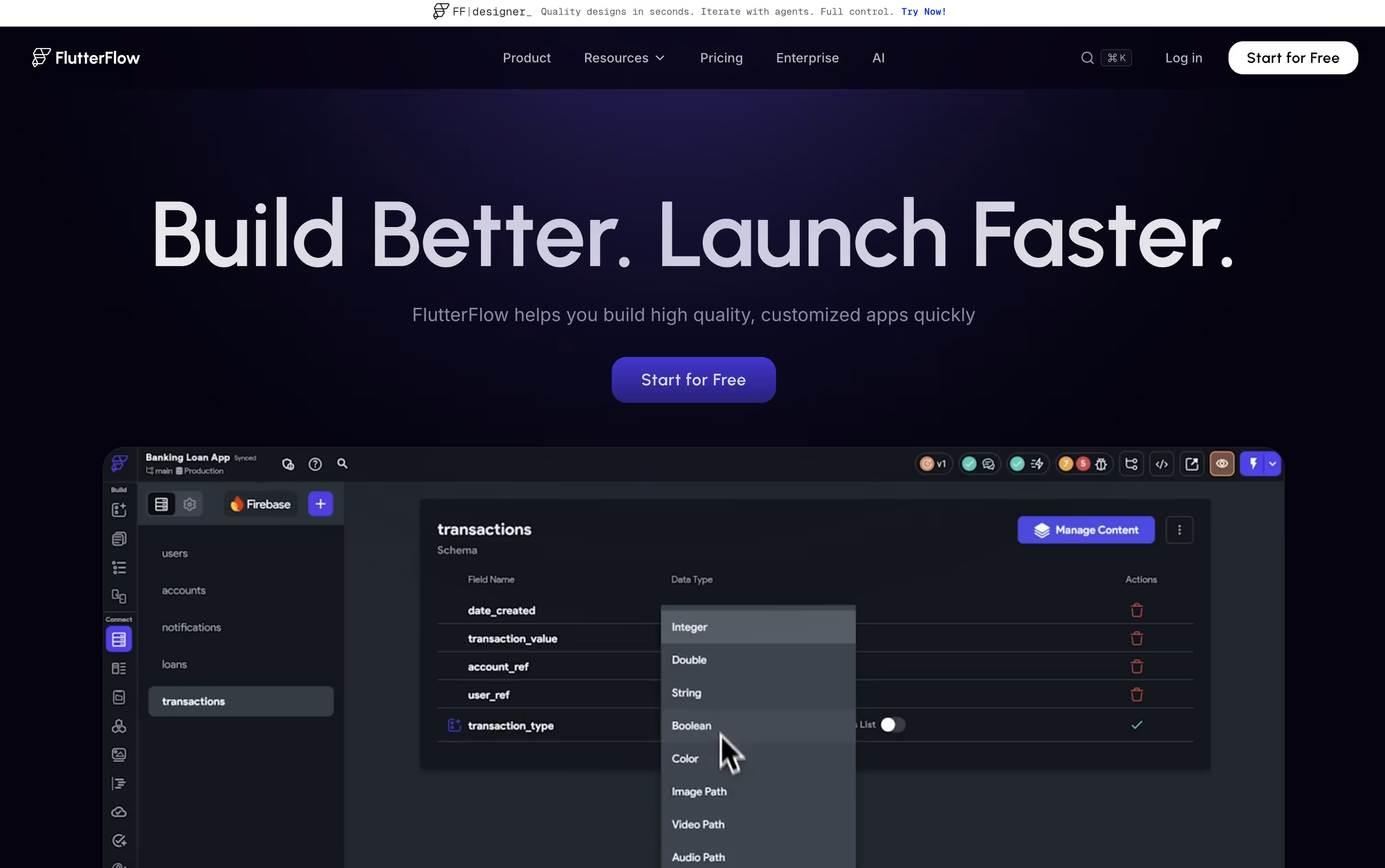
A visual logic editor handles the behind-the-scenes work, like what happens when someone taps a button or submits a form, without needing deep coding knowledge.
Your app can connect to Firebase, Supabase, or your own custom backend, and you can export the full code whenever you like, so you are never locked into the platform.
Pricing starts free for 2 small projects, then moves to $23.40 a month for unlimited projects and code downloads. Growth plans begin at $48 a month for small teams, Business starts at $90 a month for bigger teams, and Enterprise is priced on request.
Built-in AI features can generate app pages and even test your app automatically, which helps both new users and experienced developers work faster.

With Anything, you describe the app you want in plain words, and the AI handles the coding, the database, the login screen, and the payments behind the scenes.
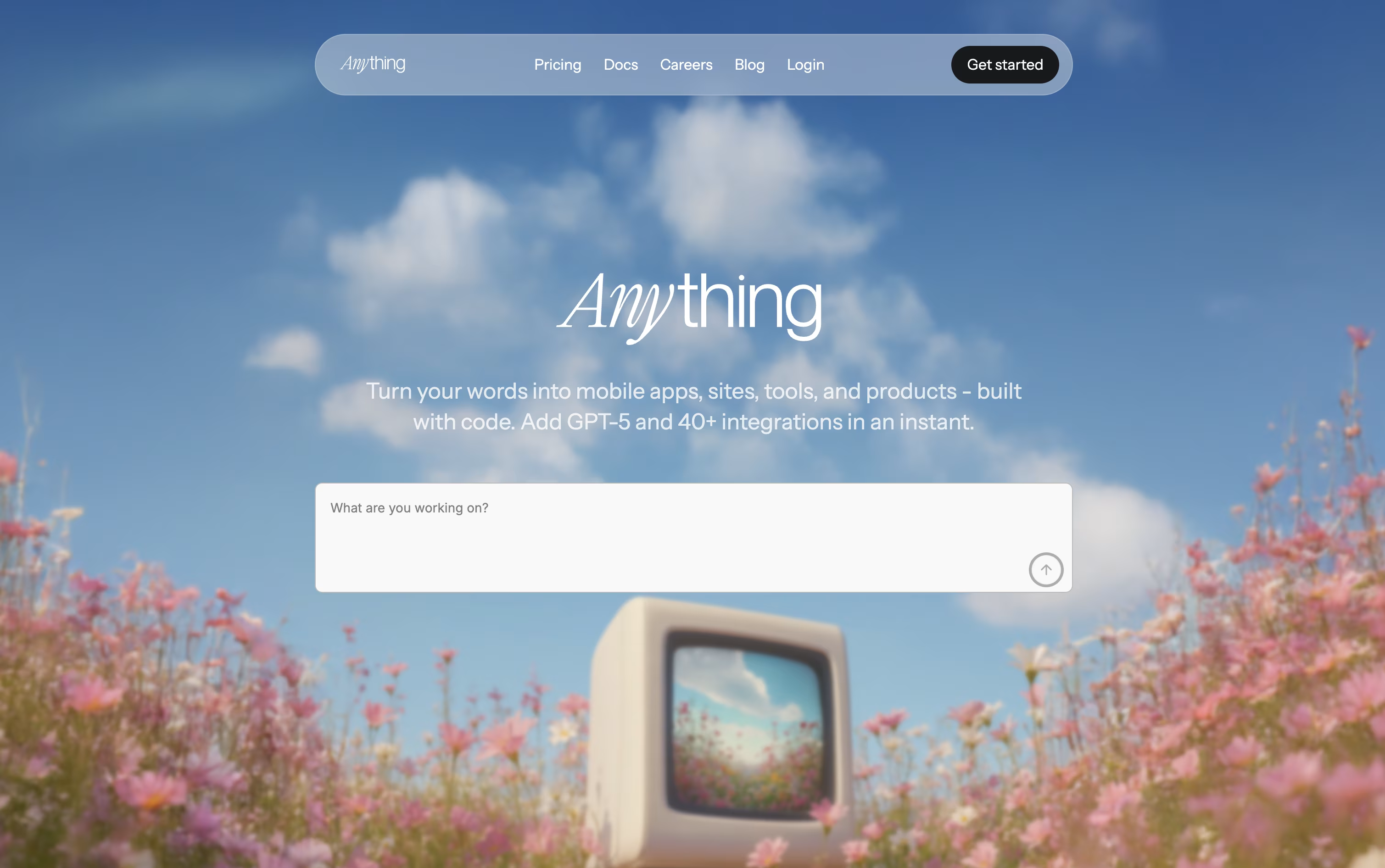
One project can produce a website, a web app, and native iPhone and Android apps at the same time, all sharing the same backend.
Getting started costs nothing, since the free plan lets you build public projects with community support.
Moving up, the Pro 20K plan is $24 a month, or $19 a month if billed yearly, and unlocks 20,000 AI credits, private projects, custom domains, and no Anything branding.
Teams with bigger needs can pick the MAX plan, starting at $239 a month for 220,000 credits, or $199 a month yearly, which adds parallel AI agents, automated testing, and faster support.
The standout feature is Anything Max, which tests the app itself like a real visitor, catches errors, and fixes them without you asking.

Instead of hiring a developer or learning to code, Rork lets you build a real app just by chatting with an AI agent. You explain what the app should do, and the agent designs the screens, writes the code, and fixes bugs as you go.
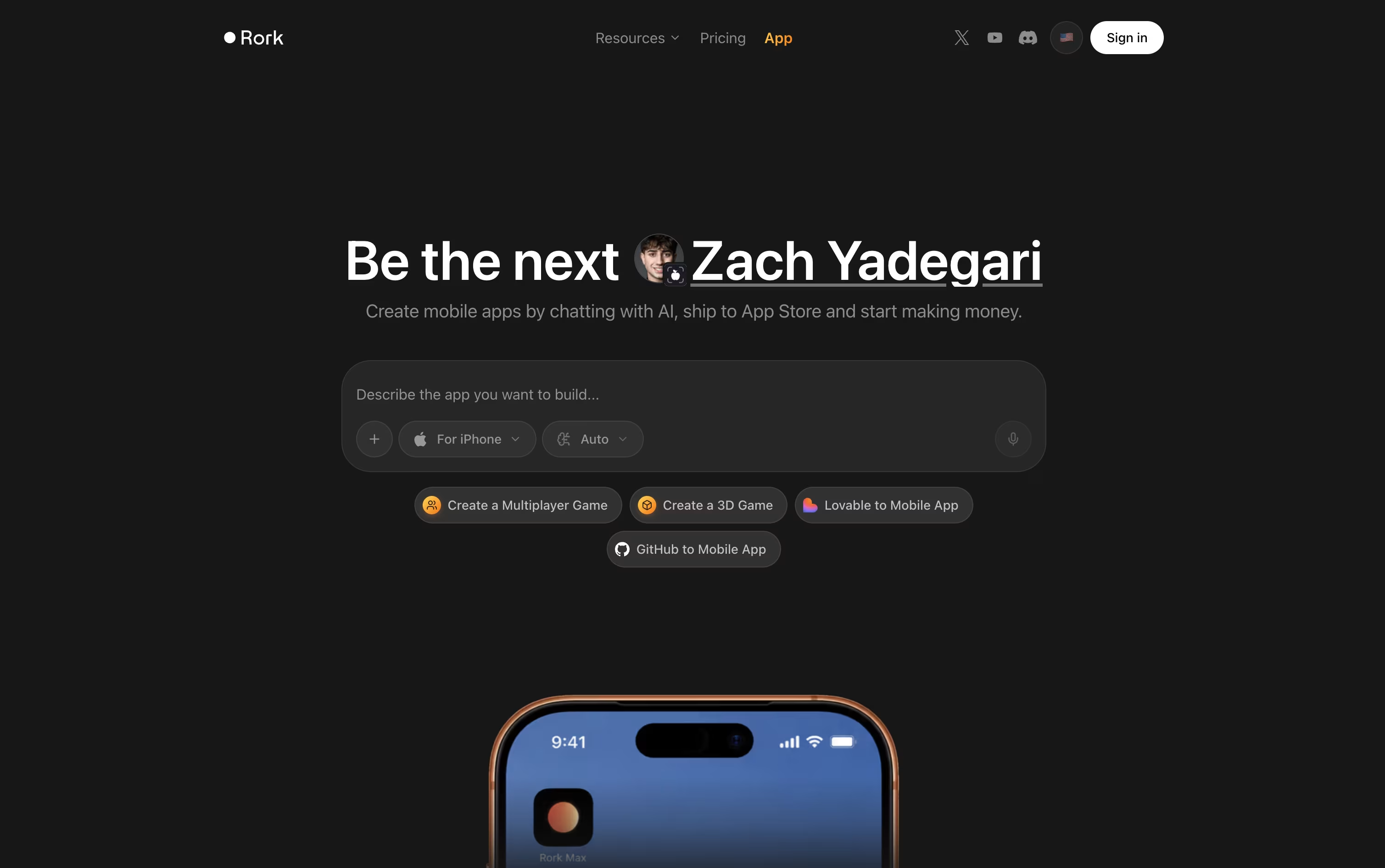
Two modes are available. Rork Pro creates apps using React Native and Expo that work across iOS, Android, and web. Rork Max compiles fully native SwiftUI apps built specifically for Apple devices, unlocking features like widgets, Live Activities, and support for Apple Watch and Vision Pro.
Getting started is free, with 5 AI credits a month and a short trial of Rork Max included, ideal for small experiments.
The Pro plan is $20 a month with 100 credits and adds private projects along with native Android builds. Rork Max begins at $200 a month for 1,000 credits, and larger credit tiers are available for heavier use.
Every paid plan adds tools for connecting your own database, adding logins and payments, and exporting your full project through GitHub. Once finished, Rork also helps you submit the app to the App Store and Google Play.

Instead of hiring a developer or piecing together separate tools, Base44 lets you describe an app in plain English and get a working version back right away.
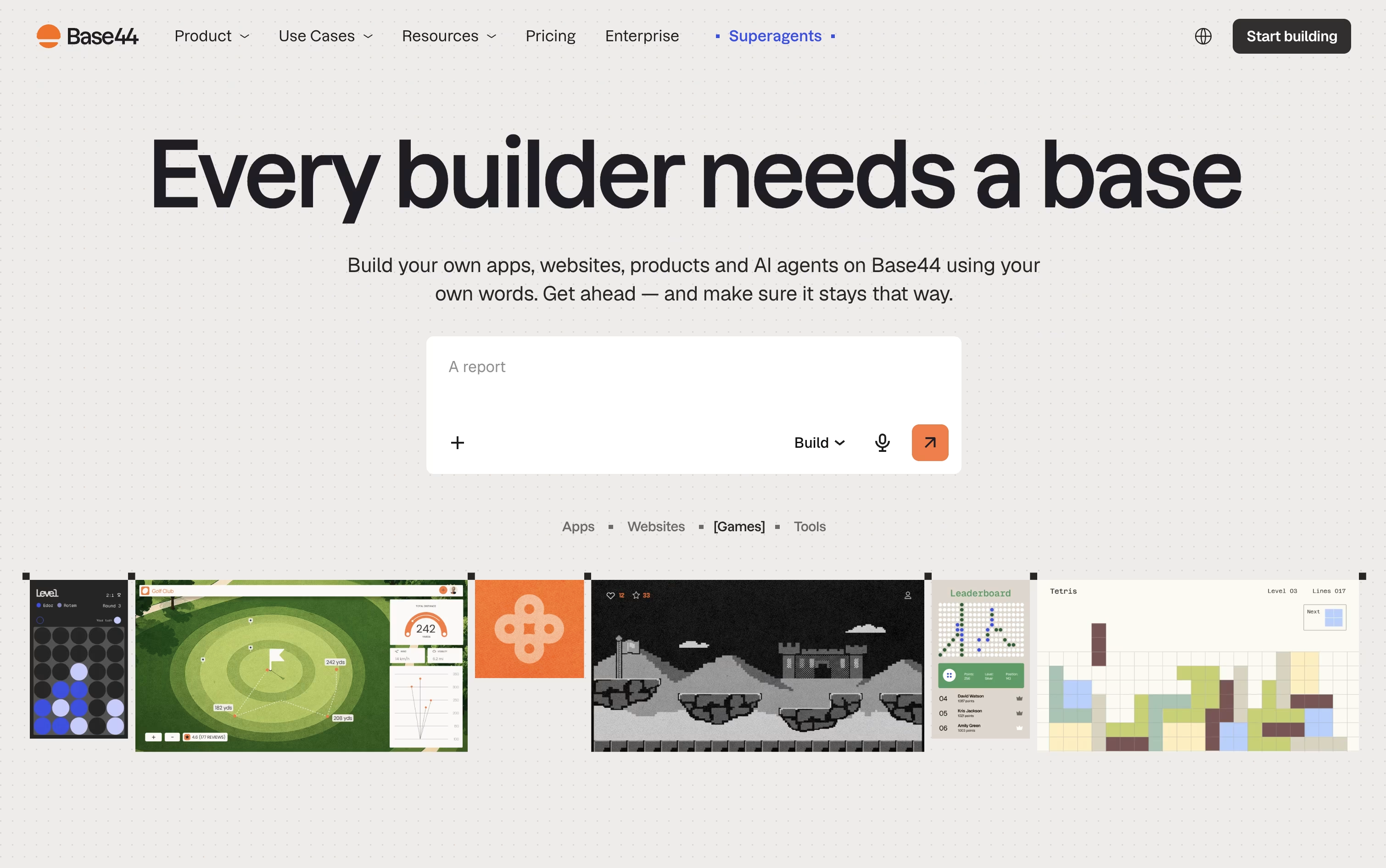
It handles the pages, the database, the login system, and the backend logic in one go, and you refine it further just by chatting with the AI.
Trying it out costs nothing, the free plan gives you 25 message credits a month and room for up to 5 apps.
Once you need more, the Starter plan at $20 a month removes the app limit and opens up code editing, while the Builder plan at $50 a month adds backend functions, AI model choice, and custom domains.
Pro and Elite raise the credit caps for heavier use, and Base44 also builds Superagents, AI helpers that handle tasks like follow-ups and scheduling on their own.
Larger organizations can move to a custom-priced Enterprise plan with single sign-on and dedicated support.
Adalo lets you build and publish apps for phones and the web without writing code. You can describe your app to the AI assistant, Ada, and it will lay out the screens and database for you, or you can build everything by hand on the drag-and-drop canvas.
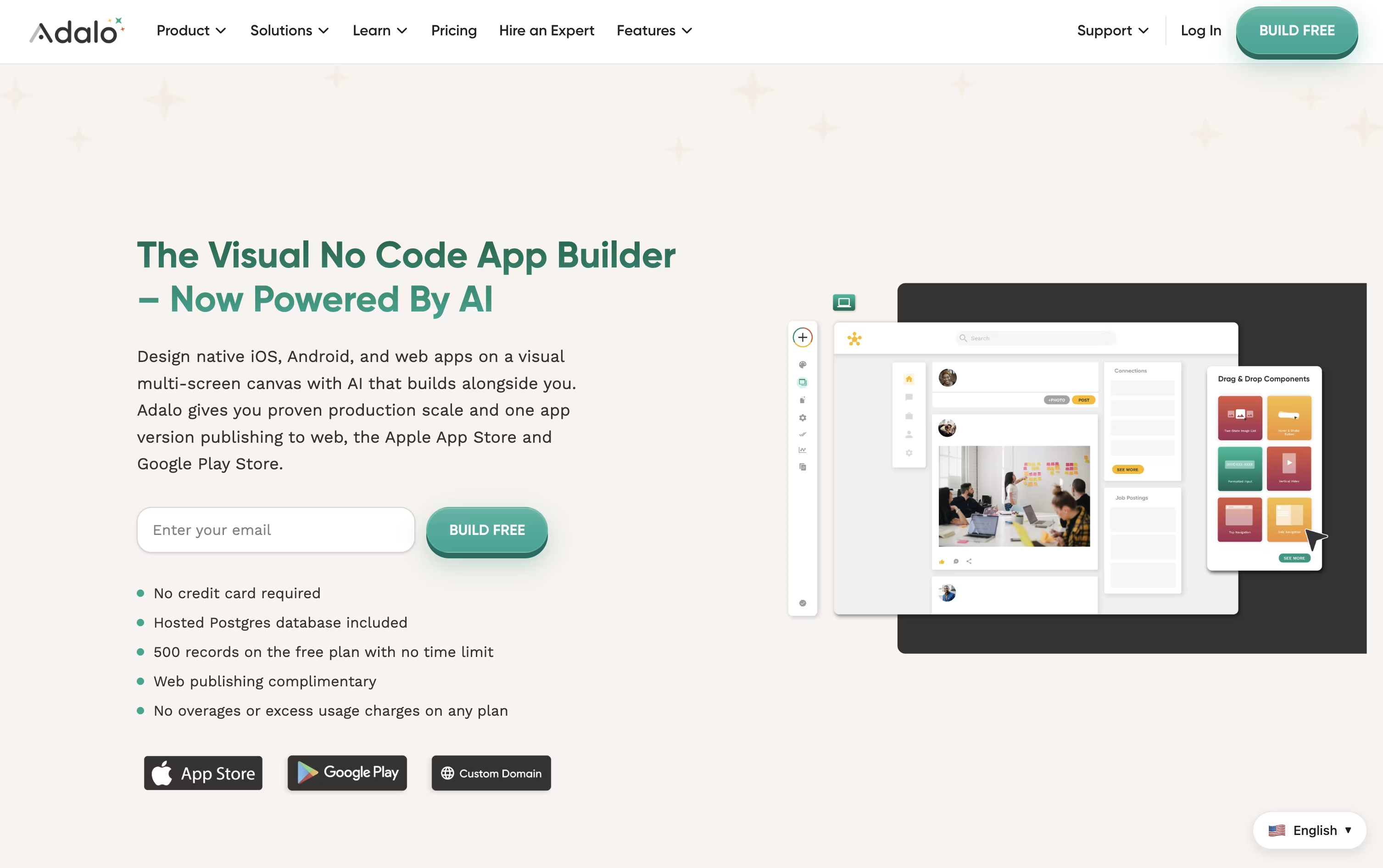
A hosted database comes built in, and you can link outside data sources such as Google Sheets, Airtable, or your own APIs when you need more.
Getting started costs nothing. The free plan gives you unlimited screens and test apps so you can learn the tool and try out ideas before paying anything.
Once you are ready to launch, plans starting at $45 a month unlock web publishing, custom domains, and app store publishing for iOS and Android.
Higher plans, Professional at $65 a month and Team at $200 a month, add custom actions, outside integrations, push notifications, and API access as your app grows.
For bigger needs, Adalo Blue offers a fully managed service with dedicated infrastructure and custom development.
Related to