

Best 5 Offline Voice Dictation Tools in 2026
Last Updated: August 22, 2026
Not every workflow has the luxury of a stable internet connection, and some users simply don't want their voice data leaving their device. Offline Voice Dictation tools process speech locally, converting it to text without ever sending audio to the cloud, so you can dictate on a plane, in a secure facility, or anywhere connectivity is unreliable.
This approach is especially valuable for journalists, legal professionals, and privacy-conscious users who need dictation that keeps working no matter where they are. Local processing also means faster response times since there's no round trip to a server, though it typically asks for a bit more storage space and setup on your machine.
 Voibe
Voibe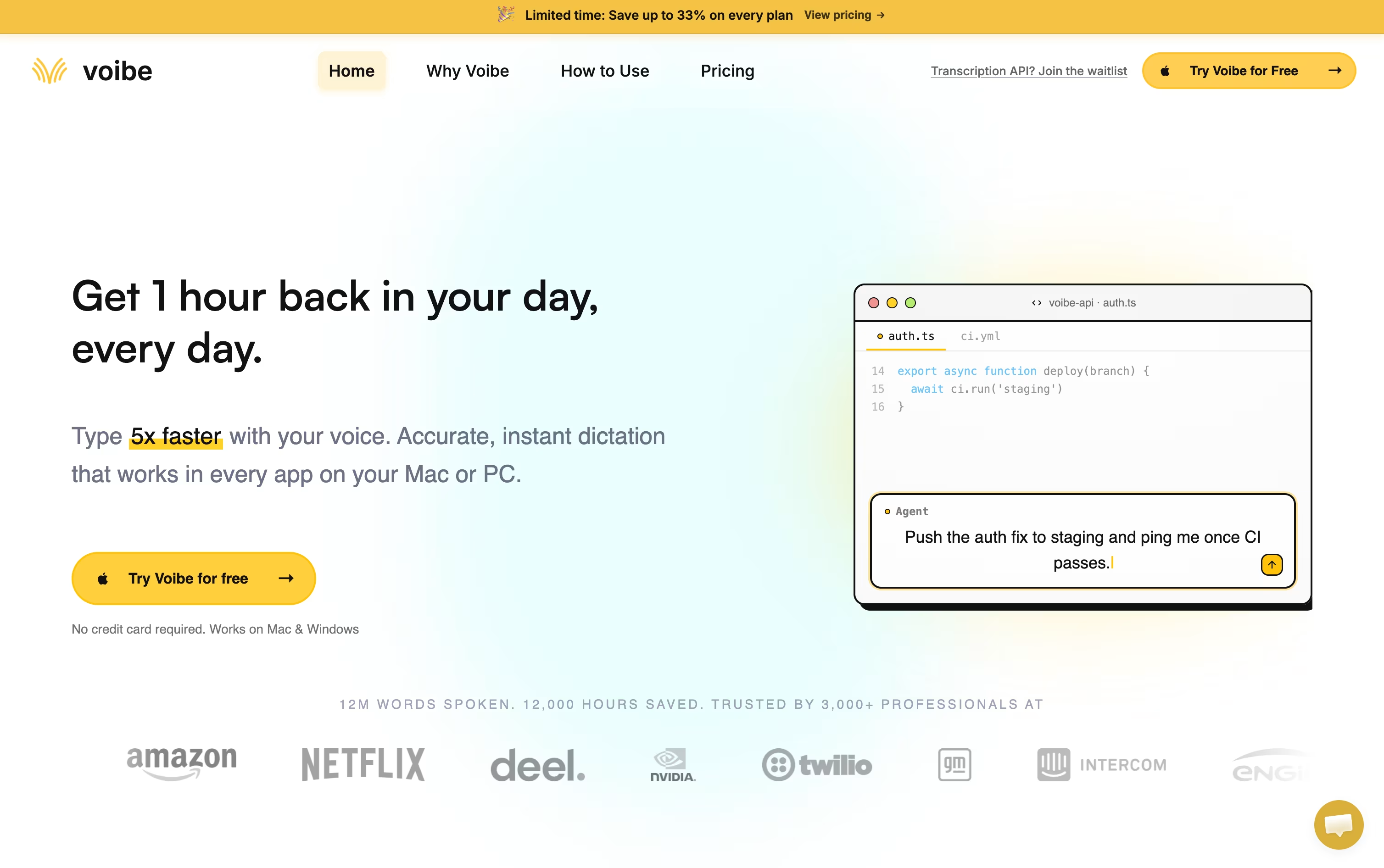 VoibePrivate AI Dictation for Mac & Windows,
  VoiceTypr
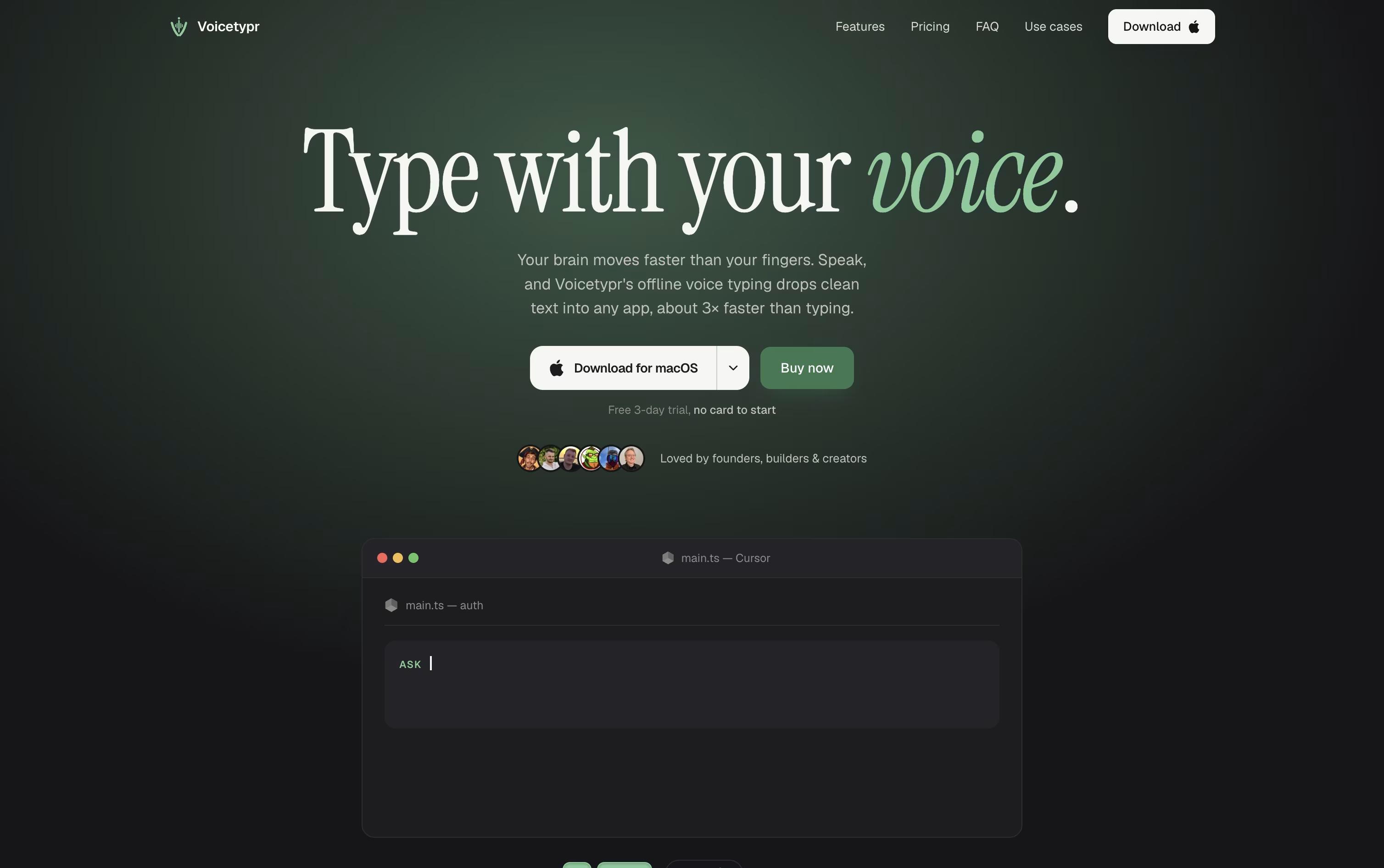 VoiceTyprPrivate Offline AI Voice Dictation, and
  Monologue
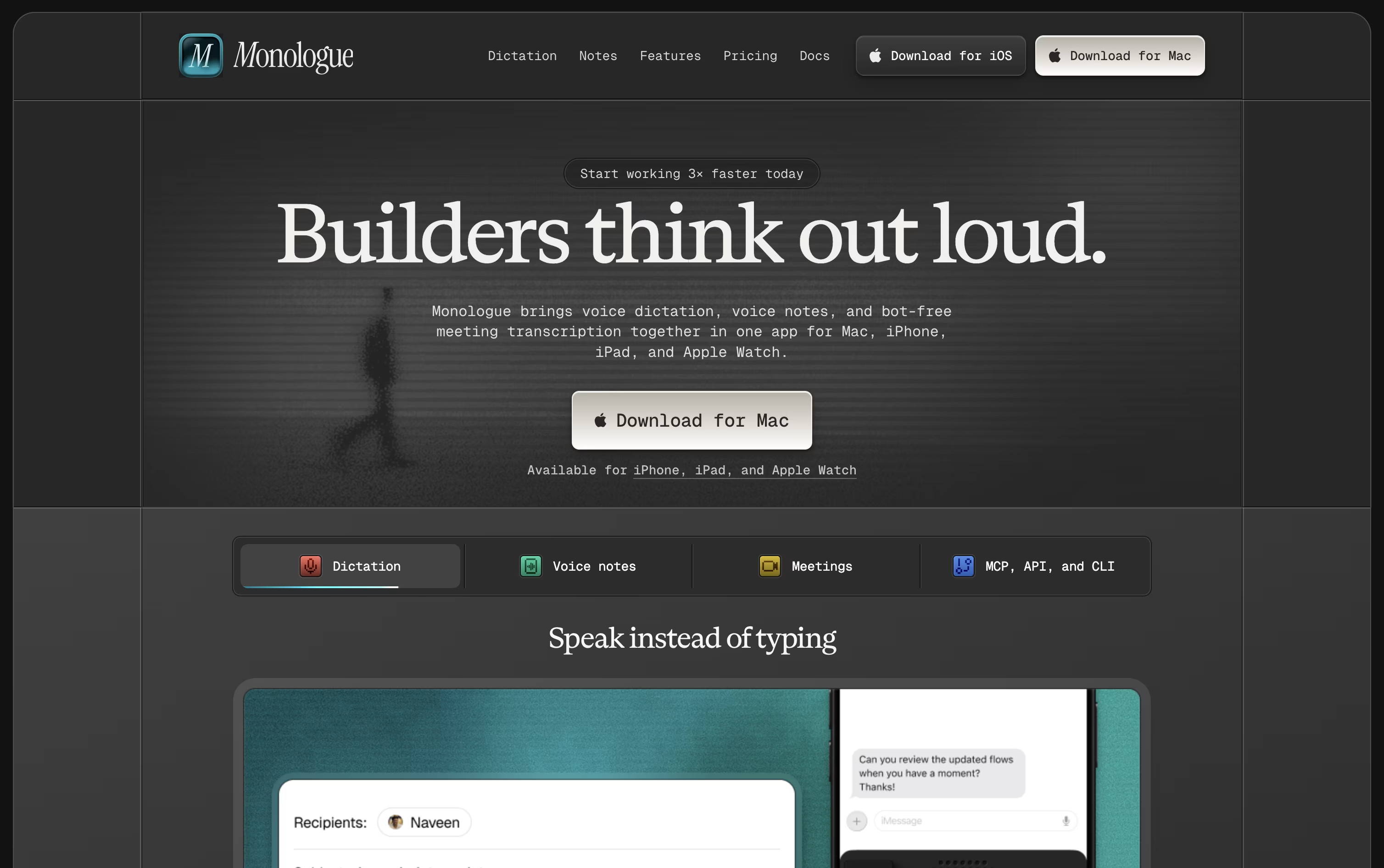 MonologueAI Voice Dictation for Clean Text are the best for Offline Voice Dictation. So, let’s take a closer look at all 5 tools.

Voibe swaps your keyboard for your voice on Mac and Windows. Hold a hotkey, speak normally, and the app inserts clear, properly punctuated text directly into whatever app you are using, from code editors to email.
Behind the scenes it uses open source Whisper based models, not proprietary big tech AI, and never stores or trains on your audio. Apple Silicon Macs can run the whole thing offline, while Windows relies on a zero retention cloud path.
Developers get a Developer Mode that scans the local workspace so spoken file names and variables resolve correctly inside Cursor, VS Code, and Windsurf, which is a big help for AI coding workflows.
On price, professionals can pick monthly at $7.50, annual at $59 with four months free, or a one time lifetime purchase at $149. Teams of three or more save around 20 percent, larger teams of ten or more can request custom terms, and every plan starts with a free trial and a 30 day refund guarantee.
Typing often slows people down more than thinking does, and VoiceTypr is built around that idea. It is an open-source voice dictation app for macOS and Windows that turns speech into text inside any app you already use.
Hold a global hotkey, talk naturally, and let go. The words appear instantly at your cursor, whether that is a code editor, an email client, or a chat app.
Transcription happens on your own device by default, using open-source Whisper models, so nothing needs to reach the internet just to get your words down.
When you want more, an optional AI enhancement pass can reshape rough speech into a polished prompt, email, note, or commit message, powered by cloud models like Groq or OpenAI.
There is also a CLI and Agent API, so developers can wire voice input straight into scripts or AI agents rather than typing everything by hand.
Pricing is a one-time lifetime purchase rather than a subscription, starting at $39 for one device and going up to $99 for four, with a 3-day free trial and 7-day refund window to try it first.
Monologue turns your spoken words into clean, formatted text rather than a rough transcript. It cuts filler words, tidies up phrasing, and shapes the output to fit whatever app you are typing into.
The app is available on Mac, iPhone, iPad, and Apple Watch, with your dictionary, modes, and notes kept in sync everywhere.
A free trial covers 1,000 dictation words and 10 recorded notes so you can test it before paying anything.
Beyond that, Pro costs $15 monthly or $144 a year, which works out to about $12 a month and removes all the usage limits.
Pro also adds bot-free meeting notes and full support across every Apple device.
Monologue is included in the wider Every subscription bundle, and it offers an API, CLI, and MCP support for developers who want notes inside their coding agents.
Instead of typing, VoiceInk lets you simply talk on your Mac or iPhone. Hit a shortcut, say what you need, and clean, ready to use text appears wherever your cursor is.
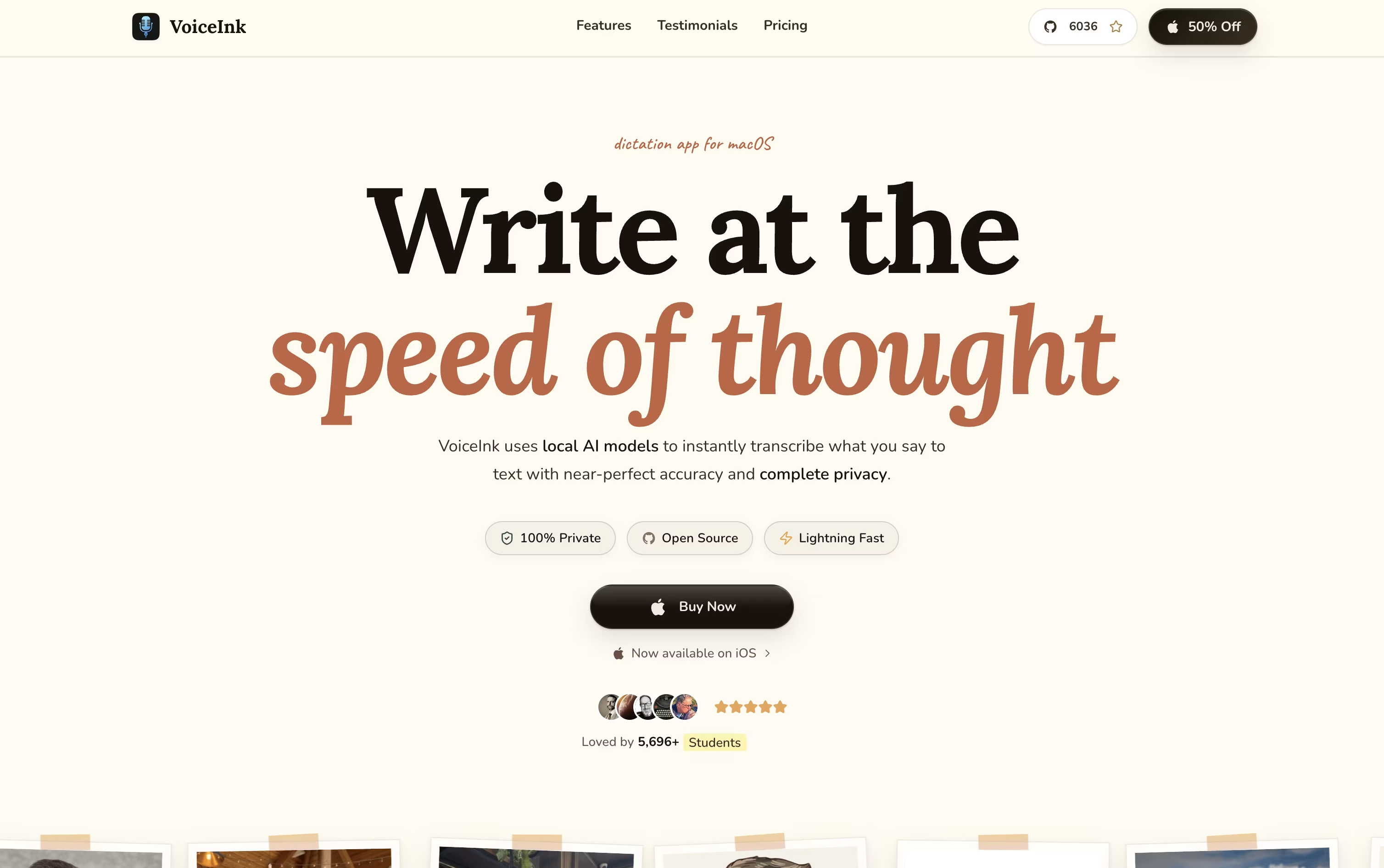
Voice processing happens locally on your device by default, keeping your audio private, though optional cloud models are available if you supply your own API key.
Its Modes feature recognizes which app you are using, like Slack or Gmail, and adjusts the transcription model and writing style to fit that context automatically.
There is no subscription here. Solo is $29 for one Mac, Personal is $49 for two Macs, Extended is $69 for three Macs, and teams can grab a 10 seat Startup license for $199.
Every option comes with lifetime updates and a 14 day refund window, one payment covers it for good.
Being open source, it is also actively shaped by an engaged community of users.

Instead of typing, Superwhisper lets you talk and have your words appear as clean, formatted text in whatever app you are using, on Mac, Windows, or iPhone.
Behind the scenes it records your voice, converts it to text, then runs it through an AI model that follows the mode you have selected, whether that is a quick note, a formal email, or a meeting summary.
You decide how much stays private. Local models keep everything on your device, while cloud models and your own API keys open up stronger results when you want them.
Getting started costs nothing. The free plan includes core dictation, meeting recording, and support for over 100 languages.
Stepping up to Pro runs $8.49 a month, or $84.99 a year with close to two months free, adding translation, file transcription, and unlimited model access. A lifetime option is also available for a single $249.99 payment.
Teams with bigger needs can move to Enterprise, a custom priced plan built around security certifications, centralized billing, and volume pricing.





