

Best 3 Self-Hosted Workflow Automation Tools in 2026
Last Updated: September 12, 2026
For teams that need full control over their data and infrastructure, Self-Hosted Workflow Automation tools let you run everything on your own servers instead of relying on a third-party cloud. This gives you complete ownership over sensitive data, full customization of workflows, and freedom from usage-based pricing that scales with your automation needs.
These tools are popular among developers, IT teams, and privacy-conscious organizations that need to connect internal systems, APIs, and databases without exposing anything to external vendors. Platforms like n8n and Node-RED offer open-source flexibility with active communities, making them ideal for building custom automations that fit your exact infrastructure and compliance requirements.
 n8n
n8n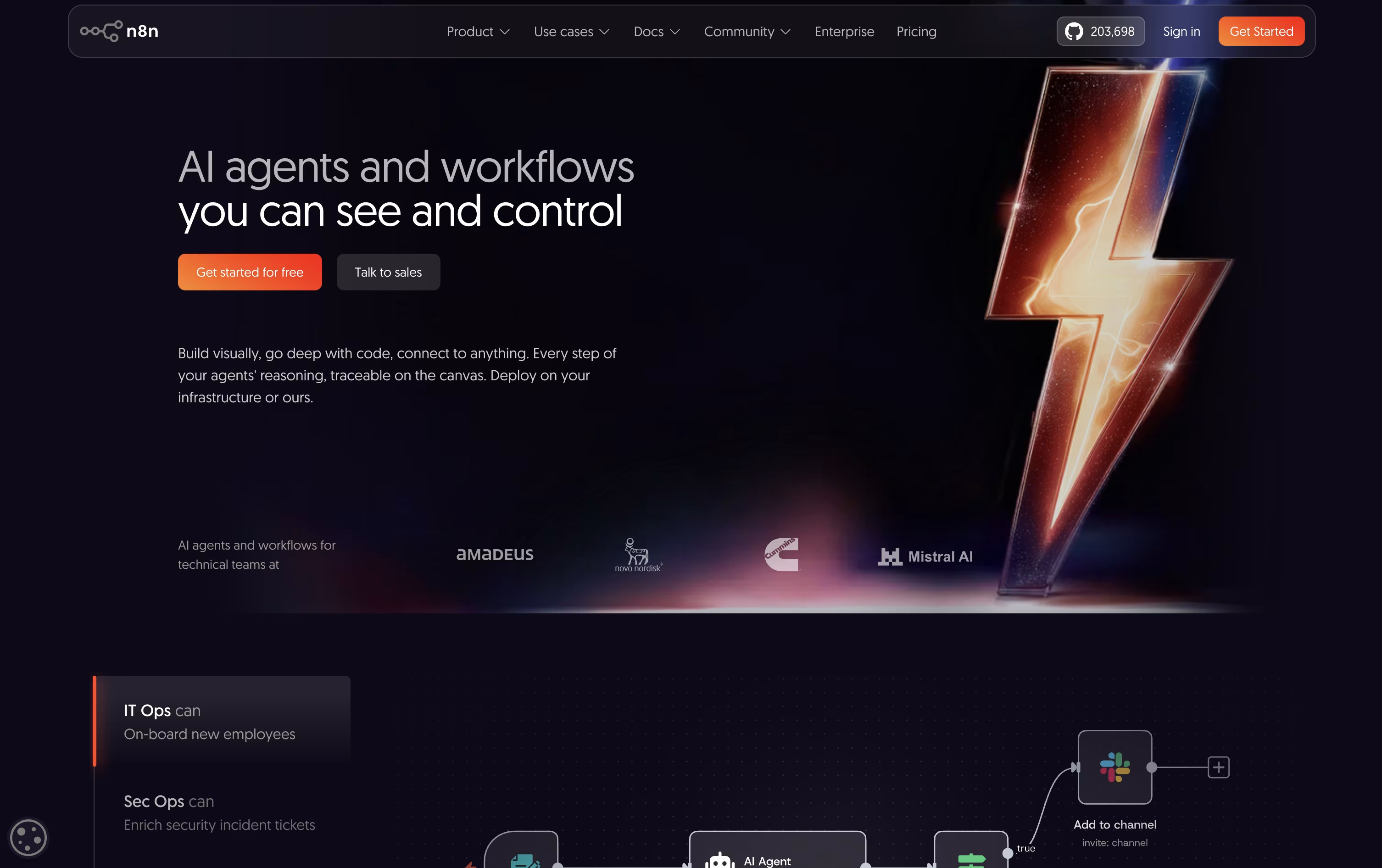 n8nAutomate Workflows with AI and Code Fast,
  Activepieces
 ActivepiecesAI Workflow & Agent Automation, and
  Bit Flows
 Bit FlowsSelf-Hosted WordPress AI Automation are the best for Self-Hosted Workflow Automation. So, let’s take a closer look at all 3 tools.
n8n lets you automate work by connecting apps, data, and AI models through a visual, node based editor. Instead of separate scripts, you build one workflow that runs the whole process.
What makes it flexible is the option to stay fully visual or drop in custom JavaScript or Python code whenever you need finer control, along with strong support for AI agents and RAG style pipelines.
Rather than charging per user, n8n prices its plans by how many workflow executions you use each month. Starter starts at $24 a month, Pro is $60, and Business is $960, with a discount if you pay yearly.
Enterprise pricing is custom and built for organizations needing tighter governance, unlimited projects, and dedicated support.
You can self-host n8n for complete control of your data or use the hosted cloud version, and Starter and Pro come with a no-card-required free trial.
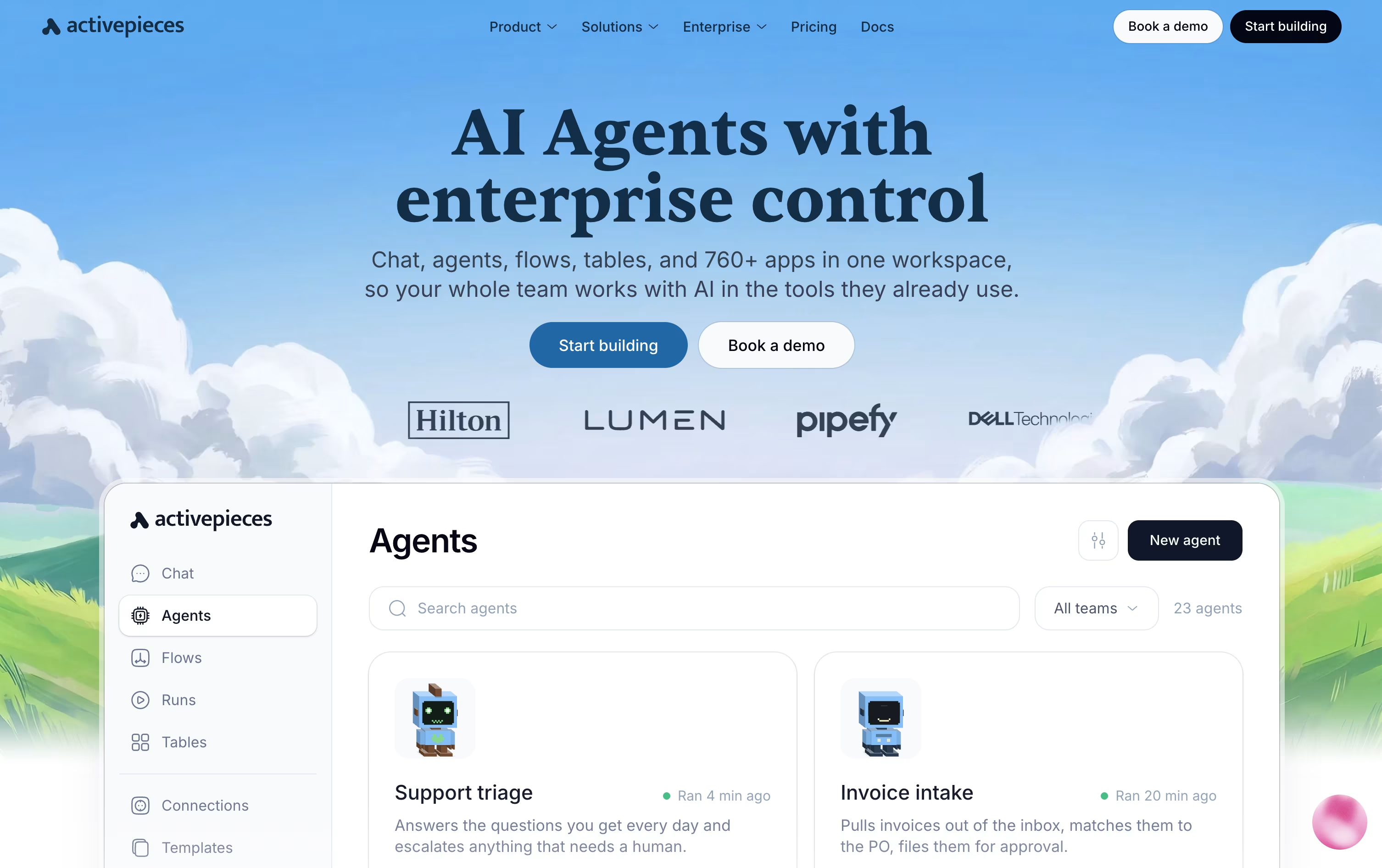
With Activepieces, you build automations called flows using a visual, no-code canvas. A trigger starts the flow, and a chain of actions carries out the work automatically.
The platform also supports full AI agents that can think through a task and act on it across your connected apps, pausing for human approval when needed through tools like Slack or email.
Everything you connect doubles as a tool for outside AI assistants through the Model Context Protocol, and native Tables let you store and manage data right alongside your automations.
Costs are based on credits rather than a flat fee. The Free plan gives 100 credits a day at no cost, and Plus moves to 10,000 credits a month for $20, or $16 billed yearly.
The Team plan costs $200 a month with 25 users and single sign-on included, while Ultimate is priced individually for larger organizations that need deeper security controls.
Anyone wanting full control can also self-host the free, open-source Community Edition.
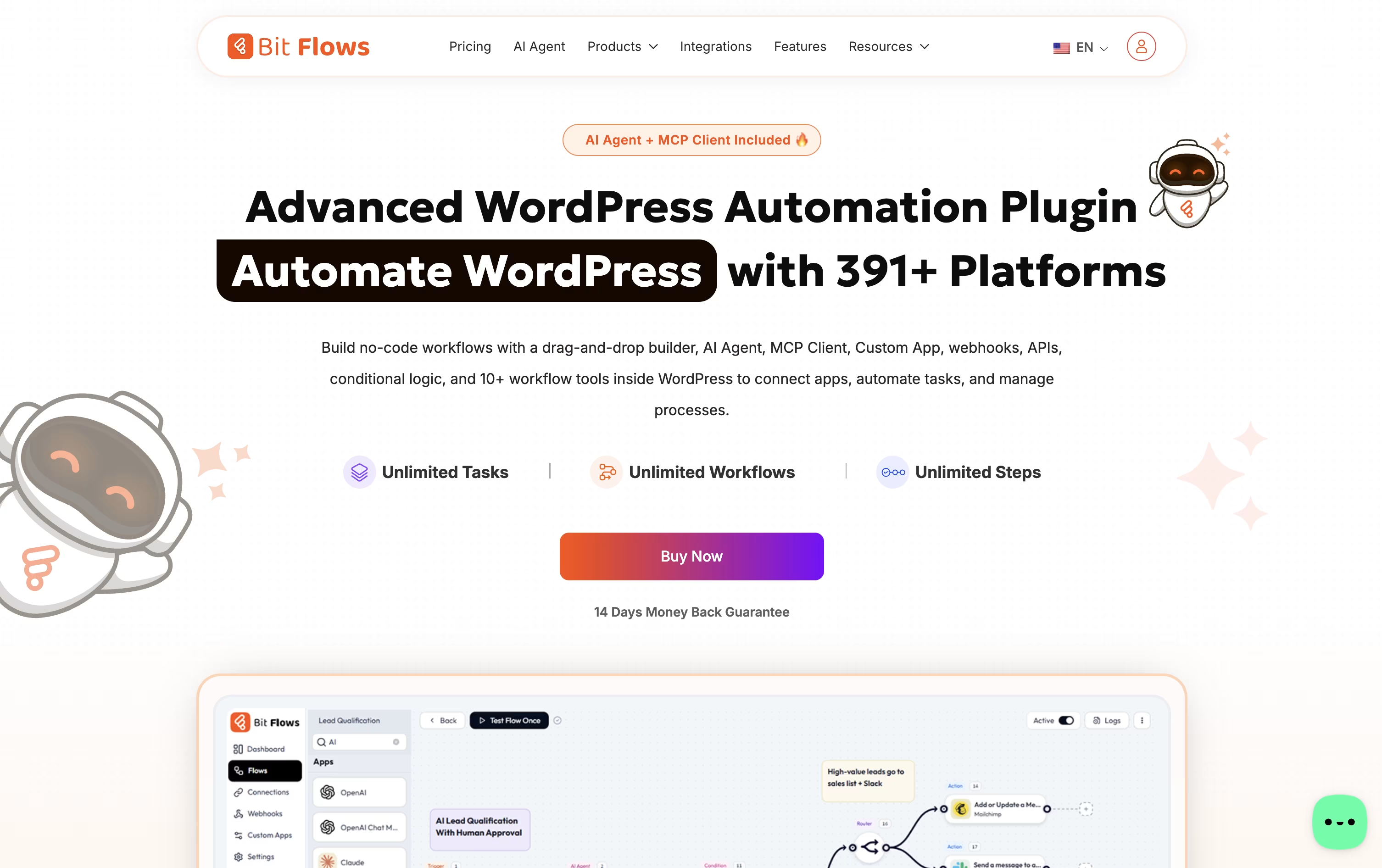
If you want automation without leaving WordPress or sending your data to another company's servers, Bit Flows is built for exactly that. It is a drag and drop workflow builder that lives inside your WordPress dashboard.
You can connect WordPress plugins, WooCommerce or Shopify orders, forms, CRMs, spreadsheets, chat apps, and AI models such as ChatGPT, Claude, or Gemini, all inside one visual flow.
Every plan includes unlimited workflows, steps, and task runs, and features like the AI Agent, MCP Client, and Human in the Loop approval steps help you build smarter, safer automations.
For pricing, yearly licenses run from $59 for one site up to $129 for unlimited sites, while one-time lifetime licenses run from $159 up to $499 for unlimited sites with premium lifetime support.
Bit Apps also sells a full bundle of its plugins, including Bit Flows, for a one-time $1,149, down from a combined value of $2,966.
A free version on WordPress.org covers the essential builder so you can try it before upgrading.





