

Best 4 Tools for Blog Publishing and Management in 2026
Last Updated: August 19, 2026
Writing, formatting, and publishing articles directly on your website is only part of the job. Blog Publishing and Management also covers organizing posts by category, tag, or date for easy browsing as your content library grows.
Beyond just writing posts, good blog management includes scheduling future articles and managing drafts. This is useful for businesses building authority in their niche and creators who want a home base for their writing outside of social platforms.
 WordPress
 WordPressBuild Any Website With Ease Today,
  Squarespace
 SquarespaceBuild Websites, Stores, and More, and
  Duda
Duda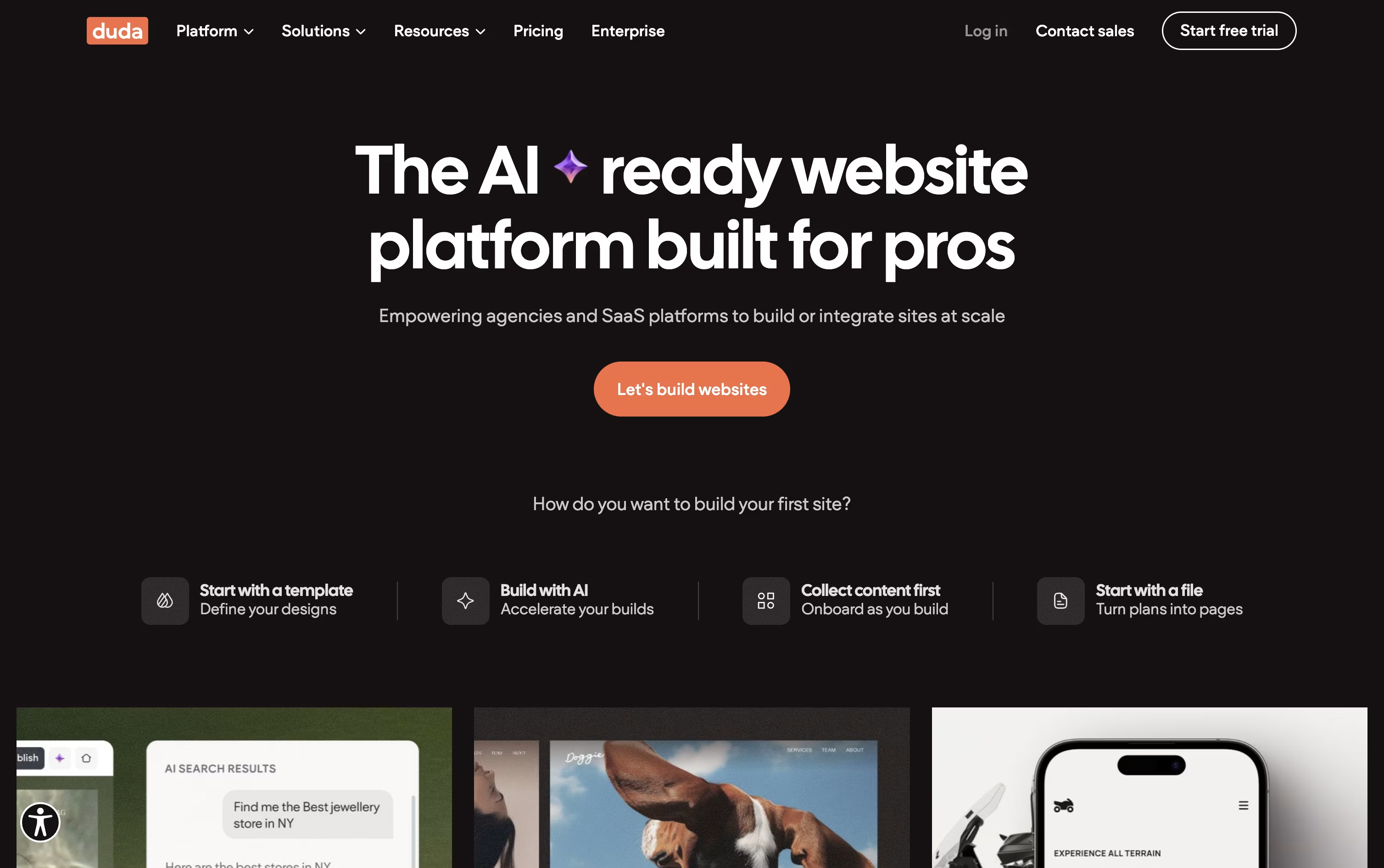 DudaAI Website Builder for Agencies & Teams are the best for Blog Publishing and Management. So, let’s take a closer look at all 4 tools.

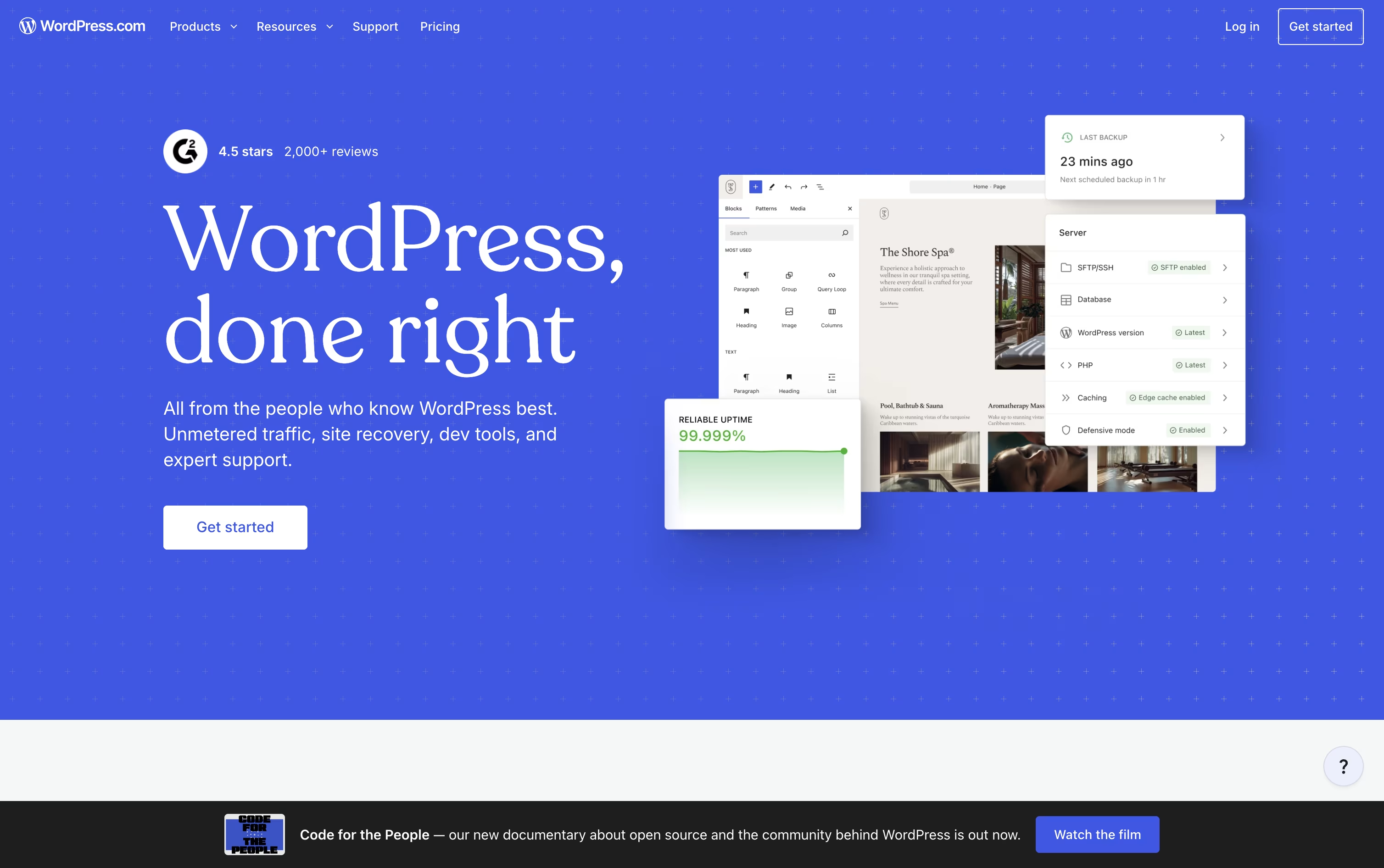
Automattic runs WordPress.com as a managed version of the open source WordPress software, taking care of hosting, security, and updates so you can focus on your content instead of server maintenance.
Getting started is simple: sign up for free, choose a theme, or let the AI Website Builder put together a site for you based on a short description. From there the Block Editor gives you a visual way to add pages, media, and forms.
Pricing starts at $0 for the Free plan with 1 GB of storage, then climbs through Personal at $9 a month, Premium at $18, Business at $40, and Commerce at $70, with yearly billing offering a lower rate.
As you move up the plans you gain premium themes, custom fonts and CSS, real-time backups, staging environments, and developer tools like WP-CLI and SFTP access.
The Commerce plan is built for online stores, adding full WooCommerce features and dropping the standard transaction fee to zero, while Enterprise offers custom pricing for large organizations.
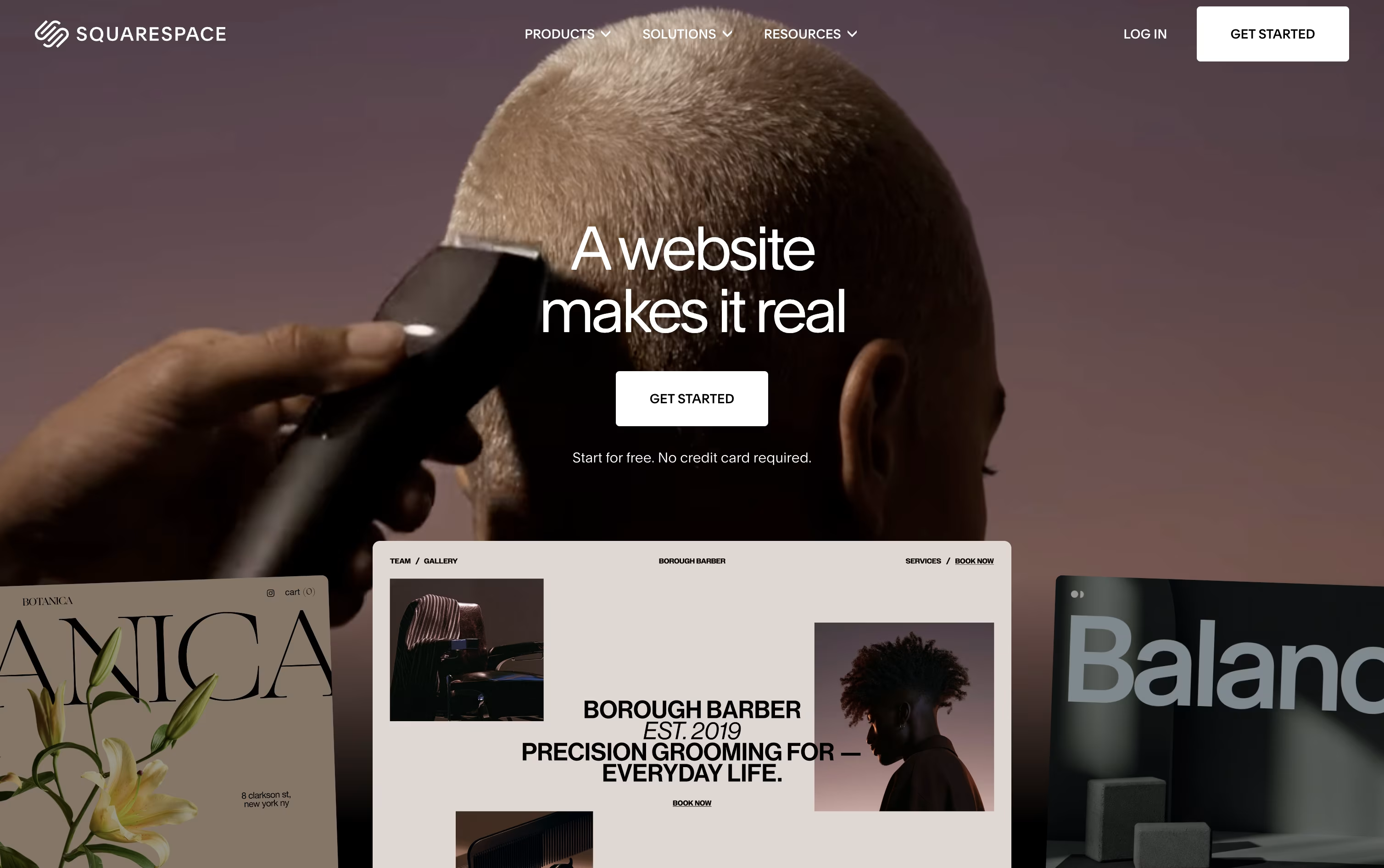
Squarespace combines website building, hosting, and business tools into one platform, aimed at creatives, freelancers, and small businesses who want a professional site without hiring a developer.
You can start from a designer template or use Blueprint AI to generate a complete site, then adjust it with the Fluid Engine editor, which allows free drag and drop placement of text, images, and products on both desktop and mobile layouts.
Beyond design, the platform includes online selling, appointment booking through Acuity, email campaigns, blogging, memberships, and built in analytics, cutting down the need for separate software.
The Basic plan starts at $12 a month billed yearly and covers a solid website with basic selling. Core, at $17 a month, is the recommended step up because it drops the online store transaction fee to zero and unlocks custom code and deeper marketing tools.
Advanced, at $25 a month, offers the lowest fees overall, unlimited video hosting, and the highest AI usage limits.
Businesses with bigger needs can request a custom Premium plan that adds a dedicated account manager and stronger security, and every plan can be tried free for 14 days.
Rather than targeting a single personal website, Duda is aimed at agencies, freelancers, and platforms that need to launch and manage many client sites without extra headcount.
Its AI Stack, led by a conversational Copilot assistant, can draft entire sites, write content, build page sections, and handle SEO work from plain instructions.
Sites are hosted on AWS with strong performance, and built-in AEO tools such as automatic schema markup and AI visibility tracking help pages show up in tools like ChatGPT and Perplexity, not just classic search.
The Basic plan starts at $25 a month with one project, while Team at $39 a month opens up seats, unlimited clients, and role based permissions.
Agency, the most popular option at $69 a month, includes four projects and standard MCP access, and White Label at $199 a month unlocks full white label branding and a custom domain.
Larger organizations can request a Custom plan with advanced security, a dedicated account team, and tailored API access, and every plan opens with a 14 day free trial.

Instead of handing a design to a developer, Webflow lets you build the finished, working website yourself on a visual canvas that outputs clean HTML, CSS, and JavaScript.
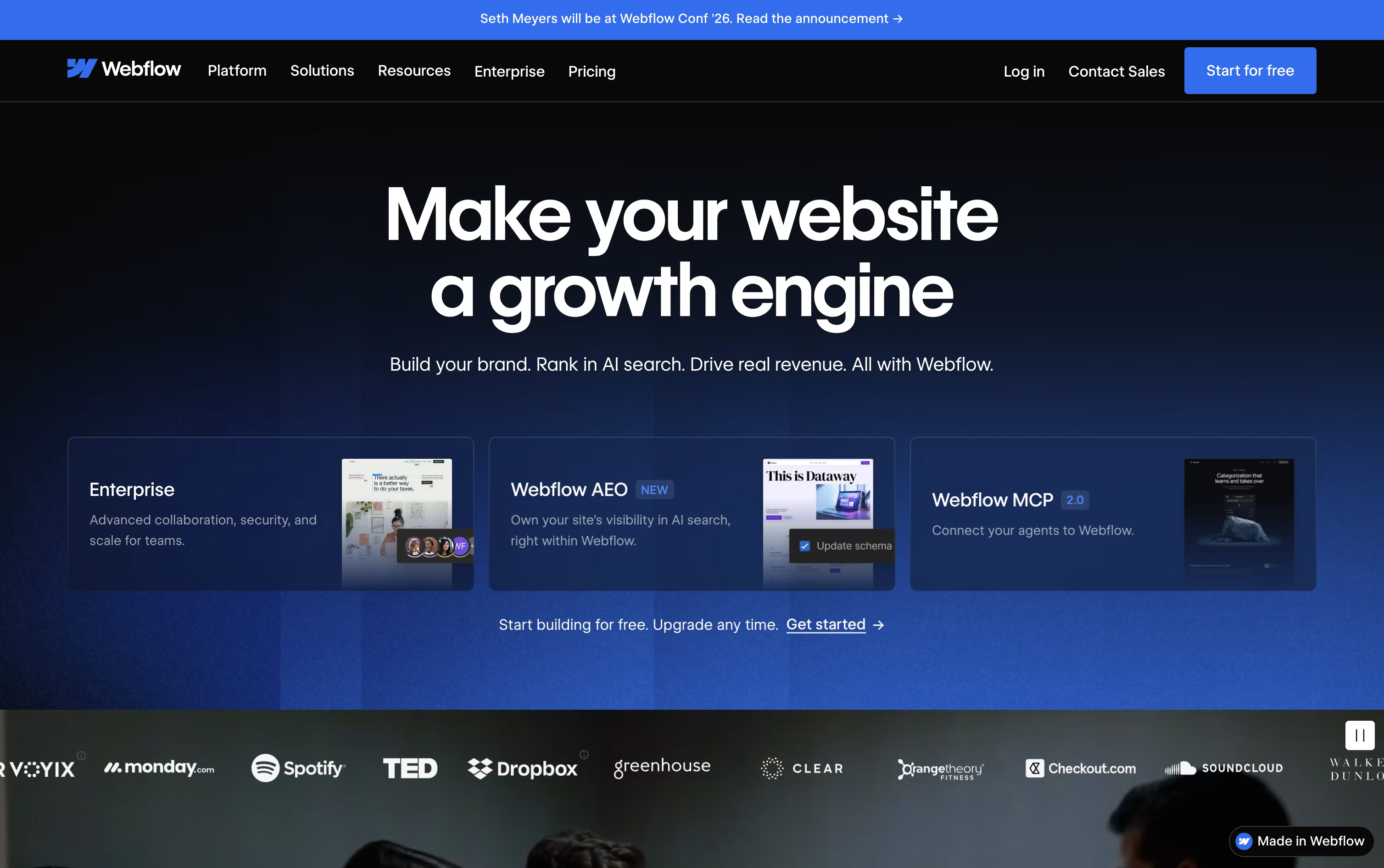
A built-in CMS handles blogs and other repeating content, and ecommerce tools let you sell products without a separate platform, all hosted on Webflow's own fast, secure servers.
You can start for free on the Starter plan, then move to Basic at $25 a month or Premium at $39 a month once you need a custom domain, a CMS, or more bandwidth. Yearly billing lowers both prices.
Bigger organizations can choose the Team plan at $2,500 a month, billed annually, which adds governance, publishing controls, and localization tools, while Enterprise buyers get a custom quote and dedicated support.
Optional add-ons for testing, analytics, and translation, along with separate ecommerce and Workspace plans, mean you only pay for what your project needs.





