

Best 4 Tools for Template Creation in 2026
Last Updated: October 2, 2025
Recreating the same type of document, email, or design from scratch each time is unnecessary once a solid format exists. Template Creation tools help build reusable formats for recurring content or documents.
Teams and freelancers use templates to save time and maintain consistency across repeated work.
 24Slides
 24SlidesProfessional Presentation Design Service,
  Beautiful.ai
 Beautiful.aiAI-Powered Presentation Software, and
  Process Street
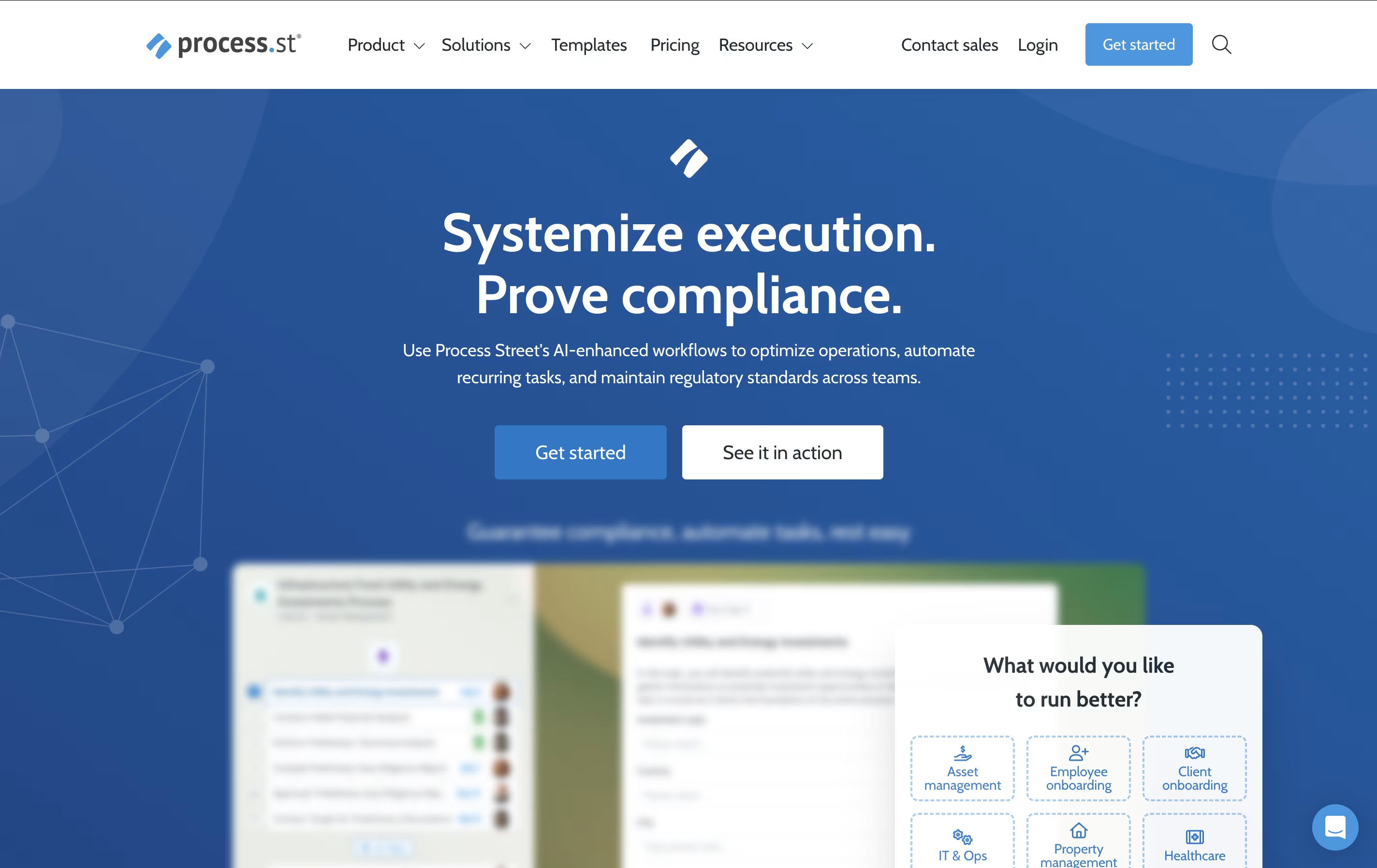 Process StreetAI-Powered Workflow Management Platform are the best for Template Creation. So, let’s take a closer look at all 4 tools.
24Slides is a presentation design service that transforms ordinary slides into professional, branded presentations. Unlike DIY design tools, 24Slides provides human designers who understand business communication and visual storytelling.
The platform operates as a service marketplace where you submit your content, choose a design style, and receive polished slides back within 24 hours. Their team of graphic designers specializes in presentation design, ensuring every slide follows design best practices while matching your brand guidelines.
24Slides serves everyone from individual professionals to large enterprises. They handle everything from simple slide cleanups to complete presentation overhauls. As a Certified B Corporation, they focus on social responsibility while maintaining high-quality design standards. The service removes the frustration of slide design, letting you focus on your message while experts handle the visual presentation.
Beautiful.ai is an AI-powered presentation software designed to eliminate the frustration of manual slide formatting and design. Think of it as having a professional designer built directly into your presentation tool. The platform uses Smart Slides technology that automatically adjusts layouts, spacing, and visual elements as you add content.
The main difference from regular presentation tools is simple: instead of manually arranging elements, the AI handles all design decisions for you. Each template follows proven design principles and adapts instantly when you change text, add images, or insert charts. Founded by presentation software veterans, Beautiful.ai solves the biggest problem with traditional tools - the time wasted on formatting instead of focusing on your message.
The platform includes AI content generation, professional templates, team collaboration features, and seamless PowerPoint integration, making it perfect for business professionals who need polished presentations quickly.
Process Street is the world's first AI-powered process management platform that helps teams document, share, and automate their core business processes. Think of it as turning your company handbook into smart, interactive workflows that guide your team through every step of important tasks.
The platform allows you to create dynamic checklists with conditional logic, automated actions, and real-time tracking capabilities. Unlike static documents or basic task managers, Process Street creates living workflows that adapt based on different scenarios and automatically trigger actions across your tech stack.
From employee onboarding and customer implementations to compliance audits and quality control processes, the platform ensures nothing falls through the cracks. With features like AI-generated workflows, approval routing, and comprehensive analytics, Process Street transforms how organizations manage their operations. The result is improved consistency, reduced errors, faster completion times, and better team collaboration across all your business processes.

Notion is a versatile all-in-one workspace that functions like a set of digital building blocks. Think of it as a combination of Google Docs, Trello, Airtable, and Evernote all rolled into one seamless platform. Every page in Notion is built using 'blocks' - individual pieces of content like text, images, databases, or embedded files that you can arrange however you want.
What sets Notion apart is its flexibility. You can create simple notes, complex project management systems, company wikis, or personal journals using the same tool. The platform supports real-time collaboration, allowing teams to work together on documents, databases, and projects simultaneously. With templates for common use cases and the ability to create custom workflows, Notion scales from personal use to enterprise-level operations while maintaining simplicity and elegance.





