

Best 3 Tools for Custom Interaction and Code Integration in 2026
Last Updated: August 21, 2026
Standard templates do not always cover every design or functionality request. Custom Interaction and Code Integration lets you go beyond them by adding your own HTML, CSS, or JavaScript to a website, along with connecting third-party tools and scripts where needed.
This is useful for developers and advanced users who want specific animations, custom forms, or integrations that built-in features do not support. Having this flexibility means you are not limited to what the platform offers out of the box.
 Plasmic
 PlasmicVisual Builder for React Websites and Apps,
  Framer
 FramerAI-Native Website Builder & Design Tool, and
  Webflow
 WebflowVisual Website Builder & CMS Platform are the best for Custom Interaction and Code Integration. So, let’s take a closer look at all 3 tools.

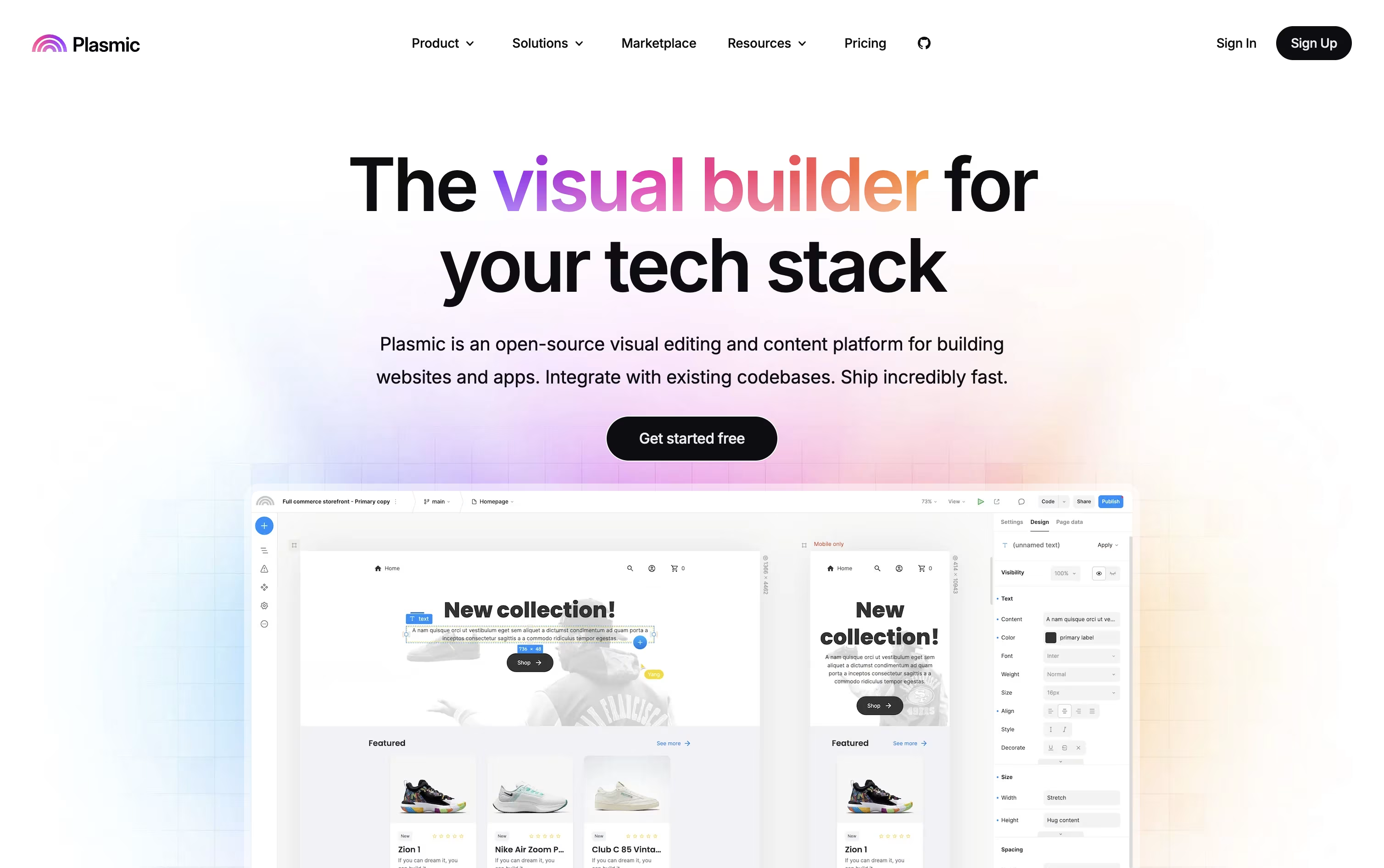
Building a website or app usually means choosing between a simple no-code tool or a fully custom codebase. Plasmic tries to close that gap by giving you a visual canvas that produces real React code your developers can use.
Non-technical teammates can design pages using the actual components your engineers built, all within guardrails that keep things consistent.
A built in headless CMS lets you manage content, while data integrations connect Plasmic to databases, ecommerce platforms, and other CMSs you already use.
Getting started costs nothing, with the free plan offering unlimited projects and CMS entries for up to 3 people.
As teams grow, the Starter, Pro, and Scale plans add more collaborators, priority support, A/B testing, and localization, ranging from $49 to $499 a month.
Larger organizations can move to Enterprise for custom pricing with SSO, white labeling, and dedicated onboarding support.
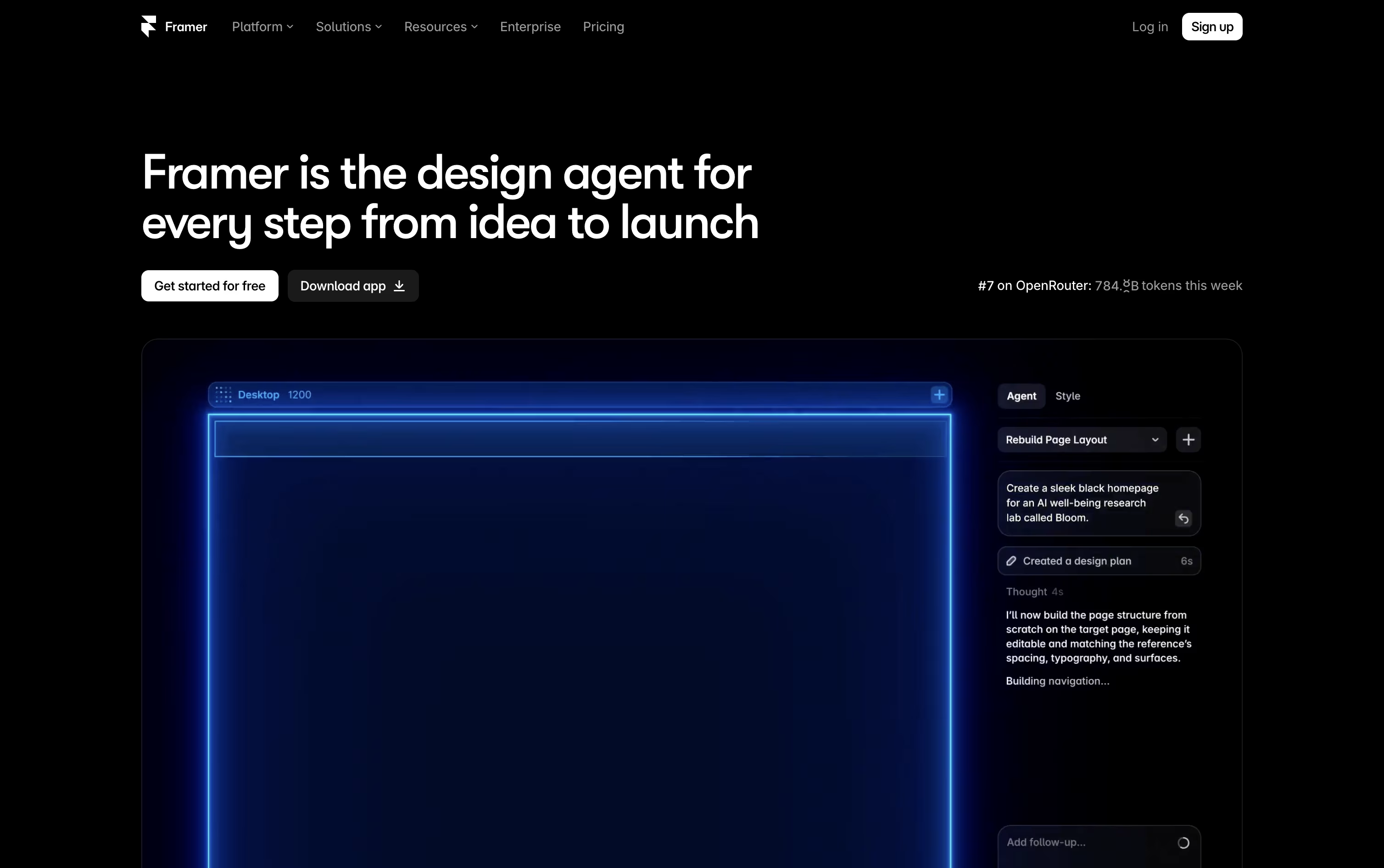
Building a site in Framer means designing and publishing in the same place, since the canvas you work on is the live website itself.
Instead of starting from a blank screen, you can describe what you want and AI agents will draft the layout, write the text, set up your content collections, and flag SEO or accessibility issues.
Under the hood you get stacks, grids, and components for building responsive pages, plus smooth motion and effects for a polished feel.
The free plan lets you explore Framer with 500 credits. Basic starts at $15 a month for creative personal sites, while Pro at $45 a month adds branching, staging, and a bigger CMS for growing teams. Paying yearly brings these down to $10 and $30 a month.
Larger organizations can move to Enterprise for custom limits, unlimited seats, and enterprise security like SSO and SCIM.
Every plan includes managed hosting, SSL, and strong performance out of the box.
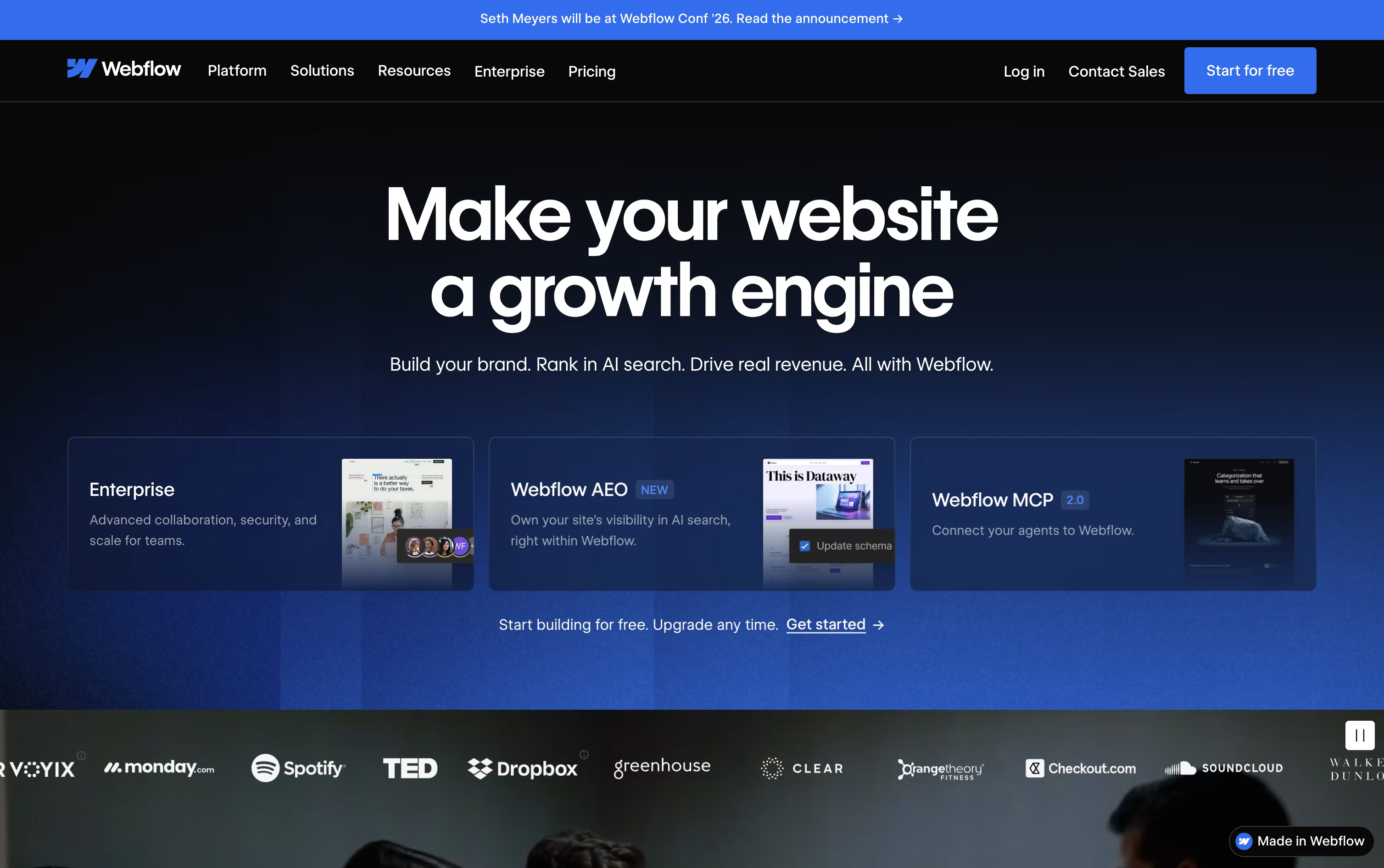
Instead of handing a design to a developer, Webflow lets you build the finished, working website yourself on a visual canvas that outputs clean HTML, CSS, and JavaScript.
A built-in CMS handles blogs and other repeating content, and ecommerce tools let you sell products without a separate platform, all hosted on Webflow's own fast, secure servers.
You can start for free on the Starter plan, then move to Basic at $25 a month or Premium at $39 a month once you need a custom domain, a CMS, or more bandwidth. Yearly billing lowers both prices.
Bigger organizations can choose the Team plan at $2,500 a month, billed annually, which adds governance, publishing controls, and localization tools, while Enterprise buyers get a custom quote and dedicated support.
Optional add-ons for testing, analytics, and translation, along with separate ecommerce and Workspace plans, mean you only pay for what your project needs.