

Best 7 Tools for Drag-and-Drop Website Building in 2026
Last Updated: August 21, 2026
Building a website by clicking and dragging elements onto the page means no coding is required. With Drag-and-Drop Website Building, you can move text blocks, images, buttons, and sections around freely until the layout looks exactly the way you want it.
This approach is popular with small business owners, freelancers, and anyone who wants a professional-looking site without hiring a developer. Since changes appear instantly as you build, you can experiment with different layouts and see results in real time before publishing.
 Framer
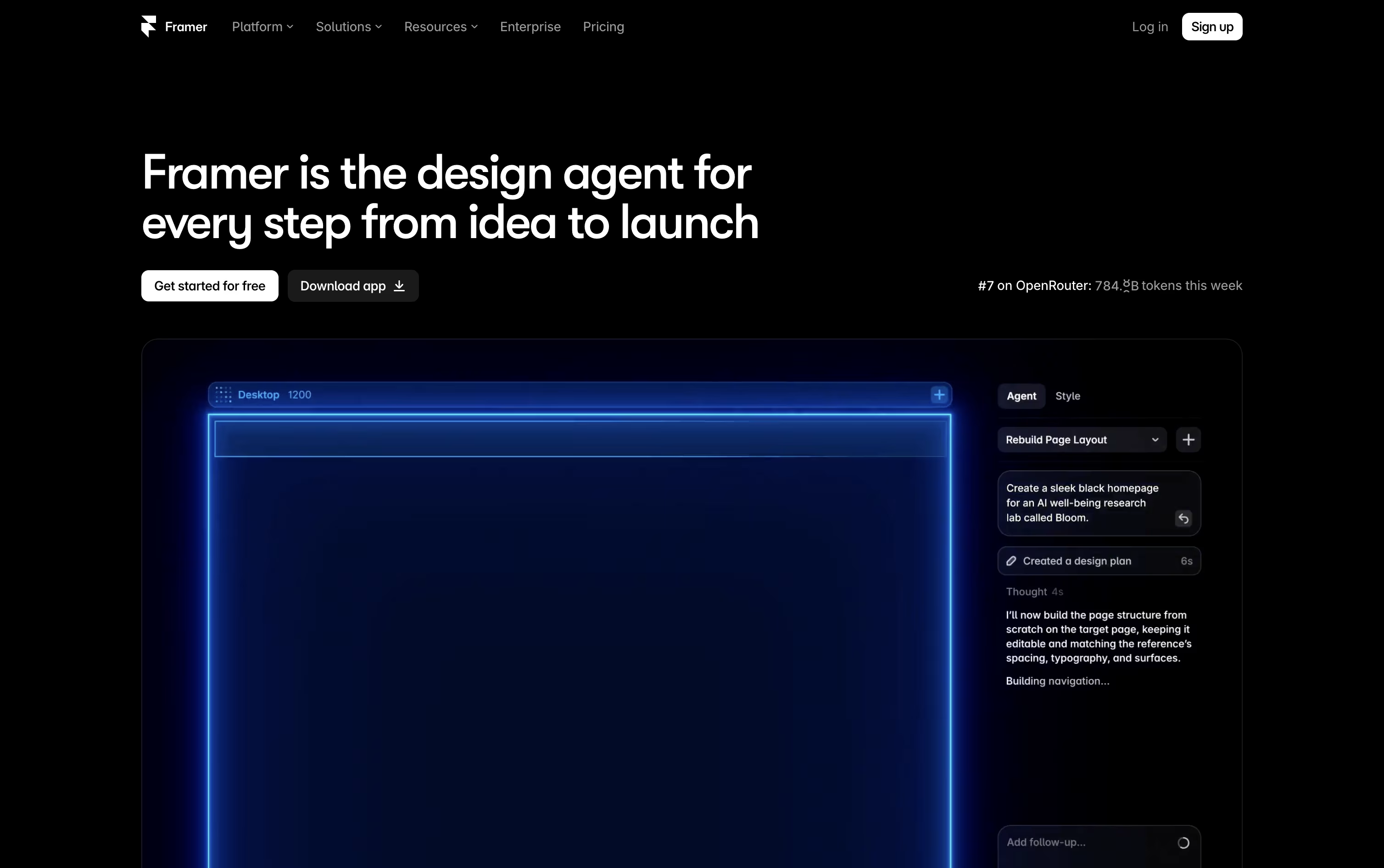 FramerAI-Native Website Builder & Design Tool,
  Webflow
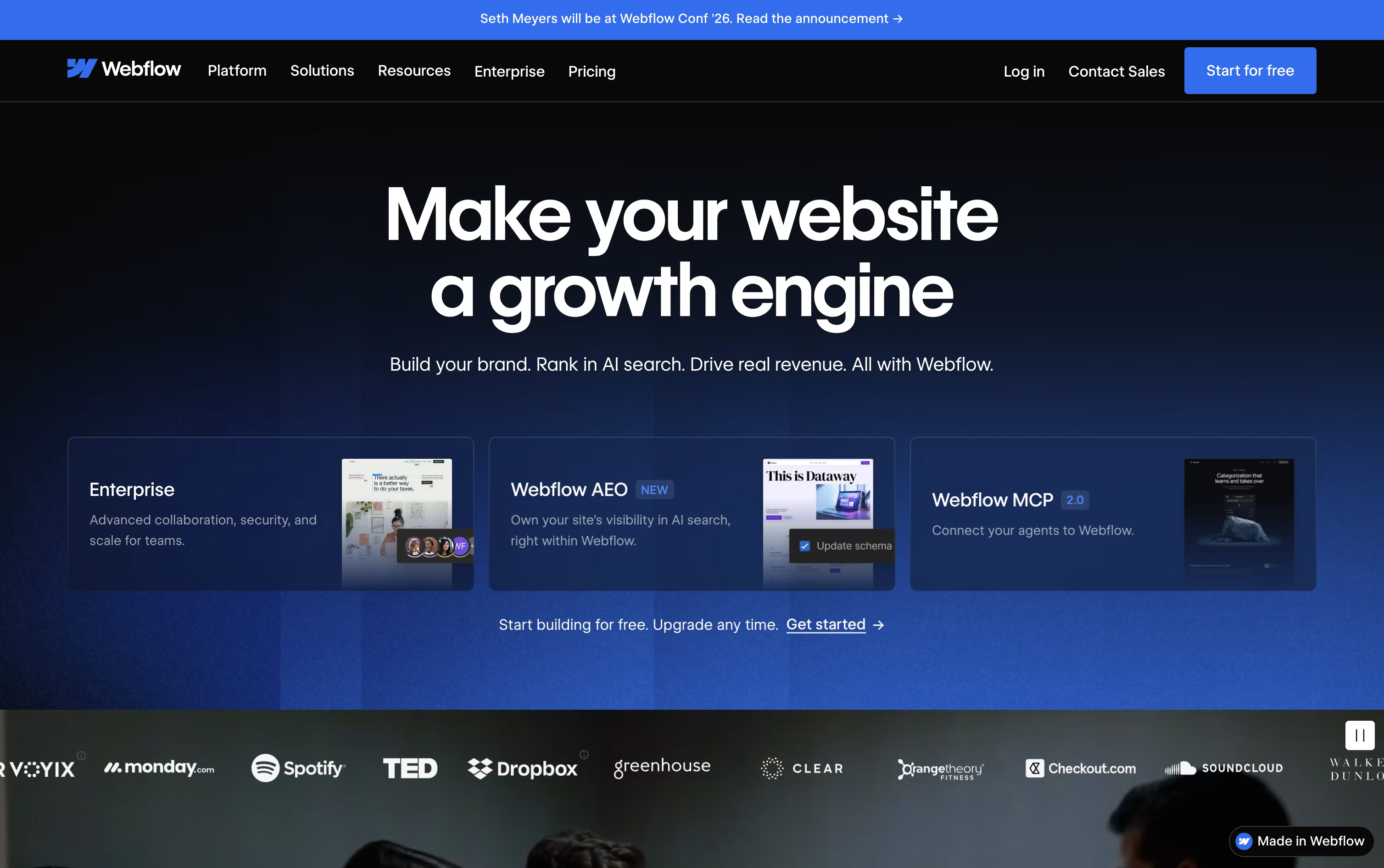 WebflowVisual Website Builder & CMS Platform, and
  Squarespace
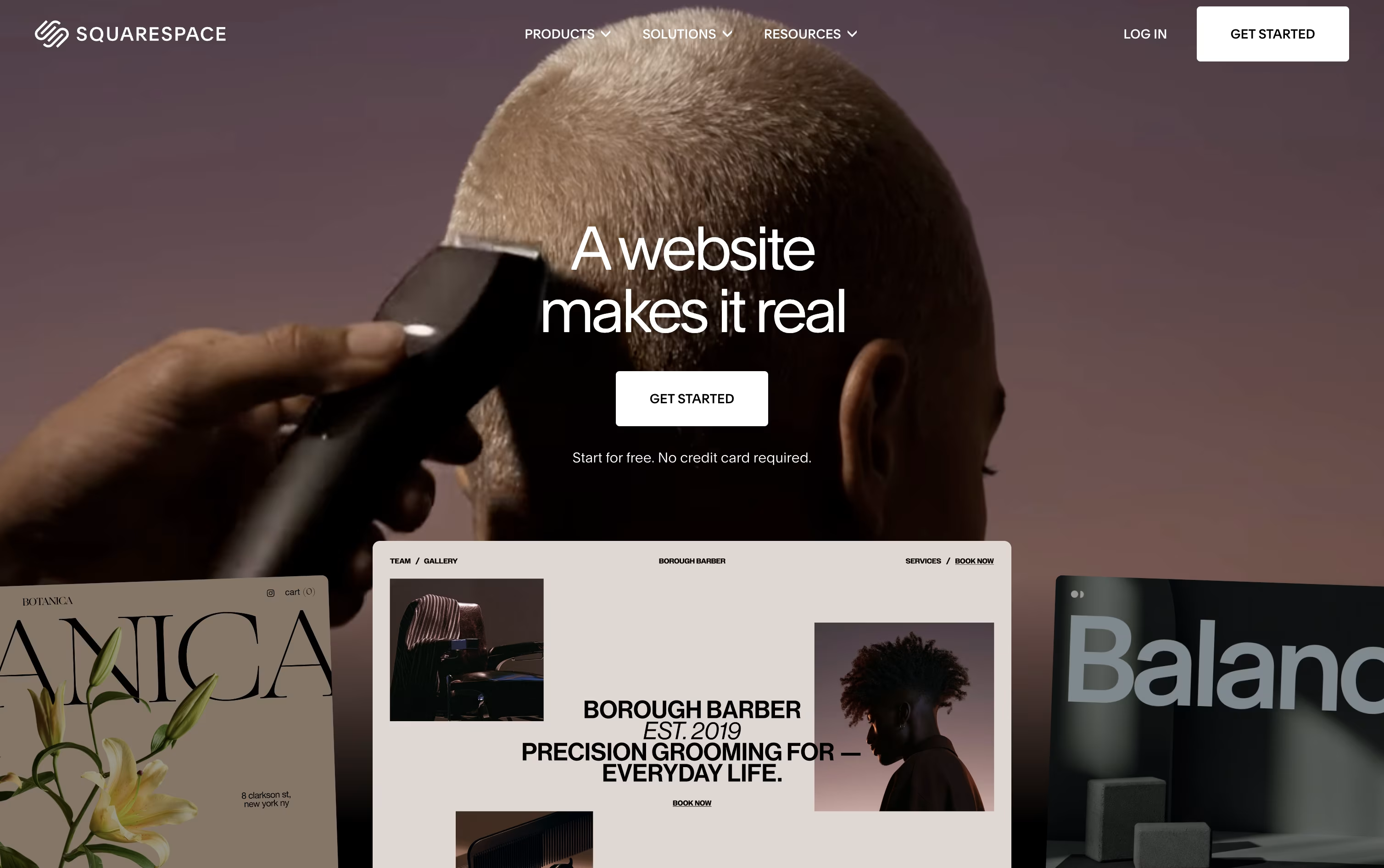 SquarespaceBuild Websites, Stores, and More are the best for Drag-and-Drop Website Building. So, let’s take a closer look at all 7 tools.

Building a site in Framer means designing and publishing in the same place, since the canvas you work on is the live website itself.
Instead of starting from a blank screen, you can describe what you want and AI agents will draft the layout, write the text, set up your content collections, and flag SEO or accessibility issues.
Under the hood you get stacks, grids, and components for building responsive pages, plus smooth motion and effects for a polished feel.
The free plan lets you explore Framer with 500 credits. Basic starts at $15 a month for creative personal sites, while Pro at $45 a month adds branching, staging, and a bigger CMS for growing teams. Paying yearly brings these down to $10 and $30 a month.
Larger organizations can move to Enterprise for custom limits, unlimited seats, and enterprise security like SSO and SCIM.
Every plan includes managed hosting, SSL, and strong performance out of the box.
Instead of handing a design to a developer, Webflow lets you build the finished, working website yourself on a visual canvas that outputs clean HTML, CSS, and JavaScript.
A built-in CMS handles blogs and other repeating content, and ecommerce tools let you sell products without a separate platform, all hosted on Webflow's own fast, secure servers.
You can start for free on the Starter plan, then move to Basic at $25 a month or Premium at $39 a month once you need a custom domain, a CMS, or more bandwidth. Yearly billing lowers both prices.
Bigger organizations can choose the Team plan at $2,500 a month, billed annually, which adds governance, publishing controls, and localization tools, while Enterprise buyers get a custom quote and dedicated support.
Optional add-ons for testing, analytics, and translation, along with separate ecommerce and Workspace plans, mean you only pay for what your project needs.
Squarespace combines website building, hosting, and business tools into one platform, aimed at creatives, freelancers, and small businesses who want a professional site without hiring a developer.
You can start from a designer template or use Blueprint AI to generate a complete site, then adjust it with the Fluid Engine editor, which allows free drag and drop placement of text, images, and products on both desktop and mobile layouts.
Beyond design, the platform includes online selling, appointment booking through Acuity, email campaigns, blogging, memberships, and built in analytics, cutting down the need for separate software.
The Basic plan starts at $12 a month billed yearly and covers a solid website with basic selling. Core, at $17 a month, is the recommended step up because it drops the online store transaction fee to zero and unlocks custom code and deeper marketing tools.
Advanced, at $25 a month, offers the lowest fees overall, unlimited video hosting, and the highest AI usage limits.
Businesses with bigger needs can request a custom Premium plan that adds a dedicated account manager and stronger security, and every plan can be tried free for 14 days.

Wix lets anyone build a professional website and run a business from one dashboard, without needing to write code.
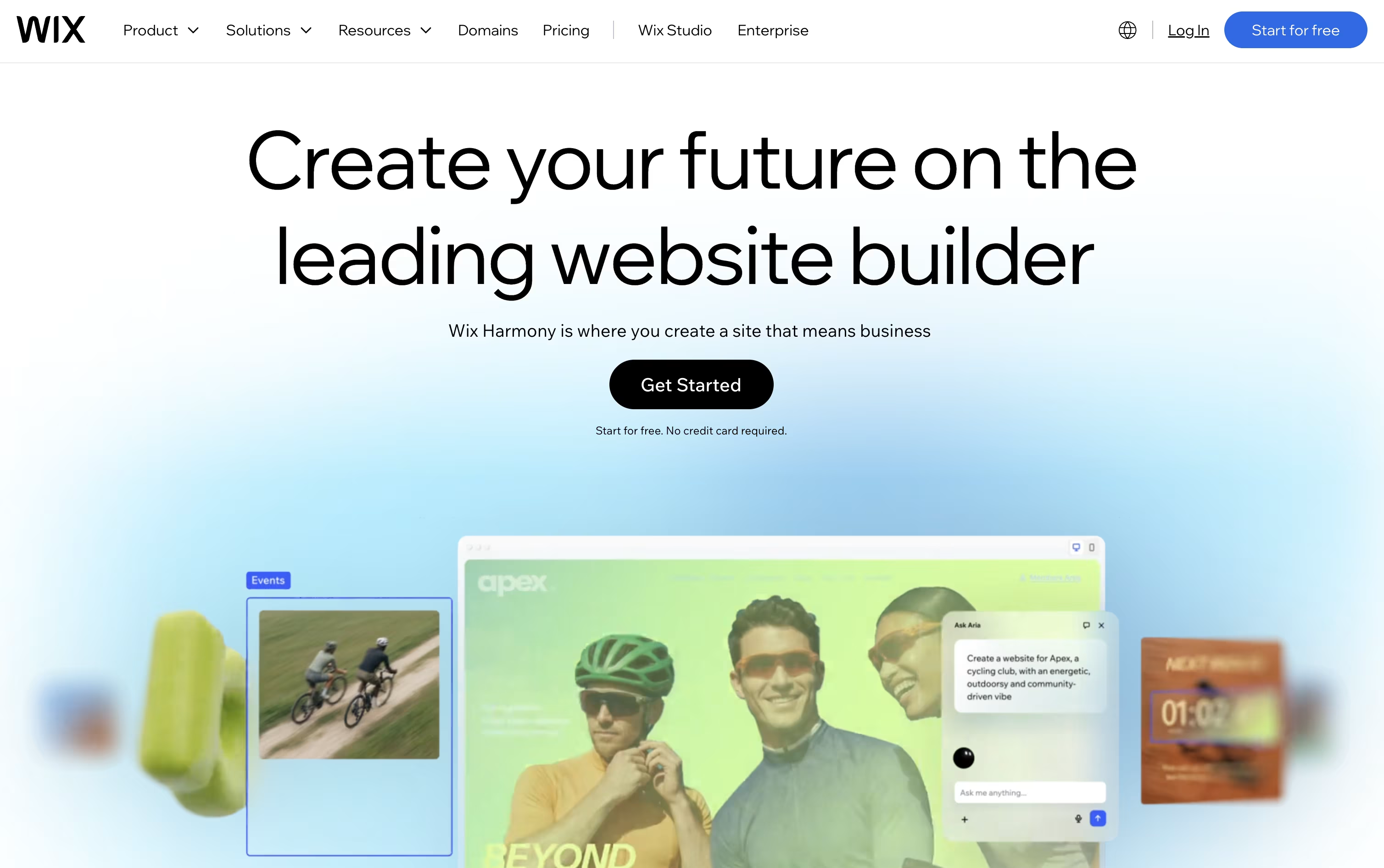
The fastest way to start is Wix Harmony, where you describe your goals in plain language and the Aria AI agent builds a complete site with layout, copy, and visuals that you can then refine by hand.
Once your site is live, built in tools cover online selling, appointment booking, event ticketing, and marketing campaigns, so you rarely need outside apps.
The Free plan costs nothing to start, while paid plans run from Light at $17 a month up to Business Elite at $159 a month, each unlocking more storage, collaborators, and advanced business features.
Agencies and developers can move up to Wix Studio for responsive design control, or use Velo and Wix Headless to build custom functionality on top of the platform.
This mix of easy AI creation and deeper technical tools is what makes Wix useful for beginners and professionals alike.
Instead of picking a template and filling in blanks, B12 asks you to describe your business in plain words, then builds the whole site from that description in a few minutes.
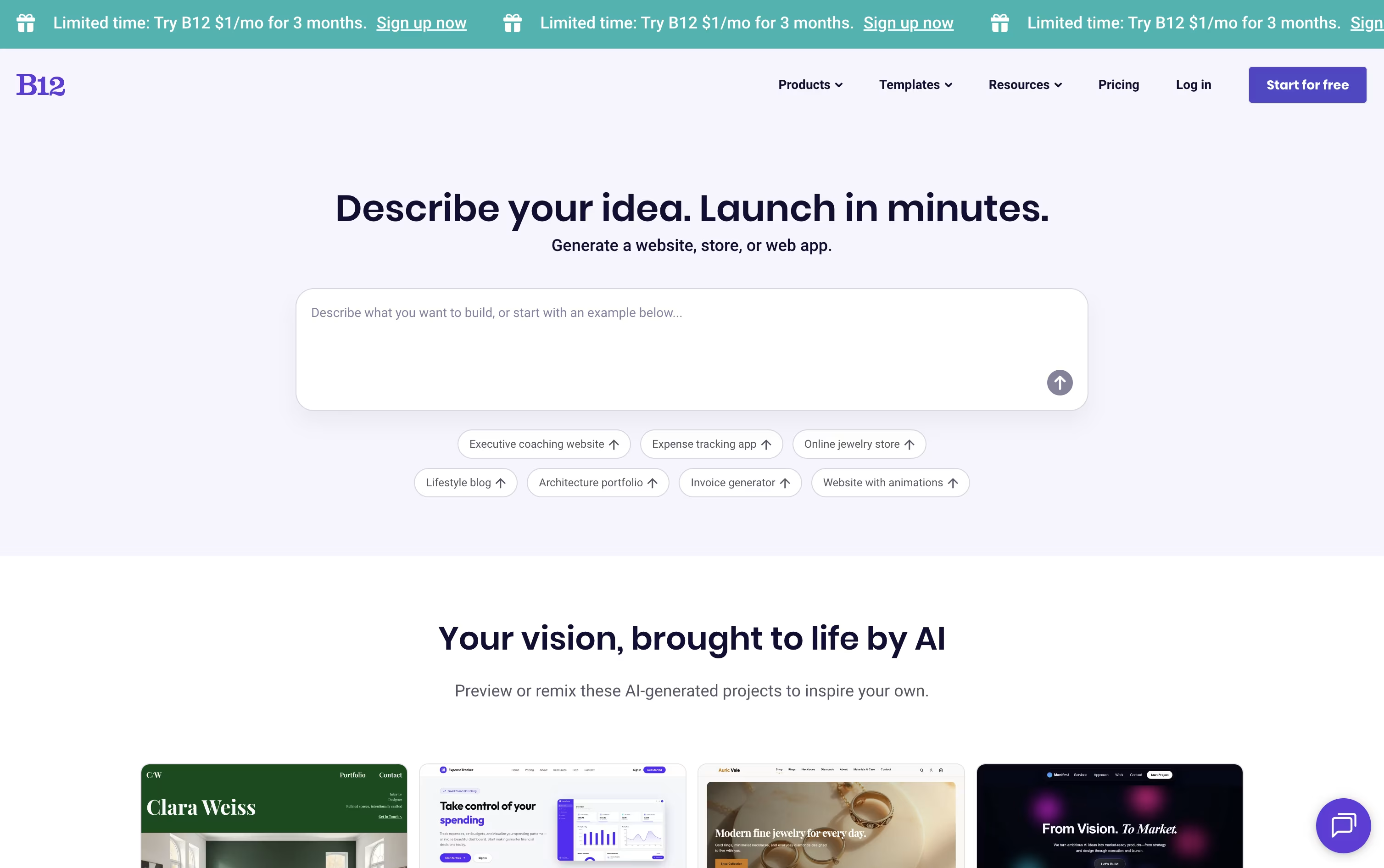
You can keep shaping the result by chatting with the AI Agent, clicking directly on page elements with Visual Edit, or opening the code when you need exact control.
Getting started costs nothing on the Free plan, which gives you a B12 subdomain and a small daily allowance of AI credits.
Moving up to the Website plan at $49 a month brings a custom domain, more credits, and analytics, and the Website plus Client Engagement plan at $78 a month adds invoicing, payments, email marketing, and a contact manager.
Businesses that prefer expert help can choose Professional at $199 a month or Advanced at $399 a month, where B12's own team builds and maintains the site, with Advanced adding extra seats and priority support.
Paying yearly instead of monthly lowers each plan's price by roughly 15 percent.

Hostinger Website Builder lets you create a full website without any coding skills, using either AI or a template. You simply describe your business and goals, and the AI Website Generator builds a complete site with layout, text, and images ready to go.
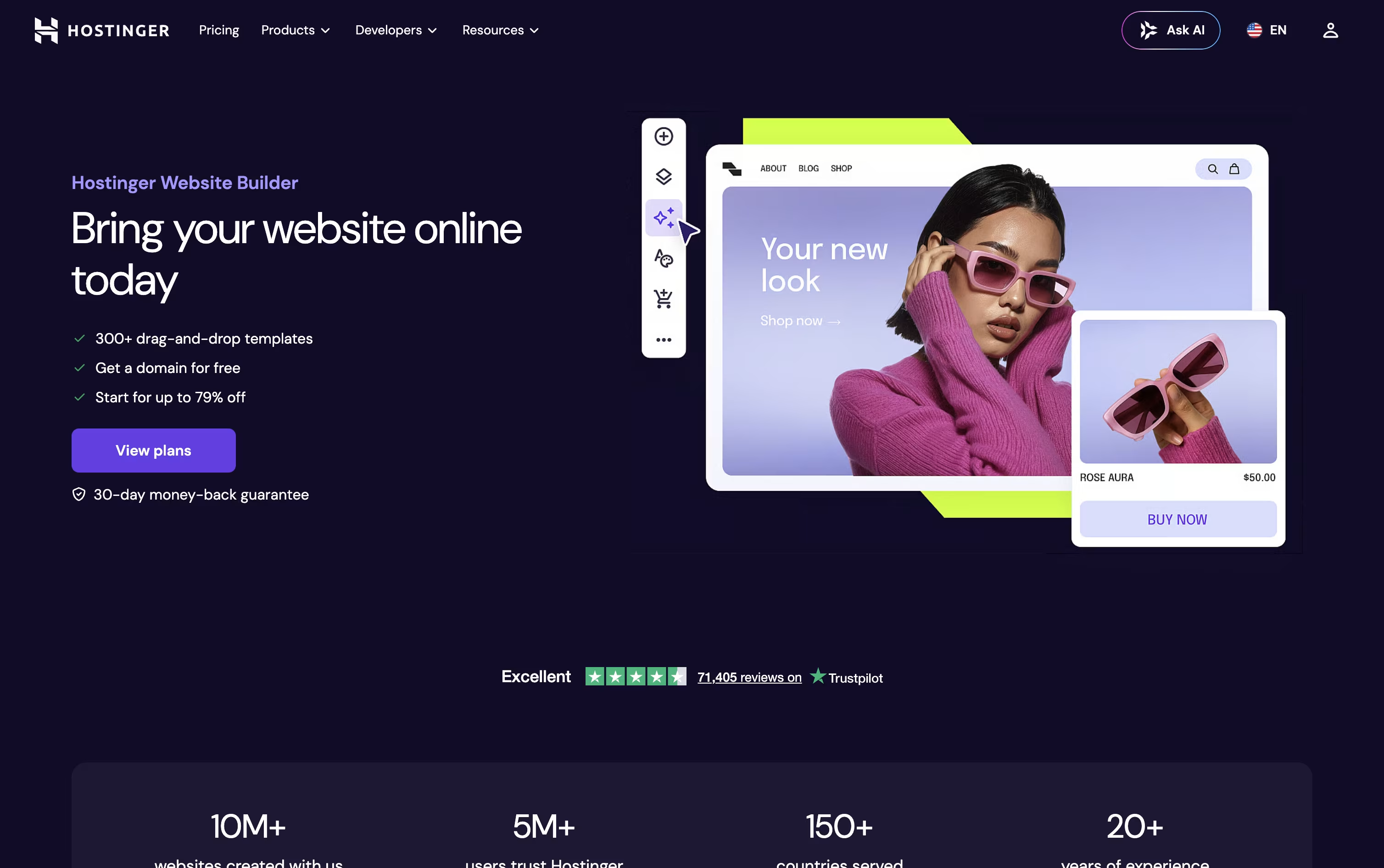
If you prefer more control, you can start with one of over 300 designer made templates and adjust it in the drag and drop editor, with separate views for desktop and mobile.
Along the way, AI tools help you write content, generate blog posts, create images and logos, and improve your SEO, while Kodee can assist with setup and everyday tasks.
The plans are priced simply. Premium starts at $2.99 a month for 3 sites, Business is $3.79 a month with online store features for up to 50 sites, and Unlimited is $4.99 a month with unlimited sites, full AI access, and no transaction fees.
Every plan comes with a free domain for the first year and free SSL included.

Rather than targeting a single personal website, Duda is aimed at agencies, freelancers, and platforms that need to launch and manage many client sites without extra headcount.
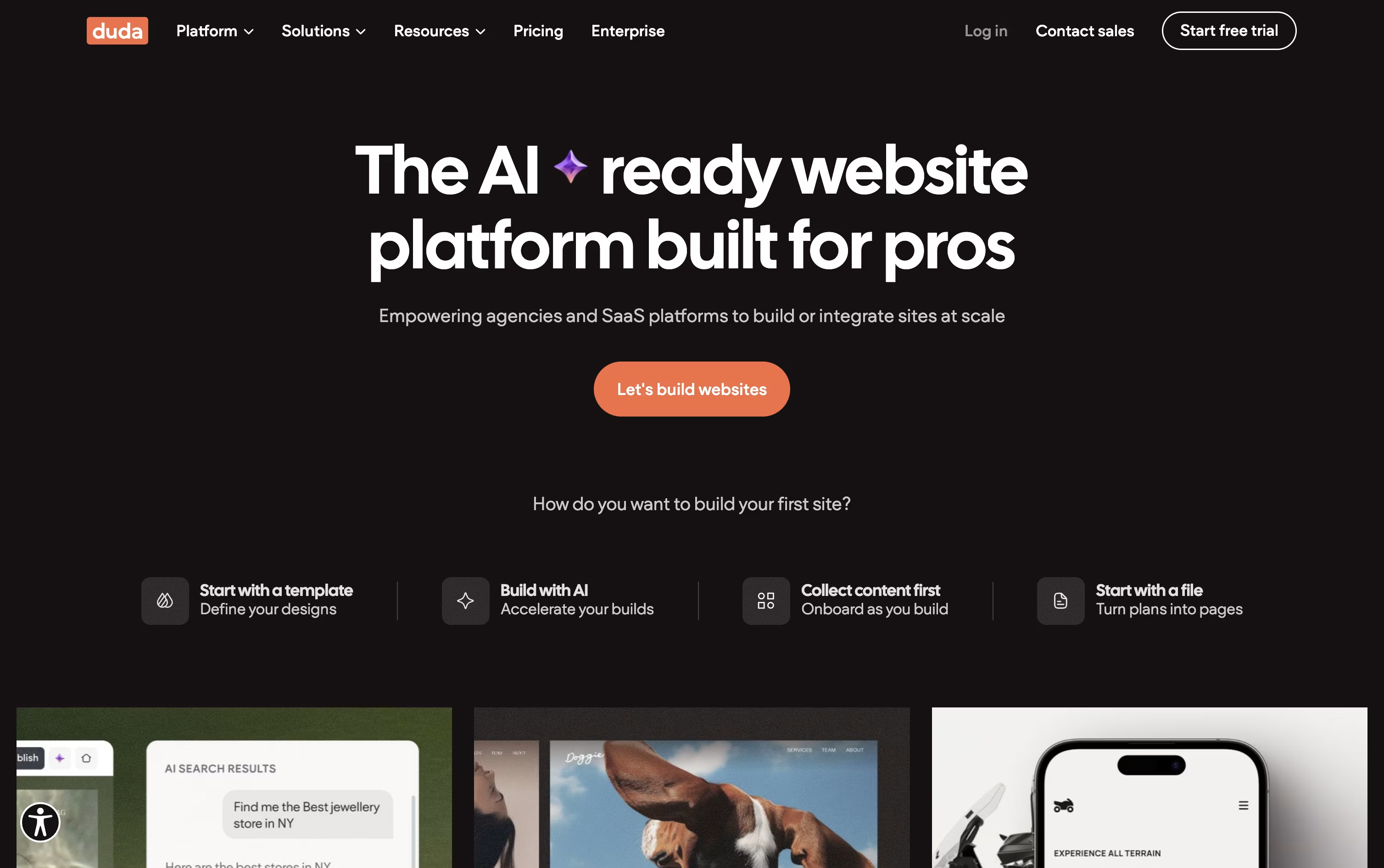
Its AI Stack, led by a conversational Copilot assistant, can draft entire sites, write content, build page sections, and handle SEO work from plain instructions.
Sites are hosted on AWS with strong performance, and built-in AEO tools such as automatic schema markup and AI visibility tracking help pages show up in tools like ChatGPT and Perplexity, not just classic search.
The Basic plan starts at $25 a month with one project, while Team at $39 a month opens up seats, unlimited clients, and role based permissions.
Agency, the most popular option at $69 a month, includes four projects and standard MCP access, and White Label at $199 a month unlocks full white label branding and a custom domain.
Larger organizations can request a Custom plan with advanced security, a dedicated account team, and tailored API access, and every plan opens with a 14 day free trial.





