

Best 3 Tools for Enhancing AI-Generated Video Output in 2026
Last Updated: September 12, 2026
Raw output from text-to-video and image-to-video generators can look impressive but still carry artifacts, flickering, or soft detail typical of early-generation models. Dedicated enhancement tools clean up these clips afterward, sharpening frames, stabilizing motion, and smoothing inconsistencies between generated frames.
This extra pass has become a standard step for creators building content pipelines around generative video, since it closes the gap between a rough AI draft and something that looks ready for publishing. Teams working with tools like Runway, Pika, or Sora often route their exports through an enhancer before final delivery.
 TensorPix
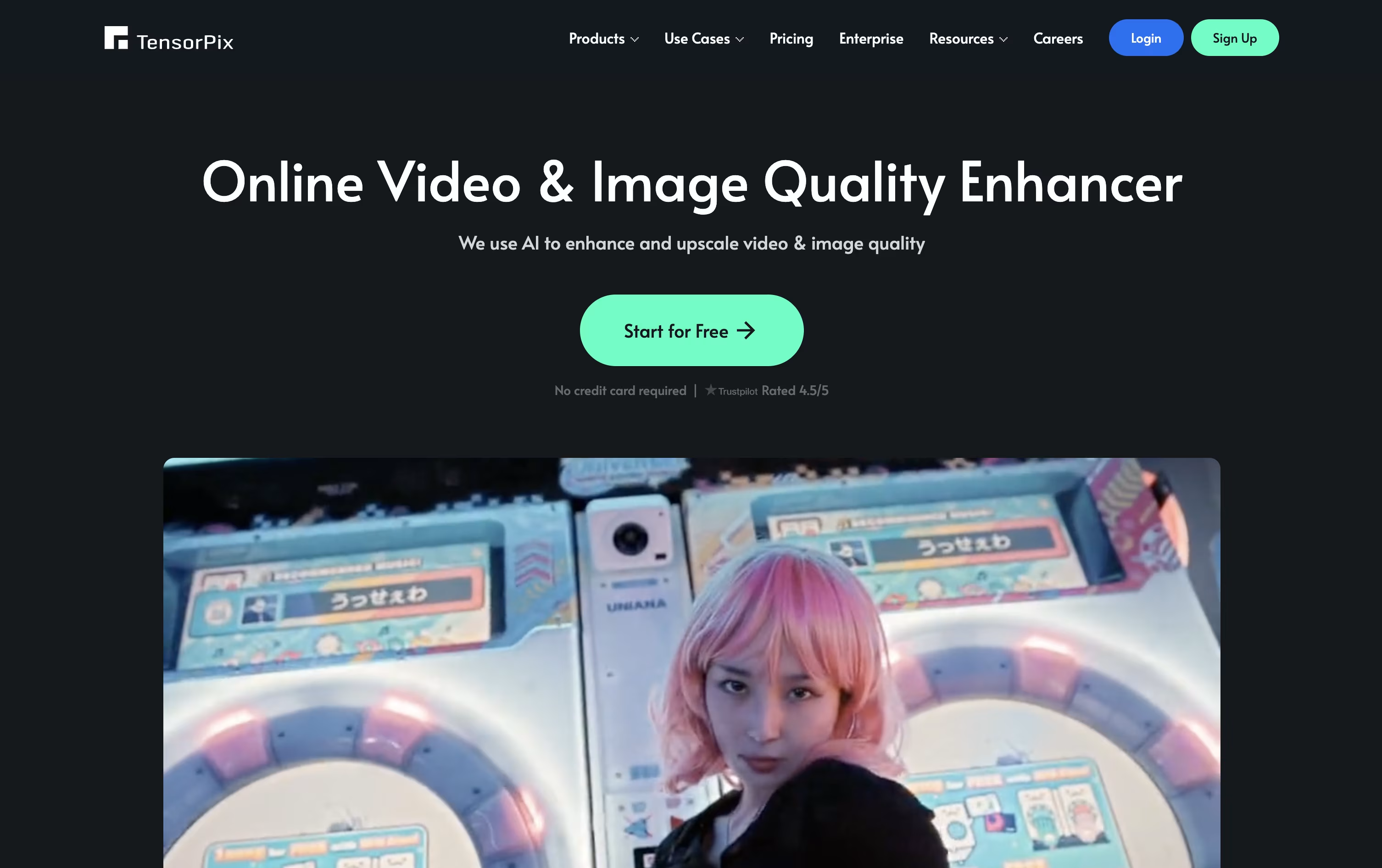 TensorPixAI Video Upscaler and Enhancer Tool,
  HitPaw
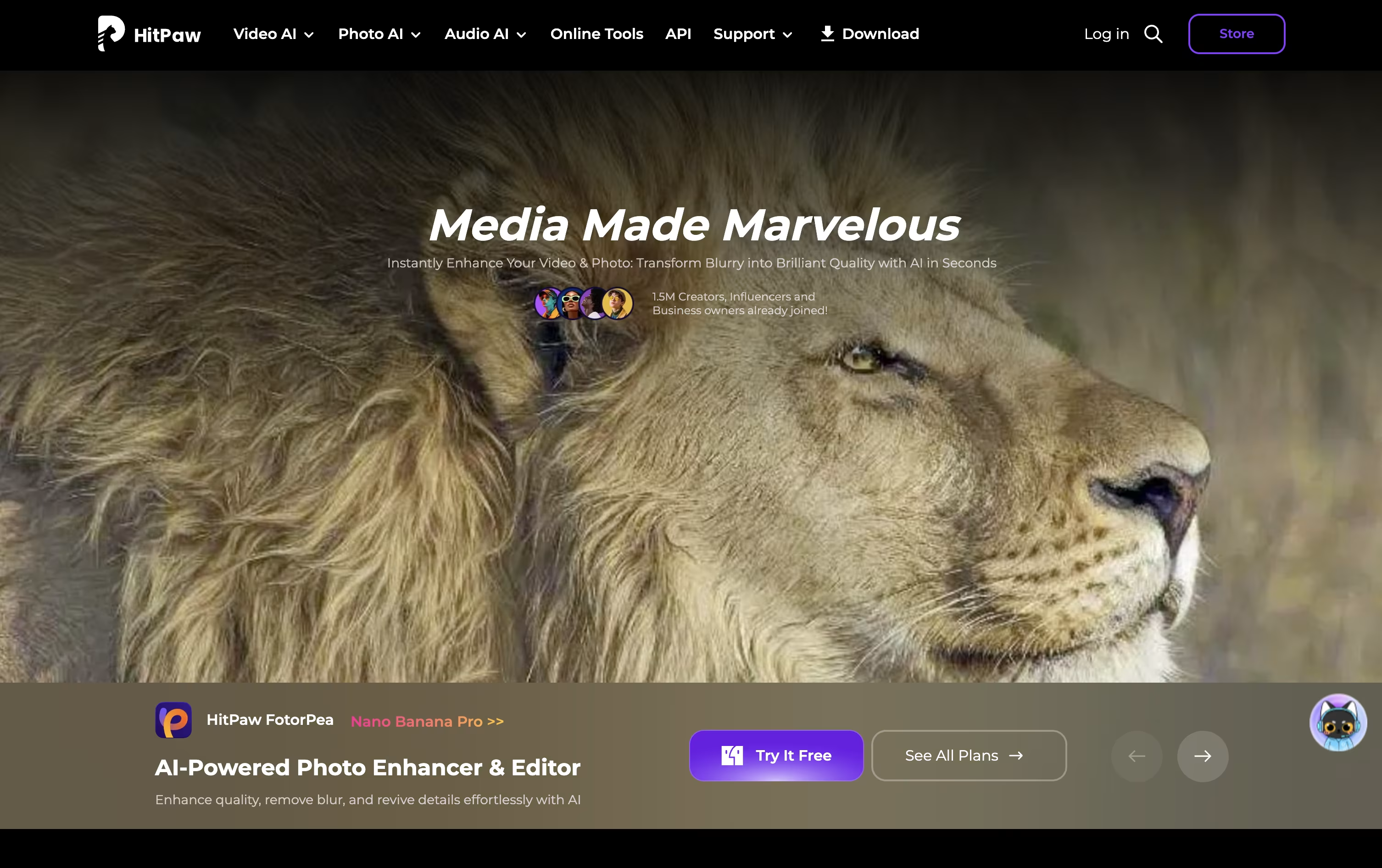 HitPawAI Photo and Video Enhancer for Everyone, and
  Topaz Labs
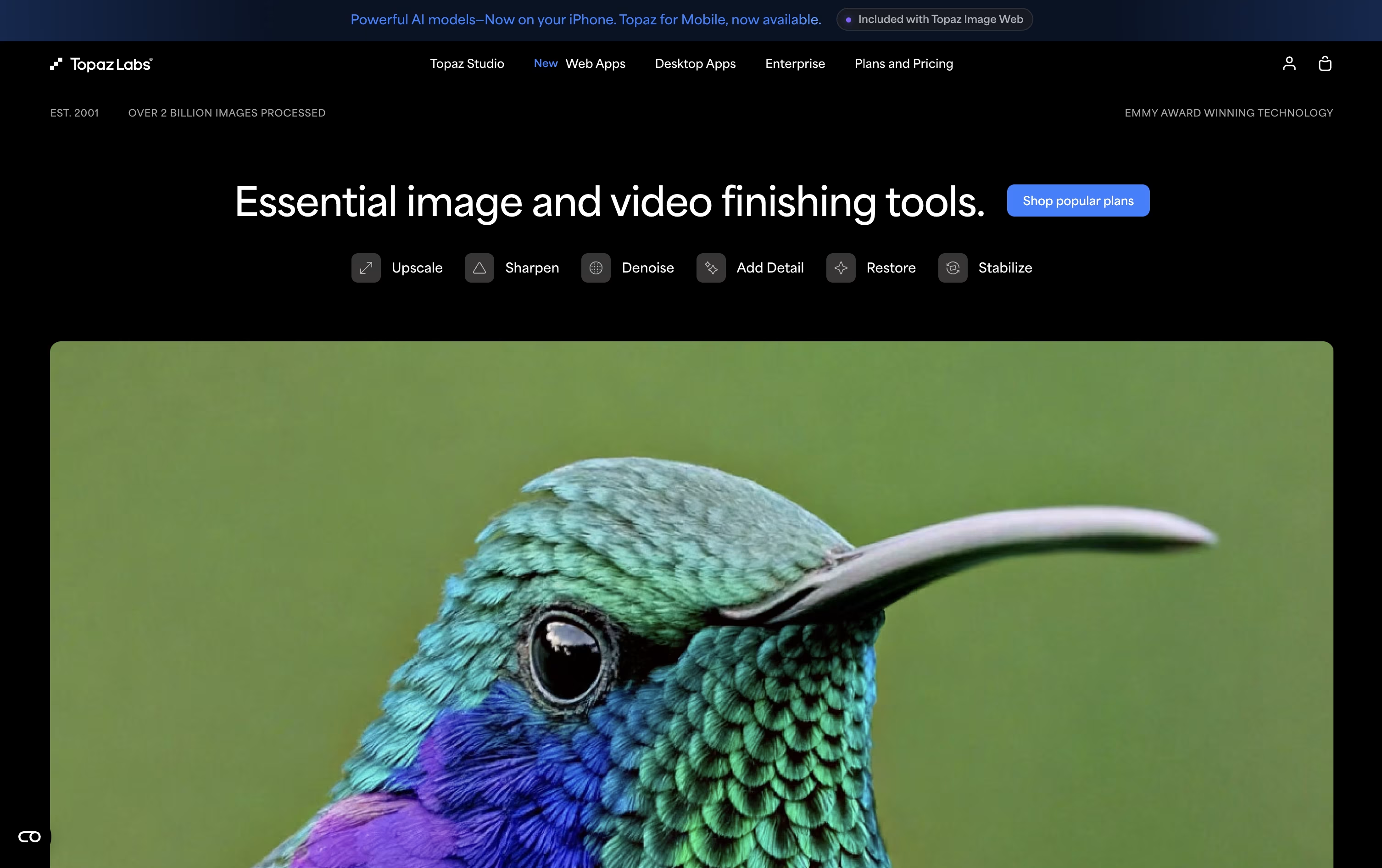 Topaz LabsAI Photo & Video Enhancement Tools are the best for Enhancing AI-Generated Video Output. So, let’s take a closer look at all 3 tools.
Think of TensorPix as an all in one AI toolbox for video and photo quality, running entirely in your browser with no software to install.
Its core Video Enhancer upscales clips up to 4K, smooths motion with frame rate boosting, steadies shaky footage, and removes noise, blur, and old compression artifacts, making it popular for restoring VHS tapes, home movies, and rough AI generated video.
The platform also generates brand new images and videos from text prompts, and its TensorShots tool automatically turns photos, listings, or product shots into short, ready to post social videos, a big time saver for real estate agents and marketers.
A built in Video Compressor keeps file sizes small without losing quality, and an API lets developers plug the same enhancement engine into their own products.
On pricing, a free forever plan gives new users weekly credits to test things out. Paid plans run from $12 a month for Standard up to $66 a month for Elite, with cheaper rates if billed yearly, plus Enterprise tiers from $369 a month for high volume teams.
HitPaw brings together several AI tools for photo and video work under one roof, aimed at people who want quick, good-looking results without learning complex software.
Its photo tool, FotorPea, can upscale images to 4K or 8K, restore old or damaged photos, remove backgrounds and objects, and generate new images from text or reference photos.
You can try it for free first, with limited previews and no exports, before choosing a paid plan. The Monthly plan costs $25.59, the Yearly plan costs $99.99, and the Perpetual license is a one-time payment of $159.99.
As you move up the plans, your included credits grow from 100 to 500 to 800, along with higher limits on AI generation, background removal, and image restoration.
For small teams, a 5-Mac annual plan is available for $256.95, and companies needing more seats can contact HitPaw for a custom business quote with extra support benefits.
Topaz Labs makes AI powered software that cleans up and improves photos and videos people already have, rather than generating brand new images. Common uses include removing grain, sharpening blurry shots, recovering faces, and enlarging footage to much higher resolutions.
Its toolkit spans Topaz Photo, Topaz Video, Topaz Gigapixel for upscaling, the browser tools Astra and Bloom, Topaz Image Web, and a mobile app on iPhone. Editing can run entirely on your own computer for privacy, or in the cloud for speed and access to newer models.
The main plan, Topaz Studio, gives access to every app for $399 a year, or $69 month to month, and includes unlimited local rendering plus 300 monthly video cloud credits.
For studios and businesses, Studio Pro costs $799 a year, or $79 a month, and adds full commercial use, 600 video credits, higher cloud concurrency, and tools for managing team seats.
Single apps are also sold separately, and large organizations can contact Topaz directly for custom Enterprise pricing.





