

Best 4 Tools for Pull Request Management in 2026
Last Updated: August 24, 2026
Keeping track of open pull requests, reviews, and merge status across a team can get messy without organization. Pull Request Management tools help track, review, and coordinate code changes before they merge.
Development teams use pull request management to keep the review and merge process organized.
 Augment Code
 Augment CodeAI Coding Agents for Dev Teams,
  Cursor
 CursorAI-Native Code Editor for Developers, and
  Amp
Amp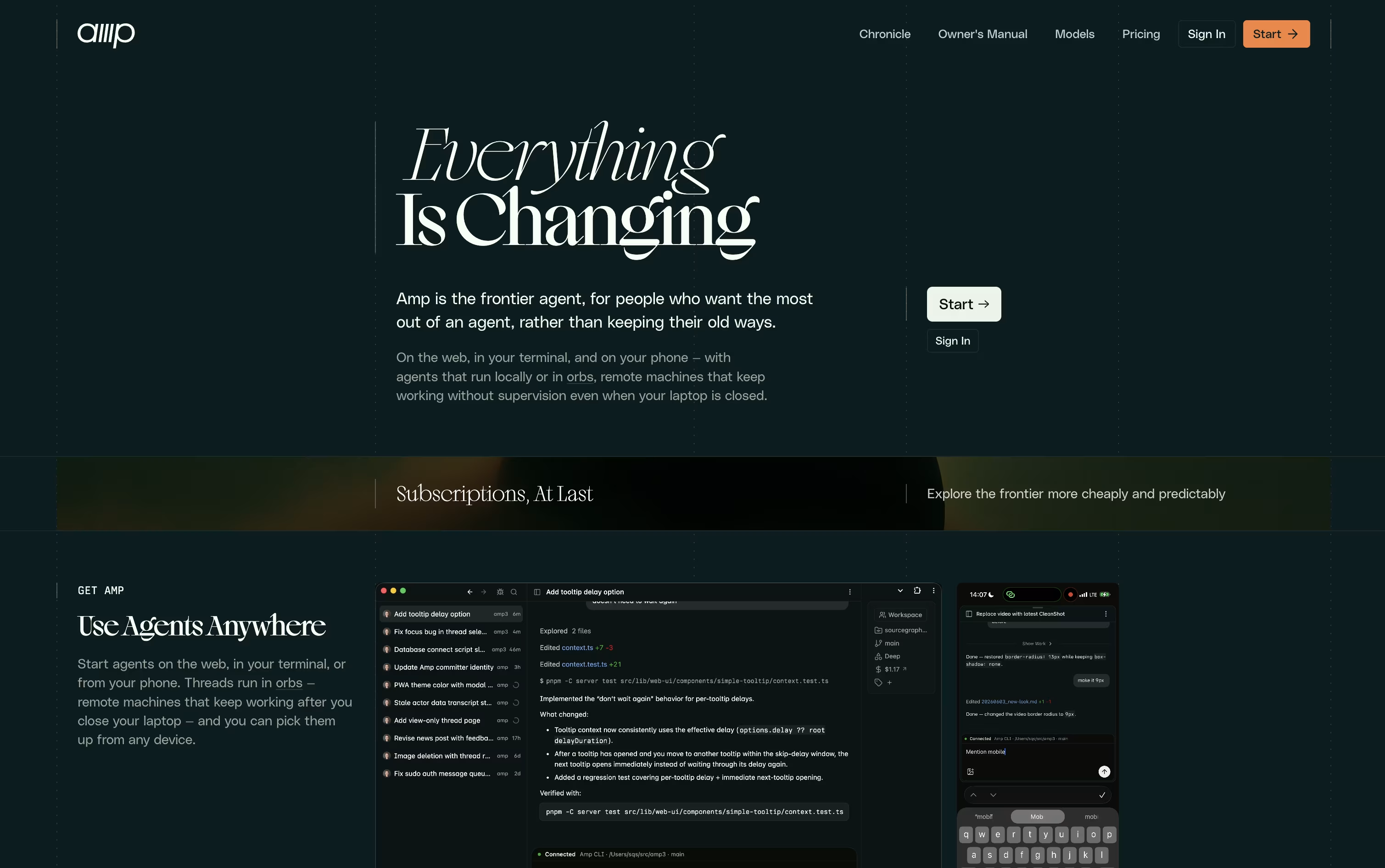 AmpFrontier AI Agent for Software Development are the best for Pull Request Management. So, let’s take a closer look at all 4 tools.

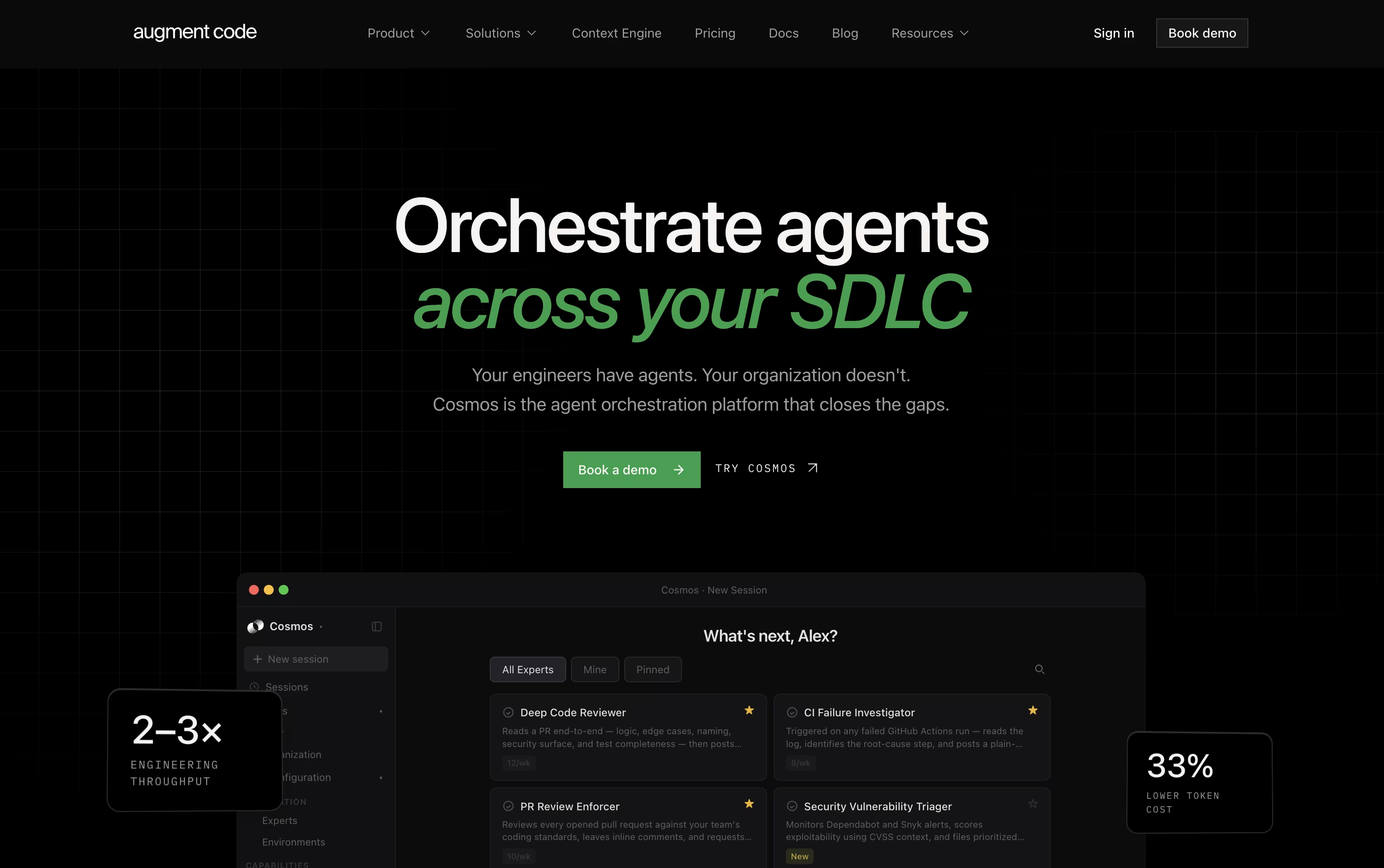
Augment Code focuses on one main problem: helping AI tools truly understand large, messy, real world codebases instead of only small pieces of code. It does this through the Context Engine, which continuously indexes your code, its history, and the relationships between different parts of the system.
Teams use Cosmos, the platform's main workspace, to set up AI agents that handle everyday engineering tasks such as reviewing code changes, checking failed tests, fixing security alerts, and keeping dependencies current. These agents can work on their own or bring in a human when a decision needs judgment.
For developers who like working in the terminal, the Auggie CLI brings the same understanding of your codebase into day to day command line work.
On pricing, the Business plan is $100 a month for up to 50 users, including $100 of usage each month with the option to add more as needed.
Enterprise customers get custom pricing along with stronger security, compliance features, and dedicated support.
In short, it is designed for teams that want their AI agents to actually know the codebase they are working in.
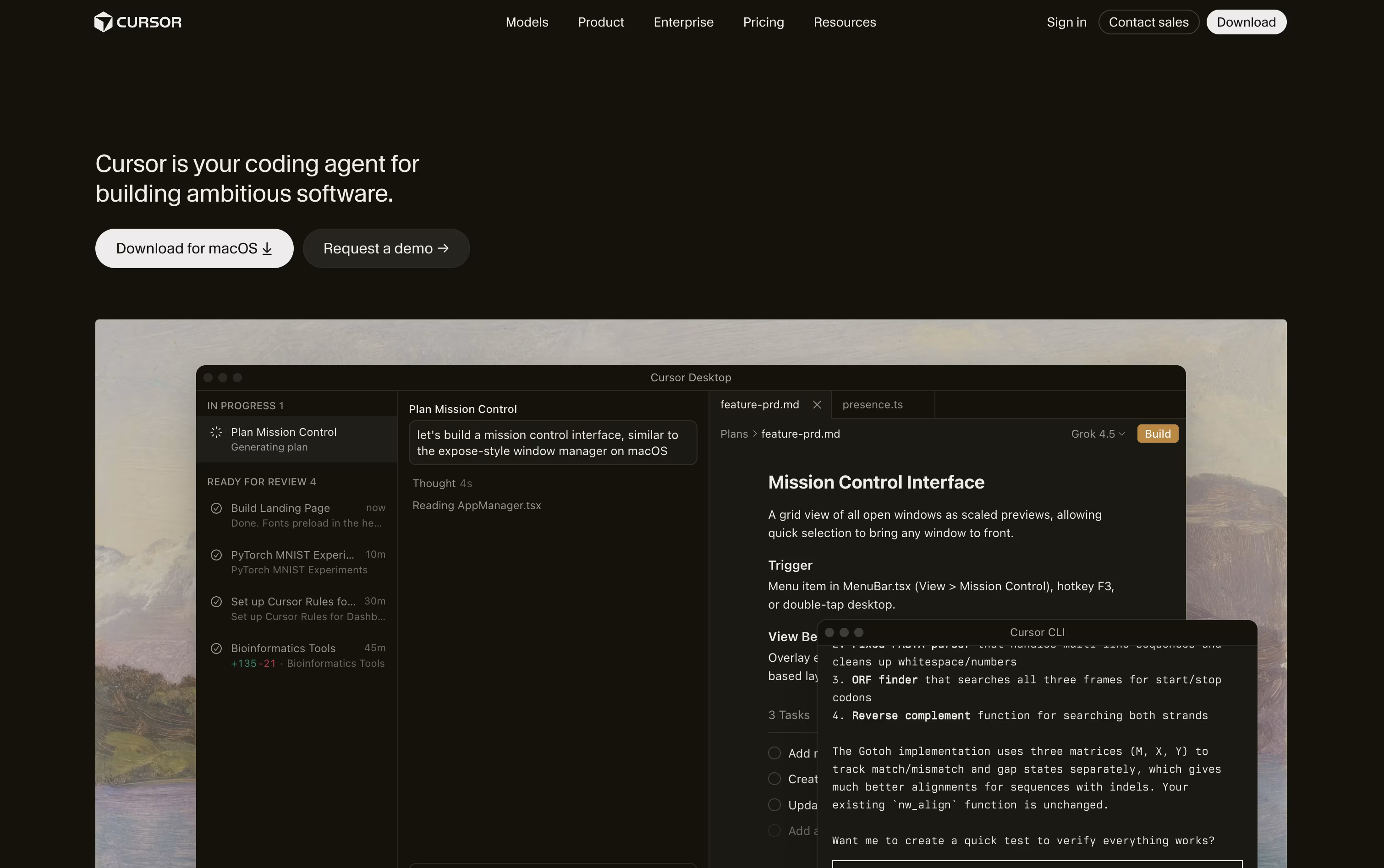
Cursor turns coding into something you direct rather than type line by line. You explain what you need, and an agent reads through your project, builds a plan, edits the right files, and runs the commands to check its own work.
Quick edits still get a fast, smart autocomplete, while bigger tasks like fixing bugs or adding features go to full agent mode, which can work across many files at once.
Getting started costs nothing on the free Hobby plan, which includes limited agent use and access to Composer. Stepping up to Pro costs $20 a month and adds extended agent limits, top AI models, cloud agents, and outside tool connections through MCP.
Heavier users can choose Pro+ at $60 a month or Ultra at $200 a month for much higher usage limits. Teams can pick Standard at $40 per user a month or Premium at $120 per user a month, both with shared billing and single sign-on.
Bigger organizations can ask for custom Enterprise pricing with extra controls and audit logs. Cursor runs on desktop, in a terminal, on the web, and on mobile.
Amp is built around the idea of threads, which are ongoing conversations between you and the agent. Inside a thread, Amp can read your codebase, make edits, run tests, and carry out full tasks with little hand holding.
What sets Amp apart is orbs, remote machines that let tasks keep running even when your own computer is turned off. These come pre loaded with common developer tools so work can start right away.
You can choose from several modes depending on how much thinking power a task needs, ranging from quick fixes to deep, complex problem solving. Skills and plugins let you extend what Amp can do even further.
On pricing, the Megawatt plan is $20 a month and covers lighter workloads with orb hours and usage credit. Gigawatt costs $200 a month and adds bigger orbs along with access to every mode. A pay as you go option and a custom priced Enterprise plan round out the choices for larger teams.
Overall, Amp is designed for developers who want an assistant that can work independently and scale with the pace of newer AI models.

Think of GitHub Copilot as a coding partner that sits inside your editor, terminal, and even GitHub.com. It offers code suggestions as you type and a chat panel for asking questions or fixing errors.
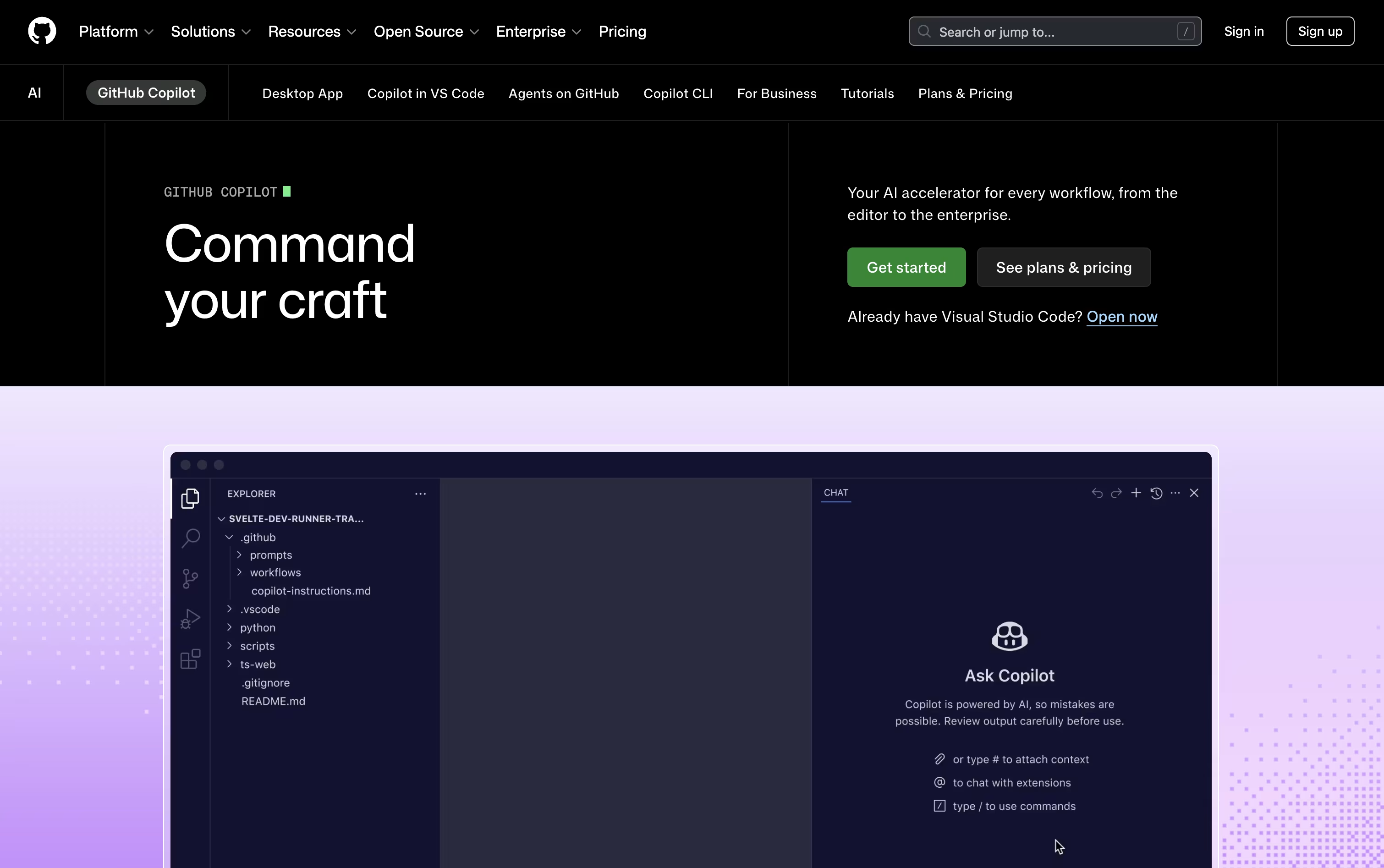
Its agent mode goes further, planning and editing across several files at once, while the cloud agent can take on an entire task, write the code, test it, and raise a pull request for review.
Getting started costs nothing. The free plan includes 2,000 completions each month, a couple of AI models, and access to the Copilot CLI, all without a credit card.
Stepping up to Pro at $10 a month removes the completion limit and adds the cloud agent, code review, and $15 worth of monthly AI credits, plus support for outside agents like Claude Code and OpenAI Codex.
Heavier users can pick Pro+ at $39 a month for premium models like Opus, or Max at $100 a month for priority access to new models and the biggest credit pool.
Organizations get Business at $19 per user a month or Enterprise at $39 per user a month, both offering shared credits and stronger admin controls.





