

Best 4 Tools for Documentation Versioning in 2026
Last Updated: November 8, 2025
As a product changes, older documentation can quickly become inaccurate if not properly versioned. Documentation Versioning tools maintain separate, accurate docs for different product versions.
Technical writers and developers use documentation versioning to keep guidance accurate for users on any version.
 Heretto
 HerettoAI-Powered Content Platform for Technical Documentation,
  Docsie
 DocsieAI Documentation & Knowledge Base Platform, and
  Docusaurus
 DocusaurusBuild Beautiful Documentation Sites Free are the best for Documentation Versioning. So, let’s take a closer look at all 4 tools.
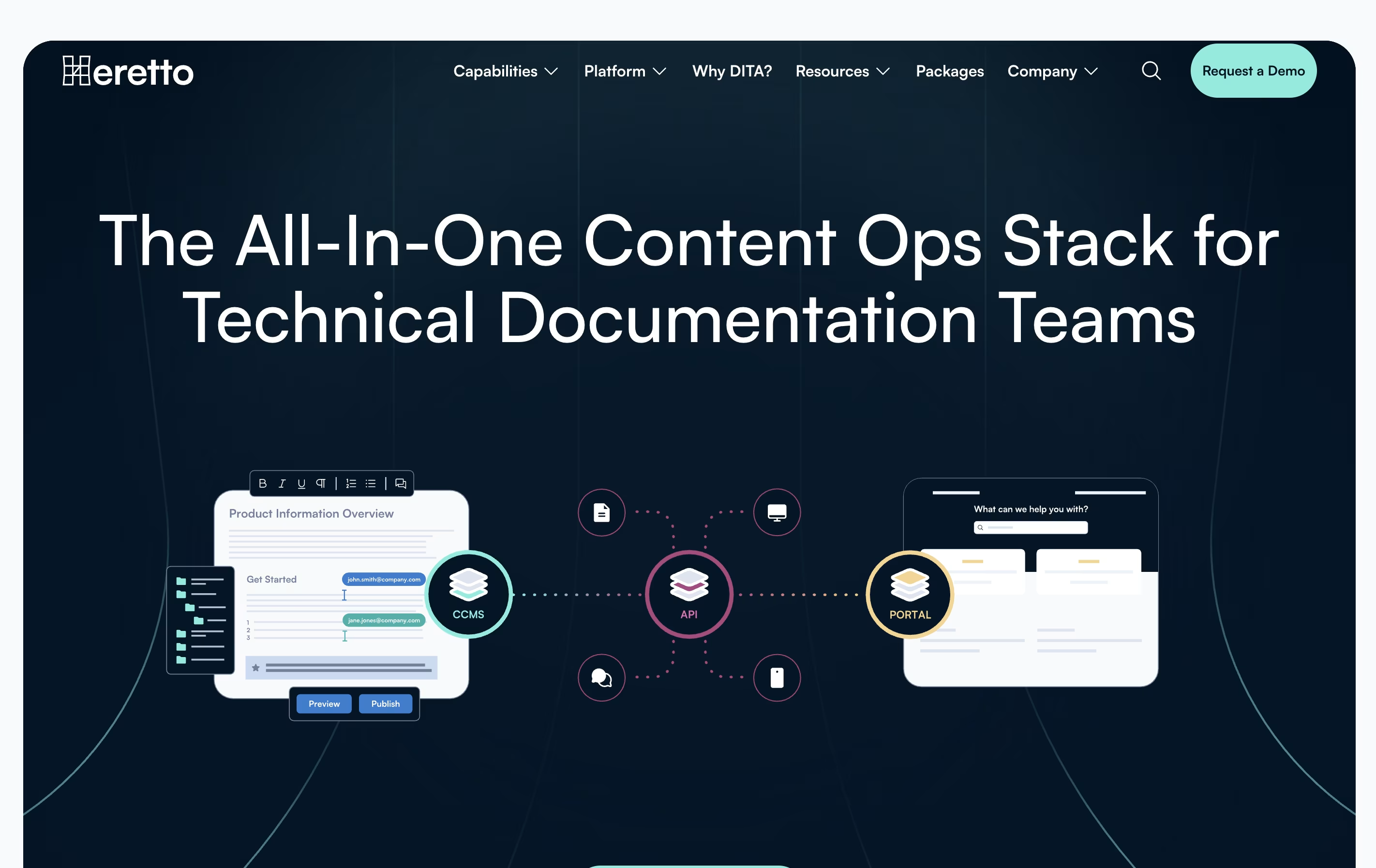
Heretto is a complete solution for managing technical content throughout your organization. At its core is a Component Content Management System that breaks documents into small, reusable pieces instead of managing full pages. This approach lets you update content once and see changes everywhere it appears.
The platform offers three main products working together. First, the CCMS handles content creation and management. Second, Deploy API lets you send content to any website or app through an interface. Third, Portal creates branded help websites for customers.
Heretto works entirely in the cloud, so teams can access it anywhere with internet. It supports multiple languages, tracks all changes to your content, and lets many people work on the same documents without conflicts.
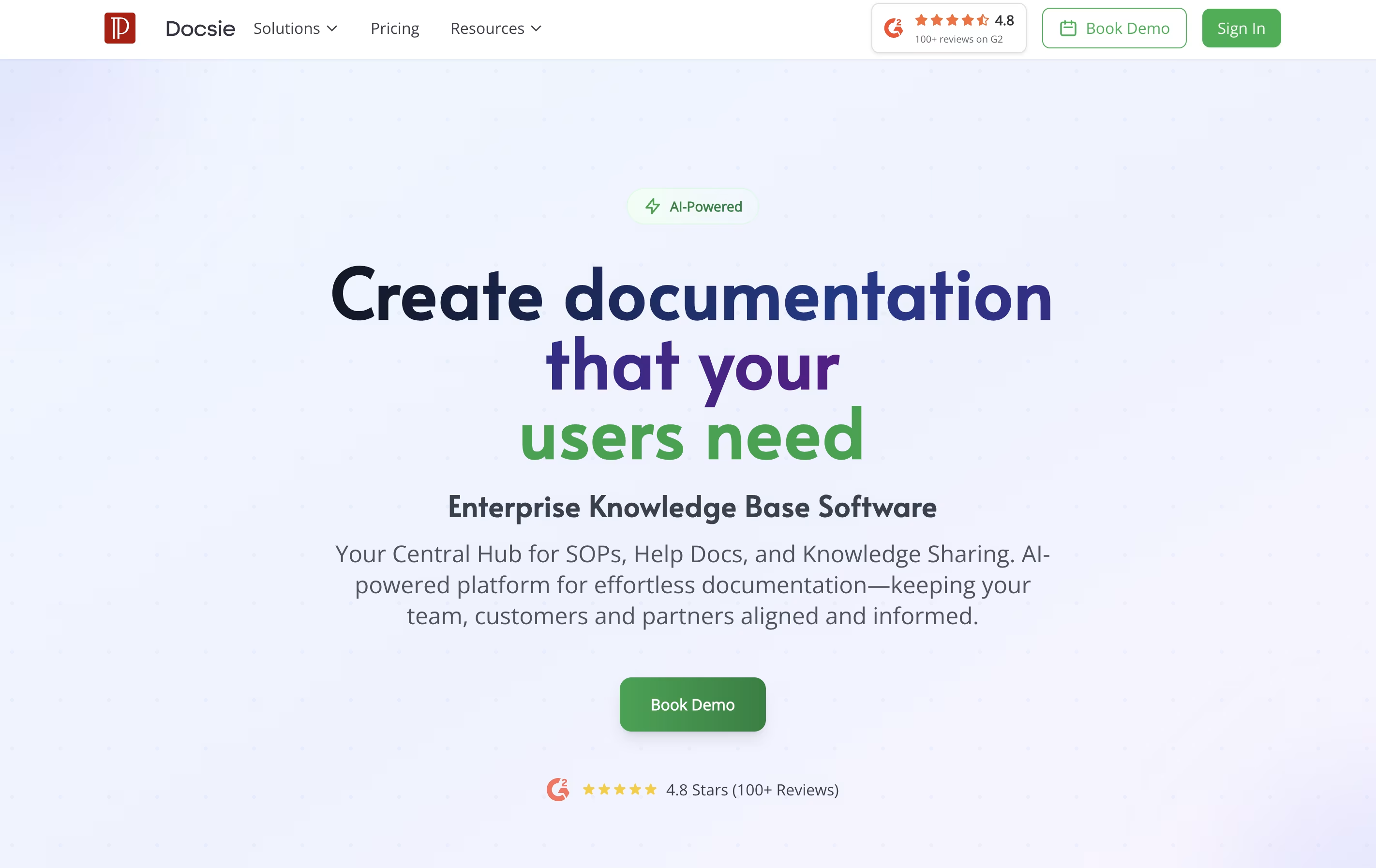
Docsie is a tool that helps you create and organize documentation for your products, services, or internal processes. You can write guides, manuals, and help articles in one place, then publish them to a website where your team or customers can find answers.
Unlike traditional document tools, Docsie uses AI to help write content, automatically translates text into different languages, and creates chatbots that answer questions based on your documentation. It also tracks who reads what, so you can improve your content based on real usage.
The platform includes a simple editor, version control to track changes, team collaboration features, and ways to embed documentation directly into your website or app. There are free and paid plans to fit different needs.
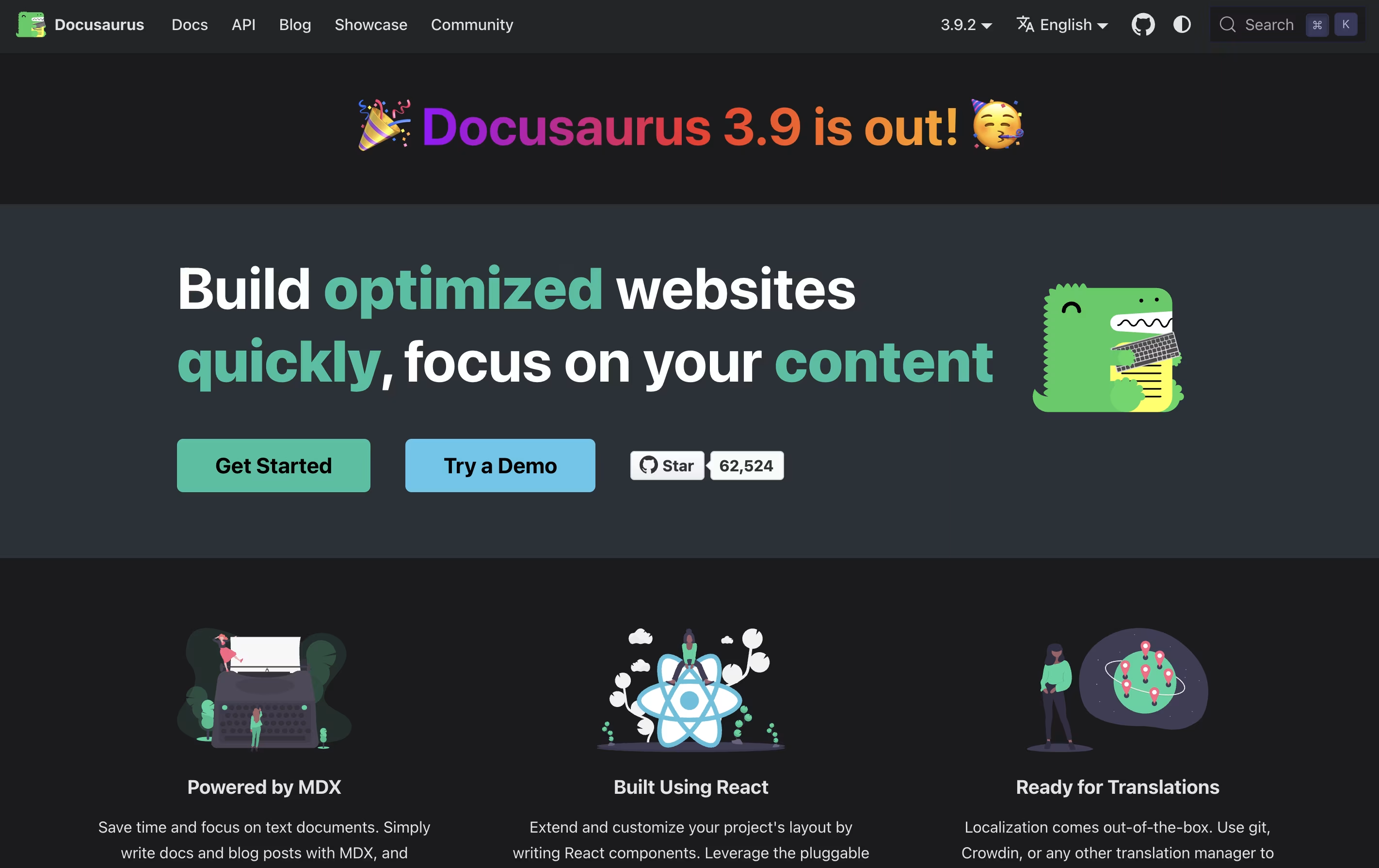
Docusaurus is a static site generator built with React and Node.js. It takes your Markdown files and creates a complete documentation website with all the features users expect. Unlike building a website from scratch, Docusaurus handles the hard parts for you.
The tool uses MDX, which means you can add interactive React components right inside your Markdown files. This makes your documentation more engaging without extra work. It comes with built-in search powered by Algolia, version management for different product releases, and support for over 70 languages through translation tools.
Because it creates static files, your documentation loads fast and can be hosted anywhere. The sites work great on mobile devices and follow modern web standards for speed and accessibility.

GitBook is a cloud-based tool designed specifically for creating documentation. Think of it as a specialized writing platform where you can build everything from simple user guides to complex API documentation. The platform uses a block-based editor, similar to modern website builders, making it easy to add text, images, code examples, and other content without coding knowledge.
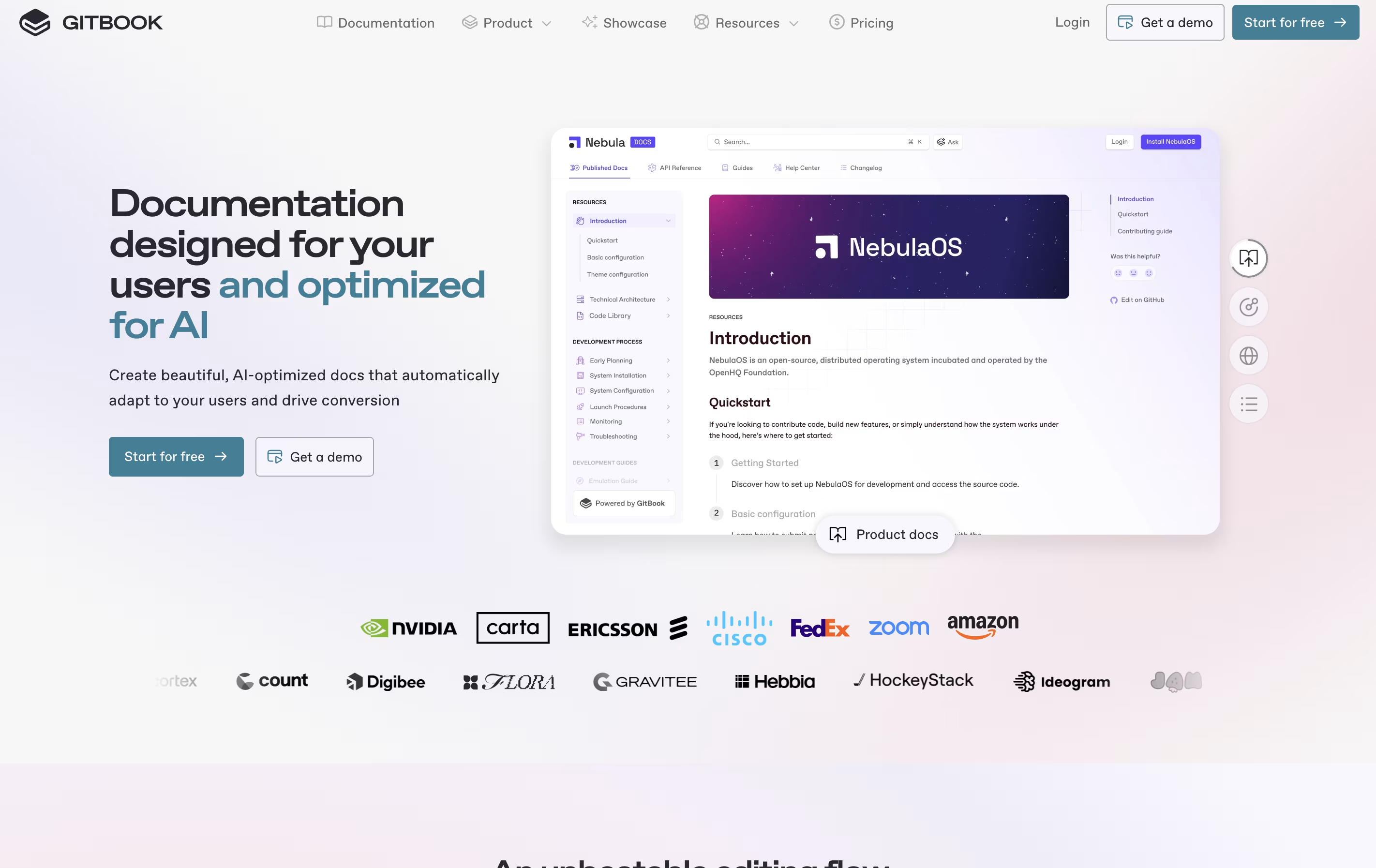
What sets GitBook apart is its two-way sync with GitHub and GitLab. This means developers can write documentation directly in their code editor, while content teams work in GitBook's visual interface. Everything stays synchronized automatically. The platform also includes AI features that help users find information quickly and assist in creating content. You can publish documentation publicly or keep it private with password protection.