

Hanko vs WorkOS: Features, Pricing and User Reviews 2026

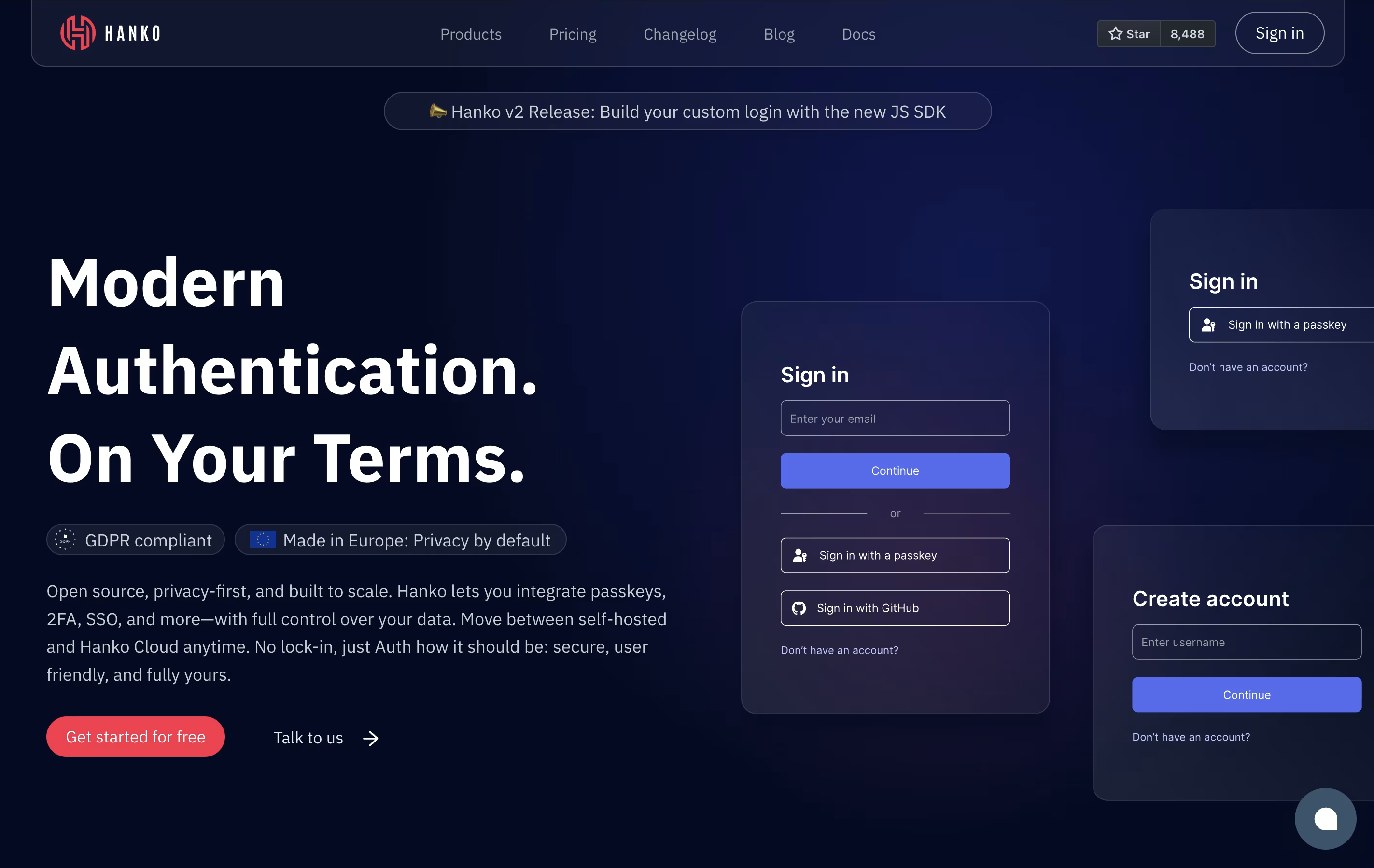
Hanko
Open-Source Authentication with Passkeys

WorkOS
Enterprise Authentication for Developers
Hanko
Open-Source Authentication with Passkeys
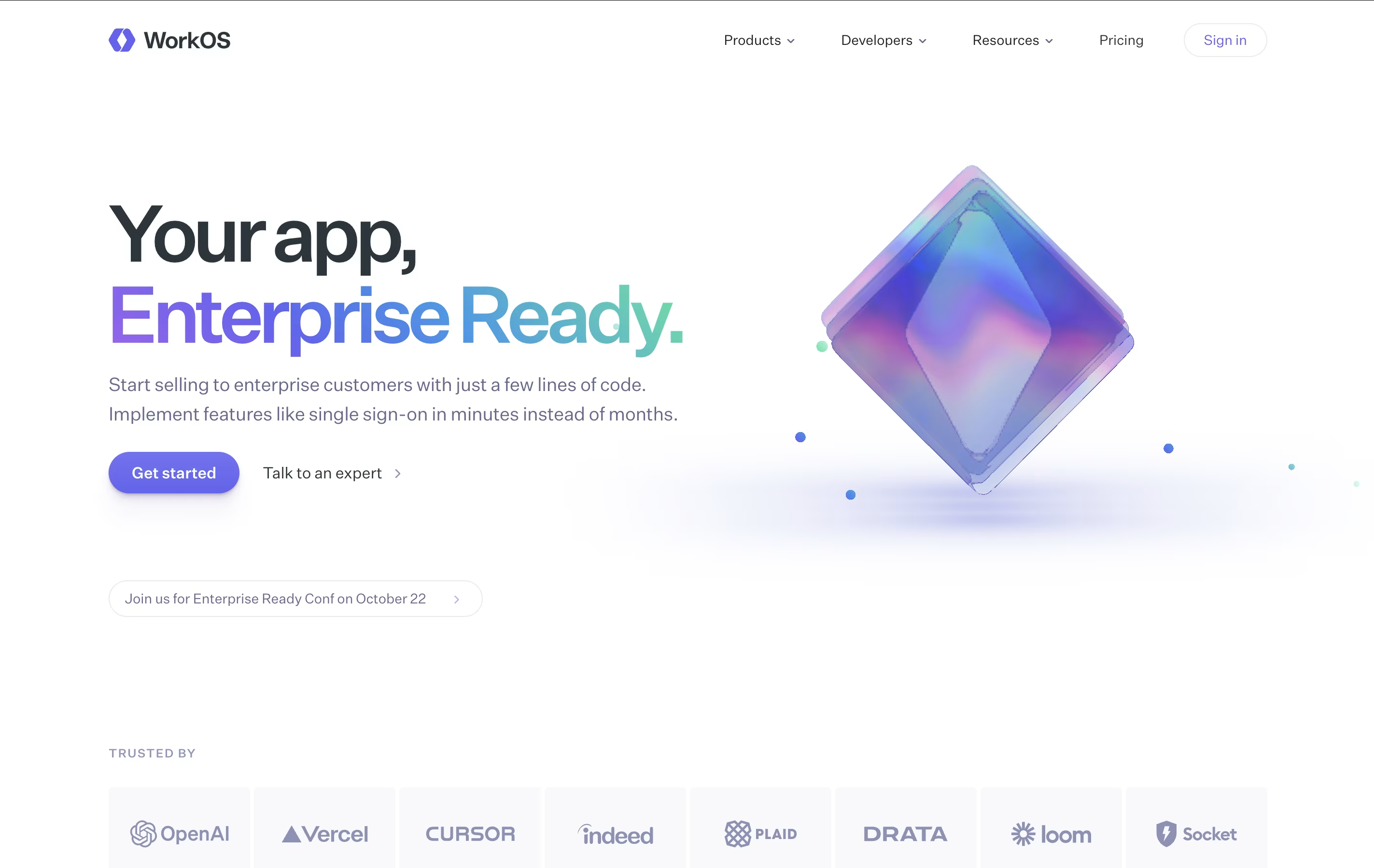
WorkOS
Enterprise Authentication for Developers
What are Hanko and WorkOS?
Hanko is a complete authentication platform that handles user login and account management for web and mobile apps. Instead of building login systems from scratch, developers can add Hanko in minutes using ready-made components.
The platform supports multiple ways to log in: passkeys for password-free access, traditional passwords, email codes, and social login through Google or GitHub. It also includes two-factor authentication and enterprise single sign-on. Everything is built on open-source code, meaning you can see exactly how it works and modify it if needed.
Hanko offers both a free cloud-hosted version and a professional version with more features. You can also download and run it on your own servers for complete data control.
WorkOS is an API platform that provides enterprise authentication and identity features for web applications. When you need to add features like company login systems or user management to your app, WorkOS provides the technical foundation.
The platform includes several key products. AuthKit handles user login and management with support for passwords, social logins, and security features. Single Sign-On lets enterprise customers use their company login systems. Directory Sync keeps user lists updated automatically from company directories. Audit Logs track important security events. Radar protects against bots and fake accounts.
Developers integrate WorkOS using APIs and software libraries for popular programming languages. The platform handles the complex technical work while you focus on building your main product.
Features of Hanko and WorkOS
Passkey authentication for password-free login
Traditional passwords and email passcode support
Social login with Google, GitHub, Apple, Microsoft
Two-factor authentication and security keys
Enterprise SAML single sign-on
Pre-built web components for quick integration
Custom API for mobile and advanced use cases
User management dashboard with analytics
Webhooks and admin API access
Open source with self-hosting option
Enterprise Single Sign-On with SAML and OIDC support
User authentication with social logins and passwords
Multi-factor authentication for added security
Automatic user directory synchronization
Role-based access control for permissions
Security event logging and audit trails
Bot and fraud protection with Radar
Self-service admin portal for customers
API-first design with modern SDKs
Support for major identity providers
Use Cases of Hanko and WorkOS
Pricing of Hanko and WorkOS
Hanko offers three pricing tiers to match different team sizes and requirements.
The Starter plan is completely free and includes 10,000 monthly active users, 2 projects, and all core authentication features including passkeys, passwords, social login, and multi-factor authentication. You also get community support through Discord.
The Pro plan costs $29 per month and includes everything in Starter plus $0.01 per additional user above 10,000. You get 5 projects with the option to add more for $5 each, personal support through Slack or Discord, SAML SSO connections at $49 per month each, webhooks, admin API access, and custom email server configuration.
For larger organizations, the Enterprise plan offers custom pricing with volume discounts, unlimited projects, transaction authorization for passkeys, up to 99.99% uptime guarantee, priority support available 24/7, extended audit log retention, HIPAA compliance options, and commercial licensing for self-hosted deployments.
WorkOS uses a flexible pricing model where you pay only for what you use, with volume discounts applied automatically.
AuthKit provides user management for free up to one million monthly active users. After that, the cost is $2,500 per month for each additional million users.
Single Sign-On and Directory Sync both charge per enterprise connection. The first connection costs $125 monthly, with discounts as you add more. Pricing drops to $100 per connection for 16-30 connections, $80 for 31-50 connections, $65 for 51-100 connections, and $50 per connection beyond 100.
Audit Logs charges $125 monthly per security monitoring connection, plus $99 per million events stored.
Radar includes the first 1,000 security checks free monthly, then $100 per 50,000 additional checks.
For larger teams, WorkOS offers annual credit packages with pre-payment discounts, guaranteed uptime, and dedicated support.
FAQs: Hanko vs WorkOS
Reviews: Hanko vs WorkOS
Based on 0 reviews
Based on 0 reviews
Compare Hanko With Other Tools

MojoAuth
Secure Passwordless Authentication for Web and Mobile Apps

Clerk
Complete Authentication for Modern Apps

Kinde
Simple Authentication and User Management for Developers
Auth.js
Free Open-Source Authentication Library

Better Auth
Free TypeScript Authentication

Auth0
Secure Authentication & User Login Platform by Okta

Okta
Cloud Identity and Access Management Platform

Magic
Simple Login & Wallet Creation for Developers

Logto
Open-Source Authentication Platform with SSO and RBAC
Compare WorkOS With Other Tools
Okta
Cloud Identity and Access Management Platform
Clerk
Complete Authentication for Modern Apps
Kinde
Simple Authentication and User Management for Developers
Auth.js
Free Open-Source Authentication Library
Better Auth
Free TypeScript Authentication
Auth0
Secure Authentication & User Login Platform by Okta
MojoAuth
Secure Passwordless Authentication for Web and Mobile Apps
Logto
Open-Source Authentication Platform with SSO and RBAC

Stack Auth
Open-Source Authentication Platform for Developers





