Soundraw vs Udio: Features, Pricing and User Reviews 2026

What are Soundraw and Udio?

Soundraw is an AI-powered music generator that creates original, royalty-free background tracks in seconds. You pick a genre, mood, and length, and the AI builds a full instrumental track you can use right away.
What makes it different is how the AI was trained. Soundraw only uses music made in-house by real musicians, not songs copied from the internet. This means you get a safe, worldwide license to use your tracks without worrying about copyright claims.
You can edit tracks right in your browser, turning instruments on or off and adjusting the energy of each section. Tracks can be downloaded as MP3, WAV, or separate stems for use in other music software.

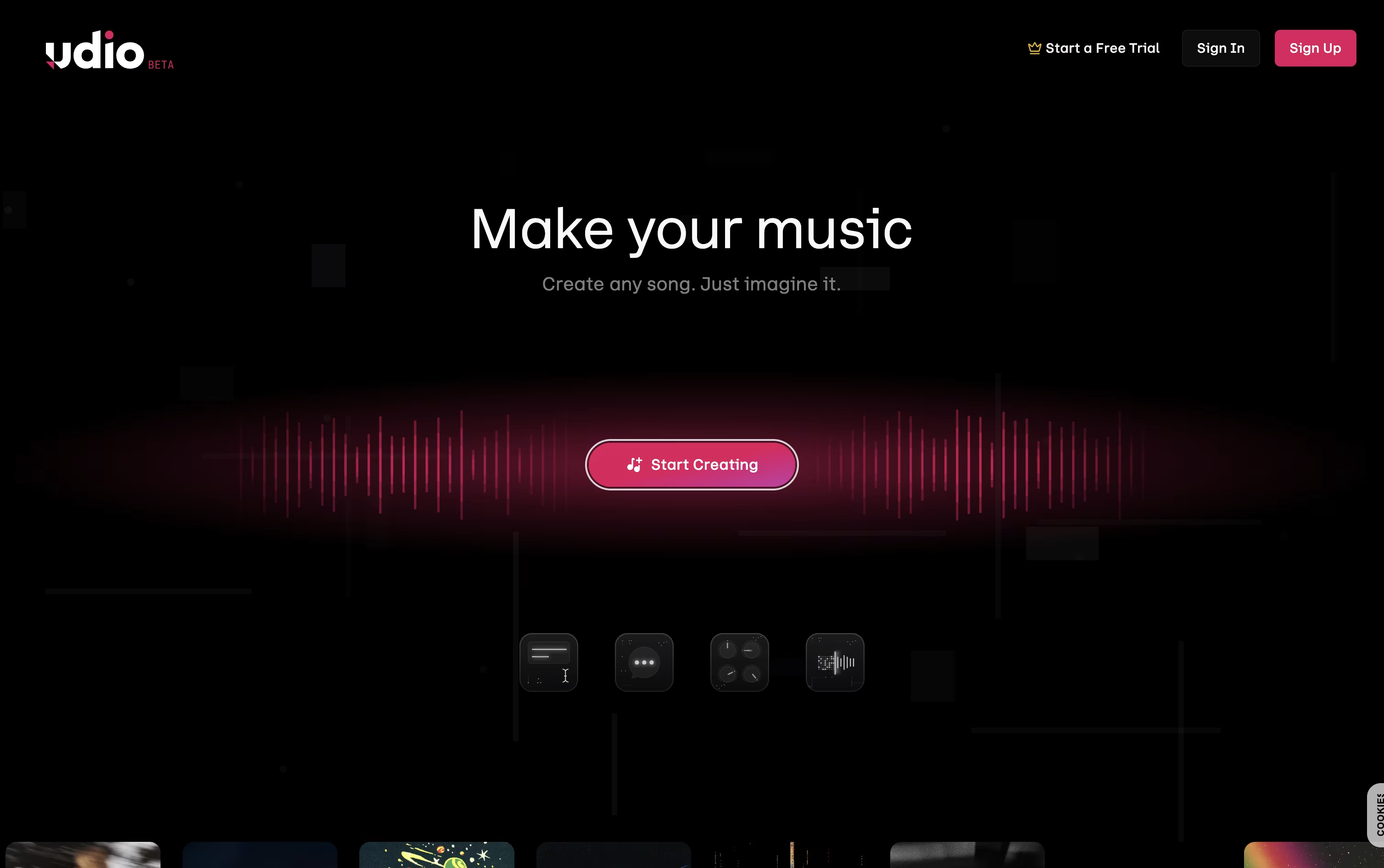
Udio is a website where you can create full songs just by typing what you want. You describe the style, mood, or story, and it writes music with vocals, instruments, and structure for you.
No music training is needed, so anyone can use it for fun songs, background music, or serious projects. You can also upload your own lyrics or audio clips and let Udio build around them.
Once a song is made, you can extend it, remix it, or edit small parts without starting over. Udio offers a free plan with daily limits, plus paid plans that unlock more song generations, editing tools, and higher monthly credits for regular use.
Features of Soundraw and Udio
30+ genres with genre blending
Instant AI-generated instrumental tracks
Browser-based editing and mixing
Ethical, copyright-safe AI training
MP3, WAV, and stem downloads
Distribution and monetization rights
Music API for developers
SOUNDRAW Grid app for iOS and macOS
Unlimited generation on most plans
Canva integration for easy music creation
Text-to-song generation with vocals and instruments
Custom lyrics writing and line-by-line editing
Style references from songs or your own uploads
Voice library for choosing a vocal character
Extend and remix existing tracks
Audio inpainting to fix or redo one section
Sessions timeline editor with saved takes
Cover art generation and custom uploads
Upload your own audio files
Cross-device sync with the iOS app
Use Cases of Soundraw and Udio
Pricing of Soundraw and Udio
Soundraw offers several plans depending on how you plan to use the music.
Creator ($9.99/month): Unlimited MP3 downloads for background use, but no distribution or monetization rights.
Artist Starter ($19.99/month): Adds the ability to distribute and monetize songs, with 10 downloads a month.
Artist Pro ($29.99/month): Includes 20 downloads a month plus WAV and stem formats for deeper editing.
Artist Unlimited ($49.99/month): Unlimited downloads with WAV, stems, and full distribution rights.
All plans also offer a lower monthly-equivalent price when billed annually. For larger teams needing API access, Soundraw offers an Enterprise plan with custom pricing available by contacting the company directly.
Udio has three pricing plans: Free, Standard, and Pro.
Free Plan ($0/month): Gives 10 credits a day and 100 credits a month, enough for basic songs, remixes, and extensions.
Standard Plan ($10/month, or $8/month billed yearly): Gives 2,400 credits a month plus voice control, audio uploads, and lyric editing.
Pro Plan ($30/month, or $24/month billed yearly): Gives 6,000 credits a month with the highest generation limits and full access to every feature, including song access permissions.
Annual billing saves money on both paid plans, and Standard also offers a free trial with Standard features, though it stays under the free-tier daily credit limit. Extra credits can also be bought separately, and they never expire.
FAQs: Soundraw vs Udio
Reviews: Soundraw vs Udio
Based on 0 reviews
Based on 0 reviews